



You shipped the redesign. Activation dropped four points. Nobody knows why.
Most product teams treat that as a data problem. Add more tracking, they think. Build a better funnel dashboard. But analytics tell you what happened, not why people bailed at step three. That gap between behavior and reason is where product decisions go wrong.
The market has noticed. The global UX research software market hit USD 470.3M in 2025 and is projected to reach USD 1.25B by 2034, according to Fortune Business Insights (2025). More than 70% of UX teams now use dedicated research tools rather than surveys or analytics alone, per Market Growth Reports (2024). Research stopped being an academic exercise. It became infrastructure for reducing risk before you ship.
The problem is that "ux research tool" covers a dozen different jobs. Recruiting participants. Running usability tests. Collecting survey feedback. Testing information architecture. Centralizing insights so they don't die in a Slack thread. Pick the wrong tool for your motion and you pay for capabilities you never use while missing the one that mattered.
This guide sorts the field by the job you actually need done.
What's inside
This guide is for product managers and cross-functional product teams choosing UX research software in 2026. It compares eight platforms by the research motion they serve best, not by feature count.
We selected tools based on four criteria that matter to PMs balancing activation, retention, and release velocity:
- Mixed-method coverage: support for both qualitative and quantitative research in one place
- Participant recruiting: how easily you source, screen, and pay the right users
- AI-assisted analysis: transcription, tagging, summaries, and synthesis that cut time to insight
- Reporting, collaboration, and pricing clarity: how findings get shared and what the tool actually costs at scale
Every pricing figure and rating below is pulled from each vendor's current listing.
TL;DR
- Best overall for mixed-method teams: Maze combines prototype testing, surveys, interviews, and AI analysis in one platform, with a free tier to start.
- Best for participant recruiting: User Interviews sources from a 6M+ panel with screener surveys, scheduling, and incentive payments built in.
- Best for enterprise governance: Qualtrics and UserTesting both scale survey-driven and human-insight research across large orgs.
- Best for fast usability testing: Lyssna covers prototype tests, card sorting, tree testing, and surveys at a predictable monthly price.
- Best for deep qualitative research: Dscout runs diary studies, interviews, and longitudinal research where richer context matters.
- Best for information architecture: Optimal Workshop is the specialist for card sorting, tree testing, and first-click validation.
What is ux research software
UX research software is a category of tools that help product teams collect, analyze, and act on user evidence to guide product decisions. It brings recruiting, testing, feedback collection, session analysis, and insight sharing into structured workflows instead of scattered spreadsheets and recordings.
Most UX research platforms cover some combination of these capabilities:
- Moderated testing: live, facilitator-led sessions with participants
- Unmoderated testing: self-guided tasks users complete on their own time
- Participant recruiting: sourcing, screening, scheduling, and paying users
- Survey tools for ux research: quantitative feedback at scale across segments
- Card sorting tools: validating how users group and categorize content
- Tree testing tools: testing whether users can find things in your navigation
- Recording and transcription: capturing sessions and turning speech into searchable text
- Synthesis and tagging: organizing findings into themes and patterns
- Research repository: a central home for insights that stakeholders can reuse
The strongest platforms combine qualitative research (why users behave a certain way) with quantitative research (how many and how much). That mixed-method coverage is what separates a research platform from a single-purpose point solution.
When to use ux research tools
Validate a flow before shipping
You have a new onboarding path, a redesigned checkout, or an information architecture change. Ship it blind and you're gambling with activation. Run an unmoderated usability test or a prototype test first, and you see where users hesitate before the code goes live. This is the highest-leverage use of usability testing tools for a PM: catch the confusion while it's still cheap to fix.
Recruit users without manual spreadsheets
Sourcing participants is where most research stalls. Finding the right users, screening them, scheduling sessions, and handling incentives can eat a week per study. Participant recruiting tools collapse that into a few clicks by tapping managed panels, running screener surveys, and automating scheduling and payments. When sourcing is the bottleneck, a recruiting-first tool pays for itself fast.
Turn feedback into product decisions faster
Raw recordings don't move a roadmap. Transcription, tagging, AI summaries, and a research repository turn hours of sessions into shareable findings your team can act on. When stakeholders can search past studies and pull evidence into a decision, research stops being a one-off and becomes a reusable asset.
Comparison table
Compare these tools by the four things that decide fit: which methods they cover, whether they handle participant recruiting, how much AI-assisted analysis they include, and how reporting scales across your team. Pricing and ratings reflect each vendor's current listing.
| # | Product | Best for | Key differentiator | Pricing | G2 rating |
|---|---|---|---|---|---|
| 1 | Maze | Mixed-method product teams | End-to-end testing, surveys, and AI analysis in one platform | Free; Enterprise custom | 4.5/5 |
| 2 | User Interviews | Participant recruiting | 6M+ participant panel with screening and incentives | From $49/session | 4.6/5 |
| 3 | Qualtrics | Enterprise research governance | Survey-driven experience management at scale | Free; Strategic Research from $420/mo | 4.4/5 |
| 4 | Lyssna | Fast usability testing | Prototype, card sort, tree test, and surveys | Free; Growth $165/mo | 4.5/5 |
| 5 | UserTesting | Enterprise human insights | Depth of moderated and unmoderated evidence | Request pricing | 4.4/5 |
| 6 | Dscout | Deep qualitative research | Diary studies and longitudinal context | Custom pricing | 4.5/5 |
| 7 | Lookback | Live and remote testing | Session recording and stakeholder collaboration | From $299/year | 4.3/5 |
| 8 | Optimal Workshop | Information architecture | Specialist card sorting and tree testing | From $199/mo | 4.3/5 |
Best ux research tools for 2026
1. Maze
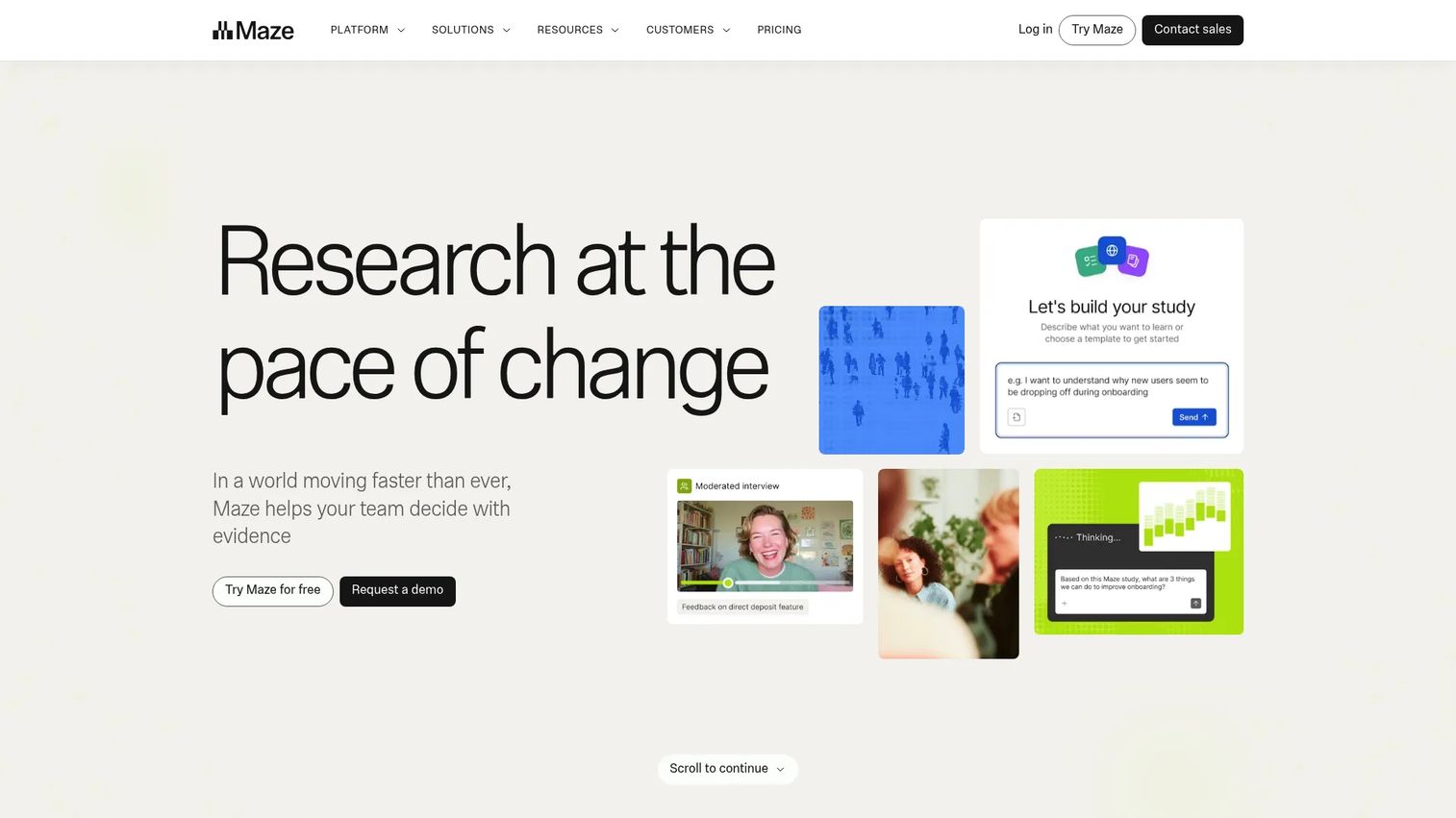
Maze is a user research platform built for product teams that need speed and breadth in one place. It covers prototype testing, surveys, interviews, and automated analysis, so a PM can validate a flow and quantify feedback without stitching three tools together. The AI moderator and panel recruitment mean you can go from question to results without waiting on a dedicated researcher.
Best for: Product teams that run frequent, mixed-method research and want fast turnaround without a separate ops function.
Key features
- AI moderator for automated interview follow-ups
- Prototype testing for pre-ship validation
- Panel recruitment for sourcing participants
- Surveys and analytics for quantitative signal
Why choose Maze: If your team ships often and needs both qualitative and quantitative signal on a release cadence, Maze keeps the whole loop in one platform. It fits PMs who want to run their own studies rather than queue work behind a research team.
Maze pricing: The Free plan is $0/month and includes one study per month with five seats. Enterprise is custom pricing with unlimited seats, billed by contract.
2. User Interviews
User Interviews is the strongest option when sourcing participants is your bottleneck. It targets audiences across a 6M+ participant panel, runs screener surveys, automates scheduling, and handles incentive payments in one place. That makes it the recruiting engine that feeds every other testing tool in your stack.
Best for: PMs and research ops teams that need to recruit participants for ux research fast, across moderated interviews, usability tests, surveys, or market studies.
Key features
- Audience targeting across a 6M+ participant panel
- Screener surveys to qualify participants
- Automated scheduling and calendar sync
- Incentive payments and participant management
Why choose User Interviews: When your team can run tests but can't find the right people to test with, this closes the gap. It pairs well with a testing-first tool that doesn't include its own recruiting panel.
User Interviews pricing: Recruit plans start with Pay As You Go at $49/session, and Essential at $41/session billed annually. Custom plans are available by contacting sales. A Research Hub product is offered on the same page with a limited trial. Participant incentives are separate from plan pricing.
3. Qualtrics
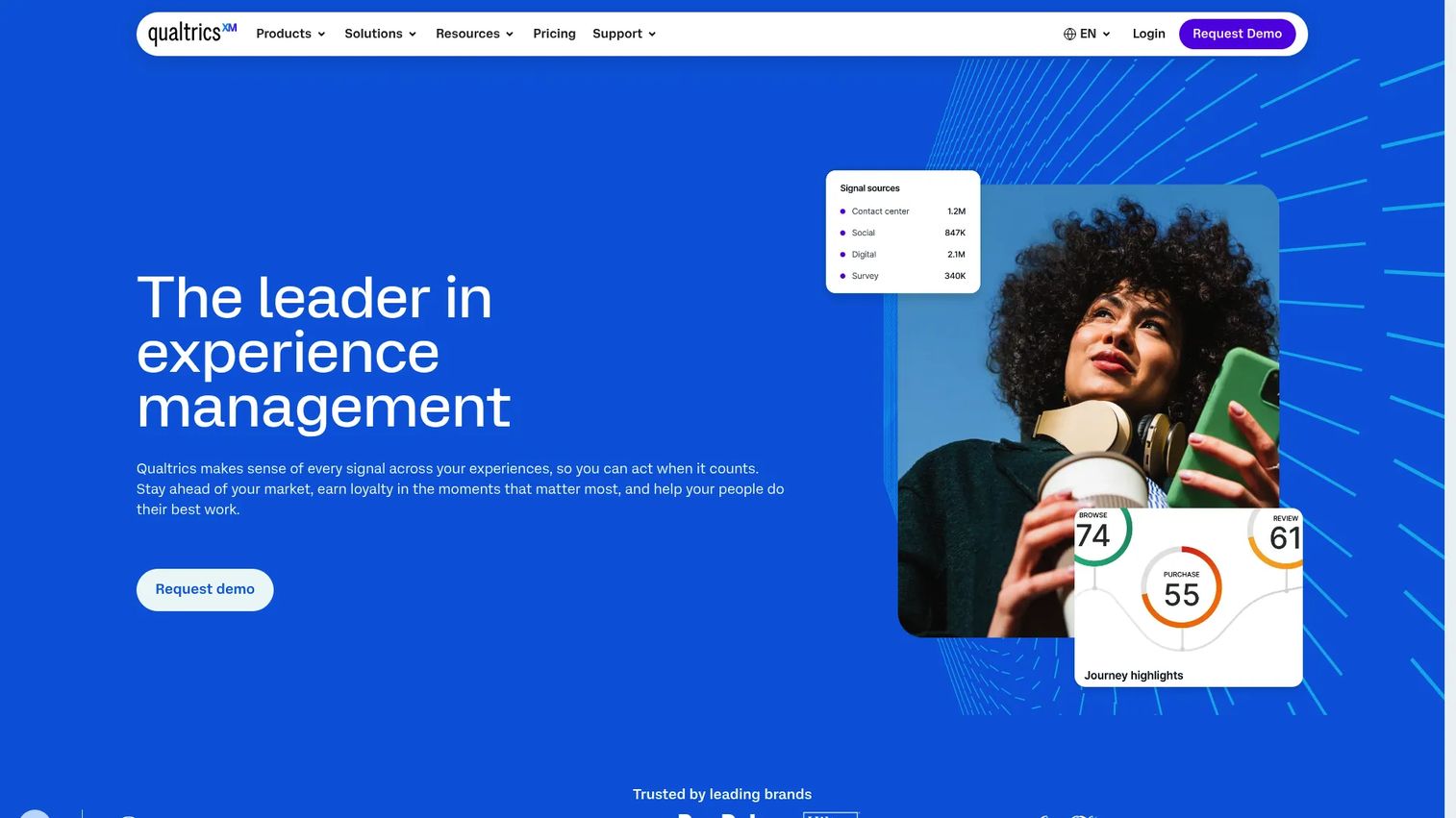
Qualtrics is the enterprise choice for survey-driven research and experience management. Its XM platform spans customer, employee, and product research with advanced analytics and AI-guided insights. For teams that need governance, centralized workflows, and survey tools for ux research at organizational scale, it fits the requirements checklist.
Best for: Enterprise teams that need broad experience management, survey research, and analytics under one governed platform.
Key features
- XM platform for customer, employee, and research use cases
- Survey and research tools with advanced analytics
- AI-guided insights and automated actions
- Centralized workflows for large teams
Why choose Qualtrics: If your research spans more than usability and you need survey-driven insight across the whole org, Qualtrics carries the governance and analytics depth enterprise buyers require. Smaller teams may find the breadth more than they need.
Qualtrics pricing: A free account is available. The Strategic Research plan starts at $420/month, or $5,040/year. Other suites and products use request-a-quote pricing.
4. Lyssna
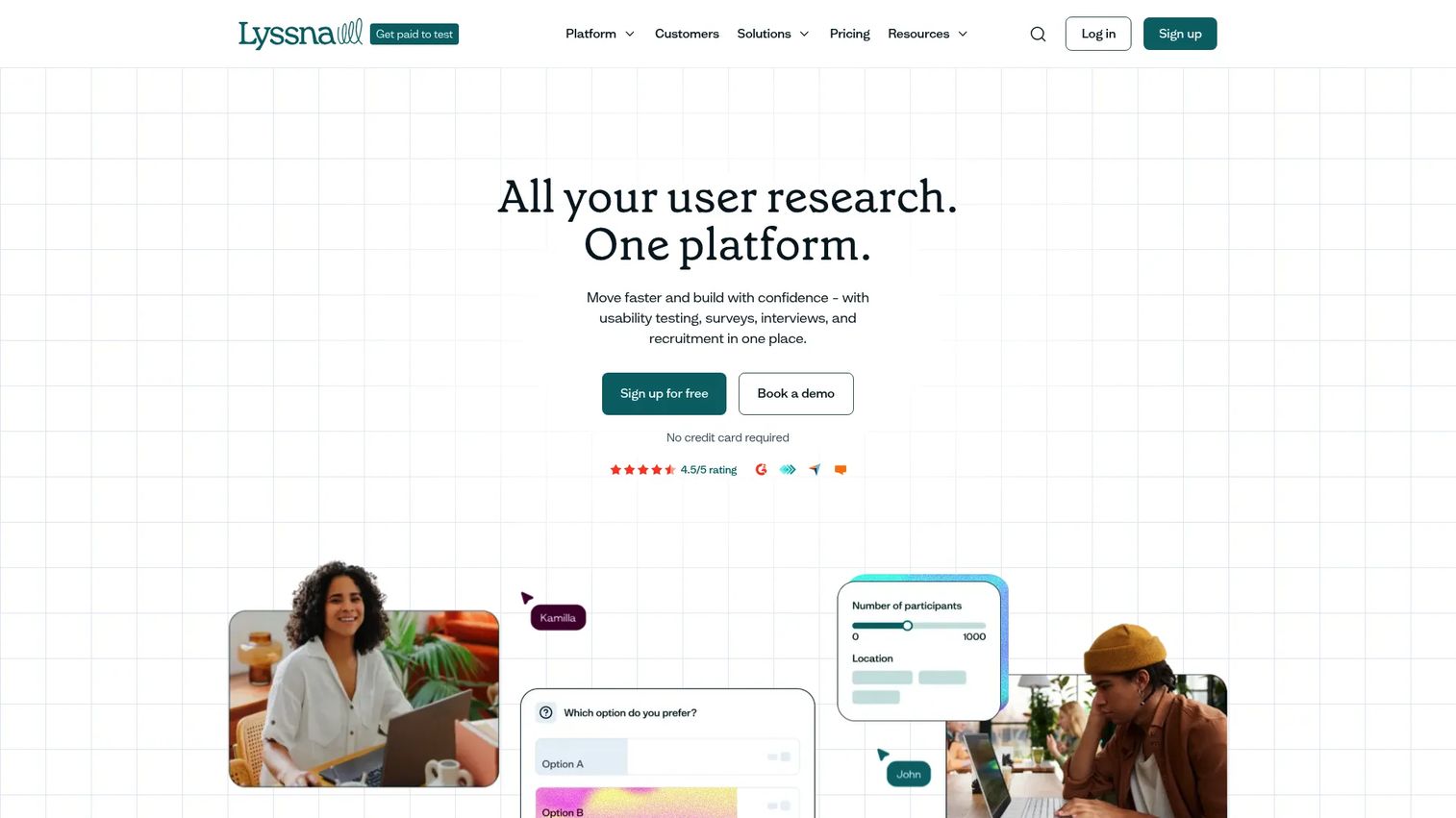
Lyssna is a balanced remote research platform that covers usability testing, prototype testing, card sorting tools, tree testing tools, and surveys. It supports both self-recruited and panel-based participants, so you can move from question to results quickly. For PMs and design teams that want fast validation without enterprise overhead, it hits a practical middle ground.
Best for: Teams that need fast UX research across usability, IA, and concept validation with flexible recruiting.
Key features
- Unlimited quick studies for rapid iteration
- AI follow-up questions and AI summaries
- Live website testing and session recordings
- Conditional logic and exports
Why choose Lyssna: It covers the everyday research jobs a product team hits weekly without pushing you into a custom enterprise contract. The predictable monthly price makes it easy to justify.
Lyssna pricing: The Free plan is $0/month. Growth is $165/month. Enterprise is quote-based. The platform is priced separately from the participant panel.
5. UserTesting
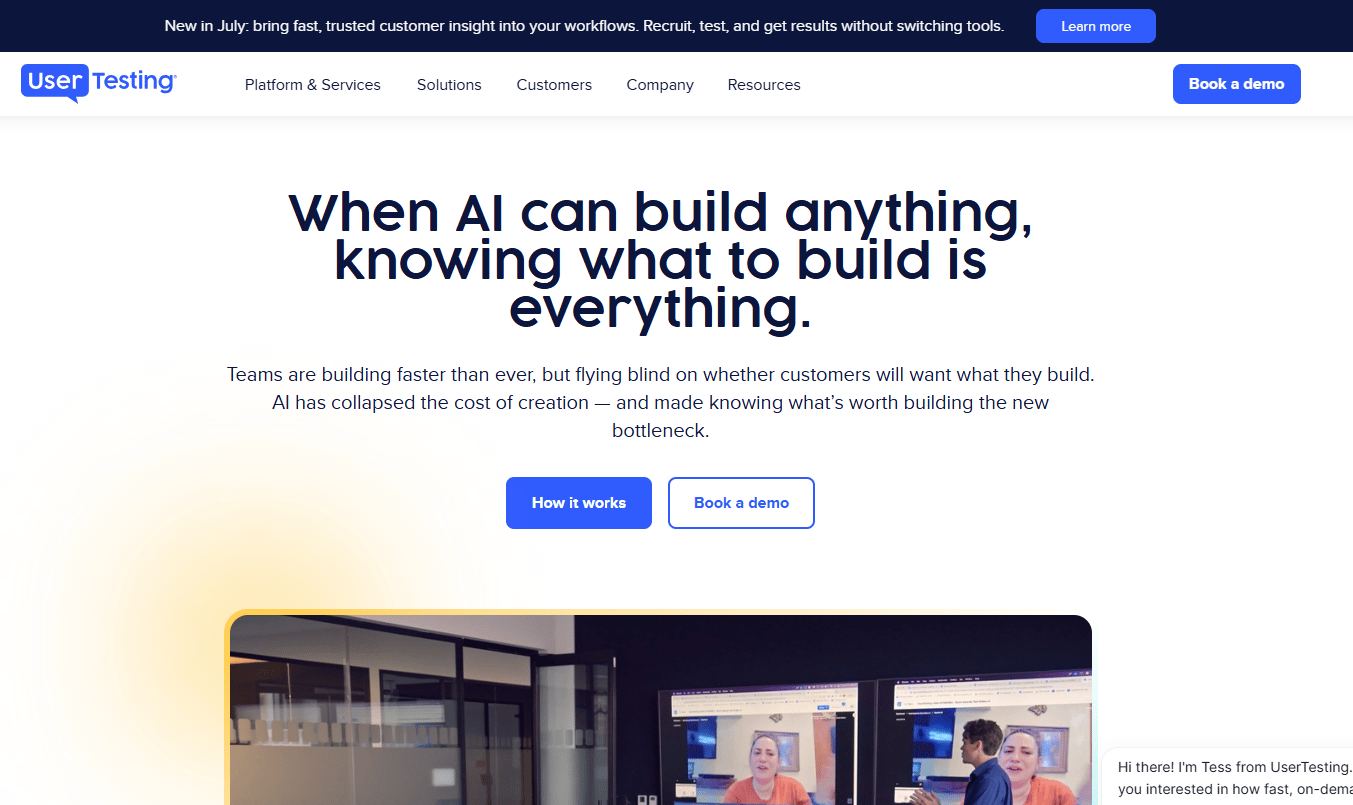
UserTesting is a human insights platform built for enterprise teams that need depth of evidence and speed to insight. It runs both moderated and unmoderated tests and layers on AI Insight Summary, Instant Insights, click maps, and sentiment analysis. Where the priority is fast, credible feedback that stakeholders trust, it delivers volume and analysis.
Best for: Enterprise teams that need fast user feedback, rich session analysis, and strong stakeholder sharing.
Key features
- Test-based and team-based consumption plans
- AI Insight Summary and Instant Insights
- Click maps and interactive path flows
- Sentiment analysis across sessions
Why choose UserTesting: If your team needs a steady flow of user evidence and polished insight sharing across a large org, the analysis layer and reporting depth carry the load. Pricing is customized rather than published, so factor in a sales conversation.
UserTesting pricing: UserTesting offers two consumption models: test-based consumption and team-based unlimited. Pricing is customizable and varies by users, test types, and features, so plan pricing is provided on request.
6. Dscout
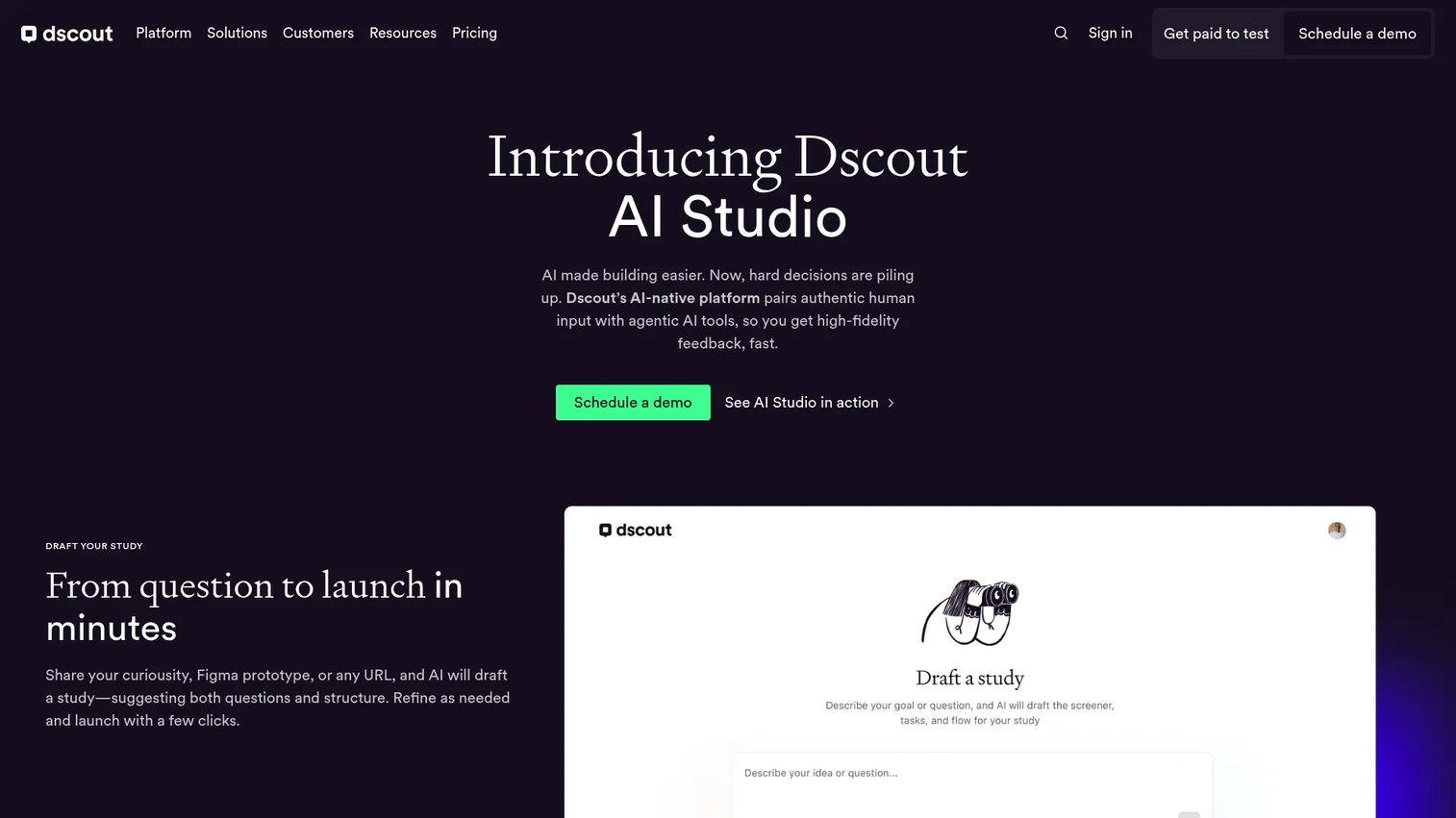
Dscout is an AI-powered qualitative research platform strong at diary studies, interviews, and remote, in-context research. When you need to understand behavior over time or in the user's real environment, its longitudinal methods surface signal that a single usability session misses. That richer context matters for discovery work where the "why" drives the roadmap.
Best for: UX, product, and research teams running moderated and unmoderated qualitative research at scale.
Key features
- AI Studio for drafting studies and moderating interviews
- Multi-method research including diary and field studies
- Usability tests, intercepts, and surveys
- Recruiting panels, transcripts, summaries, and themes
Why choose Dscout: Choose it when contextual and longitudinal insight matters more than fast single-session tests. It fits discovery-heavy teams that need depth over speed.
Dscout pricing: Dscout lists Core, Select, and Enterprise plans. Public numeric pricing is not shown, so plan pricing is provided on request through sales.
7. Lookback
Lookback is a focused platform for live and remote usability testing, interviews, and session observation. It handles moderated and unmoderated methods, records and annotates sessions, and makes findings easy to share with stakeholders. For teams that want to capture behavior and discuss it without a heavy workflow, it keeps things practical.
Best for: UX research teams that need remote testing, session recording, and collaborative insight sharing.
Key features
- Moderated and unmoderated research methods
- AI-assisted analysis and Discover search
- Participant recruitment and scheduling
- Session recording, annotation, and shareable findings
Why choose Lookback: It suits teams that value watching real sessions and discussing them together over a sprawling feature set. The annotation and sharing workflow keeps stakeholders close to the evidence.
Lookback pricing: Freelance is $299/year, Team is $1,782/year, and Insights Hub is $4,122/year. Enterprise is custom pricing. Plans are annual only, and a free trial includes five sessions over 60 days.
8. Optimal Workshop
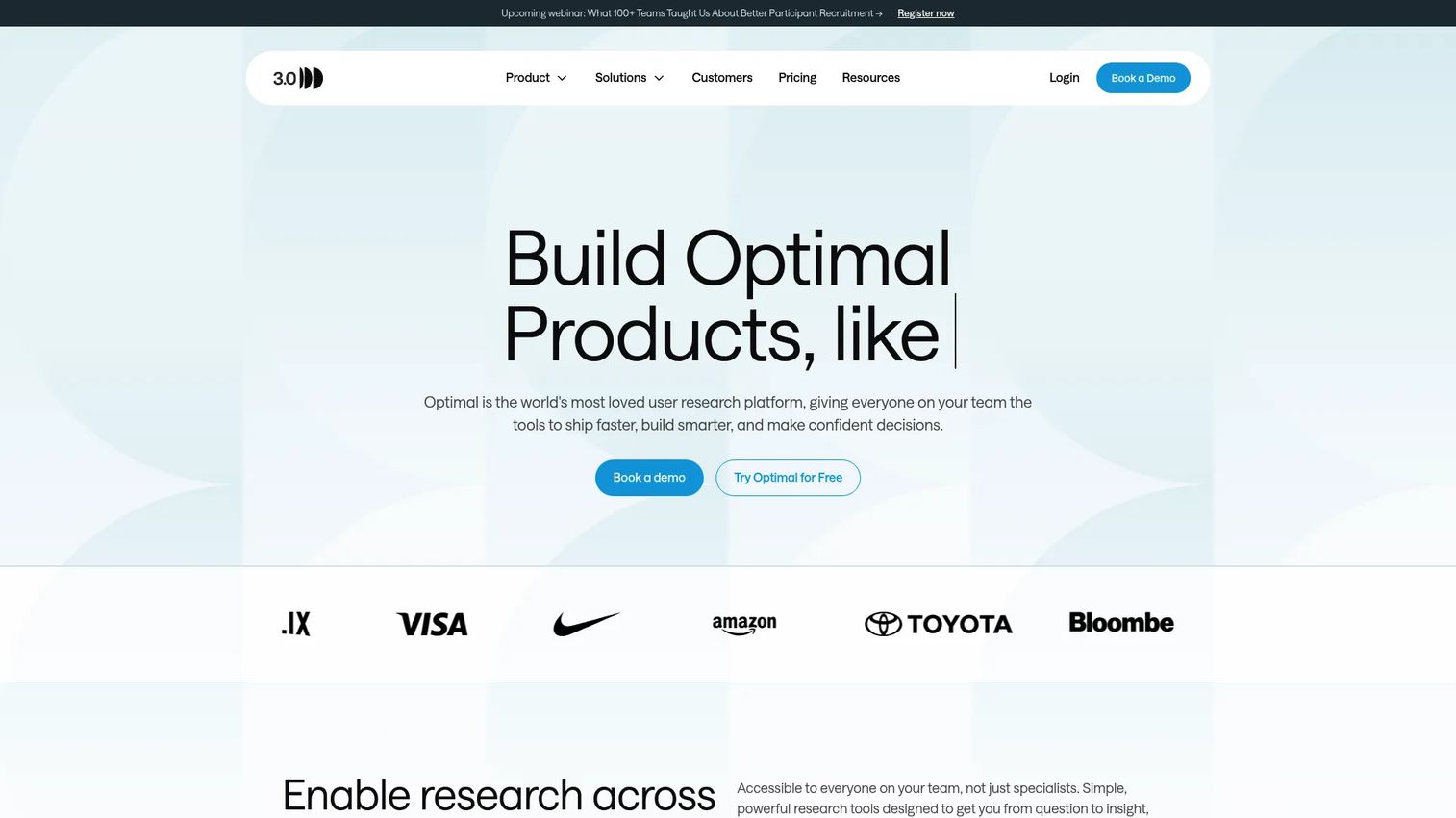
Optimal Workshop is the specialist for information architecture research. It leads on card sorting and tree testing, and adds prototype testing, live site testing, first-click testing, surveys, and AI-powered analysis. When navigation, labeling, and structure decisions shape your product, this is the tool that validates them with evidence.
Best for: Teams that need fast user research across IA, usability, and concept validation.
Key features
- Card sorting and tree testing
- Prototype, live site, and first-click testing
- Surveys, interviews, and qualitative insights
- AI-powered analysis
Why choose Optimal Workshop: Choose it when structure and navigation decisions carry real weight and you want dedicated IA methods rather than a general testing tool. It pairs well alongside a broader mixed-method platform.
Optimal Workshop pricing: Starter is $199/month billed annually and includes five studies per year with unlimited users. Enterprise adds admin controls, multiple workspaces, SSO, and a dedicated CSM at custom pricing. There is no free plan, but a 7-day free trial is available.
Considerations
Match the tool to your research motion
Before comparing features, name the motion. Discovery needs qualitative depth and contextual methods. Validation needs fast usability and prototype testing. Roadmap discovery leans on surveys and mixed-method signal. Ongoing research ops needs a repository and reusable workflows. The right tool changes with the job, so start there rather than with a feature grid.
Check recruiting and participant quality
The testing interface matters less than who sits in front of it. A polished test with the wrong participants produces confident, wrong conclusions. Evaluate panel size, screening precision, and how incentives are handled. If recruiting is your constant blocker, weight this heavily and consider a dedicated recruiting tool feeding your testing platform.
Verify analysis and sharing workflows
Insights that stay in one researcher's head don't change decisions. Check how the tool handles transcription, tagging, AI summaries, and repository search. The real test of adoption is whether a PM can pull evidence into a decision six weeks later without re-watching every recording.
Review integrations and governance
Product teams live in Figma, Slack, analytics, and a CRM. A tool that connects to that stack gets used; one that doesn't becomes a silo. At enterprise scale, add SSO, access controls, and data governance to the checklist. Match integration depth to your team's maturity rather than buying for a scale you're not at.
Compare pricing against usage scale
The sticker price rarely reflects the real cost. Session limits, respondent credits, seat counts, and enterprise contracts all move the number. A free tier that caps you at one study a month is fine for occasional research and expensive if you run weekly. Model your actual usage before signing.
Conclusion
Pick by research motion first, then by pricing and integrations. Maze fits mixed-method teams that want speed and breadth in one platform. User Interviews wins when recruiting participants is your bottleneck. Qualtrics and UserTesting carry enterprise teams that need governance and depth of evidence. Lyssna handles fast usability testing at a predictable price. Dscout goes deep on qualitative and longitudinal research. Optimal Workshop owns information architecture work.
The mistake most teams make is buying for a feature list instead of a workflow. Name the job you need done this quarter, shortlist the two tools that serve it best, and run a real study through a trial before committing. Then check that findings flow into the tools your team already uses, so research becomes a reusable asset for stakeholder sharing rather than a one-off report.
Start with the motion, prove it on a live study, and let the evidence decide.
FAQs
For most PMs, Maze is the strongest all-around pick because it combines prototype testing, surveys, interviews, and AI analysis in one platform with a free tier. If your bottleneck is finding participants rather than running tests, User Interviews is the better first buy. The best tool depends on your research motion, not a universal ranking.
User Interviews is the clearest leader for participant recruiting, with a 6M+ panel, screener surveys, automated scheduling, and incentive payments in one place. Maze and Lyssna also offer panel recruitment alongside their testing features, which suits teams that want recruiting and testing in a single tool. Match the choice to how often you recruit and how specific your target users are.
Qualitative research explains why users behave a certain way through interviews, diary studies, and moderated sessions. Quantitative research measures how many and how much through surveys, analytics, and unmoderated tests at scale. Mixed-method tools like Maze and Qualtrics cover both, while specialists like Dscout lean qualitative and survey tools lean quantitative.
Some do and some don't. Platforms like Maze, UserTesting, and Lookback include repository-style features for storing and searching past studies, while dedicated repository tools exist as separate point solutions. If reusing insights across the org matters to your research ops, verify repository depth and search before you buy rather than assuming it's included.
Optimal Workshop is the specialist for card sorting tools and tree testing tools, built specifically for information architecture research. Lyssna also covers card sorting and tree testing alongside usability and prototype testing, which suits teams that want IA methods inside a broader platform. Choose the specialist when navigation and structure decisions carry real product weight.
AI ux research tools speed up the slowest part of research: turning raw sessions into insight. They transcribe recordings, tag themes, generate summaries, and surface patterns across many sessions. Maze, UserTesting, Dscout, and Lyssna all include AI-assisted analysis, which cuts the time from study completion to a shareable finding your team can act on.
Prioritize speed, a usable free or low-cost tier, and mixed-method coverage so one tool handles most jobs. Maze and Lyssna both fit small teams that need to run their own studies without a dedicated researcher. Check that recruiting is either included or easy to bolt on, since sourcing participants is where small teams usually stall.
Enterprise buyers need governance, SSO, access controls, and data governance alongside research depth. Qualtrics and UserTesting both scale across large orgs with the analytics and reporting depth stakeholders expect. Confirm integrations with your existing product analytics for ux research, CRM, and collaboration stack, and model pricing against real usage before committing to a contract.










