Most failed SIS projects don't fail on the demo. They fail eighteen months in, when a registrar can't reconcile transcript data across three systems, financial aid disbursements lag, and IT is patching integrations by hand. The software looked fine in the sales cycle. The problem was never the feature list.
Buying student information system software is a systems decision, not a shopping exercise. You are choosing the system of record that touches admissions, registration and enrollment, academic records and transcripts, billing, and compliance for the entire student lifecycle. Get the data model and integration architecture wrong, and every downstream workflow inherits the mess.
The stakes are rising with the market. Global SIS market size is projected to grow from USD 20.72 billion in 2026 to USD 67.12 billion by 2034, a 15.83% CAGR, according to Fortune Business Insights (2026). Cloud-based deployments already account for 72% of SIS implementations, per Mordor Intelligence (2025). Higher education institutions drive the majority of that spend. More vendors are shipping cloud-first, which means the shortlist you build in 2026 looks different from the one your predecessor built a decade ago.
This guide treats SIS selection the way a founder treats a core infrastructure buy: what does it replace, how does it integrate, what does it cost to own, and will the vendor get you live without chaos. If your evaluation logic looks like the one behind choosing ab testing tools or ai governance tools for a growing company, you already have the right instincts. The categories differ. The discipline is identical.
What's inside
This guide is for higher education decision-makers evaluating SIS software: registrars, CIOs, provosts, and the finance and operations leaders who have to defend the choice to a board or a cabinet. It covers eight platforms, from enterprise suites for large research universities to modular systems for smaller colleges.
We selected and ordered tools based on student lifecycle coverage, integration ecosystem and APIs, security and FERPA compliance posture, cloud-based SIS readiness, student and staff experience, implementation support, and vendor maturity. These are the factors that determine total cost of ownership, not the ones that look best on a slide.
TL;DR
- Best for large research universities: Ellucian Student, for the deepest end-to-end lifecycle coverage and a mature higher-ed integration ecosystem.
- Best for institutions standardizing on one enterprise platform: Workday Student, when SIS and ERP live on the same cloud data model.
- Best for combined SIS and ERP in one cloud suite: Anthology Student, for learner-centric administration plus financials.
- Best for mid-market private colleges: Jenzabar One, for integrated campus operations with an open API layer.
- Best for institutions with a deep installed base: PeopleSoft Campus Solutions, for administrative breadth and Oracle adjacency.
- Best for smaller institutions wanting an all-in-one suite: Classe365, with transparent, published pricing and modular add-ons.
What is student information system software?
Student information system software is the central system of record that manages student data across the full academic lifecycle, from application through enrollment, grades, financials, and graduation. It is the authoritative source for who a student is, what they are enrolled in, what they owe, and what they have earned.
A modern SIS is not just a database. It is the operational hub that other campus systems, learning management, ERP, financial aid, CRM, read from and write to. When people talk about student data management at an institution, they usually mean the SIS.
Core capabilities most SIS platforms cover:
- Admissions and application management: intake, review workflows, decisions, and yield tracking.
- Registration and enrollment: course catalogs, scheduling, add/drop, waitlists, and holds.
- Academic records and transcripts: grades, degree audits, transcripts, and credential records.
- Student financials: tuition billing, payment plans, and financial aid packaging and disbursement.
- Student services and portals: advising, self-service student portals, and mobile access.
- Reporting and compliance: regulatory reporting, FERPA controls, and audit trails.
The lifecycle framing matters because a weak link anywhere, say, registration data that doesn't cleanly feed billing, creates manual reconciliation work that never goes away. The best SIS software keeps one clean record moving across every stage without human copy-paste in the middle.
What to look for in student information system software
The feature checklists across most SIS vendors converge. Where platforms actually diverge is in architecture, integration depth, and how much operational risk they carry after go-live. Evaluate against these four lenses.
Core student lifecycle coverage
Map the platform against your real workflows, not a generic list. Does registration and enrollment feed billing without a nightly batch job that breaks? Do academic records and transcripts generate cleanly for degree audits and external verification? Ask vendors to walk a single student record from application to graduation and show where data hands off. Every handoff is a place data can drift.
Integration ecosystem and APIs
Your SIS will never be the only system. It has to exchange data with your LMS, CRM, payment processor, and ERP. Look for documented, modern APIs, not just file-based batch exports. Ask specifically about ERP integration and SIS integration patterns the vendor supports out of the box versus what needs custom middleware. The strength of the API layer is one of the clearest predictors of long-term total cost of ownership.
Security, privacy, and compliance
FERPA compliance is table stakes, but the details matter. Ask how the platform handles role-based access, consent and directory information flags, and audit logging. For a cloud-based SIS, confirm data residency, encryption at rest and in transit, and the vendor's backup and disaster recovery commitments. If you handle payments, confirm PCI scope. A vendor that gives vague compliance answers in the sales cycle will give vague answers during an audit.
Cloud scalability and usability
Cloud deployments now dominate the market, and for good reason: they shift patching, uptime, and scaling to the vendor. But usability is the adoption lever. If the student portals and staff interfaces are clunky, self-service adoption stalls and your support desk absorbs the difference. Evaluate mobile access for students, workflow automation for staff, and how the vendor ships updates without breaking your customizations.
When to use student information system software
Not every institution needs to replace its SIS on the same timeline. These are the operational triggers that usually justify a move.
Replace fragmented student data systems
If enrollment lives in one system, billing in another, and advising in a spreadsheet, your registrar spends more time reconciling than serving students. A unified SIS collapses those into one record. This is the most common trigger and the one with the clearest ROI, fewer manual handoffs and cleaner data for every downstream decision.
Improve self-service and reduce admin load
When staff field the same routine requests, drop a course, check a balance, request a transcript, every week, self-service student portals and mobile access reclaim that time. The goal is the same operational leverage a founder wants from any system: move routine work off people and onto the platform, so staff focus on the exceptions.
Modernize higher-ed operations for cloud scale
Aging on-premise systems carry hidden costs: server maintenance, security patching, and the specialized staff who keep them alive. Moving to a cloud-based SIS shifts that burden to the vendor and makes it easier to scale enrollment, add campuses, or absorb a merger without a re-platforming project. If your current system is a retirement risk, a single admin holding institutional knowledge, that alone is a trigger.
Comparison table
The eight platforms below are sorted by relevance to a broad higher-ed buyer evaluating student information system vendors, weighing lifecycle depth, cloud readiness, and integration maturity. Pricing across this category is almost entirely quote-based; where a vendor publishes numbers, we cite them, and where they don't, we note the demo-driven model. G2 ratings reflect current public listings.
| # | Product | Intent | Key differentiation | Pricing | G2 rating |
|---|---|---|---|---|---|
| 1 | Ellucian Student | Large and mid-size higher ed | Deep end-to-end lifecycle, mature higher-ed ecosystem | Quote-based, demo-driven | 3.3/5 |
| 2 | Workday Student | Institutions standardizing on Workday | Shared cloud data model across SIS and ERP | Quote-based, contact sales | 3.9/5 |
| 3 | Anthology Student | Colleges wanting SIS plus ERP | Combined SIS/ERP with learner-centric design | Quote-based, demo-driven | 3.4/5 |
| 4 | Jenzabar One | Mid-market private colleges | Integrated campus ERP/SIS with open API | Quote-based | Not published |
| 5 | PeopleSoft Campus Solutions | Institutions with an installed base | Administrative breadth, Oracle adjacency | Quote-based | 3.7/5 |
| 6 | Classe365 | Smaller all-in-one buyers | Transparent modular pricing, portals | From $100/month | 4.3/5 |
| 7 | Camu | Institutions modernizing to cloud | Mobile-first digital campus | Quote-based | 4.5/5 |
| 8 | MasterSoft Student Information System | Academic administration focus | Automation and reporting depth | Quote-based | Not published |
1. Ellucian Student
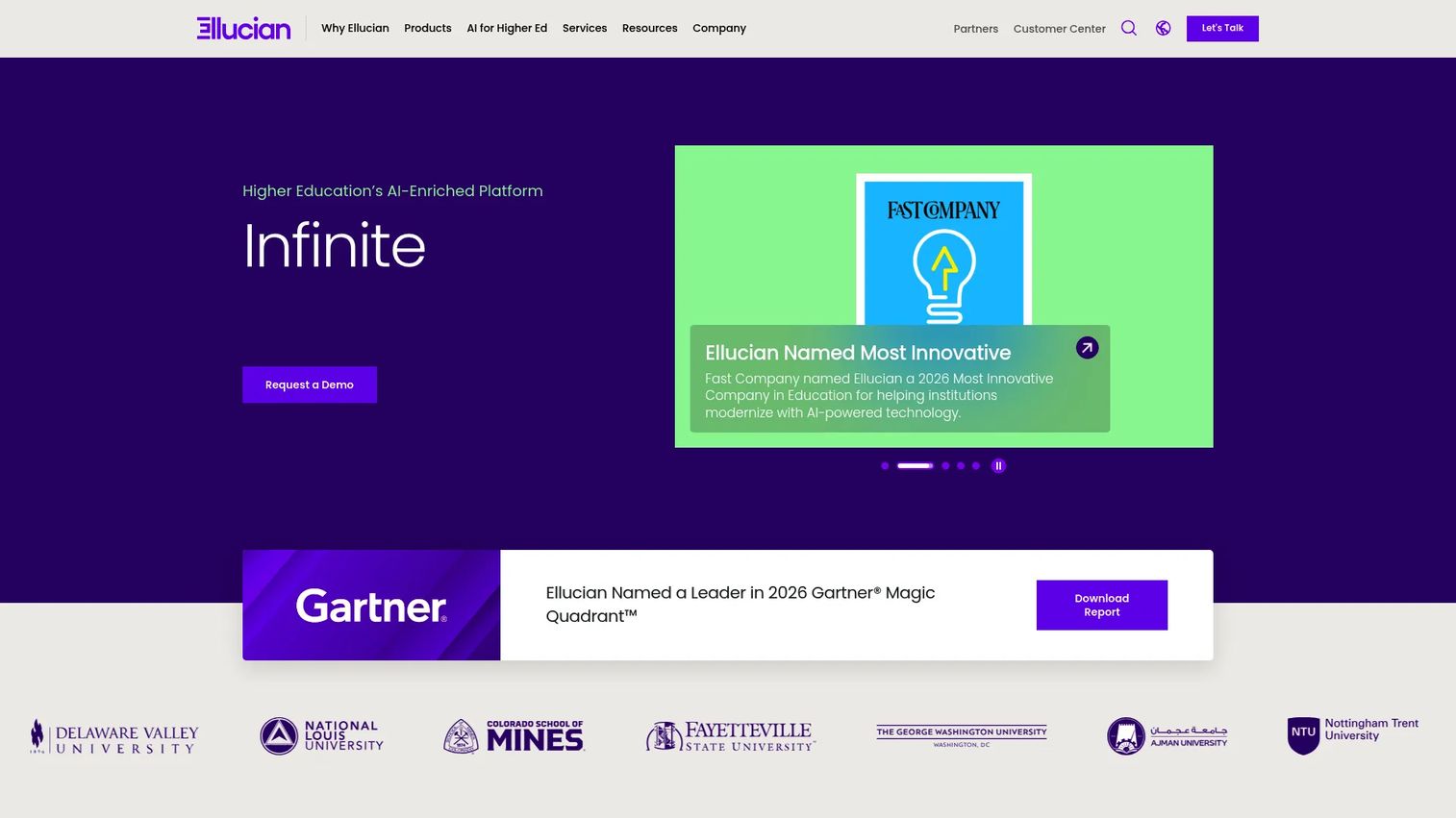
Ellucian Student is a higher-education SIS platform built for the end-to-end student lifecycle, from application through graduation. Ellucian has one of the deepest footprints in higher ed, and that maturity shows in the breadth of its ecosystem and the number of large institutions running on it. For a registrar or CIO who needs proven scale, it is almost always on the shortlist.
Best for: Higher-education institutions needing a comprehensive SIS for student records, advising, and registration and enrollment at scale.
Key strengths
- End-to-end lifecycle: Application-to-graduation coverage keeps one student record moving across admissions, registration, records, and financials.
- Role-based experiences: Dashboards and self-service portals tailored to students, advisors, and staff reduce routine support load.
- Automation and analytics: Workflow automation, reporting, and trusted AI applied across campus operations surface issues before they become manual work.
Why choose Ellucian Student: If you run a large or mid-size institution and cannot afford to bet on an unproven platform, Ellucian's installed base and higher-ed focus are the safe, defensible pick. The tradeoff is that depth this broad rewards institutions willing to invest in a structured implementation. Smaller colleges with lean IT may find the surface area larger than they need.
Ellucian Student pricing: Ellucian does not publish a public price. The product pages route to a demo and a sales conversation, and pricing is quoted per institution based on size, modules, and deployment. Budget for a scoping conversation early so total cost of ownership is clear before procurement.
2. Workday Student
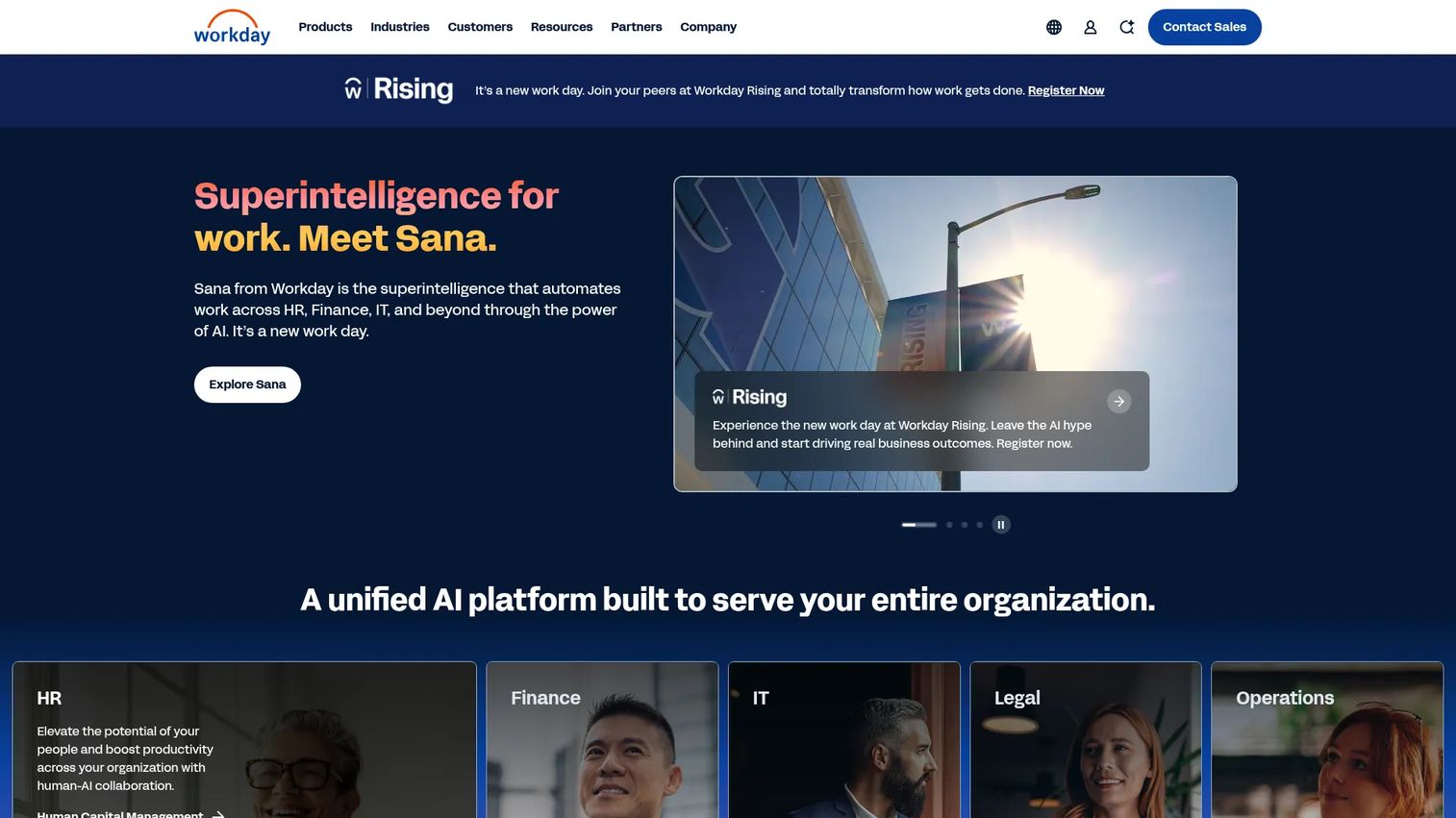
Workday Student is a cloud SIS for higher education built on the same data model as Workday's finance and HR systems. For institutions already running Workday for ERP, that shared foundation is the entire pitch: one system of record across students, staff, and money, with no seams to integrate.
Best for: Higher education institutions that already run Workday and want their SIS on the same cloud platform.
Key strengths
- Unified data model: Admissions, enrollment, and student financials share the same backbone as HR and finance, cutting cross-system reconciliation.
- Advising and planning: Academic advising and student planning tools help students stay on track and reduce advisor workload.
- Financials and aid: Native student financials and financial aid packaging live in the same platform as institutional finance.
Why choose Workday Student: The case is strongest when you already have Workday. You inherit a consistent security model, shared analytics, and one vendor relationship. If you are not on Workday, weigh the migration and change management honestly, adopting a new SIS and a new ERP data model at once is a significant project.
Workday Student pricing: Workday does not list public pricing. The product pages direct you to contact sales, and pricing is quoted per institution. Because deployment ties into broader Workday licensing, model the full platform cost, not just the SIS line item.
3. Anthology Student
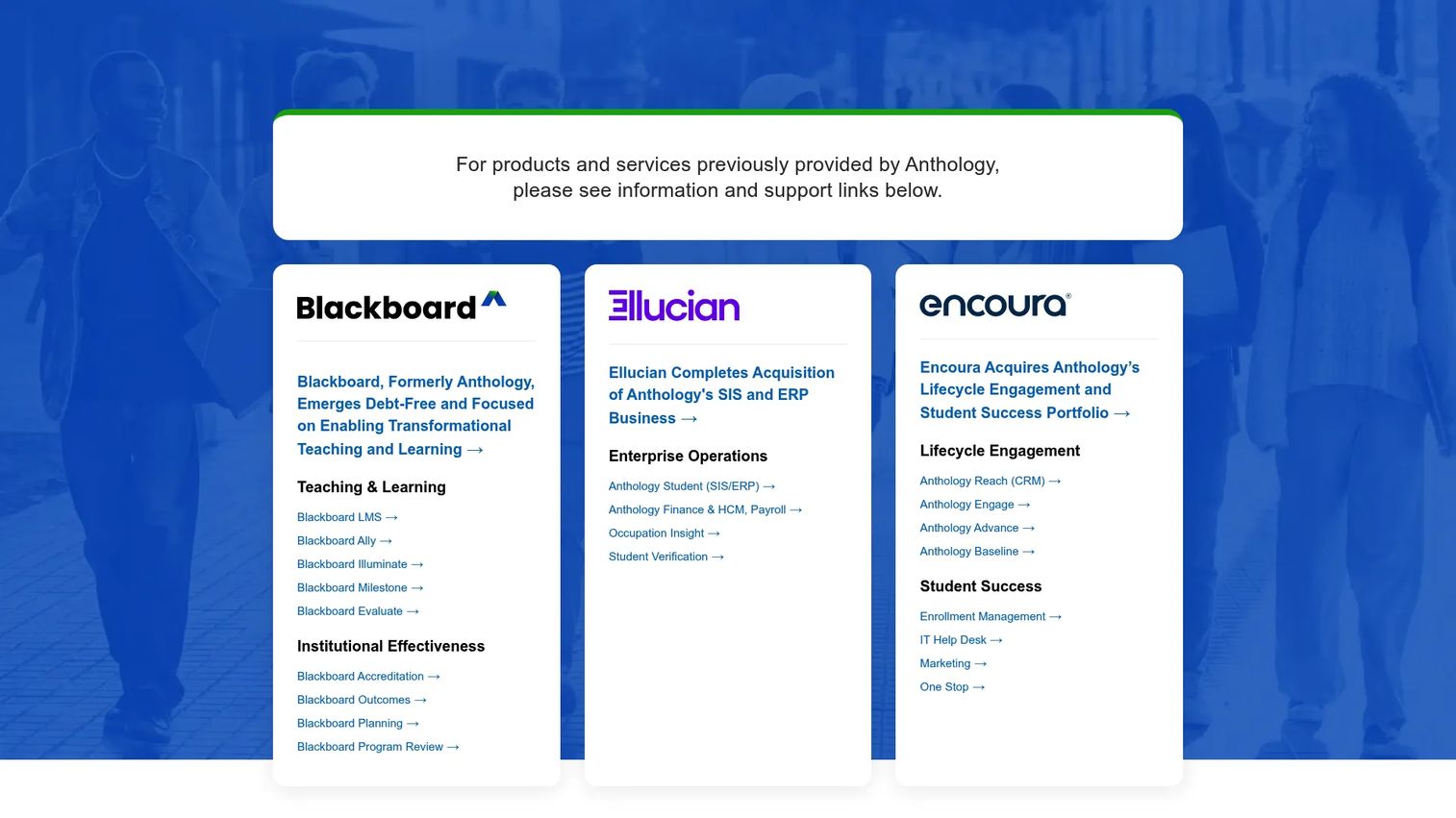
Anthology Student is a cloud-based SIS and ERP built for higher education, pairing student information management with enterprise operations in one suite. The learner-centric framing is deliberate: it wants to sit at the center of both the student experience and back-office administration.
Best for: Colleges and universities that want SIS and ERP capability from a single enterprise platform.
Key strengths
- Combined SIS and ERP: Student records and enterprise operations share one platform, reducing the number of core systems to maintain.
- Financial and workload management: Financial aid, faculty workload, and payroll administration are handled inside the suite.
- Cloud delivery: A cloud-based deployment shifts infrastructure, uptime, and scaling to the vendor.
Why choose Anthology Student: Anthology fits institutions that want fewer core vendors and are comfortable consolidating student and enterprise operations under one roof. The consolidation is the appeal and the commitment, you are standardizing broadly, so implementation planning and stakeholder alignment across departments matter more than usual.
Anthology Student pricing: Anthology does not publish pricing on its product pages, which use demo and video-tour calls to action instead of a price. Pricing is quoted per institution based on scope and modules. Ask for a full-suite quote if you are evaluating both the SIS and ERP components.
4. Jenzabar One
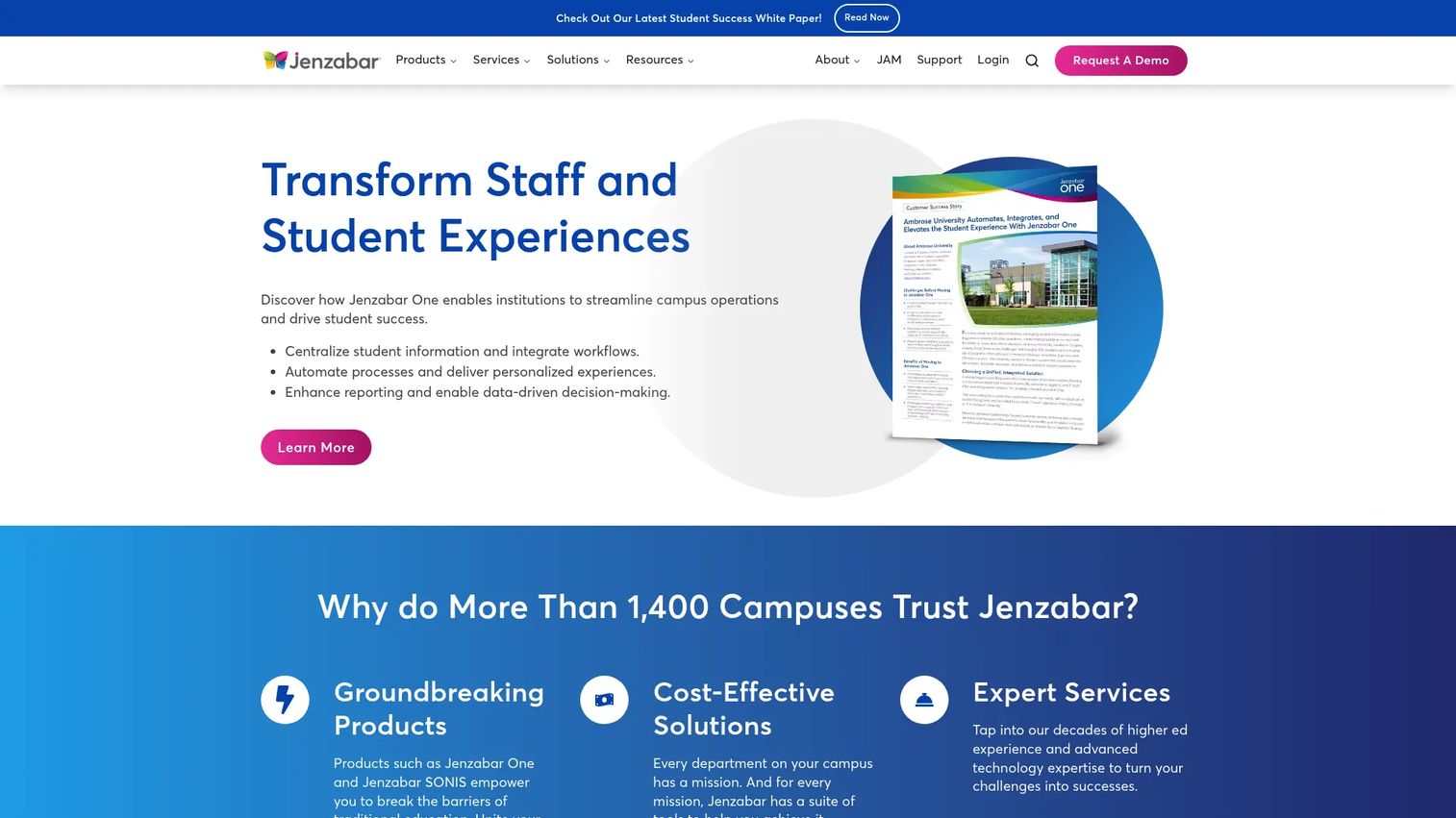
Jenzabar One is a cloud ERP and SIS platform built specifically for higher education, with an open API layer and modular point solutions. It has long served mid-market private colleges that need integrated campus operations without the scale assumptions of the largest enterprise suites.
Best for: Mid-market higher education institutions needing an integrated campus ERP and SIS platform.
Key strengths
- Integrated platform: Cloud ERP, SIS, and point solutions work together, so student, financial, and operational data stays connected.
- Open API layer: The Jenzabar One API and Unity Platform support SIS integration with the rest of your stack.
- Modern SaaS infrastructure: Mobile, online, and remote-work support meet the expectations of current students and staff.
Why choose Jenzabar One: Jenzabar fits institutions that want an integrated ERP and SIS sized for a mid-market campus, with enough API openness to connect the systems they keep. It is a strong fit when you want breadth without the overhead of the largest enterprise platforms. Evaluate the API documentation directly during your review to confirm it covers your specific integrations.
Jenzabar One pricing: Jenzabar does not publicly display pricing; product pages route to a demo or contact form. Pricing is quoted per institution based on modules and size. Request a scoped quote that itemizes the modules you actually need so you are not paying for surface area you won't use.
5. PeopleSoft Campus Solutions
PeopleSoft Campus Solutions is Oracle's higher-education SIS for campus operations and student lifecycle management. It carries one of the largest installed bases in the category, and many institutions still shortlist it because switching costs are real and the administrative breadth is hard to match.
Best for: Higher-education institutions with an existing installed base needing an enterprise SIS and campus ERP platform.
Key strengths
- Student lifecycle management: Deep administrative coverage across the full student lifecycle, refined over many release cycles.
- Ongoing updates: Quarterly feature updates keep the platform current without a full version migration.
- Oracle adjacency: Roadmap and update-image overviews fit institutions already invested in the Oracle ecosystem.
Why choose PeopleSoft Campus Solutions: For institutions already running it, the calculus is often about modernization rather than replacement, staying current with quarterly updates and cloud adjacency instead of a disruptive migration. New buyers should weigh the depth against the reality that this is an established enterprise platform best suited to institutions with the IT capacity to run it well.
PeopleSoft Campus Solutions pricing: Oracle does not publish public pricing for Campus Solutions. Pricing is handled through Oracle sales and quoted per institution. Because it sits within the broader Oracle stack, model licensing and support in the context of your existing Oracle agreements.
6. Classe365
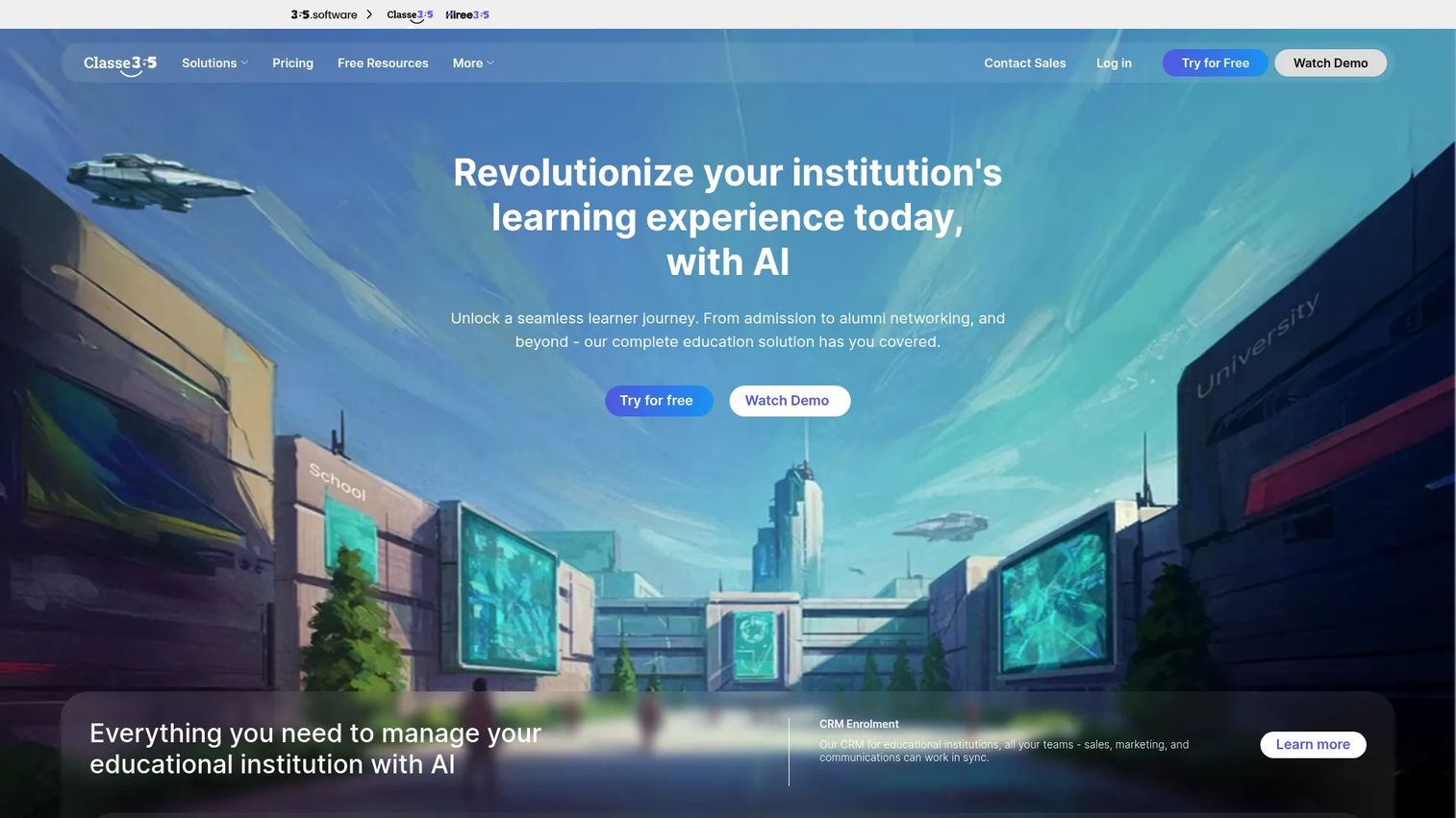
Classe365 is student management software for schools, universities, and other educational institutions, built as a modular all-in-one suite. Its biggest practical advantage for a smaller institution is transparent, published pricing, rare in a category where almost everyone hides the number behind a sales call.
Best for: Smaller educational institutions needing modular administration and student information management in one suite.
Key strengths
- Student and parent portals: Self-service student portals and parent access reduce routine front-office requests.
- Scheduling and attendance: Class schedules, timetables, and attendance monitoring with SMS notifications keep operations running.
- Modular pricing: Core and add-on modules let institutions pay for what they use.
Why choose Classe365: Classe365 fits smaller institutions that want broad operational coverage without an enterprise implementation. The published pricing makes budgeting straightforward, which matters when you are justifying the spend to a lean finance office. It is best suited to institutions whose complexity fits a modular suite rather than a heavily customized enterprise platform.
Classe365 pricing: Classe365 publishes its pricing. Core Modules start at $100 per month for 1 to 100 students, billed monthly, with add-on modules listed at $75 per month. Professional services are priced separately, starting from $2 per student. This transparency is a genuine differentiator against the quote-only vendors on this list.
7. Camu
Camu is a mobile-first digital campus and student information system for educational institutions. Its positioning centers on a modern, app-driven experience for students and staff, which appeals to institutions modernizing away from older desktop-bound systems.
Best for: Schools and higher-education institutions that want a mobile-first campus management platform.
Key strengths
- Student access portals: Student login and OTP access make mobile access the default rather than an afterthought.
- Staff portals: Dedicated teacher and staff portals keep academic workflows on the same platform.
- Digital campus workflow: An integrated digital campus model connects institutional processes end to end.
Why choose Camu: Camu fits institutions that prioritize a modern mobile experience and want to modernize campus operations without carrying legacy desktop constraints. It is a strong option when student and staff adoption depends on a phone-first interface. Confirm feature depth against your specific lifecycle needs during evaluation, since the platform leads with experience.
Camu pricing: Camu does not publish public pricing; its site routes through a login and demo model. Pricing is quoted per institution. Ask for a scoped quote tied to your student count and the modules you need so total cost of ownership is clear before you commit.
8. MasterSoft Student Information System
MasterSoft Student Information System rounds out the list as an option focused on academic administration, automation, and reporting for educational institutions. It tends to appear on shortlists where regional fit and administration depth carry more weight than a public price tag or a large analyst footprint.
Best for: Institutions needing a student information system focused on academic administration and reporting.
Key strengths
- Academic administration: Coverage aimed at day-to-day academic operations and student records.
- Automation: Workflow automation to reduce repetitive administrative tasks.
- Reporting: Reporting tools to support institutional and compliance needs.
Why choose MasterSoft Student Information System: MasterSoft is worth a look for institutions where regional support and administration depth matter more than category-leading brand recognition. As with any vendor that keeps pricing and detailed specs behind a conversation, drive a thorough evaluation, walk your core workflows and confirm the specific capabilities you need before shortlisting.
MasterSoft Student Information System pricing: MasterSoft does not publish verifiable public pricing for this product. Pricing is handled through direct contact and quoted per institution. Given the limited public detail, insist on a documented scope and a written quote before advancing it in procurement.
Considerations before you buy
Once you have a shortlist of student information system vendors, run every candidate through the same checklist. Feature parity is common; operational risk is where they separate.
Total cost of ownership, not sticker price
Most vendors here quote per institution, so the number you see first is rarely the number you pay. Model implementation services, integration and middleware, training, ongoing support, and the internal staff time to run it. A cheaper license with an expensive integration burden can cost more than a pricier suite that fits your stack cleanly.
Integration fit with your existing stack
Confirm how the SIS connects to your LMS, CRM, payment processor, and ERP. Ask for specific SIS integration and ERP integration patterns the vendor supports natively versus what needs custom work. The gap between "we integrate with that" and "here is the documented API and a reference customer" is where projects run over budget.
Compliance and data protection posture
Verify FERPA compliance controls in detail: role-based access, consent flags, and audit logging. For any cloud-based SIS, confirm data residency, encryption, and the vendor's backup and disaster recovery commitments in writing. Vague compliance answers now become audit findings later.
Implementation support and go-live risk
Ask who runs the SIS implementation, the vendor, a partner, or your team, and how long it typically takes for an institution your size. Request references at your scale and ask them directly about the go-live and the first term after. The vendor's implementation track record predicts your first year more than any feature.
Conclusion
There is no single best SIS, only the best fit for your institution's size, existing stack, and modernization path. Large research universities gravitate to Ellucian Student for lifecycle depth. Institutions standardizing on one enterprise platform lean toward Workday Student or Anthology Student for a shared data model across students, staff, and finance. Mid-market private colleges find their footing with Jenzabar One, while institutions with an entrenched installed base weigh modernizing PeopleSoft Campus Solutions against replacement. Smaller institutions get transparent budgeting from Classe365, a mobile-first experience from Camu, and administration-focused depth from MasterSoft Student Information System.
Your next step is not another feature demo. Build a shortlist scored on three axes: cloud readiness, integration complexity against your current stack, and the vendor's implementation support at your scale. Score each candidate honestly, then let procurement and finance pressure-test the total cost of ownership. Treat this as the infrastructure decision it is, and the right SIS software becomes obvious.
FAQs
Student information system software is the central system of record that manages student data across the academic lifecycle, from admissions and registration and enrollment through grades, financials, and graduation. In higher education it serves as the authoritative source that other campus systems, LMS, CRM, ERP, connect to. A strong SIS keeps one clean student record moving across every stage without manual reconciliation.
An SIS manages student-centric data, admissions, enrollment, academic records and transcripts, and student financials. An ERP manages institution-wide operations like finance, HR, and procurement. Some platforms combine both in one suite, which is why the line blurs, but the SIS is specifically the system of record for the student, while the ERP is the system of record for institutional operations.
A cloud-based SIS should cover the full student lifecycle: admissions, registration and enrollment, academic records and transcripts, billing, and student services. Beyond that, prioritize documented APIs for SIS integration, strong FERPA compliance controls, self-service student portals with mobile access, workflow automation for staff, and clear backup and disaster recovery commitments from the vendor.
SIS implementation timelines vary widely by institution size and scope, from several months for a smaller college on a modular suite to well over a year for a large university replacing a core system. Data migration, integration work, and staff training drive most of the timeline. Ask each vendor for a realistic estimate at your scale and request references who recently went live.
FERPA compliance is the primary requirement in the United States, governing how student education records are accessed and disclosed. Look for role-based access controls, consent and directory information flags, and complete audit logging. If your SIS processes payments, confirm PCI scope, and for any cloud-based SIS, verify data residency, encryption, and documented backup and disaster recovery.
Smaller institutions often do best with an all-in-one modular suite that avoids a heavy enterprise implementation. Classe365 is a strong fit thanks to transparent published pricing and modular add-ons, and Camu appeals to institutions prioritizing a mobile-first experience. The right choice depends on how much of your operations you want on one platform versus best-of-breed systems.
A modern SIS should integrate cleanly with your learning management system, CRM, payment processor, and ERP, ideally through documented, modern APIs rather than only batch file exports. Ask each vendor which SIS integration and ERP integration patterns they support natively and request a reference customer using the same connections. The strength of the API layer is one of the clearest signals of long-term cost.
Feature lists across student information system vendors largely converge, so comparing on features alone rarely separates them. Instead, weigh integration fit with your existing stack, total cost of ownership including implementation and support, compliance posture, and the vendor's implementation track record at your scale. Talk to reference customers about their first year live, not just the sales cycle, that is where the real differences show.