You shipped the launch page on a Friday. Clean copy, tight design, a hero that converts. Then a screen reader user emails you on Monday: they could not complete the form. The labels were missing. The submit button read as "button button" to assistive tech. The page that looked perfect to you was a wall to them.
This happens more than most marketing teams admit. Accessibility issues rarely show up in a design review. They show up in a complaint, an audit, or a lost conversion you never get to measure. And they touch every page a product marketing manager owns, from launch pages to pricing pages to the demo embed sitting below the fold.
The stakes are growing, not shrinking. 98% of accessibility professionals say digital accessibility improves user experience, according to Level Access's State of Digital Accessibility Report 2025–2026. Better engagement, better conversion, fewer abandoned forms. The same report frames accessibility as a UX lever, not just a legal checkbox.
That is the gap a good website accessibility checker closes. The right accessibility testing tools catch missing alt text, low contrast, broken focus order, and unlabeled inputs before they reach a real user. Some run a quick URL-based scan. Some monitor a whole content library over time. Some pair automated scanning with manual accessibility testing, because no scanner catches everything a human reviewer does.
This guide ranks the tools worth your time, and shows which one fits which job. If you also evaluate adjacent marketing infrastructure, our roundups of A/B testing tools, application performance monitoring tools, and lead scoring software follow the same buyer-first format you will see below.
What's inside
This guide covers five website accessibility tools built for different jobs: automated website checks, URL-based testing, browser extensions, continuous monitoring, reporting, and manual review support. It is written for PMMs, growth marketers, content leads, and web ops teams who need to catch accessibility issues before launch, not after a complaint.
We selected tools based on four criteria: workflow coverage (does it fit how your team actually publishes), compliance support for WCAG and ADA, reporting and scoring depth, and integration options like browser extensions, APIs, and monitoring. Each tool below is mapped to the accessibility job it does best.
TL;DR
- Best free checker for a quick scan: WAVE runs a free URL-based test and an AIM report that scores end-user impact, no account required.
- Best browser-based evaluation: WAVE's Chrome, Firefox, and Edge extensions check rendered pages, including intranet or secure pages a public scanner cannot reach.
- Best for continuous monitoring: UserWay scans your site on an ongoing basis for WCAG and ADA violations, with audits and remediation options layered on top.
- Best enterprise platform with services: Siteimprove pairs automated accessibility detection with analytics, content governance, and professional services for larger teams.
- Best automation-first platform: accessiBe runs AI-driven scanning and remediation with WCAG 2.1 AA positioning, plus a free accessScan checker.
- Best for methodology and human review: WebAIM, the team behind WAVE, offers training, audits, and consulting when you need expert manual accessibility testing.
What are website accessibility tools?
Website accessibility tools are software that scan, test, and report on how well a website meets accessibility standards like WCAG and ADA, then guide the fixes. They detect issues that block users with disabilities, from missing image descriptions to keyboard traps, and help teams remediate them before or after launch.
Most web accessibility evaluation tools share a core set of capabilities. Knowing which ones you actually need keeps you from overbuying.
- Scanning and issue detection: Automated crawlers flag failures like missing alt text, low color contrast, empty links, and unlabeled form fields across a page or an entire site.
- WCAG and ADA support: A WCAG checker maps each detected issue to a specific success criterion, and an ADA compliance checker frames findings against legal exposure in the US.
- Scoring and reporting: Tools assign severity, group issues, and produce reporting and scoring that you can share with design, engineering, and legal stakeholders.
- Remediation guidance: Beyond detection, stronger tools explain how to fix each issue, and some offer automated accessibility remediation through widgets or code suggestions.
- URL-based and site-wide workflows: URL-based testing checks one page fast. Site-wide crawling and accessibility monitoring track a growing content library on a schedule.
- Browser extension, API, and monitoring modes: A browser extension tests rendered pages locally. An API integration wires checks into CI/CD. Monitoring runs continuously and alerts you when new issues appear.
The honest truth: automated scanners catch a meaningful share of issues, but not all of them. The widely cited estimate across the field is that automated testing surfaces roughly a third to half of WCAG failures. The rest need human review. So the real question is not "automated or manual." It is how to layer both.
When to use each type of accessibility tool
Different moments call for different tools. Here is how to match the tool to the job.
Audit a live marketing site before launch
Before a launch page or campaign landing page goes live, a fast URL-based scan catches the obvious failures: contrast, alt text, heading structure, form labels. This is where free checkers and browser extensions earn their place. For a high-stakes page (pricing, signup, a flagship launch), pair the automated scan with a quick manual pass: tab through the page with a keyboard, run a screen reader on the hero and the form. Ten minutes of manual review catches what no scanner reports.
Monitor a growing content library over time
If your team publishes weekly, a one-time scan ages out fast. New blog posts, resource pages, and gated assets each introduce fresh risk. Continuous accessibility monitoring crawls the site on a schedule, flags regressions, and alerts the owner when a new page fails. This is where platforms like UserWay and Siteimprove fit, because they treat accessibility as an ongoing state, not a one-time check.
Support technical review and remediation workflows
When engineering owns the fix, the tooling has to fit their workflow. A browser extension lets a developer inspect the rendered DOM and trace an issue to the exact element. An API integration runs accessibility checks inside CI/CD so a broken build never ships. For accessibility remediation at scale, you want findings that map to code, not just a PDF of red flags.
Comparison table
Here is the quick view. The website accessibility tools below are sorted by relevance to teams running URL-based testing, monitoring, and mixed automated plus manual workflows. Use this to compare tool type, ideal use case, pricing, and rating at a glance before you read the full sections. Note that several of these tools double as a website accessibility checker and an ADA compliance checker.
| # | Product | Intent | Key use case | Pricing | G2 rating |
|---|---|---|---|---|---|
| 1 | UserWay | Monitoring and remediation | Continuous WCAG and ADA scanning with audits and a widget | From $490/year; free trial | 4.8/5 |
| 2 | WAVE | URL-based and browser testing | Free online checker plus browser extensions and AIM reports | Free; AIM report from $500; API from $4,000/year | 4.3/5 |
| 3 | Siteimprove | Enterprise platform and services | Accessibility plus analytics, SEO, and content governance | Quote-based; free tools available | Not listed |
| 4 | accessiBe | Automation-first remediation | AI scanning and remediation with WCAG 2.1 AA positioning | From $490/year | 4.7/5 |
| 5 | WebAIM | Methodology and manual review | Training, audits, and consulting from the team behind WAVE | Training from $50; audits quoted | Not listed |
1. UserWay
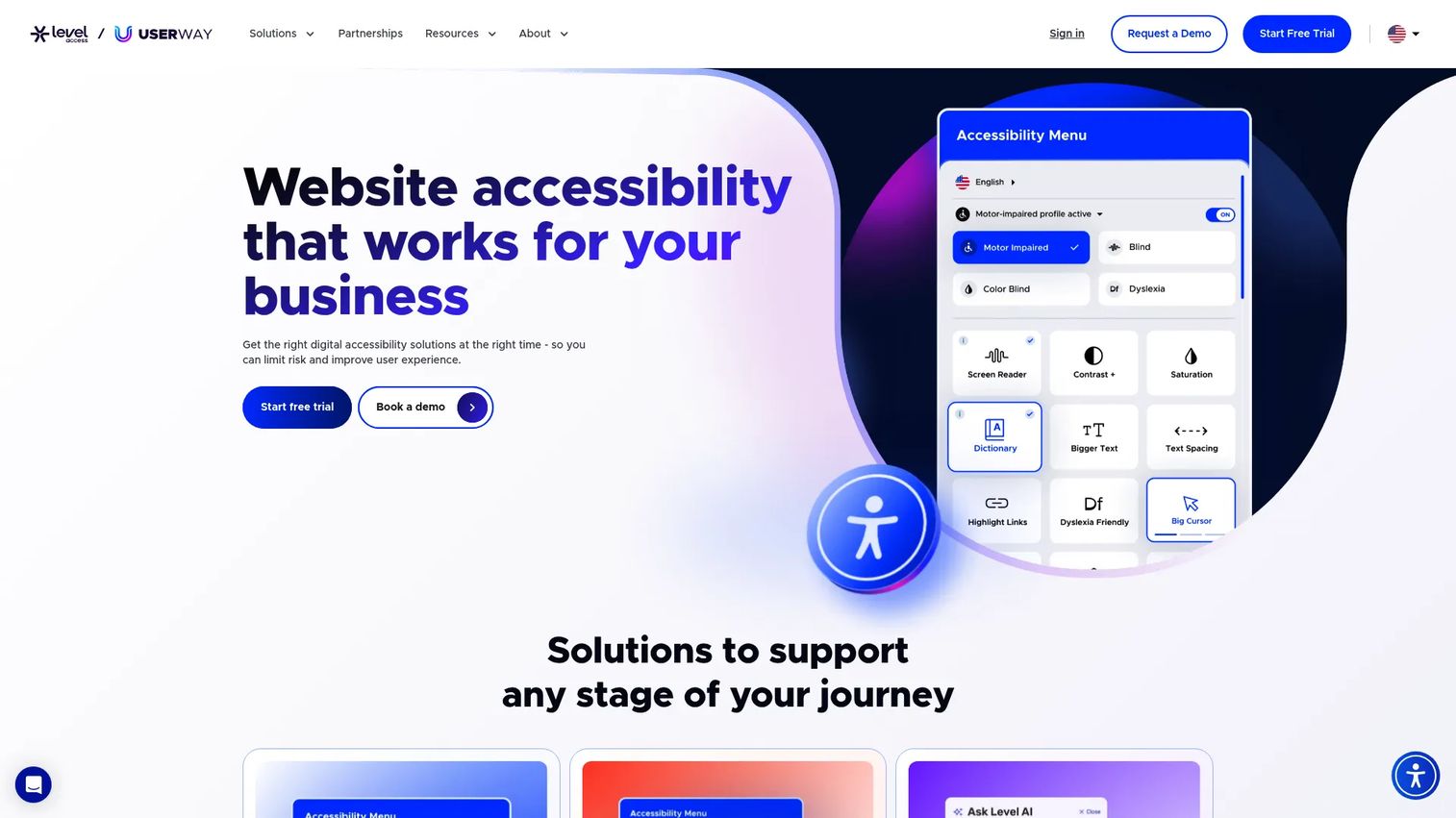
UserWay is cloud-based web accessibility software that spans the full lifecycle: a free accessibility checker for instant scans, ongoing monitoring for WCAG and ADA violations, accessibility audits, and an accessibility widget that layers remediation on top of your existing site. It is built for teams that want both a fast first look and organization-wide accessibility management, not just a one-off test.
What sets UserWay apart for a marketing or web ops team is breadth. You can run a quick URL scan to triage a single page, then move into continuous accessibility monitoring that re-scans your source code for new violations as you publish. The audits give you a detailed read on your WCAG and ADA compliance status, which is exactly the kind of artifact you hand to legal or leadership when they ask "are we covered." Privacy and security assurances are part of the pitch, which matters when accessibility tooling sits in your production stack.
Best for: Businesses that need a website accessibility checker with monitoring and remediation in one platform.
Key strengths
- Accessibility monitoring: Continuously scans your site for WCAG and ADA violations so regressions get caught as new pages ship.
- Accessibility audits: Produces a detailed view of your compliance status that you can share with stakeholders and legal.
- Accessibility widget: Layers user-facing remediation controls on top of your live site without a full rebuild.
Why choose UserWay: If your problem is not just "test once" but "stay compliant as we publish," UserWay's monitoring plus audit combination fits the ongoing reality of a growing site. It is the pick for teams that want detection, reporting, and remediation under one roof.
UserWay pricing: UserWay offers a free trial and public annual plans for its accessibility widget. Pro starts at $490/year, Pro Plus is $1,190/year, and Ultimate is $2,490/year, all billed annually. Stand-alone monitoring pages are priced separately on the pricing page. UserWay holds a 4.8/5 rating on G2.
2. WAVE
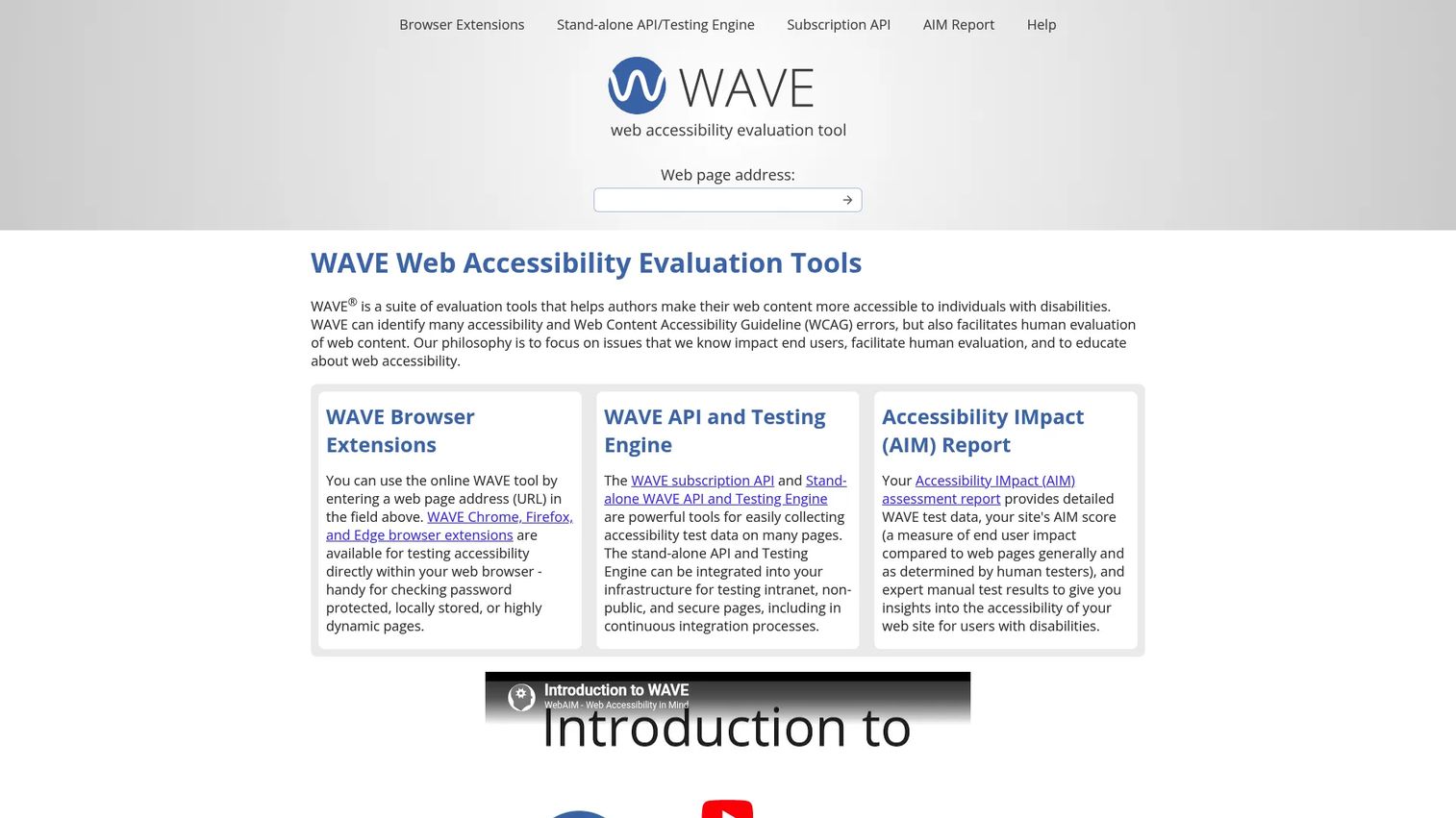
WAVE is a free web accessibility evaluation tool from WebAIM, and it is the fastest way to get an honest read on a single page. Paste a URL into the online checker and WAVE overlays icons directly on the page showing errors, alerts, contrast issues, and structural elements. No account, no setup, no cost for the core tool. For a quick pre-launch pass on a marketing page, it is hard to beat.
The depth comes from the rest of the WAVE family. The browser extensions for Chrome, Firefox, and Edge check the rendered page locally, which means they work on intranet or secure pages, password-protected staging, and dynamic content the public online checker cannot reach. That is a real edge for developers and reviewers who need to test before a page is publicly live. The AIM report adds an end-user impact score, blending automated WAVE data with human testing to estimate how much real friction a page creates compared to the web generally. And the stand-alone API and testing engine let you run site-wide, automated testing across thousands of pages.
Best for: Teams that want a free accessibility checker for fast URL-based testing plus enterprise-grade auditing from the same brand.
Key strengths
- Browser extension: Checks rendered pages in Chrome, Firefox, and Edge, including secure and dynamic pages a public scanner cannot see.
- Stand-alone API and engine: Runs site-wide, automated accessibility analysis for large sites and CI/CD via API integration.
- AIM report: Combines automated data and human review into an end-user impact score, bridging automated and manual testing.
Why choose WAVE: WAVE is the developer and reviewer favorite because it shows issues in context, right on the page, instead of in an abstract list. The free online checker handles quick audits, the extension handles secure pages, and the API handles scale. It scales from a one-page check to an enterprise audit without switching tools.
WAVE pricing: The WAVE online checker and browser extensions are free as a community service. Paid options include the AIM report at $500 for a one-time scan of up to 20,000 pages, plus $100 for each additional 20,000 pages. The stand-alone API and testing engine is licensed annually at $4,000 (Basic), $8,000 (Expanded), and $12,000 (Unlimited). WAVE holds a 4.3/5 rating on G2.
3. Siteimprove
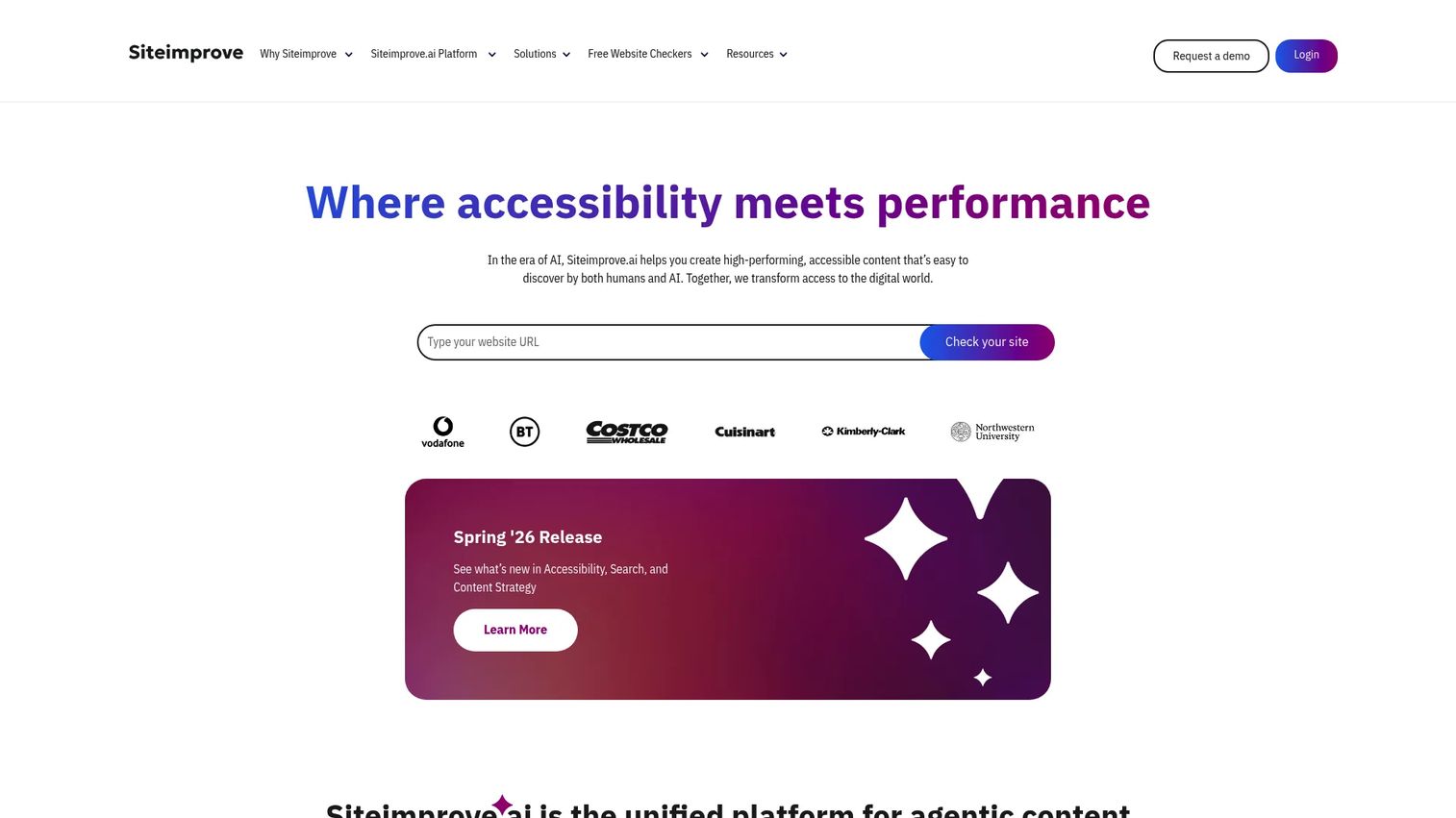
Siteimprove is a content intelligence platform that treats accessibility as one pillar alongside analytics, SEO, and content strategy. For a PMM or web ops lead managing a large, governed site, this is the enterprise option: automated accessibility detection, a code checker, snapshots that capture dynamic content states, continuous monitoring, and the option to add manual testing through professional services.
The reason teams reach for Siteimprove is consolidation. Instead of bolting an accessibility scanner onto a separate analytics tool and a separate SEO tool, you get accessibility, reporting, and content governance in one platform with shared dashboards. Automated issue detection surfaces WCAG failures across the site, and the professional services layer adds human review when an automated scan is not enough. Siteimprove holds credibility signals that matter to enterprise procurement: it is a member of the W3C, the United Nations Global Compact, and the International Association of Accessibility Professionals, and it is certified to ISO/IEC 27001:2022. Integration depth and reporting are where it earns its enterprise positioning.
Best for: Teams that need one platform for accessibility, SEO, analytics, and content governance across a large site.
Key strengths
- Accessibility compliance and remediation: Detects WCAG issues site-wide and guides fixes, with snapshots for dynamic content.
- Analytics and reporting: Pairs accessibility scoring with web analytics in shared dashboards for cross-functional stakeholders.
- Professional services: Adds expert manual accessibility testing on top of automated detection through service packages.
Why choose Siteimprove: If accessibility is part of a broader web governance mandate, Siteimprove consolidates the stack instead of adding to it. It is the strongest fit for enterprise teams that want automated detection, human review, and reporting that legal and leadership trust.
Siteimprove pricing: Siteimprove does not list public subscription pricing; product plans are quote-based. The site does expose free tools and free browser extensions, and lists professional services packages (Foundation, Growth, and Premier) defined by monthly service hours rather than a product subscription price. Request a quote for platform pricing tailored to your site size and needs.
4. accessiBe
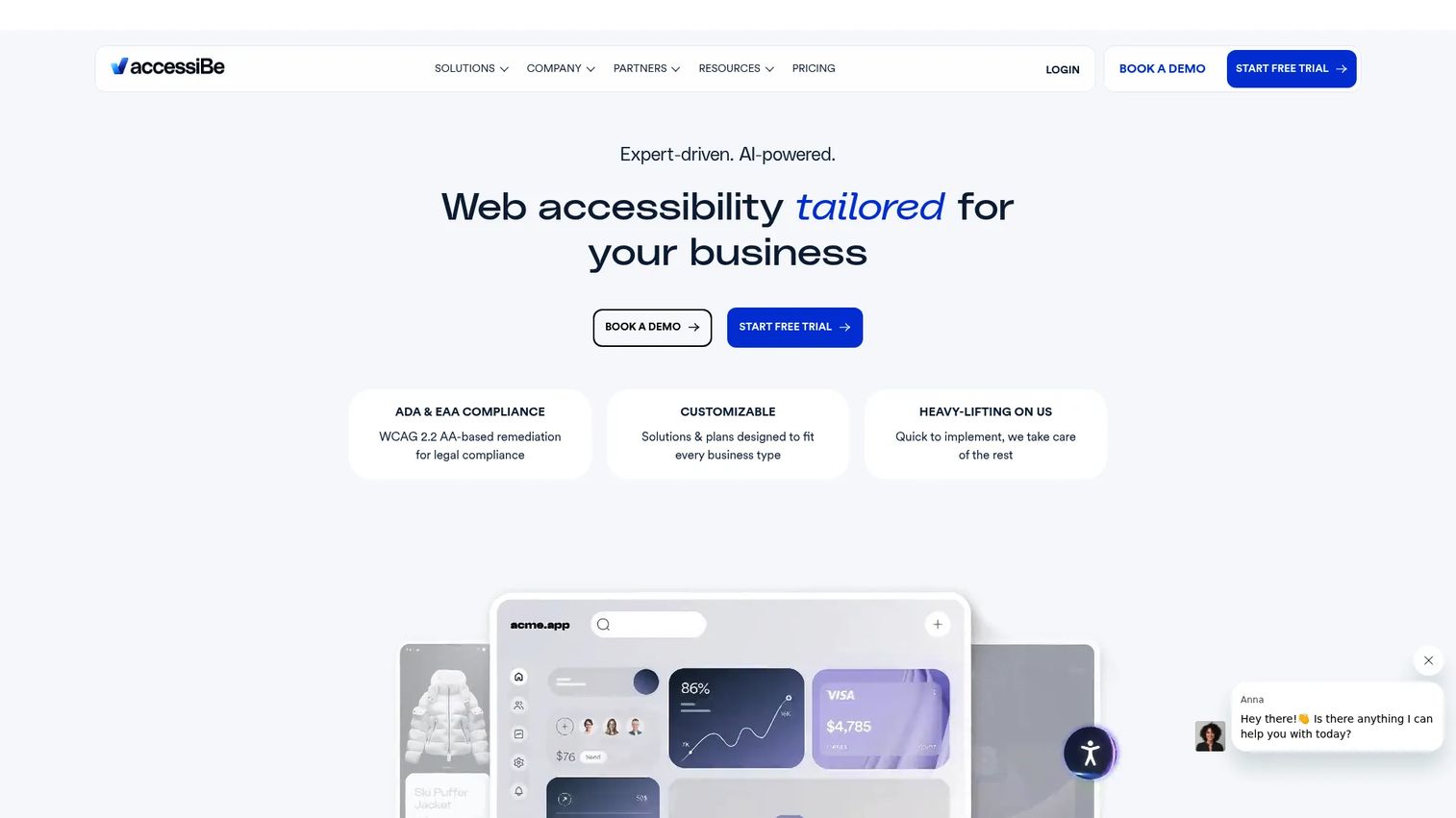
accessiBe is an AI-powered web accessibility platform built around automation. Its free accessScan checker gives you an instant read on a single page, and the broader platform layers on automated scanning, screen reader compatibility, keyboard navigation support, and recurring scans and fixes every 24 hours. The whole offering is positioned around WCAG 2.1 AA support, which is the standard most ADA-conscious US teams target.
This is a commercial accessibility platform, not just a checker. Teams evaluating automation-first offerings should understand what that model does well and where it fits. accessiBe's strength is speed and ongoing maintenance: rather than queueing every fix for engineering, the platform applies automated remediation and re-scans on a daily cycle, so a site stays closer to compliant without a manual sprint after every publish. That continuous accessibility remediation is the appeal for lean teams without dedicated accessibility engineers. As with any automation-first tool, pair it with periodic human review for the issues that need judgment, like meaningful alt text and logical reading order.
Best for: Businesses that want a website accessibility solution with automated remediation and ongoing compliance support.
Key strengths
- Automated scanning and remediation: Detects and applies fixes automatically, reducing the manual remediation backlog.
- Assistive tech support: Improves screen reader compatibility and keyboard navigation across the site.
- Recurring scans: Re-scans and updates every 24 hours so new content stays covered without a manual re-check.
Why choose accessiBe: For teams that want continuous, automation-led coverage and a free checker to start, accessiBe lowers the operational lift of staying compliant. It fits lean teams that need accessibility maintained on a schedule rather than handled page by page.
accessiBe pricing: accessiBe's plans scale with website traffic. Public yearly plans on the pricing page are micro at $490/year, growth at $1,490/year, and scale at $3,990/year, with an Enterprise tier available via custom pricing. accessiBe holds a 4.7/5 rating on G2.
5. WebAIM
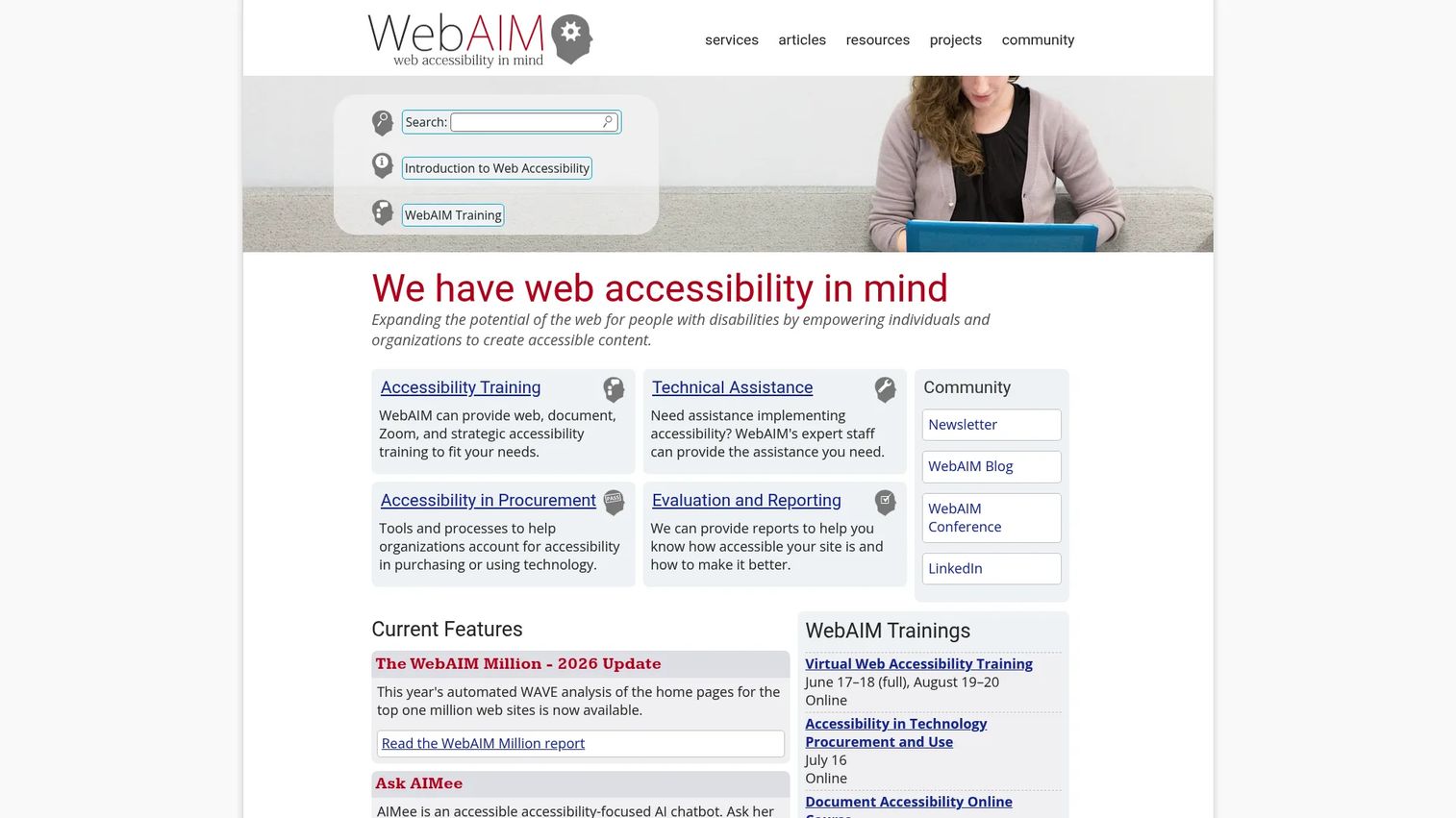
WebAIM is the nonprofit behind WAVE, and the organization is worth a separate look because of what it offers beyond the tool. WebAIM provides web accessibility training, formal website accessibility evaluation, and consulting and technical assistance. When a quick scan tells you something is wrong but not why or how to fix it, this is where the expert manual accessibility testing and methodology live.
The reason WebAIM matters to a PMM or content lead is credibility plus depth. WAVE gives you the lightweight, widely recognized evaluation workflow for fast checks. WebAIM's services layer gives you human review, structured audits, and education when a launch is high-stakes or when your team needs to build internal accessibility skills rather than outsource every check. WebAIM's research, like its long-running survey of how people with disabilities use the web, is some of the most cited methodology in the field. If you want to understand accessibility deeply, not just run a scanner, WebAIM is the source.
Best for: Organizations that need web accessibility training, expert audits, and consulting alongside an automated checker.
Key strengths
- Accessibility training: Courses and workshops that build internal expertise instead of outsourcing every review.
- Website accessibility evaluation: Expert manual audits that go deeper than any automated scan.
- Consulting and technical assistance: Hands-on guidance for remediation and complex accessibility questions.
Why choose WebAIM: WebAIM is the pick when you want methodology and human expertise, not just a tool. Pair WAVE for fast automated checks with WebAIM's services when a page is high-stakes or your team needs to level up its accessibility practice.
WebAIM pricing: WebAIM is a services and education organization rather than a SaaS product, so pricing follows training and consulting. Published training prices include the Accessible Documents course from $50 per enrollment for large groups up to $125 for individuals, virtual web accessibility training at $600 per person, and custom strategic workshops at $3,000. Formal evaluation services are quoted based on scope and complexity.
What to evaluate before buying accessibility software
Picking a tool is less about the longest feature list and more about fit with how your team actually ships. Run any candidate through these checks.
Workflow coverage
Match the tool to your publishing cadence. A team that ships a campaign page a quarter needs a fast URL-based checker. A team publishing weekly needs continuous monitoring that catches regressions automatically. Buying a heavy monitoring platform for a static five-page site wastes budget; running one-off scans on a 5,000-page site leaves gaps.
Automated plus manual coverage
No automated scanner catches every WCAG failure. The honest benchmark across the field is that automation surfaces a portion of issues, not all of them. The strongest setups pair automated scanning with human review, whether that is your own keyboard-and-screen-reader pass or a professional audit. Ask each vendor exactly what its automated engine does and does not detect.
Reporting and scoring depth
You will hand these findings to design, engineering, and sometimes legal. Reporting and scoring should map each issue to a WCAG success criterion, assign severity, and explain the fix. Vague red-flag dashboards create more arguments than they resolve.
Remediation path
Detection is half the job. Check whether the tool stops at flagging issues or actually guides accessibility remediation, through code-level suggestions, an API integration into CI/CD, or a managed widget. The right answer depends on whether engineering or the vendor owns the fix.
Integration and security
Confirm the tool fits your stack: browser extension for local checks, API for automated testing in your pipeline, and SSO or security certifications if it touches production. For regulated teams, certifications like ISO/IEC 27001 are not optional.
Conclusion
There is no single best website accessibility checker, only the right tool for the job in front of you. Map your need to the pick:
- Best for free, fast checks: WAVE, for an instant URL scan with issues shown in context.
- Best for browser-based evaluation: WAVE's extensions, for secure, dynamic, and staging pages.
- Best for enterprise monitoring and services: Siteimprove, for accessibility inside broader web governance.
- Best for broad, automation-first platform coverage: accessiBe and UserWay, for continuous scanning and remediation.
- Best for methodology and manual review: WebAIM, for expert audits, training, and human testing.
The practical next step is simple. Start with a free URL scan today, on your highest-traffic page. Triage what it finds, fix the obvious failures, then layer in a manual keyboard-and-screen-reader pass on your most important conversion paths. Once that workflow is solid, add monitoring so new pages do not reintroduce old problems. A real compliance workflow is automated detection, human review, and continuous monitoring working together, not any one tool doing everything.
FAQs
A checker runs a one-time scan of a page or site and reports the issues it finds at that moment. A monitoring platform re-scans on a schedule, tracks regressions, and alerts you when new content introduces fresh violations. Use a checker for a pre-launch pass and a monitoring platform when you publish often enough that a single scan ages out quickly.
No. Automated web accessibility evaluation tools reliably catch machine-detectable failures like missing alt text, low contrast, and unlabeled inputs, but they cannot judge things like whether alt text is meaningful or whether reading order makes sense. The field consensus is that automation surfaces a portion of WCAG issues, not all of them, so the strongest workflows pair automated scanning with human review.
For a fast, free WCAG checker, WAVE maps each detected issue to context right on the page. For continuous WCAG monitoring across a growing site, UserWay and Siteimprove run scheduled scans. For automation-led WCAG 2.1 AA coverage with remediation, accessiBe fits. The best choice depends on whether you need a one-time check or ongoing coverage.
ADA compliance in the US generally maps to WCAG conformance, so any strong WCAG checker supports it. UserWay and accessiBe explicitly frame their scanning and remediation around ADA exposure, and both produce reports you can share with legal. For high-stakes pages, supplement an automated ADA compliance checker with a manual audit, since legal risk often hinges on issues automation alone cannot confirm.
Yes, and that is one of their biggest advantages. A browser extension checks the page as your browser renders it, which means it can evaluate dynamic content, logged-in states, and intranet or secure pages that a public URL scanner cannot reach. WAVE's extensions for Chrome, Firefox, and Edge are a common pick for testing staging and password-protected pages before they go live.
Start with workflow fit: does the tool match how often you publish and who owns the fixes. Then check compliance mapping (does it tie issues to WCAG and ADA), reporting and scoring depth, the remediation path, and integration with your stack. For teams touching production, security certifications like ISO/IEC 27001 and SSO support move from nice-to-have to required.
For a low-stakes page, a free checker plus a quick manual keyboard pass is often enough to catch the obvious failures. For a flagship launch, a pricing page, or any high-traffic conversion path, layer in a deeper manual audit or professional review. Free online accessibility testing is a strong first step, but it is a first step, not a complete program.