
You open six tabs before your second coffee. Intercom for live conversations. Zendesk for the ticket queue. HubSpot for account notes. Two analytics dashboards. A spreadsheet tracking renewal risk by hand. Somewhere in that mess is a customer about to churn, and you won't see the signal until the renewal call goes quiet.
That fragmentation is the real cost. Not the tool spend, the blind spots between tools.
Customer experience is now a buying factor, not a nice-to-have. According to PwC research summarized across multiple 2026 customer experience roundups, 73% of customers say experience is a key factor in their purchasing decisions. Zendesk's 2026 CX Trends report adds a sharper warning: over 50% of customers will switch to a competitor after a single poor experience. For a customer success manager carrying 40 or more accounts, that means one missed signal can become one lost renewal, and the cost of customer churn for SaaS compounds across a book of business.
Customer experience management software exists to close those gaps. The right platform pulls usage, sentiment, support, and feedback into one view so you act before a customer drifts, not after. The wrong one becomes a seventh tab.
This guide cuts through the category. We compare 15 customer experience management software platforms, with verified pricing, G2 ratings, and clear best-fit picks for the people who actually live in these tools every day.
What's inside
This guide is for customer success managers, CX leads, heads of support, and RevOps teams building or consolidating a customer experience stack. We focused on platforms that help you reduce churn, scale onboarding, and prove impact, not generic feature dumps.
We selected and ranked the 15 customer experience management tools using four criteria:
- Omnichannel coverage and integrations: how many channels it unifies and how cleanly it connects to your existing stack.
- Feedback and VoC depth: surveys, NPS, CSAT, CES, sentiment, and in-product triggers.
- AI and automation: routing, summarization, predictive signals, and self-service deflection.
- Pricing and scalability: transparent tiers, free options, and cost as accounts per CSM grow.
TL;DR
Short on time? Here are the decision shortcuts by sub-segment:
- Best all-in-one enterprise CXM: Qualtrics, for full experience management across customer, employee, and research programs.
- Best for deep signal capture: Medallia, for large orgs unifying feedback across every channel.
- Best for support-led CS teams: Zendesk, for ticketing, messaging, and AI agents in one place.
- Best for product-led SaaS: Intercom, for in-app messaging plus the Fin AI agent.
- Best for customer success specifically: Gainsight, the closest match to the CSM job of health, adoption, and renewals.
- Best for SMB budgets and free tiers: HubSpot Service Hub or Freshdesk, for CRM-native or affordable omnichannel service.
What is customer experience management software?
Customer experience management (CXM) software is a category of tools that collect, analyze, and act on customer interactions across every channel to improve satisfaction, retention, and loyalty. It unifies feedback, support, usage, and sentiment so teams can spot friction and respond before it costs a renewal.
People also call it customer experience software, a customer experience management platform, CXM software, or a customer experience management system. The label varies, the job does not: give teams a fuller picture of the customer and the means to act on it.
A strong customer experience management platform usually covers these core capabilities:
- Feedback and VoC: surveys, NPS, CSAT, CES, and in-product feedback capture.
- Omnichannel engagement: email, chat, social, voice, and in-app, unified in one view.
- Journey analytics: mapping how customers move through touchpoints and where they stall.
- Personalization: tailoring messages and experiences by segment, role, or behavior.
- Self-service and knowledge base: help centers, guides, and onboarding content.
- Support automation: routing, macros, ticket deflection, and AI summarization.
- AI and predictive insights: sentiment analysis, text analytics, and churn-risk signals.
- Integrations: native connections to CRMs, help desks, Slack, and analytics tools.
The strongest customer experience management solutions do not just report what happened. They surface what to do next.
CXM vs CRM vs CX platform vs help desk
These terms get used interchangeably, and that confuses buying decisions. Here is the clean distinction.
A CRM stores contact data and manages relationships and pipeline. A CXM platform manages the experience across the entire journey, drawing on feedback and signals. A CX platform is the broader umbrella, often contact-center-led, that bundles the stack together. A help desk handles reactive ticket resolution.
CategoryPrimary focusCore jobTypical ownerCXMExperience across the journeyImprove satisfaction and retentionCX, CS leadershipCRMData and relationshipsTrack contacts and pipelineSales, RevOpsCX platformContact center and stackOrchestrate channels at scaleCX, support opsHelp deskReactive resolutionResolve and deflect ticketsSupport teams
Most teams run more than one of these. The goal is not a single all-in-one, it is a connected stack where signals flow between them. If you're evaluating tools that drive adoption alongside your CXM, our roundup of the best digital adoption platforms is a useful companion read.
When customer success teams need CXM software
CXM software earns its place when your manual process stops scaling. Here are the three moments customer success teams feel it most.
Spot churn signals before renewal
The worst churn is the quiet kind. Usage drops, a champion leaves, support tickets pile up, and nobody connects the dots until the renewal stalls. CXM software unifies product usage, sentiment, and support history into one health view. That lets you flag at-risk accounts weeks earlier and trigger outreach while there is still time to act. With over half of customers willing to switch after one bad experience, early visibility is the difference between a save and a loss.
Scale onboarding and education without more headcount
Most CSMs spend hours re-explaining the same features in onboarding calls and follow-up emails. That repetition does not scale as accounts per CSM climb. The fix is layering self-serve customer education into your stack so users learn at their own pace. Interactive guided walkthroughs work well here: they let customers experience a feature through a clickable, step-by-step path, which offloads repetitive education from your team and speeds up time-to-value. You can even personalize each walkthrough by segment or role so every account gets a relevant path. Paired with your CXM platform's knowledge base and in-app messaging, they free CSMs to focus on strategic accounts while still giving every customer a guided path to value. Exploring the best user onboarding software can help you find tools that complement your CXM rather than replace it.
Prove CS impact with unified analytics
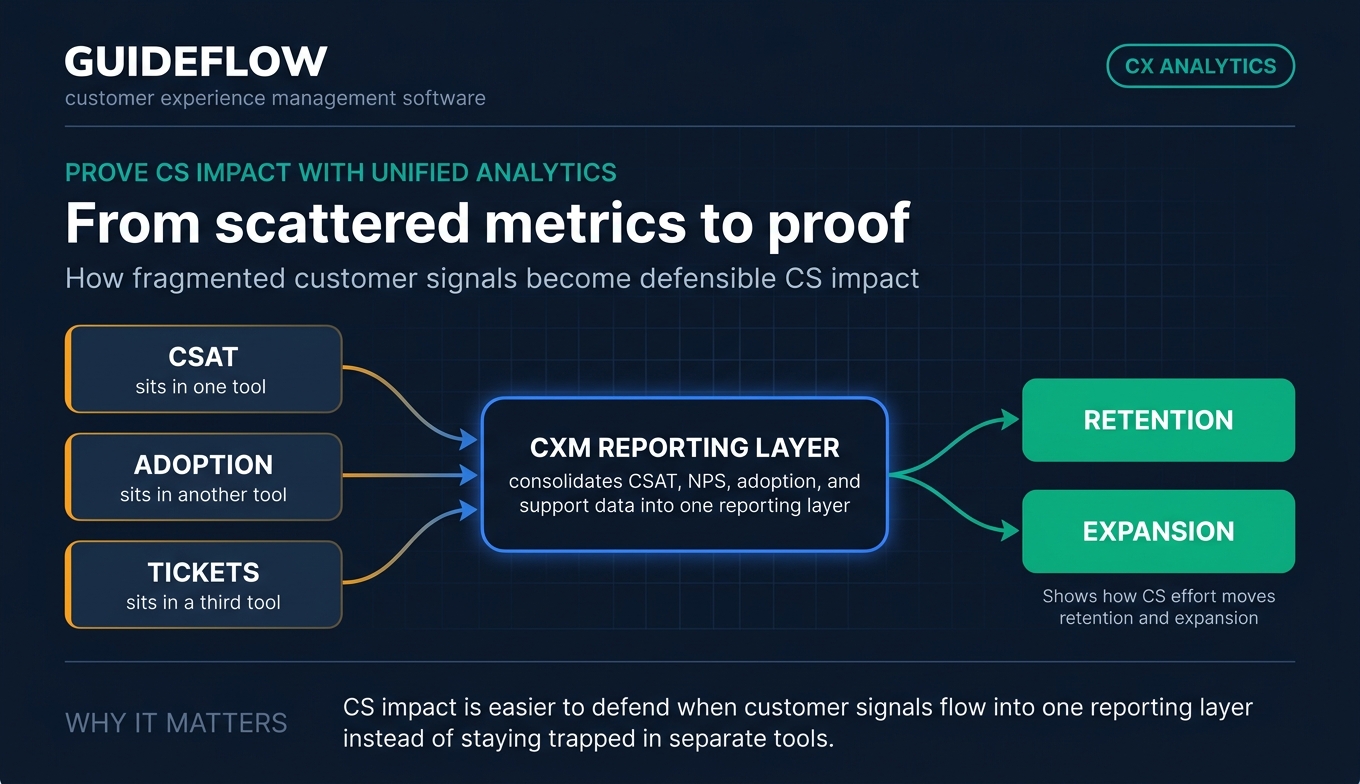
CS leaders constantly fight to defend headcount and budget. The problem is fragmented metrics: CSAT in one tool, adoption in another, tickets in a third. CXM software consolidates CSAT, NPS, adoption, and support data into one reporting layer. With the right analytics in place, you can show, with numbers, how CS effort moves retention and expansion. When the board asks what CS contributed this quarter, you have an answer instead of a guess.
Comparison table: 15 best CXM software at a glance
Here is a side-by-side view of the 15 best customer experience management tools for 2026. Pricing reflects verified entry tiers where vendors publish them; many enterprise platforms use custom pricing. G2 ratings are pulled from each tool's live listing.
The 15 best customer experience management software for 2026
1. Qualtrics
Qualtrics is an AI-driven experience management platform spanning customer experience, employee experience, and strategy and research. It is the category heavyweight for enterprises running structured CX programs across many channels. For CS leaders at large orgs, Qualtrics ties survey feedback, digital behavior, and real-time signals into one experience view.
Best for: Enterprises running customer experience, employee experience, and research programs across multiple channels.
Key strengths
- Omnichannel feedback: Collect input across surveys, chat, email, digital behavior, and real-time feedback in one system.
- AI insights: Sentiment analysis, text analytics, and recommendations surface what is driving experience scores.
- Experience suites: Dedicated suites for Customer Experience, Employee Experience, and Strategy and Research.
Why choose Qualtrics: If your CX program crosses departments and channels, Qualtrics gives you the depth to manage it as a discipline, not a side project. Its predictive intelligence helps CS teams move from reactive reporting to proactive action. It is built for scale, which suits orgs with mature experience operations.
Qualtrics pricing: Qualtrics organizes its platform into three suites: XM for Customer Experience, XM for Employee Experience, and XM for Strategy and Research. The pricing page uses request-pricing calls to action rather than public figures, so plan on a sales conversation to scope cost. It holds a 4.4/5 rating on G2.
2. Medallia
Medallia provides an end-to-end experience management platform for capturing, analyzing, and acting on signals across customer, employee, digital, and contact center touchpoints. It excels at deep signal capture, pulling from surveys, speech, social, video, and digital feedback. For large orgs, that breadth means fewer blind spots between channels.
Best for: Large enterprises that need a scalable platform to unify feedback, operational data, analytics, and closed-loop action across many touchpoints.
Key strengths
- Signal capture: Surveys, speech analytics, social signals, and video feedback feed a single experience record.
- AI analytics: Text, speech, and acoustic analytics surface sentiment and root causes at scale.
- Closed-loop action: Role-based reporting, alerting, and case management turn feedback into follow-up.
Why choose Medallia: Medallia fits when you need to capture experience signals from places surveys alone miss, like call recordings and digital behavior. Its closed-loop workflows help CS teams route issues to the right owner automatically. It is an enterprise commitment, built for orgs treating experience as an operating system.
Medallia pricing: Medallia prices on an Experience Data Record model, set in annual tiers based on the data entering Medallia Experience Cloud. The pricing page does not publish numeric figures and directs buyers to contact Medallia. It carries a 4.5/5 rating on G2.
3. Zendesk
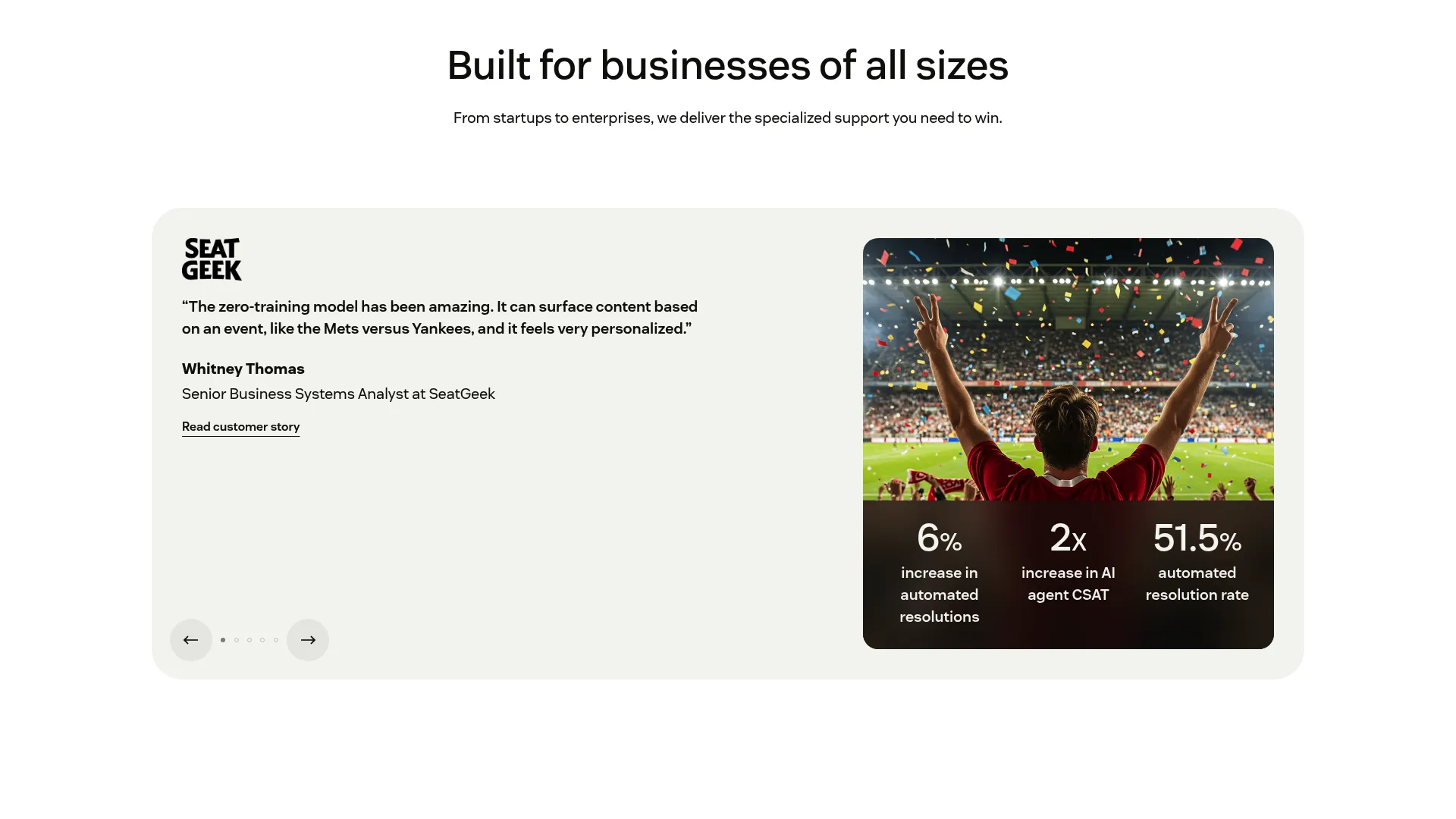
Zendesk is an AI-powered customer service platform for managing and resolving customer inquiries across channels. It is the default for support-led CS teams who live in a ticket queue. With ticketing, messaging, a knowledge base, and AI agents in one suite, Zendesk keeps reactive resolution and proactive deflection under one roof. You can also see how teams present it through an interactive Zendesk demo.
Best for: Customer support teams that need scalable omnichannel ticketing, automation, AI assistance, and support operations reporting.
Key strengths
- Email and ticketing: A mature ticketing system with routing, triggers, and automations.
- Messaging and live chat: Real-time conversations across web, mobile, and social.
- Knowledge base: A self-serve help center that deflects repetitive questions before they hit the queue.
Why choose Zendesk: If your CS motion is support-heavy, Zendesk gives agents the tooling to resolve fast and the analytics to spot recurring friction. Its AI agents help deflect basic questions so your team focuses on harder problems. It scales cleanly from a small team to a full support operation.
Zendesk pricing: Plans start with Support Team at $19 per agent per month billed yearly. Suite Team runs $55, Suite Professional $115, and Suite Enterprise plus Copilot is sales-priced. A 14-day free trial is available, though there is no permanent free tier. Zendesk holds a 4.3/5 rating on G2.
4. Intercom
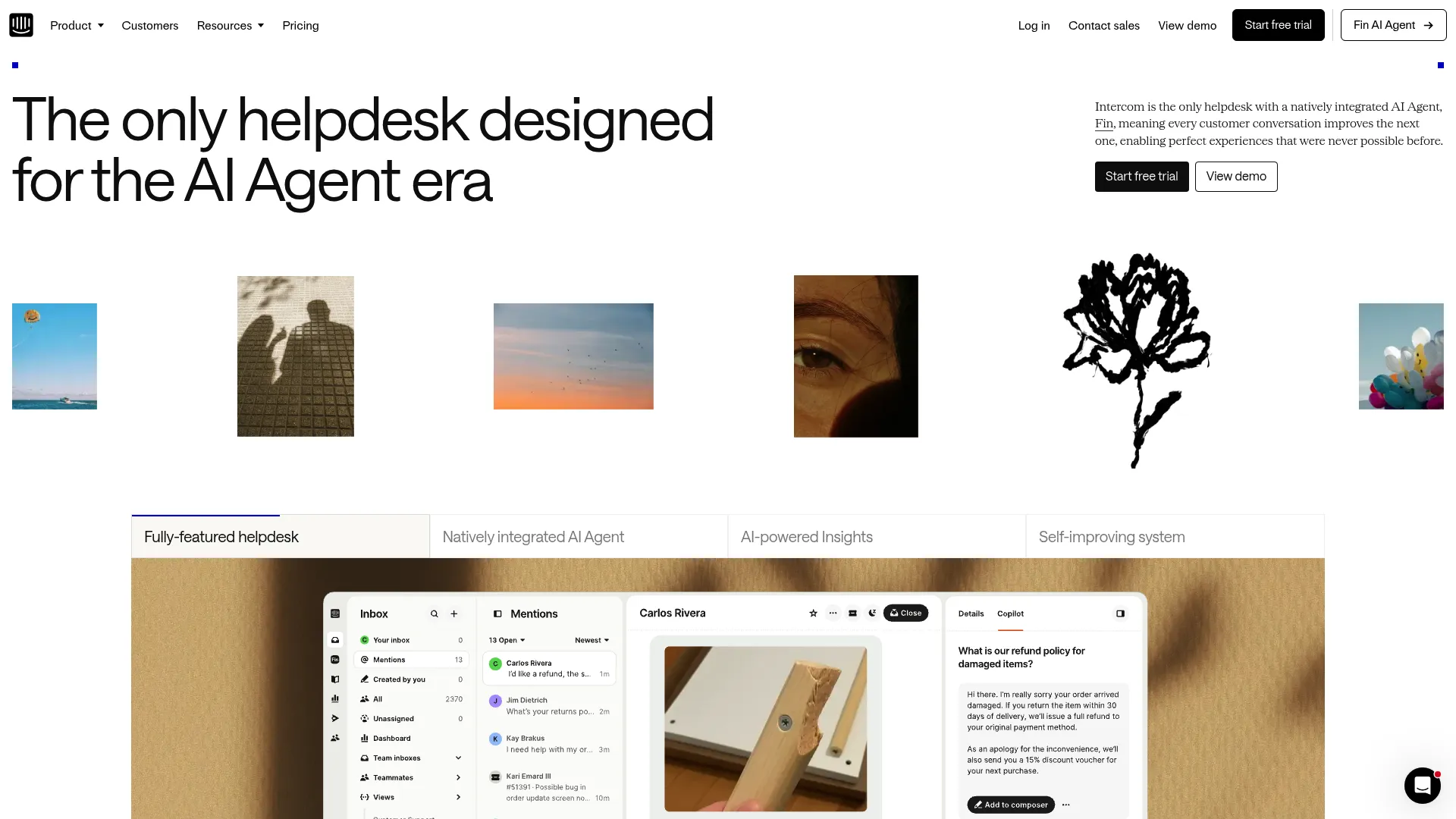
Intercom is an AI-first customer service helpdesk with a natively integrated AI agent, Fin, built for support operations. It is a strong fit for product-led SaaS teams who engage customers inside the app. In-app messaging, ticketing, and a help center combine to support customers where they already work.
Best for: Customer support teams that want a combined AI agent, helpdesk, inbox, ticketing, automation, and reporting platform.
Key strengths
- Fin AI agent: Resolves customer questions automatically, with pricing tied to outcomes.
- Omnichannel inbox: AI-powered ticketing and a shared inbox across channels.
- No-code automation: Workflows and bots that route and resolve without engineering.
Why choose Intercom: Intercom suits SaaS CS teams who want support, engagement, and AI in one in-app layer. Fin's outcome-based pricing aligns cost with resolutions, which appeals to teams scaling deflection. It is built for product-led motions where the app is the main touchpoint.
Intercom pricing: Plans combine seat costs with usage-based Fin outcomes at $0.99 each. Essential is $29 per seat per month, Advanced $85, and Expert $132, all billed annually. A standalone Fin AI Agent plan runs $0.99 per outcome with no seats. A 14-day trial is available. Intercom holds a 4.5/5 rating on Capterra.
5. HubSpot Service Hub
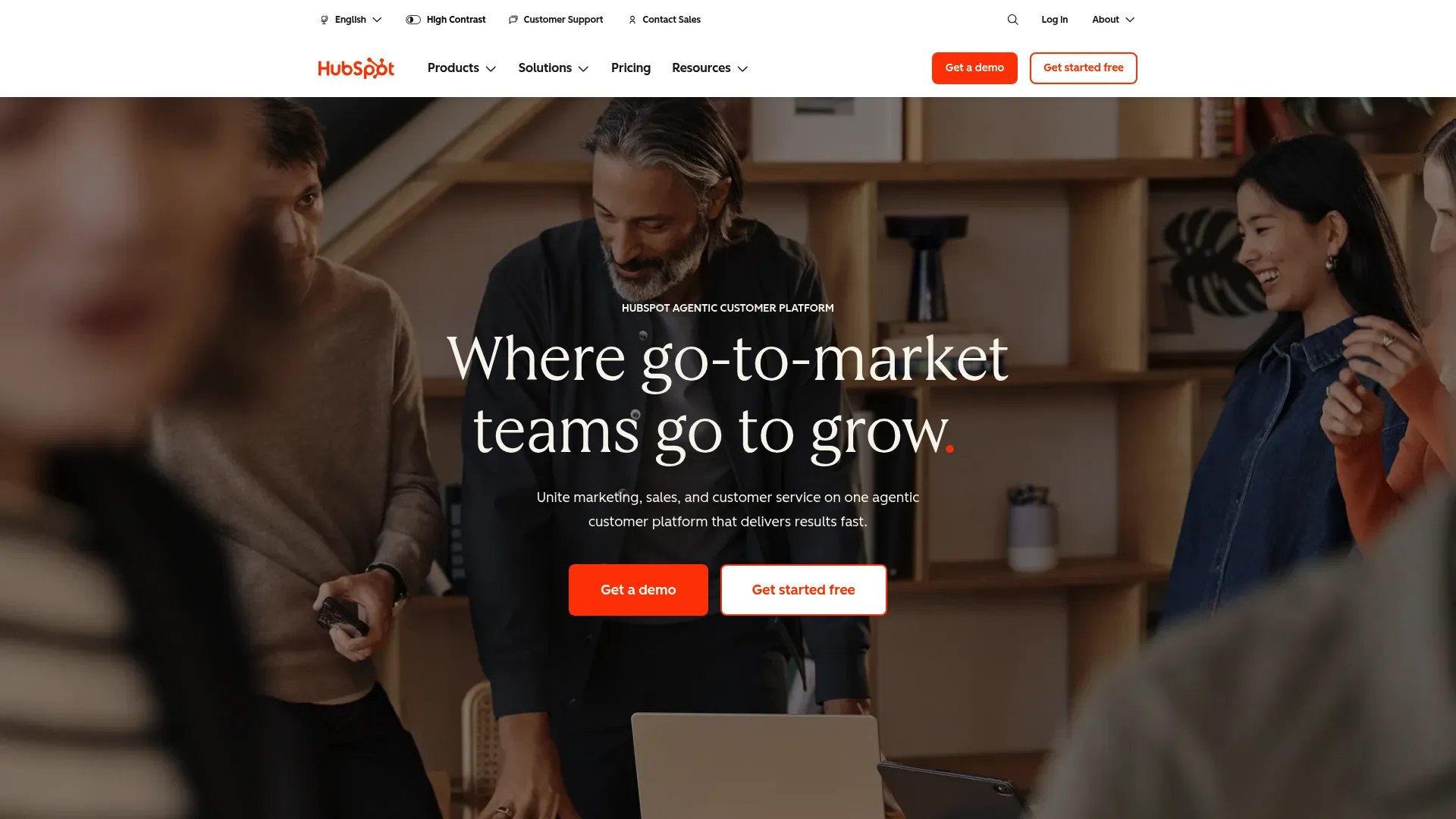
HubSpot Service Hub is part of an agentic customer platform that unites marketing, sales, service, content, and CRM. Its draw is being CRM-native: service, shared inbox, knowledge base, and surveys all sit on the same customer record. For teams that want CX and CRM in one place, that removes a major silo.
Best for: Growing businesses that want CRM, marketing, sales, service, and AI tools in one connected platform.
Key strengths
- Smart CRM: Unified customer data across marketing, sales, and service.
- Service automation: Shared inbox, knowledge base, and CSAT and NPS surveys.
- Breeze AI: AI assistants and agents that support service workflows.
Why choose HubSpot Service Hub: HubSpot fits teams that want one source of truth instead of stitching CRM and service tools together. The free tier lets smaller CS teams start without budget approval. It scales as your account grows, though the jump to Professional is significant. If a standalone CRM is what you really need, our list of the best CRM software is worth a look.
HubSpot pricing: The Customer Platform starts with a free tier at $0 with no credit card. Starter is $10 per seat per month, Professional $1,450 per month with six seats included, and Enterprise $4,700 per month with eight seats. HubSpot holds a 4.4/5 rating on G2.
6. Salesforce Service Cloud
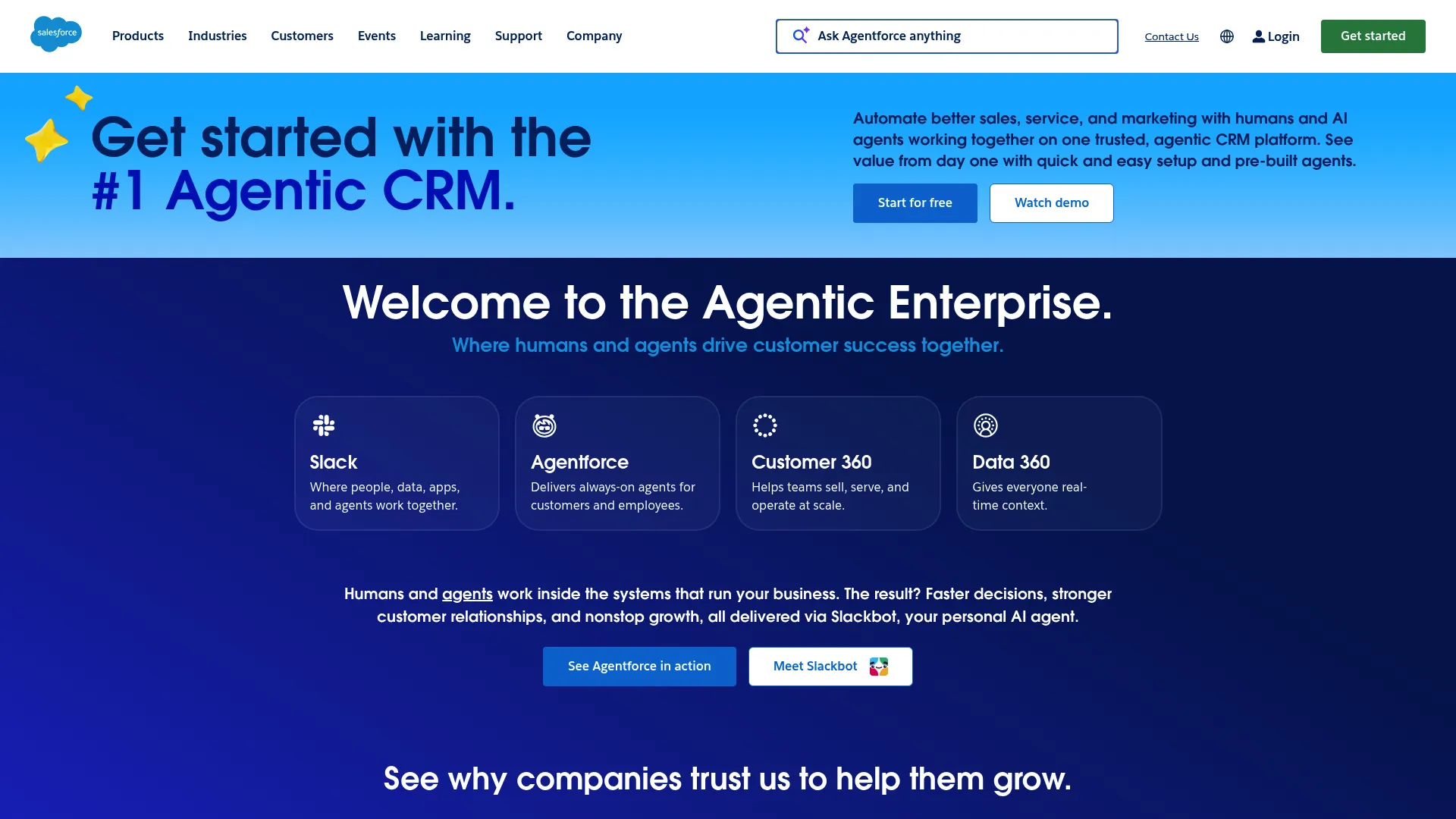
Salesforce Service Cloud, now presented with Agentforce, delivers enterprise customer service with AI agents running on Salesforce data. For orgs already standardized on Salesforce, it keeps service on the same platform as sales and CRM. That data continuity is the core value for Salesforce-centric CS teams.
Best for: Sales and service teams that need a customizable platform with automation, pipeline management, and AI-enabled workflows on Salesforce data.
Key strengths
- Unified records: Lead, account, contact, and opportunity management in one system.
- Built-in flows: Sales and service automation with routing and forecasting.
- Agentforce AI: AI agents that act on Salesforce data to assist and automate.
Why choose Salesforce Service Cloud: If Salesforce is your system of record, Service Cloud keeps experience data where the rest of your customer data lives. Its customization depth suits complex enterprise workflows. The tradeoff is configuration effort, so plan for admin resources.
Salesforce pricing: Pricing runs from a Free Suite at $0 per user per month, Starter Suite at $25, Pro Suite at $100, Enterprise at $175, Unlimited at $350, and Agentforce 1 Sales at $550 per user per month, billed annually. Salesforce holds a 4.4/5 rating on G2.
7. Sprinklr
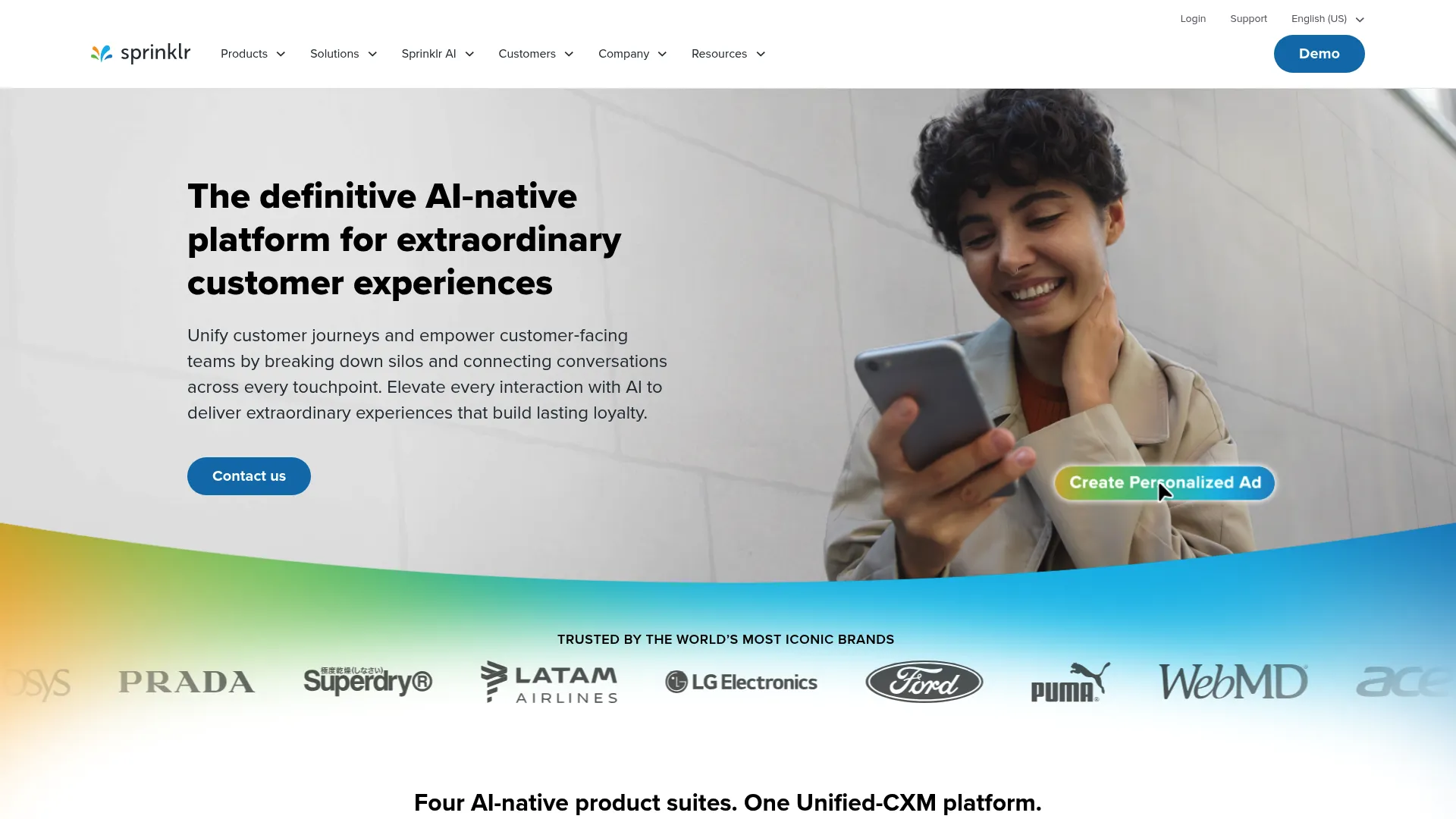
Sprinklr is an enterprise Unified-CXM platform covering service, insights, social, and marketing across customer-facing functions. It stands out for omnichannel breadth, handling 30 or more voice, social, and digital channels. For social-heavy brands, that unification is hard to match elsewhere.
Best for: Large enterprises that need an AI-powered, unified platform for customer service, social, marketing, and experience management across many channels.
Key strengths
- Omnichannel contact center: AI-native service across 30 or more voice, social, and digital channels.
- Consumer intelligence: Social listening using customer, competitor, market, and review data.
- Unified platform: Integrations, APIs, AI Studio, and sandbox capabilities in one place.
Why choose Sprinklr: Sprinklr fits brands managing experience across a wide channel mix, especially social and messaging. Its consumer intelligence layer adds market and competitor context most CXM tools lack. It is an enterprise platform, suited to orgs with the scale to use that breadth.
Sprinklr pricing: Sprinklr's pricing pages route to demos and contact options rather than public figures, so cost requires a sales conversation. Its calls to action point to requesting a demo or talking to an expert. Sprinklr holds a 4.2/5 rating on G2 across more than 2,000 reviews.
8. Gainsight
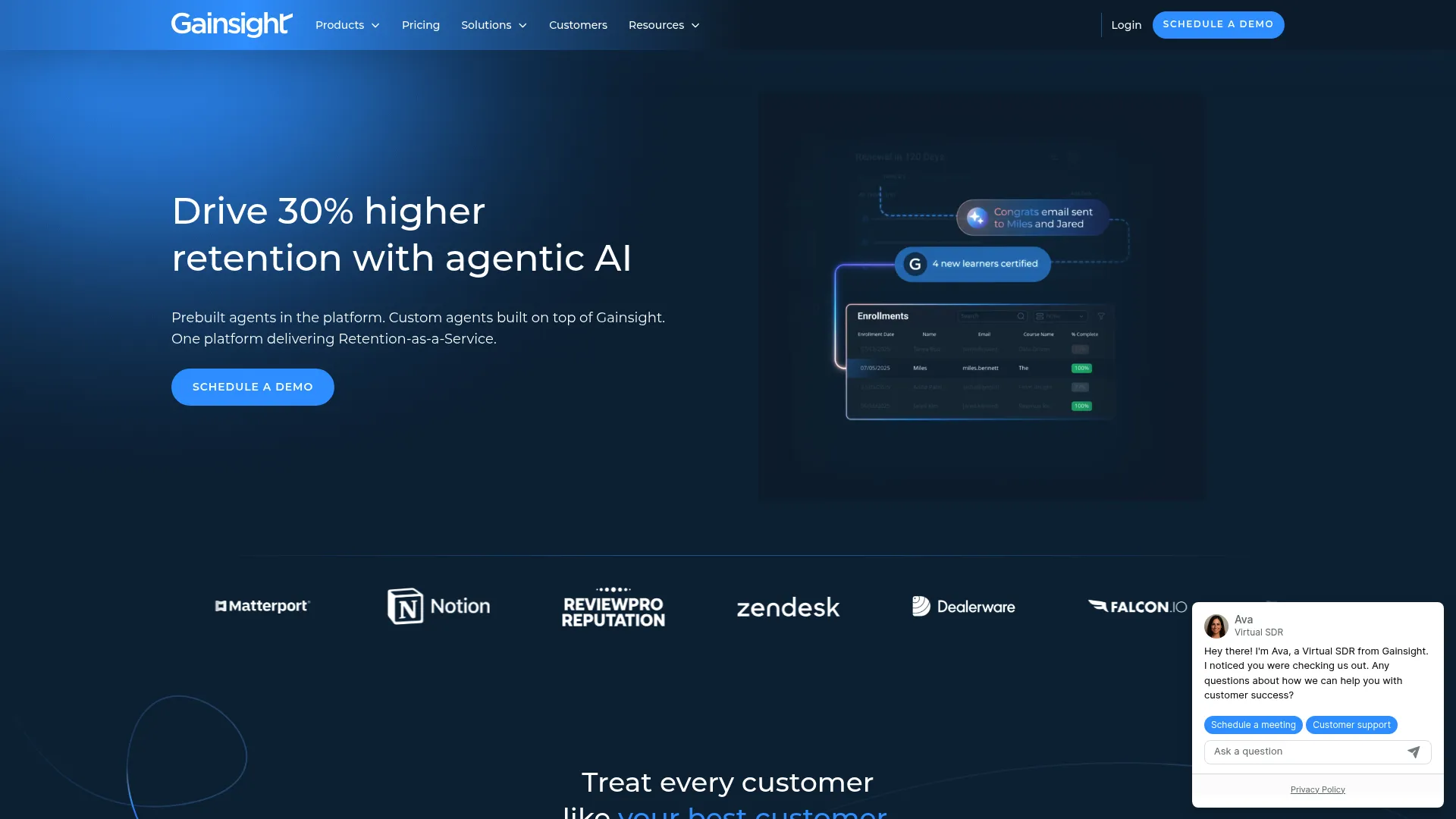
Gainsight is a customer success platform built for retention, expansion, product adoption, and AI-powered post-sales workflows. This is the closest match to the CSM job on the list. Where most CXM tools center on feedback or support, Gainsight centers on customer health, the exact lens a CSM works in daily.
Best for: B2B SaaS and post-sales teams managing customer health, retention, expansion, and scaled customer success workflows.
Key strengths
- Customer 360: A unified view of every account's health, usage, and history.
- Playbooks and success plans: Structured workflows that scale CS motions across accounts.
- Health scorecards: Risk and adoption scoring that flags at-risk accounts early.
Why choose Gainsight: Gainsight is purpose-built for the work CSMs actually do: spotting churn risk, driving adoption, and managing renewals. Its health scoring turns scattered signals into a single risk view. For a CS-led org, it maps to your workflow more directly than a feedback or support tool.
Gainsight pricing: Gainsight offers Essentials and Enterprise plans for Customer Success, both requiring you to request pricing. Essentials includes 10 full users and 100 customers per user; Enterprise includes 20 full users and 200 customers per user. It holds a 4.5/5 rating on G2.
9. Birdeye
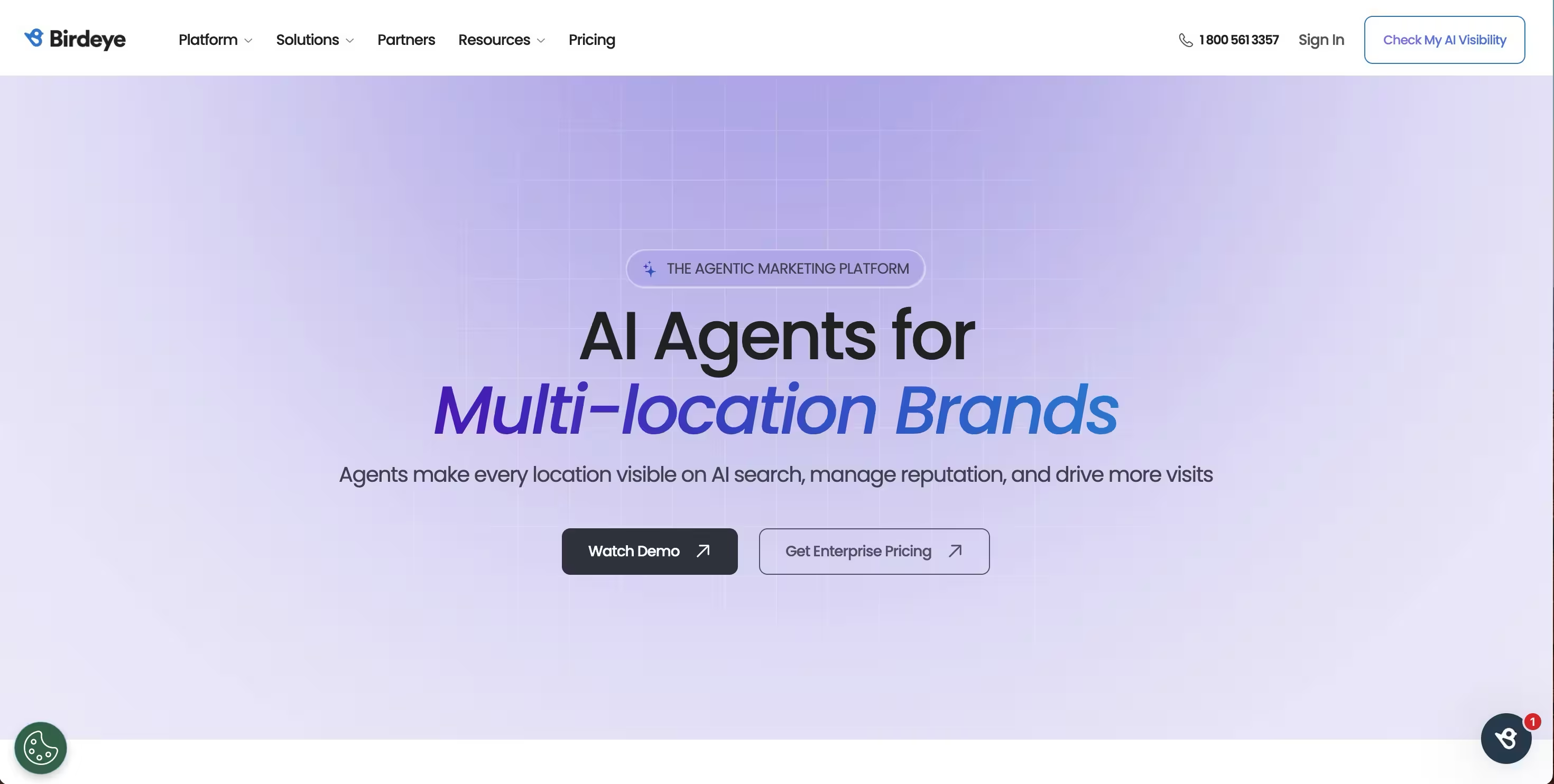
Birdeye is an agentic marketing platform for multi-location brands that uses AI agents to manage reputation, listings, social, and customer engagement. It is the pick for multi-location and local-experience programs where reviews drive growth. For CS teams at franchises or chains, Birdeye centralizes experience across every location.
Best for: Multi-location brands that need centralized AI-assisted reputation, listings, social, messaging, and customer-experience management.
Key strengths
- Reviews AI: Automates review requests, responses, and review marketing.
- Listings AI: Builds business profiles and improves local search visibility.
- Social AI: Creates and schedules posts across multi-location channels.
Why choose Birdeye: Birdeye fits when your experience program spans many physical locations and reputation is a growth lever. Its review automation scales feedback collection without manual effort per site. It is less about SaaS product adoption and more about local customer experience at scale.
Birdeye pricing: Birdeye uses a customized pricing model based on what you deploy and how many locations you have. The pricing page provides a configurator that asks for business details rather than listing public figures. Birdeye holds a strong 4.7/5 rating on G2 across more than 4,000 reviews.
10. SurveySparrow
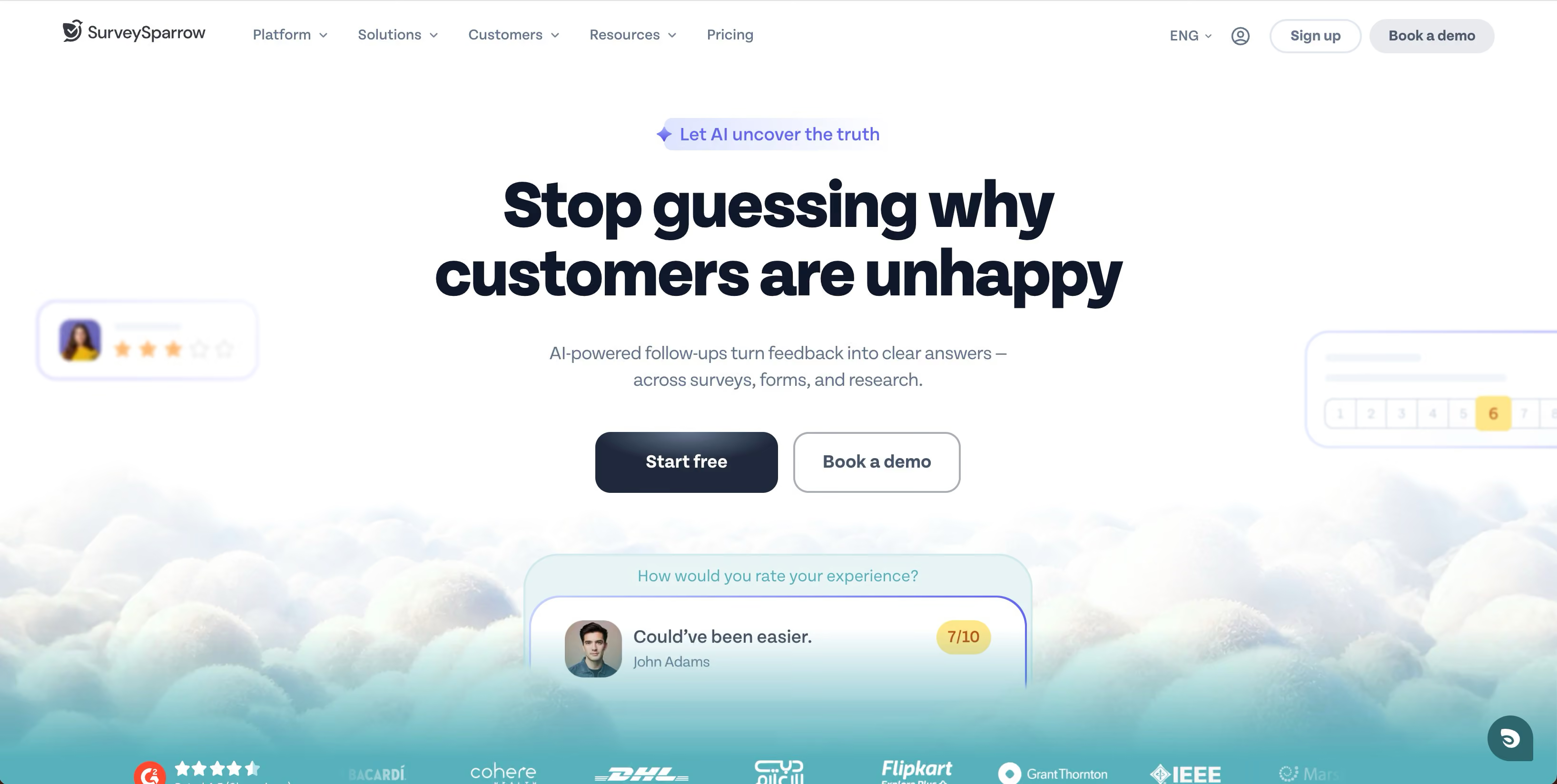
SurveySparrow is an AI-powered customer feedback platform for surveys, forms, research, and experience management. Its signature is conversational, chat-style surveys that lift response rates over static forms. For feedback-led CX teams on a budget, it captures voice of customer without enterprise cost. See how it looks in an interactive SurveySparrow demo.
Best for: Teams that need conversational, omnichannel customer or employee feedback collection with reporting and automation.
Key strengths
- Conversational surveys: Chat-style forms that feel like a dialogue, not a questionnaire.
- Omnichannel distribution: Email, social, web links, embeds, and QR codes.
- Reporting and workflows: Real-time dashboards, multilingual surveys, and integrations.
Why choose SurveySparrow: SurveySparrow fits teams that want strong NPS and CSAT collection without a heavyweight platform. Its conversational format helps lift completion rates, which means better data. The free plan and accessible tiers make it a practical starting point for smaller CS teams.
SurveySparrow pricing: SurveySparrow confirms Free, Basic, Starter, Business, and Enterprise tiers, with paid plans billed yearly. The readable pricing page did not expose numeric figures for the main plans, and a forever-free plan plus a 14-day trial are available. It holds a 4.4/5 rating on G2.
11. Survicate
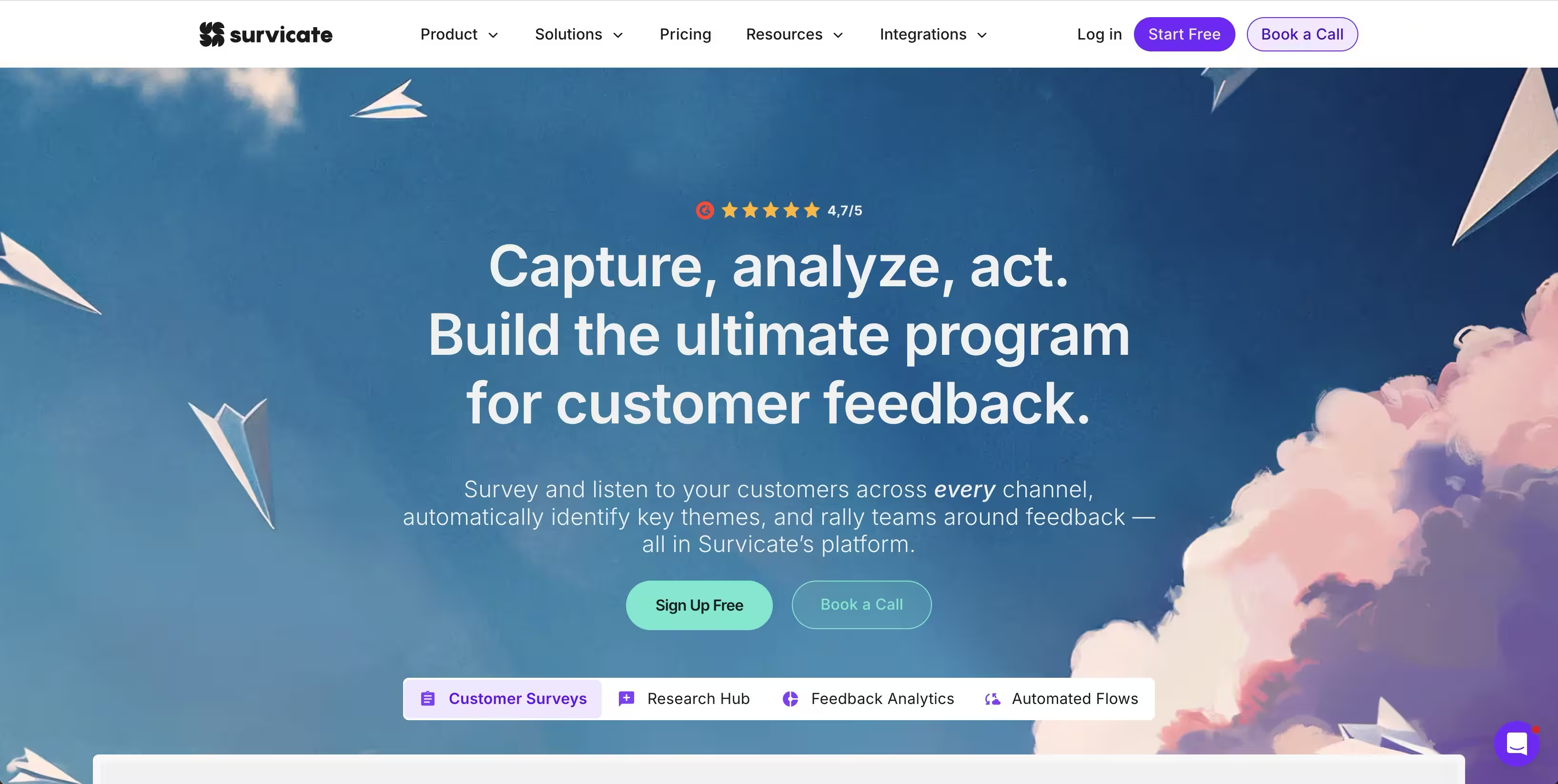
Survicate is a customer feedback platform for collecting, analyzing, and acting on feedback across channels. It leads with in-product surveys and an integrations-first approach. For SaaS teams that want to capture feedback inside the app and route it into their stack, Survicate fits cleanly.
Best for: CX, product, research, and marketing teams that need multi-channel customer feedback collection plus AI-assisted analysis.
Key strengths
- Multi-channel surveys: Email, website, in-product, mobile SDK, and feedback buttons.
- Research Hub: An AI Research Assistant that analyzes feedback and surfaces themes.
- Integrations: Native connectors, webhooks, and CRM and marketing-automation sync.
Why choose Survicate: Survicate fits teams that want in-app feedback wired directly into their CRM and analytics. Its Research Hub helps turn raw responses into themes without manual tagging. The integrations-first design means feedback does not stay trapped in a silo.
Survicate pricing: Paid plans start with Growth at $114 per month billed annually. Pro is $349 and Enterprise $569 per month, billable monthly or annually. A free 10-day trial covers up to 25 responses, and Survicate's help center notes a free account with no time limit. It holds a 4.6/5 rating on G2.
12. Genesys
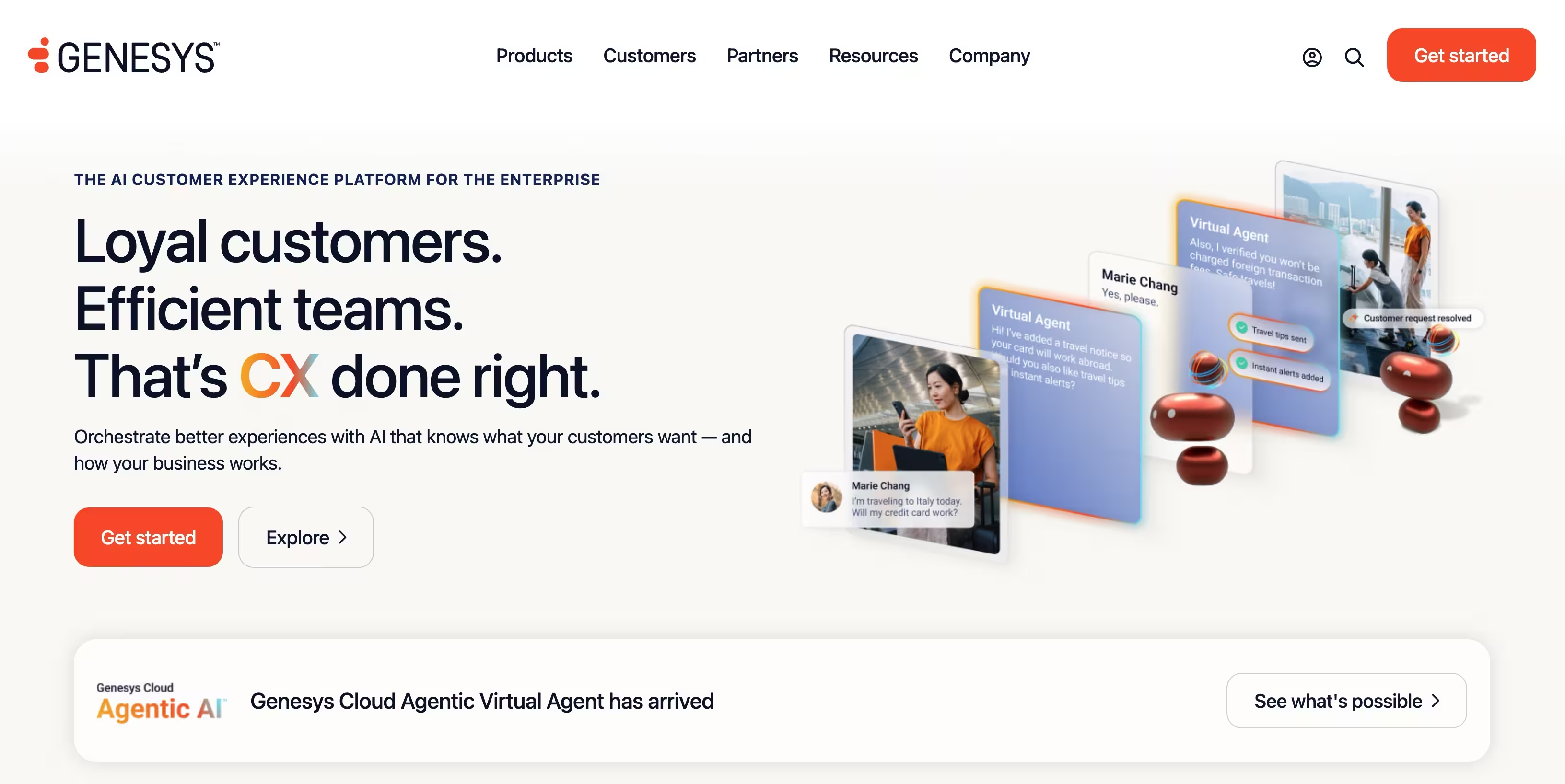
Genesys Cloud is an AI-powered customer experience platform for orchestrating customer and employee experiences across contact center channels. It is the choice for contact-center-led CX. For orgs where voice and omnichannel routing drive experience, Genesys brings orchestration, analytics, and workforce management together.
Best for: Enterprise and mid-market contact centers needing AI-powered omnichannel customer experience orchestration.
Key strengths
- Voice and IVR: Call routing and speech-enabled IVR for voice-first operations.
- Digital channels: Omnichannel routing across digital touchpoints.
- AI and WEM: Agent Copilot, virtual agents, predictive routing, and workforce management.
Why choose Genesys: Genesys fits when your CX runs through a contact center and voice is a primary channel. Its journey and experience orchestration coordinates interactions across channels at scale. It suits larger operations that need workforce management alongside customer experience.
Genesys pricing: Genesys Cloud CX 1 starts at $75 per user per month billed annually for voice. CX 2 is $115, CX 3 is $155, and CX 4 is $240, each adding omnichannel, workforce engagement, and AI capabilities. Usage-based pricing may apply. It holds a 4.4/5 rating on G2.
13. Zoho
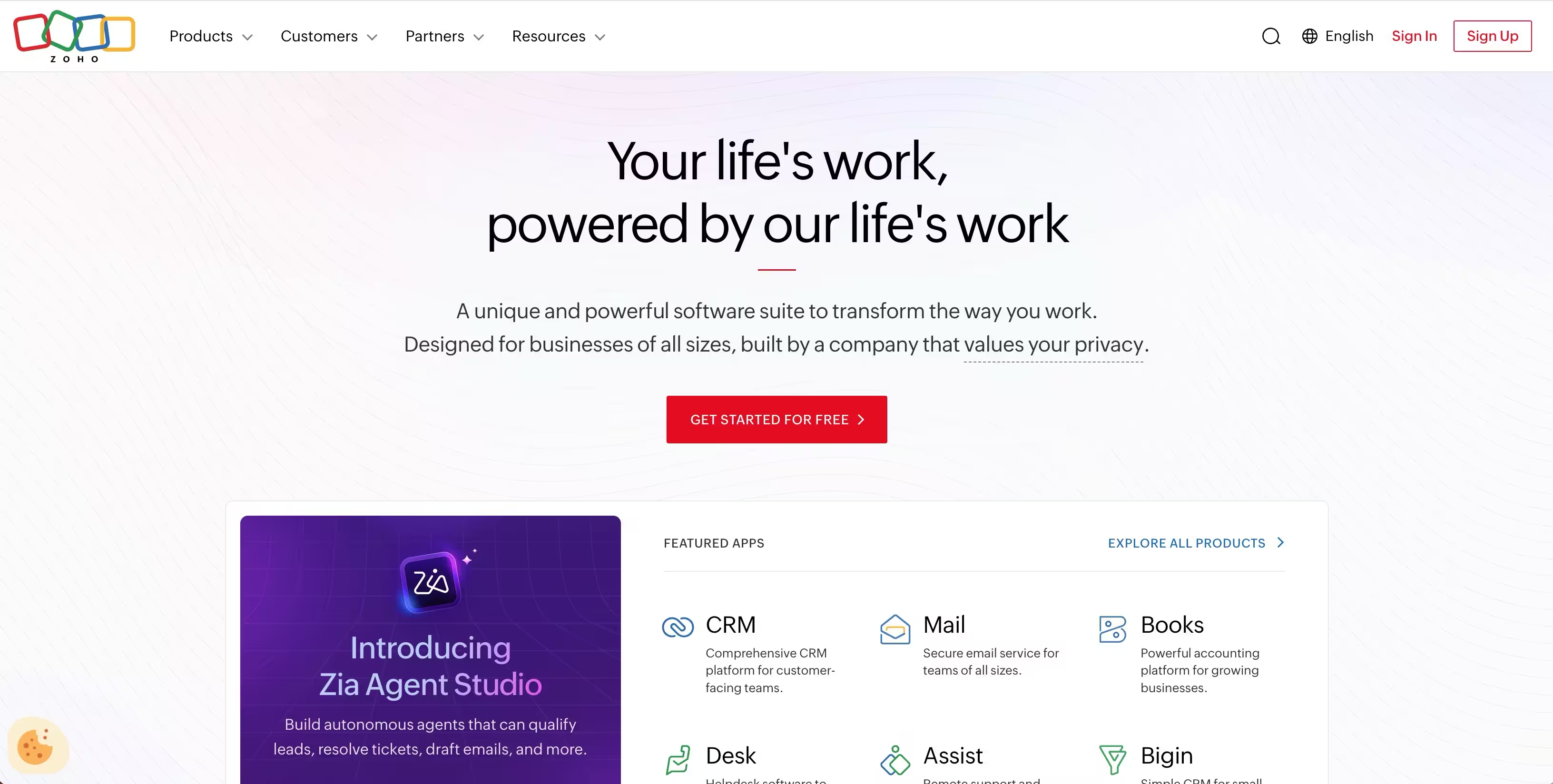
Zoho is a cloud software suite for businesses, with Zoho One providing a unified platform of 50 or more applications including CRM and Zoho Desk for service. Its draw is affordability and breadth for budget-conscious and SMB teams. You get CRM, service desk, and CX tools from one vendor at a lower entry point than enterprise peers.
Best for: Businesses that want a broad, integrated suite to run sales, marketing, support, and operations from one vendor.
Key strengths
- Integrated apps: Sales, marketing, service, finance, and operations in one suite.
- Centralized control: Unified admin across integrated business apps.
- Customization: Automation, integrations, and mobile management capabilities.
Why choose Zoho: Zoho fits SMB and budget-conscious teams that want CX and CRM without enterprise pricing. Running service and CRM from one vendor reduces integration headaches. The breadth is the appeal, though it asks you to commit to the Zoho ecosystem.
Zoho pricing: Zoho One pricing includes All Employee Pricing at $37 per employee per month billed annually, which requires licensing all employees. Flexible User Pricing runs $90 per user per month billed annually. Individual apps like Zoho Desk are also available separately at lower entry points.
14. Adobe
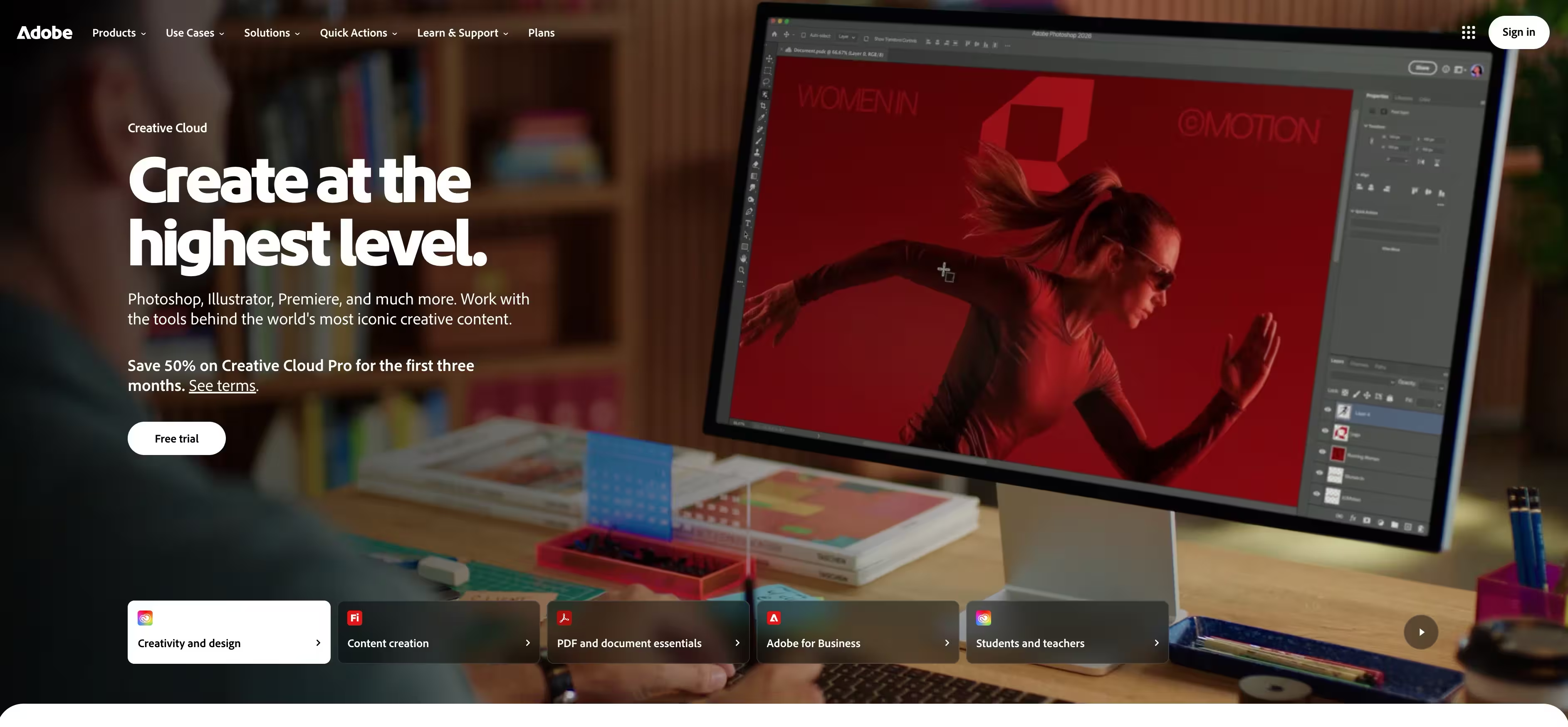
Adobe Experience Cloud and Experience Manager deliver digital experience management with content management, journey orchestration, and personalization at scale. It is the enterprise pick for digital experience programs. For orgs personalizing content and journeys across large digital properties, Adobe operates at a scale few match.
Best for: Enterprises that need digital experience management, content management, and personalization at scale.
Key strengths
- Digital experience: Content management and digital asset workflows across properties.
- Journey orchestration: Coordinating customer journeys across digital touchpoints.
- Personalization at scale: Tailored experiences driven by behavior and segment data.
Why choose Adobe: Adobe fits enterprises whose customer experience is primarily digital and content-driven. Its personalization engine works at a scale built for large marketing and experience teams. It is a serious platform investment, suited to orgs with the resources to operate it.
Adobe pricing: Adobe Experience Cloud products use enterprise pricing that varies by deployment. Adobe's broader Creative Cloud lineup publishes plans starting at $9.99 per month for individual apps, but Experience Cloud cost is scoped through Adobe directly. Adobe holds a 4.5/5 rating on G2 at the seller level.
15. Freshdesk
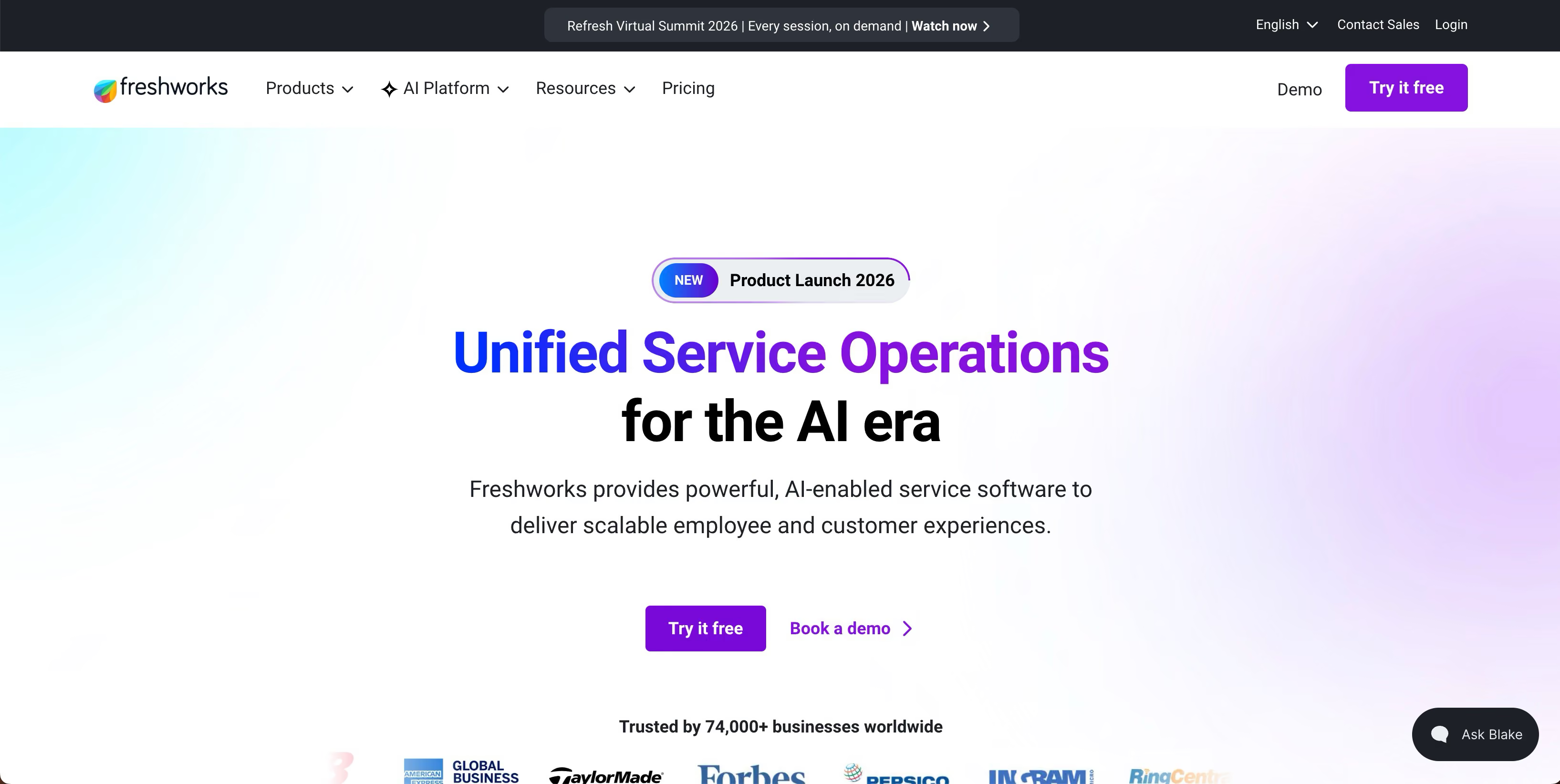
Freshworks offers Freshdesk, an AI-boosted customer support help desk with omnichannel ticketing and service workflows. It is the mid-market pick for affordable omnichannel support. For growing teams that want capable service tooling without enterprise pricing, Freshdesk balances cost and capability.
Best for: Small to mid-sized support teams that need AI-boosted help desk ticketing and customer service workflows.
Key strengths
- Ticketing and inbox: A shared inbox with ticketing and routing across channels.
- Customer portal: A multilingual help desk and self-service portal.
- Analytics and SLA: Reporting, self-service deflection, routing, and SLA management.
Why choose Freshdesk: Freshdesk fits growing CS teams that need omnichannel support without paying enterprise rates. Its AI features help deflect and route tickets so small teams stay efficient. The free program for one to two agents makes it easy to start.
Freshdesk pricing: Freshdesk offers a free program at $0 for one to two agents for six months. Growth is $19 per agent per month, Pro $55, and Enterprise $89, all billed annually. Higher tiers add custom portals, advanced ticketing, and security features. Freshdesk holds a 4.4/5 rating on G2.
How to choose the right CXM software
The best customer experience management software is the one that fits your channel mix, stack, and budget, not the one with the longest feature list. Run every option through these checks.
Integrations with your existing stack
Ask whether the platform connects natively to your CRM, help desk, Slack, and analytics, or whether it creates another silo. A tool that does not share data becomes the seventh tab nobody wants. Verify native connectors versus Zapier-only ones before you commit.
Feedback and VoC depth
Check the survey toolkit: NPS, CSAT, CES, sentiment analysis, and in-product triggers, where Net Promoter Score methodology underpins much of the feedback layer. Shallow feedback gives you scores without the why, so depth across CSAT and the Customer Effort Score framework is what turns raw responses into action. Depth here is what turns raw responses into action you can take before a renewal slips, which is why voice of customer best practices matter when designing your feedback program.
AI and automation
Look at routing, summarization, predictive churn signals, and self-service deflection. Good automation removes repetitive work so your team focuses on at-risk accounts. Weak automation just adds dashboards you have to read manually.
Scalability and pricing model
Compare seat-based versus usage-based pricing, and check how cost grows as accounts per CSM climb. A free tier helps you start, but watch for features gated behind enterprise tiers. Model the cost at your projected scale, not just today.
Security and compliance
Confirm GDPR, SOC 2, and clear data ownership for customer data, and verify the platform meets recognized SOC 2 compliance standards. You are centralizing sensitive customer information, so meeting GDPR data protection requirements is non-negotiable, and the platform's security posture is non-negotiable. Get this in front of your security team before signing.
Conclusion
There is no single best customer experience management platform, only the best fit for your motion. For enterprise CX programs, Qualtrics and Medallia lead on depth. For support-led teams, Zendesk and Intercom keep resolution and deflection in one place. Gainsight is the closest match to the customer success job itself, built around health, adoption, and renewals. On a budget, HubSpot Service Hub, Freshdesk, and Zoho deliver capable CX without enterprise pricing, while SurveySparrow and Survicate cover feedback-led teams.
The next step is simple. Shortlist two or three tools that match your channel mix and existing stack. Run a trial on each, and measure against the metrics that matter: churn rate, product adoption, and CSAT or NPS lift. Most of these vendors offer free trials or free tiers, so you can test before you spend.
Remember the thesis: you are building an integrated CX stack, not buying one all-in-one. The win is signals flowing between your tools so you act before a customer churns, not after.