You shipped a feature last Tuesday. Marketing needs something for the landing page. Sales wants a demo they can send to the three stakeholders who missed the call. CS is asking for an onboarding guide. And you're copy-pasting screenshots into a Google Slide at 11pm, knowing half the buying committee still hasn't "seen the product."
Static content doesn't show how your product works. Live demos don't scale across 8.4 stakeholders in the average B2B buying committee. And according to Gartner, 75% of B2B buyers now prefer a rep-free sales experience. The gap between "we should show this" and "they can experience this on their own" is where interactive walkthrough software lives.
This category has grown fast, and the tools inside it serve different jobs. Some build in-app onboarding for logged-in users. Others create external-facing interactive product demos you share via link or embed. Picking the wrong type wastes months.
What's inside
This guide covers 12 interactive walkthrough software tools for 2026, evaluated for SaaS product marketing, sales enablement, onboarding, and customer education. Tools were selected based on hands-on evaluation, G2 ratings, pricing transparency, and relevance to cross-functional GTM teams. You'll find a comparison table, detailed reviews with honest positioning, and buying criteria to help you shortlist.
TL;DR
- Interactive walkthrough software lets prospects and users click through your product without a live demo, login, or sandbox environment.
- Guideflow is the top pick for PMMs who need to create, personalize, and share interactive demos fast, with CRM-connected analytics.
- The category splits into two types: demo automation tools (for marketing and sales) and in-app onboarding tools (for product-led adoption). Know which you need before evaluating.
- Free tiers exist on several platforms, so testing before committing is straightforward.
- The biggest differentiators across tools are personalization depth, analytics quality, and how quickly a non-technical user can publish a walkthrough.
- Pricing ranges from free to $500+/month depending on use case and team size.
What is interactive walkthrough software
Interactive walkthrough software is a tool that lets you create guided, clickable product experiences users can follow step by step, without accessing a live environment or scheduling a call.
The core mechanics work like this: you capture a product flow (via screenshot, HTML clone, or video recording), add tooltips, hotspots, CTAs, and branching paths using a no-code editor, then publish and share via link or embed. The result is a self-serve product experience that prospects, users, or internal teams can explore on their own time.
A few distinctions worth noting, because the terminology in this space is messy:
- Product tour software is often used interchangeably with "interactive walkthrough," but product tours typically refer to in-app guides that appear inside your live product for logged-in users (think Pendo or Appcues). Interactive walkthroughs can also mean external-facing, shareable product experiences distributed via link or embed.
- Guided walkthrough vs. interactive walkthrough: A guided walkthrough is linear, step-by-step. An interactive walkthrough allows branching and user-directed exploration, so the user chooses their own path.
- Video walkthroughs (Loom-style): Passive viewing. No clicking. Lower engagement and retention compared to interactive formats.
Core capabilities across the category include:
- No-code capture and editing
- Tooltips, hotspots, callouts, and CTAs
- Branching paths ("choose your own journey")
- Personalization (text, images, data)
- Sharing via link, embed, email, or social
- Engagement analytics (completion rate, drop-offs, time per step)
When to use interactive walkthrough software
Marketing and demand gen: Embed on landing pages, in email campaigns, or in ads to let prospects experience the product before booking a call. An interactive product demo on a landing page consistently outperforms static screenshots for conversion because the prospect is doing, not reading.
Sales enablement: Give AEs and SEs shareable product experiences they can send to buying committees. The VP who missed the Tuesday call can explore the product Thursday evening. No scheduling required, no SE time burned.
Feature launches: An interactive walkthrough of the new feature is more effective than a changelog entry or a blog post with screenshots. Show the workflow. Let users click through it. Product adoption improves when users learn by doing.
Customer onboarding and education: Replace repetitive training calls with self-serve guides users follow at their own pace. This is where onboarding flow software and website walkthrough software overlap, depending on whether your audience is logged in or not.
Internal enablement: Train Sales, CS, and partner teams on product updates without scheduling live sessions. One walkthrough, distributed to everyone who needs it.
Best interactive walkthrough software comparison table
Here's how the 12 product walkthrough software tools compare across intent, key use case, pricing, and G2 rating.
| # | Product | Intent | Key use case | Pricing | G2 rating |
|---|---|---|---|---|---|
| 1 | Guideflow | Demo automation and product education | Marketing, sales, and CS interactive demos | Free tier; paid from $35/mo | 4.7/5 |
| 2 | WalkMe | Digital adoption platform | Enterprise in-app guidance and change management | Custom pricing | 4.5/5 |
| 3 | Pendo | Product analytics + in-app guides | Product-led onboarding and feature adoption | Free tier; paid plans custom | 4.4/5 |
| 4 | Appcues | No-code in-app onboarding | User onboarding flows and feature announcements | From $249/mo | 4.6/5 |
| 5 | Whatfix | Digital adoption platform | Enterprise training and application support | Custom pricing | 4.6/5 |
| 6 | Chameleon | In-app product tours | Targeted in-app tours and surveys | From $279/mo | 4.4/5 |
| 7 | UserGuiding | No-code onboarding | Budget-friendly onboarding for SMBs | From $69/mo | 4.7/5 |
| 8 | Userpilot | Product growth platform | Activation, adoption, and retention flows | From $249/mo | 4.6/5 |
| 9 | Product Fruits | In-app onboarding suite | Onboarding, feedback, and knowledge base | From $79/mo | 4.7/5 |
| 10 | Intercom | Customer messaging platform | In-app tours within support and messaging | From $29/seat/mo | 4.5/5 |
| 11 | Loom | Async video walkthroughs | Quick video explanations and product demos | Free tier; paid from $12.50/mo | 4.7/5 |
| 12 | ClickLearn | Automated documentation | ERP/CRM walkthrough generation | Custom pricing | 4.5/5 |
12 best interactive walkthrough software tools reviewed
1. Guideflow
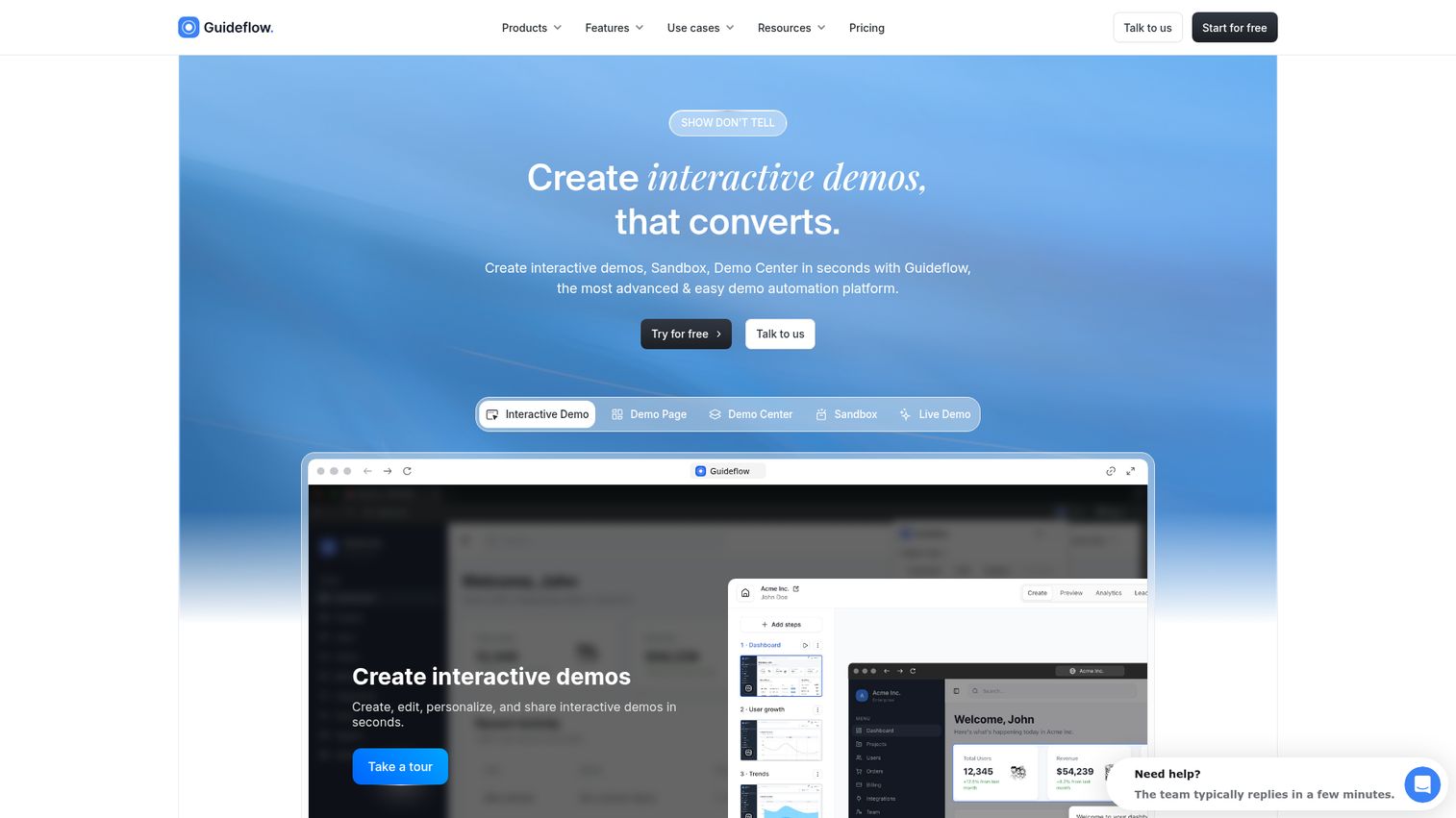
Guideflow is a demo automation platform that turns your product into interactive, clickable walkthroughs prospects and users can explore without a live call or login. It's built for the PMM who needs one asset that works across marketing, sales, and customer education, without filing an engineering ticket.
The creation workflow is fast. You capture your product flow directly from your browser (screenshot, HTML clone, or video-based), then refine in the no-code builder with tooltips, CTAs, forms, callouts, highlights, and branching paths. Guideflow claims a demo can be ready in under 3 minutes, and the capture-to-publish speed is where it stands out for teams shipping multiple launches per quarter.
Where Guideflow fits the PMM's workflow: when you're launching a feature and need an interactive product demo for the landing page, an enablement piece for Sales, and an onboarding guide for CS, you create one walkthrough and distribute it across all three channels. Personalization with CRM-driven dynamic variables means each audience sees content tailored to their role, industry, or company. That's the difference between a generic asset and one that resonates with a specific buying committee member.
AI features accelerate production further: auto-generated steps, translations for international teams, synthetic voiceovers, and avatars. For teams shipping across multiple markets, this removes days of localization work.
Analytics track engagement at the session level: steps viewed, clicks, time spent, drop-offs, and completions. Data syncs to Salesforce, HubSpot, Slack, and Segment via native integrations, so your pipeline reviews include actual buyer engagement data, not just "they opened the email."
Best for: PMMs and GTM teams who need to create, personalize, and share interactive product experiences across marketing, sales, and customer education, without engineering involvement.
Key strengths
- No-code capture and editing (screenshot, HTML, or video-based)
- Deep personalization with CRM-driven dynamic variables
- Branching "choose your own journey" paths
- Multi-channel distribution: embed, link, email, social, ads
- Session-level analytics: steps viewed, clicks, time, drop-offs, completions
- AI-powered step generation, translations, and voiceovers
- Integrations with Salesforce, HubSpot, Slack, Segment, and more
Pricing: Free tier available. Paid plans from $35/month.
Start your journey with Guideflow today!
2. WalkMe
WalkMe is a digital adoption platform (DAP) designed for enterprise organizations to guide employees and customers through complex software applications with in-app walkthroughs, tooltips, and automation.
WalkMe sits as an overlay on top of enterprise applications (Salesforce, Workday, SAP, ServiceNow) and provides step-by-step guidance within the live application. This is fundamentally different from demo automation tools. WalkMe's primary strength is internal digital adoption and change management: helping employees learn new software during rollouts, reducing support tickets, and automating repetitive tasks within enterprise workflows.
For the PMM's world: if your company is rolling out a new internal tool or making significant changes to the product UI, WalkMe can guide users through those changes in real time inside the application itself. For external-facing use cases like marketing demos, sales enablement, or self-serve product experiences shared via link, WalkMe is not the right fit. It's built for a different job.
The platform includes advanced user segmentation, workflow analytics, and task automation. Enterprise security and compliance (SOC 2, GDPR) are strong. The trade-off is complexity: WalkMe requires significant implementation and ongoing maintenance, and the pricing reflects its enterprise positioning.
Best for: Enterprise organizations managing digital adoption across complex internal applications and large-scale software rollouts.
Key strengths
- In-app guidance layered on top of any web application
- Automation of repetitive tasks within enterprise software
- Advanced user segmentation and targeting
- Analytics on user behavior and workflow completion
- Strong enterprise security and compliance (SOC 2, GDPR)
- Integrations with major enterprise platforms
Pricing: Custom pricing. Typically enterprise-tier. WalkMe does not publish pricing publicly.
3. Pendo
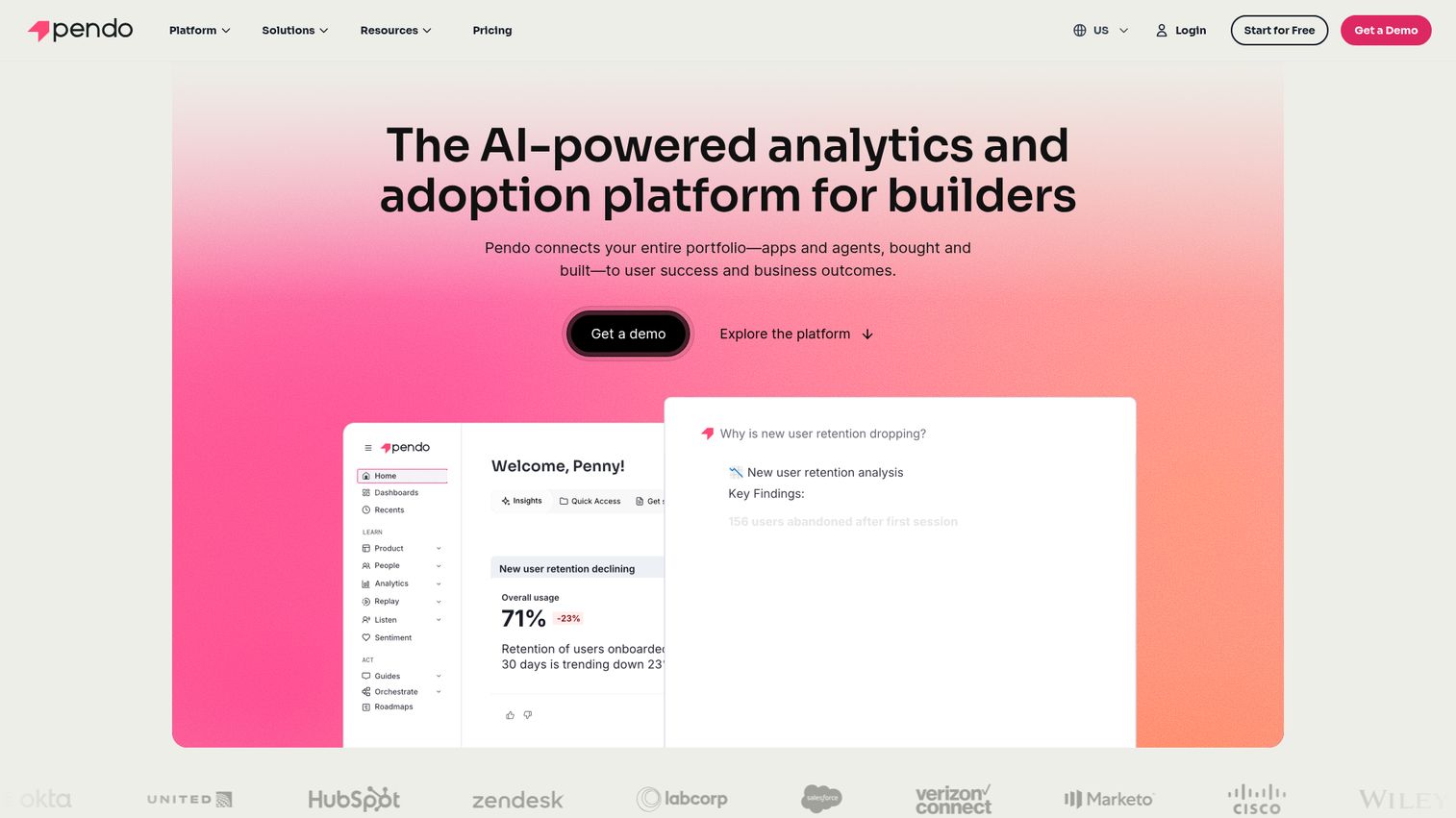
Pendo is a product experience platform that combines product analytics, in-app guides, and user feedback in one tool.
Pendo's proposition is connecting data to action. You can understand how users behave inside your product (analytics), build targeted in-app software walkthroughs for users who haven't activated a key workflow (guides), and collect feedback, all without code. The walkthrough capability is part of a broader product analytics suite, which means you're not just building guides in isolation. You're building them based on actual usage data.
For the PMM: if you need to understand feature adoption and then build targeted in-app guides for users who dropped off at a specific step, Pendo connects the insight to the intervention. The walkthrough is triggered by behavior, not just a static link. Retroactive analytics (no pre-tagging required) mean you can analyze past behavior without having instrumented every event in advance.
The important distinction: Pendo's walkthroughs are in-app. They appear inside your live product for logged-in users. They're not external-facing demos you can share via link or embed on a landing page. If your primary need is marketing demos or sales enablement assets, Pendo won't cover that use case.
Best for: Product teams and PMMs who want to combine product analytics with in-app onboarding and feature adoption guides.
Key strengths
- Product analytics and in-app guides in one platform
- Behavior-based targeting for walkthrough triggers
- Retroactive analytics (no pre-tagging required)
- User feedback and NPS surveys
- Free tier (Pendo Free) for small products
- Strong integrations with Salesforce, Segment, and data warehouses
Pricing: Free tier available. Paid plans are custom-priced based on monthly active users.
4. Appcues
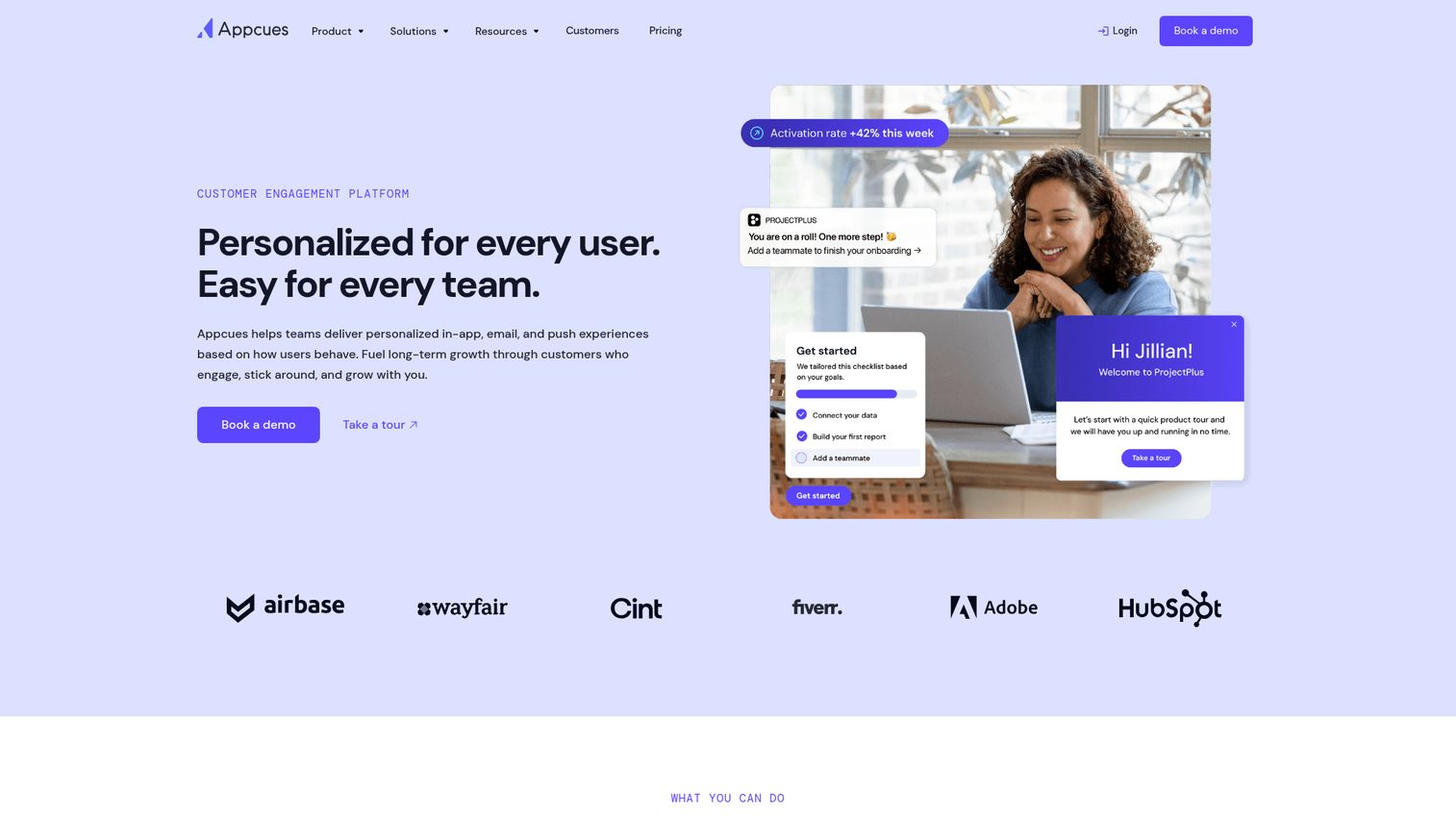
Appcues is a no-code platform for building in-app onboarding flows, product tours, and feature announcements.
Appcues is built for product and growth teams who want to create multi-step onboarding experiences, tooltips, and modals inside their web application without writing code. The focus is user activation and feature adoption within the product. If your primary need is guiding new users through their first experience post-signup, Appcues is a strong fit. The builder is clean, setup is fast, and the event-based targeting lets you show the right flow to the right user at the right moment.
Appcues also supports A/B testing for onboarding flows, which is useful if you're iterating on activation rates. Checklists and progress tracking give users a clear sense of what's next, which helps with completion rates.
The constraint: Appcues requires installation of a JavaScript snippet in your product. It's an in-app tool, not a demo creation tool. For external marketing demos, pre-signup product experiences, or shareable sales enablement assets, you'll need a separate tool.
Best for: Product and growth teams building in-app onboarding flows to improve user activation and feature adoption.
Key strengths
- No-code builder for in-app flows, tooltips, and modals
- Event-based targeting and user segmentation
- A/B testing for onboarding flows
- Checklists and progress tracking for users
- Clean UI and fast setup
- Integrations with Segment, Amplitude, HubSpot, and more
Pricing: From $249/month (Essentials plan).
5. Whatfix
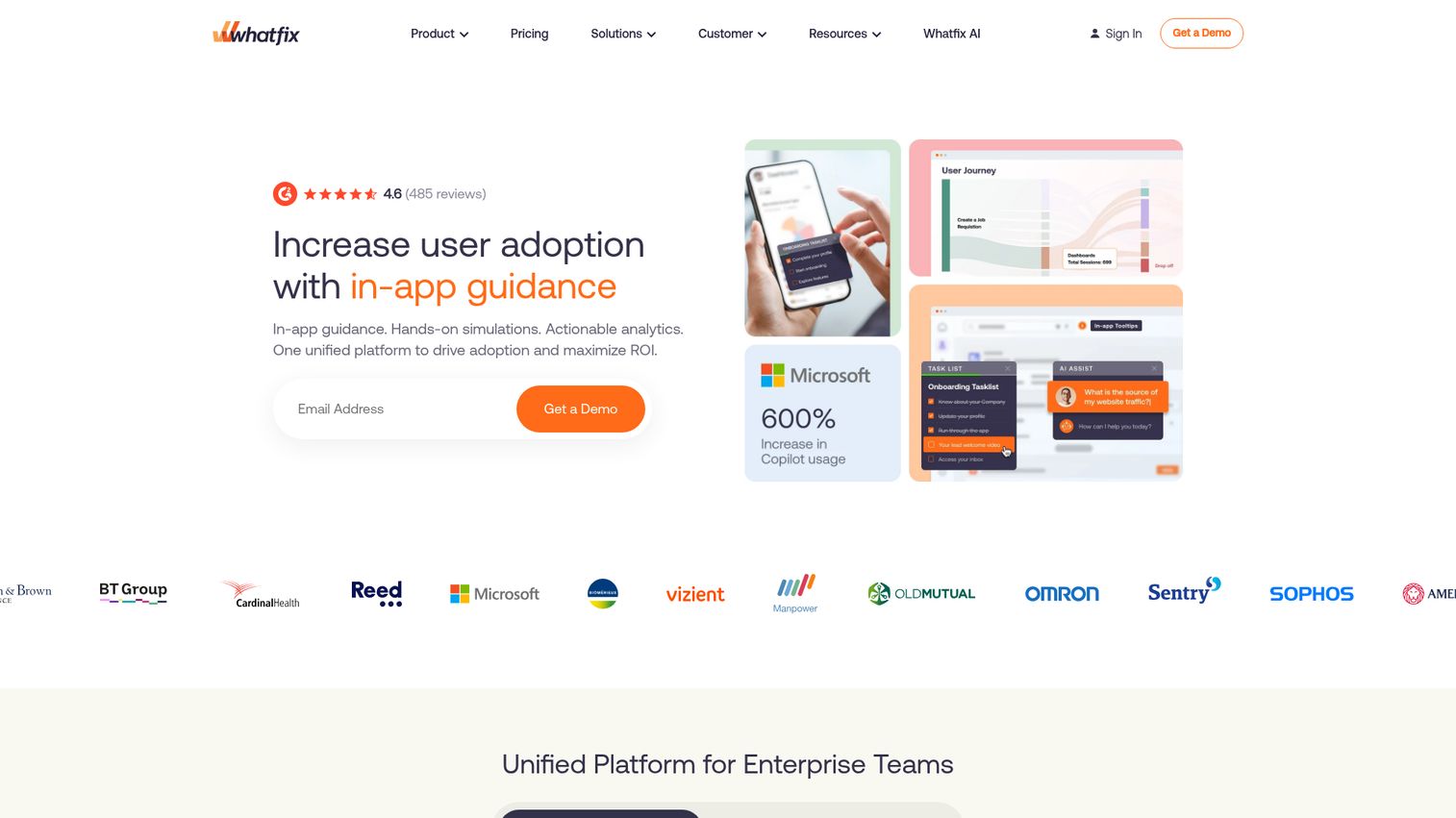
Whatfix is a digital adoption platform that provides in-app guidance, self-service support, and process automation for enterprise applications.
Similar to WalkMe, Whatfix overlays on top of existing software (CRM, ERP, HRIS) to guide users through workflows. Where Whatfix differentiates is in its multi-format output: a single walkthrough recording can be automatically converted into in-app guidance, video tutorials, PDF documentation, and slideshows. For enterprise training teams managing complex application rollouts across thousands of users, this reduces content creation overhead significantly.
Whatfix is particularly strong for reducing support ticket volume by providing contextual help inside the app. When a user gets stuck on a specific step in Salesforce or SAP, Whatfix surfaces the relevant guide without the user needing to leave the application or search a knowledge base.
For the PMM: Whatfix is relevant if your walkthrough need is internal (training teams on new tools, guiding customers through complex product workflows in the live application). For marketing-facing interactive demos or shareable self-serve demo experiences, it's not the primary fit.
Best for: Enterprise teams that need in-app guidance and training across complex business applications.
Key strengths
- In-app walkthroughs, tooltips, and task lists
- Auto-generated help content from walkthroughs
- Multi-format output: in-app, video, PDF, slideshows
- User segmentation by role, department, or behavior
- Analytics on user engagement and task completion
- Enterprise-grade security and compliance
Pricing: Custom pricing (enterprise sales model).
6. Chameleon
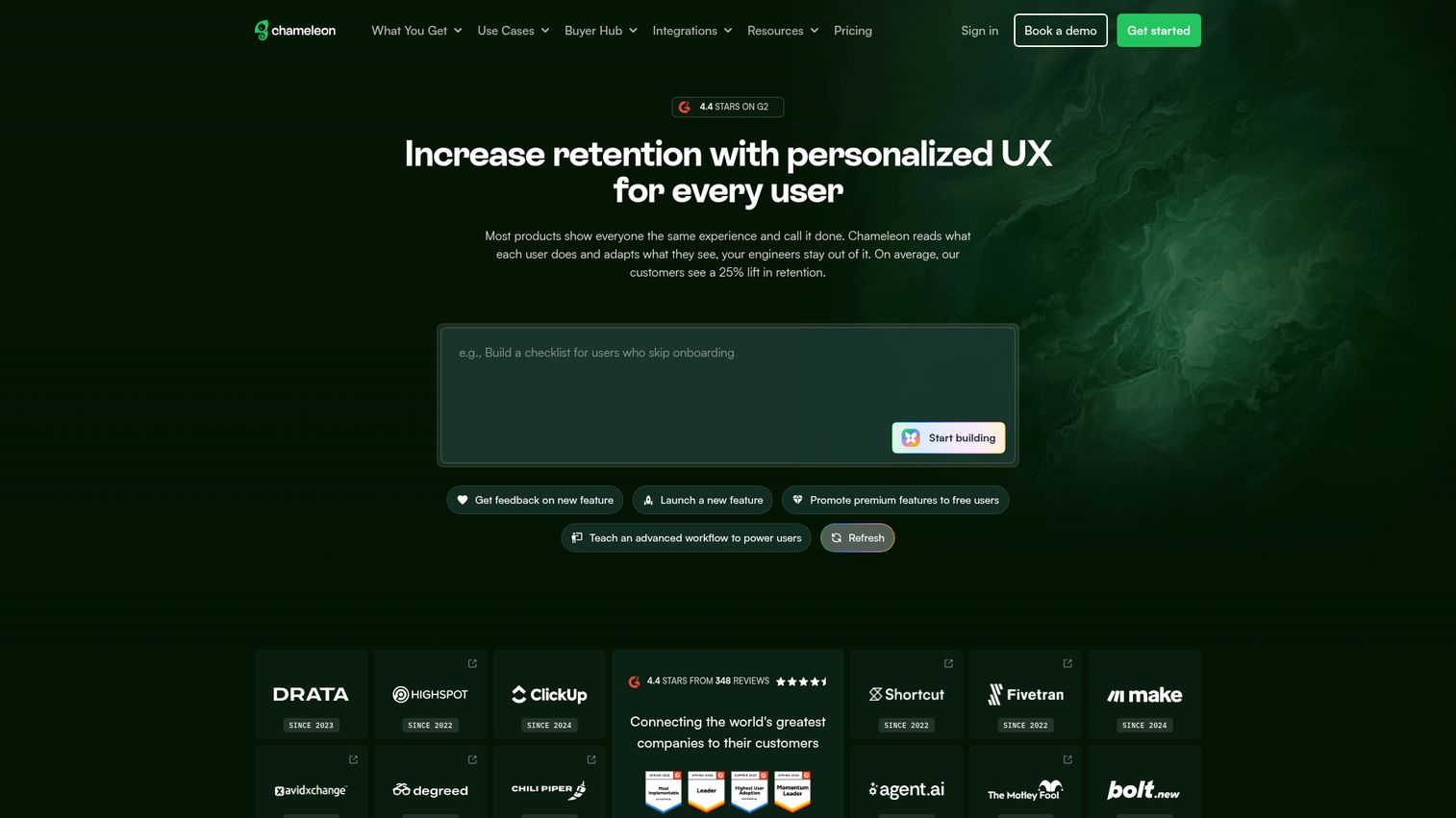
Chameleon is an in-app product tour and engagement platform designed for SaaS product teams.
Chameleon's differentiator is design customization. If your product team cares about in-app tours that feel native to your UI (not generic overlays that look bolted on), Chameleon's deep CSS customization gives you that control. Tours, tooltips, and surveys can match your product's design system precisely, which matters for user trust and brand consistency.
Targeting is precise: you can trigger tours based on user properties, events, segments, and even rate-limit tours to prevent "tour fatigue," where users get overwhelmed by too many in-app prompts. This is a real problem with onboarding tools, and Chameleon addresses it directly.
Chameleon also supports in-app surveys and micro-surveys, which is useful for collecting feedback at the moment of interaction rather than through a separate email survey days later.
The constraint is the same as other in-app tools: Chameleon requires a JavaScript installation and works only inside your live product. It's not built for external-facing demos or shareable product experiences.
Best for: SaaS product teams that want highly customizable, design-forward in-app tours and feature announcements.
Key strengths
- Deep CSS customization for native-feeling tours
- Precise targeting by user properties, events, and segments
- In-app surveys and micro-surveys
- A/B testing for tours
- Rate limiting to prevent "tour fatigue"
- Integrations with Segment, Mixpanel, HubSpot, and Salesforce
Pricing: From $279/month (Growth plan).
7. UserGuiding
UserGuiding is a no-code onboarding and product adoption platform built for teams that need to ship in-app walkthroughs quickly and affordably.
UserGuiding is often the entry point for SaaS teams that want user onboarding software without the price tag of Pendo or Appcues. It covers the core use cases: product tours, tooltips, hotspots, checklists, and resource centers. The no-code builder is straightforward, and setup is fast enough that a PMM or product manager can have a first walkthrough live within a day.
The resource center feature acts as an in-app knowledge base, giving users a single place to find guides, announcements, and help content without leaving the product. For teams that don't have a dedicated help center tool, this is a practical addition.
For the PMM at a Series A or B SaaS company: if you need to get onboarding guides live fast without a large budget, UserGuiding is a practical starting point. The trade-off compared to more mature platforms is less depth in analytics, targeting, and A/B testing. As your onboarding needs grow more sophisticated (behavior-based triggers, multi-segment flows, granular analytics), you may outgrow it.
Best for: SMB and mid-market SaaS teams that need affordable, no-code in-app onboarding.
Key strengths
- Fast setup with no-code builder
- Product tours, tooltips, hotspots, and checklists
- Resource center (in-app knowledge base)
- User segmentation
- Competitive pricing for smaller teams
- Integrations with major analytics and CRM tools
Pricing: From $69/month (Basic plan).
8. Userpilot
Userpilot is a product growth platform that combines in-app experiences, product analytics, and user feedback.
Userpilot positions itself as a "product growth" tool, not just onboarding. The platform includes in-app flows, feature adoption tracking, NPS surveys, and analytics. The walkthrough capability is part of a broader activation and retention toolkit, which means you're not just building a tour. You're connecting it to the metrics that matter: activation rate, feature adoption, and retention.
For the PMM: Userpilot is relevant when your walkthrough need is tied to product-led growth metrics. It gives you both the analytics to identify where users drop off and the in-app tools to intervene. Feature tagging lets you track adoption of specific capabilities without engineering instrumentation, and the funnel and retention reporting helps you measure whether your in-app guides are actually moving the numbers.
The platform is web-only (no mobile support), and the analytics depth, while strong, doesn't replace a dedicated product analytics tool like Amplitude or Mixpanel for complex analysis. But for teams that want onboarding and analytics in one place without managing two vendors, Userpilot covers the ground well.
Best for: Product-led SaaS teams focused on activation, adoption, and retention metrics.
Key strengths
- In-app experiences triggered by user behavior and segments
- Product analytics with funnel and retention reporting
- NPS and micro-surveys
- Feature tagging for adoption tracking
- No-code builder with design customization
- Integrations with Amplitude, Mixpanel, HubSpot, and Segment
Pricing: From $249/month (Starter plan).
9. Product Fruits
Product Fruits is an in-app onboarding suite that combines product tours, hints, a knowledge base, and user feedback in one platform.
Product Fruits bundles several onboarding capabilities (tours, checklists, announcements, knowledge base, feedback widgets) at a more accessible price than enterprise DAPs. The announcement feeds are useful for feature launches: instead of relying on email or a changelog page, you can surface new features directly inside the product where users will actually see them.
The built-in knowledge base and "life ring" button give users a self-service help option within the app. For teams that don't want to manage a separate knowledge base tool alongside their onboarding platform, this consolidation is practical.
For the PMM: if you need a combined onboarding and self-service help tool without managing multiple vendors, Product Fruits covers the basics well. The feedback collection widget also gives you a direct channel for user input, which feeds back into your messaging and positioning work. The trade-off is that no single capability goes as deep as a dedicated tool in that category. Analytics are functional but not as granular as Pendo or Userpilot.
Best for: SaaS teams that want a bundled onboarding, knowledge base, and feedback tool at a mid-range price.
Key strengths
- Product tours, hints, and checklists
- Built-in knowledge base and life ring button
- Announcement feeds for feature launches
- User feedback collection
- No-code setup
- Competitive pricing for the feature set
Pricing: From $79/month.
10. Intercom
Intercom is a customer messaging and support platform that includes product tour capabilities as part of its broader communication suite.
Intercom's product tours are an add-on to its messaging platform. If you're already using Intercom for support chat, help center, and customer messaging, adding in-app tours creates a unified communication layer. The tour builder is simpler than dedicated onboarding tools, but it benefits from tight integration with Intercom's messaging, bot, and automation capabilities. You can trigger tours based on user behavior, chain them into multi-step sequences (Series), and connect them to support workflows.
For the PMM: if your team already runs on Intercom for customer communication, adding tours avoids another vendor and keeps your in-app messaging consistent. The trade-off is less depth in tour targeting, design customization, and analytics compared to dedicated walkthrough tools like Appcues or Chameleon. Product tours may also require higher-tier Intercom plans, which can increase cost if you're only using it for this capability.
Intercom's mobile support is strong, which is a differentiator if your app walkthrough software needs extend to mobile experiences.
Best for: Teams already using Intercom for customer messaging who want to add basic in-app tours without a separate tool.
Key strengths
- Product tours integrated with messaging and support
- Triggered by user behavior and attributes
- Series feature for multi-step onboarding sequences
- Bot and automation integration
- Strong mobile support
- Unified customer communication platform
Pricing: From $29/seat/month (Starter). Product tours may require higher-tier plans.
11. Loom
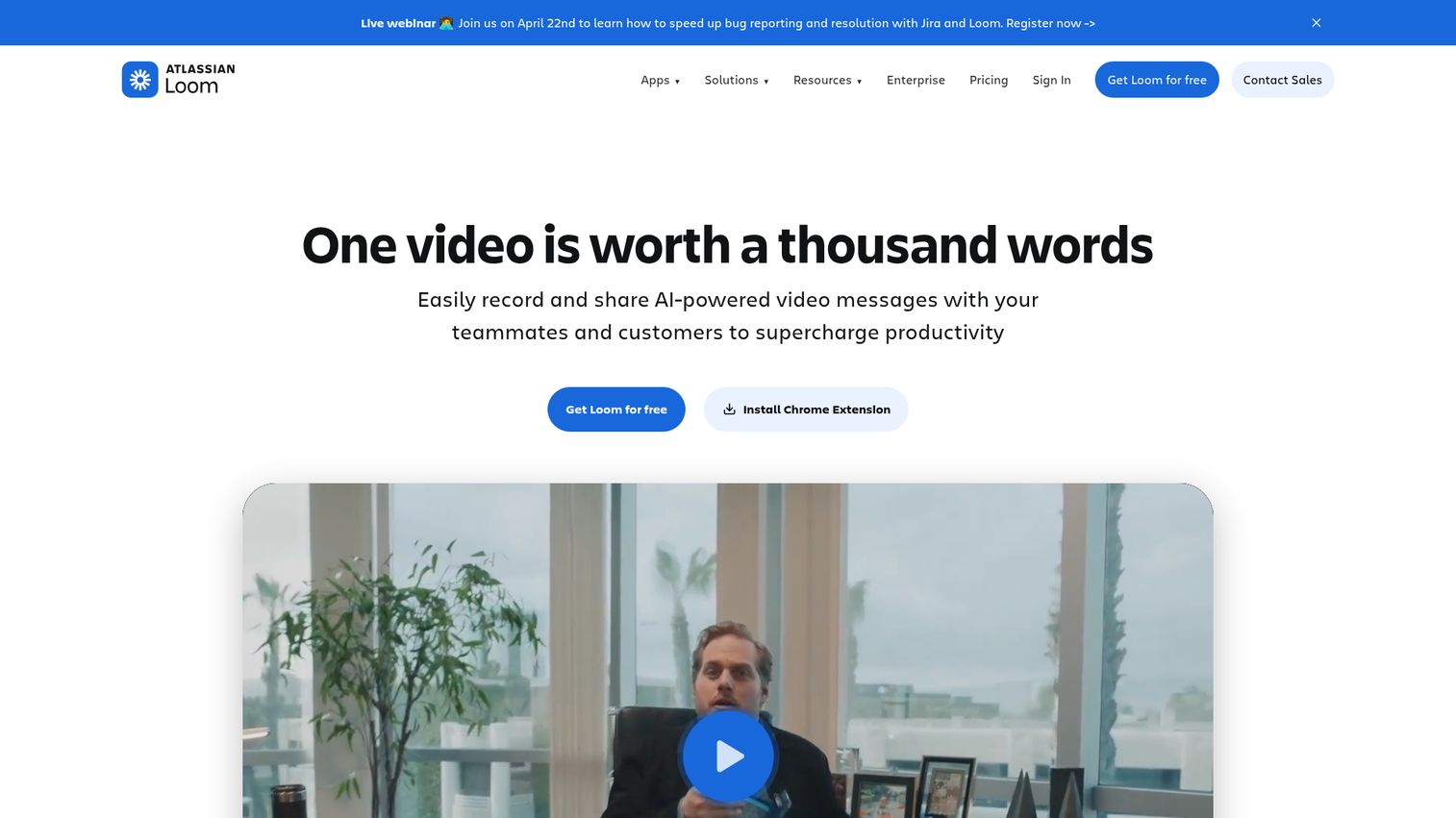
Loom is an async video messaging tool that lets you record screen, camera, or both to create quick video walkthroughs.
Loom is not interactive walkthrough software in the traditional sense. It creates video walkthroughs, not clickable product experiences. But it's included here because many PMMs and product teams use Loom as a lightweight alternative for product education, internal enablement, and quick demos. It's fast, familiar, and requires zero setup. You hit record, walk through the product, and share a link. Done.
For the PMM: Loom is useful for ad-hoc explanations, internal training, and quick product updates where you need something out the door in five minutes. The transcription and chapters features make longer recordings scannable. Viewer reactions and comments add a layer of async feedback.
The limitation is clear: viewers watch passively. There's no clicking, no branching, and no engagement analytics beyond view count and watch time. For scalable, measurable product education where you need to know which features a prospect explored and where they dropped off, interactive tools outperform video. Loom is a complement to interactive walkthrough software, not a replacement.
Best for: Quick, informal product explanations and internal communication where interactivity isn't required.
Key strengths
- Record and share in under a minute
- Screen + camera recording
- Viewer reactions and comments
- Transcription and chapters
- Widely adopted (low adoption friction)
- Free tier for basic use
Pricing: Free tier available. Business plan from $12.50/user/month.
12. ClickLearn
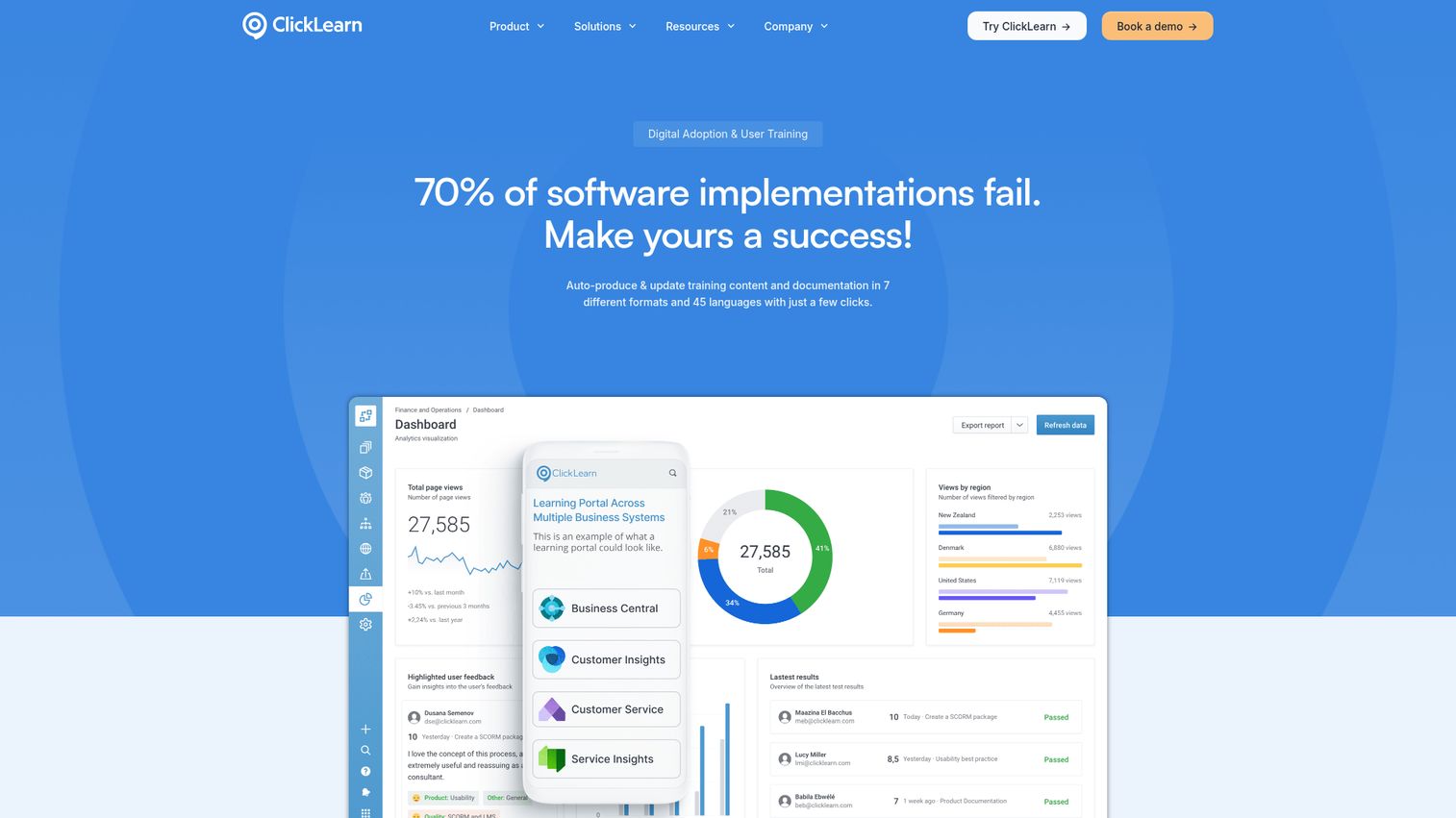
ClickLearn is an automated documentation and walkthrough tool designed for enterprise applications, particularly ERP and CRM systems like Microsoft Dynamics, SAP, and Oracle.
ClickLearn's differentiator is automated multi-format output. You record a single business process, and the platform generates interactive walkthroughs, written documentation, video tutorials, and in-app guidance automatically. It supports 45+ languages out of the box, which is a significant advantage for global enterprises rolling out ERP systems across multiple regions.
For the PMM: ClickLearn is relevant if your company sells enterprise software and needs to create training materials for complex workflows at scale. The virtual assistant provides in-app guidance similar to WalkMe or Whatfix, but ClickLearn is specifically optimized for enterprise applications (Dynamics, SAP, Oracle) rather than general SaaS products.
For SaaS marketing demos, buyer-facing product experiences, or self-serve product education outside of ERP/CRM contexts, ClickLearn is not the right fit. It's built for a specific enterprise training use case and does that job well.
Best for: Enterprise IT and training teams creating documentation and walkthroughs for ERP/CRM systems.
Key strengths
- Automated multi-format output from a single recording
- Supports 45+ languages automatically
- Built for enterprise applications (Dynamics, SAP, Oracle)
- Virtual assistant for in-app guidance
- Version management for documentation
- Enterprise security and compliance
Pricing: Custom pricing (enterprise sales model).
How to choose the right interactive walkthrough software
Before you start comparing features, answer one question first. It filters out half the list immediately.
- Internal vs. external use case: Are you building walkthroughs for logged-in users inside your product (in-app onboarding) or for prospects and stakeholders outside your product (marketing demos, sales enablement)? In-app tools (Pendo, Appcues, Chameleon, UserGuiding, Userpilot, Product Fruits) require a JavaScript snippet in your product. Demo automation tools (Guideflow) create shareable, external-facing experiences. Pick the wrong type and you'll waste a quarter.
- Creation speed: How fast can a non-technical user go from idea to published walkthrough? Measure in minutes, not days. If every no-code walkthrough still requires a designer or developer to finish, it's not actually no-code.
- Personalization depth: Can you tailor content by persona, company, industry, or CRM data? This matters for sales enablement and ABM use cases where a generic walkthrough won't resonate with a specific buying committee.
- Analytics quality: Do you get session-level engagement data (who viewed what, where they dropped off), or just page views? Can you trust the numbers enough to defend them in a pipeline review?
- Integrations: Does it connect to your CRM, marketing automation, analytics stack, and communication tools? Data that stays siloed in the walkthrough tool is data your team won't use.
- Maintenance burden: When the product UI changes, how much rework is required to keep walkthroughs current? This is the hidden cost most teams underestimate.
- Pricing model: Per user, per walkthrough, flat rate? Does it scale with your team size without surprise jumps at the next tier?
Conclusion
Start by clarifying whether you need in-app onboarding (post-login user guidance) or external-facing interactive demos (pre-login product experiences for marketing and sales). That single distinction narrows the list from 12 to 5 or 6 immediately.
For PMMs focused on product education, launch enablement, and sales support, demo automation tools like Guideflow give you the most flexibility: create once, personalize per audience, distribute everywhere, and track engagement at the session level. Explore the demo showcase to see real examples of interactive walkthroughs in action.
For product teams focused on activation and retention inside the live product, in-app tools like Pendo, Appcues, or Userpilot connect analytics to action.
Most platforms offer free tiers or trials. Test with a real use case (an actual feature launch, a real sales scenario), not a sandbox exercise. The tool that feels fast and natural on a real project is the one your team will actually adopt.
Start your journey with Guideflow today!
FAQs
Interactive walkthrough software lets you create guided, clickable product experiences that users follow step by step. Unlike static screenshots or video recordings, users actively click through the interface, which improves comprehension and retention. These tools are used for product demos, onboarding, training, and sales enablement across SaaS organizations.
The terms are often used interchangeably, but there's a practical distinction. Product tours typically refer to in-app guides that appear inside your live product for logged-in users (tools like Pendo, Appcues). Interactive walkthroughs can also refer to external-facing, shareable product experiences that prospects explore via a link or embed without logging in (tools like Guideflow). The right choice depends on whether your audience is inside or outside your product.
They reduce time-to-value by showing users exactly what to do, in context, at the moment they need it. Instead of reading documentation or watching a video, users learn by doing. This active engagement leads to higher completion rates and better retention of information. For SaaS products, this translates to faster activation and lower support ticket volume.
Yes. Most modern interactive walkthrough tools offer no-code builders. You typically capture your product flow via a browser extension or screen recording, then edit in a visual editor to add tooltips, CTAs, and branching. No engineering involvement is required for creation, editing, or publishing.
Track completion rates, engagement depth (steps viewed, time spent), and conversion events (demo-to-signup, onboarding completion, feature activation). For sales use cases, measure how walkthrough engagement correlates with deal progression. These metrics are proxies, not perfect attribution, but they're more actionable than page views on a static help article and they give you data you can bring to a pipeline review.
Video walkthroughs (like Loom recordings) are passive: the viewer watches but doesn't interact. Interactive walkthroughs are active: the user clicks through the product interface, making decisions and following steps. Interactive formats consistently show higher engagement and completion rates because the user is doing, not watching.
With modern no-code tools, a basic interactive walkthrough can be created in minutes. Guideflow claims under 3 minutes from capture to published demo. More complex walkthroughs with branching, personalization, and custom branding may take 15 to 30 minutes. The key factor is whether the tool requires engineering involvement, which adds days or weeks to the timeline.
For sales enablement, you need a tool that creates shareable, external-facing product experiences (not just in-app guides). Look for personalization capabilities (tailor the walkthrough per prospect), engagement analytics (see what the buyer explored), and CRM integration (sync engagement data to your pipeline). Demo automation platforms like Guideflow are built specifically for this use case. You can also explore presales software tools that complement interactive walkthroughs in the sales workflow.