Sales teams lose deals when quotes sit in inboxes unanswered. The problem usually isn't the price. It's the friction between "this looks interesting" and "I understand what I'm buying."
Quote management software automates the creation, delivery, and tracking of sales quotes so you can send professional proposals in minutes instead of hours. This guide covers 11 tools for 2026, from simple quoting apps for freelancers to full CPQ platforms for complex product configurations, plus practical guidance on choosing the right fit for your workflow.
What's inside
This guide covers the best quote management software for sales teams in 2026. You'll find tools ranging from simple quoting apps for small businesses to full CPQ platforms built for complex product configurations. We evaluated each tool based on CRM and ERP integration depth, ease of use, pricing transparency, and G2 ratings. The guide includes a quick comparison table, detailed breakdowns of 11 tools, and practical guidance on choosing the right fit for your workflow.
TL;DR
- Quote management software automates the creation, delivery, tracking, and approval of sales quotes, replacing error-prone spreadsheets
- Best for small business: Quotient and Zoho CRM offer affordable, fast quoting without complexity
- Best for complex configurations: Salesforce CPQ and Oracle CPQ handle advanced pricing rules and guided selling
- Key differentiator to look for: Native CRM and ERP integration that keeps pricing and customer data in sync
- Pair quoting with product demos: Teams using Guideflow alongside quotes see higher buyer confidence and faster deal cycles
Quick comparison table of top sales quote software
| # | Product | Best for | Key differentiator | Pricing | G2 rating |
|---|---|---|---|---|---|
| 1 | PandaDoc | All-in-one document automation | Templates, e-signatures, payments in one tool | $19/user/mo | 4.7/5 |
| 2 | Salesforce CPQ | Complex product configurations | Native Salesforce integration, guided selling | Custom | 4.2/5 |
| 3 | QuoteWerks | IT resellers and MSPs | Real-time distributor pricing | $15/user/mo | 4.3/5 |
| 4 | Qwilr | Visually branded proposals | Interactive pricing tables buyers can adjust | $35/user/mo | 4.5/5 |
| 5 | HubSpot Sales Hub | Teams already using HubSpot | Native CRM quoting, no extra tools | $15/user/mo | 4.4/5 |
| 6 | Zoho CRM | Budget-conscious small businesses | CRM + quoting + invoicing integrated | Free + $14/user/mo | 4.1/5 |
| 7 | Proposify | Agencies with custom scoping | Content library, interactive pricing | $19/user/mo | 4.6/5 |
| 8 | ConnectWise Sell | MSPs and VARs | ConnectWise PSA integration | Custom | 4.1/5 |
| 9 | Quotient | Fast, simple quotes | One-click accept, mobile-friendly | $25/mo | 4.8/5 |
| 10 | Scoro | Professional services firms | Quote-to-project conversion | $26/user/mo | 4.5/5 |
| 11 | Bitrix24 | Free all-in-one platform | CRM, quoting, collaboration included | Free + $49/mo | 4.1/5 |
11 Best quote management software tools ranked
1. PandaDoc
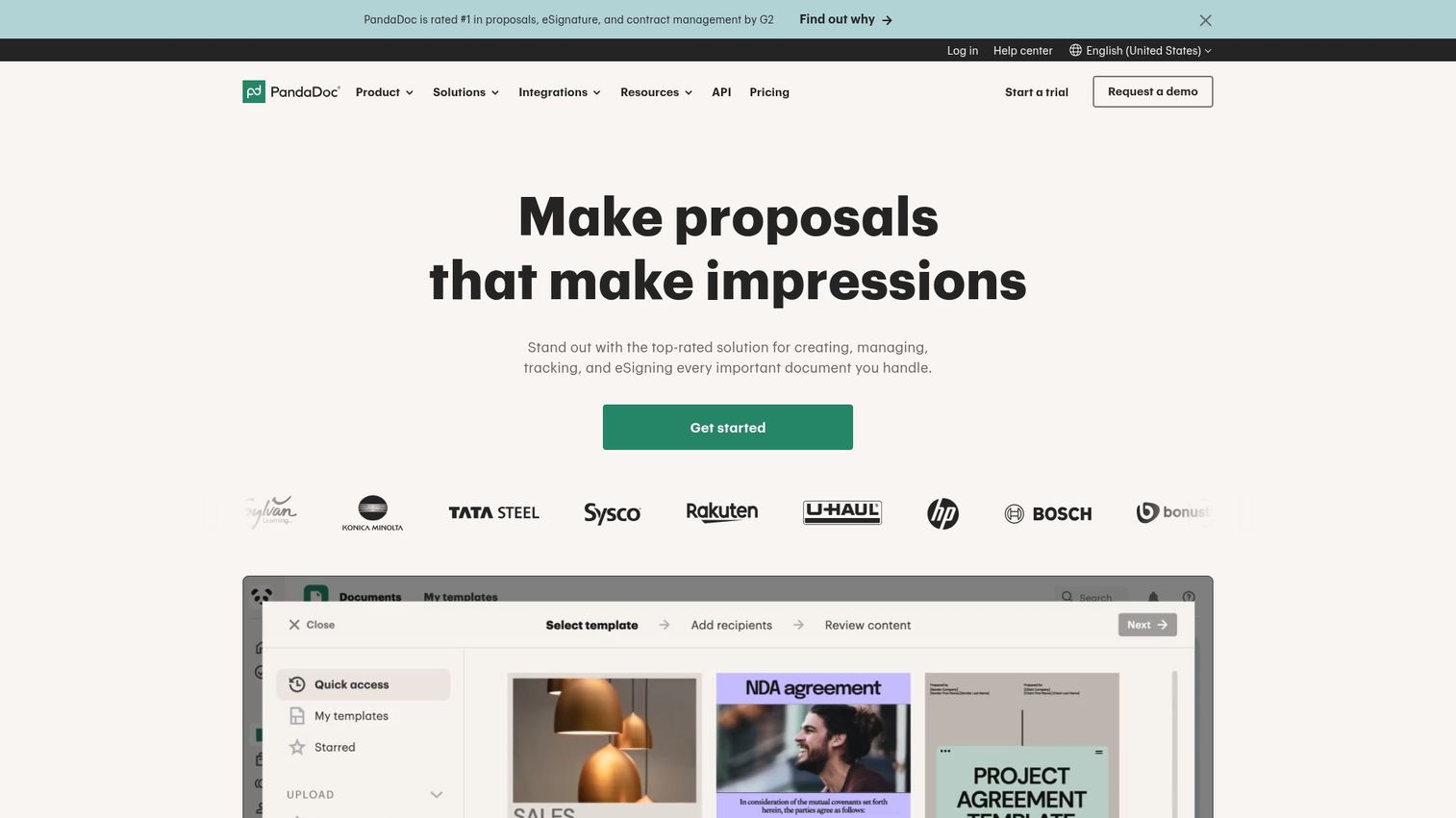
PandaDoc is a document automation platform that handles quotes, proposals, contracts, and e-signatures in one place. You build documents from templates, send them for signature, and collect payments without switching tools.
Best for: Sales teams that want to streamline the entire document workflow from quote creation to signed contract to payment.
Key strengths
- Drag-and-drop editor: Build professional quotes using pre-built templates and content blocks
- Content library: Store approved pricing, product descriptions, and legal language for reuse
- CRM integrations: Pull customer data directly from Salesforce, HubSpot, or Pipedrive
- Real-time tracking: See when prospects open quotes and which sections they spend time on
- E-signatures and payments: Close deals and collect payment in the same document
Why pick PandaDoc?
PandaDoc works well when you want one tool for the entire document lifecycle. It's particularly useful for teams sending a high volume of similar quotes who benefit from templates and content reuse.
PandaDoc pricing
Free e-signature plan available. Essentials starts at $19/user/month, Business at $49/user/month.
2. Salesforce CPQ
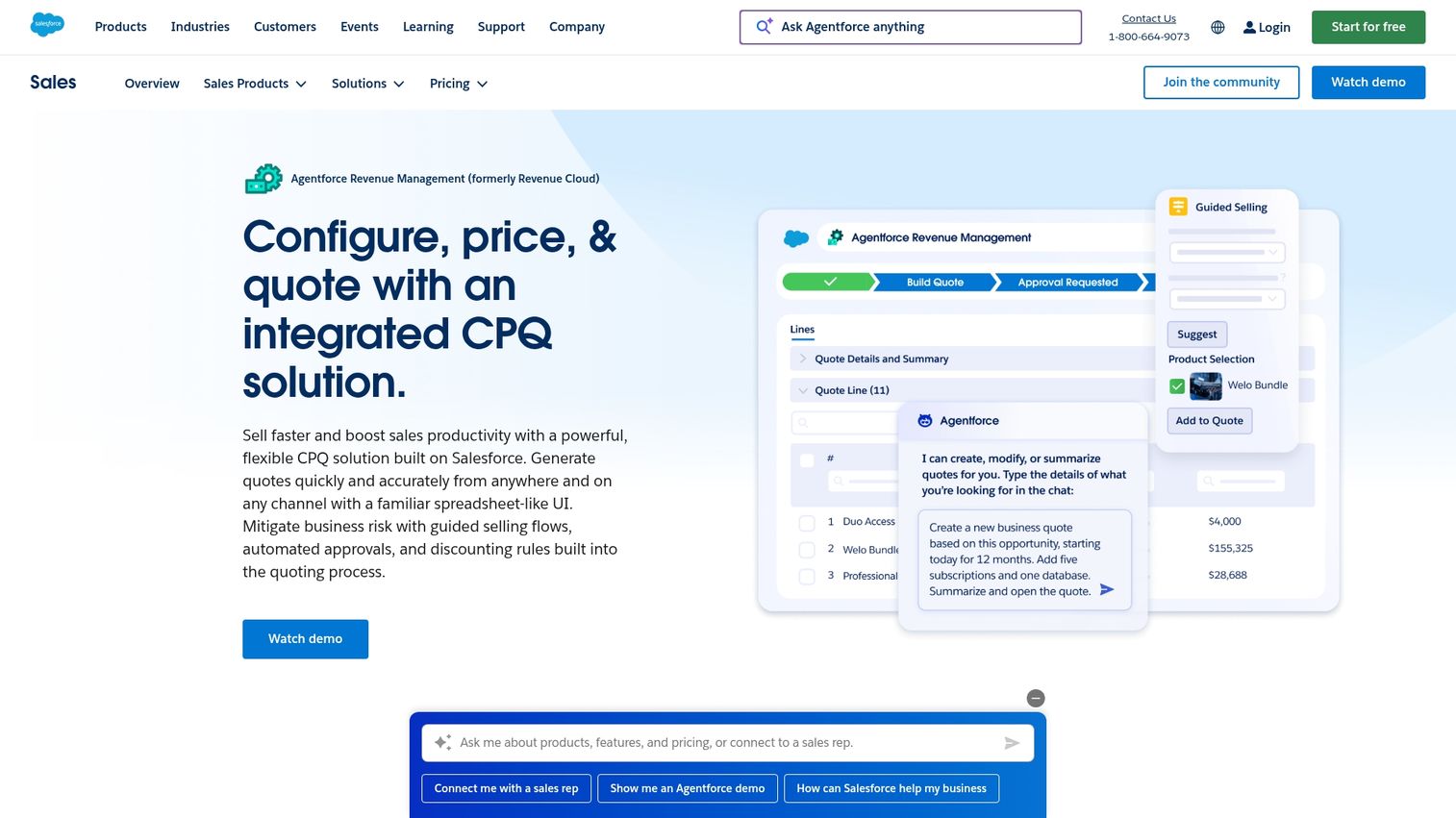
Salesforce CPQ (Configure, Price, Quote) is an enterprise-grade solution for companies with complex product configurations, bundles, and approval workflows. It lives natively inside Salesforce, so quotes pull directly from your CRM data.
Best for: Companies selling configurable products with complex pricing rules, volume discounts, and multi-level approval chains.
Key strengths
- Guided selling: Walk reps through product selection with rules that prevent invalid configurations
- Automated pricing: Apply volume discounts, tiered pricing, and promotional rules automatically
- Approval workflows: Route quotes through managers based on discount thresholds or deal size
- Subscription billing: Handle recurring revenue, renewals, and amendments
- Native Salesforce integration: No data syncing required; everything lives in your CRM
Why pick Salesforce CPQ?
Choose Salesforce CPQ when your products require configuration and your pricing has enough complexity that manual quoting creates errors. The learning curve is steep, but the payoff is accurate quotes at scale.
Salesforce CPQ pricing
Custom pricing based on implementation scope and user count.
3. QuoteWerks
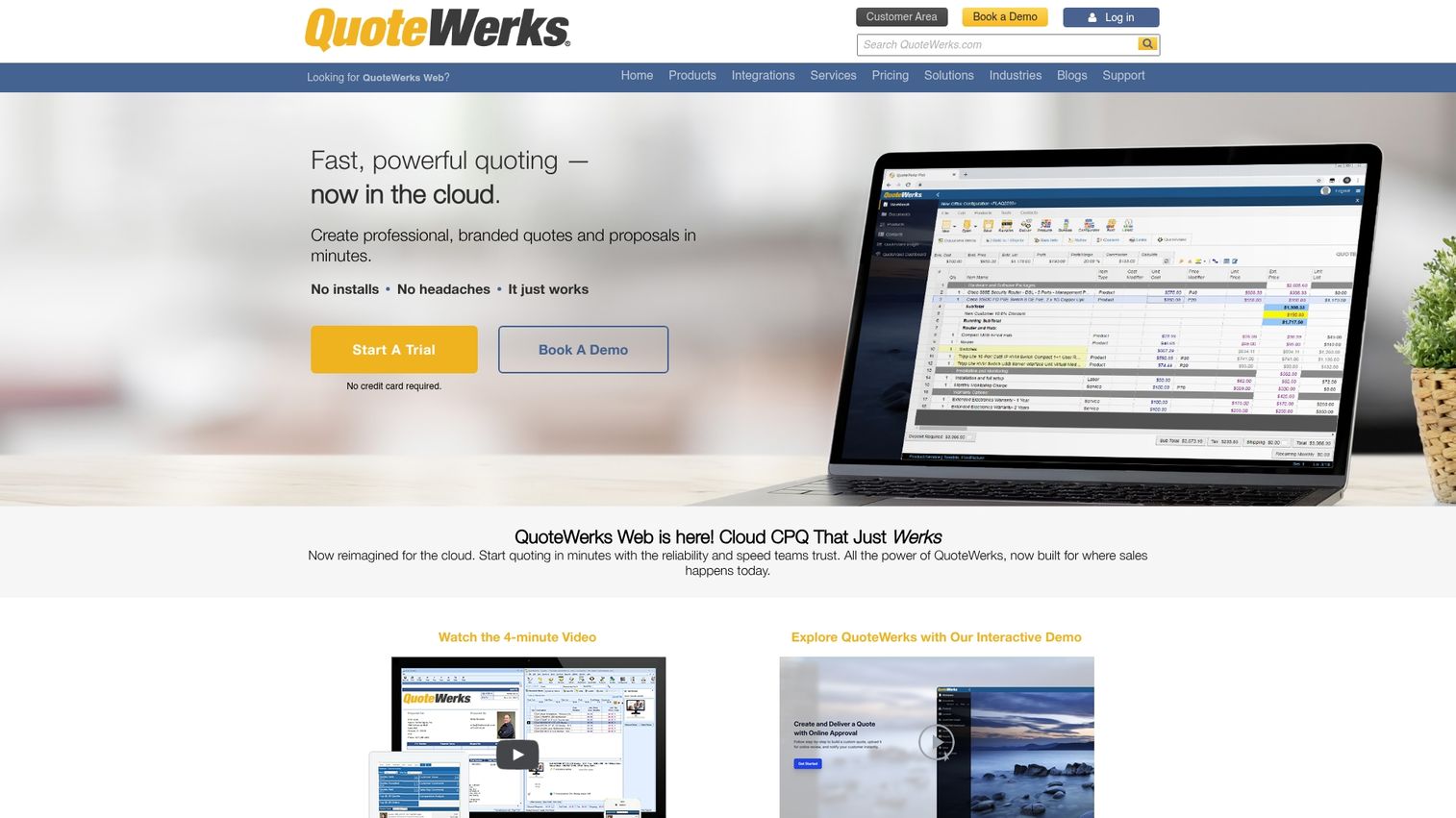
QuoteWerks is dedicated quoting and proposal software built specifically for IT resellers, MSPs, and VARs. It connects directly to distributors like Ingram Micro and Tech Data for real-time pricing.
Best for: IT service providers who quote hardware and software with live distributor pricing and convert quotes to purchase orders.
Key strengths
- Real-time distributor pricing: Pull current pricing from major IT distributors automatically
- Quote-to-order conversion: Turn accepted quotes into purchase orders without re-entering data
- ConnectWise and Autotask integration: Sync with PSA tools for seamless workflow
- Product database: Maintain your own catalog alongside distributor products
Why pick QuoteWerks?
QuoteWerks is the right choice when you're quoting IT products and require accurate, real-time pricing from distributors. It's purpose-built for that workflow in a way general quoting tools aren't.
QuoteWerks pricing
Starts at $15/user/month for the Standard edition.
4. Qwilr
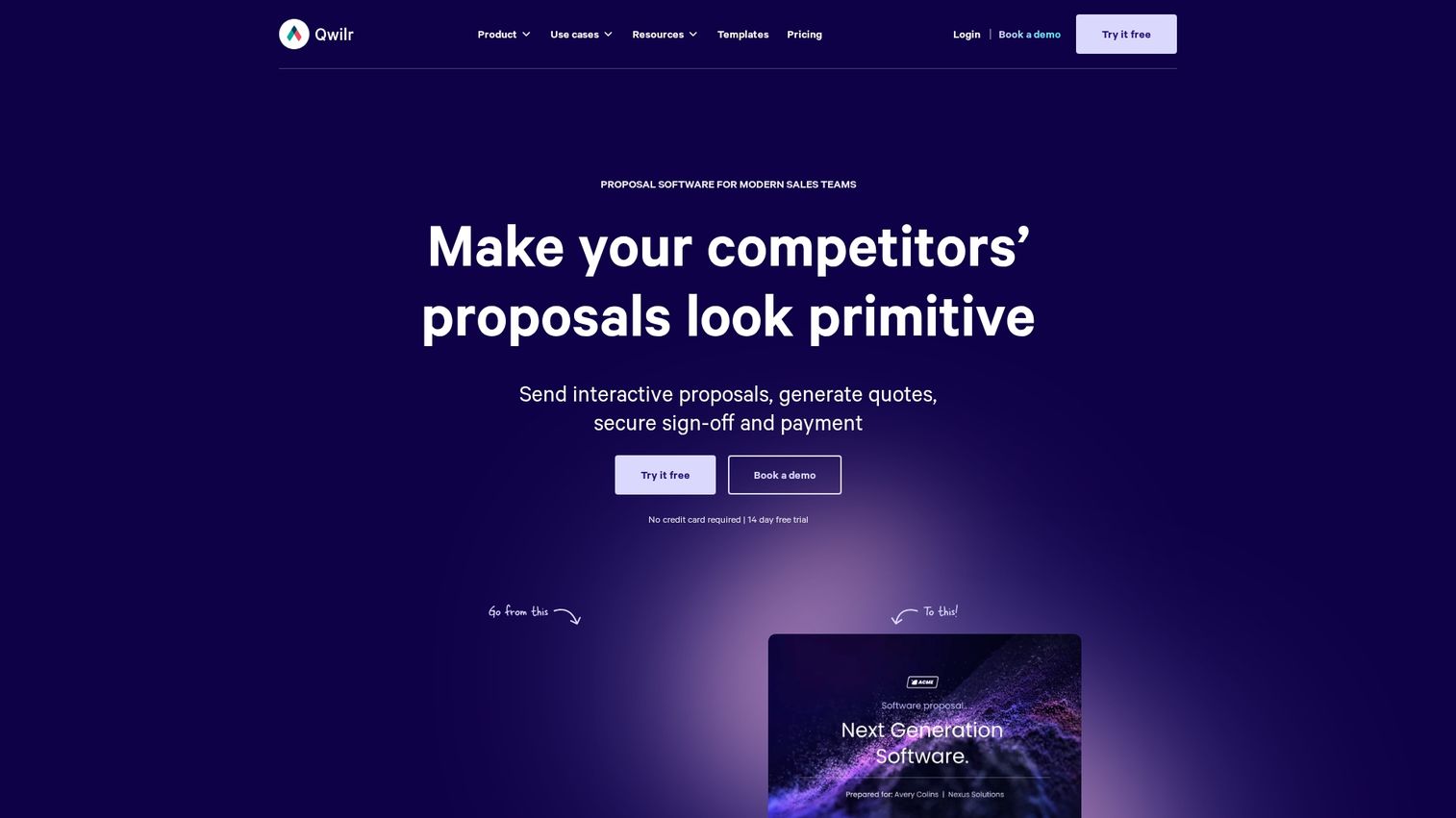
Qwilr creates interactive, web-based proposals and quotes that look more like landing pages than PDFs. Buyers can adjust quantities, select options, and accept directly in the browser.
Best for: Teams that want visually distinctive proposals with interactive pricing that buyers can customize themselves.
Key strengths
- Interactive pricing tables: Let buyers adjust quantities and see totals update in real time
- Embedded video and ROI calculators: Add rich media to make proposals more engaging
- Accept-and-pay functionality: Buyers sign and pay without leaving the document
- Analytics: Track views, time spent, and which sections get attention
Why pick Qwilr?
Qwilr stands out when you want proposals that differentiate you visually and give buyers more control over the quoting process.
Qwilr pricing
Starts at $35/user/month for the Business plan.
5. HubSpot Sales Hub
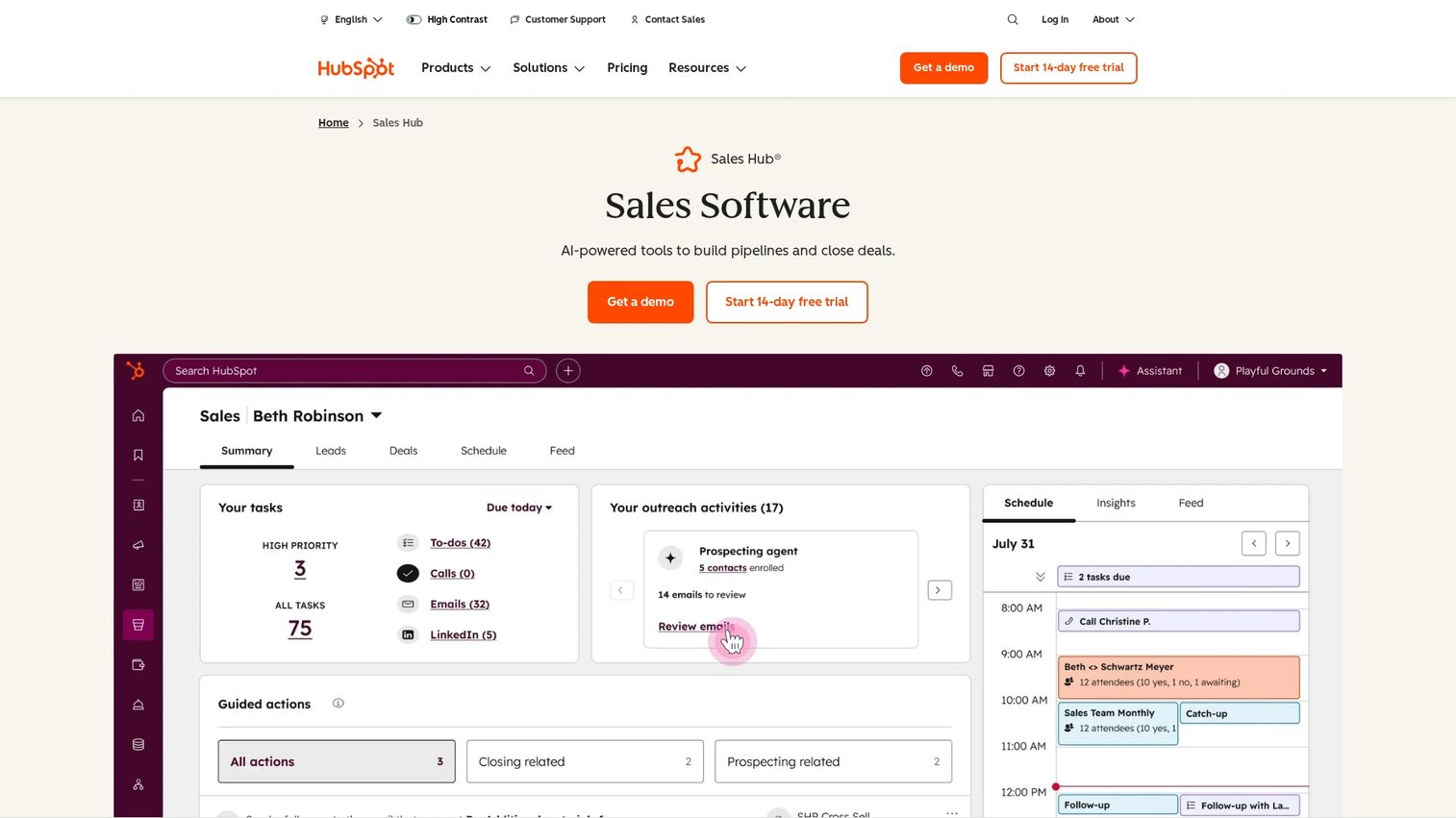
HubSpot Sales Hub includes native quoting for teams already using HubSpot CRM. Quotes pull customer and deal data directly from your pipeline, and you can add e-signatures and payment collection without additional tools.
Best for: Teams already invested in the HubSpot ecosystem who want quoting without adding another vendor.
Key strengths
- Native CRM integration: Quotes auto-populate with contact, company, and deal information
- E-signatures included: No third-party signature tool required
- Payment processing: Accept payments directly through quotes
- Approval workflows: Set up quote approval chains for discounts or deal sizes
Why pick HubSpot Sales Hub?
If you're already using HubSpot, adding quoting keeps everything in one place. You avoid data sync issues and reduce the number of tools your team juggles.
HubSpot Sales Hub pricing
Free tools available. Starter at $15/user/month, Professional at $90/user/month.
6. Zoho CRM
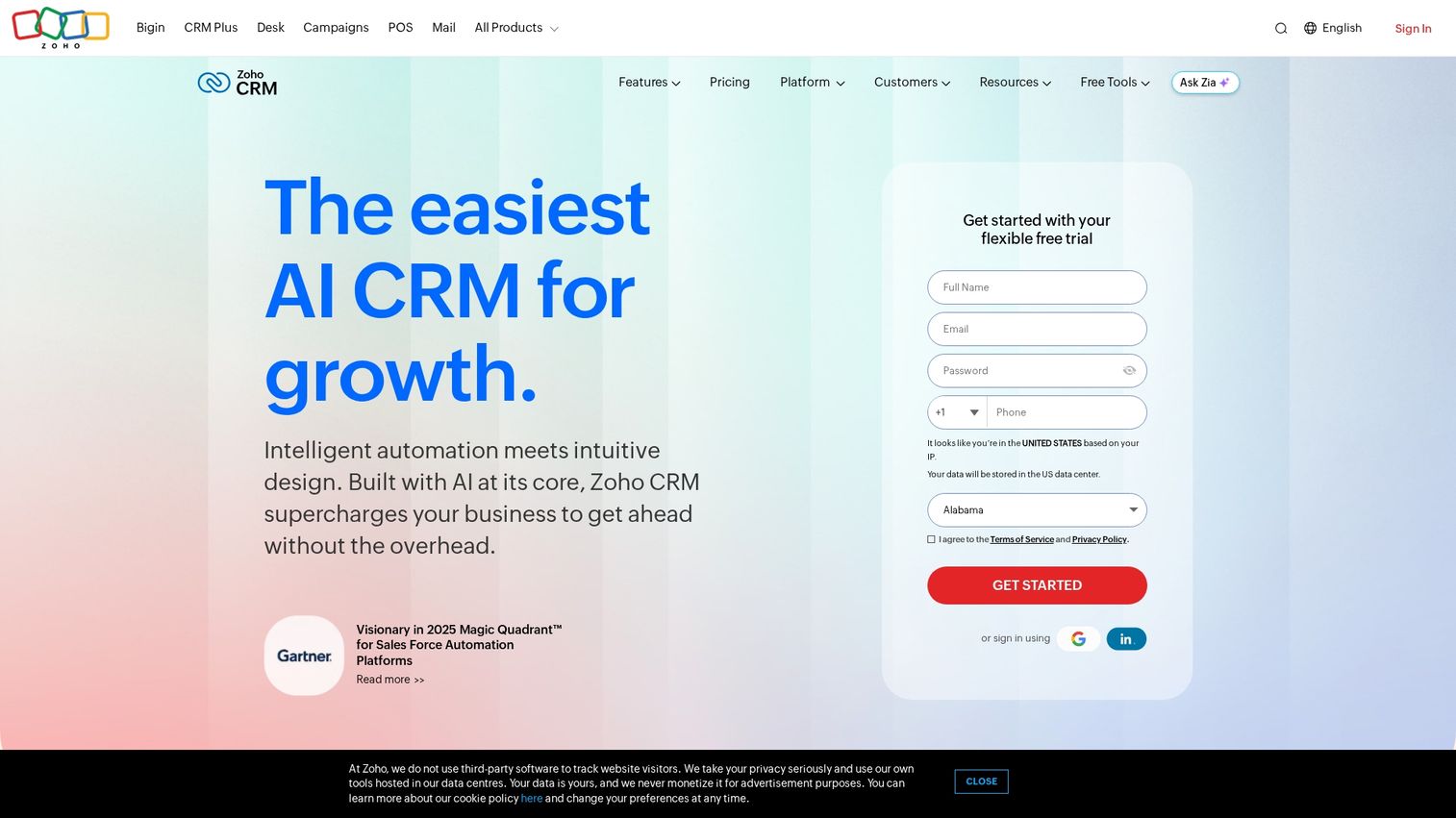
Zoho CRM includes quotation management as part of its broader CRM platform. You can create quotes, track inventory, set up approval workflows, and convert quotes to invoices without leaving Zoho.
Best for: Small businesses that want CRM and quoting integrated at a low cost, especially those already using other Zoho products.
Key strengths
- Inventory management: Track products and stock levels alongside quotes
- Quote templates: Build branded templates with your product catalog
- Approval workflows: Route quotes for approval before sending
- Zoho Books integration: Convert quotes to invoices seamlessly
Why pick Zoho CRM?
Zoho makes sense when budget matters and you want CRM, quoting, and invoicing in one ecosystem.
Zoho CRM pricing
Free for up to 3 users. Standard at $14/user/month.
7. Proposify
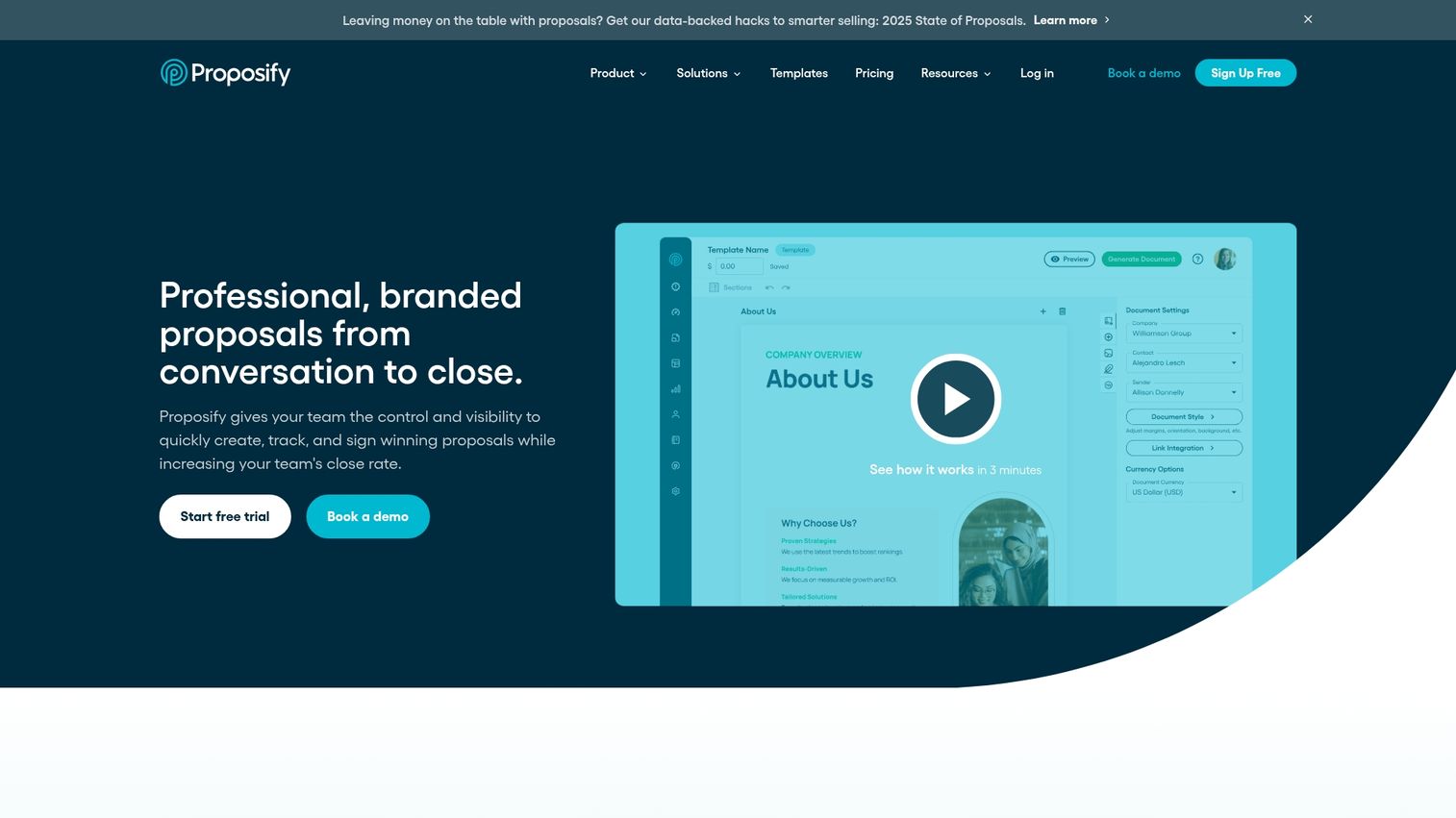
Proposify is proposal software designed for agencies and service businesses with custom scoping. It emphasizes content management, team collaboration, and pipeline visibility.
Best for: Agencies and professional services firms that create custom proposals with variable scope and pricing.
Key strengths
- Content library: Store approved sections, case studies, and pricing for reuse
- Interactive pricing: Let clients select options and see totals update
- Team collaboration: Multiple team members can work on proposals with role-based permissions
- Pipeline insights: Track proposal status and forecast revenue
Why pick Proposify?
Proposify works well when proposals require significant customization and multiple contributors.
Proposify pricing
Team plan at $19/user/month. Business plan at $49/user/month.
8. ConnectWise Sell
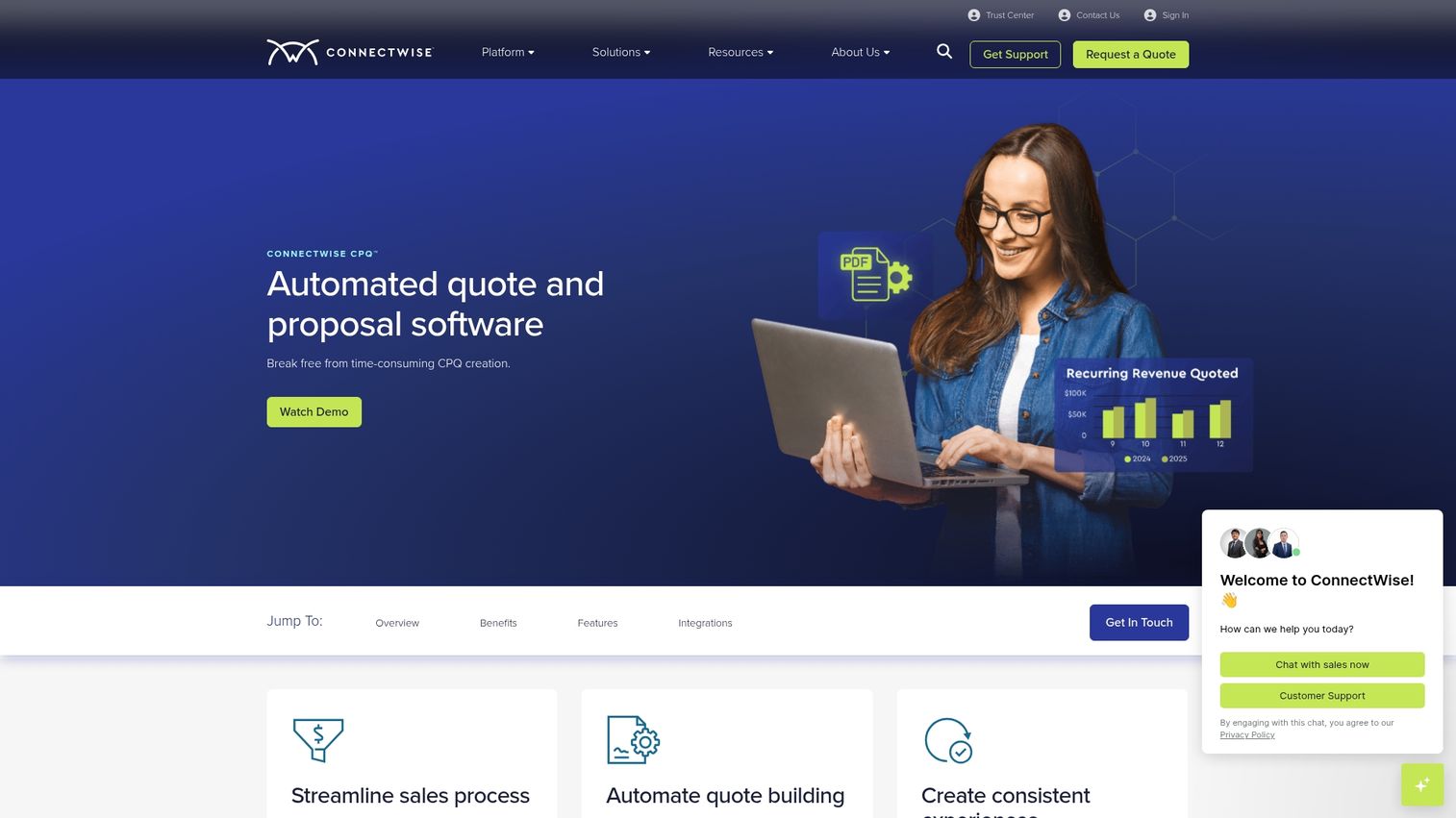
ConnectWise Sell (formerly Quosal) is quoting software built for IT service providers. It integrates tightly with ConnectWise PSA and pulls pricing from hardware and software distributors.
Best for: MSPs and VARs who use ConnectWise for their PSA and want quoting that fits that workflow.
Key strengths
- ConnectWise PSA integration: Quotes sync with your service management platform
- Automated product sourcing: Pull pricing from distributors automatically
- Mobile quoting: Create and send quotes from mobile devices
Why pick ConnectWise Sell?
If you're already using ConnectWise PSA, this is the natural quoting extension.
ConnectWise Sell pricing
Custom pricing. Contact ConnectWise for a quote.
9. Quotient
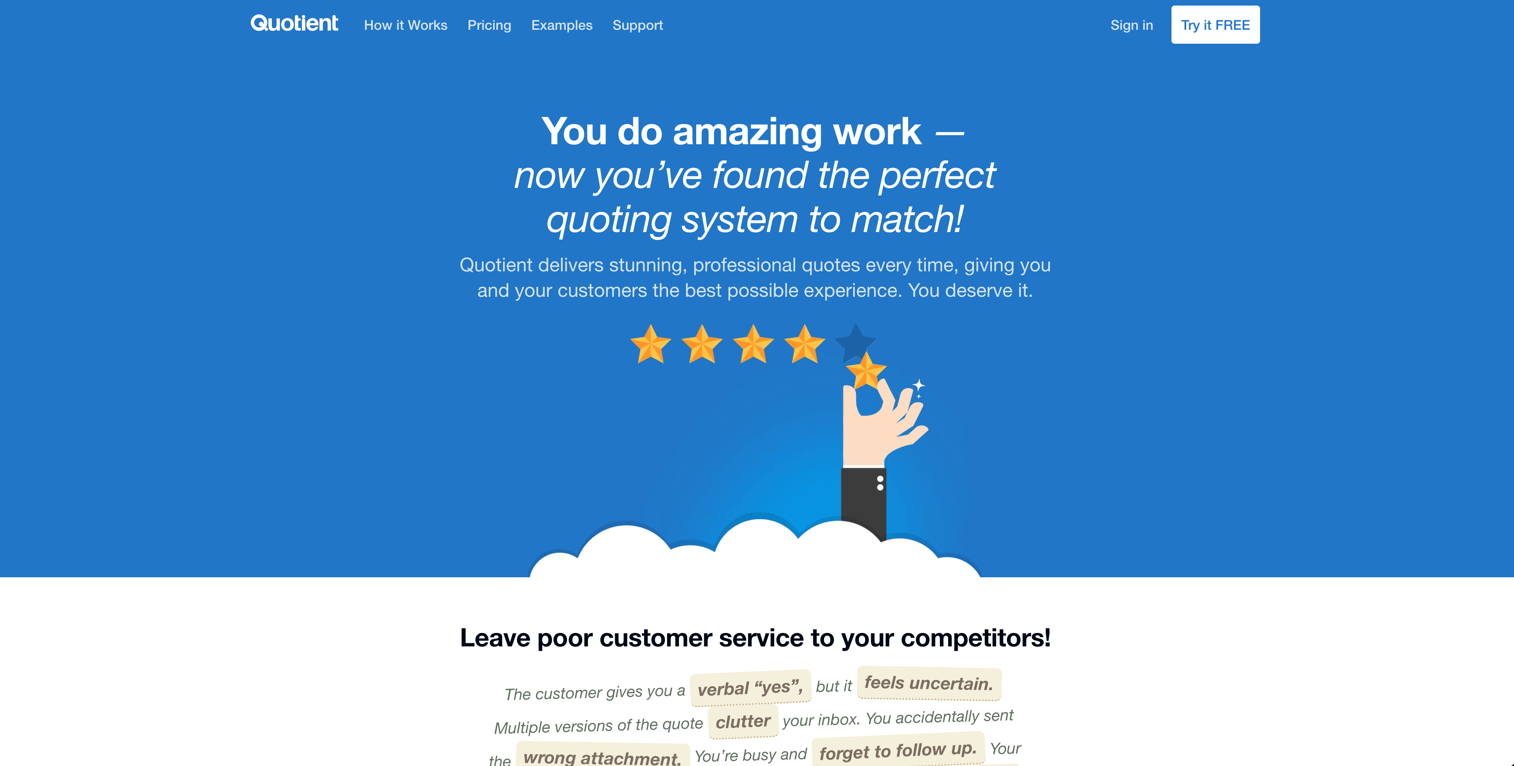
Quotient is a simple, fast quoting tool for small businesses and freelancers who want to create and send quotes without complexity.
Best for: Small businesses and freelancers who want quick quote creation without a learning curve.
Key strengths
- One-click accept: Buyers accept quotes with a single click, no account required
- Mobile-friendly: Quotes look good and work well on any device
- Xero and QuickBooks integration: Sync with accounting software for invoicing
Why pick Quotient?
Quotient is the right choice when you want something that just works. No complex setup, no feature overload.
Quotient pricing
Starts at $25/month for unlimited users and quotes.
10. Scoro
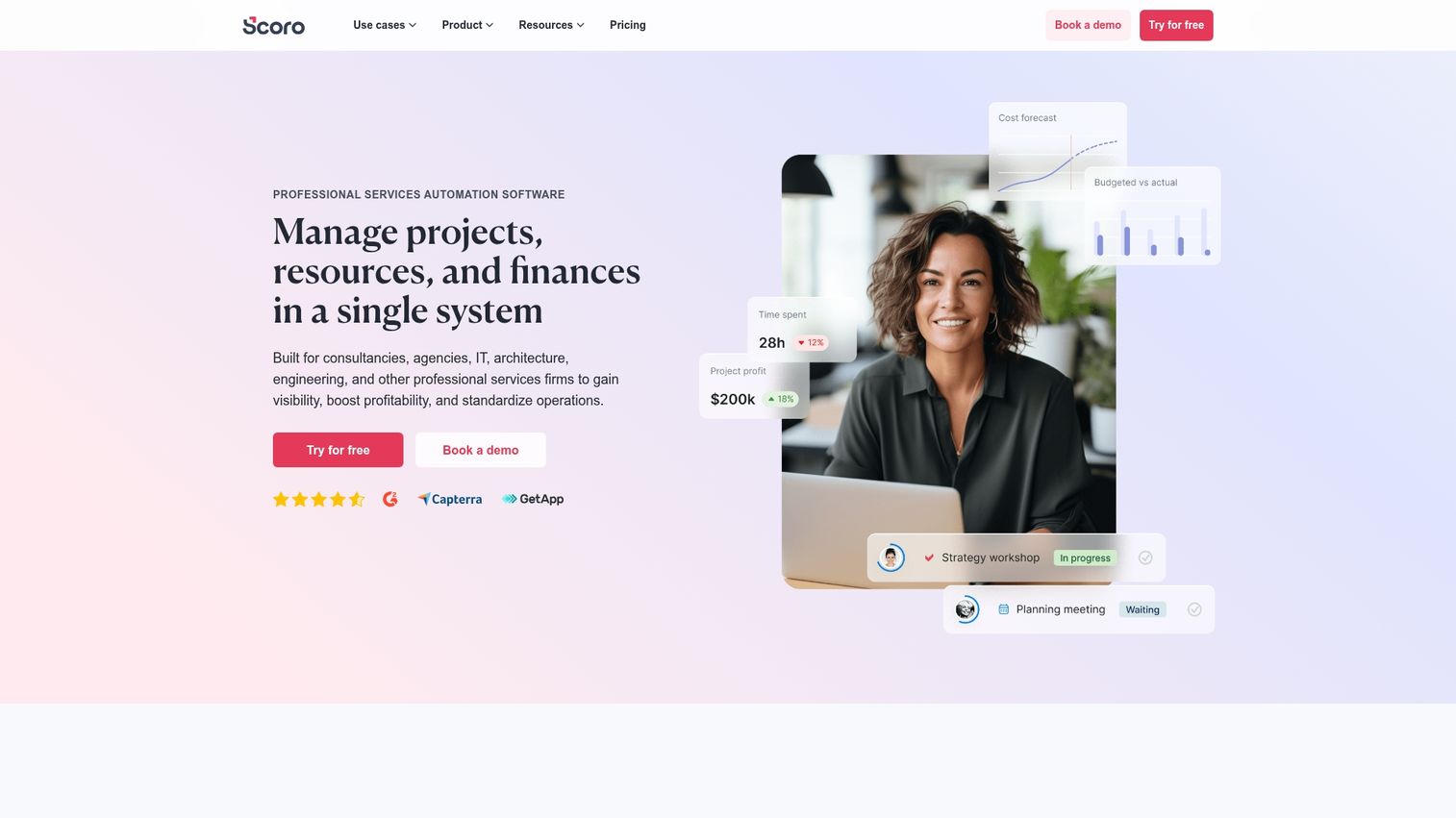
Scoro is a work management platform that includes quoting as part of a broader suite covering projects, time tracking, and billing. Quotes convert directly into projects and invoices.
Best for: Professional services firms that want quoting tied to project management and resource planning.
Key strengths
- Quote-to-project conversion: Turn accepted quotes into projects with tasks and timelines
- Time tracking: Track time against quoted work for profitability analysis
- Financial reporting: Understand margins and profitability across projects
Why pick Scoro?
Scoro makes sense when quoting is just one part of a larger workflow that includes project delivery and billing.
Scoro pricing
Essential at $26/user/month.
11. Bitrix24
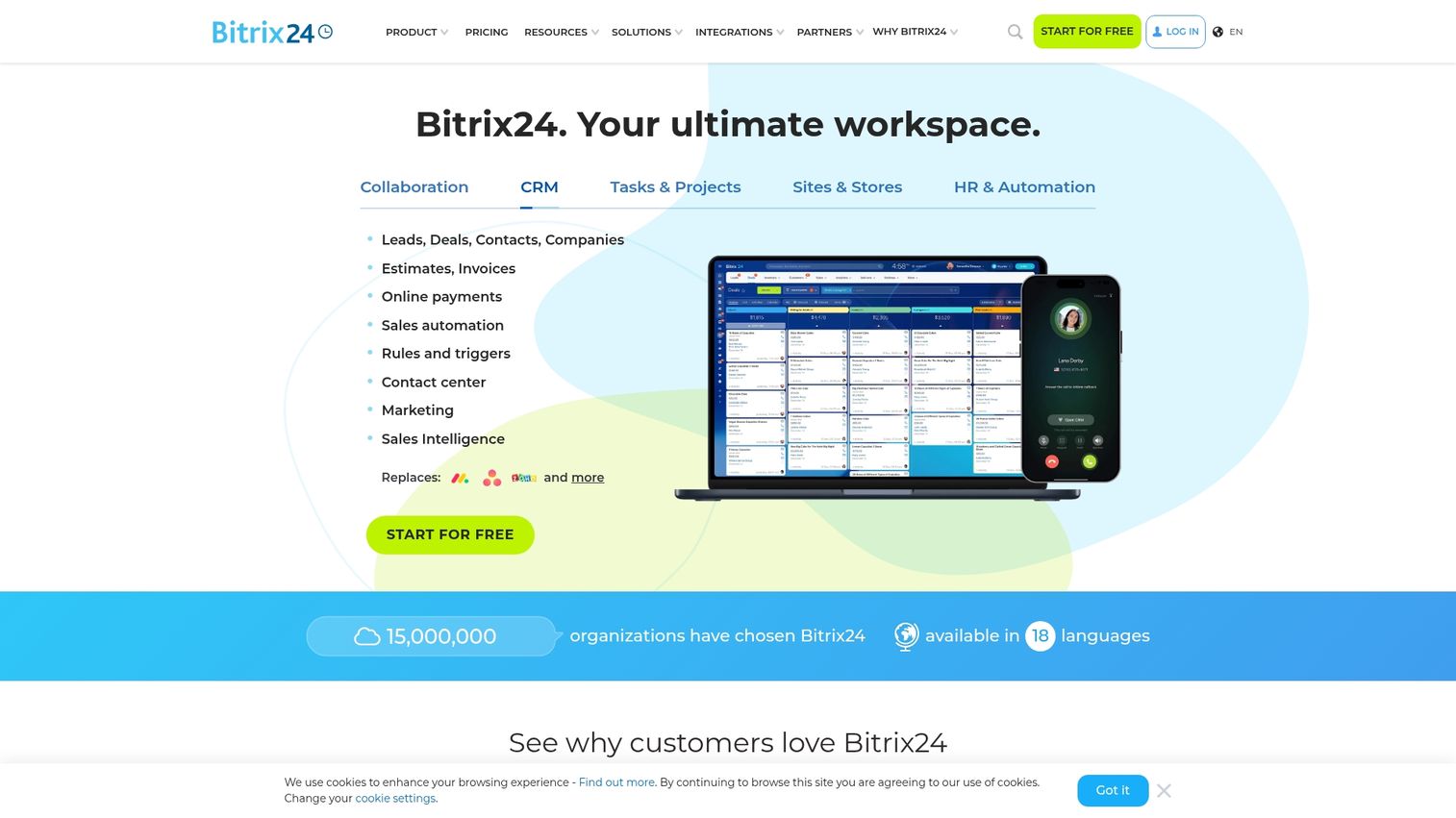
Bitrix24 is a free all-in-one business platform that includes CRM, quoting, project management, and team collaboration.
Best for: Budget-conscious small businesses that want CRM, quoting, and collaboration tools together at no cost.
Key strengths
- Free tier for small teams: Get started with CRM and quoting at no cost
- CRM included: Manage contacts, deals, and quotes in one place
- Invoicing: Convert quotes to invoices without additional tools
Why pick Bitrix24?
Bitrix24 is the right choice when budget is the primary constraint and you want a lot of functionality without paying for multiple tools.
Bitrix24 pricing
Free for basic features. Basic at $49/month for 5 users.
What is quote management software
Quote management software automates the creation, delivery, tracking, and approval of sales quotes and proposals. Instead of building quotes manually in spreadsheets or Word documents, you use templates, pull pricing from a central database, and send professional documents that buyers can accept digitally.
The core problem quote management software solves: manual quoting is slow, error-prone, and invisible - in manufacturing alone, manual workflows cost an average of 5% in annual revenue. You don't know when prospects open your quotes, you can't enforce consistent pricing, and every quote takes longer than it could.
- Quote creation: Build professional documents from templates with accurate, up-to-date pricing
- Delivery: Send quotes via email or shareable links with read receipts
- Tracking: See when prospects open quotes and which sections they view
- Approval workflows: Route quotes through internal approvals before sending
- E-signatures: Let buyers accept quotes digitally without printing or scanning
How quoting software differs from CPQ
Basic quoting software handles straightforward pricing: you select products, quantities, and discounts, then generate a document. CPQ (Configure, Price, Quote) adds layers of complexity for companies with configurable products.
| Capability | Basic quoting software | CPQ software |
|---|---|---|
| Simple product quotes | Yes | Yes |
| Complex product configuration | Limited | Yes |
| Pricing rules and discounts | Basic | Advanced |
| Guided selling | No | Yes |
| Best for | Standard pricing | Configurable products |
If you're selling a SaaS subscription with three tiers, basic quoting works fine. If you're selling manufacturing equipment with hundreds of configuration options and interdependent pricing rules, you likely want CPQ.
Key features to look for in sales quotation software
Customizable templates and branding
Your quotes represent your company. Look for tools that let you add your logo, match your brand colors, and create reusable templates for common scenarios.
CRM and ERP integration
The best quoting platform connects to your existing systems. Quotes pull customer data from your CRM, pricing from your ERP, and push won deals back to your pipeline. Without integration, you're copying data between systems and creating opportunities for errors.
Automated pricing and discount rules
Automated quote software prevents pricing mistakes by enforcing rules. Volume discounts apply automatically. Discount thresholds trigger approval workflows. Reps can't accidentally quote below margin floors.
Electronic signatures and payment collection
The fewer steps between "I want to buy" and "deal closed," the better. Look for tools that let buyers accept and pay in the same document.
Quote tracking and engagement analytics
Real-time visibility into quote engagement helps you prioritize follow-up. When you can see that a prospect opened your quote three times and spent five minutes on the pricing page, you know they're interested.
Benefits of a quote management system for sales teams
Faster quote creation and delivery
Templates and automation cut quote turnaround from hours to minutes. Salesforce's 2026 State of Sales found reps spend 60% of their time on non-selling tasks, so less time building documents means more time selling.
Fewer pricing errors and misquotes
Centralized pricing and automated rules eliminate manual calculation mistakes. McKinsey's analysis shows a 1% improvement in pricing yields a 6% increase in profitability, so you protect margins and avoid awkward conversations when a quote doesn't match what you can actually deliver.
Better pipeline visibility and forecasting
Quote tracking feeds into sales forecasting. You can see which quotes are pending, which have been viewed, and which are stalling.
Improved buyer experience
Professional, interactive quotes reflect well on your company. Buyers can review, ask questions, and accept in one place. Pairing quotes with interactive product demos gives buyers full context before signing.
How to choose the best quotation software for your business
Map your current quoting workflow
Before shopping, document your current process. Where do quotes stall? What causes errors? Which integrations are essential?
Prioritize integration with your CRM and ERP
The best quoting platform connects to your existing stack. Check for native integrations versus middleware requirements.
Evaluate pricing models and scalability
Common pricing models include per-user, flat rate, and usage-based. Consider growth: will pricing scale reasonably as your team expands?
Test usability with free trials
Most tools offer free trials. Have actual users, not just IT, evaluate the interface. Hands-on testing reveals friction that feature lists hide.
When small businesses invest in quoting software
You've outgrown spreadsheets when:
- Quotes take too long to create manually
- Pricing errors are affecting margins or customer relationships
- You have no visibility into which quotes are pending or viewed
- Your team is growing and wants a standardized quoting process
- Customers expect professional, branded documents
Start with affordable options like Quotient, Zoho CRM, or Bitrix24's free tier. You can always upgrade to more powerful tools as your requirements grow.
Build a faster sales process with the right quoting tool
Quote management software automates creation, reduces errors, improves buyer experience, and integrates with your sales stack. The right choice depends on your complexity (basic quoting versus CPQ), integration requirements, and budget.
For teams wanting to increase quote-to-close rates, consider pairing quoting tools with interactive product demos that let buyers experience the product before signing. When prospects understand what they're buying, deals close faster.
Start your journey with Guideflow today!
FAQs about quote management software
AI can draft quote text, but it lacks access to your pricing data, product catalog, and CRM. Dedicated quoting software pulls live data and enforces pricing rules that AI cannot replicate.
Simple tools like Quotient or PandaDoc can be set up in a day. CPQ implementations for complex products may take weeks or months depending on configuration and integration requirements.
Yes. Bitrix24 offers a free tier with CRM and quoting. Zoho CRM has a free plan for up to three users. HubSpot includes basic quoting in its free tools.
The typical path: export existing templates and pricing, import into the new system, rebuild templates, and train your team. Most vendors offer migration support.
Look for role-based permissions, single sign-on (SSO), audit trails, and encryption. Ask vendors about SOC 2 compliance and data residency options.
Most modern tools support multiple currencies and can auto-convert based on buyer location. Verify that your chosen tool handles the currencies you require.