You need to expose data through an API. The database exists. The schema is stable. And yet three weeks later, engineering is still hand-writing endpoints, arguing about auth, and pushing documentation to next sprint.
That gap between "the data is ready" and "the API is live" is where most teams lose time. Manual API creation slows delivery, and every shortcut you take on documentation, access control, or versioning becomes governance debt someone pays for later. The API generation software market reflects the pressure. It is projected to grow from USD 431 million in 2025 to USD 635 million by 2032 at a 5.6% CAGR, according to Valuates Reports (2025).
If you sit in presales or sales engineering, this matters for a different reason. You spend hours proving technical fit, and buyers want to see APIs, docs, and security before they commit. A tool that generates APIs from a database, model, or spec shortens that validation cycle. It also makes technical proof easier to explain when the buying committee includes a security reviewer who has never seen your product.
This guide breaks down eight platforms that generate APIs and support the surrounding work: documentation, testing, security, and governance. Some go database-to-API. Some are spec-first around OpenAPI. Some are low-code or no-code builders. We looked at generation depth, documentation automation, security controls, developer experience, and enterprise fit.
What's inside
This is a practical shortlist for builders and the presales teams who support them. It covers tools that generate APIs from databases, data models, or specifications, plus platforms that handle the surrounding lifecycle: documentation, testing, security, and governance.
We selected each tool on five criteria that matter most for real evaluation: API generation depth, documentation automation, security and access controls, developer experience, and enterprise readiness. Pricing and G2 ratings are pulled from first-party and verified sources as of mid-2026. Where a vendor gates pricing behind a sales call, we say so rather than guess.
TL;DR
- Best for database-to-API with governance: DreamFactory generates governed REST APIs across many internal data sources, with role-based access control and self-hosted deployment.
- Best for OpenAPI-first workflows: Swagger centers design, documentation, and governance around the OpenAPI spec.
- Best all-in-one lifecycle platform: Postman API Platform covers design, testing, documentation, and monitoring in one workspace.
- Best no-code backend builder: Xano generates APIs, databases, and auth without infrastructure work, starting free.
- Best for GraphQL and data access: Hasura generates APIs over existing databases with a metadata-driven approach.
- Best for enterprise integration: MuleSoft Anypoint Platform handles API-led integration, governance, and hybrid deployment at scale.
What is API generation software?
API generation software is a category of developer tools that automatically create APIs from a source such as a database, a data model, or a specification like OpenAPI, so teams ship working endpoints without hand-coding each one.
The main approaches differ by starting point. Database-to-API tools introspect an existing schema and expose tables and views as endpoints. Spec-first tools generate scaffolding, docs, and mock servers from an OpenAPI or GraphQL contract. Low-code and no-code API builders let teams model data and endpoints visually, then deploy without managing servers.
Key features to expect across the category:
- Auto-generated endpoints: REST API generation, GraphQL API generation, or both, produced from your data source or spec.
- Auth and authorization: built-in authentication, role-based access control, and fine-grained permissions.
- API documentation: auto-generated docs that stay in sync with the schema or spec, often interactive.
- Rate limiting and security: throttling, request validation, and API security controls that protect the backend.
- Versioning and lifecycle: support for API versioning, deprecation, and a clear API lifecycle from design to retirement.
- Integration support: connectors to databases, SaaS systems, and existing backend development tools.
- API governance: consistency checks, style rules, and audit logging that keep a growing API surface coherent.
The strongest platforms treat automated API generation as one step in a longer chain. Generating an endpoint is easy. Keeping it documented, secured, versioned, and governed as the surface grows is the harder job, and it is where these tools earn their place in a stack.
When to use API generation software
Generate backend APIs faster
Reach for these tools when the data exists and the pressure is on delivery. If you have a database or data model and need REST or GraphQL endpoints in days rather than sprints, automated generation removes the repetitive scaffolding work. This is common when a frontend team is blocked, when a partner needs data access, or when a proof of concept has to move before engineering can commit real backend time.
Standardize docs and access controls
Use API generation software when consistency and security matter more than raw speed. As the number of endpoints grows, hand-maintained documentation drifts and access rules become inconsistent. A platform that auto-generates docs, enforces auth and authorization centrally, and applies API governance rules keeps a large surface coherent. This is the point where teams stop optimizing for the first endpoint and start optimizing for the hundredth.
Support technical evaluation and presales
Reach for these tools when the goal is to let a prospect validate a product or data layer with less engineering effort. Presales teams use generated APIs and auto-generated docs to give technical buyers something concrete to test during evaluation. When a security reviewer or solutions architect can see documented endpoints, rate limiting, and access control, technical validation moves faster and the deal keeps momentum.
Comparison table
The table below sorts by relevance to database and spec-driven API generation, not alphabetically. Pricing and ratings are verified from first-party and G2 sources as of mid-2026. Where pricing is gated behind sales, that is noted rather than estimated.
| # | Product | Intent | Key differentiation | Pricing | G2 rating |
|---|---|---|---|---|---|
| 1 | DreamFactory | Database-to-API with governance | Self-hosted, generates governed REST APIs across many data sources | From $1,500/month | 4.4/5 |
| 2 | Swagger | OpenAPI design and docs | OpenAPI and AsyncAPI design, docs, and contract testing | Free trial, then contact sales | 4.5/5 |
| 3 | Postman API Platform | Full API lifecycle | Design, test, document, and monitor in one workspace | Free; paid from $9/month | 4.6/5 |
| 4 | Xano | No-code backend and APIs | No-code API builder with database, auth, and managed runtime | Free; Essential $85/month | 4.7/5 |
| 5 | Hasura | GraphQL and data access | Metadata-driven API layer over existing databases | Free; Professional from $1.50/hour | 4.7/5 |
| 6 | MuleSoft Anypoint Platform | Enterprise integration | API-led integration, governance, and hybrid deployment | Contact for pricing, 30-day trial | 4.5/5 |
| 7 | CData API Server | Data source to API | Exposes SQL, NoSQL, files, and SaaS data as managed APIs | Free community; Pro and Enterprise by quote | 4.0/5 |
| 8 | Apidog | Design-first API lifecycle | Design, debug, mock, test, and document in one tool | Free; Basic from $9/user/month | 4.9/5 |
1. DreamFactory
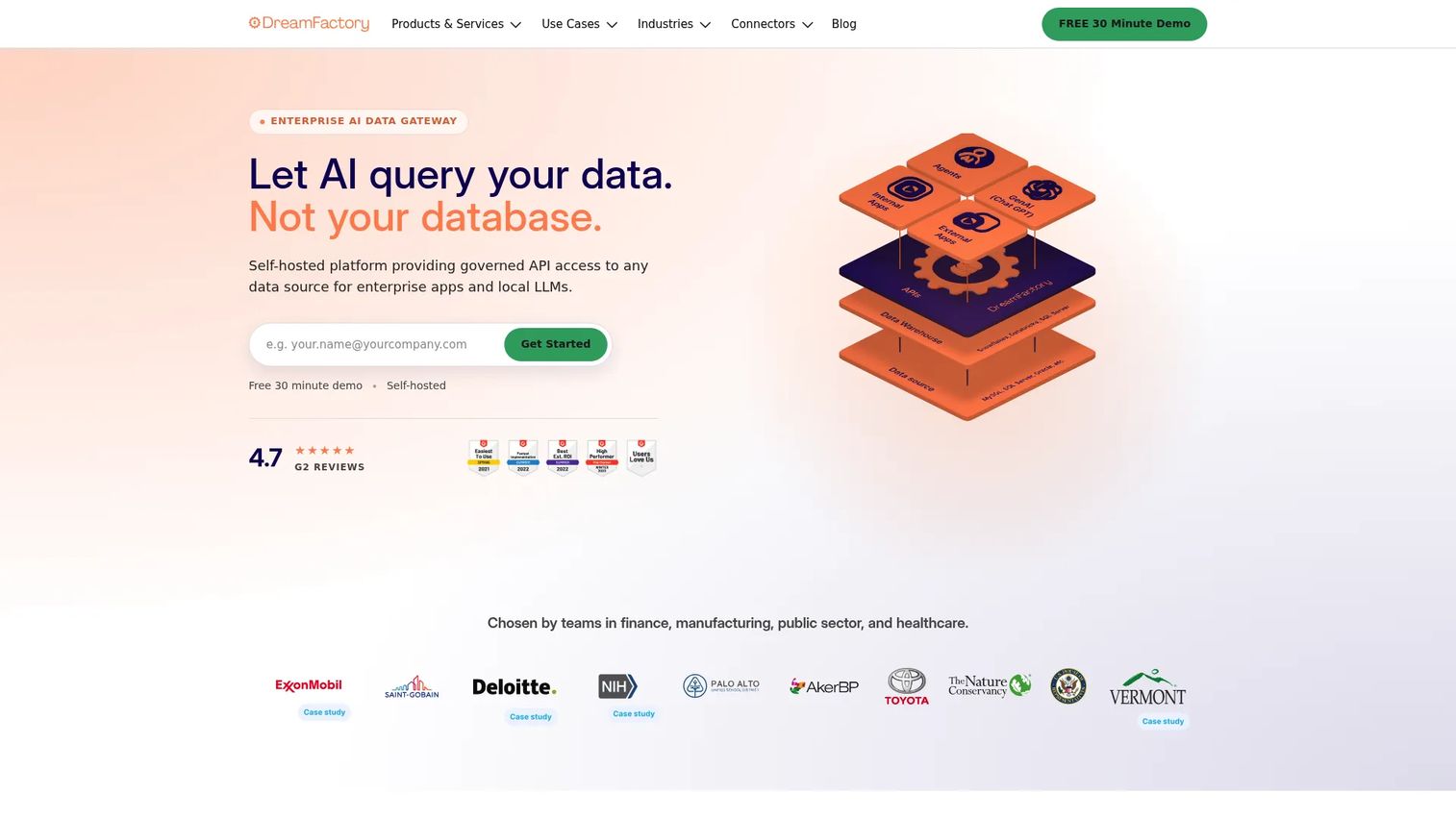
DreamFactory is a self-hosted data gateway that generates governed REST APIs from enterprise data sources. Point it at a database and it produces a documented, secured API without hand-written endpoints. Its focus is enterprises that need to expose many internal systems while keeping control over where data lives and who touches it.
Best for: Enterprises that need self-hosted, governed APIs over many internal databases and data sources.
Key strengths
- Automatic REST API generation: Connect a data source and get a working REST API without writing endpoint code.
- Role-based access control and audit logging: Enforce who can call what, and keep a record of every request for compliance review.
- Flexible deployment: Run self-hosted, on-prem, in a VPC, or air-gapped, which matters for regulated environments.
Why choose DreamFactory: If your constraint is data residency and governance rather than time-to-first-endpoint, DreamFactory fits. It suits security-conscious teams and presales engineers who need to show a security reviewer that access control, audit logging, and self-hosted deployment are handled, not bolted on later. That posture shortens technical validation when compliance is part of the buying committee's checklist.
DreamFactory pricing: Publicly visible figures come from first-party sources rather than a single consolidated pricing page. DF Linux Lite starts at $1,500/month and DF Linux Professional starts at $4,000/month, both billed monthly. Docker and Kubernetes deployment is priced at $1,500 per vCPU per month. Additional details typically require a sales conversation. Free tier status could not be verified from primary sources.
2. Swagger
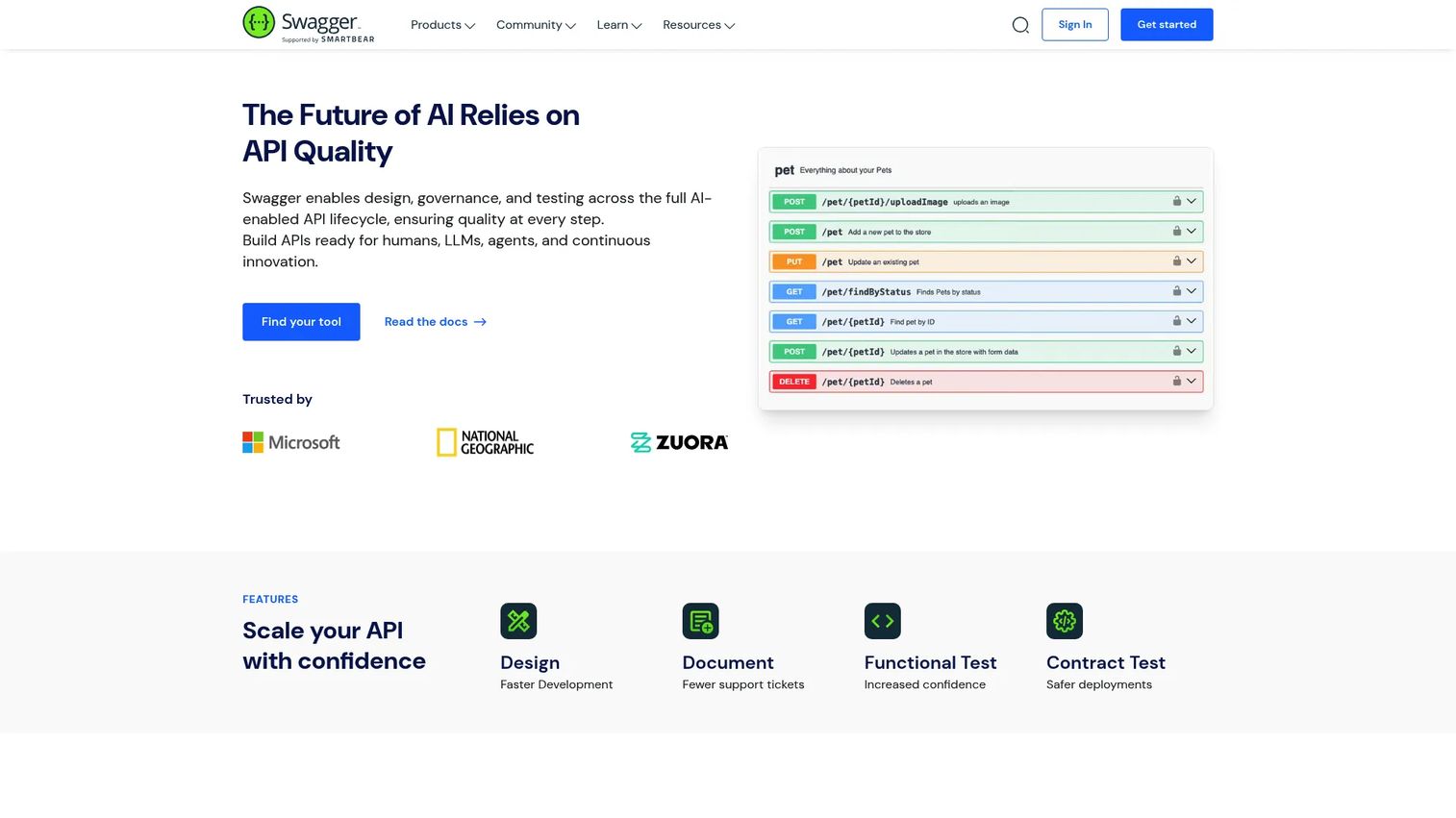
Swagger, built by SmartBear, is the toolset most teams associate with the OpenAPI spec. It centers on API design, documentation, testing, and governance rather than generating endpoints from a database. If your workflow is spec-first, Swagger turns an OpenAPI or AsyncAPI contract into interactive documentation, a testable surface, and a governed catalog.
Best for: Teams building and governing APIs with OpenAPI-driven documentation and collaboration needs.
Key strengths
- OpenAPI and AsyncAPI design: Design and edit contracts in a spec-first workflow that keeps the API definition as the source of truth.
- Interactive API documentation: Generate docs that developers can explore and call directly, which lowers onboarding friction.
- Contract testing and catalog: Validate implementations against the spec and organize APIs in a portal and catalog.
Why choose Swagger: Swagger is the default choice when OpenAPI is already central to how your team works. For presales, interactive Swagger docs give a technical buyer a concrete, explorable surface during evaluation, which makes API consistency and design quality easy to demonstrate. It is a design and governance layer, not a database-to-API generator, so pair it with a generation tool if your starting point is a schema.
Swagger pricing: The first-party pricing page does not display public prices. It offers a free trial and a contact-sales path for paid packaging. Confirm current tiers and figures directly with SmartBear before budgeting.
3. Postman API Platform
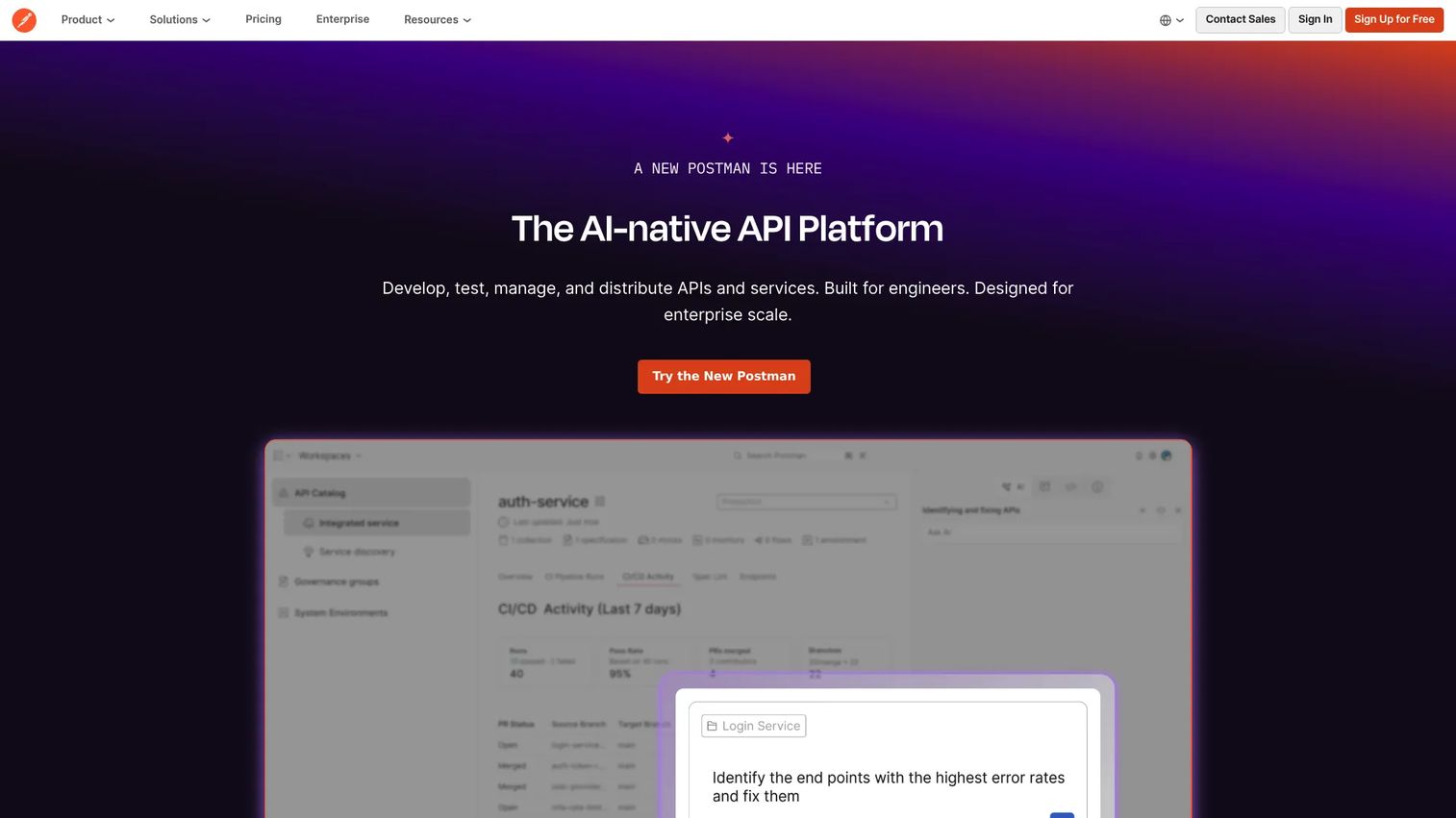
Postman API Platform is the unified workspace many teams already use for designing, testing, documenting, distributing, and monitoring APIs. It is less about generating an API from a database and more about managing the full API lifecycle in one place, from first request to production monitoring.
Best for: Teams that need an all-in-one platform for API development, testing, governance, and monitoring.
Key strengths
- API testing and automation: Build and run test suites, then automate them in CI to catch regressions before release.
- API monitoring: Track uptime, latency, and response correctness on live endpoints.
- API security and governance: Apply security checks and governance rules across teams and workspaces.
Why choose Postman: Postman fits teams that want one tool spanning design through monitoring rather than a stack of point solutions. For presales and sales engineering, shared collections and generated documentation make it easy to hand a prospect a working, testable API during technical validation. Some security capabilities are add-ons and certain features are usage-based, so map your needs to the tier before committing.
Postman pricing: Postman offers a Free plan at $0 per month. Solo is $9 per month billed annually, Team is $19 per user per month billed annually, and Enterprise is contact-sales with custom pricing. Some capabilities are usage-based and some security features are add-ons.
4. Xano
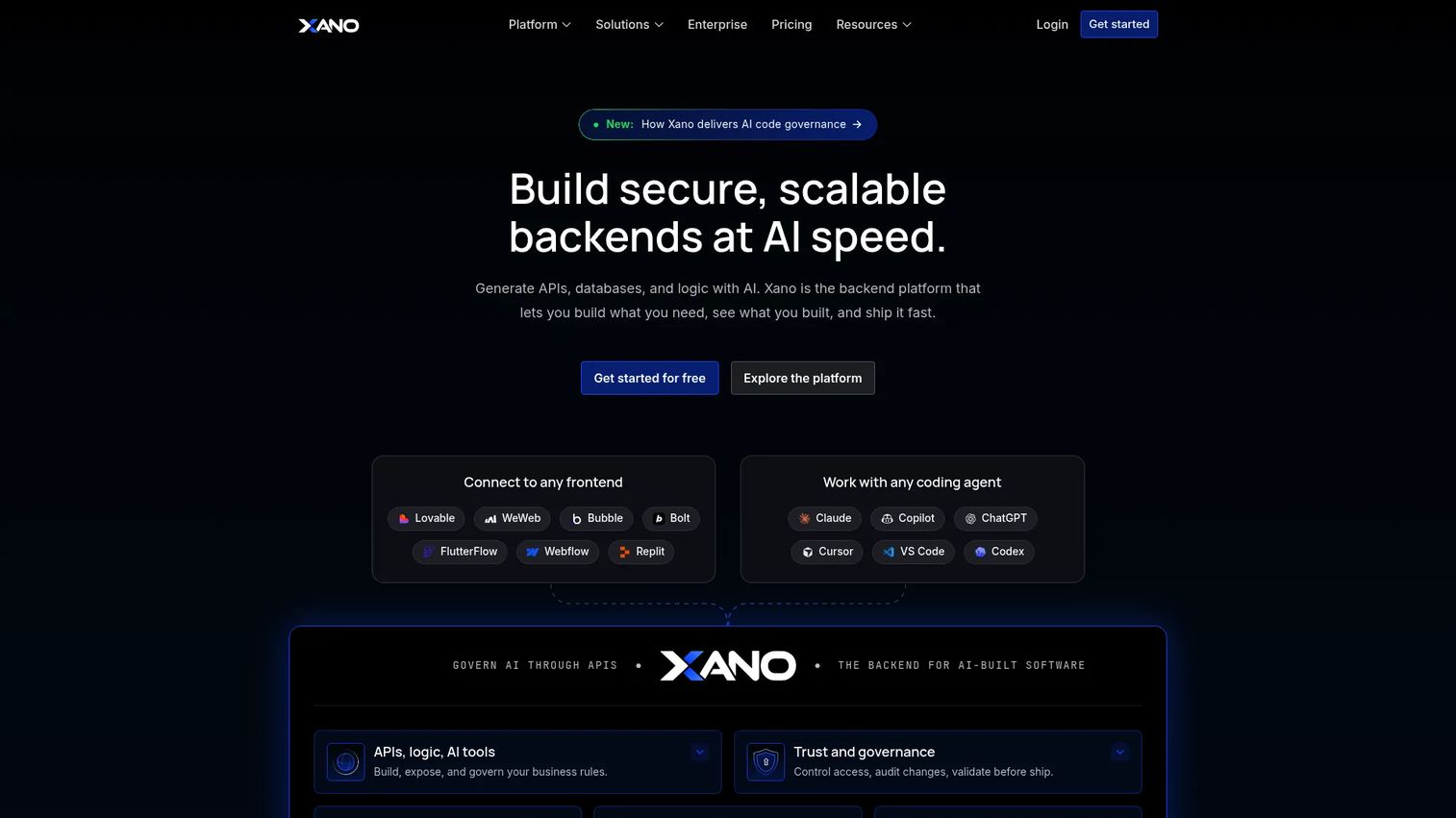
Xano is a no-code and low-code backend platform that generates APIs, databases, auth, and workflows without asking you to manage infrastructure. It is built for teams that want a working backend API platform fast, including newer agentic and AI-enabled workflows. Model your data, define endpoints in a visual builder, and deploy on a managed runtime.
Best for: Teams building scalable backends, APIs, and agentic workflows without managing infrastructure.
Key strengths
- No-code API builder: Define and publish REST endpoints visually, without writing backend code.
- Managed Postgres, auth, and runtime: Get a database, authentication, and a monitored runtime out of the box.
- AI Agent Builder and MCP Builder: Extend backends into agentic and AI-enabled workflows as those requirements grow.
Why choose Xano: Xano suits teams with limited backend bandwidth that still need a real, scalable API rather than a throwaway prototype. For presales, a Xano backend can stand up a functional data layer for a proof of concept quickly, which helps a prospect validate a workflow without pulling in your engineering team. The trade-off against code-first platforms is less low-level control, which is fine for most application backends.
Xano pricing: Xano offers a free trial at $0.00/month. Essential is $85.00/month, Pro is $224/month billed annually, and Custom is contact-sales with flexible pricing.
5. Hasura
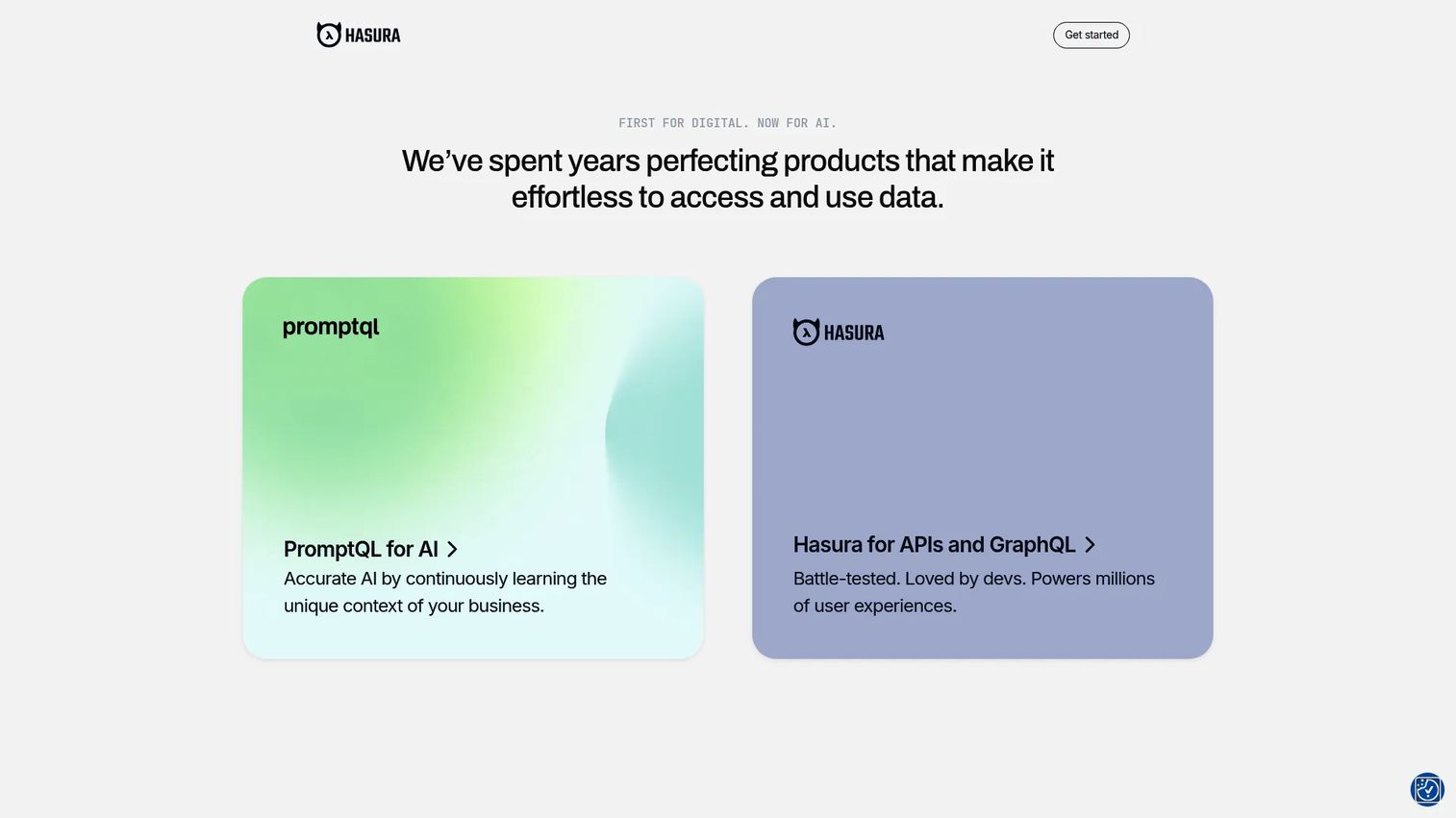
Hasura is a data access platform that generates APIs, historically GraphQL, over existing databases and data sources, with newer DDN and PromptQL offerings. It is metadata-driven: connect a database and Hasura produces a queryable API layer without hand-written resolvers. It fits data-first teams that want fast, governed access to what they already store.
Best for: Teams needing a managed API and data access layer over existing databases.
Key strengths
- Metadata-driven API platform: Generate a queryable API from existing schema without writing resolver code.
- Broad data source support: Connect PostgreSQL, MySQL, SQL Server, MongoDB, Snowflake, and more.
- GraphQL generation and governance: Expose data through GraphQL with governance features layered on top.
Why choose Hasura: Hasura is the pick when your data lives across several databases and you want a unified access layer fast. For GraphQL API generation over existing systems, few tools reach a usable API as quickly. Presales teams can use it to demonstrate flexible data access during evaluation, letting a technical buyer query real structures rather than read a spec.
Hasura pricing: Hasura offers a Free plan at $0. The Professional plan starts at $1.50/hour on usage-based billing, and Enterprise is contact-sales. Confirm current cloud tiers directly, as pricing has evolved across recent plan updates.
6. MuleSoft Anypoint Platform
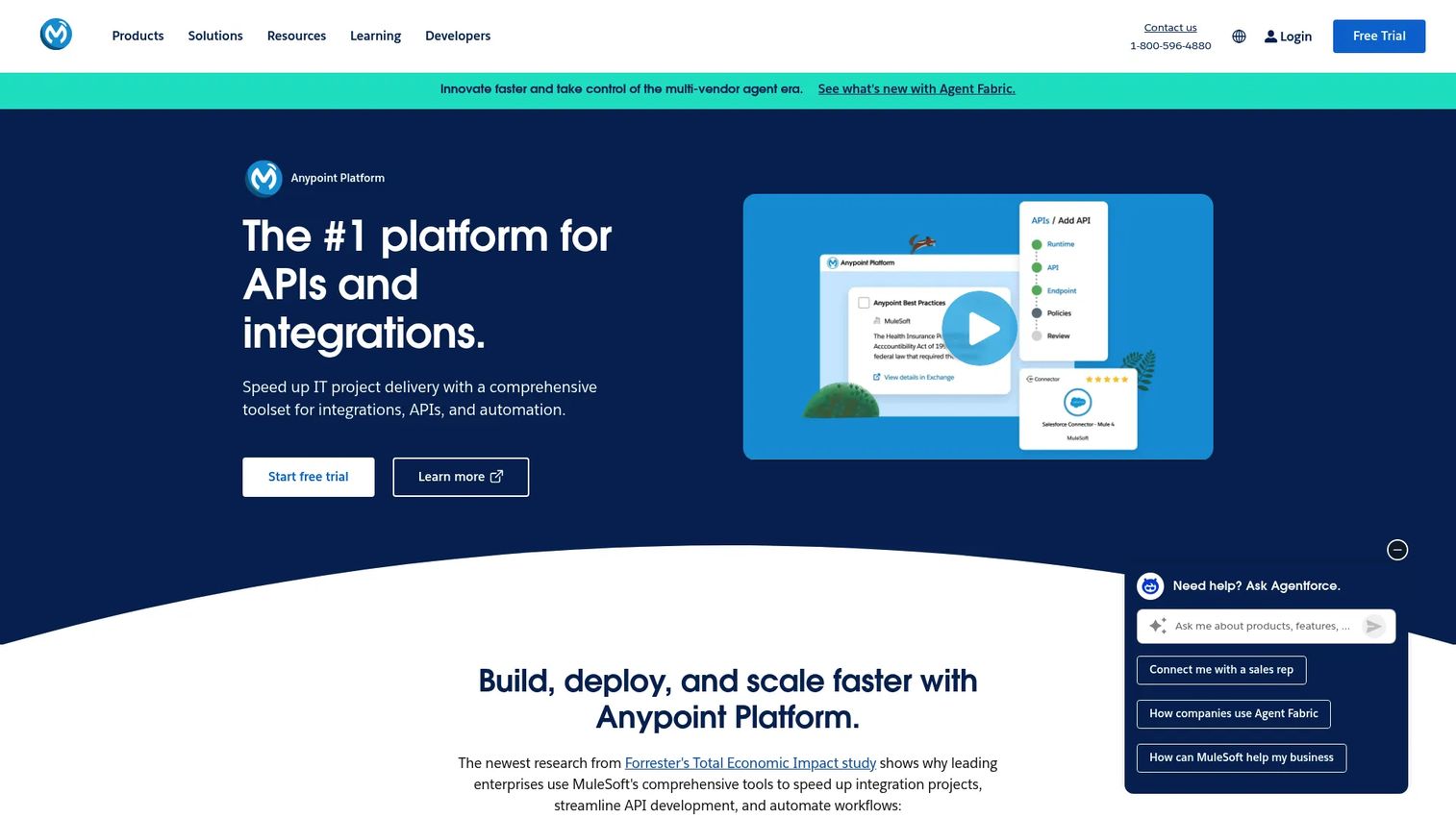
MuleSoft Anypoint Platform is a cloud-based hybrid integration platform for designing, deploying, governing, and monitoring APIs and integrations. It is broader than a generation tool. It targets organizations with complex, multi-system integration needs where API generation is one part of a larger enterprise API management story.
Best for: Enterprises needing a unified platform for API-led integration, governance, and hybrid deployment.
Key strengths
- API design and lifecycle management: Manage APIs across design, deployment, and retirement in one platform.
- Hybrid deployment: Run across cloud, on-premises, Docker, and Kubernetes to match existing infrastructure.
- Monitoring and governance: Apply secure API management, monitoring, and governance at enterprise scale.
Why choose MuleSoft: MuleSoft fits large organizations orchestrating many systems, not teams that just need endpoints on one database. Its strength is API-led connectivity across a complex estate, with governance and hybrid deployment built for enterprise diligence. For presales in enterprise deals, that governance and deployment flexibility is exactly what security and IT reviewers probe. It is a heavier platform, so match it to the scale of the problem.
MuleSoft pricing: Public pricing is not displayed. MuleSoft lists subscription packages, including Integration Starter, Integration Advanced, and an API Management Solution, all with contact-for-pricing. A 30-day free trial is available.
7. CData API Server
CData API Server is a low-code tool for creating and publishing data APIs from enterprise data sources. Its strength is connectivity: it turns databases, files, and SaaS systems into managed APIs across a wide range of formats, without custom development. If your challenge is exposing many existing systems consistently, that connectivity breadth is the draw.
Best for: Teams that need to expose internal databases and data sources as managed APIs without custom development.
Key strengths
- Broad source generation: Generate APIs for SQL, NoSQL, files, and SaaS data sources.
- Multi-protocol output: Support OData, REST, JSON, SOAP, HTML, and CSV from the same server.
- API management basics: Apply logging and rate limiting to control and observe traffic.
Why choose CData API Server: CData fits data teams whose priority is fast, consistent exposure of existing systems rather than building new backends. The multi-protocol output and wide connector range make it useful when consumers need different formats from the same data. For presales, it can stand up a live API over a prospect's data source quickly, which makes technical proof concrete during evaluation.
CData API Server pricing: The Community edition is free for non-commercial use, limited to two connections and on-premises deployment. Pro and Enterprise are quote-based. On-demand cloud deployment with hourly pricing is available through marketplace listings, though exact figures are not shown on the first-party pricing page.
8. Apidog
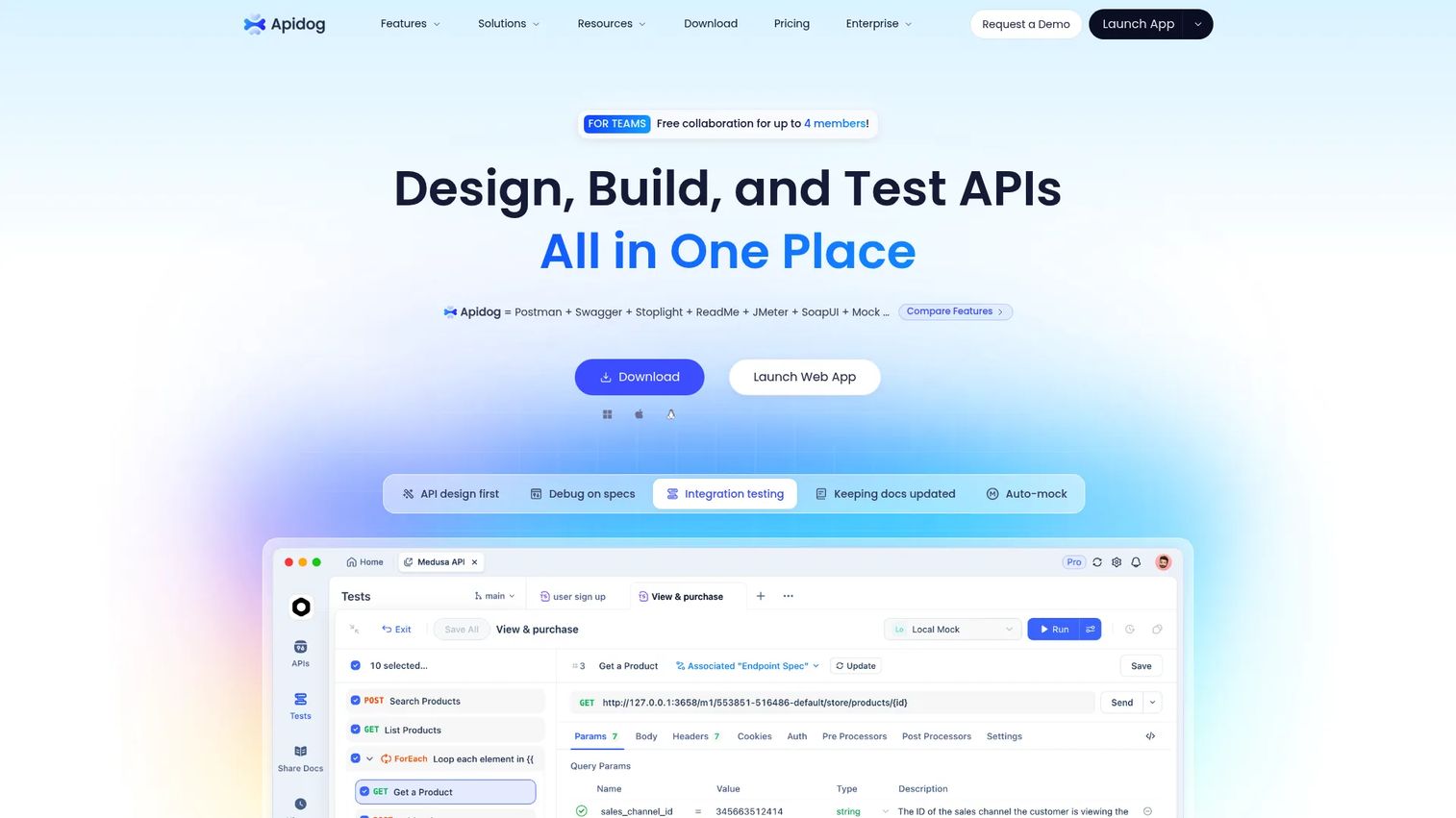
Apidog is an all-in-one API platform for design, debugging, mocking, testing, and documentation. It is design-first: define the API, then generate mock servers, run tests, and publish docs from the same workspace. It suits teams that want to move from a spec to a usable, documented, testable API without stitching several tools together.
Best for: Teams that want one design-first tool for the full API lifecycle.
Key strengths
- API design and documentation: Design contracts and auto-generate documentation from a single source.
- Debugging and testing: Debug requests and build visual tests with assertions and orchestration.
- Mock servers and collaboration: Spin up mocks and collaborate across the team in one shared workspace.
Why choose Apidog: Apidog appeals to teams consolidating design, mocking, testing, and docs into one tool rather than paying for several. Its high G2 rating reflects that consolidation. For presales, integrated mocks and generated docs let you show a working, documented API early, before the backend is fully built, which is useful for validating a workflow with a prospect.
Apidog pricing: Apidog offers a Free plan at $0, with a 14-day free trial on paid tiers. Basic is $9/user per month, Professional is $18/user per month, and Enterprise is contact-sales.
Considerations before you buy
The right tool depends on where your API starts and what governance you owe. Run every shortlist candidate through these criteria before committing.
Match the tool to your API source
The biggest fork is your starting point. Database-first tools like DreamFactory, Hasura, and CData API Server generate from an existing schema. Spec-first tools like Swagger and Apidog start from an OpenAPI contract. No-code builders like Xano start from a visual data model. Pick the tool that matches how your data already exists, or you will fight the workflow.
Check security and access control depth
Confirm the tool supports the auth and authorization model you need: role-based access control, fine-grained permissions, rate limiting, and audit logging. For regulated environments, verify deployment options such as self-hosted or air-gapped. Security reviewers will ask, so know the answer before evaluation, not during.
Verify documentation and versioning
Auto-generated API documentation is only useful if it stays in sync with the schema or spec. Check how docs update, whether they are interactive, and how the tool handles API versioning and deprecation. Consistent, current docs speed up both adoption and any handoff to a prospect's team.
Test integration and lifecycle fit
Make sure the platform connects to your databases, SaaS systems, and existing backend development tools. For a longer API lifecycle, confirm it supports the governance, testing, and monitoring you need as the surface grows. A tool that generates one endpoint cleanly but cannot govern a hundred will cost you later.
Confirm pricing and enterprise readiness
Several platforms here gate pricing behind sales conversations. Get the real number for your seat count and usage early, and confirm SSO, audit logging, and support expectations if you are buying for an enterprise team.
Conclusion
There is no single best API generation software, only the best fit for your API source and governance requirements. Start there.
If you need governed, self-hosted APIs over many internal databases, DreamFactory is the strongest fit. For OpenAPI-first design, documentation, and governance, Swagger is the default. Postman API Platform wins when you want design, testing, and monitoring in one workspace. Xano is the pick for a no-code backend with real scalability, and Hasura leads for GraphQL and data access over existing databases. For complex enterprise integration, MuleSoft Anypoint Platform is built for the scale. CData API Server excels at broad connectivity, and Apidog consolidates the full lifecycle in a single design-first tool.
Your next step is not a purchase, it is an evaluation. Shortlist two tools that match your data source, spin up a real endpoint against your own schema, and hand it to the person who will actually consume it. The tool that produces documented, secured, testable APIs against your data with the least friction is your answer.
FAQs
API generation software is a category of developer tools that automatically create APIs from a database, data model, or specification such as OpenAPI. Instead of hand-coding each endpoint, teams point the tool at a data source or contract and get working REST or GraphQL APIs, often with documentation and access control included.
No, though they overlap. API generation focuses on creating APIs from a source. API management focuses on runtime governance: rate limiting, security, monitoring, and versioning of APIs already in production. Some platforms, like MuleSoft Anypoint Platform and Postman, span both creation and management, which is why the line often blurs in practice.
Prioritize your API source match, security and access control depth, auto-generated documentation, versioning, and integration fit. Also weigh developer experience and enterprise readiness, including SSO, audit logging, and deployment options. The best tool for you is the one that matches where your data starts and the governance you are accountable for.
Some tools support both, while others specialize. Database-to-API tools often produce REST, and some also offer GraphQL. Hasura is known for GraphQL generation over existing databases, while DreamFactory and CData API Server lead with REST. Confirm the model you need is a first-class output, not an afterthought.
No. They remove repetitive scaffolding work, such as writing CRUD endpoints and boilerplate docs, so developers spend time on architecture, performance, and complex logic. Someone still owns data modeling, security design, and oversight. These tools change what developers do, they do not remove the need for them.
For enterprise, weigh governance, security, integrations, and support expectations over raw speed. MuleSoft Anypoint Platform is built for complex API-led integration and hybrid deployment. DreamFactory suits enterprises needing self-hosted, governed APIs with audit logging. Both handle the diligence that enterprise security and IT reviewers apply during evaluation.
Many can. Spec-first tools like Swagger and Apidog produce interactive documentation directly from the OpenAPI contract, and database-to-API tools generate docs from the introspected schema. Auto-generated docs matter because they stay in sync with the API, which speeds up developer adoption and any handoff to a prospect or partner team.