You build a 40-slide onboarding course. Three months later, the product UI changed, the pricing talk track shifted, and half the screenshots are wrong. Now you are rebuilding the same course from scratch, again, while three other launches stack up behind it.
That loop is the core problem course authoring software exists to solve. It turns scattered subject matter expertise into structured, trackable, reusable training modules that you can update once and republish everywhere. For anyone responsible for ramp time, certification completion, and consistent messaging, that maintainability is the difference between training that ages well and training that quietly rots.
The category is growing fast for a reason. The global course authoring software market is estimated at USD 5.66 billion in 2024 and projected to reach USD 20.63 billion by 2035, a 12.47% CAGR, according to Market Research Future (2024). More teams are building structured learning, and cloud-based deployment now accounts for the majority of new spend.
The hard part is not whether to use course authoring tools. It is choosing the right one for your team's skill level, governance needs, and update cadence. A solo instructional designer building branching scenarios has different needs than a 12-person enablement team localizing compliance courses across regions. This guide sorts the options by operational fit, not just feature count. If your work also touches buyer-facing product education, an interactive demo can complement formal coursework, and tools like Guideflow handle that self-serve layer. For adjacent comparisons, see our roundups on active learning tools and AI content creation tools.
What's inside
This guide is for sales enablement managers, instructional designers, L&D leads, and anyone building training, onboarding, compliance, or customer education content at scale. We selected platforms based on course-building speed, collaboration and approval workflows, SCORM and xAPI support, LMS-ready publishing, AI assistance, pricing accessibility, and how well each scales as your team and content library grow.
Every tool below fits a different maturity level. Some are no-code course authoring software built for broad SME participation. Others are power-user environments for complex simulations and branching. We flag which is which so you can shortlist fast instead of demoing all twelve.
TL;DR
- Best for PowerPoint-fast production: iSpring Suite, if your team already lives in slides and wants speed to publish.
- Best for advanced simulations and branching: Adobe Captivate and Lectora, for power users building complex, responsive course logic.
- Best for collaborative teams: Articulate 360, dominKnow | ONE, and Elucidat, for distributed teams that need review and version control.
- Best for SCORM and LMS publishing: iSpring Suite, Easygenerator, and Lectora, all with clean SCORM authoring software output.
- Best for free or budget-conscious users: Adapt Learning and Genially, for open-source flexibility or a generous free tier.
- Best for enterprise governance: Elucidat and dominKnow | ONE, for centralized control across distributed, multi-language programs.
What is course authoring software?
Course authoring software is a tool that lets you create structured eLearning content, such as lessons, quizzes, branching scenarios, and assessments, then publish it in standards like SCORM or xAPI so it can be tracked inside a learning management system. It is the production layer where training content is built, not the delivery layer where learners consume it.
That distinction matters. Course authoring tools differ from an LMS, an LCMS, and broader eLearning software in clear ways:
- An LMS (learning management system) hosts, delivers, and tracks courses. It manages enrollment, completion, and reporting. Authoring tools create the content the LMS serves.
- An LCMS (learning content management system) adds centralized content storage, reuse, and versioning on top of authoring, useful for large libraries.
- eLearning authoring tools is the broader umbrella term covering everything from slide converters to full simulation builders.
Most online course authoring software shares a common feature set. When you evaluate elearning authoring tools, look for:
- WYSIWYG editing so non-developers can build visually without code.
- Templates and themes to speed up production and keep branding consistent.
- Branching scenarios for decision-based, scenario-style learning.
- Quiz and assessment builders with scoring and feedback logic.
- Responsive course authoring so content renders cleanly on desktop, tablet, and mobile.
- SCORM and xAPI export for LMS-ready tracking and progress data.
- Collaborative course authoring with review, comments, and version control.
- AI course authoring software features that draft outlines, generate quizzes, or translate content.
Cloud-based authoring tools now dominate. Future Market Insights (2024) reports cloud deployment accounted for 61.4% of course authoring revenue in 2025, driven by collaboration and remote teams.
When to use course authoring software
Build onboarding and certification content
Structured authoring beats slide decks and shared docs when training needs to repeat reliably and prove completion. A new-hire ramp path or a sales certification has to be versioned, tracked, and updated as the product changes. Course authoring tools give you that control, plus the SCORM or xAPI data your LMS needs to report ramp time by cohort and certification completion. Docs cannot tell you who finished or who passed.
Publish compliance and enablement courses fast
When subject matter expertise lives in a SME's head, you need a fast way to turn it into governed learning. No-code course authoring software lets product managers, compliance leads, or senior reps draft course content directly, while an instructional designer reviews and approves before publish. That widens participation without sacrificing consistency, which matters when messaging shifts and you need updated training in the field within days, not quarters.
Localize and update training at scale
Global and fast-moving programs live or die on reuse. Cloud collaboration, shared asset libraries, and translation workflows let you update one master version and push localized variants without rebuilding each course. xAPI authoring tools also capture richer learning data across regions and devices, so you can see where learners drop off and fix the weak module instead of the whole course.
Comparison table
The list below leads with tools that balance speed and broad team fit, then moves toward power-user and specialist options. Pricing and G2 ratings change often, so verify both on the vendor's live pricing page and current G2 listing before you commit. Many of these are cloud-based authoring tools; a few remain desktop-centric, which affects collaboration and rollout.
| # | Product | Intent | Key differentiation | Pricing | G2 rating |
|---|---|---|---|---|---|
| 1 | Adobe Captivate | Advanced responsive courses and simulations | Responsive by default, deep interactivity | US$39.99/mo (individuals) | N/A |
| 2 | iSpring Suite | PowerPoint-fast course production | Authors inside PowerPoint, fast SCORM output | $970–$1,290/author/yr | 4.6/5 |
| 3 | Articulate 360 | Mainstream balance of speed and flexibility | Storyline plus Rise, built-in review | $1,449/user/yr | 4.7/5 |
| 4 | dominKnow | ONE | Collaborative, reusable, governed authoring | LCMS-style reuse, accessibility, cloud or on-prem | From $2,000/author/yr |
| 5 | Easygenerator | No-code, SME-driven course creation | Drag-and-drop, employee-generated content | From $116/mo | 4.7/5 |
| 6 | Elucidat | Enterprise-scale collaboration and localization | Centralized control, translation support | From $1,650/user/yr | 4.4/5 |
| 7 | Gomo | Responsive, multi-device global training | Cloud authoring, multi-device output | Quote-based | 4.8/5 |
| 8 | Lectora | Power-user customization and compliance | Robust branching, Section 508/WCAG support | From $1,549/yr | 4.1/5 |
| 9 | Genially | Interactive, visual, gamified course builds | No-code interactivity, generous free tier | Free plan available | 4.6/5 |
| 10 | Camtasia | Video-first course content | Screen recording plus editing | From $39/yr | N/A |
| 11 | Adapt Learning | Open-source responsive authoring | Free, developer-friendly framework | Free, open source | 3.5/5 |
| 12 | isEazy Author | Fast cloud authoring for business teams | AI Autopilot, collaborative editing | Free plan; from 80€/mo | 4.9/5 |
1. Adobe Captivate

Adobe Captivate is Adobe's eLearning authoring tool for building responsive, interactive courses and simulations. It is responsive by default, so content adapts across screen sizes without manual rework, and it leans into scenario-style and software-simulation learning. For teams with more technical depth, it handles complex interaction logic that lighter tools do not.
Best for: Teams and instructional designers building responsive eLearning courses, branching simulations, and software walkthroughs.
Key strengths
- Responsive by default: Courses adapt to desktop, tablet, and mobile without building separate versions.
- Deep interactivity: Branching, simulations, and scenario-based learning for complex training needs.
- Generative AI and PowerPoint import: Draft content faster and convert existing slide decks into eLearning.
Why choose Adobe Captivate: If your training includes software simulations, multi-path branching, or VR-style scenarios, Captivate gives you the production depth to build them. It rewards teams willing to invest in the tool, and it fits enablement groups that need polished, responsive output rather than quick drag-and-drop modules.
Adobe Captivate pricing: Individuals are listed at US$39.99/mo, with all plans including Captivate, Captivate Classic, 100GB storage, and generative credits. Teams, enterprises, and education are quote-based through Adobe's volume licensing. There is no free tier, though Adobe typically offers a trial. Verify current figures on Adobe's buying guide before purchase.
2. iSpring Suite
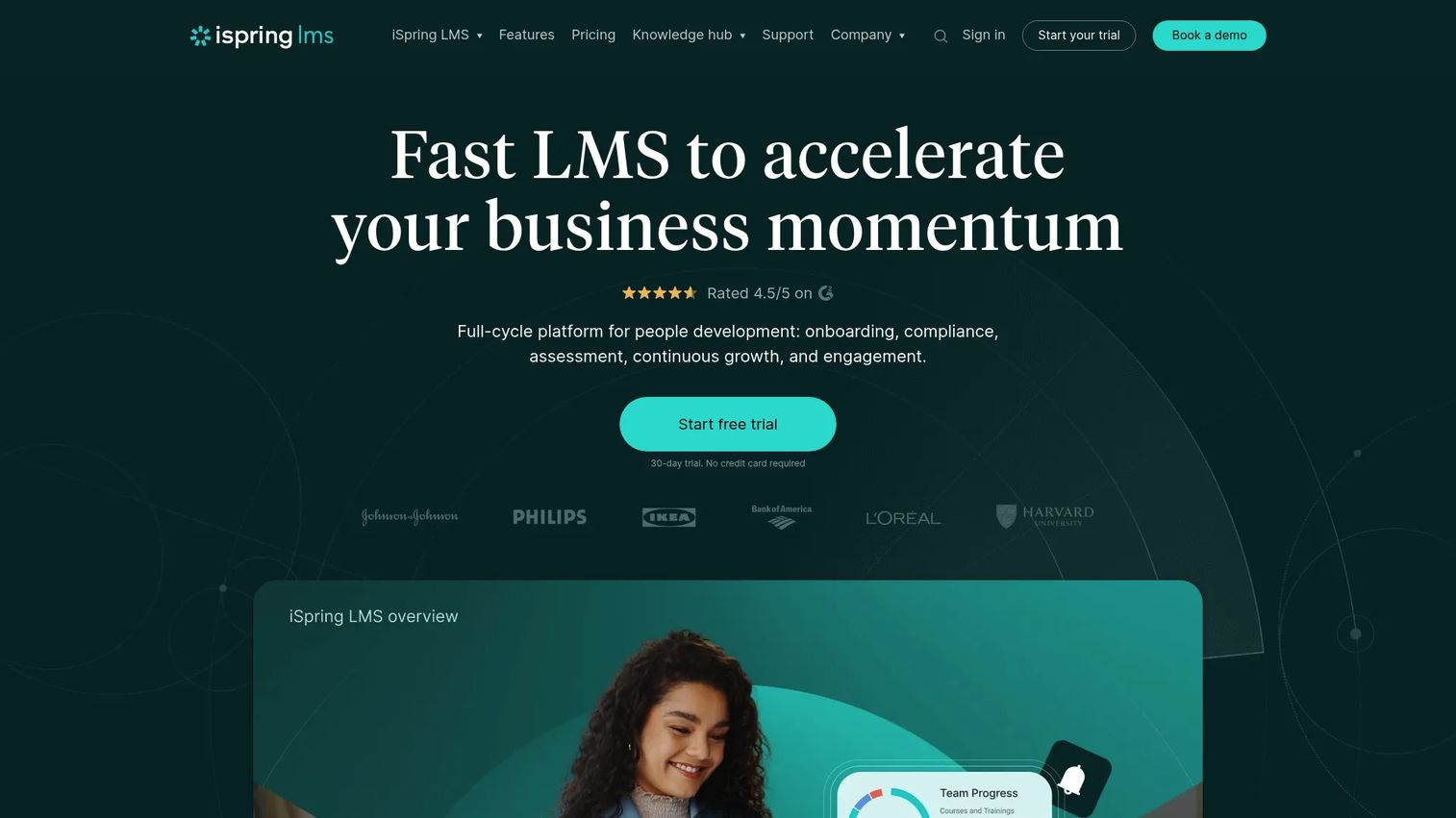
iSpring Suite is PowerPoint-based course authoring software for building courses, quizzes, role-play simulations, and training videos. Because it works inside PowerPoint, teams that already build slides can produce SCORM-ready courses without learning a new editor. That familiarity is its core advantage: speed to first publish.
Best for: Teams or individual creators who want fast, familiar course production without a steep learning curve.
Key strengths
- Works inside PowerPoint: Turn existing decks into interactive courses with a toolbar, not a new app.
- Quizzes and dialogue simulations: Build assessments and role-play scenarios for soft-skills and product training.
- HTML5 and SCORM output: Publish LMS-ready courses with clean tracking and mobile-friendly rendering.
Why choose iSpring Suite: If your bottleneck is production speed and your team already lives in slides, iSpring removes the ramp. It suits enablement teams that need to convert product narratives and talk tracks into trackable courses quickly, and it scales from a single freelancer to a business authoring team.
iSpring Suite pricing: iSpring lists Suite AI in two categories: Business at $1,290 per author per year and Freelancers at $970 per user per year, billed annually. Educators may qualify for discounts. There is no free tier, but a trial is typically available. G2 rates it 4.6/5.
3. Articulate 360
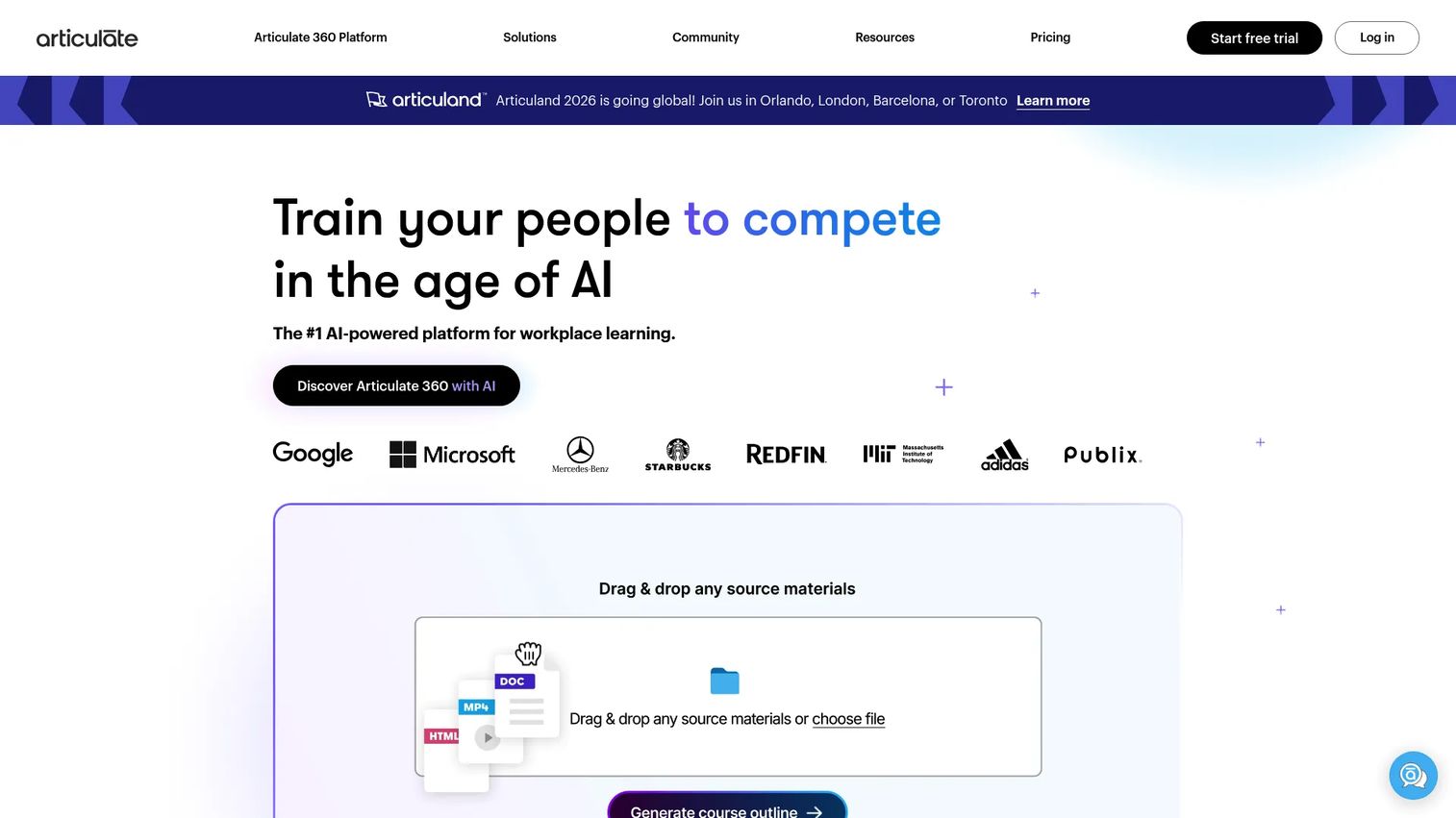
Articulate 360 is an AI-powered workplace training platform that bundles Storyline and Rise alongside collaboration, translation, and distribution tools. Storyline handles deep, custom interactivity; Rise builds responsive, template-driven courses fast. Together they cover both ends of the speed-versus-flexibility spectrum, which is why it is a mainstream default for many L&D teams.
Best for: Teams that need rapid authoring plus the option to go deep on custom interactions when a course demands it.
Key strengths
- Storyline plus Rise: Choose deep custom builds or fast responsive courses inside one subscription.
- Built-in review workflows: Collect stakeholder feedback in-context, reducing version chaos.
- Trackable distribution and analytics: See how learners engage and where they drop off.
Why choose Articulate 360: The dual-tool model means you rarely outgrow it. A small enablement team can move fast in Rise, then graduate to Storyline for a flagship certification without switching platforms. The review and collaboration layer keeps SMEs, designers, and reviewers aligned.
Articulate 360 pricing: The Personal plan is $1,449 per user per year and Teams is $1,749 per user per year, both billed annually, with a 30-day free trial. Localization and Reach are separate add-ons. G2 rates it 4.7/5.
4. dominKnow | ONE
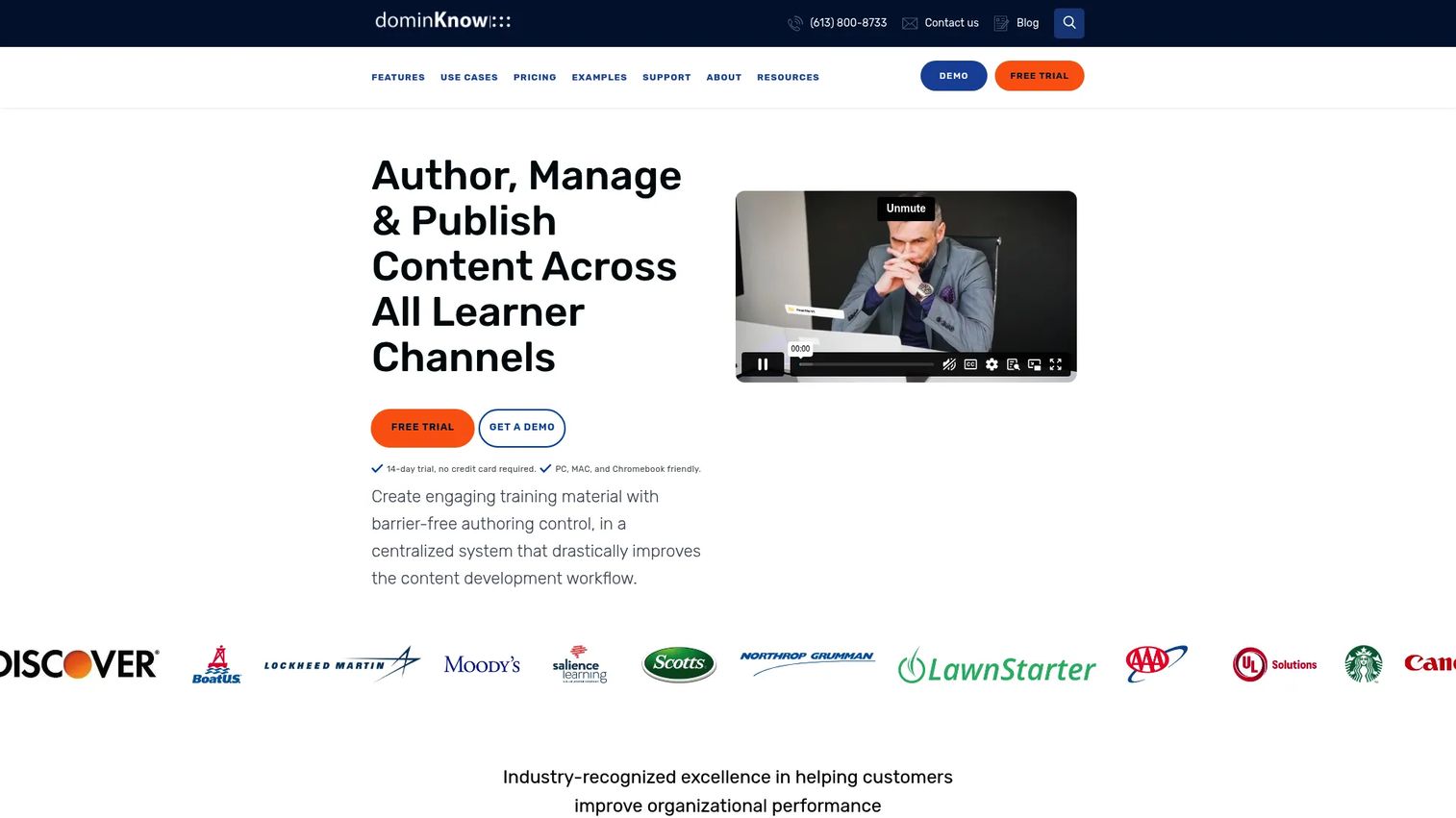
dominKnow | ONE is a cloud-based LCMS and authoring platform built for creating, reusing, localizing, and publishing learning content at scale. Its standout is single-source content reuse: build a module once, then reuse it across multiple courses and keep everything in sync. For larger teams, that governance layer is the point.
Best for: Teams needing collaborative, accessible authoring with LCMS-style reuse and deployment flexibility.
Key strengths
- Content reuse and single-source design: Update once, propagate everywhere across your library.
- Real-time collaboration and review: Multiple authors and reviewers work together without file handoffs.
- WCAG 2.2 AA accessibility and multi-language projects: Build compliant, localized courses from the start.
Why choose dominKnow | ONE: When your content library grows past a handful of courses, reuse and version control become survival tools. dominKnow suits enablement and L&D teams managing large, evolving catalogs where the same product module appears in onboarding, certification, and partner training. Cloud or on-prem deployment adds flexibility for security-conscious orgs.
dominKnow | ONE pricing: Business is $2,000 per author per year and Business PLUS is $2,500 per author per year with a five-author minimum. Enterprise is custom. A 14-day free trial requires no credit card. G2 rates it 4.1/5.
5. Easygenerator
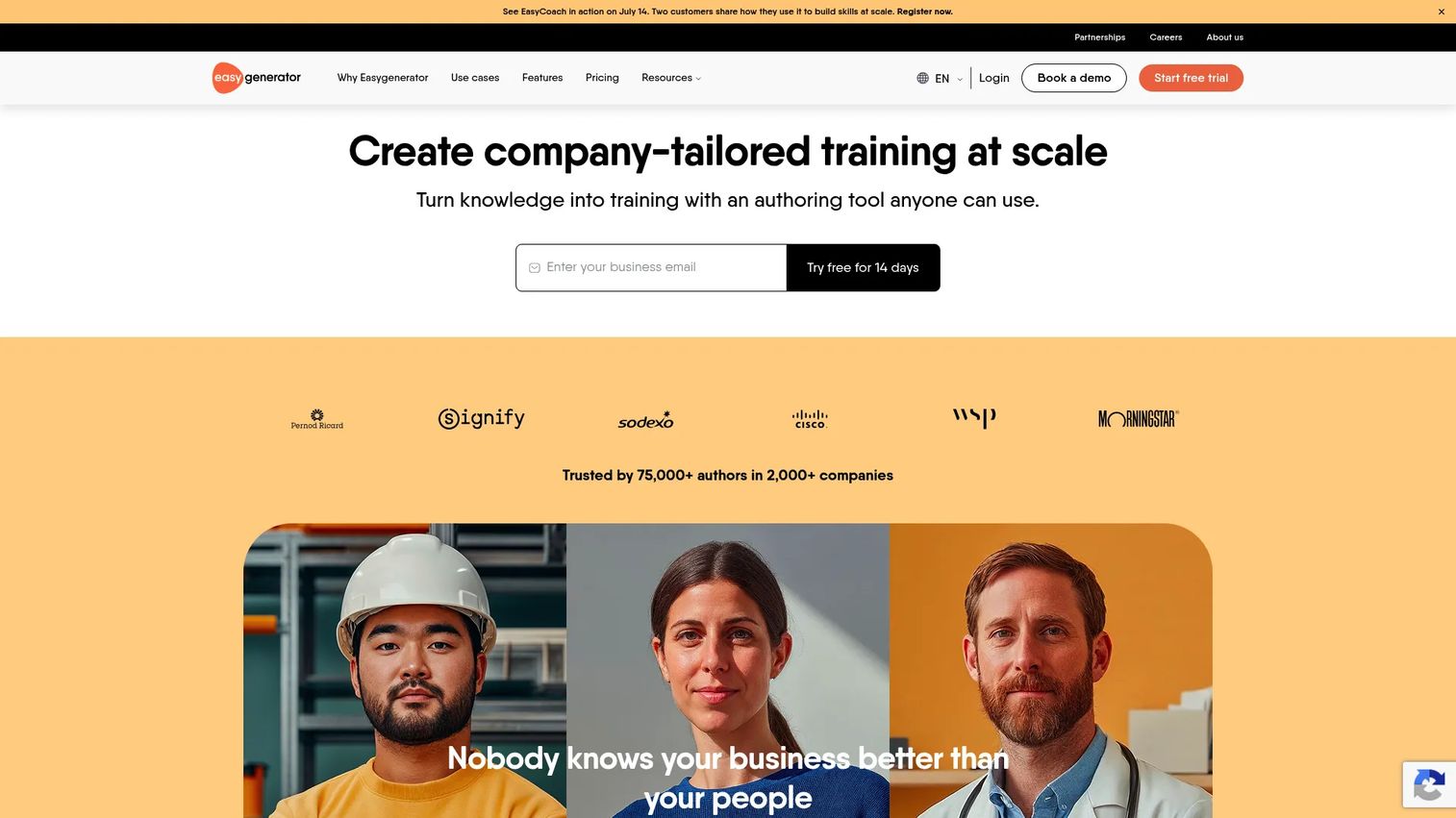
Easygenerator is cloud-based, no-code course authoring software built for broad participation. Its drag-and-drop editor and AI-assisted authoring let subject matter experts create courses without instructional-design training, which is the whole pitch: employee-generated learning at scale. SCORM and xAPI publishing keep it LMS-ready.
Best for: Teams that want SMEs across the business creating courses with light oversight.
Key strengths
- Drag-and-drop editor: Non-designers build clean courses without touching code.
- AI-assisted creation: Generate course structure and content drafts to cut blank-page time.
- SCORM/xAPI publishing and LMS integrations: Push trackable courses into your existing stack.
Why choose Easygenerator: If your goal is to distribute authoring across product, compliance, and sales teams rather than bottleneck it in one designer, Easygenerator lowers the barrier. Enablement leads use it to capture field knowledge fast and convert it into governed, trackable modules.
Easygenerator pricing: Pro is $116/mo ($1,399 billed annually) and Teams is $582/mo ($6,995 billed annually), priced per author with unlimited learners. Enterprise is quote-based, and a 14-day free trial is available. G2 rates it 4.7/5.
6. Elucidat
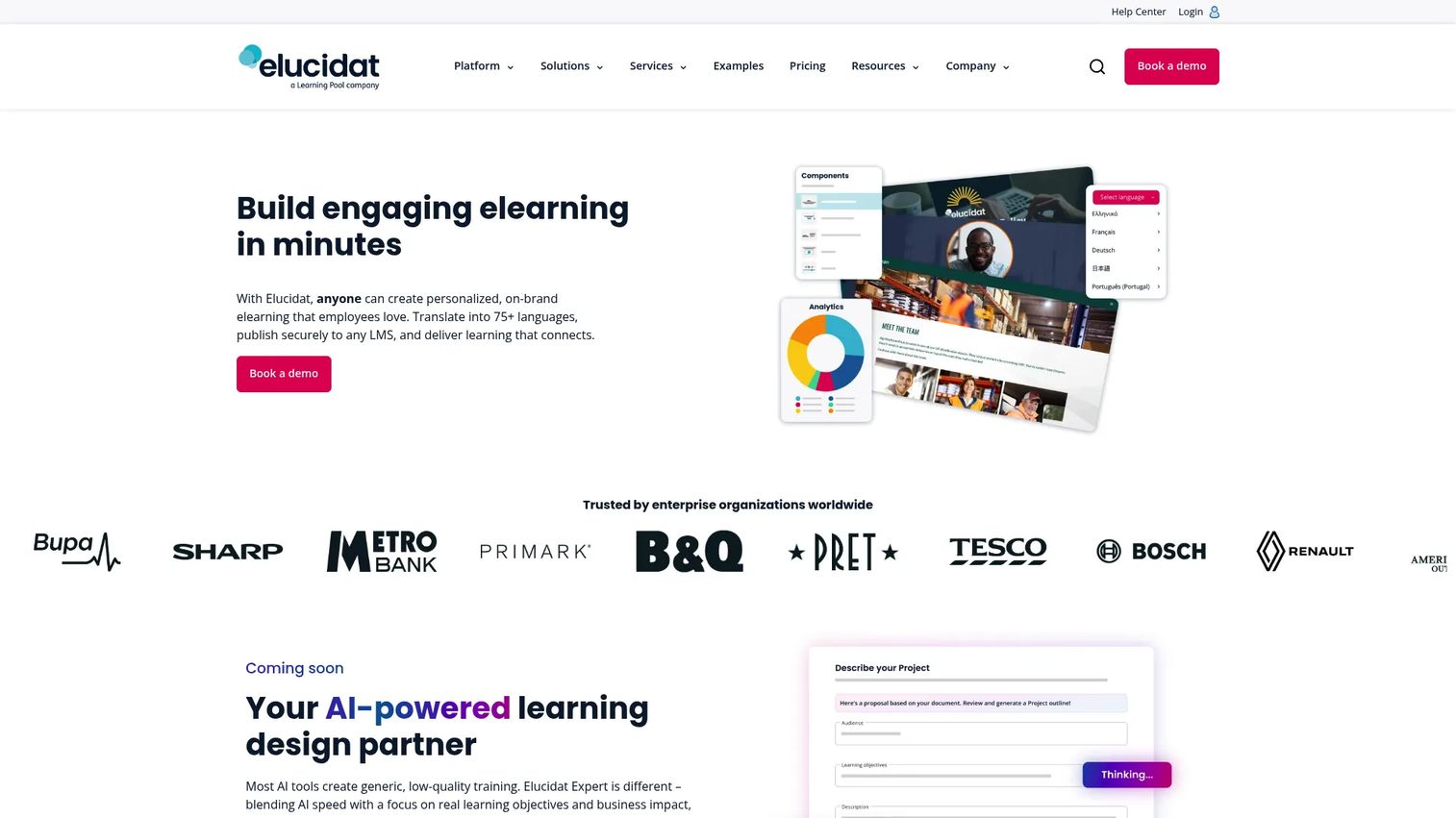
Elucidat is a cloud-based authoring platform built for teams producing scalable, branded training. Its strength is enterprise collaboration: centralized templates, reuse, and localization that let large, distributed teams stay on-brand and on-message. AI-assisted creation speeds up drafting, and translation support handles multi-region rollouts.
Best for: Large organizations that need scalable, branded, centrally governed course creation.
Key strengths
- Author and Create products: Tiered authoring for both designers and broader contributors.
- Centralized brand control: Locked templates and shared assets keep distributed teams consistent.
- Translation and localization support: Roll out training across regions from a master version.
Why choose Elucidat: When dozens of authors across regions need to ship on-brand training without drifting, Elucidat's governance layer pays off. It fits enablement and L&D functions at scale where consistency and maintainability matter more than one-off creative depth.
Elucidat pricing: Growth starts from $1,650 per user per year. Team and Enterprise are quote-based. A free trial is available, though there is no free tier. G2 rates it 4.4/5.
7. Gomo
Gomo is a cloud authoring tool focused on responsive, multi-device output for global training programs. Its emphasis is publishing courses that render cleanly across desktop, tablet, and phone, plus localization workflows for teams training learners in multiple languages. For distributed programs, that multi-device consistency is the draw.
Best for: Global training teams that need responsive output and straightforward localization.
Key strengths
- Responsive multi-device output: Courses adapt automatically across screen sizes.
- Cloud collaboration: Distributed authors work from a shared environment.
- Localization support: Manage translated variants for multi-region rollouts.
Why choose Gomo: If your learners span devices and regions, Gomo's responsive-first approach reduces the rework of building separate versions. It suits enablement teams supporting field and mobile-heavy audiences where one course must work everywhere.
Gomo pricing: Gomo uses quote-based pricing rather than public tiers, so contact the vendor for current figures tied to your team size. G2 reviewers rate the learning product 4.8/5. Confirm pricing and the exact product scope directly with the vendor before committing.
8. Lectora
Lectora is eLearning authoring software built for power users who need deep customization and strong accessibility. It handles robust branching, granular control over course logic, and compliance-friendly features like Section 508 and WCAG support. Its AI Course Wizard speeds up the starting point without giving up the control advanced builders want.
Best for: Teams that need accessible, highly customizable authoring with LMS-ready publishing.
Key strengths
- Robust branching and customization: Build complex, conditional course logic precisely.
- Built-in accessibility: Section 508 and WCAG support for compliant courses.
- SCORM, xAPI, and HTML5 publishing: Flexible, LMS-ready output across standards.
Why choose Lectora: For regulated industries and accessibility-critical training, Lectora's compliance depth is a real differentiator. Power users who hit the ceiling of template-driven tools get the control they need for intricate course logic and branching scenarios.
Lectora pricing: Lectora is sold as part of the Studio Gold Suite at $1,549 per year, paid upfront annually, with a larger Studio bundle at $10,547 per year and a 30-day MicroBuilder trial. G2 rates it 4.1/5.
9. Genially
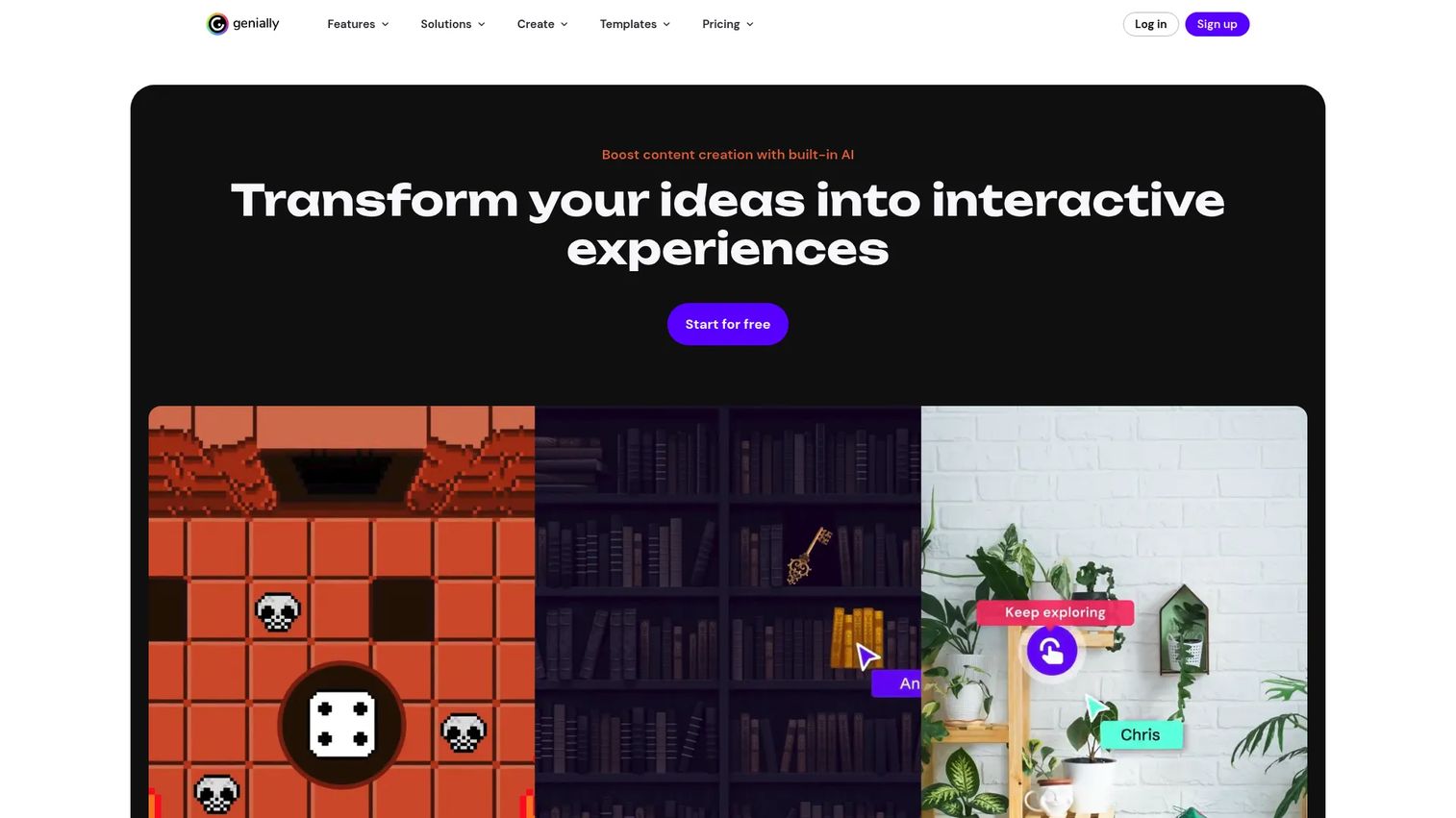
Genially is a no-code platform for interactive, visually engaging content, including learning materials, presentations, and gamified courses. Its hotspots, tooltips, animations, and templates make it an easy entry point for lightweight course builds where visual engagement matters more than deep branching logic. A generous free plan lowers the barrier further.
Best for: Teams and educators creating interactive, visual, gamified learning without a steep learning curve.
Key strengths
- No-code interactivity: Hotspots, tooltips, and animations without writing code.
- Templates and gamification: Visually rich, engaging courses fast.
- Collaboration, brand kit, quizzes, and analytics: Keep content on-brand and measurable.
Why choose Genially: When you need engaging, visual microlearning or interactive enablement assets quickly, Genially is approachable for non-designers. It fits teams building lightweight courses, quizzes, and visual explainers rather than complex, multi-path certifications.
Genially pricing: Genially offers a free plan, with Pro and Master paid tiers billed annually. Check the current pricing page for exact paid figures, since published amounts shift. G2 rates it 4.6/5.
10. Camtasia
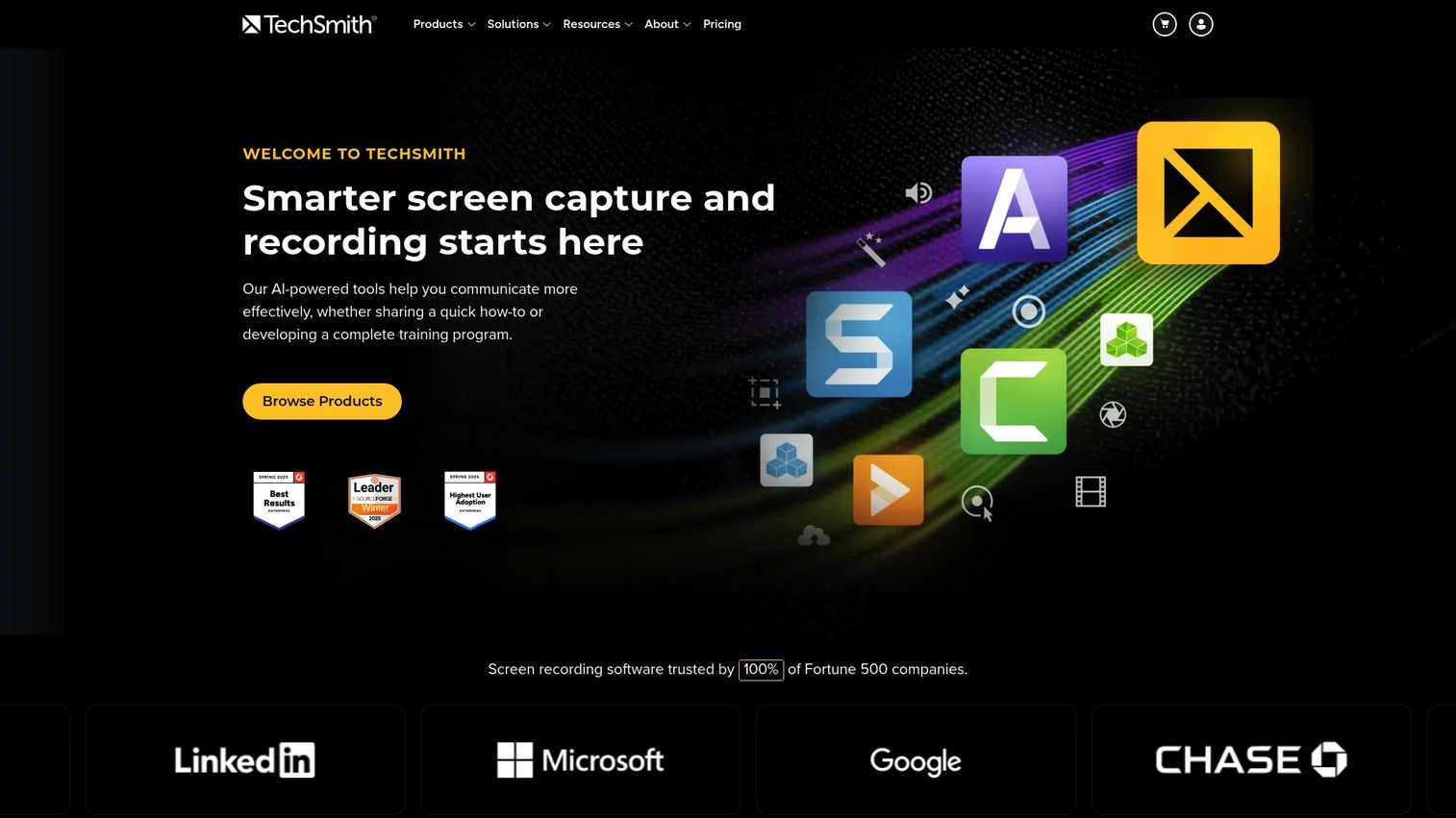
Camtasia is TechSmith's screen recording and video editing software, widely used for video-first course content. When your training leans on software walkthroughs, tutorials, and narrated demonstrations rather than branching logic, Camtasia's recording and editing depth fits. It is a video production tool first, used heavily in eLearning workflows.
Best for: Teams or individuals producing screen-recorded training and tutorial videos.
Key strengths
- Screen recording up to 4K: Capture software walkthroughs with camera and audio.
- Multitrack editing: Cursor effects, captions, and templates for polished tutorials.
- AI assist features: Script generation, voice generation, and avatar options.
Why choose Camtasia: When the heart of your training is showing how software works on screen, Camtasia gives you production control that course builders do not match. Enablement teams use it to create walkthrough videos that drop into courses, help centers, and onboarding flows.
Camtasia pricing: Individual plans run from Starter at $39/year to Pro at $599/year, billed yearly, with Essentials and Create in between. Teams, Business, and Education options exist, plus a free download and free online access tier. Capterra reviewers rate it 4.5/5.
11. Adapt Learning
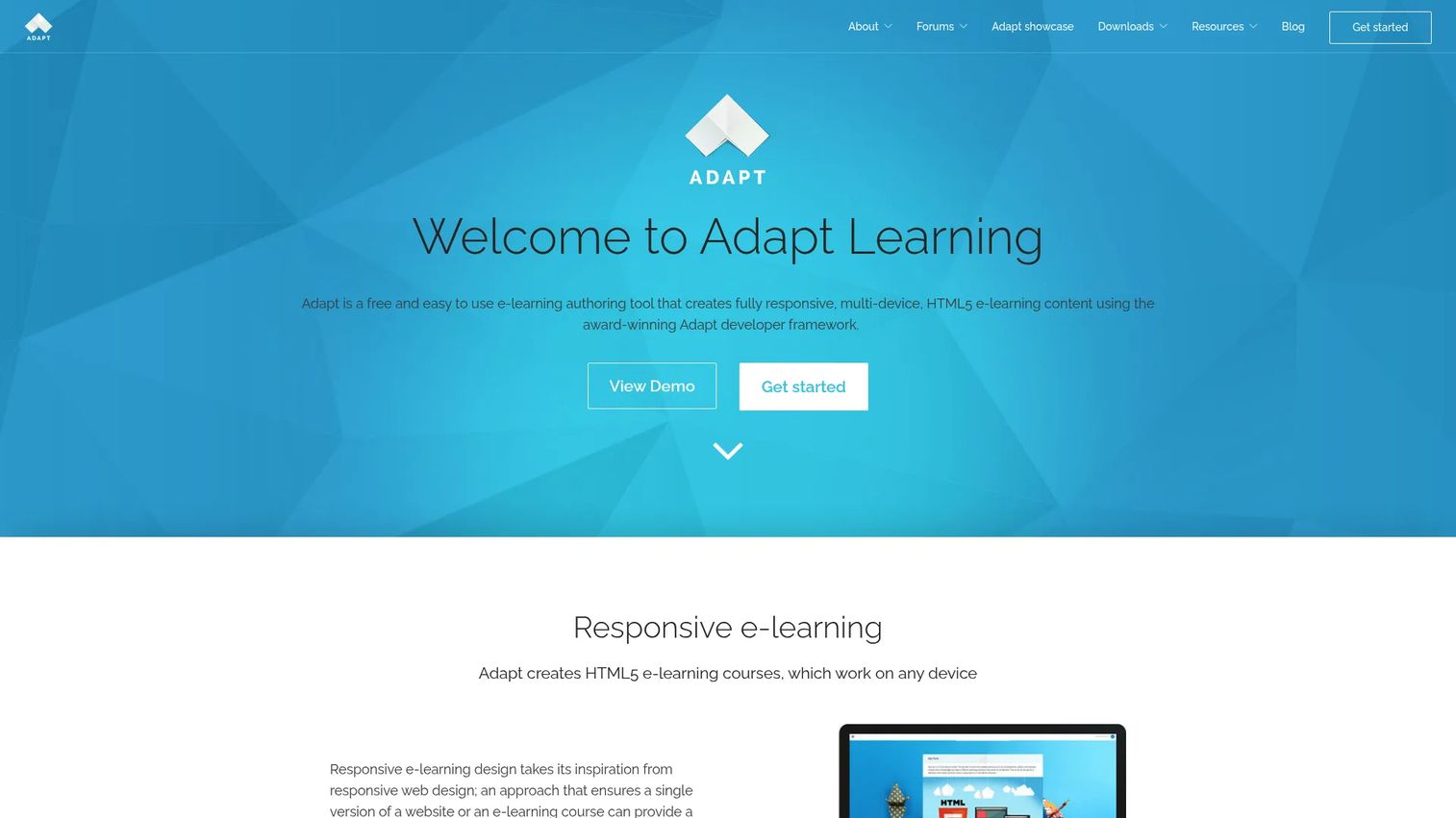
Adapt Learning is a free, open-source authoring tool for building responsive, multi-device HTML5 courses. Teams that want full control over the stack, and the budget flexibility of open source, use Adapt to build responsive courses without licensing fees. The open Adapt Framework gives developers room to customize deeply.
Best for: Teams or individuals needing a free, open-source responsive authoring tool.
Key strengths
- Responsive HTML5 output: Courses work across devices out of the box.
- No-programming authoring option: A visual authoring tool for non-developers.
- Open-source framework: Developers extend and customize the stack freely.
Why choose Adapt Learning: If budget is tight or your team has development resources and wants control, Adapt's open-source model is hard to beat on cost. It fits teams comfortable owning more of the setup in exchange for flexibility and zero licensing spend.
Adapt Learning pricing: Adapt is free and open source, with no public paid pricing on the brand site. G2 shows a 3.5/5 rating based on limited reviews, so weigh that against the open-source community's broader adoption.
12. isEazy Author
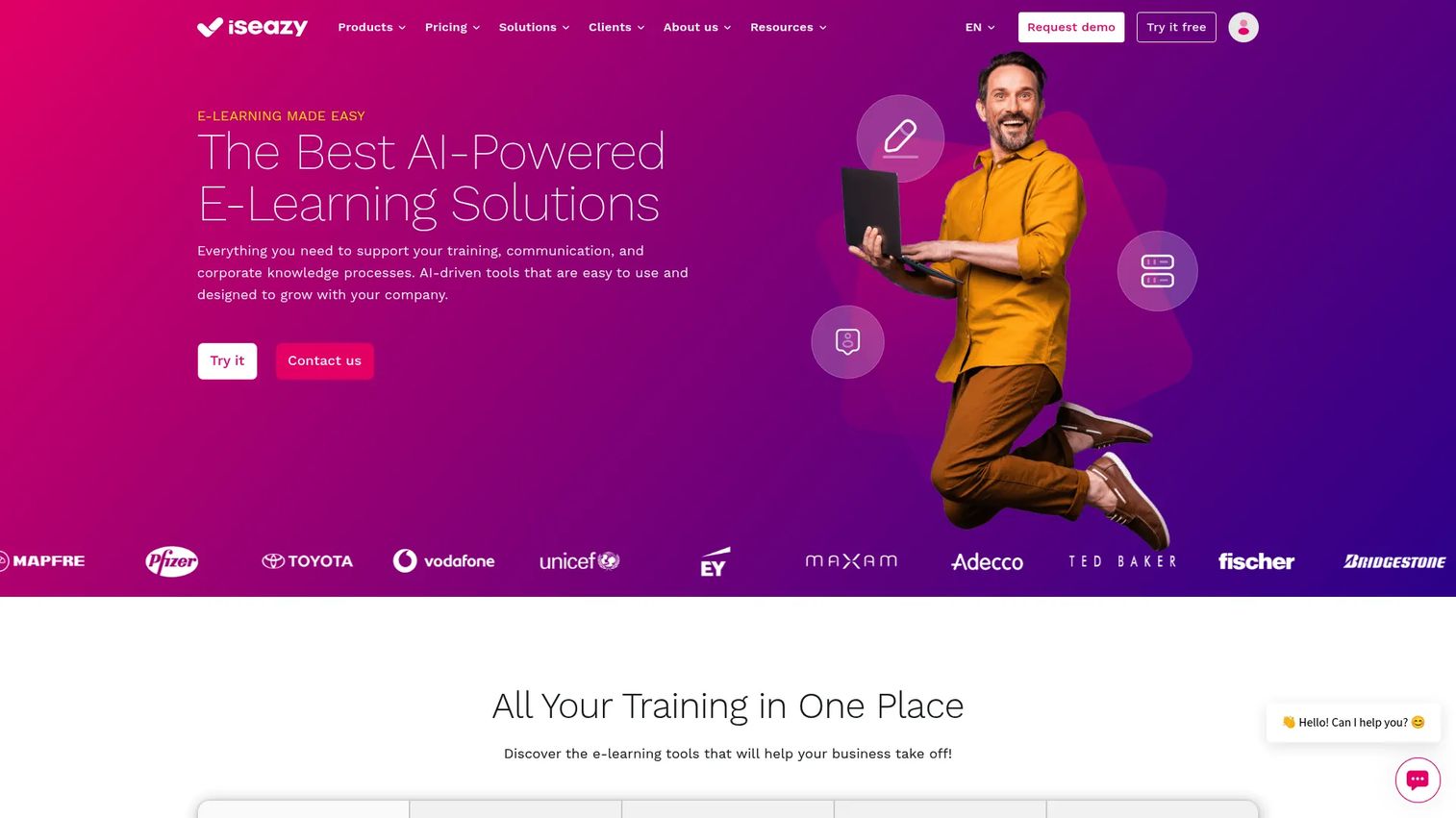
isEazy Author is a cloud-based, AI-assisted authoring tool for creating interactive eLearning courses quickly. Its AI Autopilot can turn a document or an idea into a complete course draft, and collaborative editing with auto-save keeps teams moving together. For business teams that value speed and simplicity, it removes a lot of production friction.
Best for: Business teams creating interactive corporate courses fast, with AI assistance and accessibility needs.
Key strengths
- AI Autopilot: Turn documents or ideas into a complete course draft.
- Real-time collaborative editing: Multiple authors work together with auto-save.
- SCORM/xAPI export and flexible distribution: Publish to LMS, link, intranet, or PDF.
Why choose isEazy Author: When you need polished courses out the door quickly and want business users contributing without a long ramp, isEazy's AI-first approach moves fast. Its free tier makes it easy to trial before committing.
isEazy Author pricing: A free plan is available for testing. Professional starts at 80€/month and Business at 208€/month, with monthly and yearly billing; Enterprise is custom. G2 rates it 4.9/5.
Considerations before you buy
Ease of use versus depth
Simple, no-code course authoring software speeds up production and widens who can contribute, which is ideal when SMEs across the business need to author. Advanced tools like Adobe Captivate and Lectora support heavier customization, complex branching scenarios, and software simulations. Match the tool to your most common course type, not your rarest one.
LMS compatibility and standards
Before you buy, verify the exact publishing standards each tool supports: SCORM 1.2, SCORM 2004, xAPI, LTI, and clean HTML5 embedding. Test a sample SCORM export inside your actual LMS, not just in the vendor's preview. Confirm that progress tracking, quiz scoring, and completion data flow through correctly, since that data feeds your ramp and certification reporting.
Collaboration and governance
For any team beyond one author, versioning, approvals, and permissions are not optional. Look for review workflows, comment threads, content ownership, and expiration controls so outdated courses do not linger. Collaborative course authoring with real-time editing reduces the file-handoff chaos that creates duplicate, conflicting versions.
Localization and reuse
Global and fast-changing programs should inspect translation workflows, shared asset libraries, and reusable components closely. Single-source reuse, as in dominKnow | ONE, means you update a module once instead of in every course it appears. That maintainability compounds as your library grows past a handful of courses.
Pricing and licensing model
Subscription, desktop license, freemium, and enterprise contracts each affect budget and rollout differently. Per-author pricing scales with your authoring team, not your learner count, which matters when only a few people build but thousands consume. Confirm whether learners are unlimited, whether key features are gated to higher tiers, and what a multi-year contract locks you into.
Conclusion
The right course authoring software depends on how your team works, not on which tool has the longest feature list. Fast-moving teams that live in slides should look hard at iSpring Suite or Articulate 360. Teams building complex simulations and branching belong with Adobe Captivate or Lectora. Enterprise training functions managing large, localized libraries get the most from Elucidat and dominKnow | ONE. Budget-conscious or developer-heavy teams can start with Adapt Learning or Genially's free tier.
Do not try to evaluate all twelve. Shortlist two or three that match your team's skill level, governance needs, and update cadence, then trial each against one real course you actually need to ship. Build the same module in each, push it to your LMS, and see which one your SMEs and reviewers can actually use. The tool that wins that test is the one worth buying.
If part of your work involves showing a product rather than teaching a concept, pair your authoring stack with self-serve product experiences. Start your journey with Guideflow today!
FAQs
Course authoring software is a tool for creating structured eLearning content such as lessons, quizzes, branching scenarios, and assessments, then publishing it in standards like SCORM or xAPI for tracking. It is the production layer where training is built, separate from the LMS that delivers and tracks it. Teams use it for onboarding, certification, compliance, and customer education.
Course authoring software creates the content; an LMS hosts, delivers, and tracks it. You build a course in an authoring tool, export it as SCORM or xAPI, then upload it to your LMS, which handles enrollment, completion, and reporting. They are complementary layers, and most teams need both. Some platforms bundle light authoring into an LMS, but dedicated course authoring tools offer more production depth.
Most tools on this list support both. iSpring Suite, Easygenerator, Lectora, isEazy Author, and Adapt Learning all publish SCORM authoring software output and xAPI authoring tools formats. Always test a sample export inside your own LMS before committing, since support on paper does not always mean clean tracking in practice. Confirm SCORM 1.2, SCORM 2004, and xAPI versions match what your LMS requires.
For teams, prioritize collaboration and version control, SCORM and xAPI publishing, responsive course authoring, and review and approval workflows. WYSIWYG editing widens who can contribute, while reuse and localization features keep large libraries maintainable. AI course authoring software features help draft faster, but human review still governs quality. Map the feature set to your most frequent course type and your governance needs.
Cloud-based authoring tools win on collaboration, real-time co-editing, and remote access, which is why Future Market Insights (2024) reports cloud held 61.4% of the market in 2025. Desktop tools can offer deep offline control for power users building complex courses. For distributed teams that need collaborative course authoring and fast updates, cloud is usually the better fit. For solo power users with heavy customization needs, desktop still has a place.
No-code course authoring software like Easygenerator, isEazy Author, and Genially is built for non-designers, with drag-and-drop editors and AI-assisted creation. These tools let SMEs across the business contribute courses without instructional-design training. Pair broad authoring access with a review and approval workflow so quality and consistency stay governed even as more people create.
Yes. Tools like Articulate 360, dominKnow | ONE, and Elucidat include real-time collaboration, in-context review, comment threads, and approval workflows. These features prevent the duplicate, conflicting versions that plague file-based authoring. For any team with more than one author, versioning, content ownership, and expiration controls are essential to keep your course library clean and current.
Most course authoring tools price per author, not per learner, so cost scales with how many people build, not how many consume. Check whether learners are unlimited, which features are gated to higher tiers, and whether the contract is annual or multi-year. Factor in free trials and free tiers to validate fit before committing, and confirm current figures on the vendor's live pricing page, since published prices change.