You built a landing page. You added a signup form. Emails trickle in, drop into a spreadsheet, and then nothing happens. No follow-up. No referral loop. No idea who's actually interested.
That's the gap most waitlist software fills, and it's why the category is growing fast. The global waitlist software market was valued at USD 1.47 billion in 2025 and is expected to reach USD 5.0 billion by 2035, a 13.1% CAGR, according to Wise Guy Reports (2025). Demand capture and customer flow are no longer nice-to-haves.
Here's the catch most guides skip: "waitlist software" covers two completely different jobs. One is pre-launch demand capture, the kind of tool a founder uses to collect signups, run a referral system, and prove product demand before writing a single line of production code. The other is queue management software, which organizes live, in-person customer flow at restaurants, clinics, and salons.
Pick the wrong one and you'll pay for features you never touch. So the tools below are sorted by which job they do best, and ranked on the criteria that actually change your decision: setup speed, analytics, integrations, branding, communication tools, and pricing transparency.
What's inside
This guide is for founders, product marketers, and operators choosing a waitlist tool without wasting a quarter on the wrong one.
We evaluated each tool on four criteria:
- Setup speed: How fast you go from signup to a live waitlist, ideally with a no-code waitlist builder.
- Analytics and growth: Signup tracking, referral source data, and conversion reporting.
- Integrations: Website builders, CRMs, email tools, plus API and webhook support.
- Pricing transparency: Clear tiers, free options, and no hidden gates.
The list splits cleanly into pre-launch waitlist software and queue management software, so you can jump to the half that matches your job.
TL;DR
- Best pre-launch waitlist software: Waitlister, for no-code launch pages, referrals, and email automation.
- Best for viral referral growth: GetWaitlist, built around referral mechanics and API-driven signups.
- Best free waitlist software: Waitlister and Waitwhile both ship real free tiers, not crippled trials.
- Best queue management software: Waitwhile for flexible customer flow, Qminder for larger public-facing operations.
- Best for service businesses: Waitlist Me and NextMe for simple SMS-driven queues at clinics, salons, and restaurants.
- Best low-cost queue entry point: Waitlist App, with a free starter plan and offline-first design.
What is waitlist software?
Waitlist software is a tool that captures, organizes, and follows up with people waiting for access to a product, service, or spot in line. It handles two distinct jobs: capturing pre-launch demand for a product that isn't public yet, and managing a live queue of customers waiting for in-person service.
A pre-launch waitlist tool exists to prove demand and build a launch audience. Think a SaaS product collecting emails months before release, running a waitlist referral system to move people up the line, and warming them up with a waitlist email sequence.
Queue management software solves a different problem: too many people, not enough seats, right now. A clinic texts patients when a room opens. A restaurant sends an SMS when the table is ready. The signup happens on-site or minutes before, not weeks ahead.
Key features to look for across both categories:
- Signup forms and landing pages: Embeddable widgets and a startup launch page or waitlist website you can publish fast.
- Referrals: A referral loop that rewards signups for bringing others, which drives waitlist position and organic growth.
- Email and SMS notifications: Automated waitlist email broadcasts, double opt-in, and SMS alerts for queue updates.
- Analytics: Waitlist analytics covering signups, referral source, drop-off, and conversion.
- Integrations and APIs: Waitlist integrations with site builders, CRMs, and email tools, plus API and webhooks.
- Branding and custom domains: Branding customization, custom domains, and CSV export so the data stays yours.
When to use waitlist software
Capture interest before launch
Use a product launch waitlist when you're validating demand ahead of a public release. SaaS products, mobile apps, and hardware pre-orders all benefit from a startup waitlist tool that collects signups, ranks them, and rewards referrals. The goal is a warm audience on launch day, plus real data on who cares and why.
Manage a live queue
Use queue management software when the problem is physical flow, not future demand. Restaurants, clinics, salons, and government service desks need to check people in, notify them by SMS, and keep the line moving. Here, the waitlist is operational and resets every day.
Automate follow-up and segmentation
Use either category when manual follow-up is eating your time. Automated email and SMS sequences, segmentation by referral source, and reporting turn a passive list into a growth engine. This is where waitlist software earns its place: it does the follow-up you'd otherwise forget.
Waitlist software comparison
The table below splits the two jobs. Rows 1 and 2 are pre-launch waitlist tools built for demand capture and referrals. Rows 3 through 8 are queue management tools for live customer flow. Read the "Best for" column first, then check pricing and setup fit.
| # | Product | Best for | Key differentiation | Pricing | G2 rating |
|---|---|---|---|---|---|
| 1 | Waitlister | Pre-launch SaaS and product teams | No-code launch pages, referrals, email automation | Free; paid from $16/mo | 5.0/5 |
| 2 | GetWaitlist | Referral-driven launches | Referral loops plus API and widgets | Free tier available | Not rated |
| 3 | Waitlist Me | Simple service-business queues | Text and call notifications, multi-device sync | From $27.99/mo | 5.0/5 |
| 4 | WaitWell | Multi-location service operations | Queue plus appointment booking | From $29/mo per location | 4.7/5 |
| 5 | Waitwhile | Flexible customer flow | Virtual waitlists, bookings, messaging | Free; paid from $31/mo | 4.9/5 |
| 6 | Qminder | Larger public-facing teams | Queue management plus service intelligence | From $869/mo | 4.6/5 |
| 7 | NextMe | Local businesses wanting SMS queues | Virtual waiting room, SMS updates | Free; paid from $49.99/mo | 5.0/5 |
| 8 | Waitlist App | Low-cost queue entry point | Offline-first, multi-channel notifications | Free; Pro $49.99/mo | Not rated |
Best 8 waitlist software for 2026
1. Waitlister
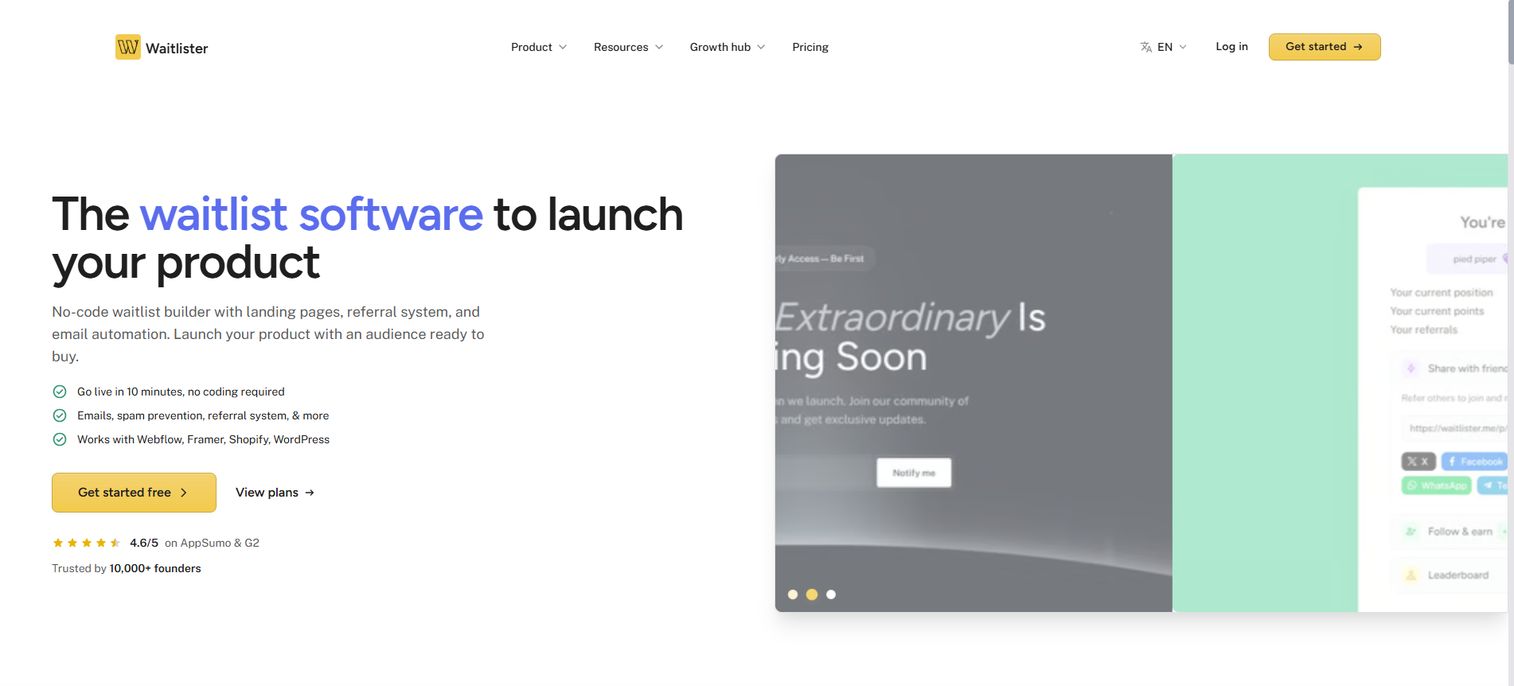
Waitlister is a no-code waitlist tool built for teams launching something new. You create a hosted launch page or embed a signup form on your existing site, then layer on a referral program and email broadcasts without touching code. It's the closest thing on this list to a purpose-built pre-launch waitlist software for founders who want to validate demand fast.
The pull for a SaaS founder is speed to a working waitlist. You can publish a waitlist website, wire up a referral loop, and start collecting signups the same afternoon. Referrals move people up the line, which turns your early audience into a distribution channel instead of a static list. Waitlist analytics track signups and referral source so you know which channels actually convert.
Best for: Startups and product teams launching a pre-launch waitlist with referrals and email automation.
Key strengths
- Landing page builder and embeddable forms
- Referral program to drive waitlist position
- Email broadcasts for waitlist email sequences
- Analytics dashboard for signups and referral source
- Custom domains, REST API, and webhooks
Why choose Waitlister: If your job is proving demand before launch, Waitlister covers the full loop, capture, referral, and follow-up, without engineering time. It fits founders and product marketers who want a startup launch page live today.
Waitlister pricing: Free plan available. Paid tiers start at $16/mo (Launch), then $24/mo (Pro), $41/mo (Growth), and $108/mo (Business), billed annually with two months free on yearly billing.
2. GetWaitlist
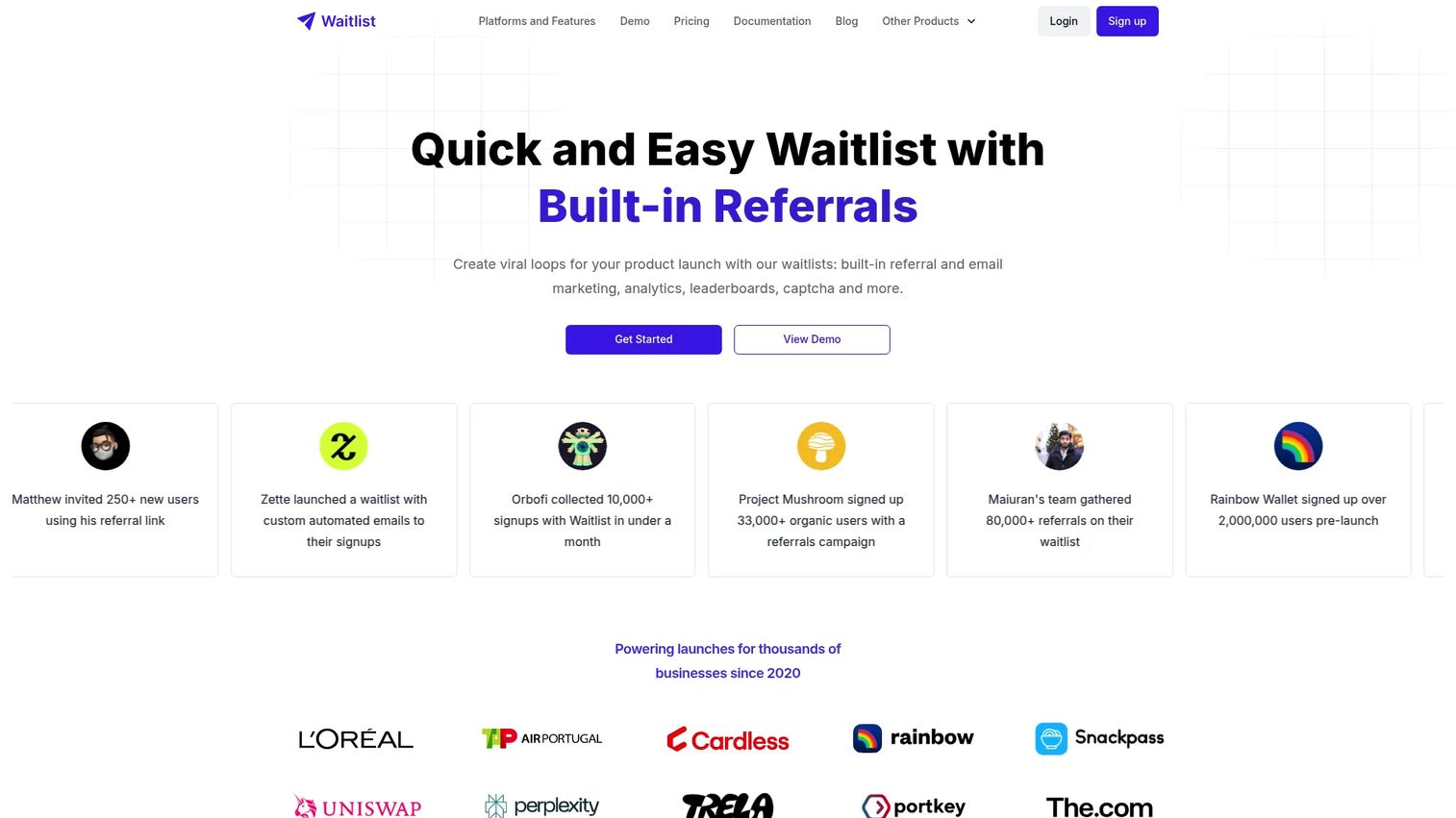
GetWaitlist leans hard into referral mechanics. It's built for founders who want viral growth baked into the waitlist itself, using a referral system where each signup gets a shareable link and a position that improves as they bring others. No-code embeddable widgets drop onto any waitlist website, and API access lets developers wire signups directly into their own flows.
For a founder chasing organic reach before launch, the referral loop is the point. Instead of buying every signup, you turn early adopters into recruiters. Widgets and API and webhook support mean you can capture demand on a marketing site, a mobile app landing page, or inside a product, all feeding one list.
Best for: Startups launching a pre-product waitlist with referral growth mechanics.
Key strengths
- Referral-based waitlists with shareable links
- No-code embeddable signup widgets
- API access and integrations for custom flows
Why choose GetWaitlist: Choose it when referral-driven growth is the strategy, not an afterthought. It fits technical founders comfortable with an API who want to build the waitlist into a broader launch motion.
GetWaitlist pricing: GetWaitlist offers a free tier for getting started. Published plan prices were not clearly listed at the time of writing, so check the pricing page for current paid options.
3. Waitlist Me
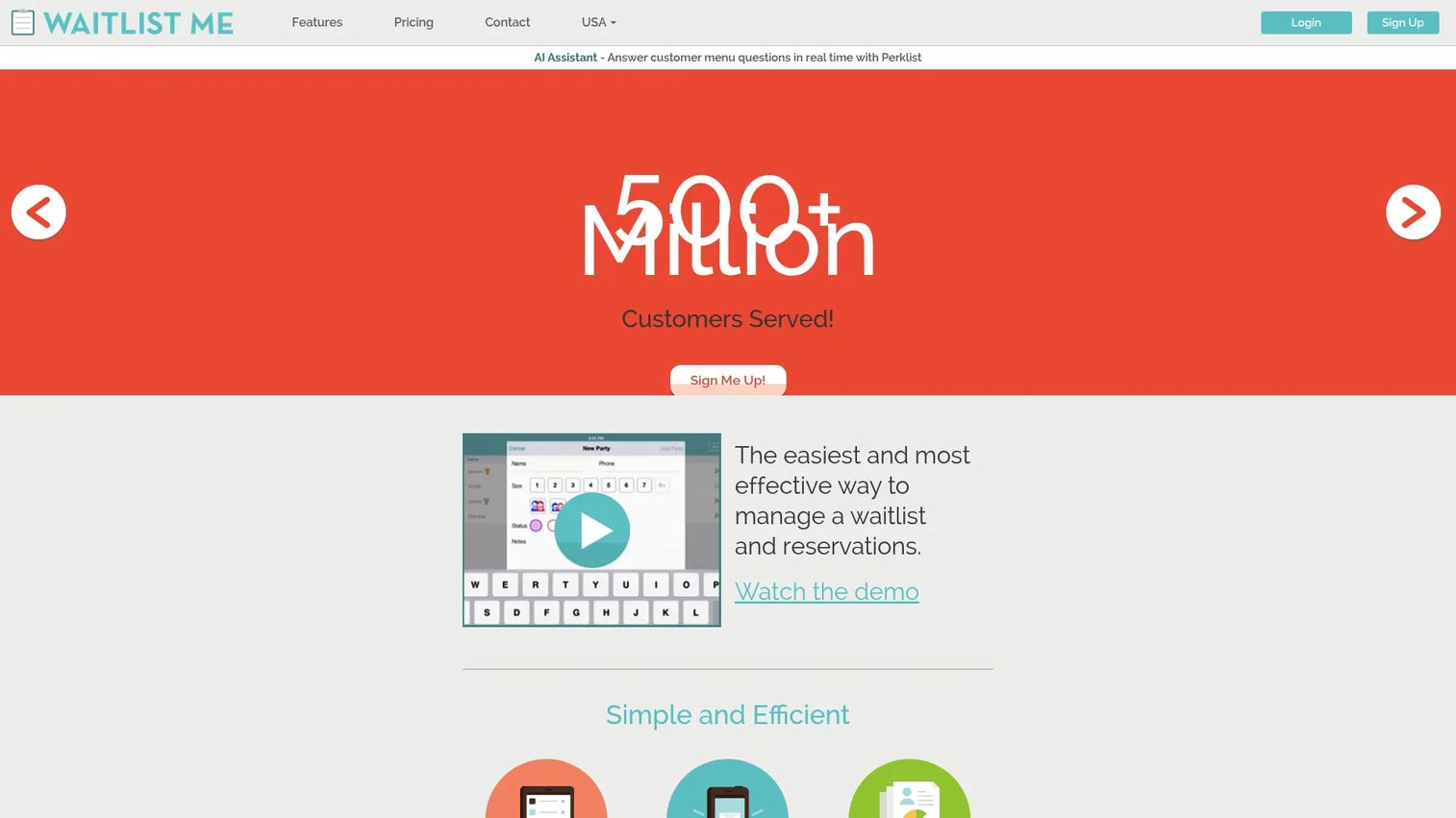
Waitlist Me is queue management software, not a launch tool. It handles live waitlists and reservations for businesses that manage walk-in customers: text and call notifications, a public waitlist view, and multi-device sync so the front desk and the floor stay in step. If your problem is people waiting in a physical space, this is the category you want.
The appeal is simplicity. Add a customer, estimate a wait, and let the tool text them when their table, chair, or exam room is ready. Multi-device sync keeps every staff member on the same list, which matters when the host stand and the kitchen are running the same queue.
Best for: Businesses that need a simple waitlist, reservations, and customer text or call alerts.
Key strengths
- Text and call notifications for ready alerts
- Public waitlist view for customers
- Multi-device sync across staff
Why choose Waitlist Me: Pick it when you want operational queue management without complexity. It fits restaurants, salons, and clinics that need reliable SMS notifications and shared visibility, not launch-page features.
Waitlist Me pricing: A free version is available. Paid plans start at $27.99/mo (Premium), then $47.99/mo (Pro), and $79.99/mo (Platinum), with annual billing offering 20% savings.
4. WaitWell
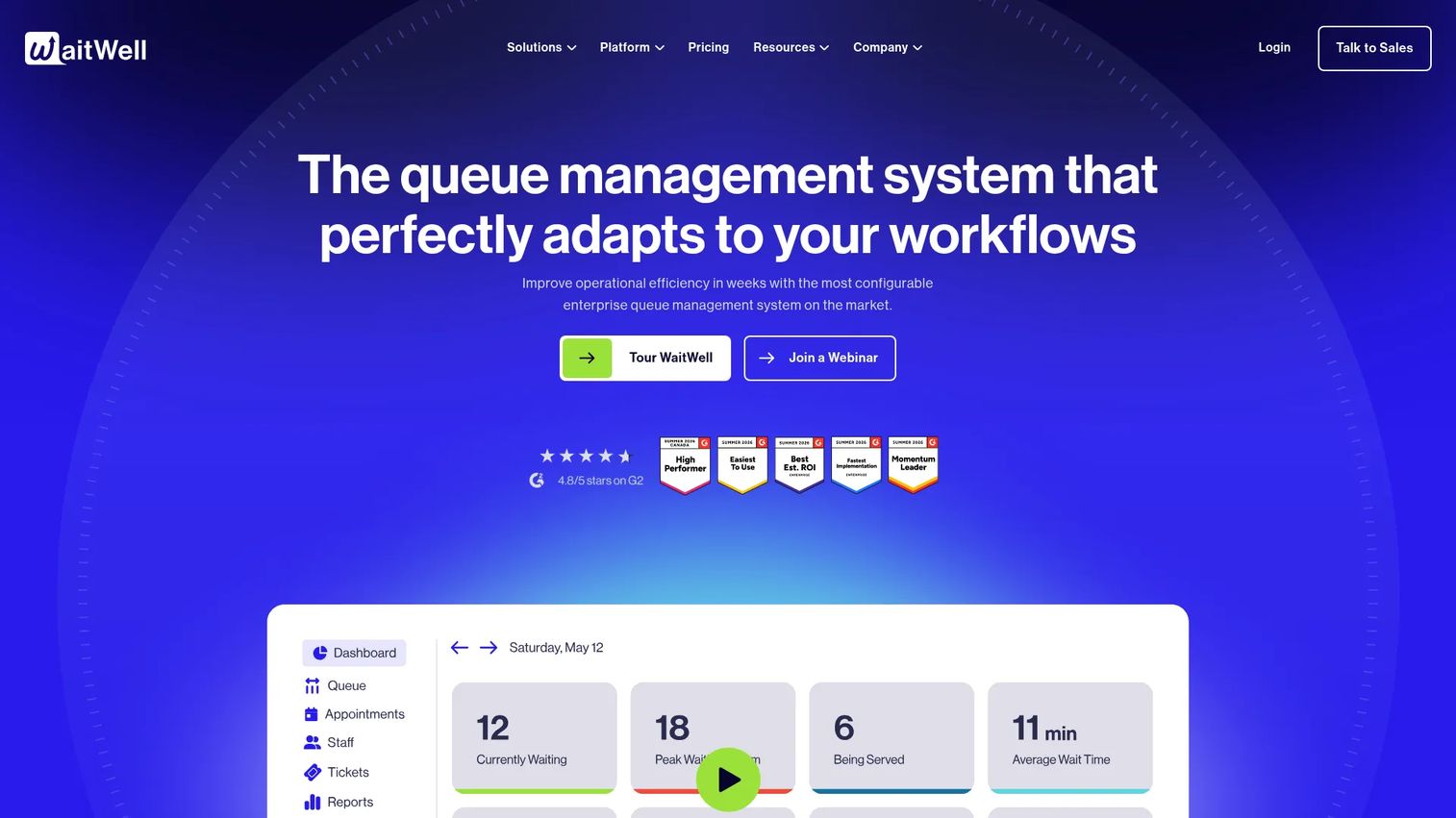
WaitWell combines queue management with appointment booking for service locations that need both. Instead of a simple signup page, it runs virtual queues, lets customers book appointments, and connects the two with two-way messaging. That makes it a fit for operations that juggle walk-ins and scheduled visits across one or many sites.
For a multi-location operator, the value is unifying flow. A customer can join a virtual queue remotely or book a slot ahead, and staff manage both from the same system. Two-way messaging cuts the back-and-forth phone calls, and the platform scales from a single desk to campus-wide deployments.
Best for: Organizations needing queueing plus appointment booking across one or many locations.
Key strengths
- Virtual queue management
- Appointment booking and management
- Two-way messaging with customers
Why choose WaitWell: Choose it when a plain queue isn't enough and you need scheduling in the same tool. It fits government offices, campuses, and clinics running both walk-in and booked traffic.
WaitWell pricing: Starter starts at $29/month per location, Basic at $55/month per location, with Enterprise and Campus plans on custom pricing.
5. Waitwhile
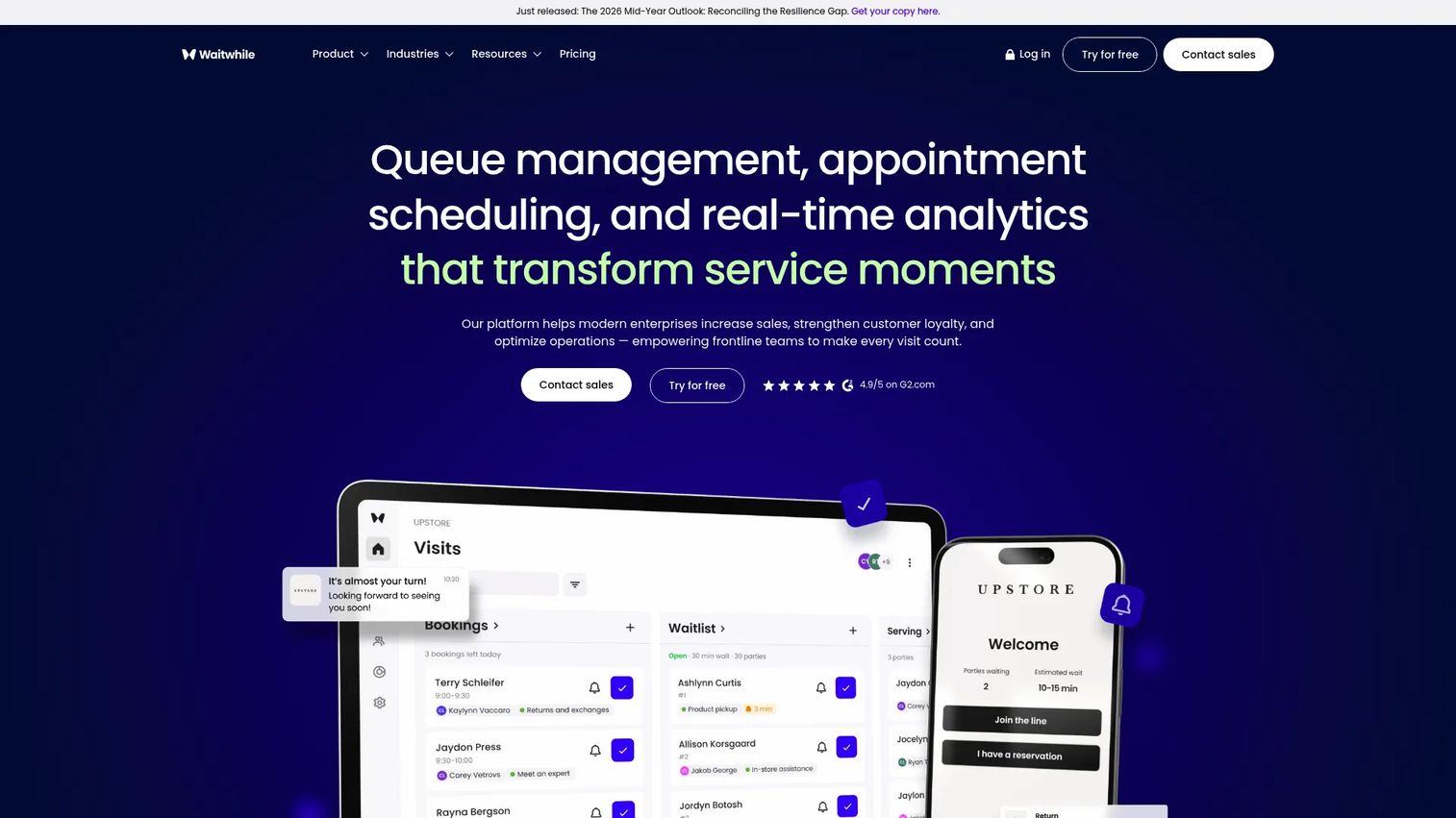
Waitwhile is queue management and appointment scheduling built for flexible customer flow. It runs virtual waitlists and bookings, sends two-way customer messages, and reports across multiple locations with analytics plus API and webhook support. For operations-heavy environments with complex flow, it's one of the more adaptable options here.
The draw for a growing service business is that Waitwhile scales without forcing a rigid workflow. You configure how customers join, get notified, and move through the queue, then track it all with multi-location analytics. API and webhooks let you connect the waitlist to the rest of your stack rather than running it as an island.
Best for: Businesses that need virtual waitlists, bookings, and queue management with room to grow.
Key strengths
- Virtual waitlists and bookings
- Two-way customer messaging
- Multi-location analytics with API and webhooks
Why choose Waitwhile: Choose it when you want queue management that bends to your process and connects to other tools. It fits multi-location businesses with complex customer flow and a real free tier to start.
Waitwhile pricing: Free plan available. Starter starts at $31/month, Business at $55/month, and Enterprise uses custom pricing.
6. Qminder
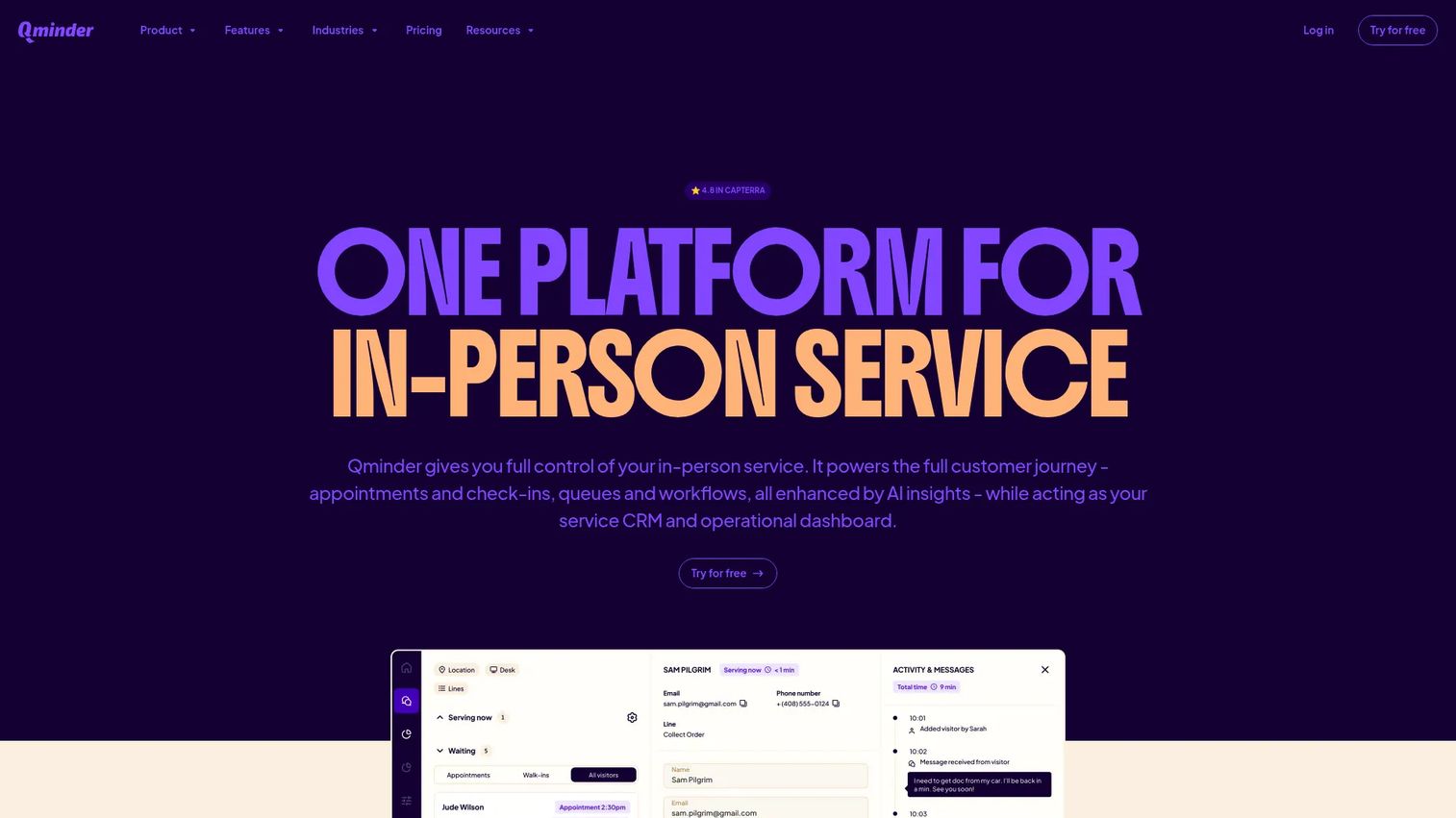
Qminder is an in-person service platform for larger, public-facing operations. It pairs a queue management system with service intelligence and appointment scheduling, aimed at organizations that need predictable customer flow across multiple locations. This is the enterprise end of the queue management category.
For a team managing high-traffic service points, Qminder's value is visibility and control. Service intelligence turns queue data into reporting on wait times and staffing, so you can plan around real numbers instead of guesses. Appointment scheduling and multi-location support make it a fit for retail, healthcare, and government service desks running at scale.
Best for: Multi-location organizations needing queue, appointment, and visitor flow management.
Key strengths
- Queue management system for high traffic
- Service intelligence and analytics
- Appointment scheduling
Why choose Qminder: Choose it when queue data needs to drive staffing and operations decisions across many sites. It fits enterprise service teams where predictable flow and reporting matter more than a low entry price.
Qminder pricing: Business is $869/month and Premium is $1,149/month, with Enterprise on custom pricing. A 14-day free trial is available.
7. NextMe
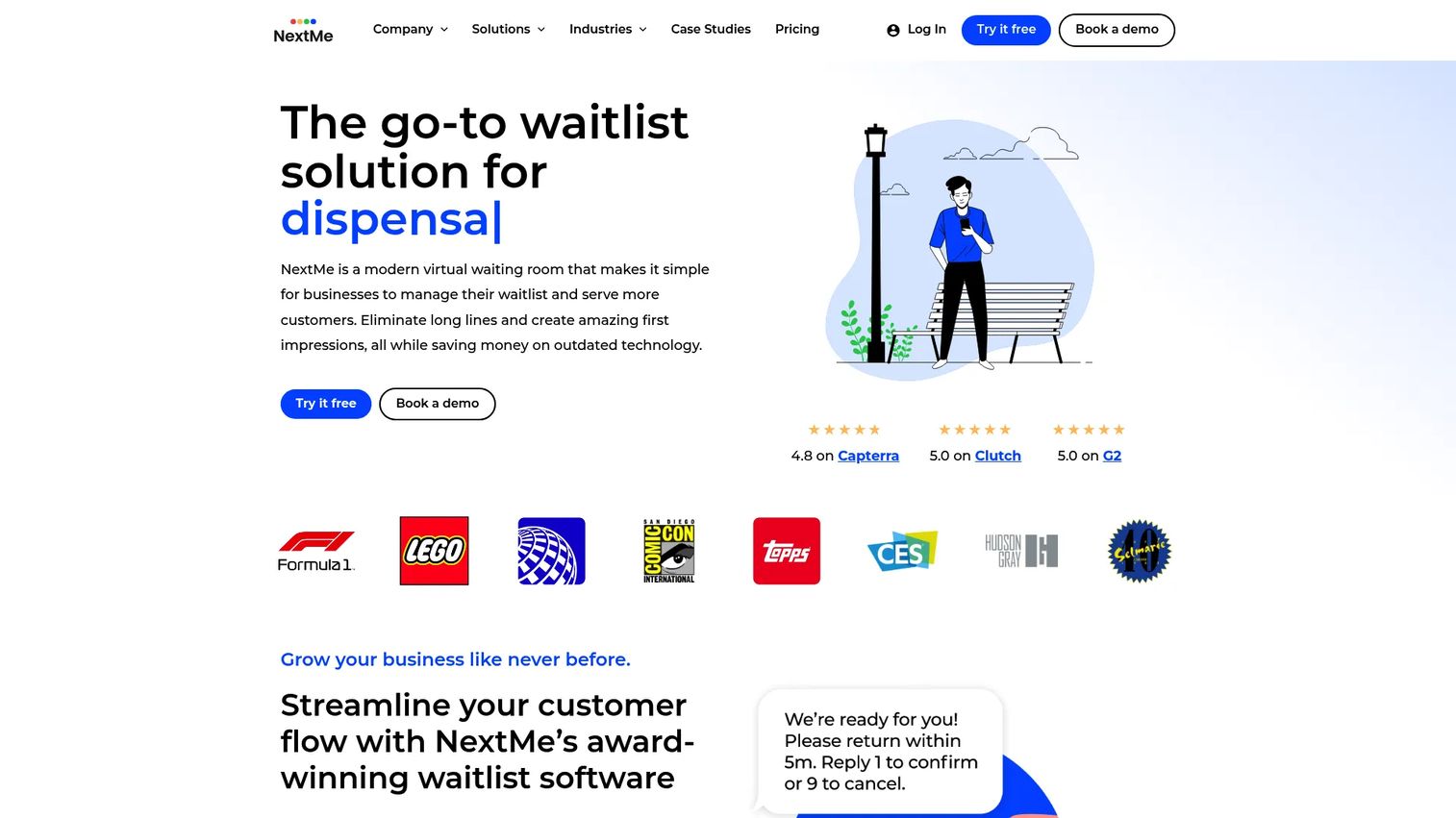
NextMe is waitlist and queue management software built around a branded virtual waiting room. Customers join a virtual queue, get customizable SMS texts as their turn approaches, and can book appointments, all under your branding. It keeps the focus on day-to-day operations for local businesses.
The appeal for a small operator is a clean, customer-facing queue that doesn't feel generic. Customizable SMS notifications keep people informed without tying up the phone, and the virtual waiting room lets customers wait wherever they want instead of crowding a lobby. Appointment bookings round it out for businesses mixing walk-ins and scheduled visits.
Best for: Businesses that need a branded virtual waitlist with SMS notifications and queue management.
Key strengths
- Virtual waiting room for customers
- Customizable SMS texts
- Appointment bookings
Why choose NextMe: Choose it when a branded, SMS-driven queue matters for a local business. It fits salons, clinics, and small service teams that want a polished customer experience without enterprise pricing.
NextMe pricing: Free plan available. Starter is $49.99/month, Business is $79.99/month billed annually, and a custom plan is available for larger needs.
8. Waitlist App
Waitlist App (found at waitlistapp.org) is an offline-first queue management app for businesses that need waitlists and reservations even when the connection drops. It runs a real-time waitlist, sends SMS, WhatsApp, and email notifications, and syncs reservations, with a free starter plan that makes it a low-cost entry point into the category.
The value for a budget-conscious operator is getting a working queue without a monthly commitment. The offline-first design means the waitlist keeps running during a network hiccup, which matters at busy restaurants and clinics. Multi-channel notifications let you reach customers however they prefer, whether that's SMS, WhatsApp, or email.
Best for: Restaurants, salons, medical offices, and other businesses managing customer flow.
Key strengths
- Real-time waitlist that works offline
- SMS, WhatsApp, and email notifications
- Reservations sync
Why choose Waitlist App: Choose it when you want a simple, affordable queue tool with a genuine free tier. It fits service businesses testing queue management before committing budget.
Waitlist App pricing: A free Starter plan is available. Pro is $49.99/month (or $499.99/year), and Enterprise is $199/month.
Considerations before you choose
Match the tool to the job
Decide first whether you need pre-launch demand capture or live queue management. A founder validating a product launch waitlist needs referrals and email automation. A clinic needs SMS alerts and a virtual waiting room. Buying across the line wastes money.
Weigh setup speed
For a pre-launch waitlist, you want a no-code builder that gets a waitlist website live the same day. For queue management, check how fast staff can learn the check-in flow. The faster it earns a first win, the sooner it justifies the spend.
Check integrations and data ownership
Confirm the waitlist integrations you need: site builders, CRM, email tools, plus API and webhooks if you're wiring signups into a broader stack. Verify CSV export so your signup data stays portable, not locked inside the tool.
Read the analytics honestly
Waitlist analytics should tell you signup volume, referral source, drop-off, and conversion. If a tool only shows a running total, you can't optimize. Treat engagement data as the whole point, not a bonus feature.
Confirm free and trial terms
Free waitlist software ranges from a genuine free tier to a time-boxed trial. Waitlister, Waitwhile, NextMe, and Waitlist App all list free plans; Qminder offers a 14-day trial. Match the free terms to how long you actually need before paying.
Conclusion
The decision comes down to one question: are you capturing future demand or managing a line right now?
For a pre-launch waitlist, Waitlister is the strongest all-around pick with no-code launch pages, referrals, and email automation. GetWaitlist is the choice when referral-driven viral growth is your core strategy.
For queue management software, Waitwhile offers the most flexible customer flow with a real free tier, Qminder fits larger public-facing operations, and Waitlist Me, NextMe, and Waitlist App cover simpler service-business queues at lower price points.
Shortlist two tools from the correct half of this list, then judge them on setup speed, automation, and integrations. The right waitlist tool should be live and collecting signups within a day, not a sprint. Start with the free tier, prove it fits your workflow, then upgrade once the signups justify it.
FAQs
Waitlist software captures signups through a form or landing page, organizes them into a sequenced list, and automates follow-up by email or SMS. For pre-launch tools, it also runs referrals that move people up the line. For queue tools, it checks customers in and notifies them when it's their turn.
A pre-launch waitlist captures future demand: emails collected weeks or months before a product launches, often with a referral system. Queue management software handles live, in-person flow: a restaurant texting you when your table is ready. One builds a launch audience; the other moves a physical line.
A no-code pre-launch waitlist can be live the same day, often within an hour, using a hosted launch page or an embeddable form. Queue management tools take a bit longer because staff need to learn the check-in flow, but most are running within a day. Custom-built waitlists take weeks and rarely justify the engineering time.
Pre-launch tools like Waitlister and GetWaitlist build referrals in as a core feature: each signup gets a shareable link and a position that improves as they refer others. Email automation, including double opt-in and broadcast sequences, is standard on launch-focused tools. Queue tools focus more on SMS notifications than referral loops.
Yes. Most tools offer embeddable forms for site builders like Webflow, Framer, Shopify, and WordPress, plus API and webhook support for custom integrations. Check whether the specific tool connects to your CRM and email platform before committing, and confirm CSV export so you can move data if you switch.
Look for signup volume over time, referral source breakdown, drop-off points, and conversion from signup to activated user. Referral source data tells you which channels actually drive demand, so you can double down before launch. A running total alone isn't enough to optimize a product launch waitlist.
Yes. Waitlister, Waitwhile, NextMe, and Waitlist App all list free plans, and Qminder offers a 14-day free trial. Free tiers usually cap signups, branding, or integrations, so read the limits. For a pre-launch test, a free tier is often enough to validate demand before you pay.
Pre-launch waitlist tools are used mostly by SaaS companies, mobile apps, and ecommerce brands validating demand before launch. Queue management software serves restaurants, salons, clinics, retail, campuses, and government service desks. Healthcare is a large and growing segment, with the clinical waitlist software market forecast to grow at an 8.4% CAGR through 2033.