Someone requests leave in a Slack message. A manager approves it in an email thread. HR updates a balance in a spreadsheet that already has three versions floating around. Two weeks later nobody can say whether that person still has PTO left, whether the leave counts against FMLA, or where the approval actually lives.
That is how most growing companies manage leave until it becomes a problem. And it usually becomes a problem in one of two ways: an employee finds a balance error that erodes trust, or a compliance gap around FMLA or a state leave law turns into legal exposure. The global absence and leave management software market is projected at USD 1.36 billion in 2026, rising to USD 3.05 billion by 2035 at a 9.5% CAGR, according to Business Research Insights (2025). That growth is not hype. It reflects how many teams are moving leave off spreadsheets and onto systems built for it.
The category solves a specific operational problem: taking the request, review, approval, balance update, notification, and record-keeping out of inboxes and putting them into one auditable workflow. Good leave management software reduces compliance risk, cuts admin hours, and gives employees a clear view of what they have and how to ask for it. This guide compares seven platforms so you can match a tool to your company's complexity instead of buying the one with the loudest homepage.
What's inside
This is a buyer's guide for HR leaders, People Ops teams, and operations managers choosing an employee leave management system. We selected seven platforms that handle the full leave workflow, not just a time-off calendar. Selection came down to four things: compliance depth (FMLA and state leave laws), workflow control (requests, approvals, and accruals), employee self-service, and HRIS integration. Each tool below fits a different kind of team, from compliance-heavy enterprises to shift-based operations. We flag who each one is best for so you can shortlist fast. If you also research adjacent operations tooling, our roundups on audit management software and contract lifecycle management software follow the same comparison format.
TL;DR
- Best overall for compliance-led teams: Cocoon automates compliance, claims, and payroll for employee leave.
- Best for FMLA-heavy workflows: J. J. Keller Leave Manager pairs FMLA and state leave tracking with expert regulatory content.
- Best for teams already in a broader HR stack: Rippling folds leave into a unified HR, payroll, and IT platform.
- Best for simpler HR teams: BambooHR adds PTO and leave tracking to an easy-to-use HRIS.
- Best for schedule-heavy operations teams: Deputy ties leave to scheduling and shift coverage.
- Best for complex absence and accommodations: AbsenceSoft manages 200+ leave laws with deep workflow automation.
- Best for Microsoft-centric teams: Apps 365 Time Off Manager 365 runs leave inside Microsoft 365, Teams, and SharePoint.
What is leave management software?
Leave management software is a system that automates how employees request time off, how managers review and approve it, and how balances, accruals, and compliance records are tracked across the organization. It replaces spreadsheets and email threads with a single workflow that leaves an audit trail behind every request.
The core loop is consistent across every tool in this category. An employee submits a leave request through a self-service portal. A manager reviews and approves or declines it. The system updates the leave balance, logs the accrual, and sends notifications to everyone who needs them. A record stays on file for reporting and audits.
Beyond that loop, a strong absence management software platform usually covers:
- Leave requests and approval workflow with routing rules by team, manager, or leave type
- Leave balance tracking and accruals that update automatically as time is taken or earned
- FMLA and state leave compliance including eligibility checks, notices, and deadline tracking
- Employee self-service portal where staff see balances, request leave, and check status
- HRIS integration so employee data, payroll, and headcount stay in sync
- Reporting and notifications plus a full audit trail for every request and decision
The distinction that matters: basic leave tracking software tells you who is out. A full leave management system manages the compliance and payroll consequences of who is out. That gap is where most buyers get burned, and it is the lens we use through the rest of this guide.
When to use leave management software
Not every team needs a dedicated platform on day one. Here is where the switch pays for itself.
Centralize requests and approvals
When leave lives in inboxes and chat threads, approvals get missed, managers apply different rules, and employees never know where their request stands. A centralized leave request workflow puts every request in one place with consistent routing. Managers approve from a queue, employees track status themselves, and nobody reconstructs a decision from a three-week-old email chain.
Reduce compliance risk
FMLA, ADA, and state leave laws carry real penalties for mistakes. An fmla leave management software platform tracks eligibility, generates required notices, and logs deadlines so leave is administered by rule rather than by memory. Every action leaves an audit trail, which is exactly what you want when a claim or an auditor shows up. This is the strongest reason mid-market and enterprise teams move off manual tracking.
Replace manual balance tracking
Spreadsheet balances drift. Someone forgets to log a sick day, an accrual rule changes mid-year, and suddenly two people disagree about how much PTO is left. Automated leave balance tracking updates in real time as time is taken and earned, applies accrual rules consistently, and keeps balances accurate across every team without a monthly reconciliation exercise.
Comparison table
Here is a fast side-by-side of all seven tools. Intent tells you the primary job each platform is built for. Key use case is where it fits best. Pricing reflects publicly listed figures where available; several vendors quote custom pricing based on company size. G2 ratings are from each vendor's current G2 listing where a product-specific rating was verifiable.
| # | Product | Intent | Key use case | Pricing | G2 rating |
|---|---|---|---|---|---|
| 1 | Cocoon | Compliance automation | Automating leave compliance, claims, and pay | Custom (per employee/year + implementation) | 4.3/5 |
| 2 | J. J. Keller Leave Manager | FMLA specialist | FMLA and state leave tracking with expert content | Free start; custom pricing | Not listed |
| 3 | Apps 365 Time Off Manager 365 | Microsoft-native leave | Leave inside Microsoft 365, Teams, SharePoint | From $19.99/user/mo (billed yearly) | 4.8/5 |
| 4 | Rippling | Unified HR platform | Leave, payroll, HR, and IT in one system | Custom quote (per employee/month) | 4.8/5 |
| 5 | BambooHR | SMB HR operations | Easy HRIS with PTO and leave built in | From $10/employee/mo | 4.4/5 |
| 6 | AbsenceSoft | Absence and accommodations | Complex leave and accommodations at scale | Custom (demo-based proposal) | 4.9/5 |
| 7 | Deputy | Scheduling and coverage | Leave tied to shift scheduling and staffing | From $5/user/mo | 4.6/5 |
The 7 best leave management software platforms
1. Cocoon
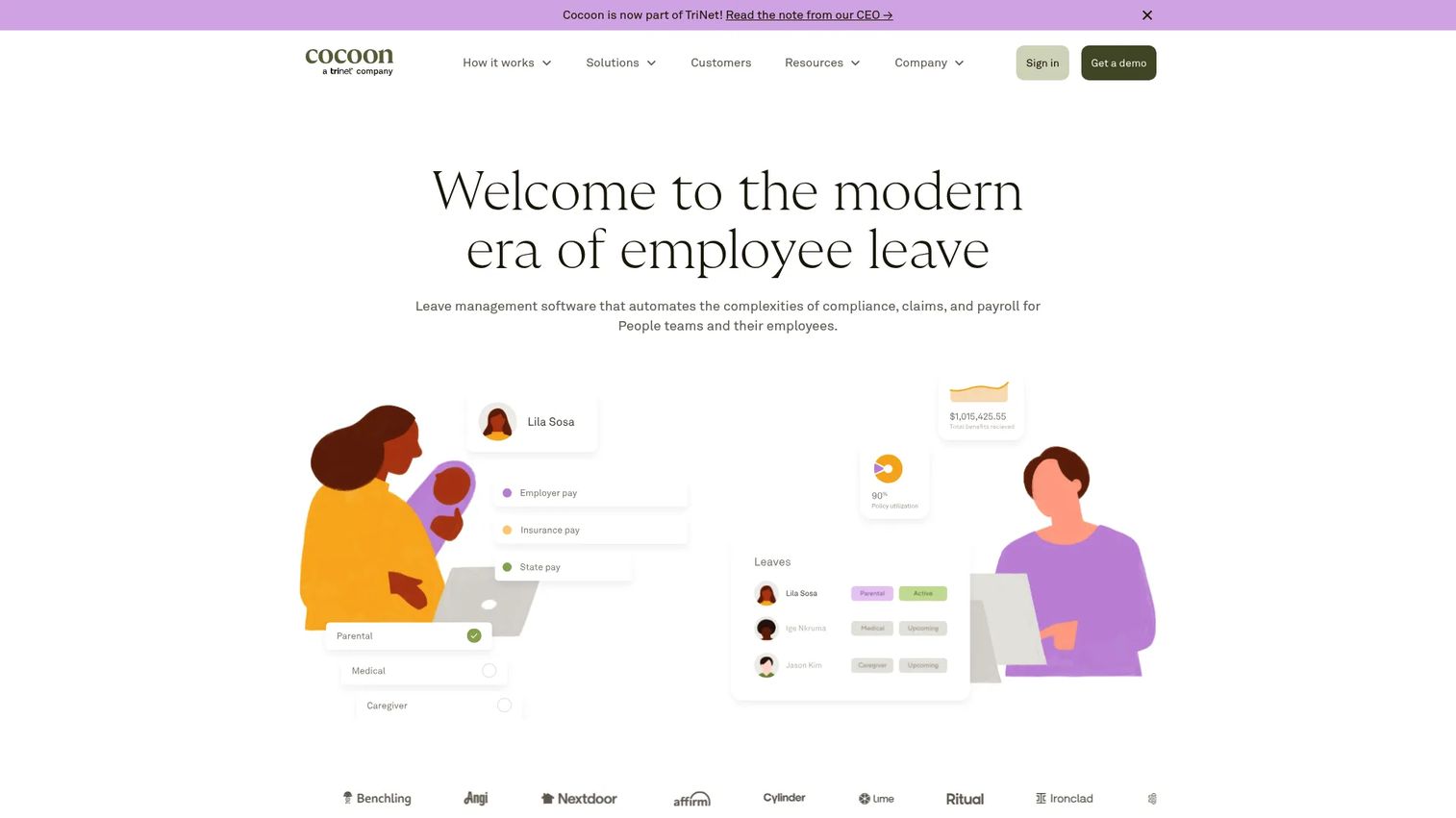
Cocoon is leave management software built to automate the parts of leave that create the most risk and admin: compliance, claims, and payroll. It handles the full range of leave types, gives employees a private way to plan and take leave, and connects to the systems that already hold your people data. Where most tools stop at tracking who is out, Cocoon manages the compliance and pay consequences of every leave.
Best for: HR and People teams that want an employee-friendly leave experience without absorbing the compliance and payroll work themselves.
Key strengths
- Compliance automation: Supports all FMLA leave types and handles the notices, eligibility, and deadlines that manual tracking tends to miss.
- Private leave planning: Employees plan and manage leave through a self-service experience with compliance handled automatically in the background.
- Broad HRIS integration: Connects with 20+ HRIS platforms so employee data, payroll, and leave records stay in sync.
Why choose Cocoon: If compliance and pay accuracy are the parts of leave that keep your team up at night, Cocoon is built around exactly those problems. It takes the claims, payroll coordination, and regulatory tracking off People teams and turns them into automated workflows, which is why it lands as the strongest overall pick for compliance-led organizations.
Cocoon pricing: Cocoon prices as an upfront annual per-employee-per-year fee based on company size, plus a one-time implementation fee. Public price figures are not published; you request a quote scoped to your headcount. Plan names are Core and Complete.
2. J. J. Keller Leave Manager
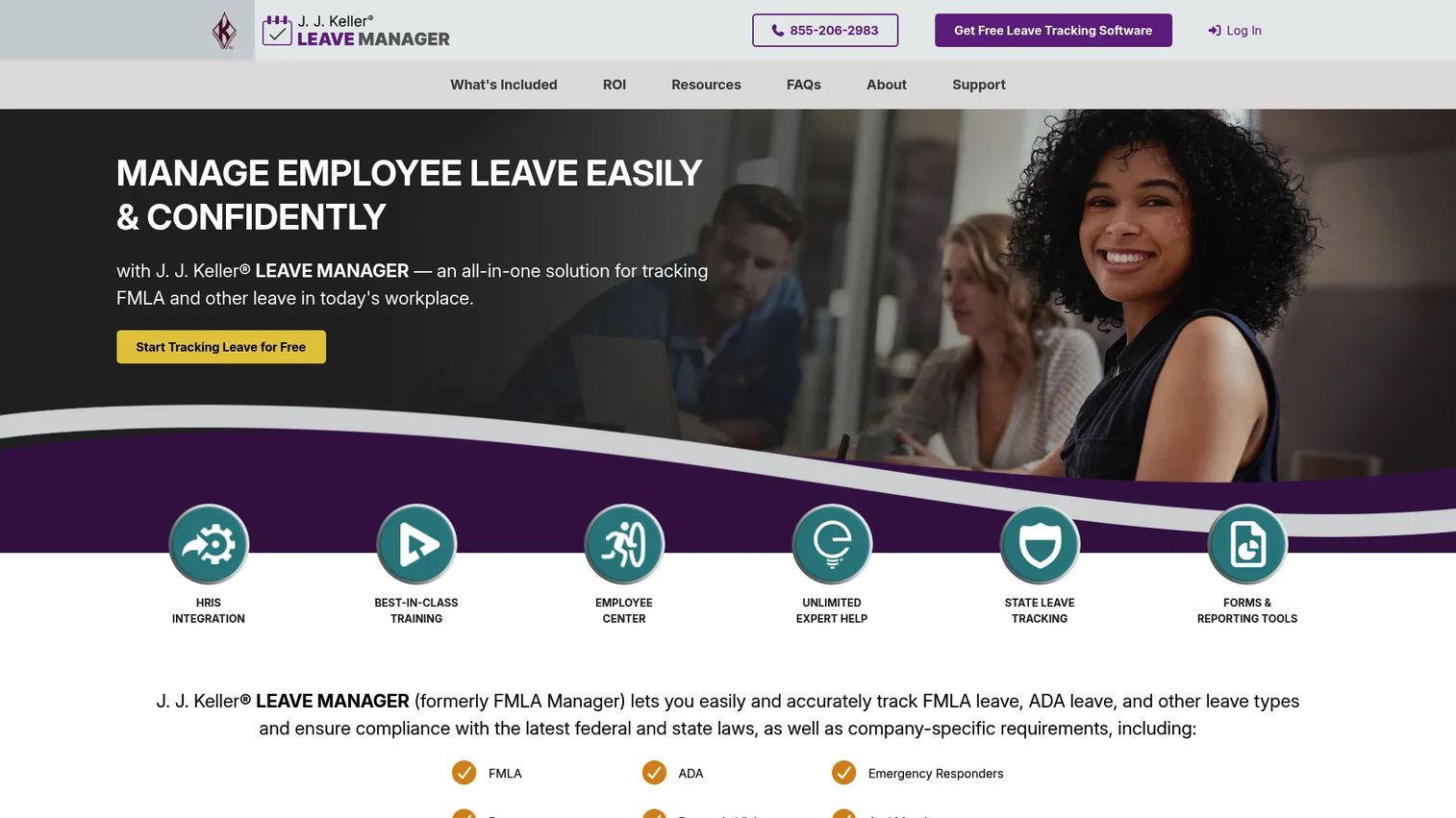
J. J. Keller Leave Manager is cloud-based leave management software from a company with deep roots in regulatory compliance. It tracks FMLA and other leave types, handles state leave tracking, and comes backed by the kind of expert regulatory content that makes it a fmla tracking software choice for teams that treat compliance as non-negotiable. The employee center and forms handling round out a compliance-first workflow.
Best for: HR teams that need compliance-focused leave tracking for FMLA and a patchwork of state leave laws.
Key strengths
- FMLA and state leave tracking: Purpose-built for the leave types that carry the most regulatory risk, with eligibility and deadline tracking baked in.
- Employee self-service center: Gives staff a place to submit and check on leave without routing everything through HR.
- HRIS integration option: Connects leave data to your broader HR system so records stay consistent.
Why choose J. J. Keller Leave Manager: J. J. Keller's regulatory authority is the differentiator. The same organization known for compliance expertise across safety and HR builds the content behind this tool, so you get leave administration backed by people who track the underlying laws for a living. That pedigree matters when an FMLA decision has to hold up.
J. J. Keller Leave Manager pricing: The platform offers a free way to start tracking leave, and public numeric pricing is not displayed. Scoped pricing comes through the vendor. Teams evaluating it should request a quote based on employee count and the leave types they need to administer.
3. Apps 365 Time Off Manager 365
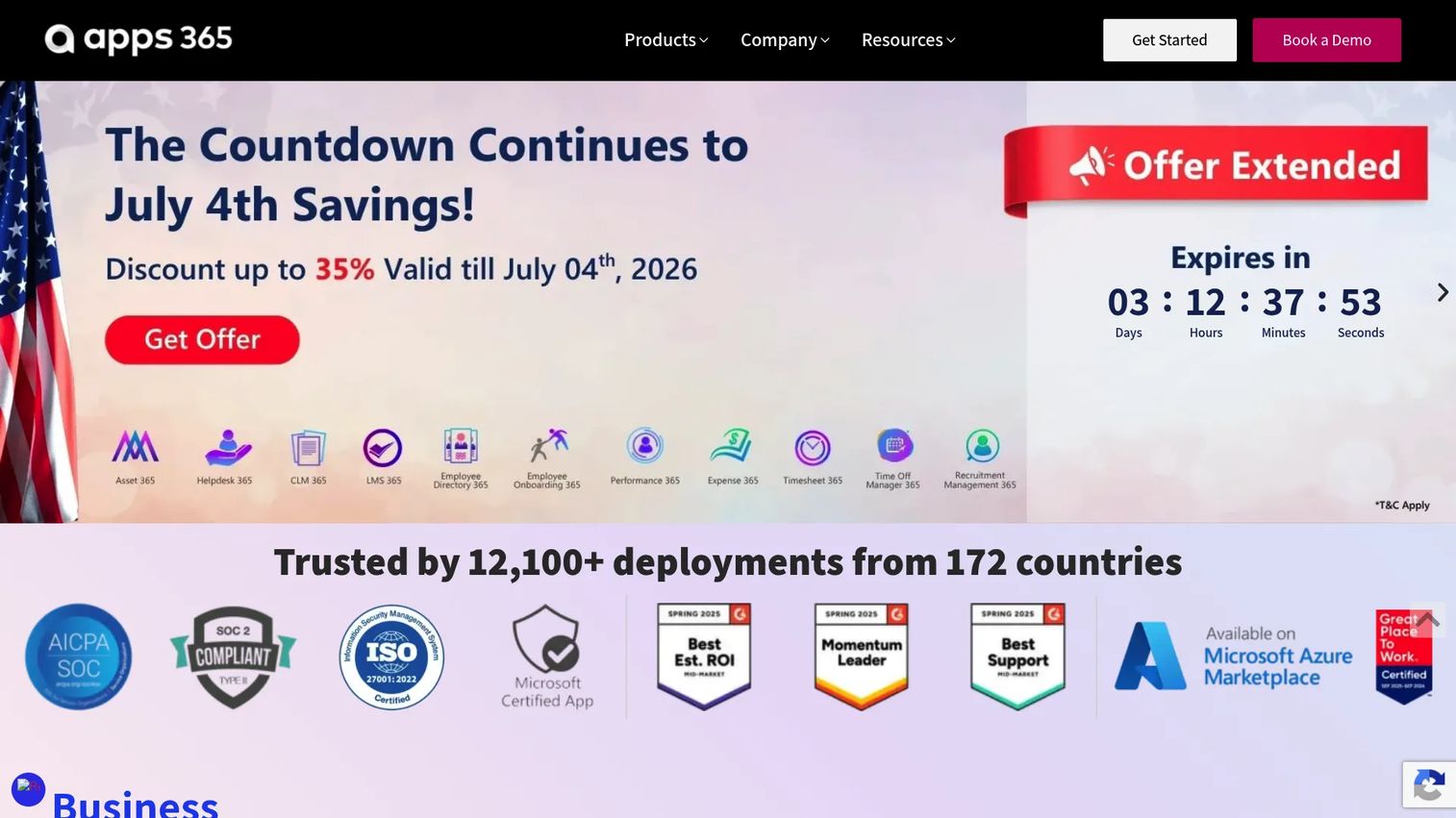
Apps 365 Time Off Manager 365 is a leave management app built for organizations that already run on Microsoft 365. It centralizes employee requests, simplifies approval workflows, and improves workforce visibility inside the tools your team uses every day: Teams, Outlook, and SharePoint. For a Microsoft-standardized company, that native fit means less context-switching and no separate portal to adopt.
Best for: Teams using Microsoft 365 and SharePoint that want structured leave tracking and approvals without leaving that ecosystem.
Key strengths
- Microsoft 365 integration: Runs leave requests and approvals directly inside Teams, Outlook, and SharePoint.
- AI-powered leave management: Adds automation to routing and approvals to cut manual handling.
- Leave reporting and analytics: Gives managers visibility into absences to plan coverage and reduce conflicts.
Why choose Apps 365 Time Off Manager 365: The case here is stack fit. If your company has standardized on Microsoft 365, running leave inside that ecosystem removes a tool to adopt and keeps requests, approvals, and documents where people already work. That native placement is the whole point.
Apps 365 Time Off Manager 365 pricing: Pricing starts at $19.99 per user per month, billed yearly, for the Standard tier, with Plus and Premium tiers above it. The vendor also lists a separate Time Off Manager 365 plan set with monthly pricing and offers a free trial. Prices are listed in USD, and a "try it free" option is available.
4. Rippling
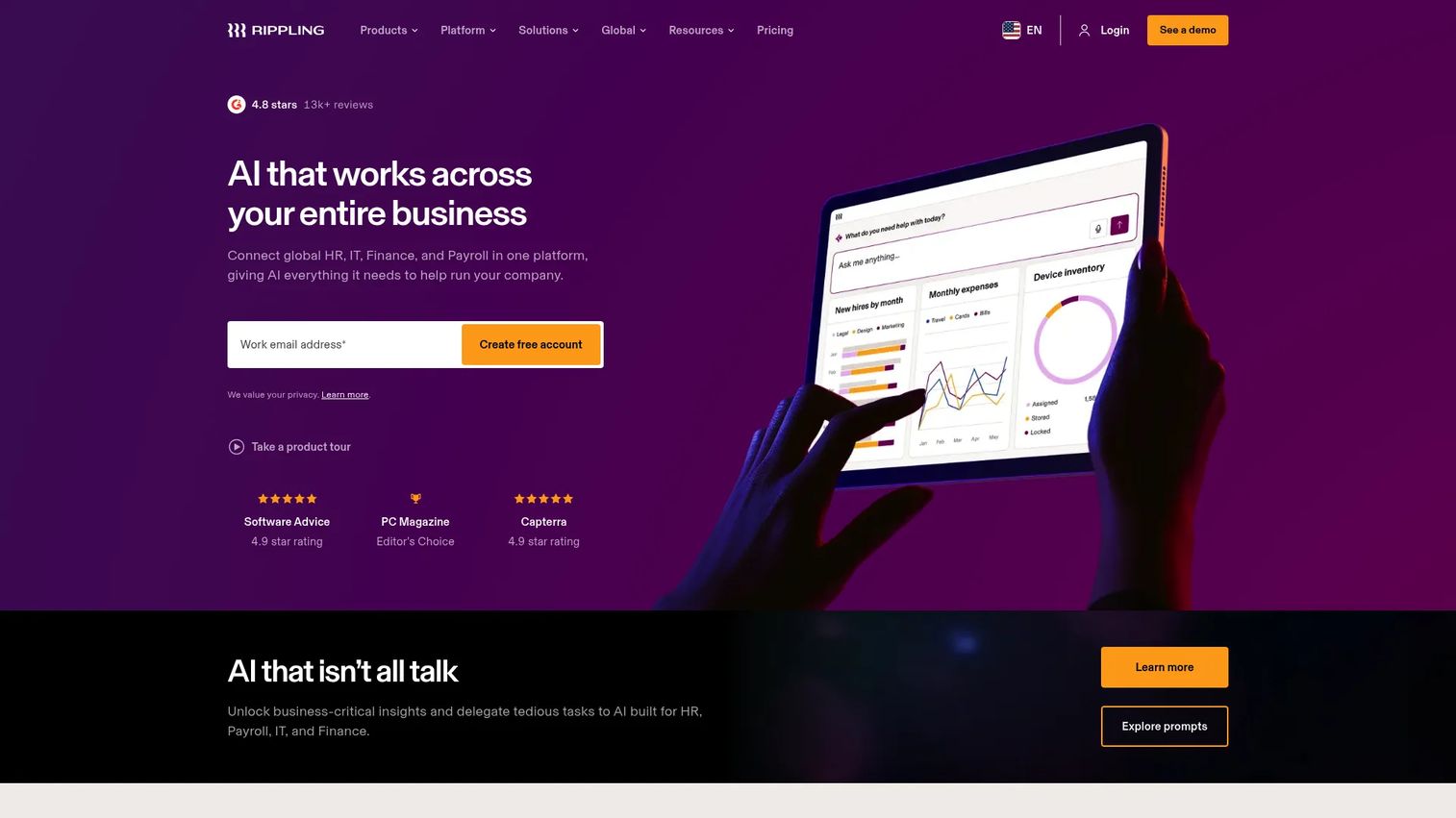
Rippling approaches leave as one function inside a unified platform for HR, IT, payroll, and spend. Rather than buying a standalone leave tool, teams on Rippling manage the employee lifecycle, run payroll, and handle device and access management in the same system where leave lives. For companies fighting tool sprawl, that consolidation is the draw.
Best for: Businesses that want leave, payroll, HR, and IT admin in one platform instead of stitching point tools together.
Key strengths
- HRIS and lifecycle management: Leave sits alongside onboarding, offboarding, and core HR data in a single system of record.
- Payroll and global payroll: Leave and time off flow directly into payroll, including global payroll for distributed teams.
- IT identity and device management: Unusual in this category, Rippling ties HR to IT provisioning and access.
Why choose Rippling: Rippling makes sense when leave is not the problem you are solving in isolation. If you are consolidating HR, payroll, and IT to reduce the number of systems your team logs into, leave management comes along as part of a broader platform. That HRIS integration is native because it is the same product.
Rippling pricing: Rippling uses quote-based pricing. The pricing page directs you to request a custom quote and notes that most products are billed per employee per month, with some monthly base fees. Because it is modular, your price depends on which HR, payroll, and IT products you turn on.
5. BambooHR
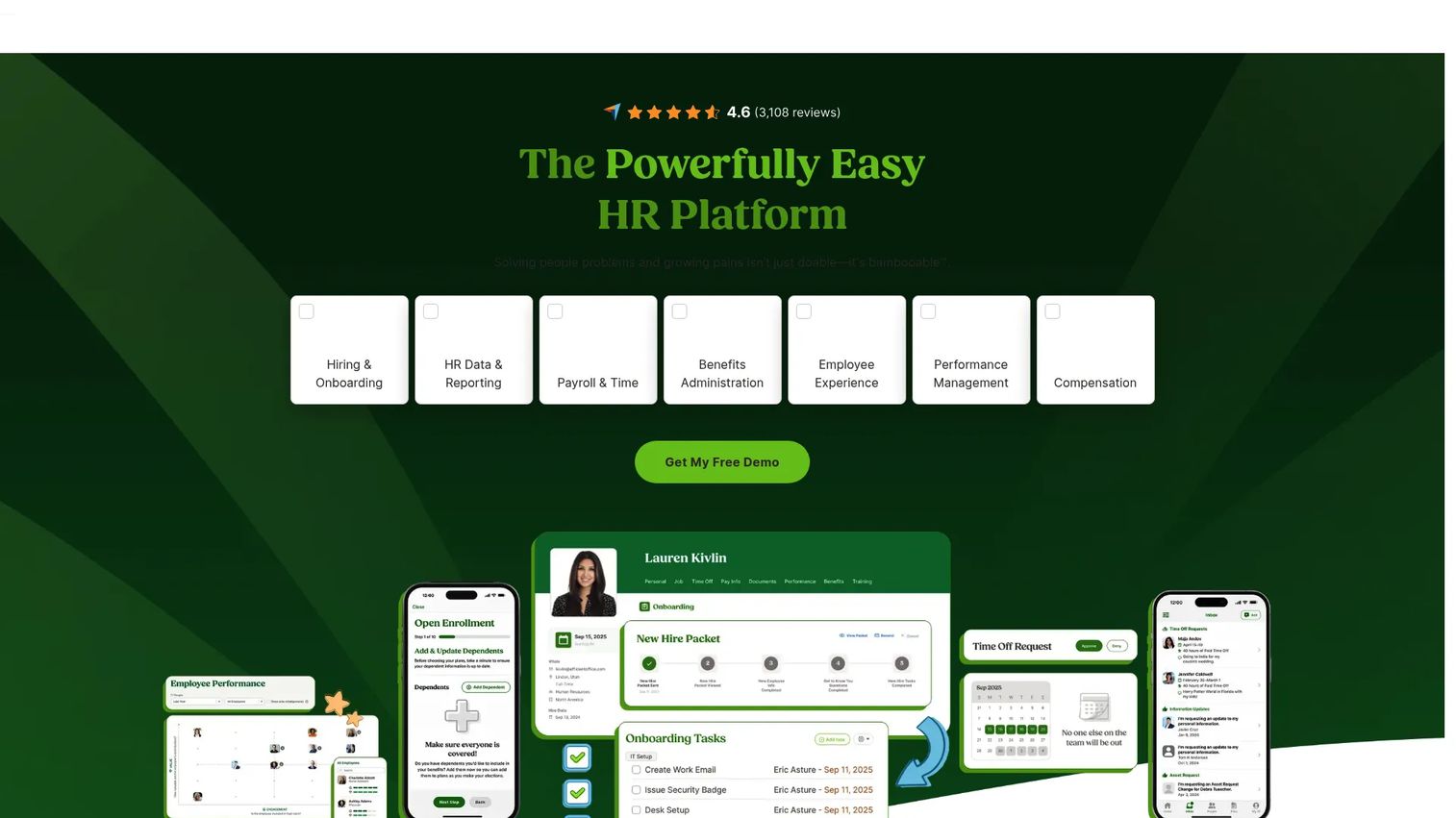
BambooHR is a cloud HR platform that bundles PTO and leave tracking into an easy-to-use HRIS covering hiring, onboarding, performance, and reporting. For mid-sized teams that want leave handled inside a broader people ops system rather than through a compliance specialist, it hits a practical middle ground. The employee self-service portal and clean interface are consistently what buyers cite.
Best for: SMBs that want an all-in-one HRIS with hiring, onboarding, and performance tools, with leave and PTO tracking included.
Key strengths
- HR data and reporting: Keeps employee records, time off, and reporting in one place with a widely praised interface.
- Applicant tracking and onboarding: Extends beyond leave into the full hire-to-onboard workflow.
- Performance management: Adds reviews and performance tracking so leave is one piece of a larger people ops picture.
Why choose BambooHR: BambooHR fits teams whose leave needs are real but not the center of gravity. If you want PTO and leave tracking inside a simple, well-liked HRIS that also runs hiring and performance, it delivers that breadth without the complexity of a dedicated absence platform. Ease of use is its calling card.
BambooHR pricing: BambooHR offers Core, Pro, and Elite plans priced per employee per month, starting at $10 per employee per month for companies with more than 25 employees. Teams of 25 or fewer start at a flat rate of $250 per month. There is no free tier listed on the official pricing page.
6. AbsenceSoft
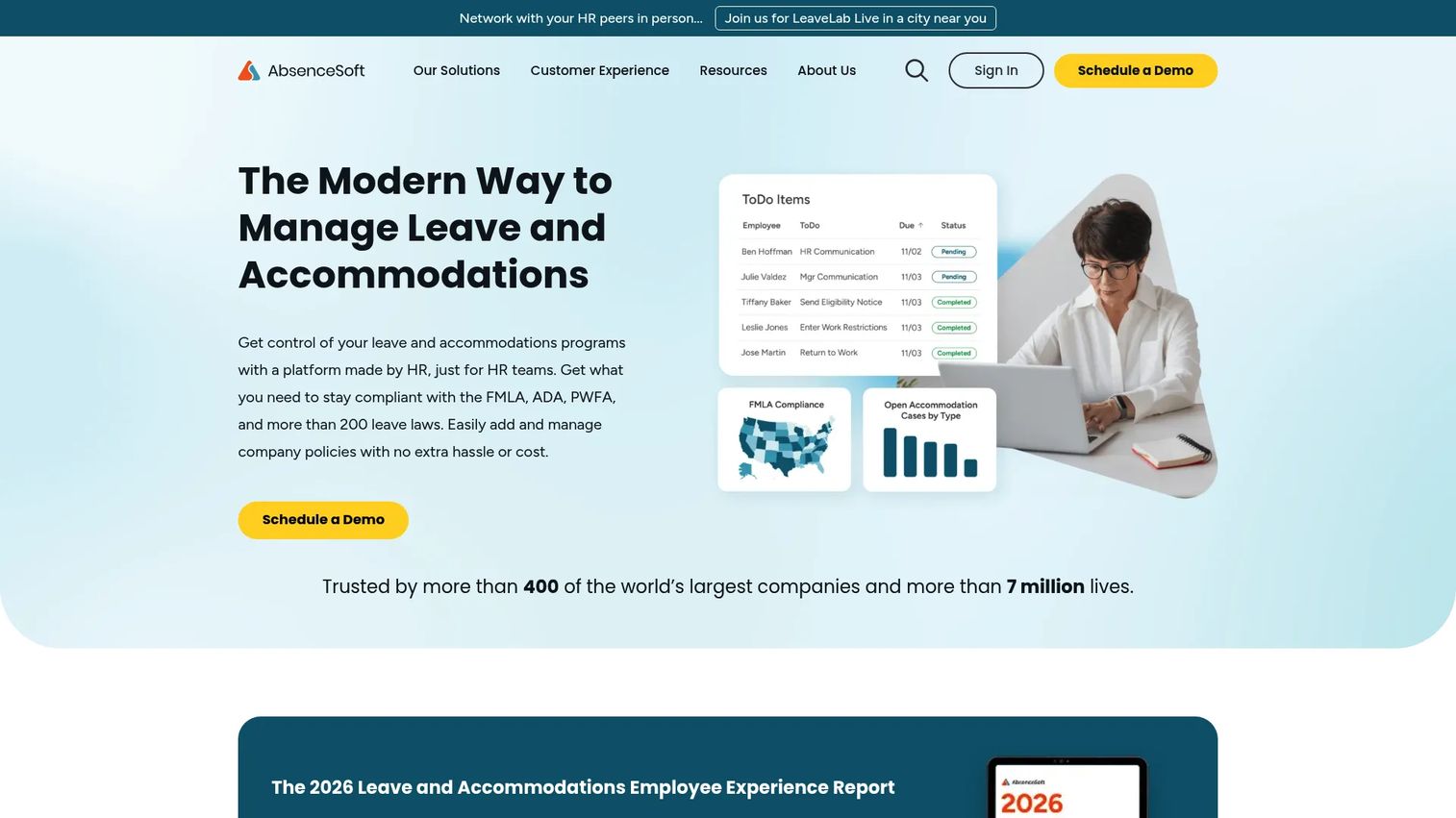
AbsenceSoft is leave and accommodations management software built for the complex end of the category. Out of the box it comes configured to manage more than 200 federal, state, and territorial leave laws, including FMLA and leaves covered by the ADA and PWFA. Its workflow automation and compliance engine handle the kind of overlapping, multi-jurisdiction leave cases that overwhelm general HR tools.
Best for: Mid-market and enterprise HR teams managing high volumes of leave and accommodations across many jurisdictions.
Key strengths
- Leave of absence management: Handles the full leave lifecycle for complex cases, not just standard PTO.
- Accommodations management: Manages ADA and PWFA accommodations alongside leave in one workflow.
- Workflow automation and compliance engine: Automates eligibility, notices, and deadlines across 200+ leave laws.
Why choose AbsenceSoft: AbsenceSoft earns its place when leave and accommodations are genuinely complex. Teams juggling FMLA, ADA, PWFA, and a stack of state laws across many employees get a compliance engine built for exactly that scale. This is a specialist tool for organizations where absence administration is a full job, not a side task.
AbsenceSoft pricing: AbsenceSoft uses custom pricing delivered through a demo-based proposal, with no public price published. Because it is aimed at higher-volume, compliance-heavy teams, pricing is scoped to your leave volume and complexity. Expect an enterprise-style evaluation and proposal process.
7. Deputy
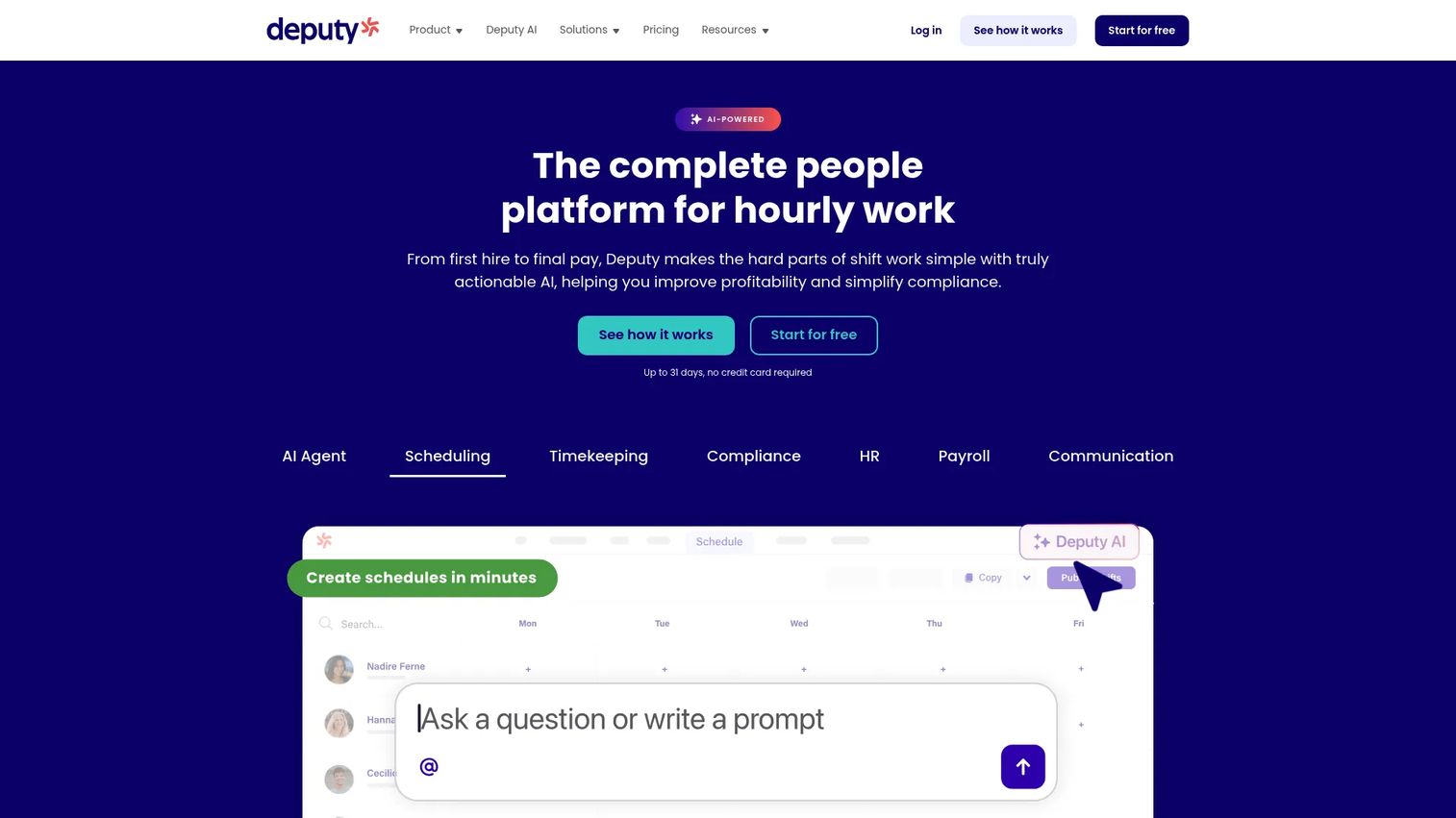
Deputy is workforce management software that handles leave in the context that matters most for shift-based teams: scheduling and coverage. It combines scheduling, time tracking, compliance, and team communication, so when someone requests leave, the impact on staffing is visible immediately. For deskless and hourly workforces, leave and the schedule are the same problem.
Best for: Shift-based businesses that need scheduling, time tracking, and compliance in one platform, with leave tied directly to coverage.
Key strengths
- Scheduling and shift management: Leave requests connect directly to the schedule so managers see coverage gaps as they approve.
- Time tracking and timesheets: Captures hours and time off in one system for accurate pay and balances.
- Labor law compliance and payroll integrations: Handles compliance for hourly work and pushes data into payroll.
Why choose Deputy: Deputy is the pick when leave decisions are inseparable from staffing decisions. A restaurant, clinic, or retail operation needs to know that approving time off does not leave a shift uncovered. Deputy puts leave and scheduling in the same view, which is where operations teams with hourly staff get the most value.
Deputy pricing: Deputy's plans start at $5 per user per month for Lite, with Core at $6.50 and Pro at $9 per user per month, billed upfront or in monthly installments. Add-ons and special plans, such as Charity and Flexible Weekly options, are listed separately. There is no free tier.
What to check before you buy
The right tool depends on your complexity, your stack, and your compliance exposure. Run every shortlisted platform through these criteria before you commit.
Compliance depth
Confirm the platform covers the leave laws you are actually exposed to. FMLA is table stakes, but state leave laws, ADA, and PWFA vary widely by where your people work. Ask how eligibility, notices, and deadlines are handled, and whether coverage updates as laws change. A weak compliance layer is where the real cost of a cheap tool shows up.
Workflow and approval control
Look at how requests route. Can you set rules by team, manager, or leave type? Can employees see status without emailing HR? Test the approval workflow with a real scenario, not a canned demo, so you know it matches how your managers actually work.
HRIS and payroll integration
Leave data has to reach payroll and your core HR system, or you have just created another silo. Verify the HRIS integration covers your existing stack, that it is bidirectional where it needs to be, and that balances and accruals sync without manual exports.
Employee self-service and reporting
The best systems reduce HR's inbound by letting employees self-serve. Check the portal from an employee's point of view, then check the reporting and audit trail from an administrator's. You want clean records for audits and clear visibility into leave trends across teams.
Which leave management software should you choose?
The shortlist sorts cleanly by the kind of team you run. For compliance-led organizations that want leave, claims, and pay automated, Cocoon is the strongest overall pick. FMLA-heavy teams that need regulatory authority behind every decision should look hard at J. J. Keller Leave Manager, and organizations with genuinely complex, multi-jurisdiction leave and accommodations belong with AbsenceSoft.
If leave is one piece of a bigger consolidation play, Rippling folds it into a unified HR, payroll, and IT platform, while BambooHR fits mid-sized teams that want a simpler, well-liked HRIS with leave built in. Microsoft-standardized companies get native fit from Apps 365 Time Off Manager 365, and shift-based operations where leave equals coverage should start with Deputy.
The practical next step: shortlist two tools that match your complexity and run each through the four checks above with a real leave scenario from your own team. The tool that handles your messiest case cleanly is the one to buy. For adjacent operations research, our guides on contract management software and event management software use the same buyer-first approach.
FAQs
Leave management software automates how employees request time off, how managers approve it, and how balances, accruals, and compliance records are tracked. It replaces spreadsheets and email approvals with a single workflow that keeps an audit trail. The goal is fewer errors, less admin, and lower compliance risk around leave.
The essentials are a clean approval workflow, automatic leave balance tracking and accruals, FMLA and state leave compliance, an employee self-service portal, and HRIS integration. Reporting and a full audit trail matter for audits and trend visibility. Prioritize compliance depth and integration if your team is exposed to FMLA or multi-state leave laws.
An fmla leave management software platform tracks eligibility, generates required notices, and logs deadlines so leave is administered by rule rather than memory. Every action is recorded in an audit trail, which is exactly what you need if a claim or audit arises. That structure removes the guesswork that causes most FMLA mistakes.
Yes. Automated leave balance tracking updates in real time as employees take and earn time, applying accrual rules consistently across teams. That eliminates the spreadsheet drift where a forgotten sick day or a mid-year rule change throws balances off. Employees see accurate balances through self-service without asking HR.
Confirm the HRIS integration covers your existing HR and payroll systems, that it syncs bidirectionally where needed, and that balances and accruals flow without manual exports. Leave data that does not reach payroll just creates another silo. Check integration depth before price; a cheaper tool that does not connect to your stack costs more in manual work.
For small teams, a simple HRIS with built-in PTO and leave tracking often covers the need without a dedicated platform. The switch pays off once approvals get missed, balances drift, or FMLA and state leave exposure enters the picture. If compliance risk is low and headcount is small, start light and upgrade when complexity grows.
PTO tracking software tells you who is out and how much vacation time they have left. Leave management software manages the compliance and payroll consequences of leave, including FMLA, state leave laws, accruals, and audit trails. Basic tracking answers "who's off"; a full leave management system answers "is this leave being administered correctly."
Beyond vacation and sick time, these systems track FMLA leave, ADA and PWFA accommodations, parental and medical leave, bereavement, jury duty, and the many state and territorial leave types that vary by jurisdiction. Specialist platforms like AbsenceSoft manage 200+ leave laws, while broader HRIS tools cover common PTO categories. Match the range of leave types to your actual workforce and locations.