A build fails at 4:47 PM on a Friday. Nobody notices until Monday. By then, three more commits have landed on top of a broken artifact, and now the whole team is bisecting history instead of shipping. If you have run a release train for more than a quarter, you have lived some version of this. The failure was never the real problem. The delay in surfacing it was.
Build automation software exists to compress that delay to zero. Instead of a developer running build steps by hand, remembering the right flags, and hoping the environment matches production, an automated system triggers a defined pipeline on every commit, runs the same steps every time, and tells you within minutes whether the code is safe to move forward. That reliability compounds. The build automation software market was valued at roughly USD 3.5 billion in 2024 and is projected to reach USD 8.1 billion by 2033, growing at a 9.9% CAGR through 2033, according to Verified Market Reports (2025). Teams are not adopting these tools for novelty. They are adopting them because manual builds do not scale past a handful of engineers.
The catch is that most content on this topic stops at definitions. It tells you what a build pipeline is, then leaves you to guess which build tool actually fits your stack. This guide does the opposite. It turns the category into a shortlist, ranked by how well each option handles the things that decide whether your pipeline stays reliable as your team grows: build triggering, reproducibility, test integration, artifact handling, and scale.
What's inside
This guide is for engineering leaders, platform teams, and product managers who own release velocity and need to choose or replace a build automation tool. We looked at eight platforms used for CI/CD, automated builds, build orchestration, quality gates, and release workflows.
We ranked them on six practical criteria: how flexibly they handle build triggers, whether builds stay reproducible across machines, how cleanly they integrate unit testing and static analysis, how they manage build artifacts and caching, how far they scale with parallel builds, and how maintainable they stay as pipelines multiply. Pricing and G2 ratings are included where a public source confirmed them. If a figure was not verifiable, we wrote around it rather than guess.
TL;DR
- Best for custom, self-hosted pipelines: Jenkins remains the most flexible open-source build server, with a plugin ecosystem that fits almost any toolchain.
- Best for structured enterprise build orchestration: TeamCity pairs deep configuration control with strong test reporting and quality gates.
- Best for teams already on GitLab: GitLab CI/CD keeps code, builds, and deployment in one platform.
- Best for GitHub-native teams: GitHub Actions runs event-driven builds directly against your repos with almost no setup.
- Best for AI-assisted, cloud-native CI: Harness CI leans on build caching and test intelligence to cut cycle time.
- Best for cross-platform Microsoft stacks: Azure DevOps Pipelines delivers multi-stage YAML pipelines with enterprise governance.
What is build automation software?
Build automation software is a system that automatically compiles source code, runs tests, packages the result, and produces deployable artifacts whenever a defined trigger fires, without manual intervention.
The end-to-end workflow is consistent across nearly every build tool on this list:
- Commit trigger: A push, pull request, tag, or schedule kicks off the pipeline. On-commit builds and nightly builds are the two most common patterns.
- Build: The system compiles code, resolves dependencies, and runs the build script. Incremental builds and caching reuse prior work so only changed inputs are rebuilt.
- Test: Unit testing, linting, and static analysis run as quality gates. A fail-fast design stops the pipeline the moment a gate fails.
- Package: Passing builds are bundled into build artifacts such as binaries, container images, or archives.
- Publish: Artifacts land in an artifact repository, versioned and ready to promote.
- Deploy: Release automation moves the artifact through environments, sometimes automatically, sometimes behind an approval.
A few core concepts anchor the category:
- Build server: The dedicated machine or service that executes builds independent of any developer laptop.
- Build systems: The underlying tooling (Gradle, Maven, Bazel, npm) that a build automation platform orchestrates.
- Reproducible builds: Builds that produce identical output given identical inputs, regardless of who runs them or where.
- Dependency management: Controlled resolution of libraries and packages so builds do not drift.
- Build pipeline: The full sequence of stages from trigger to deployment, usually defined as code.
- Build history: A record of past runs, statuses, and logs used to debug regressions and prove reproducibility.
If you manage onboarding or activation metrics, the parallel is direct: the same way a good interactive demo removes friction from a user's first success, a good build pipeline removes friction from a developer's first green build. Both are about compressing time to a reliable outcome. For adjacent tooling categories, our roundups of the best marketing automation software tools and best component content management systems use the same selection-first lens.
When to use build automation software
Stop manual builds from slowing releases
Manual build steps work until they don't. One engineer knows the right sequence of commands. Then that engineer goes on vacation, a new hire joins, or the team doubles, and the tribal knowledge breaks. Automated builds encode the process once, so every commit triggers the same steps regardless of who pushed it. That protects release velocity and returns developer time to actual product work instead of build babysitting.
Catch breakage before it reaches deployment
The whole point of continuous integration is fast feedback. When unit tests, linting, and static analysis run automatically on every commit, a fail-fast pipeline surfaces a regression in minutes, not after it ships. Quality gates block a broken build from becoming a deployed build. The earlier a failure appears, the cheaper it is to fix, and the less it costs the rest of the team in blocked work.
Standardize builds across machines and teams
"Works on my machine" is a reproducibility failure. When builds run on a shared build server with pinned dependencies and controlled environments, the output is consistent whether it comes from a laptop, a CI runner, or a colleague across the world. Reproducible builds also make build history trustworthy, so when something breaks you can point to the exact change that caused it.
Comparison table
The eight build automation tools below are sorted by broad relevance to teams choosing build automation software in 2026, not by a single vendor ranking. Pricing and G2 ratings reflect values confirmed from public sources at the time of writing.
| # | Product | Intent | Key differentiation | Pricing | G2 rating |
|---|---|---|---|---|---|
| 1 | Jenkins | Self-hosted CI/CD | Open-source plugin ecosystem | Free, open source | 4.4/5 |
| 2 | TeamCity | Enterprise build orchestration | Deep build configuration and test reporting | Free tier available | Not listed |
| 3 | GitLab CI/CD | Unified DevOps | Native pipelines inside one platform | Free; Premium $29/user/mo | Not listed |
| 4 | Bamboo | Atlassian-native CI/CD | Jira and Bitbucket integration | Agent-based licensing | 4.1/5 |
| 5 | Harness CI | Cloud-native CI | AI-assisted caching and test intelligence | Free plan; paid via sales | 4.6/5 |
| 6 | CircleCI | Managed cloud CI/CD | Usage-based scaling | Free; Performance from $15/mo | 4.4/5 |
| 7 | GitHub Actions | Git-native automation | Event-driven workflows in GitHub | Free for public repos | 4.7/5 |
| 8 | Azure DevOps Pipelines | Cross-platform CI/CD | Multi-stage YAML with governance | 5 users free, then $6/user/mo | 4.3/5 |
Best build automation software for 2026
1. Jenkins
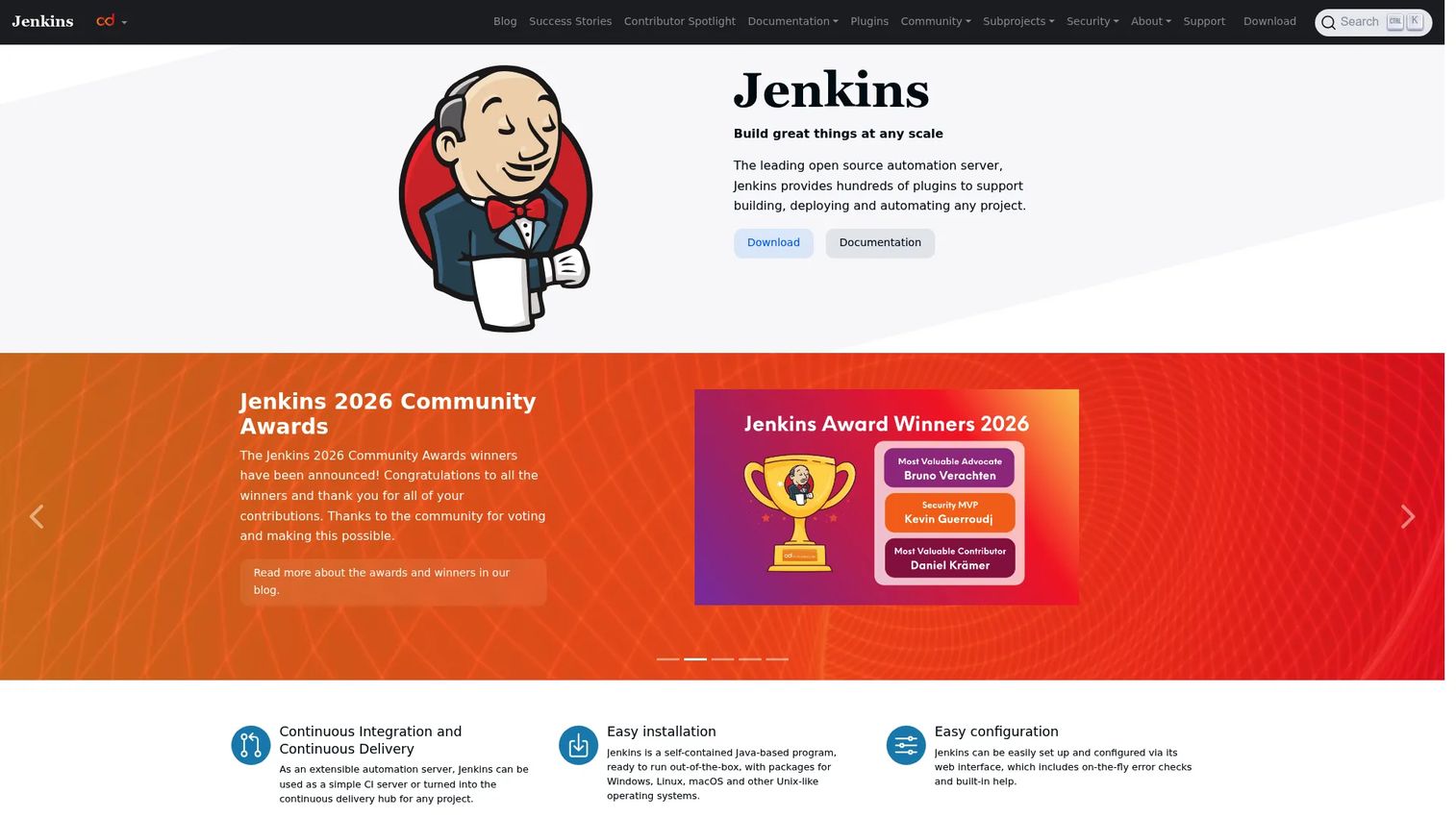
Jenkins is the open-source automation server that most teams recognize as the default self-hosted option for continuous integration and continuous delivery. It is a self-contained Java program that runs on Windows, Linux, macOS, and other Unix-like systems, which means you host and control it entirely yourself. Its defining trait is extensibility: hundreds of plugins connect it to nearly any build system, artifact repository, or notification channel you already use.
Best for: Teams that want a self-hosted, endlessly configurable build server and have the platform capacity to run it.
Key strengths
- Plugin ecosystem: Hundreds of plugins cover source control, build tools, quality gates, and deployment targets, so the pipeline bends to your stack instead of the reverse.
- Pipeline as code: Jenkins Pipeline lets you define the full delivery workflow in a versioned file, making build history and pipeline changes auditable.
- Self-hosted control: Because it runs on your own infrastructure, you control environments, secrets, and data residency without depending on a vendor's cloud.
Why choose Jenkins: If your pipeline has unusual requirements that off-the-shelf cloud CI cannot express, Jenkins gives you room to build exactly what you need. It rewards teams with the platform engineering capacity to own and maintain it. For a product manager weighing opportunity cost, the tradeoff is real: maximum flexibility in exchange for maintaining the build server yourself, which is worth it when your pipeline is a genuine differentiator.
Jenkins pricing: Jenkins is a community-driven open-source project with no license fee. There is no paid tier on the official site, and support is community-based. Your actual cost is the infrastructure it runs on plus the engineering time to operate it.
2. TeamCity
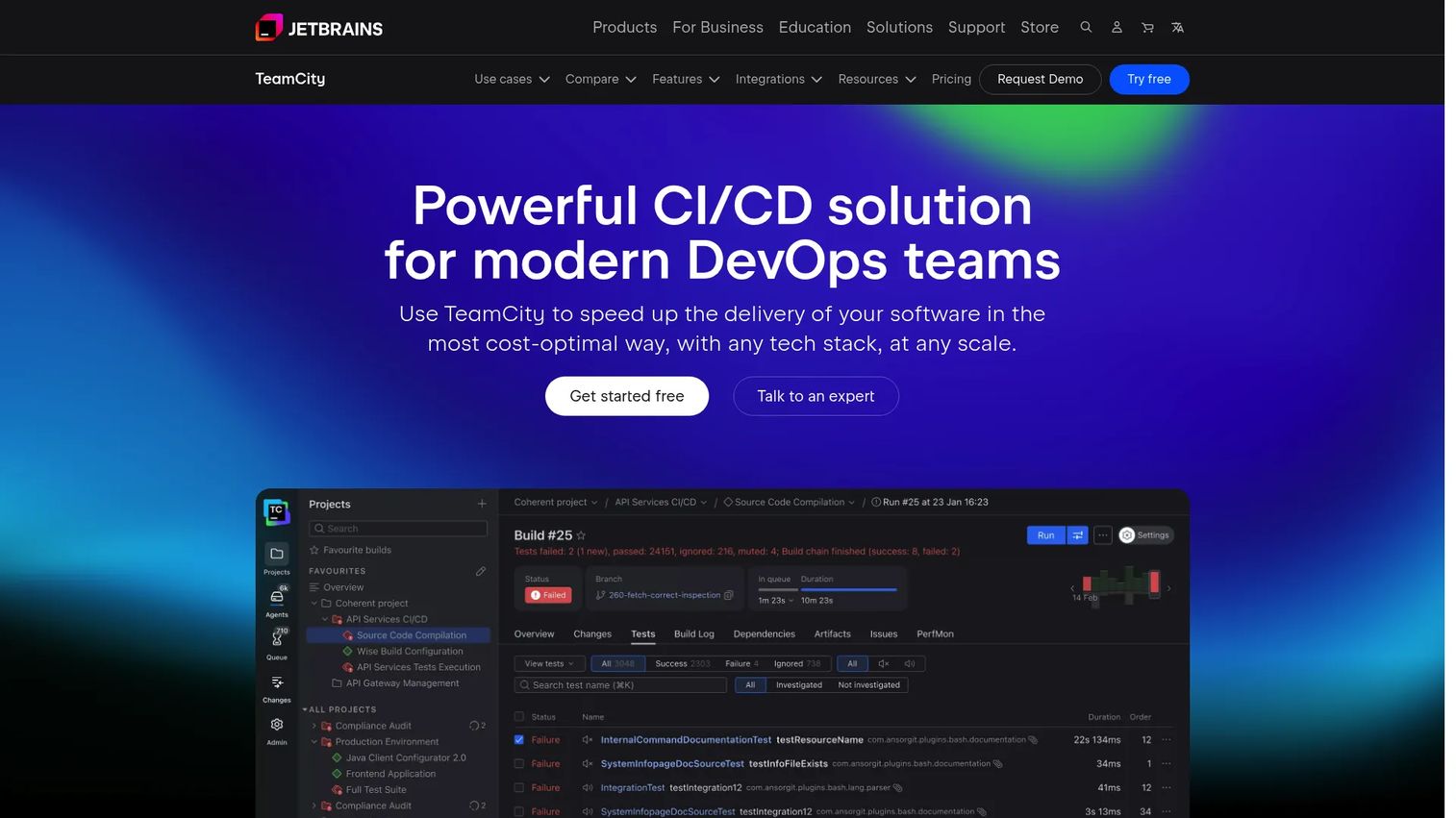
TeamCity is JetBrains' build management and CI/CD server, built for teams that want structured build configuration rather than free-form scripting. It handles complex build chains, detailed test reporting, and reusable configuration templates, which makes it a strong fit when you need consistent, well-governed build pipelines across many projects.
Best for: Engineering teams that want structured build orchestration with strong test visibility and quality gates.
Key strengths
- Build configuration depth: Reusable templates and build chains let you standardize pipelines across dozens of projects without copy-pasting config.
- Test reporting: Detailed, per-test reporting and flaky-test detection surface exactly which unit tests broke and when.
- Developer-friendly automation: Tight integration with JetBrains IDEs and remote run features let developers validate changes before committing.
Why choose TeamCity: TeamCity suits organizations that treat build pipelines as shared infrastructure and want governance without sacrificing usability. Technical teams choose it when they need repeatable configuration across many services and clear visibility into quality gates. It performs best when structured orchestration matters more than fully open-ended scripting.
TeamCity pricing: TeamCity offers a free tier suitable for smaller teams and self-hosted use, with paid options for larger build agent counts and enterprise deployment. Check the current JetBrains pricing page for agent and license details, since the model is based on build agents and deployment type.
3. GitLab CI/CD
GitLab CI/CD is the built-in continuous integration and delivery capability inside GitLab's single DevSecOps platform. Because the repository, pipelines, and deployment all live in one place, the code-to-build-to-deploy flow stays in a single tool with a single source of truth. Pipelines are defined as code in a .gitlab-ci.yml file that lives alongside the code it builds.
Best for: Teams already using GitLab as their source of truth who want CI/CD without bolting on a separate build server.
Key strengths
- Unified platform: Source control, CI/CD, security scanning, and deployment share one interface, which reduces the handoffs and context-switching that fragment a DevOps workflow.
- Pipeline as code: Pipelines defined in-repo keep build configuration versioned alongside application code.
- Tiered advanced CI/CD: Compute minutes are included by plan, with advanced pipeline features available on Premium and Ultimate.
Why choose GitLab CI/CD: If GitLab is already where your team lives, its native CI/CD removes an entire integration layer. There is no separate tool to sync, no webhook plumbing to maintain, and build artifacts, pipelines, and merge requests share one home. For a PM tracking maintainability across frequent releases, that consolidation lowers ongoing operational overhead.
GitLab CI/CD pricing: GitLab offers a Free plan at $0 per user per month with source code management and CI/CD included, no credit card required. Premium is $29 per user per month billed annually and adds advanced CI/CD. Ultimate uses custom pricing and adds security and compliance features; contact GitLab sales for details.
4. Bamboo
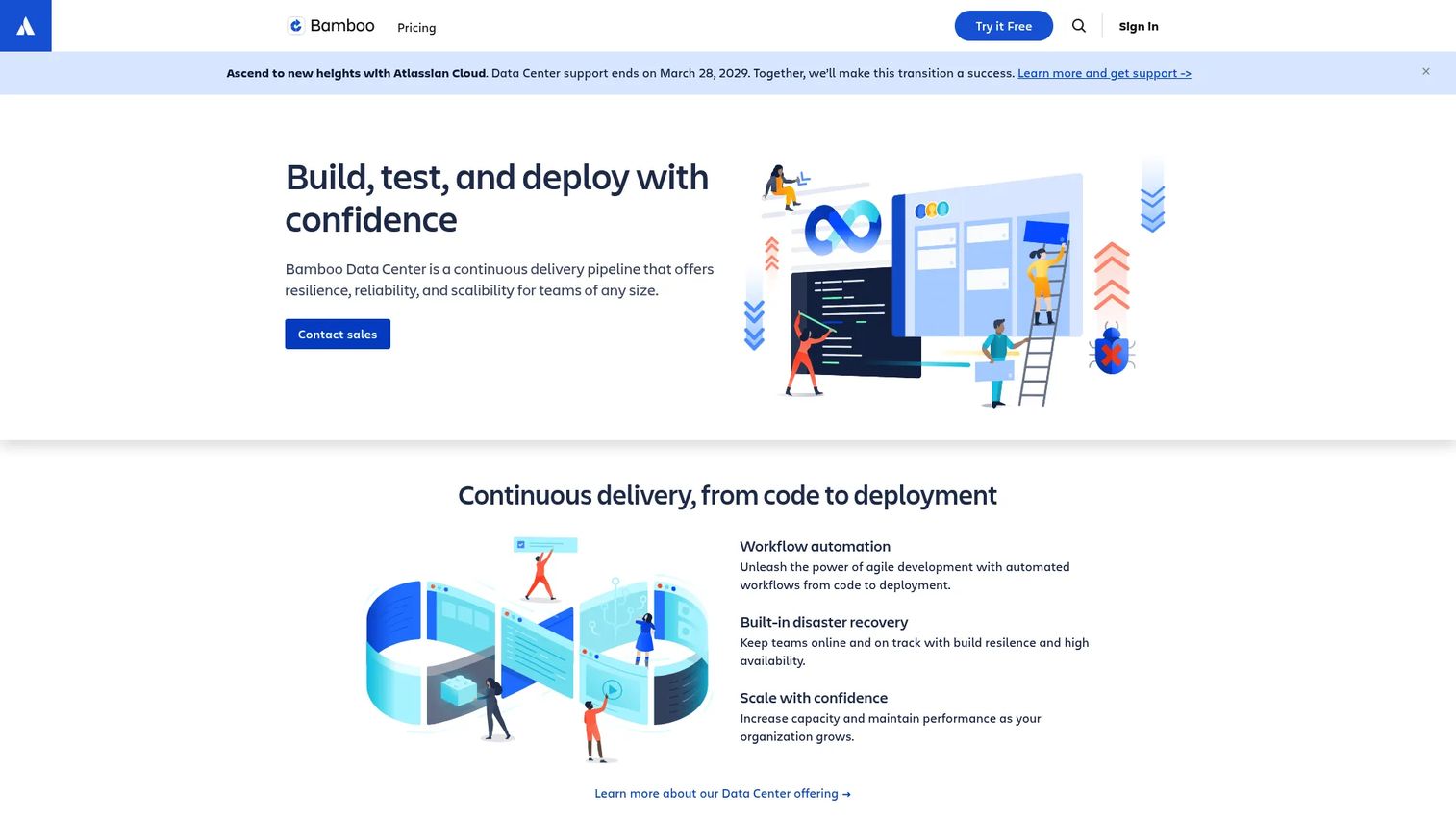
Bamboo is Atlassian's continuous delivery and release management tool, built to sit inside the Atlassian ecosystem. Its appeal is coordination: build, test, and deploy stages connect directly to Jira issues and Bitbucket repositories, so a build result links back to the work item that triggered it. For teams already standardized on Atlassian, that traceability is the draw.
Best for: Teams centered on Jira and Bitbucket who want CI/CD and release coordination inside the tools they already use.
Key strengths
- Atlassian integration: Native links to Jira and Bitbucket tie build artifacts and deployments back to issues and commits for full traceability.
- Build and deployment plans: Separate build plans and deployment projects let you model the path from code to release explicitly.
- Data Center deployment: Self-hosted Data Center deployment supports high availability for teams with uptime requirements.
Why choose Bamboo: Bamboo makes sense when a bundled, traceable workflow matters more than standalone flexibility. If your team already runs Jira for planning and Bitbucket for code, keeping CI/CD in the same ecosystem means release coordination and issue tracking stay connected without extra integration work.
Bamboo pricing: Atlassian prices Bamboo based on build agents rather than users, with a self-hosted Data Center licensing model that includes an annual term license plus maintenance. Exact figures were not publicly exposed on the pricing page at the time of writing, so confirm current numbers directly with Atlassian for your agent count.
5. Harness CI
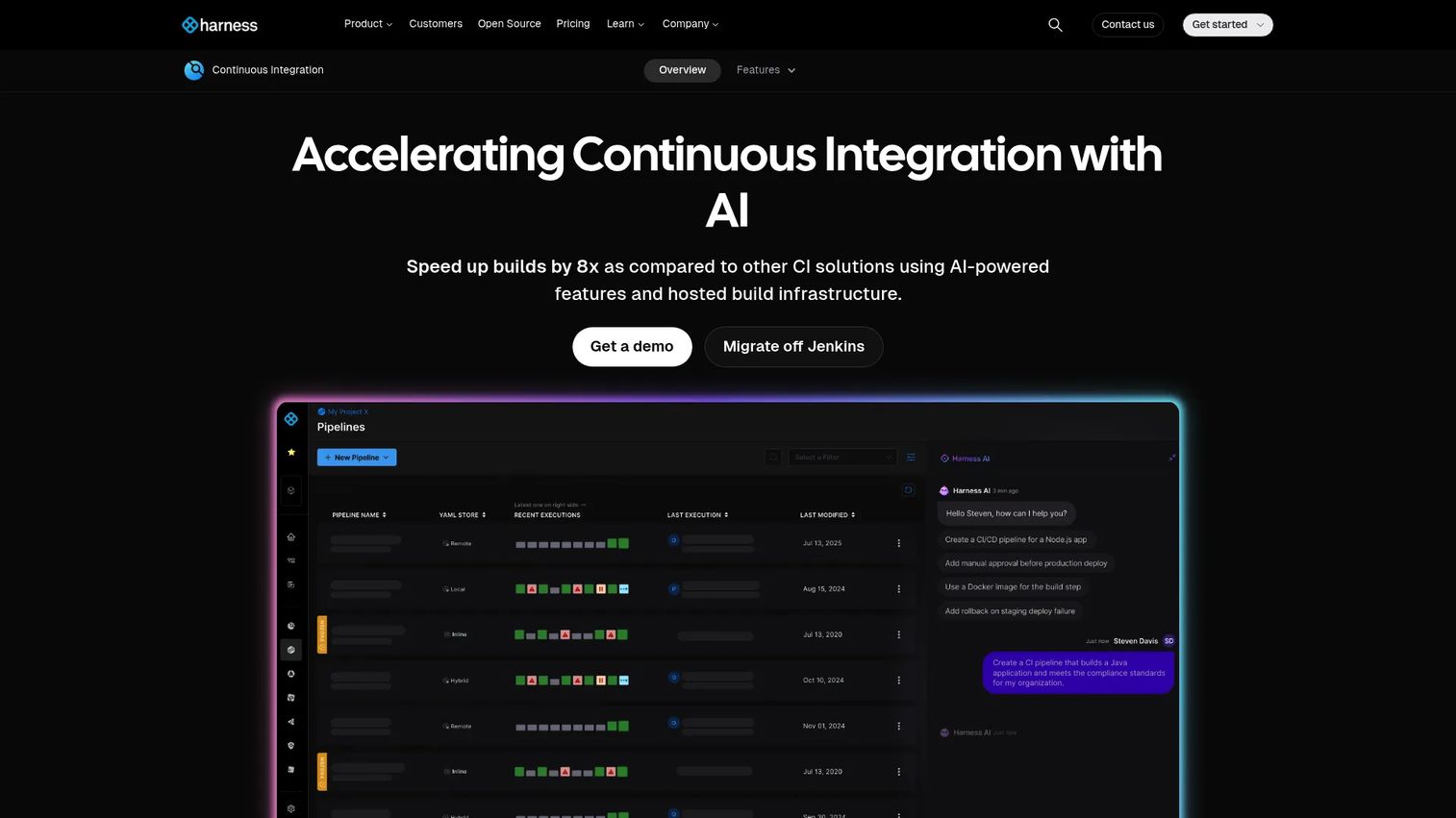
Harness CI is the AI-augmented continuous integration module of the broader Harness platform, aimed at teams that want faster builds and tests without hand-tuning every optimization. Its differentiator is intelligence: build and cache intelligence for tools like Gradle, Bazel, Maven, and Docker layers, plus Test Intelligence that runs only the tests relevant to a given change.
Best for: Platform teams that want managed, cloud-native CI with automated caching and selective test execution.
Key strengths
- Build and cache intelligence: Automatic caching for Gradle, Bazel, Maven, Docker layers, and dependencies cuts redundant work in incremental builds.
- Test Intelligence: Runs only the tests affected by a change, shortening feedback loops without dropping coverage on what matters.
- AI-assisted pipelines: AI-powered pipeline creation and troubleshooting help teams stand up and debug build pipelines faster.
Why choose Harness CI: Platform teams evaluate Harness CI when pipeline speed and CI governance both matter at scale. The caching and test intelligence directly attack cycle time, which is often the metric that decides whether developers trust the pipeline enough to run it on every commit. It fits organizations that want smart automation over manual pipeline tuning.
Harness CI pricing: Harness offers a Free Plan for individual developers and small teams. Essentials and Enterprise plans require contacting sales, and no public numeric CI price was listed on the pricing page at the time of writing. The Harness Platform holds a 4.6/5 rating on G2 across its broader product suite.
6. CircleCI
CircleCI is a cloud CI/CD platform focused on speed and developer experience for building, testing, and deploying software. Its reusable configuration model, orbs, lets teams package common pipeline steps and share them, which cuts the copy-paste sprawl that build configs tend to accumulate. Autoscaling execution environments keep parallel builds moving without manual capacity planning.
Best for: Teams that want managed CI/CD with usage-based scaling and fast feedback loops.
Key strengths
- Reusable configuration: Orbs package and share common build steps, so pipeline logic stays DRY across projects.
- Autoscaling execution: Execution environments scale up for parallel builds and down when idle, matching capacity to demand.
- Build optimization and insights: Built-in metrics and insights surface where builds spend time so you can target the slowest stages.
Why choose CircleCI: CircleCI is often evaluated when a team wants fast, scalable pipelines without operating the build infrastructure themselves. The usage-based model means you pay for what you run, and the insights dashboard makes it straightforward to justify optimization work to stakeholders. It fits teams that prioritize speed and reusable config over self-hosting.
CircleCI pricing: CircleCI offers a Free plan at $0 per month with included credits. The Performance plan starts at $15 per month, also credit-based with free credits included. The Scale plan uses custom pricing; contact CircleCI sales. Pricing is credit-based, so actual cost scales with build minutes and resource classes.
7. GitHub Actions
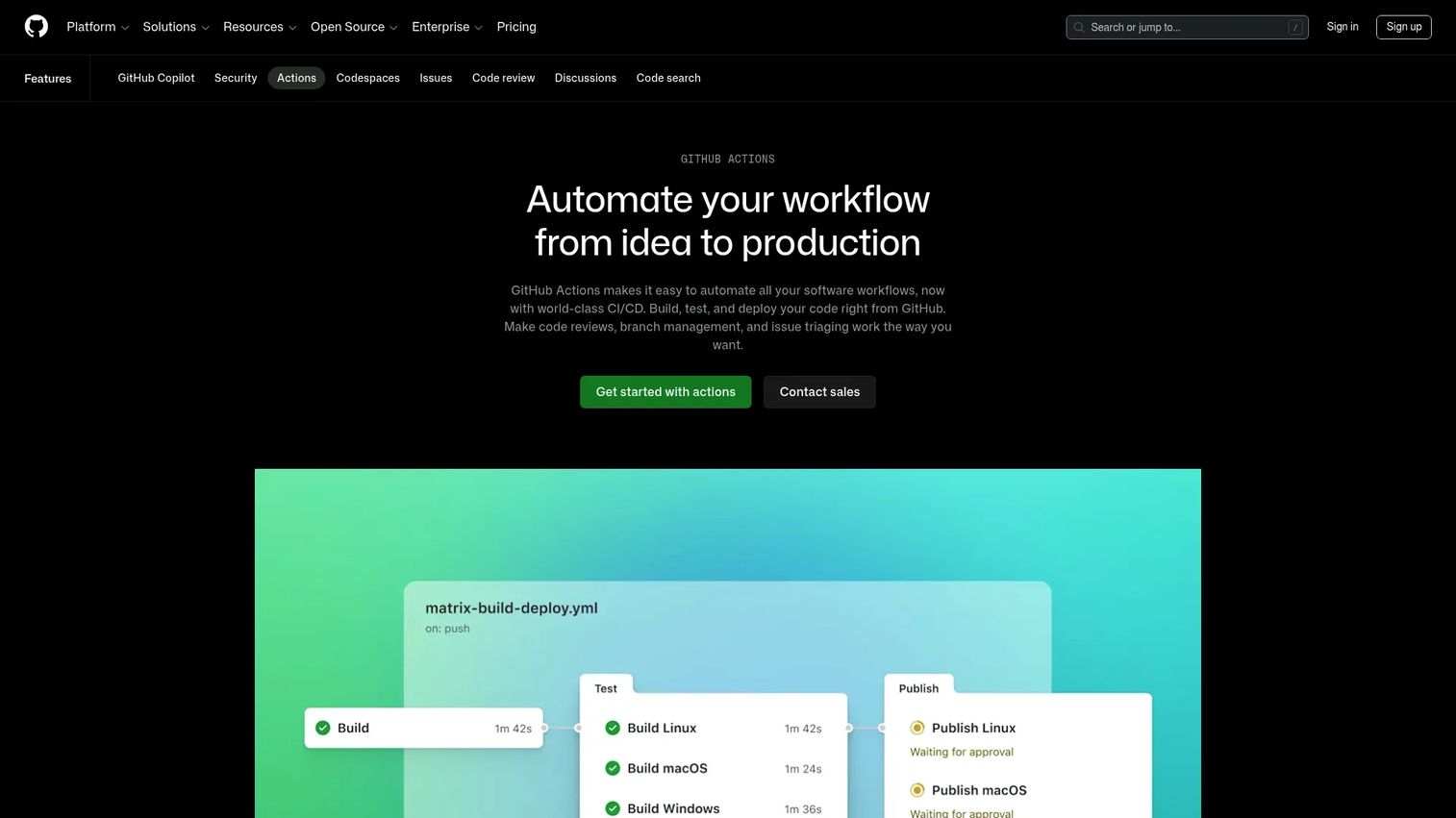
GitHub Actions is GitHub's native workflow automation and CI/CD service, triggered directly by events in your repositories. If your code already lives in GitHub, there is no separate build server to connect: you commit a workflow file, and builds, tests, and releases run against your repos with hosted runners for Linux, macOS, Windows, ARM, GPU, and containers. Matrix builds run the same job across multiple operating systems and runtime versions in parallel.
Best for: Teams already living in GitHub who want event-driven build triggers with minimal setup.
Key strengths
- Event-driven triggers: Workflows fire on any GitHub event, from a push or pull request to a tag or scheduled nightly build, giving precise control over build triggers.
- Matrix builds: Test across combinations of operating systems and runtime versions in parallel, catching environment-specific breakage early.
- Hosted runners and marketplace: Managed runners plus a large marketplace of prebuilt actions cover testing, packaging, and release automation without custom scripting.
Why choose GitHub Actions: For teams whose source of truth is already GitHub, Actions removes the friction of wiring up an external CI tool. You can go from a fresh repo to a working build pipeline in one file, and the marketplace covers most common build, test, and deploy steps out of the box. That low setup cost makes it a common default for GitHub-native teams.
GitHub Actions pricing: GitHub Actions minutes are free for public repositories. Private repositories include a monthly minute allowance by GitHub plan, with additional usage billed on top. Verify current included minutes and overage rates on GitHub's pricing page, since the paid per-minute detail was not fully exposed at the time of writing. GitHub holds a 4.7/5 rating on G2.
8. Azure DevOps Pipelines
Azure DevOps Pipelines is Microsoft's cloud CI/CD service for building, testing, and deploying applications across platforms and clouds. It runs YAML-based, multi-stage pipelines on Linux, macOS, and Windows hosted agents, and deploys to Kubernetes, VMs, serverless, and any cloud. For larger organizations, it sits inside the broader Azure DevOps stack alongside boards, repos, and artifacts.
Best for: Teams that need cross-platform CI/CD with enterprise governance inside a broader Azure DevOps stack.
Key strengths
- Multi-stage YAML pipelines: Define build, test, and deployment stages as versioned YAML, keeping the full pipeline in source control.
- Cross-platform agents: Microsoft-hosted agents for Linux, macOS, and Windows, plus self-hosted options, cover mixed-technology builds.
- Broad deployment targets: Deploy to Kubernetes, VMs, serverless, and any cloud, so build automation and release automation stay in one system.
Why choose Azure DevOps Pipelines: Governance and integrated delivery are the draw for larger orgs. When build automation needs to live alongside work tracking, artifact management, and enterprise access controls, keeping it in Azure DevOps keeps the whole delivery process auditable. It fits teams that already run Microsoft infrastructure and want CI/CD in the same stack.
Azure DevOps Pipelines pricing: Azure DevOps Services is free for the first 5 users, then $6 per user per month. Microsoft-hosted parallel jobs include one free job with 1,800 minutes, with additional parallel jobs at $40 per month for unlimited minutes. Self-hosted parallel jobs include one free job with unlimited minutes, with extra jobs at $15 per month. Azure Pipelines holds a 4.3/5 rating on G2.
Considerations
Before you commit to a build tool, run your shortlist through these evaluation lenses. The goal is to match the tool to your pipeline reality, not to chase the longest feature list.
Pipeline fit
Map the tool to how your team actually builds and releases. Does it express your real build pipeline: the triggers, stages, and approvals you need? A tool that forces you to bend your workflow to fit its model creates friction on every release. Look for pipeline-as-code support so the configuration lives in version control alongside your application.
Reproducibility and environment control
The most valuable property of automated builds is consistency. Check whether the tool gives you controlled, pinned environments so a build behaves identically on a laptop, a CI runner, and a deployment target. Reproducible builds and trustworthy build history are what let you point to the exact change behind a regression instead of guessing.
Test and quality gate support
Fast feedback depends on how cleanly the tool runs unit testing, linting, static analysis, and code coverage as quality gates. Evaluate how it reports failures, whether it supports fail-fast behavior, and how easily you can block a broken build from being promoted. The earlier a gate catches breakage, the cheaper the fix.
Scaling and maintainability
A pipeline that works for one team can buckle under fifty. Assess parallel builds, caching, incremental builds, and whether configuration stays manageable as projects and teams multiply. For a product manager weighing opportunity cost, maintainability is the metric that determines whether the build system stays an asset or becomes a tax.
Integrations and ecosystem
Your build tool does not live alone. Check that it connects cleanly to your source control, artifact repository, notification channels, and deployment targets. The fewer custom integrations you maintain, the less your DevOps workflow decays as tools change around it.
Conclusion
There is no single best build automation software, only the best fit for your stack, team size, and pipeline complexity. If you want maximum control and have the platform capacity to run it, Jenkins is the flexible self-hosted standard. If your team already lives in a specific ecosystem, the native option usually wins: GitLab CI/CD for GitLab teams, GitHub Actions for GitHub teams, Bamboo for Atlassian shops, and Azure DevOps Pipelines for Microsoft stacks. If you want managed, cloud-native CI with smart optimization, look hard at Harness CI and CircleCI, and if you want structured enterprise orchestration, TeamCity earns the shortlist.
The practical next step is not to demo tools yet. Audit your current build process first. Where do builds actually fail, how long does feedback take, and which stages eat the most time? Once you know that, the right tool on this list gets obvious, because you will be matching real bottlenecks to real strengths instead of comparing feature grids.
Start your journey with Guideflow today!
FAQs
Build automation software automatically compiles source code, runs tests, packages the result, and produces deployable artifacts whenever a trigger fires, such as a commit or a schedule. It replaces manual build steps with a defined pipeline that runs the same way every time. The practical payoff is fast, consistent feedback: you learn within minutes whether a change is safe to move forward.
Build automation is the piece that compiles, tests, and packages your code. CI/CD is the broader practice that wraps build automation into a continuous flow, integrating changes frequently (continuous integration) and delivering or deploying them automatically (continuous delivery/deployment). In short, build automation is a core engine inside a CI/CD pipeline, not a separate thing. Most tools on this list do both.
At minimum, look for flexible build triggers, reproducible builds across environments, clean integration of unit testing, linting, and static analysis as quality gates, and reliable handling of build artifacts. Caching and incremental builds matter for speed, and pipeline-as-code keeps configuration versioned and auditable. Beyond that, prioritize whatever fits your existing source control and deployment stack.
For teams whose code already lives in GitHub, GitHub Actions is usually the most direct fit. It triggers builds on GitHub events, needs no separate build server, and covers testing, packaging, and release automation through hosted runners and a large marketplace of prebuilt actions. You define a workflow file in the repo and the pipeline runs against your code immediately.
Yes, often more than they expect. Even a two-person team benefits from automated builds that catch breakage before it reaches deployment and remove the "works on my machine" problem. Several tools here have genuine free tiers, so the cost of entry is low. The real question is not team size but whether you ship often enough that manual builds slow you down.
A build server runs builds on a controlled, shared environment instead of an individual developer's laptop, with pinned dependencies and consistent configuration. Because every build uses the same environment, the output is reproducible regardless of who triggered it. That also makes build history trustworthy, so when a regression appears you can trace it to the exact change rather than an environment quirk.
At scale, the deciding factors are parallel builds, caching, incremental builds, and maintainable configuration. Parallelization keeps feedback fast as the number of jobs grows, while caching and incremental builds avoid redundant work. Test intelligence that runs only affected tests, strong quality gates, and pipeline-as-code all help keep a growing DevOps workflow reliable instead of brittle.
Incremental builds rebuild only the parts of a project affected by a change, rather than everything from scratch. Caching stores dependencies and intermediate build artifacts so they are reused across runs instead of downloaded or recomputed. Together they cut build time dramatically, which shortens feedback loops and makes developers far more likely to run the pipeline on every commit.