You've got twelve doors across three sites, a badge system nobody trusts, and an auditor asking who unlocked the server room at 2 a.m. last Tuesday.
The software running that hardware decides whether you can answer in ten seconds or ten hours.
Access control software is no longer a niche facilities purchase. By 2025, roughly 73% of organizations globally had implemented electronic access control systems to strengthen facility security and monitoring, according to Global Market Statistics (2024). The category itself is scaling fast: the access control software market sat at USD 6.57 billion in 2024 and is projected to reach USD 11.99 billion by 2035 at a 5.62% CAGR, per Market Research Future (2024).
That growth means more vendors, more deployment models, and more integration claims to sort through. Whether you run a single office or a multi-site portfolio, the decision comes down to a handful of things that actually matter: deployment model, integration depth, reliability when the network drops, reporting for audits, and how much admin overhead you sign up for.
What's inside
This guide is for security buyers, IT and facilities teams, and the presales folks who have to explain deployment options and integration depth during technical evaluation. Here's how the shortlist was built:
- Deployment fit across cloud, on-premise, and hybrid models
- Integration depth with identity, HR, video, and building systems
- Reliability including offline fail-safe behavior and redundancy
- Reporting and governance for audit trails and compliance
- Admin overhead for credential lifecycle and multi-site management
No vendor paid for placement. Rankings reflect fit for real evaluation scenarios, not marketing budgets.
TL;DR
- Best for unified video plus access: Avigilon and Genetec both pair door control with camera context in one platform.
- Best for cloud-native simplicity: Brivo and Kisi ship web based access control that distributed teams can run remotely without a server closet.
- Best for large regulated environments: Johnson Controls C•CURE 9000 and LenelS2 OnGuard handle enterprise-scale governance and compliance reporting.
- Best for a single security stack: Verkada consolidates cameras, doors, and alerts under one cloud console.
- Best for Axis-centric hardware: Axis fits teams already standardized on Axis devices and open integration paths.
What is access control software?
Access control software is the management layer that controls who can enter which doors, when, and under what conditions, then logs every event for security and compliance. It connects credentials (badges, mobile passes, biometrics, PINs) to permissions, schedules, and audit trails across one building or many.
At its core, an access control system software platform handles credential lifecycle management, door hardware control, permission policies, and event reporting. Modern platforms extend this with remote management, identity and HR integration, and video context so security teams can see and act on events in real time.
Key capabilities to expect from a strong access control management software platform:
- Credential management: issue, revoke, and update badges, mobile credentials, and biometrics across the full lifecycle
- Role-based and schedule-based permissions: grant access by role, group, time window, or door group
- Multi-site and centralized management: administer building access control across locations from one console
- Audit trails and compliance reporting: capture every unlock, denial, and admin change for review
- Real-time alerts and event management: flag forced doors, tailgating, and after-hours entries
- Integrations: connect to identity providers, HR systems, video surveillance, and building/fire systems
- Offline fail-safe and redundancy: keep doors working and events queued when the network or a server drops
- Deployment flexibility: run cloud access control, on-premise access control, or hybrid
Biometric methods are now mainstream: around 63% of newly installed access control platforms in 2025 integrated facial or fingerprint authentication, per Global Market Statistics (2024).
When to use access control software
Not every environment needs the same tool. Here's how to pattern-match your situation.
Centralize door access across multiple sites
If you're managing badges and schedules across more than two locations, spreadsheets and standalone panels stop scaling. Multi-site access control with centralized management lets one admin team push a policy change to every door at once, and pull a single audit report across the portfolio.
Replace manual credential and offboarding workflows
When someone leaves, their access should die the moment HR marks them terminated, not three days later when facilities notices. HR integration and identity integration automate credential lifecycle management so provisioning and deprovisioning follow the source of truth, not a manual ticket.
Meet audit and compliance requirements
If auditors, insurers, or regulators want to know who accessed what and when, you need immutable audit trails and compliance reporting built in. This is where door access control software earns its keep: reconstructing an event timeline in minutes instead of digging through logs.
Access control software comparison
Here's the shortlist side by side. Pricing for most enterprise physical security platforms is quote-based, so treat published figures as starting points and expect hardware plus licensing on top.
| # | Product | Best for | Key differentiation | Pricing | G2 rating |
|---|---|---|---|---|---|
| 1 | Avigilon | Unified video and access for security teams | AI video analytics paired with access control | Quote-based; free trial on Alta Visitor | 4.5/5 |
| 2 | Axis | Axis-centric hardware and video deployments | Open device ecosystem and camera integration | Quote-based; 90-day trial on Camera Station Pro | Not listed |
| 3 | Johnson Controls C•CURE 9000 | Large, regulated enterprise environments | Enterprise event management and reporting | Quote-based | Not listed |
| 4 | LenelS2 OnGuard | Complex enterprise access governance | Unlimited scalability and open integration | Quote-based | Not listed |
| 5 | Brivo | Cloud-managed multi-location access | Cloud-native remote administration | Quote-based | 4.6/5 |
| 6 | Kisi | Cloud access with modern admin UX | Mobile credentials and simple deployment | Starting at $99/mo | 4.5/5 |
| 7 | Verkada | Single cloud security stack | Cameras, doors, and alerts in one console | From $99 MSRP (hardware) | 4.7/5 |
| 8 | Genetec | Enterprise unified security platform | Open architecture across video and access | Quote-based | 4.4/5 |
Best 8 access control software tools for 2026
1. Avigilon
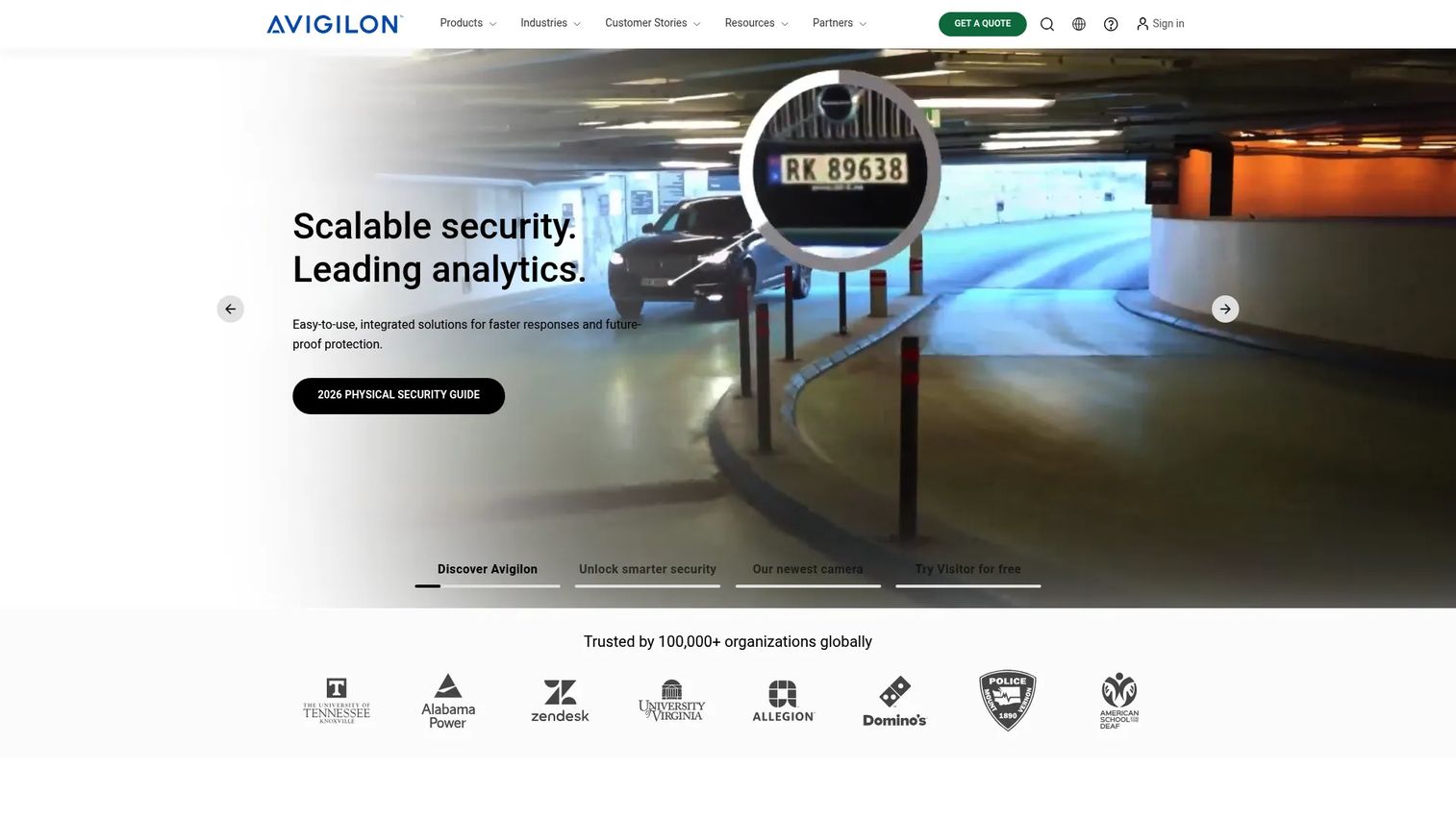
Avigilon is a physical security brand offering cloud and on-premise video security, access control, and integrated security management. Its differentiator is the tight link between AI-powered video analytics and door access control, so a forced-door alert comes with the camera clip attached. That matters when a security team needs to verify an event, not just read a log line.
Avigilon supports both cloud access control through its Alta line and on-premise deployments, which gives multi-site security teams room to standardize without ripping out existing infrastructure. Credential changes, lockdown scenarios, and real-time visibility run from one console.
Best for: organizations that want enterprise physical security with video, access control, and AI analytics under one roof.
Key strengths
- AI-powered video analytics and search
- Cloud and on-premise security platforms
- Access control and integrated security management
Why choose Avigilon: if your security operation already leans on video and you want doors and cameras managed together, Avigilon removes the seam between the two. It fits teams that treat access events and video verification as one workflow.
Avigilon pricing: public pricing is not published; the site directs buyers to request a quote. A 30-day free trial is available for Alta Visitor. Expect hardware and licensing to factor into any quote.
2. Axis
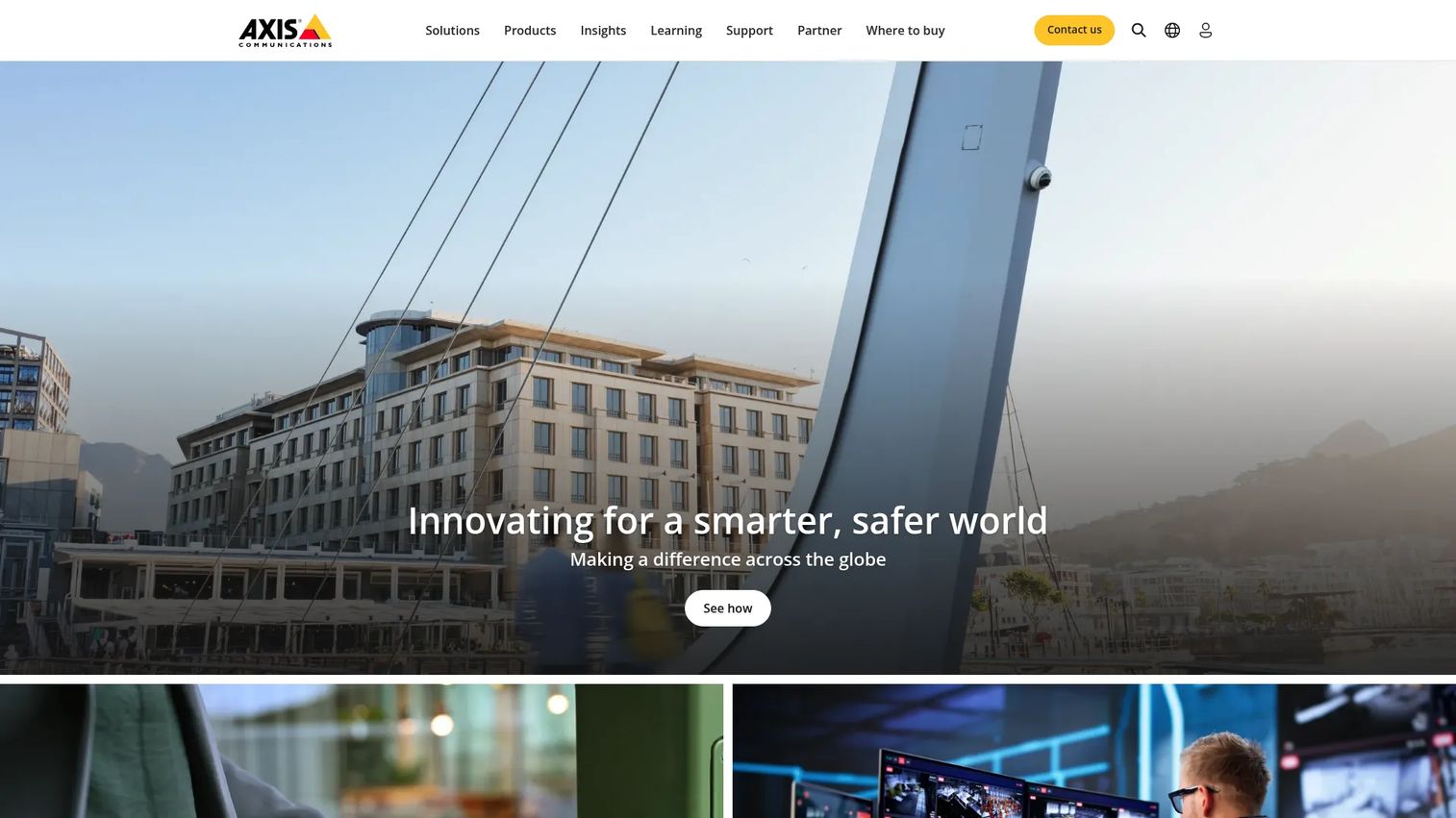
Axis develops network video, access control, audio, and related security devices. Buyers evaluate Axis hardware and software together because the value is in the ecosystem: cameras, door controllers, and management software that integrate across the Axis portfolio and with partner platforms like Genetec.
For teams building or extending an Axis-centric deployment, centralized multi-door control and open integration paths keep the architecture consistent. Axis leans on an open approach, so its devices commonly plug into third-party video management and access platforms rather than locking you into a single stack.
Best for: organizations deploying Axis-centric video surveillance and access control systems.
Key strengths
- Video management with AXIS Camera Station Pro
- Cloud storage add-on for Camera Station
- Access control and device integration across the portfolio
Why choose Axis: if hardware quality and open integration matter more than a single all-in-one vendor, Axis fits. It suits teams that want to mix and match device and software layers instead of committing to one closed platform.
Axis pricing: Axis publishes license names and trial availability but no public numeric pricing on the pages reviewed. Camera Station Pro offers a free 90-day trial, with device licenses available in 1-year and 5-year terms. Pricing runs through partners.
3. Johnson Controls C•CURE 9000
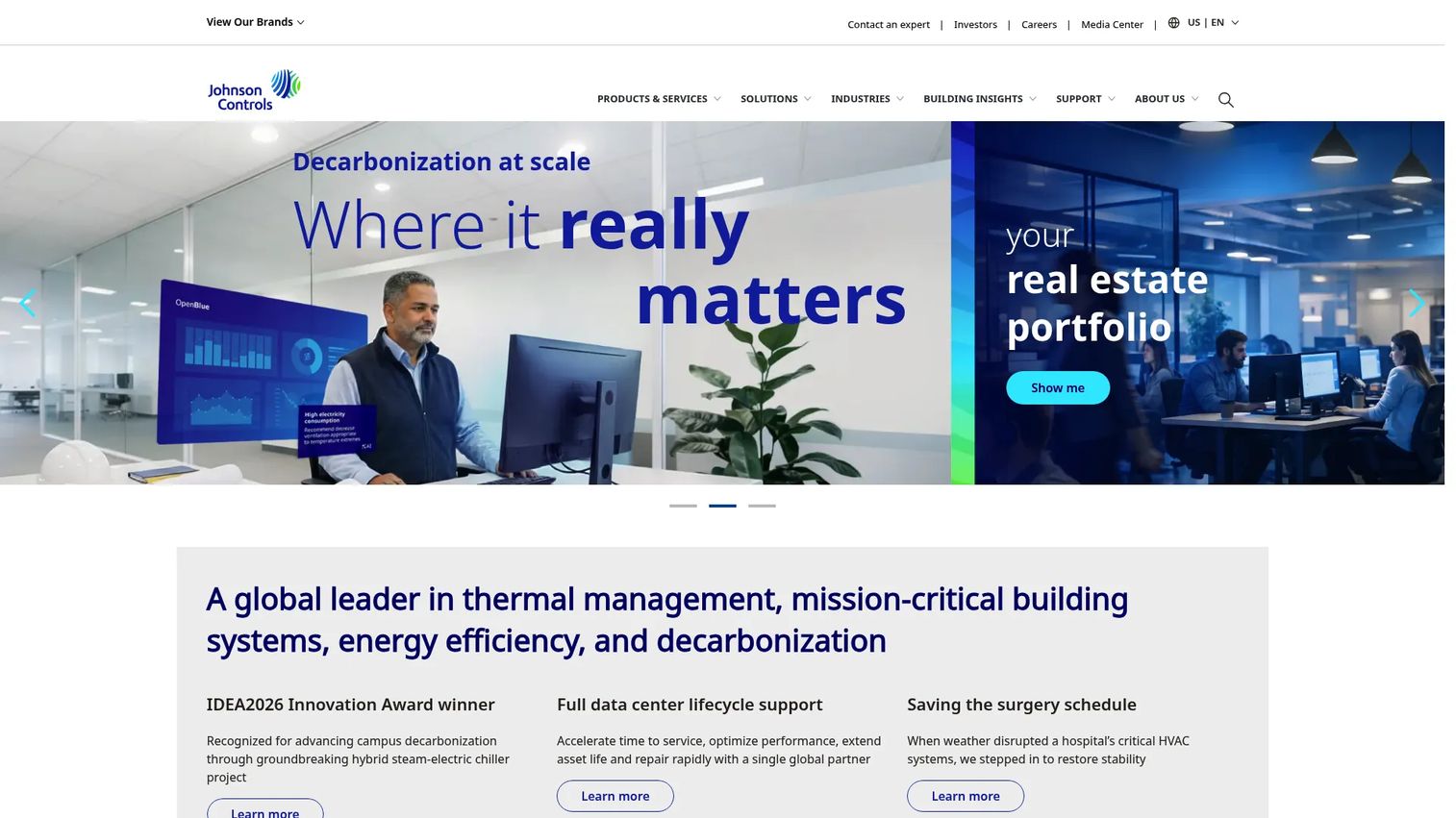
Johnson Controls C•CURE 9000 is an enterprise access control and security event management platform built for large, complex environments. Its strength is centralized access control and monitoring paired with an enterprise system architecture designed for reporting and business continuity.
For regulated organizations, C•CURE 9000 covers remote management, Active Directory sync for identity integration, and compliance reporting out of the box. It integrates with external systems so security, IT, and facilities can align on one platform. The lifecycle support and service model matter here: enterprise deployments live for years, and installation and maintenance are part of the buying decision, not an afterthought.
Best for: large organizations needing scalable access control and security event management.
Key strengths
- Centralized access control and monitoring
- Enterprise system architecture for reporting
- Integrations with external systems
Why choose Johnson Controls C•CURE 9000: if you operate a large or regulated environment where event management, redundancy, and long-term service matter more than quick setup, C•CURE 9000 is built for that scale. It fits enterprises that treat access control as core infrastructure.
Johnson Controls C•CURE 9000 pricing: no public pricing is published on the brand site. Pricing is handled through Johnson Controls and its channel, and typically reflects deployment size, integrations, and service terms.
4. LenelS2 OnGuard
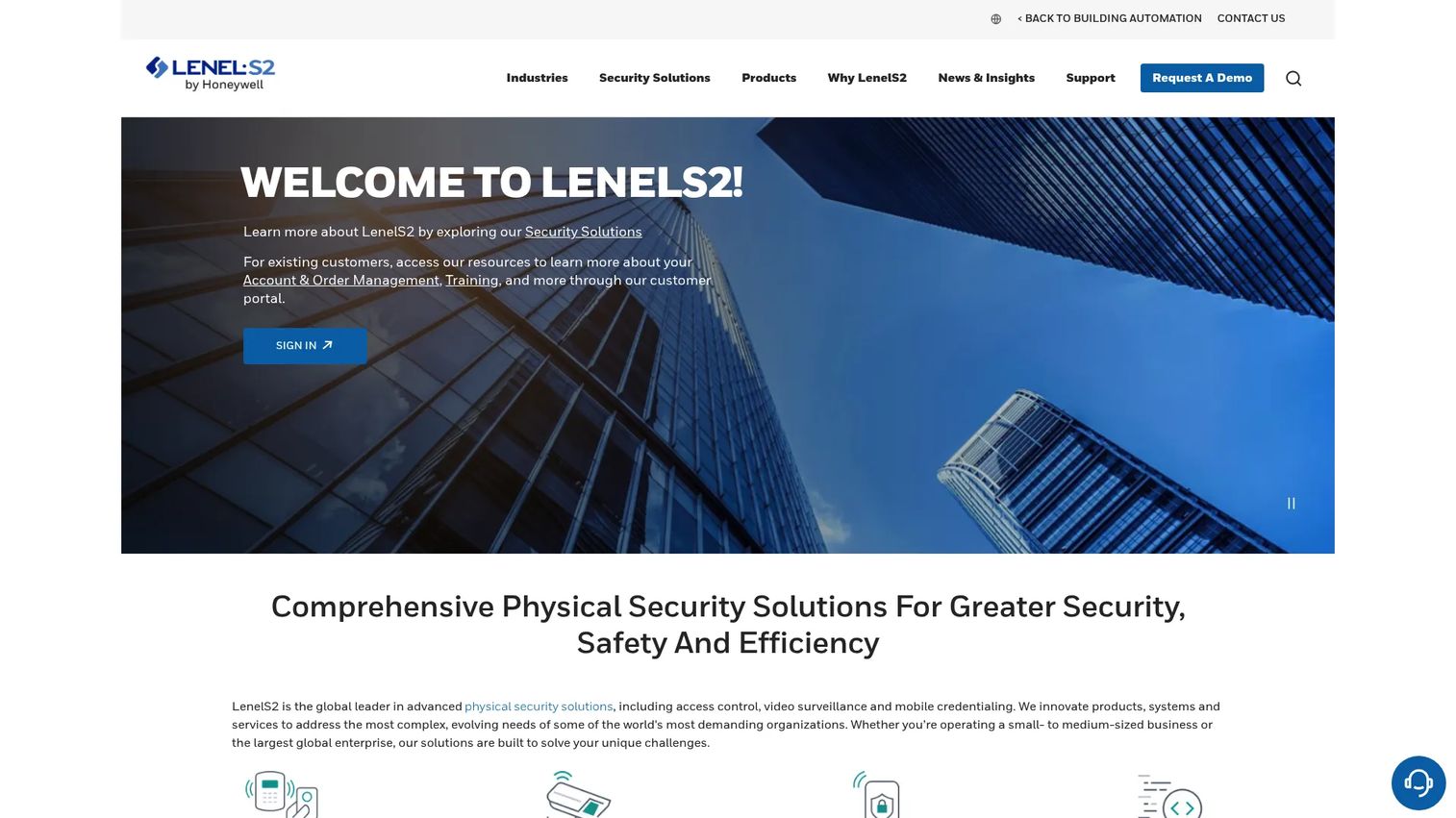
LenelS2 OnGuard is an enterprise physical access control platform with integrated video, cloud, mobile, and browser-based clients. It shows up in larger organizations with complex policy needs: unlimited scalability, open integration, and access governance that spans many sites and thousands of credentials.
OnGuard pairs access control with video monitoring and offers browser-based clients plus mobile apps, so admins aren't tied to a single workstation. For IT, security, and facilities teams that have to align on shared policy and auditability, the platform's flexibility is the draw. That flexibility comes with a real implementation and configuration effort, which is worth scoping early.
Best for: organizations needing enterprise-grade access control and integrated security management.
Key strengths
- Access control and video monitoring integration
- Unlimited scalability and open integration
- Browser-based clients and mobile apps
Why choose LenelS2 OnGuard: if your environment has intricate permission policies, many sites, and a need for deep integration flexibility, OnGuard handles that complexity. It fits enterprises where governance and auditability drive the requirements.
LenelS2 OnGuard pricing: no public pricing page or numeric pricing was found on the brand site. Pricing is quote-based through LenelS2 and its integrator network, scoped to deployment size and integrations.
5. Brivo
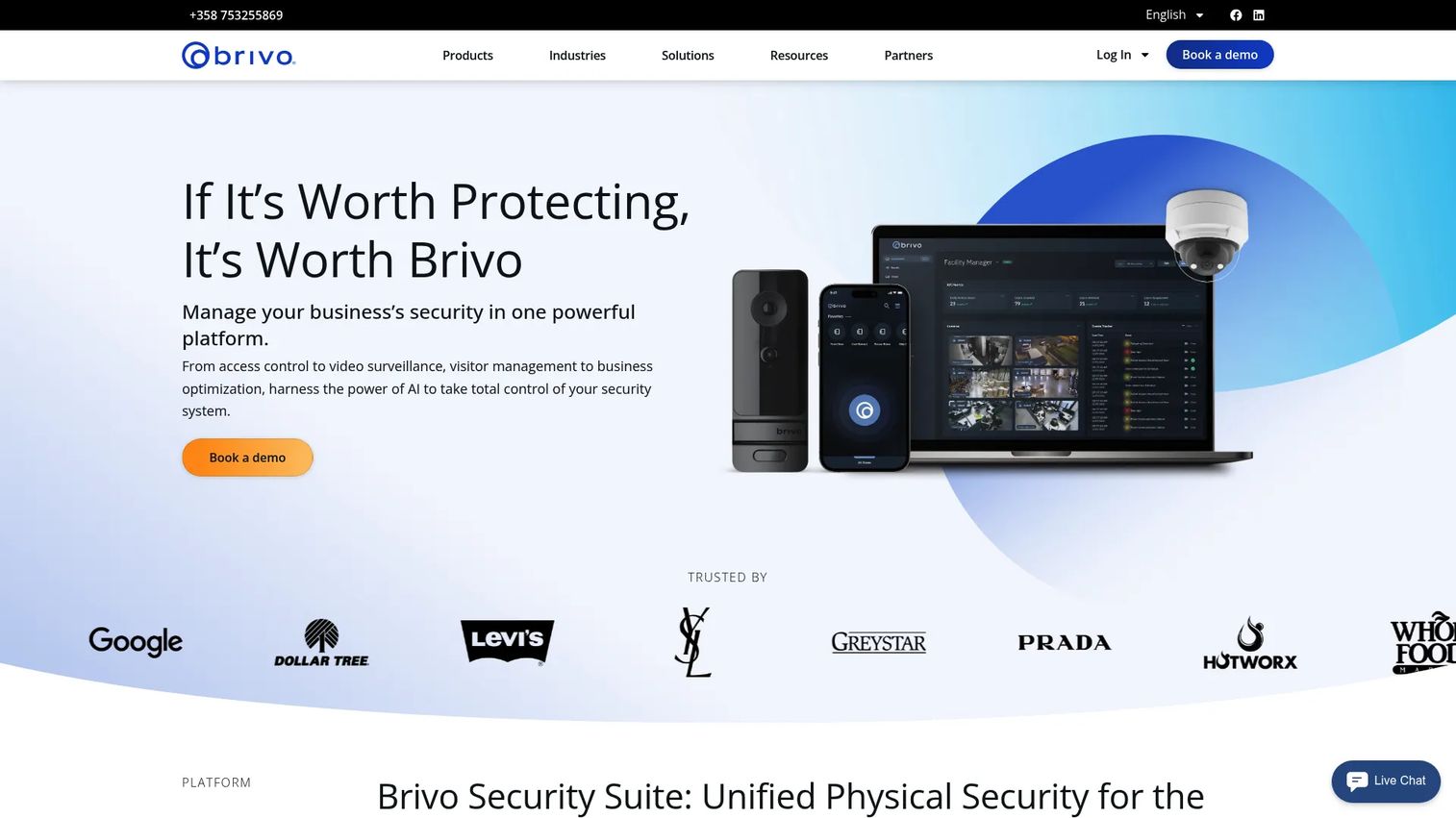
Brivo is a cloud-based physical security platform for access control and integrated video and security management. Its pitch is operational simplicity: run door access control across many locations from a browser, with no server closet to maintain. That framing lands with distributed teams and operations leaders who want SaaS-style administration.
Brivo handles cloud access control, mobile credentials, and event-to-video workflows, so a door event can link straight to camera footage. Credential changes and remote admin happen from anywhere, which speeds up onboarding and offboarding across sites. For growing organizations, faster deployment and centralized management are the core wins.
Best for: businesses needing cloud-managed access control across multiple locations.
Key strengths
- Cloud access control
- Mobile credentials
- Integrated video surveillance and event-to-video workflows
Why choose Brivo: if you want remote management and quick multi-site rollout without on-premise servers, Brivo is built for that model. Verify integration depth and enterprise security requirements against your own checklist before committing.
Brivo pricing: Brivo does not display public pricing; the site prompts a demo or quote request. Pricing depends on door count, locations, and features, so scope your deployment before the sales conversation.
6. Kisi
Kisi is a cloud-based access control platform for managing building access, visitors, video surveillance, and intrusion detection. Its calling card is a modern admin UX and mobile credentials that make lean operations possible without giving up core security functionality. Real-time remote access control management runs from the browser or phone.
Kisi supports mobile, physical, and legacy credentials, plus SSO/SCIM for identity integration and an API for connecting to the rest of your stack. Schedule management and remote unlock are straightforward, which fits offices, coworking spaces, and growing multi-site businesses that want to keep admin overhead low.
Best for: businesses needing cloud-managed physical access control with integrations and visitor management.
Key strengths
- Real-time remote access control management
- Mobile, physical, and legacy credentials support
- SSO/SCIM, API, and integrations
Why choose Kisi: if you want clean cloud administration and mobile-first access without an enterprise-scale implementation, Kisi keeps things lean. It suits teams prioritizing a fast, usable setup over deep legacy integration.
Kisi pricing: Kisi publishes pricing on its site. The One Security Platform starts at $99 per month, with Enterprise priced on request. Visitor Management offers a free Basic tier and a Plus tier starting at $99 per month.
7. Verkada
Verkada is a cloud-managed physical security platform spanning cameras, access control, intercom, alarms, sensors, and workplace management. Buyers compare it alongside video-centric platforms because Verkada consolidates the whole security stack under one cloud console called Command, with mobile management, alerts, and audit trails built in.
The cloud-managed model means automatic updates, unlimited users, and 24/7 technical support without maintaining local servers. AI-based analytics run across the platform, and ease of administration is a consistent theme. For teams that want one vendor and one interface across multiple sites, Verkada reduces the number of tools to manage.
Best for: organizations needing a single cloud platform for physical security across multiple sites.
Key strengths
- Cloud-based Command management platform
- AI-based analytics and unlimited users
- 24/7 technical support and automatic updates
Why choose Verkada: if consolidating cameras, doors, and alerts into one cloud console matters more than mixing best-of-breed vendors, Verkada fits. Confirm integration and governance requirements against your enterprise checklist.
Verkada pricing: Verkada publishes a mixed hardware and license catalog. Prices start at $99 MSRP for a Wired Motion Sensor, with software licenses such as Workplace at $3,600 MSRP for a one-year license and Basic Alarms at $600 MSRP. Many products require additional licenses, so build a full bill of materials.
8. Genetec
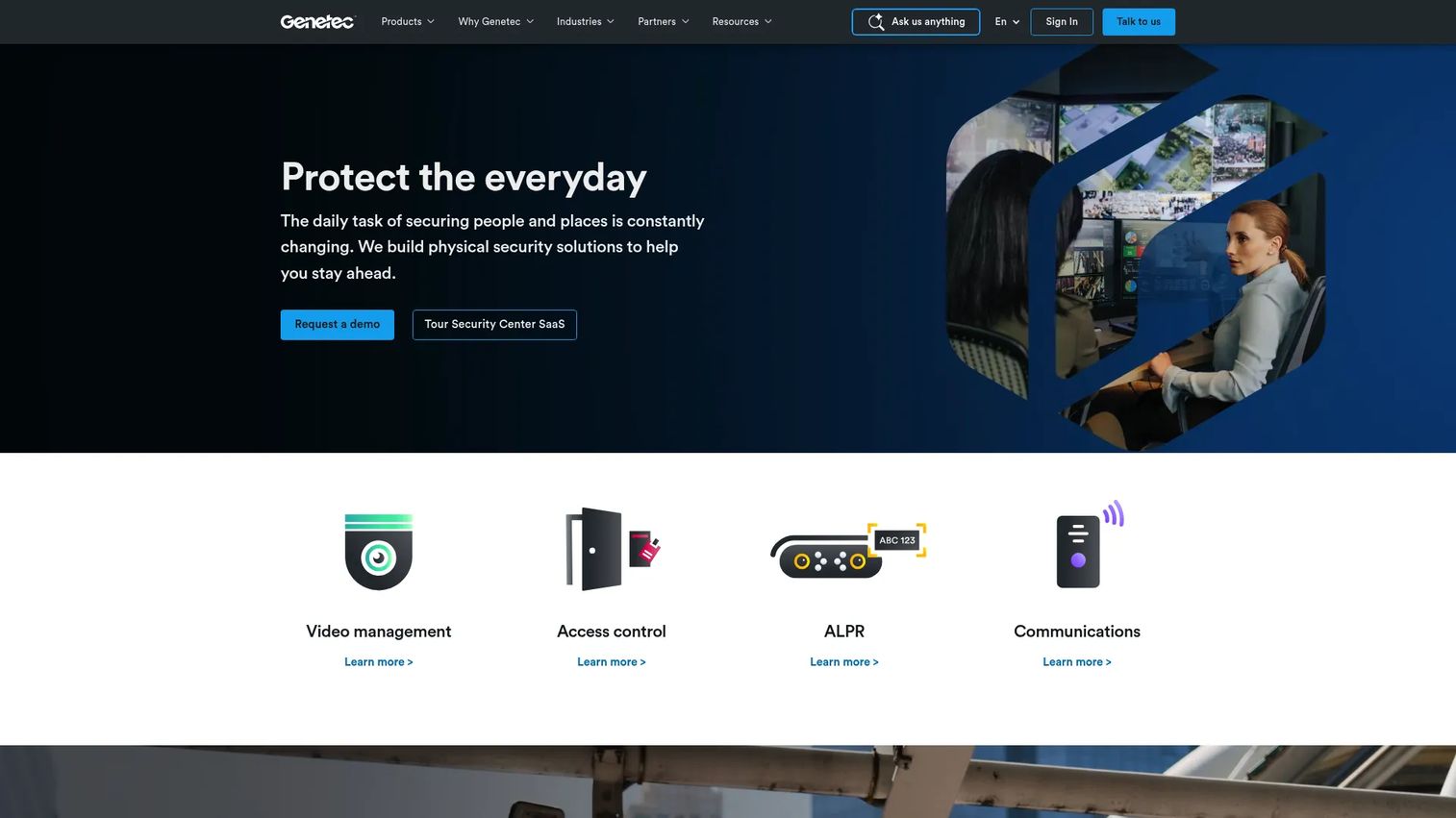
Genetec is a unified physical security software platform covering video surveillance (Omnicast), access control (Synergis), and digital evidence management (Clearance). Its strength is open architecture: Genetec integrates broadly across hardware and third-party systems, so enterprises avoid locking into a single device vendor.
For large, multi-site operations, Genetec centralizes administration and gives security teams unified visibility across video and access in one Security Center interface. The open approach supports deep integration, scalability, and the compliance reporting that regulated environments require. As with any enterprise platform, scope installation and configuration effort during evaluation.
Best for: organizations needing a scalable, enterprise physical security platform.
Key strengths
- Video management system (Omnicast)
- Access control (Synergis)
- Digital evidence management (Clearance)
Why choose Genetec: if you want a unified platform with open architecture and room to scale across sites and device vendors, Genetec is built for that. It fits enterprises that value integration flexibility and centralized visibility.
Genetec pricing: Genetec does not display public pricing; the site directs buyers to request a quote. Security Center is available as a SaaS offering, with pricing scoped to deployment size and integrations.
Considerations before you buy
Once you've narrowed the field, run every finalist through this checklist before signing.
Deployment model
Decide between cloud access control, on-premise access control, and hybrid early, because it shapes everything else. Cloud reduces server maintenance and speeds multi-site rollout. On-premise gives you local control and can suit environments with strict data or connectivity requirements. Hybrid splits the difference. Match the model to your IT reality, not the vendor's default.
Integration depth
A platform is only as useful as the systems it connects to. Verify identity integration, HR integration for credential lifecycle management, video integration, and building or fire system connections. Ask which integrations are native versus which need middleware, and confirm the specific identity provider and HR system you actually use are supported.
Reliability and continuity
Ask what happens when the network drops or a server fails. Offline fail-safe behavior at the door and a redundancy server for the management layer separate serious platforms from the rest. Get specifics: do doors keep enforcing policy offline, and do events queue and sync when connectivity returns?
Reporting and governance
Audit trails and compliance reporting are non-negotiable in regulated environments. Confirm the platform logs every unlock, denial, and admin change, and that reports export in the format your auditors expect. Role-based admin permissions and clean event management keep governance tight as you scale.
Admin overhead and scale
Estimate the ongoing effort to run the system: credential provisioning, schedule updates, multi-site policy pushes, and user management. A modern web based access control admin UX can cut hours of routine work. Confirm the platform scales from your current door count to where you'll be in three years.
Conclusion
The right access control software depends on your environment more than any feature checklist.
For unified video and access, Avigilon and Genetec pair door control with camera context and open integration. For cloud-native, low-overhead administration across locations, Brivo and Kisi run building access control from a browser without a server closet. For large, regulated enterprises with complex policy and deep governance needs, Johnson Controls C•CURE 9000 and LenelS2 OnGuard are built for scale. Verkada consolidates the entire security stack under one cloud console, and Axis fits teams standardized on its open device ecosystem.
Narrow to two or three vendors based on deployment model, integration requirements, reliability expectations, reporting needs, and admin overhead. Then run a hands-on evaluation against your real doors, credentials, and audit scenarios before you commit. The demo will tell you more than any spec sheet.
FAQs
Access control software is the management layer that governs who can enter which doors, when, and under what conditions, then logs every event. It ties credentials like badges, mobile passes, and biometrics to permissions, schedules, and audit trails across one or many buildings. Modern platforms add remote management, integrations, and video context.
Prioritize credential lifecycle management, role-based and schedule-based permissions, audit trails, and compliance reporting. Then weigh integrations with identity, HR, and video systems, real-time alerts, and offline fail-safe behavior. For multi-site operations, centralized management and remote administration matter most.
Cloud access control reduces server maintenance and makes multi-site rollout and remote management faster, which suits distributed teams. On-premise access control gives you local control and can fit strict data or connectivity requirements. Hybrid deployments combine both. Match the model to your IT reality and compliance constraints, not the vendor's default preference.
Strong platforms sync with identity providers via SSO/SCIM and connect to HR systems so credential lifecycle management follows the source of truth. When HR marks someone terminated, access is revoked automatically instead of waiting on a manual ticket. Confirm your specific identity provider and HR system are natively supported before buying.
Ask what happens when the network or a server drops, whether doors keep enforcing policy offline, and how events resync. Probe integration depth for the exact identity, HR, and video systems in use. Then walk through a real audit report, a multi-site policy push, and a full offboarding to see admin overhead firsthand.
Test centralized management: can one admin team push a policy change to every door across all sites at once? Check multi-site reporting, per-site role-based permissions, and how the platform handles connectivity between locations. Confirm the system scales from your current door count to your three-year projection without re-architecting.
Enterprise readiness means unlimited scalability, deep integration flexibility, redundancy for the management server, and robust audit trails and compliance reporting. It also includes granular role-based admin controls, identity integration, and a service model that supports long deployments. Installation, maintenance, and lifecycle support all factor into enterprise fit.
They're essential in any regulated environment. Audit trails record every unlock, denial, and administrative change, letting you reconstruct an event timeline in minutes instead of hours. Compliance reporting turns that log into the format auditors, insurers, and regulators expect, which is often the difference between a clean audit and a costly one.