You spent six hours setting up the perfect night shot. The client looked at it for four seconds, said the couch felt wrong, and asked for three more angles by Friday. Sound familiar?
Most rendering software gets sold on one metric: how photoreal the still looks. That is the wrong lens. The real decision is a trade-off between speed, realism, hardware cost, and how cleanly the tool plugs into the model you already built. A production ray tracer that produces a flawless frame in 40 minutes is worthless when a stakeholder wants five variations before lunch. A real-time engine that renders in seconds is worthless when the print campaign demands 8K stills with clean render passes.
The market is not slowing down. The architectural rendering software market was valued at $4.8 billion in 2025 and is projected to reach $11.6 billion by 2034 at a 10.3% CAGR, according to Dataintelo (2025). More telling for your workflow: over 85% of residential and commercial construction projects globally used rendering software for pre-construction visualization in 2025, cutting design errors by 25 to 30%, per Market Growth Reports (2025). Rendering is not a nice-to-have anymore. It is how design decisions get validated and how client approvals actually happen.
So the question is not "which tool makes the prettiest render." It is "which tool fits the way my team works, on the hardware I already own, feeding the model I already have." That is what this guide answers.
What's inside
This guide covers 10 architectural rendering tools chosen for one reason: they represent distinct positions on the speed-versus-realism curve. Some are real-time renderers built for fast client previews. Some are offline production engines built for photorealistic renders. Some are full 3D creation suites. Some are the source BIM models that feed everything else.
We selected them on four criteria that a product-minded evaluator actually cares about:
- Workflow fit: how the tool slots into a repeatable pipeline from model to final frame
- Output quality: stills, walkthroughs, animations, and presentation visuals
- BIM/CAD interoperability: how cleanly it ingests Revit, SketchUp, Archicad, and CAD data
- Adoption cost: hardware requirements, learning curve, and licensing
TL;DR
- Best for fast client previews: D5 Render and Enscape both deliver near-instant real-time output inside your design tool.
- Best for photoreal stills: V-Ray remains the production standard for physically accurate ray tracing.
- Best for BIM-centric workflows: Revit and Archicad are the source models; pair them with a renderer.
- Best for beginners: SketchUp for modeling, Twinmotion for free real-time visualization.
- Best for GPU-heavy teams that want one stack: Blender combines modeling and the Cycles renderer at zero cost.
- Best for full-control production pipelines: 3ds Max plus V-Ray is the high-end visualization standard.
What is architectural rendering software?
Architectural rendering software is a category of 3D rendering software that turns building models and CAD/BIM data into realistic images, walkthroughs, and animations used for design validation, marketing, and client approvals. It sits between your model and your final deliverable, converting geometry, materials, and lighting into a picture a non-architect can understand.
The category splits into four groups. Knowing which one a tool belongs to tells you more than any feature list.
- Real-time rendering engines use the GPU to render the scene continuously as you move the camera. Think Lumion, Enscape, Twinmotion, and D5 Render. The pitch is speed: you see near-final quality in the viewport, so iteration and client walkthroughs happen live.
- Offline ray tracing engines simulate how light physically bounces through a scene, tracing rays for accurate reflections, refraction, and global illumination. V-Ray is the archetype. Slower per frame, but the ceiling on photorealism is higher, and the output supports post-production workflows.
- BIM/CAD-connected tools are the authoring environments, Revit, Archicad, and SketchUp, where the model actually lives. Strong BIM/CAD interoperability determines how much rework you do downstream.
- DCC and hybrid tools like 3ds Max and Blender combine modeling, animation, and rendering in one application, giving you full scene control at the cost of a steeper learning curve.
Two output concepts matter for post-production. AOVs (arbitrary output variables) let you export separate render passes, lighting, reflection, shadow, so you can adjust them independently in compositing. EXR is the high-dynamic-range format that stores those passes, and Cryptomatte gives you per-object masks without manual roto. Add ACES color management on top, and you have a pipeline that survives client revisions without a full re-render. Real-time engines are catching up on ray tracing and passes, but if your work ends up in a compositor, these formats decide how much control you keep.
When to use architectural rendering software
Not every project needs a 40-minute ray-traced frame. Matching the tool to the moment is where teams save the most time.
Concept validation and design iteration
Early in design, you are testing massing, light, and material direction. You want to change something and see it immediately. This is where real-time rendering earns its keep: adjust a wall, spin the camera, judge the result in seconds. Speed matters more than final polish because the render is a thinking tool, not a deliverable.
Client approvals and presentations
When a client needs to sign off, they need to feel the space. Interior rendering shows how light falls across a room at 4pm; exterior rendering shows the building in its context. Real-time walkthroughs let stakeholders explore on their own terms, while high-quality stills anchor the approval in a single hero image. Many teams run a live walkthrough on a laptop, then follow up with a rendered still.
Marketing and final deliverables
For brochures, competition boards, and print campaigns, photorealistic renders are the goal. This is production render territory: high resolution, clean passes, and post-production control. Here, time to final frame is the metric that matters, and the extra minutes per frame buy you image quality you cannot fake in real time.
Comparison table
The table below ranks the 10 tools by overall relevance to architectural visualization workflows, not alphabetically. Read "Intent" as the core job the tool is built for, and "Key use case" as where it fits in a real pipeline. Pricing and ratings reflect verified values where available; where a vendor gates pricing, the tier structure is noted in the tool section.
| # | Product | Intent | Key use case | Pricing | G2 rating |
|---|---|---|---|---|---|
| 1 | Revit | BIM authoring + model source | Building design and documentation feeding renderers | $3,005/year | 4.6/5 |
| 2 | 3ds Max | Production DCC + rendering | High-end visualization pipelines | $134/month | - |
| 3 | Archicad | BIM authoring + visualization | Design-and-render in one environment | $201+tax/month | 4.6/5 |
| 4 | Lumion | Real-time rendering | Fast presentation visuals and walkthroughs | Subscription (Pro/View/Studio) | 4.5/5 |
| 5 | SketchUp | 3D modeling | Concept modeling and early visualization | $10.75/user/month | 4.5/5 |
| 6 | Twinmotion | Real-time rendering | Real-time walkthroughs and reviews | Free / $445/seat/year | - |
| 7 | V-Ray | Production ray tracing | Photorealistic stills and animations | $45/month | 4.5/5 |
| 8 | Blender | Full 3D suite + Cycles | Modeling plus rendering in one free stack | Free | 4.6/5 |
| 9 | Enscape | Real-time rendering | Live design review inside CAD/BIM | $574.80/year | - |
| 10 | D5 Render | Real-time rendering | Fast presentation-ready output | Free / $360/year | 4.8/5 |
1. Revit
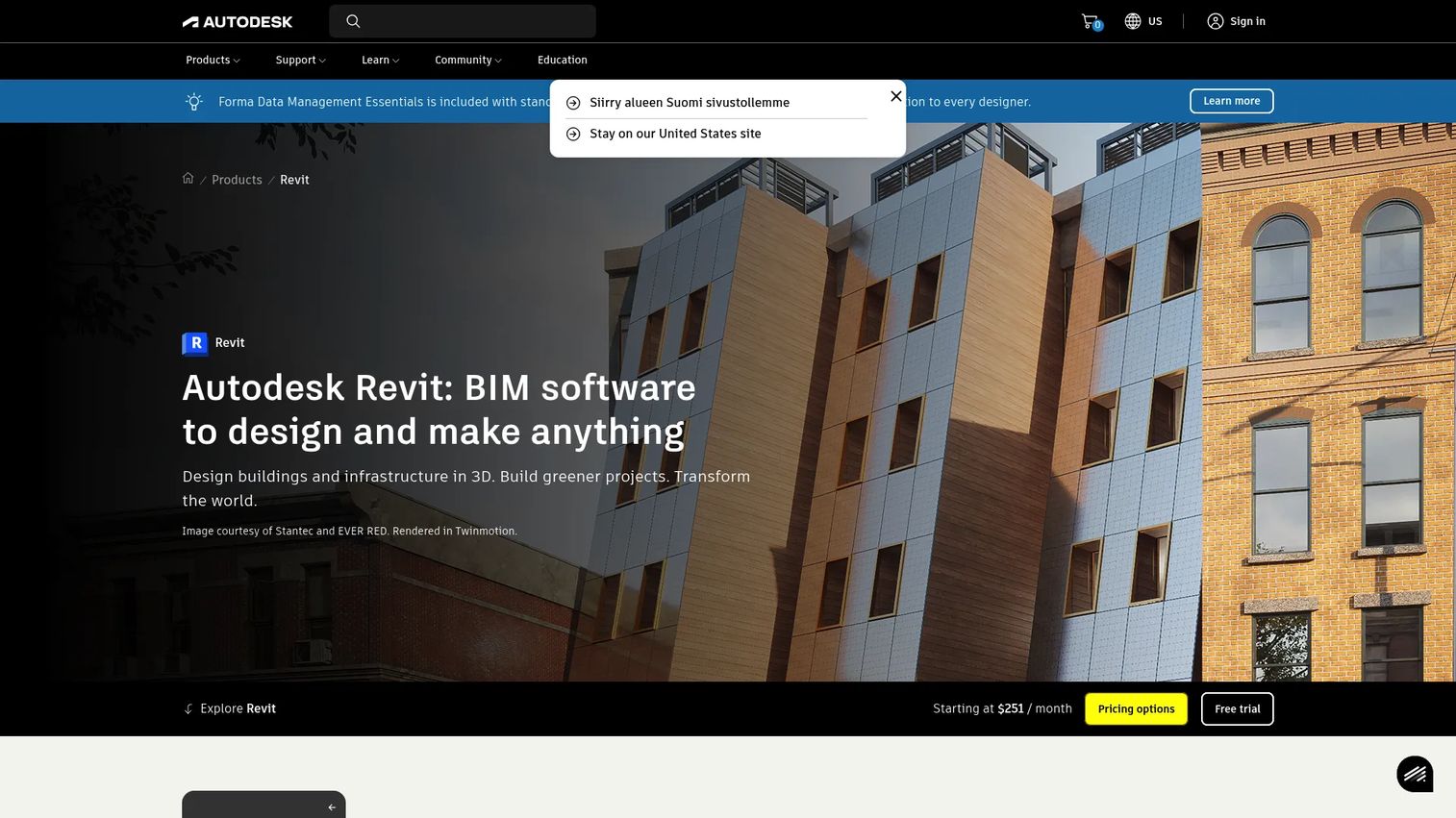
Revit is Autodesk's BIM software for designing, documenting, visualizing, and delivering architecture, engineering, and construction projects. In most rendering pipelines, Revit is not the renderer. It is the source of truth. The model, its geometry, its metadata, its coordination all originate here, then hand off to a real-time or ray tracing engine for the final visuals.
That distinction matters. If your firm runs BIM, the quality of your renders starts with how clean your Revit model is. Messy geometry and inconsistent materials become somebody's problem three tools downstream.
Best for: AEC teams that need BIM-based building design and documentation as the foundation for their visualization workflow.
Key strengths
- Parametric components: Change a wall type once and every instance updates, keeping the model consistent before it reaches a renderer.
- BIM/CAD interoperability: Native links to Enscape, Twinmotion, and other engines mean the model flows out without export gymnastics.
- Worksharing and centralized collaboration: Multiple team members work the same model, so documentation and visualization stay in sync.
Why choose Revit: You choose Revit when the deliverable is a coordinated building, not just a picture. The rendering is the last mile of a BIM process, and Revit is where that process lives. Firms that treat renders as a byproduct of accurate documentation get the most out of it.
Revit pricing: Autodesk lists Revit at $3,005 per year for an annual subscription, or $380 per month billed monthly. A 3-year option is available on the store, and a free trial is offered, but there is no permanent free tier.
2. 3ds Max
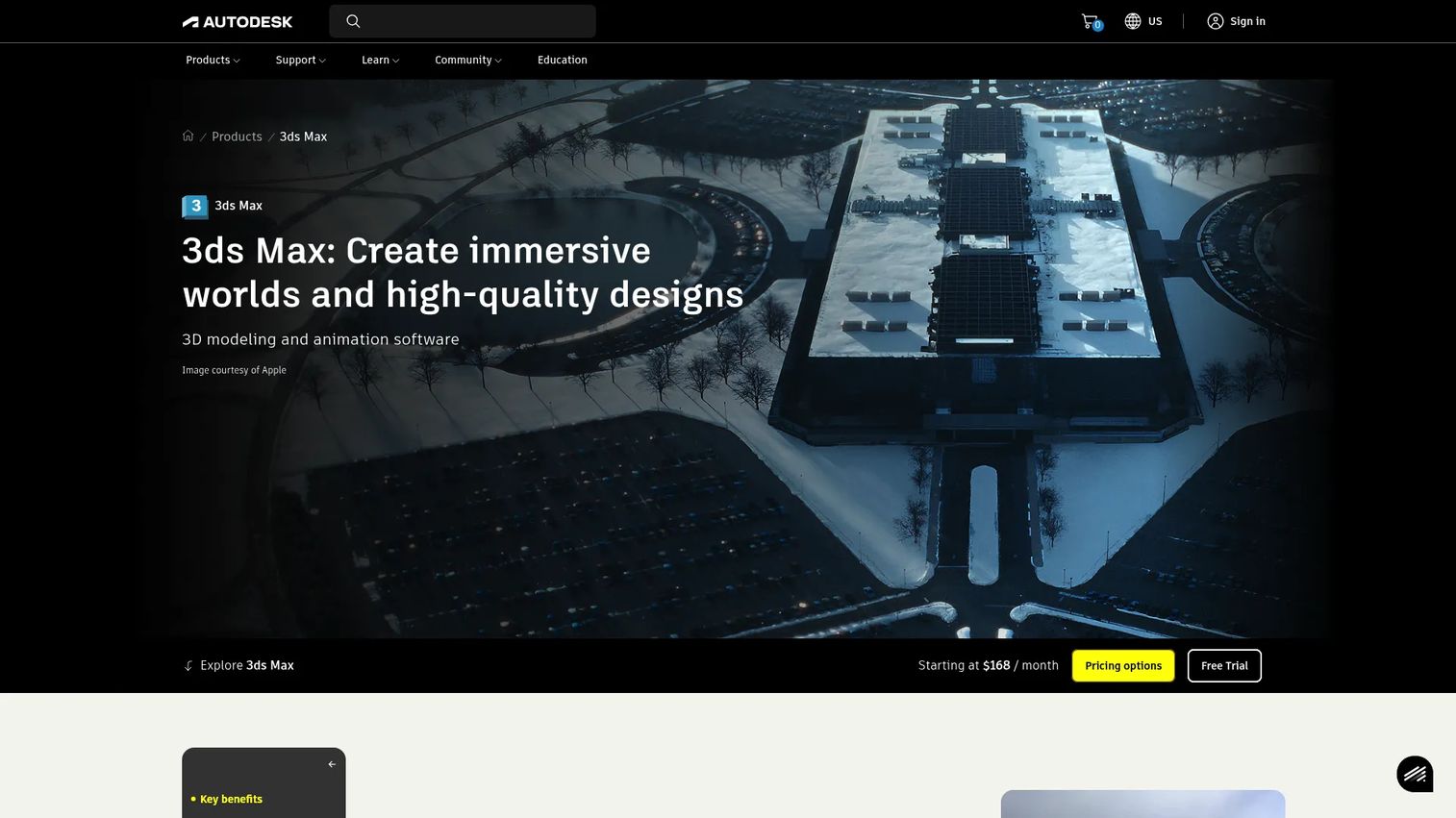
3ds Max is Autodesk's 3D modeling and animation software, and in architectural visualization it is the high-end production environment where full scene control lives. Paired with a renderer like V-Ray, it is the standard for studios producing the most demanding stills and animations. If you have seen a magazine-quality architectural render, there is a strong chance 3ds Max was in the pipeline.
The trade-off is scope. This is a deep application built for artists who want to control every polygon, material, and light. That control is exactly why detailed visualization pipelines rely on it.
Best for: 3D artists and studios doing modeling, animation, VFX, and design visualization at production quality.
Key strengths
- 3D modeling: Full geometry control for detailed scenes that go beyond what BIM models carry natively.
- Animation and rigging: Camera moves, walkthroughs, and animated elements handled in one environment.
- **Rendering and OpenUSD workflows:** Integrates cleanly with production renderers and modern asset pipelines.
Why choose 3ds Max: Choose it when the ceiling on quality matters more than speed to first image. Studios and dedicated visualization artists get the payoff. Solo architects who mainly need fast client previews will find the depth more than they need, and a real-time engine a better daily fit.
3ds Max pricing: Autodesk offers 3ds Max starting at $134 per month billed monthly, with 1-year and 3-year subscription terms also available. A 30-day free trial is offered; there is no free tier.
3. Archicad
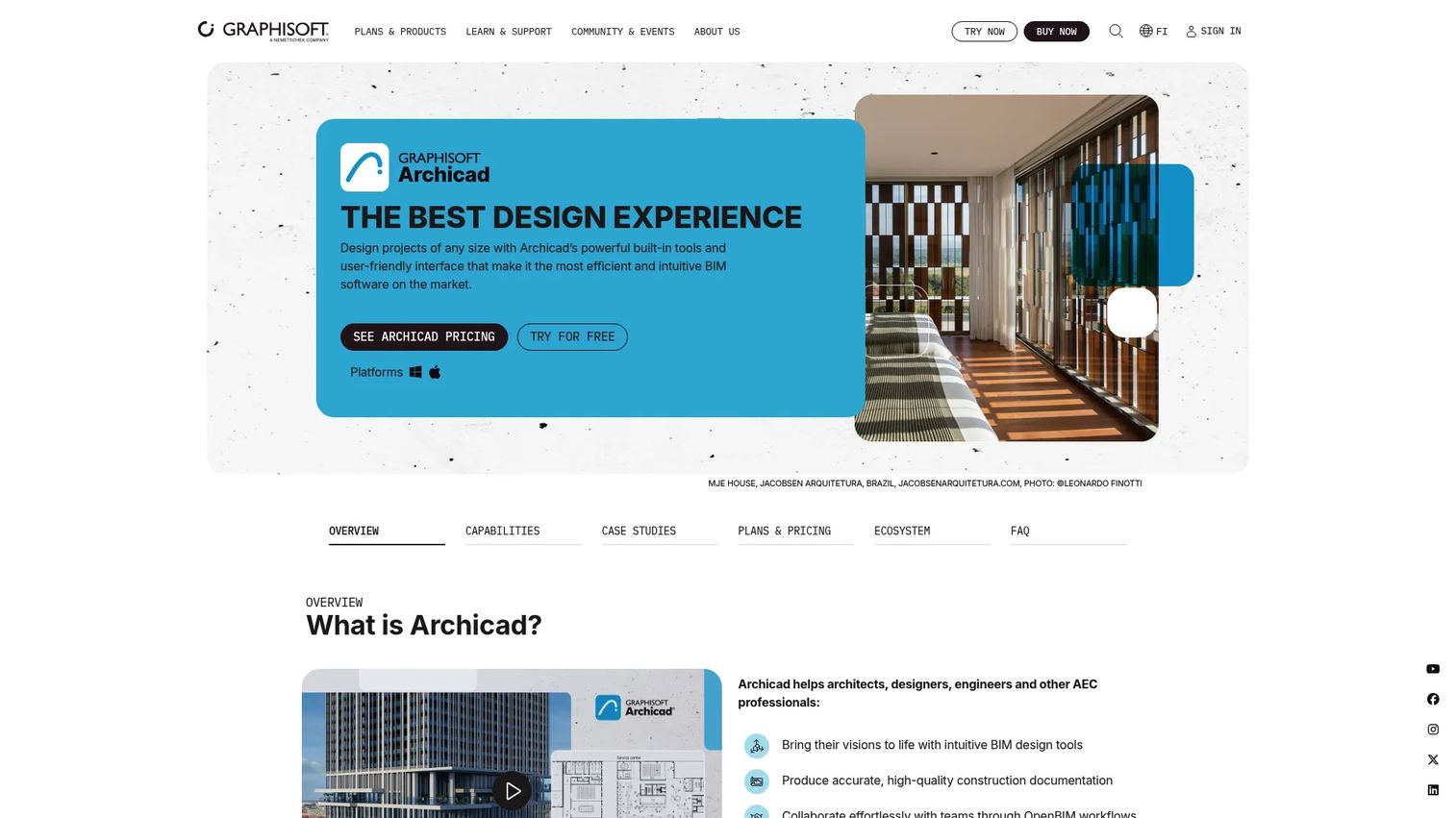
Archicad is Graphisoft's BIM software for architects and design teams, and it makes a strong case for keeping design and visualization close together. Where a Revit-based pipeline typically hands off to a separate renderer, Archicad's built-in visualization and AI tools let firms move from model to presentation image without leaving the environment as often.
For firms that value a tight loop between design intent and visual output, that proximity reduces the number of round trips between applications, which is exactly where models drift and time leaks.
Best for: Architectural firms needing BIM modeling, documentation, and teamwork collaboration with visualization built closer to the design.
Key strengths
- BIM-based architectural modeling and documentation: A single model drives both the drawings and the visuals.
- Real-time collaboration via BIMcloud: Distributed teams work the same project without merge headaches.
- AI Assistant and AI Visualizer: Speeds up early concept imagery and repetitive modeling tasks.
Why choose Archicad: Choose Archicad when you want design and rendering handoff to feel like one workflow rather than two. It exports cleanly to the major real-time engines when you need higher-fidelity output, so you keep the option to escalate to a dedicated renderer for hero shots.
Archicad pricing: Graphisoft lists Archicad Studio at $201 plus tax per month on a 1-year subscription per seat, and Archicad Collaborate at $237 plus tax per month. BIMcloud starts at $47 plus tax per month. A free Archicad EDU license is available for students and educators.
4. Lumion
Lumion is real-time rendering software built for architects and designers who need presentation-ready visuals fast. Drop in a CAD or BIM model, add materials, weather, and vegetation from a large built-in library, and you are producing renders and walkthroughs quickly. The appeal is time to first pixel: you see a convincing scene almost immediately, then refine.
Lumion has also added ray tracing through Lumion Pro, so teams that start in real time can push toward higher realism when a specific frame demands it.
Best for: Architects and designers creating presentation-ready 3D renders and walkthroughs from CAD/BIM models.
Key strengths
- Real-time rendering for design visualization: Judge lighting, materials, and context live in the viewport.
- Lumion Pro ray tracing: Escalate specific shots to physically accurate output when realism matters.
- Lumion View plugin: Visualize directly inside your model for a tighter iteration loop.
Why choose Lumion: Choose Lumion when the job is client-facing speed, walkthroughs, exterior context shots, and quick iteration on design direction. The large asset library means less time sourcing trees, people, and furniture. It rewards GPU rendering hardware, so budget for a capable graphics card.
Lumion pricing: Lumion offers subscription plans including Lumion Pro (1-year or 3-year), Lumion View (annual), and a Lumion Studio bundle. Public numeric pricing was not listed on the primary sources reviewed, so request a current quote through Lumion before budgeting.
5. SketchUp
SketchUp is 3D modeling software for designing, documenting, and communicating projects, and it remains a staple for concept modeling and early-stage visualization. Its strength is speed of thought: the modeling workflow is fast enough to sketch spatial ideas as quickly as you can think them, which is why it stays popular for rapid ideation.
SketchUp itself is a modeler, not a photoreal renderer. Its real leverage in a visualization workflow is its plugin ecosystem, which connects it to nearly every major real-time and ray tracing engine.
Best for: Architects, designers, and construction teams needing fast 3D modeling plus documentation for early design.
Key strengths
- 3D modeling: A push-pull workflow that makes early massing and concept work fast.
- Interoperability: Exports and plugins connect to Enscape, V-Ray, D5 Render, and more.
- Collaboration: Cloud and mobile access keep models available across the team.
Why choose SketchUp: Choose SketchUp when the front of your pipeline is rapid ideation and you plan to render elsewhere. It pairs naturally with a real-time engine for live client walkthroughs and with a production renderer for final stills, so it fits both fast and photoreal downstream paths.
SketchUp pricing: SketchUp Go Annual starts at $10.75 per user per month billed annually. Pro Annual is $33.25 and Studio Annual is $68.25, both per user per month billed annually. A 7-day free trial is available.
6. Twinmotion
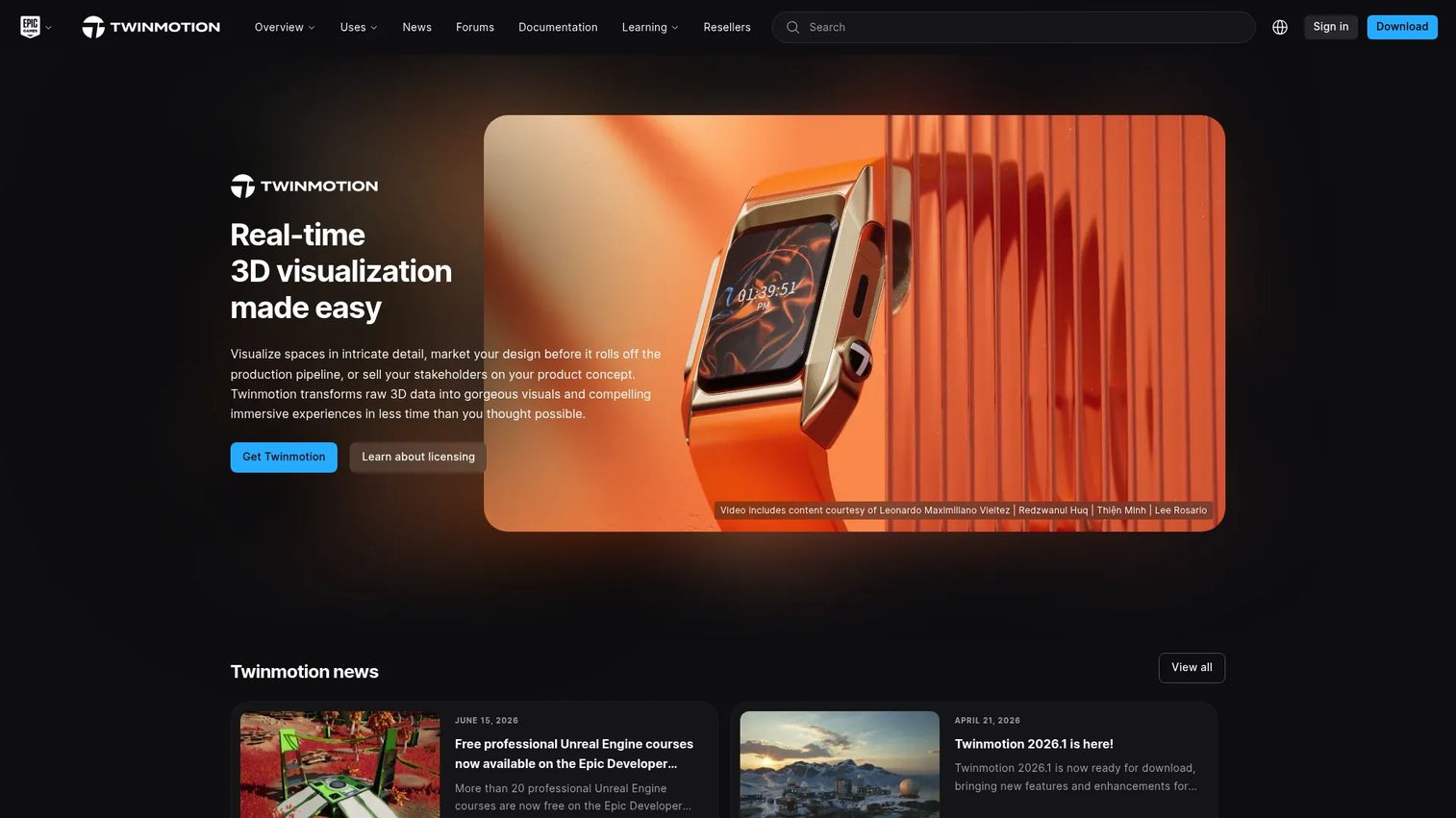
Twinmotion is real-time 3D visualization software built on Unreal Engine, aimed at architecture and design teams that want presentation-ready scenes with fast iteration. Because it runs on Unreal's rendering technology, it produces high-quality real-time output and interactive presentations that stakeholders can navigate live.
Its free tier for individuals and smaller companies makes it one of the more accessible entry points into real-time architectural visualization, which is a real advantage for teams testing the workflow before committing budget.
Best for: Architects and design teams creating real-time 3D visualizations and interactive presentations for stakeholder reviews.
Key strengths
- Real-time 3D visualization: Unreal Engine rendering delivers quality output with live navigation.
- Cloud publishing via Twinmotion Cloud: Share interactive scenes without shipping heavy files.
- Interactive presentations and configurations: Let reviewers explore variations during a walkthrough.
Why choose Twinmotion: Choose Twinmotion for walk-throughs, stakeholder reviews, and fast iteration, especially if you want to start free. It reads BIM/CAD models from the common authoring tools, so it slots into an existing Revit or Archicad workflow with minimal friction.
Twinmotion pricing: Twinmotion is free for individuals, students, educational institutions, and companies with under $1,000,000 in annual gross revenue. Companies above that threshold, or those needing Twinmotion Cloud, need a seat at $445 per seat per year.
7. V-Ray
V-Ray by Chaos is professional photorealistic 3D rendering software, and it is the production standard for architectural visualization that has to hold up at print resolution. Where real-time engines optimize for time to first pixel, V-Ray optimizes for the final frame: physically accurate light, materials that behave correctly, and a ceiling on realism that few tools match.
It runs as a renderer inside host applications like 3ds Max, SketchUp, and Revit, so it fits into the pipeline you already have rather than replacing it.
Best for: Architects, designers, and 3D artists who need photorealistic stills and animations for marketing and final deliverables.
Key strengths
- Physically accurate ray tracing: CPU and hybrid GPU+CPU rendering for accurate reflections and global illumination.
- Global illumination with real-time feedback: Interactive preview lets you refine before committing to a final frame.
- Cloud rendering and AI tools: Offload heavy frames to the cloud and speed up denoising and setup.
Why choose V-Ray: Choose V-Ray when the output is the product, print campaigns, competition boards, hero shots, and you need clean AOVs and EXR passes for a proper post-production and ACES color workflow. It rewards the time invested in learning it. Teams that only need fast previews will get more day-to-day value from a real-time engine.
V-Ray pricing: V-Ray Solo starts at $45 per month, billed annually at $540. V-Ray Premium is $64.90 per month ($778.80 annually) and V-Ray Collection is $100.90 per month ($1,210.80 annually). A 30-day free trial is available; there is no free tier.
8. Blender
Blender is a free and open-source 3D creation suite, and it is the strongest case for consolidating modeling and rendering into a single, zero-cost stack. Its Cycles engine handles ray-traced photorealism, while the Eevee real-time preview covers fast iteration, so one tool spans both ends of the speed-versus-realism curve.
The learning curve is real, but for teams willing to invest, the payoff is a complete pipeline, modeling, rendering, animation, compositing, without a licensing line item.
Best for: Individuals and studios needing a full-featured, no-cost 3D creation suite that combines modeling and rendering.
Key strengths
- Modeling, sculpting, and UV tools: Build and refine geometry natively rather than importing from elsewhere.
- Cycles rendering and real-time viewport preview: Photoreal ray tracing plus fast preview in one application.
- Animation, rigging, VFX, and compositing: Full downstream control, including render passes for post-production.
Why choose Blender: Choose Blender when you want modeling plus rendering in one stack and prefer to spend on hardware instead of licenses. It scales with GPU rendering, so a strong graphics setup pays off. Firms standardized on BIM will still model in Revit or Archicad and use Blender selectively for detailed scenes.
Blender pricing: Blender is free and open source. There are no paid tiers and no licensing cost, which makes it a common choice for teams that would rather invest their budget in GPU hardware.
9. Enscape
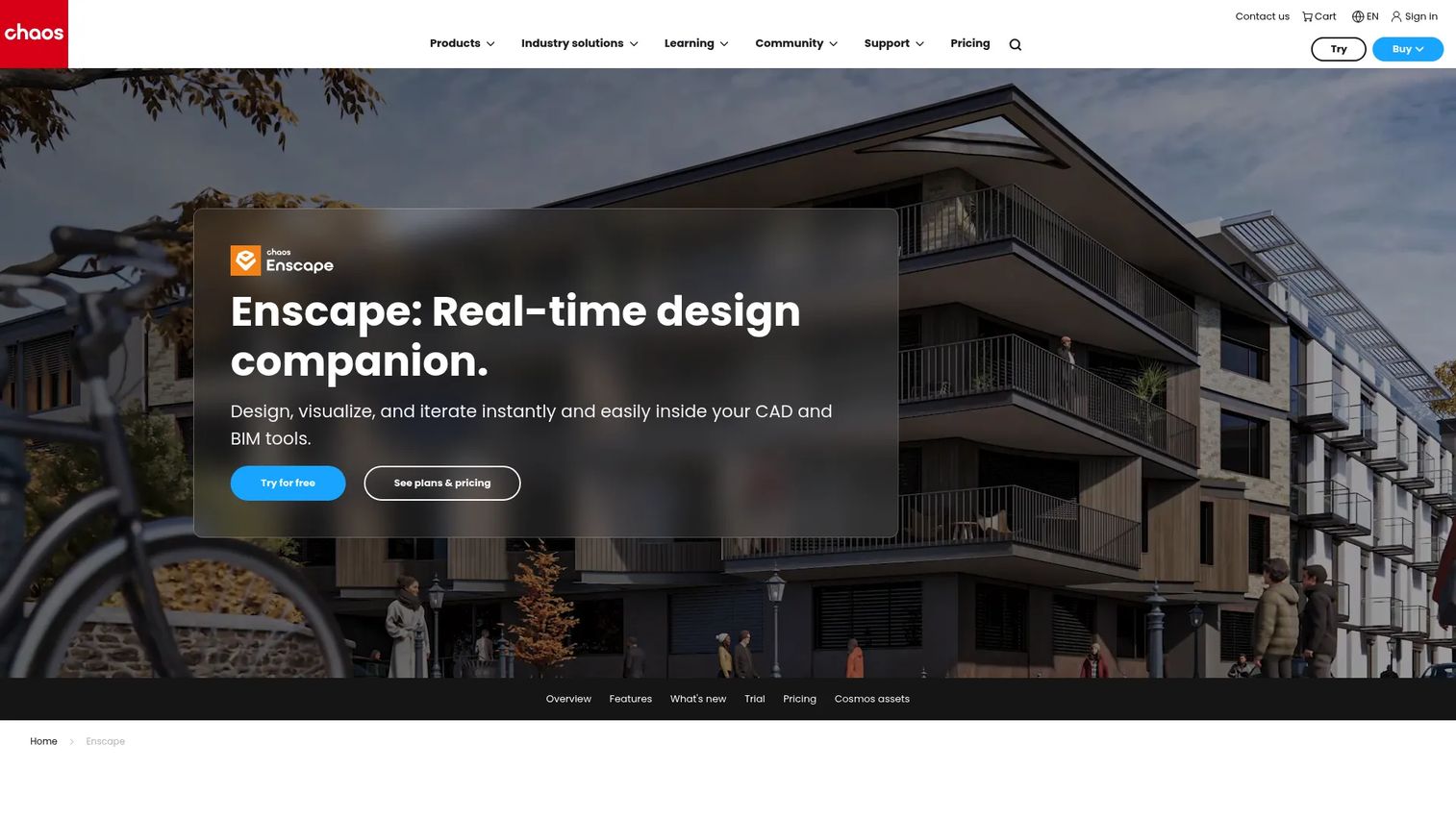
Enscape is real-time 3D visualization and VR rendering software built for AEC design workflows, and its defining feature is that it runs as a plugin inside your design tool. Instead of exporting to a separate application, you render live from within Revit, SketchUp, Archicad, or Rhino, so the visualization updates as the model changes.
That tight coupling is what makes it a design-review tool as much as a rendering tool. Feedback happens in the moment, on the model of record, which shortens the loop between "what if" and "let's see."
Best for: Architects, designers, and BIM teams needing fast real-time visualization inside their existing CAD/BIM tools.
Key strengths
- Real-time rendering: Live output inside the host application, no separate export step.
- VR walkthroughs: Put stakeholders inside the space for immersive design review.
- Asset library and material editing: Populate and refine scenes without leaving the plugin.
Why choose Enscape: Choose Enscape if your priority is speed of design review and quick feedback cycles on a live BIM model. Firms that run design charrettes and iterative client sessions benefit most, because the render never falls out of sync with the model. Teams needing print-resolution hero shots may still add a production renderer for final deliverables.
Enscape pricing: Enscape Solo is available as an annual license at $574.80. A Premium tier exists, though current pricing for the full suite was not visible on the primary sources reviewed, so confirm directly with Chaos before budgeting.
10. D5 Render
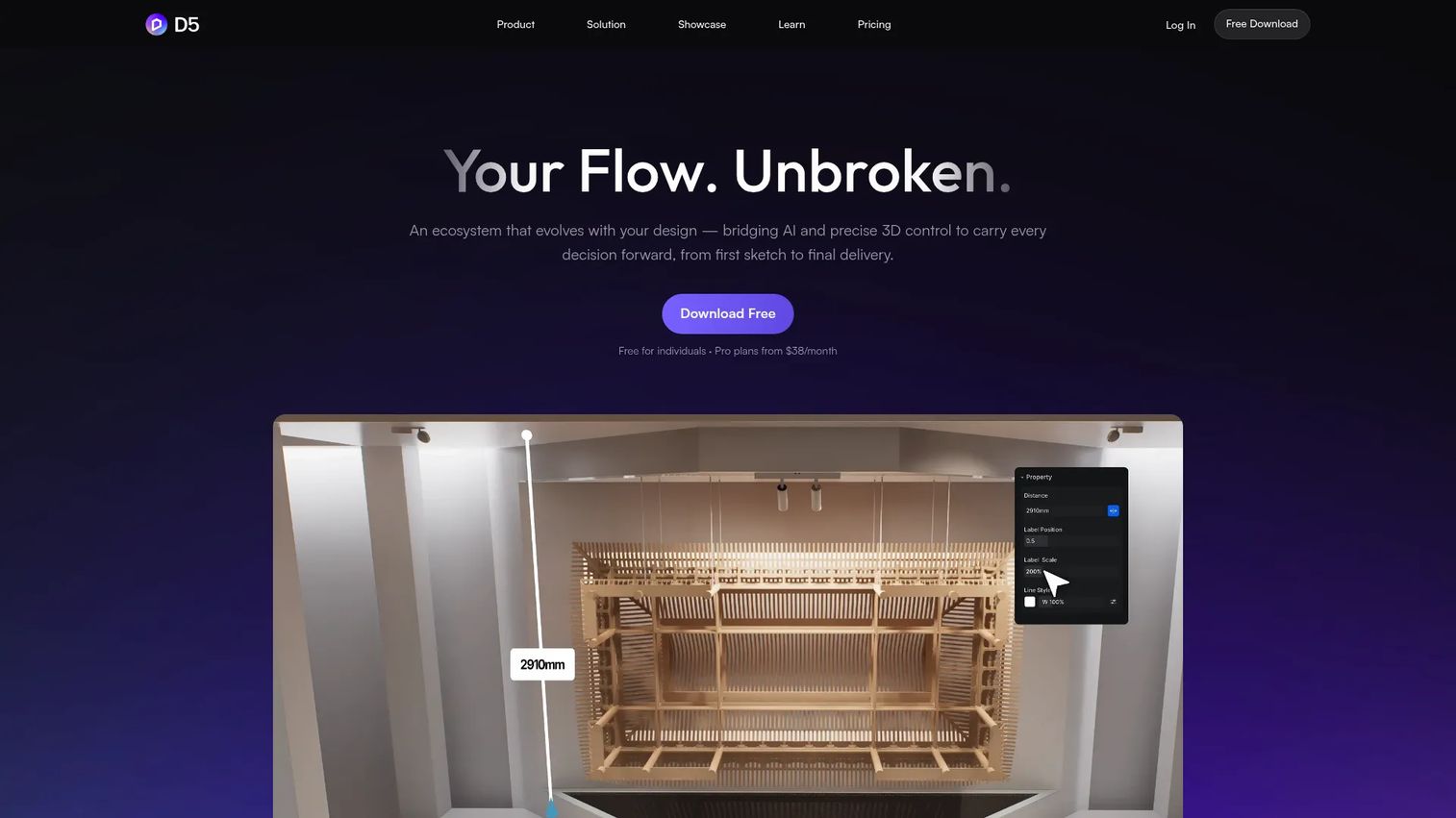
D5 Render is real-time 3D rendering software and a visualization workflow for architecture and spatial design, and it has become one of the more talked-about real-time engines for teams that want fast, presentation-ready output with modern quality. It leans on GPU rendering and real-time ray tracing to hit a strong balance of speed and realism, which puts it in direct conversation with the other real-time tools on this list.
Its LiveSync connections to the major DCC and CAD tools keep the model in step as you work, and a free Community tier lowers the barrier to trying it.
Best for: Architectural visualization teams that want fast, real-time rendering with collaborative workflows.
Key strengths
- Real-time rendering: GPU-accelerated output that balances speed with realism.
- LiveSync with major DCC/CAD tools: Keep the model synchronized as you iterate.
- AI features and interactive tours: Speed up scene setup and produce navigable presentations.
Why choose D5 Render: Choose D5 Render when you want faster presentation-ready outputs and a modern workflow, and you are weighing it against the other real-time engines here. Its free Community tier makes it easy to evaluate against Enscape, Lumion, and Twinmotion before committing, which is the smart way to pick a real-time tool.
D5 Render pricing: The Community tier is free. Pro is $38 per month or $360 per year, and Teams is $708 per year on per-seat annual pricing. The free tier makes it straightforward to test the workflow before paying.
Considerations before you buy
The tool sections tell you what each option does. This checklist tells you what to verify before you commit budget and lock in a workflow.
Speed vs realism fit
Be honest about your dominant job. If most of your output is client previews and iteration, prioritize time to first pixel and pick a real-time engine. If your output ends up in print or competition boards, prioritize time to final frame and pick a production ray tracer. Most mature teams run one of each.
BIM/CAD interoperability
Check how the renderer ingests your source model. Native plugins for Revit, SketchUp, or Archicad save hours versus manual export-import cycles, and they keep the render synced as the model changes. A clean link is worth more than a marginally prettier default material.
Hardware and GPU cost
Real-time engines and GPU renderers lean hard on your graphics card, so a tool license is only part of the cost. Factor in workstation upgrades. Also confirm Apple Silicon compatibility and Metal support if your team runs Macs, because engine support here still varies.
Cloud rendering options
For heavy final frames or animations, cloud rendering lets you offload jobs instead of tying up local machines. If you produce animations or large batches, weigh whether a tool's cloud option fits your deadline pressure and budget.
Output and post-production formats
If your work goes through a compositor, verify support for AOVs, EXR, Cryptomatte, and ACES. These decide how much you can adjust after the render without starting over, which is the difference between a five-minute revision and a full re-render.
Conclusion
The honest takeaway: there is no single best architectural rendering software, because the tools sit at different points on the speed-versus-realism curve and feed different pipelines. Revit and Archicad are where the model lives. SketchUp is where concepts get sketched fast. Lumion, Enscape, Twinmotion, and D5 Render deliver real-time speed for client previews and walkthroughs. V-Ray and 3ds Max produce the photorealistic renders that hold up in print. Blender spans both ends for teams that want one free stack.
The decision is not "which is best overall." It is "which fits my repeatable workflow, on my hardware, feeding my model." Frame it that way and the shortlist gets short fast.
Here is the practical next step: pick one real-time tool and one production renderer, then run the same model through both. Judge them on time to first pixel, time to final frame, and how cleanly they read your BIM/CAD model. A weekend of side-by-side testing on your own project tells you more than any feature list, including this one.
FAQs
Real-time rendering uses the GPU to render a scene continuously as you move the camera, so you see near-final quality instantly, ideal for iteration and live client walkthroughs. Ray tracing simulates how light physically bounces through a scene, producing more accurate reflections and global illumination at the cost of longer render times. Most teams use real-time for previews and ray tracing for final photorealistic renders.
For modeling, SketchUp has one of the gentlest learning curves for early-stage design. For real-time visualization, Twinmotion is a strong beginner pick because it offers a free tier and produces quality output without deep technical setup. D5 Render's free Community tier is also easy to start with. Beginners should avoid jumping straight into a full DCC suite like 3ds Max.
V-Ray is the production standard for photorealistic interior rendering because its physically accurate ray tracing handles the subtle bounced light and material response that make an interior feel real. It runs inside hosts like 3ds Max and SketchUp. For real-time interior work with strong realism, D5 Render and Lumion Pro (with ray tracing) are capable alternatives.
For real-time engines like Enscape, Lumion, Twinmotion, and D5 Render, a capable GPU is essential, since these tools render entirely on the graphics card. GPU rendering also accelerates offline engines like V-Ray and Blender's Cycles. If you run Macs, confirm Apple Silicon compatibility and Metal support, as GPU support on Apple hardware still varies by tool.
Revit and Archicad are BIM authoring tools, so they are the source models rather than renderers. For rendering with strong BIM/CAD interoperability, Enscape stands out because it runs as a plugin inside Revit, SketchUp, Archicad, and Rhino. Twinmotion and D5 Render also offer direct links to the major authoring tools, keeping the render synced as the model changes.
Cloud rendering is worth it for teams that produce heavy final frames, high-resolution stills, or animations that would otherwise tie up local workstations for hours. V-Ray offers cloud rendering to offload these jobs. For teams doing mostly real-time previews, cloud rendering matters less, since the GPU handles output locally in seconds.
For post-production, EXR is the key format because it stores high-dynamic-range data and multiple render passes. AOVs let you separate lighting, reflection, and shadow into individual passes you can adjust in compositing, and Cryptomatte provides per-object masks without manual roto. Layer ACES color management on top for consistent color across the pipeline. V-Ray and Blender both support these workflows.
For fast client presentations, real-time engines win because they produce presentation-ready visuals and live walkthroughs in seconds. D5 Render, Enscape, Lumion, and Twinmotion are all strong choices. Enscape is especially fast for live design review since it renders inside your BIM model, while D5 Render and Twinmotion offer free tiers that make them easy to evaluate first.