Your team needs a fastener model before tomorrow's design review. Someone modeled it six months ago, but nobody knows which folder it's in, whether the dimensions were verified, or which CAD format was used. So an engineer rebuilds it from scratch.
That's not a one-off. According to CADENAS's 6 Opportunities to Kick your Engineering into High Gear (2022), 83% of engineers spend time recreating parts already available online, and 40% lose at least one hour per day rebuilding standard or supplier parts. For a product manager watching a release timeline, those hours are direct rework costs and schedule risk.
The fix is a reliable CAD library: A searchable, maintained source of reusable models, drawings, and component data that eliminates duplicate work before it starts. The problem is that "CAD library" means different things depending on the workflow. A mechanical team needs certified supplier parts. An electronics team needs symbols and PCB footprints. An enterprise organization needs governance and part reuse at scale.
This guide helps you tell them apart and choose the right one for your team's specific constraints.
What's inside
This guide compares 13 CAD libraries for 2026 across mechanical, electrical, PCB, and enterprise workflows. Tools were selected based on:
- Content quality and model provenance (supplier-certified vs. community-contributed)
- CAD software and file-format compatibility
- Search and filtering capability
- Workflow fit for mechanical, ECAD, PCB, and enterprise parts management
- Verified pricing and G2 ratings where available
TL;DR
- Best overall for professional CAD workflows: SOLIDWORKS, for teams already designing in a connected mechanical CAD environment
- Best free community library: GrabCAD, for broad model discovery and early-stage exploration
- Best supplier-certified mechanical catalog: TraceParts or 3D ContentCentral, depending on supplier coverage and whether you need BIM or CAE data
- Best ECAD and PCB depth: UltraLibrarian or SnapEDA (now SnapMagic Search), for electronics teams pulling verified component models into PCB tools
- Best open-source ECAD path: KiCad and the Digi-Key KiCad Library, for teams standardizing on open-source electronics design
- Best enterprise parts governance: CADENAS 3Dfindit or PartSolutions, for organizations managing part reuse, duplicate detection, and supplier catalog integration at scale
What are CAD libraries?
CAD libraries are searchable collections of reusable CAD models, CAD files, 2D drawings, component data, and design assets that engineering teams use to speed up mechanical, electrical, electronic, manufacturing, and BIM workflows.
Instead of modeling every fastener, connector, or enclosure from zero, engineers pull verified parts from a library, drop them into a design, and move on. Done well, a CAD library becomes one of the highest-leverage ways to reduce rework and protect release timelines.
The term covers several distinct things:
- Free 3D model repositories: Community-uploaded models browsable by category, keyword, or file format
- Supplier and manufacturer catalogs: CAD content published by the part maker, tied to real purchasable components
- ECAD component libraries: Schematic symbols, PCB footprints, and 3D package models for electronics design
- Built-in CAD software libraries: Standard parts and assemblies native to a specific CAD environment
- Enterprise parts management systems: Internal libraries with classification, search, duplicate detection, and PLM integration
Key capabilities to look for
- Part-number, keyword, and category search
- CAD software and file-format filters
- 3D model and 2D drawing downloads
- Neutral format support: STEP, IGES, STL, OBJ, Parasolid
- ECAD assets: Schematic symbols and PCB footprints
- Supplier-certified and manufacturer-backed component data
- Configurable and parametric parts
- Team-level governance, versioning, and update management
The distinction that matters most for product decisions is provenance. A free community model is useful for prototyping. A supplier-certified model is what you need before a part enters procurement or production.
When "CAD library" means something different
Someone on your mechanical team and someone on your electronics team will answer this question very differently. An MCAD library holds parts, assemblies, and drawings. An ECAD library holds schematic symbols, PCB footprints, and 3D package models. Some platforms cross both. Many do not. Identifying which type you need is the first decision this guide helps you make.
When to use CAD libraries
Standardize reusable engineering parts
Teams reach for CAD libraries whenever they work repeatedly with common components: Fasteners, connectors, enclosures, hinges, or electronic parts. Without a shared library, individual engineers build their own versions of the same component, which creates inconsistency across designs. A PM cares about this because inconsistent parts slow review cycles, complicate handoffs to manufacturing, and create rework when variants get out of sync.
Shorten prototype and design review cycles
A reliable CAD library compresses the time from concept to review. When a mechanical engineer can pull a verified supplier part in seconds, the design moves to review faster and with fewer dimension errors. Wrong formats or unverified dimensions create friction at exactly the wrong moment, particularly when mechanical, electrical, and manufacturing teams are sharing files for a pre-production review.
Validate supplier and component data before production
Once a design moves toward procurement or production, supplier-certified models and verified ECAD component data become non-negotiable. Outdated footprints, missing 2D drawings, or component data tied to an obsolete part number can create downstream problems: Wrong land patterns on a PCB, mismatched tolerances in a machined enclosure, or procurement delays when a part number no longer exists. Choosing a library with a clear data provenance model is how product teams manage this risk before it hits the release timeline.
CAD libraries comparison
The table below summarizes all 13 libraries by workflow fit, key differentiator, pricing, and G2 rating. Use it to narrow your shortlist, then read the detailed entries that follow.
| # | Product | Best for | Key differentiator | Pricing | G2 rating |
|---|---|---|---|---|---|
| 1 | SOLIDWORKS | Native mechanical CAD workflows | Integrated design environment with connected CAD content | From $2,820/year | 4.4/5 |
| 2 | GrabCAD | Free community 3D model discovery | Large user-generated library with format and software filters | Free | 4.5/5 |
| 3 | 3D ContentCentral | Supplier-certified mechanical parts | Supplier and user CAD content in one free catalog | Free | 4.0/5 |
| 4 | TraceParts | Manufacturer catalog search | 60+ format downloads across MCAD, ECAD, PCB, CAE, and BIM | Free for engineers; catalog publishing by quote | 4.5/5 |
| 5 | UltraLibrarian | PCB component libraries | Symbols, footprints, and 3D STEP models with sourcing data | Free | N/A |
| 6 | SnapEDA | Fast ECAD model search | Part-number search with ECAD tool exports and custom creation | Free; InstaPart credits from $135 | N/A |
| 7 | SnapMagic | PCB library and AI circuit design | Electronics design tools plus component search | Free (basic library) | N/A |
| 8 | SamacSys | ECAD library import workflows | Library Loader for moving component data into ECAD tools | Free (core tools) | N/A |
| 9 | CADENAS 3Dfindit | Industrial manufacturer catalogs | Visual and parametric search across supplier part data | Free for engineers; eCATALOG by quote | 4.9/5 |
| 10 | PartSolutions | Enterprise parts management | Shape search, classification, and CAD/PLM/ERP integration | Custom pricing | N/A |
| 11 | PCB Libraries Footprint Expert | PCB footprint generation | IPC-based footprint creation with 3D STEP output | From $149/year | 3.5/5 |
| 12 | Digi-Key KiCad Library | KiCad users with distributor-backed parts | 1-to-1 symbol-to-footprint assignments linked to Digi-Key | Free (open source) | N/A |
| 13 | KiCad | Open-source PCB design with built-in libraries | Full EDA suite with integrated symbols, footprints, and 3D models | Free | 4.5/5 |
Best 13 CAD libraries for engineering teams in 2026
1. SOLIDWORKS

SOLIDWORKS is a professional 3D CAD and product-development platform that includes native design libraries, standard parts, and an ecosystem connected to external CAD content sources. Engineers use it to design parts and assemblies, produce production-ready 2D drawings, and access a library of reusable components directly inside the design environment. For product teams that have already standardized on SOLIDWORKS, the library capability is not a separate tool but a built-in part of the workflow.
Best for: Engineering and product-development teams building complex 3D products and manufacturing documentation who need library access close to the design environment.
Key features
- 3D part and assembly modeling with native CAD libraries
- Production-ready 2D drawings and documentation
- Cloud-based collaboration and CAD-aware file management
- Integrated simulation, rendering, and CAM tools
- AI-powered design and drawing capabilities
Why choose SOLIDWORKS: Choose SOLIDWORKS when the library must sit inside the same environment where design happens. Teams that work in SOLIDWORKS daily get faster access to standard parts without leaving the tool, which matters most when design iteration speed affects the release cadence.
SOLIDWORKS pricing: Annual plans start at $2,820/year for the Design Standard tier with cloud services. Design Professional runs $3,456/year, and Design Premium is $4,716/year. Pricing is for U.S. device licenses excluding local taxes, and reseller pricing varies by region and bundle.
G2 rating: 4.4/5
2. GrabCAD
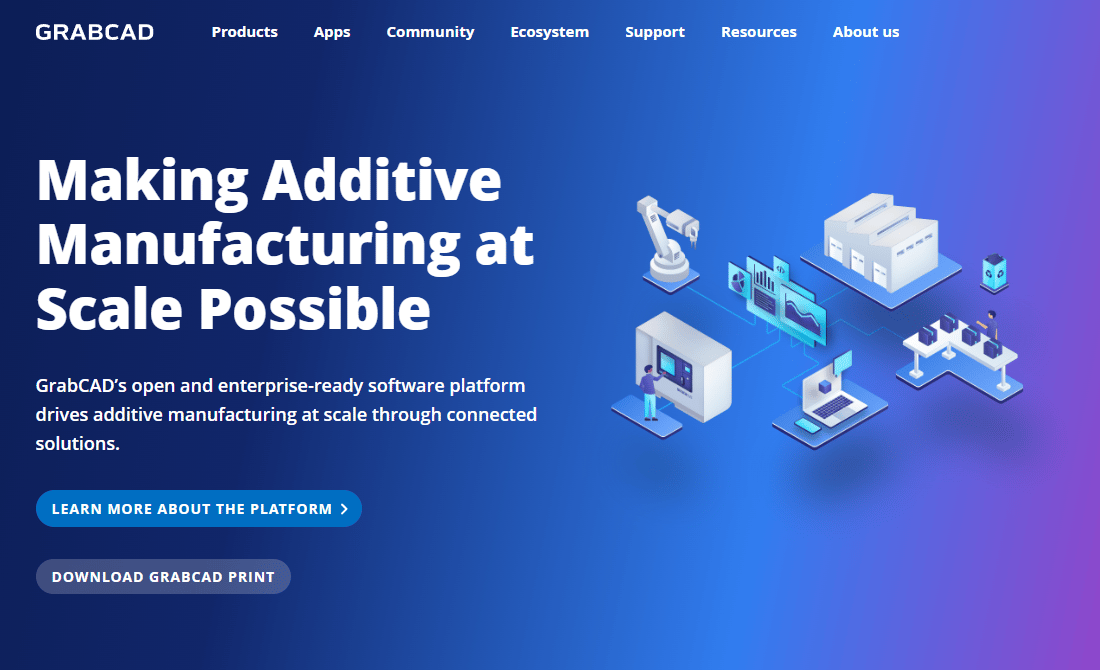
GrabCAD is a platform that combines an additive-manufacturing software suite with a large community-driven library of shared CAD resources. The library portion gives engineers access to user-uploaded 3D models browsable by category, software, and file format. GrabCAD Print, the core printing workflow tool, is positioned as free. The community library is the most relevant feature for teams searching for downloadable CAD models at no cost.
Best for: Engineers, designers, and hardware teams who need fast access to free community-contributed 3D models for early-stage exploration and prototyping.
Key features
- Free community CAD model library
- Category-based browsing and keyword search
- CAD software and file-format filters
- Sorting by popularity, downloads, and recency
- Cloud-based additive-manufacturing workflow tools
Why choose GrabCAD: Choose GrabCAD when breadth and speed matter more than verified provenance. It covers a wide range of model categories and lets you filter quickly by format and tool. Community models are useful for concept work and prototyping, but production teams should still validate dimensions, licensing, and fit before reuse.
GrabCAD pricing: GrabCAD Print is free. Other product pricing requires contacting sales. The community library portion does not require a paid subscription.
G2 rating: 4.5/5
3. 3D ContentCentral
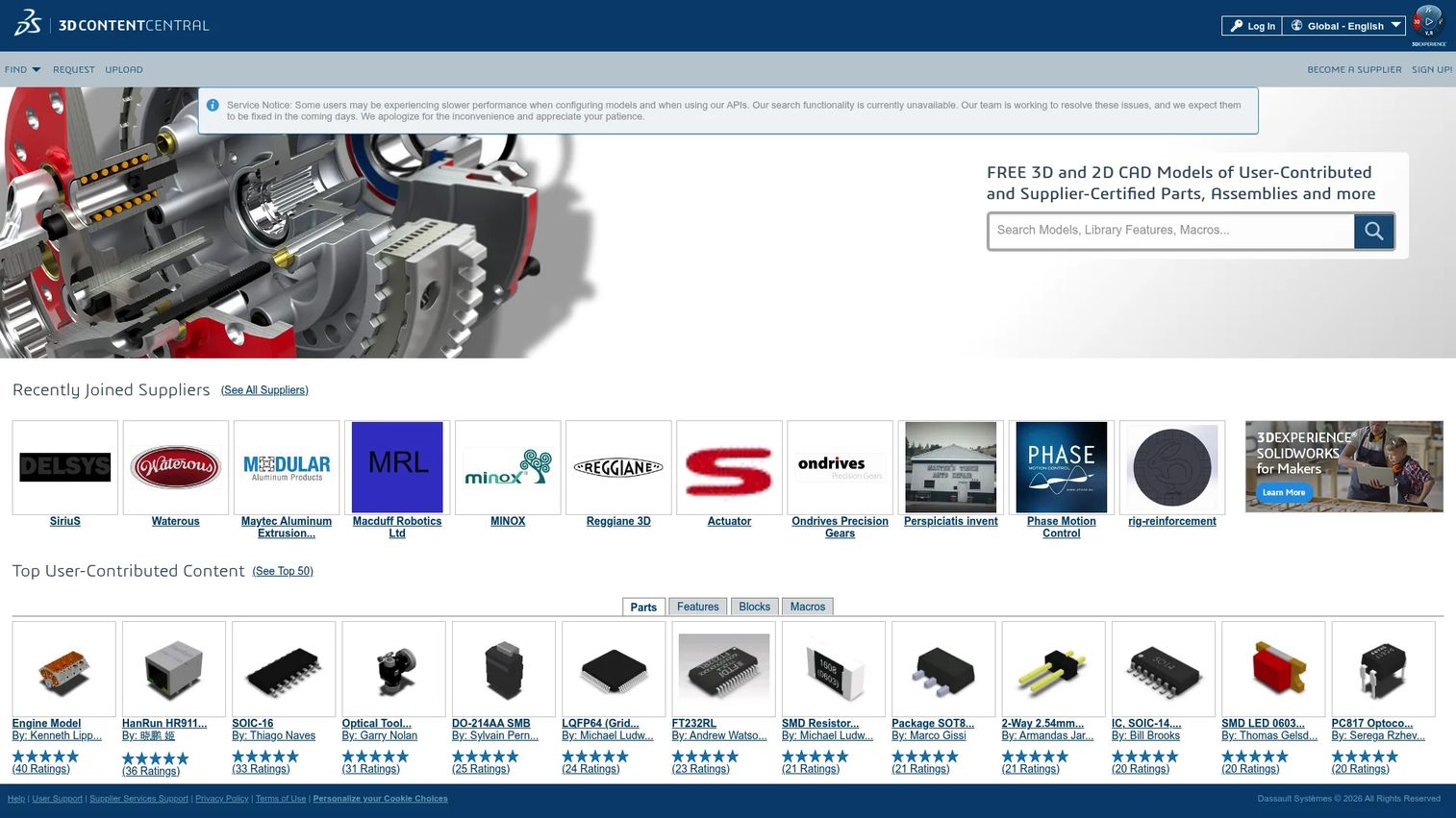
3D ContentCentral is a free catalog service for locating, configuring, and downloading 2D and 3D CAD parts, assemblies, blocks, library features, and macros. It combines supplier-certified content with user-contributed models, making it useful for teams who want both depth of supplier coverage and the breadth of community uploads. It has a particular following among SOLIDWORKS users, though it supports multiple formats.
Best for: Mechanical engineers who need supplier-certified parts for common industrial components alongside a broad community model catalog.
Key features
- Search by part number, product name, or parametric attributes
- Configurable components with dimension and feature options
- Supplier-certified and user-contributed CAD content
- 2D drawings and blocks alongside 3D models
- Direct supplier RFQ submission from component pages
Why choose 3D ContentCentral: Choose 3D ContentCentral when you want supplier content and community breadth together at no cost. It is especially practical when engineers need off-the-shelf fasteners, fittings, or enclosure hardware without rebuilding parts manually. Supplier catalog publishing carries a premium service cost, but engineers download for free.
3D ContentCentral pricing: The core service is free for engineers. Supplier catalog publishing is a premium service; pricing is by quote and not displayed on the site.
G2 rating: 4.0/5
4. TraceParts
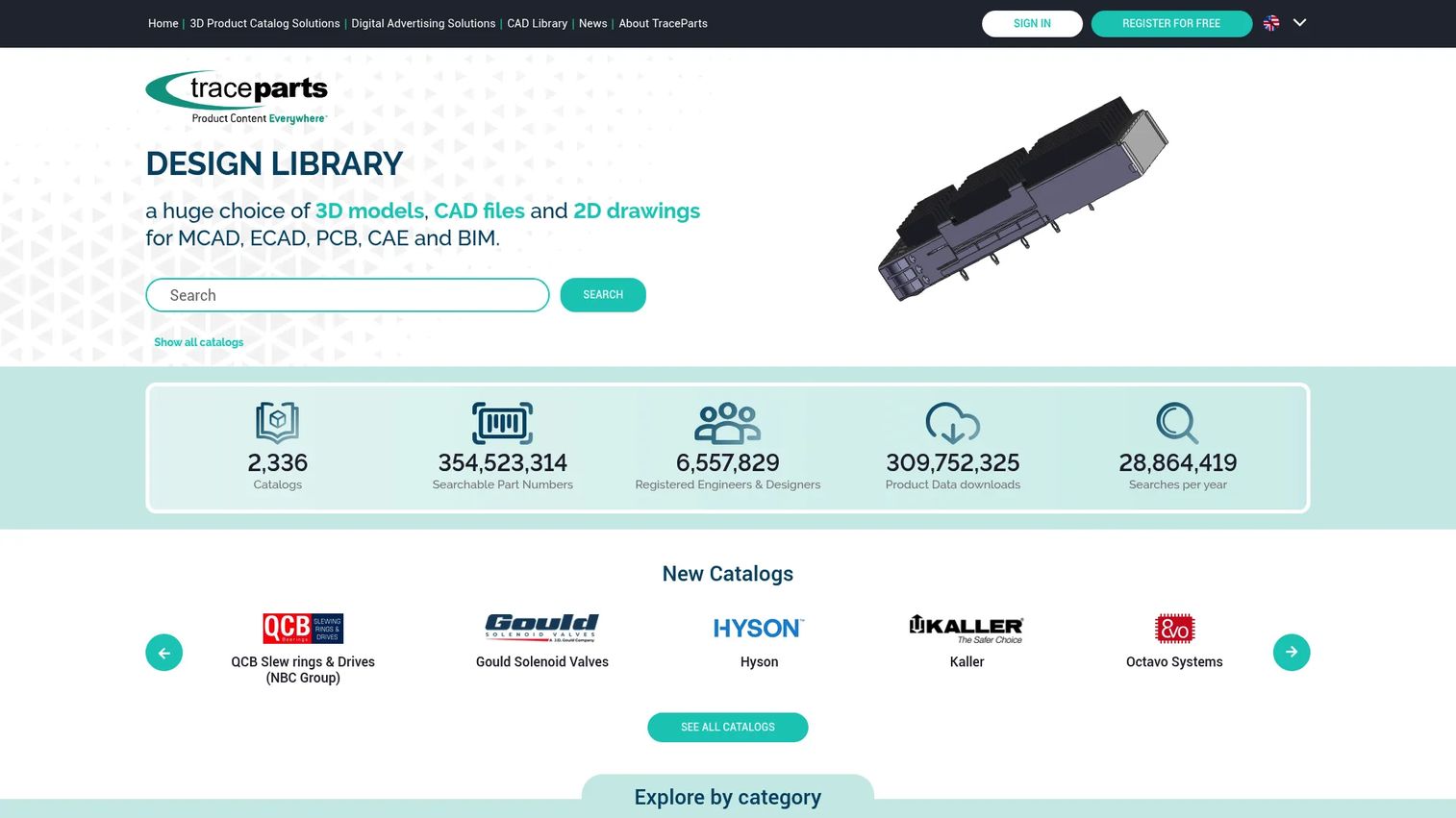
TraceParts is a CAD-content platform that aggregates supplier-certified product catalogs and provides free 3D models, CAD files, and 2D drawings for engineers. It spans MCAD, ECAD, PCB, CAE, and BIM workflows, which makes it one of the broadest coverage platforms in this category. Downloads are available in more than 60 CAD formats. The supplier side of the platform adds catalog publishing, product configurators, and lead-generation tools.
Best for: Engineering teams that search by manufacturer, part number, or industry category and need supplier-backed CAD data across mechanical, electronic, and BIM workflows.
Key features
- Supplier-certified manufacturer catalogs with part-number search
- 3D models and 2D drawings in 60+ CAD formats
- MCAD, ECAD, PCB, CAE, and BIM content coverage
- 3D product configurators with rule-based product logic
- Product-data APIs and catalog syndication
Why choose TraceParts: Choose TraceParts when supplier provenance matters and when your team designs across mechanical and electronic domains. The breadth of format support reduces the friction of cross-tool handoffs, which is a real cost when mechanical and electrical teams use different software.
TraceParts pricing: Downloads from the Design Library are free for engineers. Starter and Premium catalog publishing plans are available but require a quote. No public numeric prices are displayed on the publishing plans page.
G2 rating: 4.5/5
5. UltraLibrarian
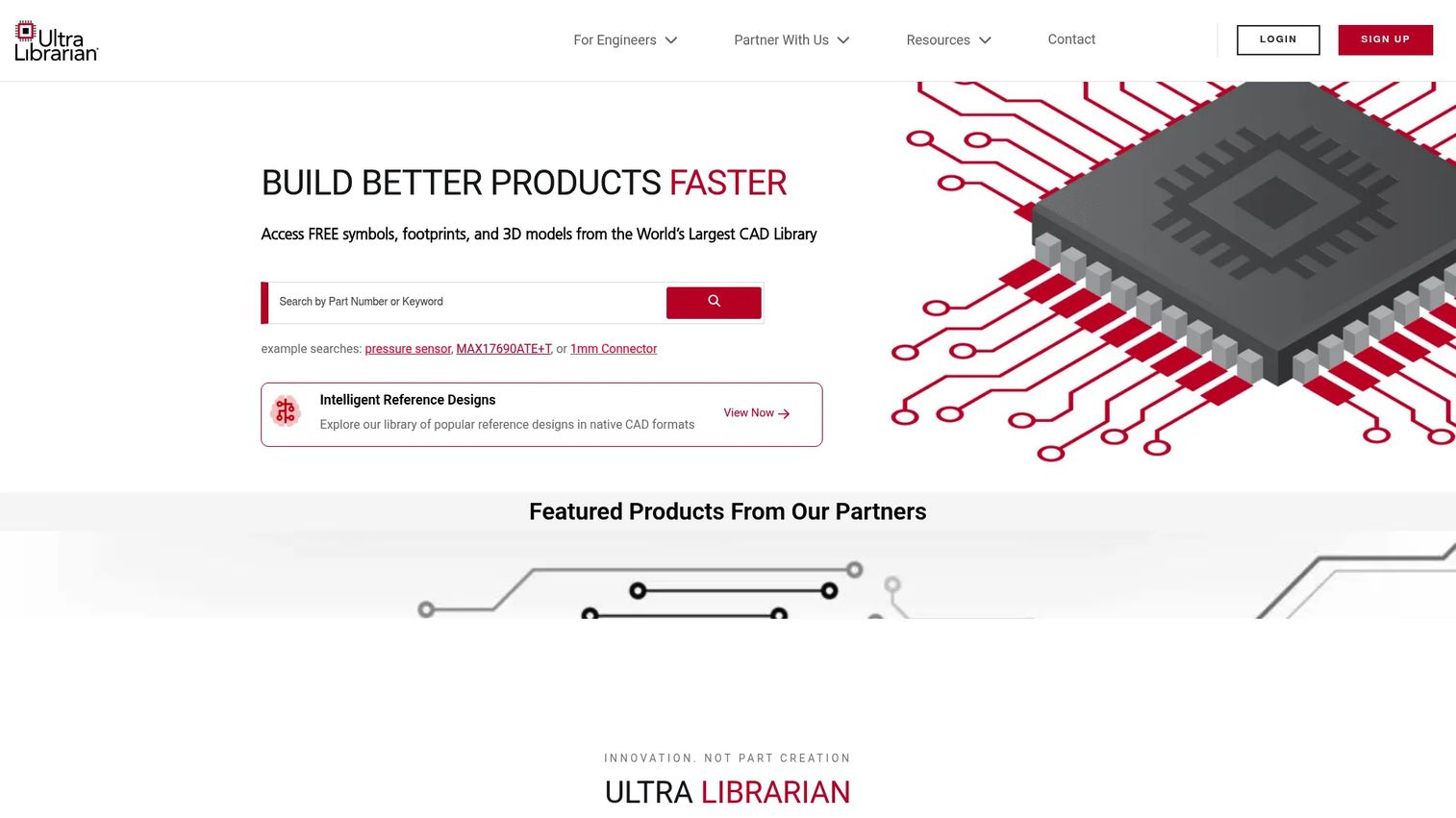
UltraLibrarian is a free electronics component search and PCB CAD library platform. Engineers search by part number, manufacturer, or function and download schematic symbols, PCB footprints, and 3D STEP models alongside datasheets, specifications, pricing, and sourcing data. Exports cover more than 20 CAD formats, which reduces the manual conversion work that slows PCB library workflows.
Best for: PCB designers and electronics engineering teams who need verified component models with integrated sourcing information for ECAD workflows.
Key features
- Schematic symbols, PCB footprints, and 3D STEP models
- Component search with datasheets and technical specifications
- Pricing and availability data from distributors
- Exports to 20+ CAD formats
- Manufacturer-backed component data
Why choose UltraLibrarian: Choose UltraLibrarian when electronics accuracy matters more than broad mechanical model browsing. The combination of component models, datasheets, and live pricing in one search reduces the number of tabs an engineer has to maintain during PCB development.
UltraLibrarian pricing: The CAD library and component sourcing data are free to access. The site does not display paid subscription plans. If broader enterprise or API options exist, they require direct contact.
6. SnapEDA
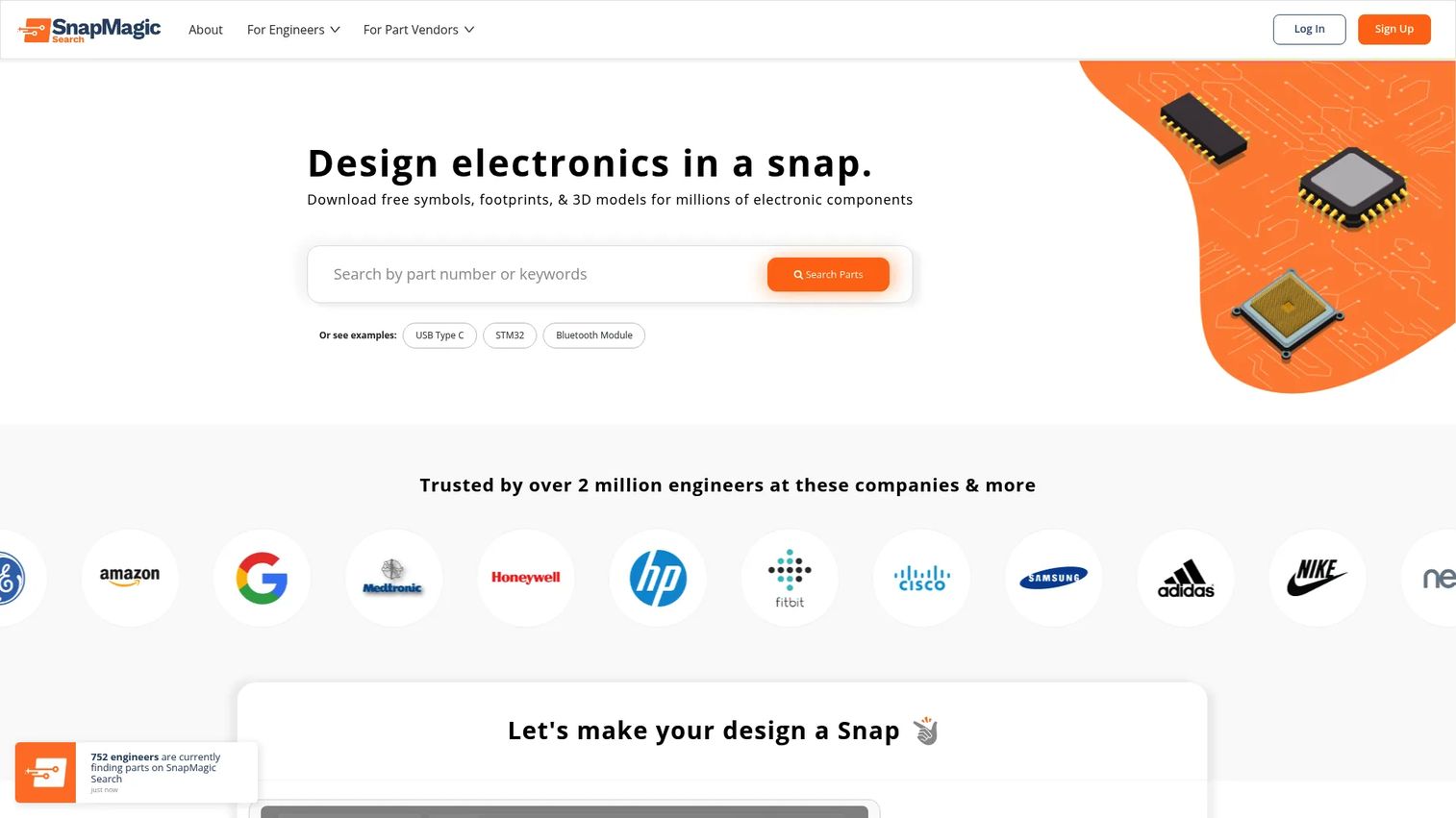
SnapEDA (now operating as SnapMagic Search) provides free symbols, footprints, and 3D models for millions of electronic components. Engineers search by part number and download assets ready for export to major PCB design tools. For nonstandard or custom components, the InstaPart service creates custom symbols and footprints within one business day. The platform also includes automated manufacturability checks.
Best for: Electronics engineers who need quick access to verified PCB library assets and want an option for custom component creation without building from scratch.
Key features
- Free downloads of schematic symbols, PCB footprints, and 3D models
- Part-number search with datasheets and specifications
- Exports to major PCB design tools
- Automated manufacturability checks
- InstaPart custom symbol and footprint creation service
Why choose SnapEDA: Choose SnapEDA when the team needs to pull component data fast into PCB workflows and occasionally needs a nonstandard part handled without internal library-creation overhead. The InstaPart service adds a practical escape valve for components not already in the catalog.
SnapEDA pricing: Search and downloads are free. InstaPart credit packages start at $135 for 5 credits, $250 for 10, and $400 for 20. Non-standard requirements are quoted separately.
7. SnapMagic

SnapMagic goes beyond a component search library by adding AI-assisted circuit design, schematic generation, and built-in design checks alongside its CAD model catalog. The platform provides schematic symbols, PCB footprints, and 3D models, with component pricing and availability across distributors. The AI circuit design tools are aimed at teams that want to accelerate the schematic stage before moving into PCB layout.
Best for: Electronics engineers and hardware teams who want PCB library assets alongside AI-assisted design tools in a connected workflow.
Key features
- CAD models: Schematic symbols, PCB footprints, and 3D models
- AI-assisted schematic generation with design checks
- Component search with pricing and availability
- Distributor-sourced availability data
- Workflow tools for PCB design productivity
Why choose SnapMagic: Choose SnapMagic when the team wants component libraries connected to design assistance rather than standalone model downloads. PMs evaluating this against SnapEDA should assess whether the AI circuit design features fit the current toolchain and release process, or whether a simpler model-focused library covers the need.
SnapMagic pricing: The basic CAD library, including individually downloadable footprints and symbols, is free. Paid service pricing for premium features or OEM options is not publicly displayed.
8. SamacSys
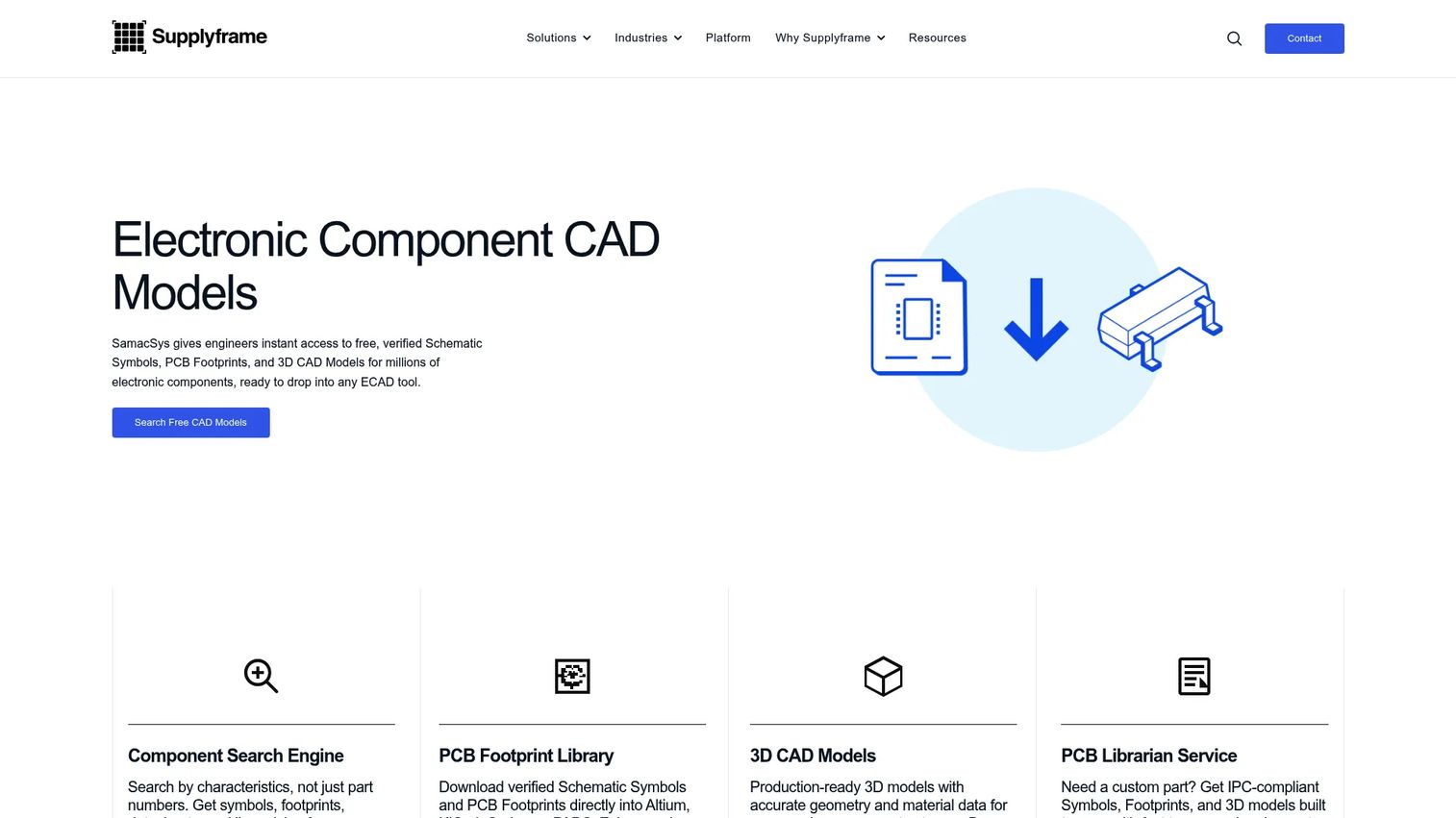
SamacSys focuses on the workflow problem between component search and ECAD tool use. Its Library Loader moves component data directly into PCB layout tools, which reduces the manual steps that cause library management to stall. The platform provides schematic symbols, PCB footprints, 3D models, and datasheets, and its IPC-compliant online creation tools let teams build components that don't yet exist in the catalog.
Best for: PCB teams that need a structured import workflow from component search into their ECAD tool, not just a model download.
Key features
- ECAD schematic symbols and PCB footprints
- 3D models and datasheets in centralized component libraries
- Library Loader for direct ECAD tool integration
- Free PCB library downloads and online IPC-compliant creation
- LivePartLibrary centralized component database
Why choose SamacSys: Choose SamacSys when the import workflow is the bottleneck. It fits teams that spend time manually transferring component data between search tools and design environments. The IPC-compliant creation path also helps teams standardize new components before they enter production.
SamacSys pricing: Core tools, including Library Loader, PCB Library Wizard, ECAD Part Wizard, ECAD Symbol Editor, and free PCB part libraries, are available at no cost. LivePartLibrary is a commercial offering; pricing requires a demo request and is not displayed on the site.
9. CADENAS 3Dfindit
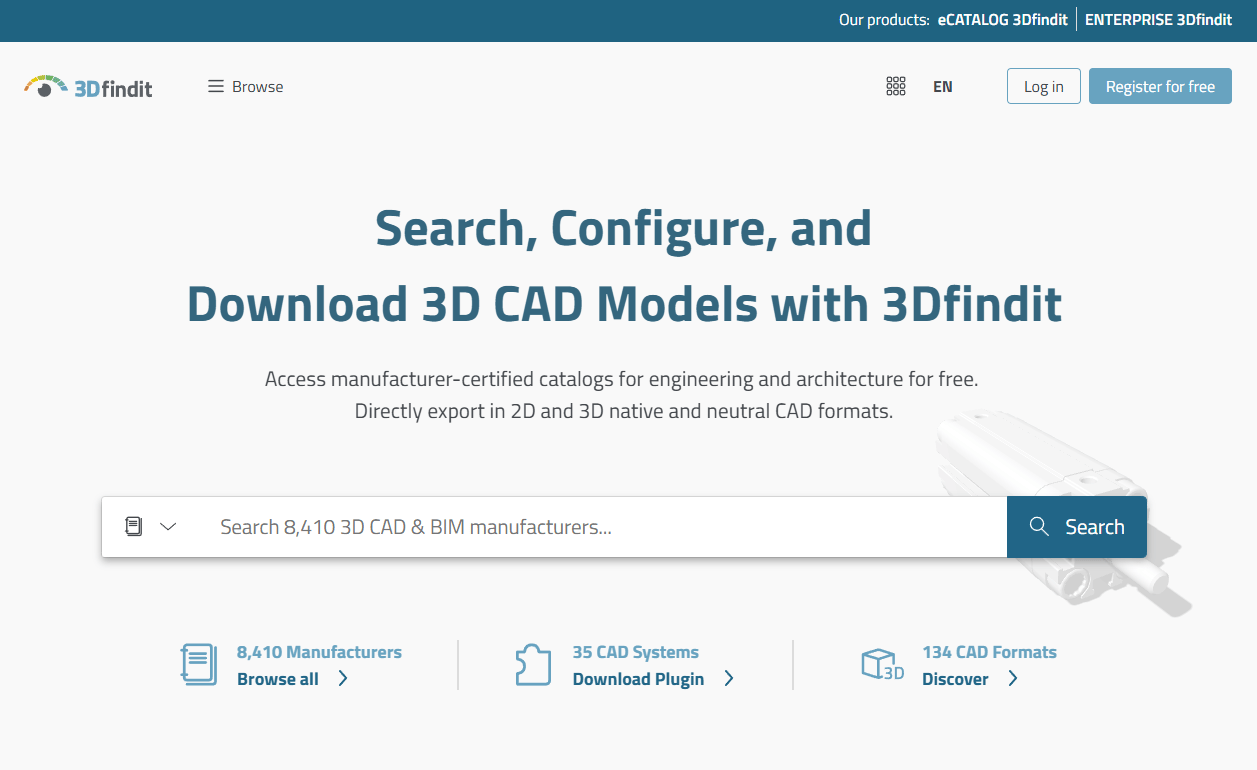
CADENAS 3Dfindit is a CADENAS platform built for finding, configuring, and downloading manufacturer-verified 3D CAD, CAE, and BIM component data. Its search capabilities go beyond keyword entry: Engineers can search by shape, image, photo, sketch, or similarity, alongside parametric attribute filters. The platform supports more than 100 CAD and BIM formats. On the enterprise side, CADENAS also offers duplicate-part detection and component reuse tools for engineering organizations standardizing their internal parts library.
Best for: Industrial manufacturers and engineering organizations that need visual and parametric supplier-part search, purchasable component data, and CAD/PLM/ERP integration.
Key features
- Visual and geometric search by text, sketches, images, or CAD files
- Parametric product configuration with 3D previews and configured part numbers
- Native and neutral CAD/BIM downloads across 100+ formats
- CAD, PLM, ERP, and CRM integration
- Duplicate-part detection and component reuse for enterprise teams
Why choose CADENAS 3Dfindit: Choose CADENAS 3Dfindit when engineers need to find real purchasable components, not just approximate geometry. The visual search capabilities are useful for teams that know what a part looks like but don't have a part number. Enterprise teams with duplicate-part problems should also evaluate the ENTERPRISE 3Dfindit tier alongside the standard catalog.
CADENAS 3Dfindit pricing: The 3Dfindit parts library and listed plugins are free for engineers. Commercial eCATALOG and ENTERPRISE offerings require a pricing contact; no numeric prices are displayed.
G2 rating: 4.9/5 (eCATALOG 3Dfindit)
10. PartSolutions
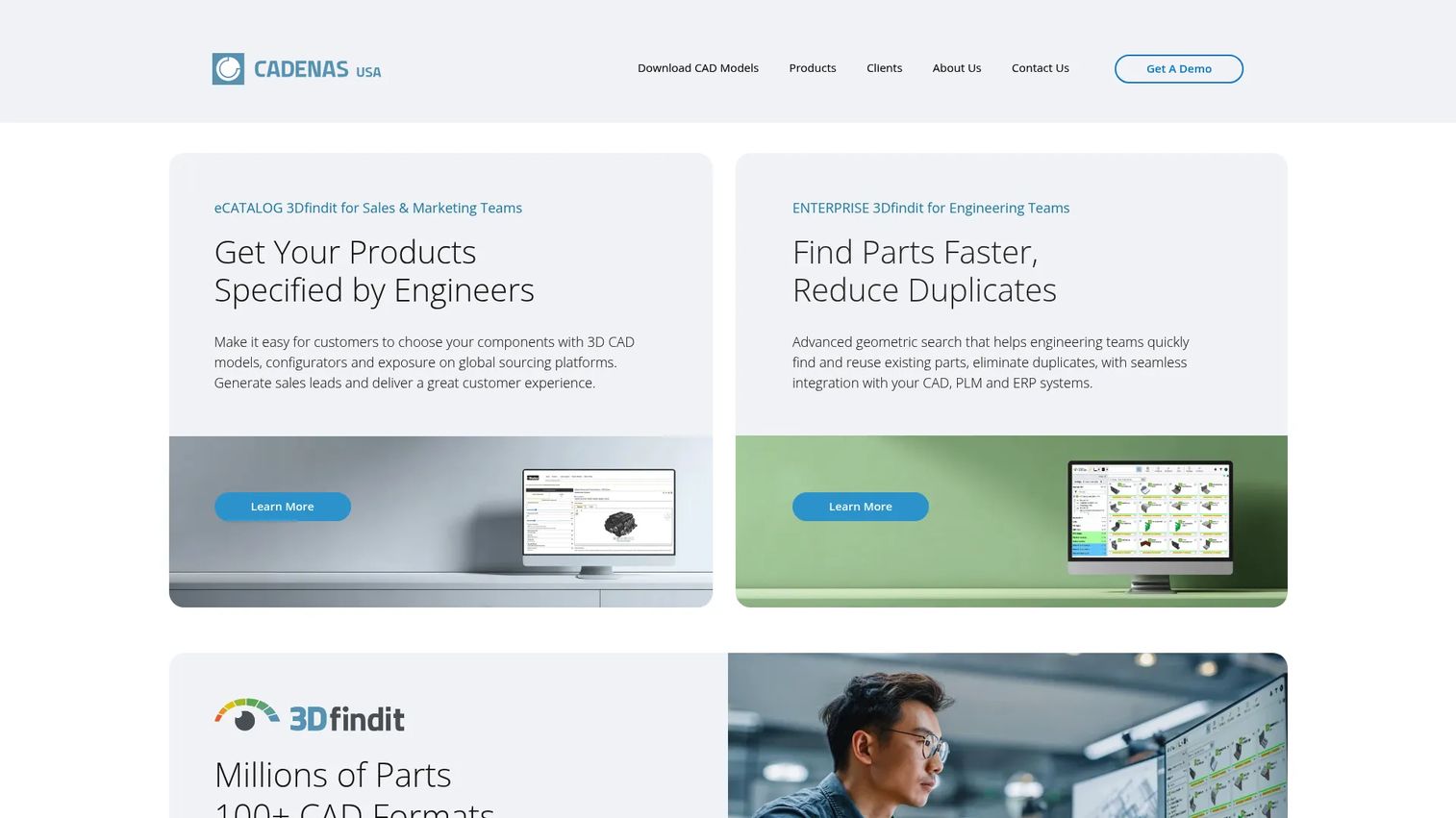
PartSolutions is a CADENAS product for engineering and manufacturing organizations that need to manage internal parts libraries, reduce duplicate components, and standardize component reuse across teams. Its core capabilities include 3D shape search, semi-automatic parts classification, and integration with CAD, PDM, PLM, and ERP systems. According to CADENAS research (2022), 72% of companies have duplicate or obsolete parts in their internal libraries. PartSolutions addresses that directly.
Best for: Enterprise engineering organizations managing internal part libraries and CAD data standardization across multiple product lines or engineering groups.
Key features
- 3D shape search and attribute-based search
- Semi-automatic parts classification
- Integration with CAD, PDM, PLM, and ERP systems
- Internal standard-part library management
- Supplier catalog control and component reuse
Why choose PartSolutions: Choose PartSolutions when the primary problem is library governance, not one-off downloads. Teams experiencing duplicate parts, inconsistent naming conventions, or slow component search across an internal catalog will get more value from PartSolutions than from a community model repository.
PartSolutions pricing: Pricing is not publicly displayed. This is an enterprise product and requires contacting the vendor for a quote.
11. PCB Libraries Footprint Expert
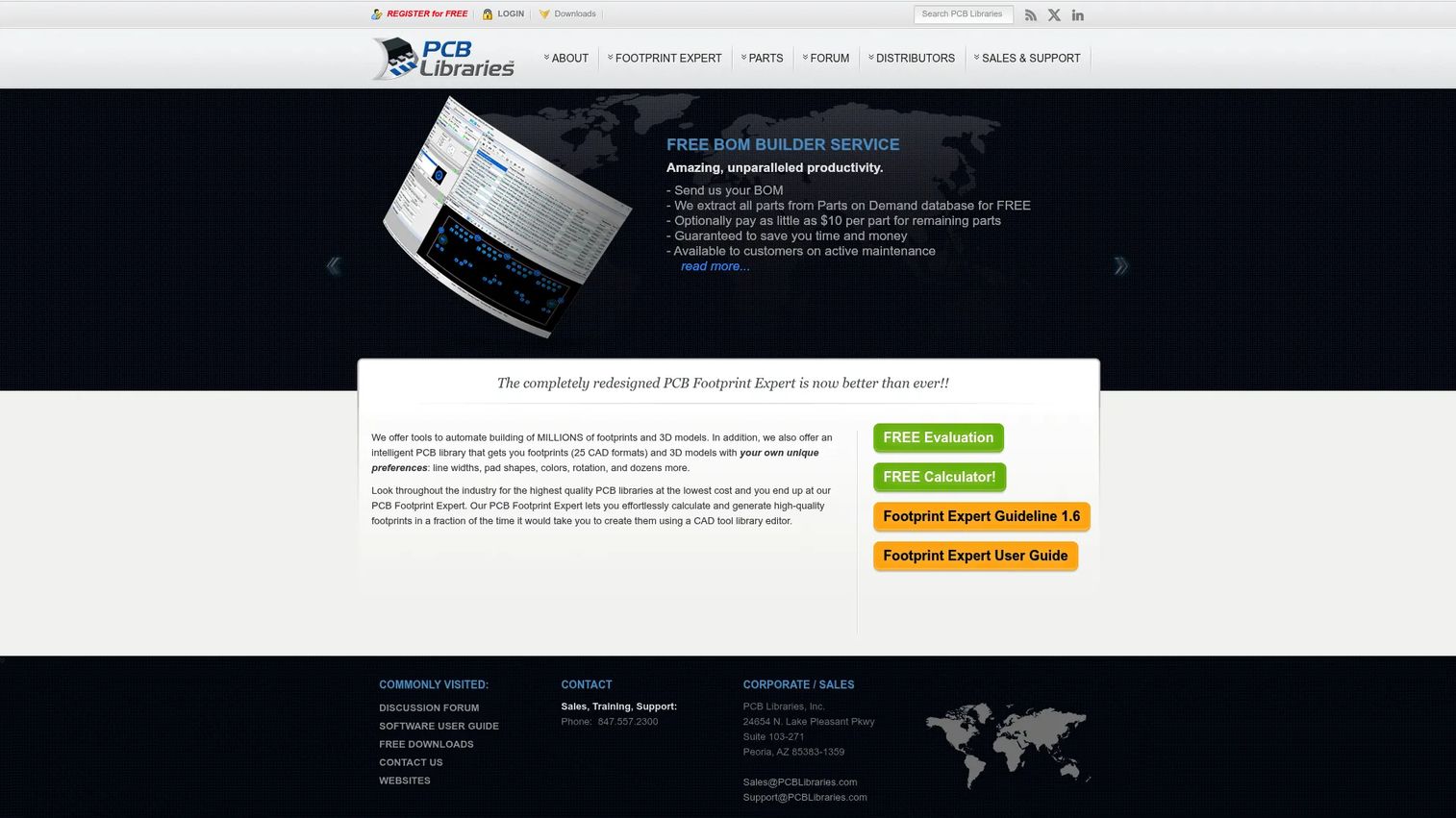
PCB Libraries Footprint Expert is a specialized tool for generating, managing, and validating PCB footprints and 3D STEP models. Where most CAD libraries focus on discovery and download, Footprint Expert focuses on creation: It automates land pattern generation based on configurable design rules, stores component dimensions in FPX files, and batch-creates libraries for multiple CAD platforms. A free Footprint Calculator is available for basic use.
Best for: PCB design teams that need consistent, standards-based footprint generation across multiple CAD platforms rather than broad 3D model discovery.
Key features
- Generates footprints for multiple CAD formats from FPX component data
- Stores and manages component dimensions in a structured FPX format
- Batch library creation with configurable design rules and preferences
- 3D STEP model generation
- Library editing, search, categorization, and mass modification
Why choose PCB Libraries Footprint Expert: Choose it when footprint consistency is the bottleneck, not model discovery. This tool fits teams with PCB library governance requirements: Standardizing how footprints are created, reviewed, and updated rather than pulling models from an external catalog.
PCB Libraries Footprint Expert pricing: A free Footprint Calculator is available. Paid Footprint Expert subscriptions start at $149/year. Enterprise licensing with annual maintenance is available at higher tiers; exact prices depend on edition.
G2 rating: 3.5/5
12. Digi-Key KiCad Library
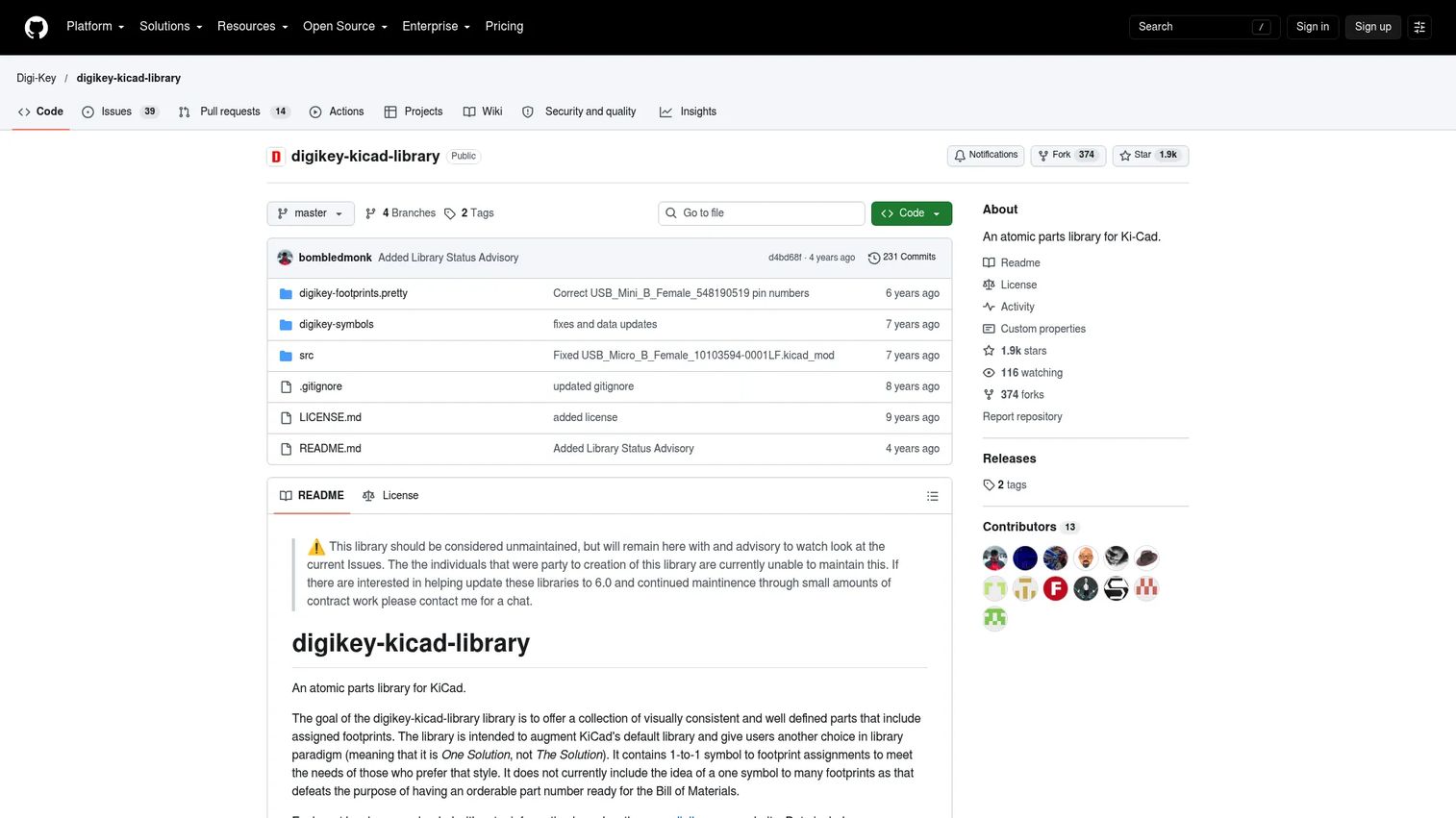
The Digi-Key KiCad Library is an open-source repository of KiCad symbols, footprints, and part metadata built around orderable Digi-Key components. Each symbol has a 1-to-1 footprint assignment, and parts include Digi-Key and manufacturer part metadata. The library is licensed under CC-BY-SA 4.0 with an exception. Per the official repository, the library should be considered unmaintained, so teams relying on it should evaluate whether community forks or alternative sources cover current components.
Best for: KiCad users who source components through Digi-Key and want pre-assigned symbols, footprints, and distributor part metadata in one repository.
Key features
- 1-to-1 symbol-to-footprint assignments
- Digi-Key and manufacturer part metadata
- Separate symbol and footprint library files for KiCad
- CC-BY-SA 4.0 licensing with an exception
- GitHub-based access and open contribution model
Why choose Digi-Key KiCad Library: Choose it when the team already designs in KiCad and sources primarily through Digi-Key. It reduces lookup time for parts that need both a schematic symbol and a confirmed distributor link. Given the unmaintained status, evaluate whether the coverage for your component families is current before standardizing on it.
Digi-Key KiCad Library pricing: Free and open source. The repository is publicly available on GitHub with no account or subscription requirement.
13. KiCad
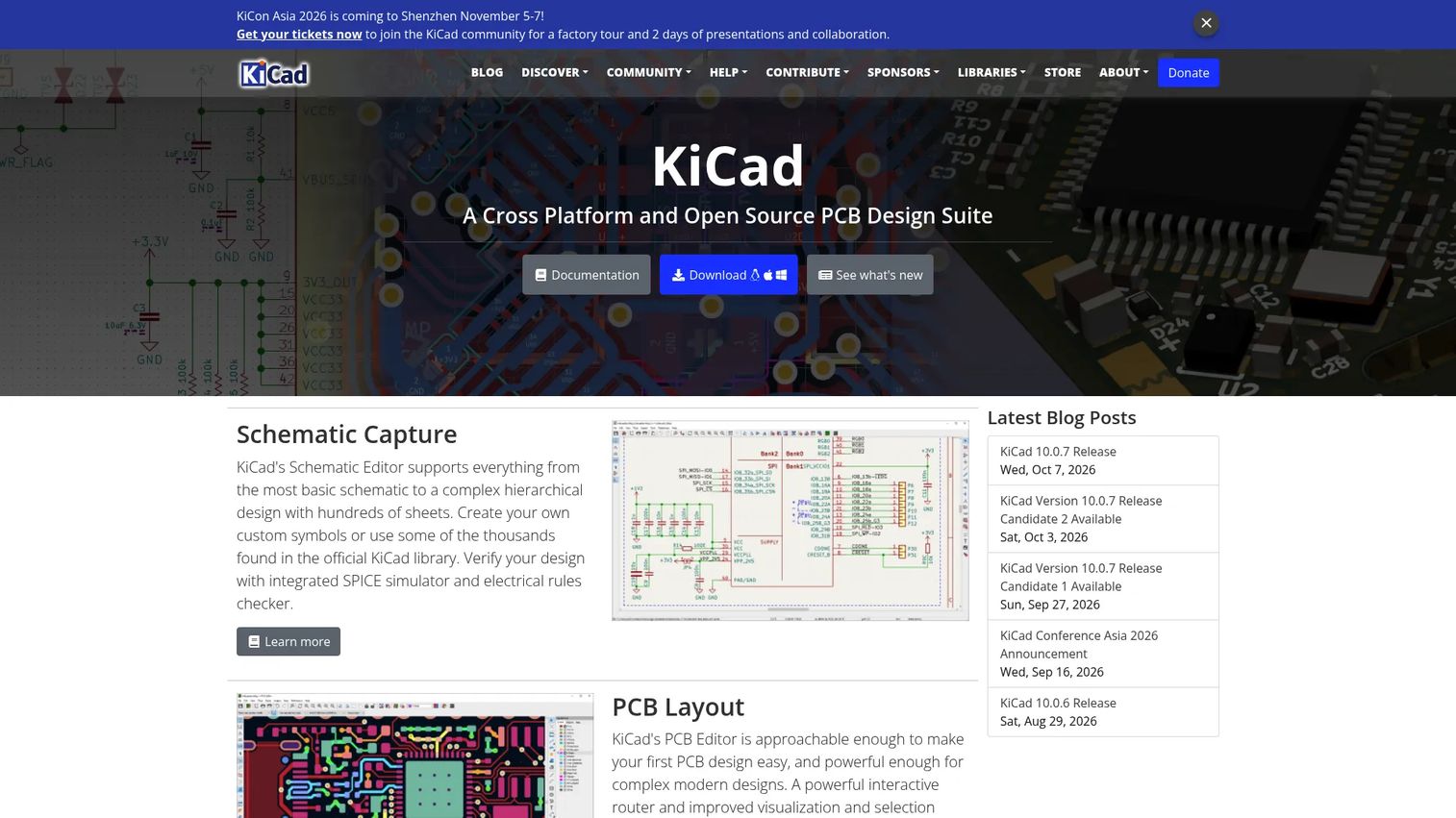
KiCad is a free, open-source, cross-platform electronics design automation suite that includes schematic capture, PCB layout, and integrated symbol, footprint, and 3D model libraries. For teams standardizing on open-source ECAD, the built-in libraries represent a CAD library path rather than a separate download. The library is community-maintained and versioned alongside KiCad releases. It runs on Windows, Linux, and macOS.
Best for: Individuals, educators, hardware startups, and professional electronics designers who want open-source ECAD with integrated libraries and no licensing cost.
Key features
- Schematic capture with electrical rules checking and integrated SPICE simulation
- PCB layout with interactive routing, design-rule checking, and Gerber output
- Integrated 3D PCB viewer with ray tracing
- Built-in symbol, footprint, and 3D model libraries
- Cross-platform: Windows, Linux, macOS
Why choose KiCad: Choose KiCad when the library and design environment should be one system. It fits teams prioritizing open-source workflows and cost control. PMs should plan a governance process for library updates: The community-maintained nature means review before incorporating new components into production designs is part of the maintenance responsibility.
KiCad pricing: Free and open source. No paid tiers or subscription plans exist.
G2 rating: 4.5/5
Considerations
Before choosing a CAD library for your team, work through these five factors.
Verify model provenance before reuse
Not all CAD models carry the same risk. Supplier-certified models connect to real manufacturer or distributor data, which makes them safer for components entering procurement or production. Community-contributed models are useful for concept work and visualization, but dimensions, tolerances, and part number accuracy need validation before production use. For electronic components, outdated footprints can create board-level errors that are expensive to catch after fabrication.
Check CAD software and file-format compatibility
A model in the wrong format creates rework. STEP and IGES are neutral formats that most CAD tools handle, but native files carry more intelligence and are more reliable when features need editing. For electronics, check whether ECAD exports match your specific tool. A library that supports 20 formats but not your team's primary software adds friction rather than removing it. Format compatibility also matters for 3D parts catalog software decisions further upstream in your product toolchain.
Match the library to the workflow
Community libraries fit ideation and prototyping. Supplier catalogs fit purchasable components. ECAD libraries fit electronics design. Enterprise parts systems fit standardization and reuse across large engineering organizations. Choosing a broad catalog for a specialized ECAD need, or vice versa, usually means paying for capability that doesn't map to the actual job. The considerations above on workflow type matter as much as feature count when evaluating catalog management software that may sit alongside your CAD library.
Plan for maintenance and version control
CAD libraries decay when no one owns updates. A part model that was accurate two years ago may reflect a discontinued component, a revised specification, or a changed footprint standard. Engineering teams should assign ownership, establish a review cadence tied to release cycles, and maintain naming conventions. This is especially true for internal libraries and for open-source ECAD libraries where upstream changes need review before adoption.
Evaluate search and filtering quality
Search quality directly affects how much time engineers spend finding versus designing. Part-number search, category browsing, parametric filters, and software-specific filters all reduce lookup friction. Libraries with poor search force engineers to browse manually or maintain their own local copies, which creates exactly the duplication problem a library is supposed to solve.
Conclusion
The 13 libraries in this guide cover different jobs. SOLIDWORKS fits teams embedded in a professional mechanical CAD environment. GrabCAD offers the broadest free community model discovery. 3D ContentCentral and TraceParts provide supplier-certified mechanical content, with TraceParts adding the widest format coverage across MCAD, ECAD, PCB, CAE, and BIM. For electronics teams, UltraLibrarian, SnapEDA, SnapMagic, and SamacSys each approach the ECAD library problem from a slightly different angle: Component search, fast exports, AI-assisted design, and streamlined import workflows. PCB Libraries Footprint Expert is the right choice when footprint standards governance is the actual bottleneck. The Digi-Key KiCad Library and KiCad itself cover the open-source path. CADENAS 3Dfindit and PartSolutions serve organizations that need visual search, duplicate detection, and enterprise-grade parts management.
The right choice depends on model provenance requirements, file compatibility, ECAD versus MCAD workflow, and how much governance the team needs before files enter production.
If you work across 3D model discovery and need tools that sit alongside your CAD library, also look at our guides on 3D visualization software, 3D rendering software, and best CAD software.
FAQs
A CAD library is a searchable collection of reusable CAD models, 2D drawings, component data, and design assets that engineers use to avoid rebuilding common parts from scratch. Libraries range from free community model repositories to supplier-certified catalogs and ECAD component databases with schematic symbols and PCB footprints. The goal is consistent, validated parts that reduce rework and speed up design cycles.
GrabCAD offers the largest free community-contributed 3D model library with software and file-format filtering. 3D ContentCentral adds supplier-certified parts alongside community content at no cost to engineers. Both are useful for exploration and prototyping, but teams should validate model accuracy and licensing before using community models in production.
MCAD libraries contain mechanical design assets: 3D parts, assemblies, 2D drawings, and components like fasteners, enclosures, and fittings. ECAD libraries contain electronics design assets: Schematic symbols, PCB footprints, and 3D component package models. Some platforms such as TraceParts cover both. Dedicated tools like UltraLibrarian, SnapEDA, and SamacSys focus specifically on ECAD.
For production use, supplier-certified models carry lower risk. They connect to real manufacturer or distributor data, which means part numbers, tolerances, and dimensions are traceable to a primary source. Community models are faster to find and good for concept work, early prototyping, and visualization, but they require validation before entering a production workflow. The right tradeoff depends on the stage of the design and the cost of a downstream error.
STEP and IGES are the most widely compatible neutral formats for mechanical design and work across most CAD tools. STL matters for 3D printing and prototyping. OBJ and Parasolid appear in specific applications. For electronics, look for ECAD tool-specific exports that include schematic symbols, PCB footprints, and 3D package models. Native CAD formats carry more intelligence but limit portability between tools.
Start with workflow type: Mechanical, electrical, PCB, or enterprise parts management. Then evaluate model provenance, format compatibility, search quality, and maintenance overhead. For product teams, the downstream risk matters most: A library that introduces unverified part data into procurement or production creates rework that costs more than the time saved on initial model discovery. Integration with existing CAD, PDM, and PLM systems is a practical constraint that narrows the shortlist quickly.
Yes, when they're maintained and governed. According to CADENAS (2022), 83% of engineers spend time recreating parts already available online. A reusable, verified library reduces duplicate modeling and broken imports. The caveat is governance: Stale models, unverified dimensions, or outdated footprints can introduce new rework if no one owns library updates. Assigning ownership and setting a review cadence tied to release cycles is what separates a library that reduces rework from one that creates it.
ECAD-focused libraries do. UltraLibrarian, SnapEDA, SnapMagic, SamacSys, the Digi-Key KiCad Library, and KiCad all include PCB footprints alongside schematic symbols and 3D package models. Mechanical CAD libraries like GrabCAD, 3D ContentCentral, and TraceParts focus on parts, assemblies, and 2D drawings. TraceParts covers ECAD and PCB content as well, but its primary strength is mechanical and supplier catalog coverage.