Every CAD tool looks capable on the marketing page. Then you sit down to do actual work, and the gaps show up fast. You need clean 2D drafting for a permit set, but the tool wants you to model everything in 3D first. You need to check the fit of a 12-part assembly, but the software chokes above a handful of components. You want a teammate on another continent to open your file without a fresh install, and now you are exporting STEP files over email.
The category is big, and it is getting bigger. The global CAD and PLM software market is projected to rise from USD 20.59 billion in 2026 to about USD 42.27 billion by 2035, an 8.32% CAGR, according to Precedence Research (2026). Cloud deployments already accounted for 70% of that market in 2025. So the question is not whether CAD matters. It is which tool matches how you actually work.
That is the hard part. The right pick depends on your primary workflow, your platform, your skill level, and the file formats your collaborators already use. A drafter documenting floor plans has almost nothing in common with a hardware team pushing a part to a CNC machine. Both call it "CAD." Neither wants the other's tool. If you are the kind of person who evaluates software the way a product manager evaluates onboarding paths, mapping tools to jobs and measuring fit before committing, you are already thinking about this correctly. And if your work also touches interface design or concept visuals, our roundup of AI design tools covers an adjacent stack worth knowing.
What's inside
This guide covers eight CAD programs that span the full range of real use: beginner-friendly modelers, professional engineering suites, cloud-native platforms, desktop workhorses, and a genuinely capable free option. We chose them on six criteria that decide day-to-day fit: capability depth (2D drafting through simulation and CAM), learning curve, platform support, collaboration, interoperability, and community resources.
You will find tools built for 2D drafting, 3D modeling, mechanical design, and 3D printing prep. Each entry states who it fits, where it shines, and what it costs, so you can shortlist without opening eight trial accounts.
TL;DR
- Best for 2D drafting and broad compatibility: AutoCAD, the industry default for technical drawings and DWG files.
- Best all-in-one design-to-manufacturing: Autodesk Fusion, which covers modeling, assemblies, simulation, and CAM in one cloud platform.
- Best browser-based collaboration: Onshape, cloud-native CAD with built-in version control.
- Best for fast concepting on Mac and iPad: Shapr3D, a direct-modeling tool that runs natively across Apple devices.
- Best free CAD software: FreeCAD, open-source parametric modeling with zero license cost.
- Best for beginners and quick visualization: SketchUp, the easiest on-ramp to 3D modeling.
- Best for advanced enterprise engineering: PTC Creo, deep parametric control for complex product development.
What CAD software is
CAD software (computer-aided design software) is a class of programs used to create, edit, and review 2D drawings and 3D models for engineering, architecture, manufacturing, and product design. It replaces hand drafting and physical prototyping with precise digital geometry you can measure, simulate, revise, and hand off to production.
Under the hood, a CAD program manages the geometry math, the design history, and the file exchange so you can focus on the design intent. Modern CAD design software spans a wide feature set, and most buyers only need a subset:
- 2D drafting: Technical drawings, floor plans, schematics, and documentation with dimensions and annotations.
- 3D modeling: Solid and surface geometry for parts and products, built either parametrically (history-based) or with direct editing.
- Assemblies: Combining multiple parts to check fit, motion, and interference across a product.
- Simulation: Testing stress, thermal, or motion behavior before you cut metal or print plastic.
- CAM: Generating toolpaths and G-code for CNC machining and manufacturing prep.
- Rendering: Photoreal or stylized visuals for reviews, marketing, and client sign-off.
- Interoperability: Importing and exporting neutral and native formats like STEP, IGES, DWG, DXF, and STL so teams can exchange work.
The split that matters most for buyers is deployment. Desktop CAD runs locally and rewards raw power. Cloud CAD and browser-based CAD run in a browser and reward collaboration and access from anywhere. In the CAD and PLM market, cloud already holds 70% of share (Precedence Research, 2025), and the 3D segment represented 41.8% of the technology CAD software market in 2025, with AI-enabled CAD the fastest-growing slice at a 13.6% CAGR (SNS Insider, 2025).
When to use each type of CAD
The fastest way to narrow the field is to name your primary job first, then match a tool to it. Three patterns cover most buyers.
Choose 2D drafting when documentation matters most
If your deliverable is a drawing set, a permit package, a floor plan, or a fabrication drawing, 2D drafting is still the right center of gravity. Precise dimensions, layers, annotations, and standards compliance beat 3D flash here. Many teams that model in 3D elsewhere still produce their final documentation in a dedicated 2D drafting environment because it is faster and cleaner for sheets.
Choose 3D modeling when form and fit matter
If you are designing a physical product, prototyping a part, or iterating on shape and function, 3D modeling wins. It lets you test fit, run simulation, and export for 3D printing or machining. Decide early between parametric workflows, where a design tree drives editable relationships, and direct modeling, where you push and pull geometry freely. Parametric rewards discipline and revision; direct rewards speed and concepting.
Choose cloud CAD when collaboration and access matter
If teammates need to open, review, and edit the same model from different machines and locations, cloud CAD removes the file-shuffling tax. Browser-based access means no heavy local install, version history is automatic, and stakeholders can comment without owning a seat. This is the strongest fit for distributed engineering teams and any workflow where design review happens across roles.
Comparison table
Here is the shortlist at a glance, sorted by relevance to most CAD buyers. Pricing and ratings reflect the most recent verified values at publish time; where a vendor does not expose a public number, we say so rather than guess.
| # | Product | Intent | Key differentiation | Pricing | G2 rating |
|---|---|---|---|---|---|
| 1 | AutoCAD | 2D drafting + broad compatibility | Industry-standard DWG, deep drafting toolset | Subscription (annual/monthly) | 4.4/5 |
| 2 | Autodesk Fusion | Design-to-manufacturing | CAD, CAM, CAE, PCB in one cloud platform | From about $680/year; free personal use | 4.5/5 |
| 3 | Onshape | Cloud collaboration | Browser-based CAD with built-in PDM | Free (non-commercial); $1,500/user/yr | 4.7/5 |
| 4 | Shapr3D | Fast concepting on Apple devices | Direct modeling on iPad, Mac, Windows | Free tier; Pro $299/yr per seat | 4.8/5 |
| 5 | SolidWorks | Professional mechanical design | Mature ecosystem, deep assembly tools | Public pricing limited | 4.4/5 |
| 6 | FreeCAD | Free, open-source parametric CAD | No license cost, cross-platform | Free | 4.1/5 |
| 7 | SketchUp | Beginner 3D modeling | Fast, intuitive push-pull modeling | From $10.75/mo (billed annually) | 4.5/5 |
| 8 | PTC Creo | Enterprise engineering | Deep parametric control, complex products | From $3,190/user/yr | 4.1/5 |
1. AutoCAD
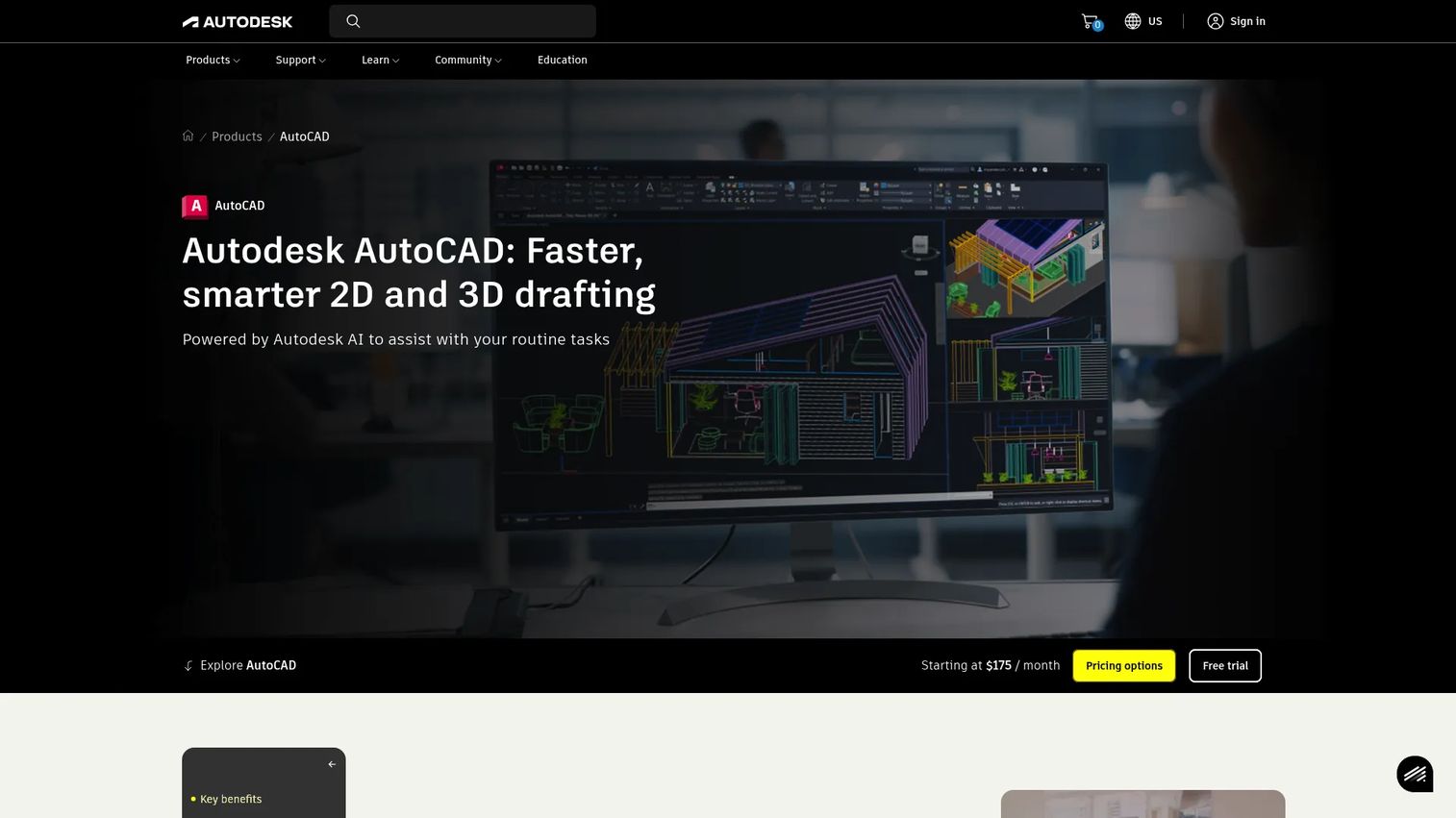
AutoCAD is the tool most people picture when they hear "CAD." It has been the default for 2D drafting and technical documentation for decades, and it still dominates any workflow built around DWG files, precise drawings, and drafting standards. It also handles 3D, but its center of gravity remains 2D drafting done exceptionally well.
Best for: Architects, drafters, and engineering teams with heavy documentation and DWG interoperability needs.
Key strengths
- DWG at the source: AutoCAD owns the DWG format, so files open cleanly across the industry with no translation loss.
- Deep drafting toolset: Layers, blocks, dynamic dimensioning, and annotation tools that make precise documentation fast.
- Industry-specific toolsets: Specialized libraries for architecture, mechanical, electrical, and plant work ship with the subscription.
Why choose AutoCAD: If your deliverables are drawings and your collaborators live in DWG, AutoCAD is the safe standard. It carries a real learning curve and a professional price, but its ubiquity means files, hires, and training are everywhere. For teams that need bulletproof 2D drafting plus broad file compatibility, nothing matches its reach.
AutoCAD pricing: Autodesk sells AutoCAD on subscription, available on monthly and annual billing, with the annual plan offering the lower effective rate. A free trial is available, and students and educators can access it at no cost through Autodesk's education plan. Exact list prices vary by region and promotion, so confirm on the Autodesk pricing page before you buy.
2. Autodesk Fusion
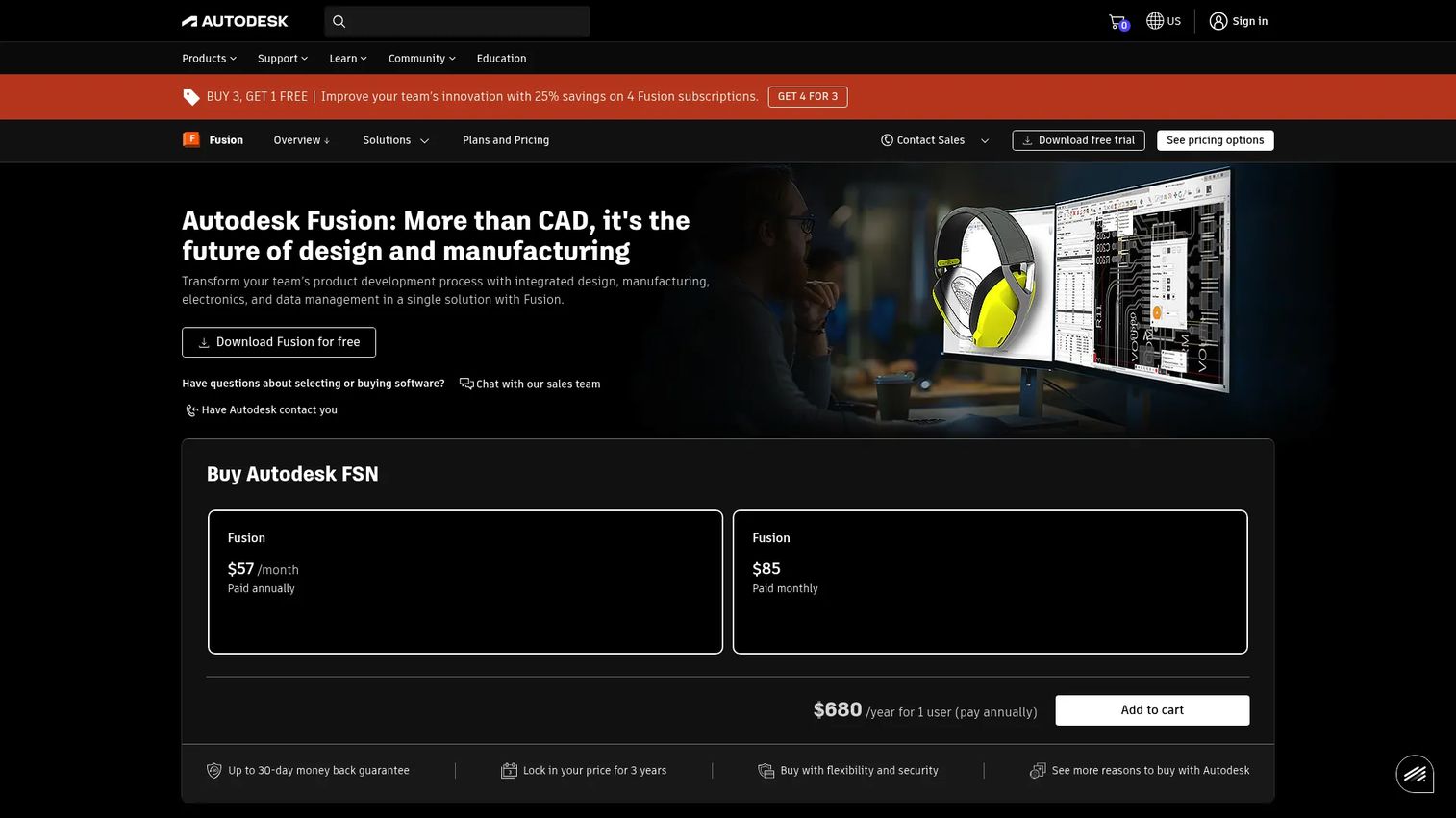
Autodesk Fusion is a cloud-based platform that folds CAD, CAM, CAE, and PCB design into one product. Where AutoCAD centers on drafting, Fusion is built for the full arc of product development: model a part, assemble it, simulate it, then generate the toolpaths to manufacture it, all without switching tools.
Best for: Product and hardware teams, and makers moving from concept through to manufacturing in a single workflow.
Key strengths
- End-to-end coverage: 3D CAD modeling, assemblies, CAM, and simulation in one place, so design intent survives to production.
- Cloud collaboration: Built-in data management and version history keep distributed teams working on the same model.
- Parametric and direct: A flexible timeline lets you work history-based or freely, depending on the task.
Why choose Autodesk Fusion: Fusion is the more complete 3D workflow tool when your job runs past drawings into fabrication. It is popular with hardware startups, mechanical designers, and 3D printing enthusiasts precisely because one subscription carries a concept to a machined or printed part. It shines where AutoCAD stops.
Autodesk Fusion pricing: Fusion offers a free plan for qualifying personal, non-commercial use on a three-year renewable subscription, which makes it a strong free CAD software option for hobbyists. Paid commercial plans are sold on one-month and one-year subscriptions, with the annual plan starting around $680 per year. Confirm current figures on Autodesk's pricing page. Its G2 rating sits at 4.5/5.
3. Onshape
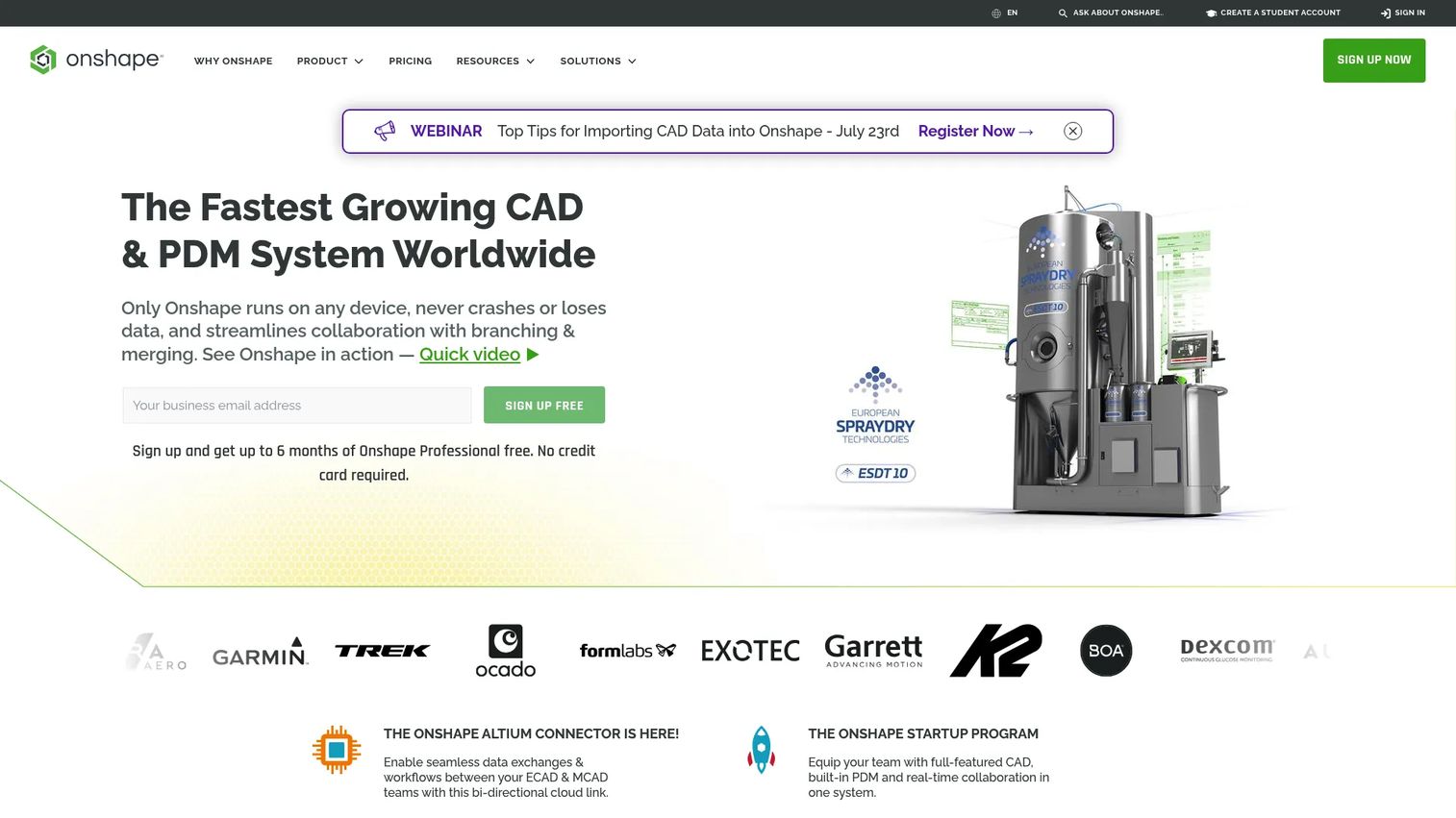
Onshape is CAD built for the browser from the ground up. There is no local install, no version-conflict headaches, and no file to email around. Everyone works on the same cloud model with real-time collaboration, and its built-in PDM handles version control, branching, and merging the way software teams manage code.
Best for: Distributed engineering teams that want browser-based CAD with data management and zero install dependency.
Key strengths
- Truly browser-based: Runs on any machine with a browser, including lower-spec laptops and Chromebooks.
- Built-in PDM: Version control, branching, and merging come standard, so nobody overwrites anybody's work.
- Real-time collaboration: Multiple engineers edit and review the same document at once, like a shared canvas.
Why choose Onshape: If your team is remote, mixed-platform, or tired of managing file versions, Onshape's cloud-native model removes an entire class of friction. It is a favorite for startups and engineering teams that value access and collaboration as much as raw modeling depth.
Onshape pricing: Onshape offers a free plan for non-commercial and hobby projects, plus a no-cost education plan. Paid commercial plans are billed annually: Standard runs $1,500 per user per year, Professional is $2,500 per user per year, and Enterprise is custom-priced. It holds one of the highest ratings in the category at 4.7/5 on G2.
4. Shapr3D

Shapr3D rethinks the CAD interface around speed and touch. It runs natively on iPad, Mac, Windows, and Vision Pro, and its direct-modeling approach lets you sketch, pull, and shape geometry with an Apple Pencil or mouse without wading through a deep menu tree. The output is still professional-grade, with technical drawings, rendering, and solid CAD export.
Best for: Industrial designers and concept-heavy workflows that want low-friction modeling across Apple devices.
Key strengths
- Cross-platform native: True iPad, Mac, Windows, and Vision Pro apps, not a stripped-down port.
- Direct and parametric: Push-pull direct editing plus history-based parametric modeling in one tool.
- Fast concepting: 2D sketching, constraints, and instant 3D make early design iteration quick.
Why choose Shapr3D: For design review and early concepting, Shapr3D turns hours of menu navigation into minutes of direct manipulation, without giving up manufacturable output. It is the strongest pick for designers who work on an iPad or want to sketch ideas fast, then export clean CAD downstream.
Shapr3D pricing: A free tier covers basic use with two projects and basic exports. The Pro plan is $299 per year per editor seat, with Solo, Studio, and Enterprise tiers adding higher project limits, collaboration, and advanced import/export and security. Confirm the current lineup on the pricing page. Shapr3D carries a 4.8/5 rating on G2, the highest on this list.
5. SolidWorks
SolidWorks is a professional mechanical design standard with a mature ecosystem of add-ins, training, and hiring pipelines. Its depth in parametric part modeling, large assemblies, and simulation makes it a fixture in mechanical engineering and product development shops. If a job posting lists a CAD requirement, SolidWorks is often the one named.
Best for: Mechanical engineering teams already standardized on the SolidWorks ecosystem or hiring for its skill base.
Key strengths
- Assembly depth: Handles large, complex multi-part assemblies with strong fit and interference checking.
- Mature ecosystem: Decades of add-ins, tutorials, certified users, and third-party tools.
- Integrated simulation: Stress, motion, and flow analysis available within the same environment.
Why choose SolidWorks: When your organization already runs on SolidWorks files and your talent pool knows it, standardizing on it removes friction across hiring, training, and file exchange. It carries real setup and cost complexity, and public pricing is limited, so expect to talk to a reseller. But for teams committed to its ecosystem, that depth pays back.
SolidWorks pricing: Dassault Systèmes generally does not publish standard SolidWorks pricing openly, routing buyers through resellers and quotes. Perpetual licenses with annual maintenance and term subscriptions both exist, and cloud-connected options have expanded in recent years. Get a quote for your seat count and region before committing. Its G2 rating is 4.4/5.
6. FreeCAD
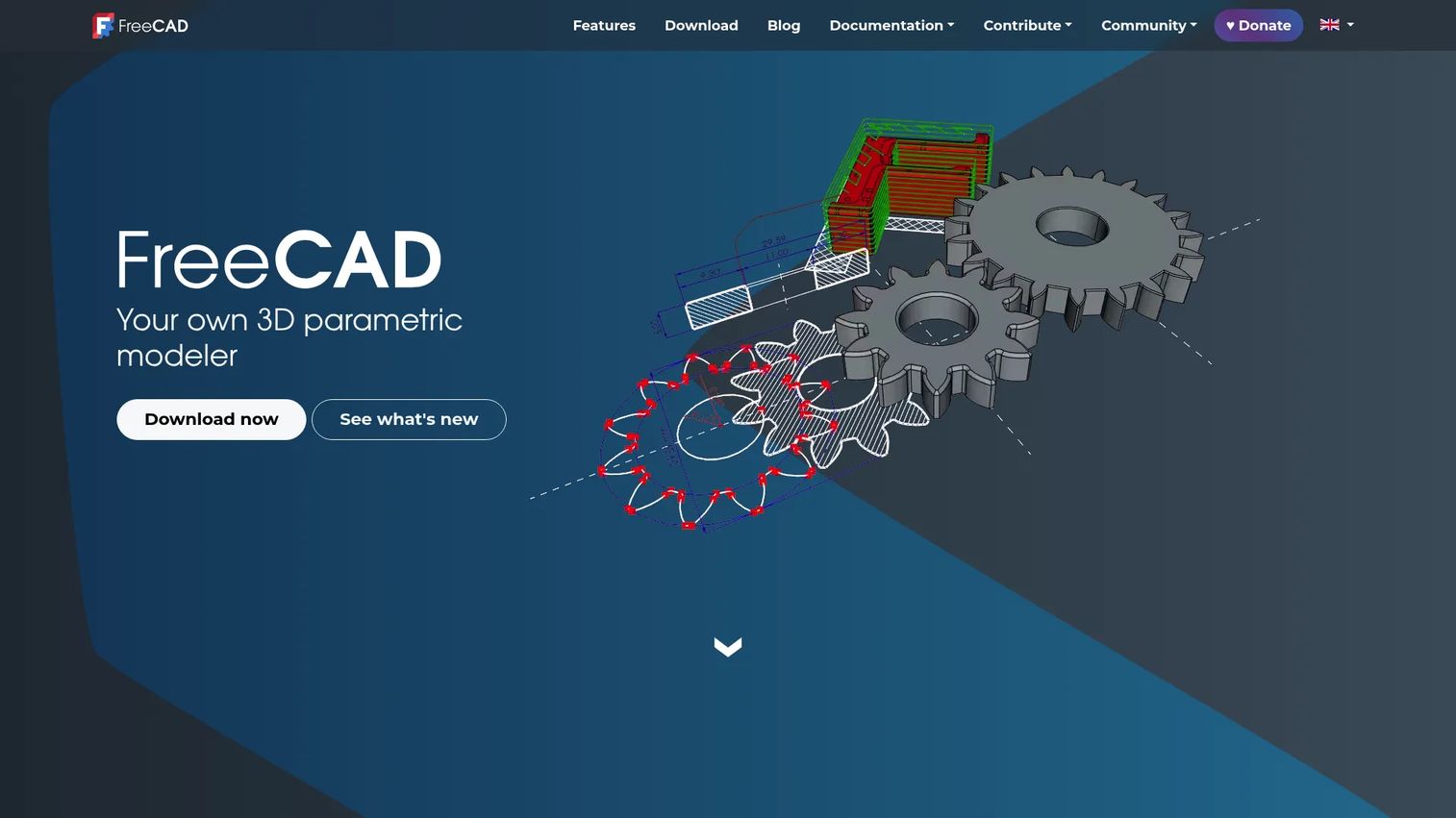
FreeCAD is a genuinely capable open-source parametric 3D CAD modeler, not a compromise. Built on the Open CASCADE geometry kernel and running on Windows, macOS, and Linux, it gives budget-conscious users, students, and tinkerers real parametric modeling with zero license cost and no paywall.
Best for: Budget-conscious users, students, and makers who want free parametric CAD and can invest time to learn it.
Key strengths
- Fully free and open-source: No licensing fees, no restrictions, no seat caps, ever.
- Parametric modeling: A real design tree with editable features, not just a viewer or sketch tool.
- Cross-platform: Native builds for Windows, macOS, and Linux.
Why choose FreeCAD: If cost is a hard constraint or you want full control over your tooling, FreeCAD delivers professional concepts free. It asks for patience up front in exchange for zero recurring cost, and its active community and documentation carry a lot of the onboarding weight. For 3D printing hobbyists and self-taught engineers, it is a legitimate first tool.
FreeCAD pricing: FreeCAD is free. There are no paid tiers, no paywall, and no license fees, per the official project. Support comes from its community forums, wiki, and a large base of tutorials rather than a vendor help desk. It holds a 4.1/5 rating on G2.
7. SketchUp

SketchUp is the easiest way into 3D modeling. Its push-pull interface is famously intuitive, letting newcomers build recognizable models in an afternoon rather than a semester. It runs on web, iPad, and desktop, and pairs with LayOut for 2D documentation and a huge 3D Warehouse of ready-made components.
Best for: Beginners, light architecture work, and anyone who needs fast concept visualization without a steep learning curve.
Key strengths
- Intuitive push-pull: The gentlest learning curve in this list, ideal for beginner CAD users.
- Cross-surface access: Web, iPad, and desktop apps cover casual and studio workflows.
- 3D Warehouse: A massive library of free models and components speeds up scenes.
Why choose SketchUp: For quick visualization, spatial concepts, and light architectural work, SketchUp gets you to a usable model faster than any heavy mechanical CAD tool. It is not built for tight-tolerance manufacturing or complex assemblies, and that is fine, it is a different job. As a first 3D tool or a fast concepting environment, it is hard to beat.
SketchUp pricing: SketchUp lists public annual plans: Go at $10.75 per month per user, Pro at $33.25 per month per user, and Studio at $68.25 per month per user, each billed annually. Monthly options exist for Go and Pro, and a free 7-day trial is offered. A free web version covers basic personal modeling. Its G2 rating is 4.5/5.
8. PTC Creo

PTC Creo is a parametric 3D CAD system built for depth and rigor. It integrates concept and surface design, parametric part modeling, design optimization, and assembly management, and it targets complex product development where feature control and precision matter more than quick wins.
Best for: Large engineering teams and advanced mechanical work that demand robust parametric control and complex assembly management.
Key strengths
- Deep parametric modeling: Fine-grained feature control for intricate, revision-heavy parts.
- Surface and concept design: Advanced surfacing alongside solid modeling for demanding geometry.
- Assembly management: Handles large, complex product structures with strong data control.
Why choose PTC Creo: Creo is for teams that need engineering depth, not casual modeling. When your products are complex, your revisions frequent, and your tolerances tight, Creo's parametric rigor earns its place. It is a professional CAD investment, so match it to teams that will use its full range.
PTC Creo pricing: PTC lists Creo Design Essentials at $3,190 per user per year through its store. Higher suites such as the Model-Based Design Suite are sold as subscriptions, with some products routed through sales for a quote. Confirm the tier that fits your workflow with PTC directly. Creo holds a 4.1/5 rating on G2.
What to weigh before you commit
A shortlist is only useful once you run each option against your reality. Use this checklist before you sign.
Define your primary workflow first
Decide whether you mostly need 2D drafting, 3D modeling, simulation, CAM, or collaboration before you read another feature list. A drafting-first team and a manufacturing-first team will rank these tools in nearly opposite order. Name the job, then shop.
Match the tool to your team's skill level
Beginners, engineering teams, and manufacturing groups need very different learning curves. SketchUp gets a novice productive in a day; Creo and SolidWorks reward weeks of training with far more depth. Budget the onboarding time honestly, because a powerful tool nobody adopts is a sunk cost.
Check platform and deployment fit
Confirm what your team actually runs. Do you need browser-based access for a distributed group, native Mac and iPad apps, Windows desktop power, or tablet support in the field? Cloud CAD and desktop CAD solve different problems, so match deployment to how and where your people work.
Verify interoperability before committing
Make sure the tool imports and exports the formats your collaborators already send. STEP and IGES for neutral 3D exchange, DWG and DXF for 2D, and STL for 3D printing are the ones that trip teams up most. A single broken translation workflow can cost you more than a license.
Factor in community, docs, and support
Strong documentation and an active community make adoption faster and cheaper, especially for solo users, students, and small teams without a training budget. FreeCAD leans hard on its community; the commercial tools pair docs with vendor support. Weigh which safety net you will actually use.
Choosing the right CAD tool
There is no single best CAD software, only the best fit for your workflow, platform, and skill level. If your deliverable is drawings, start with AutoCAD for its 2D drafting depth and DWG reach. If you are designing physical products end to end, Autodesk Fusion carries a concept all the way to CAM. Distributed teams that live in the browser should look hard at Onshape, while designers on Apple hardware will move fastest in Shapr3D.
Budget-conscious users and students get real parametric power free with FreeCAD, and total beginners get to a working model quickest in SketchUp. When the work is complex enterprise engineering, PTC Creo and SolidWorks deliver the depth and rigor those products demand.
The practical path is simple: name your primary job, confirm your platform and file formats, then trial the one or two tools that match. Fit beats feature count every time.
FAQs
SketchUp is the friendliest starting point thanks to its intuitive push-pull modeling and free web version, so newcomers build usable models fast. If you want room to grow into full product design, Autodesk Fusion pairs a manageable learning curve with far deeper capability, including a free personal-use plan.
For 3D printing you want clean STL export and easy model cleanup, plus reliable solid geometry. Autodesk Fusion is a popular choice because it handles modeling, mesh, and export in one place, while FreeCAD gives hobbyists a free, open-source route with real parametric control. SketchUp works for simpler prints once you add an STL export extension.
AutoCAD remains the standard for 2D drafting, DWG interoperability, and documentation-heavy workflows in architecture and engineering. It is not always the best pick for 3D-first product design, where tools like Autodesk Fusion, SolidWorks, or PTC Creo offer more complete modeling, assemblies, and simulation. The honest answer: AutoCAD is still best for drafting, not for everything.
FreeCAD is the strongest fully free, open-source option, with genuine parametric modeling and no paywall. Autodesk Fusion offers a free personal-use plan, and Onshape and SketchUp both have free non-commercial tiers. Free versions trade some support, advanced features, or commercial use rights, so check the license against your intended use.
Shapr3D runs natively on Mac and iPad and is built for fast, touch-friendly modeling, making it the standout native option. For a no-install route, Onshape runs entirely in the browser, so it works on any Mac regardless of hardware. Both sidestep the Windows-only limits that affect some traditional desktop CAD tools.
2D CAD produces flat drawings with dimensions and annotations, ideal for plans, schematics, and fabrication documentation. 3D CAD builds spatial models you can rotate, assemble, simulate, and export for printing or machining. Many teams use both: 3D to design form and fit, 2D to document it. Your primary deliverable decides which one leads.
Onshape is built for teams, with browser-based access, real-time collaboration, and built-in version control so nobody manages file conflicts. Autodesk Fusion also supports cloud collaboration and shared data management across distributed groups. Both let engineers, reviewers, and stakeholders work on the same model from different machines and locations.
Choose AutoCAD if your work centers on 2D drafting, technical drawings, and DWG file compatibility. Choose Autodesk Fusion if you need full 3D product design, assemblies, simulation, and CAM in one platform. Drafting and documentation point to AutoCAD; design-to-manufacturing points to Fusion. Many teams that need both run them side by side.