Your best technician just spent 40 minutes chasing a part number across three spreadsheets, a shared inbox, and a whiteboard photo on someone's phone. The asset is down. Production is waiting. And nobody can say when the last preventive maintenance ran on that machine.
That is the daily tax of managing maintenance without a system built for it. Work orders live in email. Asset history lives in someone's memory. Parts counts are a guess. When an auditor asks for proof of completed maintenance, you improvise.
So what is CMMS, and why does the choice matter more in 2026 than it did five years ago? A computerized maintenance management system centralizes work orders, preventive maintenance schedules, asset records, and parts inventory into one place your team actually uses. The global CMMS software market is projected at USD 1.6 billion in 2026, growing toward USD 3.8 billion by 2035 at a 10.4% CAGR, according to Business Research Insights (2026). That growth is not hype. It reflects a real shift: 72% of companies adopting CMMS cite improved maintenance efficiency as their primary driver.
The evaluation logic here mirrors how a product team picks any internal system. Define the core job. Test workflow fit. Assess integration cost. Check whether it scales without becoming maintenance overhead of its own. If you evaluate audit-heavy operations, some of the same discipline in audit management software applies to CMMS: traceability, versioning, and defensible records. And because reporting is where CMMS proves its worth, the same rigor found in marketing analytics software evaluations, clean data and defensible attribution, carries straight over.
This guide breaks down seven CMMS tools through the lens of actual maintenance workflow, not feature checklists.
What's inside
This guide is for maintenance managers, operations leads, and the product-minded buyers who own the decision. We selected tools based on four criteria that matter most in daily use: work order flow from request to completion, preventive maintenance execution and proof, mobile usability for field technicians, and reporting depth for compliance and audit trails. We also weighed pricing transparency and implementation reality, because a system nobody adopts is worse than the spreadsheet it replaced. Every pricing figure and rating below comes from the vendor's own pages or verified sources.
TL;DR
- Best for flexible workflows on a free tier: Coast, with unlimited work orders and paid collaboration when you scale.
- Best for mobile-first, procedure-driven teams: MaintainX, built around digital checklists and standardized execution.
- Best for modern field workflows and asset monitoring: UpKeep, with strong mobile and condition-monitoring angles.
- Best for technician adoption and offline field work: Limble, known for ease of use and offline-capable mobile.
- Best for enterprise integrations and multi-site: Fiix, with deep ERP and purchasing workflows.
- Best for regulated, audit-heavy operations: eMaint, with configurable compliance and multi-site traceability.
- Best for modular scaling: Maintainly, with a free tier and add-ons for inventory and timesheets.
What is CMMS software?
A computerized maintenance management system is software that centralizes work orders, preventive maintenance scheduling, asset records, and parts inventory so maintenance teams can plan, execute, and prove their work from a single system. That is the CMMS meaning in one sentence.
The category exists to replace the scattered mess most teams start with: spreadsheets, shared inboxes, paper forms, and tribal knowledge. A maintenance management system turns that chaos into structured, trackable, reportable work.
Core capabilities you should expect from any credible CMMS:
- Work order management: capture requests, triage, assign, track to completion, and log what happened.
- Preventive maintenance software: schedule recurring tasks by calendar, meter reading, or trigger, with proof of completion.
- Asset and parts tracking: maintain asset history, spare parts counts, and reorder thresholds in one place.
- Mobile CMMS: give field technicians access on their phones, including offline mode and QR code maintenance scans.
- Reporting and analytics: surface downtime, cost, backlog, and compliance metrics for audit trails.
- ERP integration and APIs: connect maintenance data to purchasing, finance, and inventory systems.
- Predictive maintenance and IoT condition monitoring: use sensor data to trigger work before failure, where the platform supports it.
Not every tool nails all seven equally. That is why workflow fit matters more than the length of a feature list. The tools that lead the market do the boring parts well: they make request-to-completion fast, they make PM impossible to forget, and they make the audit painless.
When to use CMMS software
A CMMS earns its cost the moment manual tracking starts leaking time and money. Here is how to pattern-match your situation to the category.
Manage work orders without chasing updates
If your team fields maintenance requests through email, text, and hallway conversations, you have no single source of truth. Work order management in a CMMS gives every request one intake path, then routes it through triage, assignment, and completion tracking. Managers see status without asking. Technicians see priority without guessing. The follow-up email you send five times a day disappears because the system already holds the answer.
Run preventive maintenance on schedule
Reactive maintenance is expensive. Preventive maintenance software lets you schedule recurring work by date, meter reading, or usage trigger, then holds technicians accountable with proof-of-completion capture. When a pump needs service every 500 operating hours, the system watches the meter and generates the work order automatically. You stop relying on memory. You start preventing failures before they cascade into downtime.
Give technicians mobile access in the field
Maintenance does not happen at a desk. A mobile CMMS puts work orders, asset history, and manuals in a technician's pocket. QR code maintenance scans pull up an asset's full record with one tap. Offline mode keeps the workflow running in a basement mechanical room with no signal, then syncs when connectivity returns. Photo capture documents the before-and-after. Real-time updates mean the office knows the job is done the moment it is done.
Comparison table
The table below ranks the seven tools by relevance to a typical maintenance buyer's decision. Read it as a shortlist filter, not a verdict: the "intent" column tells you who each tool fits, and the "key use case" column tells you where it shines. Pricing reflects each vendor's published entry point, and ratings come from G2 where a verified listing exists.
| # | Product | Intent | Key use case | Pricing | G2 rating |
|---|---|---|---|---|---|
| 1 | Coast | Small to mid teams wanting a free start | Flexible work orders and team messaging | Free; paid from $2/user/mo | Not listed |
| 2 | MaintainX | Mobile-first, procedure-driven ops | Standardized work execution and checklists | Free; paid from $20/user/mo | 4.8/5 |
| 3 | UpKeep | Teams wanting modern field workflows | Mobile maintenance and asset operations | From $24/user/mo | 4.5/5 |
| 4 | Limble | Distributed teams prioritizing adoption | Offline-capable mobile and QR workflows | Custom quote | 4.8/5 |
| 5 | Fiix | Larger, integration-heavy operations | ERP integration and multi-site PM | Free; paid from $45/user/mo | 4.6/5 |
| 6 | eMaint | Regulated, audit-heavy organizations | Compliance and multi-site traceability | Custom quote | 4.5/5 |
| 7 | Maintainly | Teams wanting modular scaling | Work orders with inventory and timesheet add-ons | Free tier available | 4.5/5 |
1. Coast
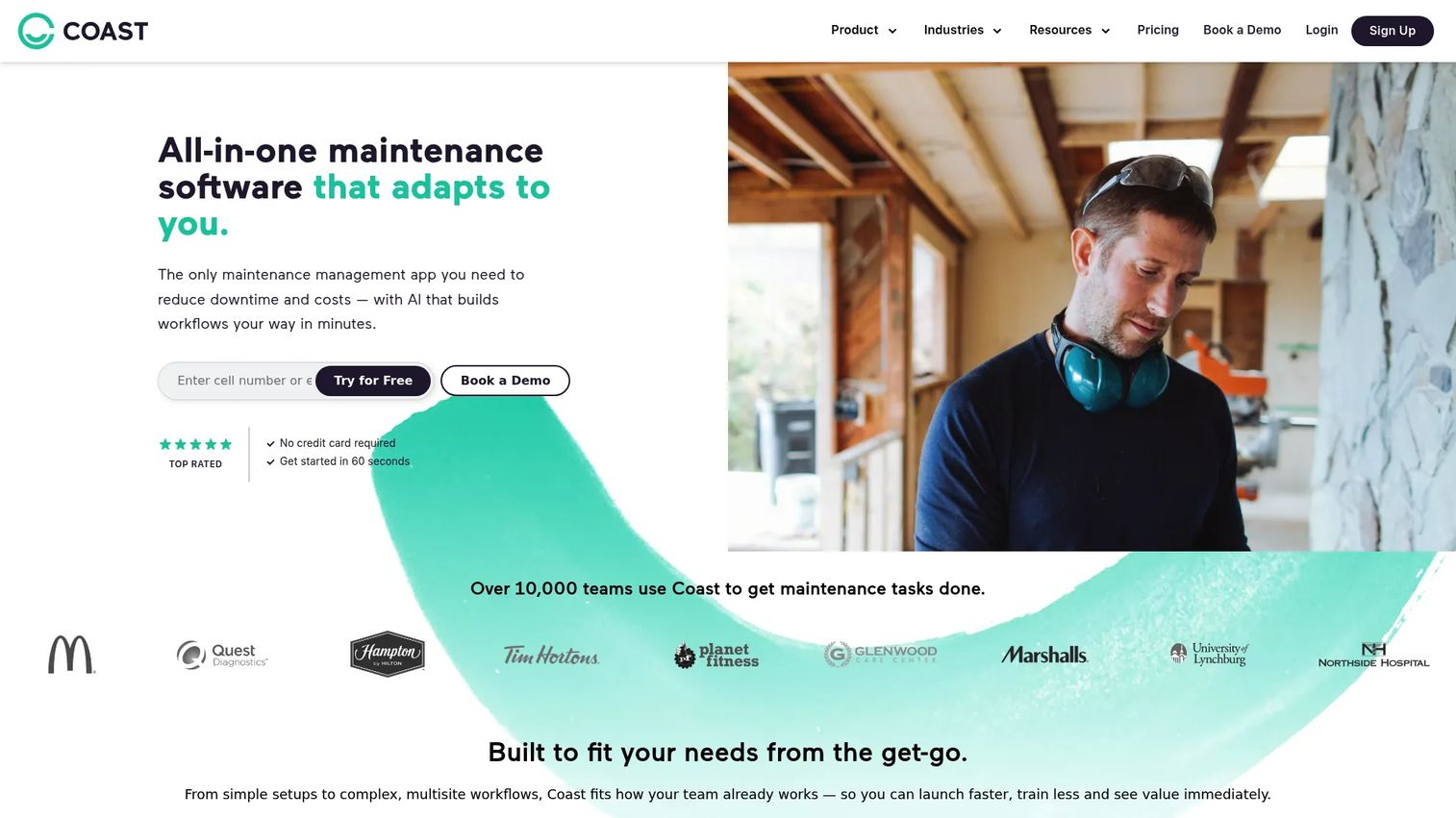
Coast is a team work management app built around work orders, scheduling, messaging, and maintenance workflows. It starts free, which makes it a low-risk entry point for teams still deciding whether a formal CMMS is worth replacing their current process. The appeal is flexibility: Coast treats maintenance work as team collaboration, not just ticket management, so requests, chat, and scheduling live in one workspace.
Where Coast fits best is the team that wants to capture requests and coordinate work without a heavy implementation project. Free tier covers unlimited work orders. As you scale, paid tiers add unlimited history, repeating work orders, time and cost tracking, and reporting and analytics.
Best for: small to mid-sized teams that want a free-to-start maintenance app with room to add collaboration and reporting as they grow.
Key strengths
- Unlimited work orders: capture and track every maintenance request without hitting a volume cap, even on the free tier.
- Team messaging: keep maintenance conversations attached to the work instead of scattered across texts and email.
- Workflow automations: automate repeating tasks and routing, with more automations unlocking at higher tiers.
Why choose Coast: Coast wins on approachability. If your team resists heavy software and you want adoption without a rollout battle, its collaboration-first design lowers the barrier. It is the tool for teams graduating from spreadsheets who want something they will actually open every day.
Coast pricing: Coast is free forever for the base plan. Starter runs $2 per user per month and adds unlimited history, repeating work orders, workspace permissions, time and cost tracking, and five workflow automations. Pro is $4 per user per month and adds reporting and analytics, custom dashboards, external work request forms, downtime tracking, and 30 automations. Enterprise is custom pricing.
2. MaintainX
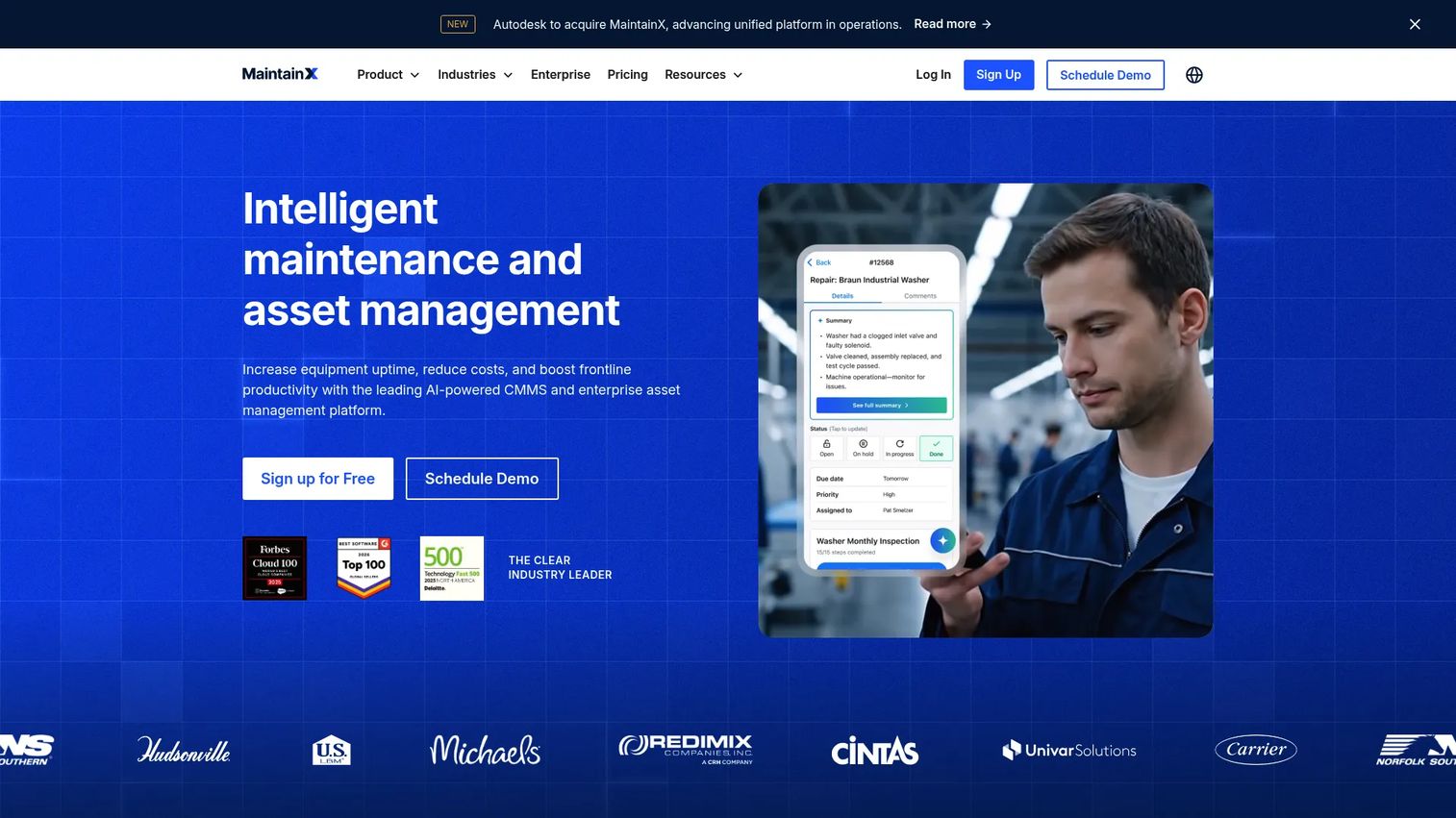
MaintainX is an AI-powered CMMS and asset management platform built mobile-first for maintenance teams. Its defining strength is standardized work execution: instead of free-text tickets, technicians follow digital procedures and checklists that enforce consistency and capture proof at every step. That structure matters when you need the same job done the same way across shifts, sites, and skill levels.
The collaboration layer keeps technicians, managers, and requesters aligned in real time. Work orders, procedures, and parts inventory all connect, so a technician sees the checklist, the asset history, and the part they need in one flow.
Best for: maintenance and operations teams that want a mobile-first CMMS with digital procedures driving consistent, auditable work.
Key strengths
- Work orders and procedures: turn recurring jobs into repeatable digital checklists that capture completion evidence.
- Preventive maintenance: schedule and trigger PM so nothing slips, with clear proof of what was done.
- Parts inventory management: track spare parts against work orders so stockouts stop blocking jobs.
Why choose MaintainX: If your operation lives on standardized procedures and needs auditable execution across a distributed team, MaintainX is built for exactly that. Its mobile-first design and procedure engine make it a fit for operations-led teams that treat maintenance as a repeatable process, not a series of one-off fixes.
MaintainX pricing: Basic is free forever. Essential is $20 per user per month billed annually, or $25 billed monthly. Premium is $65 per user per month billed annually, or $75 billed monthly. Enterprise uses custom pricing. MaintainX holds a 4.8/5 rating on G2.
3. UpKeep
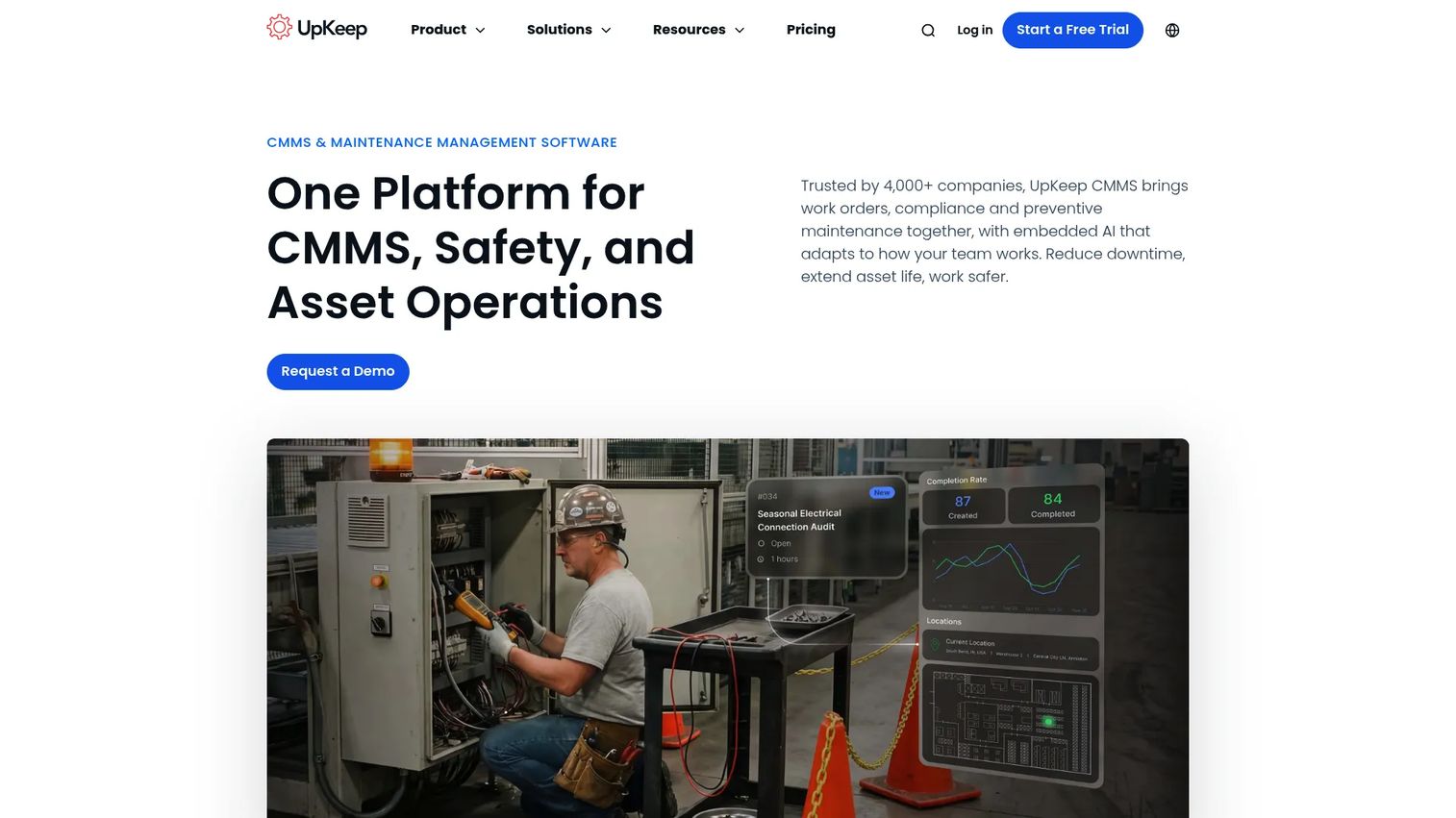
UpKeep is cloud-based asset operations and maintenance management software focused on work orders, assets, and inventory. It leans into modern field workflows: technicians manage everything from their phones, and the platform layers in asset monitoring with an angle toward IoT and condition monitoring. That makes it a fit for teams moving beyond reactive maintenance toward data-driven upkeep.
Alerts and reporting keep managers informed without constant check-ins, and the mobile experience is a core design priority rather than an afterthought. Asset records, work order status, and inventory counts stay coordinated across the team.
Best for: maintenance teams that want mobile-first asset operations software with a path toward condition-based and predictive maintenance.
Key strengths
- Work order management: create, assign, and track maintenance work from any device.
- Asset management: maintain asset records and monitor condition, with an IoT and condition-monitoring angle.
- Inventory control: track parts and stock so technicians are not waiting on components mid-job.
Why choose UpKeep: UpKeep suits teams that want a modern, mobile-centered system and are eyeing condition monitoring as a next step. If your maintenance strategy is evolving from fix-when-broken toward monitored, proactive upkeep, UpKeep gives you room to grow into that motion.
UpKeep pricing: Essential is $24 per user per month. Premium is $55 per user per month. Professional and Enterprise are quote-based. A free trial is available, though the pricing page does not list a permanent free tier. UpKeep holds a 4.5/5 rating on G2.
4. Limble
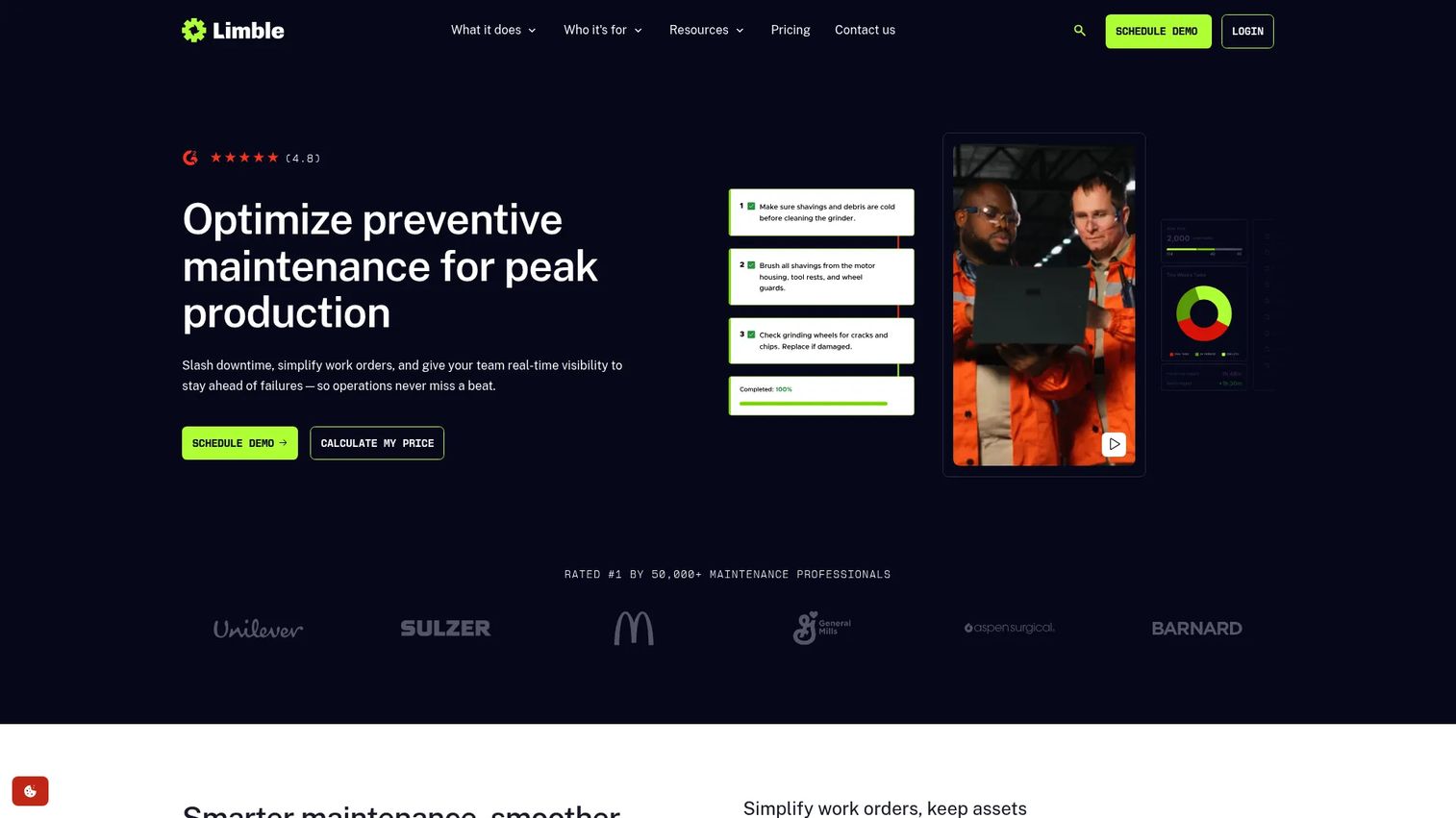
Limble is a cloud-based CMMS built around a reputation for ease of use and fast technician adoption. That matters more than most buyers expect: the best-featured system fails if technicians will not touch it. Limble's mobile app includes offline functionality, so work continues in dead zones and syncs later, and QR code maintenance lets technicians scan an asset to pull up its full record instantly.
The platform covers work orders, planned maintenance, and asset, parts, and purchasing management. For distributed teams, multilingual support and a low learning curve reduce the friction of rolling out across sites and languages.
Best for: distributed maintenance teams that need offline-capable mobile workflows and high technician adoption across multiple sites.
Key strengths
- Work orders and planned maintenance: manage requests and scheduled PM with a workflow technicians actually follow.
- Asset, parts, and purchasing management: connect asset history, spare parts, and purchasing in one system.
- Mobile app with offline functionality: keep field work moving without signal, then sync when connectivity returns.
Why choose Limble: Limble's edge is adoption. When your rollout risk is "will the field team use it," Limble's usability and offline mobile app tilt the odds in your favor. It fits distributed operations where consistent adoption across sites determines whether the investment pays off.
Limble pricing: Limble does not publish a fixed public price on its site; Enterprise customers receive custom quotes. Limble holds a 4.8/5 rating on G2, one of the highest in the category.
5. Fiix
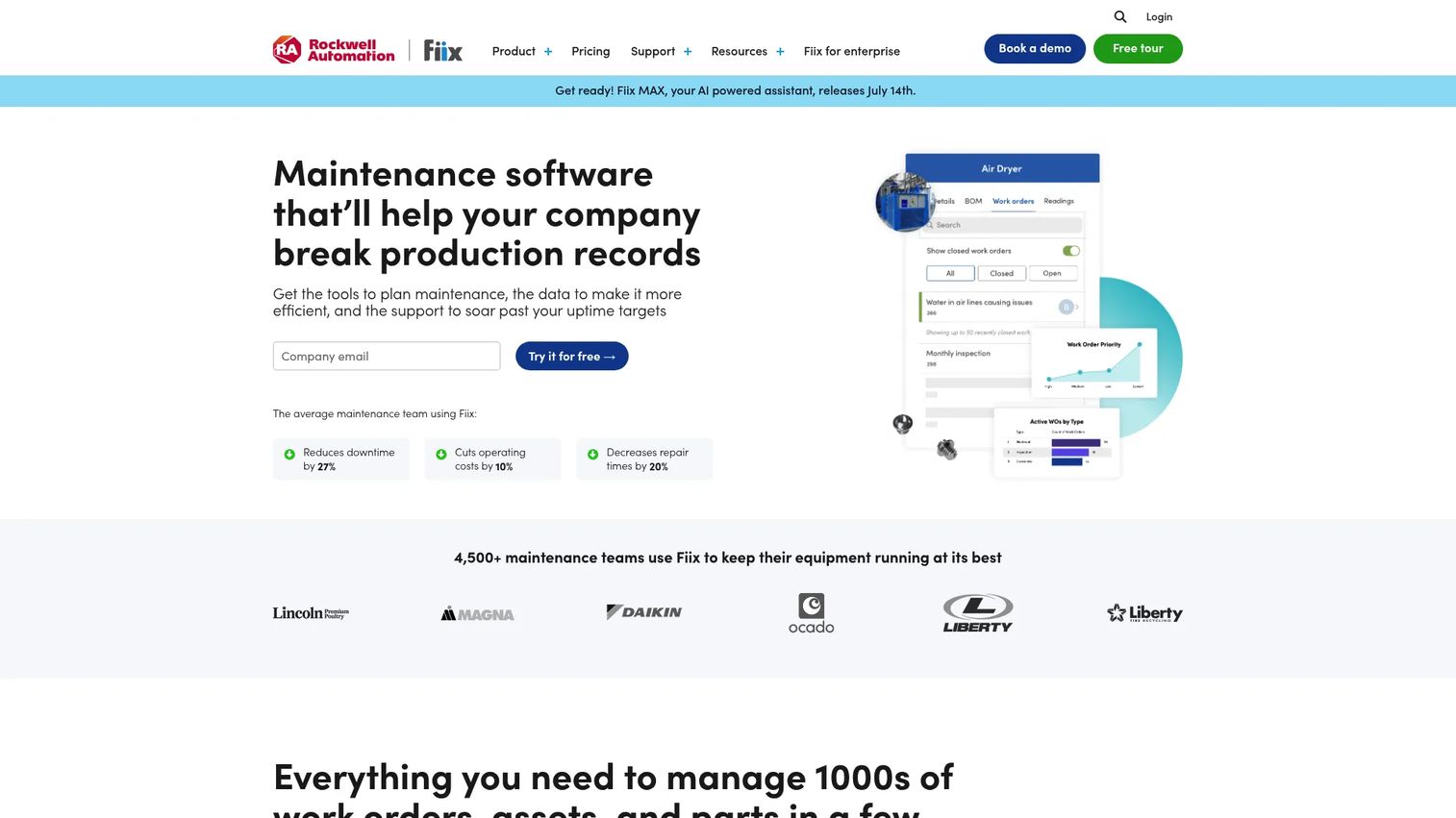
Fiix is a cloud CMMS built for larger, more integrated operations. Its differentiator is depth on enterprise integrations and multi-site maintenance. If your maintenance data needs to flow into an ERP, or you run purchasing and RFQ workflows alongside maintenance, Fiix is designed to connect those systems rather than silo them. Nested preventive maintenance and detailed reporting support the complexity that comes with scale.
The platform covers work order management, asset management, and inventory management as its foundation, then adds the integration and purchasing layers that multi-site operations depend on.
Best for: larger or multi-site maintenance operations that need ERP integration, purchasing workflows, and reporting depth.
Key strengths
- Work order management: handle high work order volume across sites with structured routing.
- Asset management: track assets and history at scale, with nested PM for complex hierarchies.
- Inventory management: manage parts and connect purchasing and RFQ workflows into maintenance.
Why choose Fiix: Fiix is the pick when integrations and scale are the deciding factors. If maintenance is one node in a larger operational system that includes finance, purchasing, and multiple facilities, Fiix's integration depth and multi-site handling make it a strong fit for enterprise-leaning operations.
Fiix pricing: Fiix offers a Free plan with limited users. Basic is $45 per user per month. Professional is $75 per user per month. Enterprise is custom pricing. Fiix holds a 4.6/5 rating on G2.
6. eMaint
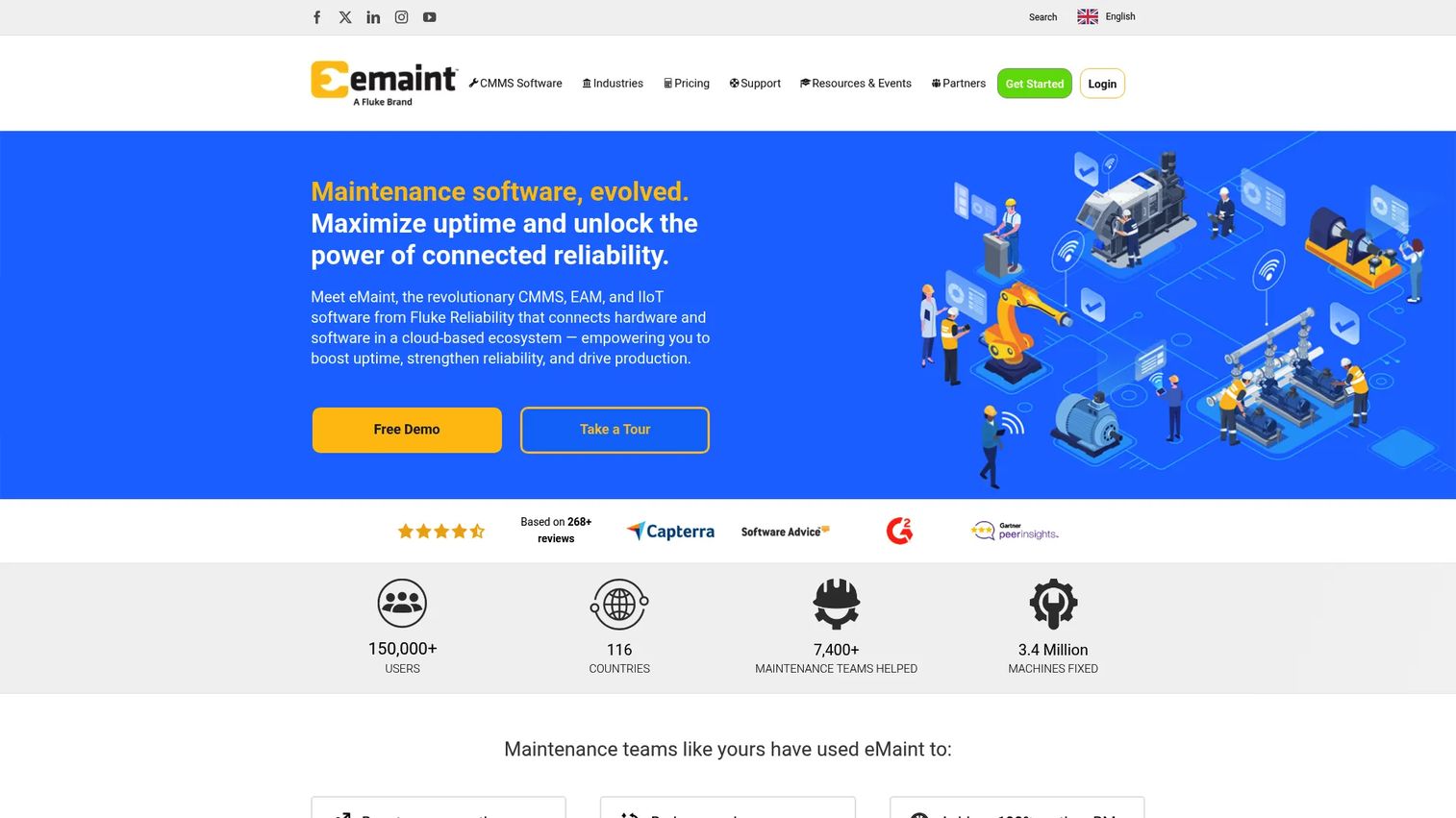
eMaint is CMMS and EAM software aimed at maintenance, asset, and multi-site operations, with a strong lean toward compliance and traceability. For regulated organizations, the value is in defensible records: configurable workflows, reporting depth, and audit-friendly maintenance history that stands up when an inspector asks for proof. International and multilingual support extends that discipline across global operations.
The platform covers asset management, work order management, preventive maintenance, condition-based maintenance, multi-site management, and inventory management, with a mobile app that supports offline work in the field.
Best for: regulated, multi-site maintenance organizations that need configurable compliance workflows and deep reporting for audit readiness.
Key strengths
- Compliance and traceability: maintain audit-ready records with configurable, defensible maintenance workflows.
- Reporting depth: build the reports that satisfy inspectors, executives, and internal audit trails.
- Multi-site and condition-based maintenance: manage complex operations across locations, including condition-triggered work.
Why choose eMaint: eMaint earns its place in regulated environments where compliance and audit trails are non-negotiable. If your operation faces regular inspections and needs configurable workflows that adapt to your standards, eMaint's traceability and reporting depth make it a fit for audit-heavy maintenance.
eMaint pricing: eMaint publishes Team, Professional, and Enterprise plans, with Enterprise as a custom quote. Public numeric prices were not visible on the pricing page at the time of writing, so request a quote for current figures. eMaint holds a 4.5/5 rating on G2.
7. Maintainly
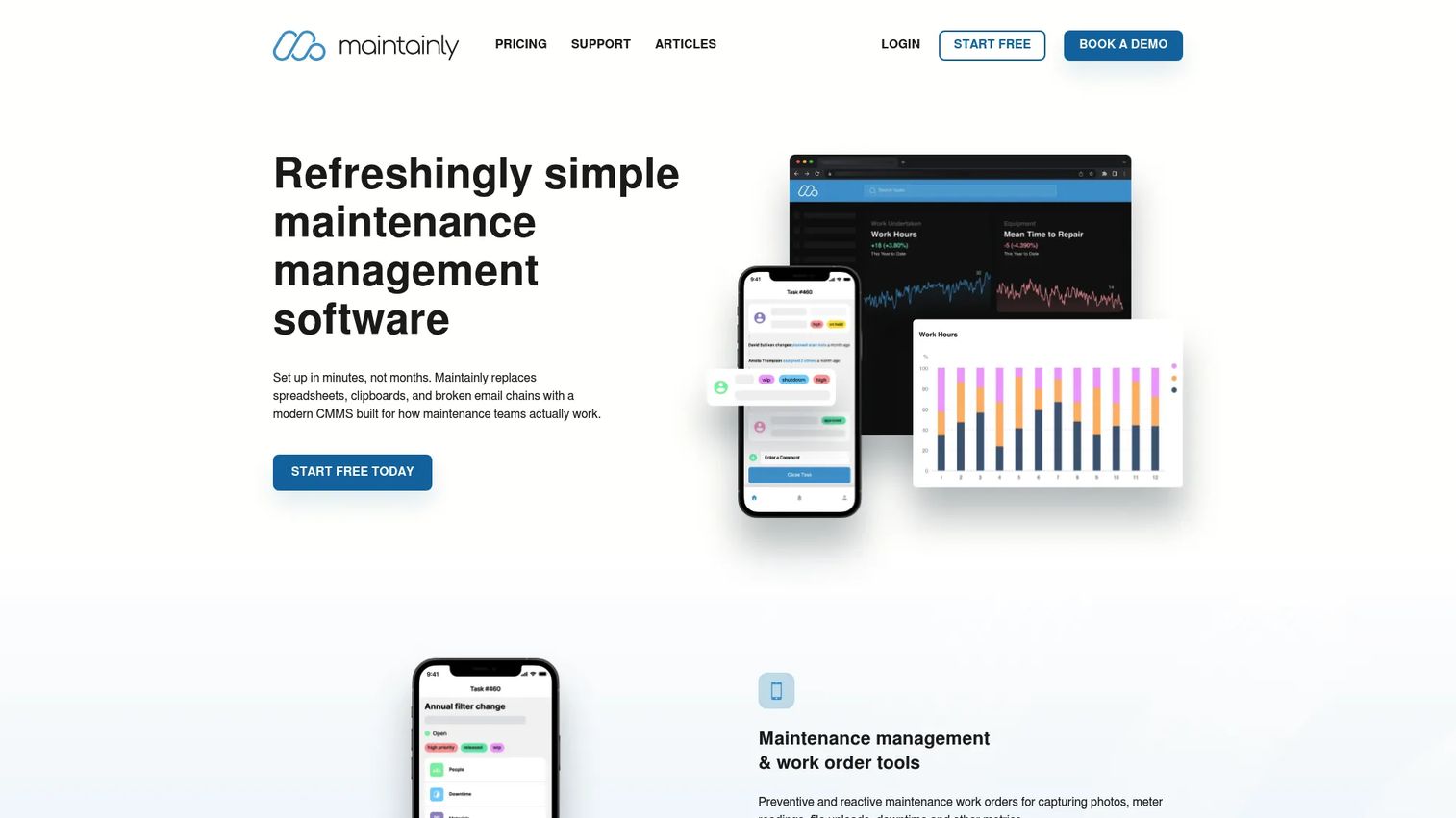
Maintainly is CMMS software for maintenance management, work orders, asset tracking, and preventative maintenance, built around modular scaling. It offers a free tier and add-ons, so teams can start with core work order and asset management, then bolt on inventory and timesheets as needs grow. That modular structure appeals to teams that want to pay for what they use rather than buy a heavy suite upfront.
The platform handles work orders and service reports, planned maintenance, and field essentials like maintenance requests, meter readings, checklists, and asset QR labels. API and integration options support connecting it into a broader stack.
Best for: maintenance teams that want a modular CMMS with a free tier and the flexibility to add inventory and timesheet capabilities as they scale.
Key strengths
- Work orders and service reports: manage maintenance work and generate service documentation from the field.
- Preventative maintenance: schedule planned maintenance with checklists and meter readings.
- Requests, meter readings, and QR labels: capture requests, log readings, and scan asset QR labels for instant records.
Why choose Maintainly: Maintainly fits teams that value modular growth and labor capture. With a free tier to start and add-ons for inventory and timesheets, it lets you scale spend with need. Its API depth also makes it a reasonable pick for teams that want to integrate maintenance data into other systems.
Maintainly pricing: Maintainly offers a Free plan, a Small Business plan, and an Enterprise plan, plus Inventory and Timesheets add-ons. Numeric prices were not visible on the pricing page at the time of writing, so check the site for current figures. Maintainly holds a 4.5/5 rating on G2.
Considerations before you buy
The tool matters less than the fit. Before you commit, evaluate against the criteria that determine whether a CMMS actually gets used.
Workflow fit
Map your real request-to-completion flow before comparing features. How does a request come in? Who triages it? How does a technician close it out and prove the work? A tool that matches your existing flow gets adopted; one that fights it gets abandoned. Run a pilot with real work orders, not a canned demo.
Mobile and offline reliability
Field technicians will judge the mobile experience in the first week. Test offline mode in an actual dead zone, not a conference room. Check QR code maintenance scanning speed and whether photo capture and sync are seamless. If the phone workflow is clunky, adoption stalls regardless of the desktop features.
Integrations and data ownership
Decide what maintenance data needs to flow elsewhere: ERP integration for purchasing and finance, inventory sync, or reporting into a central analytics stack. Confirm the API and integration scope before signing. Also confirm you can export your data. Asset history and work order records are yours; make sure you can take them with you.
Reporting, compliance, and scale
If you face audits, prioritize compliance and audit trails: who did what, when, with what proof. Test whether reporting and analytics surface the metrics you actually report on, downtime, cost, backlog, PM compliance. Then check that pricing and performance hold up as you add users, sites, and assets.
Conclusion
The right CMMS depends on your workflow, not the length of the feature list. For teams graduating from spreadsheets who want a free, low-friction start, Coast is the easiest on-ramp. For mobile-first operations that run on standardized procedures, MaintainX leads on digital checklists and auditable execution. UpKeep fits teams eyeing condition monitoring and modern field workflows, while Limble wins on offline-capable mobile and technician adoption across distributed sites.
For larger operations, Fiix brings ERP integration and multi-site depth, and eMaint is the pick for regulated environments that live and die by compliance and audit trails. Maintainly rounds out the list for teams that want modular scaling with a free tier and labor capture.
Narrow your shortlist by pattern-matching your situation: audit-heavy, mobile-heavy, integration-heavy, or budget-conscious. Then run a real pilot with live work orders before you commit. The system that your technicians actually open every day is the one that pays back its cost.
FAQs
CMMS software is a computerized maintenance management system that centralizes work orders, preventive maintenance schedules, asset records, and parts inventory in one place. It replaces spreadsheets, paper forms, and scattered inboxes with structured, trackable, reportable maintenance work. The goal is faster request-to-completion flow, fewer missed PMs, and defensible records for audits.
Pricing ranges widely. Some tools like Coast and MaintainX offer free tiers, with paid plans starting around $2 to $20 per user per month. Mid-market options like UpKeep and Fiix start in the $24 to $45 per user per month range, while enterprise and compliance-focused platforms often use custom quotes. Total cost also includes implementation and training, so factor in rollout effort, not just the license.
A CMMS focuses on day-to-day maintenance: work orders, preventive maintenance, and asset upkeep. EAM (enterprise asset management) is broader, covering the full asset lifecycle from procurement and capital planning through disposal, often across many sites. Many platforms blur the line, and some tools like eMaint offer both CMMS and EAM capabilities. Choose based on whether you need maintenance execution or full lifecycle asset strategy.
Many modern CMMS tools include offline mode in their mobile apps, so technicians can log work in areas with no signal and sync when connectivity returns. Limble and eMaint both offer offline-capable mobile workflows. If your team works in basements, remote sites, or metal-heavy facilities, test offline reliability in a real dead zone before you buy.
Yes, preventive maintenance is a core function. Preventive maintenance software lets you schedule recurring work by calendar date, meter reading, or usage trigger, then generates the work order automatically and captures proof of completion. This shifts your team from reactive fixes to planned upkeep, which reduces unplanned downtime and extends asset life.
Push past the polished walkthrough and test your real workflow. Run a live work order from request through triage, assignment, and completion. Check the mobile app offline, test QR code scanning, and confirm reporting surfaces the metrics you actually report on. Ask about implementation timeline, data export, and how pricing scales as you add users and sites.
CMMS software supports compliance through audit trails that record who did what, when, and with what proof. Configurable workflows enforce required steps, and reporting produces the documentation inspectors ask for. Platforms like eMaint are built for regulated environments where traceability is non-negotiable. Confirm the system captures completion evidence and retains history for your required retention period.
Often yes, especially with free-tier options like Coast, MaintainX Basic, or Maintainly's free plan. Even a small team loses real time chasing work orders and missing PMs across spreadsheets. A CMMS pays back when it prevents one avoidable failure or one failed audit. Start on a free tier, prove the value with real work orders, then scale up as needs grow.