Most nonprofits do not have a fundraising problem. They have a fragmentation problem. Donor records live in one spreadsheet, event registrations in another tool, grant deadlines in someone's inbox, and email campaigns in a third platform that nobody reconciles against the CRM. Every handoff between those systems costs time, and every gap costs data.
That drag is expensive. U.S. nonprofit organizations spent USD 59.6 billion on technology in 2024, and Grand View Research projects that figure will reach USD 78.8 billion by 2030, with software the fastest-growing segment. The global nonprofit software market itself is projected at USD 4.95 billion in 2026, growing at 7.9% annually through 2031, according to Mordor Intelligence. Spending is going up. The question is whether it buys you leverage or just more tabs to manage.
For a lean team in 2026, the right nonprofit software is not the one with the longest feature list. It is the one that becomes a reliable operating system for donor data, fundraising, grants, and reporting without turning into a maintenance burden. If you think in systems, this is a familiar decision: stack fit, total cost of ownership, integrations, adoption, and speed to value. The evaluation logic is the same one you would apply to any CRM or event management purchase, just applied to a nonprofit context where budgets are tighter and discounts matter more.
This guide compares ten options so you can build a shortlist and test two finalists against a real workflow.
What's inside
This is a practical nonprofit software comparison for people who own the stack decision: executive directors, operations leads, and development staff at small to mid-sized organizations. We cover fundraising, donor CRM, grants, membership, events, and ecosystem support so you can see where each tool actually fits.
We selected the ten platforms based on four criteria that matter most for lean teams:
- Nonprofit fit: built for the sector, not repurposed from generic business software
- Breadth of workflows: how many jobs the tool covers versus how many it forces elsewhere
- Integrations and pricing clarity: how well it connects to your existing tools, and how transparent the cost is
- Support and implementation: onboarding, training, and the real path to adoption
TL;DR
If you want the short version, here are the best fits by use case:
- Best for nonprofit software discounts: TechSoup, the verification gateway for donated and discounted tech
- Best donor CRM plus fundraising: Bloomerang, strong on retention and engagement data
- Best fundraising-first platform: Givebutter, fast to launch with a free core tier
- Best all-in-one for small nonprofits: CharityEngine or Neon CRM, depending on complexity
- Best for membership organizations: WildApricot, built around renewals and member self-service
- Best for grant-reliant teams: GrantHub for grant discovery and deadline visibility
None of these is universally "best." The right pick depends on how mature your stack is and how much you want one vendor versus several.
What is nonprofit software?
Nonprofit software is any purpose-built platform that helps mission-driven organizations manage fundraising, donor relationships, grants, membership, events, accounting, and communications. It is an umbrella category, not a single product.
Most nonprofit software platforms fall into one of these categories:
- Donor CRM: the donor database and system of record for supporter relationships
- Fundraising software for nonprofits: donation forms, campaigns, peer-to-peer, and events
- Grant management software: application tracking, deadlines, and reporting
- Membership and events: renewals, registration, and member self-service
- Accounting: fund accounting and financial reporting built for nonprofit rules
- Marketing and operations: email, automation, and productivity tools
A good nonprofit management software stack should do a few things well. It should hold one clean version of donor and supporter data. It should automate recurring admin like receipts, renewals, and reminders. It should surface reporting that leadership and boards actually trust. And it should connect to the other tools you already run through solid nonprofit software integrations, so data does not get stranded in silos. The strongest setups feel less like a pile of apps and more like one dependable donor database with workflows attached.
When to use nonprofit software
Centralize donor and fundraising data
You have outgrown spreadsheets the moment two people cannot agree on how much a donor gave last year. When gift history, contact details, and engagement signals live in separate files, you lose the ability to segment, steward, and forecast. A real nonprofit CRM becomes your single system of record, so every gift, email, and event touchpoint attaches to one supporter profile you can actually query.
Replace manual admin with workflows
The second trigger is repetitive work eating your week. Recurring donation processing, event registration, volunteer tracking, and grant deadline management are all rules-based tasks that software handles better than a person with a calendar reminder. Donation software that auto-sends receipts and volunteer management software that handles scheduling free your team to do the relationship work that actually moves revenue.
Consolidate the stack without losing control
The third trigger is tool sprawl. When you are paying for five tools that half-overlap and none of them talk to each other, an all-in-one nonprofit software platform often wins on total cost and data quality. Consolidation is not always right, but when reconciliation between systems is where your data breaks, one vendor with clean internal data flow beats a stitched-together stack you have to babysit.
Comparison table
Rank here reflects relevance to the primary keyword and breadth of nonprofit fit, not a universal ranking. Treat pricing and ratings as a starting point and verify both on the vendor's site at purchase time, since nonprofit pricing often shifts with revenue tiers, contacts, and discounts.
| # | Product | Intent | Key use case | Pricing | G2 rating |
|---|---|---|---|---|---|
| 1 | TechSoup | Discounts and ecosystem | Verified access to donated and discounted tech | Free; Plus $200/year | 5.0/5 |
| 2 | Bloomerang | Donor CRM and fundraising | Donor retention and engagement | From $40/month (billed annually) | Rated on Capterra |
| 3 | Givebutter | Fundraising-first | Campaigns, events, peer-to-peer | Free; Plus from $29/month | 4.7/5 |
| 4 | Software4Nonprofits | Donations and fund accounting | Donation tracking plus accounting | Classic Bundle $499/year | 4.0/5 |
| 5 | Neon CRM | All-in-one CRM | Donor management with add-on modules | From $99/month | Rated on Capterra |
| 6 | DonorPerfect | Donor management CRM | Donor insights and fundraising | From $99/month | 4.4/5 |
| 7 | GoFundMe Pro | Online fundraising | Branded campaigns and P2P | From $299/month (usage based) | Rated on Capterra |
| 8 | CharityEngine | All-in-one platform | Unified fundraising and donor management | Custom | 4.4/5 |
| 9 | WildApricot | Membership management | Renewals, events, member self-service | From $66/month | 3.8/5 |
| 10 | GrantHub | Grant discovery | Finding and tracking grant opportunities | Free access | Not listed |
1. TechSoup
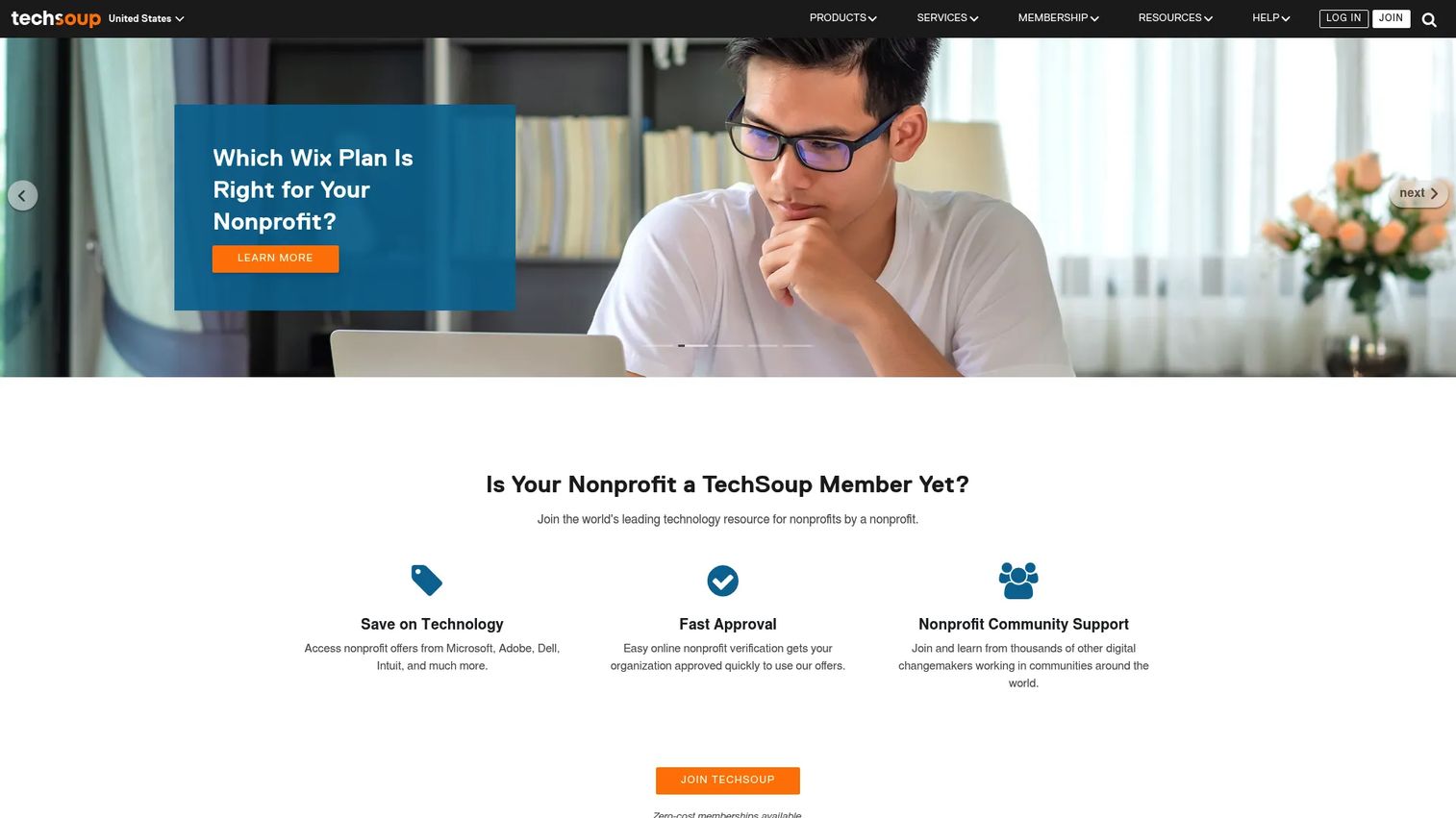
TechSoup is not a core system you run your organization on. It is the ecosystem and discount gateway that gets you into the tools you do run on for a fraction of retail. It provides donated, discounted, and supported software, hardware, and services to verified nonprofits and libraries, plus training and community resources.
Best for: cost-conscious nonprofits that need to verify eligibility and unlock nonprofit software discounts before they buy anything else.
Key strengths
- Verification and access: TechSoup handles the nonprofit eligibility checks that unlock discounted and donated tech across dozens of vendors.
- Savings breadth: discounts and donations span software, hardware, and cloud services, so a single membership stretches a small budget across the whole stack.
- Support and training: the Plus tier adds courses, webinars, and consultations that help teams actually deploy what they acquire.
Why choose TechSoup: think of TechSoup as the front door, not the house. It does not replace your CRM or fundraising tool. It lowers the cost of getting them and gives you a verified profile that other vendors recognize. For a lean team, that verification step alone saves hours and often hundreds of dollars per tool.
TechSoup pricing: TechSoup Core membership is free. TechSoup Plus is $200 per year and adds extra discounts, courses, webinars, consultations, and priority support. Individual product discounts and donations vary by vendor, so budget the membership separately from whatever tools you acquire through it.
2. Bloomerang
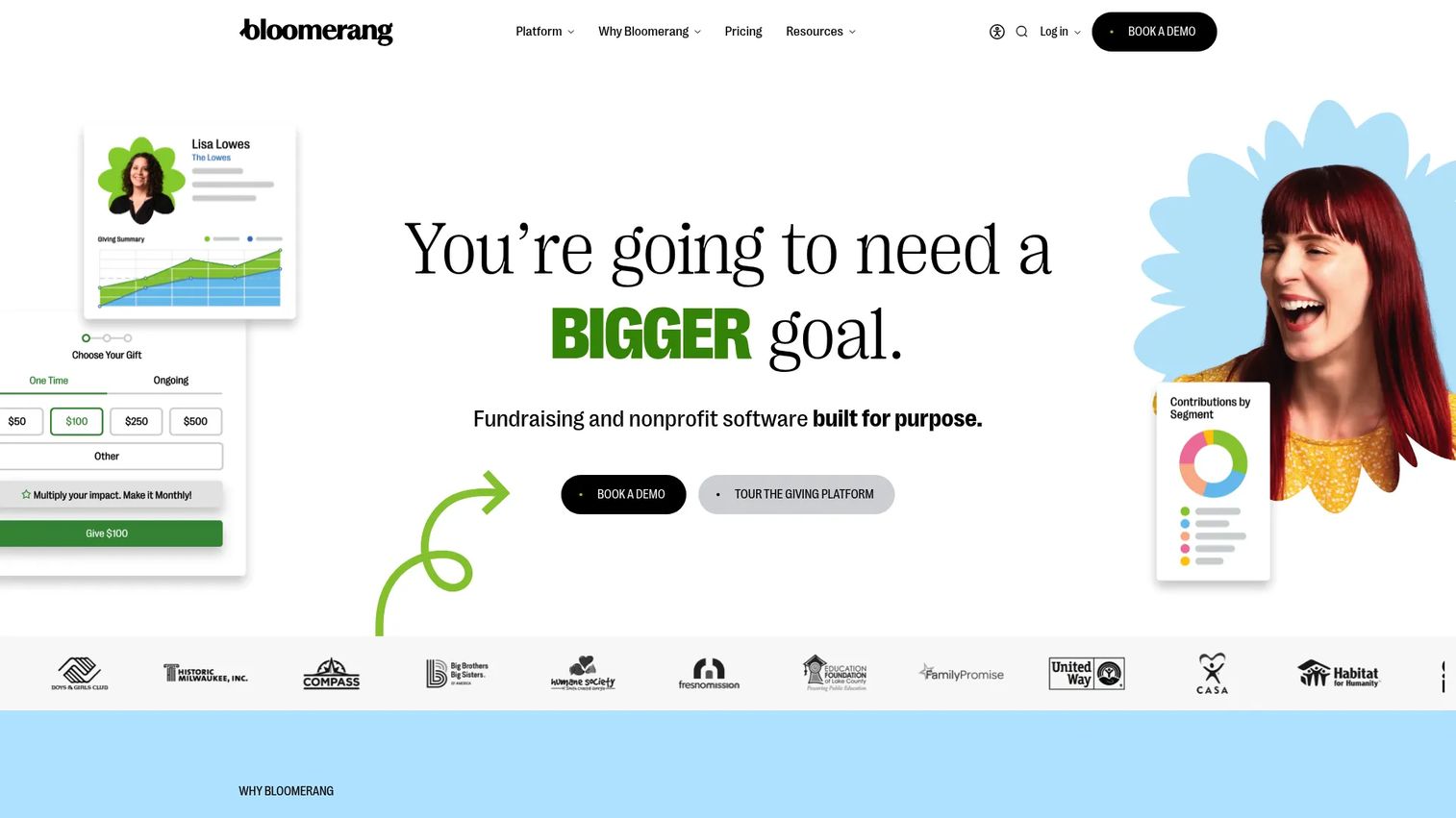
Bloomerang is a nonprofit CRM built around a specific thesis: retention is cheaper than acquisition, so the software should make you better at keeping donors. It combines donor management, fundraising tools, and volunteer engagement in one platform, with reporting and engagement signals that help you spot at-risk relationships before they lapse.
Best for: organizations that want stronger donor relationships and measurable retention, not just a place to store contacts.
Key strengths
- Donor CRM depth: supporter data management, reporting, and engagement tracking that surface who is drifting and who is ready to give more.
- Fundraising breadth: donation forms, event management, text fundraising, auctions, and peer-to-peer in one system.
- Volunteer management: scheduling, communication, screening, and a mobile app for coordinating people, not just gifts.
Why choose Bloomerang: if donor retention is your weak point, this is the tool built to fix it. The engagement scoring and reporting are designed to make stewardship a repeatable process instead of a gut feeling. It fits development-led teams that live in donor data every day.
Bloomerang pricing: Bloomerang Fundraising starts at $40 per month billed annually. Bloomerang CRM starts at $125 per month billed annually, and Bloomerang Volunteer starts at $119 per month billed annually. The full Giving Platform bundle is sold through sales contact. Ratings are visible on Capterra rather than G2.
3. Givebutter
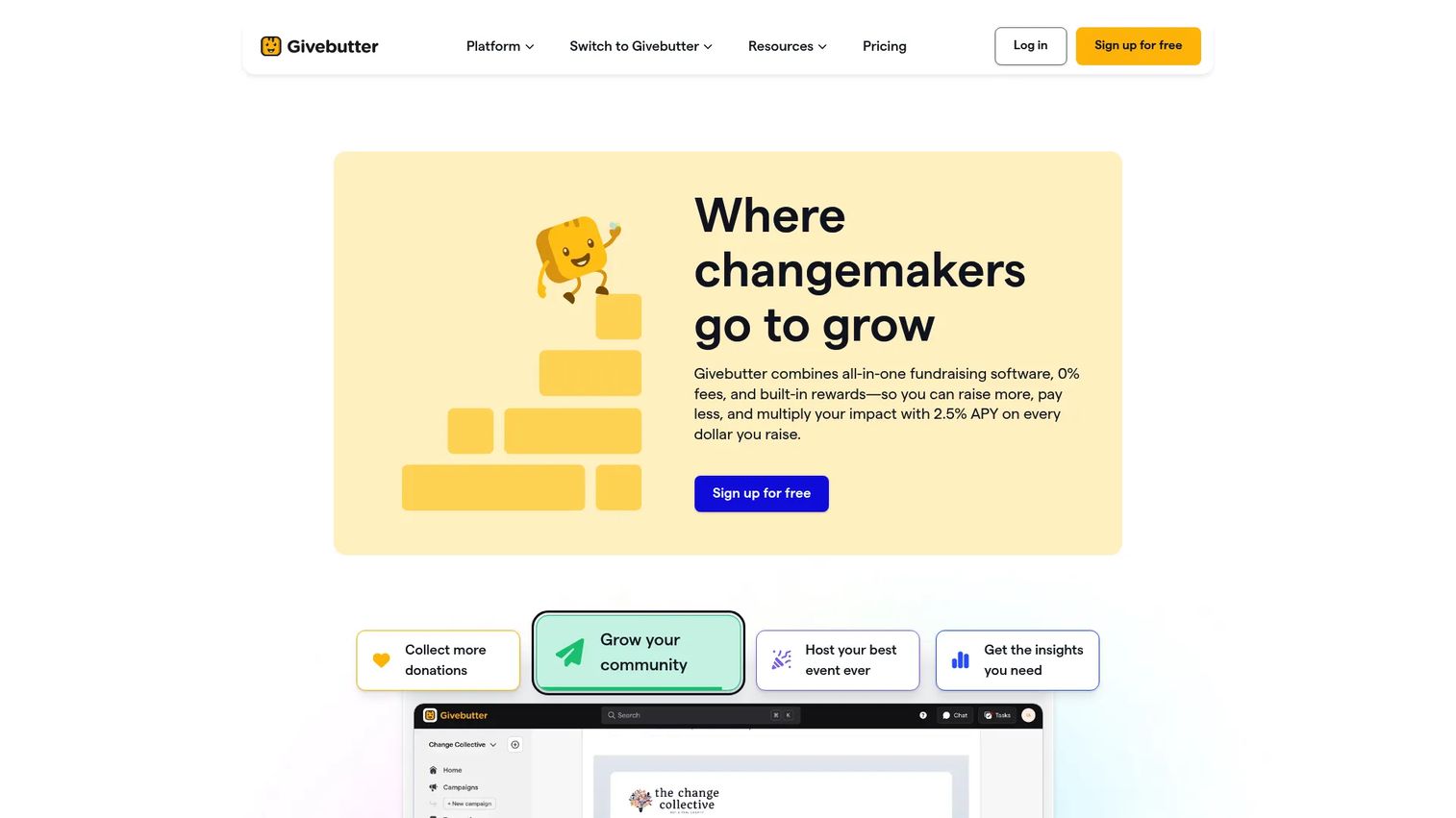
Givebutter is fundraising-first software that gets a campaign live fast. It bundles donation forms, fundraising pages, events, peer-to-peer, and a lightweight donor CRM, with a genuinely free core tier that lowers the barrier to launch. For teams that need to run a campaign this week, that speed matters more than deep configurability.
Best for: teams prioritizing campaign execution and quick launches over heavy CRM customization.
Key strengths
- Free core fundraising: donation forms, pages, and events available at no monthly cost, which suits nonprofit software for small nonprofits and volunteer-run groups.
- Campaign speed: peer-to-peer, events, and donation pages spin up quickly without a long setup cycle.
- Built-in donor engagement: CRM and marketing tools keep supporter data attached to the campaigns that generated it.
Why choose Givebutter: the free tier is the hook, and it is real. You get working fundraising infrastructure without a contract, then add Givebutter Plus when you need more. It is the fastest path from "we should fundraise" to a live donation page, which is why it works well for newer or budget-limited organizations.
Givebutter pricing: the core fundraising tools are free forever. Givebutter Plus starts at $29 per month. If you disable tips, a 3% platform fee plus standard processing fees apply. Weigh the fee model against your donation volume before assuming free means free.
4. Software4Nonprofits
Software4Nonprofits takes a focused all-in-one approach to donation tracking and fund accounting, with both cloud and locally installed options. It handles unlimited donors and donations and generates year-end charitable giving receipts for the US and Canada, which is exactly the kind of recurring admin that eats a small team's time.
Best for: small to mid-sized churches and nonprofits that need donation tracking plus proper fund accounting without enterprise overhead.
Key strengths
- Unlimited donors and donations: no contact-tier pricing traps as your list grows.
- Compliant receipting: automated year-end charitable receipts for US and Canadian tax rules.
- Deployment flexibility: runs in the cloud from a browser or installed locally, depending on your data preferences.
Why choose Software4Nonprofits: operational simplicity is the pitch. It does not try to be your marketing platform or your event tool. It tracks donations and keeps your fund accounting clean, which for many faith-based and community organizations is the entire job. The concierge setup and support reduce the adoption risk that sinks so many software rollouts.
Software4Nonprofits pricing: the Classic Bundle is publicly listed at $499 per year. DONATION Standard offers a 30-day free trial before payment, and DONATION OnDemand is a subscription with pricing shared on registration rather than posted publicly. The flat annual price makes budgeting predictable, which lean teams appreciate.
5. Neon CRM
Neon CRM is an established, CRM-centered platform for donor management, fundraising, communications, and reporting. It suits teams that want a more configurable system of record with room to add capabilities as they grow, through modules for memberships, events, and volunteers.
Best for: small and midsize nonprofits that want an all-in-one CRM with segmentation and reporting they can expand over time.
Key strengths
- Supporter profiles: structured donor management that keeps history, contact, and giving data in one record.
- Automated workflows: rules-based automation that removes manual steps from stewardship and acknowledgment.
- Reporting and dashboards: visibility that leadership can use to make decisions, not just export.
Why choose Neon CRM: it lands in the middle of the market, more configurable than a pure fundraising tool and more approachable than heavy enterprise platforms. The modular structure means you pay for events, memberships, or volunteers when you actually need them, which keeps the entry cost reasonable while leaving room to scale.
Neon CRM pricing: Neon CRM starts at $99 per month. Pricing is revenue-based, and add-on modules for memberships, events, and volunteers carry additional fees. Because cost scales with your organization's revenue, model your likely tier before committing so the number does not surprise you next year.
6. DonorPerfect
DonorPerfect is a long-standing donor management CRM with deep fundraising support and process management. Its strength is the donor database itself: rich donor insights, reporting, and the workflow tooling to run a serious development operation. It pairs online donation forms with email marketing through a Constant Contact integration.
Best for: nonprofits that want a proven, all-in-one donor management and fundraising CRM with strong reporting.
Key strengths
- Donor insights and reporting: detailed analytics that help you understand giving patterns and prioritize outreach.
- Online donation forms: integrated giving pages that feed directly into the donor database.
- Email marketing integration: native Constant Contact connection keeps communications tied to donor records.
Why choose DonorPerfect: compared to lighter fundraising tools, DonorPerfect leans toward depth. If you have a dedicated development person or team and need a durable donor management software backbone rather than a quick campaign tool, this is the sturdier choice. It rewards organizations willing to invest in setup and reporting discipline.
DonorPerfect pricing: public pricing starts at $99 per month. The plan lineup includes Core, Plus, and Pro tiers, but detailed prices sit behind a quote request rather than a public page. Ask for the full tier breakdown and confirm which features gate to which plan before you commit.
7. GoFundMe Pro
GoFundMe Pro is nonprofit fundraising software for branded online campaigns, donation forms, peer-to-peer, and event fundraising. It leans on the discoverability and donor conversion strengths you would expect from the GoFundMe brand, packaged for organizations running structured fundraising rather than one-off personal campaigns.
Best for: nonprofit fundraising teams that need strong campaign execution and donor conversion at scale.
Key strengths
- Branded campaigns: custom donation forms and campaign pages that carry your organization's identity.
- Peer-to-peer and events: tools for supporter-driven fundraising and event-based giving.
- Discoverability and donor insights: reach and reporting features that help convert traffic into donations.
Why choose GoFundMe Pro: if your fundraising is campaign-led and you want conversion-optimized giving pages backed by a recognized brand, this fits. It is a fundraising engine more than a full operating system, so pair it with a donor CRM if you need a deeper system of record. For teams whose main job is running campaigns, that focus is a feature.
GoFundMe Pro pricing: GoFundMe Pro does not post public pricing on its own site. Capterra lists a Basic tier starting around $299 per month on a usage-based model. Treat that as an indicator and confirm current pricing directly with the vendor, since usage-based fundraising pricing varies with volume.
8. CharityEngine
CharityEngine is an all-in-one nonprofit platform that unifies fundraising, donor management, marketing, and automation in one system. It targets organizations that have outgrown point solutions and want broader platform coverage with the analytics to match, without stitching together separate tools that never quite reconcile.
Best for: nonprofits with enough complexity to justify a unified fundraising and donor management system.
Key strengths
- All-in-one nonprofit CRM: fundraising, donor data, and marketing under one roof with consistent data.
- Online fundraising tools: integrated giving that feeds directly into the CRM.
- Donor management and analytics: reporting depth that supports both operations and leadership decisions.
Why choose CharityEngine: the case for CharityEngine is consolidation. When you are running distinct tools for CRM, fundraising, and marketing and paying the reconciliation tax between them, a unified platform can lower total cost of ownership and clean up your data at the same time. It suits teams with real complexity and the internal capacity to adopt a broader system.
CharityEngine pricing: CharityEngine does not publish pricing on its site, so plan for a sales conversation and a custom quote based on your organization's size and needs. Ask for a written breakdown of modules and any implementation fees so total cost of ownership is clear before you sign.
9. WildApricot
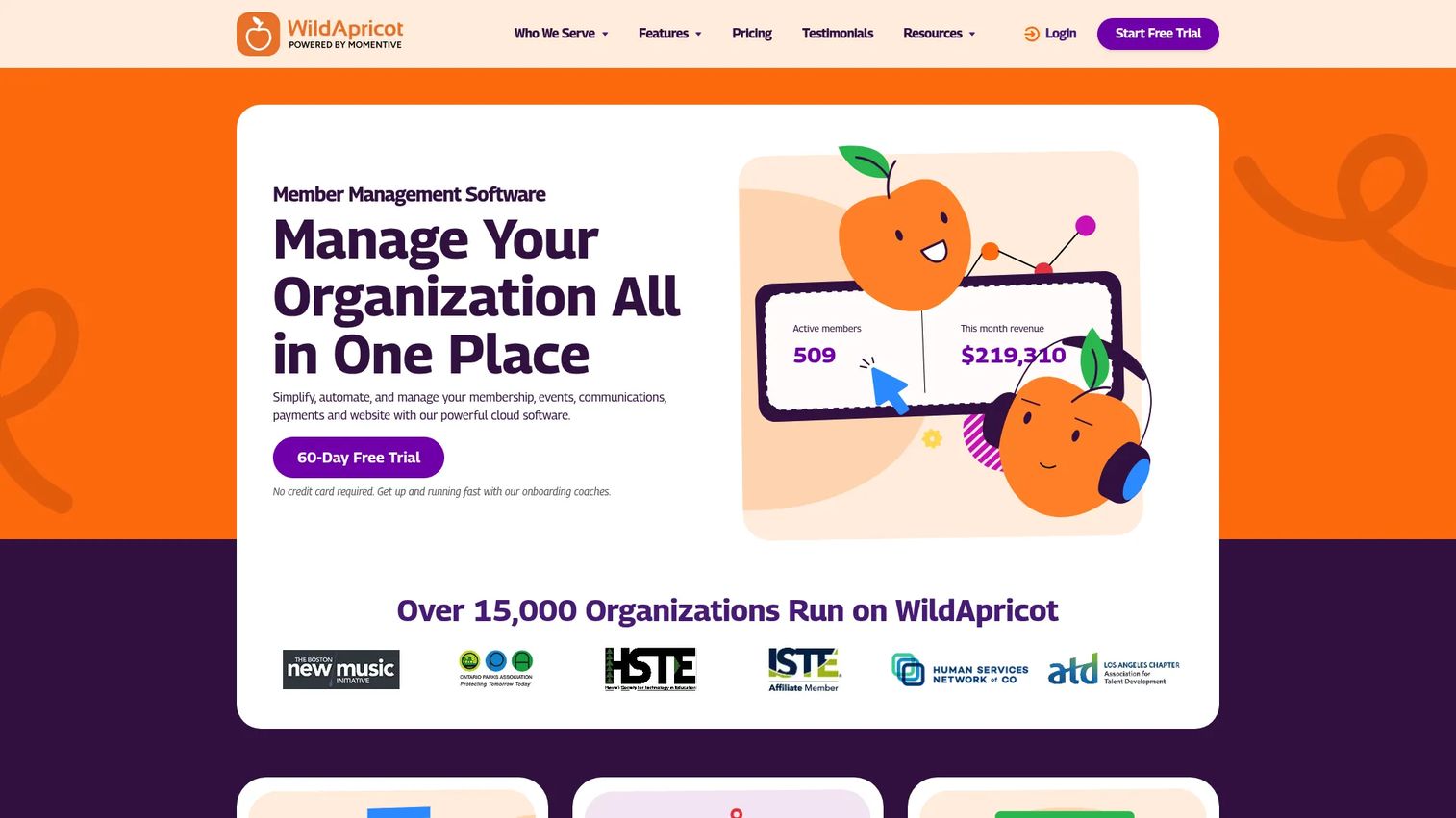
WildApricot is all-in-one membership management software for associations, clubs, and member-based nonprofits. Where donor-first tools center on gifts, WildApricot centers on membership: renewals, member self-service, and engagement. It bundles a website builder, member and event management, email, a mobile app, and an online store.
Best for: membership organizations where renewals and member engagement matter as much as donations.
Key strengths
- Member management: the full renewal lifecycle with self-service so members update their own records.
- Event management: registration and event tools that connect to member profiles.
- Website and communications: built-in site builder, email, and a mobile app so members interact in one place.
Why choose WildApricot: if your organization runs on memberships rather than one-time gifts, general donor CRMs make you fight the tool. WildApricot is shaped around renewals and member self-service, which cuts admin dramatically for associations. The self-service angle is the real leverage: members do the data entry you would otherwise be doing.
WildApricot pricing: pricing is based on contact count, starting at $66 per month for the 100-contact tier with monthly billing. Prepaying for one or two years lowers the monthly rate, and a 60-day free trial is available. All packages include the same features, so you are paying for scale, not tiers of functionality.
10. GrantHub
GrantHub focuses on the grant side of nonprofit revenue: an informational grants directory that helps organizations discover eligible funding across government, foundation, corporate, and industry sources. For teams that live on grant revenue, visibility into what is available and when it is due is the difference between funded and missed.
Best for: nonprofits that rely heavily on grant revenue and need better discovery and deadline visibility.
Key strengths
- Grants directory: a weekly-updated directory of funding opportunities so you see what you qualify for.
- Source verification: official-source verification with direct links to funders, reducing chasing dead leads.
- Filtering: filters by country and industry so you spend time on relevant opportunities, not noise.
Why choose GrantHub: grant management software is only useful if the pipeline is full, and discovery is where most teams lose. GrantHub keeps a maintained directory so your grant search is not a manual quarterly scramble. If grants are a meaningful share of your budget, better visibility into deadlines and eligibility directly protects revenue.
GrantHub pricing: GrantHub states that access to its grants directory is free and does not require an account. Because the offering centers on discovery rather than full application workflow management, pair it with your CRM or a dedicated proposal tool if you need to track submissions and reporting internally.
Considerations
All-in-one versus point solution
Consolidation wins when your data breaks at the seams between tools and reconciliation is eating your week. An all-in-one nonprofit software platform gives you one dependable data flow. But if you already have a strong donor CRM and only need one specialized capability, a point solution avoids paying for features you will never use. The honest test: count the hours you spend moving data between systems. If it is high, consolidate.
Integration depth
Map what you already run before you buy. Which tools hold data you cannot afford to strand? Strong nonprofit software integrations with your accounting, email, and payment systems keep data flowing without manual exports. Weak integrations quietly recreate the fragmentation you are trying to escape, just inside a shinier interface.
Total cost of ownership
Sticker price is the smallest part of the bill. Factor in nonprofit pricing tiers that scale with revenue or contacts, onboarding costs, admin time, and training. A tool that is cheap monthly but takes 40 hours to adopt is not cheap. Check TechSoup and vendor programs for nonprofit software discounts before you pay full retail, since verified nonprofits routinely qualify for meaningful reductions.
Support and implementation
Software you cannot adopt is money burned. Nonprofits run lean, so onboarding, training, and concierge support are not luxuries, they are what determines whether the tool gets used. Ask every finalist how implementation actually works, who owns your data migration, and what training is included versus billed extra.
Reporting and data quality
Weak reporting undermines everything downstream. If leadership cannot trust the numbers, they cannot make decisions, and boards lose confidence in the development function. Evaluate whether the reporting answers the questions you actually ask, not just whether it generates charts. Clean data plus trustworthy reporting is the real product you are buying.
Conclusion
There is no single winner here, and any list that names one is selling you something. The right choice depends on your stack maturity, your internal capacity, and how strongly you prefer one vendor over several.
If you need discounts and verification first, start with TechSoup. If donor retention is the weak spot, Bloomerang is built for it. If speed to a live campaign matters most, Givebutter gets you there today. For a CRM-centered all-in-one, weigh Neon CRM, DonorPerfect, and CharityEngine against your complexity. For membership-driven organizations, WildApricot fits the renewal lifecycle. And if grants fund your mission, GrantHub keeps the pipeline visible.
Here is the practical next step: pick two finalists, not five. Then run each against one real workflow you do every week, such as processing a batch of gifts or setting up a campaign. The tool that handles your actual work with the least friction, not the one with the best demo, is the one to buy. That test surfaces the truth faster than any feature comparison. These nonprofit tools are only as good as your ability to adopt them, so choose the one your team will actually use.
FAQs
Nonprofit software is a category of purpose-built platforms that help mission-driven organizations manage fundraising, donor relationships, grants, membership, events, accounting, and communications. It ranges from single-purpose donation software to full all-in-one nonprofit software that consolidates most workflows. The core job is centralizing supporter data and automating repetitive admin so lean teams spend more time on the mission.
For nonprofit software for small nonprofits, prioritize simplicity, budget, and support over feature depth. Givebutter is strong because its core fundraising tools are free, and Neon CRM offers an approachable all-in-one CRM starting at $99 per month. TechSoup verification also unlocks discounts that stretch a small budget across whatever tools you choose. The best pick is the one your small team can adopt without a dedicated administrator.
Yes, free software for nonprofit organizations exists, but read the fine print. Givebutter's core fundraising is free, though a platform fee applies if you disable tips. GrantHub offers free grant discovery. TechSoup provides free membership plus access to donated and heavily discounted tools. The tradeoff with free tiers is usually fewer integrations, lighter support, or transaction fees, so calculate the real cost against your donation volume.
Look for a solid donor CRM as your system of record, integrated fundraising and donation tools, strong nonprofit software integrations with your accounting and email systems, trustworthy reporting, and real onboarding support. The exact mix depends on your revenue model. A grant-reliant organization weights grant management software heavily, while a membership group prioritizes renewals and volunteer management software.
Not always. An all-in-one nonprofit software platform is useful when your data keeps breaking between disconnected tools and reconciliation is eating your team's time. It consolidates data and often lowers total cost. But if you already run a strong nonprofit CRM and only need one added capability, a specialized point solution avoids paying for features you will not use. Count your data-transfer hours to decide.
A nonprofit CRM is your donor database and system of record, focused on relationships, history, and reporting. Fundraising software for nonprofits focuses on the act of raising money through campaigns, donation forms, events, and peer-to-peer. Many platforms now blend both, but the distinction matters: the CRM decides how well you steward and retain donors, while the fundraising tool decides how fast you can launch and convert. Confirm how cleanly the two share data before choosing.
Before switching, plan your data migration carefully: who owns it, how records map, and how you will clean up duplicates first. Confirm training and onboarding so the team actually adopts the new tool. Verify that integrations with your existing accounting, email, and payment systems will carry over. A messy migration into a better platform still leaves you with messy data, so budget the cleanup time upfront.