Your API works. The docs are the problem.
A prospect's engineer opens your reference page during technical validation, hunts for an auth pattern, cannot find a working code sample, and quietly moves your product to the "maybe" pile. Nobody tells you. The deal just slows.
That scenario is not rare. In its 2025 State of the API report, Postman found that 93% of API teams struggle with documentation quality and consistency. The same report showed 41% of developers now use AI to generate API documentation, which raises the bar for what "good" looks like. And according to WriteChoice, over 40% of documentation traffic in 2026 is estimated to come from AI agents reading docs programmatically. Your docs are no longer read only by humans.
For presales and sales engineers, this matters because API docs quietly become part of the buying process. When a buyer's technical team can validate integration fit, auth flows, SDK coverage, and testing workflows on their own, technical validation moves faster and you spend fewer cycles re-explaining the same endpoints. The same principle drives how teams use interactive demos and hands-on evaluation surfaces to let buyers self-serve. Good docs are a validation asset, not a marketing afterthought.
Choosing the right platform is a decision problem, not a beauty contest. The best pick depends on whether you need spec-driven reference docs, a full developer portal, strong governance, SEO-ready docs, or a lightweight modern stack. This guide gives you a shortlist you can actually use.
What's inside
This guide is for engineering leads, developer relations, technical writers, and the presales teams who lean on docs during evaluation. We picked tools based on four criteria that decide day-to-day fit: OpenAPI and spec support, docs-as-code and collaboration workflow, governance controls (SSO, roles, access control), and discoverability through SEO-ready docs and developer portals. We also weighed interactive testing, the "Try It" or API explorer experience, and how each tool handles versioning and review cycles. Every pricing figure and rating below reflects verified, current values.
TL;DR
- Best for the full OpenAPI lifecycle: Swagger, for teams standardizing on OpenAPI, AsyncAPI, and JSON Schema across design, docs, and testing.
- Best for docs-as-code and SEO-ready docs: Redocly, for production-grade reference docs and developer portals maintained in Git.
- Best for versioning and API catalogs: Bump.sh, for spec-driven teams that need diffs, changelogs, and organized hubs.
- Best for a branded developer portal: ReadMe, for teams that want guides, recipes, feedback, and usage metrics beyond reference docs.
- Best for a modern open-source-friendly reference: Scalar, for a clean API reference with a built-in API client.
- Best for design-first governance: Stoplight, for visual OpenAPI editing, mock servers, and style guides in one place.
- Best for lean, AI-native docs: Mintlify, for small teams that want polished docs fast.
What are API documentation tools?
API documentation tools are platforms that generate, publish, and maintain reference documentation for APIs, usually from a machine-readable specification like OpenAPI or AsyncAPI. They turn a spec into browsable, testable, and discoverable docs that developers use to understand endpoints, authentication, request and response shapes, and error handling.
Modern API documentation tools have moved well past static reference pages. Most now support an API documentation generator workflow that builds docs directly from a spec, an API explorer or "Try It" panel for interactive testing, and a docs-as-code pipeline that treats docs like code in GitHub or GitLab with review workflows, versioning, and CI/CD. Many extend into a full developer portal or developer hub with guides, catalogs, and site search.
Core features to expect in 2026:
- Spec support: OpenAPI, AsyncAPI, and JSON Schema parsing, with validation and linting to catch spec errors before publish.
- Interactive docs: An API explorer or "Try It" console so developers can send real requests, plus code samples and mock servers.
- Docs-as-code: Git-based authoring, branch previews, review cycles, and versioning so docs ship alongside product changes.
- Developer portal capabilities: A branded hub, catalog, and discoverability layer for public docs and internal docs.
- SEO-ready docs: Pre-rendering, performance, and crawlability so reference pages rank and load fast for humans and AI agents.
- Governance: SSO, roles, access control, and audit trails for enterprise packaging and compliance.
- Collaboration and analytics: Feedback widgets, site search, and usage metrics to see what developers actually read.
The category sits inside a fast-growing market. The software documentation tools market, which includes API docs, was valued at USD 2.5 billion in 2024 and is forecast to reach USD 5.4 billion by 2033, an 8.1% CAGR, per VPNIE Research. The broader API management market, where docs capture a rising share of spend, is projected to reach USD 12.77 billion in 2026, per Market.us Scoop.
When to use API documentation tools
Not every team needs the same setup. Match the tool to the moment.
Ship reference docs that stay in sync with your API
If your API changes often and your docs lag behind, a spec-driven tool with a docs-as-code pipeline keeps them aligned. You author from OpenAPI, publish through CI/CD, and reviewers catch drift before it reaches developers. This is the core job for most engineering teams and the fastest way to cut "the docs are wrong" tickets.
Support technical validation during a deal
When a buyer's engineers evaluate integration fit, they want to read auth patterns, test endpoints in an API explorer, and confirm SDK coverage without a call. Clear, interactive docs shorten technical validation and reduce repetitive presales explanations. The same self-serve logic drives how teams pair docs with a sandbox or hands-on evaluation surface so buyers validate specific workflows on their own terms.
Build a developer portal for scale and discoverability
Once you publish multiple APIs, or you serve external developers and partners, a developer portal adds a catalog, site search, guides, and onboarding flows. This is when discoverability, SEO-ready docs, and a branded developer hub start to matter as much as the reference itself.
Comparison table
Here is a side-by-side view of the seven tools. Pricing and G2 ratings reflect verified, current values as of mid-2026. Use it to shortlist, then read the individual sections for fit.
| # | Product | Intent | Key differentiation | Pricing | G2 rating |
|---|---|---|---|---|---|
| 1 | Swagger | Full OpenAPI lifecycle suite | OpenAPI, AsyncAPI, and JSON Schema across design, docs, and testing | Free tier; paid tiers available | 4.5/5 |
| 2 | Redocly | Docs-as-code and portals | Production-grade reference docs and developer portals in Git | From $10/seat/mo | 5.0/5 |
| 3 | Bump.sh | Versioned docs and catalogs | Diffs, changelogs, hubs, and MCP servers from specs | From $50/mo | Not listed |
| 4 | ReadMe | Branded developer portal | Guides, recipes, feedback, and usage metrics | Free tier; Pro from $250/mo | 4.5/5 |
| 5 | Scalar | Modern open-source reference | Clean API reference with built-in API client | Free tier; Pro $72/mo | Limited reviews |
| 6 | Stoplight | Design-first governance | Visual OpenAPI editor, mock servers, style guides | Free tier; Basic from $44/mo | 4.4/5 |
| 7 | Mintlify | Lean AI-native docs | Fast publishing with AI writing assistant | Free tier; Enterprise custom | 4.6/5 |
1. Swagger
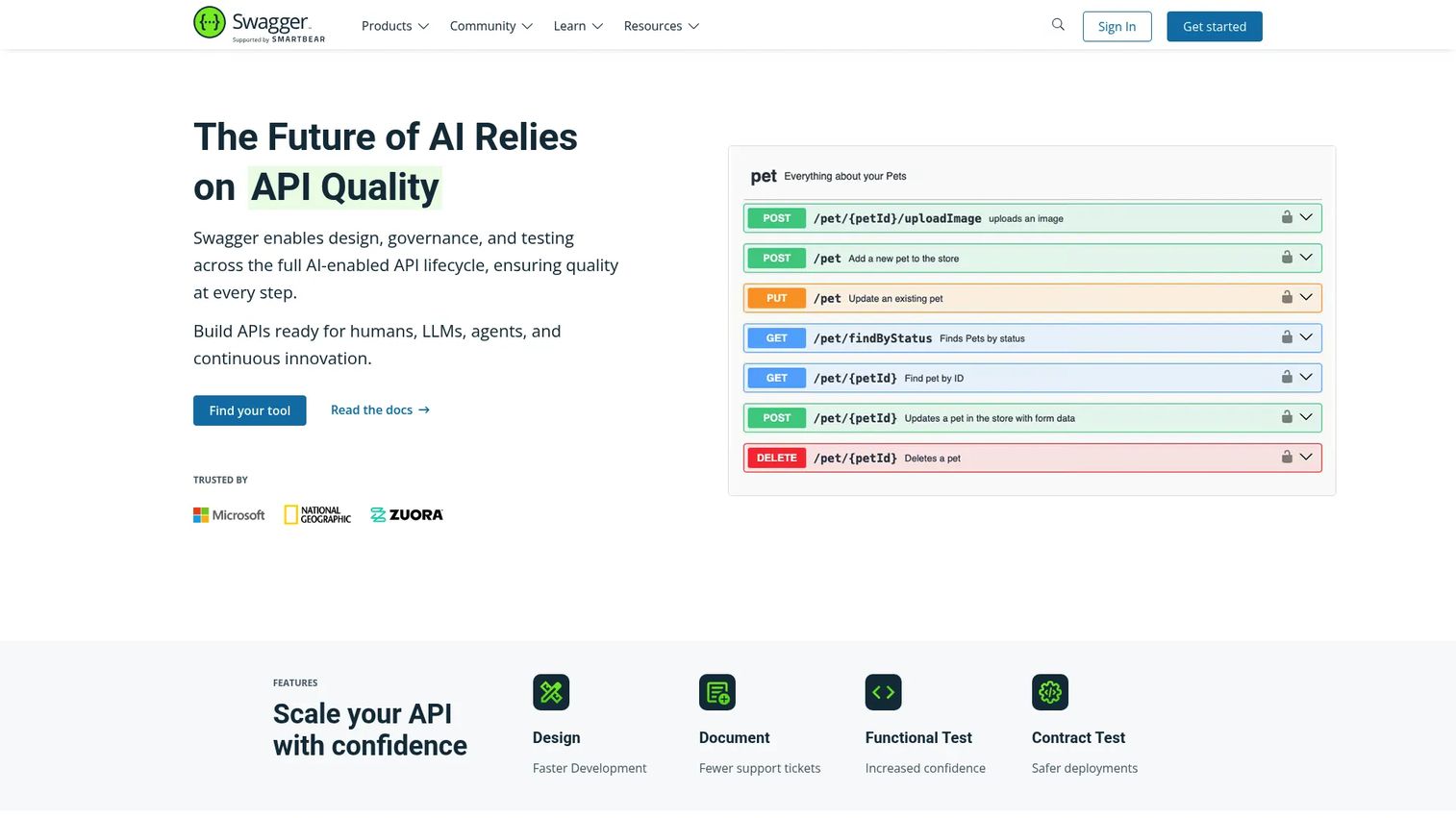
Swagger is the broadest name in the category, built around the OpenAPI Specification it helped create. It spans the full API lifecycle: designing, documenting, testing, and exploring APIs. Teams standardizing on OpenAPI, AsyncAPI, and JSON Schema use its open source components (Swagger Editor, Swagger UI, Swagger Codegen) alongside the hosted platform for design-first workflows and enterprise governance.
Best for: Teams and individuals who want a standards-first, spec-driven workflow spanning API design, documentation, and testing.
Key strengths
- Full lifecycle coverage: Design, validate, document, and test APIs in one connected toolchain, so the spec stays the source of truth.
- Interactive API documentation: Swagger UI renders OpenAPI specs into browsable, testable docs with a built-in "Try It" experience.
- API quality and governance: Validation and design tooling catch spec issues early and support consistent API quality at scale.
Why choose Swagger: If your organization already thinks in OpenAPI, Swagger is the natural center of gravity. The open source tools are ubiquitous, so onboarding new engineers is fast, and the enterprise suite layers on collaboration and governance for teams that need it. It fits teams that treat the spec as the contract and want design-first discipline across the API lifecycle.
Swagger pricing: Swagger's public pricing page shows an Individual plan at $0, with Team and Enterprise plans available to try free, and an Enterprise Plus tier by contact. Comparison pricing references paid tiers starting at $19, $29, and $49 per month depending on capabilities. A free tier is available, so small teams can start without cost. Swagger UI carries a 4.5/5 rating on G2.
2. Redocly
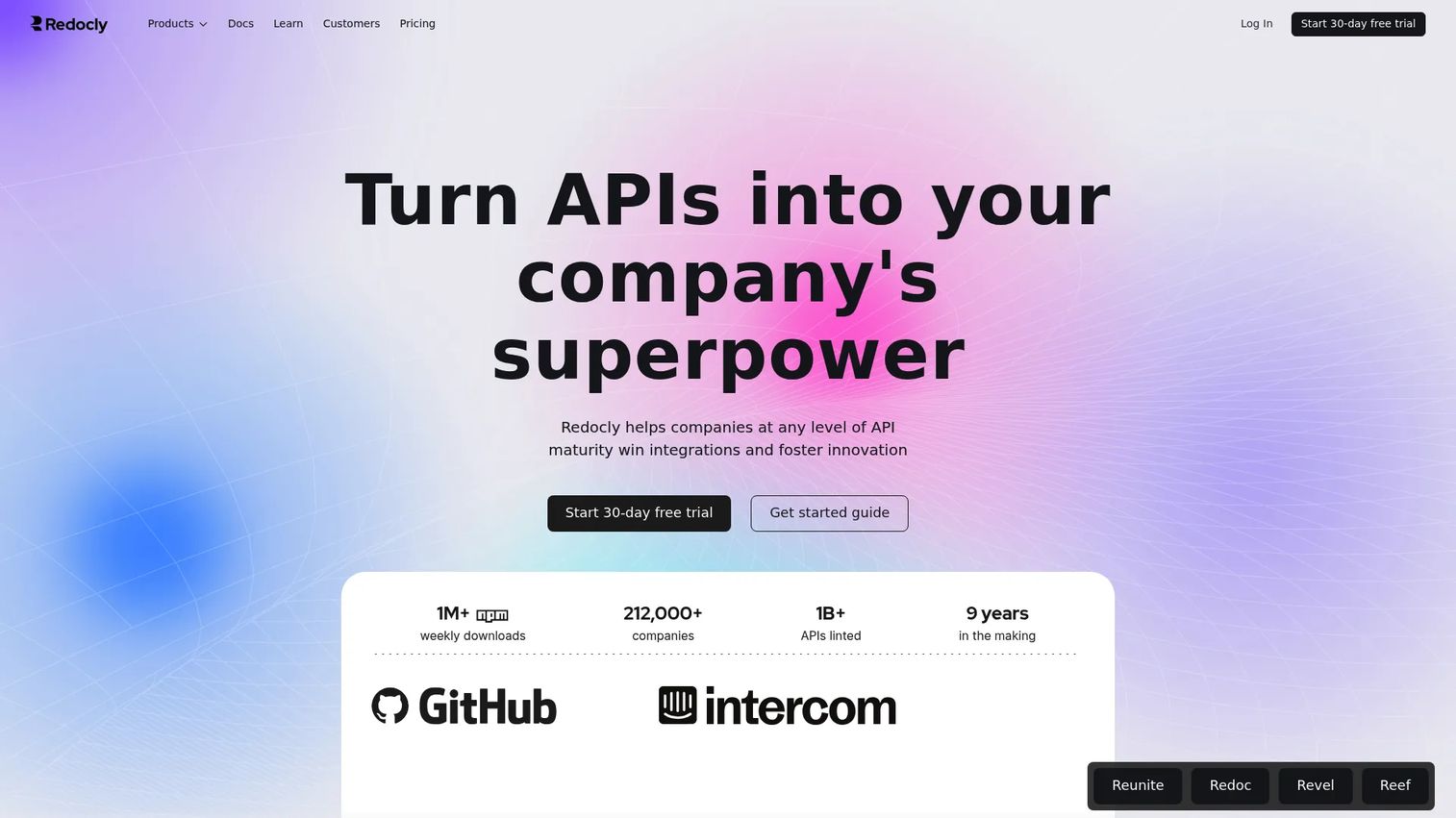
Redocly is the strongest pick for teams that want production-grade, SEO-ready docs maintained as code. It generates clean reference docs from OpenAPI and pairs them with a docs-as-code pipeline, developer portals, and API governance. Its ecosystem splits into distinct roles: Redoc for reference rendering, Reunite for the authoring and portal workflow, Revel for editorial docs, and Reef for internal API management and discoverability.
Best for: Engineering and docs teams that want fast, crawlable API docs and developer portals versioned in Git.
Key strengths
- Docs-as-code pipeline: Author in Git, run branch previews, review changes, and version docs alongside the API they describe.
- SEO-ready docs and performance: Pre-rendering and performance tuning make reference pages fast to load and easy to crawl.
- Governance and cataloging: API governance, linting, and internal catalogs keep large API estates consistent and discoverable.
Why choose Redocly: Redocly fits teams that live in Git and want docs to follow the same review and versioning discipline as code. The split between Redoc, Reunite, Revel, and Reef lets you assemble a reference-first setup or a full developer hub without switching platforms. It performs best when SEO visibility and scale matter as much as the reference itself.
Redocly pricing: Redocly's public pricing starts at $10 USD per seat per month on the Pro plan, billed monthly. The Enterprise plan adds $24 USD per seat per month, and Enterprise+ is custom, billed yearly. A free starting allowance is available for some products. Redocly holds a 5.0/5 rating on G2, though based on limited reviews.
3. Bump.sh
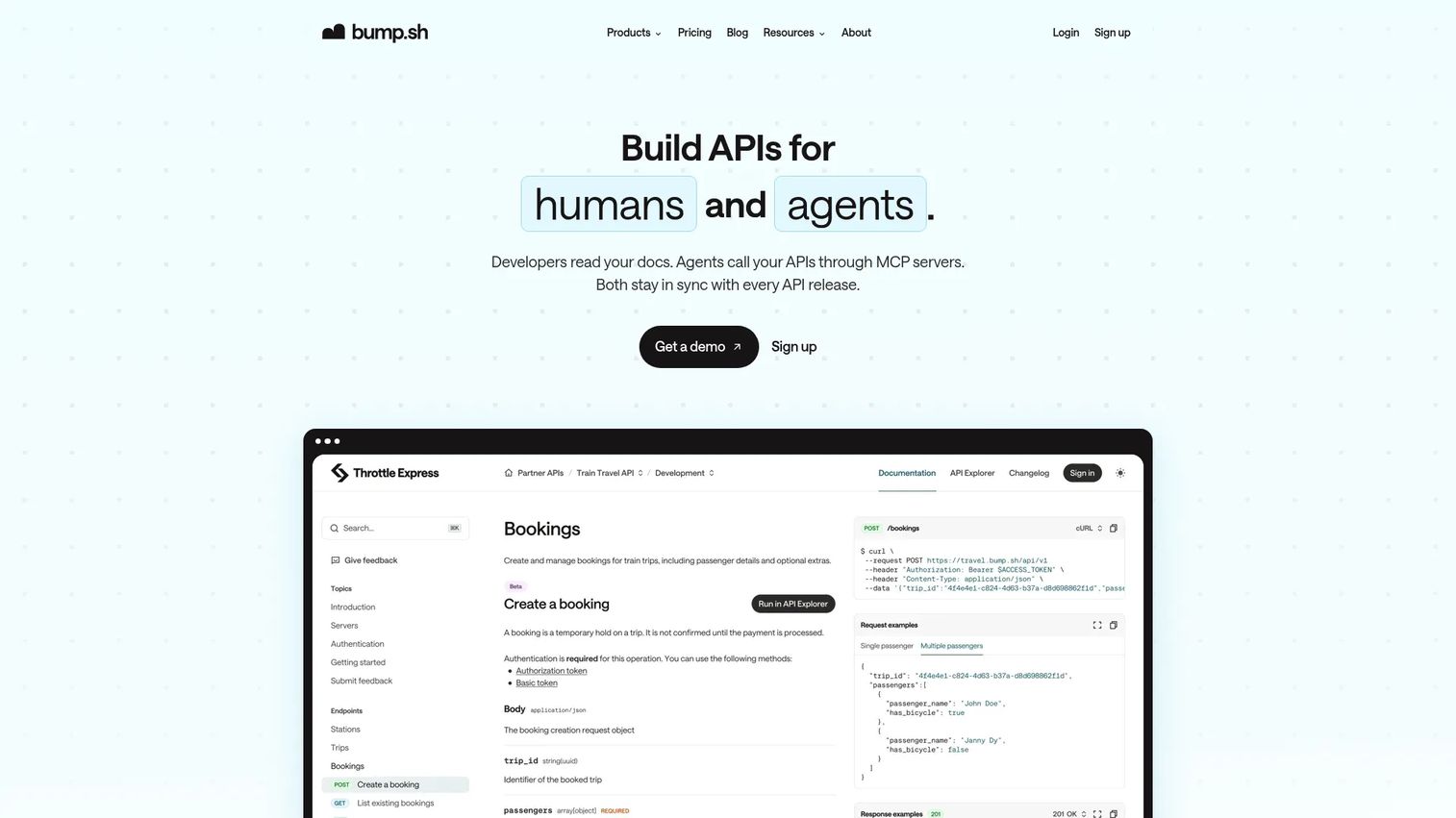
Bump.sh is built for spec-driven teams that care about versioning, diffs, and catalog-style organization. It supports OpenAPI, AsyncAPI, and Arazzo, generates docs with automatic changelog and diff detection, and organizes multiple APIs into Hubs for discoverability. It also ships MCP servers with private servers, rollback, and CI and GitHub integration, which matters as more documentation traffic comes from AI agents.
Best for: Teams that need versioned API docs, change tracking, and organized hubs generated from OpenAPI and AsyncAPI workflows.
Key strengths
- Versioning and diffs: Automatic diff detection and changelog generation show exactly what changed between spec versions.
- Hubs for discoverability: Group multiple APIs into branded hubs so developers find the right reference fast.
- Docs-as-code and MCP servers: CI and GitHub integration keep docs in sync, and MCP servers expose specs to AI agents and tooling.
Why choose Bump.sh: Bump.sh performs best when change tracking is a first-class concern. If your consumers need to see what changed between versions, the automatic diffs and changelogs do that work for you. Pre-rendering supports crawlability, and Hubs keep a growing catalog organized for both public docs and internal docs.
Bump.sh pricing: Bump.sh publishes a Basic plan at $50 per month and a Pro plan at $250 per month, with a Custom tier by contacting sales. The Pro plan includes a 14-day free trial. There is no free tier, though the trial lets teams evaluate before committing.
4. ReadMe
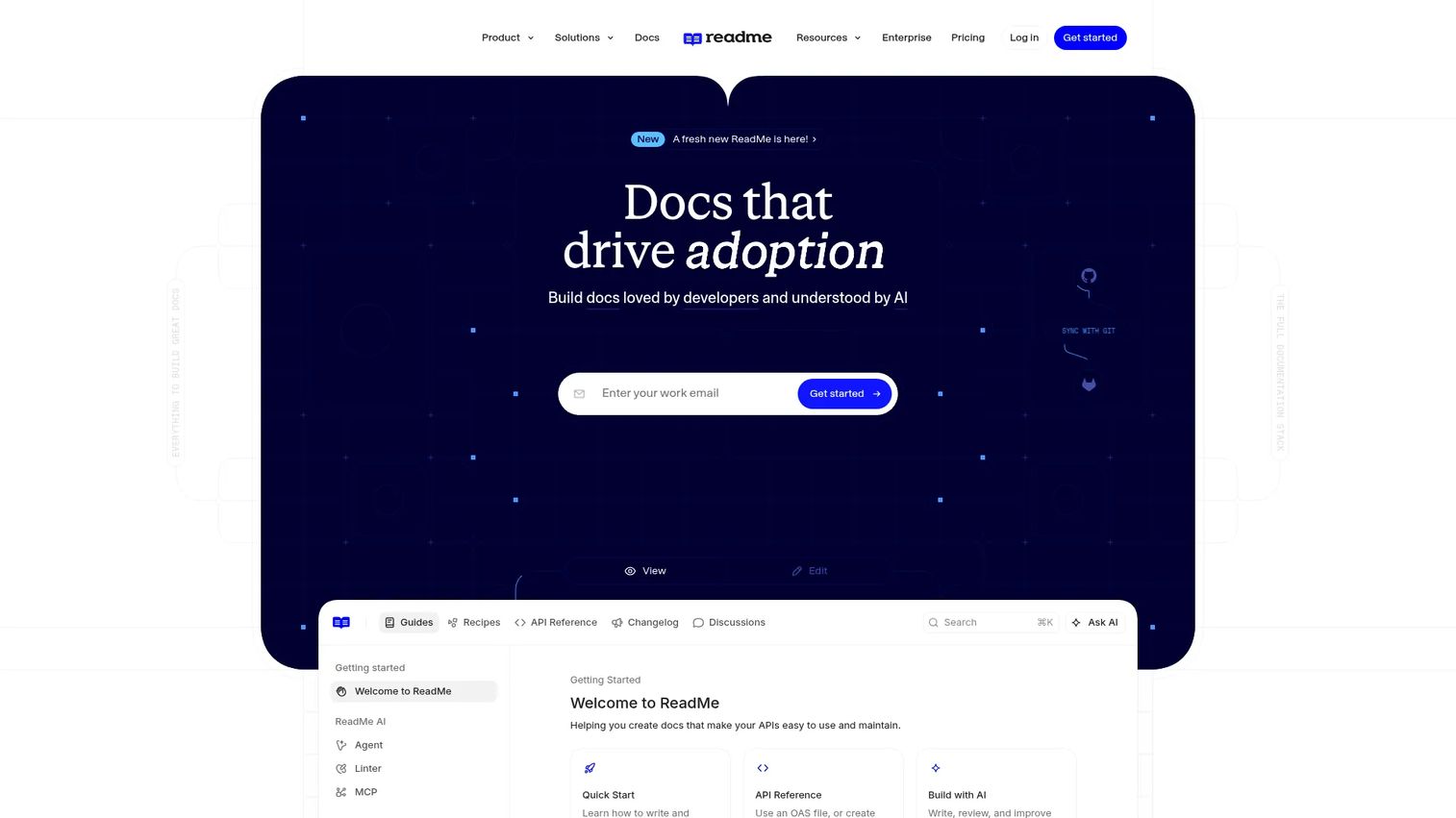
ReadMe is the developer portal choice for teams that want docs plus engagement. Beyond an interactive API reference, it adds guides, recipes, onboarding flows, feedback, and usage metrics that show how developers move through your docs. It fits teams that treat the docs as a product surface, not just a reference dump.
Best for: Teams that need a branded developer portal with guides, feedback, and analytics, not only reference docs.
Key strengths
- Interactive API reference: A "Try It" console lets developers send real requests and see live responses inside the docs.
- Bi-directional sync: Keep the OpenAPI spec and the published docs aligned so changes flow in both directions.
- Usage metrics: See which pages developers read, where they stall, and how onboarding flows perform.
Why choose ReadMe: ReadMe shines when developer experience and self-serve onboarding drive adoption. The recipes, guides, and feedback loop turn a reference into a guided developer hub, which helps teams with developer relations or a product-led motion. For presales, a polished portal gives a buyer's engineers a clear, self-serve path through integration during technical validation.
ReadMe pricing: ReadMe offers a free Starter plan for everyone. The Pro plan is $250 per month, billed annually, and Enterprise starts at $3,000+ per month with annual billing only. An Ask AI add-on is available at $150 per month. ReadMe holds a 4.5/5 rating on G2.
5. Scalar
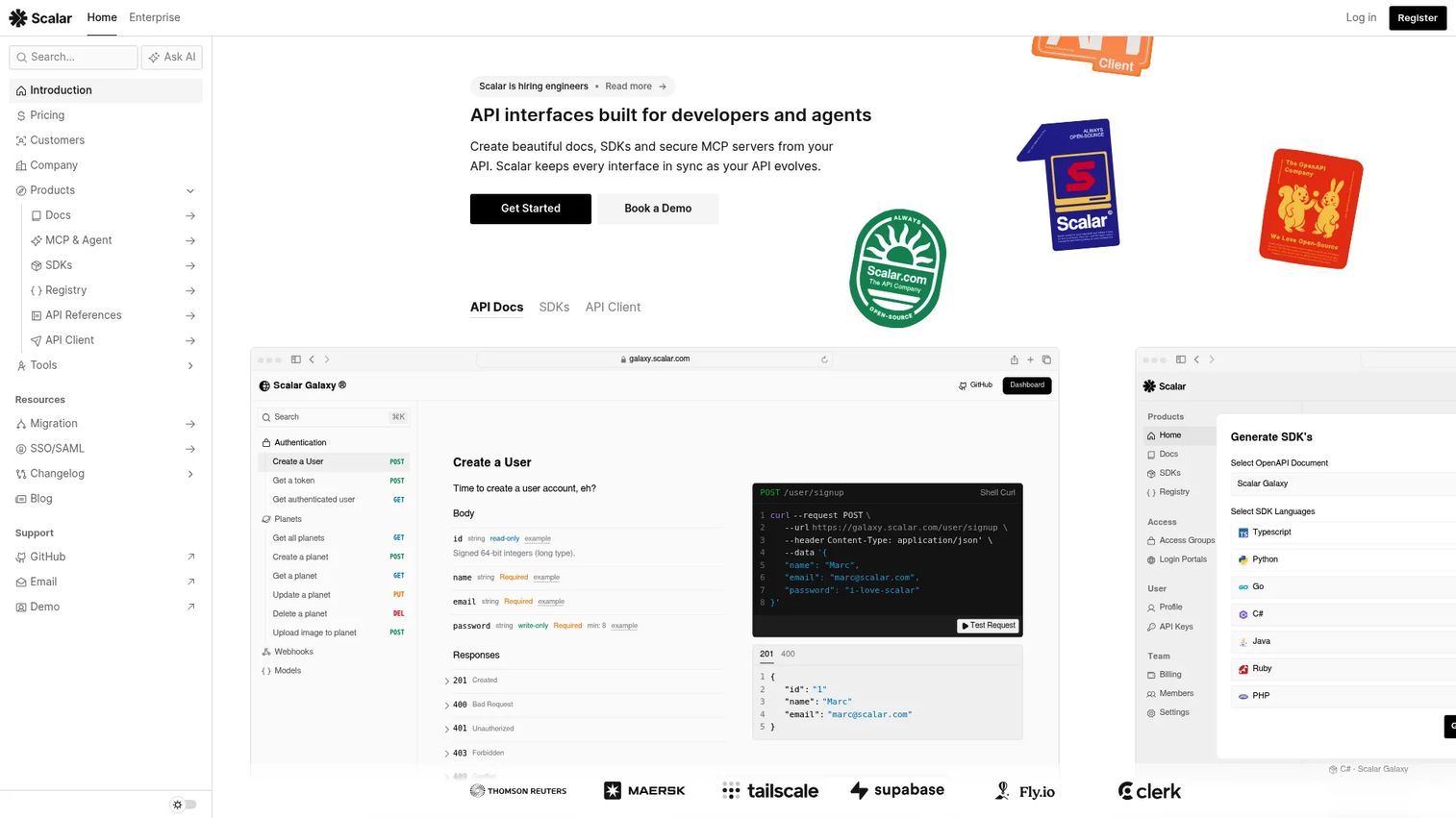
Scalar is the modern, open-source-friendly option for teams that want a clean API reference without the weight of older setups. It renders hosted OpenAPI docs with a built-in API client, generates SDKs from OpenAPI, supports Git sync with Markdown and MDX, and offers MCP servers and custom domains. The interface is developer-friendly and easy to theme.
Best for: Teams building API documentation and developer portals from OpenAPI who want a clean, modern reference and API client.
Key strengths
- Built-in API client: Developers test endpoints directly in the docs, no separate tool required.
- SDK generation: Produce SDKs straight from the OpenAPI spec to speed up integration.
- Git sync and theming: Author in Markdown or MDX, sync from Git, and customize the look with theming and custom domains.
Why choose Scalar: Scalar fits teams that want a fresh, developer-friendly reference and are comfortable with an open-source-first approach. The built-in API client and SDK generation make it practical for getting developers from reading to testing quickly. Teams that need deep enterprise governance controls will want to confirm the tier that covers their SSO and access control needs.
Scalar pricing: Scalar offers a free plan at $0, a Pro plan at $72 per month, and a custom-priced Enterprise plan. SDK and Agent pricing details exist separately. Scalar's G2 listing currently shows very limited review data, so a substantive user rating is not yet established.
6. Stoplight
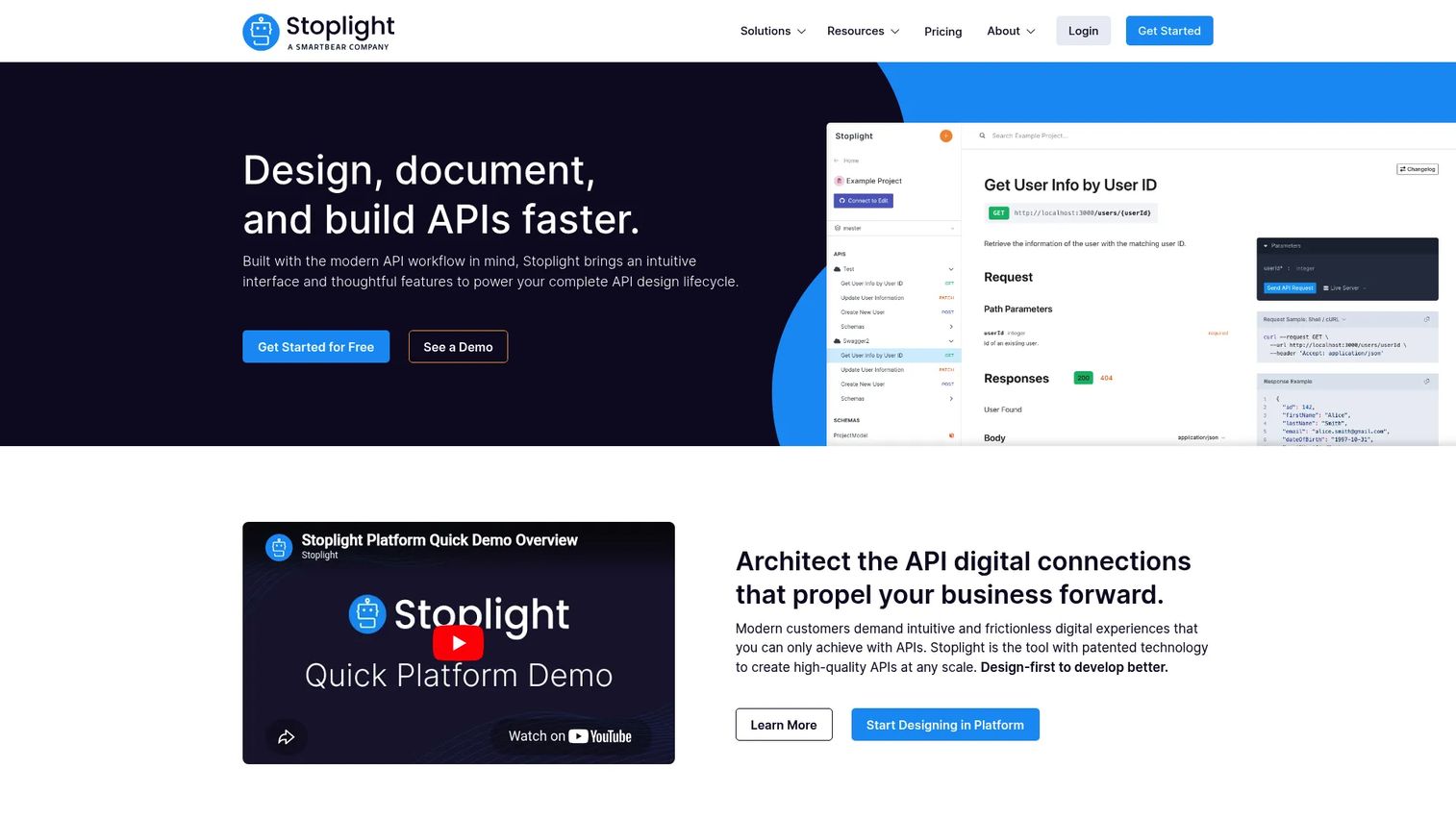
Stoplight is the design-first choice for teams that want visual API modeling, mocking, and governance in one place. Its visual OpenAPI editor lets you author specs without hand-writing YAML, generate mock servers automatically, and enforce consistency with style guides. Docs and portal capabilities round out the API lifecycle.
Best for: Teams designing, documenting, and governing APIs with OpenAPI who value visual editing and collaboration.
Key strengths
- Visual OpenAPI editor: Design and edit specs in a visual interface, which lowers the barrier for contributors who avoid raw YAML.
- Automatic mock servers: Spin up mocks from the spec so teams and consumers can test before the API is built.
- Style guides and governance: Enforce naming, structure, and consistency rules across APIs to keep large estates aligned.
Why choose Stoplight: Stoplight performs best when design comes before code and governance is a real requirement. The visual editor and automatic mocking support review workflows and collaboration across writers, engineers, and reviewers. For teams standardizing API design across many services, the style guides keep quality consistent.
Stoplight pricing: Stoplight offers a free plan, then Basic at $44 per month, Startup at $113 per month, and Pro Team at $362 per month, all billed annually, with a custom Enterprise tier. Monthly billing is also available on paid plans. Stoplight holds a 4.4/5 rating on G2.
7. Mintlify
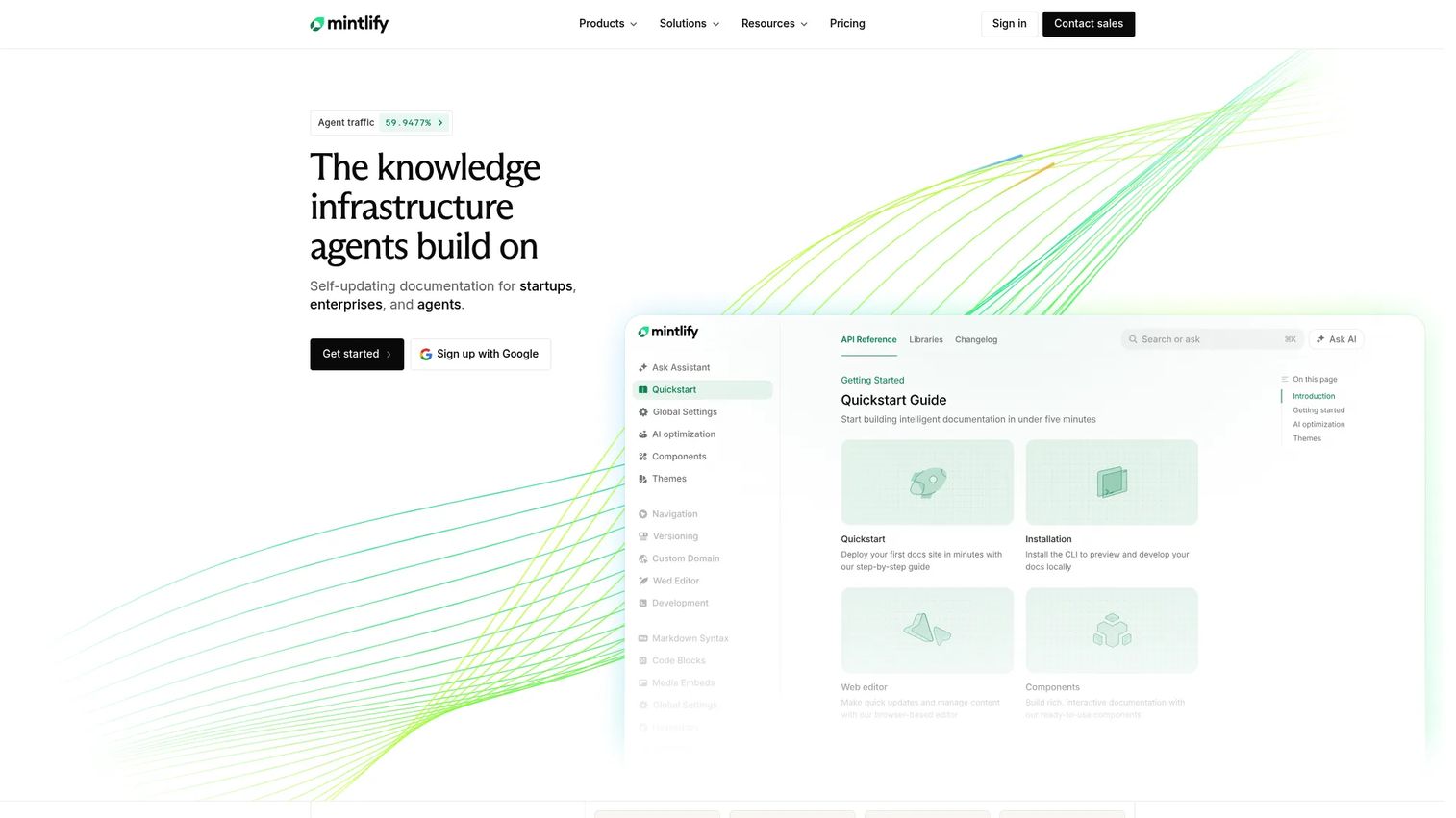
Mintlify is the AI-native docs platform for teams that want polished, fast, developer-friendly docs with minimal setup. It covers both API docs and product docs, offers a web editor and custom domains, and layers in an AI assistant and writing agent to speed up authoring. It stands out on speed to publish and clean presentation, which makes it a strong fit for turnkey docs.
Best for: Small teams and startups that want polished developer documentation published fast, with AI assistance.
Key strengths
- Fast publishing: A web editor and clean defaults get docs live quickly without heavy configuration.
- AI assistant and writing agent: AI features help draft, refine, and maintain docs as the product changes.
- Docs plus API reference: Combine product docs and API reference in one modern, developer-friendly site.
Why choose Mintlify: Mintlify fits lean teams that want great-looking docs without a long production cycle. The AI writing agent reduces the manual work of keeping docs current, which matters most when a small team maintains a growing surface. It performs best when speed to publish and clean UX outrank deep enterprise governance requirements.
Mintlify pricing: Mintlify's public pricing shows a free Starter plan at $0 and a custom-priced Enterprise plan by contact. No numeric paid tier is listed publicly on the pricing page. Mintlify holds a 4.6/5 rating on G2.
Considerations before you choose
The prettiest docs are not always the right fit. Run every shortlist candidate through these criteria before committing.
Spec and workflow fit
Confirm the tool supports your spec formats: OpenAPI, AsyncAPI, or JSON Schema. Then check whether it fits a docs-as-code pipeline with GitHub or GitLab, branch previews, and CI/CD. A tool that matches your existing workflow gets adopted; one that fights it does not.
Governance, SSO, and access control
For enterprise packaging, verify SSO, roles, and access control before you buy, not after. Teams with public docs and internal docs need clear separation and audit trails. Governance and compliance requirements often decide which tier you land on, so map features to tiers early.
SEO-ready docs and performance
If your reference docs drive organic discovery, check pre-rendering, performance, and crawlability. This matters more in 2026 because a large share of documentation traffic now comes from AI agents reading docs programmatically. Fast, crawlable, SEO-ready docs serve both audiences.
Interactive testing and developer experience
Look for an API explorer or "Try It" console, code samples, and mock servers. Interactive docs let developers validate integration fit without a call, which speeds technical validation. The same self-serve principle underpins how presales teams use hands-on evaluation surfaces during a deal.
Collaboration, versioning, and review
Check review workflows, versioning, and diffs. As your API changes, you need docs that show what changed and let writers and engineers collaborate without stepping on each other. Analytics and feedback close the loop by showing what developers actually read.
Conclusion
The right API documentation tool depends on your workflow maturity, not the polish of the demo site. Narrow by need, not by looks.
If you standardize on OpenAPI and want the full lifecycle, Swagger is the natural center. For docs-as-code and SEO-ready docs at scale, Redocly leads. When versioning and API catalogs matter most, Bump.sh handles diffs and hubs cleanly. Teams that want a branded developer portal with engagement should look at ReadMe. Scalar suits teams wanting a modern, open-source-friendly reference with a built-in client. Stoplight fits design-first teams that need visual editing, mocking, and governance. And Mintlify is the fast, AI-native pick for lean teams shipping polished docs.
The best next step is to shortlist two tools that match your spec formats and governance needs, then run a real spec through each. Judge them on how fast your team can publish, review, and keep docs in sync, because that is the work you will do every week. Presales teams should also weigh how each surface supports technical validation, since docs increasingly carry part of the buying process. The same self-serve logic that makes docs powerful is why interactive demos and sandboxes help buyers validate fit on their own terms.
Start your journey with Guideflow today!
FAQs
For teams that treat OpenAPI as the contract, Swagger is the most natural fit since it helped define the spec and covers design, docs, and testing. Redocly and Stoplight are also strong OpenAPI-first choices, with Redocly leaning toward docs-as-code and Stoplight toward visual design and governance. Pick based on whether you author in Git or prefer a visual editor.
Redocly is the clearest docs-as-code pick, with Git authoring, branch previews, review cycles, and versioning built in. Scalar also supports Git sync with Markdown and MDX, and Bump.sh integrates with CI and GitHub for spec-driven publishing. The right choice depends on how tightly you want docs to follow your code review process.
Swagger UI, ReadMe, and Scalar all include an API explorer or "Try It" console so developers can send real requests inside the docs. ReadMe pairs this with recipes and guides, while Scalar ships a full built-in API client. Interactive testing speeds technical validation because engineers confirm behavior without a call.
ReadMe is built around the branded developer portal experience, with guides, feedback, and usage metrics. Redocly assembles a developer hub through Reunite and Reef, and Bump.sh organizes multiple APIs into Hubs for discoverability. Choose based on whether you need engagement features or catalog-style organization.
Presales teams should prioritize interactive testing, clear auth documentation, and SDK coverage, since these are what a buyer's engineers check during technical validation. Look for docs that let a technical buyer self-serve without a call, plus versioning so the docs stay accurate as the product changes. Fast, crawlable docs and a clean developer experience reduce repetitive explanations and keep deals moving.
Redocly emphasizes pre-rendering, performance, and crawlability, which makes it strong for SEO-ready docs. Bump.sh also pre-renders pages for crawlability, and modern platforms like Scalar and Mintlify ship fast, clean sites by default. This matters more in 2026 because a large share of documentation traffic now comes from AI agents reading docs programmatically.
Most enterprise tiers do. Swagger, Redocly, Stoplight, and ReadMe offer governance features like SSO, roles, and access control, though the exact controls often depend on the plan. Verify which tier includes SSO and audit trails before you buy, since governance and compliance requirements frequently determine pricing.
API docs are the reference for a single API: endpoints, auth, requests, and responses, usually generated from a spec. An API portal is a branded developer hub that adds guides, onboarding, search, and often engagement features around those docs. An API catalog is a discoverability layer that lists and organizes multiple APIs so developers and teams can find the right one, which matters most for organizations running many services.