



You run a driver hiring cycle across four systems. Background checks live in one tab, onboarding forms in another, DOT records in a shared drive, and CSA scores in a browser bookmark nobody trusts. Then an audit notice lands, and you spend a week reassembling paperwork that should have been current the whole time.
That gap between "we did the compliance work" and "we can prove it in ten minutes" is where safety-sensitive employers lose real money. Federal Motor Carrier Safety Administration (FMCSA) rules do not care that your files sit in five places. Auditors want driver qualification files, drug and alcohol records, and monitoring history in one auditable trail.
Foley pitches itself as the platform that collapses those separate systems into a single operating view. In September 2025, Foley launched a reimagined compliance platform built to help fleets stay audit-ready and hire faster, per its PR Newswire announcement (2025). This guide breaks down the seven Foley product areas buyers actually evaluate, what each does, and how the pricing and Foley reviews shake out.
What's inside
This Foley software review covers the full Foley product family, the modules a buyer weighs when consolidating hiring, screening, and compliance work. Here is how the shortlist was built:
- Workflow coverage: How much of the hiring-to-compliance chain each module handles
- Compliance depth: Strength in DOT compliance software, FMCSA compliance, and driver qualification files
- Monitoring and automation: Ongoing risk monitoring software, alerts, and audit readiness
- Proof and ratings: Verified G2 ratings and Foley pricing signals where public
TL;DR
- Best overall platform: Foley bundles hiring, background screening, DOT compliance, and monitoring into one system, so you stop stitching point tools together.
- Best operating view: Dash by Foley gives operators a single control center for candidate status, compliance tasks, and risk signals.
- Best guidance layer: Foley Navigator AI explains compliance signals in plain language and points to the next action.
- Best fleet safety monitoring: CSA Monitor tracks FMCSA score changes, violations, and crashes in near real time.
- Best audit prep: Audit Risk Monitor ranks driver compliance risk before an audit finds it.
- Best ongoing driver oversight: MVR Monitor watches motor vehicle records 24/7 and flags status changes after hire.
What is Foley software?
Foley software is an all-in-one hiring, background screening, DOT compliance, and fleet risk management platform built for safety-sensitive and DOT-regulated employers. Rather than running separate tools for recruiting, screening, and compliance, Foley connects them into one record system with monitoring layered on top.
The platform organizes around a few core jobs, each mapping to a common operational headache:
- Hiring and onboarding: Job posting, candidate management, digital onboarding, and e-signatures for compliant driver hiring.
- Background checks: Phased background screening and Foley background check workflows tied to the hiring process.
- DOT and FMCSA compliance: Driver qualification files, drug and alcohol program management, and Clearinghouse queries.
- Driver qualification files: Digital record storage that keeps DQ files current and audit-ready.
- Monitoring and alerts: CSA monitoring, MVR monitoring, and audit risk alerts running continuously in the background.
- Drug and alcohol testing: Program management and random testing pool administration.
The consolidation angle is the point. A growth marketer evaluating this kind of platform recognizes the pattern immediately: One system that replaces four subscriptions, with cleaner data and a single source of truth. That reduces vendor sprawl and gives compliance teams a defensible audit trail instead of scattered folders.
Foley serves transportation and fleet operators most directly, but its Foley compliance tooling extends to any employer running safety-sensitive roles that face federal screening and monitoring requirements. The through-line across every module is the same: Capture the record once, keep it current automatically, and prove it on demand.
When to use Foley software
Consolidate hiring and compliance into one workflow
Reach for Foley hiring software when candidate data keeps bouncing between your applicant tracking system, a background check vendor, and an onboarding tool. Every handoff is a place where a record goes stale or a step gets skipped. A connected system moves a driver from application to compliant onboarding without you copying data three times.
Replace paper files and manual audit prep
Use Foley when driver qualification files still live in binders or a shared drive nobody maintains. Paperless compliance turns those files into digital records with automated reminders before certifications lapse. When an audit notice arrives, you pull the trail instead of rebuilding it, which cuts the audit-week scramble.
Monitor safety and risk across a growing fleet
Turn to Foley's monitoring products when your fleet outgrows manual checks. Tracking CSA scores, MVR changes, and audit risk by hand breaks down past a handful of drivers. Continuous monitoring flags a violation or license status change the day it happens, not at the next annual review.
Comparison table
Below is a side-by-side view of the seven Foley product areas, sorted by how central each is to the platform. Pricing across Foley is quote-based: The pricing page lists Essential, Professional, and Power packages without public dollar figures, so evaluation starts with a demo request. G2 ratings reflect current listings as of August 2026.
| # | Product | Best for | Key differentiation | Pricing | G2 rating |
|---|---|---|---|---|---|
| 1 | Foley | Safety-sensitive teams wanting hiring, screening, and compliance in one place | All-in-one DOT compliance and hiring platform | Quote-based (Essential, Professional, Power) | 4.0/5 |
| 2 | Dash by Foley | Operators needing a single control center | Customizable platform view across workflows | Quote-based (Essential, Professional, Power) | 4.6/5 |
| 3 | Foley Navigator AI | Teams wanting plain-language compliance guidance | Inline AI explanations with source links | Included in Foley platform packages | Not yet rated |
| 4 | CSA Monitor | Fleets tracking safety performance | Near real-time FMCSA/CSA score and violation alerts | Quote-based, bundled in platform packages | Not yet rated |
| 5 | Audit Risk Monitor | Compliance teams prepping for audits | Per-driver compliance ranking and BASIC tracking | Quote-based, bundled in platform packages | Not yet rated |
| 6 | MVR Monitor | Teams needing ongoing driver oversight | 24/7 MVR change alerts and notifications | Quote-based, request a demo | 3.7/5 |
| 7 | Foley Hiring, Screening & Onboarding | Teams moving candidates to compliant onboarding | Phased screening tied to digital onboarding | Quote-based (Essential, Professional, Power) | 3.7/5 |
Best 7 Foley software tools for 2026
1. Foley
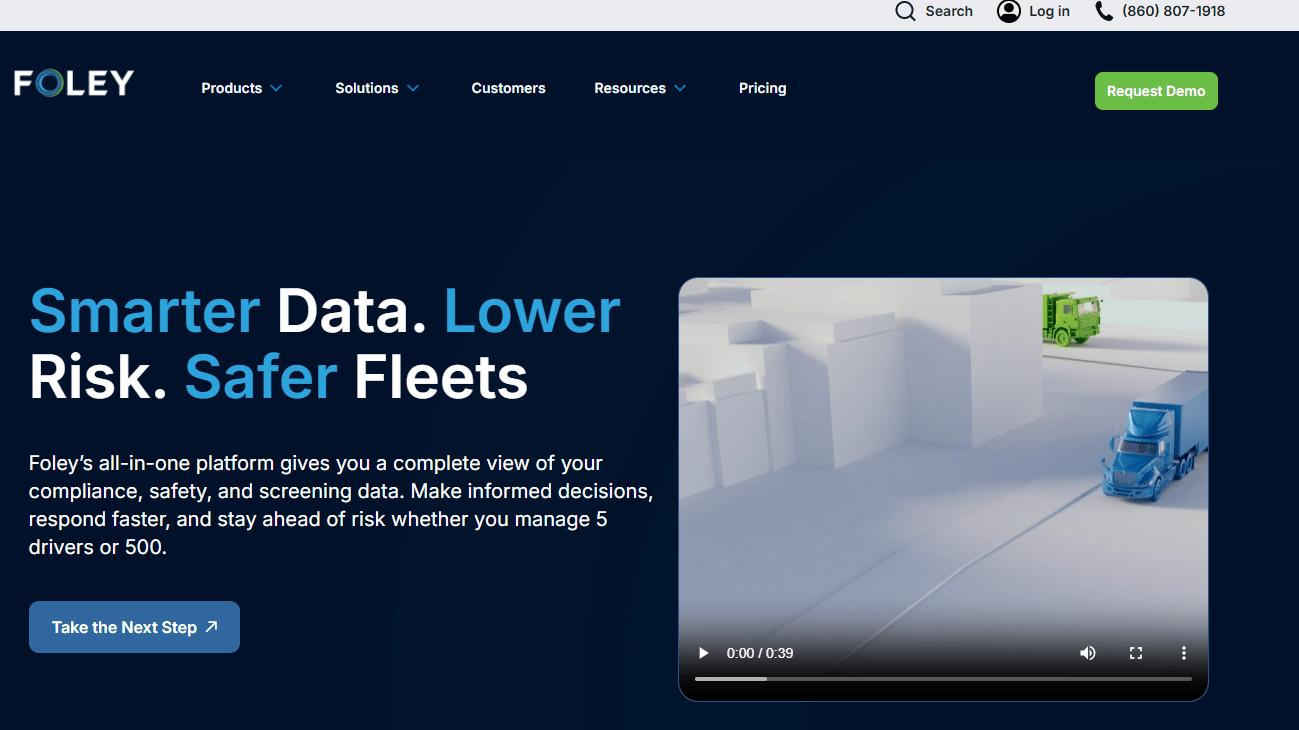
Foley is the umbrella platform that ties every other module on this list together. It combines DOT compliance, hiring, background screening, and workforce monitoring into one system built for safety-sensitive employers. Instead of buying a recruiting tool, a screening vendor, and a compliance tracker separately, you run the whole chain inside one platform with a shared record.
Best for: Transportation and other DOT-regulated teams that want hiring, screening, and compliance consolidated into a single audit-ready system.
Key features
- Driver qualification files, drug and alcohol program, Clearinghouse queries
- CSA monitoring, MVR monitoring, audit risk alerts
- Background checks and phased screening
- Digital onboarding and record storage
Why choose Foley: If your real problem is vendor sprawl across the hiring-to-compliance chain, Foley replaces four subscriptions with one. It fits regulated fleets that need proof on demand more than they need a best-of-breed tool for any single step.
Foley pricing: Foley uses quote-based pricing across three packages named Essential, Professional, and Power. The pricing page shows plan feature summaries and routes you to a demo request to get numbers for your fleet size and requirements.
Foley holds a 4.0/5 average rating on its G2 seller page as of August 2026.
2. Dash by Foley
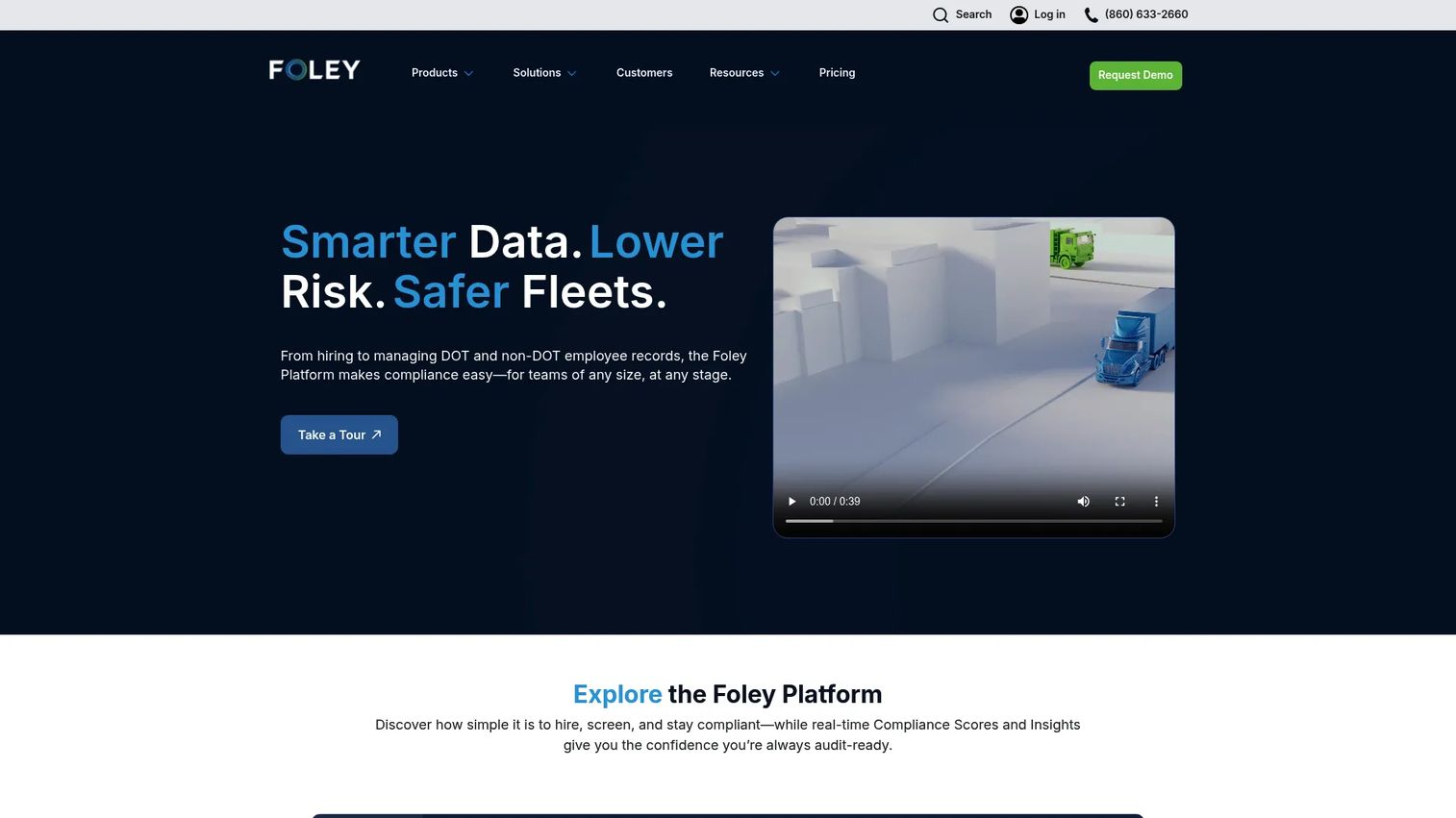
Dash by Foley is the customizable platform layer where hiring, screening, onboarding, compliance, and data monitoring come together in one view. Think of it as the control center: Candidate status, compliance tasks, and risk signals in a single interface instead of scattered across tools. Operators use it to see what needs attention next without logging into separate systems.
Best for: Fleet and transportation operators who want one place to monitor activity, prioritize compliance tasks, and track next steps.
Key features
- Candidate management and onboarding
- DOT compliance tools
- Data monitoring and risk insights
- Customizable workflow view
Why choose Dash by Foley: Choose Dash when the pain is visibility, not any single missing feature. It suits teams juggling many drivers who need a prioritized task view rather than another dashboard to check manually.
Dash by Foley pricing: Dash follows the same quote-based Foley packages, Essential, Professional, and Power, with feature summaries shown on the pricing page and pricing available through a demo. Numbers depend on your seat count and which modules you activate.
Dash by Foley carries a 4.6/5 rating on G2, with Capterra also reporting 4.6 as of August 2026.
3. Foley Navigator AI
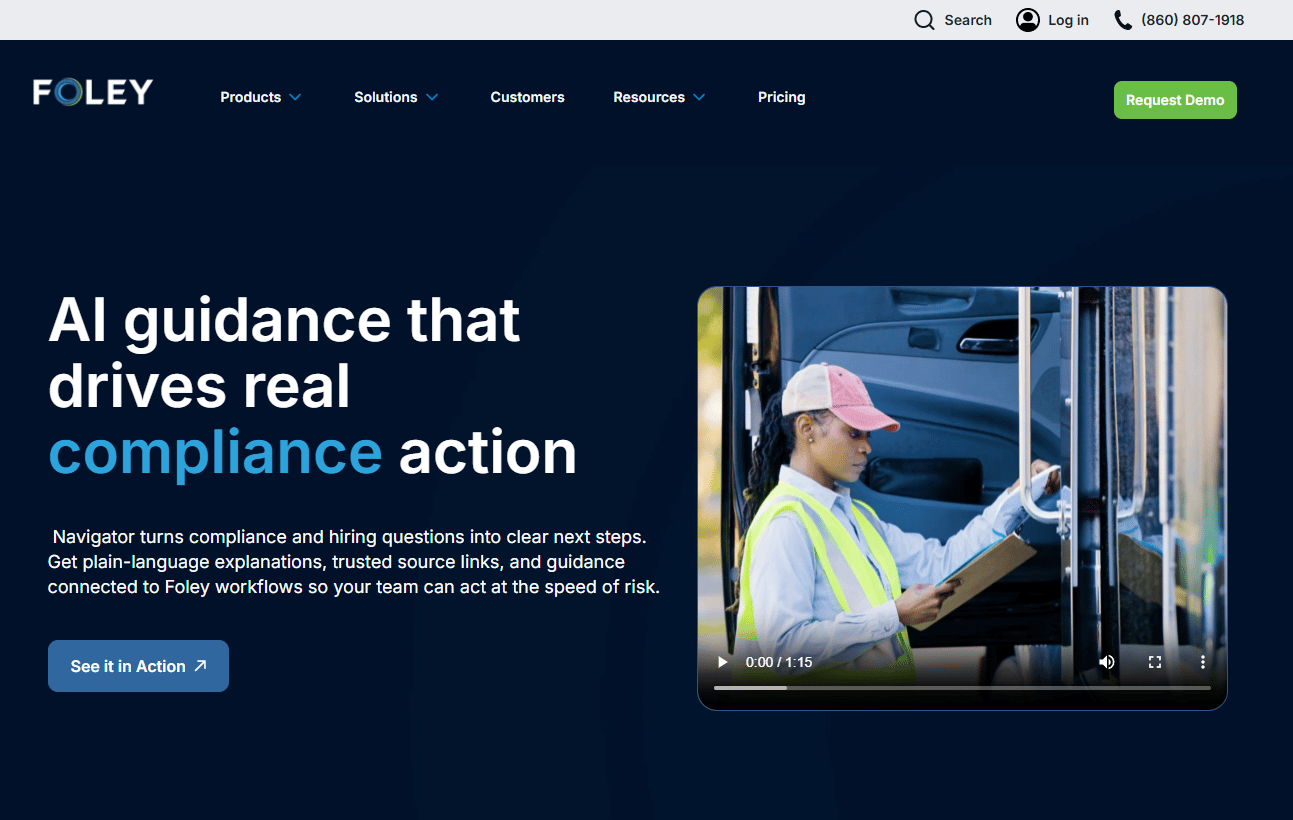
Foley Navigator AI is the guidance layer built into the Foley platform. It answers compliance and hiring questions in plain language, then points you to the next step inside Foley. Rather than making you interpret a raw compliance signal, it explains what the signal means and links to trusted sources so you can verify the reasoning.
Best for: Safety, HR, and compliance teams that want faster interpretation of regulated workflows without manual research.
Key features
- Plain-language explanations of compliance signals
- Source-linked context and trusted source links
- Workflow guidance pointing to next actions
- Decision support inside Foley
Why choose Foley Navigator AI: Pick Navigator AI when your team spends hours decoding FMCSA compliance requirements or explaining rules to new coordinators. It reduces the manual analysis that slows regulated hiring, which matters most for lean teams without a dedicated compliance expert.
Foley Navigator AI pricing: Navigator AI comes built into the Foley platform rather than sold as a standalone product, so it follows the Essential, Professional, and Power package structure. Foley does not display a separate dollar figure for it, and a demo surfaces what your package includes.
A verified third-party rating for Foley Navigator AI was not available at the time of writing.
4. CSA Monitor
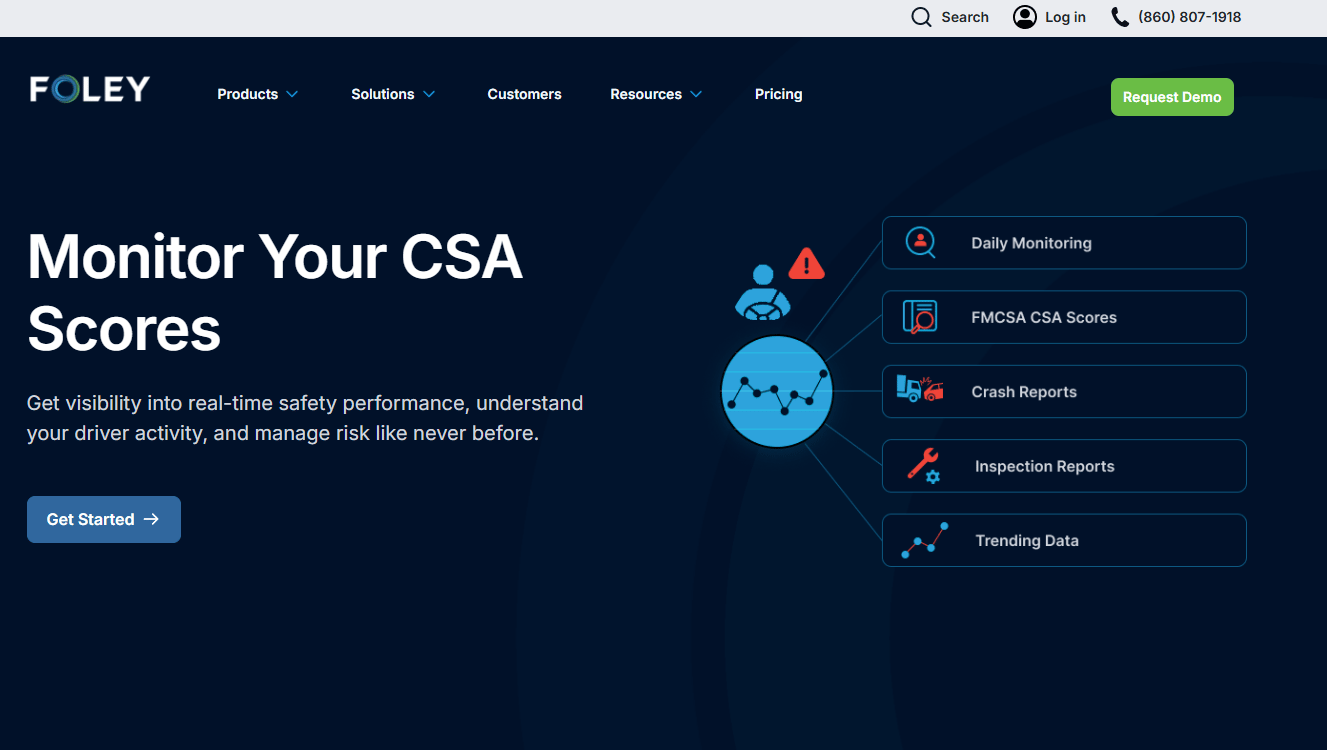
CSA Monitor is Foley's DOT and FMCSA compliance monitoring tool for tracking CSA score changes, violations, crashes, and driver risk. It watches FMCSA activity daily or in near real time, then alerts you when something moves. For fleet safety teams, that turns CSA management from a periodic manual check into a continuous feed.
Best for: Fleet and transportation teams that need to track CSA performance and regulatory risk as it changes, not once a quarter.
Key features
- Daily or real-time FMCSA/CSA activity monitoring
- Alerts for crashes, inspections, violations, score changes
- Driver safety and risk visibility dashboards
Why choose CSA Monitor: Reach for CSA Monitor when your CSA scores drive insurance costs and contract eligibility, and a surprise violation is expensive. It suits proactive safety teams that would rather catch a trend early than explain a score drop after the fact.
CSA Monitor pricing: CSA Monitor is bundled inside Foley's platform packages rather than sold with a standalone sticker price. The pricing page shows package feature lists, and a demo confirms which tier includes the monitoring depth your fleet needs.
Foley had not surfaced a verified standalone G2 rating for CSA Monitor specifically at the time of writing.
5. Audit Risk Monitor
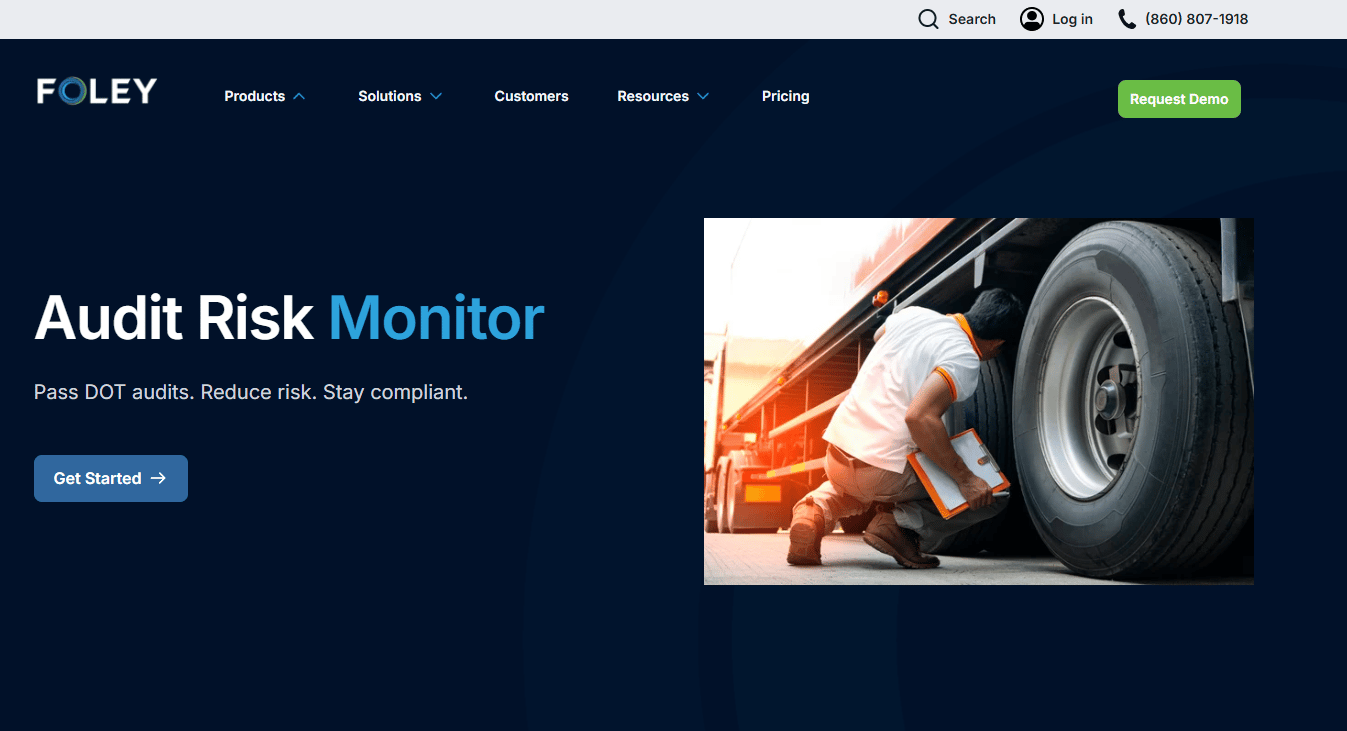
Audit Risk Monitor is Foley's DOT compliance monitoring product for tracking audit risk, CSA performance, and roadside inspection data. It ranks each driver's compliance risk and summarizes BASIC performance, so you see where an audit would find problems before the auditor does. That shifts audit prep from a reactive scramble to an ongoing readiness posture.
Best for: Compliance teams that want early warning on audit exposure instead of discovering issues under deadline pressure.
Key features
- Compliance ranking for each driver
- BASIC performance tracking
- Roadside inspection data summaries
- Issue prioritization for audit prep
Why choose Audit Risk Monitor: Choose it when audit anxiety is a recurring operational cost and you want to prioritize fixes by risk. It fits fleets that treat audit readiness as a standing state rather than a fire drill triggered by a notice.
Audit Risk Monitor pricing: Audit Risk Monitor is packaged within Foley's platform tiers, so pricing comes through a demo rather than a standalone rate. The pricing page lists what each package covers, and the quote reflects your fleet size and monitoring needs.
A verified third-party rating for Audit Risk Monitor on its own was not available at the time of writing.
6. MVR Monitor
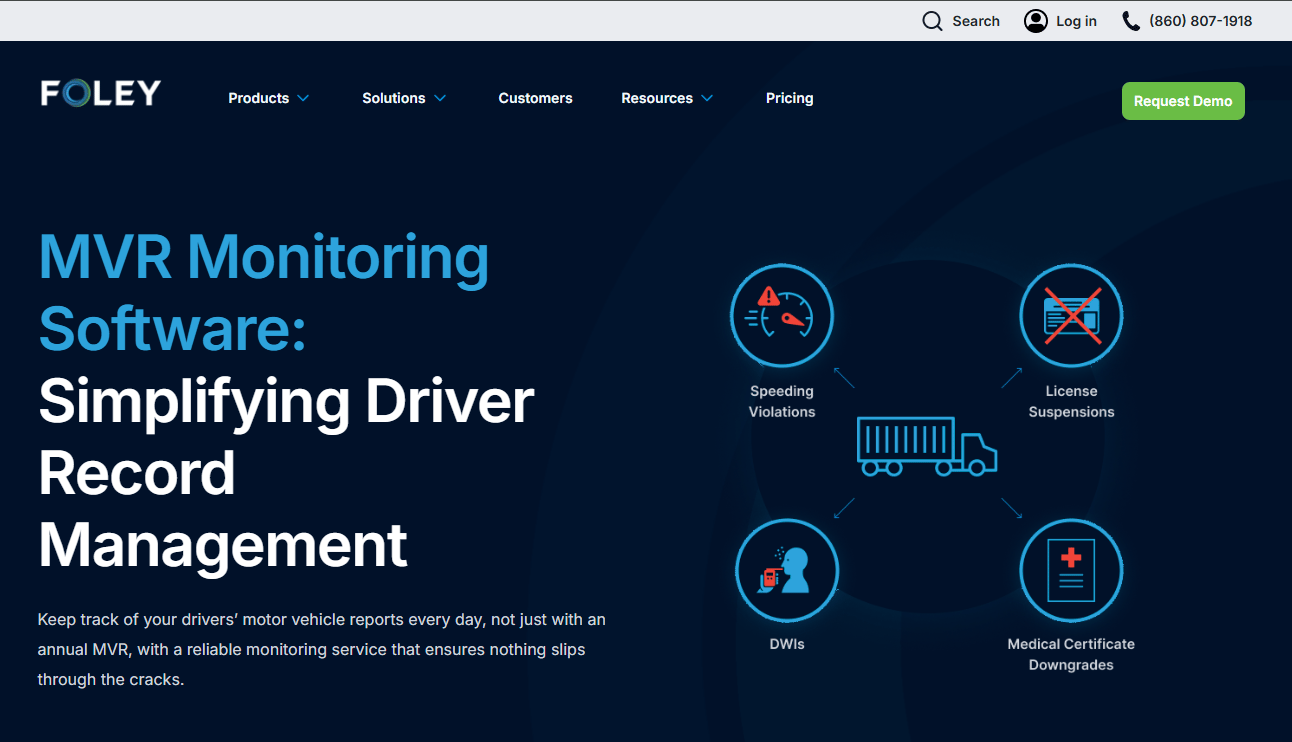
MVR Monitor is Foley's motor vehicle record monitoring product that tracks MVR changes and alerts employers to violations and license status changes. It runs 24/7 driver and license monitoring, so a new violation after hire does not sit undetected until the next annual pull. That closes a common blind spot: A driver's record changing between periodic checks.
Best for: Fleet and safety teams that need continuous MVR oversight for regulated drivers after the initial hire.
Key features
- Real-time MVR monitoring alerts and notifications
- 24/7 driver and license monitoring
- Compliance support for MVR screening
- Adverse action process support
Why choose MVR Monitor: Use MVR Monitor when the risk you care about is what happens after hire, not just at the point of screening. It suits teams that want to reduce post-hire blind spots without running manual record pulls on every driver.
MVR Monitor pricing: MVR Monitor comes with quote-based pricing, and the product page promotes a free demo request to get numbers. Pricing depends on your driver count and the monitoring cadence you set.
MVR Monitor reflects a 3.7/5 rating drawn from Foley's G2 product reviews page as of August 2026.
7. Foley Hiring, Screening & Onboarding
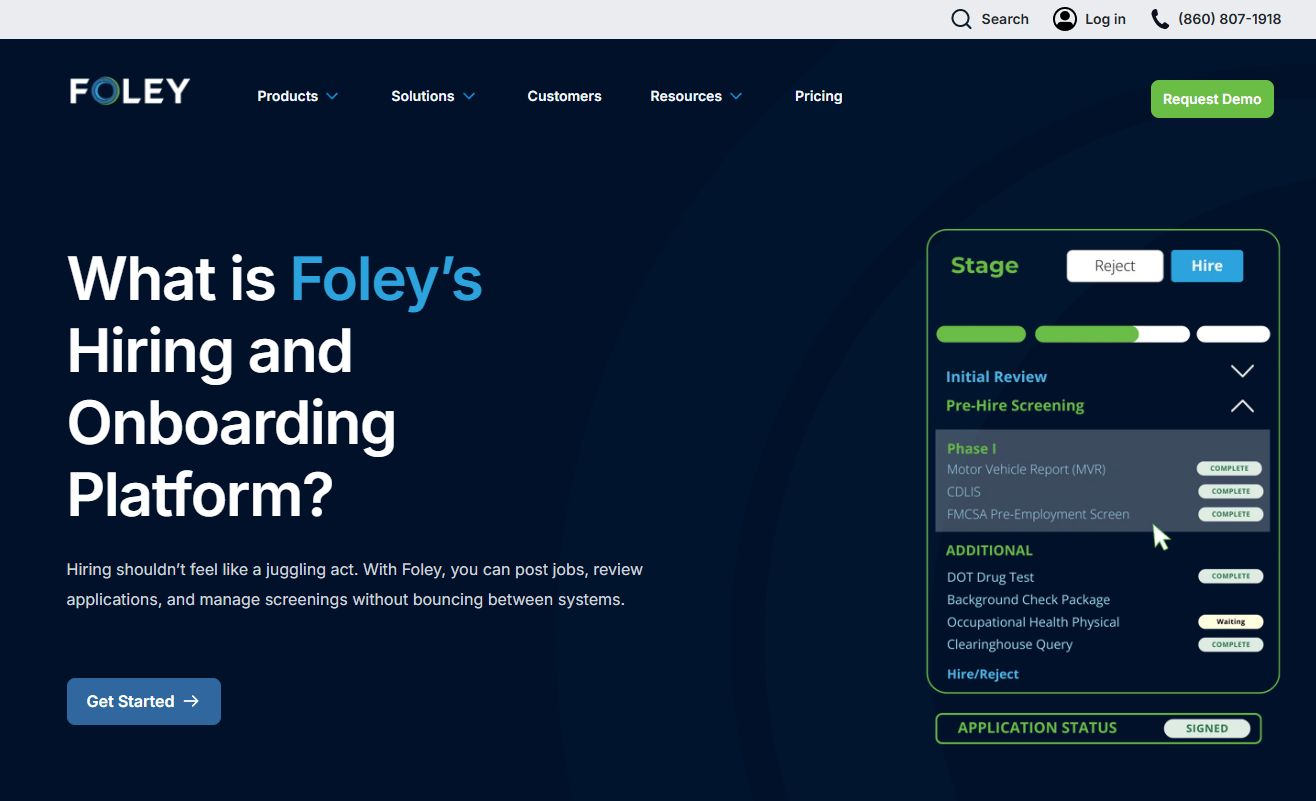
Foley Hiring, Screening & Onboarding is the front-of-funnel module for moving driver candidates from application through compliant onboarding. It handles job posting, candidate management, phased background screening, and digital onboarding with e-signatures. Where the monitoring products watch for risk after hire, this module structures the hiring workflow that gets a driver in the door correctly.
Best for: DOT-regulated fleets and safety-sensitive employers that need hiring plus compliance built into one candidate flow.
Key features
- Job posting and candidate management
- Digital onboarding and e-signatures
- Phased background screening
- ATS integrations and compliance management
Why choose Foley Hiring, Screening & Onboarding: Pick this module when the front end of your process is the mess, candidates falling through gaps between recruiting and screening. It fits teams that want structured hiring and onboarding workflows tied directly to compliant screening rather than bolted on afterward.
Foley Hiring, Screening & Onboarding pricing: This module follows Foley's Essential, Professional, and Power packages, with feature summaries on the pricing page and quote-based numbers through a demo. What you pay reflects hiring volume and the screening depth your roles require.
Foley Hiring, Screening & Onboarding carries a 3.7/5 rating on Foley's G2 product reviews page as of August 2026.
Considerations
Before you commit to Foley software, work through this checklist against your own operation.
Workflow coverage across hiring, screening, and compliance
Map your current tools first, then check which Foley modules replace them. The consolidation case only holds if Foley covers enough of your chain to retire real subscriptions. Confirm it handles hiring, screening, and compliance for your specific roles, not just a subset.
DOT and FMCSA depth
Verify that Foley's driver qualification files, Clearinghouse queries, and drug and alcohol program management match your regulatory obligations. FMCSA compliance is unforgiving, so a gap here costs more than a missing feature elsewhere. Ask specifically about how DQ files stay current and audit-ready.
Monitoring and alerting usefulness
Continuous monitoring only helps if the alerts reach the right person fast. Check the cadence of CSA Monitor, MVR Monitor, and Audit Risk Monitor, and how alerts route to your team. Test whether the signal is actionable or just noise you learn to ignore.
ATS and system integration quality
Growth and ops teams both hate implementation that stalls on integration. Confirm Foley's ATS integrations and data connections fit your existing stack before signing. Ask how candidate data flows in and out so you are not back to manual copying.
Reporting and audit readiness
The whole promise is proving compliance on demand. Verify the reporting produces the exact audit trail an FMCSA review expects. Run a mock audit pull during evaluation to confirm the records assemble cleanly.
Conclusion
The strongest reason to choose Foley software is consolidation across compliance-heavy work. If you run driver hiring, background screening, DOT compliance, and risk monitoring in separate systems today, Foley collapses them into one audit-ready platform. That is the pitch that matters for regulated fleets: Fewer vendors, cleaner records, and proof you can produce in minutes.
Match the module to the problem. Foley anchors the whole system. Dash by Foley gives operators the control center. Foley Navigator AI adds plain-language guidance. CSA Monitor, Audit Risk Monitor, and MVR Monitor cover the ongoing risk layer, while Foley Hiring, Screening & Onboarding structures the front of the funnel.
Since Foley uses quote-based pricing across Essential, Professional, and Power packages, the practical next step is a demo. Review the module pages that match your gaps, then request pricing scoped to your fleet size and regulatory requirements. Go in with your current tool list and your audit pain points, and press on integration and reporting during the walkthrough.
FAQs
Foley software combines hiring, background screening, DOT compliance, and fleet risk monitoring into one platform for safety-sensitive employers. It manages driver qualification files, drug and alcohol programs, Clearinghouse queries, and continuous CSA and MVR monitoring. The goal is a single audit-ready record system instead of scattered tools and paper files.
Foley serves transportation and fleet operators most directly, since DOT and FMCSA compliance is central to the platform. That said, its screening and monitoring tools apply to any employer running safety-sensitive roles that face federal background and monitoring requirements. The core fit is regulated hiring, wherever that regulation applies.
Yes. Foley background check workflows run phased screening tied directly to the hiring process. Its hiring module also covers job posting, candidate management, digital onboarding, and e-signatures, so a candidate moves from application to compliant onboarding inside one system.
Foley manages driver qualification files, drug and alcohol program administration, and Clearinghouse queries as part of its DOT compliance software. It layers continuous monitoring on top through CSA Monitor, Audit Risk Monitor, and MVR Monitor. Together those keep records current and flag regulatory risk before an audit does.
Driver qualification file management turns the DQ files that FMCSA requires into digital records Foley stores and keeps current. It tracks expirations, sends reminders before certifications lapse, and assembles the file for audit review. That replaces binders and shared drives with an auditable trail you can pull on demand.
Yes. Foley runs continuous risk monitoring software across three products: CSA Monitor for FMCSA score and violation changes, MVR Monitor for 24/7 motor vehicle record tracking, and Audit Risk Monitor for per-driver audit exposure. Alerts fire when a record changes, so post-hire risk does not go unnoticed until an annual review.
Compare on total workflow coverage and the cost of vendor sprawl, not feature-by-feature parity. Point tools may win on any single step, but Foley's value is one connected record across hiring, screening, and compliance. Weigh whether consolidation and a cleaner audit trail outweigh best-of-breed depth for your team.
Confirm workflow coverage against your current tools, DOT and FMCSA depth for your roles, alert usefulness, ATS integration fit, and reporting that satisfies an audit. Since Foley pricing is quote-based across Essential, Professional, and Power packages, request numbers scoped to your fleet size. Run a mock audit pull during evaluation to test readiness before you commit.










