
Your product team ships a feature on Tuesday. Marketing needs the launch page live in eight languages by Friday. Support wants the help docs translated before the first ticket lands. And every one of those surfaces has to use the exact same product name, the same feature labels, the same tone.
Multilingual content moves faster than most translation workflows can keep up. So teams end up trading one thing for another: speed for consistency, consistency for quality, quality for the deadline. Something always loses.
Computer assisted translation software exists to stop that trade-off. It combines translation memory, terminology management, machine translation, and human review inside a single workflow, so the same sentence never gets retranslated twice and approved terms stay locked across every asset.
The category is also growing fast. According to Future Market Report, the computer assisted translation software market is estimated at USD 1.75 billion in 2024 and is projected to reach USD 3.94 billion by 2032, a compound annual growth rate of 10.7%. Translation memory market share alone accounts for roughly 45% of that market, which tells you where the real productivity gains sit.
This guide compares the tools worth shortlisting if you need a reliable translation workflow in 2026, whether you run a two-person localization function or a global content operation.
What's inside
This guide is for translators, localization managers, content ops leads, and product marketing managers who own multilingual content and want a system, not a pile of one-off translation tasks. If you are comparing CAT tools and broader localization platforms, this is the shortlist. For teams who also own product launches, our roundup of the best product launch software pairs naturally with a localization stack.
We selected tools based on four things that matter most when you are buying:
- Workflow fit: how well the tool matches desktop, browser-based, team, or enterprise localization operations.
- Collaboration and QA depth: roles, approvals, terminology controls, and quality checks.
- AI and machine translation support: how the tool uses MT or AI, and whether humans stay in control.
- Integrations: CMS, repository, and content tool connections that keep work flowing.
The list includes standalone CAT tools and broader localization platforms where CAT editing is a core capability.
TL;DR
- Best overall for professional translator workflows: Trados Studio, with deep translation memory, terminology, and AI-assisted translation in one mature environment.
- Best for enterprise localization governance: Phrase and XTM Cloud, for structured workflow orchestration and quality controls at scale.
- Best for AI-assisted, collaborative execution: Smartcat, which pairs translation memory and AI drafting with a built-in linguist marketplace.
- Best free browser-based option: Matecat, for fast, no-cost CAT editing with translation memory reuse.
- Best for software and product localization: Lokalise, Crowdin, and Transifex, built around continuous localization for apps and digital content.
- Best for website translation with minimal setup: Weglot, for multilingual sites without heavy implementation.
What computer assisted translation software is
Computer assisted translation software is software that helps a human translator work faster and more consistently by combining translation memory, terminology management, quality assurance, and machine translation support inside one editing environment.
The key word is assisted. A CAT tool does not replace the translator. It removes the repetitive parts of the job so the translator spends time on judgment and nuance instead of retyping sentences they have already translated before.
A simple example: you translate "Reset your password" once. The next time that exact string appears, anywhere in any project, the CAT tool surfaces your earlier translation automatically. You confirm or adjust it instead of starting from scratch. Multiply that across thousands of repeated UI strings, release notes, and help articles, and the savings compound.
CAT tools are also called CAT software or, in shorthand, CAT editors. They sit at the center of most modern localization workflows.
How CAT software works
The workflow follows a predictable chain from raw source content to published translation. Understanding it helps you evaluate where each tool is strong.
- Upload: You import source files, whether that is a document, a software resource file, a website export, or content pulled from a connected repository.
- Segmentation: The tool breaks content into segments, usually sentences or phrases. Segmentation is the foundation of everything else, because reuse and matching happen at the segment level.
- Translation memory matching: For each segment, the tool checks your translation memory for exact or fuzzy matches from past work and presents them.
- Terminology prompts: Approved terms from your termbase surface inline, so the translator uses the sanctioned wording for product names and feature labels.
- Machine translation suggestions: Where configured, an MT engine drafts a first pass the translator can accept, edit, or reject.
- Human review: A translator and often a separate reviewer refine the output for accuracy, tone, and context.
- Quality assurance: Automated checks flag missing numbers, inconsistent terms, formatting issues, and spelling before anything ships.
Segmentation matters because it turns translation into a reusable asset. Once a segment is translated and approved, it never needs full retranslation. Fuzzy matches, where a new segment closely resembles an old one, let the translator edit rather than rewrite.
Modern tools split between browser-based and desktop workflows. Cloud-based CAT tools let distributed teams work in the same project simultaneously. Desktop CAT tools give individual translators offline control and local performance. Many platforms now offer both.
Core components to look for
Every serious CAT tool is built around four components. Evaluate each one against your content mix.
Translation memory
- Stores every approved segment translation for reuse.
- Surfaces exact and fuzzy matches as you work.
- Grows more valuable over time as the memory deepens, especially for repetitive product and marketing content.
Termbases and terminology management
- Holds approved terms, forbidden terms, and usage notes in a structured termbase.
- Prompts translators with sanctioned wording inline.
- Keeps product names, feature labels, and brand language consistent across every surface.
Machine translation
- Generates a draft inside the CAT workflow for the translator to refine.
- Speeds up first-pass drafting on high-volume content.
- Works best when paired with human review, not as a standalone output.
Quality assurance
- Runs spellcheck and grammar checks.
- Verifies numbers, dates, tags, and formatting between source and target.
- Supports LQA-style review for scored quality assessment on critical content.
CAT software vs machine translation vs AI
These three terms get blurred constantly, and the distinction matters when you are buying.
Machine translation produces raw output from an engine. It is fast and getting better, but it has no memory of your approved terms, no review step, and no governance. AI now layers on top of MT to help with drafting, quality estimation, and routing decisions. But raw AI output is still just a draft.
CAT software is the workflow that governs all of it. It decides what gets matched from memory, which terms are enforced, where MT or AI assists, and where a human signs off. Control, consistency, and production readiness live in the CAT layer, not in the engine.
| Capability | Machine translation | AI assistance | CAT software |
|---|---|---|---|
| Primary role | Generate draft output | Draft, estimate quality, route work | Govern the full workflow |
| Memory of approved terms | No | Limited | Yes, via termbase and TM |
| Human review built in | No | No | Yes |
| Production-ready alone | Rarely | Rarely | Yes, with review |
| Best framing | A drafting input | A workflow accelerator | The system of record |
The takeaway: AI and MT are inputs. CAT software is the system that turns those inputs into governed, consistent, publishable content.
Why CAT software matters for PMMs and global content teams
If you own product marketing or global content, localization is not a side task. It runs through every launch.
A product launch in eight markets means localized landing pages, release notes, in-app copy, sales enablement, and help content, all consistent with the master messaging. A campaign refresh means updating dozens of assets without reintroducing inconsistency. Customer education in new markets means translated docs that match the product's actual terminology.
CAT software turns these from repeated fire drills into a repeatable system. Specific use cases where it pays off:
- Launches: Reuse approved strings across markets so a multilingual launch ships on schedule instead of bottlenecking on retranslation.
- Enablement: Keep battlecards, one-pagers, and decks consistent in every language using a governed termbase.
- Support: Translate help content fast while QA catches errors before customers see them.
- Product education: Localize onboarding and feature content that mirrors the live product UI exactly. Teams that build localized walkthroughs often pair CAT tools with interactive demo software so the guided experience matches the live product in every market.
PMMs care about message consistency across touchpoints. A termbase is the mechanism that delivers it across languages. If your remit also covers messaging and positioning, our list of the best product marketing software tools is a useful companion.
When to use computer assisted translation software
Launch content in multiple languages without rebuilding every asset
When a launch needs to go live in several markets at once, rebuilding each asset by hand guarantees delays and drift. CAT software lets you translate once and reuse across release notes, landing pages, and campaign assets. Translation memory means the repeated strings carry over automatically. The result is faster localized launches with consistency baked in rather than bolted on afterward.
Maintain terminology consistency across product, marketing, and support
Product names, feature labels, and key phrases have to read the same in the app, on the website, and in the help center. A termbase enforces approved language at the point of translation, in every language. This is governance, not preference. When the field, the docs, and the UI all use sanctioned wording, buyers and users get one coherent story instead of subtle contradictions that erode trust.
Scale translation work without losing editorial control
Growing multilingual volume usually means either hiring more reviewers or accepting lower quality. CAT software offers a third path. Human review plus automated QA lets a team handle far more content while keeping editorial control. Translators, reviewers, and local market stakeholders collaborate in the same environment, with roles and approvals that keep quality high as throughput climbs.
Comparison table
This table gives you a fast way to compare fit before you read the full sections. Scan the Intent and Key differentiation columns to find tools that match your team structure, then check pricing and ratings.
| # | Product | Intent | Key differentiation | Pricing | G2 rating |
|---|---|---|---|---|---|
| 1 | Trados Studio | Professional translator and team CAT | Mature TM, terminology, and AI-assisted translation; desktop plus cloud | From £38/month (Freelance) | Not available |
| 2 | Phrase | Enterprise localization platform | Structured TMS with CAT editor and in-context preview | From $27/month (Freelancer) | 4.5/5 |
| 3 | Smartling | Enterprise localization orchestration | TMS with translation proxy and quality workflows | From $0.0075/word | 4.4/5 |
| 4 | memoQ | Team and translator CAT/TMS | Strong QA and terminology in a structured environment | From €220/month | 4.5/5 |
| 5 | Smartcat | AI-assisted collaborative translation | AI drafting plus linguist marketplace and TM | From $1,200/year | 4.6/5 |
| 6 | Matecat | Free browser-based CAT | Free, open-source, TM and MT with LQA scoring | Free | 4.0/5 |
| 7 | CafeTran Espresso | Configurable desktop CAT | Flexible cross-platform editor with MT integration | From €80/year | Not available |
| 8 | Transifex | Software and content localization | Continuous localization with AI quality scoring | From $160/month | 4.2/5 |
| 9 | Crowdin | Software and content localization | 700+ integrations with WYSIWYG editor | Free tier available | 4.4/5 |
| 10 | Lokalise | App and digital product localization | Automation-heavy continuous localization | From $144/month | 4.7/5 |
| 11 | Weglot | Website localization | No-code multilingual sites with auto SEO | From $17/month | 4.7/5 |
| 12 | XTM Cloud | Enterprise localization workflow | Workflow automation with AI quality features | From $16,500/year | 4.3/5 |
| 13 | GlobalLink | Enterprise localization governance | Enterprise translation management at scale | Custom | 4.5/5 |
| 14 | Redokun | Document translation workflow | Layout-preserving document translation | From $120/project | Not available |
| 15 | Pairaphrase | Secure team translation | Secure file translation with TM and terminology | From $199 | Not available |
Best computer assisted translation software for 2026
1. Trados Studio
Overview
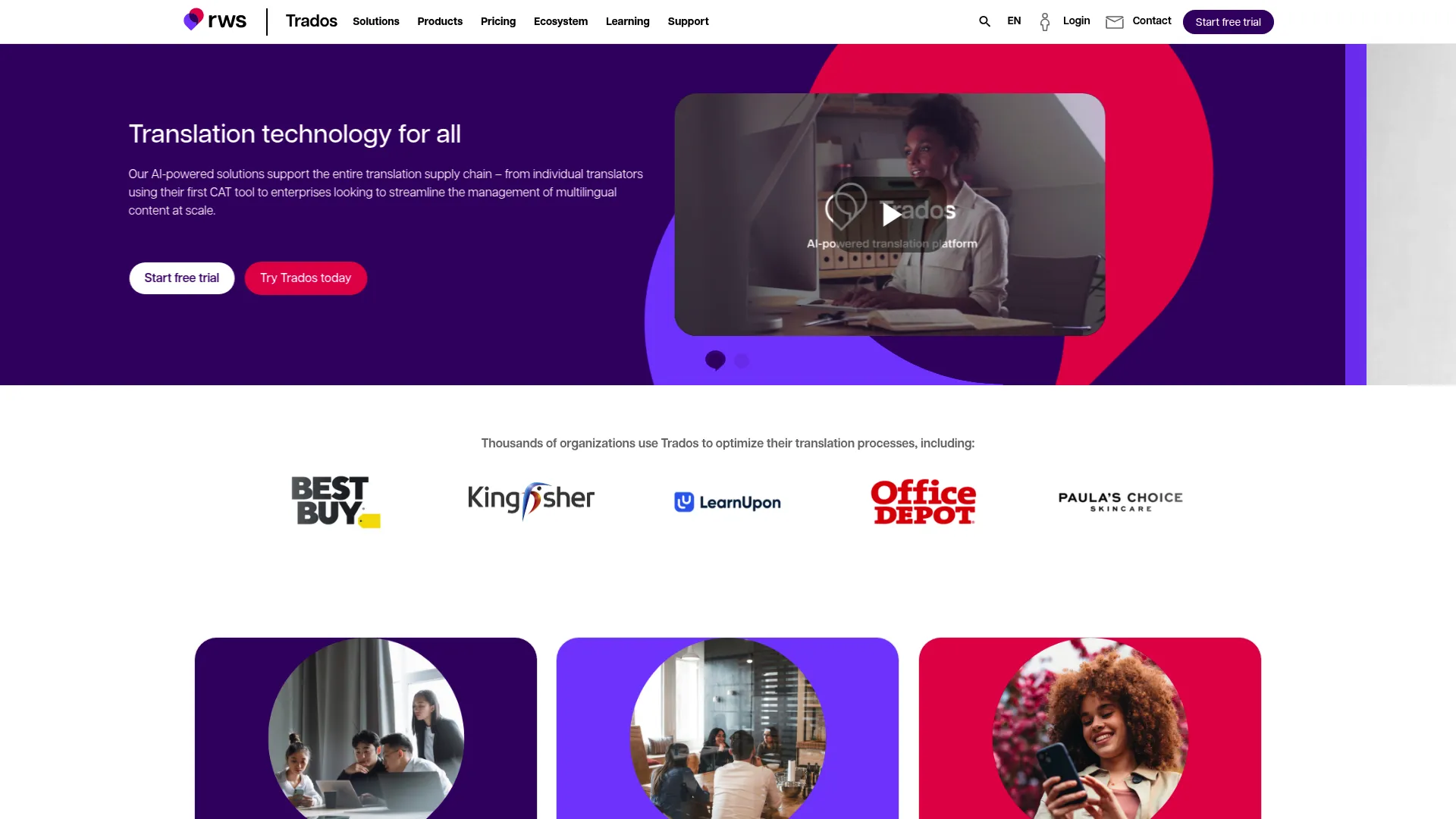
Trados Studio is the long-standing standard among professional translators, an AI-powered environment for creating, editing, reviewing, and managing translation projects. It combines deep translation memory, terminology management, and machine translation in one place, with both desktop and cloud capabilities. If your team values reliability and proven translator workflows, this is the tool most localization professionals already know.
Key strengths
- Translation memory depth: Mature TM that reuses past translations across projects and grows more valuable over time.
- Terminology management: Structured termbases that enforce approved wording inline as translators work.
- Generative translation: AI-assisted drafting integrated alongside the established CAT workflow.
- Project management: Built-in tools to manage files, deadlines, and translation projects end to end.
- Desktop plus cloud: Work offline on the desktop or collaborate through cloud capabilities.
Best for
Freelance translators and localization teams that need a mature, reliable CAT environment with terminology and AI-assisted translation.
Why choose it
Trados Studio performs best when translation is a core, ongoing function rather than an occasional task. Its translation memory and terminology depth are hard to match, and the breadth of file format and workflow support means it rarely hits a wall on complex projects. For teams that want an industry-standard environment translators already recognize, it is the safe, capable choice.
Pricing
Trados offers freelance plans with monthly and annual billing. Trados Freelance starts at £38 per month, or £34 per month billed annually. The lighter Trados Go plan starts at £27 per month, or £24 billed annually. Team and enterprise options exist beyond the freelance tiers, so verify the right edition for your seat count and deployment model.
What to watch for
Trados has a deep feature set, which means a learning curve for new users. Budget time for onboarding so your team uses translation memory and terminology features fully rather than treating it as a basic editor.
2. Phrase
Overview
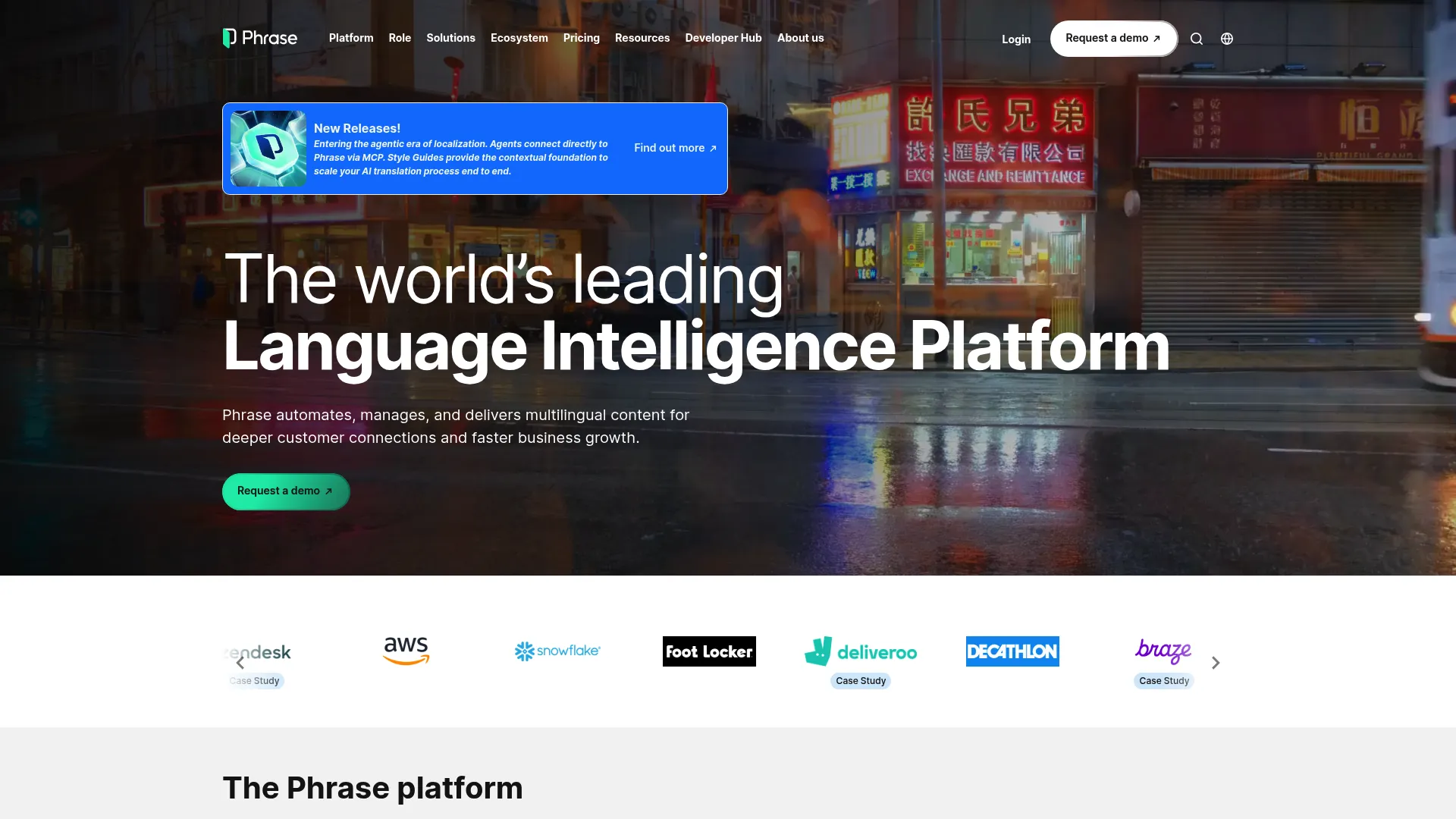
Phrase is an AI-powered localization platform built for enterprise multilingual content. It pairs a CAT editor with structured translation management, software localization, and multimedia localization, plus in-context preview so translators see how copy renders in the live layout. For teams that want governed, orchestrated workflows rather than a standalone editor, Phrase sits at the platform end of the category.
Key strengths
- Translation management: Orchestrates projects, files, and approvals across large multilingual programs.
- CAT editor with in-context preview: Translators see content in context, reducing layout and meaning errors.
- Software localization: Purpose-built handling for software strings and developer workflows.
- AI-assisted translation: AI drafting and routing layered into the governed workflow.
- Multimedia localization: Support for localizing content beyond plain text.
Best for
Enterprises and product teams localizing software and multilingual content at scale with structured governance.
Why choose it
Phrase performs best when localization spans multiple teams and content types and needs central control. The combination of a strong CAT editor and translation management means you get translator productivity and program governance in one platform. It is a strong fit for PMMs and localization leads who need repeatable, auditable workflows across markets.
Pricing
Phrase offers public and custom tiers. The Freelancer plan starts at $27 per month, and the Team plan starts at $1,245 per month billed annually. Business and Enterprise plans are custom and require contacting sales. A 14-day free trial is available, so test the workflow before committing to a higher tier.
What to watch for
As a platform rather than a single editor, Phrase rewards proper setup of workflows, roles, and integrations. Plan an implementation phase so the orchestration features deliver value rather than sitting unused.
3. Smartling
Overview
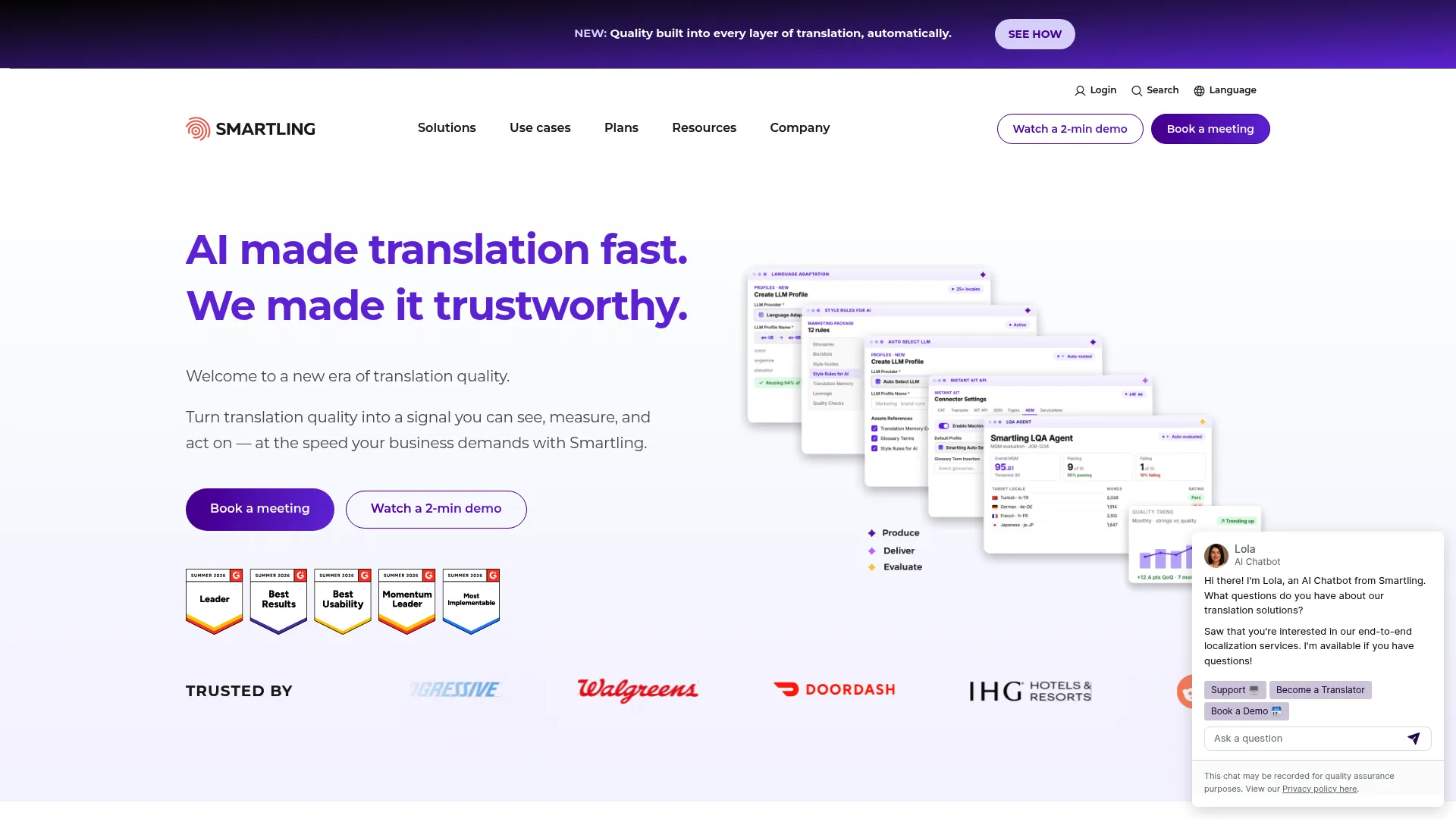
Smartling is an AI-powered translation management and localization platform built for global content at enterprise scale. It combines a translation management system, a translation proxy, more than 50 integrations and APIs, and analytics with quality workflows. Smartling leans toward orchestration and collaboration across large programs rather than individual desktop editing.
Key strengths
- Translation management system: Central control over projects, content, and approvals across markets.
- Translation proxy: Localize web content without heavy engineering involvement.
- 50+ integrations and APIs: Connect content sources and automate handoffs across the stack.
- Analytics and quality workflows: Measure throughput and enforce quality at scale.
Best for
Enterprises that need centralized localization, automation, and access to translation services.
Why choose it
Smartling performs best when localization volume is high and spread across many systems and stakeholders. The proxy and integration breadth reduce manual work, while analytics give localization leads visibility into throughput and quality. For teams orchestrating translation across products, marketing, and support, the platform handles coordination that simpler tools cannot.
Pricing
Smartling prices by translation type rather than seats. Options start at machine translation from $0.0075 per word, AI translation from $0.06 per word, AI human translation from $0.12 per word, and human translation from $0.20 per word. There is also a free "bring your own translators" option. Total cost depends on volume, translation type, and workflow automation, so model your expected word counts.
What to watch for
Per-word and platform pricing means cost scales with volume. Map your annual word counts and translation types up front so the model matches your budget.
4. memoQ
Overview
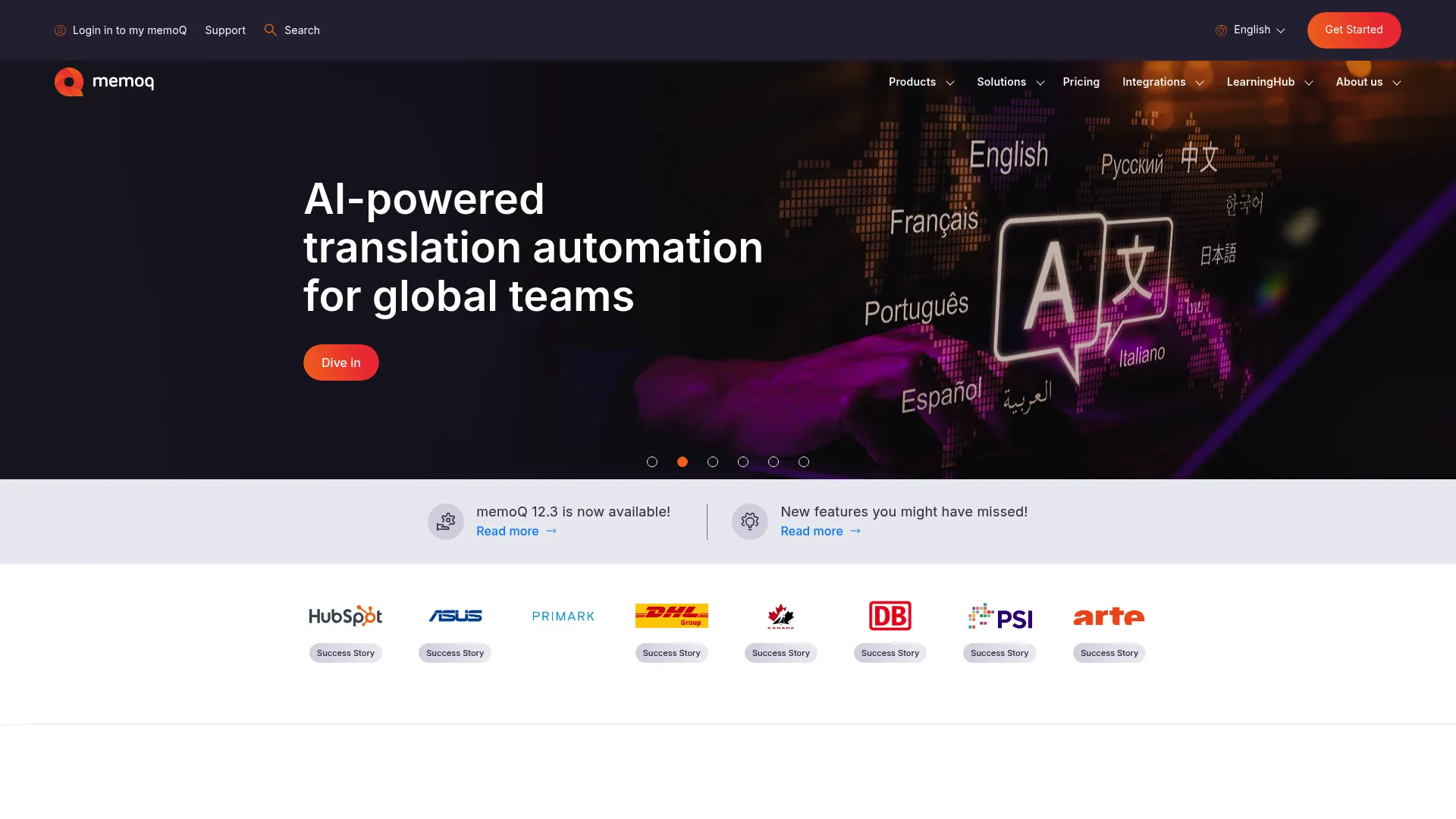
memoQ is translation management software for enterprises, language service providers, and individual translators. It pairs a productive CAT environment with strong quality assurance and terminology management, giving teams a structured, controlled space to translate. memoQ is a favorite among teams that want depth and control without sacrificing translator productivity.
Key strengths
- Translation management workflows: Structured project and team workflows for consistent execution.
- Quality assurance: Robust QA checks for numbers, terms, and formatting before delivery.
- Terminology management: Termbase support that keeps output consistent across projects and teams.
Best for
Teams and translators that want a controlled, structured translation environment with strong QA and terminology support.
Why choose it
memoQ performs best for teams that prioritize control and quality. Its QA and terminology features are well regarded, and the environment scales from individual translators to language service providers running large programs. If you want a serious CAT/TMS that translators enjoy working in, memoQ is a strong contender.
Pricing
memoQ TMS offers six editions. The Starter monthly plan is publicly priced at €220 per month. The Essential, Essential Plus, Professional, Professional Plus, and Custom tiers are quoted through sales on annual contracts. Identify your team size and workflow needs before requesting a quote on the higher editions.
What to watch for
The range of editions means you need to match the tier to your actual workflow. Confirm which features sit in which edition so you do not over- or under-buy.
5. Smartcat
Overview
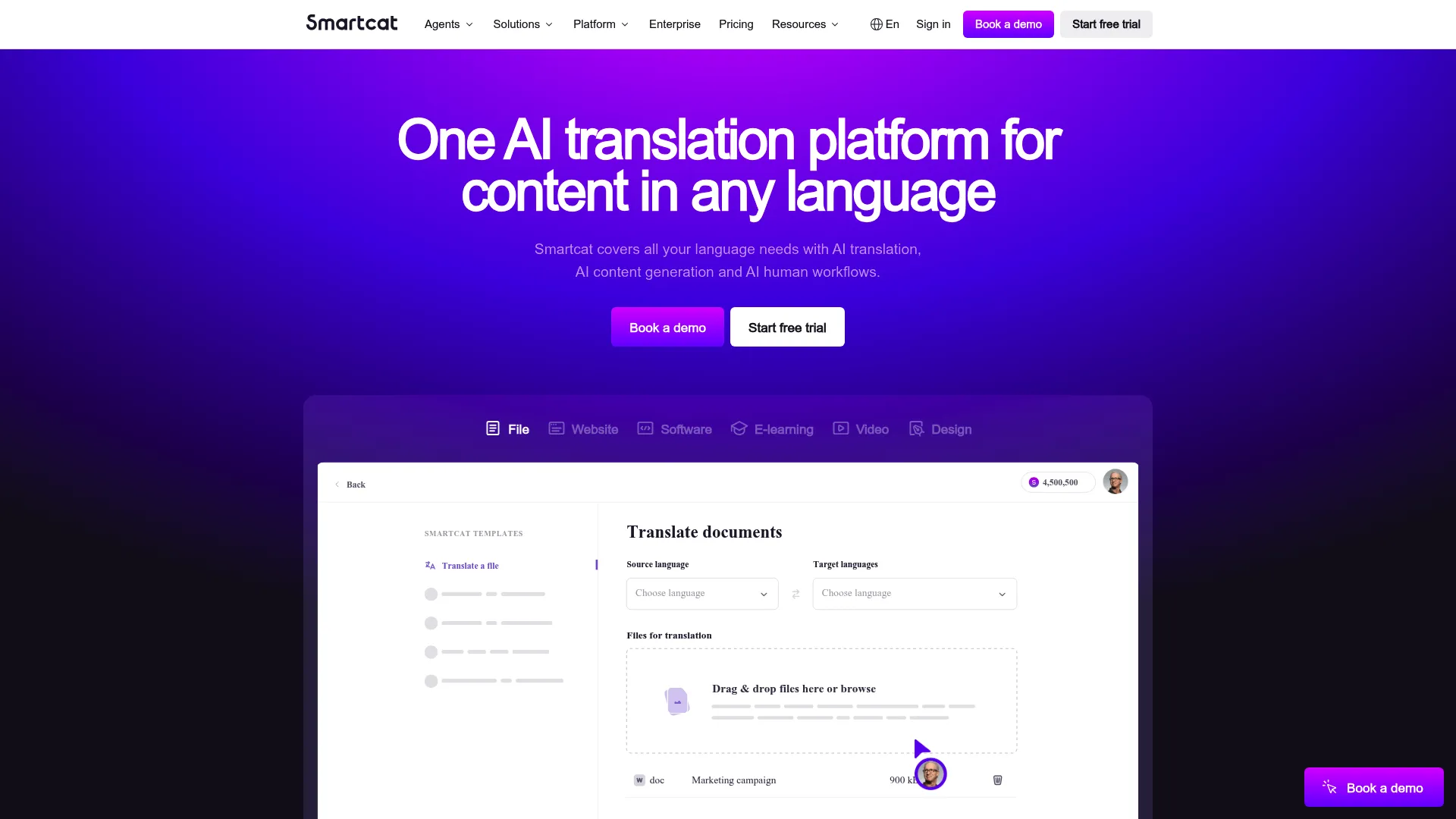
Smartcat is an AI-powered language and global content platform for translating, localizing, and creating multilingual content. It combines AI translation and content creation, translation memory and terminology management, and a built-in marketplace of linguists and reviewers. Smartcat is built for collaboration and faster execution across distributed teams.
Key strengths
- AI translation and content creation: AI drafting integrated with human review for speed plus control.
- Translation memory and terminology management: Core CAT capabilities that keep work consistent and reusable.
- Marketplace access: Connect with linguists and reviewers directly inside the platform.
Best for
Global teams that want an AI-assisted translation workflow with human review and on-demand access to linguists.
Why choose it
Smartcat performs best when teams need to coordinate translation work and scale capacity quickly. The marketplace removes the friction of sourcing reviewers, and the AI plus TM combination accelerates drafting while keeping consistency. For teams that value coordination and faster turnaround, it is a practical, modern choice.
Pricing
Smartcat's Basic plan starts at $1,200 per year, aimed at independent creators and small companies. The Enterprise plan is custom-priced for global teams and regulated industries. Smartcat also offers a 15-day free trial, so test the AI and collaboration features before committing.
What to watch for
The marketplace and AI features are central to the value, so plan how your team will use both. Set review standards up front to keep quality consistent when scaling capacity.
6. Matecat
Overview
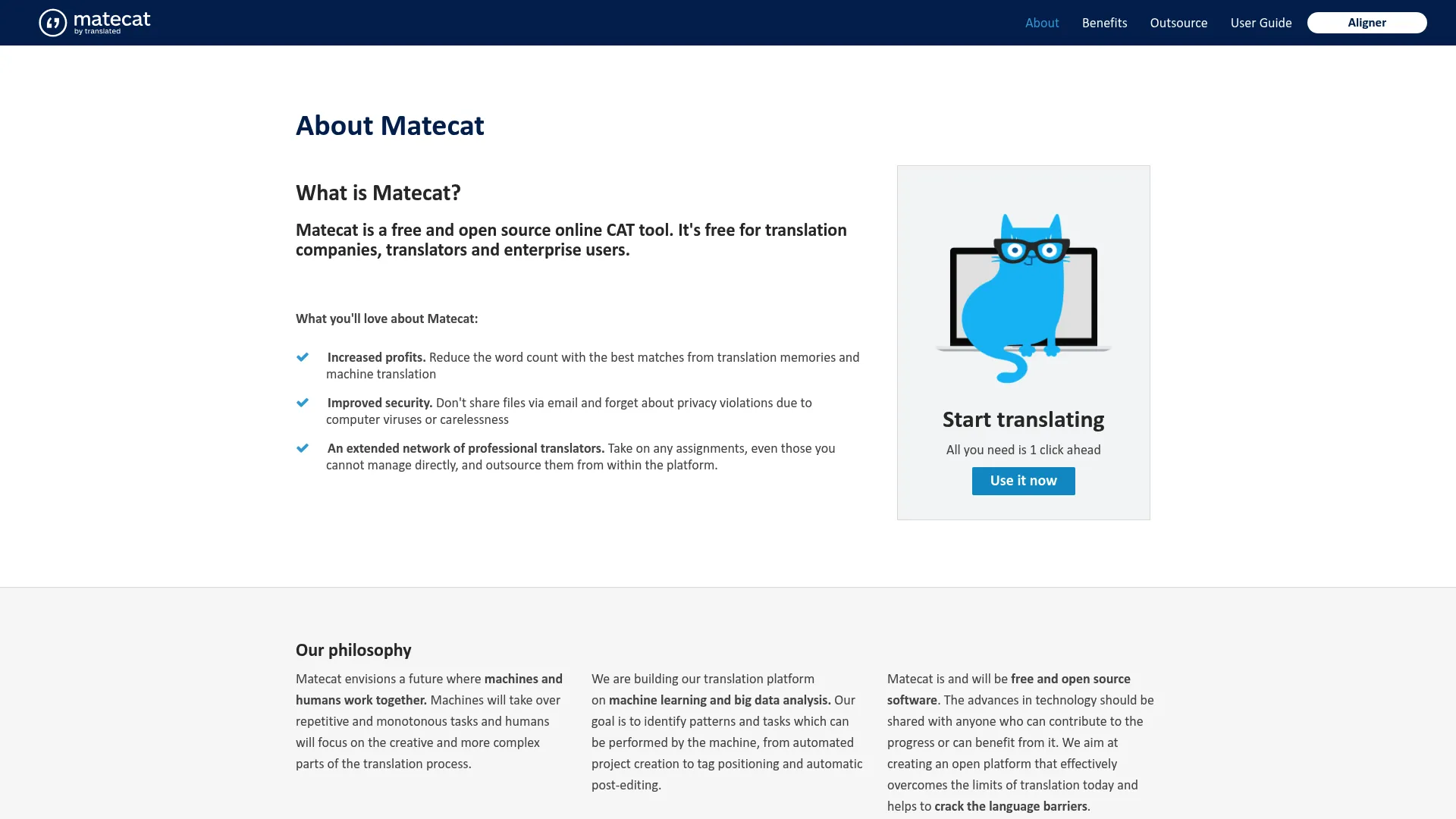
Matecat is a free, open-source online CAT tool for translation teams and individual translators. It runs entirely in the browser, with translation memory, machine translation support, and one-click outsourcing and project management. For lightweight or budget-conscious workflows, Matecat delivers core CAT functionality without cost.
Key strengths
- Translation memory and MT support: Reuse past translations and draft with machine translation, free.
- One-click outsourcing: Send projects out and manage them from inside the tool.
- Automatic quality scoring: A customizable LQA framework scores quality automatically.
Best for
Teams and translators who need a free, accessible, browser-based CAT tool.
Why choose it
Matecat performs best when simplicity and accessibility matter most. There is nothing to install and no license fee, which makes it ideal for freelancers, students, and teams testing CAT workflows before investing. The LQA scoring is a useful bonus for teams that want a quality signal without enterprise tooling.
Pricing
Matecat is free and open source. There is no paid tier or numeric pricing on the site.
What to watch for
As a free tool, Matecat focuses on core CAT functionality rather than the deep governance and integrations of enterprise platforms. It is best suited to lighter workflows or as an entry point into CAT.
7. CafeTran Espresso
Overview
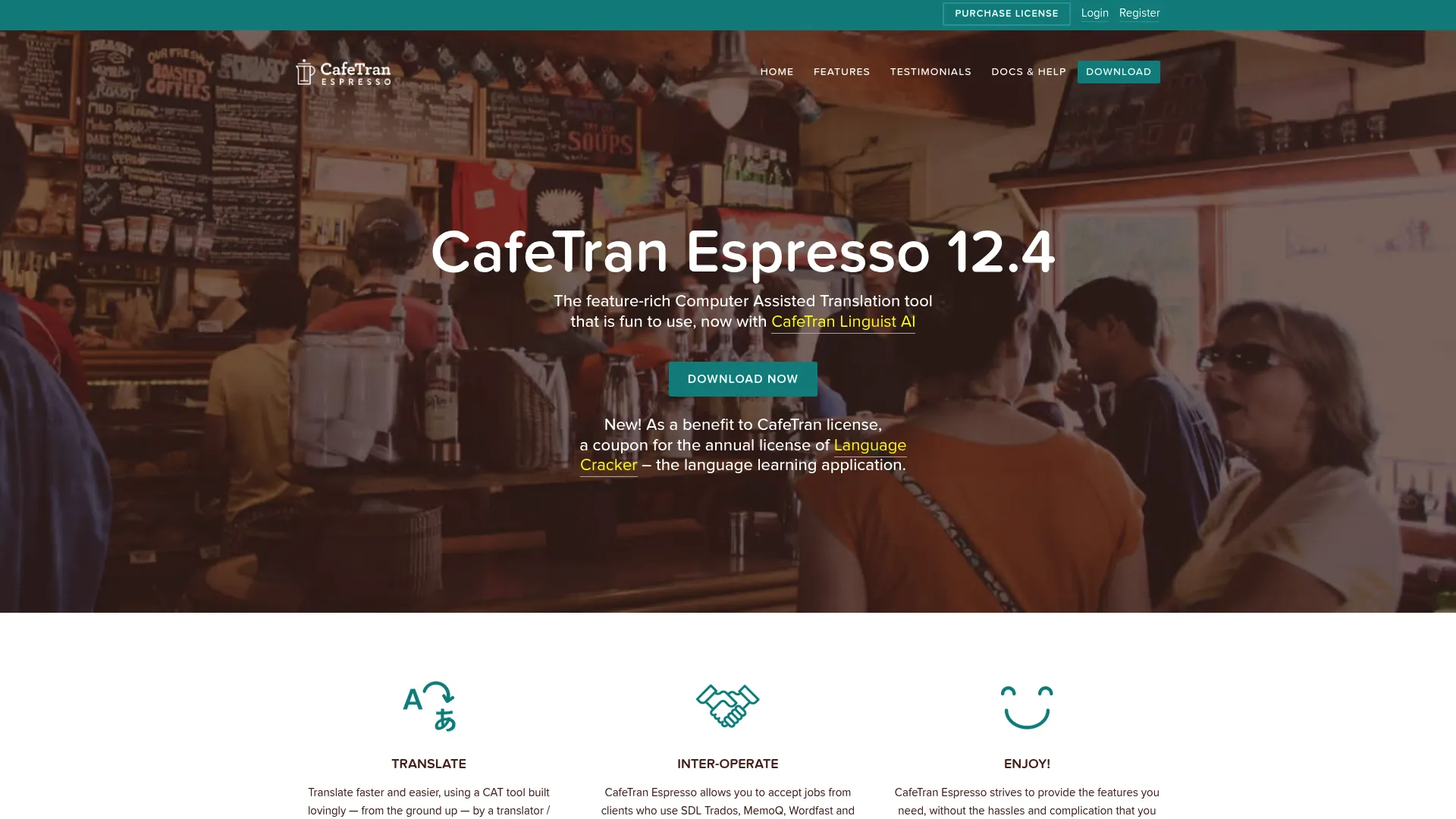
CafeTran Espresso is a cross-platform CAT and translation memory tool built for translators who want a configurable desktop environment. It offers AI and MT integration, smart autocompletion, and broad file-format support, including Office, InDesign, PDF, and bilingual CAT formats. CafeTran appeals to power users who like to tune their workspace.
Key strengths
- AI and MT integration: Connect machine translation and AI engines for drafting support.
- Smart autocompletion: One-click suggested text placement speeds up translation.
- Broad file-format support: Handle Office, InDesign, PDF, and standard bilingual CAT formats.
Best for
Freelance translators and small teams who want a flexible, cross-platform CAT tool they can configure to their workflow.
Why choose it
CafeTran Espresso performs best for translators who value flexibility and control over their environment. Its configurability and format support make it a capable desktop alternative, and the free copy lets translators try it before buying. For independent professionals who like to fine-tune their tools, it is a strong fit.
Pricing
CafeTran offers a free download usable indefinitely with translation memory and glossary limits. Paid licensing includes a yearly subscription at €80 per year or a one-time full purchase at €200. Choose based on whether you prefer ongoing updates via subscription or a single purchase.
What to watch for
The depth of configuration is a strength but also a learning curve. New users should expect to invest time setting up the environment to get the most from it.
8. Transifex
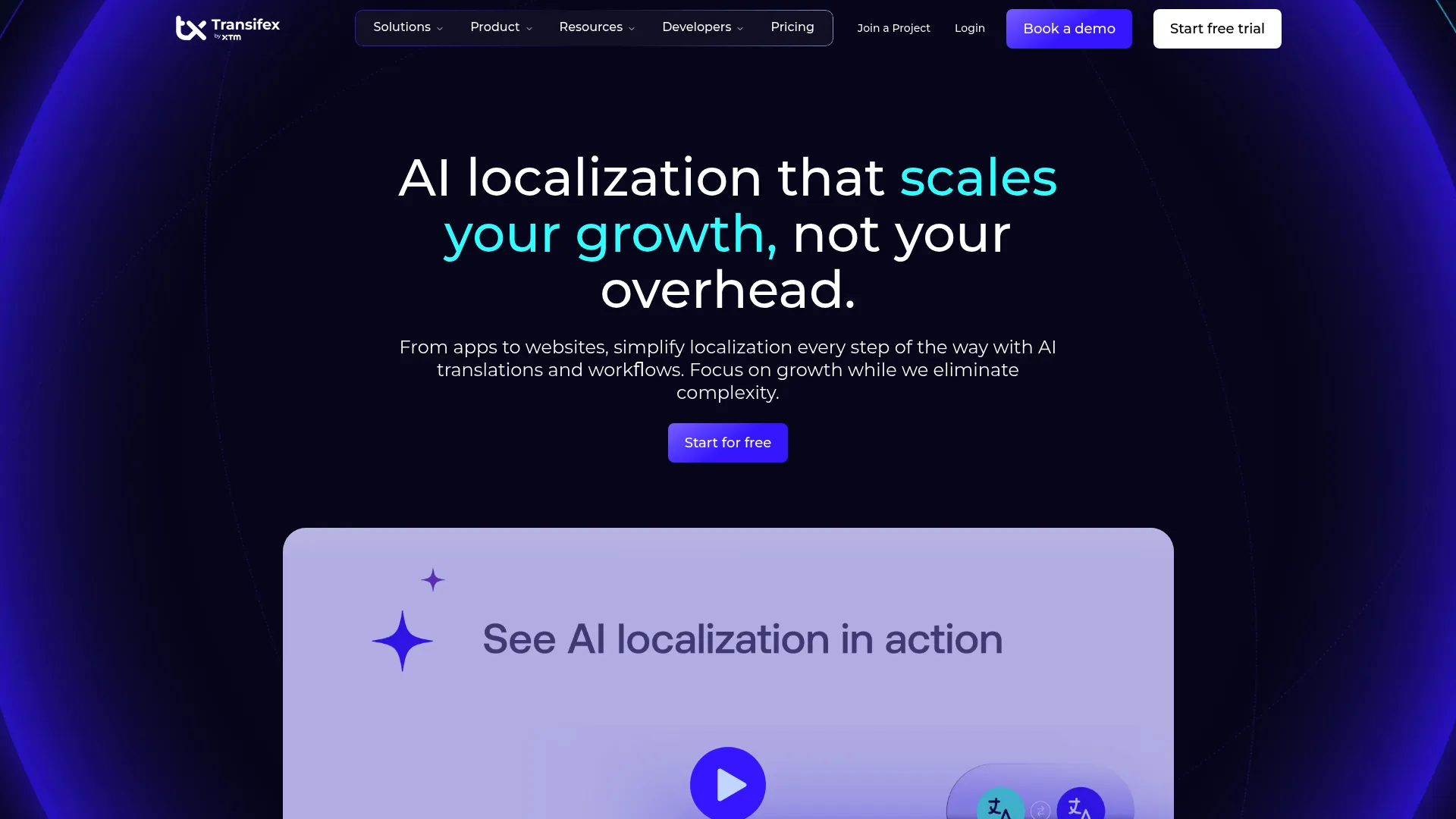
Overview
Transifex is a localization management platform for software, websites, and digital content. It is built around continuous localization, with a CAT editor, Transifex AI featuring TQI quality scoring, and Transifex Live for website localization. The platform is developer-friendly and suits product and digital content teams shipping frequent updates.
Key strengths
- Continuous localization workflow: Keep translations in sync with frequent product and content releases.
- Transifex AI with TQI scoring: AI translation paired with a quality index to estimate output quality.
- Transifex Live: Localize website content with a dedicated tool.
Best for
Teams localizing software, websites, and digital content on a continuous release cadence.
Why choose it
Transifex performs best when localization needs to keep pace with ongoing development. The continuous workflow and developer-friendly integrations mean translations update alongside code, not in a separate batch process. For product and engineering-aligned teams, that cadence fit is the main draw.
Pricing
Transifex offers public plans. The Starter plan starts from $160 per month, and the Growth plan from $236 per month. The Enterprise+ plan is priced from $140 per month billed annually, with an AI Words add-on from $84 per month. A free trial is available, and billing can be viewed monthly or annually.
What to watch for
The plan structure and AI add-on mean you should map your word volume and feature needs to the right combination. Confirm which integrations you need are supported on your chosen tier.
9. Crowdin
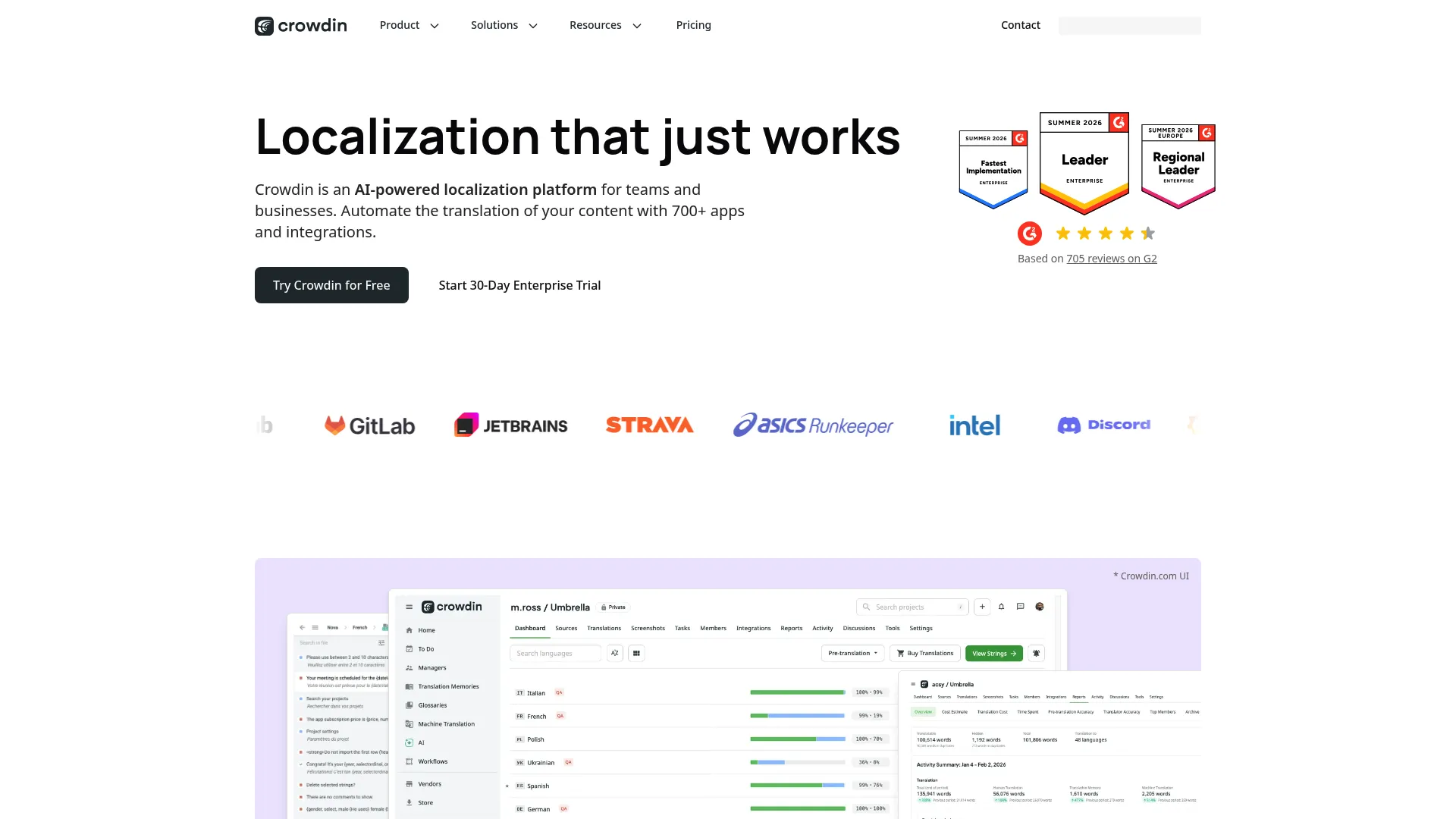
Overview
Crowdin is a localization platform for managing translation of apps, websites, marketing, and support content. It combines a glossary and translation memory, an online editor with WYSIWYG preview and live spell check, and more than 700 apps and integrations plus API, CDN, SDKs, and webhooks. Crowdin suits multi-content, multi-team translation operations.
Key strengths
- Glossary and translation memory: Core CAT reuse and terminology in a cloud platform.
- WYSIWYG editor: Online editor with preview and live spell check for in-context accuracy.
- 700+ integrations: Extensive app ecosystem plus API, CDN, SDKs, and webhooks.
Best for
Teams localizing software or content across many languages and content types.
Why choose it
Crowdin performs best when localization spans multiple content types and teams that need everything connected. The integration breadth is a standout, letting you wire translation into the tools you already use. For operations that touch apps, websites, marketing, and support at once, that connectivity keeps work flowing.
Pricing
Crowdin offers monthly and annual billing for individuals and teams, annual billing for organizations, a 14-day team trial, and a free option for open-source projects. Public numeric plan prices were not available at the time of writing, so request current pricing for your team size and confirm the tier that fits.
What to watch for
With a large integration ecosystem, scope which connectors you actually need so setup stays focused. Confirm pricing for your specific plan before committing.
10. Lokalise
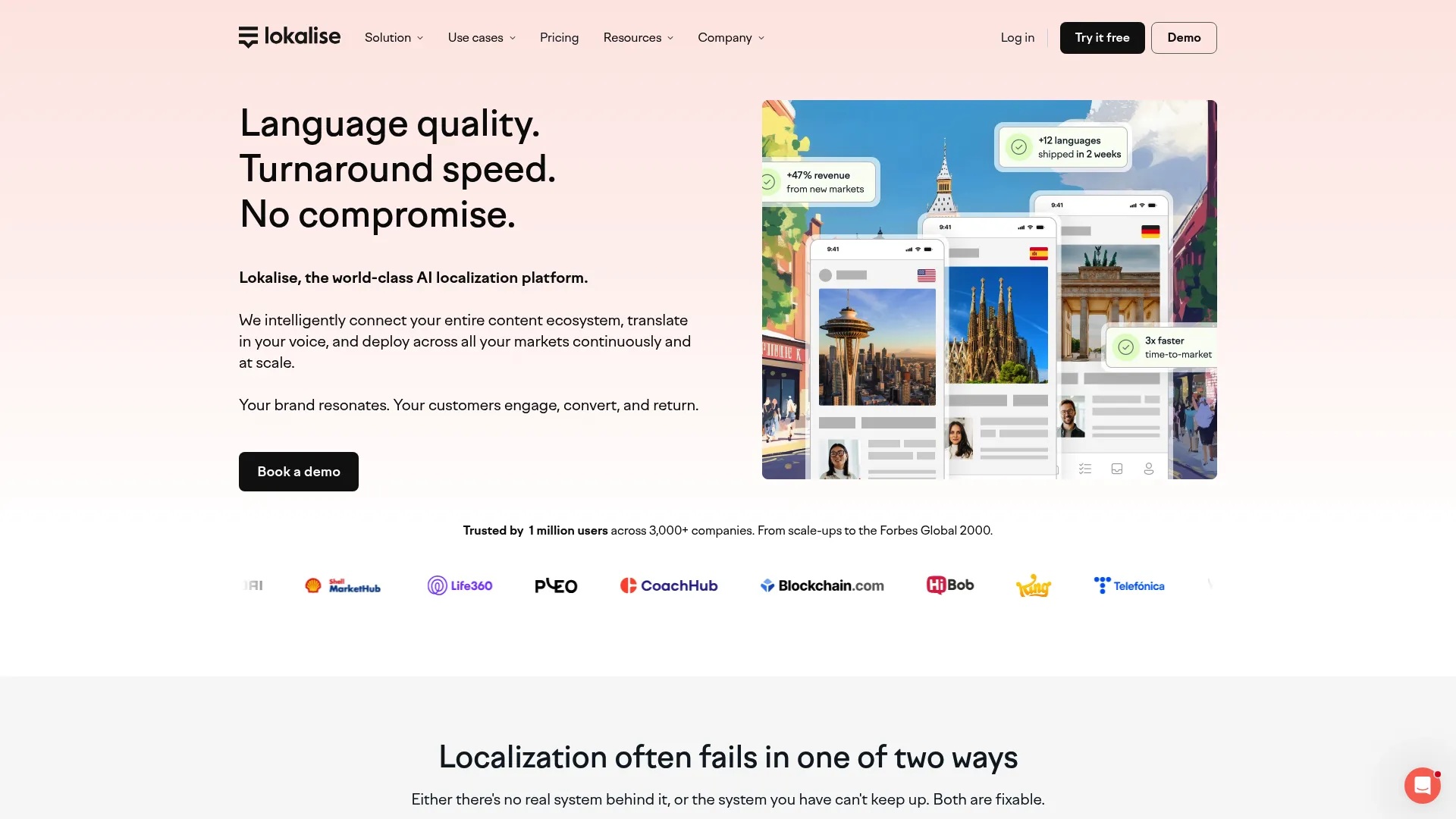
Overview
Lokalise is an AI-powered localization and translation management platform for web, mobile, games, and digital content. It is built around continuous localization and automation, contextual translations with AI, and enterprise-grade security and workflows. Lokalise is a strong fit for software teams and marketing localization that prize speed.
Key strengths
- Continuous localization and automation: Automate handoffs so translations keep pace with releases.
- Contextual translations with AI: AI-assisted translation that accounts for context.
- Enterprise-grade security and workflows: Governance and security for larger teams.
Best for
Teams localizing apps and digital content with automation-heavy workflows.
Why choose it
Lokalise performs best for software and marketing teams that want speed without sacrificing control. The automation features reduce manual coordination, and the contextual AI helps translators produce better first drafts. For teams shipping frequently across web and mobile, it is built for the cadence.
Pricing
Lokalise offers a free plan at $0 per month, plus paid tiers billed annually: Explorer at $144 per month, Growth at $499 per month, and Advanced starting at $999 per month. The Enterprise plan is custom and requires contacting the team for an estimate. Match the tier to your seat count and automation needs.
What to watch for
Feature depth varies across tiers, so confirm that the automation and integration capabilities you need sit in the plan you are considering before you buy.
11. Weglot
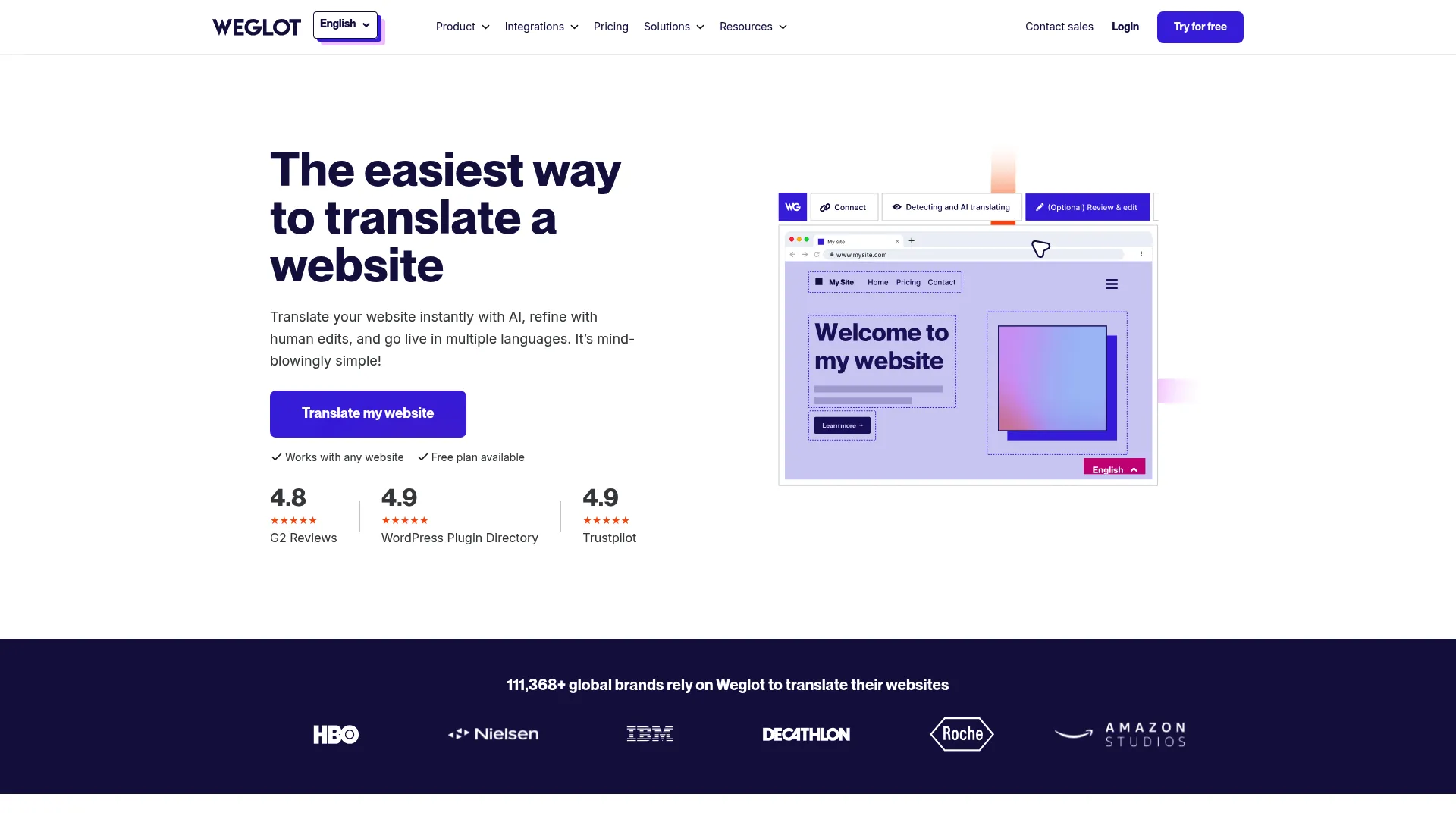
Overview
Weglot is website translation and localization software for making sites multilingual quickly. It offers no-code multilingual website translation, automatic SEO handling with subdirectories or subdomains and hreflang, and AI translation with a manual editing and visual editor. Weglot is for teams that need a multilingual site without heavy implementation effort.
Key strengths
- No-code multilingual translation: Make a website multilingual without engineering work.
- Automatic SEO handling: Manages subdirectories, subdomains, and hreflang for multilingual SEO.
- AI translation with manual editing: AI drafting plus a visual editor for human refinement.
Best for
Teams that need a fast way to launch and manage a multilingual website.
Why choose it
Weglot performs best when the priority is getting a website live in multiple languages with minimal setup. The no-code approach and automatic SEO handling remove the usual implementation friction, and the visual editor keeps humans in control of the final wording. For website-focused localization, it is one of the quickest paths to live.
Pricing
Weglot offers a free plan at $0 per month and tiered paid plans: Starter at $17 per month, Business at $32, Pro at $87, Advanced at $329, and Extended at $769 per month. An Enterprise plan is priced on request. Standard plans are charged in euros, with USD shown as an estimated view.
What to watch for
Plans are tied to word counts and language counts, so check your site's size against the tier limits. Weglot focuses on website localization rather than broad document or software translation workflows.
12. XTM Cloud
Overview
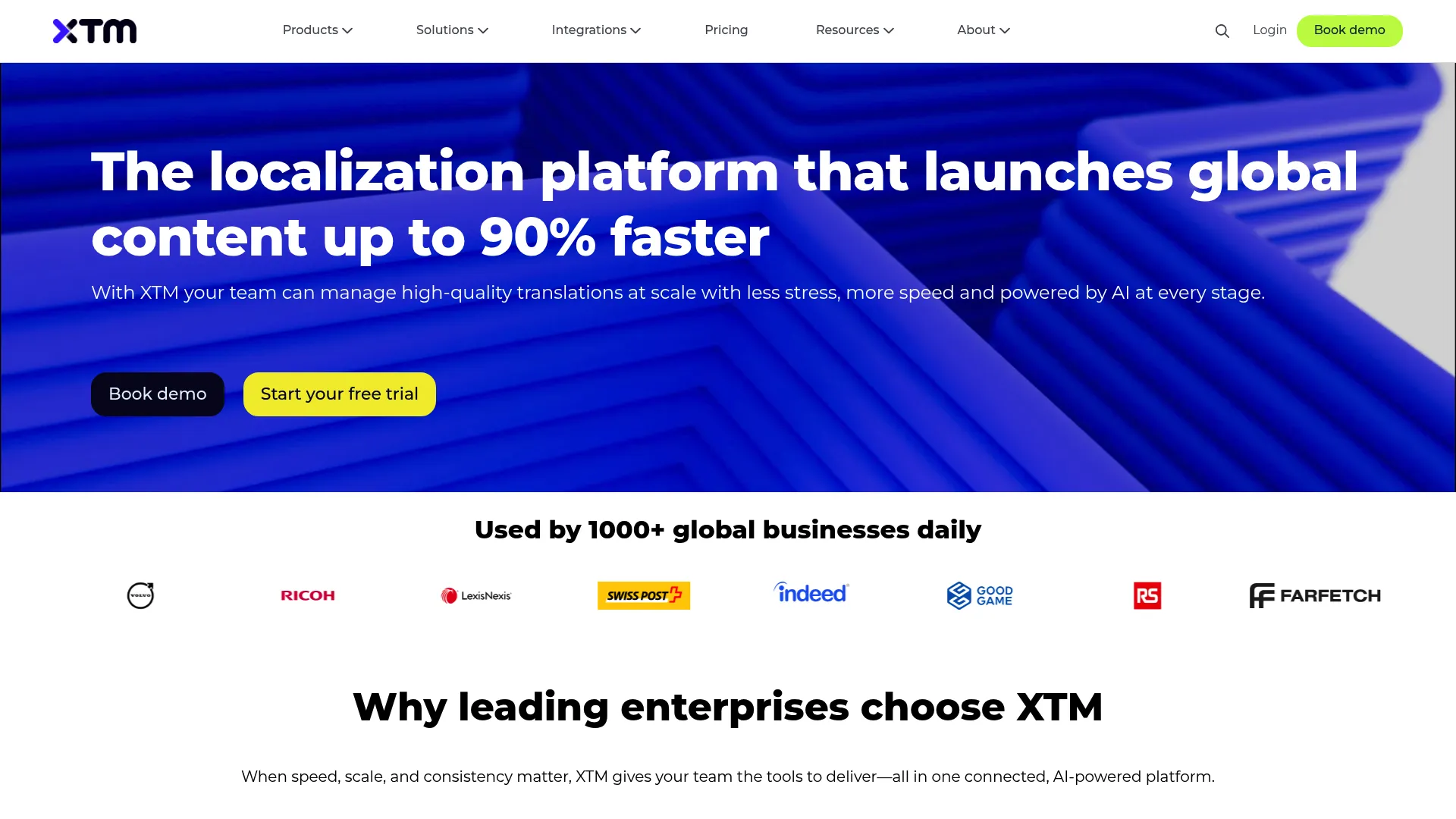
XTM Cloud is AI-powered translation management software for enterprise localization teams. It combines workflow automation, translation memory and terminology management, and a suite of AI features including SmartContext, Intelligent Score, Language Guard, Intelligent Workflow, and an AI agent. XTM is built for larger multilingual operations that need automation and quality controls.
Key strengths
- Workflow automation: Automate complex localization processes across teams and content.
- Translation memory and terminology management: Core CAT capabilities for reuse and consistency.
- AI quality features: SmartContext, Intelligent Score, and Language Guard add AI-assisted quality controls.
Best for
Enterprise localization teams that need translation management with workflow automation and AI-assisted quality features.
Why choose it
XTM Cloud performs best for large operations where automation and governance drive efficiency. The AI quality features add a layer of control over output, and the workflow automation reduces manual coordination at scale. For enterprise localization leads managing high volume across many languages, it is purpose-built for the job.
Pricing
XTM Cloud offers annual plans. The Team plan starts from $16,500 per year, the Business plan from $60,000 per year, and the Enterprise plan is custom-priced. Additional AI packs and add-ons are available. Confirm which plan and add-ons match your volume and feature needs.
What to watch for
The entry price points it firmly at enterprise budgets. Scope your volume and required features to confirm the investment matches the scale of your localization program.
13. GlobalLink
Overview
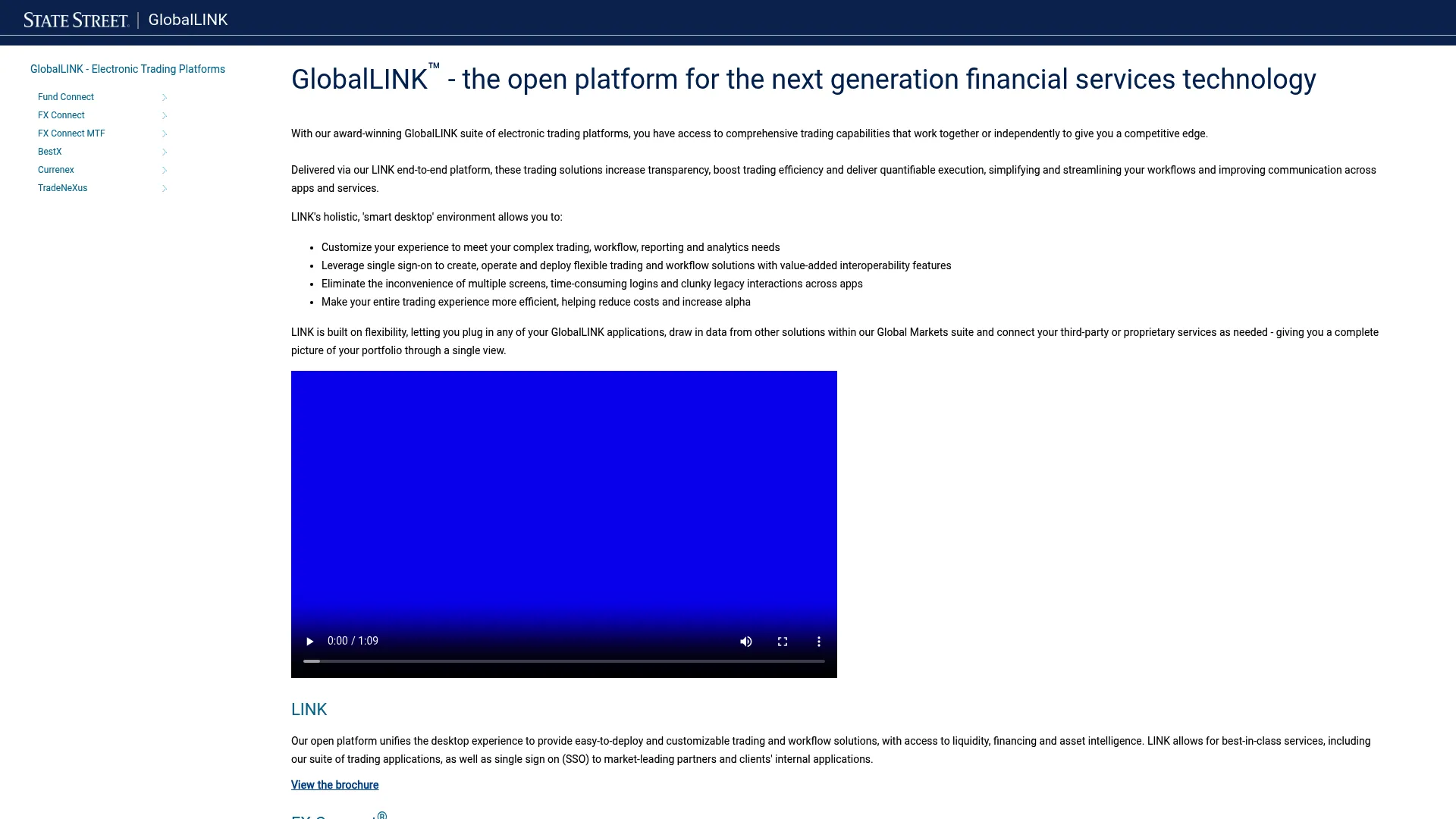
GlobalLink is an enterprise localization and translation management suite aimed at large organizations managing content at scale. It centers on translation workflows, localization governance, and process consistency across high content volumes. GlobalLink suits enterprises that need controlled, repeatable localization across many teams and markets.
Key strengths
- Enterprise translation management: Centralized control over large, complex localization programs.
- Localization governance: Process and quality controls for consistency at scale.
- Workflow control: Structured workflows that keep high content volumes moving predictably.
Best for
Enterprises managing content at scale that need strong localization governance and process consistency.
Why choose it
GlobalLink performs best for large organizations where process consistency and governance are non-negotiable. The enterprise focus means workflows, controls, and scale are built in rather than added on. For teams operating localization as a core, governed function, it fits the enterprise mold.
Pricing
GlobalLink does not publish self-serve pricing and is sold through sales engagement. Plan to contact the vendor with your volume, language pairs, and workflow requirements to get a quote.
What to watch for
As an enterprise suite sold through sales, expect an evaluation and onboarding process. Clarify integration requirements and governance needs early to shape the scope of your engagement.
14. Redokun
Overview
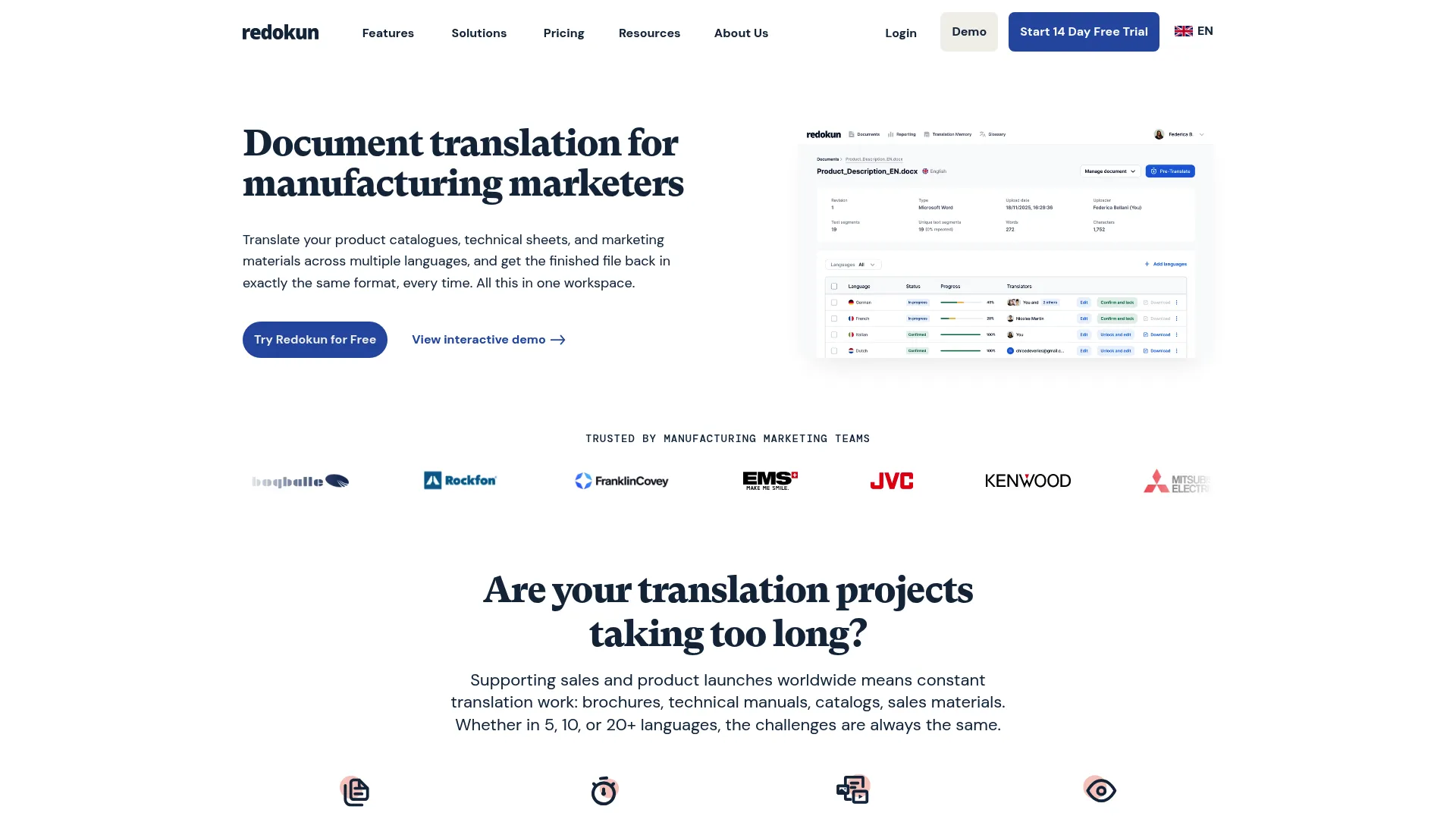
Redokun is cloud-based document translation software for teams that need to preserve layout while collaborating on multilingual content. It combines project management, a web editor for collaboration, automatic file formatting, translation memory, a glossary, and AI translation suggestions. Redokun is a strong fit for marketing teams and documents where formatting must stay intact.
Key strengths
- Automatic file formatting: Translate documents while preserving the original layout.
- Translation memory and glossary: Reuse translations and enforce consistent terminology.
- AI translation suggestions: Pre-translate with AI and refine with AI tone-of-voice and fine-tuning tools.
Best for
Teams translating documents, especially marketing materials, that must keep original formatting intact.
Why choose it
Redokun performs best when layout preservation is a priority and ease of use matters. The web editor makes collaboration simple, and automatic formatting removes the tedious rework of reflowing translated documents. For smaller teams and marketing content, it is approachable and practical.
Pricing
Redokun offers a pay-per-project Project Pass at $120 and subscription plans: Starter at $150 per month, Basic at $390, and Premium at $780 per month, with discounted annual billing. An Enterprise plan is custom-quoted on annual terms. Choose the project pass for one-off needs or a subscription for ongoing work.
What to watch for
Redokun focuses on document translation rather than software strings or website localization. Confirm it covers the file types your team works with most.
15. Pairaphrase
Overview
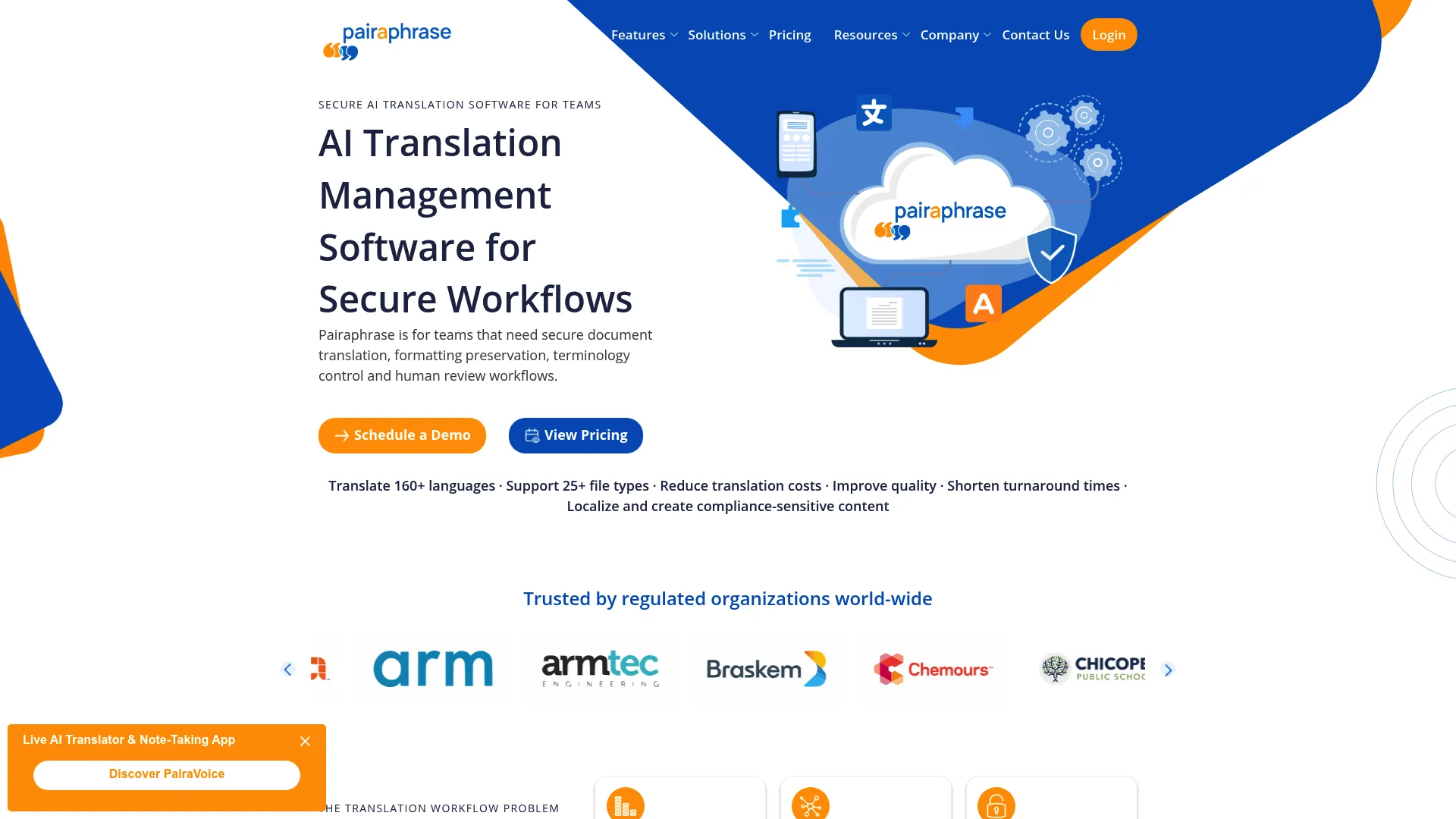
Pairaphrase is an AI-powered translation management platform for teams that need secure, controlled translation workflows. It combines file translation with preserved formatting, translation memory and terminology management, and collaboration with API integration. Pairaphrase suits organizations that prioritize controlled, secure translation operations.
Key strengths
- File translation with preserved formatting: Translate files while keeping the original layout, with OCR for scanned PDFs.
- Translation memory and terminology management: Core CAT reuse and consistency controls.
- Collaboration and API integration: Team collaboration plus an API to connect into your systems.
Best for
Teams that need secure document translation with preserved formatting and controlled workflows.
Why choose it
Pairaphrase performs best for organizations where security and control of the translation process matter. The combination of file format preservation, translation memory, and collaboration supports controlled team operations. For teams handling sensitive content who want governed workflows, it is built with that priority in mind.
Pricing
Pairaphrase offers one-time packages and annual subscriptions. One-time plans include Basic at $199, Pro at $299, and Premium at $399. Annual-billed subscriptions include Bronze at $285 per month, Silver at $499, and Gold at $835 per month. A free trial is available, though there is no free version.
What to watch for
With both one-time and subscription models, decide whether your usage is occasional or ongoing to pick the right structure. Confirm the file types and integrations you need are covered in your chosen plan.
Considerations
Use this as a buyer's checklist before you commit. The right tool depends on your content mix, team structure, and governance needs more than any single feature.
Workflow fit
Decide whether you need a desktop tool, a browser-based platform, a team environment, or full enterprise orchestration. A freelancer's needs differ sharply from a global content operation's. Match the tool to your content type and team structure, not to the longest feature list.
Translation memory depth
Check how easy it is to build, reuse, and govern your translation memory. For repetitive product and marketing content, strong TM is where the productivity gains come from. Confirm the tool surfaces fuzzy matches well and lets you maintain memory cleanly over time.
Terminology and QA controls
Verify termbase support, spellcheck, number and tag checks, and review workflows. For PMMs, terminology management is the mechanism that keeps product names and messaging consistent across every language and surface. Strong quality assurance catches the errors that erode trust before they ship.
Collaboration and approvals
Look for roles, permissions, comments, reviewer workflows, and version control. Localized launches involve translators, reviewers, and local market stakeholders, so the tool needs to coordinate them without chaos. Collaboration features that support clear approval steps keep quality high as more people touch the content.
AI and machine translation control
Evaluate how the tool uses MT and AI, and crucially, whether humans stay in control. The goal is governance, not novelty. The best setups use AI and MT to accelerate drafting while keeping human review and termbase enforcement firmly in the loop.
Integrations and reporting
Check connections to your CMS, code repositories, knowledge base, and analytics. You also want reporting on translation throughput and adoption so you can prove the system is working. Integrations keep content flowing automatically instead of requiring manual handoffs.
Conclusion
The best CAT tool depends on how you work, not on a single ranking. The category sorts cleanly into a few fits.
For translator-centric workflows, Trados Studio, memoQ, and CafeTran Espresso give individual professionals deep, mature CAT environments. For team-centric and AI-assisted execution, Smartcat, Lokalise, and Crowdin balance collaboration, automation, and speed. For enterprise-centric governance, Phrase, Smartling, XTM Cloud, and GlobalLink orchestrate large multilingual programs with controls and reporting. For website-centric needs, Weglot gets a multilingual site live with minimal setup, while Matecat offers a free entry point and Redokun and Pairaphrase serve document-focused, formatting-sensitive workflows.
The practical next step: shortlist two or three tools that match your content mix and team structure, then run a sample project through each. Translate a real launch page or help article, test the translation memory and terminology controls, and see how the QA and collaboration features hold up. If localizing onboarding and product education is a priority, comparing the best user onboarding software tools and the best digital adoption platforms alongside your CAT shortlist will help you see the full multilingual experience. The tool that fits your actual workflow, not the one with the longest feature list, is the one worth buying.
FAQs
Computer assisted translation software is software that helps a human translator work faster and more consistently. It combines translation memory, terminology management, and quality assurance in one editing environment, often with machine translation support. The translator stays in control while the software removes repetitive work and enforces consistency.
Machine translation generates draft output from an engine with no memory of your approved terms and no review step. CAT software is the workflow that governs translation, deciding what gets reused from memory, which terms are enforced, and where a human signs off. In short, MT is a drafting input, while CAT software is the system that makes content production-ready.
Translation memory is a database of previously translated segments that the tool reuses automatically. When the same or a similar sentence appears again, the CAT tool surfaces your earlier translation as an exact or fuzzy match. This improves both speed and consistency, and the value grows as the memory deepens over time.
The core features are translation memory, terminology management, quality assurance, collaboration, and AI or machine translation control. Translation memory drives productivity, termbases keep messaging consistent, and QA catches errors before publication. Collaboration and AI control matter most for teams scaling multilingual content.
No. While professional translators are the primary users, localization managers, product marketing managers, support teams, and product teams all rely on CAT workflows. Any team that produces multilingual content benefits from the consistency and reuse a CAT tool provides.
Focus on workflow fit, collaboration and approvals, integrations, and governance. Confirm the tool matches your content type and team structure, connects to your CMS or repositories, and gives you control over terminology and quality. Then test a real sample project before committing.
AI assists with drafting, quality estimation, and routing inside the CAT workflow, producing first-pass output the translator refines. The important part is that humans stay in control, with termbase enforcement and human review keeping quality and consistency intact. AI accelerates the work without replacing the governance the CAT layer provides.
The strongest enterprise fits are platforms built for governance and scale, such as Phrase, Smartling, XTM Cloud, and GlobalLink. The right choice depends on your volume, integration needs, and how much workflow automation and reporting you require. Evaluate against your specific localization program rather than choosing a single absolute winner.