You hired four contractors last quarter. Now there are forty. Somewhere between those numbers, the spreadsheet broke.
Onboarding docs live in someone's inbox. Tax forms are half-collected. Two people are chasing the same invoice. A manager pings you on Slack asking who is even covering the East Coast project this week, and you genuinely do not know. This is the moment most scaling companies realize contractor admin is not a side task anymore. It is a system you do not have.
The category is growing for exactly this reason. The contractor management software market was valued at USD 2.69 billion in 2025 and is projected to reach USD 5.2 billion by 2035, a 6.9% CAGR over the forecast period, according to WiseGuy Reports (2025). Contractors are now a standing part of how companies staff, not an exception to it. When a third of your workforce sits outside payroll, you need a contractor management system that handles onboarding, compliance, payments, and tracking without routing every decision through you.
This guide is the shortlist. If you are also evaluating adjacent operational tooling, our roundups on contract management, contract lifecycle management, and audit management software cover the neighboring layers most teams buy in the same quarter.
What's inside
This guide covers nine contractor management platforms built for onboarding, document collection, assignment tracking, invoicing, payments, compliance workflows, and integrations. It is written for operators choosing a system of record, not a feature checklist.
We selected and ordered tools based on four criteria that actually matter when contractors scale:
- Workflow depth: how much manual chasing the platform removes from onboarding, approvals, and tracking
- Compliance support: tax forms, classification, document retention, and audit trails
- Payment flexibility: invoicing, approvals, timing, and international payouts
- Integration coverage and scalability: HCM, ERP, accounting, and API fit as contractor volume grows
TL;DR
- Best for large 1099 workforces: WorkMarket by ADP, built for onboarding, verifying, and paying contractors at scale.
- Best for HCM-connected contractor data: Workday, when contractors need to sit inside your broader HR and finance system.
- Best focused contractor platform: TalentDesk.io, for teams that want freelancer operations without a full HR suite.
- Best for global payments: Deel, with cross-border payouts and classification support for distributed teams.
- Best for international expansion: G-P, for hiring and paying contractors across countries.
- Best for people-ops consolidation: Rippling, when contractor management should live inside one HR, IT, and payroll platform.
- Best for construction and field teams: Contractor Foreman and Procore, for project-scale job tracking and subcontractor coordination.
What is contractor management software?
Contractor management software is a centralized system for onboarding, tracking, paying, and maintaining compliance for independent contractors and external workers across one organization.
Instead of scattering contractor data across spreadsheets, email, and accounting tools, a contractor management platform creates one source of record. That record covers the full lifecycle, from the first signed agreement to the final payment and the audit trail behind it.
Core capabilities to expect:
- Contractor onboarding: collect agreements, tax forms, and verification documents in one guided flow
- Document storage: keep insurance certificates, contracts, and compliance records in one searchable place
- Assignment and schedule tracking: see who is working on what, where, and for how long
- Invoicing and approvals: receive, route, and approve contractor invoices without manual reconciliation
- Payments: pay contractors on time, domestically or across borders, in multiple currencies
- Compliance workflows: classification checks, tax forms (W-9, 1099, or local equivalents), and retention policies
- Reporting and audit trails: track activity, spend, and document history for finance and legal review
- Integrations: connect to HCM, ERP, accounting, and your broader people-ops stack
The strongest contractor management solutions treat these as one connected database, not separate tools. That is the difference between a contractor management database you can report on and a folder of PDFs you hope is complete.
When to use contractor management software
Onboard contractors without manual document chasing
Spreadsheets work until they don't. The break point is usually volume plus complexity. Once you are onboarding contractors across multiple states or countries, each with different tax forms, insurance requirements, and agreements, manual collection stops scaling. A contractor management system standardizes intake so every contractor submits the right documents before their first assignment, not after.
Track assignments, schedules, and status in one place
Managers need a single view of coverage and progress. When contractor work is tracked in side conversations and personal notes, nobody can answer basic questions: who is assigned, what is in progress, what is done. Contractor tracking software gives operations leaders one place to see status, reassign work, and spot gaps before they become missed deadlines.
Centralize compliance and payment workflows
Audit trails, tax forms, and international payments are where informal processes become real risk. If you cannot produce a clean record of who was paid, when, under what classification, and with what documentation, a routine audit becomes a fire drill. Independent contractor management software keeps compliance and payments in the same system, so the paper trail builds itself as you work.
Comparison table
The table below ranks the nine platforms by fit. Use the Intent column to sort by your situation, then read the key differentiation column to narrow. Pricing and ratings reflect current public sources where available; several enterprise platforms use custom quote pricing.
| # | Product | Intent | Key differentiation | Pricing | G2 rating |
|---|---|---|---|---|---|
| 1 | WorkMarket by ADP | Large 1099 workforces | Onboarding, verification, and payments at scale with Labor Clouds | Custom quote | - |
| 2 | Workday | HCM-connected teams | Contractor data inside a unified HR and finance suite | Custom quote | 4.2/5 |
| 3 | TalentDesk.io | Focused contractor ops | Freelancer onboarding, payments, and compliance in one platform | Custom quote, 3%–1% payment fee | 4.5/5 |
| 4 | Deel | Global payments | Cross-border contractor payments and classification | From $49 per contractor/month | 4.8/5 |
| 5 | G-P | International expansion | Global contractor management and compliance guidance | From $39 per contractor/month | - |
| 6 | Rippling | People-ops consolidation | Contractor management inside HR, IT, and payroll | From $8 per employee/month | 4.8/5 |
| 7 | Worksuite | High-volume freelancers | Contracts, compliance, and global payments at scale | Custom quote | 4.4/5 |
| 8 | Contractor Foreman | Small construction teams | Job tracking, estimates, and field workflows | From $49/month | 4.5/5 |
| 9 | Procore | Construction at project scale | Subcontractor and project coordination on one platform | Custom quote | 4.6/5 |
1. WorkMarket by ADP
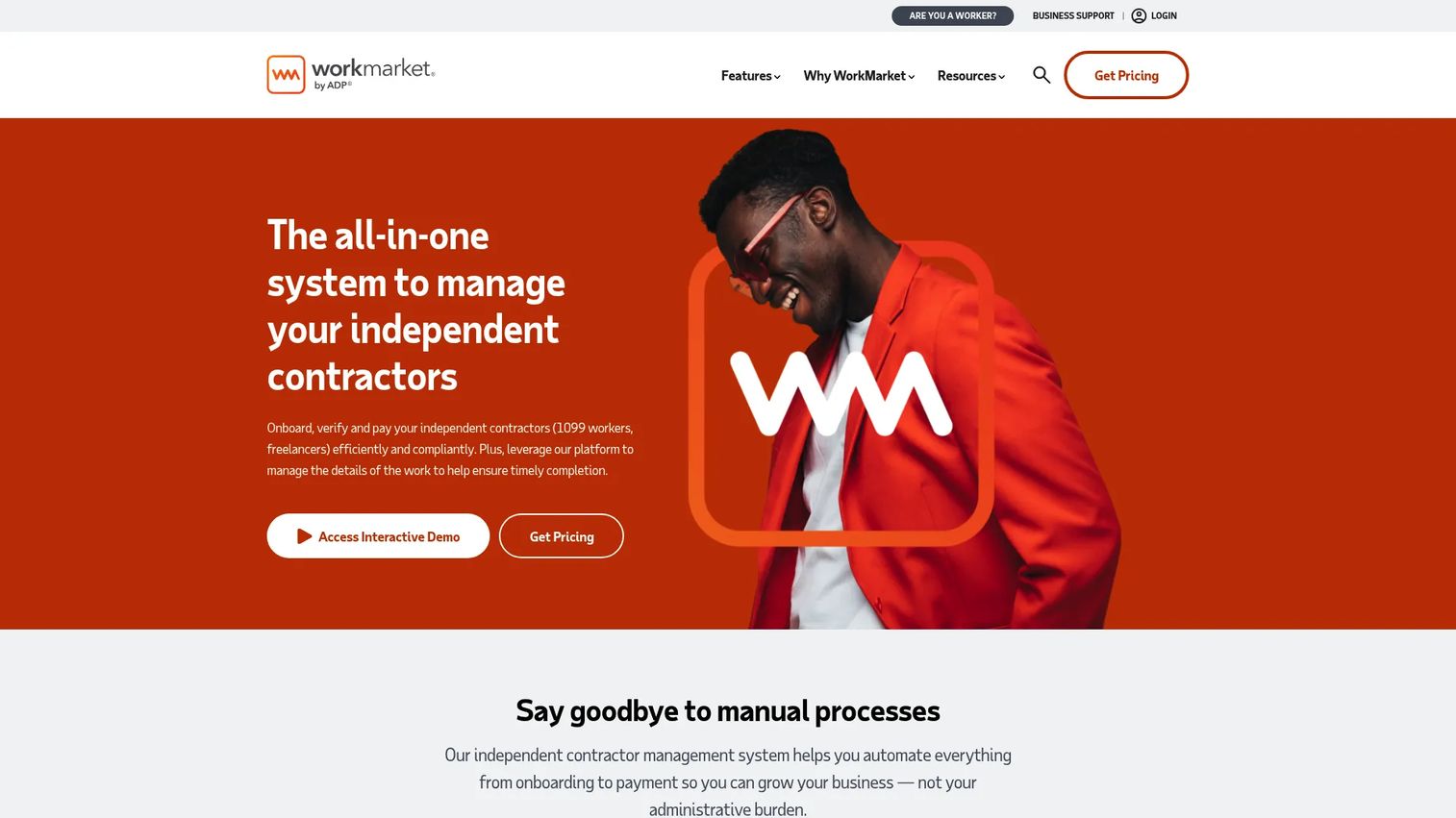
WorkMarket by ADP is an independent contractor management system built for onboarding, verification, payments, compliance, and work assignment tracking at scale. It is purpose-built for the company that suddenly has hundreds or thousands of 1099 workers and needs a single platform to control intake, deployment, and payment. The ADP lineage means it sits close to payroll and tax infrastructure that enterprises already trust.
Best for: Companies managing a large independent contractor or 1099 workforce.
Key strengths
- Onboard and verify at scale: standardize intake, verification, and compliance documents across a high-volume contractor base.
- Fast, secure payments: pay workers quickly and securely, with the payment rails enterprises expect.
- Labor Clouds: organize and segment your contractor pool into reusable, targetable talent groups for assignments.
Why choose WorkMarket by ADP: If your contractor base is large enough that onboarding and payment errors carry real cost, WorkMarket is built for that scale. The Labor Clouds model is genuinely useful for any team that reassigns the same contractors across recurring work, because it turns a flat list into segmented, ready-to-deploy groups. It fits operators who want auditability and document storage baked into the workflow rather than bolted on.
WorkMarket by ADP pricing: WorkMarket does not publish public pricing on its site. The platform uses a contact-sales flow, so you request a quote based on your contractor volume and needs. Expect enterprise-oriented packaging rather than a self-serve monthly tier.
2. Workday
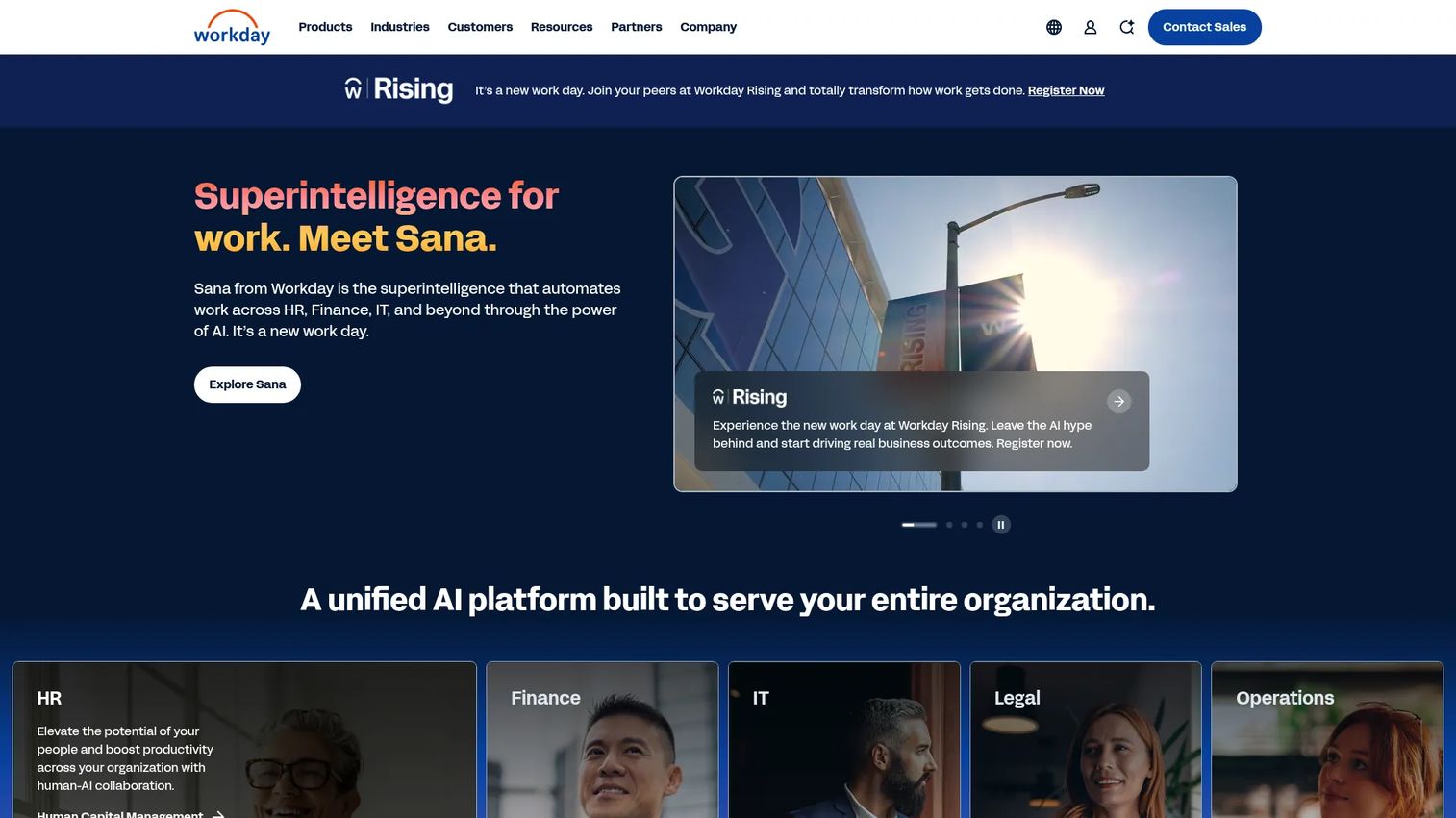
Workday is an enterprise AI platform for HR, finance, and related business operations, with contractor data management that connects directly into a unified workforce system. For teams that already run Workday, managing contractors inside the same platform as employees means one source of truth for headcount, spend, and compliance documentation rather than a separate contractor management database that has to be reconciled.
Best for: Large and midsize organizations needing a unified HR, payroll, finance, and AI platform.
Key strengths
- Unified HR and finance suite: manage contractor data alongside employees, budgets, and financials in one system.
- AI-powered analytics and automation: surface workforce and spend insights across contingent and full-time labor.
- Cloud platform with extensibility and APIs: connect contractor records to the rest of your operational stack.
Why choose Workday: Workday makes the most sense when contractor management is one part of a larger workforce strategy, not a standalone problem. If leadership wants total workforce visibility, contingent plus permanent, in board-ready reporting, having contractor data inside the same system removes the stitching. It is the choice for teams that value consolidation and reporting depth over a contractor-only tool.
Workday pricing: Workday does not publish public numeric pricing. Its pages direct prospects to contact sales or request a quote, with packaging scoped to organization size and the modules you need. Plan for an enterprise procurement cycle.
3. TalentDesk.io
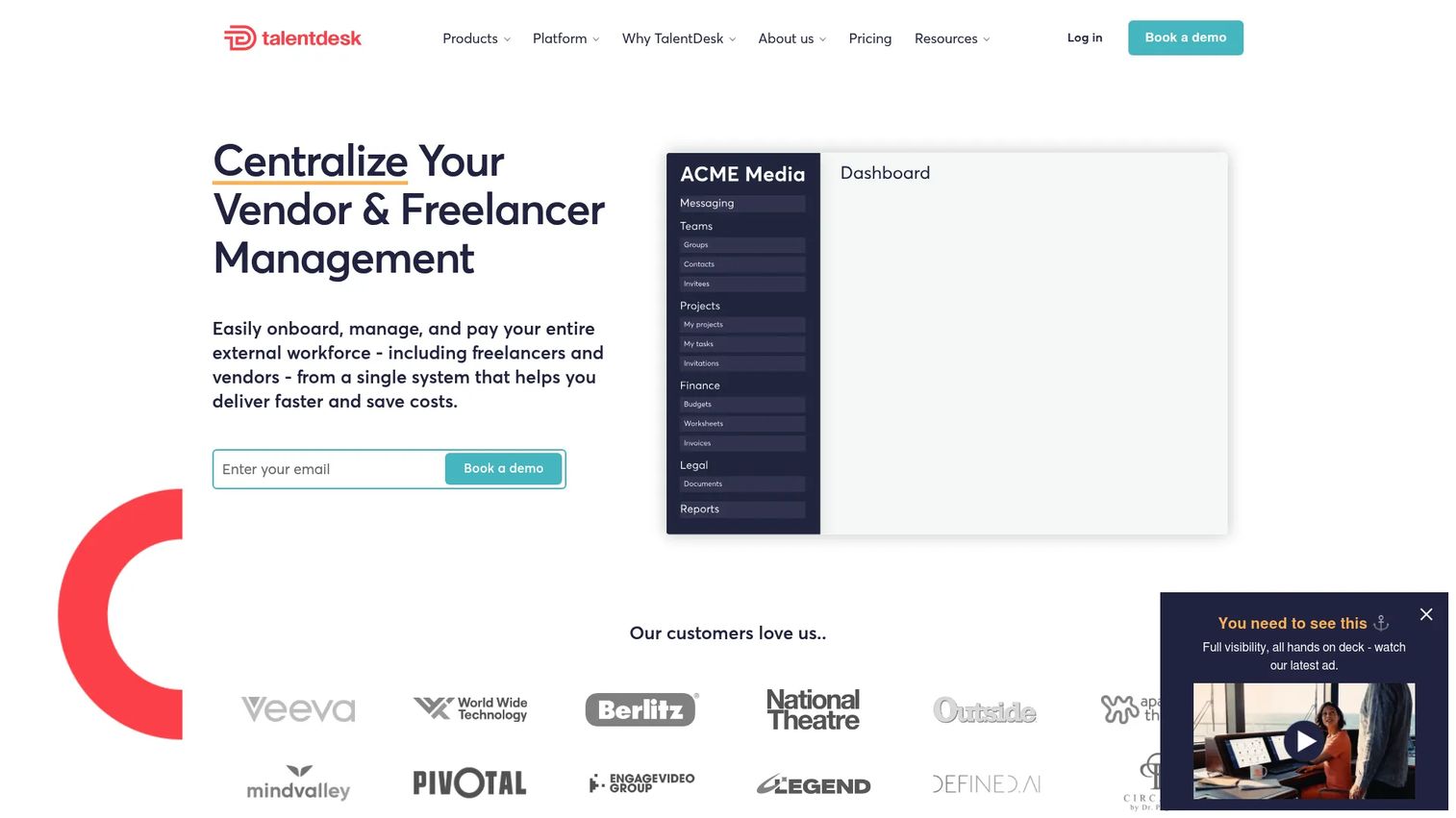
TalentDesk.io is freelancer and vendor management software for onboarding, payments, compliance, and workflow tracking. It is positioned for teams that want a focused contractor management platform rather than a broad HR suite, with the operational depth to run a real freelancer network: onboarding, time tracking, messaging, contracts, and payments in one place.
Best for: Companies managing freelancers or vendors that need onboarding, payments, and compliance in one platform.
Key strengths
- Unlimited freelancers and workflows: scale your contractor base without per-seat friction on the worker side.
- Payment automation with multi-currency support: pay a global freelancer pool with automated, multi-currency payouts.
- Onboarding, time tracking, and contract management: run the full operational workflow without a separate tool for each step.
Why choose TalentDesk.io: TalentDesk suits operations and agency teams whose core job is running external talent, not managing a hybrid HR org. The unlimited-freelancer model removes the anxiety of scaling cost as your network grows. If you want one purpose-built contractor management solution that handles intake through payment, this is a clean fit.
TalentDesk.io pricing: TalentDesk uses custom-quote Growth and Enterprise plans, priced per admin seat, with unlimited admin seats on Enterprise. Payment automation is priced separately at a 3% to 1% fee, and global compliance is a custom fee. A free demo is available. On G2, TalentDesk holds a 4.5/5 rating.
4. Deel
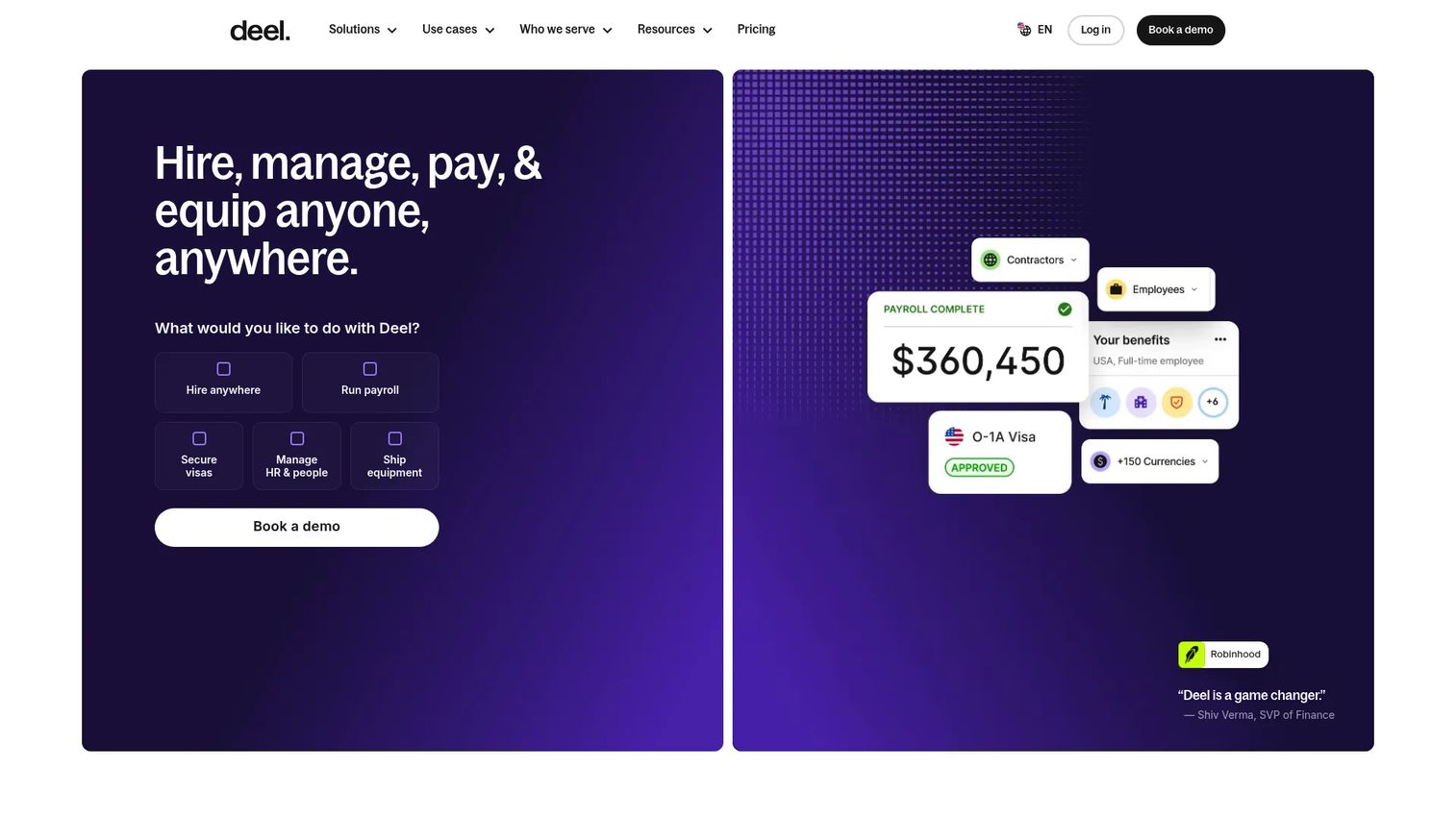
Deel is a global HR and payroll platform for hiring, paying, and managing workers across countries. For contractor management specifically, Deel is built around cross-border onboarding, compliance, classification support, and payments, which makes it a strong default for distributed teams paying contractors in multiple currencies and jurisdictions.
Best for: Companies hiring, paying, and managing distributed teams globally.
Key strengths
- Global hiring and contractor onboarding: onboard contractors across countries with localized, compliant agreements.
- Contractor management and payments: pay contractors worldwide with multi-currency support and clear documentation.
- Payroll and HRIS: extend into full payroll and HR management as your global team grows.
Why choose Deel: Deel earns its place when geography is the hard part. If your contractors are spread across borders and classification risk keeps finance up at night, Deel's compliance and Contractor of Record options address exactly that. It is the pick for a founder who is hiring globally before they have a global ops team.
Deel pricing: Deel publishes public pricing. Contractor Standard starts at $49 per contractor per month, with Contractor of Record at $325 per contractor per month. Global Payroll starts at $29 per employee per month, and EOR plans begin at $599 per employee per month. Deel holds a 4.8/5 rating on G2.
5. G-P
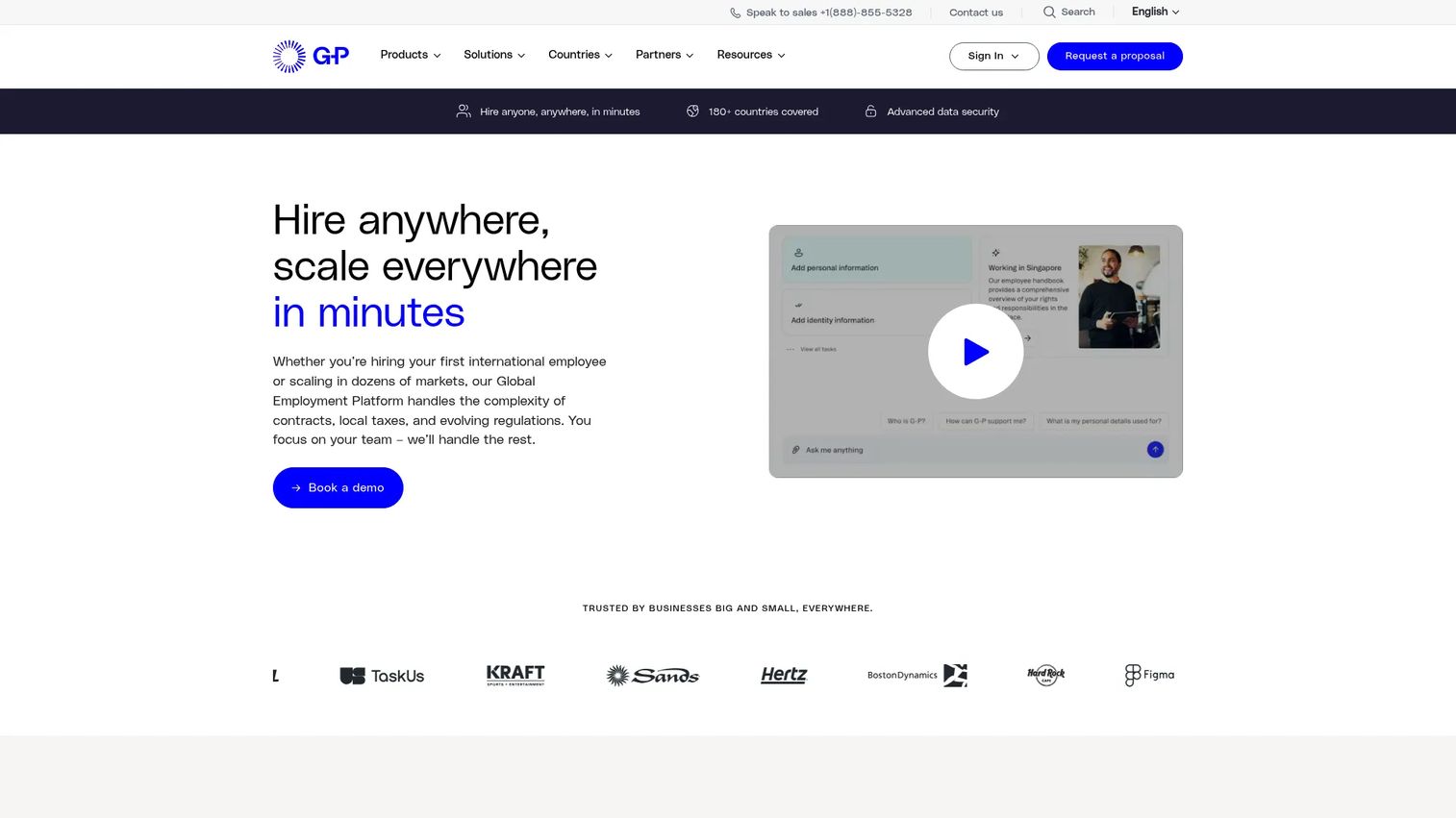
G-P is a global employment platform and contractor management software for hiring, paying, and managing international teams. Its contractor offering centers on cross-border onboarding, payments, and AI-powered compliance guidance, making it a fit for companies expanding into new countries where local rules are the main obstacle.
Best for: Companies hiring and paying contractors or expanding global teams across countries.
Key strengths
- Global contractor management with payments: onboard and pay contractors across countries from one platform.
- AI-powered compliance guidance (G-P Gia): get guidance on local employment and compliance rules as you expand.
- Global employment and EOR packages: convert contractors to full employees through employer-of-record coverage when needed.
Why choose G-P: G-P is for the company whose contractor question is really a country question. When you are entering markets where you have no entity and no local HR knowledge, G-P's compliance guidance reduces the research burden. The path from contractor to full employee through EOR is useful when long-term hires start in contractor roles.
G-P pricing: G-P Contractor starts at $39 per month per contractor. Its G-P Gia compliance assistant is offered at $199 per user per month for the Essential plan and $499 per user per month for Unlimited. Full-time EOR packages are quoted separately.
6. Rippling

Rippling is an all-in-one HR, IT, payroll, and finance platform. Contractor management sits inside a broader people-ops system, which means contractor onboarding, payments, identity, and access controls run on the same platform as your employee lifecycle. For teams that want contractors managed inside their wider stack rather than in a separate tool, that consolidation is the whole point.
Best for: Mid-market companies wanting one system for HR, IT, payroll, and spend management.
Key strengths
- HRIS and employee lifecycle management: manage contractors and employees in one unified system.
- Payroll, benefits, and time and attendance: run contractor payments alongside full payroll.
- IT device management, identity, and access control: provision and deprovision contractor access cleanly, a real security win.
Why choose Rippling: Rippling fits the operator who is tired of contractor data living apart from everything else. The identity and access piece matters more than most buyers expect, because offboarding a contractor cleanly, revoking access the moment work ends, is exactly where informal processes fail. If you want contractor management to disappear into a broader platform, Rippling is built for that.
Rippling pricing: Rippling is modular, with products purchased separately alongside the core platform. Core HRIS starts at $8 per employee per month, and Payroll carries a $35 monthly base fee. Most products are billed per employee per month. Rippling holds a 4.8/5 rating on G2.
7. Worksuite
Worksuite is freelancer and contingent workforce management software for onboarding, contracts, compliance, payments, and task tracking. It is positioned for enterprises and agencies running high volumes of external workers who need repeatable operational processes: onboarding flows, contract lifecycle management, e-signature, and global payments in one system.
Best for: Enterprises and agencies managing high-volume freelancers and contractors globally.
Key strengths
- Freelancer onboarding and workflow automation: standardize intake and approvals across a large contractor base.
- Contract lifecycle management and e-signature: handle agreements end to end without leaving the platform.
- Global contractor payments and compliance: pay an international workforce while keeping compliance records intact.
Why choose Worksuite: Worksuite is built for scale and repeatability. If your team processes the same onboarding and approval steps hundreds of times, the workflow automation removes the manual repetition that eats operations hours. It suits agencies and enterprises whose external workforce is large enough that consistency is its own requirement.
Worksuite pricing: Worksuite presents Core, Plus, and Premium plans on a demo and quote basis; public numeric pricing is not shown. You request a quote scoped to your contractor volume and feature needs. Worksuite holds a 4.4/5 rating on G2.
8. Contractor Foreman
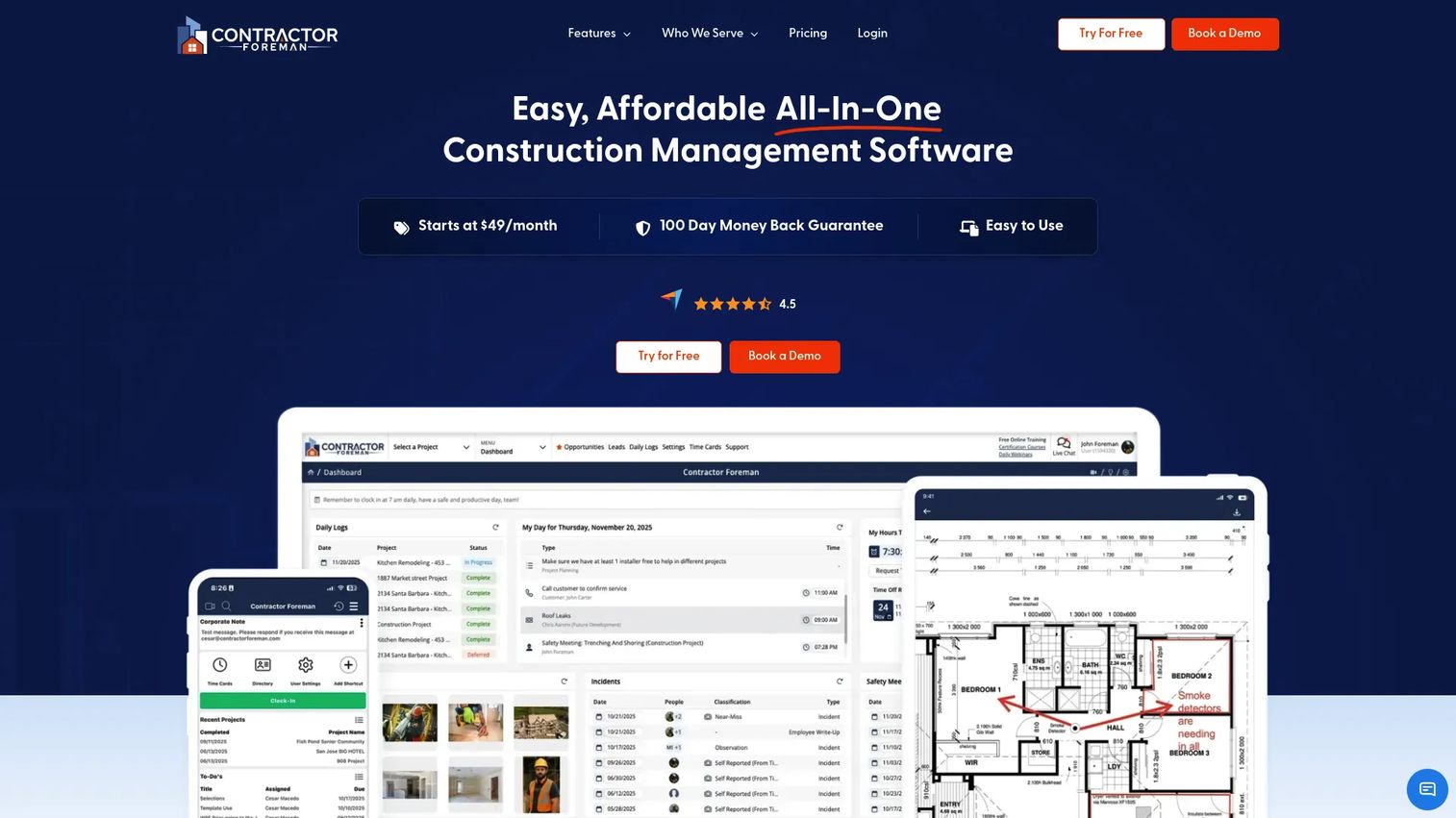
Contractor Foreman is construction project management software for contractors, covering estimates, job costing, time cards, bills, expenses, and project financial tracking. It skews toward construction and field teams, but its workflow depth, scheduling, documents, invoices, and work orders, makes it relevant for any team coordinating contractor labor on jobs.
Best for: Small to mid-sized contractors needing an all-in-one construction management tool.
Key strengths
- Estimate creation and job costing: build estimates and track costs against each project.
- Time cards and labor cost tracking: capture contractor hours and tie them to job costs.
- Bills, expenses, and project financials: keep project-level financial tracking in one place.
Why choose Contractor Foreman: For field and construction teams, the value is having scheduling, job tracking, invoices, and work orders in a single contractor-facing tool rather than across spreadsheets and texts. It is priced for small to mid-sized operators, which makes it accessible to teams that the enterprise platforms overshoot. The field workflows are its real differentiator.
Contractor Foreman pricing: Plans include Standard, Plus, Pro, and Unlimited, starting at $49 per month, billed annually or quarterly. Higher-tier prices vary by plan. Contractor Foreman holds a 4.5/5 rating on G2.
9. Procore
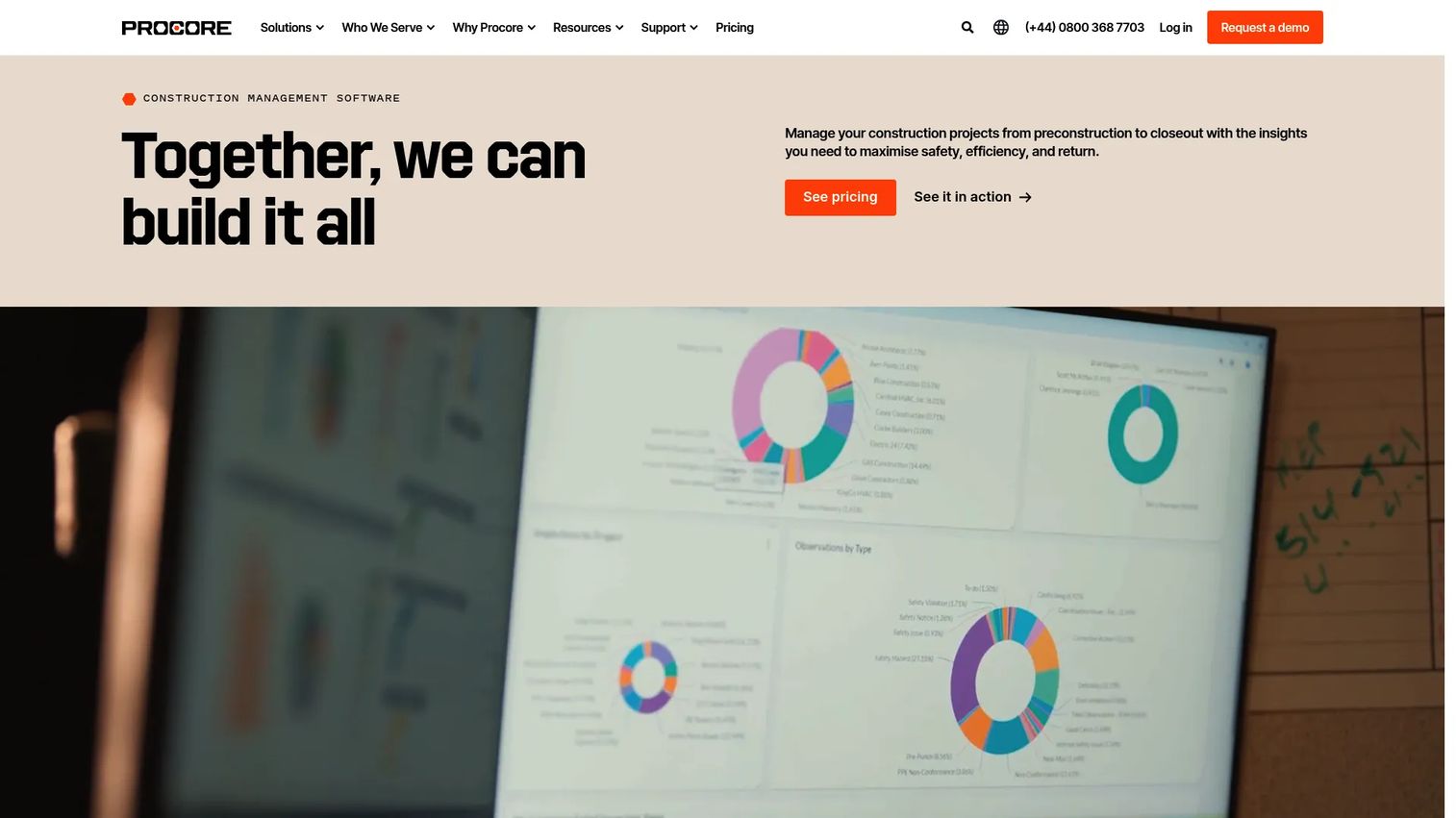
Procore is construction management software for planning, building, and operating projects on one platform. For contractor management at project scale, Procore handles subcontractor coordination, document control, budgets, and project financials, which makes it the choice for general contractors and owners managing contractors across large, complex builds.
Best for: General contractors, owners, and specialty contractors needing a connected construction management platform.
Key strengths
- Bid management: coordinate subcontractor bids and selection in one place.
- Budget and project financials: track project budgets against contractor spend.
- BIM and project management: connect field, financial, and design workflows across a project.
Why choose Procore: Procore is for construction teams whose contractor management is inseparable from project management. When you are coordinating many subcontractors across large projects, document control and financial tracking at project scale matter more than generic onboarding flows. It is the heavyweight pick for the field, not the lightweight one for a distributed SaaS team.
Procore pricing: Procore uses custom pricing based on the products you need and your annual construction volume, charged as an upfront annual fee by product. No public starting price is published. Procore holds a 4.6/5 rating on G2.
Considerations
Before you commit, pressure-test each platform against the realities of your contractor operation. The right contractor management solution depends less on feature counts and more on which of these your team actually feels.
Compliance and audit trail
Verify how the platform handles document retention, insurance certificates, tax forms, and access controls. Ask whether it produces a clean audit trail you could hand to a finance or legal reviewer without manual cleanup. For teams in regulated industries, this is non-negotiable, and it pairs with broader audit management software if your compliance scope extends past contractors.
Payments and invoicing
Payment timing, global payouts, and invoice approval flows directly affect contractor satisfaction and adoption. Confirm which currencies and countries are supported, how approvals route, and whether invoicing reconciles cleanly with your accounting system. A contractor who gets paid late is a contractor you lose.
Integrations and system of record fit
Check HCM, ERP, accounting, and API integrations, plus who owns the data. The platform should connect to your existing stack rather than becoming an island. If you are also evaluating contract management software or a contract lifecycle management tool, confirm the contractor system plays well with those records.
Scale and reporting
Decide whether the platform handles your contractor volume, multi-team workflows, and the leadership reporting your board expects. A tool that works for forty contractors may strain at four hundred. Ask for reporting examples that match the questions you actually get asked in board meetings.
User experience for managers and contractors
A contractor management system has to work for two audiences: internal admins who run it and external workers who use it. If onboarding is painful for contractors, completion rates drop and your data stays incomplete. Test both sides before you sign.
Conclusion
The right choice depends on what your contractor operation is actually about. If you run a large 1099 workforce, WorkMarket by ADP is built for onboarding and paying at that scale. If contractor data needs to sit inside your broader HR and finance system, Workday gives you total workforce visibility. For a focused contractor platform, TalentDesk.io covers intake through payment without a full HR suite.
If geography is your hard problem, Deel and G-P handle cross-border onboarding, compliance, and payments. If you want contractor management to disappear into a wider people-ops platform, Rippling consolidates it with HR, IT, and payroll. Worksuite suits high-volume freelancer operations, while Contractor Foreman and Procore serve construction and field teams at project scale.
Your next step is a shortlist exercise. Pick the two platforms that match your priority, compliance, global payments, construction workflows, or HCM integration, and run a real evaluation with your actual contractor data. The system of record you choose now is one you will live with as you scale, so choose for the company you are becoming, not just the one you are today.
FAQs
Contractor management software centralizes the full lifecycle of working with independent contractors: onboarding, document collection, assignment tracking, invoicing, payments, and compliance. It replaces scattered spreadsheets and email threads with one system of record, so you can see who is working, who has been paid, and whether documentation is complete at any moment.
Payroll software is built to pay W-2 employees on a recurring cycle with tax withholding and benefits. Contractor management software handles 1099 and independent workers, who invoice rather than draw salary, and adds onboarding, classification, and compliance workflows that employee payroll does not cover. Many platforms do both, but the contractor side has its own distinct requirements.
For 1099 contractors, prioritize tax form collection (W-9, 1099 generation), classification support to reduce misclassification risk, document retention, and a clean audit trail. Invoicing and flexible payments matter too, since contractors bill rather than draw a salary. The compliance and documentation layer is where the real exposure sits.
Yes. Platforms like Deel, G-P, and Worksuite specialize in cross-border onboarding, multi-currency payments, and country-specific compliance. If your contractors span multiple jurisdictions, choose a contractor management platform built for global coverage rather than a domestic-only tool, because classification and payment rules vary widely by country.
Look for connections to your HCM or HRIS, accounting and ERP systems, and an open API for anything custom. Integration depth determines whether the platform becomes your system of record or just another silo. Confirm it syncs cleanly with the tools your finance team already lives in.
The break point is usually volume plus complexity. When you are onboarding contractors across multiple states or countries, chasing documents manually, or unable to answer who is assigned to what, spreadsheets have stopped scaling. If a routine audit would mean a fire drill to assemble records, you have already outgrown the spreadsheet.
The platform timestamps and stores key events automatically: signed agreements, collected tax forms, payments issued, classification decisions, and document uploads. That builds a continuous record you can produce on demand for finance, legal, or an external audit. The goal is a paper trail that assembles itself as you work, rather than one you reconstruct under pressure.