Most product launches fail quietly and 95% of new products fail. Not because the product is bad, but because the announcement lands and buyers still don't understand what it does or why they should care.
The gap between "we shipped it" and "customers get it" is where launches stall. This guide covers 12 tools that help you coordinate the chaos and show your product instead of just describing it. It also helps you measure whether the launch worked.
What this guide covers
This guide covers 12 product launch software tools that help you coordinate cross-functional teams, build launch assets, and track adoption. You'll find a definition of product launch software, evaluation criteria, a comparison table, detailed breakdowns of each tool, and selection guidance based on company stage.
TL;DR
- Product launch software: coordinates timelines, assets, and go-to-market execution across product, marketing, and sales teams
- Categories covered: project management, product analytics, feature flagging, and demo/enablement tools
- Top pick: Guideflow for teams that want buyers to experience the product during launch rather than just read about it
- Choose based on: your team size, launch complexity, and whether you prioritize coordination, analytics, or buyer enablement
What is product launch software
A successful software product launch follows a structured, multi-stage process: pre-launch planning (market research, positioning), launch execution (marketing, promotion), and post-launch analysis to drive adoption. Product launch software is any tool that helps teams plan, coordinate, and execute bringing a new product or feature to market.
This differs from pure project management because the focus is specifically on go-to-market outcomes. You're not just tracking tasks. You're aligning product readiness with marketing campaigns, sales enablement, and customer communication.
Typical functions include:
- Timeline and milestone tracking: Keeping cross-functional teams aligned on deadlines
- Asset creation and distribution: Landing pages, demos, enablement materials
- Stakeholder coordination: Product, marketing, sales, support alignment
- Launch performance tracking: Adoption metrics, engagement signals
Why product launch software drives conversion
Organized launches convert better than chaotic ones. When marketing, sales, and product ship together instead of in parallel silos, the launch message stays consistent and buyers get a clearer picture of value.
First, fewer missed handoffs between product, marketing, and sales means your launch message stays consistent. Second, templates and workflows cut planning cycles, so teams that have launched before can reuse what worked.
Third, tools that let prospects experience the product convert better than static announcements. Product marketing teams often own this process, and the ones seeing the best results are moving beyond PDFs and screenshots toward hands-on product experiences.
How we evaluated these product launch tools
Feature verification
Each tool was reviewed for core product launch capabilities: timeline management, collaboration, asset creation, integrations, and analytics. We looked at whether the tool actually solves launch-specific problems or just happens to be used during launches.
User review analysis
G2 ratings and user feedback informed rankings. Ease of use and implementation speed were weighted heavily because launch timelines don't wait for six-week onboarding cycles.
Integration and workflow fit
Tools were assessed for how well they connect to existing GTM stacks. A product launch tool that doesn't talk to your CRM, marketing automation, or communication tools creates more work, not less.
Product launch software comparison table
# | Product | Primary intent | Key differentiation | Pricing | G2 rating |
|---|---|---|---|---|---|
1 | Guideflow | Interactive product demos for launch enablement | Capture product in clicks, personalize by persona | Free, paid from $40/mo | 5.0/5 |
2 | Productboard | Product roadmap and prioritization | Customer feedback to roadmap connection | Per-maker pricing | 4.3/5 |
3 | Asana | Project and workflow management | Launch templates and portfolio tracking | Free, paid from $10.99/mo | 4.4/5 |
4 | Monday.com | Flexible work management | Custom workflows and automations | Free, paid from $9/mo | 4.7/5 |
5 | Notion | Collaborative documentation | Flexible docs, databases, and wikis | Free, paid from $10/mo | 4.7/5 |
6 | Airtable | Database-spreadsheet hybrid | Relational data with visual flexibility | Free, paid from $20/mo | 4.6/5 |
7 | Coda | Doc-first workflow platform | Interactive elements inside documents | Free, paid from $10/mo | 4.7/5 |
8 | Jira Product Discovery | Prioritization for Atlassian users | Discovery-to-delivery in Jira ecosystem | Free, paid from $10/mo | 4.1/5 |
9 | Pendo | Product analytics and in-app guides | Feature adoption tracking and announcements | Free tier, custom pricing | 4.4/5 |
10 | Amplitude | Behavioral product analytics | Funnel analysis and experimentation | Free tier, custom pricing | 4.5/5 |
11 | LaunchDarkly | Feature management and flags | Controlled rollouts and kill switches | Free tier, custom pricing | 4.7/5 |
12 | Loom | Async video for announcements | Quick recording and sharing | Free, paid from $12.50/mo | 4.7/5 |
1. Guideflow
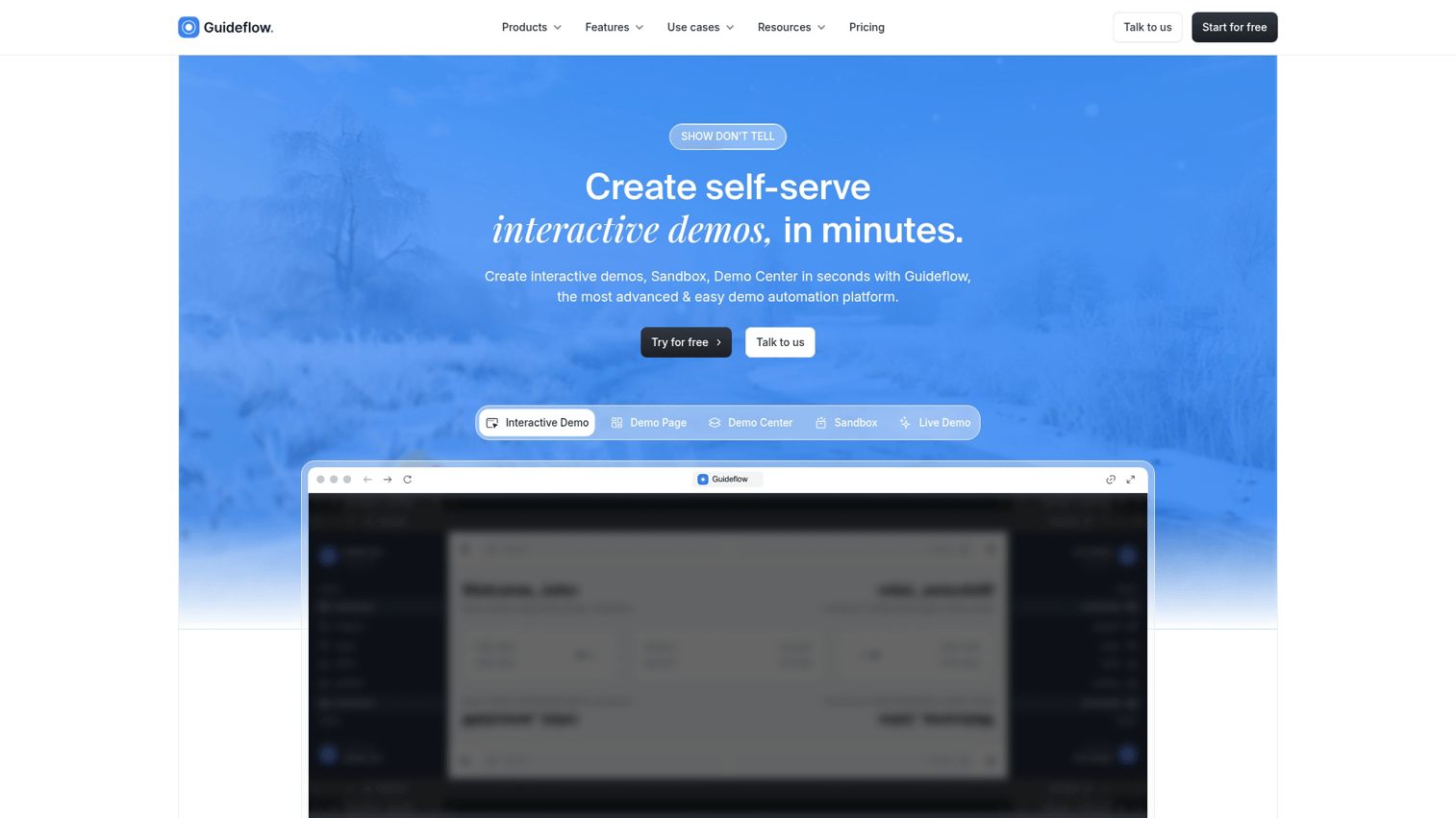
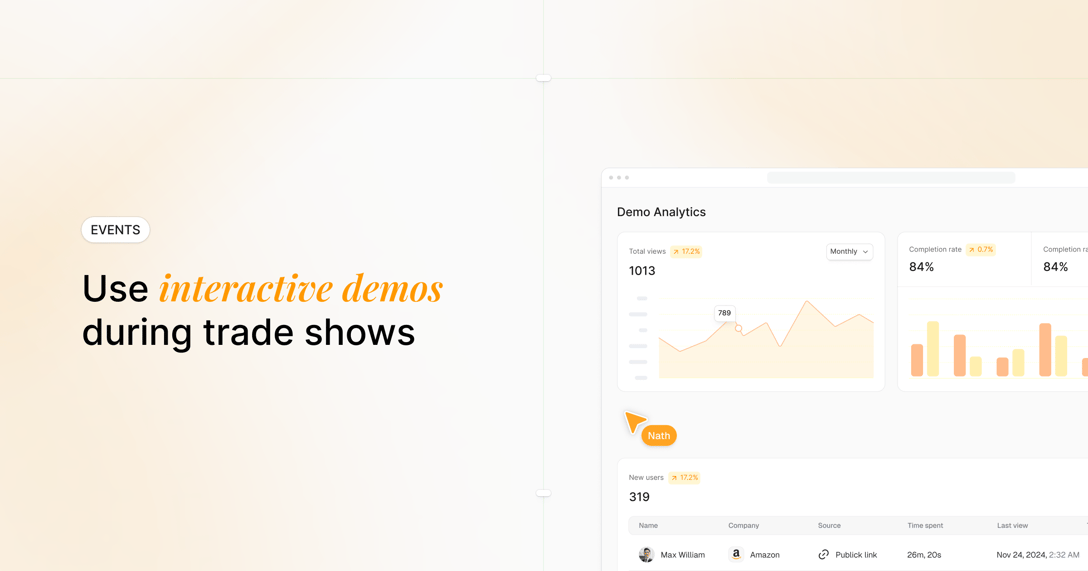
Guideflow is a demo automation platform for teams that want prospects to experience the product during a launch rather than just read about it. Instead of pushing everyone into a "book a demo" funnel, you capture your product flow and turn it into clickable, step-by-step interactive demos. You can embed these on landing pages, link in outbound, or drop into docs.
The core idea: show, don't tell. When you're launching a feature that's easier to understand through interaction than explanation, static screenshots and bullet points fall short. Interactive product demos bridge this gap by letting prospects experience the product directly.
Key strengths
- Capture in seconds: A browser extension records your product as you click through it, no staging environments or engineering help required
- Personalization at scale: Tailor demos by persona, use case, or account without re-recording using dynamic variables
- Buyer intent analytics: Track which features prospects explored, where they dropped off, and what they care about
- Multi-channel distribution: Embed on landing pages, share via email, add to sales outreach, or post on social platforms
Why choose Guideflow
Pick Guideflow when your launch involves a product that's easier to understand through interaction. It's ideal for product marketing teams building launch assets and sales teams that want leave-behind materials after announcements.
Pricing
Free tier available with 5 guideflows and unlimited viewers. Paid plans start at $40/month for unlimited guideflows, advanced analytics, and AI features.
Start your journey with Guideflow today!
2. Productboard
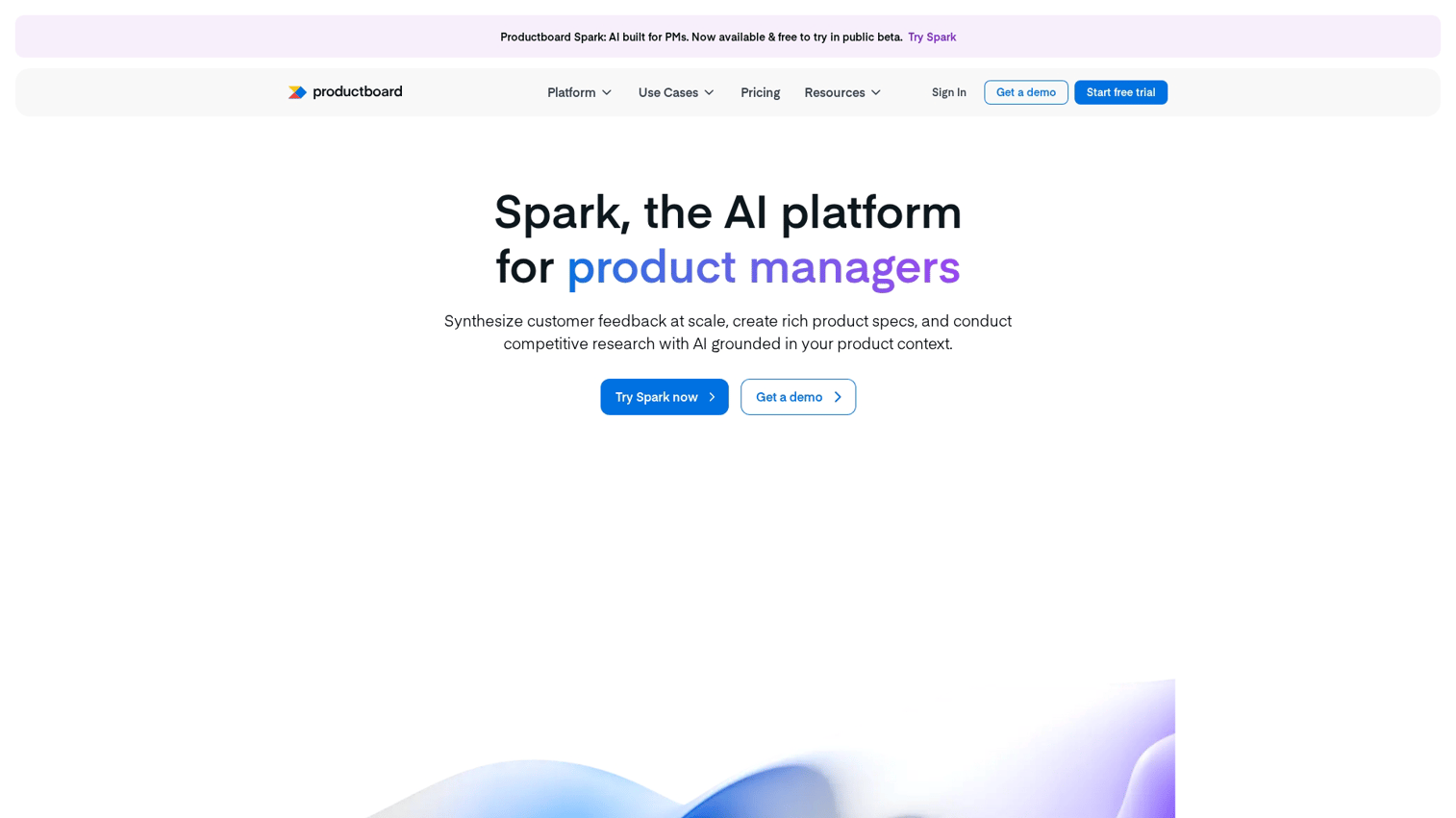
Productboard helps product teams prioritize what to build based on customer insights and strategic goals. It connects customer feedback to roadmap decisions, which matters during launches because you can trace "what we're launching" back to "why customers asked for it."
The platform centralizes feedback from support, sales, and direct channels, then gives you frameworks to score features against strategic objectives.
Key strengths
- Customer feedback centralization: Pulls insights from support, sales, and direct channels into one place
- Prioritization frameworks: Score features against strategic objectives using customizable criteria
- Roadmap visualization: Share progress with stakeholders in timeline, kanban, or custom views
- Launch coordination: Timeline features for cross-team alignment on release dates
Why choose Productboard
Best for teams that want to connect "what we're launching" to "why customers asked for it." Fits product-led organizations with strong feedback loops. It makes prioritization decisions transparent.
Pricing
Pricing starts at a per-maker monthly rate with Essentials, Pro, and Enterprise tiers available.
3. Asana
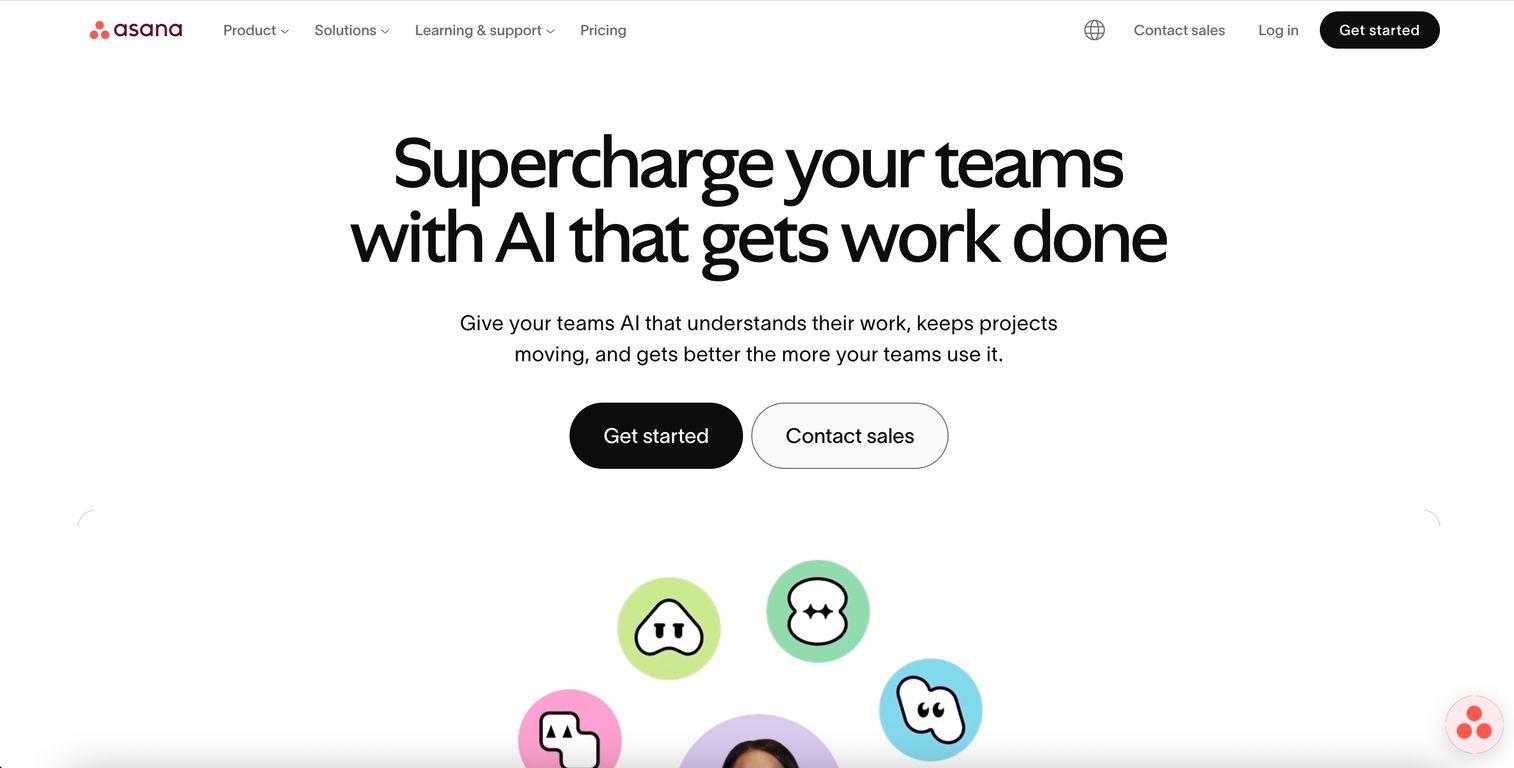
Asana provides work management for cross-functional teams with specific templates for product launches. Its strength is in task assignment, timelines, and status tracking across multiple stakeholders.
The platform offers pre-built launch workflows that coordinate marketing, sales, and product tasks. Portfolio view lets you track multiple launches simultaneously.
Key strengths
- Launch templates: Pre-built workflows for coordinating marketing, sales, and product tasks
- Portfolio view: Track multiple launches simultaneously with status, budget, and progress visibility
- Timeline and dependencies: Visualize task sequences and identify blockers before they delay releases
- Integrations: Connects to Slack, Salesforce, and major GTM tools
Why choose Asana
Best for teams that want structured project management for launch execution. Fits organizations with complex, multi-stakeholder launches where task tracking and accountability matter.
Pricing
Free tier for small teams. Premium starts at $10.99/user/month, Business at $24.99/user/month.
4. Monday.com
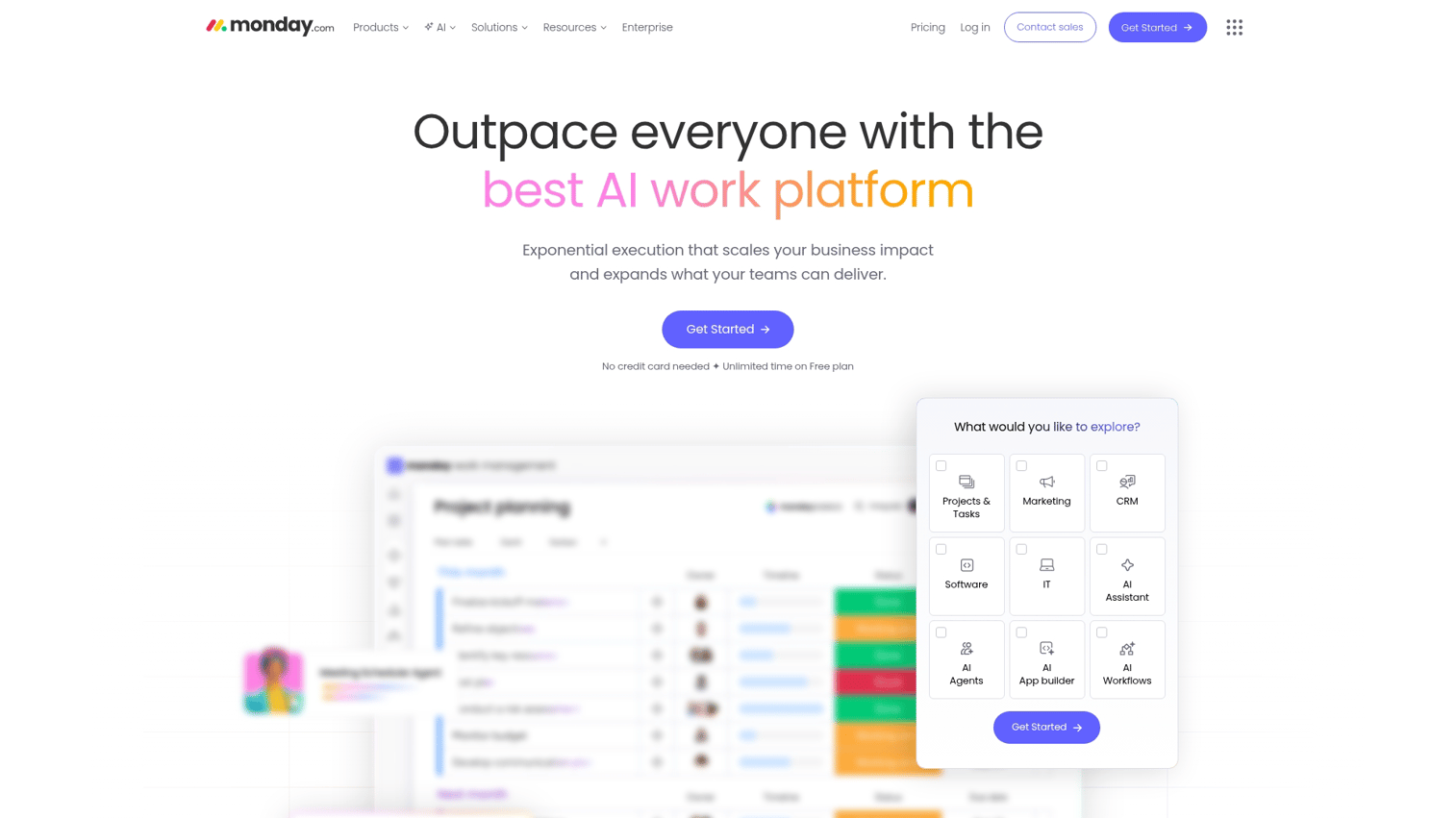
Monday.com offers customizable boards and automations for managing product launches. The visual interface adapts to various launch workflows, from simple feature releases to complex multi-team campaigns.
You can build launch processes that match your team's specific approach rather than following a rigid template.
Key strengths
- Custom workflows: Build launch processes that match your team's approach without code
- Automations: Trigger notifications, status changes, and handoffs automatically based on rules
- Dashboards: Real-time visibility into launch progress across teams
- Forms and intake: Collect launch requests from stakeholders in a structured way
Why choose Monday.com
Best for teams that want flexibility to design their own launch process. Fits marketing-heavy organizations that want visual project tracking.
Pricing
Free tier for individuals. Team pricing starts at $9/seat/month for Basic, $12/seat/month for Standard.
5. Notion
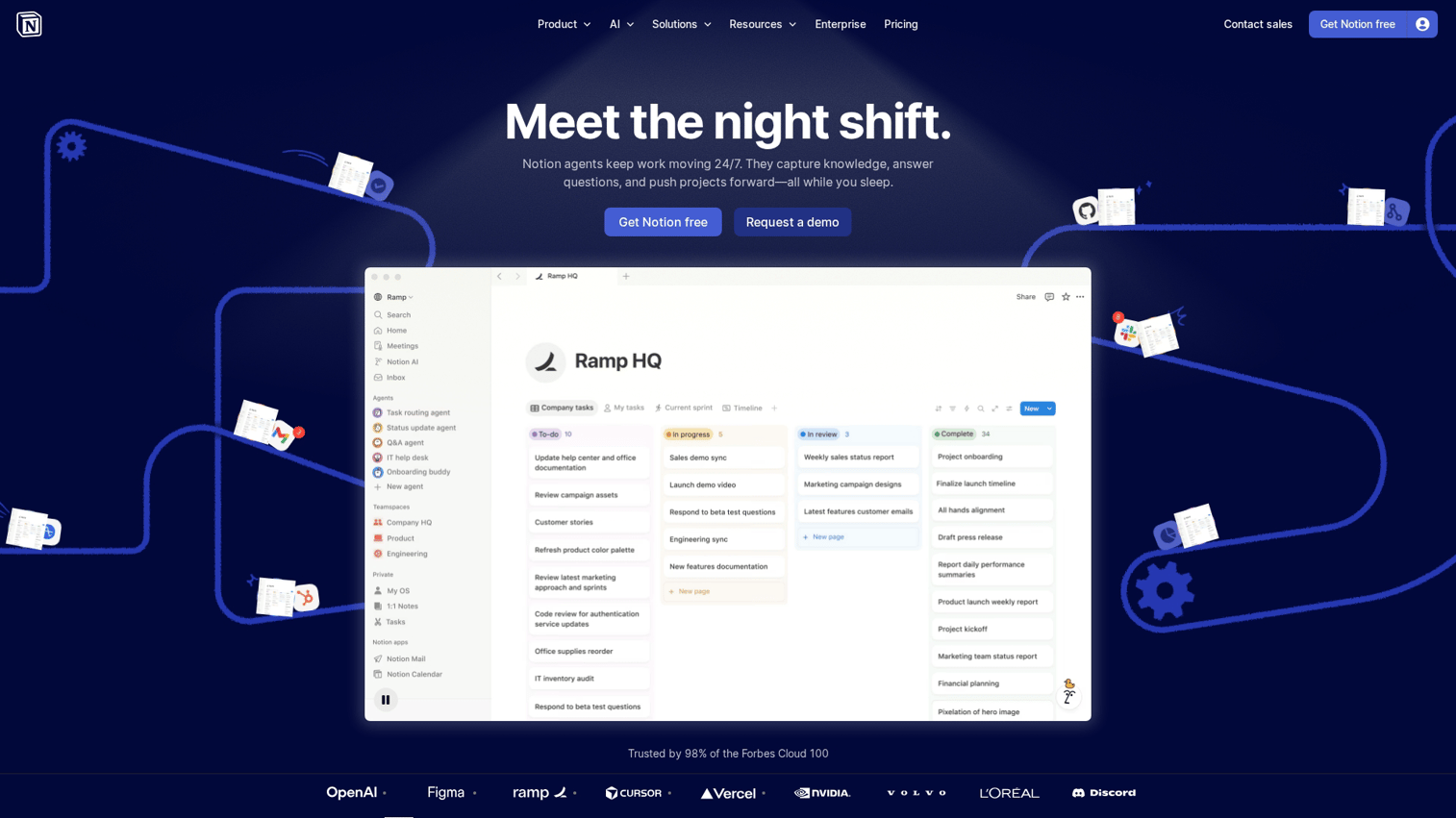
Notion combines docs, databases, and project tracking in one workspace. It's popular for launch briefs, messaging docs, and team wikis because everything lives in one place.
The platform's flexibility means you can build launch playbooks, messaging frameworks, and checklists that fit your process.
Key strengths
- Flexible documentation: Build launch playbooks, messaging frameworks, and checklists in one workspace
- Database views: Track launches in table, calendar, or kanban formats
- Collaboration: Real-time editing with comments and mentions
- Templates: Community and internal templates for launch processes
Why choose Notion
Best for teams that want a central hub for launch documentation and lightweight project tracking. Fits early-stage companies and teams already using Notion for knowledge management.
Pricing
Free for personal use. Team plans start at $10/member/month.
6. Airtable
Airtable combines spreadsheet flexibility with database power. It's useful for tracking launch calendars, asset inventories, and cross-team deliverables when you have many moving pieces.
Relational databases let you link launch tasks to assets, owners, and deadlines.
Key strengths
- Relational databases: Link launch tasks to assets, owners, and deadlines
- Views: Switch between grid, calendar, kanban, and Gantt views
- Automations: Trigger actions based on status changes or dates
- Integrations: Connects to marketing and sales tools
Why choose Airtable
Best for teams that manage many assets and deliverables per launch and want structured data tracking with visual flexibility.
Pricing
Free tier with limits on records and automations. Team plans start at $20/seat/month.
7. Coda
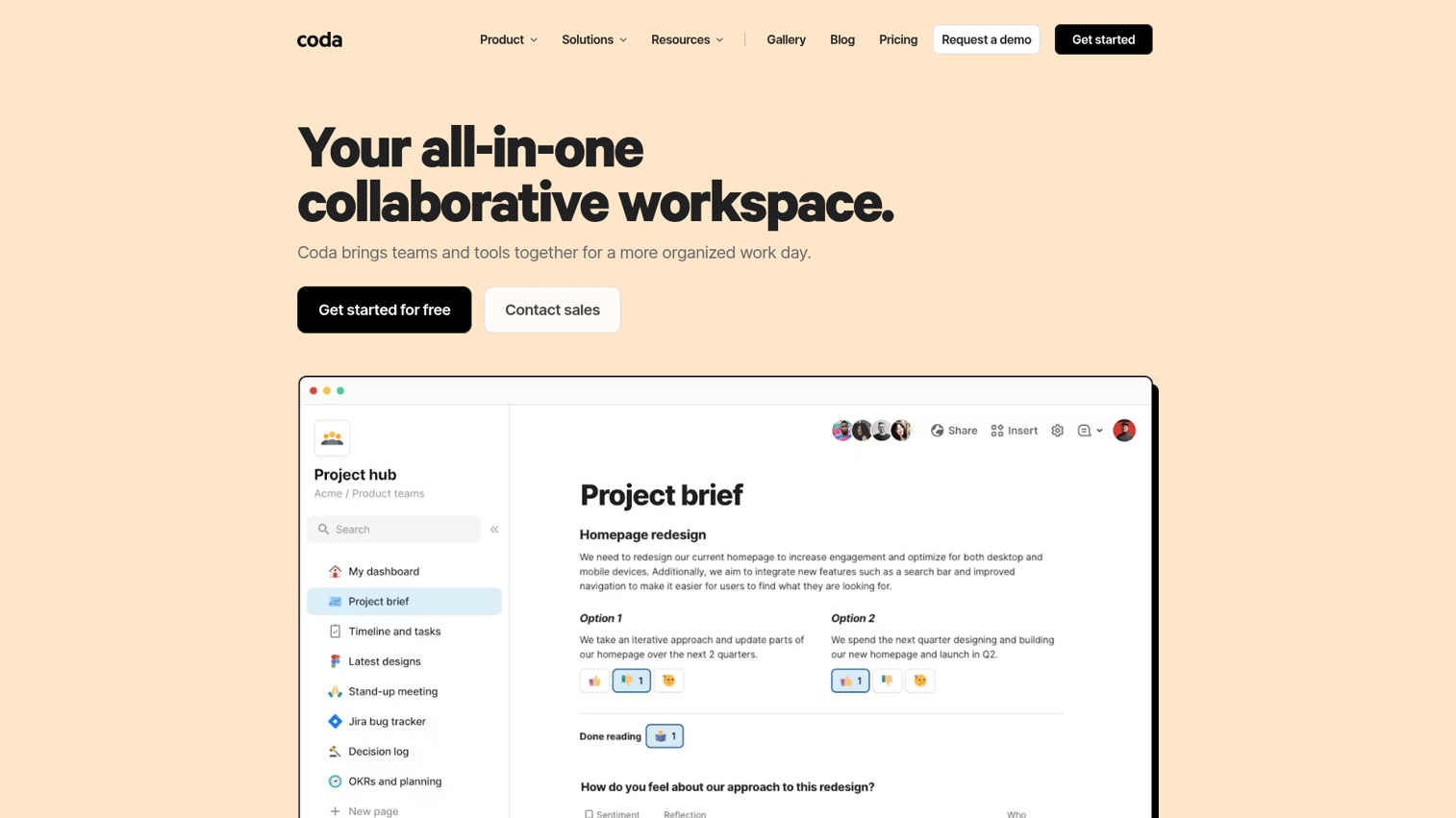
Coda combines documents with interactive elements like buttons, tables, and automations. You can build custom launch trackers inside docs rather than switching between tools.
Packs connect to external tools and pull in live data. Automations schedule reminders and status updates without leaving the document.
Key strengths
- Doc-based workflows: Build interactive launch plans inside documents
- Packs: Connect to external tools and pull in live data
- Automations: Schedule reminders and status updates
- Templates: Launch-specific templates from the Coda gallery
Why choose Coda
Best for teams that prefer working in documents but want database and automation capabilities.
Pricing
Free for individuals. Team pricing starts at $10/doc maker/month.
8. Jira Product Discovery
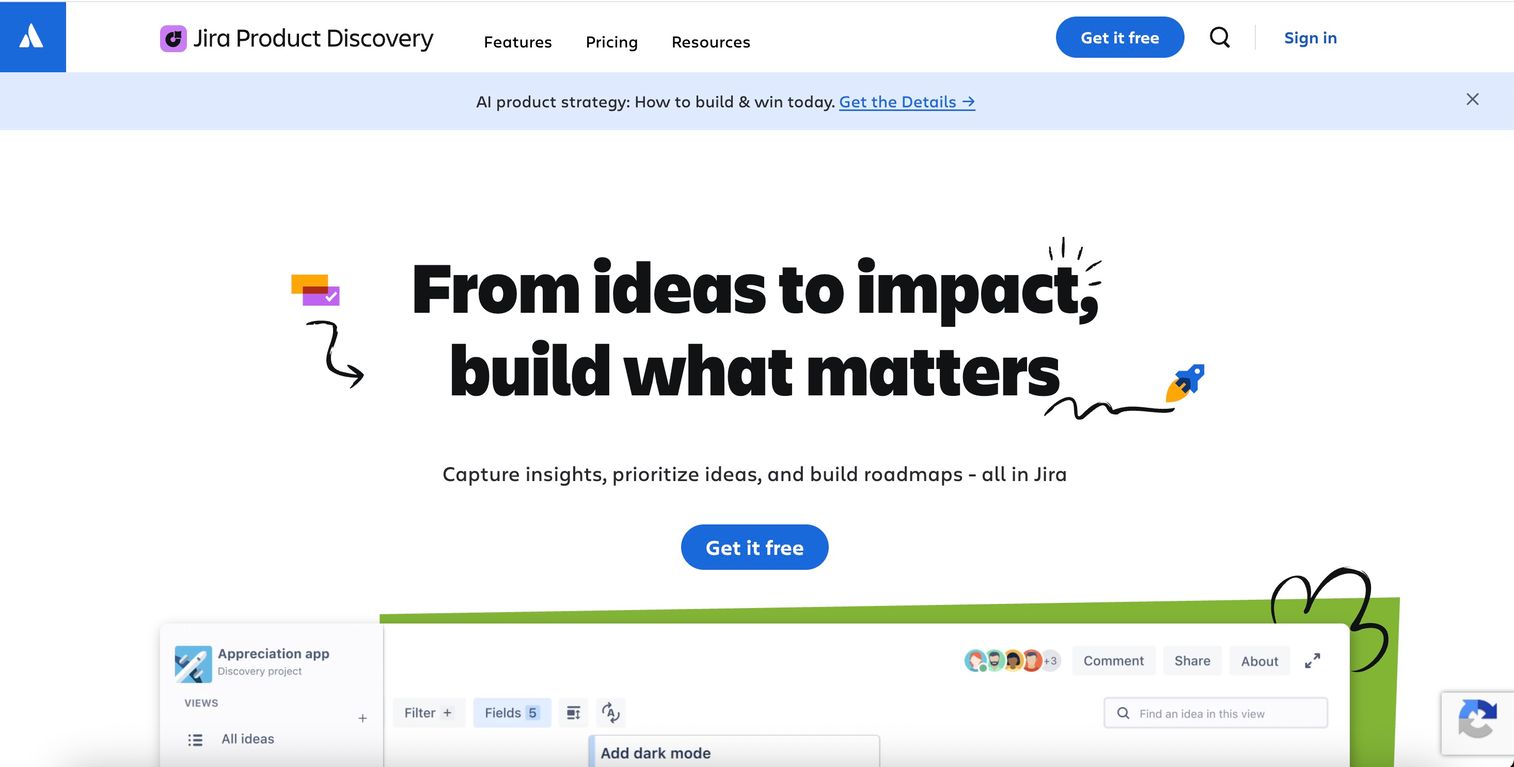
Jira Product Discovery helps product teams capture ideas, prioritize them, and connect decisions to delivery in Jira. It fits engineering-heavy organizations already in the Atlassian ecosystem.
Idea capture collects inputs from customers, sales, and internal teams. Prioritization views score and rank ideas against custom criteria.
Key strengths
- Idea capture: Collect inputs from customers, sales, and internal teams
- Prioritization views: Score and rank ideas against custom criteria
- Jira integration: Connect discovery work directly to engineering sprints
- Roadmap sharing: Communicate what's coming to stakeholders
Why choose Jira Product Discovery
Best for teams using Jira for engineering who want a connected discovery-to-delivery workflow.
Pricing
Free tier for small teams. Standard starts at $10/user/month.
9. Pendo
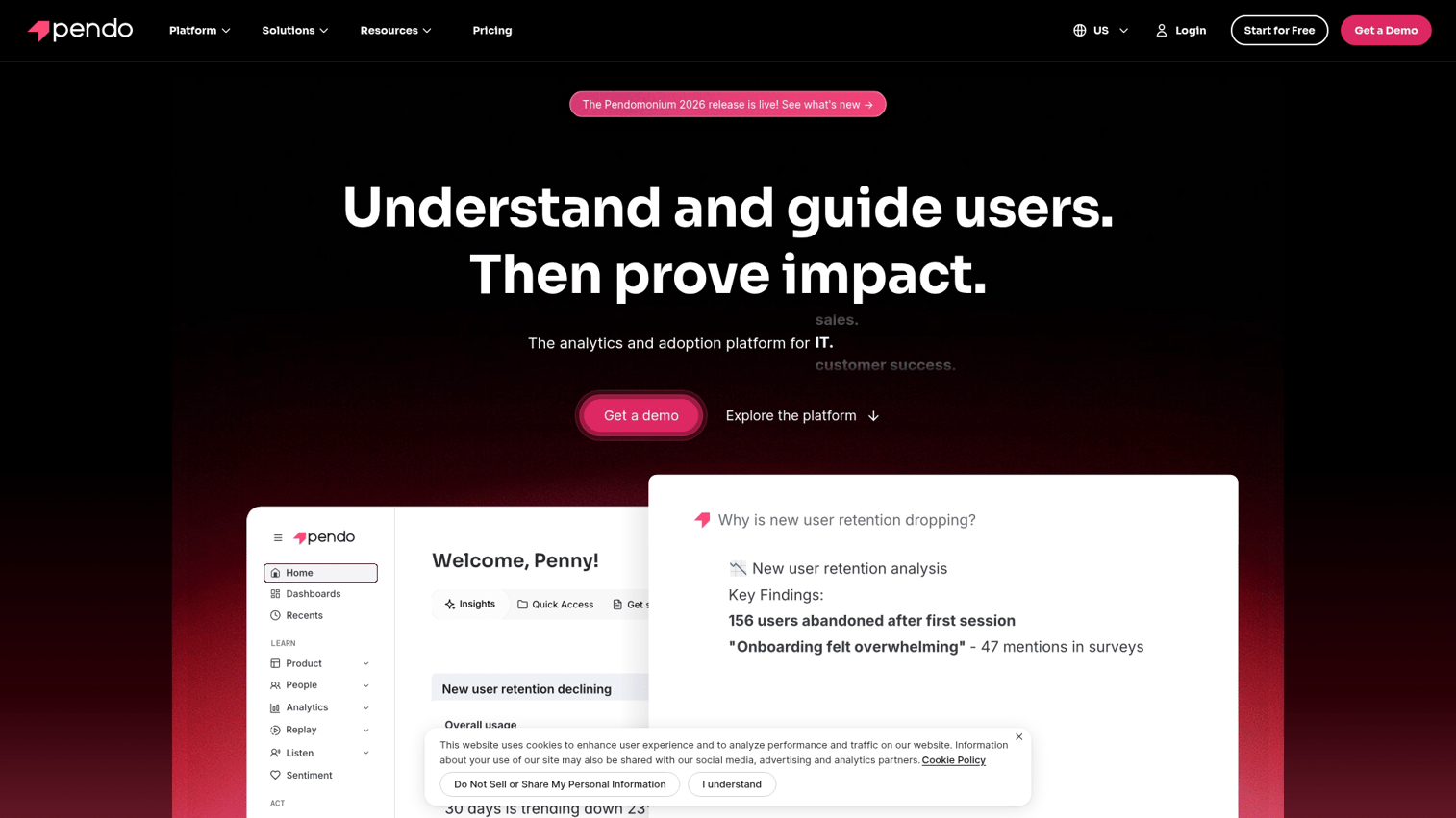
Pendo tracks in-app behavior and lets teams deploy guides and announcements. Its strength is measuring whether users actually adopt launched features.
Feature adoption tracking shows which users engage with new functionality. In-app guides announce launches and guide users to new features without requiring code changes.
Key strengths
- Feature adoption tracking: See which users engage with new features and how deeply
- In-app guides: Announce launches and guide users to new functionality
- Feedback collection: Gather user sentiment on launched features
- Segmentation: Analyze adoption by user type, plan, or behavior
Why choose Pendo
Best for product teams focused on post-launch adoption and feature engagement. Fits product-led growth companies that want to measure what happens after the announcement.
Pricing
Free tier with limited features. Growth and Portfolio tiers are custom priced.
10. Amplitude
Amplitude provides behavioral analytics to measure how users respond to product changes. Funnel analysis and cohort tracking help you understand launch impact beyond surface-level metrics.
Behavioral analytics track user journeys through new features. Experimentation lets you run A/B tests to optimize launch rollouts.
Key strengths
- Behavioral analytics: Track user journeys through new features
- Funnel analysis: Identify where users drop off after launch
- Experimentation: Run A/B tests to optimize launch rollouts
- Cohort analysis: Compare behavior across user segments
Why choose Amplitude
Best for data-driven teams that want deep analytics on launch performance.
Pricing
Free starter tier. Growth and Enterprise plans are custom priced.
11. LaunchDarkly
LaunchDarkly lets teams release features behind flags and control who sees them. It reduces launch risk through gradual rollouts rather than big-bang releases.
Feature flags release features to specific users or segments. Progressive rollouts gradually increase exposure to catch issues early.
Key strengths
- Feature flags: Release features to specific users or segments
- Progressive rollouts: Gradually increase exposure to catch issues early
- Kill switches: Instantly turn off problematic features
- Experimentation: Test variations before full launch
Why choose LaunchDarkly
Best for engineering-heavy teams that want controlled, reversible launches.
Pricing
Free developer tier. Pro and Enterprise plans are custom priced.
12. Loom
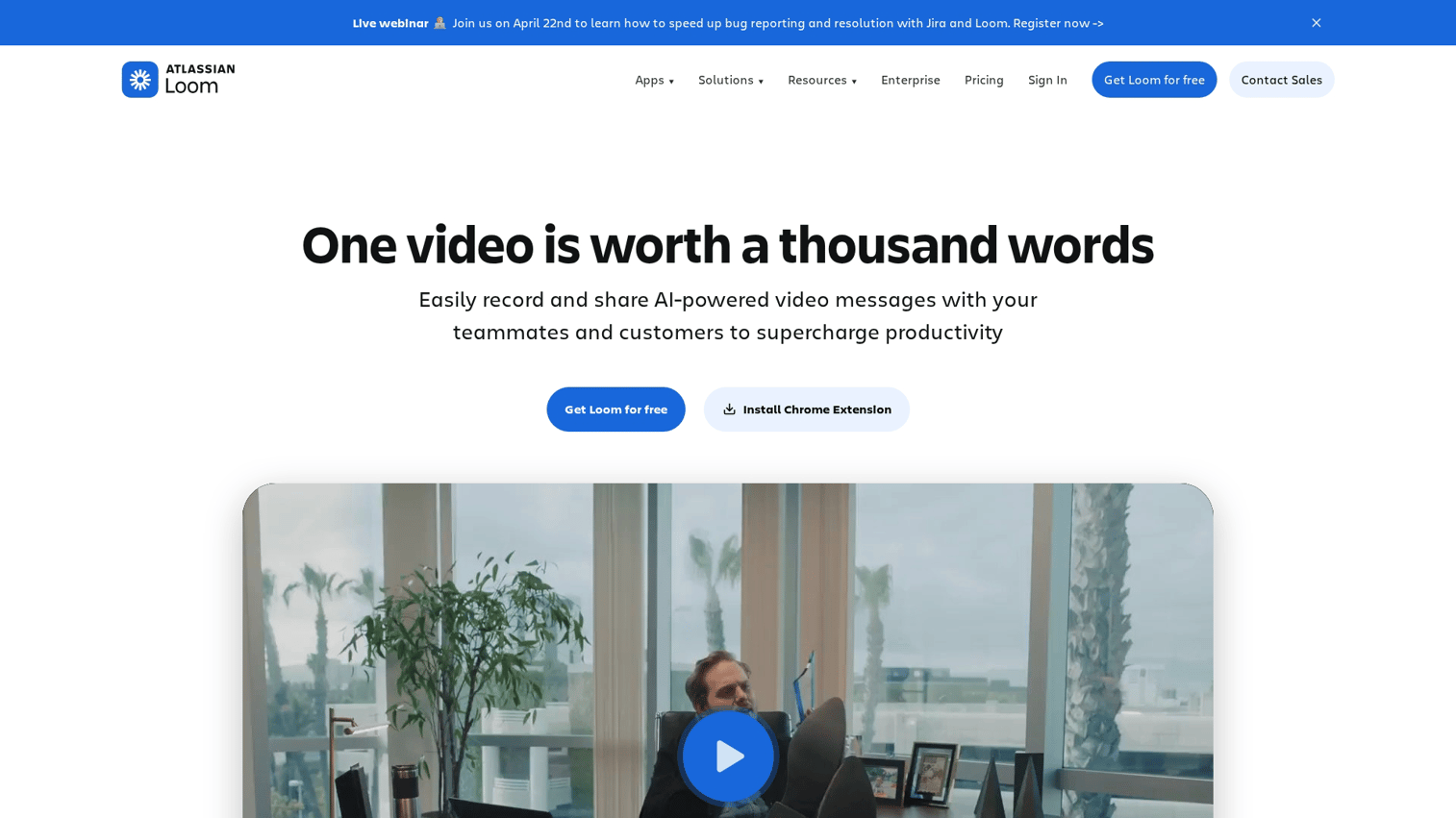
Loom lets teams record quick videos to announce features and train stakeholders. It's useful for internal enablement and customer-facing launch content when you want something faster than a polished production.
Quick recording captures screen and camera in minutes. Easy sharing generates links without file uploads.
Key strengths
- Quick recording: Capture screen and camera in minutes
- Easy sharing: Generate links without file uploads
- Viewer analytics: See who watched and for how long
- Comments and reactions: Collect feedback on videos
Why choose Loom
Best for teams that want fast, lightweight video content for launches. For hands-on product experiences, though, interactive demos typically convert better than passive video because buyers can explore at their own pace.
Pricing
Free tier with video limits. Business plans start at $12.50/creator/month.
Key features to look for in product launch software
Project and timeline management
Launches involve many parallel workstreams. Look for milestone tracking, task assignment, and deadline visibility that keeps everyone aligned without constant status meetings because 45% of product launches are delayed by at least one month.
Cross-functional collaboration tools
Launches fail when teams work in silos. 78% of product managers who prioritized collaboration saw low failure rates. Features for comments, approvals, and stakeholder updates help product, marketing, and sales stay coordinated.
Asset creation and distribution
The ability to create launch materials and distribute them matters. Landing pages, emails, and demos all play a role. Interactive product demos let buyers experience the product before a call, which typically converts better than static content.
Analytics and adoption tracking
Measuring launch success goes beyond "we shipped it." Feature adoption, engagement metrics, and buyer intent signals tell you whether the launch actually worked because 24.5% average adoption rate is the benchmark across sectors.
Integration with your GTM stack
Product launch software fits existing workflows rather than replacing them. Connections to CRM, marketing automation, and communication tools keep data flowing without manual exports.
How to choose the right product launch software
For early-stage startups
Lightweight, flexible tools like Notion or Coda work well when speed and low cost matter more than advanced features. Launches are simpler with smaller teams, and you can always add specialized tools later.
For growth-stage companies
Tools that combine coordination with buyer enablement become important as launch complexity increases. Demos, sandboxes, and structured workflows help presales teams enable buyers during launches without scaling headcount linearly.
For enterprise product teams
Platforms with strong governance, integrations, and analytics fit organizations with more stakeholders and longer timelines. Productboard, Asana, and Pendo serve this segment well.
Ship your next product launch faster
Product launch software reduces coordination overhead and helps buyers understand your product faster. The right tool depends on your current team size and launch complexity.
Start with tools that match where you are today. If coordination is your bottleneck, project management tools help.
If buyers don't understand your product from announcements alone, interactive demos close that gap. If you're measuring the wrong things, analytics tools give you visibility.
Start your journey with Guideflow today!
FAQs about product launch software
Product management software focuses on roadmap planning and prioritization before a launch. Product launch software coordinates the cross-functional execution of bringing a product to market. Many teams use both together.
Most product launch tools offer free tiers for small teams. Paid plans range from $10-20/user/month for mid-market tools to custom enterprise pricing for larger organizations.
Yes, most modern product launch software connects to CRM platforms like Salesforce and HubSpot. It also integrates with marketing automation and communication tools like Slack and email platforms.
Key metrics include feature adoption rate, time-to-first-use, user engagement with launch assets (like interactive demos), and conversion from awareness to activation.
Most teams combine a project management tool for coordination with specialized tools for analytics, enablement, or buyer engagement depending on launch complexity and team size.
Interactive demos let prospects experience the product on their own terms before committing to a live call. This reduces friction and helps buyers self-qualify during the launch window.
Use templates for repeatable, lower-stakes feature launches to save time. Build custom plans for major releases that require unique coordination across multiple teams and channels.