
Your dashboards are full. Your team is drowning in data. And somehow, the insights that matter still arrive too late to act on.
Agentic analytics software changes that equation. These AI-powered systems monitor your data continuously, surface anomalies automatically, and take action without waiting for someone to ask the right question. This guide covers what agentic analytics actually does, nine tools worth evaluating, and how to choose the right one for your team.
What's inside
This guide covers what agentic analytics software actually does, when it makes sense to use it, and nine tools worth evaluating. You'll find a comparison table, honest assessments of each platform, evaluation criteria, and a step-by-step selection process. We also cover the risks that vendors don't always mention upfront.
TL;DR
- Agentic analytics software uses AI agents that autonomously monitor data, surface insights, and take actions without waiting for you to ask.
- Best for teams drowning in dashboards but starving for decisions, where the gap between "data available" and "action taken" costs real money.
- Key differentiator from traditional BI: agents act on your behalf, not just report what happened.
- Evaluation focus: autonomy level, integration depth, governance controls, and whether you can trace why an agent made a recommendation.
- Start with a pilot project before committing to full deployment because fewer than 10% have scaled agents to deliver tangible value.
What is agentic analytics software
Agentic analytics software uses autonomous AI agents to continuously monitor your data, detect anomalies, generate insights, and take proactive actions without human oversight. Unlike traditional BI dashboards where you query data and decide what to do, agentic systems have agency: they pursue defined goals independently.
The "agentic" part matters here. Traditional analytics tools wait for you to ask questions. Agentic systems watch data streams, notice when something changes, and either recommend or execute a response. Think of the difference between checking your bank balance manually versus having an alert fire when spending exceeds a threshold.
Aspect | Traditional BI | Agentic analytics |
|---|---|---|
Interaction model | You query, it answers | It monitors, surfaces, acts |
Timing | On-demand | Continuous |
Output | Reports and dashboards | Insights plus recommended or automated actions |
Human involvement | Required for every decision | Required for guardrails, optional for execution |
Most platforms combine natural language interfaces, machine learning models, and workflow automation. You can ask questions in plain English, but the real value comes from agents that work in the background without prompting.
Gartner defines agentic analytics as software that applies AI agents across the data-to-insight workflow and says 15% of day-to-day work decisions will be made autonomously through agentic AI by 2028. The practical implication: agentic tools compress the time between "something happened in your data" and "someone did something about it."
When to use agentic analytics tools
Agentic analytics fits specific operational contexts, not every team. The common thread: you have more data than your team can manually monitor, and delayed responses cost you money or customers.
Marketing and demand generation
Campaign performance shifts faster than weekly review cycles can catch. Agentic tools monitor ad spend, conversion rates, and attribution data in real time. When a campaign underperforms, agents can reallocate budget or pause spend before you've finished your morning coffee.
Demand generation tools increasingly include AI-powered optimization, but dedicated agentic platforms go further. They don't just flag problems; they propose or execute fixes.
Sales and revenue operations
Pipeline health changes daily. Deals stall, buying signals emerge, forecasts drift. Agentic analytics can alert reps to at-risk opportunities, flag accounts showing renewed engagement, and adjust forecast models based on actual deal velocity.
Pre-sales teams benefit when agents surface which prospects engaged with demos, downloaded content, or returned to pricing pages. That signal helps prioritize follow-up without manual CRM digging.
Product analytics
Feature adoption patterns reveal what drives retention versus what causes churn. Teams often combine these insights with product marketing software tools to better position features that drive expansion revenue.
Agentic systems can monitor user behavior, detect when cohorts drop off, and surface which features correlate with expansion revenue.
Product teams often drown in event data. Agents cut through the noise by highlighting anomalies worth investigating rather than requiring analysts to hunt for them.
Customer success and support
Ticket volume spikes, health scores decline, and renewal dates approach. Support teams increasingly use interactive guides to deflect common tickets before they're created. Agentic tools can predict which accounts need attention before the customer complains. They can trigger outreach sequences, escalate to CSMs, or adjust health scores based on product usage patterns.
Customer success teams using agentic tools report catching at-risk accounts earlier. The difference between proactive and reactive outreach often determines renewal outcomes.
Agentic analytics software comparison table
# | Product | Best for | Key differentiator | Pricing | G2 rating |
|---|---|---|---|---|---|
1 | ThoughtSpot | Internal BI teams | Natural language search with AI-generated insights | Contact sales | 4.4/5 |
2 | Tableau | Salesforce ecosystem | Visualization plus emerging AI agents | Contact sales | 4.4/5 |
3 | Microsoft Power BI Copilot | Microsoft 365 environments | Native integration with Microsoft stack | Included with Fabric | 4.5/5 |
4 | Qrvey | SaaS product teams embedding analytics | Multi-tenant architecture | Contact sales | 4.8/5 |
5 | Tellius | Data teams wanting automated pattern detection | AI-driven anomaly discovery | Contact sales | 4.6/5 |
6 | Pyramid Analytics | Enterprises needing governed self-service | Decision intelligence platform | Contact sales | 4.5/5 |
7 | Sisense | Developers embedding analytics | Composable analytics architecture | Contact sales | 4.3/5 |
8 | Looker | GCP-native organizations | Semantic layer with strong governance | Contact sales | 4.4/5 |
Best agentic analytics software tools
The nine tools below represent different approaches to agentic analytics. Some embed AI into existing BI platforms. Others build agent-first architectures from the ground up. The right choice depends on your data stack, team capabilities, and how much autonomy you want agents to have.
1. ThoughtSpot
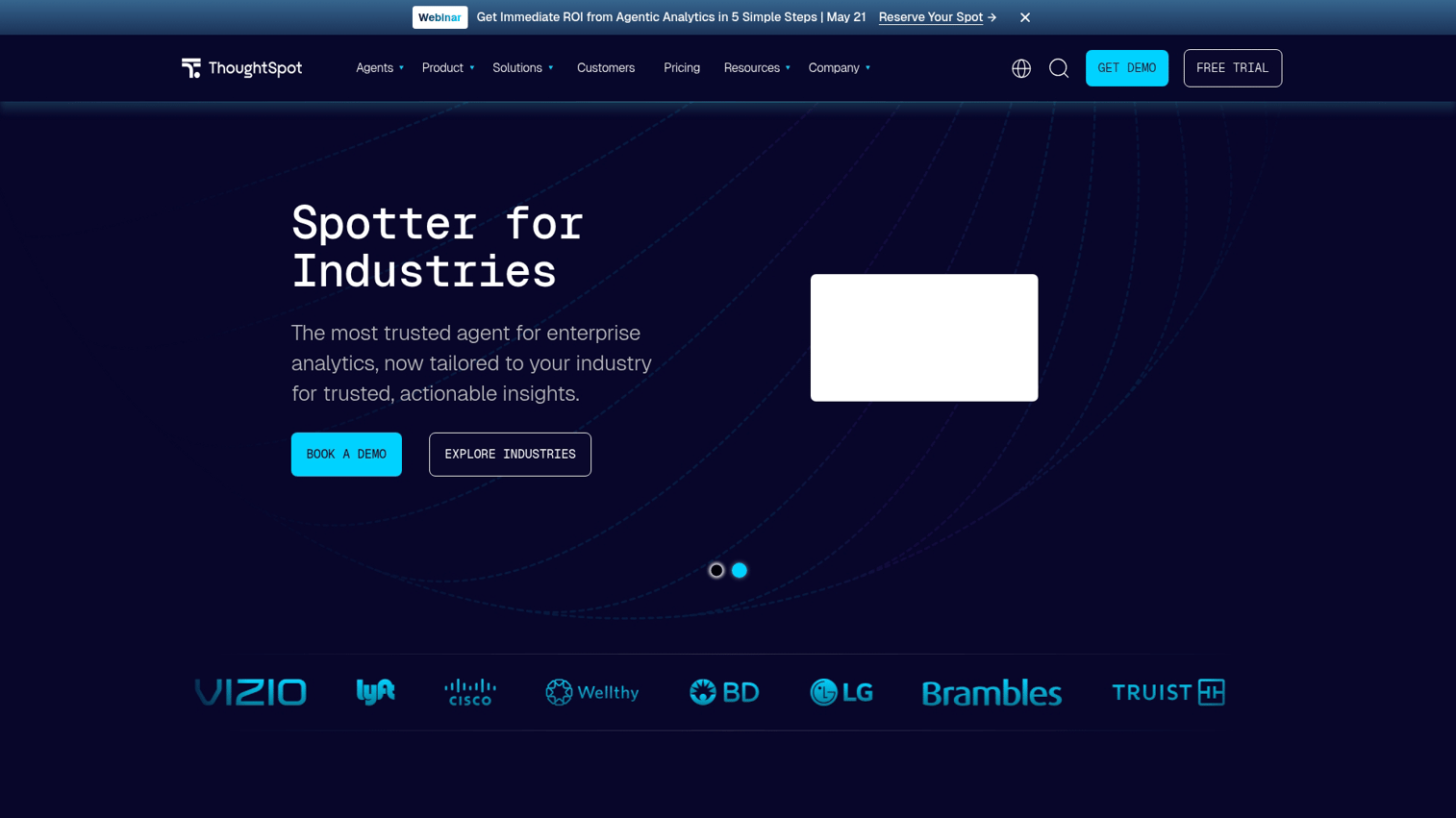
ThoughtSpot built its platform around search-driven analytics. You type questions in natural language, and the system returns answers. Their AI agent, Spotter, takes this further by proactively surfacing insights and explaining the reasoning behind recommendations.
Best for: Internal BI teams that want self-service analytics without SQL expertise.
Key strengths
- Natural language querying: Ask questions like "What drove revenue decline last quarter?" and get structured answers.
- AI-generated insight summaries: Spotter explains what changed, why it matters, and what to investigate next.
- Embedded analytics: Deploy search-driven analytics inside your own applications.
- Governance controls: Role-based access and audit trails for enterprise compliance.
Why choose ThoughtSpot?
The platform excels when you want business users to explore data independently. Spotter reduces the gap between "I have a question" and "I have an answer" by handling the query translation and insight generation automatically.
Pricing: Contact sales. ThoughtSpot offers consumption-based and user-based pricing models depending on deployment.
2. Tableau
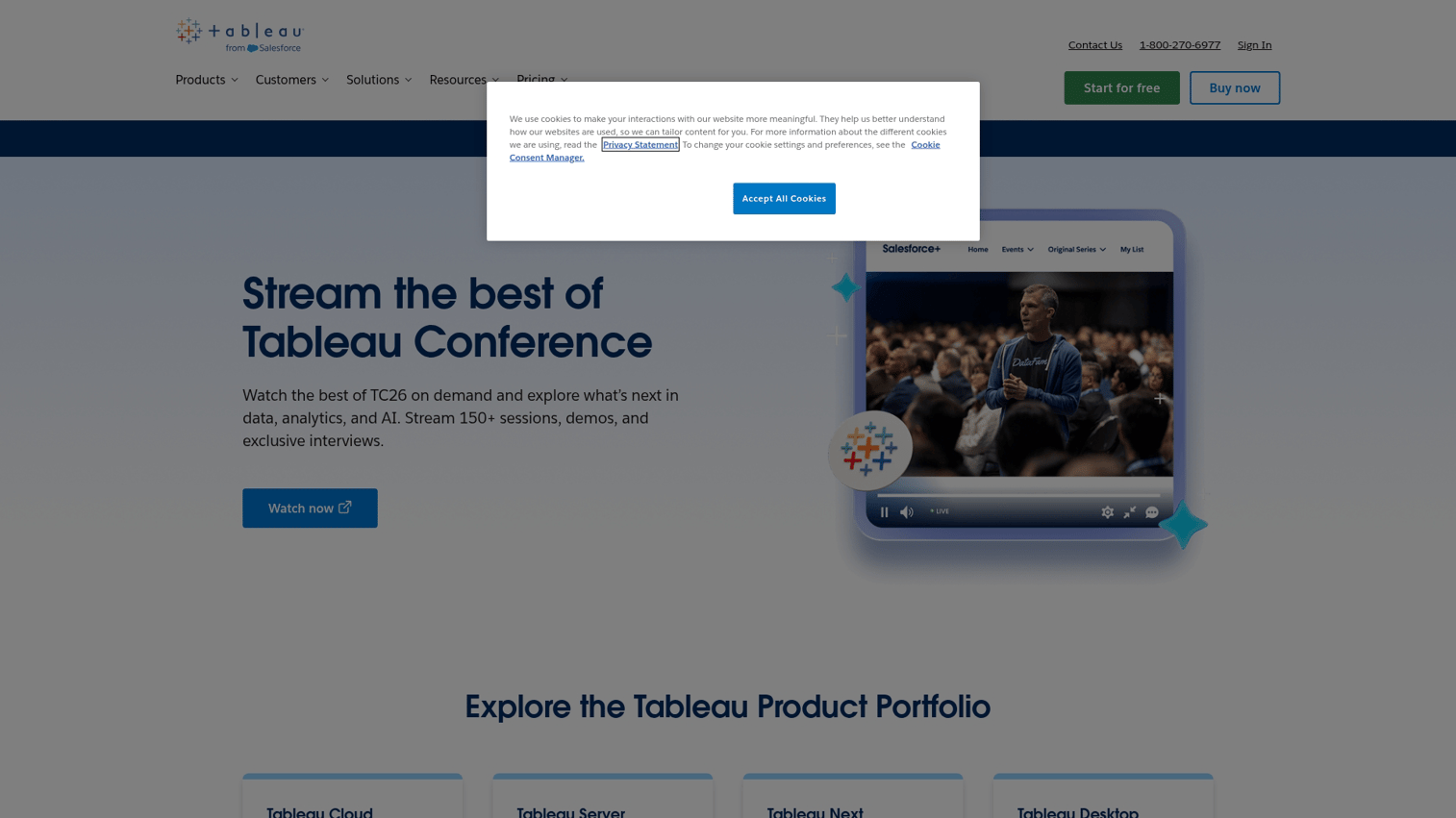
Tableau remains the visualization standard for many enterprises. Tableau Next introduces agentic capabilities: AI agents that monitor dashboards, detect anomalies, and trigger workflows based on data changes.
Best for: Organizations already invested in the Salesforce ecosystem who want AI layered onto existing dashboards.
Key strengths
- Visualization depth: Industry-leading charting and dashboard capabilities.
- Salesforce integration: Native connection to Sales Cloud, Service Cloud, and Marketing Cloud data.
- Emerging AI agents: Automated insight discovery and workflow triggers (Tableau Next).
- Enterprise scale: Handles large datasets with established governance frameworks.
Why choose Tableau?
If your team already uses Tableau and Salesforce, adding agentic capabilities means extending existing investments rather than replacing them. The AI features are newer, so expect ongoing development.
Pricing: Contact sales. Tableau offers Creator, Explorer, and Viewer licenses with different capability tiers.
3. Microsoft Power BI Copilot
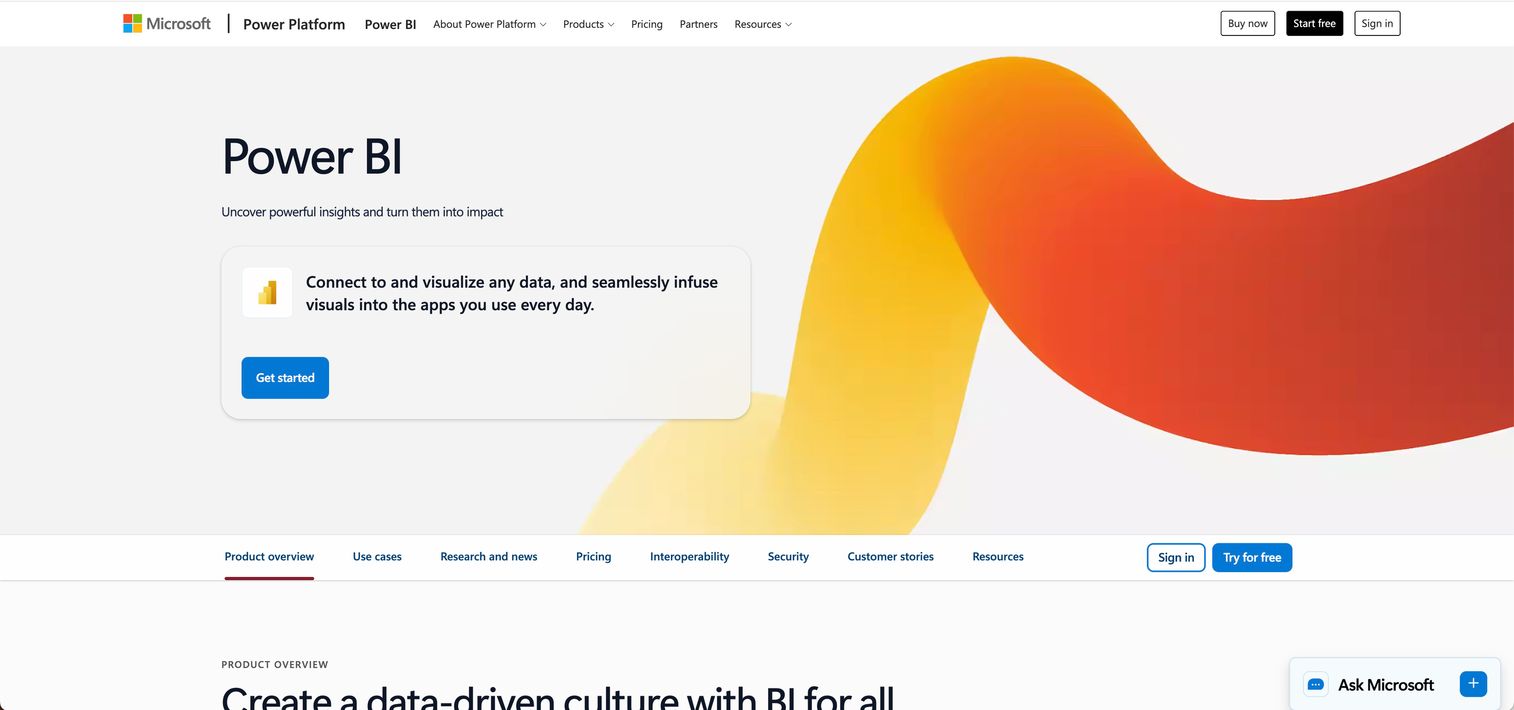
Power BI Copilot brings generative AI into Microsoft's analytics platform. You can ask questions in natural language, generate reports automatically, and create DAX queries without writing code.
Best for: Organizations running Microsoft 365 and Azure who want analytics integrated with their existing stack.
Key strengths
- Natural language report generation: Describe what you want, and Copilot builds the visualization.
- DAX query assistance: Generate complex calculations through conversation.
- Microsoft ecosystem integration: Seamless connection to Excel, Teams, SharePoint, and Azure data sources.
- Fabric integration: Access to Microsoft's unified data platform for lakehouse analytics.
Why choose Power BI Copilot?
The value proposition is integration, not differentiation. If your data already lives in Microsoft's ecosystem, Copilot reduces friction. You're not adopting a new platform; you're adding AI to tools your team already uses.
Pricing: Included with Microsoft Fabric capacity. Power BI Pro licenses start at $10/user/month; Premium capacity pricing varies.
4. Qrvey
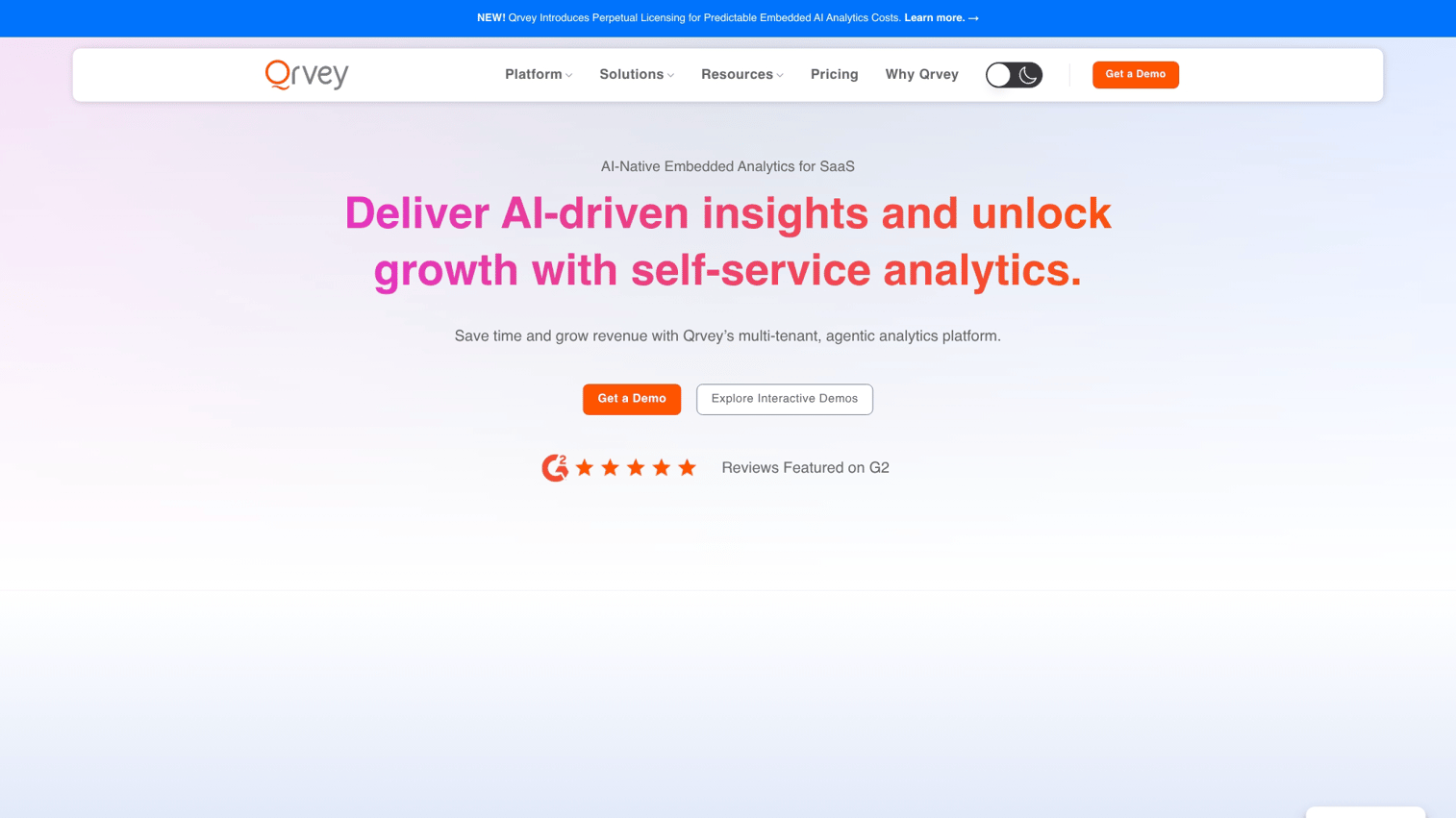
Qrvey focuses on embedded analytics for SaaS companies. If you're building analytics into your own product, Qrvey provides the infrastructure so you don't have to build it yourself.
Best for: SaaS product teams that want to offer analytics to their customers without building from scratch.
Key strengths
- Multi-tenant architecture: Isolate data and configurations for each of your customers.
- White-label capabilities: Brand the analytics experience as your own.
- Embedded AI features: Natural language querying and automated insights within your application.
- API-first design: Flexible integration with existing product infrastructure.
Why choose Qrvey?
Building analytics is expensive. Qrvey lets product teams ship customer-facing dashboards and AI-powered insights without dedicating engineering resources to analytics infrastructure.
Pricing: Contact sales. Pricing typically scales with data volume and embedded usage.
5. Tellius
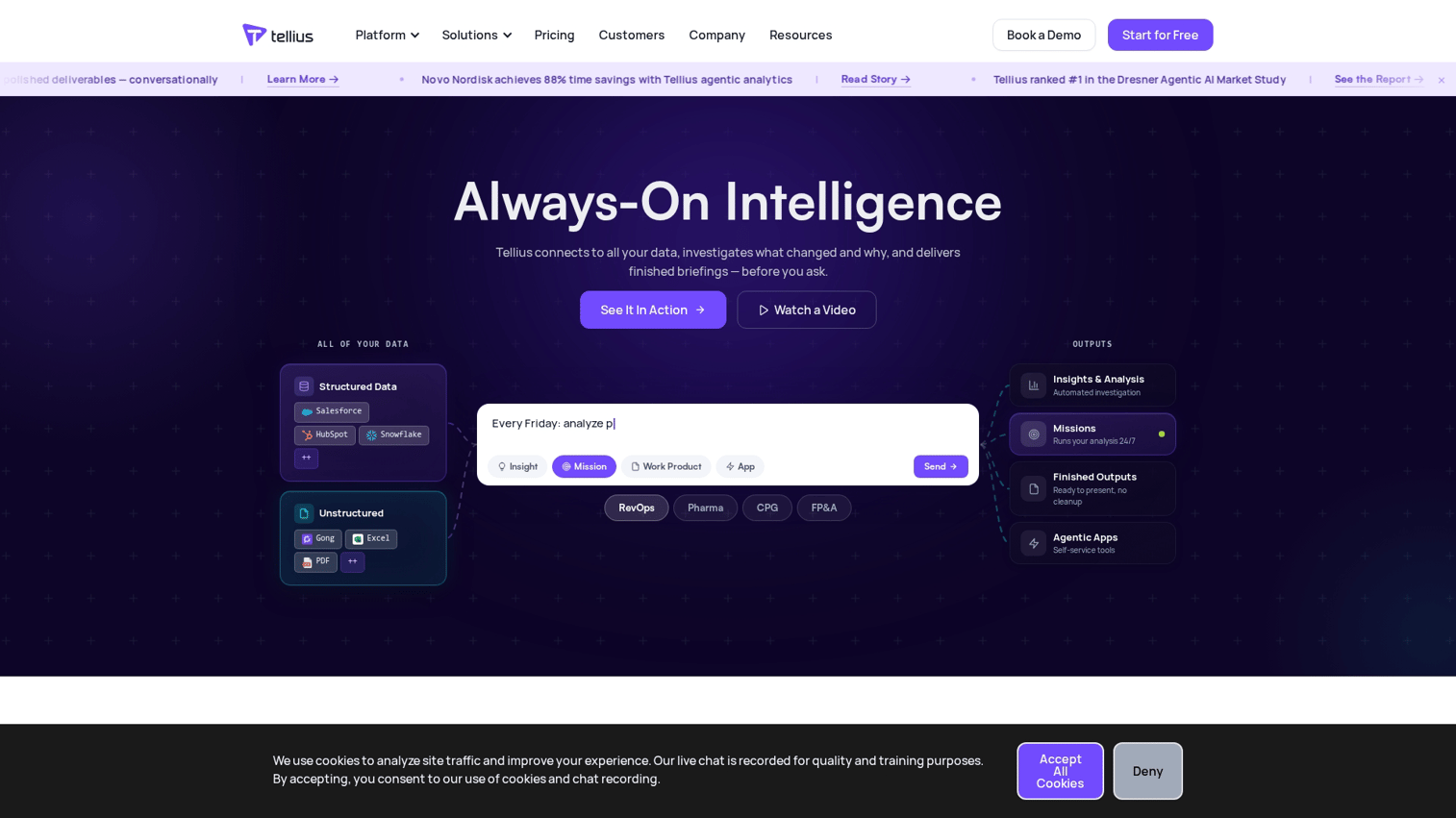
Tellius automates the insight discovery process. Instead of waiting for analysts to find patterns, the platform continuously scans data for anomalies, trends, and correlations.
Best for: Data teams that want AI to surface patterns they wouldn't have thought to look for.
Key strengths
- Automated pattern detection: AI identifies anomalies and trends without manual querying.
- Root cause analysis: Drill into why metrics changed, not just that they changed.
- Natural language interface: Ask questions and receive AI-generated explanations.
- Data preparation: Built-in tools for cleaning and transforming data before analysis.
Why choose Tellius?
The platform shines when you have more data than your team can manually explore. Automated discovery surfaces insights that would otherwise require dedicated analyst time to find.
Pricing: Contact sales. Tellius offers tiered pricing based on data volume and user count.
6. Pyramid Analytics
Pyramid Analytics positions itself as a decision intelligence platform. It combines data preparation, analysis, and machine learning in a single environment with strong governance controls.
Best for: Enterprises that want self-service analytics with centralized governance and compliance.
Key strengths
- Unified platform: Data prep, visualization, and ML in one environment.
- Governance framework: Role-based access, audit trails, and compliance controls.
- AI-assisted analysis: Automated insights and natural language querying.
- Flexible deployment: Cloud, on-premises, or hybrid options.
Why choose Pyramid Analytics?
When governance matters as much as capability, Pyramid offers both. The platform suits regulated industries where audit trails and access controls are non-negotiable.
Pricing: Contact sales. Enterprise pricing based on deployment model and user count.
7. Sisense
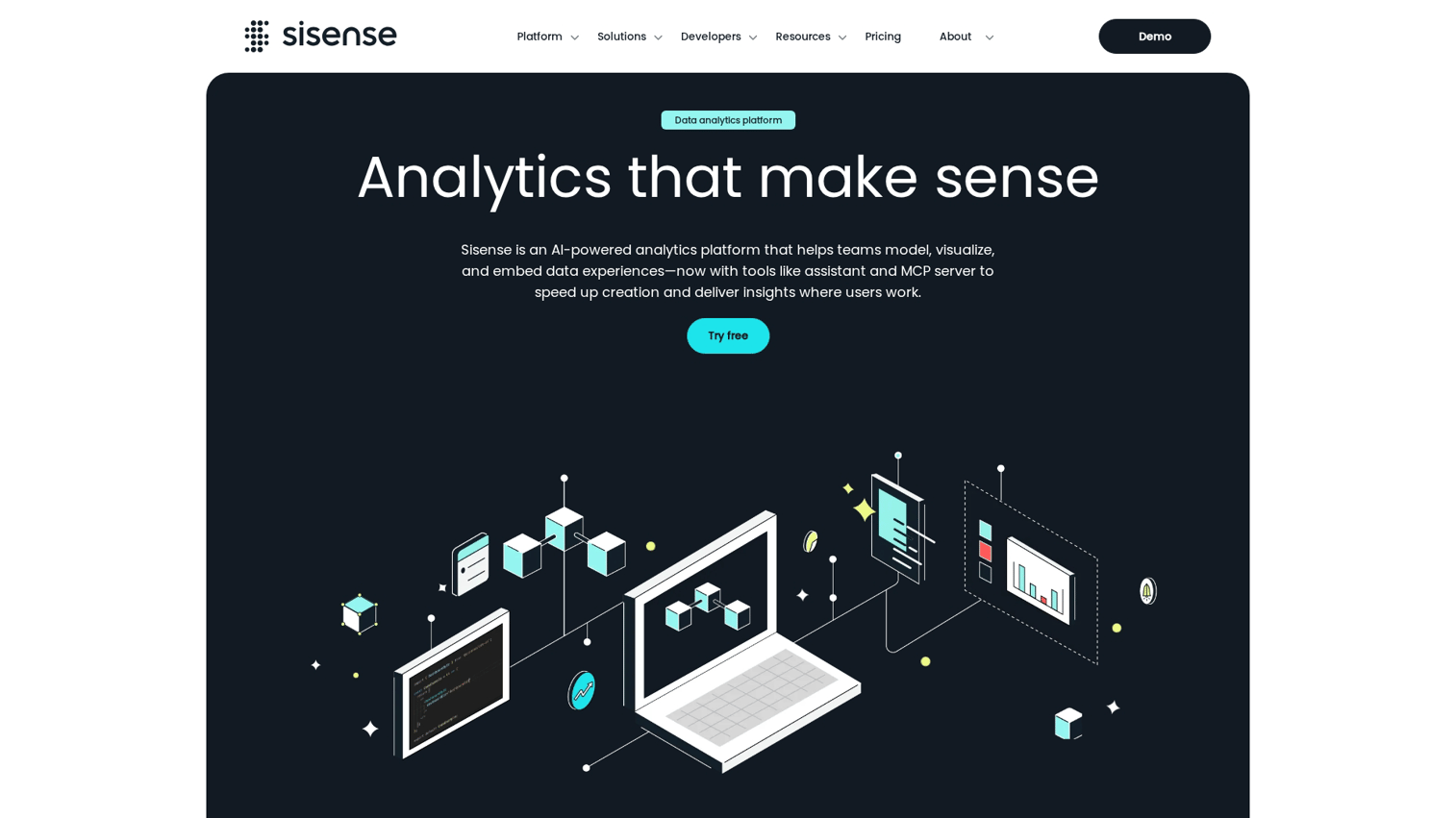
Sisense provides a composable analytics platform designed for developers embedding analytics into applications. The architecture emphasizes flexibility and customization.
Best for: Development teams building analytics-powered applications who want maximum control over the experience.
Key strengths
- Composable architecture: Mix and match components to build custom analytics experiences.
- Developer-friendly APIs: Extensive customization options for embedded deployments.
- AI features: Natural language querying and automated insight generation.
- Scalable infrastructure: Handles large datasets with in-chip processing technology.
Why choose Sisense?
If your use case requires deep customization and your team has development resources, Sisense offers flexibility that more opinionated platforms don't. The tradeoff: more configuration required upfront.
Pricing: Contact sales. Pricing varies by deployment model and usage.
8. Looker
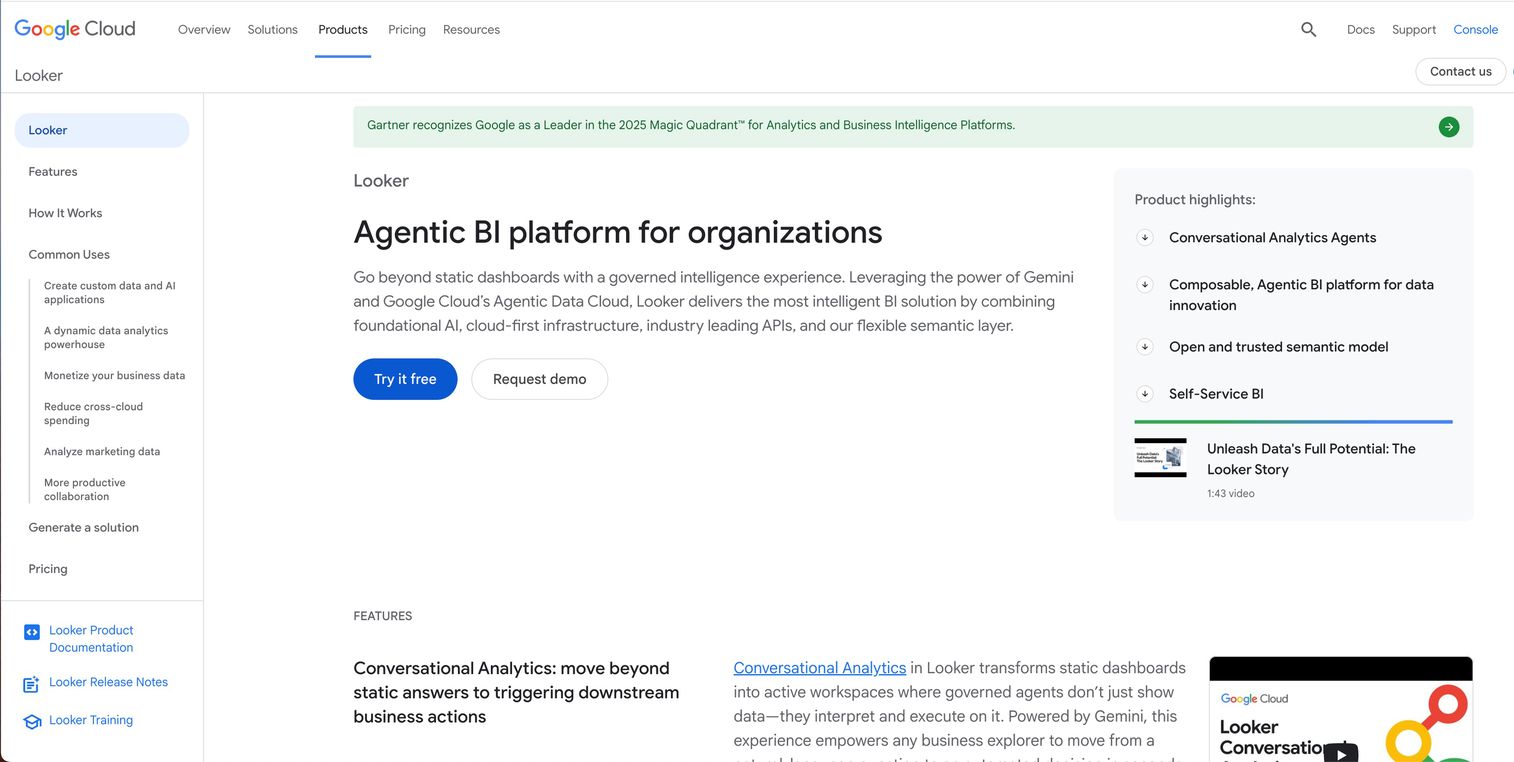
Looker (now part of Google Cloud) emphasizes semantic modeling. You define business logic once in LookML, and that definition governs all downstream analysis. This approach ensures consistency across reports and users.
Best for: Organizations running on Google Cloud Platform who want centralized data governance.
Key strengths
- Semantic layer: Define metrics once, use them everywhere.
- Strong governance: Centralized control over how data is defined and accessed.
- GCP integration: Native connection to BigQuery and other Google Cloud services.
- Emerging AI features: Natural language querying and AI-assisted exploration.
Why choose Looker?
The semantic layer approach prevents the "different numbers in different reports" problem that plagues many analytics deployments. If data consistency matters more than speed to first dashboard, Looker's architecture pays off.
Pricing: Contact sales. Pricing based on usage and deployment model within Google Cloud.
What to evaluate when choosing agentic analytics software
Not all "agentic" claims are equal. Some platforms offer AI suggestions; others execute actions autonomously. The five criteria below help separate useful tools from marketing hype.
Autonomy and decision logic
The spectrum runs from "AI highlights anomalies, human decides" to "AI executes within defined boundaries." Ask vendors where their platform sits:
- Low autonomy: AI surfaces insights, humans take all actions.
- Medium autonomy: AI recommends actions, humans approve before execution.
- High autonomy: AI executes predefined actions automatically (e.g., pausing ad spend, sending alerts).
Higher autonomy saves time but requires stronger guardrails. Start with lower autonomy until you trust the system's judgment.
Data stack integration
Agentic analytics only works if agents can access your data. Evaluate connectivity to data warehouses (Snowflake, BigQuery, Redshift, Databricks), CRMs (Salesforce, HubSpot), marketing platforms (Google Ads, LinkedIn, Marketo), and alerting tools (Slack, PagerDuty, email).
Native connectors reduce implementation time. Custom integrations add cost and maintenance burden. Ask whether the platform can integrate with HubSpot, Salesforce, and more out of the box.
Governance and access controls
Autonomous agents with write access can do damage if misconfigured. Evaluate role-based permissions (who can configure agents, who can approve actions), audit trails (can you trace why an agent made a specific recommendation), and approval workflows (can you require human sign-off for high-stakes actions).
Regulated industries (finance, healthcare) often require detailed audit logs. Even if you're not regulated, traceability helps debug unexpected agent behavior.
Scalability and customization
Consider your growth trajectory. Multi-tenant needs matter if you're embedding analytics in your product. White-labeling matters if you want to brand the experience as your own. API extensibility matters if you want to build custom agents for workflows specific to your business.
Platforms designed for embedded use cases (Qrvey, Sisense) offer more customization. Platforms designed for internal BI (ThoughtSpot, Tableau) prioritize ease of use over flexibility.
Observability and audit trails
When an agent makes a recommendation, you want to understand why. Evaluate reasoning transparency (does the platform explain the data and logic behind each insight), decision logs (can you review historical agent actions and their outcomes), and debugging tools (when something goes wrong, can you trace the cause).
Black-box AI creates compliance risk and makes optimization difficult. Prefer platforms that show their work.
How to choose the right agentic analytics tool
Selecting a platform involves more than feature comparison. The five-step process below helps you match tools to your actual needs.
1. Define your business objectives
Start with outcomes, not features. What decisions do you want automated? What insights are you missing today? Example objectives include reducing time from data anomaly to action, automating routine reporting for executives, surfacing buying signals from product usage data, and predicting which accounts will churn before renewal conversations.
2. Assess your data maturity
Agentic analytics requires clean, connected data because only 7% of organizations say their data is completely ready for AI adoption. Agents amplify data quality issues, so garbage in means confidently wrong recommendations out. Ask yourself: Is your data warehouse organized with consistent schemas? Do you have a semantic layer defining key metrics? How often does data refresh? What percentage of your data is actually usable for analysis?
If your data foundations are shaky, fix them before investing in agentic tools.
3. Map integration requirements
List every system the agent will read from or write to. For reading, include data warehouse, CRM, marketing platforms, and product analytics. For writing, include CRM updates, Slack alerts, email triggers, and workflow automation.
Check whether the platform offers native connectors or requires middleware. Native integrations reduce implementation time and ongoing maintenance.
4. Run a pilot project
Start with one use case. Define success criteria before launch: How often are agent recommendations correct? How many hours of manual work does automation eliminate? Are team members actually using the insights?
Evaluate results before expanding scope. A failed pilot is cheaper than a failed enterprise rollout.
5. Calculate total cost of ownership
Licensing is just the beginning. Factor in implementation (professional services, data engineering time, training), ongoing maintenance (connector updates, agent tuning, governance overhead), and scaling costs (does pricing increase linearly with data volume or users).
Ask vendors about cost per seat versus cost per query. Consumption-based pricing can surprise you when usage grows.
Risks and limitations of agentic analytics
Vendors emphasize capabilities. Here's what they don't always mention.
Data quality dependency
Agents surface insights from the data they receive. If your data has gaps, duplicates, or stale records, agents will confidently deliver wrong answers. The automation makes errors faster, not fewer. Before deploying agentic tools, audit your data quality.
Governance gaps
Autonomous actions without oversight create compliance risk. Who's accountable when an agent triggers an action based on flawed logic? Ensure audit trails exist and approval workflows are in place for high-stakes decisions. Start with read-only access. Expand write permissions gradually as you build trust in agent behavior.
Over-reliance on automation
"Automation complacency" happens when teams stop questioning agent outputs. Agents augment human judgment; they don't replace it. High-stakes decisions still require human review. Build review checkpoints into your workflows.
Security and compliance exposure
Agents with write access to systems can do damage if misconfigured. A bug in an agent that adjusts ad spend could drain your budget overnight. Verify SOC 2 compliance and data residency requirements. Start with limited permissions and expand based on demonstrated reliability.
From insights to action with demo analytics
The promise of agentic analytics is closing the gap between "data available" and "action taken." For GTM teams, one high-value application is understanding buyer intent from product interactions.
When prospects explore interactive demos, they reveal what they care about. Which features did they click? Where did they spend time? What did they skip? That behavioral signal, captured and surfaced automatically, helps sales teams prioritize follow-up based on demonstrated interest rather than guesswork.
Platforms like Guideflow capture engagement data from product experiences and sync it to CRMs. Many teams centralize these assets in a demo center for consistent buyer experiences. The result: reps know which prospects engaged deeply before the first call, and marketing teams can analyze which demo paths correlate with conversion.
The best analytics tools don't just tell you what happened. They show you what to do next.
Start your journey with Guideflow today!
FAQs about agentic analytics software
Copilots assist with queries when prompted. You ask a question, they help answer it. Agentic systems monitor data continuously and act autonomously toward defined goals without waiting for human prompts.
You need a centralized data warehouse with consistent schemas and reasonable data quality. If your data is scattered across spreadsheets or your definitions vary by team, agents will amplify inconsistencies.
No. They automate routine pattern detection and reporting, freeing analysts to focus on complex, strategic analysis that requires business context agents lack.
Track time saved on manual reporting, speed from insight to action, and business outcomes like faster response to anomalies or improved forecast accuracy.
Yes. Platforms like Guideflow capture buyer interaction data from interactive demos and sync it to CRMs, giving agents behavioral signals for lead scoring and follow-up prioritization.
Well-designed systems include audit trails showing the data and logic behind each recommendation. Use logs to debug the issue, retrain the model if needed, or adjust guardrails to prevent similar errors.