A tech finds a worn brake pad, scribbles it on a paper sheet, then the advisor loses the note before the customer calls back. The car sits. The repair gets declined by default. Multiply that across a bay full of vehicles and you get the real cost of paper inspections: missed defects, slow approvals, and no record when a compliance audit shows up.
The market has noticed. The global vehicle inspection software market was valued at roughly USD 1.31 billion in 2025 and is projected to reach USD 4.53 billion by 2035, growing at a 13% CAGR, according to Business Research Insights (2025). Cloud-based deployment already accounts for 71.4% of digital vehicle inspection revenue in 2025, per Dataintelo (2025). Shops and fleets are moving off clipboards fast.
The problem is that "vehicle inspection software" covers two very different jobs. One camp digitizes the shop bay: photo and video evidence, inspection-to-estimate handoff, customer-facing approval links. The other camp runs fleet compliance: pre-trip and post-trip DVIRs, offline capture, and routing failed items into maintenance. Pick the wrong side and you get a tool that fights your workflow every day.
What's inside
This guide compares seven vehicle inspection software tools for 2026, split across auto shops, fleets, and broader operations platforms. We picked and ranked each tool on the criteria that actually change your day:
- Mobile app usability in real field conditions
- Photo and video documentation quality
- Workflow automation from failed item to follow-up
- Reporting and analytics depth
- Integration fit with your existing systems
We verified pricing and ratings against each vendor's live source at the time of writing. Where a figure was not public, we say so rather than guess.
TL;DR
- Best for auto shops that want inspection-to-estimate workflows: Tekmetric
- Best for guided technician workflows and advisor handoff: AutoVitals
- Best for fleets that need compliance and offline inspections: Fleetio
- Best for mobile-first visual inspections across equipment and vehicles: Driveroo
- Best for teams that want broad inspection and operations forms: SafetyCulture
- Best for European transport operators needing broader fleet operations: FleetGO
- Best for simple checklist-heavy, deskless team use: Connecteam
What is vehicle inspection software
Vehicle inspection software is a digital tool that replaces paper inspection forms with mobile checklists, photo and video capture, and automated follow-up on failed items. Instead of a scribbled sheet that gets lost between the bay and the front counter, every inspection becomes a searchable record tied to a vehicle, a technician, and a timestamp.
The category spans two main uses: shop-side digital vehicle inspections (DVI) that feed estimates and customer approvals, and fleet inspections that support pre-trip and post-trip compliance. Both share the same core capabilities.
- Mobile capture: technicians and drivers run inspections from a phone or tablet in the bay or the yard
- Photo and video evidence: annotated proof of a worn part or a leak, attached to the finding
- Custom checklists: templates you adapt per vehicle type, service, or compliance requirement
- Work order or repair routing: failed items flow into estimates, work orders, or maintenance tasks
- Dashboards and analytics: completion rates, failed-item patterns, and technician performance
- Sharing and approvals: customer-facing reports and driver sign-off, often with audit trails
The best digital inspection software turns a defect into an action automatically. A failed brake check becomes a line item, an alert, or a customer text without anyone retyping it.
When to use vehicle inspection software
Digitize paper checklists
If your team still runs inspections on clipboards, spreadsheets, or a loose folder of phone photos, records go missing and reporting takes hours. A vehicle inspection app captures every finding in one place, timestamps it, and keeps it searchable. You stop losing the note that would have turned into a $600 repair.
Track compliance and safety
Fleets running commercial vehicles need pre-trip and post-trip inspections that hold up under scrutiny. A pre trip inspection app with offline capture, standardized forms, and audit trails keeps drivers compliant even in dead zones. For US commercial fleets, FMCSA compliant DVIRs are not optional, and electronic pre trip inspection records make defect documentation far easier to defend.
Speed up repair approvals
The gap between finding a defect and getting it approved is where revenue leaks. Automotive digital inspection software attaches photo evidence and annotated findings to a customer-facing report, so the owner sees the worn part instead of reading a line on an invoice. Shops that pair visual evidence with a text approval link close declined work faster.
Comparison table
This table is the fastest way to compare the seven tools by use case. It is sorted by relevance to shop and fleet inspection workflows, not alphabetically. Pricing and ratings reflect each vendor's live source at the time of writing.
| # | Product | Best for | Key differentiator | Pricing | G2 rating |
|---|---|---|---|---|---|
| 1 | Tekmetric | Auto shops wanting inspection-to-estimate flow | Shop management plus DVI in one platform | From $199/month | Not listed |
| 2 | AutoVitals | Guided technician workflows | DVI with advisor handoff and customer comms | From $219/month | 4.2/5 |
| 3 | Fleetio | Fleet compliance and maintenance | Inspections tied to work orders and DVIR | From $4/vehicle/month | 4.6/5 |
| 4 | Driveroo | Mobile-first visual inspections | Guided visual capture across assets | From $5/asset/month | 4.9/5 |
| 5 | SafetyCulture | Broad inspection and operations forms | Flexible templates beyond vehicles | Free plan; from $5/seat/month | 4.6/5 |
| 6 | FleetGO | European transport operators | Fleet plus transport management modules | Custom quote | 4.5/5 |
| 7 | Connecteam | Deskless teams with checklist needs | Inspections inside a workforce app | Free plan; from $29/month | Not listed |
Best 7 vehicle inspection software tools for 2026
1. Tekmetric
Tekmetric is an auto repair shop management platform that runs operations, payments, and customer engagement, with digital vehicle inspections built into the workflow rather than bolted on. For a shop, that matters: a DVI is only useful if the finding flows straight into an estimate the advisor can approve and the customer can pay. Tekmetric keeps that chain in one system.
The DVI capture supports photos and video so a technician can document a leaking gasket instead of describing it. Findings connect to jobs, inventory, and invoicing, which shortens the distance between "we found this" and "the customer approved it." That connection is the practical case for shops chasing higher approval rates on declined work.
Best for: auto repair shops that want inspections, estimating, payments, and reporting under one roof.
Key strengths
- Digital vehicle inspections with photo and video capture
- Shop management with inventory, jobs, and reporting
- Payments, text-to-pay, and invoicing
Why choose Tekmetric: If you want DVI and shop management as one system instead of stitching two tools together, Tekmetric fits. It suits owners and service managers who care about approval rates, technician efficiency, and a single dashboard for the whole bay.
Tekmetric pricing: Plans start at $199/month (Start), with Grow at $349/month and Scale at $439/month. Enterprise is custom pricing. Add-ons include Multi-shop at +$70/month/shop and Tire Suite at +$39/month/shop. Annual billing discounts are available. No free tier.
2. AutoVitals
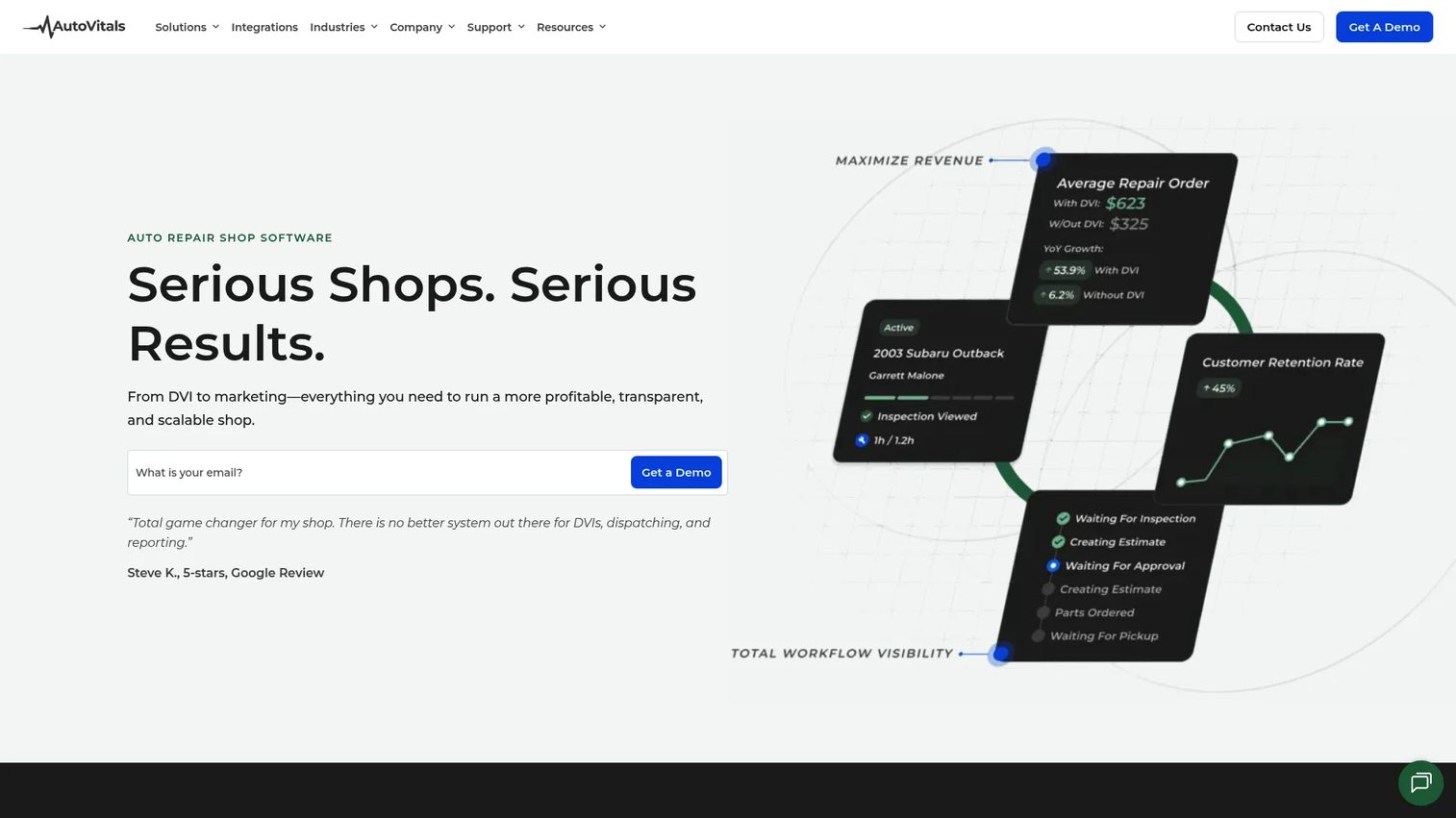
AutoVitals is software for auto repair shops covering digital vehicle inspections, workflow management, CRM, and customer communication. Its strength is guided inspection: it standardizes what a technician checks and how findings get documented, which keeps quality consistent even when your bench of techs varies in experience.
The workflow layer connects the inspection to the service advisor. Findings, notes, and images move toward the customer conversation, so the advisor is not reconstructing what the tech saw. For shops where advisor handoff is the weak link, that consistency is the point.
Best for: independent auto repair shops that want guided DVI plus workflow and customer communication.
Key strengths
- Digital vehicle inspections with guided workflows
- Workflow management across the shop
- Customer communication and CRM
Why choose AutoVitals: Choose AutoVitals when consistency across technicians and a clean advisor handoff matter more than running the whole shop from one system. It leans into technician usability and the customer-facing side of the inspection.
AutoVitals pricing: DVI starts at $219/month. Pricing varies by shop size and the tools you need, so the total depends on your configuration. No free tier is listed.
3. Fleetio
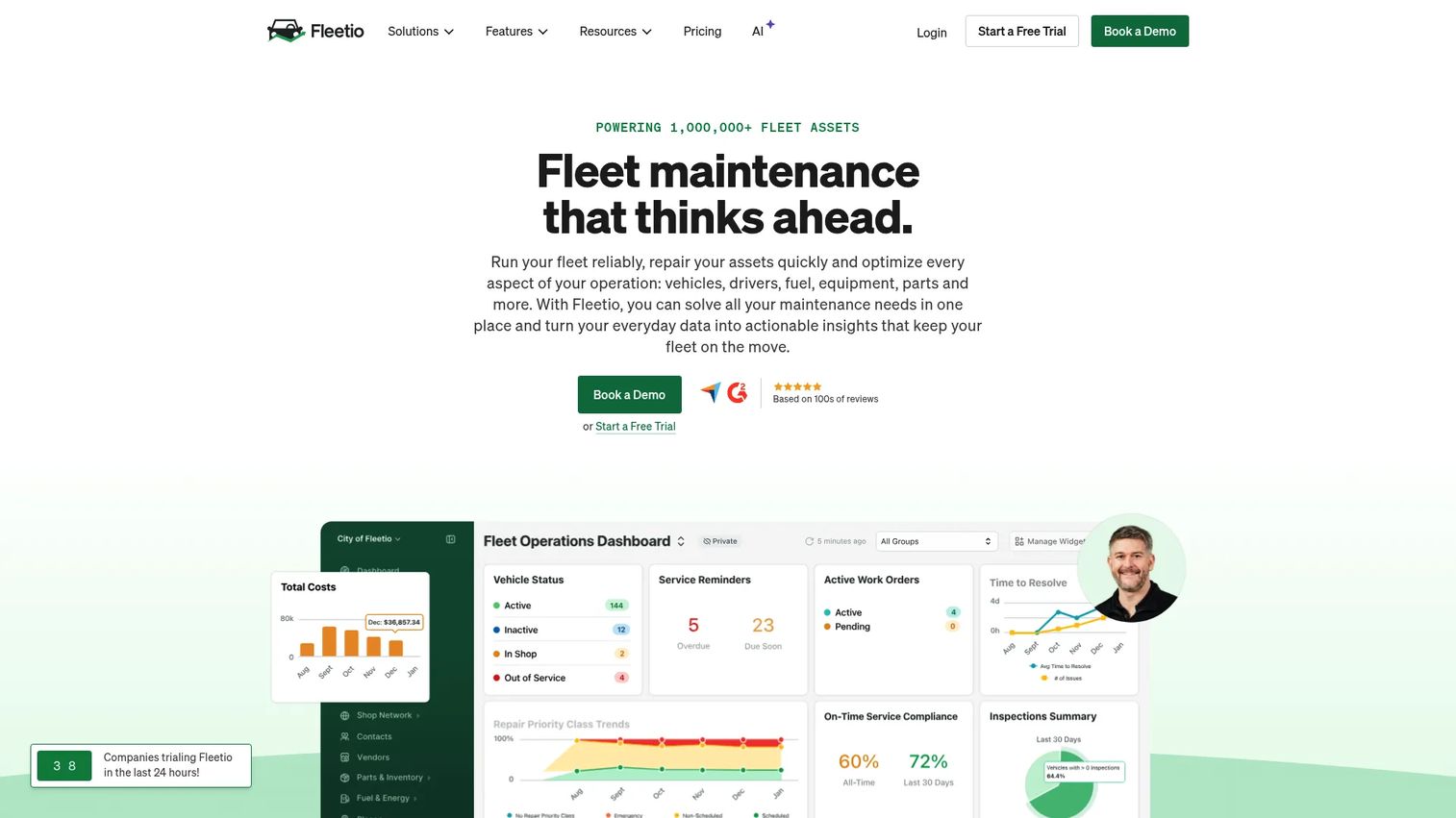
Fleetio is fleet management software covering maintenance, inspections, asset tracking, and workflow automation. This is the fleet-side answer to the shop tools above. Where a DVI feeds an estimate, a Fleetio inspection feeds a work order and a maintenance record, which is exactly what a fleet manager needs when a failed brake check has to turn into scheduled service.
The fleet inspection app supports customizable forms, offline mobile access, photo attachments, and workflow automation. Offline capture is not a nice-to-have here: drivers run pre-trip and post-trip checks in yards and remote sites where connectivity drops, and the record syncs later. Inspections tie into work orders, so a failed item becomes a maintenance action instead of a forgotten note.
Best for: fleet operators that need maintenance, inspections, and service history in one platform.
Key strengths
- Fleet inspections with customizable forms, offline access, and alerts
- Work orders and maintenance workflows with service history
- Asset management with TCO tracking, utilization, and replacement forecasting
Why choose Fleetio: Choose Fleetio when compliance and maintenance actioning drive your decision. It fits fleet managers who need DVIR-style inspections that flow directly into repair workflows and a full asset history behind every vehicle.
Fleetio pricing: Pricing is per vehicle. Essential is $4 per vehicle/month billed annually ($5 monthly), Professional is $7 per vehicle/month billed annually, and Premium is $10 per vehicle/month billed annually. A 14-day free trial is available. No free tier.
4. Driveroo
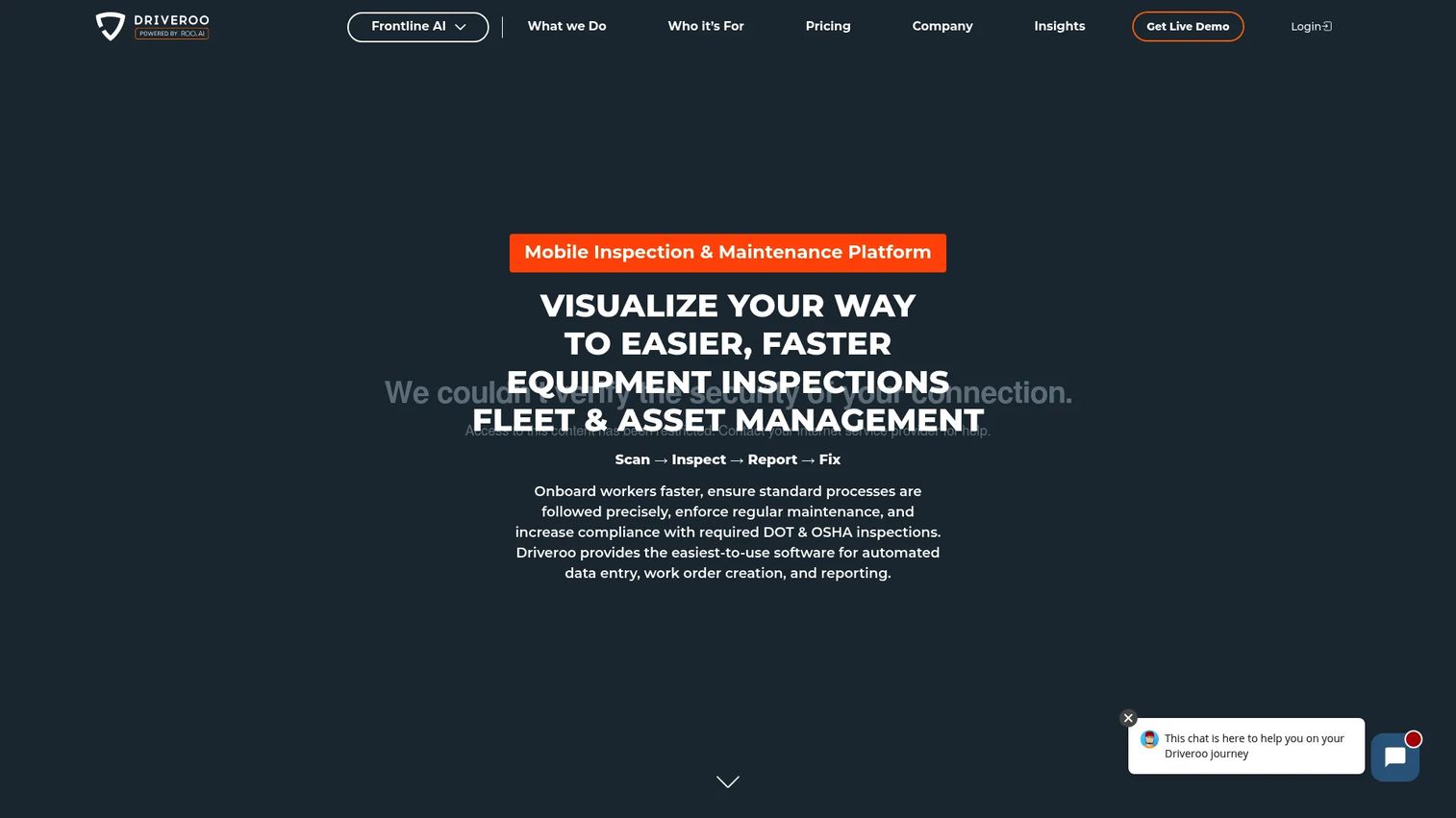
Driveroo is mobile inspection, maintenance, and asset management software for fleets and equipment. It leans hard into the capture experience: guided visual inspections with photos, video, and signature capture, built so field users move through a check quickly without training overhead. For teams where inspection quality depends on the least experienced person in the yard, that guidance keeps results consistent.
Behind the capture, Driveroo automates work orders, alerts, and reminders, so a failed item does not stall. An open API, webhooks, and bulk export mean the inspection data does not get trapped, which matters if you want inspection signals feeding other systems.
Best for: teams managing equipment or fleet inspections, maintenance, and compliance workflows on mobile.
Key strengths
- Visual inspection guidance with photo, video, and signature capture
- Automated work orders, alerts, and reminders
- Open API, webhooks, and bulk export
Why choose Driveroo: Choose Driveroo when fast, consistent field capture is your priority and you want inspection data flowing out through an API to other tools. It suits mixed fleets and equipment where a truck inspection app has to be as usable as a car inspection app.
Driveroo pricing: Essentials is $5 per asset/month and Pro is $7 per asset/month, both on annual contracts. Enterprise is contact sales. No free tier is shown.
5. SafetyCulture
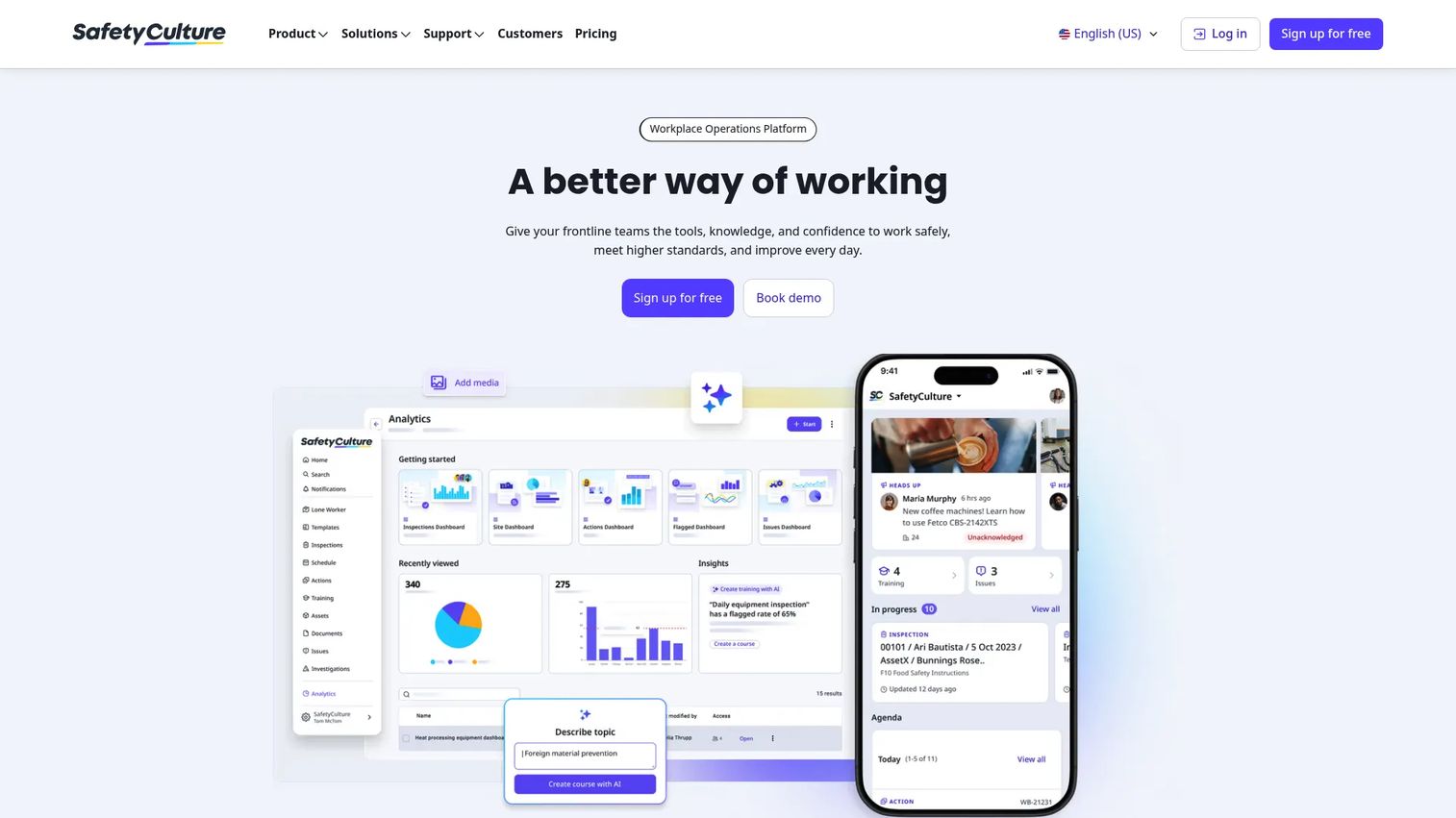
SafetyCulture is a workplace operations platform for inspections, audits, actions, and training. It is not vehicle-specific, and that is the point: if your inspection needs stretch beyond vehicles into facilities, safety, or general operations, SafetyCulture handles a vehicle checklist app alongside everything else on one platform.
The core capabilities are flexible digital checklists, actions and issue management, and recurring schedules. You build a vehicle condition report app from a template, then reuse the same engine for site audits or safety checks. Failed items route into actions with owners and due dates, so an issue does not die in a report.
Best for: teams digitizing inspections, compliance workflows, and frontline operations beyond just vehicles.
Key strengths
- Inspections and customizable digital checklists
- Actions and issue management with owners
- Schedules and recurring reminders
Why choose SafetyCulture: Choose SafetyCulture when vehicle inspections are one part of a broader operations picture. It is the flexible option for teams that want a single inspection and forms platform rather than a purpose-built automotive or fleet tool.
SafetyCulture pricing: A free plan is available. Paid seats start at $5/seat/month (Lite) billed annually, with Full seats at $24/seat/month billed annually. Enterprise is contact sales, and a 30-day free trial is offered.
6. FleetGO
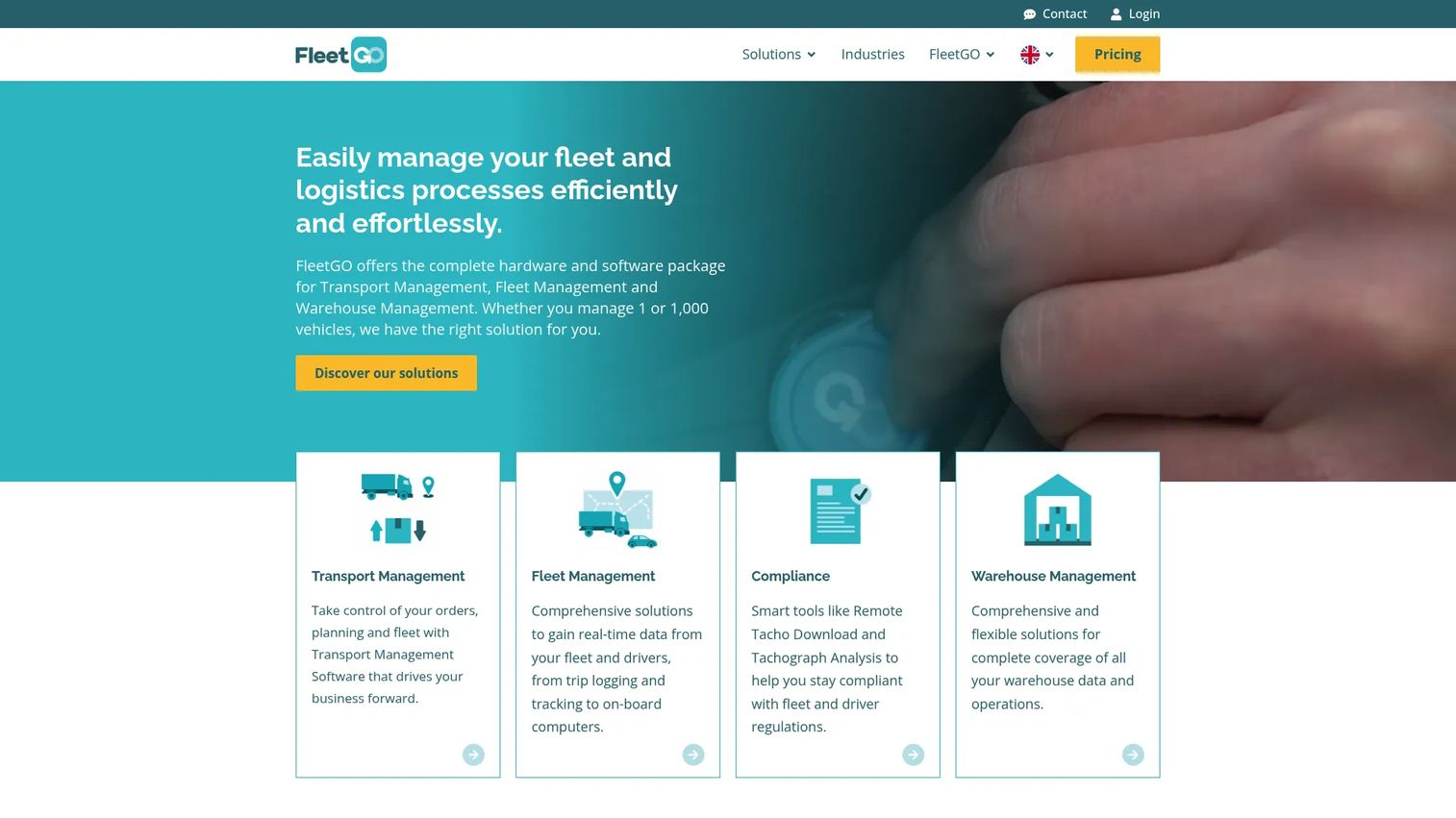
FleetGO is modular logistics software for fleet, transport, and warehouse management, with inspections sitting inside a wider operations picture. For European transport operators, the draw is breadth: live track and trace, tachograph and driver behavior data, route planning, and inspections in one modular platform rather than separate point tools.
Inspections here support fleet compliance as part of the broader operations layer. If you run transport operations where inspection is one requirement among route optimization, invoicing, and driver management, FleetGO consolidates those into modules you can turn on as needed. FleetGO Connect adds integrations with a large partner network.
Best for: European transport and fleet operators needing a modular SaaS platform.
Key strengths
- Fleet management with live track and trace, trip logging, and driver behavior
- Transport management with route planning, optimization, and invoicing
- FleetGO Connect integrations with a large partner network
Why choose FleetGO: Choose FleetGO when inspections need to sit inside a broader transport operations platform, not stand alone. It fits operators who want fleet tracking, compliance, and logistics workflows managed together.
FleetGO pricing: Public numeric pricing is not shown; FleetGO uses quote-based pricing tailored to fleet size and the services you enable. Request a quote through the site for a figure that matches your operation.
7. Connecteam
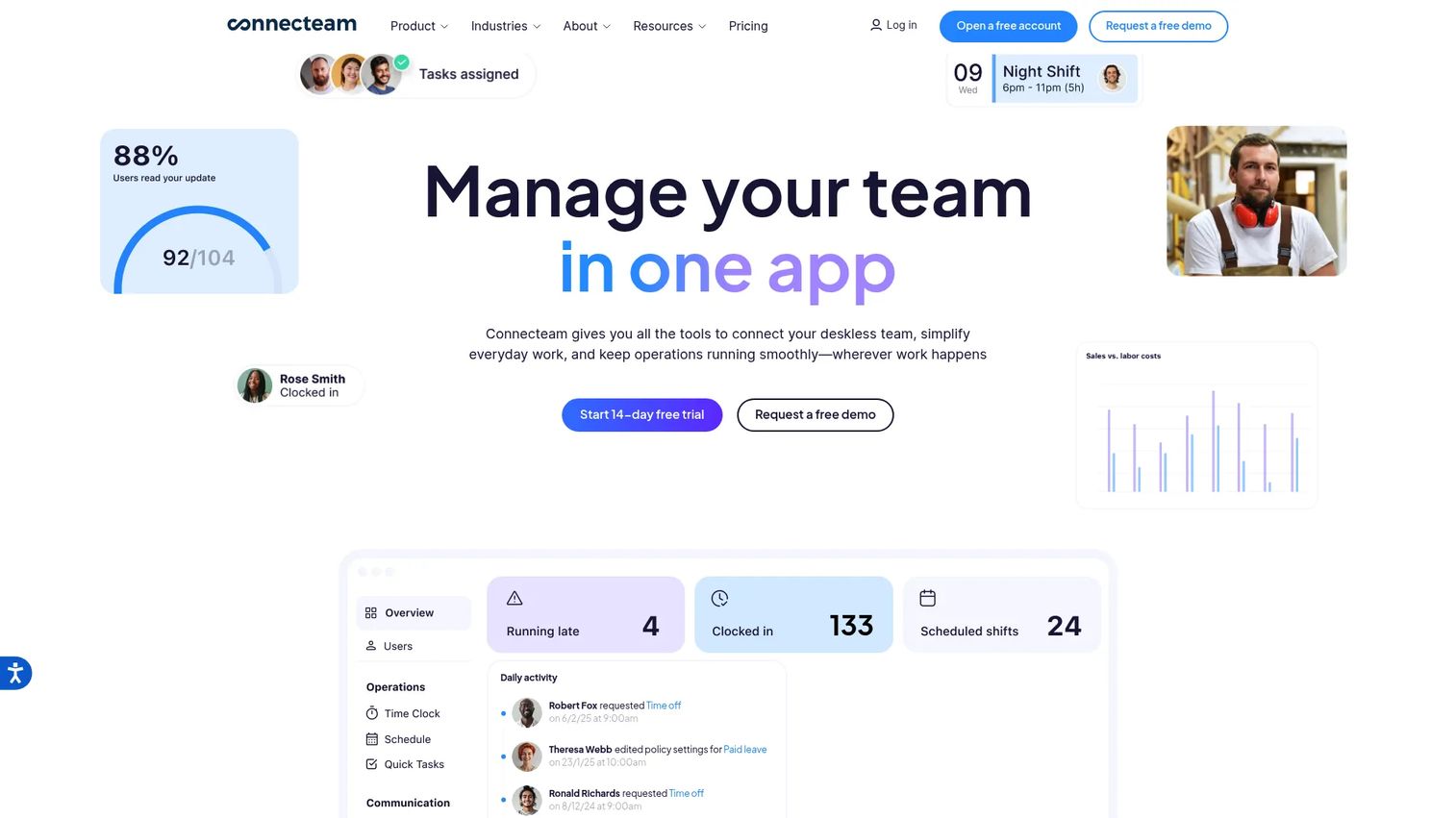
Connecteam is workforce management software for deskless teams, with checklists, forms, scheduling, and communication in one app. It is not a dedicated inspection tool, but for teams that already need scheduling and internal chat, adding inspection checklists inside the same app avoids a separate subscription. A driver can clock in, read a shift update, and complete a pre-trip checklist without switching tools.
The forms and checklist workflows cover photos, signatures, and document management, which is enough for straightforward inspection needs. GPS tracking and scheduling round out the deskless operations picture. For simple, checklist-heavy use where inspection is one task among many, that consolidation is the value.
Best for: deskless businesses that need scheduling, time tracking, and communication with inspection checklists in one app.
Key strengths
- Checklists and forms with photos and signatures
- Employee scheduling and time clock
- Chat, updates, and document management
Why choose Connecteam: Choose Connecteam when inspections are one part of managing a deskless workforce and you want a single app for scheduling, communication, and checklists. It fits smaller operations that value consolidation over inspection-specific depth.
Connecteam pricing: A free Small Business Plan covers up to 10 users, and a free Limited plan covers up to 30 users. Paid plans start at $29/month for up to 30 users, with Advanced and Expert tiers above that.
Considerations
Before you commit, run the shortlist through the criteria that actually affect daily use. These are the factors that separate a tool your team adopts from one that gathers dust.
Mobile experience
The inspection happens in a bay or a yard, not at a desk. Test fast capture, offline mode, photo quality, and how few taps it takes to log a finding. A truck inspection app that stalls without signal or buries the photo button will get skipped when the tech is busy. Try it on the actual devices your team uses.
Customization
Shops and fleets need different flexibility. A shop may want inspection templates by service type; a fleet needs DVIR forms that match compliance requirements. Ask how far you can adapt checklists without a support ticket. Rigid templates that cannot bend to your workflow become a daily source of friction.
Repair or follow-up automation
The value is in what happens after a failed item. Check how findings route: into estimates, work orders, alerts, or customer follow-up. A digital inspection that stops at a saved report is only half the job. The tools that lift approval rates and speed compliance are the ones that turn a defect into an action automatically.
Reporting and analytics
You want visibility into technician performance, failed-item patterns, completion rates, and where workflows stall. Reporting that shows which checks get skipped or which vehicles keep failing gives you something to act on. Treat inspection reporting as a management tool, not just a compliance archive.
Integrations
Inspection data is more useful connected. Look at fit with your shop management system, maintenance system, and alerting tools. A tool that exports cleanly or offers an API keeps inspection signals flowing into the systems where your team already works, instead of creating one more silo.
Conclusion
The right pick comes down to which side of the fence you sit on. If you run an auto shop and want findings to flow into estimates and approvals, Tekmetric and AutoVitals are the two to compare, with Tekmetric leaning toward all-in-one shop management and AutoVitals toward guided workflows and advisor handoff. If you manage a fleet and compliance is the driver, Fleetio and Driveroo lead, with Fleetio strongest on maintenance actioning and DVIR, and Driveroo strongest on fast mobile capture.
Need broader coverage? SafetyCulture handles inspections alongside wider operations, FleetGO suits European transport operators who want fleet and logistics in one platform, and Connecteam fits deskless teams where inspection is one checklist among many.
Your next step is simple: pick the two tools that match your workflow, then request a demo or trial and run a real inspection on your own vehicles. The tool that feels natural in the bay or the yard is the one your team will actually use.
FAQs
A digital vehicle inspection (DVI) is an inspection completed on a phone or tablet instead of paper, capturing findings, photos, and video in a structured checklist. Each finding is timestamped and tied to a vehicle and technician, then stored as a searchable record. In shops, DVI findings feed estimates and customer-facing reports; in fleets, they feed compliance records and work orders.
Paper forms get lost, are hard to read, and carry no proof beyond a handwritten note. A digital inspection captures photo and video evidence, timestamps every entry, and stores it in a searchable system with an audit trail. It also moves faster: findings route into estimates, work orders, or alerts automatically instead of being retyped by hand.
Most tools run on a standard smartphone or tablet, so a modern iOS or Android device with a decent camera covers the basics. You need connectivity to sync, though many fleet tools support offline capture and sync when signal returns. No specialized hardware is required for typical shop or fleet inspections.
The main benefits are faster repair approvals, cleaner compliance records, better reporting, and less admin time. Photo evidence helps customers approve declined work, standardized forms hold up under audit, and dashboards surface failed-item patterns you can act on. Automating the handoff from finding to follow-up is where most of the time savings come from.
Software reduces admin time by removing paperwork and retyping, but the inspection itself still depends on checklist depth and vehicle type. A quick pre-trip check may take a few minutes, while a full multi-point shop inspection with photos takes longer. The gain is in what happens after: reporting, approval, and follow-up move much faster.
Many fleet-focused tools support offline capture, letting drivers complete pre-trip and post-trip inspections in areas with no signal and sync the records later. This matters for yards and remote routes where connectivity drops. If offline use is critical for your team, confirm it explicitly, since not every tool handles it the same way.
Yes. Repair workflow automation is a core feature of most fleet and shop tools: a failed inspection item can flow directly into an estimate, a work order, or a maintenance task. This removes the manual step of retyping findings and reduces the chance a defect gets forgotten between the inspection and the repair.