Last updated: October 5, 2026. Author: Team Guideflow.
A new device joins the corporate Wi-Fi. The network registers a MAC address. What it cannot immediately tell you is whether that endpoint is an employee laptop running the latest OS patch, a contractor's personal phone, a badge reader with no authentication stack, or an unmanaged IoT sensor.
That identification gap is where incidents start. Security teams need to restrict access without blocking legitimate work. IT teams need policies that hold up across a hybrid workforce, distributed offices, and a growing population of devices that cannot run an agent. And product and infrastructure leaders need controls that do not create recurring authentication failures, support tickets, or brittle manual exceptions every time a policy changes.
According to NIST's Special Publication 800-207 on Zero Trust Architecture, trust should never be granted solely because an asset sits inside a network perimeter. Network access control software is the operational layer that enforces this principle: It evaluates every connection attempt before and after access, assigns appropriate permissions, and gives your security team the telemetry to act when something changes.
The NAC market is growing at a projected 23.2% CAGR through 2030, reaching an estimated $14.72 billion, according to Mordor Intelligence (2026). Large enterprises accounted for 70.3% of spending in 2024, but cloud-based deployments are growing fastest, at a projected 25.2% CAGR, reflecting the shift away from traditional appliance-based architectures.
What's inside
This guide compares seven purpose-built NAC software platforms, selected for genuine NAC capability rather than adjacent remote access or identity tools. Tools were evaluated against four criteria:
- Device coverage: Ability to discover, profile, and classify managed, unmanaged, IoT, and OT endpoints
- Enforcement model: Where and how policy is applied (wired, wireless, VPN, VLAN, quarantine)
- Integration depth: Verified support for identity providers, RADIUS, 802.1X, EDR, MDM, and SIEM
- Operational ownership: Deployment model, policy lifecycle complexity, and staffing requirements
The guide is written for product managers who need to understand implementation dependencies, customer access impact, and engineering cost, alongside IT and security leads doing the actual evaluation.
TL;DR
- Best for cloud-native NAC: Portnox, for teams that want centralized access control across wired, wireless, and VPN environments without managing traditional on-premises NAC infrastructure
- Best for Cisco-centered enterprises: Cisco Identity Services Engine (ISE), for organizations deeply invested in Cisco networking and identity controls
- Best for multi-vendor campus networks: Aruba ClearPass, for policy-based access across wired, wireless, VPN, guest, and device onboarding workflows
- Best for unmanaged devices, IoT, and OT: Forescout Platform, for agentless discovery and continuous control across diverse endpoint populations
- Best for Fortinet environments: Fortinet FortiNAC, for teams that want NAC alongside broader Fortinet security infrastructure
- Best for certificate-driven onboarding: SecureW2 JoinNow, for cloud-native PKI, RADIUS, and passwordless network access
- Best open-source option: PacketFence, for technically capable teams willing to own deployment and operations
What is network access control software?
Network access control software, often called NAC software, identifies users and devices connecting to a network, evaluates them against security policy, and grants, limits, or blocks access accordingly.
A NAC solution typically combines four functions: Discovery and profiling (knowing what is on the network), authentication and authorization (verifying who and what should have access), policy enforcement (applying the correct access level), and ongoing monitoring with automated response.
How a NAC system works
- A user or device attempts to join wired, wireless, VPN, or remote network infrastructure
- The NAC collects identity, device type, certificate, location, and posture context
- A policy engine decides what network access the endpoint should receive
- The system assigns an access state: A role, VLAN, segment, downloadable ACL, or quarantine
- Post-admission controls continue monitoring behavior and posture after initial access
Core NAC capabilities
- Device discovery and inventory
- Device profiling and classification
- Identity-based authentication
- 802.1X and RADIUS support
- Certificate-based access
- Endpoint posture assessment
- Guest and contractor access workflows
- BYOD onboarding
- Dynamic network segmentation
- Device isolation and quarantine
- Integrations with SIEM, EDR, MDM, and identity providers
Pre-admission vs post-admission NAC
| Control stage | What happens | PM relevance |
|---|---|---|
| Pre-admission | Checks identity, certificates, device type, and posture before granting access | Reduces unauthorized access but can create onboarding friction if policy is misconfigured |
| Post-admission | Continuously monitors behavior and posture after access is granted | Helps respond to risk changes without waiting for the next connection attempt |
NAC vs ZTNA
NAC governs access to network resources and segments. Zero Trust network access (ZTNA) typically brokers application access based on identity and context, without placing users inside the network. Mature enterprise security programs often use both: NAC for network-layer enforcement, ZTNA for application-layer access.
NAC does not guarantee regulatory compliance. It can support controls and evidence gathering, but compliance outcomes depend on the full governance program around it.
When to use network access control software
Control employee, contractor, and guest access
Different user groups connecting to the same physical or wireless infrastructure do not need the same access level. NAC lets you assign policy by identity, device type, and certificate state so employees reach internal resources while contractors stay in a limited segment and guests land on an isolated network. For PMs, the relevant question is who owns the sign-in flow, exception handling, and captive portal experience once the policy is live.
Bring BYOD and unmanaged devices under policy
Personal phones, printers, cameras, IoT sensors, and legacy endpoints cannot always run an agent or support 802.1X. NAC can still discover, classify, and segment them using passive fingerprinting and network telemetry. The risk to validate early is device classification confidence: A misclassified endpoint either creates a security gap or generates unnecessary support tickets.
Isolate risk without shutting down the whole network
When a device fails a posture check or exhibits suspicious behavior, NAC can move it into a quarantine segment automatically rather than requiring manual intervention. This containment action needs a clear incident response workflow attached to it. Security controls only hold up when the support, IT, and affected user teams all understand what happens next and who owns each step.
Network access control software comparison
The table below summarizes all seven NAC tools by enforcement fit, pricing model, and G2 rating. Pricing and ratings were verified in October 2026 from each vendor's official pricing page and live G2 listing.
| # | Product | Best for | Key differentiator | Pricing | G2 rating |
|---|---|---|---|---|---|
| 1 | Portnox | Cloud-native NAC | Cloud-delivered enforcement across wired, wireless, and VPN | Contact for pricing | 4.4/5 |
| 2 | Cisco ISE | Cisco-centered enterprises | Deep Cisco network and identity integration | Contact for pricing | 4.5/5 |
| 3 | Aruba ClearPass | Multi-vendor campus networks | Context-aware policy across wired, wireless, VPN, and guest | Contact for pricing | 4.3/5 |
| 4 | Forescout Platform | IoT, OT, healthcare, and unmanaged devices | Agentless discovery and continuous control at scale | Contact for pricing | 4.5/5 |
| 5 | Fortinet FortiNAC | Fortinet security environments | NAC integrated with Fortinet Security Fabric | Contact for pricing | 4.4/5 |
| 6 | SecureW2 JoinNow | Certificate-based Wi-Fi onboarding | Cloud PKI and RADIUS for passwordless access | Contact for pricing | 4.7/5 |
| 7 | PacketFence | Open-source NAC deployments | Free open-source platform with commercial support option | Open source free; support from $5,000/year | N/A |
Best 7 network access control software tools for 2026
1. Portnox
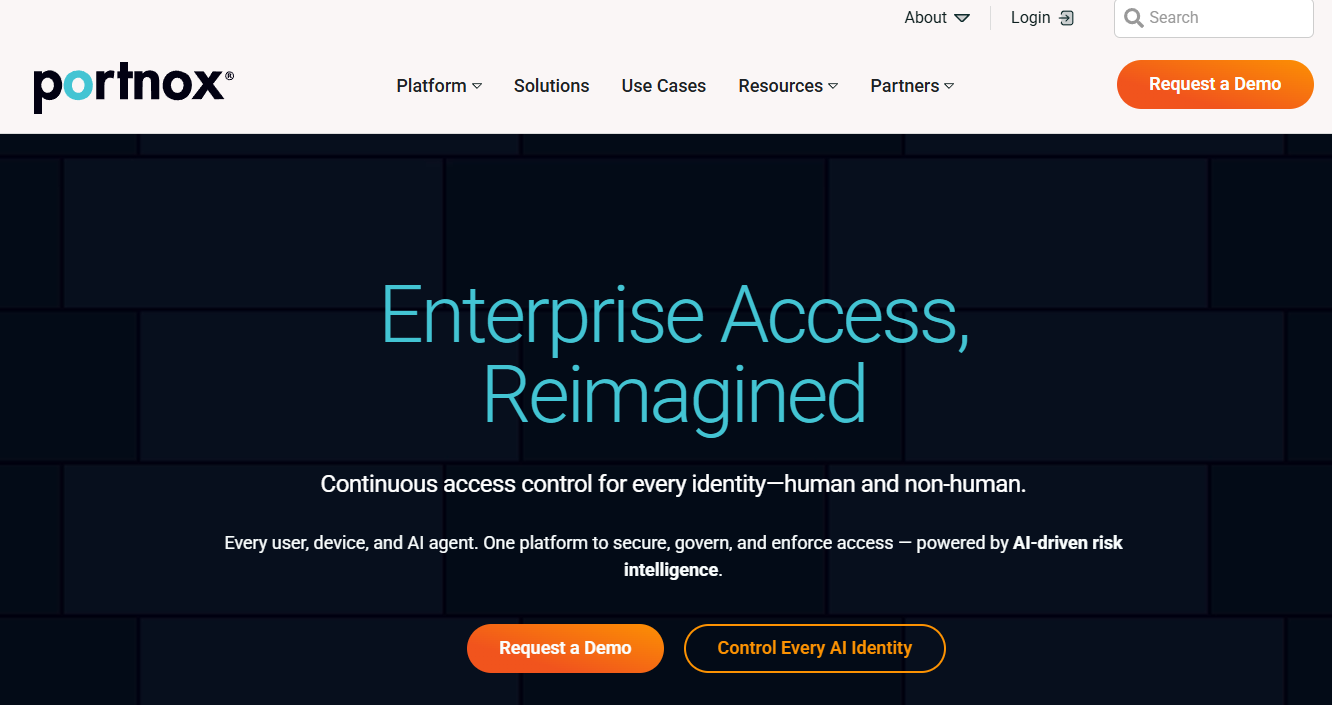
Portnox is a cloud-native access control platform that covers network authentication, NAC, zero trust network access, and network device administration from a single control plane. It enforces policy across wired, wireless, and VPN connections without requiring a traditional on-premises NAC appliance. Organizations that have distributed offices, hybrid workforces, or multi-vendor network hardware tend to get the most from this architecture.
Best for: Mid-market and enterprise teams that want centralized NAC with minimal infrastructure management overhead across mixed network environments.
Key features
- Cloud-native NAC with device discovery, profiling, and posture assessment
- Wired, wireless, and VPN policy enforcement from one console
- Cloud RADIUS with 802.1X, dynamic VLAN/ACL assignment, and certificate-based authentication
- Role-based access controls and RadSec support
- Zero Trust Network Access for SaaS and private applications
Why choose Portnox: The cloud delivery model matters most when your policy must span branch offices, hybrid workers, and network hardware from multiple vendors. Teams that want to avoid appliance sprawl while keeping enforcement consistent get a clear fit here.
Portnox pricing: Portnox sells through product plans covering Network Authentication, NAC, ZTNA, TACACS+, and a full Universal Zero Trust bundle. Volume discounts and 12, 24, or 36-month subscription terms are available. A 30-day capability trial is advertised. Contact Portnox for current plan pricing.
G2 rating: Portnox holds a 4.4/5 rating on G2, verified October 2026.
For PMs evaluating this platform: Validate that cloud control plane availability and identity provider integrations match your organization's authentication architecture before committing to a rollout scope.
2. Cisco Identity Services Engine (ISE)

Cisco Identity Services Engine is an enterprise NAC and policy enforcement platform built around identity-aware access control. It handles authentication, authorization, and accounting centrally, with strong device profiling, posture assessment, guest access management, and identity-based segmentation using Security Group Tags. The pxGrid integration framework allows ISE to share security context with third-party tools, making it a coordination point for broader security operations.
Best for: Large enterprises with a substantial Cisco switching, wireless, and VPN estate that want tight integration between network and identity controls.
Key features
- Centralized AAA (authentication, authorization, accounting)
- Device profiling and endpoint visibility
- Context-aware access policy enforcement
- Guest access and posture assessment workflows
- Identity-based segmentation with Security Group Tags
- pxGrid for security-context sharing with SIEM and EDR tools
- TACACS+ device administration and auditing
Why choose Cisco ISE: Cisco ISE fits best when the network estate is already heavily Cisco. The tighter the infrastructure alignment, the more value the integrated telemetry and segmentation workflows deliver.
Cisco ISE pricing: Cisco sells ISE through Essentials, Advantage, and Premier feature-license tiers via quote-based licensing and partner channels. New installations include a 90-day evaluation license for up to 100 endpoints. Contact Cisco or an authorized partner for current subscription terms and endpoint minimums.
G2 rating: Cisco ISE holds a 4.5/5 rating on G2, verified October 2026.
For PMs, treat an ISE deployment as a platform program. Map network dependencies, identity integrations, and support escalation paths before enforcing policy broadly, since changes to switching or identity infrastructure affect both security posture and user authentication in parallel.
3. Aruba ClearPass
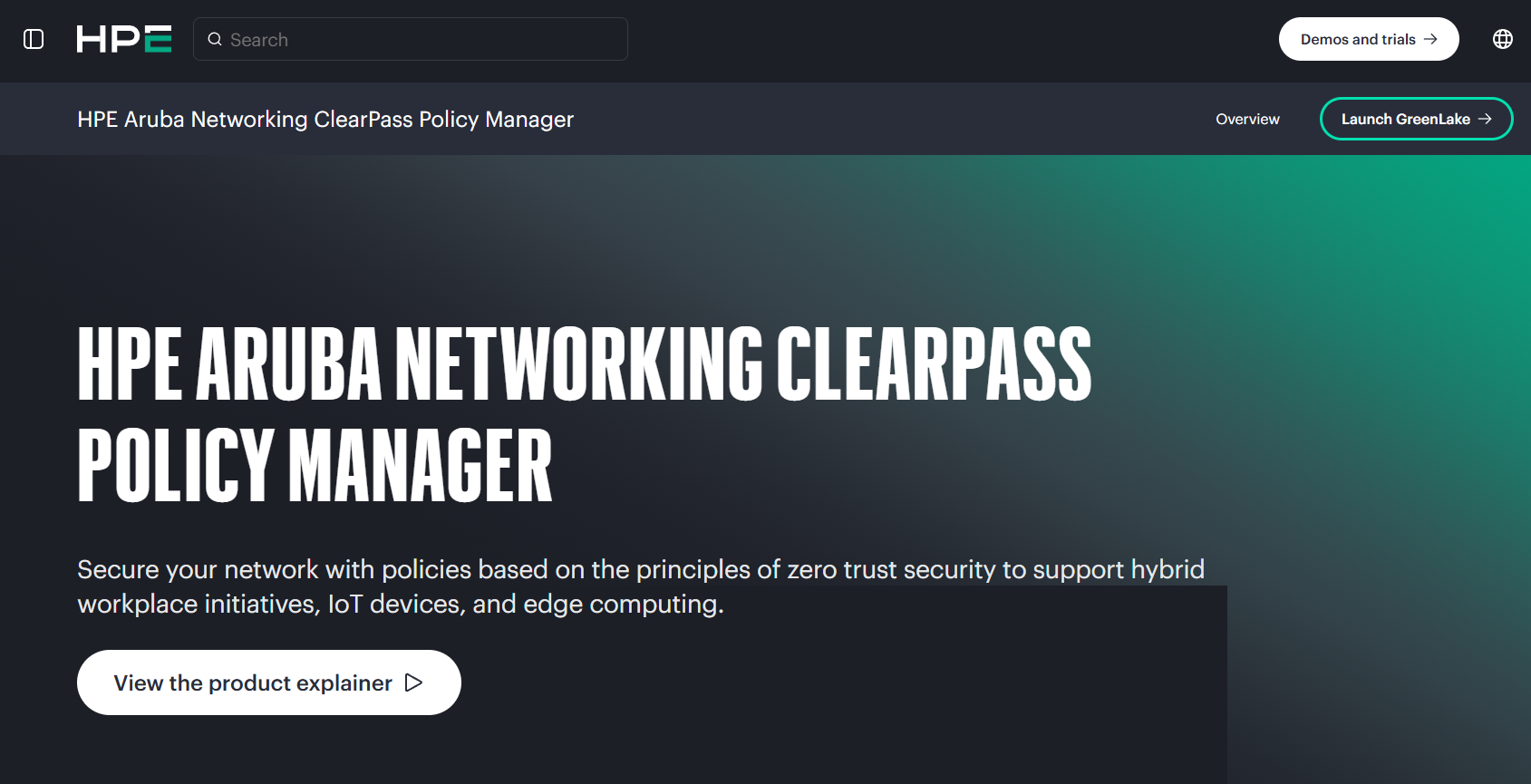
Aruba ClearPass is a NAC and policy management platform from HPE Aruba Networking. It handles role- and device-based access control across wired, wireless, VPN, and WAN environments, supporting multi-vendor network infrastructure throughout. ClearPass includes a context-based policy engine, built-in certificate authority, device profiling, posture assessment, and onboarding and guest access workflows alongside RADIUS and TACACS+ services.
Best for: Enterprises with mixed network hardware that need granular, context-driven policy and mature guest or contractor onboarding workflows.
Key features
- Context-based policy engine with role and device variables
- Multi-vendor wired, wireless, and VPN enforcement
- Device profiling and posture assessment
- Built-in certificate authority and BYOD onboarding
- Guest and contractor access with sponsorship workflows
- RADIUS and TACACS+ services
Why choose Aruba ClearPass: Multi-vendor network fit is the main reason teams choose ClearPass over alternatives tied to a specific hardware ecosystem. If avoiding vendor lock-in at the switching and wireless layer is a priority, ClearPass offers a mature policy platform that works across the major infrastructure vendors.
Aruba ClearPass pricing: HPE lists ClearPass Onboard subscription licenses at $1,948.38 for 100 users (1-year) and $4,795.44 for 100 users (3-year) in the HPE Store. Broader ClearPass platform licensing is quote-based. Contact Aruba or an HPE reseller for full platform pricing and deployment options.
G2 rating: Aruba ClearPass holds a 4.3/5 rating on G2, verified October 2026.
For PMs: Evaluate the onboarding design as carefully as the security configuration. Certificate issuance, guest sponsorship, and BYOD enrollment all have user-facing touchpoints. Policy complexity becomes authentication friction when enrollment workflows lack clear ownership.
4. Forescout Platform

Forescout is a cybersecurity platform built around real-time asset visibility, NAC capabilities, policy enforcement, and security orchestration across IT, IoT, IoMT, and OT environments. Its differentiation centers on agentless discovery: Forescout can identify and classify devices that cannot support an agent or modern authentication protocols. The platform covers device profiling, continuous posture assessment, automated remediation and quarantine, network segmentation, and third-party integrations with SIEM, EDR, and MDM tools.
Best for: Security teams managing large populations of unmanaged endpoints, medical devices, industrial assets, cameras, printers, or legacy systems alongside standard employee devices.
Key features
- Agentless device discovery and real-time asset inventory
- Device classification across IT, IoT, IoMT, and OT environments
- Continuous posture assessment and automated remediation
- Policy-based access control and quarantine workflows
- Network segmentation and security orchestration
- Third-party integrations with SIEM, EDR, and MDM platforms
Why choose Forescout: The case for Forescout is strongest in environments where agent-based management is incomplete, which includes healthcare networks with medical devices, industrial environments with OT endpoints, or campuses with a high density of unmanaged physical infrastructure. If your device mix goes beyond employee laptops and phones, Forescout's agentless classification model covers gaps that agent-dependent platforms miss.
Forescout pricing: Forescout licensing is endpoint-based, commonly structured in 1,000-endpoint increments through term or subscription licenses. Contact Forescout for current pricing, as monetary figures are not publicly displayed on the vendor's site.
G2 rating: Forescout Platform holds a 4.5/5 rating on G2, verified October 2026.
For PMs: Include the cost of device inventory cleanup and security operations integration in the business case. Discovery creates a device backlog, and that backlog only shrinks if ownership and remediation paths are clearly assigned before rollout.
5. Fortinet FortiNAC

Fortinet FortiNAC provides device visibility, policy-based access control, microsegmentation, and automated threat response for networks running a mix of managed and unmanaged endpoints. It uses 21 device-profiling methods for agentless scanning and integrates with the Fortinet Security Fabric, enabling it to pass context to FortiGate firewalls, FortiSIEM, and other Fortinet security products. Multi-vendor network infrastructure is also supported, so the platform is not limited to Fortinet switching and wireless.
Best for: Organizations already standardized on Fortinet firewalls and security operations tooling that want NAC connected to existing security controls and automation.
Key features
- Agentless device scanning with 21 profiling methods
- Microsegmentation and dynamic access control
- Automated response to network events and security triggers
- Fortinet Security Fabric integration for context sharing
- Multi-vendor network infrastructure support
Why choose Fortinet FortiNAC: Teams that already run Fortinet firewalls and security operations tools get the clearest benefit: Integrated telemetry and automated response workflows that reduce the manual coordination between NAC events and security controls.
Fortinet FortiNAC pricing: Fortinet describes PLUS and PRO licensing tiers in product documentation. Pricing is quote-based through Fortinet and authorized partners, with no current numeric price displayed publicly. Contact Fortinet for current licensing details and trial availability.
G2 rating: Fortinet FortiNAC holds a 4.4/5 rating on G2, verified October 2026.
For PMs: Clarify which automated enforcement actions depend on other Fortinet components before scoping the implementation. This affects budget, rollout sequencing, and how much control sits in the NAC layer versus the firewall or SIEM.
6. SecureW2 JoinNow
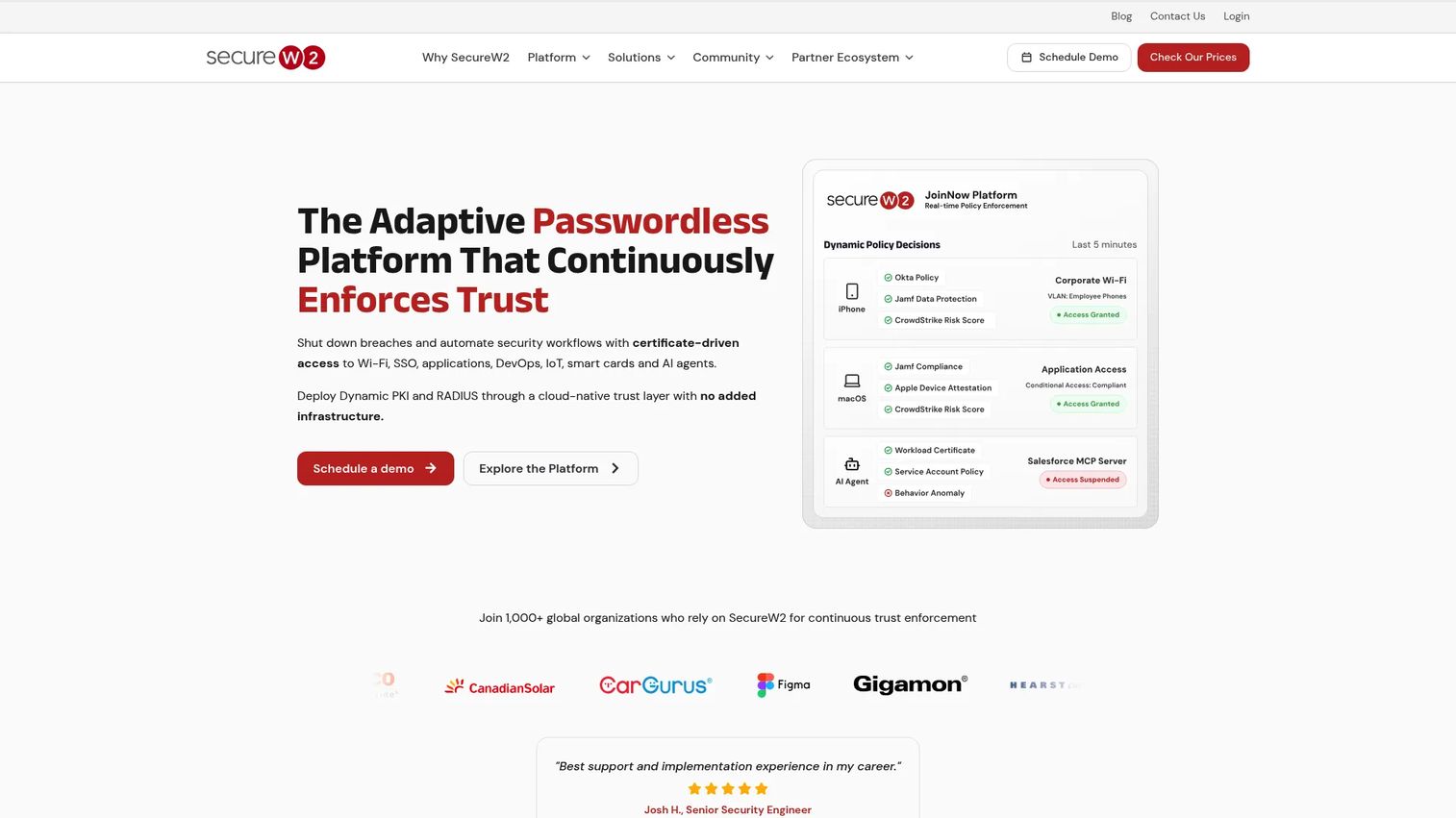
SecureW2 JoinNow is a cloud-native platform for certificate-based authentication and passwordless network access. It combines a managed PKI, cloud RADIUS, and self-service device onboarding to replace password-dependent Wi-Fi access with EAP-TLS certificate authentication. Policy decisions incorporate identity, device posture, and risk signals, and the platform supports guest and IoT access with self-registration and sponsored access workflows.
Best for: Organizations moving from password-based Wi-Fi authentication toward certificate-driven, passwordless access for employee devices and BYOD without maintaining on-premises PKI and RADIUS infrastructure.
Key features
- Dynamic PKI with automated X.509 certificate issuance, renewal, and revocation
- Cloud RADIUS supporting passwordless EAP-TLS for Wi-Fi, wired, and VPN
- Self-service multi-OS onboarding for unmanaged and BYOD devices
- Policy-based access using identity, posture, and risk signals
- Guest and IoT access with self-registration and sponsored workflows
Why choose SecureW2 JoinNow: SecureW2 fits best when the primary access control need is certificate lifecycle management and passwordless Wi-Fi rather than broad agentless IoT and OT discovery. It is a narrower tool than full-platform NAC options, which makes it a strong fit for teams solving a specific authentication problem without buying a platform they will only partially use.
SecureW2 JoinNow pricing: Pricing is custom, structured by organization type, device count, and selected modules. The official pricing page presents a request form rather than published tier prices. Contact SecureW2 directly for a quote.
G2 rating: SecureW2 JoinNow holds a 4.7/5 rating on G2, verified October 2026.
For PMs: Validate certificate enrollment and renewal against real employee workflows before launch. Strong authentication on paper can still fail adoption if device registration, certificate recovery, and help desk handoff are unclear or manual.
7. PacketFence
PacketFence is a free, open-source NAC platform that supports registration, captive portals, 802.1X authentication, device fingerprinting, abnormal activity detection, layer-2 isolation, and remediation workflows. It handles centralized wired, wireless, and VPN management and integrates with intrusion detection systems, vulnerability scanners, and firewalls. A commercial unlimited support package is available separately from the software license itself.
Best for: Security and network teams with deep in-house expertise that want an open-source NAC foundation and can own implementation, upgrades, integrations, and ongoing operations.
Key features
- Free and open-source NAC platform
- 802.1X and role-based access control
- Captive portal for registration and remediation
- Layer-2 device isolation
- Integration with IDS, vulnerability scanners, and firewalls
Why choose PacketFence: Control and total cost of ownership are the primary drivers. Teams that want full ownership of their NAC platform, have the technical staff to run it, and want to avoid per-seat licensing costs get a genuine option here. The open-source model also allows deep customization that closed platforms do not support.
PacketFence pricing: The software itself carries no license cost. A commercial support package runs $5,000 per PacketFence server per year, covering 24/7 support with a 1-hour response time. Higher tiers and custom arrangements are available.
G2 rating: A current, verifiable G2 rating for PacketFence was not available at publication time.
For PMs: Treat open source as an operating model decision, not a cost-saving shortcut. Engineering time for deployment, upgrade work, monitoring, documentation, and incident coverage belongs in the total cost discussion alongside the zero license fee. Teams without dedicated network security staff find the ongoing operational ownership significant.
Considerations when choosing network access control software
Device coverage and discovery quality
Start here, not with features. Map every endpoint type on the network before evaluating platforms: Managed laptops, personal phones, printers, cameras, medical devices, industrial controllers, and anything else connecting to the infrastructure. Request a device inventory proof of concept from shortlisted vendors before committing to policy enforcement. A tool that misclassifies 15% of your endpoints will generate either security gaps or constant exception requests.
Identity, certificates, and authentication methods
Validate support for your identity provider, directory services, RADIUS, 802.1X, machine certificates, and MFA before comparing platform dashboards. The wrong identity architecture creates recurring enrollment failures and help desk load that accumulates after go-live. For teams moving toward access review software workflows, NAC authentication data is a useful input into periodic access reviews.
Enforcement points and segmentation model
Determine where the tool can actually enforce policy. Map switches, wireless controllers, VPNs, firewalls, VLANs, downloadable ACLs, and quarantine workflows before comparing capability checklists. A tool with strong discovery but limited enforcement reach leaves the hard work to manual processes. This is a common gap in asset discovery software evaluations that extends into NAC.
Operational ownership and policy lifecycle
Clarify who owns policies after launch. Exception requests, policy testing, device classification errors, certificate renewal, incident response, and coordination with engineering release cycles all need named owners. A NAC deployment without this structure becomes a support escalation generator. PMs should map policy ownership to existing team structures before the rollout plan is finalized.
Integration depth and measurement
Require verified integrations with SIEM, EDR, MDM, ITSM, and identity tools rather than relying on vendor claims. Ask for dashboards showing policy decisions, failed authentications, device risk trends, exceptions, and quarantine events. Teams running AI cybersecurity solutions or endpoint protection software alongside NAC should validate how telemetry flows between systems before the proof of concept begins.
Conclusion
The right NAC platform depends on where enforcement needs to happen, what device types need coverage, and how much operational ownership your team can realistically sustain after rollout.
Portnox fits cloud-first teams that want centralized NAC without managing traditional appliances. Cisco ISE suits large enterprises already running Cisco infrastructure. Aruba ClearPass is the strong pick for multi-vendor campus environments with mature onboarding requirements. Forescout covers environments where unmanaged endpoints, IoT, medical devices, and industrial assets are a significant share of the device mix. Fortinet FortiNAC makes sense for organizations standardized on Fortinet security tooling. SecureW2 JoinNow handles the specific problem of certificate-based, passwordless Wi-Fi access without requiring a full-platform NAC investment. PacketFence gives technically capable teams a zero-license-cost foundation they own completely.
For product managers, the immediate next step is a device inventory audit and a map of enforcement points across the network. That output determines which platform fits the environment, not the other way around.
Start your journey with Guideflow today!
FAQs
Network access control software identifies users and devices connecting to a network, evaluates them against security policy, and grants, limits, or blocks access accordingly. It combines discovery, authentication, authorization, posture assessment, segmentation, and automated response into a unified enforcement layer. A NAC system can apply controls before a device accesses the network, after access is granted, or both.
When a device attempts to connect, the NAC platform collects identity, device type, certificate state, and posture context. A policy engine evaluates that context and assigns an access outcome: Full network access, a limited VLAN, a quarantine segment, or a block. 802.1X and RADIUS are commonly used authentication technologies in this flow, though not every deployment requires both. Post-admission monitoring allows the platform to adjust access if a device's risk state changes after the initial connection.
NAC governs access to network resources and network segments, operating at the infrastructure layer. ZTNA (Zero Trust Network Access) typically brokers access to specific applications based on identity and context, without placing users inside the broader network. Many organizations deploy both: NAC for network-layer enforcement across all endpoints, and ZTNA for application-layer access control for remote or contractor users. The two approaches address different parts of the same access problem.
802.1X is a port-based network access control standard that requires a device to authenticate before the network switch or wireless controller grants traffic access. It uses three components: The supplicant (the device), the authenticator (the switch or access point), and the authentication server (typically a RADIUS server). Some device types, including printers, IoT sensors, and legacy endpoints, cannot run a supplicant. For these, MAC Authentication Bypass (MAB) serves as a fallback that authenticates using the device's MAC address rather than a credential.
NAC can discover, profile, classify, segment, and restrict unmanaged and IoT devices, particularly through agentless discovery methods that use network traffic analysis, DHCP fingerprinting, and SNMP rather than requiring an installed agent. Effectiveness depends on the platform's classification accuracy, available network telemetry, and the enforcement points reachable from the device's network location. Platforms like Forescout are purpose-built for high-density unmanaged device environments. Simpler authentication-focused NAC tools may not have the profiling depth to handle devices that do not support modern authentication protocols.
NAC can separate employee, contractor, guest, and personal device access using policy, onboarding workflows, and captive portals. BYOD policies typically involve device registration, certificate issuance, and role assignment that differs from a corporate-managed device. Guest access usually flows through a captive portal with sponsor approval or self-registration. The operational risk for both is misconfigured enrollment: Test the complete user journey, including error states and help desk escalation paths, before rolling out to the broader population.
Test device discovery accuracy across your full endpoint population, including unmanaged and IoT devices. Validate identity provider integration, 802.1X authentication success rates for managed devices, and MAC Authentication Bypass behavior for devices that cannot use 802.1X. Test policy assignment, VLAN enforcement, quarantine behavior, and reporting completeness. Run the proof of concept with a contained user group and a limited network segment before extending policy enforcement across the full infrastructure.
Open source NAC, such as PacketFence, eliminates license costs and provides full control over customization and integration. The trade-off is operational ownership: Deployment, configuration, upgrades, integrations, monitoring, and incident response all require internal technical capacity. For teams with dedicated network security staff and an appetite for ongoing maintenance, open source NAC can be a strong fit. For teams without that capacity, the total operating cost of an open source deployment often exceeds the license cost of a supported commercial platform.