You built the exam in a word processor. You emailed it out. Then you spent a weekend grading 200 papers by hand, chasing late submissions, and wondering whether half the answers were copied.
That workflow does not scale. And it is not secure.
The online exam software market was valued at $6.71 billion in 2024 and is forecast to hit $13.3 billion by 2032, according to Verified Market Research (2024). The reason is simple: over 65% of educational institutions worldwide used online assessment systems in 2024, and 45% of corporate firms adopted remote proctoring for certification and recruitment, per Market Growth Reports (2024).
The problem is that "exam software" covers everything from a free form builder to an enterprise psychometrics platform. A tool that fits a classroom teacher will frustrate a certification body. A tool built for high-stakes proctoring is overkill for a weekly training quiz. Picking wrong means either paying for capabilities you never use, or discovering mid-launch that the platform cannot lock down a browser or grade the way you need.
This guide sorts the field by workflow, not by headline features.
What's inside
This guide is for educators, trainers, HR teams, certification programs, and operations leaders comparing ways to create, secure, deliver, grade, and monitor exams. We looked at eight platforms and evaluated each against the parts of the job that actually break:
- Secure delivery: lockdown browser, remote proctoring, exam monitoring, cheating prevention
- Question banks and grading: reusable item banks, randomization, auto grading, instant results
- Integrations and reporting: LMS integration, API, webhooks, analytics, certificates
- Setup and fit: how fast a team can go from account to first live exam
Selection weighted workflow fit, security depth, reporting, integrations, and ease of setup over marketing claims.
TL;DR
- Best for classroom-first workflows: Exam.net, with no student accounts and teacher-controlled security levels.
- Best for high-stakes certification: Assessment Systems, with psychometrics, item banking, and proctoring built for accreditation.
- Best for quick, flexible exam creation: ClassMarker, with question banks, auto grading, and API/webhooks.
- Best general-purpose builder: FlexiQuiz, with scheduling, branding, and a usable free tier.
- Best for training quizzes: ProProfs Quiz Maker, with templates and AI-assisted creation.
- Best for skills-based hiring: TestGorilla, built for candidate screening rather than classroom exams.
- Best free, low-friction option: Google Forms, for informal checks and lightweight quizzes.
What is online exam software
Online exam software is a platform for creating, securing, delivering, grading, and reporting on digital assessments, replacing paper tests and manual marking with automated workflows. It handles the full lifecycle: you build questions once, deliver them to remote or in-room test takers, control what they can do during the exam, grade objective questions automatically, and pull results into reports or your LMS.
The category spans classroom quiz tools, secure online testing platforms, and enterprise assessment engines. What separates it from a generic form builder is the combination of security controls, reusable question logic, and grading automation.
Core capabilities most platforms include:
- Exam creation: multiple question types, question banks, item banks, randomized questions, and PDF or media upload
- Secure delivery: lockdown browser, exam monitoring, remote proctoring, and cheating prevention controls
- Grading: auto grading for objective items, manual scoring for open responses, and instant grading with pass/fail logic
- Analytics and reporting: score distributions, item analysis, and exportable reports
- Certificates: custom-branded completion or pass certificates
- Integrations: LMS integration, API, webhooks, Google Classroom, and Microsoft Teams
- Accessibility and branding: WCAG support, custom branding, and white-label options
Higher-end platforms add psychometrics, adaptive testing, and compliance features like GDPR, FERPA, and SOC2 alignment. Lighter tools trade that depth for speed and simplicity.
When to use online exam software
Run secure assessments without manual work
High-stakes exams, certification programs, and compliance-heavy delivery all demand more than a shared link. You need to know the person taking the exam is who they claim to be, that they cannot open another tab, and that you have an audit trail.
This is where lockdown browser, exam monitoring, and remote proctoring earn their cost. Reporting matters just as much: an accreditor or auditor will ask for evidence, and reconstructing it after the fact from screenshots is painful. Secure online testing platforms record the session, flag anomalies, and produce the documentation the review requires.
Replace repetitive grading and admin
If you run the same assessment every month, manual grading is wasted time. Auto grading marks objective questions the moment a test taker submits. Reusable question banks mean you build once and pull from the same pool for years.
Randomized delivery serves a different question set to each test taker, which cuts copying without you writing five versions by hand. Instant results let learners see feedback immediately, which most training programs want anyway. The combination turns a weekend of marking into zero.
Deliver exams across teams or locations
Remote training, distributed teams, classroom cohorts, and LMS-connected programs all need exams that work regardless of where the test taker sits. LMS integration pushes scores back into the system of record so you are not copying grades between tools.
For sales and enablement teams running certification, this matters for readiness tracking. You want ramp and certification completion to show up in the same reporting you already use, not in a separate spreadsheet someone forgets to update.
Comparison table
The eight platforms below serve genuinely different jobs. A classroom teacher, a certification body, and an HR screening team are solving different problems, and the right tool depends on which one you are. Pricing and ratings were verified at publish time from vendor pages and G2; some vendors quote by license and do not publish a public starting price.
| # | Product | Best for | Key differentiator | Pricing | G2 rating |
|---|---|---|---|---|---|
| 1 | Exam.net | Schools running secure exams | No student accounts, teacher-set security levels | 30-day trial, then school license quote | 4.8/5 |
| 2 | Assessment Systems | High-stakes certification | Psychometrics, item banking, proctoring | From $5,950/year (FastTest) | 3.3/5 |
| 3 | ClassMarker | Flexible secure testing | Question banks, API/webhooks, certificates | Professional plans and credit packs; free for non-profits | 4.4/5 |
| 4 | FlexiQuiz | General-purpose assessment | Scheduling, branding, free and paid tiers | Free; paid from $17/mo | 4.5/5 |
| 5 | ProProfs Quiz Maker | Training and quizzes | AI creation from PDFs and URLs | Free; Essentials from $19.99/mo per 100 takers | 4.4/5 |
| 6 | TestGorilla | Skills-based hiring | 350+ test library, candidate screening | Free; Core $142/mo | 4.5/5 |
| 7 | Google Forms | Informal quizzes | Free, familiar, fast distribution | Free; Workspace from $12/user/mo | N/A |
| 8 | SurveyLab | Survey-style assessment | Logic, reporting, mobile surveys | From $49/mo | 4.4/5 |
1. Exam.net
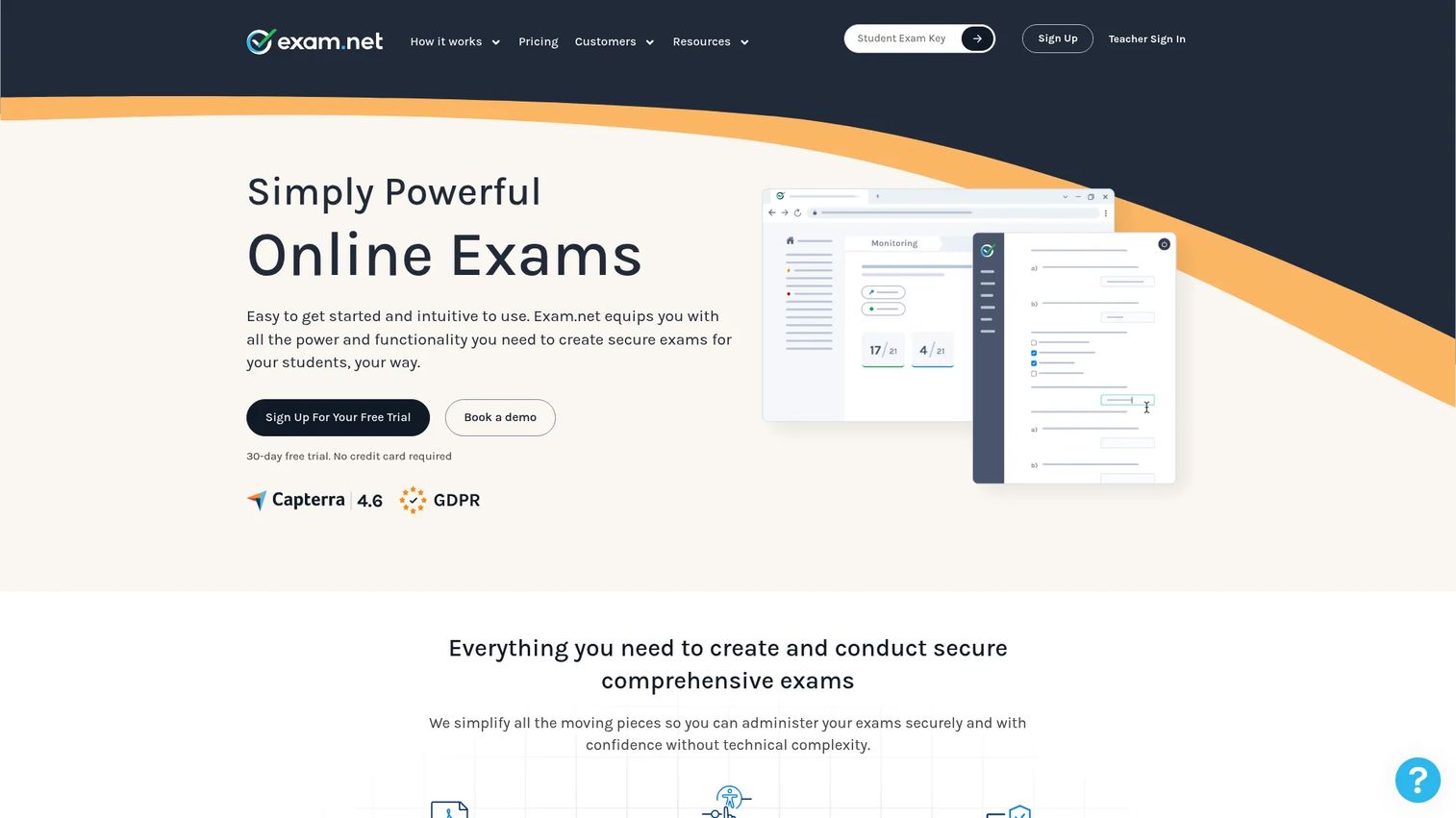
Exam.net is online exam and assessment software built for schools and universities running secure digital exams. Its defining choice is the classroom-first model: test takers join with an exam key instead of creating student accounts, which removes the account-provisioning friction that slows most rollouts. Teachers set the security level per exam and monitor the room in real time.
Best for: Schools and universities that want low-friction, secure exam delivery without managing student logins.
Key strengths
- No student accounts: join with an exam key
- Teacher-controlled security levels per exam
- Real-time monitoring and lockdown-style controls
- Teacher-student chat during the exam
- Accessibility support for varied learners
Why choose Exam.net: It fits the reality of a classroom, where a teacher needs to spin up a secure exam fast, watch the room, and help a student who is stuck, all without an IT ticket. The security levels scale from a simple quiz to a locked-down high-stakes test, so one tool covers the range.
Exam.net pricing: Schools get a 30-day free trial, after which the platform provides a license quote. Public per-seat pricing is not published; pricing is arranged at the school or institution level.
2. Assessment Systems
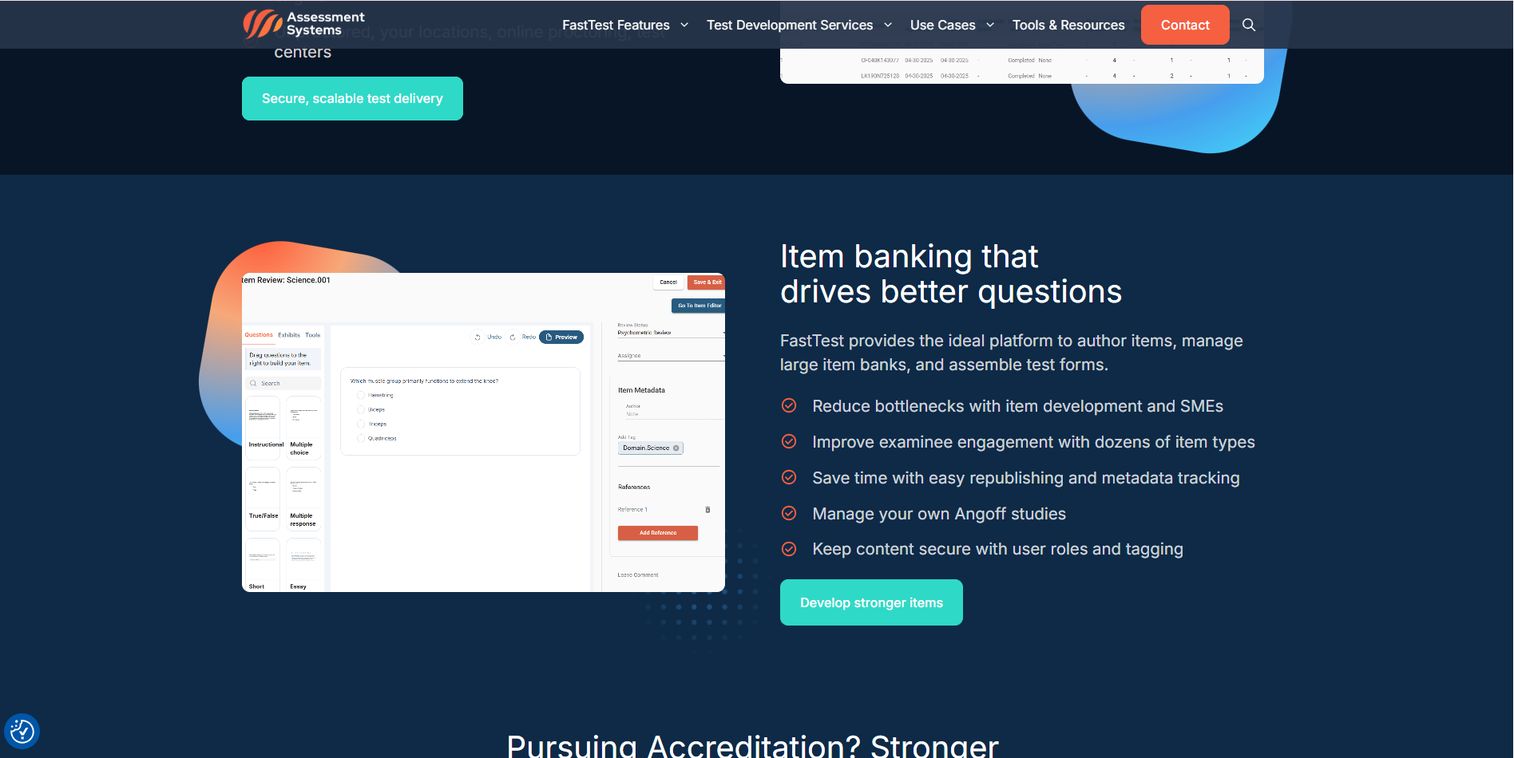
Assessment Systems is a high-stakes assessment platform combining online exam delivery, item banking, proctoring, a candidate portal, and psychometric consulting. It is the option for certification bodies, licensing programs, and enterprise testing teams where defensibility and standards compliance are non-negotiable. Its FastTest platform handles exam management, while remote proctoring and test-center options cover secure delivery.
Best for: Organizations running high-stakes exams that need psychometrics, item banking, and accreditation support.
Key strengths
- FastTest exam management and test assembly
- Item banking for reusable, versioned question pools
- Remote proctoring and physical test-center options
- Adaptive testing and psychometric analysis
- Candidate portal and content management
Why choose Assessment Systems: When an exam decides whether someone earns a license or credential, you need statistical rigor behind every item and an audit trail that survives scrutiny. This platform is built for that motion rather than for weekly quizzes, and the depth shows in its psychometrics and accreditation support.
Assessment Systems pricing: FastTest starts at $5,950/year. Per-test-delivered fees vary by volume and proctoring, and enterprise contracts plus consulting services are quoted per project.
3. ClassMarker
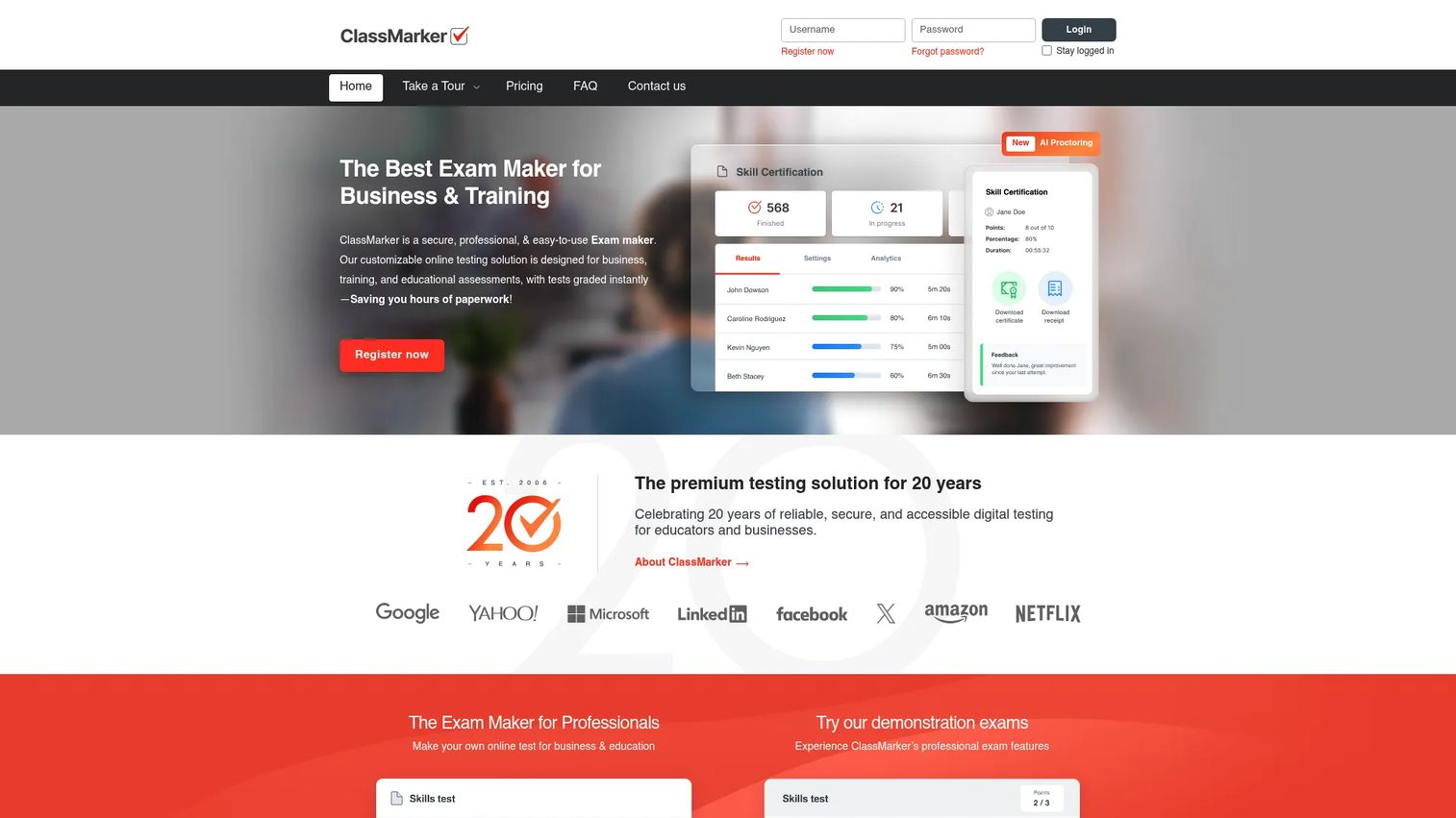
ClassMarker is an online quiz maker and assessment platform for creating, delivering, and grading tests across education and business. It balances quick creation with enough control for secure testing, including question banks, randomization, instant grading, and custom certificates. For teams that want to wire exams into other systems, it offers API and webhooks integration.
Best for: Educators, trainers, and businesses that need flexible, secure online testing with grading and certificates.
Key strengths
- Custom tests and quizzes with question banks
- Randomization to reduce copying
- AI exam proctoring and security controls
- Auto grading with custom certificates
- API and webhooks for integration and embedding
Why choose ClassMarker: It sits in the practical middle: more secure and reporting-capable than a form builder, faster to stand up than an enterprise psychometrics platform. The API and webhooks make it a fit for teams that want exam data flowing into their own systems automatically.
ClassMarker pricing: ClassMarker offers Professional subscription plans and pay-as-you-go credit packs, with a 30-day free trial. Not-for-profits can access a free plan. Plan names and credit limits are listed on the pricing page.
4. FlexiQuiz
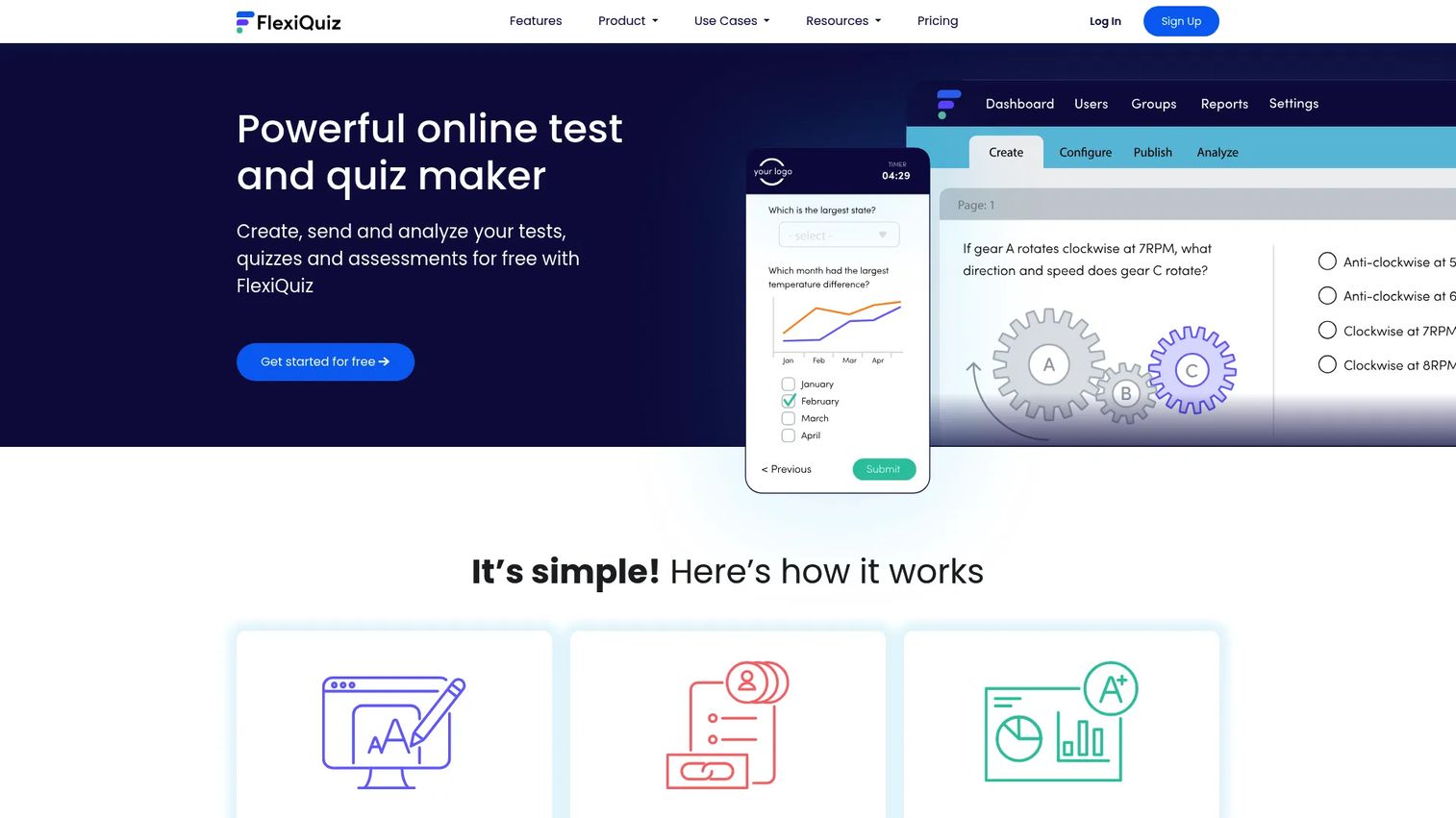
FlexiQuiz is an online quiz, test, exam, and course platform for building and distributing assessments. It is the general-purpose pick: enough question types, scheduling, grading, reporting, and branding to serve both business training and education without forcing you into one lane. A usable free tier lets you test the workflow before committing.
Best for: Teams that want a configurable assessment builder with both free and paid tiers.
Key strengths
- Multiple question types
- Auto-scoring and grading
- Randomization, timers, and save/resume
- Test scheduling and reporting
- Custom branding and certificates
Why choose FlexiQuiz: It gives you control without demanding enterprise commitment. The free tier is real enough to run early exams, and the paid tiers add branding and reporting depth as your program grows. That makes it a low-risk starting point for teams still defining their assessment process.
FlexiQuiz pricing: A free plan is available. Essentials is $17/month ($204 billed yearly), Premium is $25/month ($300 billed yearly), and Enterprise is $60/month ($720 billed yearly). An Enterprise+ tier is contact-sales only. Monthly and yearly billing are both offered.
5. ProProfs Quiz Maker
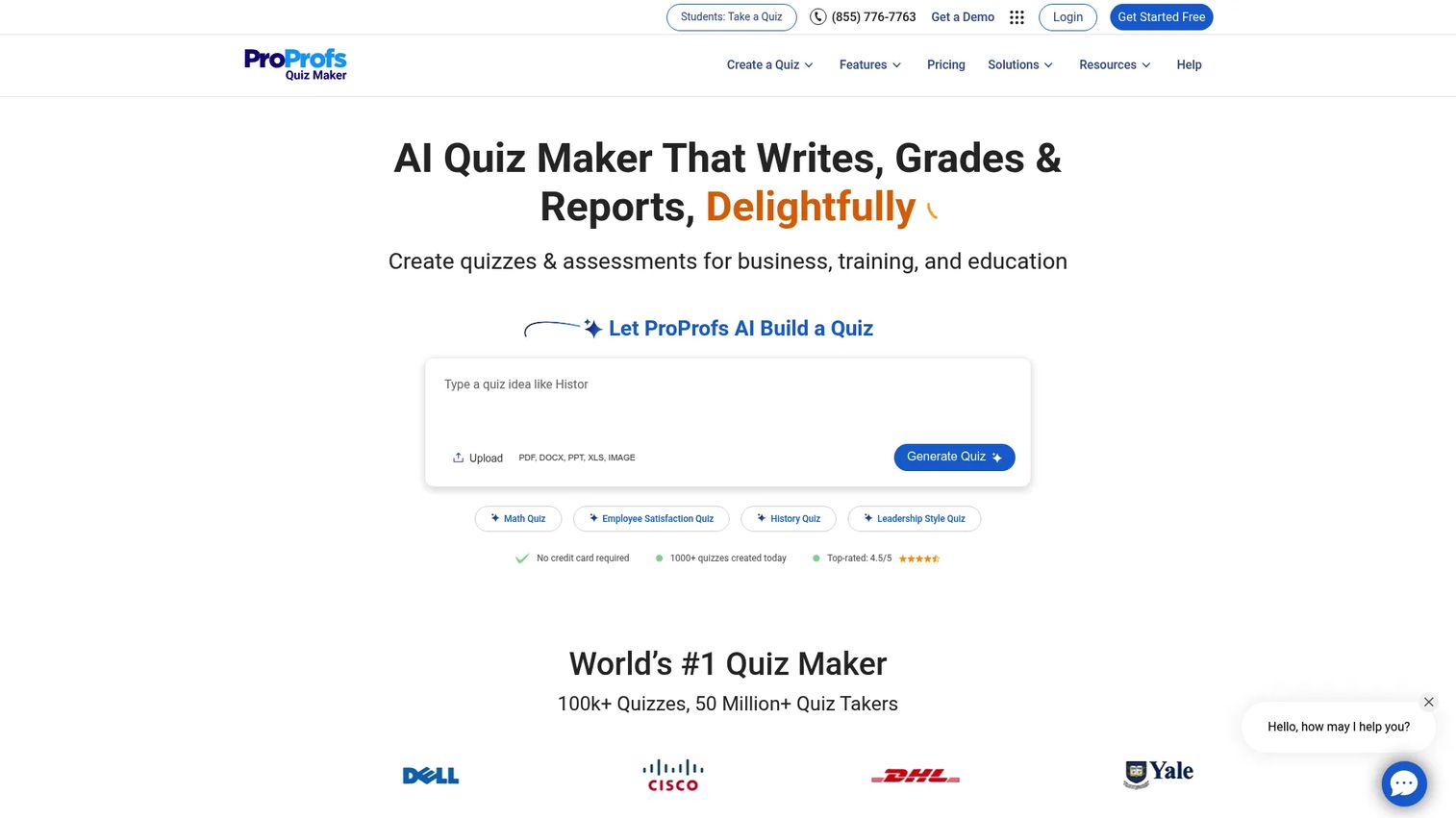
ProProfs Quiz Maker is online quiz and assessment software spanning business, training, education, and exams. Its edge is speed of creation: AI can generate a quiz from PDFs, URLs, and files, which cuts the build time on repetitive training content. Automated scoring, reports, certificates, and LMS/classroom features round out the workflow.
Best for: Teams that prioritize fast quiz creation for training and lightweight exams.
Key strengths
- AI quiz creation from PDFs, URLs, and files
- Automated scoring, grading, and reports
- Certificates and custom branding
- Security controls for assessments
- LMS and classroom integrations
Why choose ProProfs Quiz Maker: If your bottleneck is producing a high volume of quizzes rather than locking down a high-stakes exam, the AI generation is the time-saver. It fits training and onboarding programs where you refresh content often and want results feeding into reporting quickly.
ProProfs Quiz Maker pricing: A forever-free plan is available. Essentials is $19.99 per 100 active quiz takers per month ($239.88 billed annually), with higher-tier and usage-based options shown on the pricing page.
6. TestGorilla
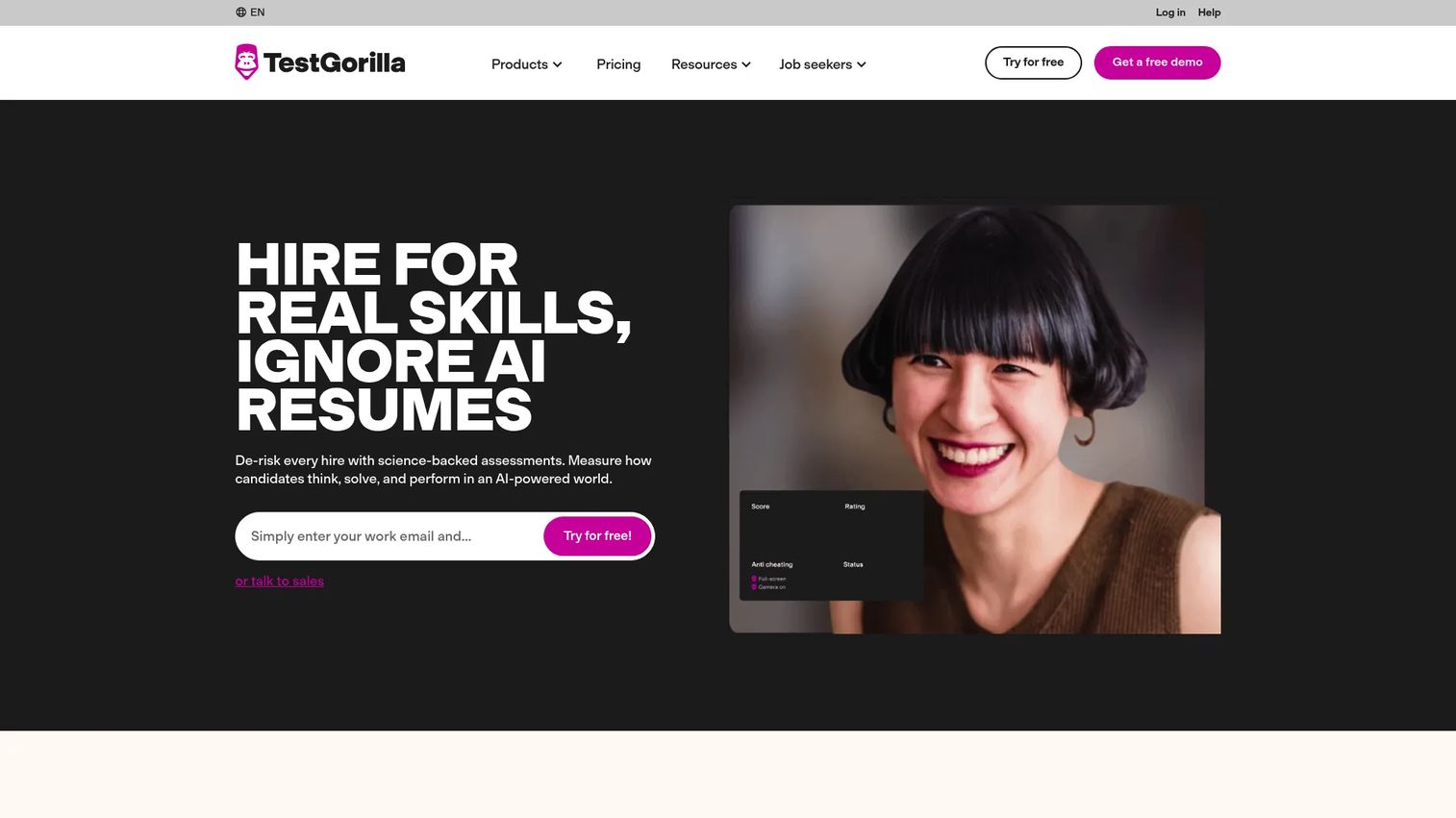
TestGorilla is a skills-based hiring platform for sourcing, screening, and assessing candidates. It belongs on this list with a clear caveat: it serves a different assessment motion than educator-first tools. Instead of grading a classroom exam, it evaluates job candidates against a library of 350+ tests, with AI interviews, video questions, and talent sourcing.
Best for: HR and talent teams that want an all-in-one candidate screening and skills assessment tool.
Key strengths
- 350+ tests in the assessment library
- AI interviews and video questions
- Talent sourcing from a 2M+ candidate pool
- Objective scoring for candidate comparison
- Screening workflows built for hiring
Why choose TestGorilla: Choose it when the "exam" is really a pre-hire screen. It replaces resume-guessing with structured skill data, which is a different job than certifying learners or running a school exam. Do not pick it for classroom testing; pick it to compare candidates fairly and fast.
TestGorilla pricing: A free plan includes 10 credits per month with no credit card required. Core is $142/month ($1,704 billed annually), Plus starts at $400/month ($4,800 annually), and Enterprise is custom.
7. Google Forms
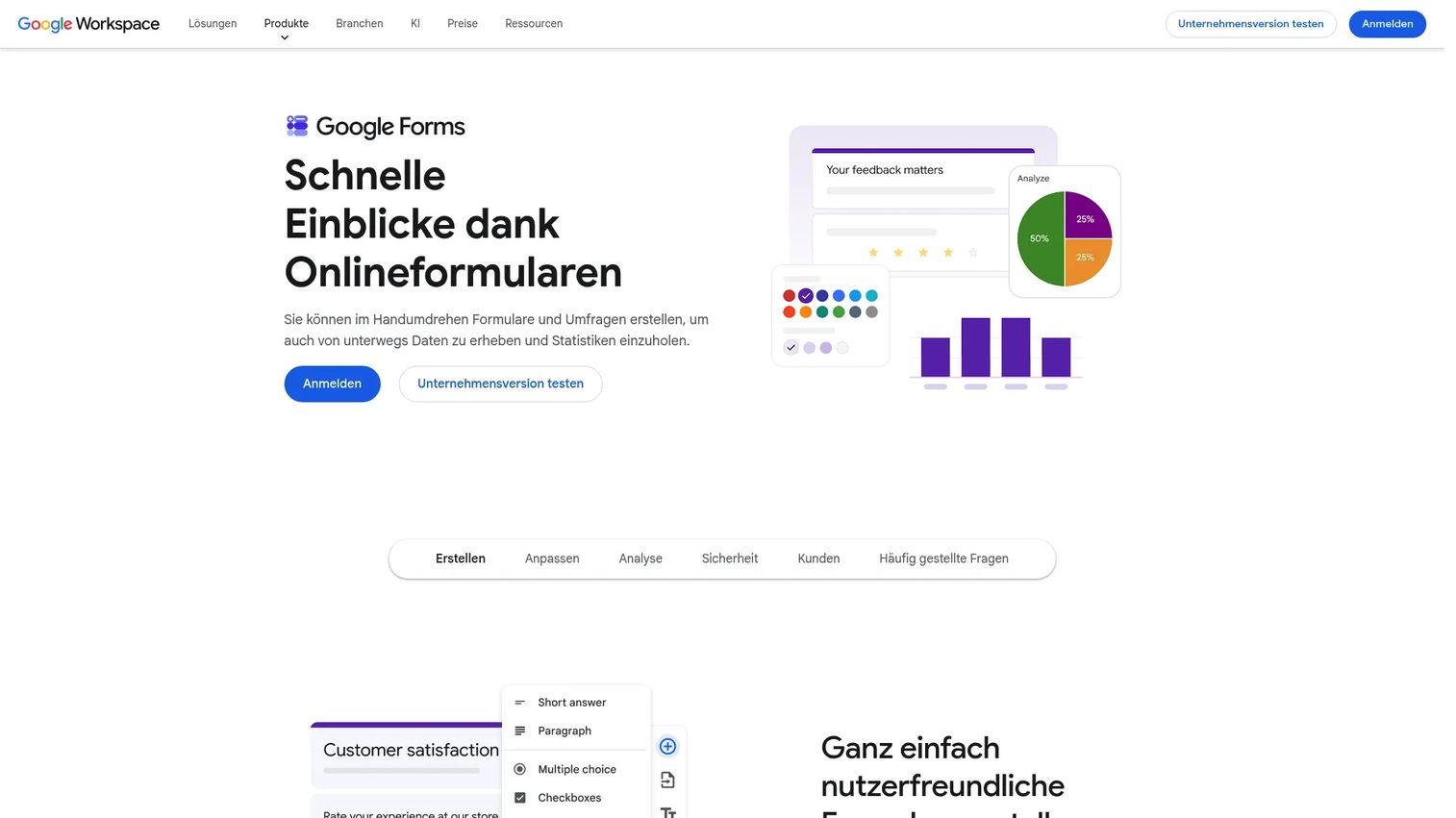
Google Forms is a survey and form builder that doubles as a quiz tool, letting you create, share, and analyze responses in real time. Its strength is familiarity and speed: most teams already have it, and turning on quiz mode with auto-marked answers takes minutes. Responses flow into Google Sheets for analysis.
Best for: Individuals and teachers who need a fast, free tool for informal quizzes and lightweight classroom checks.
Key strengths
- Multiple question types with drag-and-drop reordering
- Quiz mode with automatic answer marking
- Real-time collaborative editing
- Automatic response summaries in Google Sheets
- Zero cost for personal use
Why choose Google Forms: It performs best for low-stakes checks, formative quizzes, and situations where you want something running in the next five minutes. It does not include lockdown browser, remote proctoring, or exam monitoring, so it is not built for high-stakes secure testing. Match it to the job: informal knowledge checks, not certification exams.
Google Forms pricing: Free for personal use. It is included in Google Workspace, with Business Standard at $12/user/month on an annual commitment ($14.40/user/month billed monthly).
8. SurveyLab
SurveyLab is online survey software for creating, collecting, and analyzing surveys, with enough logic and reporting to handle survey-style assessments. It overlaps with exam use cases where you want branching logic, branded delivery, and detailed reporting, and it is better suited to feedback-heavy or lighter assessment workflows than to locked-down high-stakes exams.
Best for: Teams needing a customizable survey and light-assessment platform with reporting, logic, and integrations.
Key strengths
- Responsive, mobile-friendly surveys
- Branching logic for adaptive question paths
- Real-time reports and exports
- Custom branding on every survey
- AI features including translation and sentiment analysis
Why choose SurveyLab: Reach for it when the assessment leans toward knowledge checks, feedback loops, or self-assessment rather than proctored exams. The logic and reporting are strong, and the mobile responsiveness matters for distributed respondents. For secure certification, a proctoring-focused platform is the better match.
SurveyLab pricing: A 14-day free trial is available. Starter is $49/month, Advanced is $99/month, and Professional is $249/month. Enterprise is quoted on request, and annual billing discounts are shown on the pricing page.
Considerations
Before you commit, verify each of these against your actual workflow, not the feature list.
Security and anti-cheating
Decide how high the stakes are, then match the controls. A locked-down certification needs a lockdown browser, remote proctoring, and exam monitoring with an audit trail. A weekly training quiz does not. Verify what the vendor's cheating prevention actually does, since "secure" means very different things across tools. Ask whether proctoring is live, recorded, or AI-flagged.
Question banks and reusability
If you run recurring exams, a reusable question bank or item bank is the difference between building once and rebuilding every cycle. Check whether questions can be tagged, versioned, and pulled into randomized delivery. Confirm you can import existing questions in bulk rather than re-entering them by hand.
Grading and reporting
Auto grading handles objective questions, but confirm how the tool manages open responses, partial credit, and pass/fail logic. Then look at reporting: item analysis, score distributions, and exportable data matter for both improving the exam and proving outcomes to stakeholders or auditors.
Integrations and workflow fit
An exam tool that does not connect to your LMS creates manual grade transfer, which is exactly the admin you are trying to remove. Verify LMS integration, API, and webhooks against your stack, plus Google Classroom or Microsoft Teams if you use them. For enablement teams, confirm results can flow into the reporting you already track readiness in.
Branding, accessibility, and deployment
Confirm custom branding and white-label options if the exam is candidate- or partner-facing. Check accessibility support (WCAG) so every test taker can participate. And verify deployment fit: some programs need offline exams, handwritten answer support, or no student accounts, and not every platform covers those.
Conclusion
The right online exam software depends on the job, not the feature count.
If you run a classroom, Exam.net removes the account friction that slows most rollouts. For high-stakes certification where defensibility matters, Assessment Systems brings the psychometrics and proctoring depth. ClassMarker and FlexiQuiz cover the practical middle, secure and flexible without enterprise weight. ProProfs Quiz Maker speeds up training-heavy quiz production. TestGorilla serves hiring, not classrooms. Google Forms handles informal checks for free, and SurveyLab fits feedback-style assessment.
The next step is not to chase the longest feature list. Map your own workflow first: how high are the stakes, how often do you reuse questions, where do grades need to land, and who takes the exam. Then shortlist the two tools that fit that reality and run a real exam through each during the trial. The platform that removes the most manual work from your specific process wins, regardless of which one has more checkboxes.
FAQs
Prioritize the parts of the workflow that break without them: secure delivery (lockdown browser, proctoring, monitoring), a reusable question bank, auto grading with pass/fail logic, and reporting you can export. For example, a certification program needs proctoring and an audit trail, while a training team may care most about instant grading and LMS integration. Match features to your stakes rather than buying the longest list.
It reduces cheating rather than eliminating it. Randomized questions, lockdown browsers, time limits, and remote proctoring make copying and impersonation much harder, and monitoring creates an evidence trail. For high-stakes exams, combine several controls: a lockdown browser plus recorded or AI-flagged proctoring is far stronger than any single measure alone.
Quiz software focuses on quick, often low-stakes knowledge checks with fast creation and basic scoring. Online exam software adds the security, item banking, and reporting depth needed for graded or high-stakes assessment, such as lockdown browsers, proctoring, and audit trails. Many tools do both; the distinction is how much security and rigor you can turn on when you need it.
Classroom-first tools tend to fit teachers best because they minimize setup. Exam.net, for example, lets students join with an exam key instead of creating accounts, and gives teachers per-exam security levels and real-time monitoring. For informal checks, Google Forms quiz mode is fast and free. The best choice depends on how high the stakes are and whether you need proctoring.
Not always. Some platforms, like Exam.net, let test takers join with a code or exam key, which removes account provisioning and speeds up rollout. Others tie exams to LMS or platform accounts so results follow the learner over time. If you want the lowest setup friction, look specifically for no-student-account or code-based access.
Most established platforms offer LMS integration through direct connectors, APIs, or webhooks, plus Google Classroom or Microsoft Teams support in many cases. This matters because it pushes scores into your system of record automatically instead of forcing manual grade transfer. Before buying, confirm the specific LMS you use is supported, not just "LMS integration" in general.
Models vary widely. Some tools offer a free tier plus flat monthly plans, such as FlexiQuiz starting at $17/month. Others use per-taker or credit-based pricing, like ProProfs Quiz Maker's per-100-takers Essentials plan. Enterprise and high-stakes platforms often quote annually, such as Assessment Systems from $5,950/year. Map pricing to your exam volume, since a per-taker model can cost more than flat pricing at scale.
Yes, but only the platforms built for it. Certification demands psychometrics, item banking, secure proctoring, and defensible audit trails, which is the domain of tools like Assessment Systems rather than lightweight quiz builders. If you are issuing credentials, verify the platform supports the security, reporting, and accreditation standards your certifying body requires before you commit.