You should not need a fax machine in 2026. Then a bank, insurer, government agency, clinic, or vendor asks for your fax number. According to ASTP/ONC (2025), 81% of U.S. hospitals often or sometimes receive patient records by mail or fax. Healthcare is the loudest example, but legal, finance, HR, and procurement workflows still route documents through fax with surprising regularity.
The problem for a Series B founder is not faxing itself. It is operational drag. One tax form, one insurance document, one signed contract, and suddenly someone on your team is spending two hours locating a workaround. Online fax software exists to absorb that friction, so your finance lead, RevOps team, or office manager can handle it without involving you or buying hardware.
The right tool confirms delivery, protects the document, handles sensitive workflows where free tools fall short, and stays boring after setup. This guide gives you 19 options across every use case, from a free outbound send to a HIPAA-positioned cloud fax platform, so the decision takes minutes, not a support ticket.
What's inside
This guide covers 19 online fax software tools evaluated for 2026. It is written for SaaS operators who want a low-maintenance fax workflow their team can own. Tools were selected and evaluated based on four criteria:
- Sending and receiving support: Can the tool handle both directions, or only outbound?
- Pricing clarity: Are page limits, overages, and free-tier restrictions clearly stated?
- Security and privacy posture: Does the provider offer encryption, access controls, or BAA availability for regulated workflows?
- Workflow fit: Does it integrate with email, mobile, cloud storage, or team admin tools your team already uses?
TL;DR
- Best for one-off free sending: FaxZero (up to 3 pages free, no account) or GotFreeFax (2 free faxes per day, pay-per-fax bundles available)
- Best for general online faxing: Fax.Plus (polished web, mobile, and email workflows) or Dropbox Fax (cloud integrations, pay-as-you-go)
- Best for mobile-first faxing: iFax or FaxBurner, depending on whether you need a permanent number
- Best for healthcare or regulated document workflows: SRFax, Sfax, or mFax, each of which positions around HIPAA-related features, verify BAA terms before committing
- Best for communications-stack integration: RingCentral Fax or Nextiva vFax when faxing is one part of a broader phone or messaging decision
- Founder takeaway: Choose based on receiving needs, document sensitivity, and cancellation terms. The lowest monthly price is rarely the right filter.
What is online fax software?
Online fax software lets you send and receive faxes through a web browser, email, mobile app, or cloud workflow without a physical fax machine or dedicated fax line.
The software converts digital documents into fax transmissions that travel over the public switched telephone network or VoIP infrastructure. The recipient can be a traditional fax machine or another online fax inbox. Most business-grade services assign a dedicated fax number for inbound faxes, which means your team gets a real number without buying any hardware.
Key features to look for
- Email-to-fax and fax-to-email workflows
- Inbound fax number assignment
- Delivery confirmation and transmission reports
- iOS and Android mobile apps
- Cloud storage integrations (Google Drive, Dropbox, OneDrive)
- International faxing with country coverage disclosure
- Team users and admin controls
- Encryption and access controls
- BAA availability for regulated workflows
- Transparent page limits, overage rates, and cancellation terms
Online fax software versus free web faxing
Free web faxing tools handle occasional outbound documents with minimal setup. Online fax software is the right category when a company needs repeatable sending, inbound receiving, stored fax history, team access, or controls appropriate for sensitive documents. Most free tools are send-only, cover a small page limit per day, and are not appropriate for healthcare, HR, or legal workflows. Business-grade platforms add receiving, admin controls, and compliance-adjacent features at a subscription price.
The global cloud fax market was valued at US$1.63 billion in 2025, according to The Insight Partners (2025), which reflects how much enterprise and healthcare spend still runs through this channel.
When to use online fax software
Send administrative documents without a fax machine
Tax forms, insurance certificates, vendor onboarding paperwork, and bank documentation still require fax at many institutions. For a SaaS company at Series B, the goal is delegating this to finance or ops without any founder involvement. A basic online fax account lets your RevOps or finance lead send documents from their existing email or browser without calling you.
Receive faxes without exposing a personal number
Inbound faxing almost always requires a paid account with a dedicated number. If your company sends and receives contracts, benefits documents, or healthcare forms, a shared inbox with email notifications keeps the workflow clean. Assign the number to the function that owns it, whether finance, people ops, or legal, and route notifications accordingly.
Handle sensitive workflows with clearer controls
Healthcare, HR, and legal documents need more than a free sender. For any workflow involving protected health information, you need a provider that offers a Business Associate Agreement, access controls, audit logs, and encryption. Check current documentation before committing: HIPAA compliance claims require active BAA coverage, not just marketing language. When document risk is high, choose controls over the lowest monthly price.
Online fax software comparison
The table below gives you a quick decision view across all 19 tools. Pricing reflects verified figures from each vendor's current pricing page. G2 ratings are current at time of writing; where no reliable rating exists, the column shows N/A.
| # | Product | Best for | Key differentiator | Pricing | G2 rating |
|---|---|---|---|---|---|
| 1 | Dropbox Fax | Cloud-integrated business faxing | Pay-as-you-go plus Dropbox ecosystem fit | Free tier; $0.99/fax PAYG | N/A |
| 2 | Fax.Plus | Teams needing multi-platform faxing | Web, mobile, email, and compliance features | From $6.99/mo | N/A |
| 3 | HelloFax | Simple web faxing (now Dropbox Fax) | Familiar interface, Dropbox-linked | Free tier; $0.99/fax PAYG | 4.5/5 |
| 4 | FaxZero | One-off free outbound faxing | No-account sending, up to 3 pages free | Free; $3.29/fax paid | 4.6/5 |
| 5 | GotFreeFax | Occasional sending without a subscription | Free daily faxes plus prepaid credit bundles | Free; from $1.25/fax paid | N/A |
| 6 | eFax | Established business cloud faxing | Email, mobile, signatures, cloud storage | From $18.99/mo | N/A |
| 7 | CocoFax | Small teams needing email and web faxing | Cross-platform with Workspace integrations | From $9.99/mo | 4.6/5 |
| 8 | mFax | Healthcare and compliance-aware workflows | HIPAA-positioned with BAA and document automation | From $25/mo (annual) | 4.8/5 |
| 9 | FaxBurner | Mobile-first occasional faxing | Temporary fax number, app-led workflow | Free; from $14.95/mo | N/A |
| 10 | MyFax | Small offices replacing a fax line | Simple send-and-receive with 14-day trial | From $12/mo | 2.8/5 |
| 11 | iFax | Mobile and cross-device faxing | Scanning, OCR, team inboxes, HIPAA features | From $12.49/mo (annual) | 4.7/5 |
| 12 | SRFax | Healthcare and professional services | Security-focused with HIPAA plans and BAA | From $12.60/mo | 5.0/5 |
| 13 | RingCentral Fax | Teams already using RingCentral | Faxing inside a broader communications stack | Bundled from $34.99/user/mo | N/A |
| 14 | MetroFax | Basic small-business send and receive | Straightforward plans with page allowances | From $9.96/mo (annual) | N/A |
| 15 | Sfax | Regulated healthcare document workflows | HIPAA-compliant with BAA, audit trails, API | From $29/mo | 3.7/5 |
| 16 | Nextiva vFax | Teams evaluating Nextiva for communications | Faxing plus optional physical fax bridge | From $7.95/mo | 4.5/5 |
| 17 | PamFax | International or pay-as-you-go faxing | Per-use pricing across many countries | Free On Demand; from $7.18/mo | 2.5/5 |
| 18 | FaxDrop | Quick browser-based outbound sending | Free tier, pay-per-credit, REST API | Free; from $1.99/credit | N/A |
| 19 | FaxBetter | Low-cost inbound fax number | Free receiving tier with paid send upgrade | Free; $9.95/mo Premium | N/A |
Best 19 online fax software tools for 2026
1. Dropbox Fax
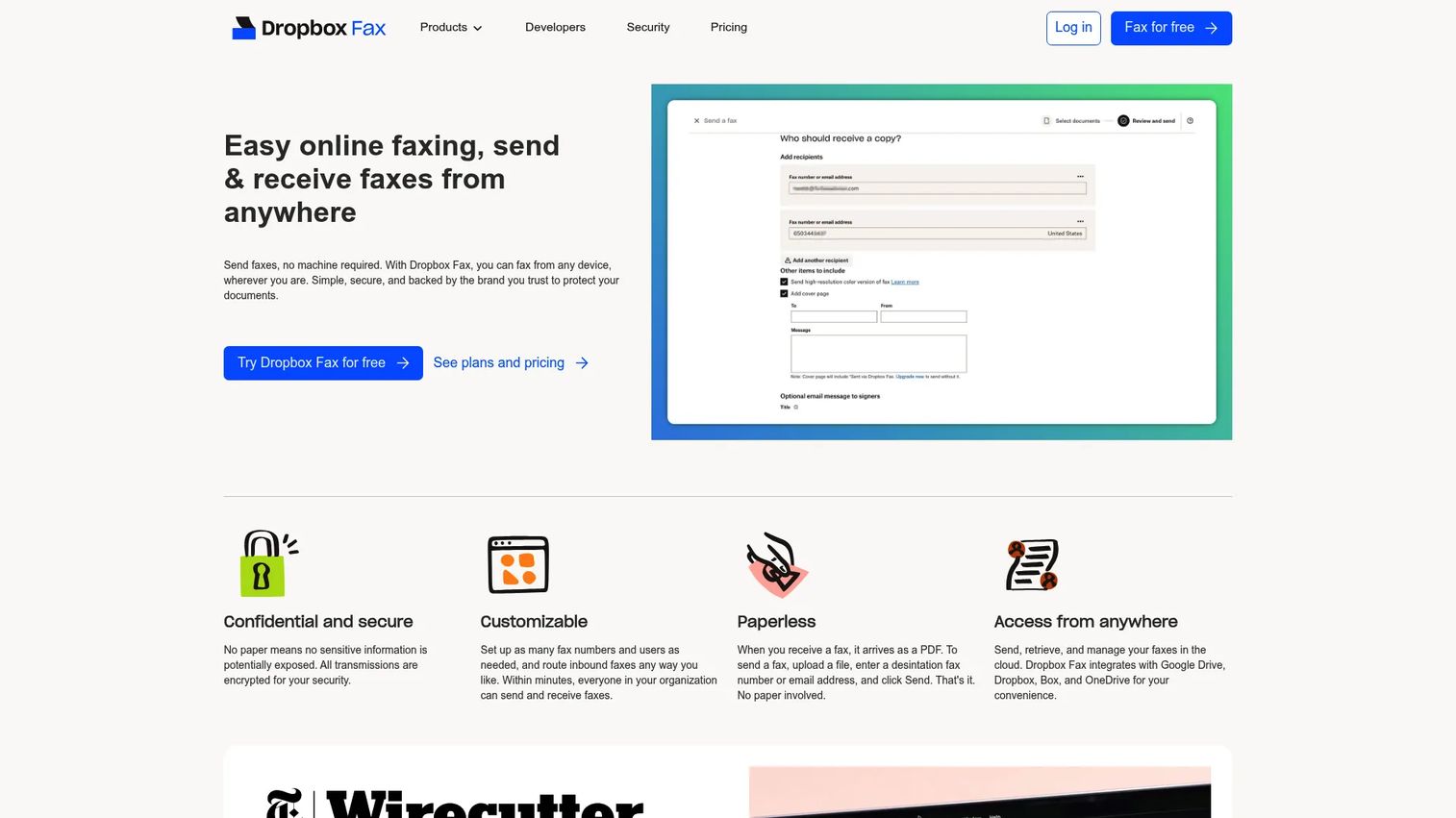
Dropbox Fax is the rebranded successor to HelloFax, now operating under the Dropbox brand. It lets you send and receive faxes through a web browser or email, with integrations across Google Drive, Box, OneDrive, and Evernote alongside Dropbox itself. You can also edit and sign faxes directly in the platform, which covers some basic document workflow needs without switching apps.
Best for: Small teams and operators who want a recognizable brand, simple cloud-connected faxing, and no hardware setup.
Key features
- Send and receive faxes online via web or email
- Cloud integrations: Dropbox, Google Drive, Box, OneDrive, Evernote
- Electronic signing and in-platform fax editing
- International faxing and fax-number porting
- Multiple fax numbers and team users
Why choose Dropbox Fax: Good fit when your team already works inside cloud storage tools and wants to fax without buying separate infrastructure. The pay-as-you-go model suits low-volume senders who do not want a monthly subscription.
Dropbox Fax pricing: The free plan includes 5 fax pages. Pay-as-you-go sending costs $0.99 for up to 10 pages, with $0.20 per additional page. Paid subscription plans support receiving faxes and monthly page allowances; subscription prices are not publicly listed on the pricing page, so contact the vendor for current plan rates.
G2 rating: No current Dropbox Fax-specific G2 rating was verified at time of writing.
2. Fax.Plus
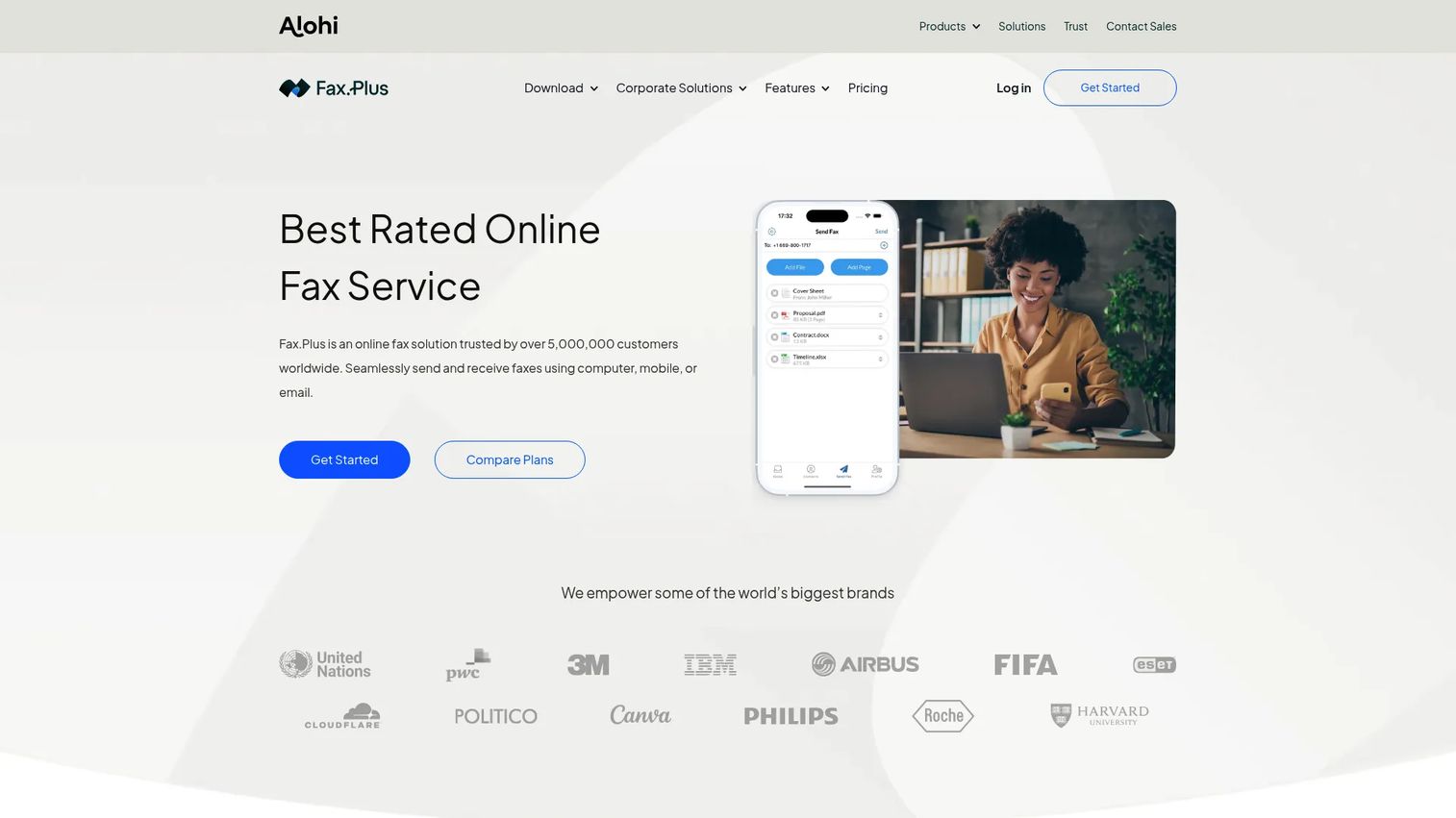
Fax.Plus is one of the more complete online fax platforms available for business use. It supports sending and receiving across web, mobile, email, and desktop, with local, toll-free, and international fax numbers. The platform includes team administration with multiple members, compliance positioning across HIPAA, SOC 2, and ISO 27001, plus integrations with Google Workspace, Microsoft Teams, Slack, and Zapier.
Best for: Teams that want a modern, multi-platform fax service with clear upgrade paths and compliance-related features.
Key features
- Web, mobile, email, and desktop faxing
- Local, toll-free, and international numbers with porting
- Team administration and multi-number support
- HIPAA, SOC 2, and ISO 27001 compliance positioning
- Google Workspace, Teams, Slack, and Zapier integrations
Why choose Fax.Plus: Strong choice when faxing is a recurring business workflow, not an occasional task. The compliance positioning makes it worth evaluating for regulated-adjacent teams, though you should verify current BAA terms before routing sensitive documents.
Fax.Plus pricing: A free plan includes 10 total pages. The Basic plan runs $6.99/month (billed as $83.99 annually) with 200 pages per month. Premium is $13.99/month ($167.99 annually, 500 pages). Business is $27.99/month ($335.99 annually, 1,000 pages). Enterprise starts at $79.99/month ($959.99 annually, 4,000 pages).
G2 rating: No current Fax.Plus numeric G2 rating was verified at time of writing.
3. HelloFax
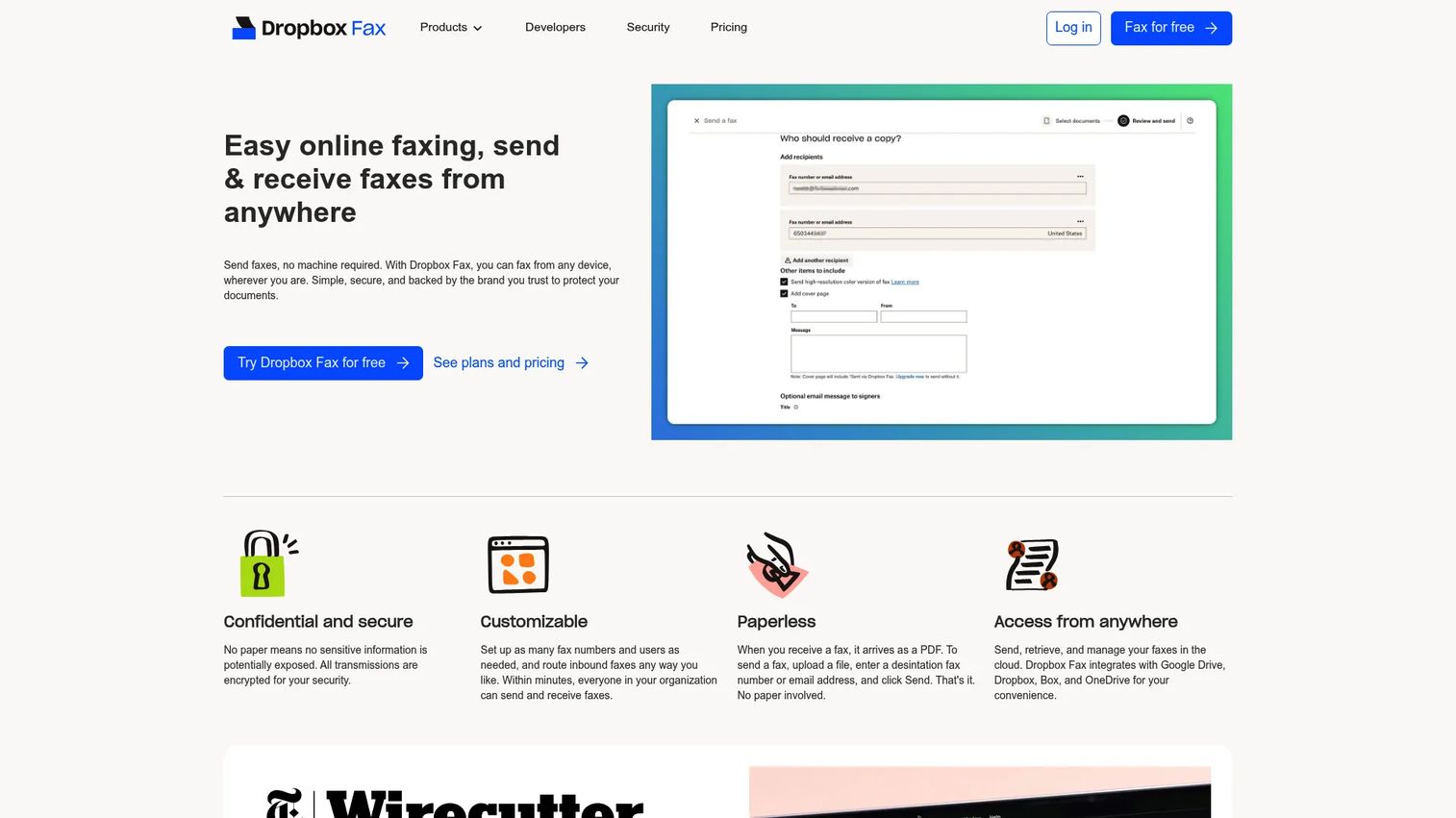
HelloFax now redirects to Dropbox Fax and identifies itself as "formerly HelloFax." The core functionality, including online fax sending and receiving, email-to-fax, fax number porting, and cloud file support, carries forward under the Dropbox Fax brand. If you have an existing HelloFax account, it operates on the same pricing structure.
Best for: Users familiar with the HelloFax interface who are evaluating Dropbox Fax as the current product.
Key features
- Online fax sending and receiving
- Email-to-fax workflow
- Cloud file support (Dropbox, Google Drive, Box, OneDrive, Evernote)
- Electronic signing and fax editing
- International faxing and number porting
Why choose HelloFax: The product is now Dropbox Fax. Choose it if you already have an account or prefer the HelloFax name as the entry point into the Dropbox Fax ecosystem.
HelloFax pricing: The free plan includes 5 fax pages. Pay-as-you-go is $0.99 per fax for up to 10 pages, plus $0.20 per additional page. Paid subscription prices that support receiving are not publicly displayed on the current pricing page.
G2 rating: 4.5/5
4. FaxZero
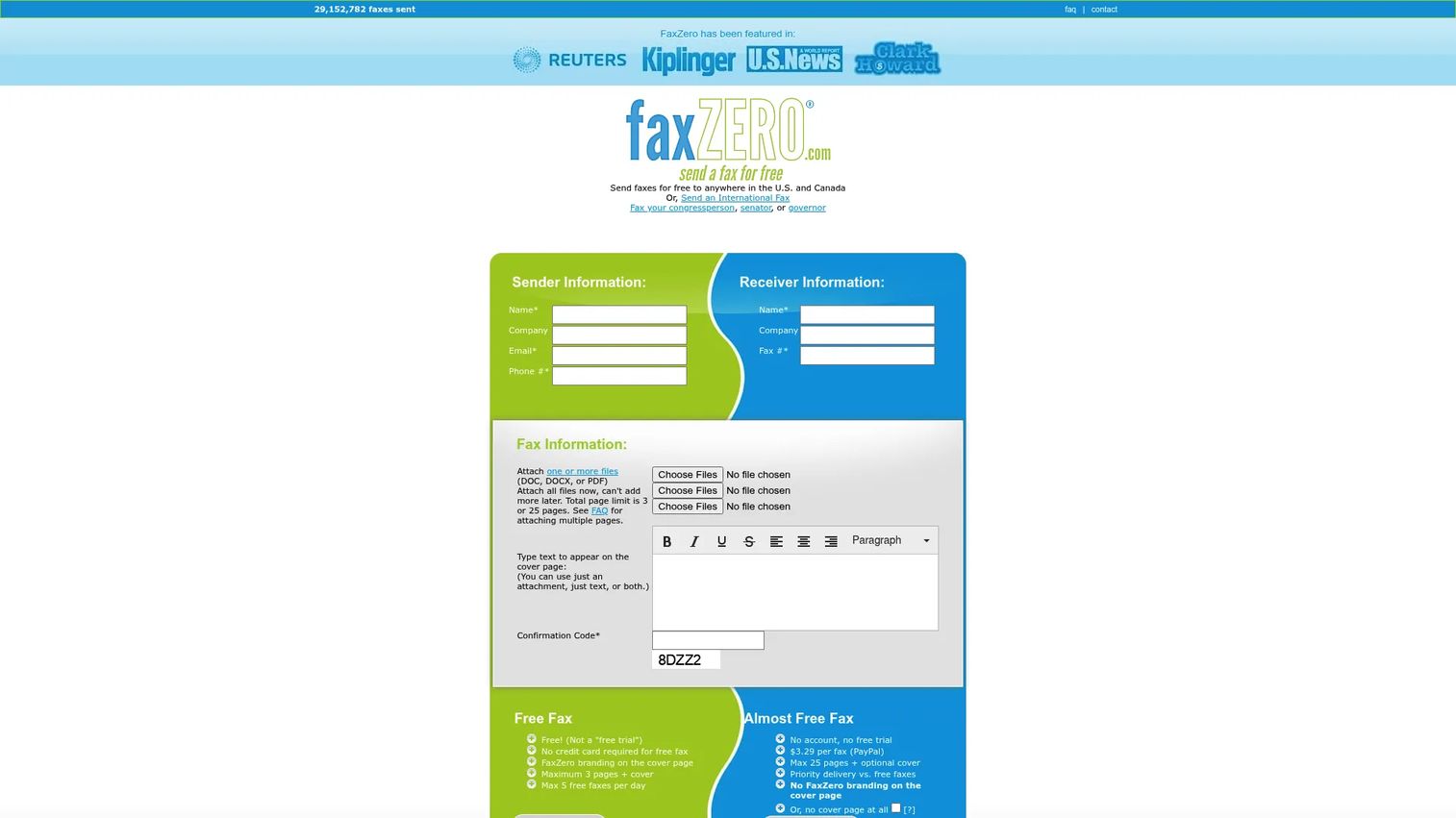
FaxZero is a browser-based outbound fax service built for occasional sending. No account is required to send a free fax. You upload your file, enter a destination number, and FaxZero handles the transmission. Free faxes include a FaxZero cover page and a limit of 3 pages plus cover, with a maximum of 5 free faxes per day to U.S. and Canada numbers.
Best for: Individuals or teams sending a small number of non-sensitive documents who do not want a monthly subscription.
Key features
- Free faxing to U.S. and Canada (no account required)
- International faxing on paid option
- File support: PDF, DOC/DOCX, images, spreadsheets, and presentations
- Email confirmation and delivery status
- Mobile photo-to-fax capability
Why choose FaxZero: The right call for a single outbound document where speed and zero commitment matter more than receiving or audit trails. Free faxes include FaxZero branding on the cover page; the paid option removes it and raises the page limit to 25.
FaxZero pricing: Free faxes are limited to 3 pages plus cover, 5 faxes per day. The paid "Almost Free Fax" option costs $3.29 per fax, allows up to 25 pages, priority delivery, and no FaxZero branding.
G2 rating: 4.6/5
5. GotFreeFax
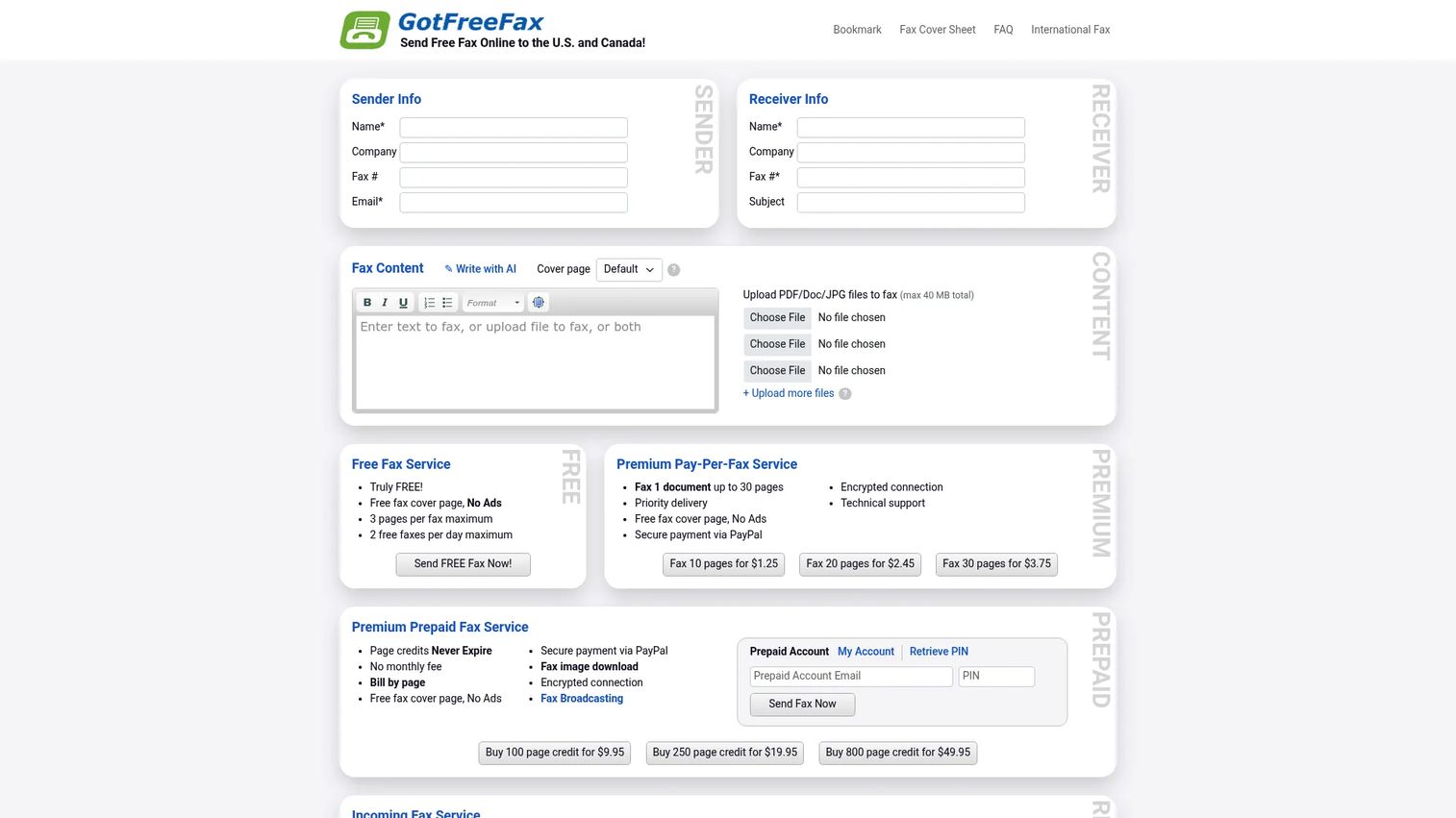
GotFreeFax offers free outbound faxing to U.S. and Canada recipients, plus pay-per-fax and prepaid credit options for higher volume or international sending. The free tier allows 2 faxes per day at up to 3 pages each. Paid options add priority delivery, international coverage, fax broadcasting, and a REST API. Credits purchased in prepaid bundles never expire.
Best for: Occasional users sending a clean one-off fax without signing up for a monthly plan.
Key features
- Free outbound faxing to U.S./Canada (3 pages, 2 faxes/day)
- Pay-per-fax and prepaid page credit bundles
- Supports PDF, Word, ODT, RTF, and JPEG uploads
- International faxing with country-specific rates
- REST API and MCP server for developer use
Why choose GotFreeFax: Useful when the task is a single document, not a recurring workflow. Prepaid credits work well for teams that fax a few times per quarter and want to avoid a monthly subscription. The API makes it worth evaluating for lightweight developer integrations.
GotFreeFax pricing: Free tier covers 2 faxes/day at 3 pages each. Paid faxes run $1.25 (up to 10 pages), $2.45 (up to 20 pages), or $3.75 (up to 30 pages). Prepaid page credits cost $9.95 for 100 pages, $19.95 for 250, or $49.95 for 800; credits never expire.
G2 rating: N/A
6. eFax
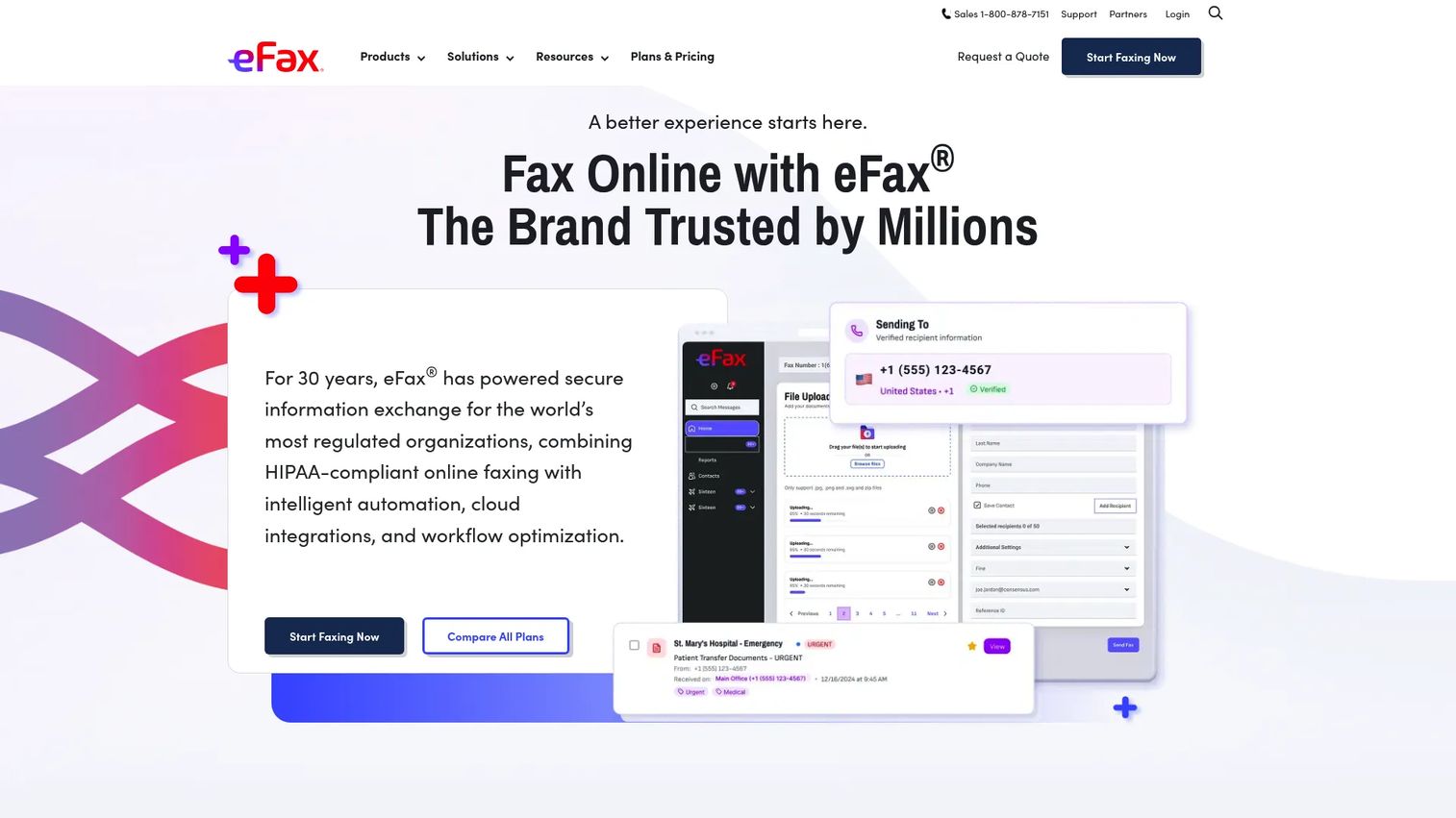
eFax is one of the oldest online fax services still actively maintained. It covers email-to-fax, mobile apps for iOS and Android, electronic signatures, searchable cloud storage, and a desktop print-to-fax application. The platform positions around HIPAA-compliant security for regulated workflows, and includes toll-free and local number options with number porting.
Best for: Teams and regulated organizations that prefer an established provider with business features and compliance positioning.
Key features
- Email-to-fax and fax-to-email
- iOS and Android mobile apps
- Electronic signatures and searchable fax PDFs
- Secure cloud storage
- Desktop print-to-fax application and toll-free numbers
Why choose eFax: Good fit when your team wants a well-known brand with a documented compliance posture. Founders should check total cost if multiple employees need access, since per-user pricing at the Business tier adds up. Verify current BAA terms directly with the vendor before routing healthcare or HR documents.
eFax pricing: The Personal plan is $18.99/month with 200 pages and one user. Business is $39.99/month with 500 pages and five user licenses. Corporate pricing requires a quote.
G2 rating: No current eFax numeric G2 rating was verified; Capterra shows a 4.0/5 rating for cross-reference.
7. CocoFax
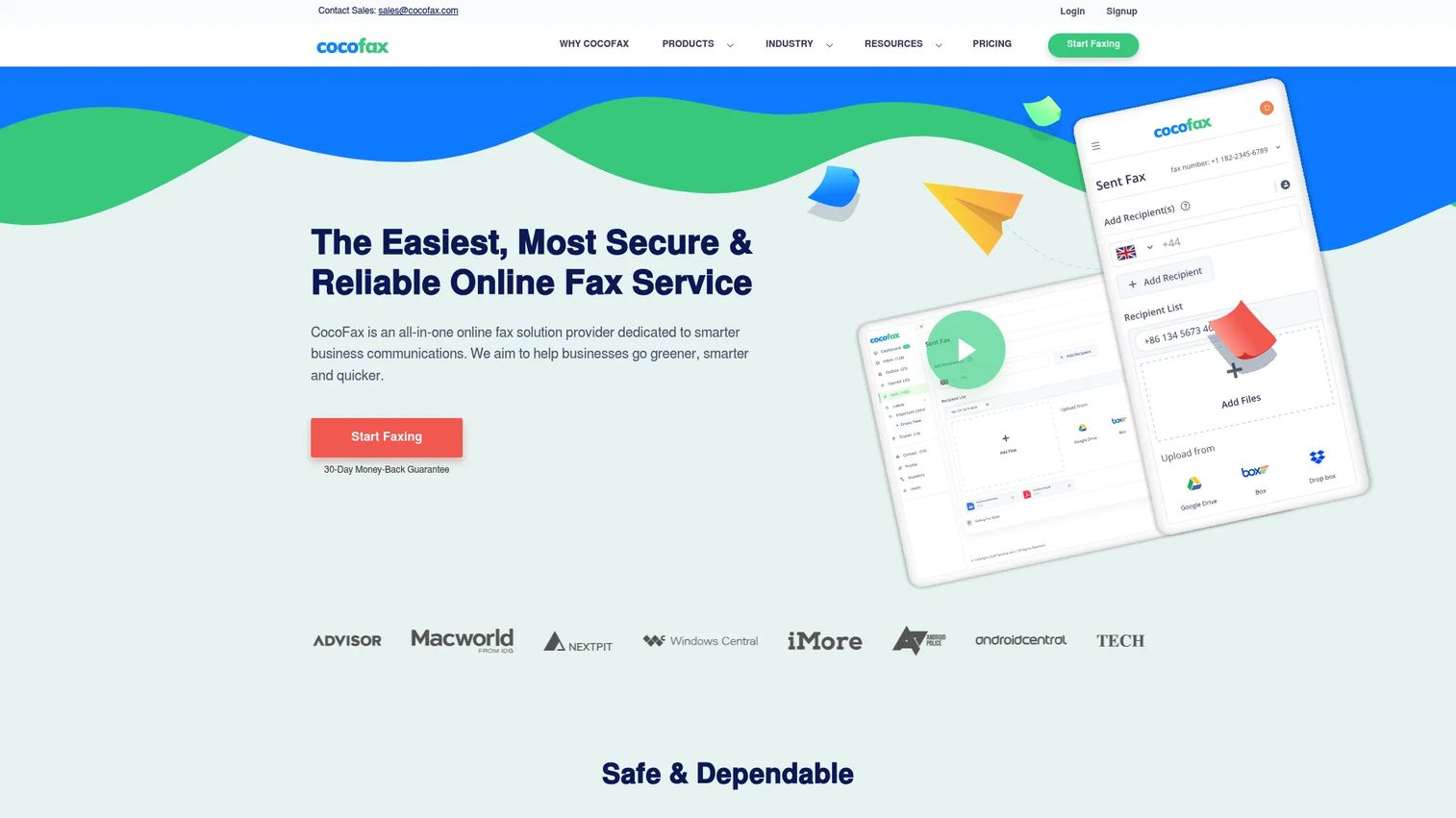
CocoFax provides cloud-based faxing across web, email, and desktop, with apps for Windows, Mac, Android, and iOS. It integrates with Google Workspace, Google Drive, Gmail, Slack, Zapier, and Chrome. The platform includes local and toll-free fax numbers, scheduled delivery, automatic retry on failed transmissions, and team administration with multiple fax numbers.
Best for: Small teams that want a lightweight inbox-style fax workflow with Google Workspace or Slack integrations.
Key features
- Email-to-fax and fax-to-email
- Web, Mac, Windows, Android, and iOS apps
- Google Workspace, Gmail, Slack, and Zapier integrations
- Scheduled delivery and automatic retry
- Two-factor authentication and team administration
Why choose CocoFax: Good option when a small team handles faxing inside their existing Google or Slack environment. Annual billing cuts prices significantly compared to monthly, which matters for cost-conscious operators.
CocoFax pricing: The Lite plan is $9.99/month (or $4.99/month billed annually) with 60 pages. Basic is $14.99/month ($9.99/month annual, 200 pages). Premium is $24.99/month ($16.99/month annual, 400 pages). Business is $34.99/month ($24.99/month annual, 1,200 pages). Enterprise pricing requires a conversation with sales.
G2 rating: 4.6/5
8. mFax
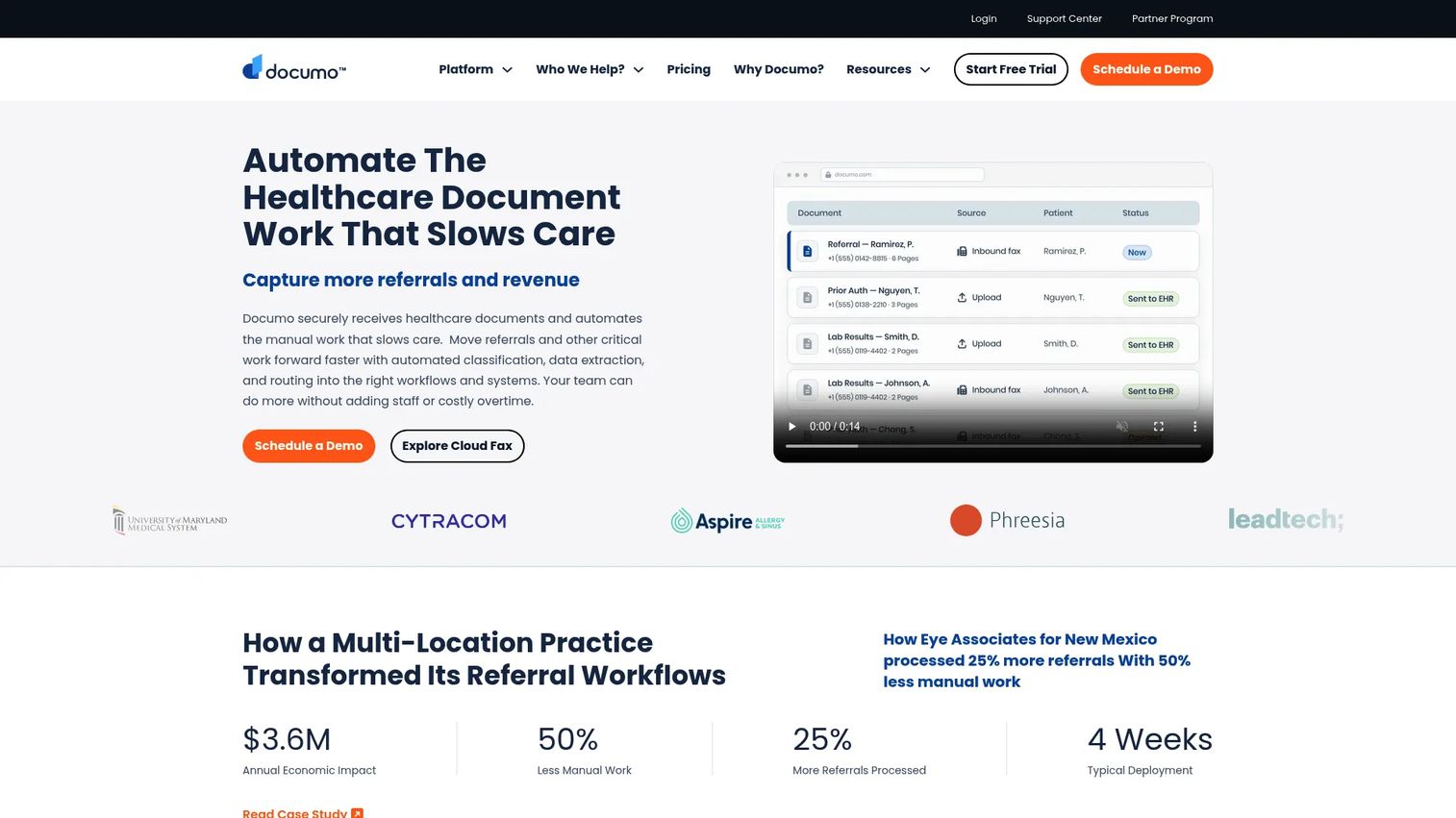
mFax currently presents under the Documo brand, reflecting a platform transition. The service positions around HIPAA-compliant cloud faxing for healthcare, with intelligent document classification, data extraction, EHR and practice-management integrations, developer APIs, and electronic signatures. It is built for organizations where faxing belongs to a department workflow, not a single user.
Best for: Healthcare organizations and companies that treat faxing as a recurring, document-intensive operational workflow.
Key features
- HIPAA-compliant cloud faxing with BAA
- Intelligent document classification and data extraction
- EHR and practice-management integrations
- Developer APIs and electronic signatures
- Team inboxes and admin controls
Why choose mFax: Strong fit when faxing is tied to regulated healthcare operations or when your ops team needs more than basic send-and-receive. Founders delegating fax workflows to finance or clinical teams should verify current BAA documentation and plan terms before purchase.
mFax pricing: The Solo Cloud Fax plan starts at $25/month billed annually (300 pages). Business Cloud Fax is $100/month (or $80/month annual, 1,500 pages). Enterprise Cloud Fax is $300/month ($240/month annual, 6,000 pages). Custom Platform pricing covers intelligent document processing and EHR integrations.
G2 rating: 4.8/5
9. FaxBurner
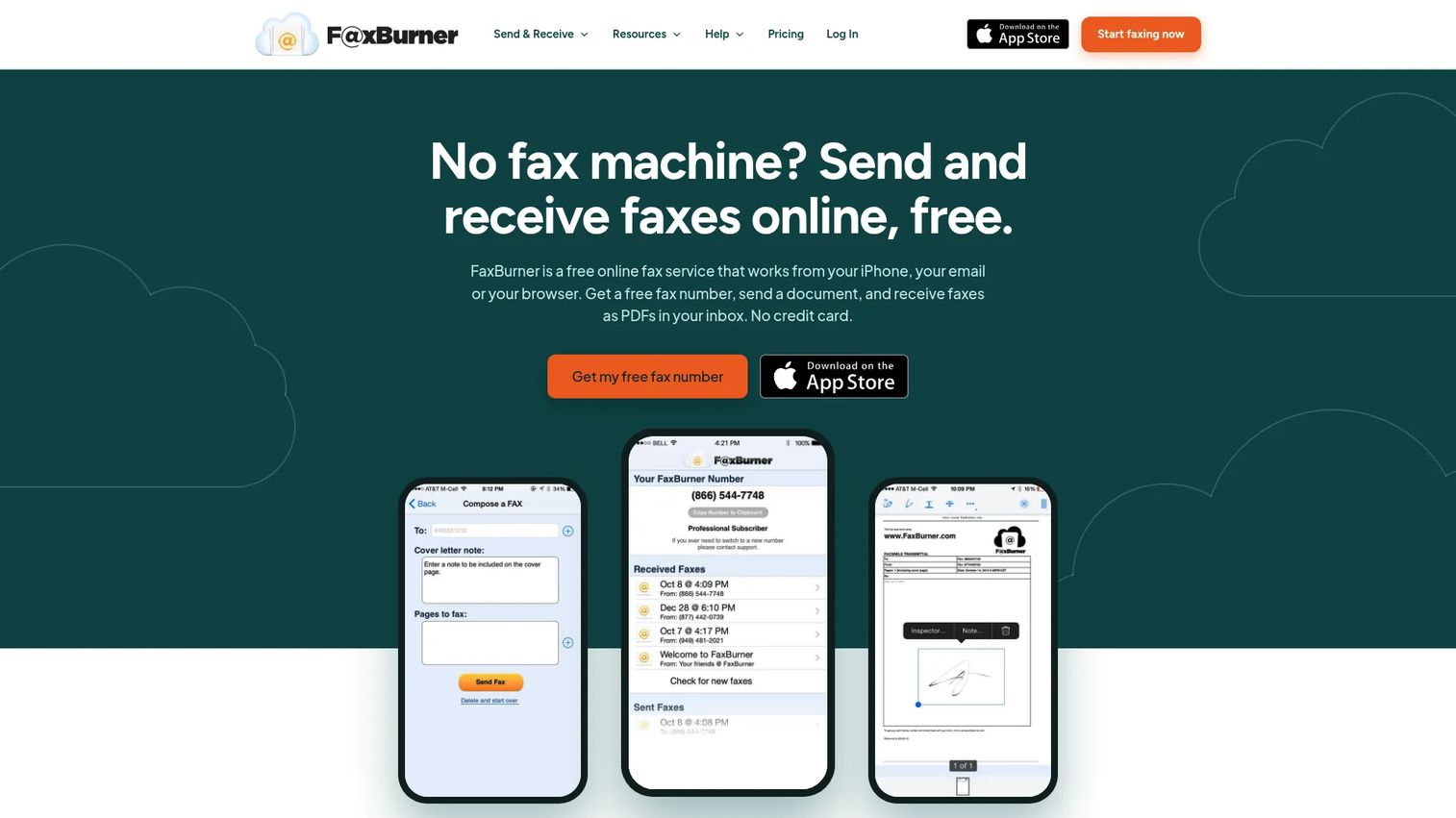
FaxBurner is a mobile-first fax service for sending and receiving faxes from a phone or browser. The free tier provides a temporary fax number with 25 inbound pages per month and 5 total outbound pages. Paid plans add a permanent toll-free number with higher page allowances. The service is built around iPhone and iPad use, with email-to-fax and fax archiving included.
Best for: Users who primarily need faxing from a mobile device, or founders handling a quick document while traveling.
Key features
- Mobile fax app (iPhone and iPad primary)
- Temporary or permanent toll-free fax number
- Email-to-fax and fax-to-email
- Fax archiving and online signing
- 25 inbound pages/month on free tier
Why choose FaxBurner: Good for field use or individual accounts where a mobile-first workflow fits. Less appropriate when a team needs shared admin controls, a persistent number, or high monthly page volumes.
FaxBurner pricing: The free plan includes 5 outbound pages total and 25 inbound pages per month with a temporary number. Professional is $14.95/month with 500 inbound and outbound pages plus a permanent toll-free number. Premier is $24.95/month with 2,000 pages and a permanent number.
G2 rating: G2 currently shows 0 reviews for FaxBurner, so no user-rating signal is available.
10. MyFax
MyFax is a cloud-based fax service built for small businesses and professionals replacing a physical fax line. It supports sending and receiving through email and mobile apps, with online fax storage, tagging, and search. One fax number can be shared with up to five email addresses, and you can send one fax to up to 50 recipients simultaneously.
Best for: Small offices and professionals looking for a straightforward monthly subscription covering send and receive.
Key features
- Email-to-fax and fax-to-email
- iOS and Android mobile faxing
- Fax archive with tagging and search
- Send one fax to up to 50 recipients
- Share one fax number across five email addresses
Why choose MyFax: Solid choice when the workflow is simple and the team needs a clean monthly plan without complexity. Compare page limits and overage costs closely against similar options at your expected monthly volume.
MyFax pricing: A 14-day free trial is available. Home Office is $12/month (or $8.25/month billed annually, 100 pages). Small Business is $25/month ($20.83/month annual, 300 pages). Power User is $45/month ($37.50/month annual, 600 pages).
G2 rating: 2.8/5
11. iFax
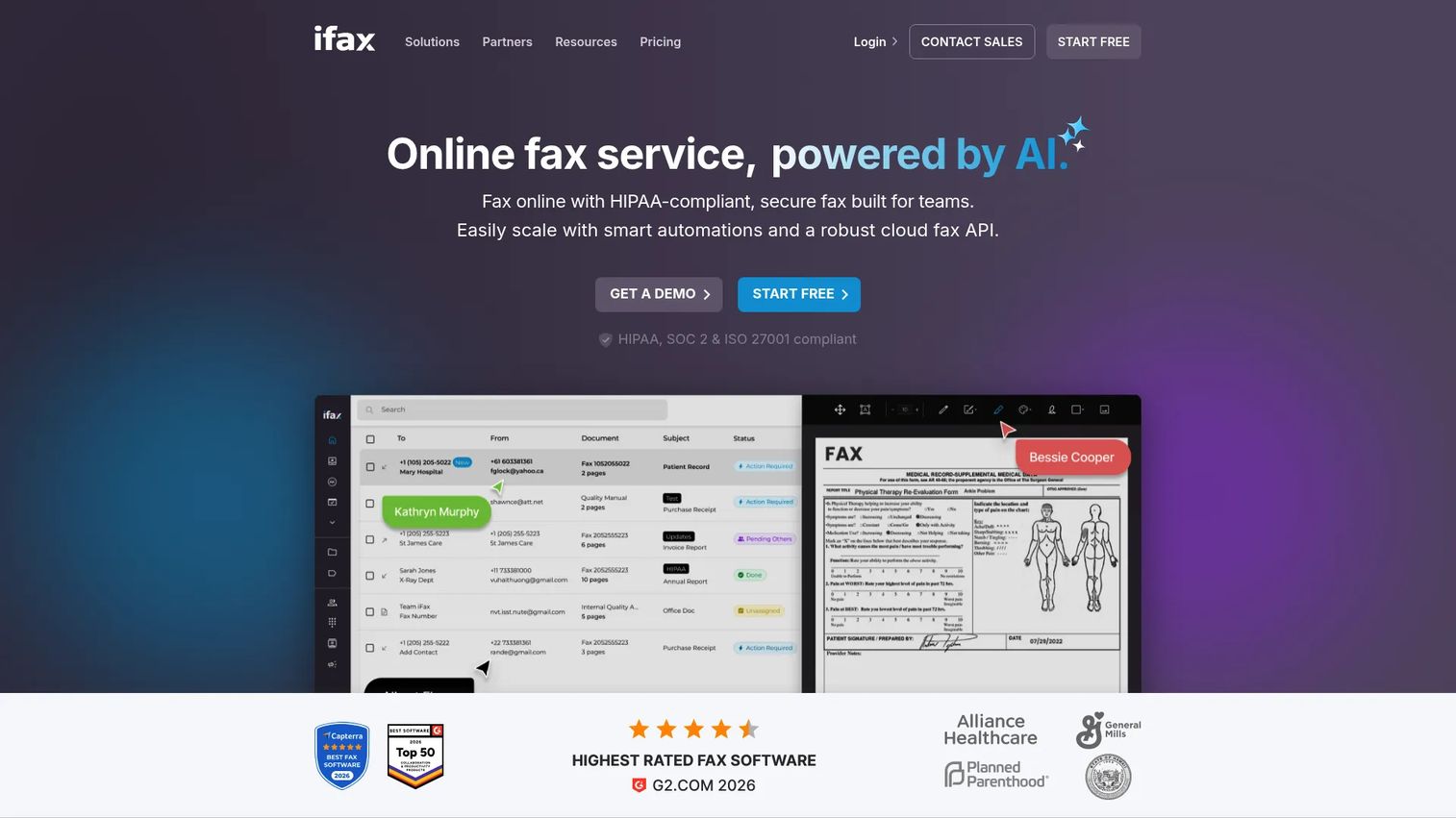
iFax is a cloud fax platform covering web, iOS, Android, Windows, and Mac, with HIPAA-compliant faxing and encryption. It includes mobile scanning, fax scheduling, templates, annotations, OCR, and AI chat alongside team inboxes, SSO, and EHR integrations. A 7-day free trial is offered on paid plans.
Best for: Mobile-first users and teams that fax across multiple devices and need structured team features alongside compliance positioning.
Key features
- Send and receive across web, iOS, Android, Windows, and Mac
- HIPAA-compliant faxing with encryption
- Mobile scanning, OCR, fax templates, and annotations
- Team inboxes, SSO, and EHR integrations
- Cloud storage integrations: Google Drive, Dropbox, OneDrive
Why choose iFax: Strong when faxing originates from a phone camera or mobile document scan. The team features and EHR integrations make it worth evaluating for healthcare-adjacent ops teams. Verify current BAA terms for regulated workflows.
iFax pricing: Basic is $12.49/month billed annually (200 pages). Plus is $24.99/month annual (500 pages, 1 number). Pro is $33.33/month annual (1,000 pages). Enterprise pricing requires a volume quote.
G2 rating: 4.7/5
12. SRFax
SRFax positions itself as a security-conscious online fax service with a dedicated suite of HIPAA-compliant healthcare plans. It supports email-to-fax, a web application, mobile access, a RESTful API, SSL and optional PGP encryption, and unlimited fax storage. G2 currently lists SRFax at a 5.0 rating, though that rating is based on one review.
Best for: Healthcare providers and professional services teams that need HIPAA-positioned faxing with documented security controls.
Key features
- Email-to-fax and web fax portal
- RESTful fax API
- Unlimited fax storage
- HIPAA-focused healthcare plans
- SSL and optional PGP encryption
Why choose SRFax: Right choice when a free or general-purpose fax tool creates unacceptable risk for your document type. The healthcare plan tiers give a clear pricing structure by page volume. Verify BAA availability and plan eligibility before routing any protected health information.
SRFax pricing: Healthcare Lite is $12.60/month (or $10.70/month annual, 200 pages). Healthcare Basic is $16.05/month ($13.65/month annual). Pricing scales through Healthcare Professional Premium at $551.55/month ($468.80/month annual, 20,000 pages). Standard and non-healthcare plans are available on separate pricing pages.
G2 rating: 5.0/5 (based on one review)
13. RingCentral Fax
RingCentral Fax includes internet faxing as part of the RingEX communications platform. It is not a standalone fax service in the traditional sense. Teams get fax capabilities bundled alongside calling, messaging, and conferencing, with integrations into Box, Dropbox, and Google Drive. Standalone fax-only pricing is not publicly displayed.
Best for: Businesses that want faxing connected to a broader communications stack and are already evaluating RingCentral for calling or messaging.
Key features
- Internet faxing via web, email, desktop, or mobile
- Cloud integrations: Box, Dropbox, Google Drive
- Scheduled faxing and custom cover pages
- Fax broadcasting and fax log history
- Admin controls across the RingEX platform
Why choose RingCentral Fax: Best when your company needs more than fax, specifically phone, messaging, and conferencing in one platform. Not the right pick if faxing is your only need, since the entry price reflects a full communications suite.
RingCentral Fax pricing: Unlimited internet fax is included in RingEX plans. The Ultra plan starts from $34.99 per user per month. The Advanced plan price requires a sales conversation.
G2 rating: No current standalone RingCentral Fax G2 rating was verified at time of writing.
14. MetroFax
MetroFax is a straightforward business fax service covering sending and receiving through email, web, and iOS and Android mobile apps. It offers dedicated local or toll-free numbers with porting, support for multiple recipients per fax, and online fax storage with tagging and search. A 3-day free trial is available.
Best for: Small businesses that need predictable monthly send-and-receive faxing without complex admin requirements.
Key features
- Fax via email, web, iOS, and Android
- Dedicated local or toll-free fax numbers with porting
- Send to multiple recipients simultaneously
- Online fax storage with tagging and activity history
- Common document and image format support
Why choose MetroFax: Good for operators who want a basic monthly fax plan at a clear price. Compare page limits against eFax and MyFax at your expected volume before committing to annual billing.
MetroFax pricing: Plans are available monthly or annually. Essential is $11.95/month ($9.96/month annual, 550 pages). Best Value is $14.95/month ($12.46/month annual, 1,050 pages). Professional is $37.95/month ($31.63/month annual, 3,000 pages). No ongoing free tier, but a 3-day trial is offered.
G2 rating: G2 shows 0 reviews for MetroFax; no numeric rating is available.
15. Sfax
Sfax is a HIPAA-secure cloud fax service built specifically for healthcare organizations. It supports sending, receiving, annotating, and digitally signing faxes, with strong encryption, BAA availability, user permissions, audit trails, and a fax API for EHR and workflow integrations. A 14-day free trial is offered.
Best for: Healthcare organizations and teams handling regulated documents that need formal HIPAA positioning with BAA coverage and audit trails.
Key features
- HIPAA-compliant faxing with strong encryption
- BAA availability and audit trails
- Send, receive, annotate, and digitally sign faxes
- User permissions and access controls
- Fax API for interoperability and integrations
Why choose Sfax: The right choice when faxing is tied to clinical or regulated operations, not casual document sending. Founders should prioritize controls over price when document risk is high. Verify current plan terms and BAA eligibility before routing patient records or protected documents.
Sfax pricing: No free tier. A 14-day trial is available. Standard is $29/month (350 pages). Plus is $49/month (700 pages). Contender is $99/month (1,500 pages). Enterprise pricing is custom.
G2 rating: 3.7/5
16. Nextiva vFax
Nextiva vFax is a virtual fax service offered by Nextiva alongside its business phone and communications products. It supports faxing through the vFAX portal, email, and traditional fax machines via the optional Nextiva Fax Bridge hardware. SSL encryption is standard. Fax history is stored for up to six months, and routing notifications go to computers, tablets, and mobile devices. A separate HIPAA-compliant fax option requires contacting Nextiva directly.
Best for: Teams already evaluating Nextiva for phone or business communications who want to add faxing to the same vendor relationship.
Key features
- Send and receive faxes via portal, email, or fax machine (with Fax Bridge)
- 256-bit SSL encryption and secure fax-to-email delivery
- Searchable fax archive with up to 6 months of storage
- Fax routing and notifications across devices
- Optional HIPAA-compliant plan (contact sales)
Why choose Nextiva vFax: Good when fax is one piece of a broader communications platform decision. Less compelling if your only need is occasional outbound faxing, since the entry price and contract structure are built for business communications buyers.
Nextiva vFax pricing: Essential is $7.95/month (500 pages, $0.03/page overage). Professional is $13.95/month (1,000 pages). HIPAA-compliant virtual fax pricing requires contacting Nextiva.
G2 rating: 4.5/5 (Nextiva overall rating)
17. PamFax
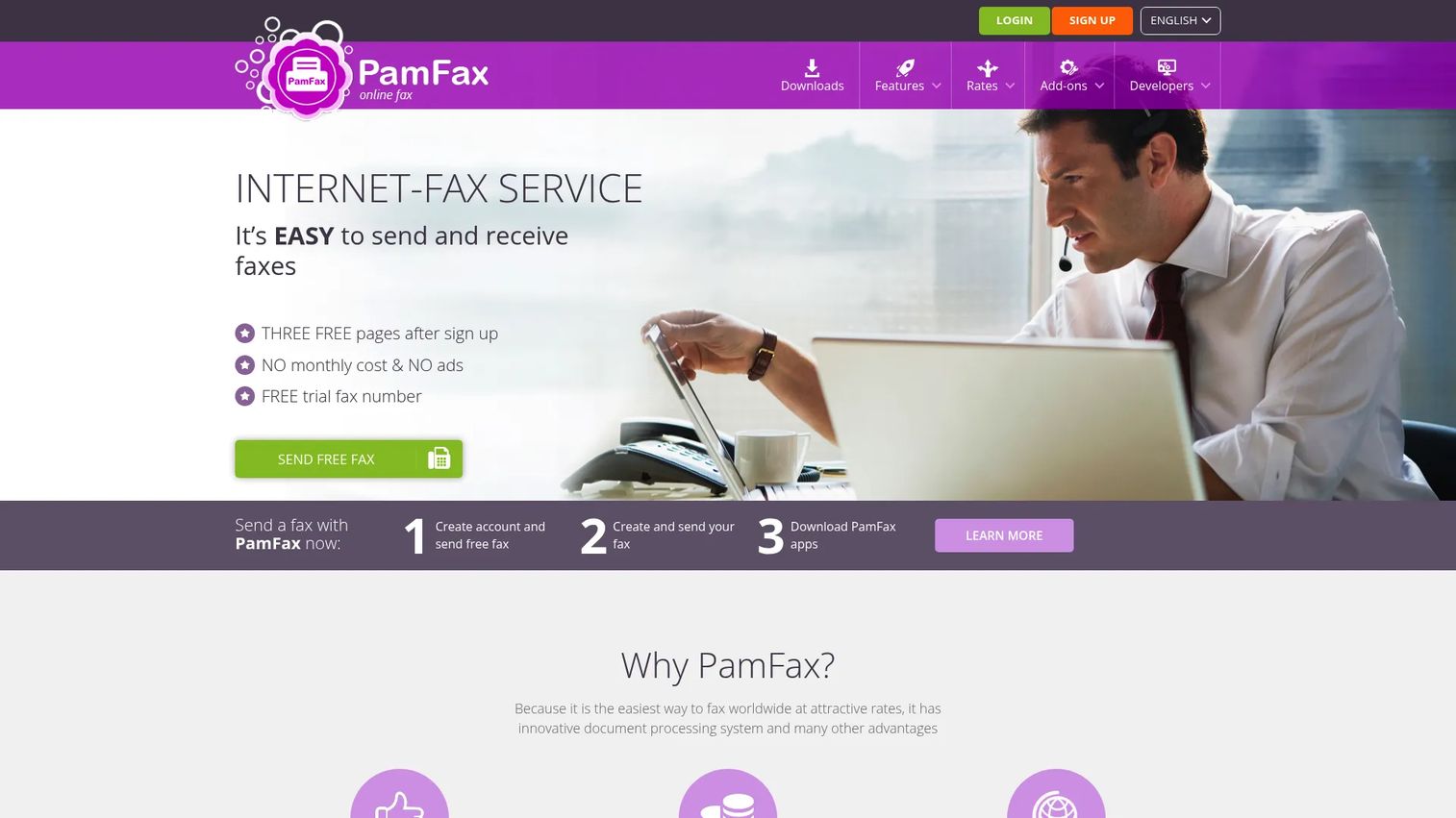
PamFax is an online fax service with a pay-as-you-go On Demand option and low-cost subscription plans. It supports sending and receiving, unlimited fax reception on paid plans, cloud backup integrations with Dropbox, OneDrive, Google Drive, and Box, and Microsoft Office and Outlook integrations. SSL encryption is included. PamFax is operated by PamConsult Software und Beratungsgesellschaft mbH.
Best for: Individuals and small businesses who fax internationally or unpredictably and prefer per-use pricing over a monthly commitment.
Key features
- Pay-as-you-go On Demand faxing from $0.18/page
- Unlimited fax reception on paid plans
- Cloud backup integrations: Dropbox, OneDrive, Google Drive, Box
- Microsoft Office and Outlook integrations
- PamFax API and SSL encryption
Why choose PamFax: Useful when fax volume is genuinely unpredictable and a monthly subscription would go mostly unused. The On Demand tier has no monthly fee; you pay per page sent. International coverage spans many countries, though rates vary by destination.
PamFax pricing: On Demand has no monthly fee; pages start at $0.18 each. Basic Plan is $7.18/month on an annual subscription (unlimited reception, dedicated local number). Professional Plan is $9.59/month annual (up to 100 free pages/month, unlimited reception, dedicated number, indefinite fax history).
G2 rating: 2.5/5 (one review)
18. FaxDrop
!FaxDrop browser-based fax tool
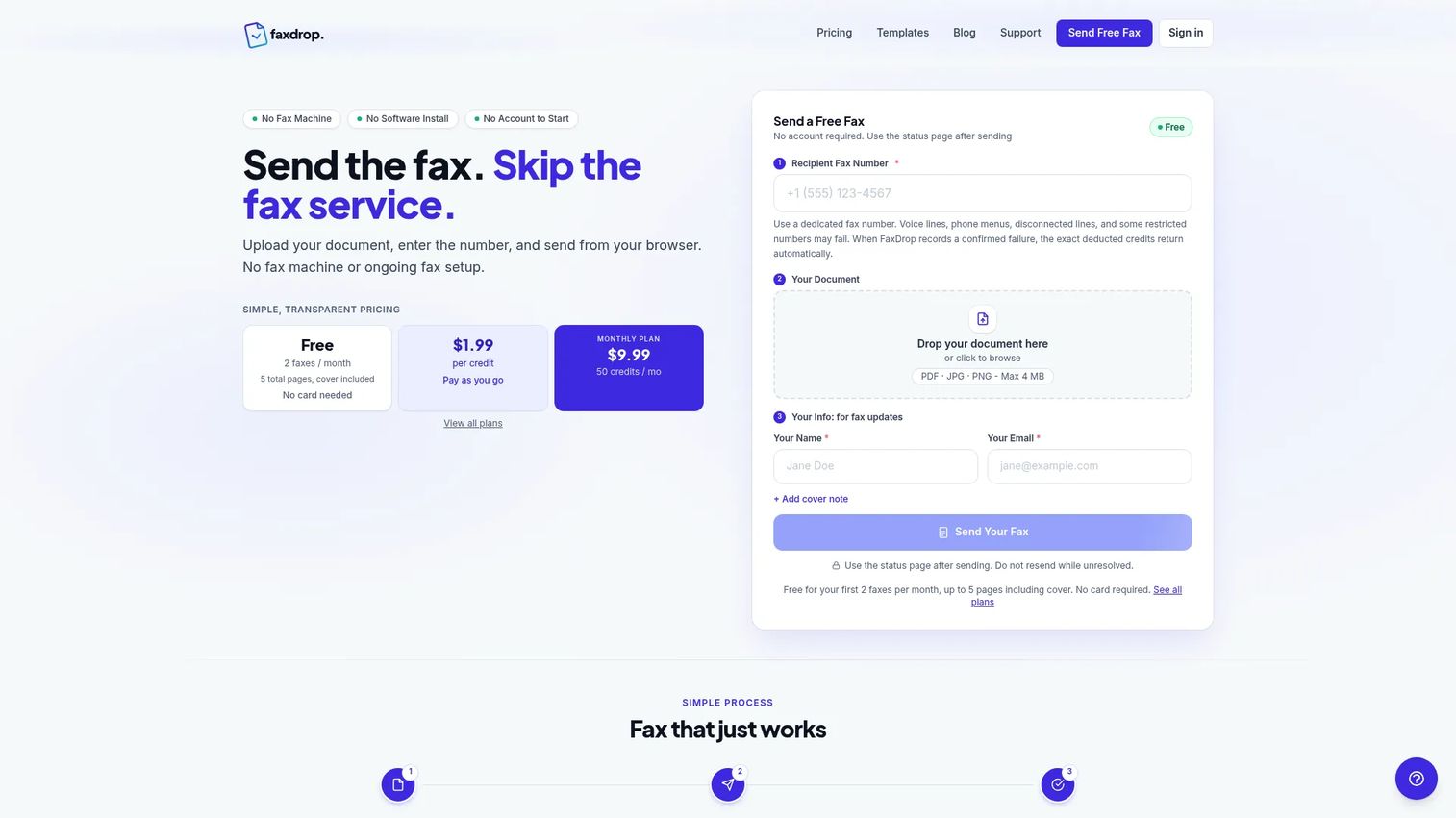
FaxDrop is a browser-based outbound fax service. No software installation is required. You upload a PDF, JPG, or PNG file, select a destination number, and send. The free tier allows 2 faxes per month at up to 5 pages each including a cover. Paid options include per-credit purchasing and monthly subscriptions. A REST API with API keys is available for developers.
Best for: Individuals, legal or healthcare professionals sending occasional documents, and developers who need a lightweight fax API.
Key features
- Browser-based outbound faxing (no software install)
- Free tier: 2 faxes/month, up to 5 pages including cover
- Pay-per-credit purchasing (credits never expire)
- REST API with API key support
- Optional custom-branded cover pages
Why choose FaxDrop: Good for quick outbound tasks and lightweight developer integrations. The free tier is outbound only; this is not the tool for a team that needs receiving or shared inbox features.
FaxDrop pricing: Free plan covers 2 faxes/month. Pay-per-fax credits are $1.99 each (covers one fax up to 10 pages). Credit bundles: $9.99 for 10, $19.99 for 25, $69.99 for 100. Monthly subscriptions: Basic at $9.99/month (50 credits), Pro at $24.99/month (200 credits). Purchased credits do not expire.
G2 rating: No current FaxDrop G2 listing was found at time of writing.
19. FaxBetter
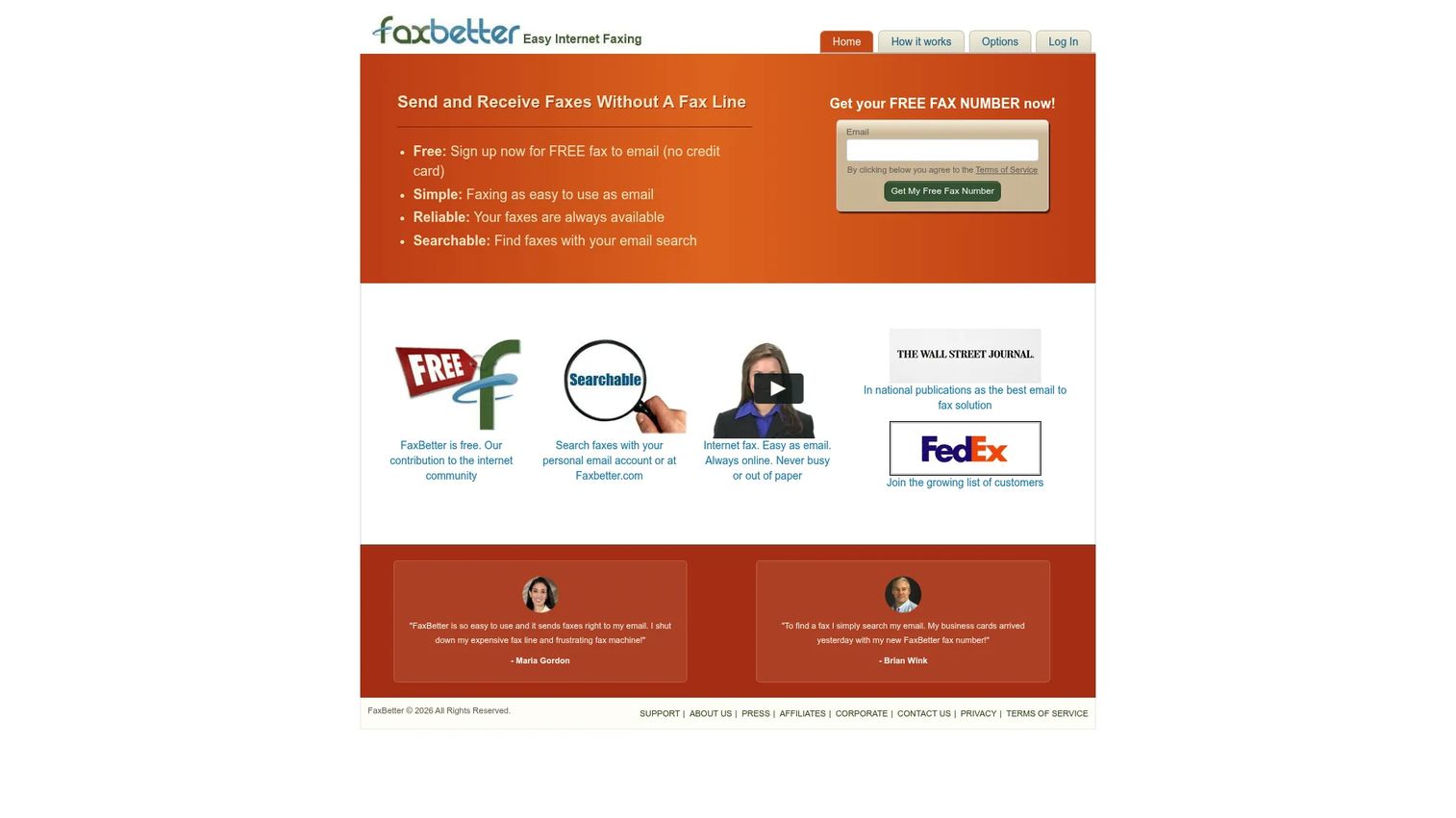
FaxBetter is built around inbound faxing. The free plan assigns a dedicated toll-free fax number and lets you receive up to 50 pages per month, with email notifications and 30-day storage. Sending requires upgrading to Premium. The service is straightforward and low-cost, designed for users where receiving is the primary need.
Best for: Individuals and small businesses that primarily need a low-cost inbound fax number and want sending as an add-on.
Key features
- Free dedicated toll-free fax number with receiving
- Email notifications for received faxes
- Send PDF, TIFF, Word, Excel, JPG, and HTML files (Premium)
- Unlimited lifetime storage on Premium
- 500 sent or received pages per month on Premium
Why choose FaxBetter: The free receiving model is genuinely useful when a company needs a fax number for inbound documents but rarely sends. Upgrade to Premium for sending access. Verify current activity requirements and storage rules before relying on it for anything time-sensitive.
FaxBetter pricing: The free plan covers receiving up to 50 pages/month with 30-day storage and a dedicated toll-free number. Premium adds sending and unlimited storage at $9.95/month, $7.95/month billed annually, or $5.95/month on a 2-year prepayment.
G2 rating: No current FaxBetter G2 listing was found at time of writing.
Considerations when choosing online fax software
Sending versus receiving
Decide whether you need outbound sending only, or also a dedicated inbound number. Many free tools are send-only. Receiving typically changes the pricing equation significantly and usually requires a paid plan. If your ops team needs to accept signed contracts, insurance documents, or tax paperwork by fax, plan for a subscription from the start.
Document sensitivity and BAA requirements
Healthcare, HR, finance, and legal documents carry risk when routed through general-purpose or free tools. For any workflow touching protected health information, verify that the provider offers a Business Associate Agreement, confirm which plans include it, and check for access controls, audit logs, and encryption. Marketing language is not the same as current BAA coverage. Treat this as a vendor due-diligence item, not an assumption.
Pricing, page limits, and renewal terms
"Free" can mean branded cover pages, send-only limits, daily caps, credit-card trials, or activity requirements that deactivate your number. Before committing, check monthly page allowances, overage rates per page, setup fees, and cancellation terms. Annual billing often cuts costs by 20 to 30 percent, but locks you in. Match billing cadence to your confidence in the tool.
Workflow fit for the team
Decide who owns faxing: Finance, ops, HR, legal, or support. Choose software that fits their existing environment, whether email-based, mobile-first, shared inbox, or admin console. A tool your finance lead can operate independently is worth more than a feature-rich platform that routes every question back to you.
Reliability and delivery confirmation
Delivery confirmation matters when a fax is tied to a deadline, a legal filing, or a compliance requirement. Test any provider with a low-risk document before routing tax forms, insurance paperwork, or signed contracts. Look for explicit transmission reports, retry behavior on failure, and support response time if something goes wrong.
Conclusion
Online fax software is not a strategic purchase. It is operational infrastructure. The goal is finding a tool your team can run without involving the founder, without creating billing surprises, and without exposing sensitive documents to a provider that cannot back up its compliance claims.
For one-off outbound faxing, FaxZero and GotFreeFax handle it without a subscription. For general business faxing with receiving, Fax.Plus and Dropbox Fax are clean starting points with clear upgrade paths. For mobile-first workflows, iFax or FaxBurner depending on whether you need a permanent number. For healthcare, HR, or regulated documents, SRFax, Sfax, and mFax each position around HIPAA compliance, but verify current BAA terms before routing any protected data. For teams already evaluating a communications platform, RingCentral Fax and Nextiva vFax fold faxing into a broader decision.
The best fax tool is the one that earns its place quietly: Confirms delivery, protects the document, and stays out of your way after setup.
If your team is also evaluating tools beyond faxing, apply the same standard: The tool should prove value quickly, reduce handoffs, and earn its place in the stack.
Start your journey with Guideflow today!
FAQs
For most small businesses, Fax.Plus, Dropbox Fax, MyFax, or MetroFax cover sending and receiving at a predictable monthly cost. The right choice depends on monthly page volume, whether you need team access, and how important cloud storage integrations are. If the workflow involves healthcare, HR, or legal documents, evaluate SRFax, Sfax, or mFax instead and verify BAA terms before routing sensitive material.
FaxZero allows you to send a fax to U.S. and Canada numbers without creating an account, up to 3 pages plus a cover page, with a FaxZero-branded cover page and a limit of 5 free faxes per day. GotFreeFax also offers free daily sending with minimal signup friction. Both are outbound only and neither is appropriate for sensitive or regulated documents.
Free limits vary by provider. FaxZero allows 3 pages plus cover per fax, up to 5 free faxes per day. GotFreeFax allows up to 3 pages per fax at 2 free faxes per day. Dropbox Fax and HelloFax provide 5 free pages total on their free plans, with no daily-cap structure. Fax.Plus offers 10 free pages total. These limits change, so check each vendor's current terms before sending.
Free fax services are generally not appropriate for protected health information. HIPAA compliance requires a Business Associate Agreement from the fax provider, along with access controls, encryption, audit logs, and defined data handling procedures. SRFax, Sfax, mFax, and iFax each position around HIPAA compliance and offer BAA-related plans. Verify current documentation and BAA eligibility directly with the vendor before routing any patient data. This is operational guidance, not legal advice.
Yes, most paid online fax services assign a dedicated fax number for inbound faxes. Received faxes arrive as email attachments or inside a web inbox, depending on the provider. Free outbound tools like FaxZero and GotFreeFax do not support receiving. FaxBetter is structured around receiving, with sending available on the paid tier. If receiving is a core need, budget for a paid plan from the start.
Upload your document to your chosen fax service, enter the destination fax number, and send. The service converts your file into a fax transmission and delivers it to the recipient's physical machine. Email-to-fax is another path: Send your document as an attachment to a fax-addressed email, and the service transmits it on your behalf. Most services provide a delivery confirmation or transmission report once the send completes.
Online fax software is the broader category, covering web portals, mobile apps, API access, team inboxes, inbound numbers, and admin controls. Email-to-fax is one specific workflow within some providers, where you compose an email and attach a document, and the service sends it as a fax. Teams should choose based on whether they need browser access, shared users, mobile apps, cloud storage integrations, or inbound receiving, not just whether email-to-fax is supported.
Security varies significantly by provider and plan. Key factors to verify include transmission encryption, storage encryption, access controls, audit trails, retention policies, and BAA availability. General-purpose or free tools typically lack one or more of these. For legal, HR, or healthcare workflows, evaluate providers that explicitly document their security posture and offer BAAs at the plan tier you intend to purchase. Check current vendor documentation before sending, rather than relying on marketing claims.