Most companies already have an intranet. According to the 2025 State of Internal Communications and Intranet Technology Report, cited by Simpplr and Exo Platform, 91% of organizations have one. Yet only 13% of employees access it daily. That gap is the real problem: A platform that exists but does not get used is just a more expensive version of the email threads and shared drives it was supposed to replace.
The market backing these platforms is substantial. The employee intranet software market was valued at USD 8.8 billion in 2026, according to Market Growth Reports. But market size does not close the adoption gap. What closes it is choosing a platform that fits your workforce model, integrates with the tools your teams already use, and gives employees a reason to return.
This guide evaluates 20 employee intranet software options for 2026 across integration depth, governance, mobile access, and employee engagement features. Platforms that help teams build interactive product tours and guided onboarding experiences increasingly overlap with the intranet category, especially where employee self-service and knowledge access are priorities.
What's inside
- Who this guide is for: IT leads, HR, and operations teams at companies from mid-market to enterprise, including those managing hybrid, remote, frontline, or distributed workforces.
- How tools were chosen: Coverage of major intranet and digital workplace platforms, filtered by adoption evidence, integration ecosystem, and feature breadth relevant to internal communication and collaboration.
- Key evaluation criteria: Microsoft 365 and Google Workspace fit, governance and permissions, mobile access, employee engagement features, and implementation complexity.
TL;DR
- Best for Microsoft 365 integration: Microsoft SharePoint pairs natively with Teams, OneDrive, and the rest of the M365 stack.
- Best for frontline teams: Connecteam is purpose-built for deskless workers with mobile-first communication and operations tools.
- Best for enterprise employee experience: Simpplr and Workvivo both deliver AI-powered intranet hubs at scale.
- Best for engagement and recognition: Assembly by Quantum Workplace combines peer recognition, rewards, and engagement measurement.
- Best for mid-market with transparent pricing: ThoughtFarmer includes all features in its per-user monthly plans, starting at $6 per user.
- Best free starting point: Connecteam's Small Business Plan is free for teams under 10, and Microsoft Teams includes a free tier.
What is employee intranet software
Employee intranet software is a centralized internal hub where organizations manage communication, document access, collaboration, and workflow coordination across their workforce.
Core capabilities to look for:
- News and announcements: Targeted publishing for specific teams, locations, or roles.
- Document libraries: Centralized storage with permissions, versioning, and search.
- Employee directory: Searchable profiles with contact information and organizational context.
- Search: Cross-platform search that surfaces people, documents, and content from integrated tools.
- Permissions and governance: Role-based access controls, content ownership, and policy enforcement.
- Personalization: Content targeting by location, department, role, or language.
- Analytics: Engagement metrics on content, usage patterns, and reach.
- Integrations: Connections to HRIS, productivity suites, communication tools, and business systems.
The category spans purpose-built intranet platforms, employee experience suites, and collaboration hubs that have expanded to include intranet-like functionality. Modern platforms increasingly add AI-powered search, content generation, and intelligent routing to reduce the friction of finding information.
When to use employee intranet software
Consolidate internal communication
When internal messages travel through email, chat channels, and departmental wikis simultaneously, employees miss critical updates and spend time hunting for the right source. A centralized intranet platform creates a single source of truth for company-wide news, policy changes, and team announcements. This is the right move when your communication stack has become fragmented and adoption of any single channel is inconsistently low.
Support distributed and frontline workers
Remote and hybrid teams face different access challenges than office workers, and frontline employees face different ones still. Frontline workers often lack corporate email or desktop access entirely. A mobile-first intranet with app-based access, push notifications, and offline capability lets field and deskless employees stay connected without requiring hardware they do not have.
Improve onboarding and knowledge access
New hires spend a significant share of their first weeks finding information that experienced colleagues take for granted. An intranet with structured knowledge bases, searchable document libraries, and onboarding paths reduces time-to-productivity. Pairing an intranet with interactive step-by-step guides makes institutional knowledge accessible on demand rather than dependent on knowing the right person to ask.
Build a more engaging employee experience
Intranets that only publish top-down content see low return visits. Employees average 3.23 intranet visits per working day, according to SWOOP Analytics (2026), but platforms with peer recognition, social feeds, and two-way communication see materially higher engagement. Use this category when you want internal communication to feel less like a bulletin board and more like a place employees choose to visit.
Employee intranet software comparison
The table below covers the 20 platforms in this guide. G2 ratings and pricing figures were verified against vendor pricing pages and G2 listings.
| # | Product | Best for | Key differentiator | Pricing | G2 rating |
|---|---|---|---|---|---|
| 1 | Microsoft SharePoint | Microsoft 365 teams | Native M365 integration | From $5.00/user/month | 4.0/5 |
| 2 | Connecteam | Frontline and deskless teams | Free for teams under 10 | Free tier available | 4.6/5 |
| 3 | Microsoft Teams | Unified chat and meetings | Free tier with paid upgrades | Free; $4.00/user/month | 4.4/5 |
| 4 | Simpplr | AI-driven enterprise intranet | AI-powered employee experience | Custom pricing | 4.6/5 |
| 5 | Workvivo | All-in-one employee comms | AI HQ with engagement tools | Custom pricing | N/A |
| 6 | Assembly by Quantum Workplace | Recognition and engagement | Recognition plus rewards | From $15,000/year | 4.8/5 |
| 7 | Calendly | Meeting scheduling automation | Routing forms and workflows | From $10/seat/month | 4.7/5 |
| 8 | ClickUp | Work management hub | Tasks, docs, chat, and AI | Free tier; from $7/user/month | 4.6/5 |
| 9 | ServiceNow | Enterprise workflow automation | Cross-functional AI workflows | Custom pricing | 4.4/5 |
| 10 | Haiilo | Employee communications hub | 130+ integrations | Custom pricing | N/A |
| 11 | Intercom | AI-first customer and employee support | AI agent with helpdesk | From $29/seat/month | 4.5/5 |
| 12 | Interact | Frontline and enterprise intranet | AI-native with mobile frontline app | Custom pricing | 4.5/5 |
| 13 | LumApps | Unified employee hub | Mobile-first with 50+ connectors | Custom pricing | 4.4/5 |
| 14 | Pebbl | Wellness-focused workplace support | Portable meditation and mindfulness | From $39 one-time | N/A |
| 15 | POWR | Website widgets and forms | 60+ no-code embeddable apps | Free tier; from $10.99/month | 4.4/5 |
| 16 | SAP SuccessFactors HCM | Enterprise HR and people management | Integrated HCM suite | Custom pricing | N/A |
| 17 | ThoughtFarmer | Mid-market cloud intranet | Transparent per-user pricing | From $6/user/month | 4.7/5 |
| 18 | Unily | Large enterprise digital workplace | Branded intranet with unified search | Custom pricing | N/A |
| 19 | Slack | Channel-based messaging | App ecosystem and workflow automations | Free tier; from $7.25/user/month | N/A |
| 20 | Zoho Connect | Integrated team intranet | Part of Zoho's broader suite | Free tier available | N/A |
Best employee intranet software for 2026
1. Microsoft SharePoint
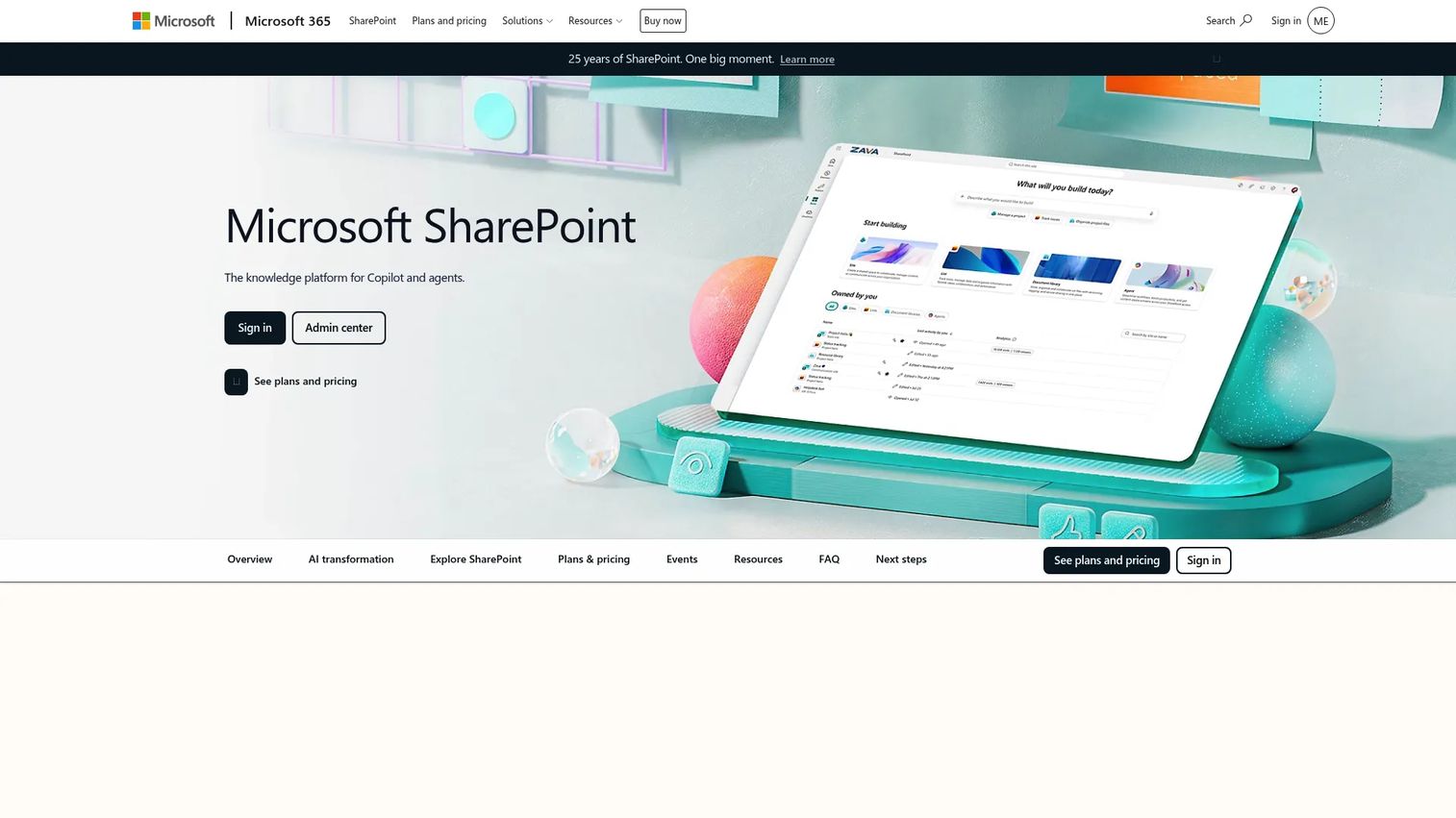
Microsoft SharePoint is the document collaboration and intranet backbone inside Microsoft 365. Teams use it to create team sites, department hubs, and organization-wide intranet portals that surface news, documents, and people search. Because SharePoint lives natively inside the M365 ecosystem, it integrates without configuration overhead with Teams, OneDrive, Outlook, and the Power Platform suite.
Best for: Organizations already running Microsoft 365 that need a governed, scalable document and intranet foundation.
Key strengths
- Native integration with Teams, OneDrive, Power Apps, and Power BI
- Team sites and hub sites with role-based permissions and versioning
- Real-time co-authoring and content publishing across the organization
Why choose SharePoint: No other platform offers the same depth of integration across the Microsoft stack. For organizations that have already standardized on Microsoft 365, SharePoint delivers a governed intranet layer without requiring a separate vendor relationship or data migration.
Microsoft SharePoint pricing: Plans start at $5.00 per user per month, billed annually, for SharePoint Plan 1. Microsoft 365 Business Standard, which includes SharePoint plus the full Office suite, starts at $12.50 per user per month billed annually.
G2 rating: 4.0/5
2. Connecteam
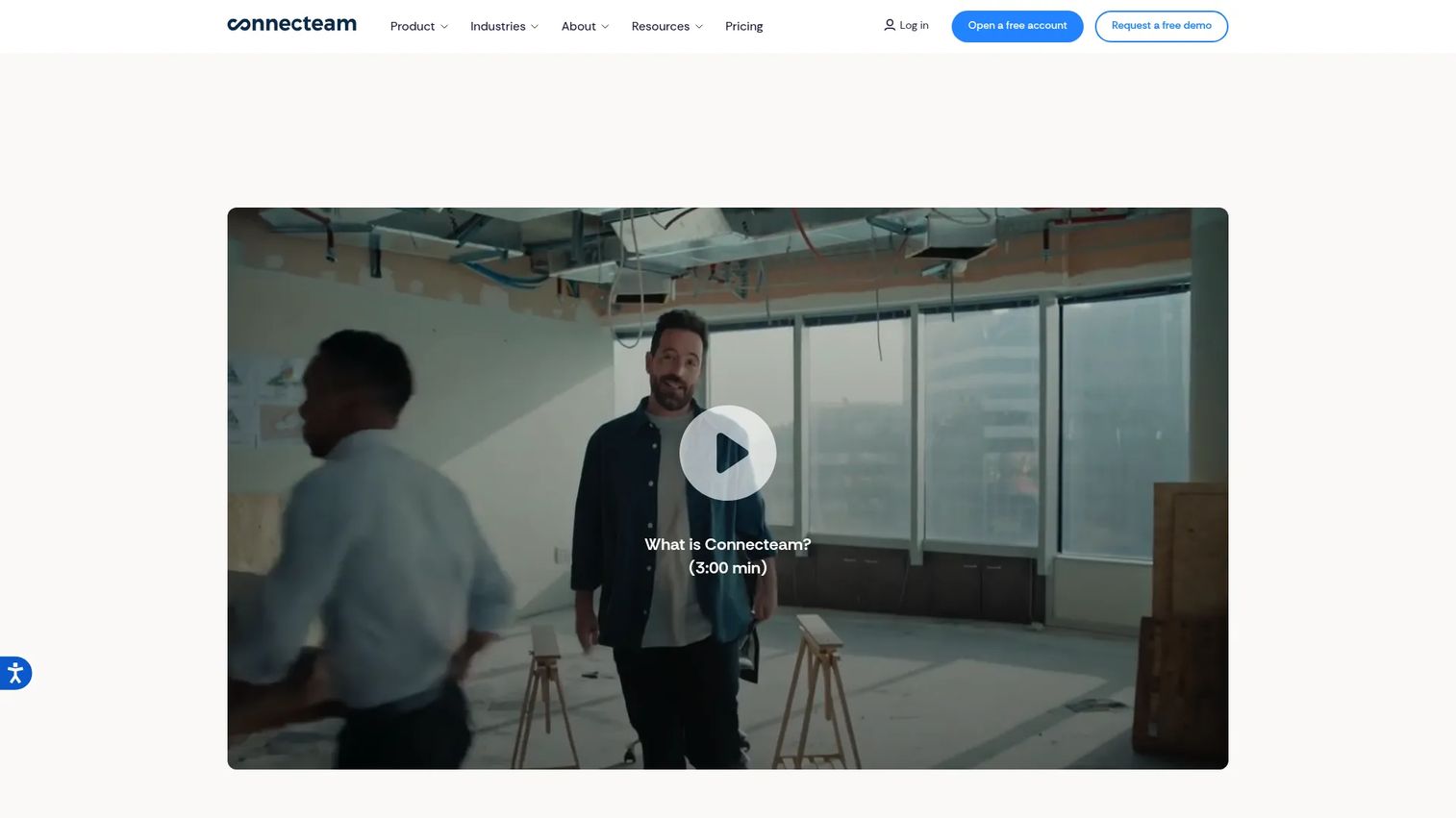
Connecteam is a mobile-first workforce management platform designed specifically for frontline, deskless, and field teams. Its three product hubs cover communication, operations, and HR and skills, giving managers a single app to reach employees who may not have corporate email or desktop access. The platform spans chat, updates, surveys, event coordination, knowledge bases, scheduling, time tracking, and onboarding, all accessible from a smartphone.
Best for: Companies with large frontline workforces where desktop software is not a realistic option for most employees.
Key strengths
- Communication Hub with chat, updates, surveys, and employee directory
- Operations Hub covering scheduling, tasks, forms, and time tracking
- Free Small Business Plan for teams under 10 employees; free Limited plan for teams under 30 after trial
Why choose Connecteam: Most enterprise intranet platforms are designed around desk workers and bolt on mobile access as a secondary feature. Connecteam inverts that assumption: Mobile is the primary surface, and every feature is built around the reality of a workforce that works in the field, on a shop floor, or across multiple locations.
Connecteam pricing: The Small Business Plan is free for teams under 10 employees. Paid plans are hub-based, starting at $0.80 per additional user per month on the Basic plan billed annually. The Advanced plan starts at $2.50 per additional user per month billed annually, and the Expert plan starts at $4.20 per additional user per month billed annually.
G2 rating: 4.6/5
3. Microsoft Teams
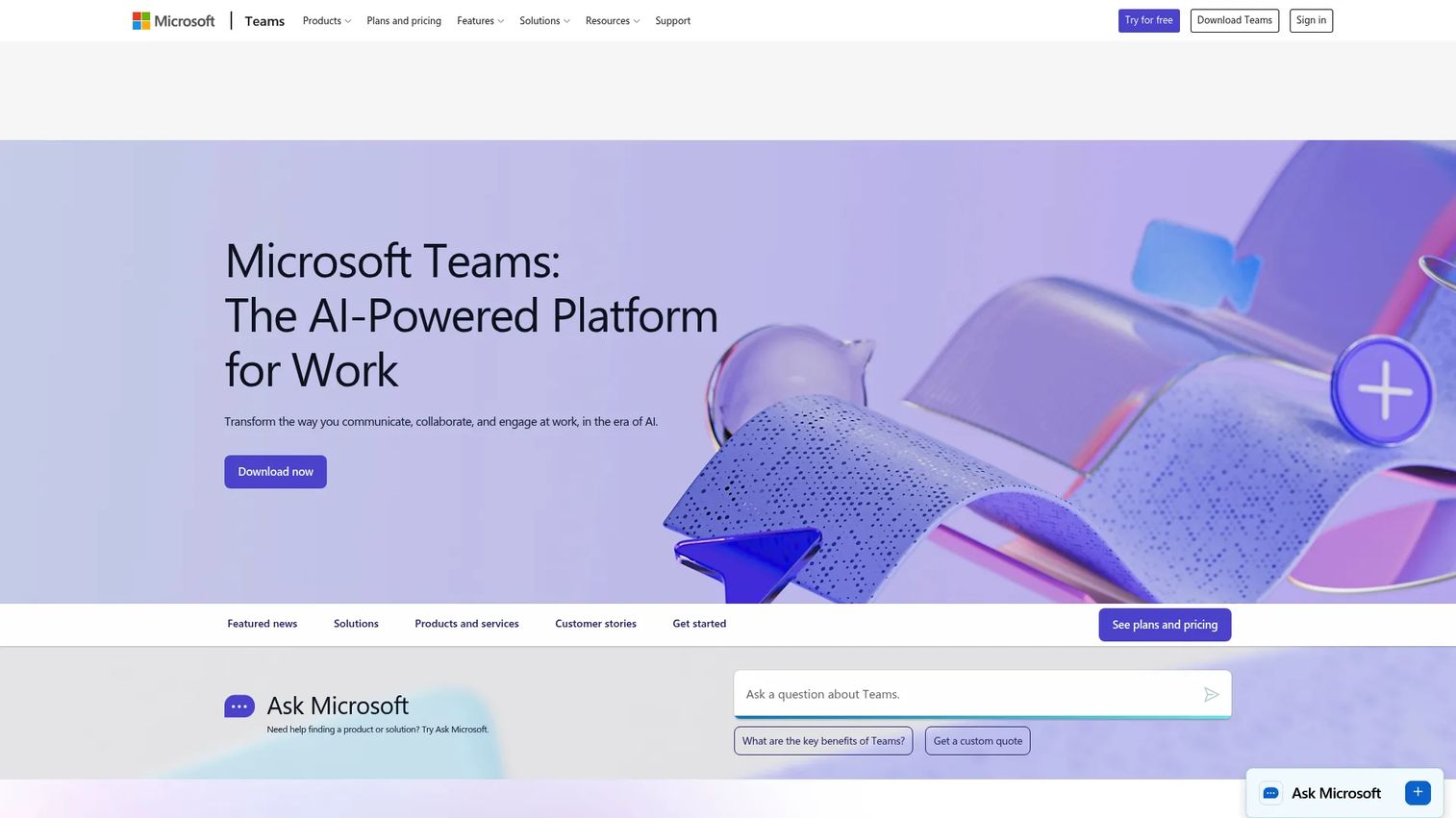
Microsoft Teams is Microsoft's collaboration platform for chat, video meetings, calling, and shared workspaces. While it is primarily a communication tool rather than a traditional intranet, Teams serves as the daily collaboration layer for millions of Microsoft 365 users and integrates directly with SharePoint for document access, making it a practical complement to a SharePoint-based intranet.
Best for: Organizations that need a unified communication and collaboration platform with tight Microsoft 365 integration.
Key strengths
- Persistent chat channels, video conferencing, and calling in one workspace
- File sharing via SharePoint integration with real-time co-authoring
- Meeting recordings, transcripts, and live captions for distributed teams
Why choose Microsoft Teams: Teams works best as the communication and meeting layer on top of a SharePoint intranet, rather than as a standalone intranet replacement. For organizations standardizing on Microsoft 365, the combination of SharePoint for structured content and Teams for real-time collaboration covers most internal communication needs.
Microsoft Teams pricing: A free plan is available with basic chat and meeting features. Teams Essentials starts at $4.00 per user per month, billed annually, and includes longer meeting durations and additional storage.
G2 rating: 4.4/5
4. Simpplr
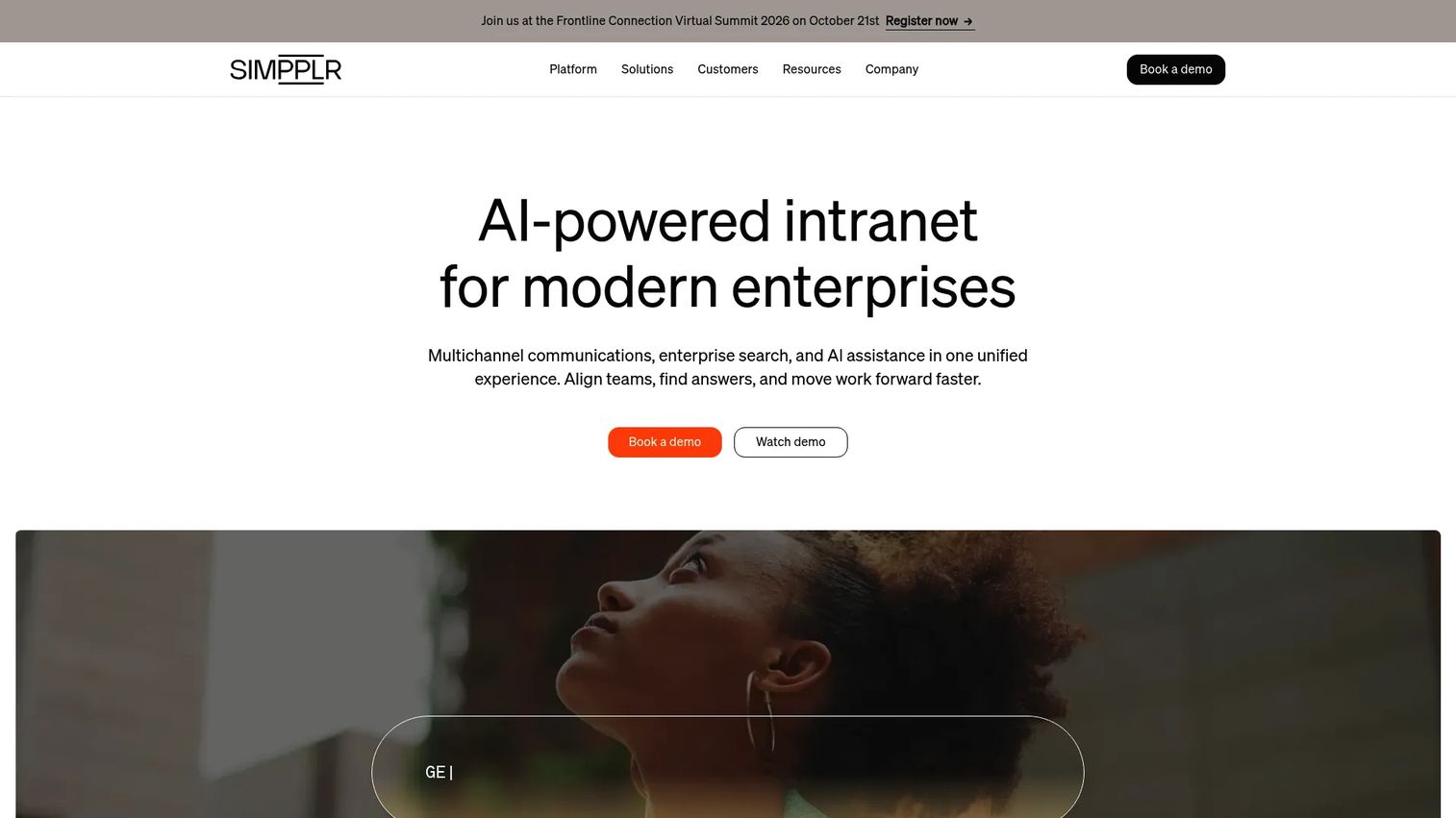
Simpplr is an AI-powered employee experience platform built around an intranet foundation. Its approach centers on intelligent personalization: The platform surfaces relevant news, content, and workflows based on each employee's role, location, and behavior. Simpplr's AI layer adds auto-tagging, content governance alerts, and intelligent search across connected systems, making it one of the more technically sophisticated options in the category.
Best for: Enterprises that want an AI-first intranet with strong governance, personalization, and a manageable administrative overhead.
Key strengths
- AI-powered personalized news feeds, search, and content recommendations
- Automated governance features including content expiry alerts and owner notifications
- Enterprise integrations covering HR systems, productivity suites, and business tools
Why choose Simpplr: The platform is consistently cited for ease of administration relative to its enterprise feature set. Teams that have struggled with SharePoint's governance complexity or with intranet platforms that require heavy IT involvement to maintain often find Simpplr's managed approach to content quality a meaningful practical advantage.
Simpplr pricing: Custom pricing based on organization size and complexity. Contact Simpplr for a quote. A 14-day trial is available.
G2 rating: 4.6/5
5. Workvivo
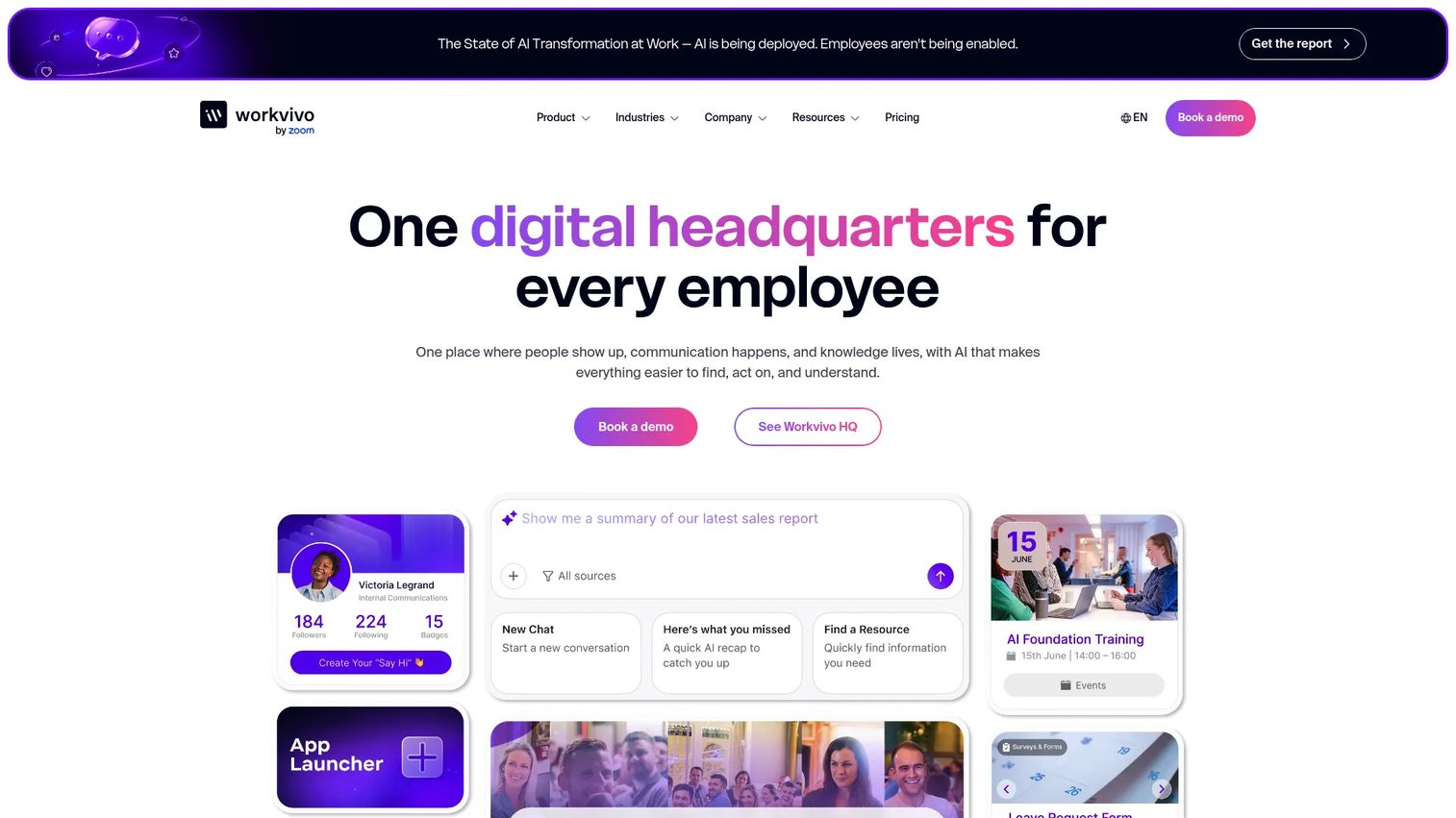
Workvivo, now part of Zoom, is an employee experience platform that combines intranet, communication, and engagement tools in a single hub. Its AI-powered employee headquarters, Workvivo HQ, surfaces personalized content, tools, and actions for each employee. The platform also includes livestreaming, digital signage, chat, and calls, making it one of the more complete employee communications environments available.
Best for: Mid-sized to enterprise organizations that want a unified platform for internal communications, employee experience, and engagement measurement.
Key strengths
- AI-powered employee HQ with personalized content and workflow surfaces
- Knowledge hubs, modern intranet tools, and targeted communications publishing
- Integrations with major HR, productivity, and business tools including Workday, Salesforce, and Zoom
Why choose Workvivo: The platform's integration with Zoom gives it a natural fit for organizations already using Zoom for meetings. Its combination of social-style engagement features with structured intranet content makes it particularly effective for organizations trying to improve both reach and adoption, not just publish content.
Workvivo pricing: Custom pricing. Contact Workvivo for a quote based on license count and organizational needs.
G2 rating: Not currently listed on G2's verified product page.
6. Assembly by Quantum Workplace
Assembly by Quantum Workplace is an employee recognition and rewards platform that integrates with Slack and Microsoft Teams. It focuses specifically on peer-to-peer recognition, manager-driven appreciation, and a rewards catalog where employees redeem points. Quantum Workplace's broader platform also includes engagement surveys and performance tools that extend Assembly's reach into the employee lifecycle.
Best for: Organizations that want to improve engagement and retention through structured recognition and rewards, particularly those already using Slack or Teams.
Key strengths
- Peer-to-peer recognition with a points-based rewards catalog
- Slack and Microsoft Teams integration for in-workflow recognition
- Engagement measurement tools from the broader Quantum Workplace platform
Why choose Assembly: Recognition programs are most effective when they live inside the tools employees already use daily. Assembly's native integrations with Slack and Teams mean recognition does not require an additional app context switch, which materially increases participation rates compared to standalone recognition platforms.
Assembly by Quantum Workplace pricing: Packages start at $15,000 and can be purchased as a bundle, separately, or on an à la carte basis. Contact Quantum Workplace for a custom quote.
G2 rating: 4.8/5
7. Calendly
Calendly is a scheduling automation platform that removes the back-and-forth from booking meetings. While it is not a traditional intranet platform, Calendly is frequently embedded inside internal portals and employee hubs as the scheduling layer for internal meetings, interviews, onboarding calls, and manager one-on-ones. It connects with most calendar, CRM, and video conferencing tools.
Best for: Teams that need to streamline internal and external meeting scheduling without manual coordination.
Key strengths
- One-on-one and team scheduling with automated reminders
- Routing forms to direct meeting requests to the right person or team
- Integrations with Google Calendar, Outlook, Zoom, Salesforce, and HubSpot
Why choose Calendly: Its practical role in an intranet stack is as a component rather than a hub: Embedded booking links and scheduling widgets inside employee portals, help centers, or HR pages reduce the friction of accessing internal services. The free plan covers basic individual scheduling, which makes it easy to test before committing to a paid tier.
Calendly pricing: A free plan is available. Standard starts at $10 per seat per month billed annually. Teams starts at $16 per seat per month billed annually. Enterprise plans start at $15,000 per year.
G2 rating: 4.7/5
8. ClickUp
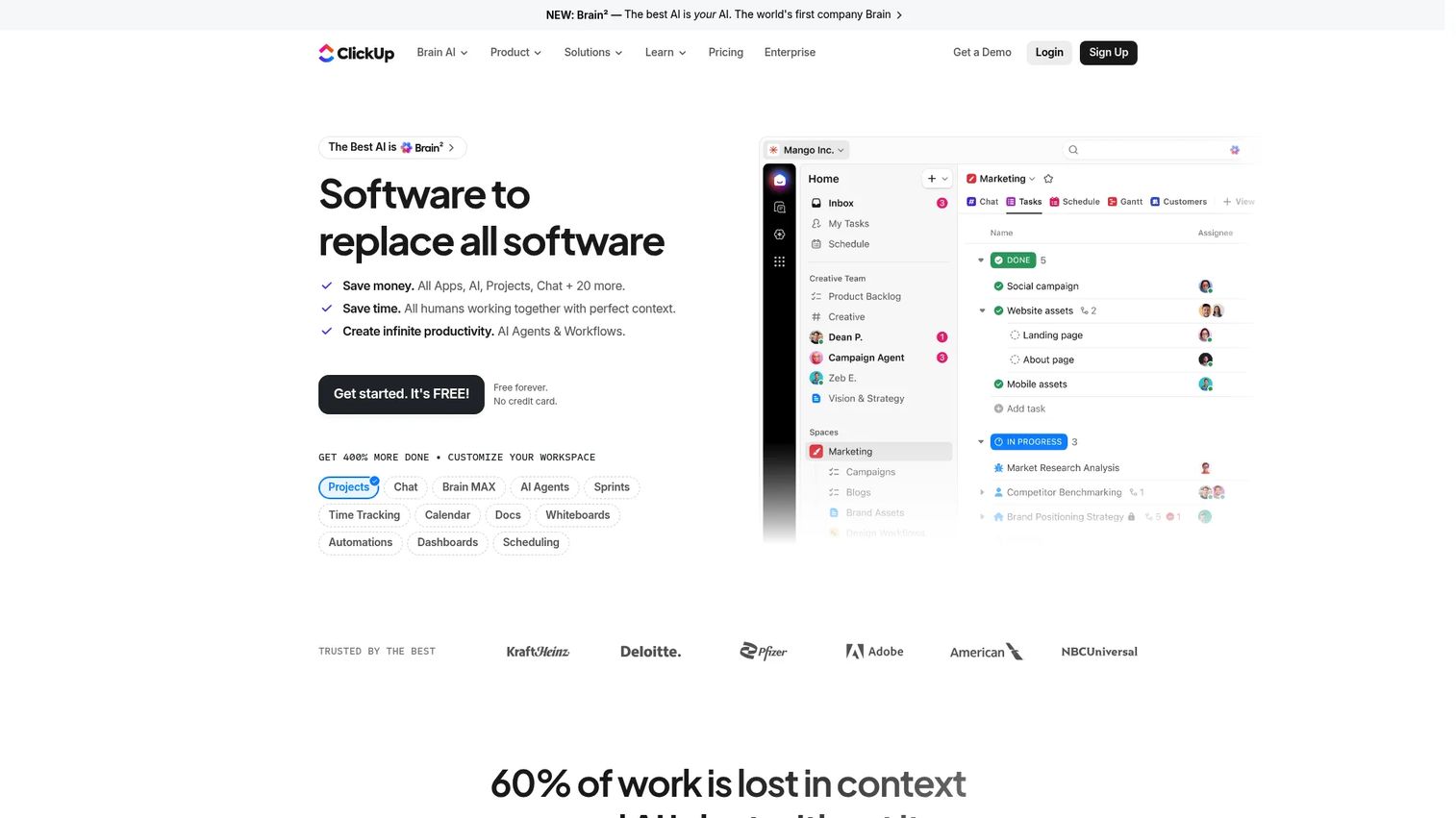
ClickUp is a highly configurable work management platform covering tasks, projects, documents, chat, goals, and automations. Its Docs feature functions as a lightweight knowledge base, and its AI capabilities (ClickUp Brain) can generate content, summarize threads, and automate routine work. Organizations looking for a single platform that spans project management and internal documentation often land on ClickUp as an alternative to maintaining separate tools for each job.
Best for: Teams that want a unified work management and documentation hub with strong customization and a generous free tier.
Key strengths
- Tasks, projects, and subtasks with multiple views including list, board, and Gantt
- Docs for collaborative documentation and knowledge management
- Chat, inbox, and automations consolidated in one workspace
Why choose ClickUp: The platform's breadth means it can reduce tool sprawl significantly for teams that currently maintain separate apps for project management, documentation, and team chat. Its free Forever plan is genuinely functional rather than just a trial, which makes it a practical starting point for smaller teams evaluating consolidated work management.
ClickUp pricing: Free Forever plan available. Unlimited starts at $7 per user per month billed annually. Business starts at $12 per user per month billed annually. Enterprise pricing is custom.
G2 rating: 4.6/5
9. ServiceNow
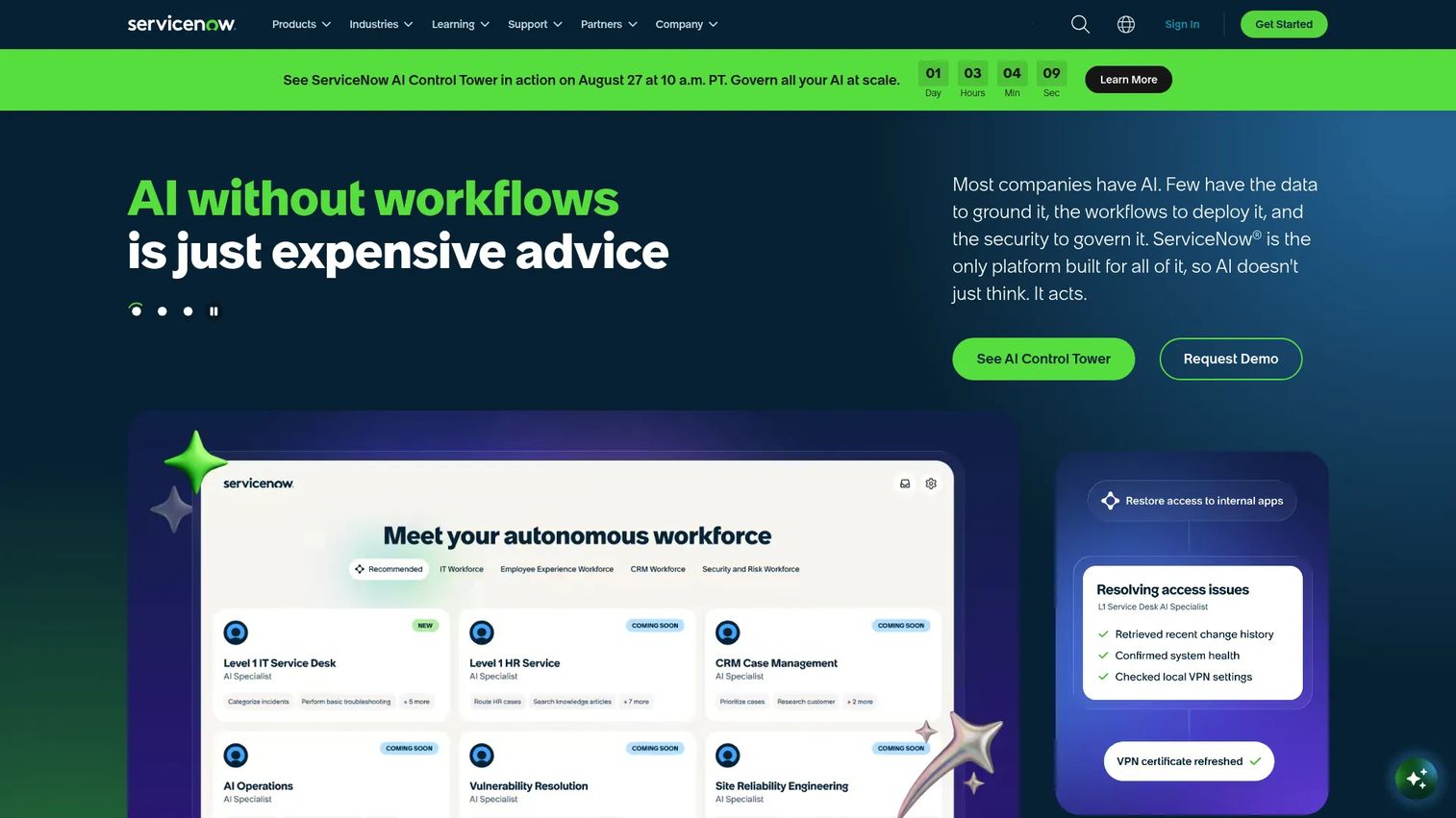
ServiceNow is an enterprise AI workflow platform that spans IT service management, HR service delivery, customer service, security operations, and application development. In an intranet context, ServiceNow's Employee Center product functions as an employee-facing portal for service requests, HR workflows, IT support, and cross-functional approvals. It is the platform of choice for organizations that need workflows, not just content publishing.
Best for: Large enterprises that need a governed, workflow-driven employee service portal integrated with ITSM, HRSD, and other back-end systems.
Key strengths
- Employee Center for self-service HR, IT, and facilities requests
- AI-powered workflow automation across ITSM, HR, security, and finance
- Extensible platform with low-code app development via App Engine
Why choose ServiceNow: The platform justifies its complexity at enterprise scale where the volume of service requests, compliance requirements, and cross-departmental workflows exceeds what lighter intranet platforms can govern. Organizations that already run ServiceNow for IT should evaluate Employee Center before adding a separate intranet vendor.
ServiceNow pricing: Custom pricing. Contact ServiceNow for a quote based on product modules and organization size.
G2 rating: 4.4/5
10. Haiilo
Haiilo is an employee experience platform covering internal communications, knowledge sharing, analytics, and integrations with over 130 business systems. Its AI layer powers search, content summaries, and information discovery across connected tools. Knowledge hubs and wikis give teams a structured space for documentation alongside the communications publishing features.
Best for: Mid-to-large organizations that need a branded employee experience hub with deep integration breadth and AI-powered search.
Key strengths
- AI-powered search and content summaries across connected systems
- Internal communications publishing with audience targeting and analytics
- Knowledge hubs and wikis plus 130+ system integrations
Why choose Haiilo: Its integration depth is a differentiator for organizations that run complex tool stacks and need a single search surface across HRIS, productivity, and business systems. The analytics layer gives communications teams visibility into reach, engagement, and content performance that most lighter platforms do not offer.
Haiilo pricing: Custom pricing. Contact Haiilo for a quote based on organization size and scope.
G2 rating: Not currently listed from a verified source.
11. Intercom
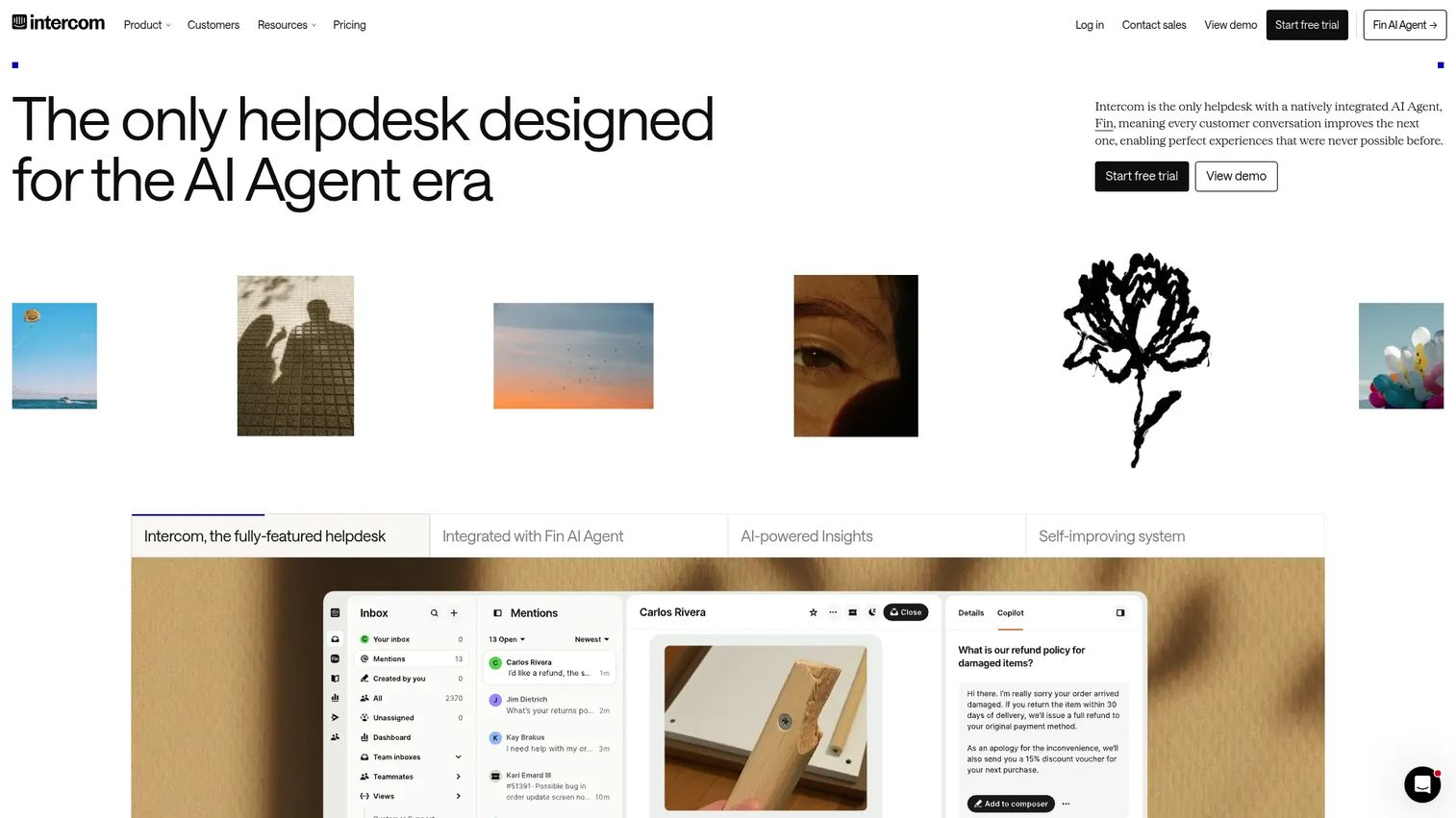
Intercom is an AI-first customer service platform with a shared omnichannel inbox, AI agent (Fin), workflow automations, and ticketing. Its primary use case is external customer support, but organizations also deploy it for internal helpdesk functions, particularly where IT and HR service desks need an AI-assisted triage and response layer rather than a traditional intranet or portal.
Best for: Support and operations teams that need an AI-driven helpdesk with strong automation and a unified inbox for handling requests.
Key strengths
- Fin AI Agent that handles queries and resolves issues automatically
- Shared omnichannel inbox consolidating email, chat, and messaging channels
- Workflows, tickets, and reporting for structured support operations
Why choose Intercom: It occupies a distinct niche in the employee-facing software category: Rather than publishing content for employees to browse, it routes and resolves requests through AI automation. Organizations with high internal service request volumes, particularly in IT or HR, benefit from its resolution speed and the reduction in manual ticket handling.
Intercom pricing: Essential starts at $29 per seat per month, billed annually. Advanced starts at $85 per seat per month billed annually. Expert starts at $132 per seat per month billed annually. The Fin AI Agent carries an additional usage-based charge of $0.99 per resolved outcome.
G2 rating: 4.5/5
12. Interact
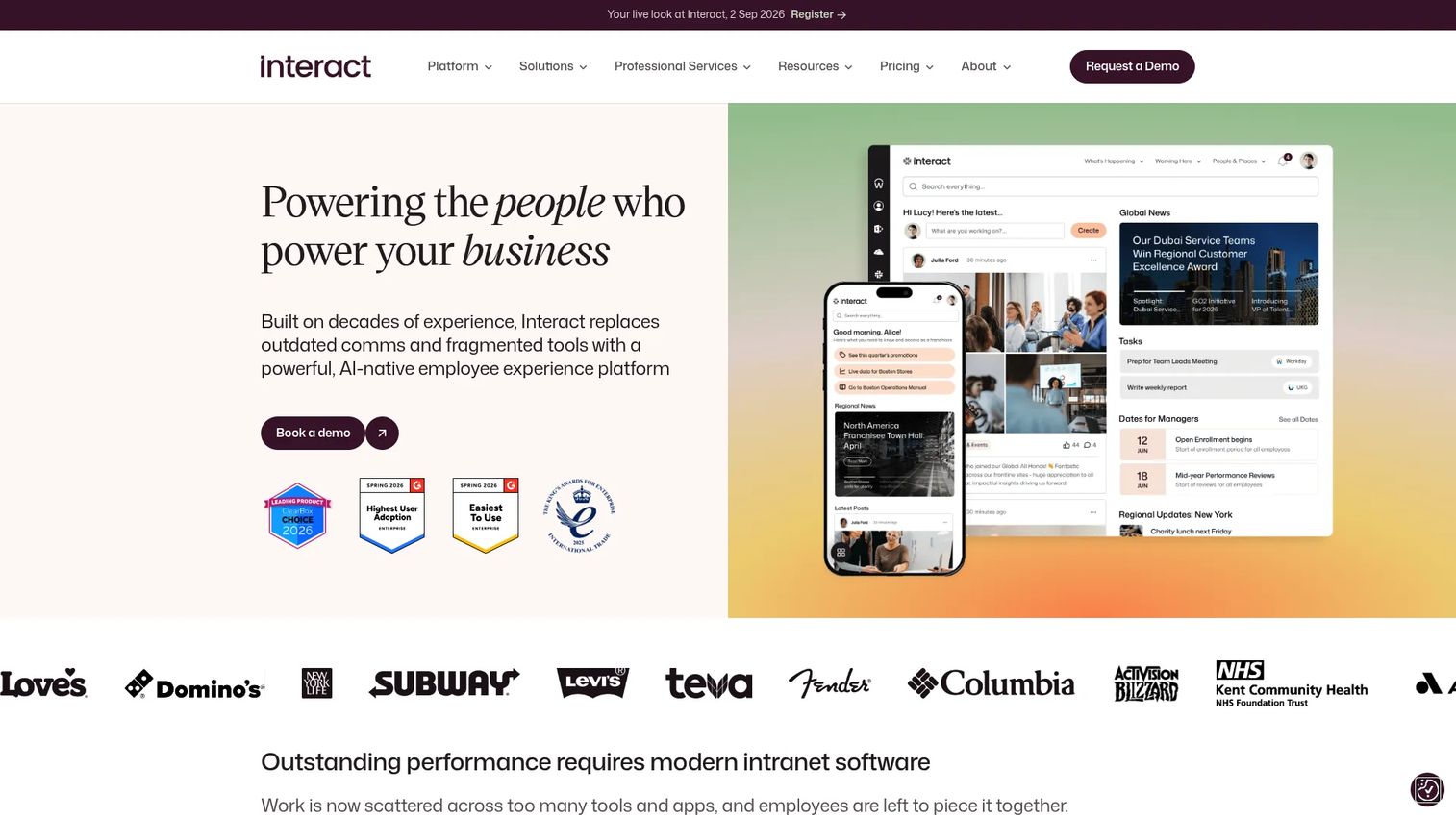
Interact is an AI-native employee experience platform focused on intranet, internal communications, and frontline engagement. Its mobile app gives frontline employees access to news, documents, surveys, and recognition without needing a desktop. Pulse surveys and analytics give communications teams ongoing signals on content reach and employee sentiment.
Best for: Large organizations with mixed workforces that need both a governed enterprise intranet and a practical frontline mobile experience.
Key strengths
- Personalized intranet with role and location-based content targeting
- Mobile frontline app for deskless employee access
- Pulse surveys, recognition, and communications analytics
Why choose Interact: It addresses one of the harder problems in the category: Making a single platform work for both corporate employees on desktop and frontline workers on mobile without compromising the experience for either group. Customer deployments include NHS organizations, universities, and global enterprises with genuinely diverse workforces.
Interact pricing: Custom pricing based on workforce size and scope. Contact Interact for a quote.
G2 rating: 4.5/5
13. LumApps
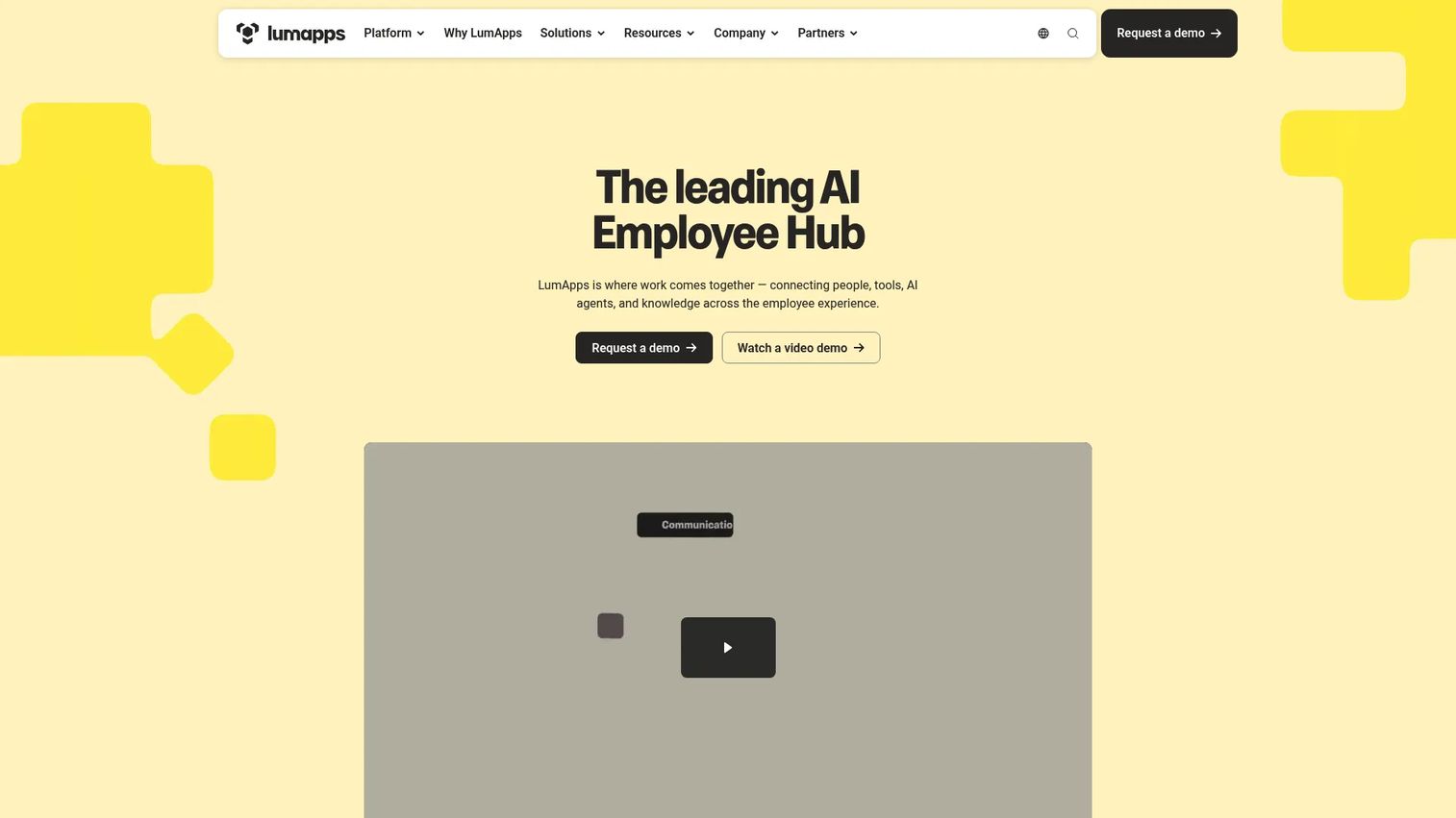
LumApps is an AI employee hub and intranet platform covering internal communications, workflows, learning, and frontline access. Its no-code workflow builder handles digital forms and task automation alongside content publishing, making it one of the more complete employee experience platforms for organizations that need more than a communications layer. Over 50 native connectors cover Microsoft 365, Google Workspace, ServiceNow, Workday, and other enterprise systems.
Best for: Large or mid-market organizations that need a unified employee experience platform with workflow automation and deep enterprise system integration.
Key strengths
- AI employee hub with people profiles, tools, AI agents, and knowledge surfaces
- No-code digital forms and task automation in the same platform
- Mobile-first frontline experience with targeted content and direct messaging
Why choose LumApps: The combination of structured content publishing, no-code workflows, and frontline mobile access in one platform means organizations can avoid maintaining separate tools for communications, knowledge management, and service delivery. Its connector ecosystem covers the major enterprise systems most large organizations already run.
LumApps pricing: Custom pricing. Contact LumApps for a quote.
G2 rating: 4.4/5
14. Pebbl
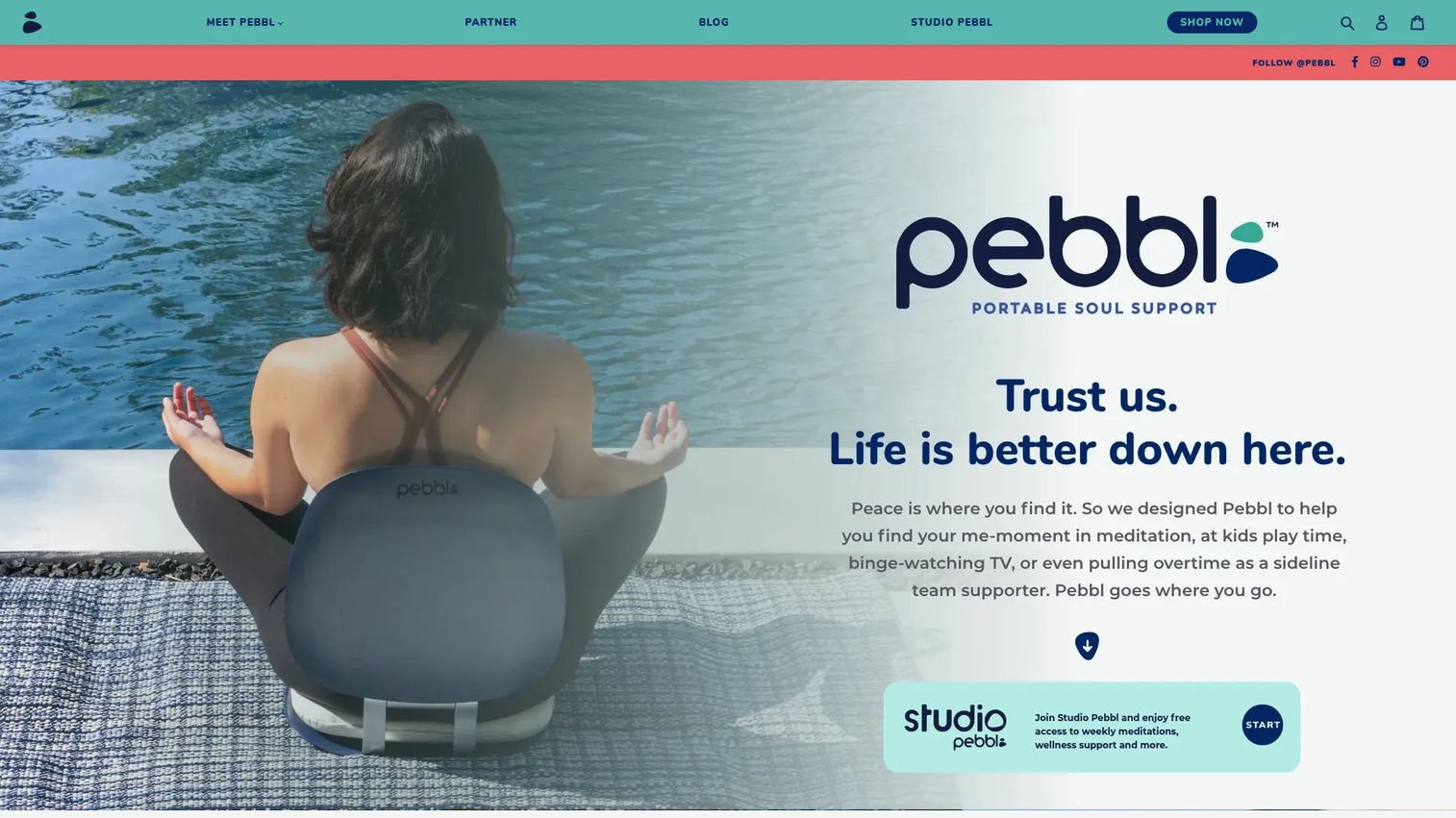
Pebbl is a portable meditation chair and wellness accessories brand, not a software platform. It offers physical products for mindful sitting and workplace wellbeing, with a free Studio Pebbl meditation resource for buyers. While the term "Pebbl" appears in some intranet software research contexts, the verified product at pebbl.com is a consumer wellness hardware offering with no software intranet functionality.
Best for: Individuals or organizations purchasing physical wellness accessories for meditation and back support.
Key strengths
- Portable meditation chair with ergonomic back support
- Free access to Studio Pebbl meditations with product purchase
- Product range covering seated meditation and mindful workspace accessories
Why choose Pebbl: As a physical wellness product rather than software, Pebbl does not fit the employee intranet software category. Organizations evaluating it as part of a broader employee wellbeing program should assess it separately from their intranet platform selection.
Pebbl pricing: Products start from $39.00 for accessories and from $50.00 for the Starter chair. The Sanctuary model is $189.00. These are one-time purchases.
G2 rating: Not listed on G2.
15. POWR
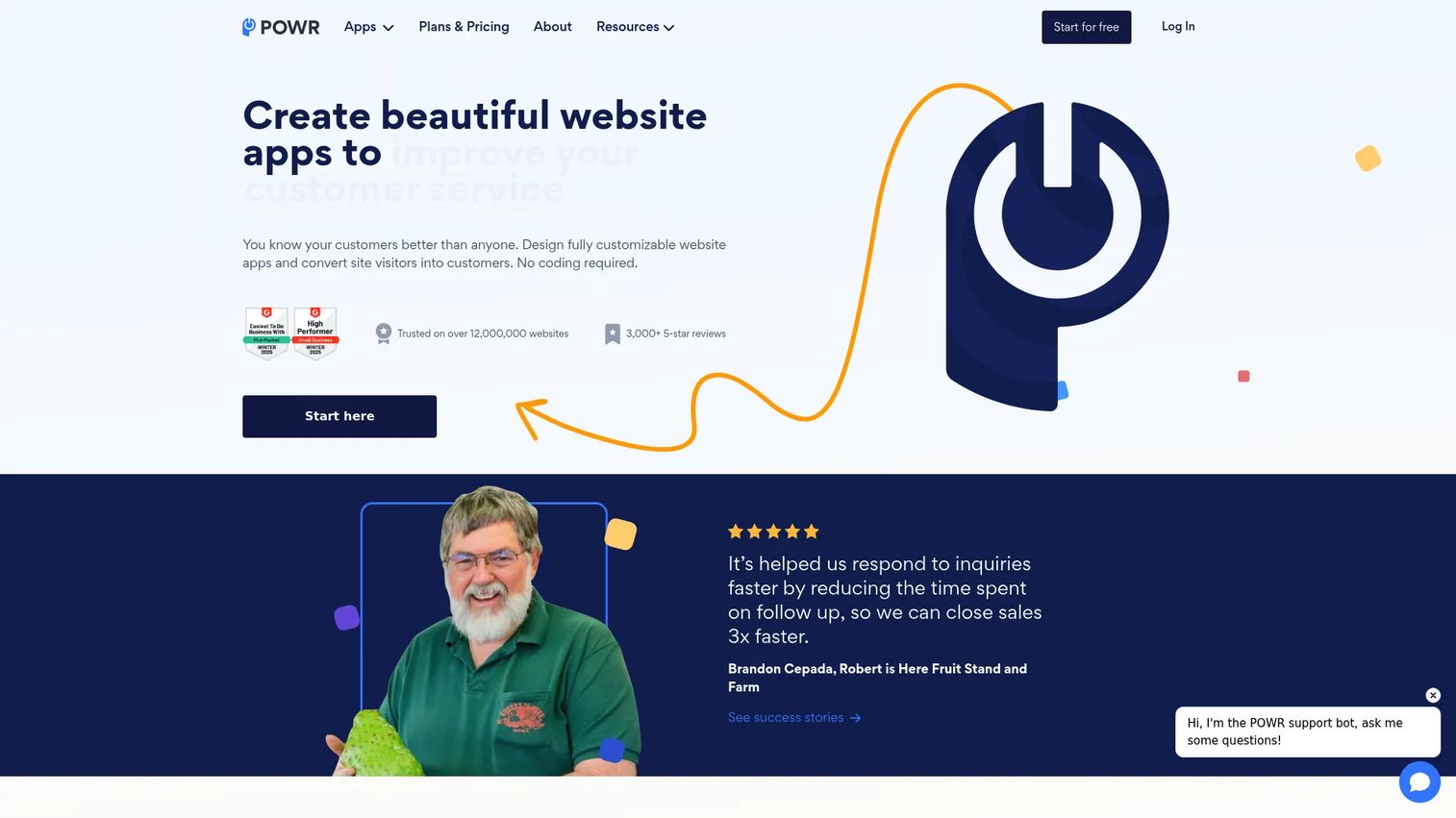
POWR is a no-code website app and plugin platform offering over 60 embeddable widgets including forms, popups, eCommerce tools, and social feeds. Organizations use POWR plugins to extend their intranet or internal portal pages with interactive forms, survey embeds, and content widgets without requiring development work. It is a component-layer tool rather than an intranet platform in its own right.
Best for: Teams that need to add interactive forms, surveys, or embeddable widgets to an existing intranet or internal website without custom development.
Key strengths
- Over 60 no-code embeddable apps for forms, popups, galleries, and more
- Drag-and-drop customization without coding or developer involvement
- Business plan provides unlimited access to all upgraded app features
Why choose POWR: Its role in an intranet context is as a layer on top of an existing platform, filling gaps where the core system does not support a specific interaction type. For organizations with a SharePoint or custom intranet that needs embeddable forms or feedback widgets, POWR can reduce the development backlog.
POWR pricing: A free plan is available. Starter is $10.99 per month. Pro is $19.24 per month. Business is $98.99 per month. These are monthly rates; annual billing reduces costs further.
G2 rating: 4.4/5
16. SAP SuccessFactors HCM
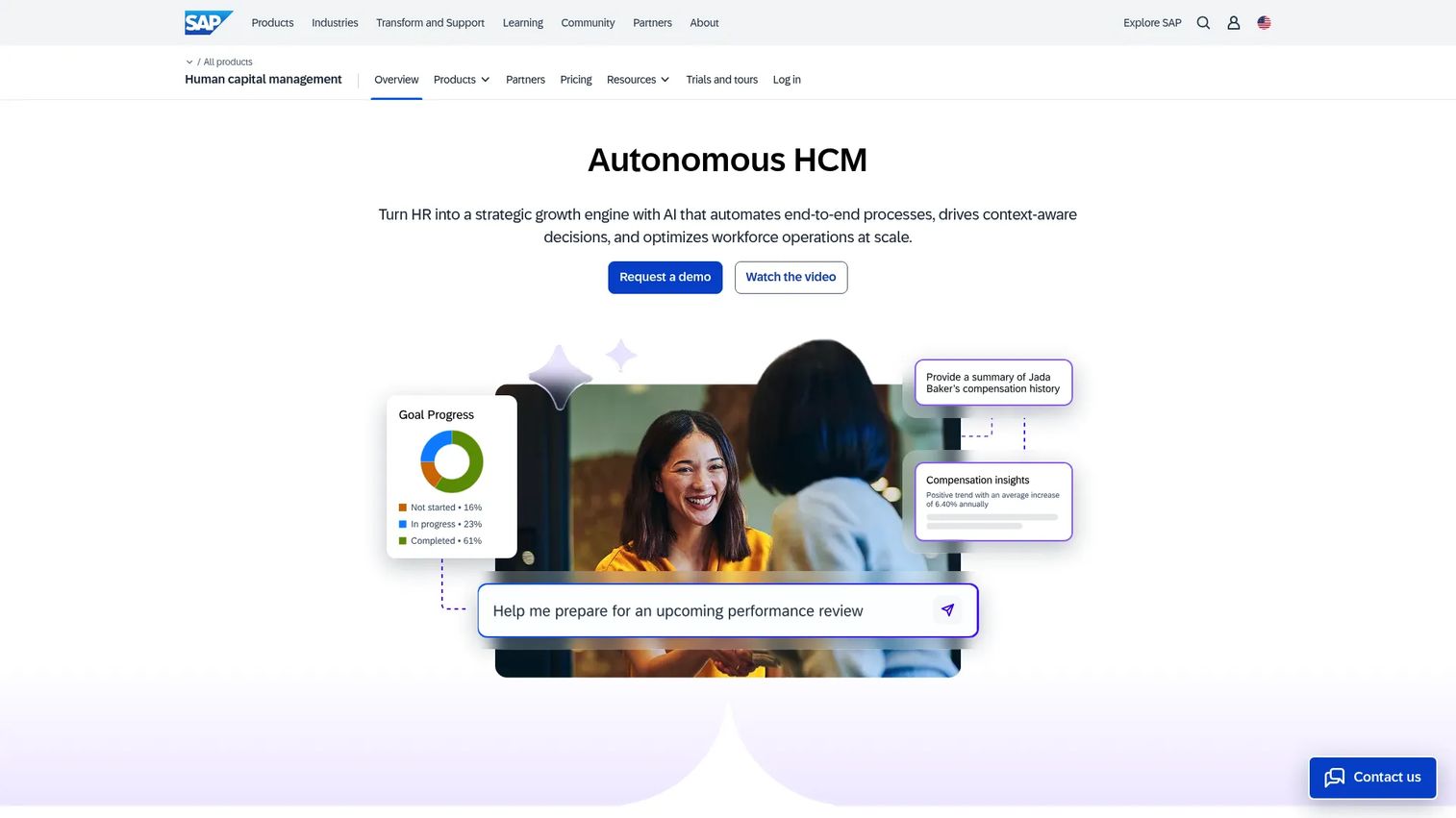
SAP SuccessFactors HCM is a comprehensive cloud-based human capital management suite covering core HR, talent management, learning, and employee experience. Its Work Zone product provides a personalized employee intranet-like experience that surfaces HR tasks, communications, and business applications in a unified digital workplace. SAP SuccessFactors is most relevant to large enterprises that want their intranet and HR systems to share a data foundation.
Best for: Large enterprises running SAP or looking for a deeply integrated HCM and employee experience platform.
Key strengths
- Comprehensive HCM covering core HR, payroll, talent, and learning
- SAP Work Zone for a unified employee digital workplace experience
- Deep integration with SAP ERP and third-party business systems
Why choose SAP SuccessFactors: The primary case is integration coherence. For organizations already invested in the SAP ecosystem, keeping HR data, workflows, and employee communications inside one vendor's platform reduces integration overhead and data reconciliation issues. Standalone intranet platforms require custom integration work that SAP SuccessFactors handles natively within its suite.
SAP SuccessFactors pricing: Custom pricing. Contact SAP for a quote based on modules and organization size.
G2 rating: Not verified from a current source.
17. ThoughtFarmer
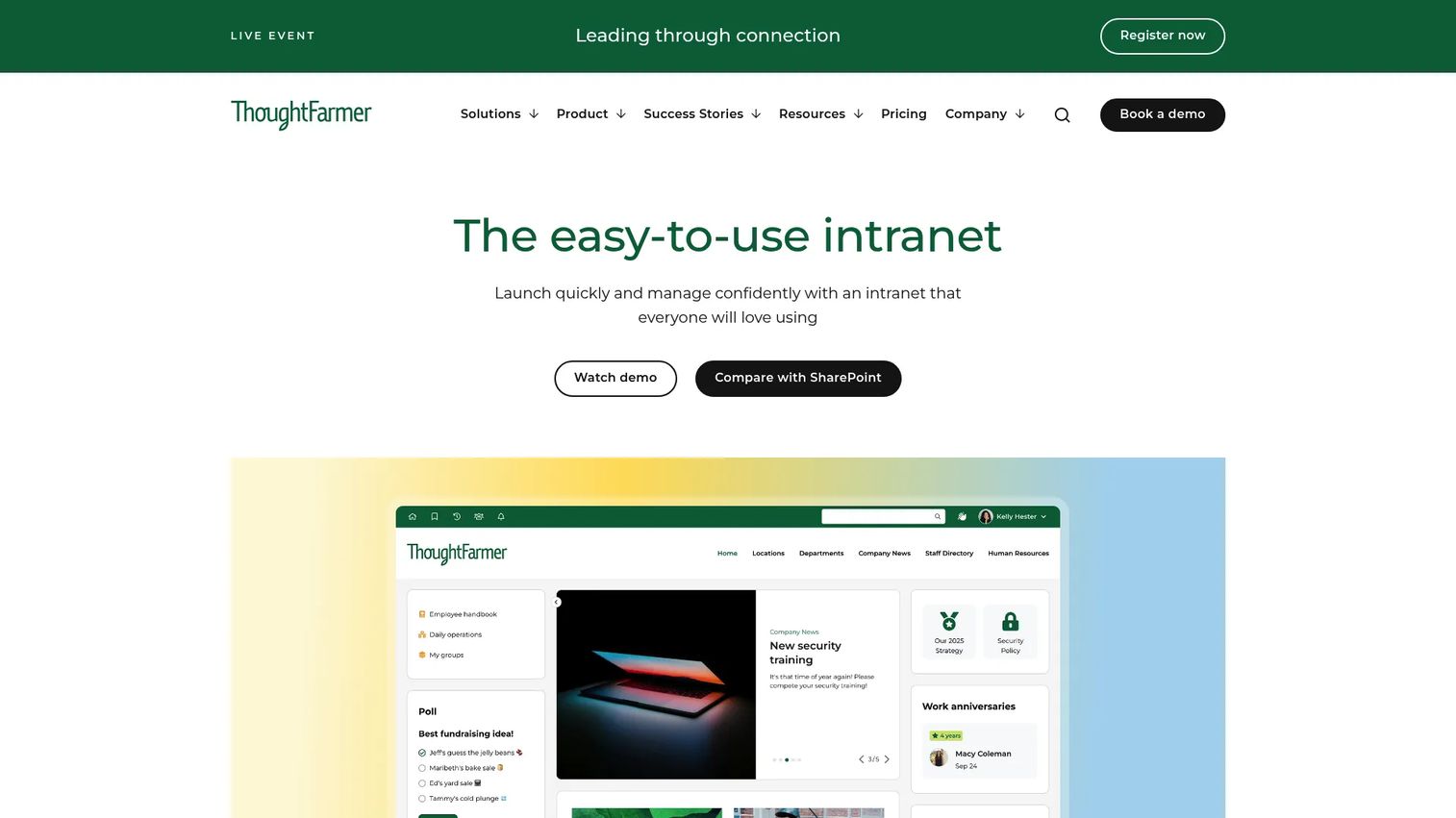
ThoughtFarmer is a cloud intranet platform built for employee communication, knowledge sharing, and engagement. It is one of the few platforms in the category that publishes transparent per-user monthly pricing, with all features included across tiers rather than gated by plan level. AI features including an assistant, content creation tool, and enhancement layer are part of the package, as are integrations with Microsoft 365, Google Workspace, and SharePoint.
Best for: Mid-sized organizations that want a full-featured intranet with predictable, per-user pricing and a 30-day free trial.
Key strengths
- AI Assistant, AI Create, and AI Enhance built into the platform
- All features included across all pricing tiers (no feature gating)
- Integrations with Microsoft 365, Google Workspace, SharePoint, OneDrive, and Teams
Why choose ThoughtFarmer: Transparent pricing is genuinely rare in the intranet category. Most platforms at this feature level require a sales conversation before any pricing context is available. ThoughtFarmer's published per-user model and all-features-included approach simplifies the evaluation process for mid-market teams that do not want to negotiate feature access tier by tier.
ThoughtFarmer pricing: Pricing scales by user count. For 50 to 99 users: $12 per user per month. For 100 to 199 users: $10 per user per month. For 200 to 499 users: $7 per user per month. For 500 to 999 users: $6 per user per month. Enterprise licensing for 1,000 or more users requires contacting ThoughtFarmer directly. A 30-day free trial is available.
G2 rating: 4.7/5
18. Unily
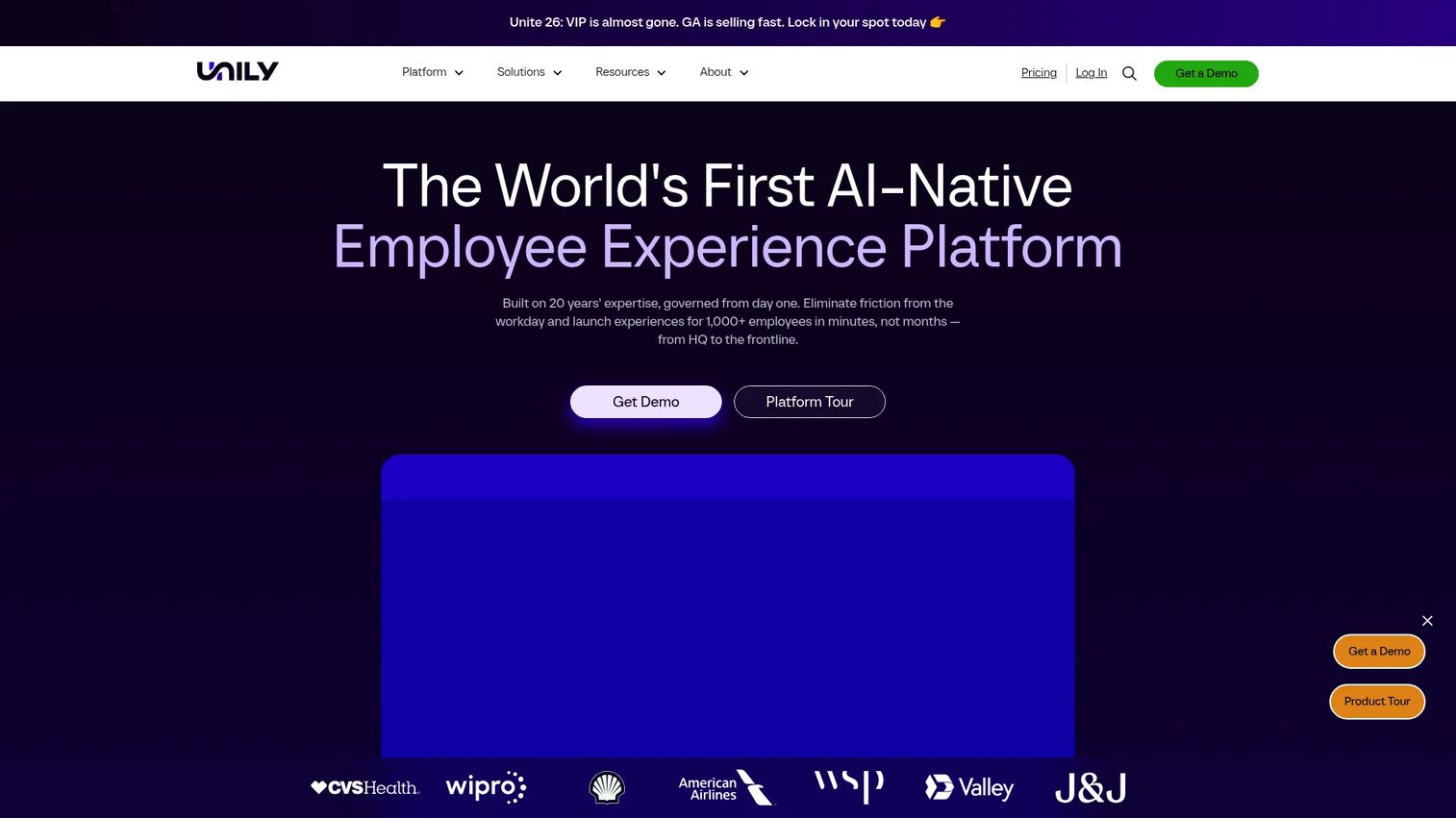
Unily is an enterprise employee experience platform covering intranet, internal communications, unified search, and extensible workplace apps. Its feature store and API layer allow organizations to extend the platform with custom functionality without full custom development. Unily targets large enterprises with complex, global workforces that need a branded, governed digital workplace with unified search across disparate systems.
Best for: Large enterprises that need a highly branded, extensible intranet and employee experience platform with unified cross-system search.
Key strengths
- AI-powered intranet with personalized content and employee experience tools
- Unified search across documents, people, and connected systems
- Extensibility through a feature store, APIs, and integrations with major enterprise platforms
Why choose Unily: Its positioning is squarely at the enterprise end of the market where brand, governance, and extensibility matter as much as feature breadth. Organizations that have outgrown simpler intranet platforms and need something that can be customized to match complex organizational structures and brand requirements tend to land on Unily as one of a short list of options.
Unily pricing: Custom pricing based on enterprise needs and scale. Contact Unily for a quote.
G2 rating: Not currently verified from a public source.
19. Slack
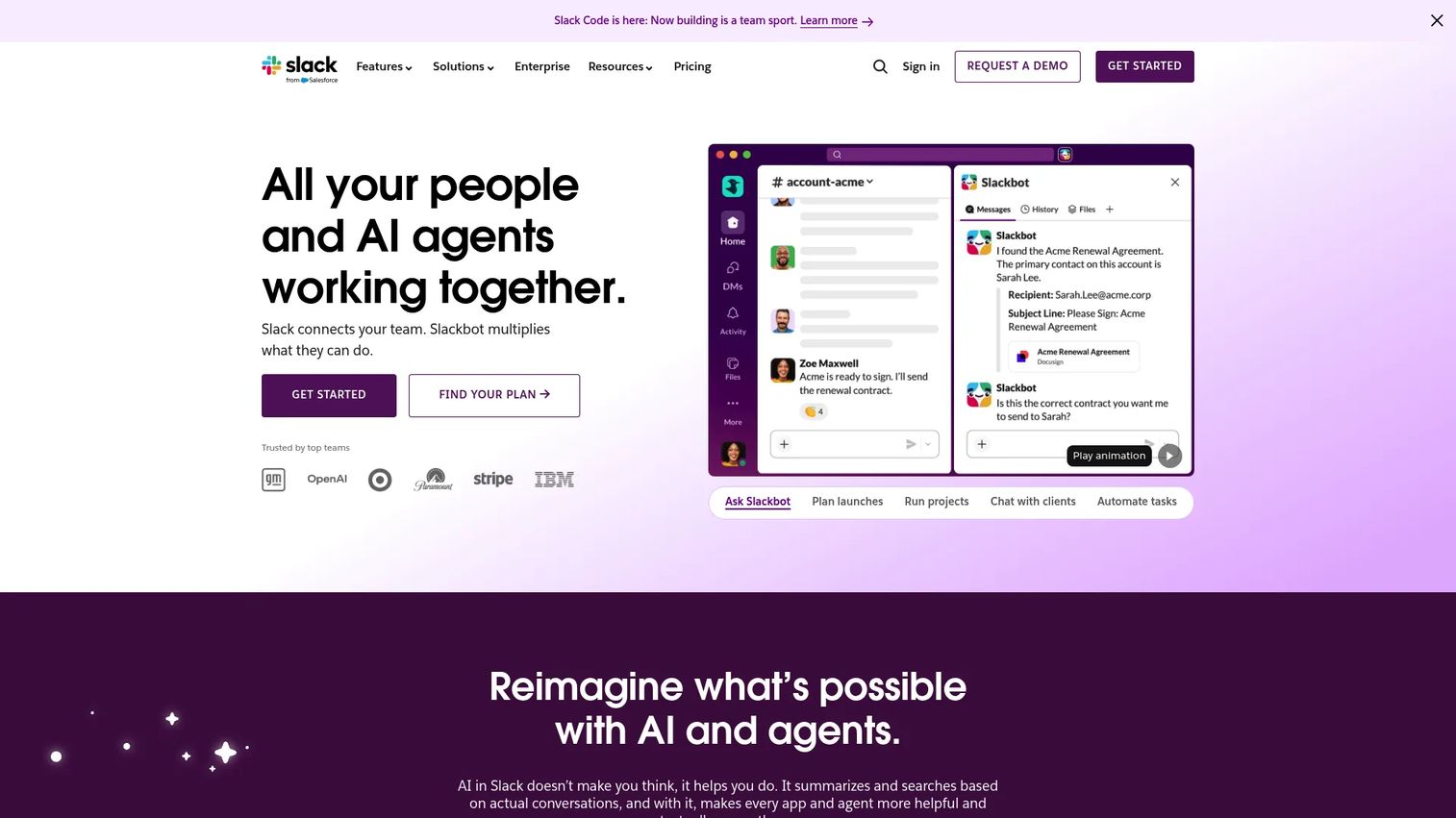
Slack is a channel-based messaging and workflow platform widely used as the real-time communication layer inside modern organizations. While Slack is not a traditional intranet, its Slack Canvas feature provides persistent document-like pages within channels, and its extensive app ecosystem connects it to most tools in a modern stack. Many organizations use Slack as a communication hub alongside a dedicated intranet for structured content and document management.
Best for: Teams that want channel-based communication, a large integration ecosystem, and workflow automations built into their messaging layer.
Key strengths
- Organized channels, direct messaging, and threaded conversations
- Workflow Builder for no-code automations and approval flows
- App marketplace with thousands of integrations across productivity, analytics, and HR tools
Why choose Slack: Its practical role in an intranet context is as the real-time communication layer, not a replacement for structured content management or document libraries. Organizations that pair Slack with a dedicated intranet for announcements, policies, and knowledge bases tend to get better adoption of both platforms than those trying to use either tool for jobs it was not designed to handle.
Slack pricing: A free tier is available with message history limits. Paid plans start from approximately $7.25 per user per month billed annually for the Pro tier, with Business and Enterprise Grid plans at higher price points. Confirm current pricing on Slack's pricing page, as rates vary by region and billing cycle.
G2 rating: Not currently verified from a public source.
20. Zoho Connect
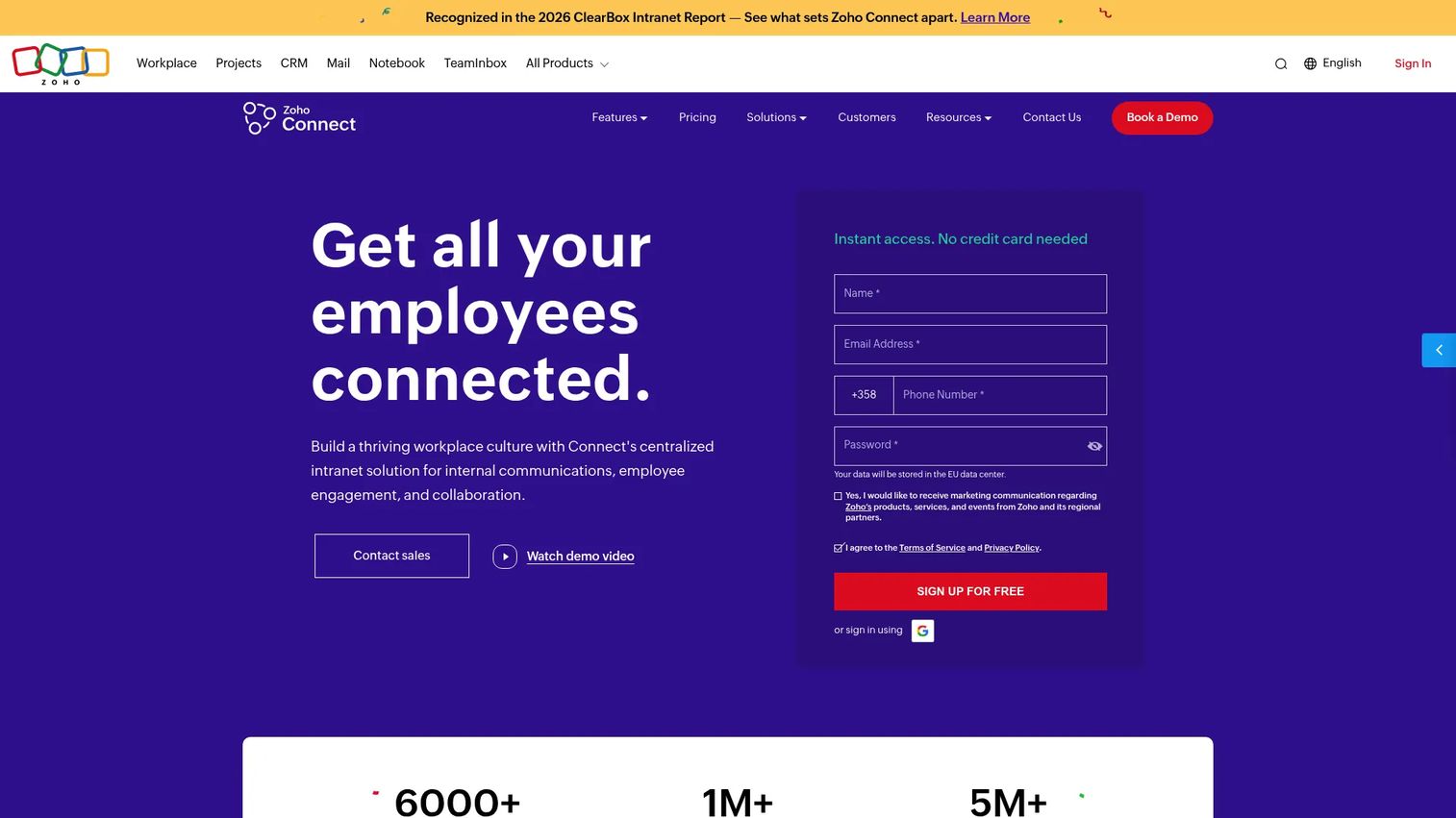
Zoho Connect is a team intranet and collaboration platform that is part of Zoho's broader business software suite. It provides social feeds, knowledge bases, forums, channels, and project tools in a single intranet environment. Organizations already using Zoho CRM, Zoho People, or other Zoho products benefit from the suite-level integration that Zoho Connect extends into internal communications.
Best for: Organizations using the Zoho product suite that want an intranet and internal collaboration platform with native suite-level integration.
Key strengths
- Social feed, knowledge bases, and forums for organization-wide communication
- Channels and direct messaging alongside structured content pages
- Integration with Zoho CRM, Zoho People, and other Zoho suite products
Why choose Zoho Connect: The strongest case for Zoho Connect is existing Zoho customers. For organizations already running Zoho CRM or Zoho People, adding Zoho Connect avoids introducing a third-party intranet vendor with a separate integration layer. For organizations not in the Zoho ecosystem, other platforms in this list offer more compelling standalone intranet capabilities.
Zoho Connect pricing: A free tier is available. Paid plans vary by features and user count. Confirm current pricing on Zoho's pricing page.
G2 rating: Not currently verified from a public source.
Considerations
Choosing the right employee intranet software comes down to a handful of criteria that matter more than feature checklists.
Integration ecosystem depth
An intranet's practical value depends on whether it connects to the tools your employees actually use. An organization running Microsoft 365 will get different value from SharePoint than from a standalone platform that requires API integration work to connect to Teams and OneDrive. Before evaluating features, map your existing stack and verify each platform's native integration coverage against it. Surface-level integrations (single sign-on only) behave very differently from deep data integrations that surface search results, user profiles, and content from connected systems.
Governance and permissions
Content quality degrades quickly on intranets with weak governance. Look for platforms that support content ownership assignment, expiry alerts, approval workflows for publishing, and audit trails for document changes. Enterprise teams with regulatory requirements add a compliance layer to this evaluation: Verify which platforms support SOC 2, offer data residency options, and can enforce multi-factor authentication at the organizational level. If security and compliance are central to your evaluation, prioritize vendors that publish clear documentation on their controls.
Mobile and frontline access
Not all workforces are desk-based. If your organization has field workers, retail staff, healthcare teams, or manufacturing employees, a platform designed around desktop browsers will see materially lower adoption among those groups. Evaluate whether the mobile experience is a native app with offline capability or a responsive web view, and whether frontline-specific features like push notifications and simplified interfaces are genuinely part of the product.
Personalization and targeting
A single content feed for all employees is an organizational broadcast, not an intranet. Effective platforms let communications teams target content by department, location, role, or language, and let employees set preferences for what they want to see. The gap between platforms with basic role-based permissions and those with behavioral personalization powered by AI is significant, and worth testing directly rather than assuming from feature listings.
Implementation complexity and adoption support
Purchasing an enterprise intranet and seeing employees actually use it are two different outcomes. SWOOP Analytics (2026) found that 95% of employees access the intranet during benchmark periods, but daily access sits at only 13% according to the 2025 State of Internal Communications report. That adoption gap is often a product of poor onboarding, weak change management, and insufficient training rather than platform limitations. Evaluate each vendor's implementation support, customer success resources, and evidence of adoption outcomes from comparable organizations, not just feature demonstrations.
Conclusion
The right employee intranet software for your organization depends primarily on three factors: Your existing tool stack, your workforce model, and how you define success. Microsoft SharePoint remains the strongest choice for organizations already on Microsoft 365, particularly when paired with Teams for daily communication. For frontline and deskless teams, Connecteam's mobile-first design and free tier for small businesses make it difficult to pass over. Mid-market organizations that want a purpose-built cloud intranet without complex enterprise pricing should put ThoughtFarmer's transparent per-user model and 30-day trial at the top of their evaluation list. Enterprise teams with engagement and experience goals alongside communication needs should evaluate Simpplr, Workvivo, Interact, and Unily against each other with a focus on AI features, governance, and frontline access.
Adoption is the real measure. A platform your employees return to daily wins over a more feature-rich system they open once a week. Whichever platform you choose, layering interactive demos and guided walkthroughs on top of it can accelerate onboarding and keep employees coming back.
Start your journey with Guideflow today!
FAQs
Employee intranet software is a centralized digital platform where organizations publish internal news, manage documents, enable employee self-service, and coordinate communication across teams. Modern platforms add AI-powered search, personalization, analytics, and integrations with HR and productivity tools to the traditional content publishing core. The category spans purpose-built intranet platforms, employee experience suites, and expanded collaboration hubs.
SharePoint is the most widely deployed intranet foundation in enterprise environments, primarily because it is included with Microsoft 365 subscriptions and integrates natively with Teams, OneDrive, and the Power Platform. It suits organizations that already run Microsoft 365 and have IT resources to configure and maintain it. Organizations without Microsoft 365 or without dedicated SharePoint expertise often find purpose-built intranet platforms like ThoughtFarmer or Simpplr faster to implement and easier to administer.
A well-configured Microsoft 365 intranet typically combines SharePoint for structured content, document libraries, and hub sites with Teams for real-time communication and file collaboration, and OneDrive for personal document storage. Organizations also frequently add Viva Engage (formerly Yammer) for social communication, and Viva Connections as a curated employee experience layer on top of SharePoint. The combination of these tools covers most intranet use cases without requiring additional vendors.
The core security requirements for enterprise intranet software include single sign-on (SSO) for authenticated access, multi-factor authentication (MFA) enforcement, role-based permissions that restrict content access by department or role, and audit logging for content changes and access events. Organizations in regulated industries should also verify data residency options, SOC 2 certification, and whether the platform supports data retention and deletion policies aligned with applicable regulations.
Frontline teams can access intranet software effectively when the platform is designed around mobile-first access rather than desktop browsers. The key requirements are a native mobile app with offline capability, push notifications for time-sensitive communications, and a simplified interface that does not assume corporate email or laptop access. Platforms like Connecteam and Interact are specifically built for this use case. Standard enterprise intranets designed primarily for desk workers typically see low adoption rates among frontline employees regardless of how good the desktop experience is.
An intranet is primarily a content and communication hub: It publishes news, stores documents, and provides a directory and search surface for internal information. An employee engagement platform focuses on the relationship between employees and the organization, covering recognition, feedback, pulse surveys, and social connection. In practice the lines have blurred significantly, with most modern intranet platforms adding engagement features and most engagement platforms adding content publishing and knowledge management. Platforms like Workvivo, Simpplr, and Interact sit across both categories. Assembly by Quantum Workplace, by contrast, is primarily a recognition and engagement platform that complements rather than replaces a content-focused intranet.