You have a launch in three weeks. Sales needs updated battlecards. Marketing wants campaign assets. Product just moved the release date forward. And your go to market tech stack is six tools that don't talk to each other.
Here's the thing most GTM tech stack guides get wrong: they're written for RevOps or generic "growth teams." PMMs have a different set of needs. You need tools that support positioning, enablement, competitive intelligence, launch coordination, and buyer education, not just pipeline generation. According to a 2024 ICONIQ Growth report, early-stage companies (under $50M ARR) spend 2 to 3% of ARR on their GTM technology. That's real budget. The question is whether it's going to the right places.
The average company now runs roughly 275 SaaS apps, according to Zylo's research. Most PMMs didn't choose the majority of those tools. But you depend on them, and the gaps between them are where messaging drifts, launches stall, and enablement goes unused.
This guide is built for you, the PMM, not the CTO or the RevOps lead.
What's inside
This guide covers 15 GTM tools organized by the categories PMMs actually work in: CRM and pipeline, marketing automation, sales enablement, competitive intelligence, demo automation, analytics, and launch coordination. Each tool includes key strengths, pricing, and the specific PMM use case it serves. You'll also find a comparison table, buying criteria, and answers to the most common GTM stack questions.
Tools were selected based on G2 ratings, PMM community adoption, integration breadth, and direct relevance to product marketing workflows.
TL;DR
- Your GTM tech stack should cover at least six functional layers: CRM, marketing automation, sales enablement, competitive intel, demo automation, and analytics.
- Guideflow fills the demo automation layer, letting PMMs create interactive product experiences in minutes without engineering help.
- The biggest stack mistake PMMs make is over-investing in pipeline tools and under-investing in enablement and buyer education.
- Integration matters more than individual tool quality. A disconnected stack creates data silos and message drift.
- Start with the tools that reduce your highest-frequency pain. For most PMMs, that's enablement distribution and launch coordination.
What is a GTM tech stack?
A GTM tech stack (also called a go-to-market tech stack, GTM stack, or GTM system) is the collection of software tools a company uses to bring products to market, generate pipeline, close deals, and retain customers. It spans marketing, sales, customer success, and product teams.
For PMMs specifically, the GTM stack includes tools you own directly (positioning docs, enablement platforms, competitive intelligence tools) and tools you depend on but don't control (CRM, analytics, marketing automation). The distinction matters because your ability to do your job depends on both categories, but you only get to choose one of them.
A few synonyms you'll see used interchangeably: GTM tech stack, GTM tools, GTM software, go-to-market technology, and sales and marketing tech stack. The difference between a "GTM tech stack" and a "marketing tech stack" is scope. A marketing tech stack focuses on demand generation and campaigns. A GTM stack is broader: it includes sales tools, customer success platforms, competitive intel, and the integration layer connecting them all.
Core components of a GTM stack for PMMs:
- CRM and pipeline management
- Marketing automation and email
- Sales engagement and enablement
- Competitive intelligence
- Demo automation and product experience
- Analytics, attribution, and reporting
- Launch coordination and project management
- Customer success and retention
- Data infrastructure and integration
When to audit or rebuild your GTM stack
Not every quarter needs a stack overhaul. But certain triggers signal it's time.
- You just joined a new company. The stack was built by someone else (or no one). You need to understand what exists, what's redundant, and what's missing before your first launch.
- Launch frequency is increasing. What worked for 2 launches per quarter breaks at 6. Coordination overhead grows faster than headcount.
- Sales is not using your enablement. The tools are there, but adoption is low. This is often a distribution problem, not a content problem.
- Messaging is inconsistent across touchpoints. Site says one thing, sales deck says another, product UI says a third. Your stack lacks a single source of truth.
- You can't measure what matters. Attribution is messy, enablement usage is invisible, and you're defending your impact with anecdotes instead of data.
GTM tech stack comparison table
Here's how the 15 GTM tools in this guide compare across intent, key use case, pricing, and G2 rating.
| # | Product | Intent | Key use case | Pricing | G2 rating |
|---|---|---|---|---|---|
| 1 | Guideflow | Demo automation | Interactive product demos for enablement and buyer education | Free tier; from $49/mo | 4.7/5 |
| 2 | HubSpot | CRM + marketing automation | Unified CRM, email, and campaign tracking | Free CRM; Marketing Hub from $20/mo | 4.4/5 |
| 3 | Salesforce | Enterprise CRM | Pipeline visibility, win/loss data, and deal intelligence | From $25/user/mo | 4.4/5 |
| 4 | Marketo | Enterprise marketing automation | Advanced segmentation, scoring, and multi-touch attribution | Custom; ~$900/mo+ | 4.1/5 |
| 5 | Salesloft | Sales engagement | Cadence management and template adoption tracking | Custom pricing | 4.5/5 |
| 6 | Gong | Conversation intelligence | Call analysis, competitive mentions, and message validation | Custom pricing | 4.8/5 |
| 7 | Klue | Competitive intelligence | Automated competitor monitoring and battlecard distribution | Custom pricing | 4.4/5 |
| 8 | Crayon | Competitive intelligence | AI-powered competitive tracking and alerts | Custom pricing | 4.6/5 |
| 9 | Highspot | Sales enablement | Content management, sales plays, and adoption analytics | Custom pricing | 4.7/5 |
| 10 | 6sense | ABM and intent data | Account identification and buying signal detection | Custom pricing | 4.3/5 |
| 11 | Asana | Project management | Launch coordination and cross-functional timelines | Free tier; from $10.99/user/mo | 4.4/5 |
| 12 | Notion | Documentation hub | Messaging frameworks, positioning docs, and internal wikis | Free tier; from $8/user/mo | 4.7/5 |
| 13 | Gainsight | Customer success | Health scoring, adoption tracking, and churn signals | Custom pricing | 4.5/5 |
| 14 | Amplitude | Product analytics | Feature adoption, activation rates, and launch impact | Free tier; custom plans | 4.5/5 |
| 15 | Zapier | Integration and automation | Connecting tools that lack native integrations | Free tier; from $19.99/mo | 4.5/5 |
1. Guideflow
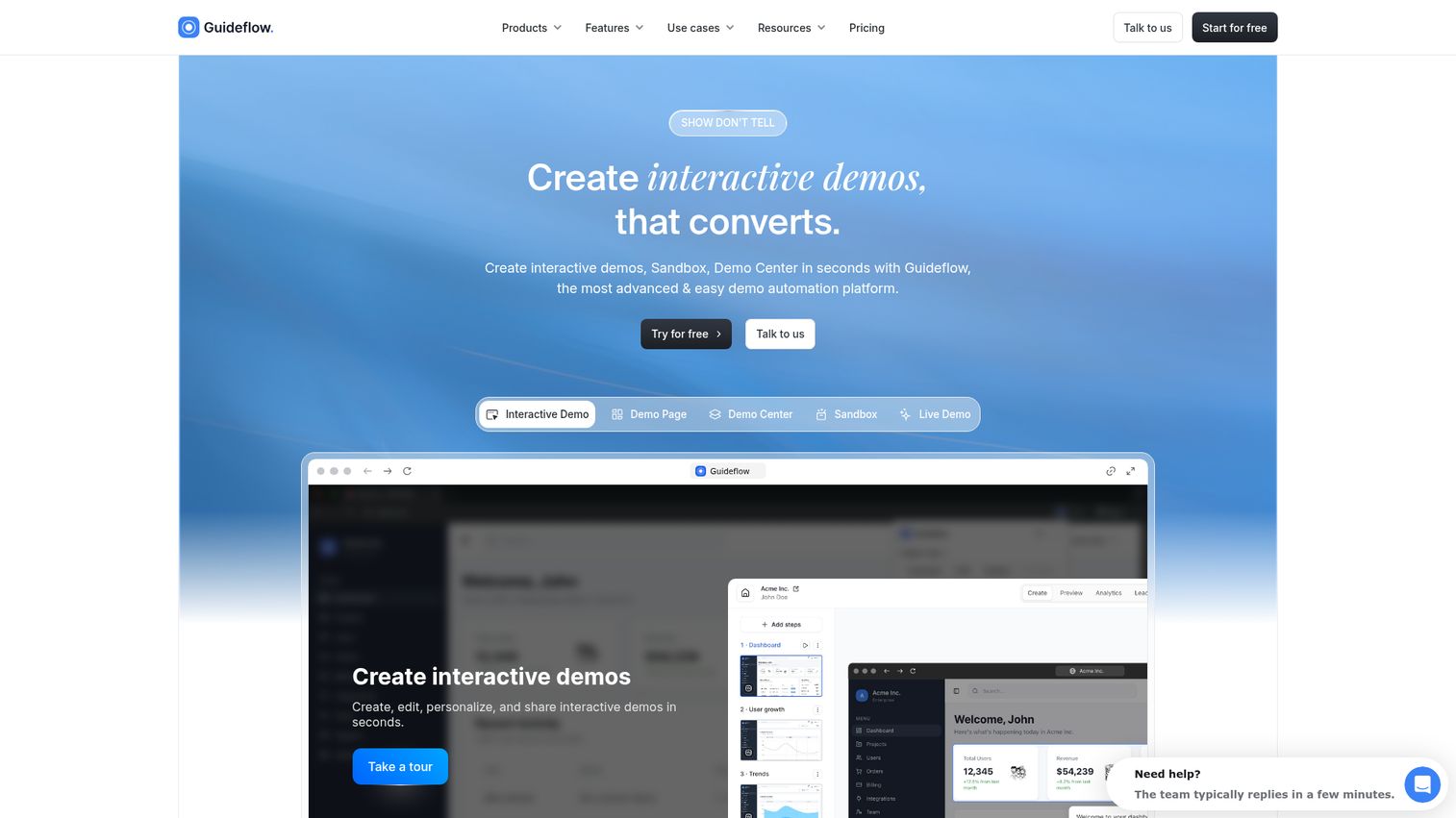
Your positioning doc is done. The messaging framework is tight. But Sales still can't show the product without booking a live SE call, and your landing page relies on static screenshots from two releases ago. You have a distribution problem.
Guideflow is a demo automation platform for creating interactive product demos, sandboxes, and guided walkthroughs. No code required. You capture your product in a few clicks, edit and personalize it, then share it anywhere.
Best for: PMMs who need to distribute product experiences across landing pages, sales outreach, onboarding, and enablement without depending on engineering or SE bandwidth.
Key strengths
- No-code capture and editing (browser-based, create a demo in minutes)
- Personalization at scale using CRM variables and persona-specific flows
- Multi-format output: Interactive Demo, Sandbox, Demo Center, Mobile Demo, Live Demo
- Analytics that track engagement, completion, and conversion per demo
- Embeddable anywhere: website, email, Notion, social, ads
- AI-assisted editing, translations, voiceovers, and avatars
Why choose for your GTM stack: Guideflow fills the "show, don't tell" gap that static decks and PDFs leave open. PMMs can create and distribute interactive demos without waiting for SE bandwidth or engineering cycles. The analytics give real engagement data (not vanity metrics) that you can use to defend messaging decisions and measure launch impact. Over 500,000 Guideflows have been created, with teams reporting up to +30% conversion rate improvements on pages with embedded demos.
Pricing: Free tier available. Paid plans from $49/month. See full pricing details.
Start your journey with Guideflow today!
2. HubSpot
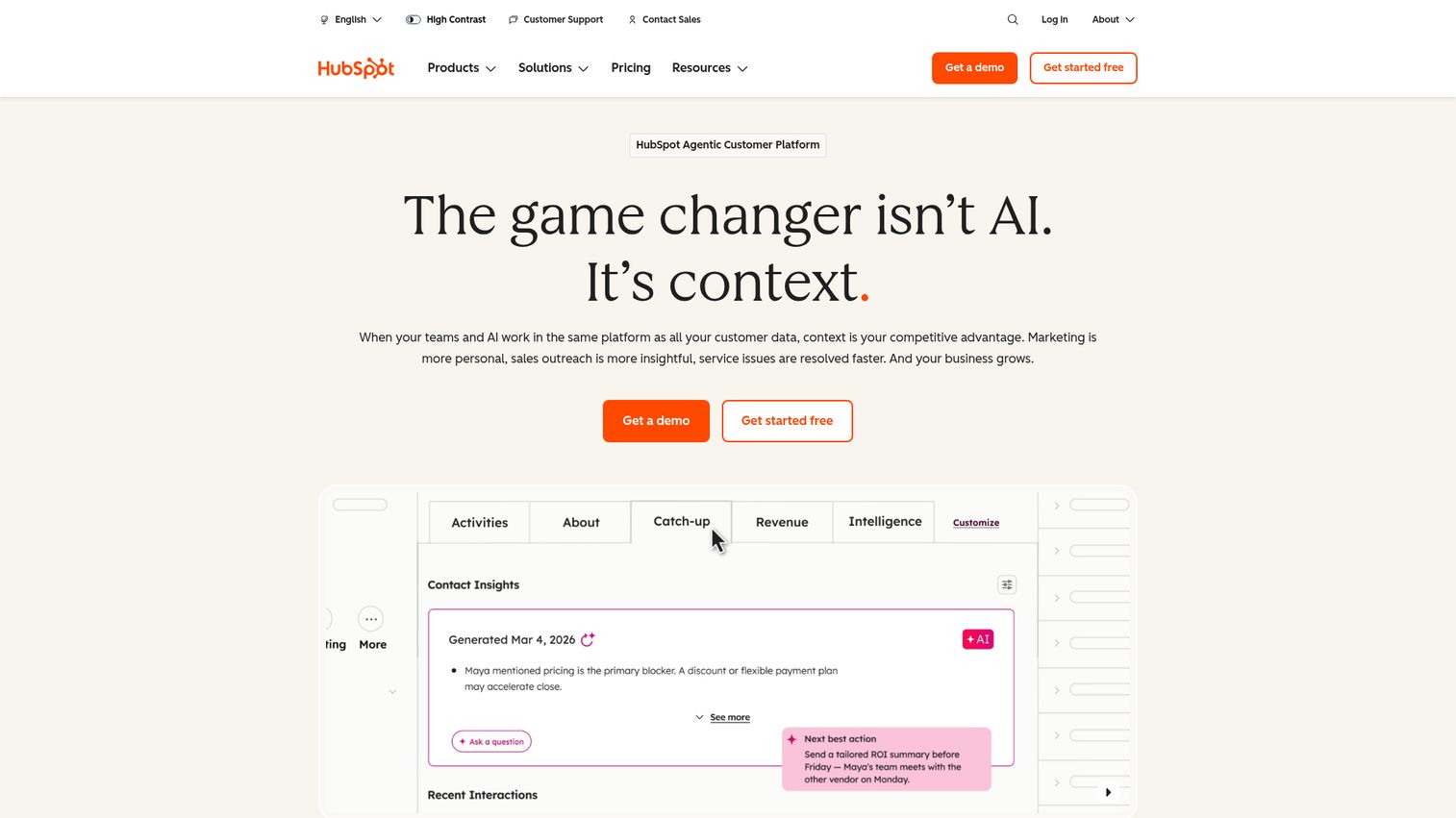
If you're a PMM and you don't have visibility into your CRM, you're flying blind on campaign performance and lead quality. You're building messaging in a vacuum.
HubSpot is the CRM and marketing automation backbone of many mid-market GTM stacks. It combines CRM, email marketing, landing pages, and reporting dashboards in a single platform, which means fewer integration headaches for smaller teams.
Best for: PMMs at companies under 500 employees who want CRM, email, and basic analytics in one platform without needing a dedicated ops team to maintain it.
Key strengths
- Unified CRM and marketing automation in one interface
- Landing page builder with A/B testing
- Email workflows and lead nurture sequences
- Reporting dashboards with lifecycle stage visibility
- Large integration marketplace (1,600+ integrations)
PMM relevance: HubSpot gives you campaign tracking, lead scoring, and content performance data in one place. You can see which launch emails drove meetings, which landing pages converted, and where leads are in the funnel. The limitation is depth: enterprise-scale segmentation and attribution require the Professional or Enterprise tiers, which jump in price.
Pricing: Free CRM. Marketing Hub from $20/month. Professional from $890/month.
3. Salesforce
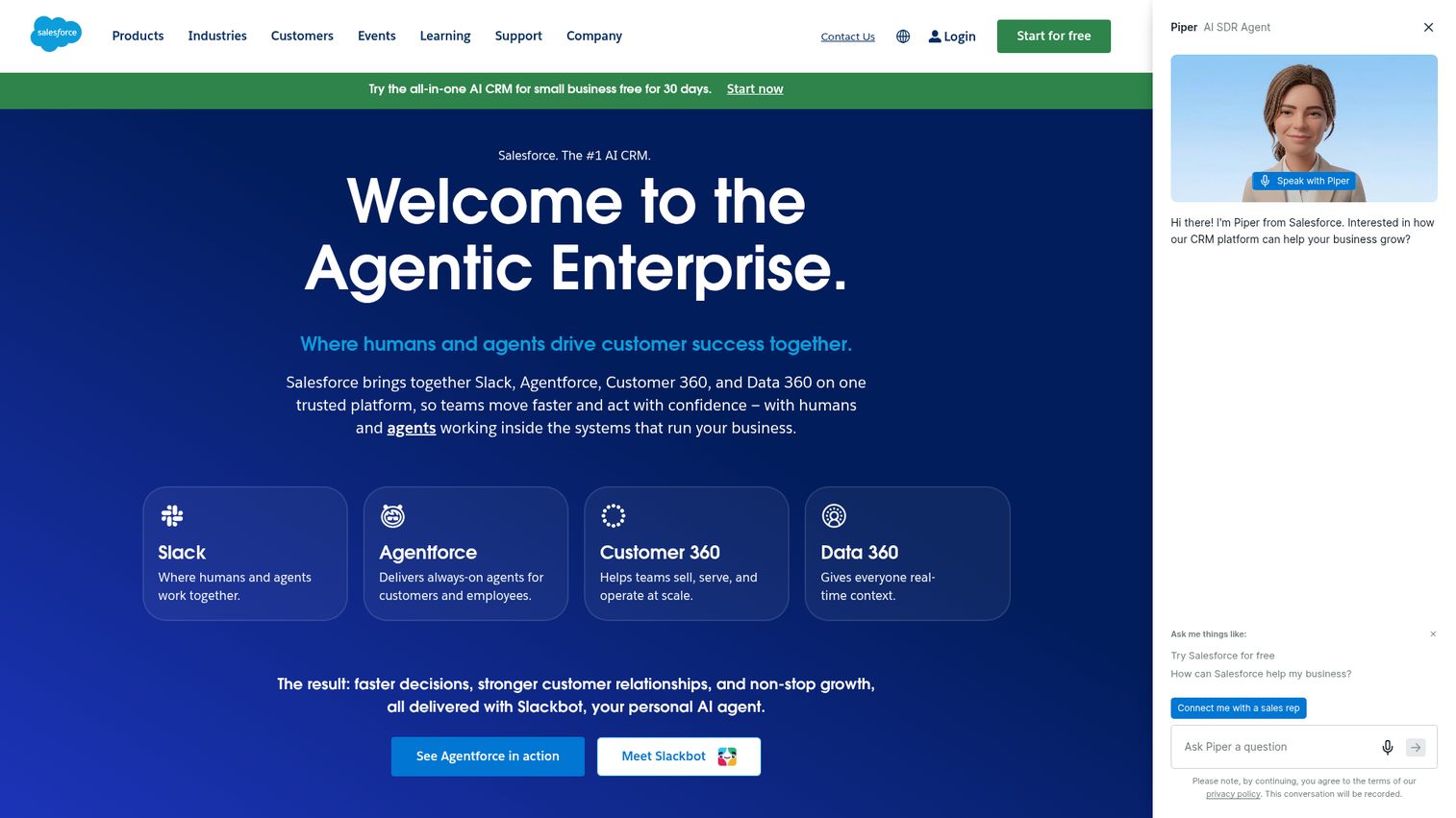
PMMs rarely own Salesforce. But the data inside it, pipeline stages, win/loss records, competitive fields, deal notes, is the raw material for half of your job.
Salesforce is the enterprise CRM standard. For PMMs, it's the system of record for pipeline, win/loss analysis, and competitive intelligence at the deal level.
Best for: PMMs at companies with 200+ employees or complex sales motions who need deep pipeline visibility, custom reporting, and integration with enablement and CI tools.
Key strengths
- Pipeline and opportunity management with custom stages
- Custom reporting and dashboard builder
- AppExchange with thousands of integrations
- Revenue attribution (with add-ons like Bizible or native features)
- Competitive fields for tracking win/loss reasons by competitor
PMM relevance: Salesforce is where you go for win/loss data, competitive win rates, and deal-level messaging feedback. If you're running competitive programs, the data that proves whether your battlecards are working lives here. The trade-off: getting the right reports often requires help from RevOps, and data quality depends on whether reps actually fill in the fields.
Pricing: Essentials from $25/user/month. Enterprise plans vary.
4. Marketo

When your launch email needs to hit six different segments with different messaging and you need to track which version drove pipeline, you need more than a basic email tool.
Marketo (Adobe Marketo Engage) is the enterprise marketing automation platform. PMMs care about it because it powers the email nurture, scoring, and campaign execution that turns positioning into pipeline.
Best for: PMMs at larger orgs (Series C+) with dedicated marketing ops who need advanced segmentation, scoring, and multi-touch attribution.
Key strengths
- Advanced lead scoring and multi-step nurture programs
- Multi-touch attribution reporting
- ABM capabilities with account-level targeting
- Deep Salesforce integration
- Program-level reporting tied to revenue
PMM relevance: Marketo lets you run segment-specific messaging campaigns, launch email sequences with persona-level targeting, and feature adoption nurture programs. Attribution data is available, with the caveat that data quality depends on how well marketing ops has configured the tracking model. If you're at a company with clean Marketo data, it's one of the few places where you can credibly connect messaging to pipeline.
Pricing: Custom pricing. Typically starts around $900/month.
5. Salesloft
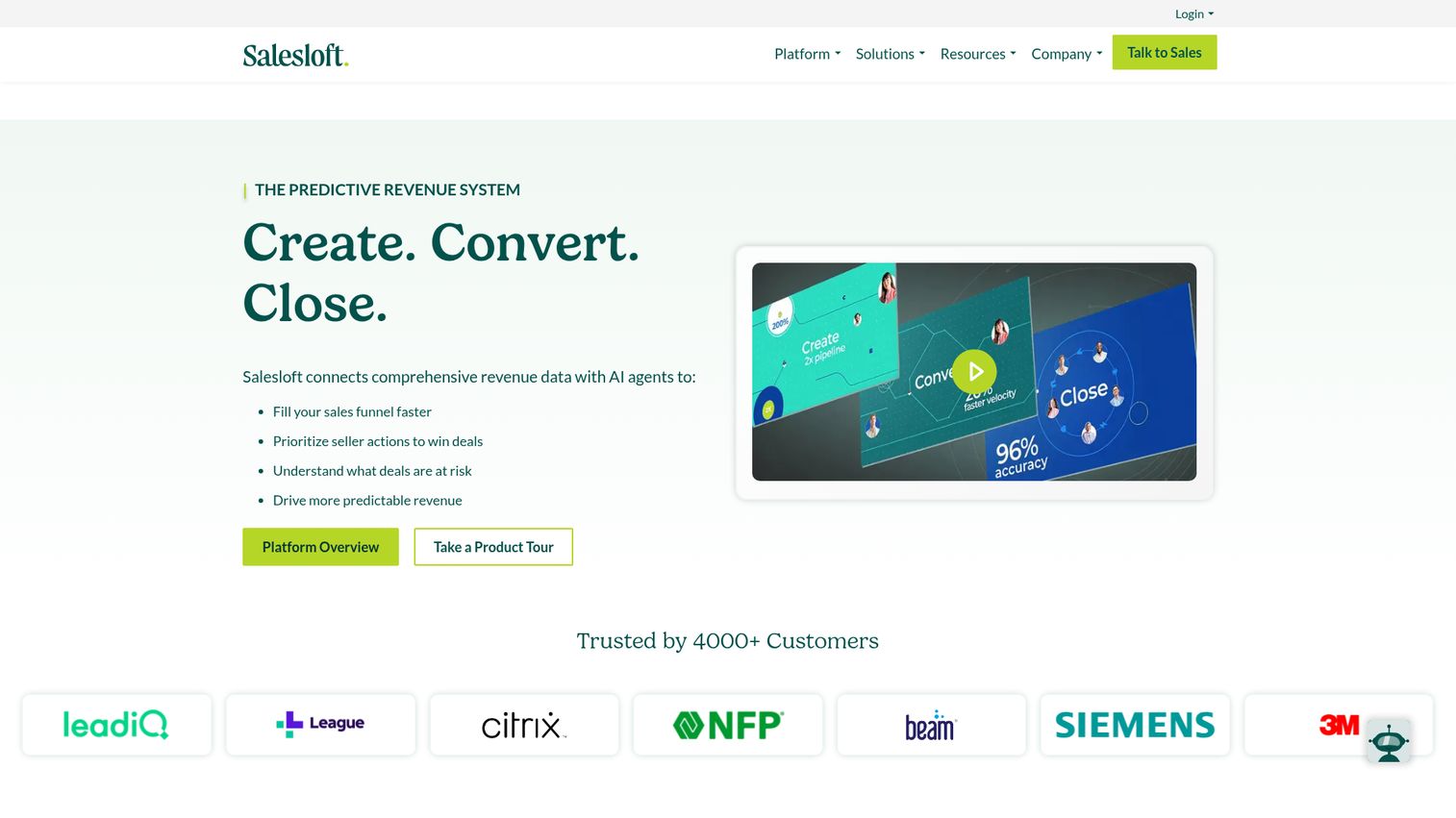
You built the outbound sequence. You wrote the email templates. You trained the team. But are reps actually using your messaging? Or did they rewrite everything in week two?
Salesloft is a sales engagement platform. For PMMs, it's where your talk tracks, email templates, and cadences either get used or get ignored.
Best for: PMMs who create sales sequences and want to track whether reps actually use the messaging they build.
Key strengths
- Cadence management with multi-step sequences
- Email and call tracking with analytics
- Template performance data (open rates, reply rates by template)
- CRM sync with Salesforce and HubSpot
- Coaching and conversation analytics
PMM relevance: Salesloft shows you template adoption rates. You can see which of your email templates reps actually use, which ones they modified, and which ones drive meetings. This is the closest thing to a "did Sales use my messaging" dashboard. You can also A/B test subject lines and talk tracks at scale.
Pricing: Custom pricing. Typically mid-market range.
6. Gong
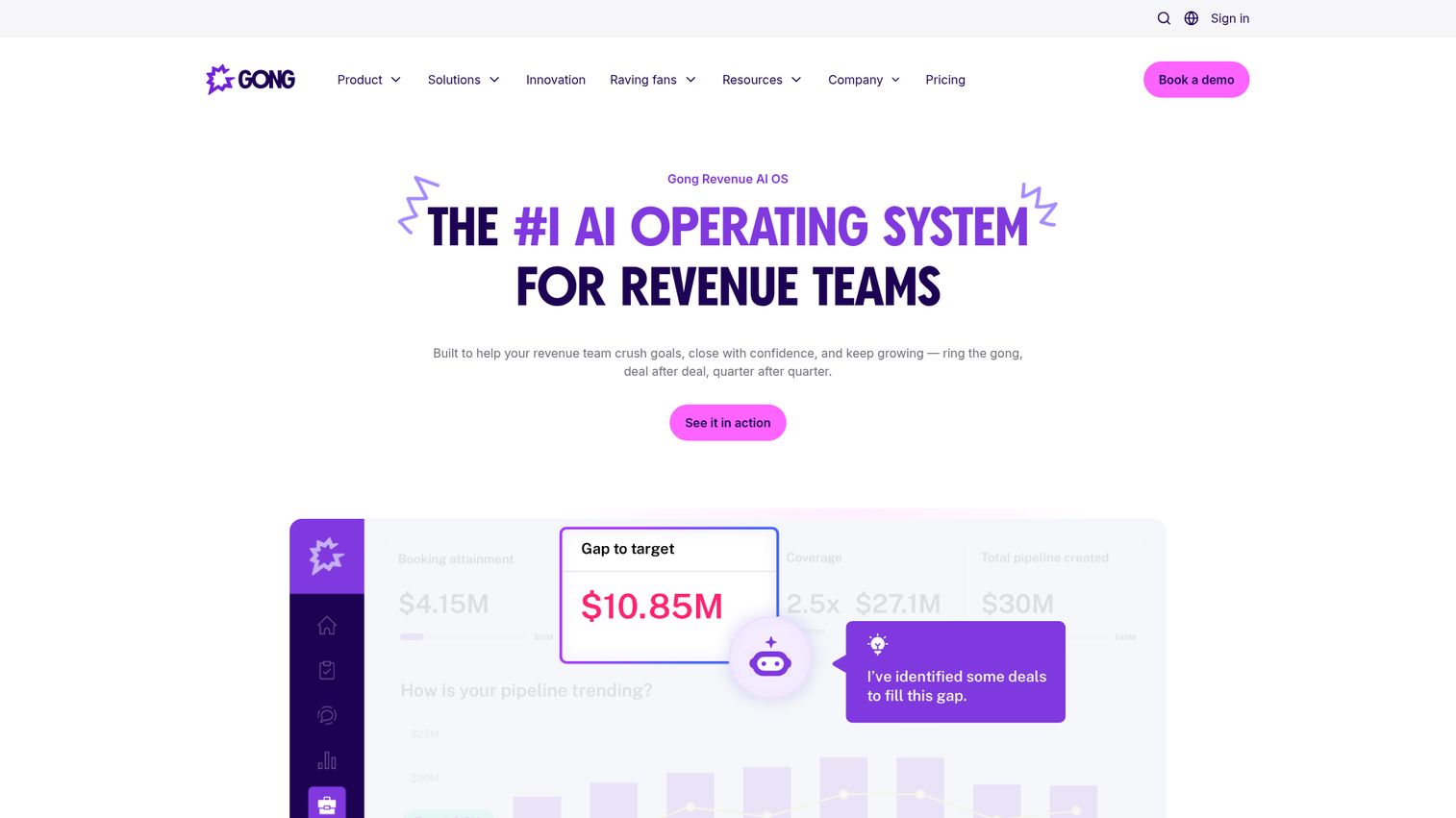
Your messaging doc says to lead with the ROI story. But what are reps actually saying on calls? And what are prospects saying back?
Gong is a conversation intelligence platform. For PMMs, it's the closest thing to real-time message testing in the field. It records, transcribes, and analyzes sales calls so you can see whether your positioning is landing.
Best for: PMMs who want to validate whether positioning and talk tracks are landing in real sales conversations.
Key strengths
- Call recording and AI-powered transcription
- Keyword and topic tracking across all conversations
- Competitive mention alerts (know when a competitor comes up)
- Deal intelligence and pipeline risk signals
- Coaching insights for individual reps
PMM relevance: Gong lets you track how often reps mention key differentiators, monitor competitor mentions in live deals, identify objection patterns for battlecard updates, and validate messaging adoption across the team. Instead of guessing whether your launch messaging landed, you can search for it in actual calls. The data is qualitative but specific, which makes it more defensible than survey-based feedback.
Pricing: Custom pricing. Enterprise-oriented.
7. Klue
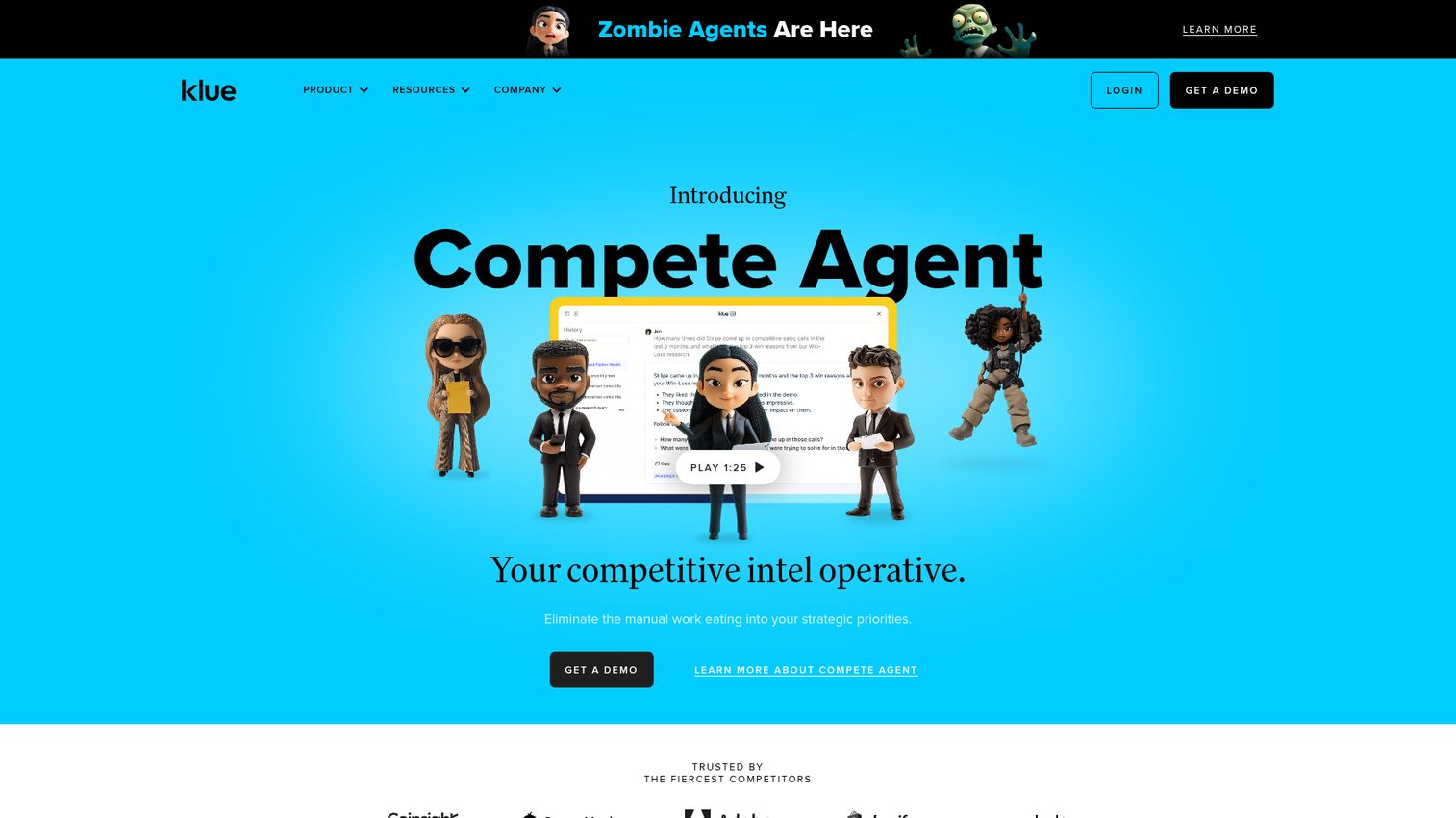
You're tracking five competitors. Each one updates their pricing page, launches a new feature, or publishes a positioning blog at unpredictable intervals. Manually monitoring all of this takes hours you don't have.
Klue is a competitive intelligence platform built specifically for collecting, organizing, and distributing competitive intel. This is a category that most GTM stack guides completely ignore, but it's a must-have for PMMs who own competitive strategy.
Best for: PMMs who own competitive strategy and need to keep battlecards current without manually monitoring 10 competitor websites every week.
Key strengths
- Automated competitor monitoring across web, social, and review sites
- Battlecard creation and distribution within the platform
- Win/loss analysis integration
- Salesforce and Slack integrations for real-time alerts
- Usage analytics showing whether reps actually open the battlecard
PMM relevance: Klue is one of the few GTM tools built specifically for the competitive intel workflow PMMs own. It reduces the manual overhead of tracking competitor changes and distributing updates. The usage analytics are particularly useful: if you can show that battlecard views correlate with higher win rates, you have a defensible case for your competitive program's impact.
Pricing: Custom pricing. Mid-market to enterprise.
8. Crayon
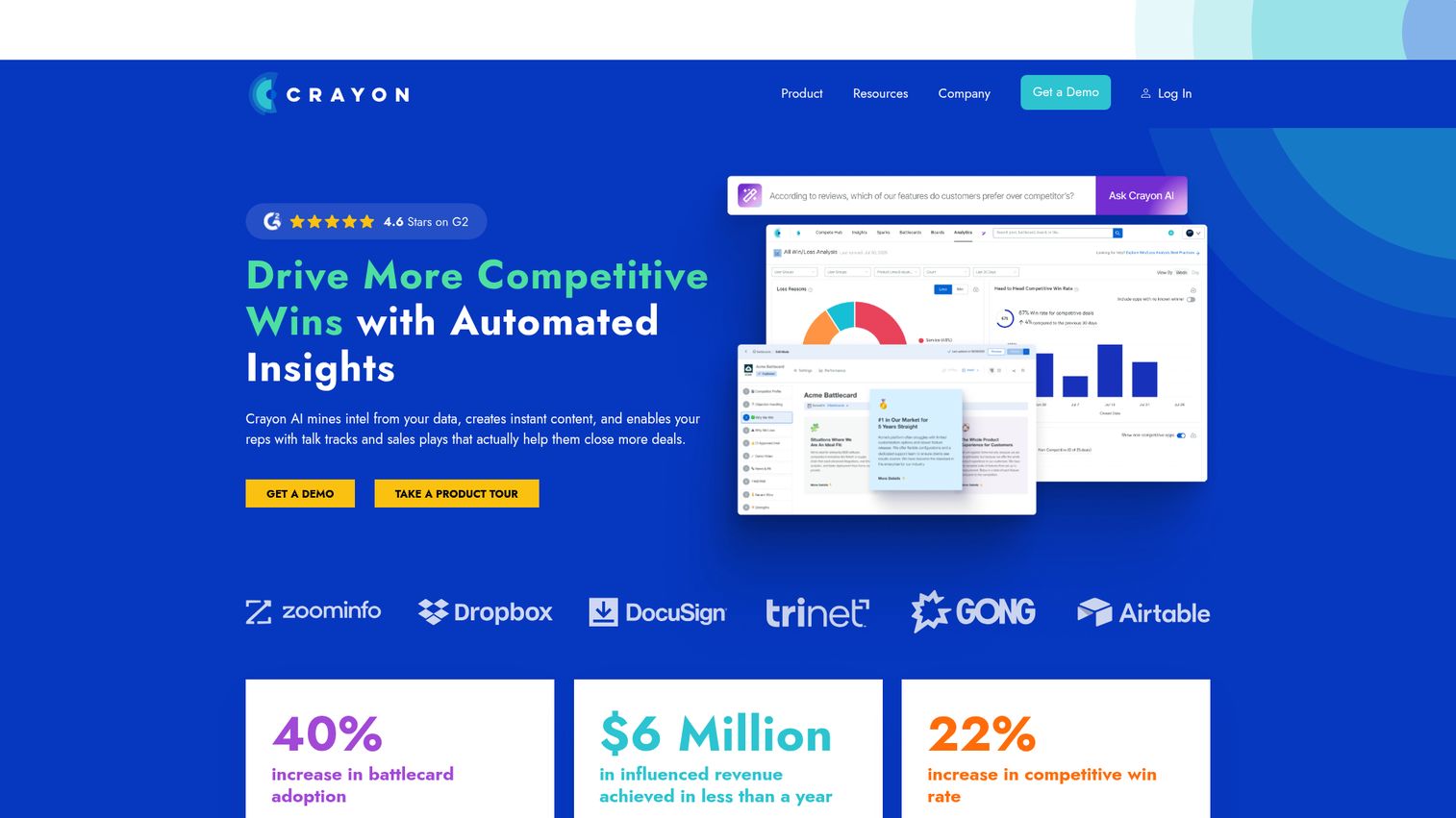
If you're evaluating competitive intelligence tools, you should see at least two options. Crayon focuses on AI-powered competitive tracking and analysis, with automated alerts when competitors change pricing, messaging, or product pages.
Best for: PMMs who want AI-assisted competitive analysis and automated alerts when competitors shift their positioning or pricing.
Key strengths
- AI-powered competitive tracking across millions of data sources
- Automated alerts for competitor changes (pricing, messaging, product)
- Battlecard templates and distribution
- Integration with Salesforce and Slack
- Competitive landscape dashboards with trend analysis
PMM relevance: Crayon reduces time spent on manual competitor research. It's particularly useful for PMMs who track 5+ competitors and need to stay current without dedicating hours per week to monitoring. The AI layer surfaces the most significant changes, so you're not drowning in noise. Where Klue emphasizes the battlecard workflow, Crayon leans more into the intelligence gathering and analysis side.
Pricing: Custom pricing.
9. Highspot
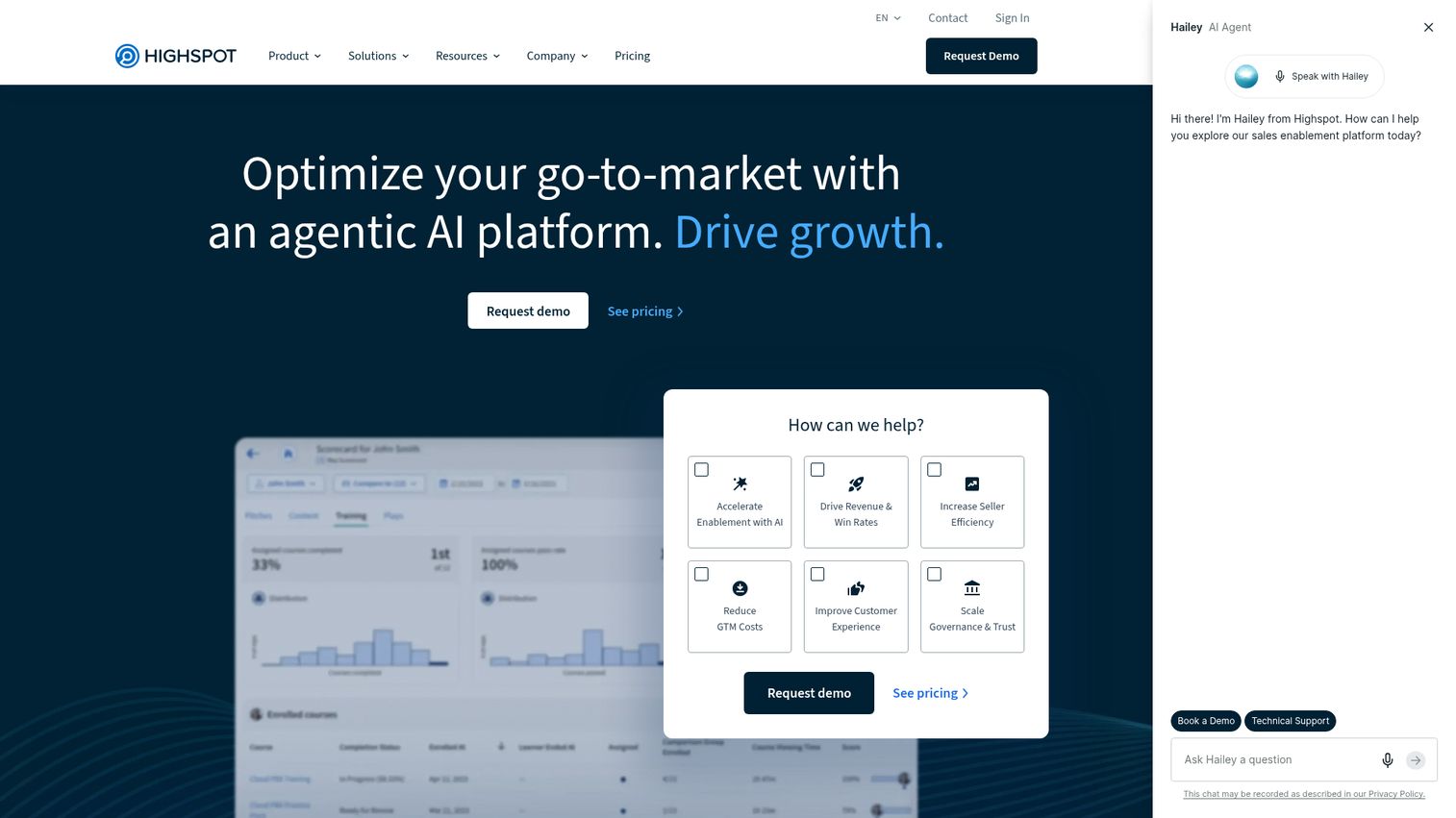
You created the deck. You built the one-pager. You recorded the training video. And then Sales said, "I can't find it." The enablement adoption problem is real, and it's usually a distribution problem, not a content problem.
Highspot is a sales enablement platform that organizes, distributes, and tracks your enablement content at scale.
Best for: PMMs at companies with 100+ reps who need to organize, distribute, and track enablement content so it actually gets used.
Key strengths
- Content management with smart organization and search
- Sales plays and guided selling paths
- Content performance analytics (views, shares, influence on deals)
- CRM integration for content usage at the deal level
- Training and coaching modules
PMM relevance: Highspot addresses the enablement gap by putting content where reps already work and showing you which assets get used and which gather dust. For PMMs, the content performance analytics are the key differentiator: you can see which battlecard version drives higher win rates, which one-pager gets shared with buyers, and which deck never gets opened.
Pricing: Custom pricing. Enterprise-oriented.
10. 6sense
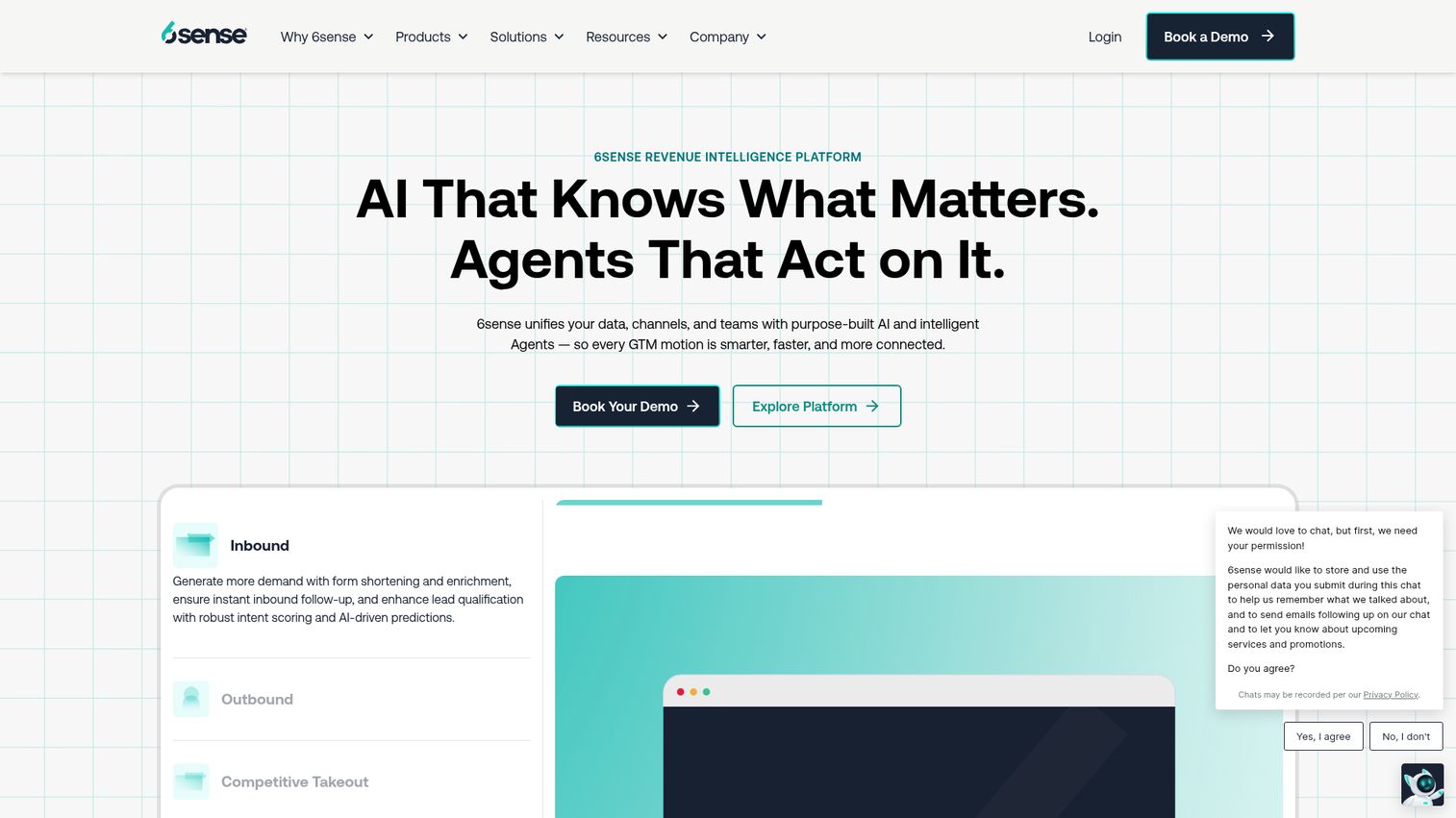
Your ICP document says you're targeting mid-market fintech companies. But which of those accounts are actually in-market right now, and what topics are they researching?
6sense is an ABM and intent data platform. It surfaces which accounts are actively researching topics related to your product, which directly informs messaging and campaign targeting.
Best for: PMMs at companies running ABM motions who need intent signals to prioritize segments and tailor messaging.
Key strengths
- Intent data and buying signals from anonymous web activity
- Account identification and scoring
- Predictive analytics for pipeline forecasting
- ABM orchestration across channels
- Integration with CRM and marketing automation platforms
PMM relevance: 6sense helps you validate ICP hypotheses with actual intent data rather than opinions. You can see which segments are researching your category, which competitive narratives resonate with in-market accounts, and where to focus your next campaign. The caveat: intent data is directional, not precise. Use it to inform decisions, not to make them.
Pricing: Custom pricing. Enterprise-oriented.
11. Asana
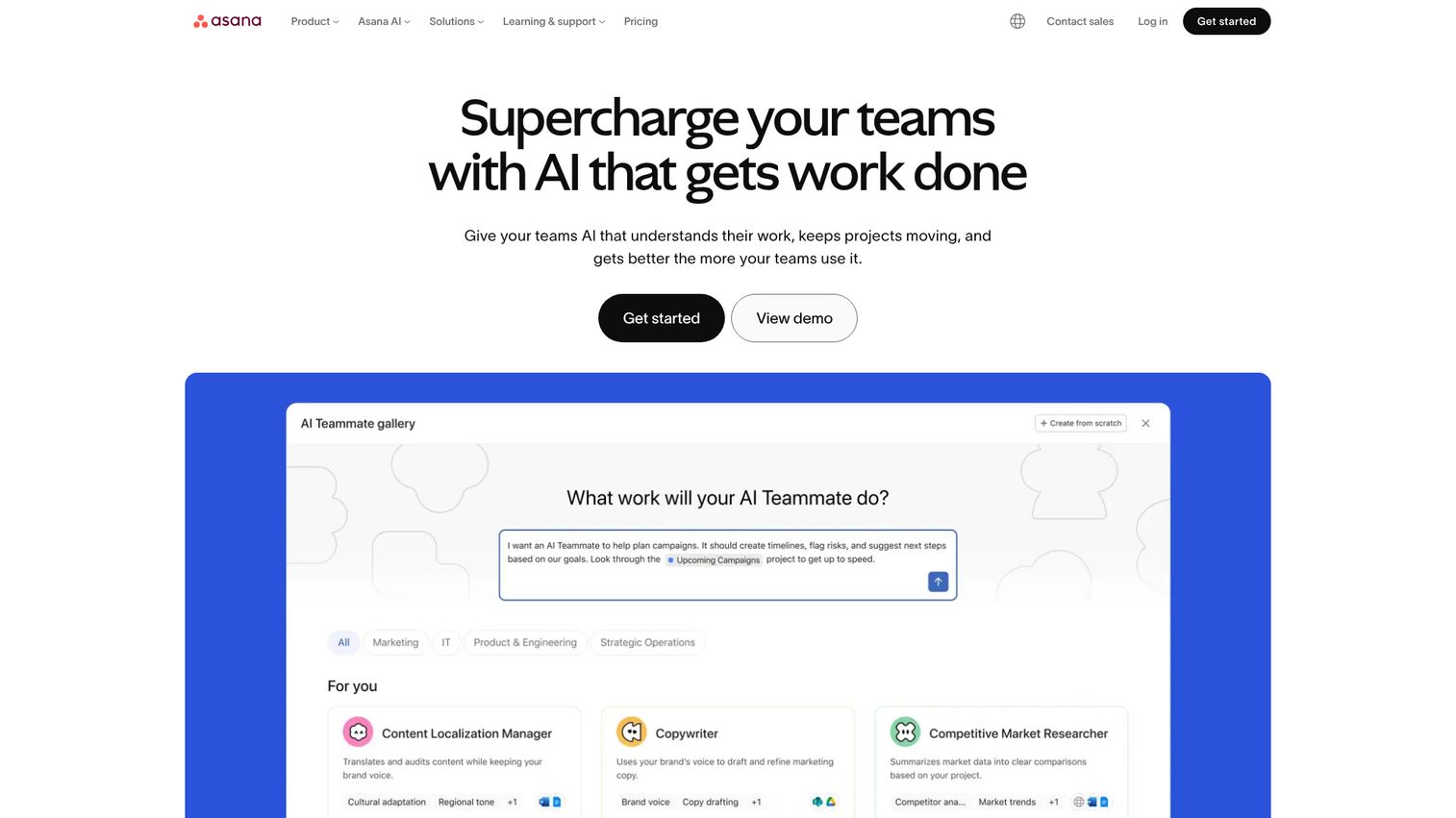
A product launch involves Product, Engineering, Marketing, Sales, CS, and sometimes Legal. Each team has different timelines, different priorities, and different definitions of "ready." Without a coordination layer, launches run on Slack threads and good intentions.
Asana is a project management tool that many PMMs use to manage the cross-functional chaos of launches.
Best for: PMMs who manage multi-stakeholder launches and need a single place to track timelines, tasks, and cross-functional dependencies.
Key strengths
- Project templates (including launch-specific templates)
- Timeline and Gantt views for dependency tracking
- Cross-team collaboration with task assignments and due dates
- Workflow automation for recurring processes
- Integration with Slack, Google Workspace, and CRM tools
PMM relevance: The launch coordination problem is one of the highest-frequency pains PMMs face. Asana doesn't solve the political alignment challenge (no tool does), but it makes the logistics visible and trackable. You can build a reusable launch template, assign owners across teams, and see at a glance which workstreams are on track and which are blocked.
Pricing: Free tier. Premium from $10.99/user/month.
12. Notion
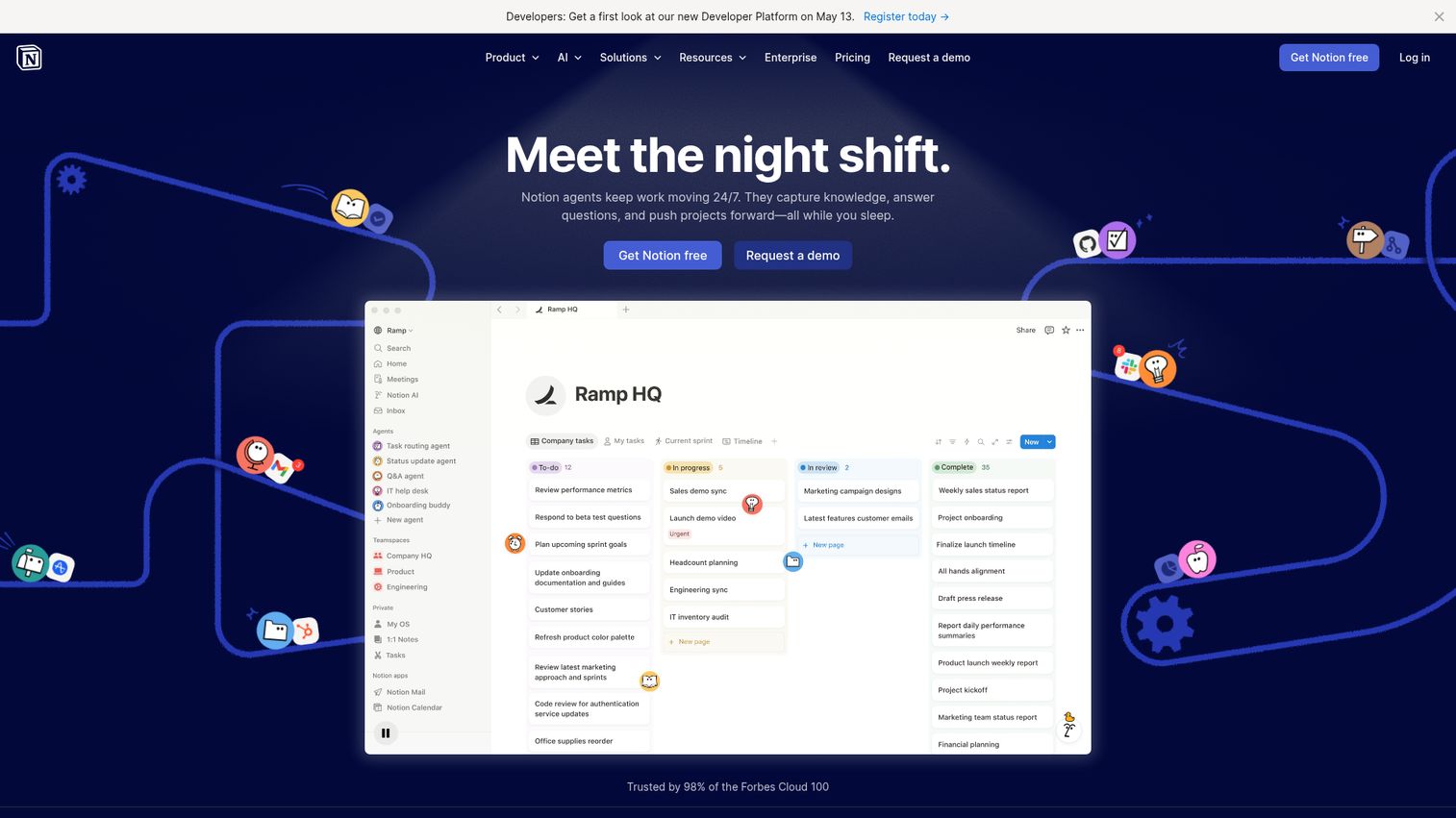
Every PMM needs a "source of truth" for messaging frameworks, positioning docs, competitive briefs, and launch plans. For many teams, that source of truth is Notion.
Best for: PMMs who want a flexible, collaborative workspace for messaging docs, competitive briefs, and internal wikis without the rigidity of traditional tools.
Key strengths
- Flexible block-based editor that adapts to any content type
- Databases with multiple views (table, board, calendar, gallery)
- Real-time collaboration and commenting
- Large template library for PMM workflows
- API and integrations with GTM tools
PMM relevance: Notion is where many PMMs build their messaging house. The flexibility is both its strength and its challenge: it can hold anything, but it requires discipline to keep organized. It works well as the "source of truth" layer when paired with purpose-built tools for distribution (like Highspot for enablement or Guideflow for demos). On its own, Notion doesn't solve the distribution problem, but as a documentation hub, it's hard to beat.
Pricing: Free tier. Plus from $8/user/month.
13. Gainsight
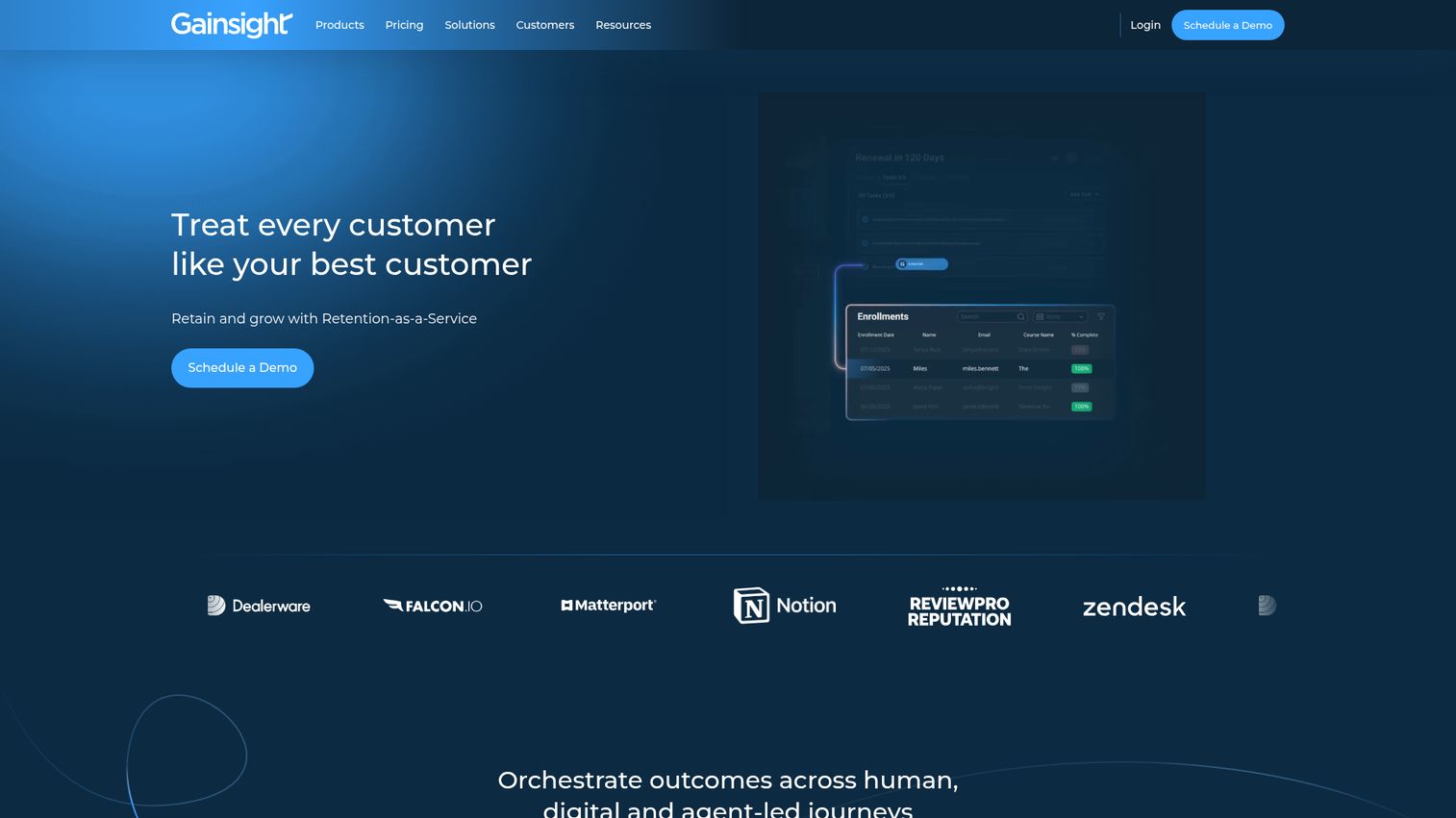
Retention and expansion are increasingly part of the GTM motion, and PMMs at companies where net revenue retention is a board-level metric need visibility into the post-sale experience.
Gainsight is a customer success platform that surfaces adoption data, health scores, and churn signals.
Best for: PMMs at companies where NRR is a key metric and product marketing owns or influences the post-sale experience.
Key strengths
- Customer health scoring based on product usage and engagement
- Product usage tracking at the feature level
- Renewal and expansion signal detection
- Journey orchestration for lifecycle campaigns
- Integration with Salesforce and product analytics tools
PMM relevance: Adoption data from Gainsight helps you understand which features drive retention, which segments churn, and where onboarding breaks down. This is the data that informs positioning updates and feature launch priorities. If you're launching a feature to improve retention in a specific segment, Gainsight tells you whether it worked.
Pricing: Custom pricing.
14. Amplitude
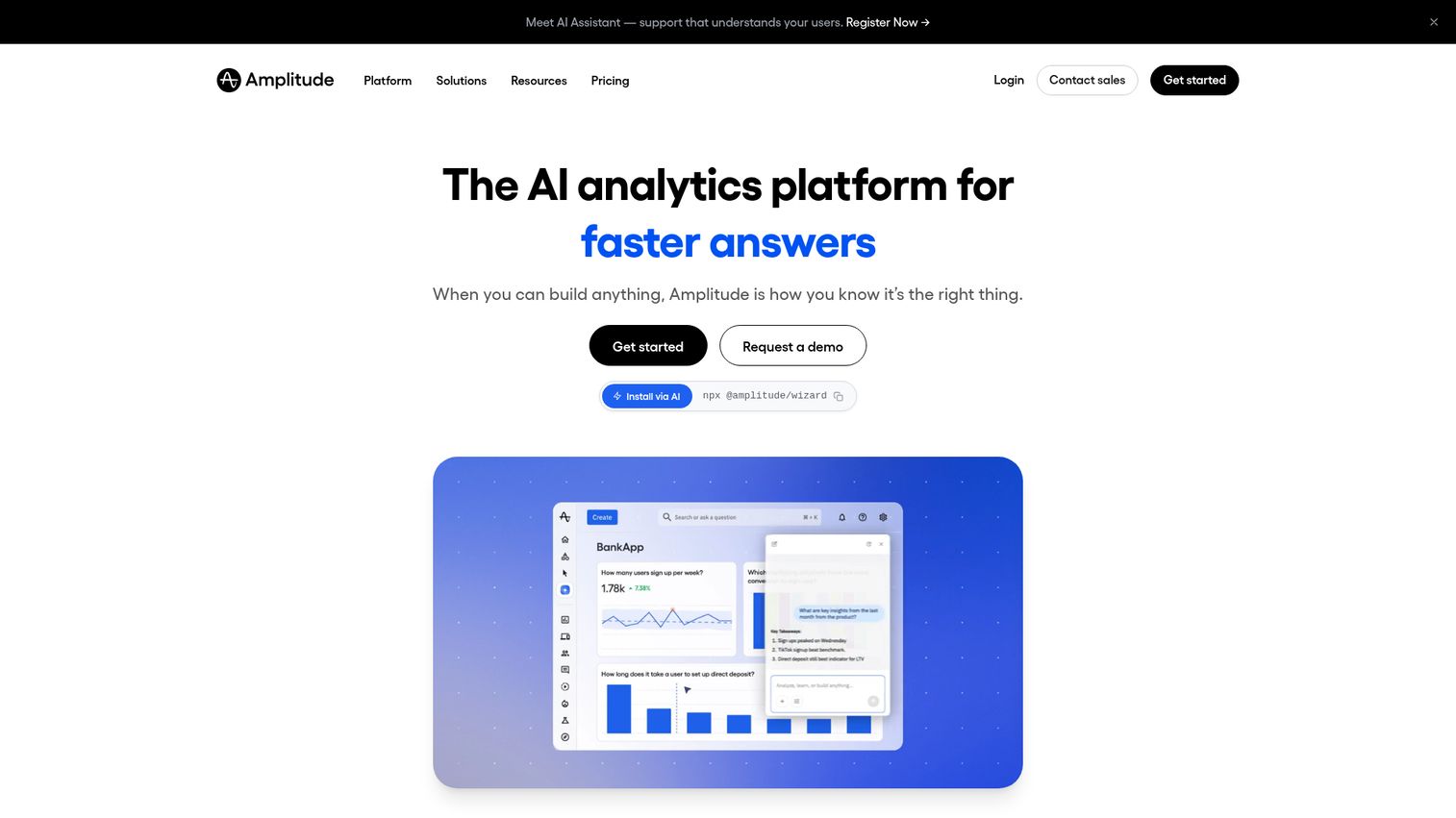
Every launch review includes the same question: "Did users adopt the feature?" If you can't answer it with data, you're defending your launch with opinions.
Amplitude is a product analytics platform that tracks feature adoption, activation rates, and user behavior at the event level.
Best for: PMMs who need to measure feature adoption, activation rates, and the impact of launches on product usage.
Key strengths
- Event-based product analytics with real-time data
- Cohort analysis and behavioral segmentation
- Funnel visualization and drop-off analysis
- A/B test analysis and experimentation support
- Integration with marketing, data, and GTM tools
PMM relevance: Amplitude answers the questions you get asked in every launch review: "Did users adopt the feature? Which segments activated? Where do users drop off?" The data access reality: PMMs often need help from product or data teams to set up the right events and dashboards. Amplitude is not a self-serve tool for most PMMs on day one. But once the instrumentation is in place, it's one of the most defensible data sources you have.
Pricing: Free tier (Starter). Growth and Enterprise plans custom.
15. Zapier
PMMs rarely think of Zapier as a "GTM tool." But it's the glue that connects tools when native integrations don't exist. And for PMMs managing a multi-tool stack, it reduces the manual data transfer and notification overhead that eats hours every week.
Best for: PMMs who need to connect tools that lack native integrations and automate repetitive workflows (for example, "when a new competitive alert fires in Crayon, post to Slack and update the battlecard tracker in Notion").
Key strengths
- 7,000+ app integrations
- No-code automation builder with multi-step workflows
- Conditional logic and branching
- Tables (lightweight database for tracking)
- Scheduled and triggered automations
PMM relevance: The integration layer is often the most underinvested part of a GTM stack. Zapier won't replace purpose-built integrations, but it fills the gaps between tools and reduces the "copy-paste from one tool to another" overhead. For a PMM managing competitive intel, launch coordination, and enablement across 6+ tools, even a few Zaps can save hours per week.
Pricing: Free tier. Starter from $19.99/month.
How to choose the right tools for your GTM stack
Buying criteria for PMMs, in order of priority:
- Start with your highest-frequency pain. If enablement adoption is your biggest problem, invest in distribution first, not another analytics tool. If competitive losses are mounting, prioritize CI before project management.
- Check integration before features. A tool with fewer features that connects to your CRM and Slack is more valuable than a feature-rich tool that creates another data silo.
- Match tool complexity to team size. Enterprise tools at a 30-person company create overhead. Lightweight tools at a 500-person company create governance gaps. Be honest about where you are.
- Demand credible analytics, not dashboards. If a tool promises "measure your impact," ask: what specific metric, from what data source, and how does it handle attribution? If the answer is vague, the analytics are decorative.
- Test with a real workflow, not a sandbox. Evaluate every tool against an actual launch or campaign you're running. Sandbox evaluations don't reveal adoption friction.
- Ask Sales if they'll use it. Before buying any enablement or content tool, get feedback from 3 reps. If they won't use it, it doesn't matter how good the tool is.
Conclusion
A GTM tech stack for PMMs is not just CRM plus marketing automation. It includes competitive intelligence, demo automation, enablement distribution, launch coordination, and analytics. The goal is not to have the most tools. The goal is to have the right GTM tools connected well enough that messaging stays consistent, launches ship on time, and Sales actually uses what you create.
Your next step: audit your current stack against the six categories in this guide. Identify the biggest gap. Start there.
Start your journey with Guideflow today!
FAQs
A GTM tech stack is the set of GTM software tools a company uses to bring products to market, generate and close pipeline, and retain customers. It typically spans CRM, marketing automation, sales engagement, enablement, analytics, and integration tools. For PMMs, it also includes competitive intelligence, demo automation, and launch coordination platforms.
There is no magic number. Most mid-market SaaS companies use 6 to 12 core GTM tools. The right question is not "how many" but "are they connected and are the right people using them." A stack of 8 well-integrated tools outperforms a stack of 15 siloed ones. Research shows the best sales teams use around 6 tools, while the average team uses 12.
A marketing tech stack focuses on demand generation, content, and campaign execution. A GTM tech stack is broader: it includes sales tools, customer success platforms, competitive intelligence, enablement, and the integration layer that connects them. PMMs operate across both. When you see "marketing tech stack examples," those typically cover only the demand gen and campaign layer, not the full go-to-market motion.
Track tool adoption rates (are people using it?), workflow efficiency (time saved on repeatable tasks), and downstream metrics (pipeline velocity, win rate, enablement usage). Attribution to a single tool is almost always imprecise. Focus on whether the stack as a GTM system is producing better outcomes, not whether each tool individually justifies its cost.
At minimum: a CRM for pipeline visibility, a marketing automation platform for campaigns, an enablement tool for content distribution, a competitive intelligence platform, a demo automation tool for product experiences, and a project management tool for launch coordination. Analytics and integration tools round out the stack.
Start with CRM (HubSpot or Salesforce depending on company size). Add marketing automation. Then layer in enablement, competitive intel, and demo automation as launch frequency and team size grow. Prioritize integration from day one. Audit quarterly. Early-stage companies (under $50M ARR) typically spend 2 to 3% of ARR on GTM technology, so budget accordingly.
RevOps owns the infrastructure, data governance, and integration layer. PMMs own the content, messaging, and enablement that flows through the stack. The relationship works best when RevOps and PMM align on what data PMM needs and how it gets surfaced. If you're a PMM without a RevOps partner, expect to spend more time on data access and tool configuration yourself.
If your product requires explanation (and most B2B SaaS products do), yes. Static screenshots and PDF decks don't convert the way interactive product experiences do. Demo automation tools like Guideflow let PMMs create and distribute product walkthroughs without depending on SE bandwidth or engineering cycles. The ROI shows up in faster buyer evaluation, higher landing page conversion, and better enablement adoption.