Your ticket volume is climbing. Your headcount isn't. Every week, agents re-type the same six-step answer to the same "how do I reset this" question, while the help center article meant to prevent it sits unread.
That gap is the real problem. According to the Zendesk CX Trends 2024 report, the majority of support leaders expect ticket volume to keep rising, and most are turning to automation and AI to keep pace. Adding agents one-for-one with every new customer cohort does not scale, and it burns out the people you already have.
A good ticketing system fixes the part you can control. It captures every request, routes it to the right person, enforces your SLAs, and deflects the repetitive questions before a human ever touches them. The right customer service ticketing system can be the difference between a queue that compounds and one that clears.
This guide compares the tools support teams actually shortlist. We focus on what matters to a support ticket system buyer in 2026: deflection and self-service depth, automation and routing, reporting, and honest pricing. No filler, no generic "reduce tickets by 40%" claims without a workflow behind them. Many of these deflection wins come from pairing your help desk with interactive walkthroughs that show steps instead of describing them.
We pulled pricing and G2 ratings from each vendor's live pages. Where a tool gates pricing behind a sales form, we say so instead of guessing.
What's inside
This guide is for SaaS support leaders and ops, Heads of Support, Support Managers, Team Leads, Support Ops, and senior agents who are evaluating or switching a ticket management system. We ranked tools by relevance to SaaS support teams, not by who paid for placement.
We scored each tool against four criteria:
- Deflection and self-service capability: knowledge base, portal, and embed support that keeps tickets out of the queue.
- Automation and routing depth: rules, prioritization, SLA handling, and escalations.
- Reporting and analytics: dashboards and visibility into where customers and agents get stuck.
- Pricing transparency and G2 rating: what you actually pay, and what real reviewers say. We pulled scores from G2 software review ratings.
TL;DR
Short on time? Here are the decision shortcuts.
- Best AI-powered omnichannel: Zendesk, for mid-market and enterprise teams that want AI triage in a unified workspace.
- Best value for SMB and mid-market: Freshdesk, with Freddy AI and a free program for small teams.
- Best low-cost automation: Zoho Desk, especially if you already run other Zoho tools.
- Best for shared-inbox, email-first teams: Help Scout, with strong self-service through Beacon and Docs.
- Best collaboration-first inbox: Front, for teams that handle support together in shared inboxes.
- Best free open-source option: osTicket, for budget- or privacy-focused teams that want full control.
What is ticketing software?
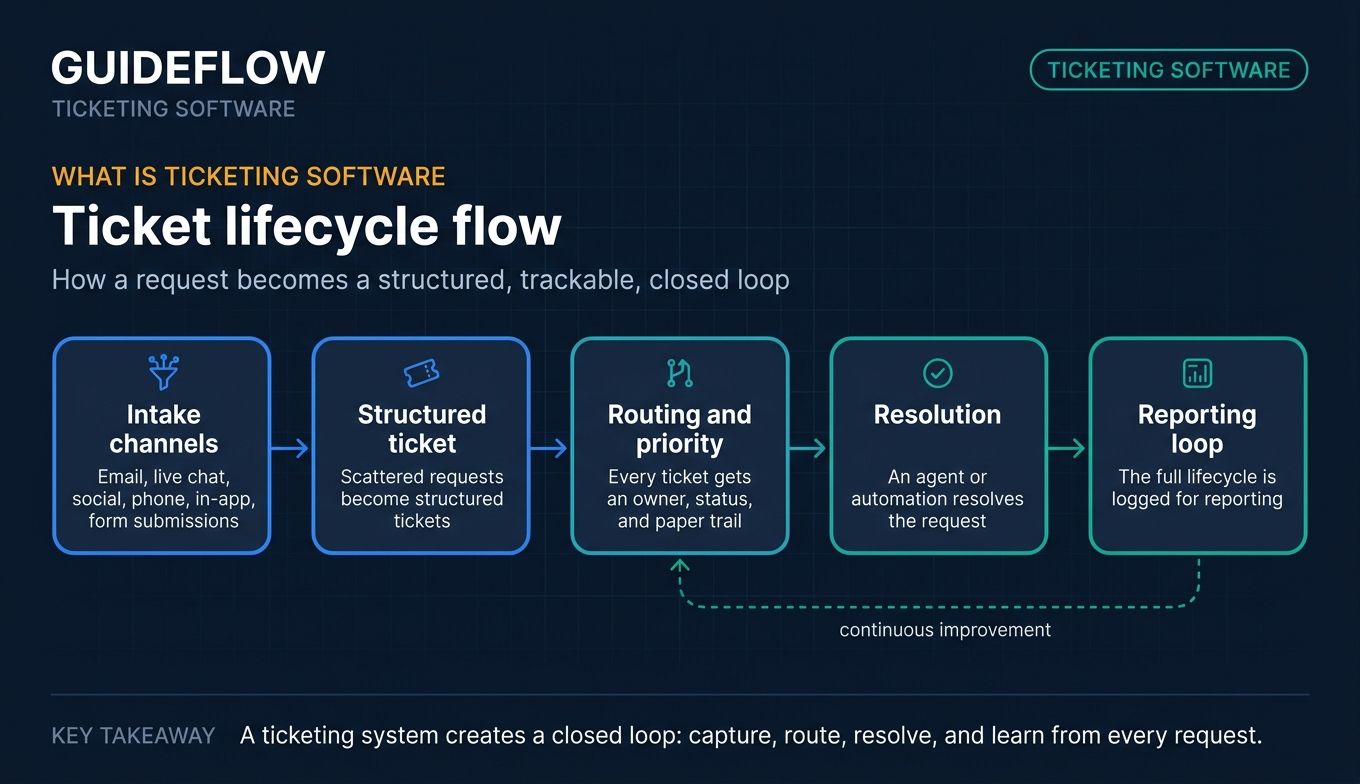
Ticketing software is a system that captures, organizes, routes, prioritizes, and tracks customer support requests from creation to resolution. It turns scattered emails, chats, and form submissions into structured tickets that agents can assign, work, and close.
A help desk ticketing system sits at the center of support operations. It gives every request an owner, a status, and a paper trail, so nothing slips and managers can see what's actually happening in the queue.
The core capabilities most support teams evaluate in ticketing system software:
- Omnichannel intake and unified inbox: pull email, live chat, social, phone, and in-app messages into one queue.
- Workflow automation and routing: assign tickets by topic, skill, or workload, and trigger actions automatically.
- SLA management: set response and resolution targets, escalate when they're at risk, and report on compliance.
- Self-service portals and knowledge base: publish help articles and customer portals that deflect repetitive questions. The best teams pair these with knowledge base software built for deflection.
- Reporting and analytics: track volume, handle time, first-contact resolution, CSAT, and deflection rates.
- Integrations: connect to your CRM, billing, chat, and team-messaging stack.
- Collaboration: internal notes, collision detection, and shared ownership so agents don't double-reply.
The strongest tools combine these into a single workflow. A request lands, gets categorized and routed, an agent (or an automation) resolves it, and the whole lifecycle is logged for reporting. That loop is what separates a real ticket system from a shared inbox with rules taped on.
Most modern platforms now layer AI on top: suggested replies, auto-triage, and chatbots that answer common questions before they become tickets. The category has shifted from "store and track" to "deflect and resolve faster."
When to use a ticketing system
Not every team needs a heavy platform on day one. Here's when a customer support ticketing system earns its place.
Centralize tickets from every channel
When requests arrive across email, chat, social, and in-app, answers get lost and customers repeat themselves. A ticketing system pulls every channel into one queue with a single source of truth. Agents see the full history, managers see real volume, and nothing falls through because it came in through the "wrong" inbox.
Deflect repetitive how-to questions before they hit the queue
A large share of support volume is the same handful of "how do I" questions. A self-service portal and knowledge base let customers answer those themselves. Increasingly, support teams pair help center articles with interactive walkthroughs and guided product tours that show the steps instead of describing them in six paragraphs.
This approach performs best when embedded directly in help center articles, macros, and chatbot replies to deflect repetitive how-to tickets. A clickable walkthrough sits alongside your ticketing system as a deflection layer, the customer follows the steps and resolves the issue without opening a ticket at all.
Hit SLA targets without burning out agents
When response-time promises start slipping, the fix isn't always more agents. Automation, routing, and prioritization keep urgent tickets visible and route the rest to the right person on the first try. SLA timers and escalations make sure nothing ages out, so your team hits targets without living in a reactive firefight.
Best ticketing software compared
Here's a side-by-side view of the 10 tools, sorted by relevance to SaaS support teams. Pricing reflects each vendor's live pricing page as of June 2026, and G2 ratings come from each tool's current G2 listing. Use this as a shortlist starter, then dig into the sections below.
| # | Product | Intent | Key use case | Pricing | G2 rating |
|---|---|---|---|---|---|
| 1 | Zendesk | AI omnichannel | Mid-market and enterprise AI-first support | From $19/agent/mo (yearly) | 4.3/5 |
| 2 | Freshdesk | Value | SMB to mid-market with strong free program | Free program; paid from $19/agent/mo | 4.4/5 |
| 3 | Zoho Desk | Low-cost automation | Teams in the Zoho ecosystem | Free edition; paid tiers | 4.5/5 |
| 4 | Help Scout | Email-first | Small-to-mid SaaS shared-inbox teams | Free; paid from $25/user/mo | 4.4/5 |
| 5 | Front | Collaboration | Shared-inbox teams with heavy collaboration | From $25/seat/mo (annual) | 4.7/5 |
| 6 | LiveAgent | All-in-one channels | Chat, call, and ticketing at low cost | From $15/agent/mo (annual) | 4.5/5 |
| 7 | HappyFox | SLA and workflow | SLA-heavy mid-market operations | Quote-based | 4.5/5 |
| 8 | Hiver | Gmail-native | Google Workspace teams | Free; paid from $25/user/mo | 4.6/5 |
| 9 | Jira Service Management | ITSM | Support blended with IT and engineering | Free; paid from $20/agent/mo | 4.3/5 |
| 10 | osTicket | Open-source | Budget- or privacy-focused teams | Free open-source; cloud from $12/agent/mo | 4.4/5 |
The 10 best ticketing software tools for support teams in 2026
1. Zendesk
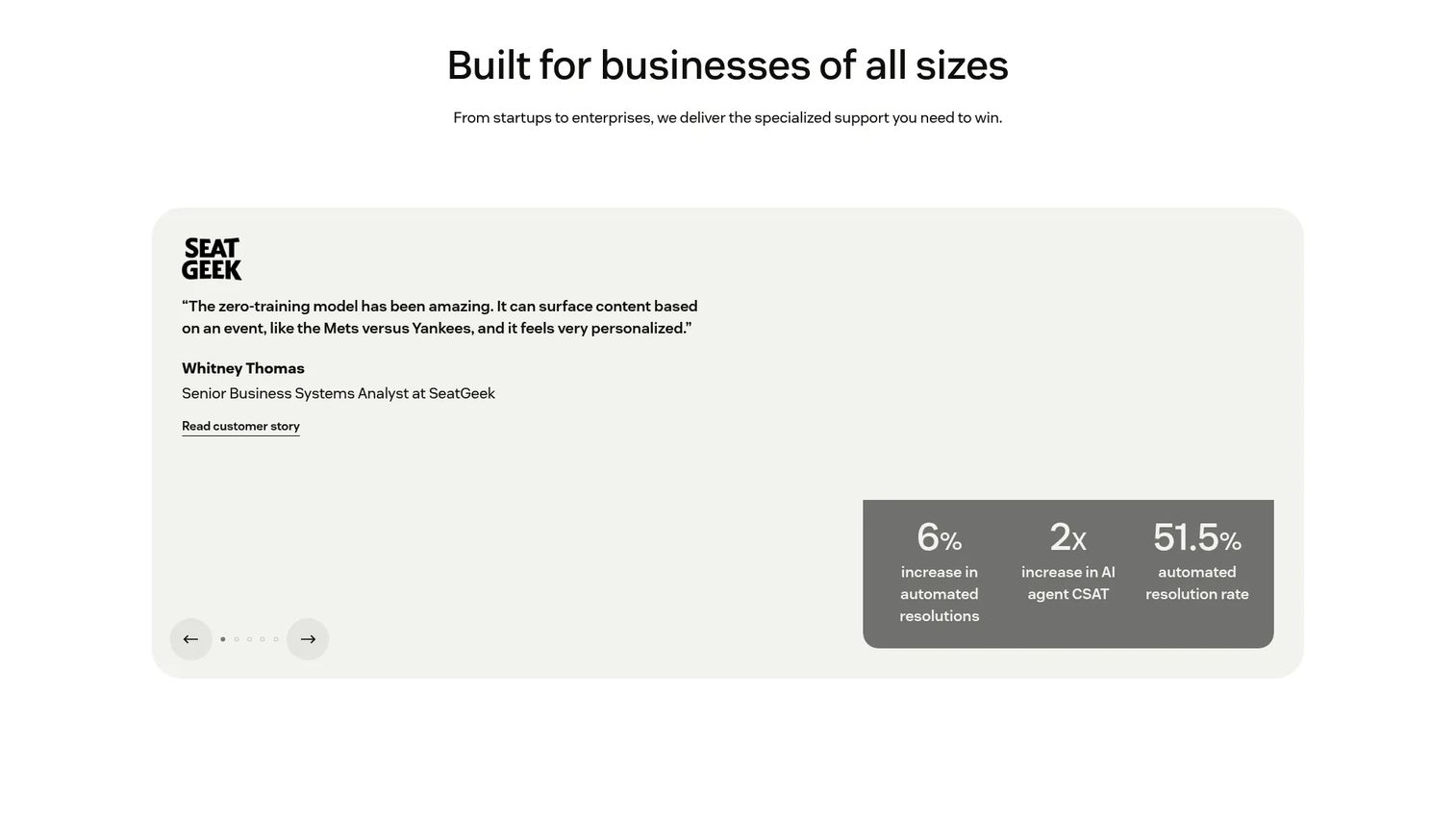
Zendesk is an AI-first customer service platform for managing support across channels: tickets, messaging, live chat, voice, knowledge, and analytics. It centers on a unified agent workspace, so agents handle email, chat, and social from one screen without losing context. For larger SaaS teams, it's the default heavyweight in the help desk ticketing system category. You can explore a Zendesk interactive demo to see how its workspace flows.
Best for: Mid-market and enterprise SaaS support teams that want AI-first omnichannel ticketing at scale.
Key strengths
- AI agents and automation: triage incoming tickets, suggest replies, and resolve common questions before an agent steps in.
- Omnichannel unified workspace: email, messaging, live chat, and voice in a single agent view.
- Deep integrations and reporting: a large app marketplace plus analytics, voice, workforce management, and quality assurance.
Zendesk is the safe choice when you're scaling and need a platform that won't hit a ceiling. The breadth of channels, AI tooling, and reporting fits teams with growing volume and multiple support motions. The trade-off is cost and configuration weight, smaller teams may find it more than they need.
Zendesk pricing: Support Team starts at $19 per agent per month paid yearly. Suite Team is $55, Suite Professional is $115 per agent per month paid yearly, and Suite Enterprise plus Copilot is sales-led. There's a free trial and a six-month startup trial, but no permanent free tier. Zendesk holds a 4.3/5 rating on G2.
2. Freshdesk
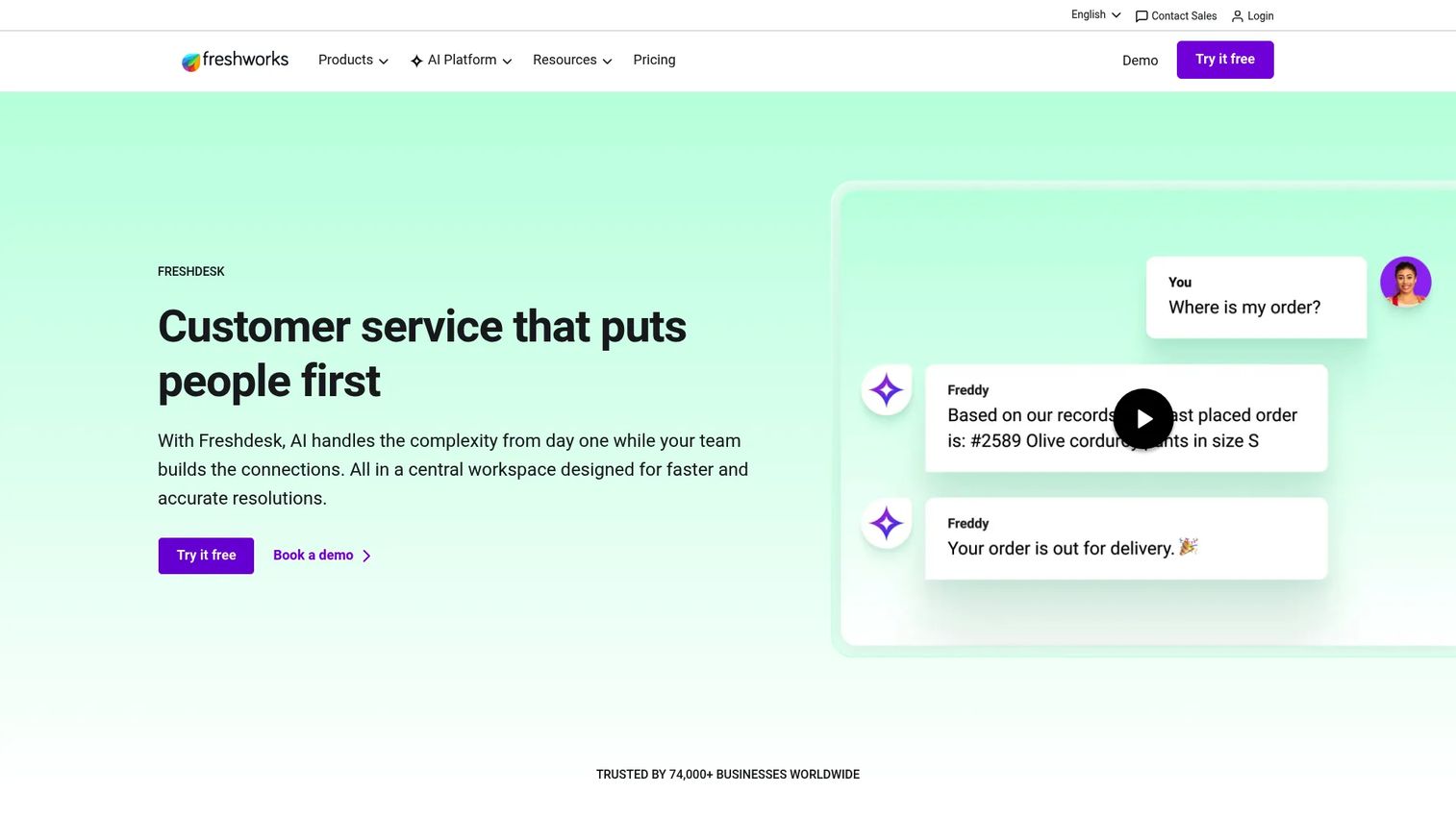
Freshdesk is an AI-powered customer service platform that centralizes support conversations, ticketing, automation, and self-service. Its Freddy AI suite handles agent assist, insights, and customer-facing answers, and the Command Center gives teams a single workspace for the queue. It's the value pick that doesn't feel stripped down.
Best for: SMB and mid-market teams that want strong value and a usable starting plan.
Key strengths
- Freddy AI: AI Agent, AI Copilot, and AI Insights to draft replies, summarize, and surface trends.
- Intuitive setup: quick onboarding and an interface most agents pick up without heavy training.
- Self-service knowledge base: customer portal and help center that deflect repetitive tickets.
Freshdesk wins on cost-efficiency and speed to value. Teams that want a capable support ticket system without a long implementation cycle land here. The advanced workflows, routing, SLAs, and skills-based assignment also scale up as you grow.
Freshdesk pricing: A free program covers 1 to 2 agents for 6 months. Paid plans, billed annually, run Growth at $19, Pro at $55, and Enterprise at $89 per agent per month. Freshdesk holds a 4.4/5 rating on G2.
3. Zoho Desk
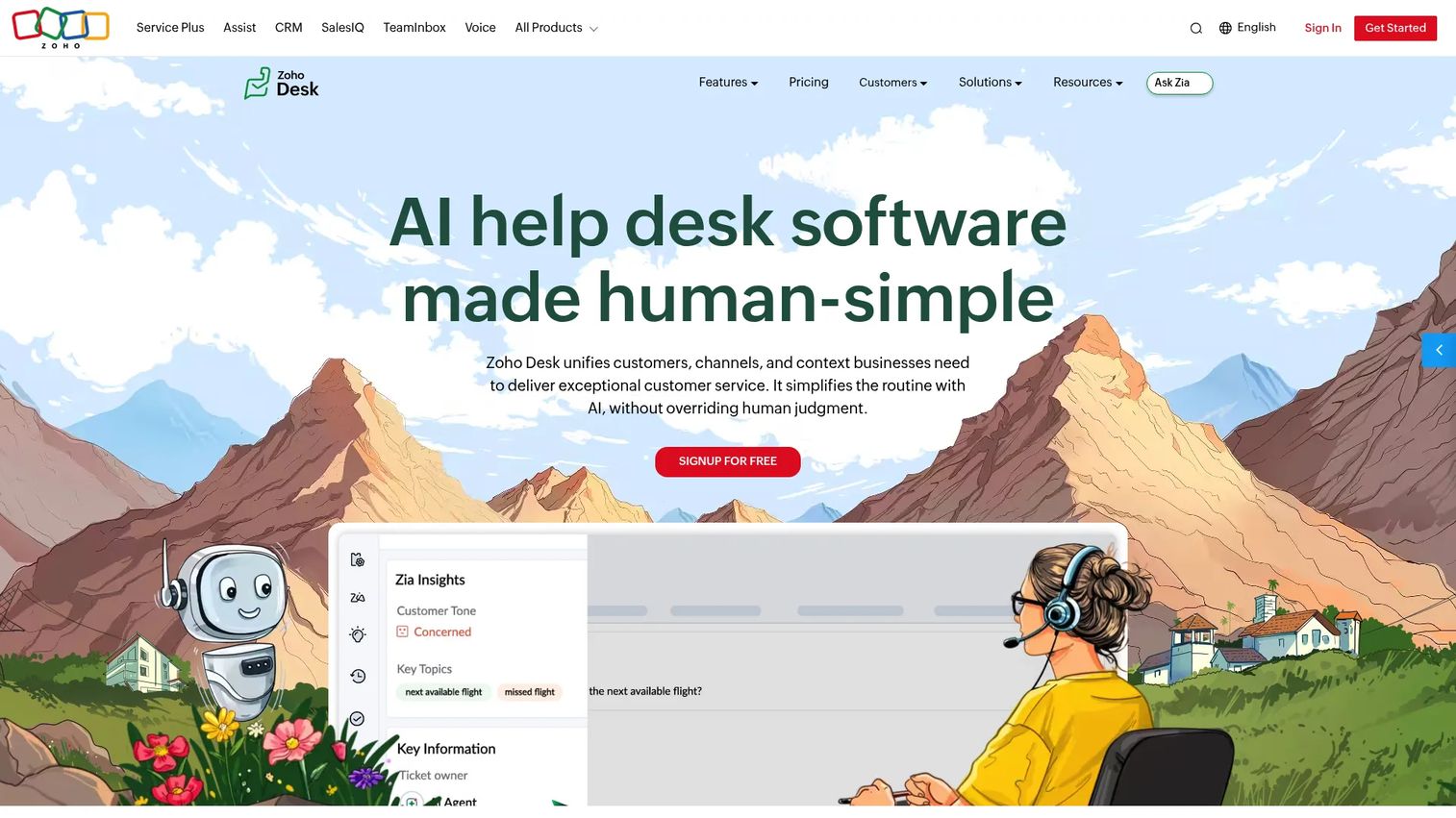
Zoho Desk is a customer service help desk for managing support across email, phone, chat, social, and web forms. It pairs ticket management with Zia AI and Blueprint, a workflow automation engine that maps your support process step by step. If you already run other Zoho tools, it slots in without friction.
Best for: Teams already in the Zoho ecosystem, or any team wanting low-cost automation.
Key strengths
- Zia AI: sentiment analysis, reply suggestions, and anomaly detection across tickets.
- Blueprint workflow automation: visual process builder that enforces your support steps and handoffs.
- Ecosystem integration: tight connections to Zoho CRM and the wider Zoho suite.
Zoho Desk is the affordability-plus-depth play. You get a genuinely customizable helpdesk ticketing system at a low entry point, with a self-service knowledge base, multilingual help center, and community features. It rewards teams willing to configure it to their workflow.
Zoho Desk pricing: A Free Edition is available forever. Paid editions, Express, Standard, Professional, and Enterprise, are billed annually with local taxes added. Zoho Desk holds a 4.5/5 rating on Capterra.
4. Help Scout
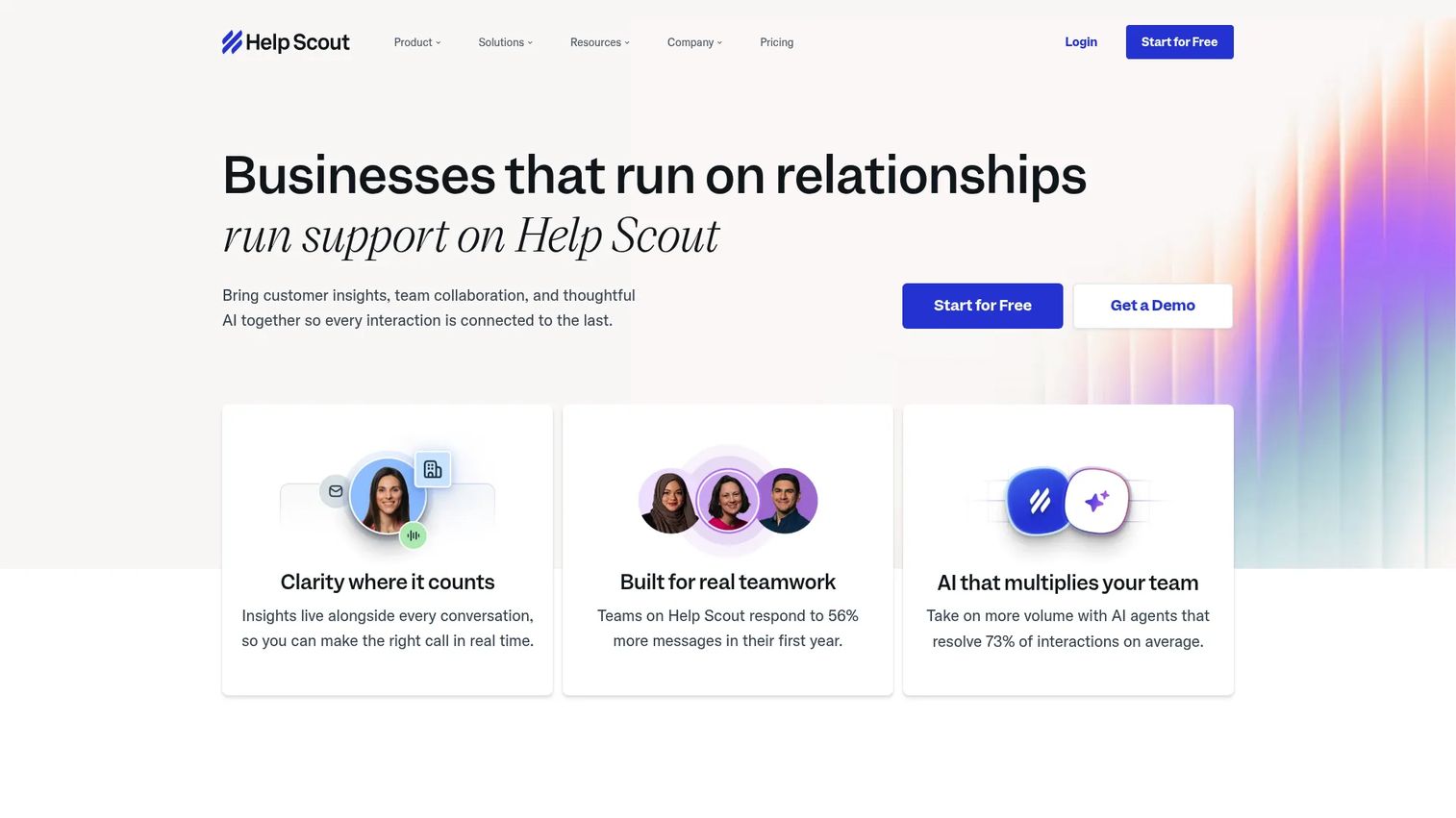
Help Scout is a customer support platform that brings shared inboxes, a help center, live chat, and AI together in one place. It's built around an email-first, human feel, customers get replies that read like a person wrote them, not a ticket number. Beacon, its embeddable support hub, surfaces help content right where users get stuck.
Best for: Small-to-mid SaaS support teams that want a human, email-first experience.
Key strengths
- Shared inbox with collision detection: email, chat, and messaging in one inbox without agents stepping on each other.
- Beacon self-service: an embeddable hub that suggests Docs articles before a customer opens a ticket.
- Docs knowledge base: a clean, fast knowledge base that powers deflection across channels.
Help Scout is the simplicity-and-deflection choice. Teams that don't want enterprise complexity but do want strong self-service get a tool that's quick to run and pleasant for customers. Its AI features, AI Assist, Drafts, Summarize, and the AI Answers chatbot, add automation without losing the personal tone.
Help Scout pricing: A Free plan covers 5 users, 1 inbox, and 1 Docs site. Standard is $25, Plus is $45, and Pro is $75 per user per month. AI Answers is a $0.75-per-resolution add-on. Help Scout holds a 4.4/5 rating on G2.
5. Front
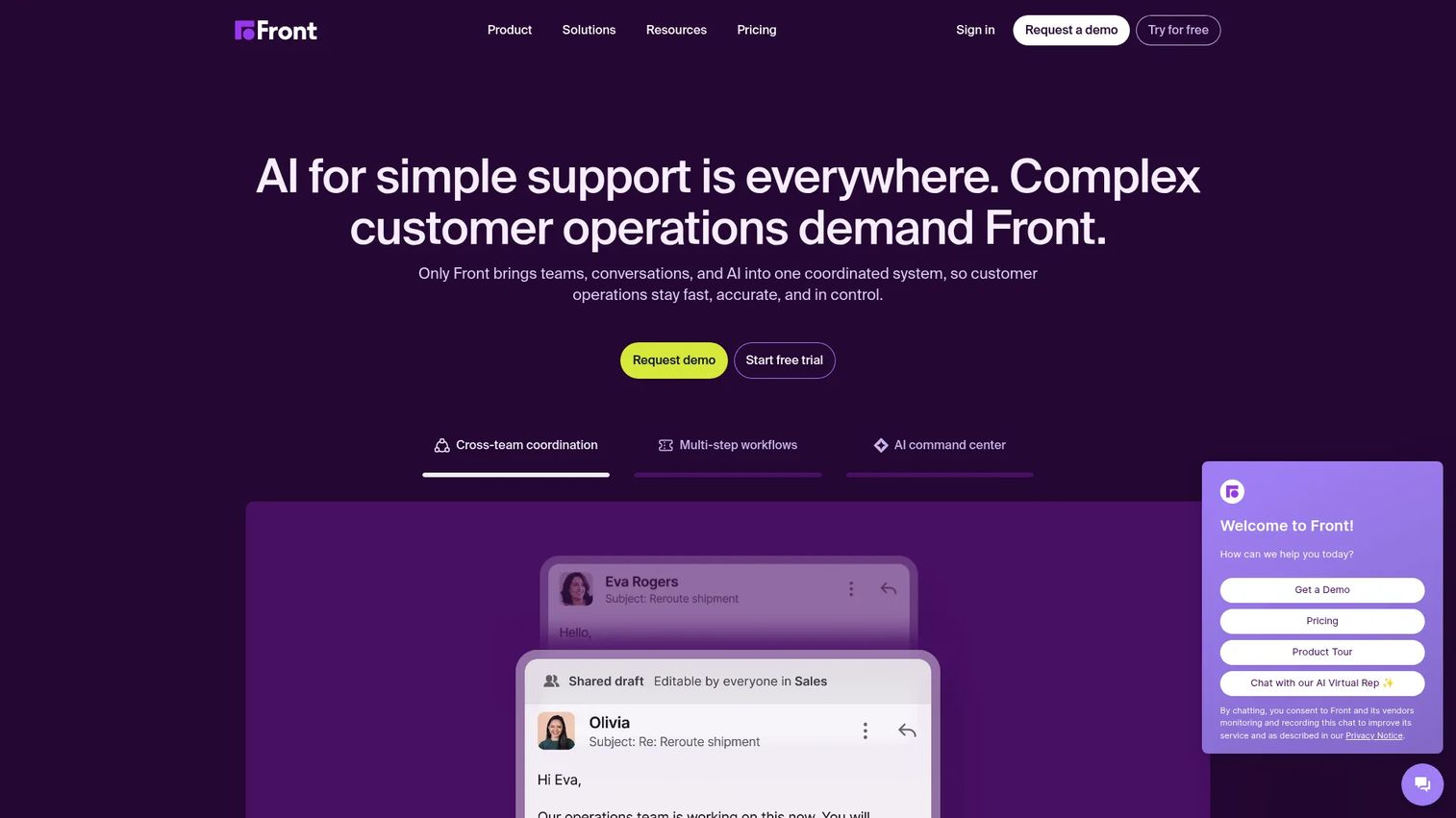
Front is a customer operations platform that unifies customer conversations, team collaboration, AI, automation, and ticketing. It blends the familiarity of a shared inbox with real ticketing structure, so teams collaborate on replies in real time. For support that depends on tight internal coordination, it's a natural fit.
Best for: Teams that run support through shared inboxes with heavy internal collaboration.
Key strengths
- Shared inbox collaboration: comment, assign, and draft together on the same conversation.
- Omnichannel routing: email, SMS, social, WhatsApp, and chat in one place with rules-based assignment.
- Analytics and AI: Front AI Topics, Copilot, Smart QA, and CSAT layered on top of the queue.
Front is the collaboration-first pick. When resolving a ticket often means looping in another teammate, its shared workflow beats passing tickets back and forth. B2B support teams that act more like an operations hub get the most from it.
Front pricing: Starter is $25 per seat per month for up to 10 seats, Professional is $65 for up to 50 seats, and Enterprise is $105 per seat per month, all billed annually. There's a 14-day free trial but no permanent free tier. Front holds a 4.7/5 rating on G2.
6. LiveAgent
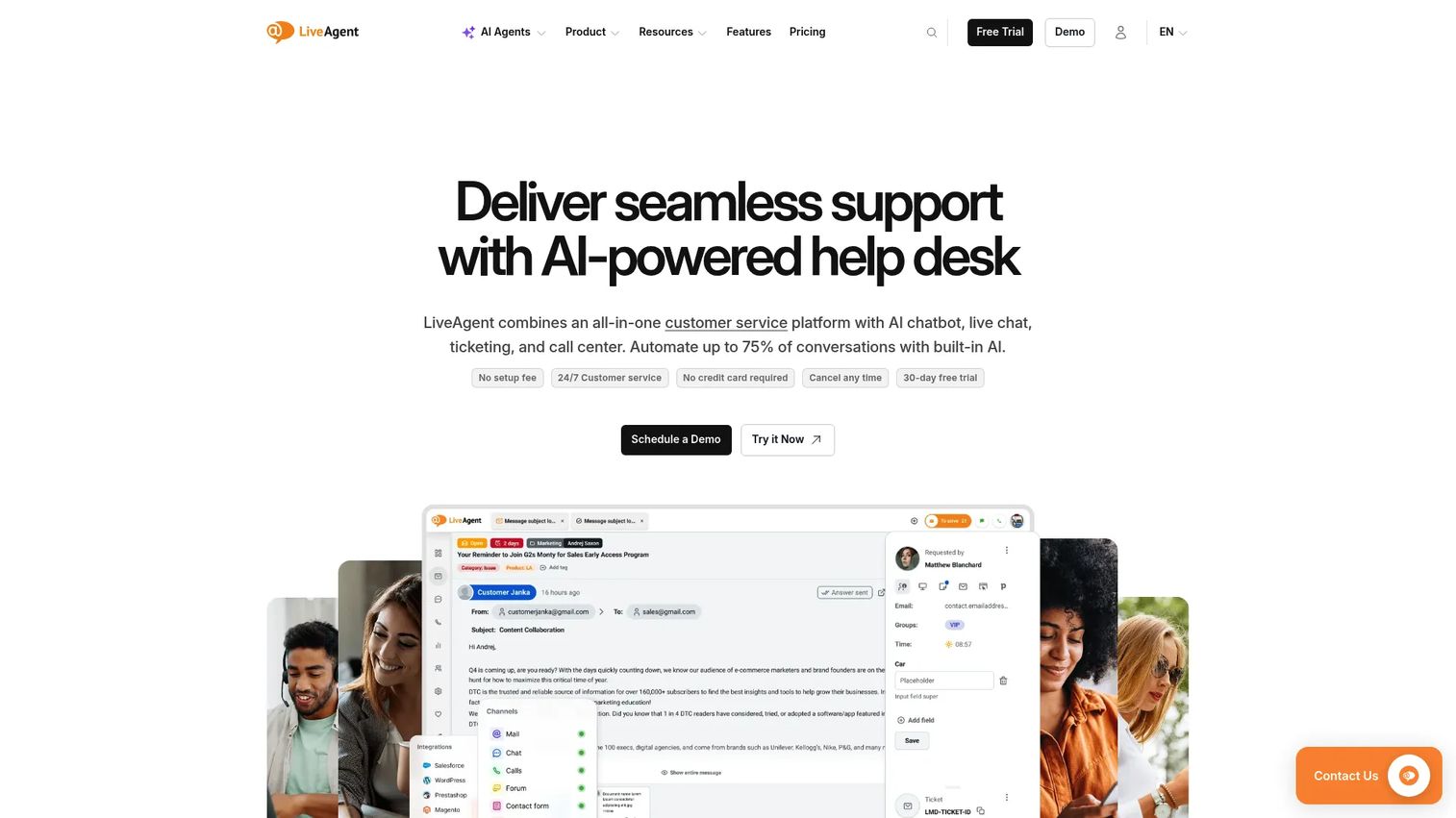
LiveAgent is a multi-channel help desk that combines ticketing, live chat, knowledge base, social channels, and a built-in call center. Its universal inbox pulls every channel into one queue, and the native live chat and IVR-equipped call center mean you don't bolt on separate tools. For breadth per dollar, it's hard to match.
Best for: Teams that want all-in-one chat, call, and ticketing at a low cost.
Key strengths
- Built-in live chat: visitor tracking and proactive chat invitations without a third-party widget.
- Call center: IVR and call routing included in the platform.
- Ticket automation: rules and a universal inbox that keep the queue organized.
LiveAgent is the channel-breadth play. If you want phone, chat, and email support in one tool at an accessible price, it delivers more channels per seat than most competitors. The interface is dense, but the coverage is the point.
LiveAgent pricing: Annual plans run Small business at $15, Medium business at $29, Large business at $49, and Enterprise at $69 per agent per month. Monthly pricing is higher. A 30-day free trial is available. LiveAgent holds a 4.5/5 rating on G2.
7. HappyFox
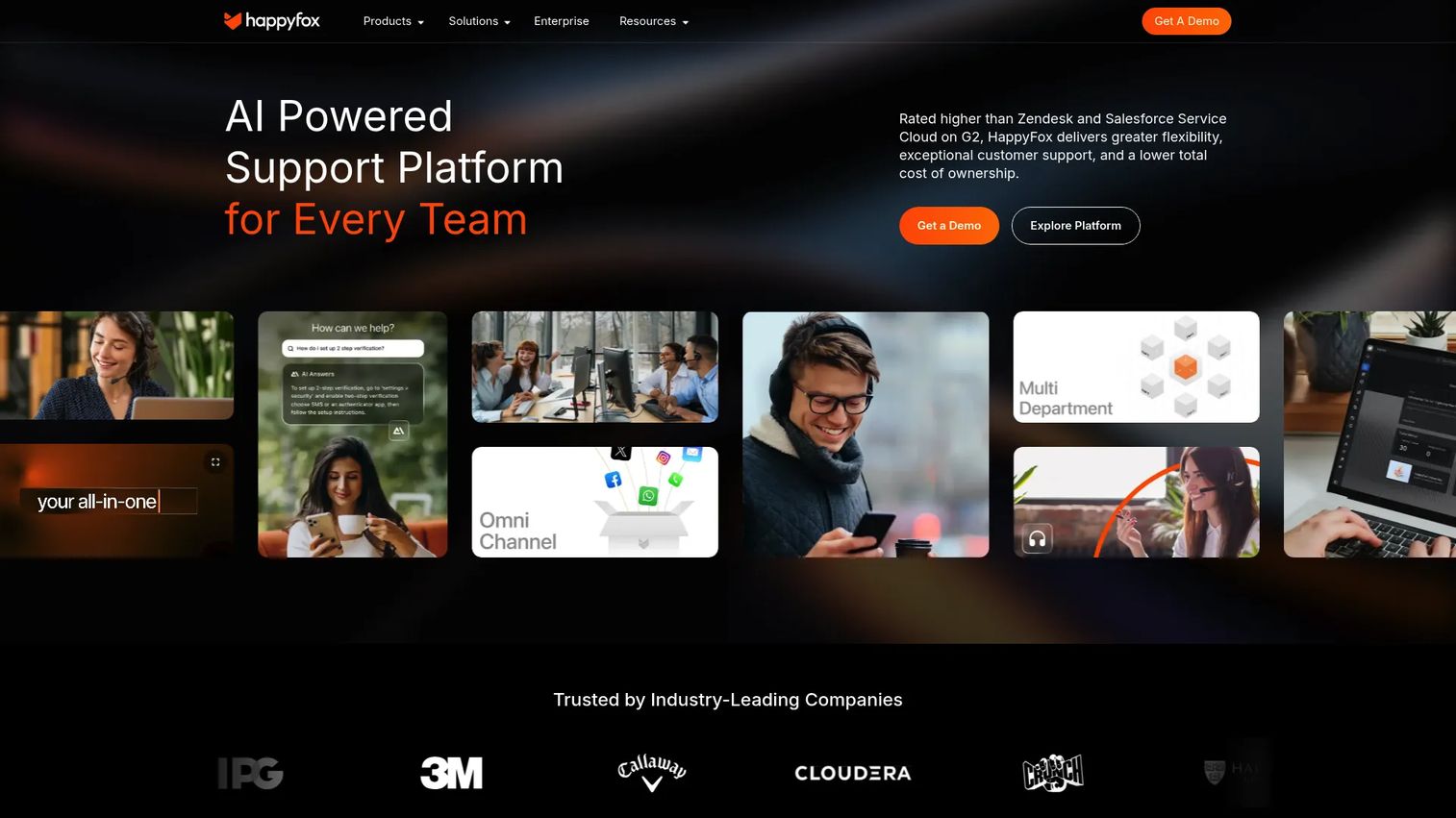
HappyFox is an AI-powered support platform for customer service, IT, HR, and operations teams. It leans into structured workflows: omnichannel ticket creation, SLA management, and automation rules that enforce how tickets move. For teams that live by SLAs, that structure is the draw.
Best for: Mid-market teams with strict SLA and workflow requirements.
Key strengths
- SLA management: define, track, and escalate against response and resolution targets.
- Smart automation rules: route, prioritize, and act on tickets without manual triage.
- Knowledge base and reporting: self-service content plus analytics across CS, IT, HR, and Ops.
HappyFox is the SLA-heavy operations pick. Teams that need predictable, rule-governed support, where every ticket follows a defined path, get a platform built for exactly that. It works well when you support multiple internal functions, not just external customers.
HappyFox pricing: The Help Desk pricing page lists Basic, Team, Pro, and Enterprise PRO plans, but agent-based prices are revealed only after filling in a form. Enterprise PRO is contact-sales. HappyFox holds a 4.5/5 rating on G2.
8. Hiver
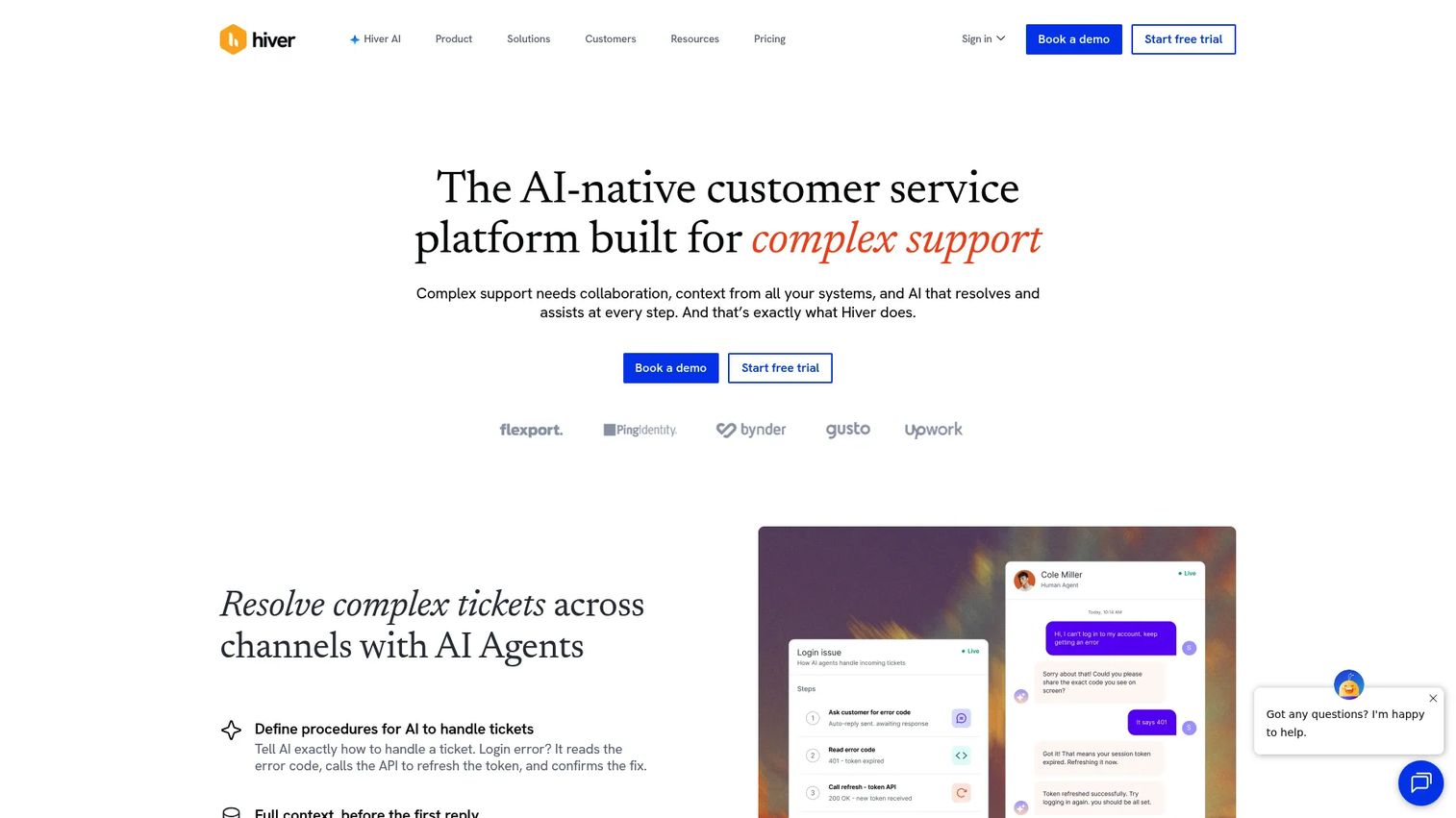
Hiver is an AI-powered customer service platform for managing shared inboxes, support channels, workflows, and reporting, all inside Gmail. Your team handles tickets without leaving the inbox they already use, which means zero context-switching and almost no onboarding. For Google Workspace teams, that's a real advantage.
Best for: Google Workspace teams that want ticketing inside Gmail.
Key strengths
- Gmail-native: turn shared mailboxes into a helpdesk ticketing system without a separate app.
- Collision alerts: see when a teammate is already replying to avoid double responses.
- SLA, analytics, and AI: business hours, CSAT surveys, and AI Compose, Summarizer, and Copilot.
Hiver is the no-friction adoption choice. Teams that resist new tools because they don't want to leave Gmail get full ticketing, automation, and reporting layered onto the inbox they live in. It also extends to live chat, knowledge base, and other channels as you grow.
Hiver pricing: A Free plan is available forever. Growth is $25 per user per month annually, Pro is $55, and Elite is $85 per user per month annually, with higher monthly rates. Hiver holds a 4.6/5 rating on G2.
9. Jira Service Management
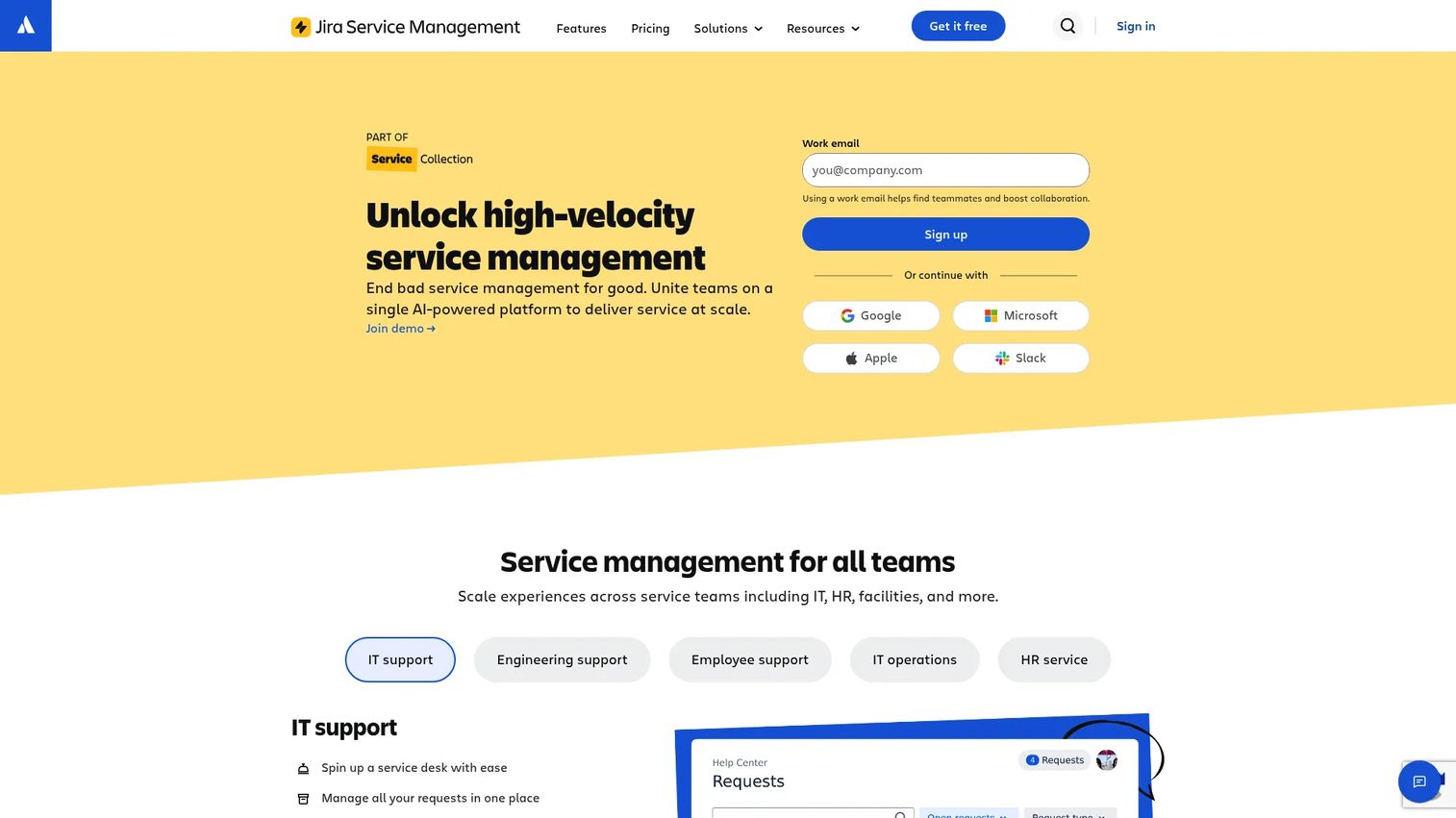
Jira Service Management is Atlassian's IT service management platform for request, incident, problem, change, asset, and knowledge management. It's built for ITSM and IT ticketing system workflows, with native ties into Jira so support and engineering work in the same system. For SaaS teams that escalate bugs to dev, that connection is the killer feature. You can preview the workflow in a Jira interactive demo.
Best for: SaaS support teams that blend customer support with IT and engineering escalations.
Key strengths
- ITSM workflows: incident, problem, and change management built on ITIL-aligned practices.
- Dev-team integration: native Jira links so escalations reach engineering without re-entry.
- Automation and assets: asset and configuration management plus rules-based automation.
Jira Service Management is the bridge between support and engineering. When a meaningful share of your tickets become bug reports or feature requests, keeping support and dev in one system removes the handoff gap. It's heavier than a pure customer support tool, but that's the point for blended teams.
JSM pricing: Free covers up to 3 agents. Standard is $20 and Premium is $51.42 per agent per month, with Enterprise as contact-sales. Jira Service Management holds a 4.3/5 rating on G2.
10. osTicket
osTicket is an open-source support ticketing system for routing, managing, and archiving requests from email, web forms, phone, and API. You can self-host the free download or run the cloud-hosted edition, which means full control over your data and no license cost on the open-source path. For privacy- or budget-conscious teams, it's a serious option.
Best for: Budget- or privacy-focused teams that want an open-source ticket system.
Key strengths
- Open-source and free: self-host the full ticketing system with no license fee.
- Ticket filters and routing: custom fields, forms, queues, help topics, and assignment rules.
- SLA plans and dashboards: SLA tracking, customer portal, auto-responder, and dashboard reports.
osTicket is the full-control choice. Teams that want to own their infrastructure, or simply can't justify per-agent SaaS pricing, get a capable ticket management system they can shape to their needs. The trade-off is that self-hosting means you handle setup and maintenance yourself.
osTicket pricing: The Open Source edition is a free download with community support. The Cloud-hosted edition starts at $12 per agent per month with a 30-day free trial, and the Virtual Appliance is contact-us pricing. osTicket holds a 4.4/5 rating on G2.
How to deflect repetitive tickets before they reach the queue
The cheapest ticket is the one a customer never has to open. Deflection is where most support teams leave the biggest wins on the table, because they treat the knowledge base as a dumping ground instead of a workflow.
Start with structure. Group articles by the jobs customers are trying to do, not by your internal product map. Then surface those articles at the moment of friction: in the help widget, in chatbot fallbacks, and inside the macros your agents send. A macro that links to a clear, current visual answer deflects the next ticket on the same topic.
The format of the answer matters as much as where it lives. A six-paragraph written walkthrough asks the customer to read, parse, and translate steps into clicks. Many give up and open a ticket anyway. Replacing that with an embedded, clickable walkthrough lets them follow the exact steps in a replica of your product. This is exactly where building self-service experiences pays off.
Here's the before/after pattern support teams use:
| Before | After | |
|---|---|---|
| Format | 6-paragraph written walkthrough with static screenshots | Embedded interactive guide the customer clicks through |
| Customer effort | Read, interpret, map steps to UI | Follow the steps in sequence |
| Macro reply | "See the article here" plus a wall of text | "Click through this short walkthrough" |
| Update cost | Re-shoot screenshots when the UI changes | Re-capture the flow once |
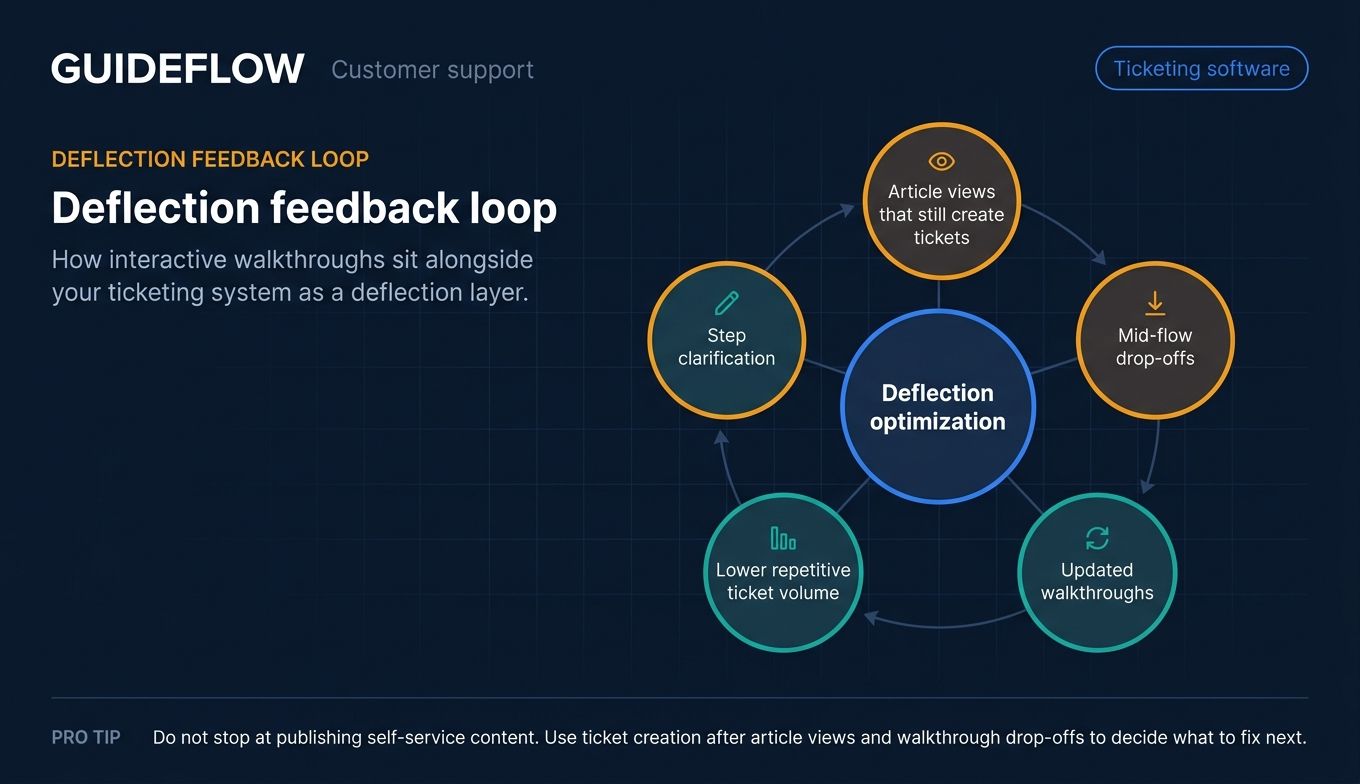
Interactive walkthroughs perform best when embedded in help center articles, macros, and chatbot replies to deflect repetitive how-to tickets. They sit alongside your ticketing system as a deflection layer, the ticketing tool handles what needs a human, and the walkthrough handles what doesn't. Tracking this with proper analytics shows where customers drop off mid-flow.
Then close the loop with analytics. Track which articles get viewed but still produce tickets, and watch where customers drop off mid-flow. Those drop-off points tell you exactly which step to clarify next. Deflection isn't a one-time setup, it's a metric you optimize like any other.
How to choose the right ticketing software
Every tool above can run a queue. The right one for your team comes down to a few specific factors. Use this checklist before you commit.
Deflection and self-service depth
Look at how the tool handles knowledge base, portals, and embeds. Can you surface help content inside chat and macros, or is it a separate, ignored site? The more friction-free your self-service, the fewer tickets your agents touch.
Automation, routing, and SLA handling
Check how granular the rules get. You want routing by topic, skill, and workload, plus SLA timers with escalations that fire before a target is missed. Weak automation pushes triage work back onto your team.
Reporting and deflection analytics
Dashboards should show volume, handle time, first-contact resolution, CSAT, and deflection, not just ticket counts. Visibility into where customers and agents get stuck is what lets you improve instead of guess. Exportable data matters if leadership wants its own view.
Integrations with your stack
Confirm native connections to your CRM, billing, chat, and team-messaging tools. A ticketing system that doesn't talk to the rest of your stack creates manual copy-paste work and data gaps. Check depth, not just whether a logo appears on the integrations page.
Pricing model and total cost
Decide between per-agent and flat-rate pricing based on how your team scales. Per-agent pricing can climb fast as you grow, while gated features may force you into a higher tier than you need. Factor in free tiers, trials, and what each plan actually unlocks.
Conclusion
There's no single best ticketing software, only the best fit for how your team works. For mid-market and enterprise teams that want AI-first omnichannel ticketing at scale, Zendesk is the strongest all-around pick. For SMB and mid-market teams chasing value, Freshdesk delivers depth without the cost, and Zoho Desk wins on low-cost automation if you're already in its ecosystem.
For shared-inbox teams, Help Scout and Front lead on email-first simplicity and collaboration. LiveAgent packs the most channels per dollar, HappyFox suits SLA-heavy operations, and Hiver keeps everything inside Gmail. For blended support-and-engineering teams, Jira Service Management bridges the gap, and osTicket gives budget- or privacy-focused teams a free open-source ticket software option.
Whichever you pick, pairing it with strong user onboarding software and a deflection-first self-service layer compounds the gains. Your next step: shortlist two or three tools that match your team's size and channels, run trials in parallel, and measure what actually matters, deflection rate and time-to-resolution. The right ticketing solution proves itself in the queue, not the demo.
FAQs
Ticketing software is a system that captures, routes, prioritizes, and tracks customer support requests from creation to resolution. It converts scattered emails, chats, and form submissions into structured tickets with an owner, a status, and a full history. The goal is to make sure no request slips and every interaction is logged.
A ticketing system follows a clear lifecycle. A request is created from any channel, categorized by topic or priority, then assigned to an agent or automation. The agent resolves it, and the ticket is closed and archived, with the entire history available for reporting and follow-up.
A ticketing system is the core engine that captures and tracks support requests. A help desk is the broader platform built around that engine, adding a knowledge base, self-service portals, automation, and reporting. In practice, most modern help desk ticketing system products bundle both, so the terms often overlap.
osTicket is the strongest fully free option, since its open-source edition is a free download you can self-host. Freshdesk offers a free program for 1 to 2 agents for 6 months, Zoho Desk has a Free Edition, and Help Scout and Hiver both include free starter plans. The best choice depends on whether you want self-hosted control or a hosted free tier.
Most ticketing software is priced per agent per month, with entry tiers commonly starting around $15 to $25 per agent. Free tiers and free programs exist, and costs scale with agent count, AI add-ons, and higher tiers that unlock advanced automation, analytics, and security. Annual billing is usually cheaper than monthly.
Yes. Automation deflects routine work, while self-service portals, knowledge bases, and embedded interactive guides answer repetitive how-to questions before they become tickets. Routing and SLA tools also shorten resolution time, which reduces follow-up tickets. The biggest gains come from pairing strong self-service with clear deflection analytics.
Prioritize deflection and self-service depth, automation and routing, SLA handling, reporting and analytics, and integrations with your existing stack. SaaS teams should weigh how well the tool surfaces help content at the point of friction and how clearly it shows where customers and agents get stuck. Pricing transparency rounds out the shortlist.
Yes. An IT ticketing system, such as Jira Service Management, focuses on internal issues and ITIL-style workflows like incident, problem, and change management. A customer support ticketing system focuses on external customer requests across email, chat, and social. Some teams use one platform for both when support and IT escalations overlap.