Your HR started as a spreadsheet. One tab for headcount, another for PTO, a shared folder for offer letters, and a payroll provider that lives in a separate login. It worked at 12 people. At 60, someone is copying a hire's details into four systems, a tax filing deadline just slipped, and you have no clean answer when your board asks about turnover by team.
That is the break point most founders hit. The global HR technology market is projected to grow from USD 47.32 billion in 2026 to USD 95.95 billion by 2034, according to Fortune Business Insights (2025), and the reason is boring but real: manual HR work does not scale, and the cost of getting payroll or compliance wrong compounds fast.
HR software fixes the fragmentation. It centralizes employee data, automates the repetitive parts of onboarding and payroll, and gives you visibility into headcount and workforce trends without stitching together five tools. The hard part is choosing. A 30-person team and a 300-person team evaluate completely differently, and the platform that fits a distributed team of contractors is not the one built for an hourly, shift-based workforce.
This guide ranks the 12 best HR software platforms for 2026, evaluated through an operator's lens: what reduces admin, what scales with headcount, and what earns its place in your stack. If you are also auditing adjacent systems, our roundups of the best business intelligence software and the best contract lifecycle management software cover the tools that sit next to HR in a growing company.
What's inside
This guide is for founders, operators, and people leaders choosing an HR system for a company that is scaling. We cover 12 platforms spanning small business, mid-market, enterprise, and global teams. Each pick was evaluated on the criteria that actually decide fit: company size, payroll and HR integration, usability, compliance support, integrations, and value. You will find a comparison table, per-tool breakdowns with verified pricing and G2 ratings where available, buyer criteria, and FAQs. The goal is a shortlist you can defend, not a feature dump.
TL;DR
- Best all-around for scaling teams: Rippling, which unifies HR, IT, and payroll in one platform and automates the admin that usually routes through the founder.
- Best HR software for small business: Gusto, for founders who want payroll, benefits, and HR in one clean system with month-to-month billing.
- Best core HRIS: BambooHR, for employee records, onboarding, and clean workflows in a growing company.
- Best for payroll plus HR services: Paychex and ADP Workforce Now, for teams that want established payroll depth with compliance support.
- Best for enterprise complexity: Workday HCM, for large organizations that need planning, governance, and deep reporting.
- Best for global and distributed teams: Deel, for hiring, paying, and staying compliant across borders.
What is HR software?
HR software is a system that centralizes employee data and automates core human resources tasks like hiring, onboarding, payroll, benefits, compliance, and performance management. It replaces the spreadsheets, shared folders, and disconnected point tools that most companies start with, and gives HR, managers, and employees a single source of truth for people data.
You will see three overlapping terms in this category. An HRIS (human resources information system) is the record-keeping core: employee profiles, org structure, documents, and time off. An HRMS (human resources management system) adds operational modules like payroll and recruiting on top of that core. HCM (human capital management) is the broadest tier, extending into workforce planning, talent management, and analytics for larger organizations. The lines blur in practice, and most modern HR platforms market themselves across all three.
Core modules you will evaluate in most human resources software:
- Employee records: profiles, documents, org charts, and self-service access
- Onboarding: offer letters, task lists, and document collection automated into a workflow
- Payroll: wage calculation, tax filing, and direct deposit, native or partner-powered
- Benefits administration: enrollment, carrier connections, and open enrollment management
- Compliance: labor law alerts, audit trails, and document retention
- Performance management: reviews, goals, and feedback cycles
- Recruiting and applicant tracking: job posts, candidate pipelines, and hiring workflows
What modern HR management software actually replaces:
- The spreadsheet stack tracking PTO, headcount, and comp across scattered tabs
- The standalone payroll login disconnected from your employee records
- Manual offer letters and onboarding checklists sent over email
- Compliance tracked in someone's head or a stale document
- The reporting scramble every time leadership asks for a workforce number
What to look for in HR software
Company size fit
A 30-person team and a 300-person team are not solving the same problem. Smaller teams need speed: fast setup, low admin, and payroll that just runs. Larger teams need workflow depth, permissions, approval chains, and reporting that survives scrutiny. Buy for where you will be in 18 months, not where you are today, but do not over-buy enterprise complexity a lean team will never configure. The right HR platform matches your internal ownership. If no one owns HR full-time yet, prioritize systems that run themselves.
Payroll and HR integration
Payroll is where HR errors get expensive. When payroll and HR live in the same system, a new hire's details flow once, tax filing is handled, and you stop reconciling duplicate records across tools. Where friction shows up is the handoff: a raise entered in HR that does not reach payroll, a termination that keeps paying, a tax jurisdiction the tool does not cover. Native payroll removes those gaps. Partner-powered payroll can work well, but you own the sync quality.
Usability and implementation
HR software fails when only HR uses it. Managers approve time off, employees update their own details, and new hires complete onboarding, all of them touching the product. If the interface is confusing, adoption stalls and you are back to email and spreadsheets. Weigh setup time, data migration effort, and the learning curve for non-HR users. A shorter time-to-first-value matters more than a longer feature list you will never fully use.
Compliance and risk reduction
Compliance is the quiet reason to buy. Labor law changes, tax jurisdictions multiply as you hire across states, and audit trails matter when something goes wrong. Look for automated alerts, document handling with retention rules, and access to support when a question is above your pay grade. Frame compliance as risk reduction, not feature volume. One avoided filing penalty or misclassification can pay for the software. Our roundup of audit management software covers the adjacent tooling if compliance is a board-level concern.
Integrations and ecosystem fit
HR software does not live alone. It has to connect to accounting for payroll journal entries, identity providers for provisioning, applicant tracking for hiring, benefits carriers, and collaboration tools like Slack. Check sync quality, not just logo count on a marketplace page. A shallow integration that breaks weekly costs more than no integration. Prioritize the systems in your stack now. If you are mapping the broader stack, our guides to the best customer data platform and best contract management software tools cover neighboring categories.
Value and ROI
Founders should think about HR software payback the way they think about any tool: time saved, errors avoided, and tools replaced. If a platform consolidates payroll, benefits, an HRIS, and onboarding into one line item, the math often beats the sum of the point tools it replaces, plus the hours nobody logs reconciling them. Per-employee pricing scales with headcount, so model the cost at your projected size, not today's.
When to use HR software
When spreadsheets stop scaling
The signs are consistent: version conflicts on the master headcount file, someone without permission seeing comp data, PTO balances that no longer reconcile, and errors that take an afternoon to trace. When manual tracking starts generating its own work, the spreadsheet has stopped saving time and started costing it.
When payroll becomes too risky to manage manually
Payroll mistakes are not just embarrassing, they carry tax and filing penalties. Once you are running payroll across multiple states, handling contractors and employees, or missing filing deadlines, software that automates tax filing and recurring compliance tasks pays for itself against a single avoided penalty.
When hiring and onboarding become repetitive
If you are sending the same offer letter template, the same onboarding checklist, and chasing the same documents on every hire, that is a workflow begging to be automated. HR software turns repetitive hiring and onboarding into a template that runs itself, which matters most when your hiring pace is accelerating.
When leadership needs better visibility
When your board asks for headcount by team, turnover trends, or comp benchmarks and you cannot answer without a manual pull, you have outgrown spreadsheets. Good HR reporting gives founders and operators a live view of workforce trends, so people decisions are made on data, not gut.
Comparison table
Here is how the 12 platforms compare on buyer intent, differentiation, pricing, and G2 rating. Pricing reflects publicly listed figures where vendors publish them; several enterprise platforms use quote-based pricing.
| # | Product | Intent | Key differentiation | Pricing | G2 rating |
|---|---|---|---|---|---|
| 1 | Rippling | All-in-one HR + IT | Unifies HR, IT, and payroll in one platform | Custom quote | 4.8/5 |
| 2 | Gusto | Small business HR | Payroll, benefits, and HR for SMBs | From $49/mo + $6/person | Not listed |
| 3 | BambooHR | Core HRIS | Employee records and clean onboarding | From $10/employee/mo | 4.4/5 |
| 4 | ADP Workforce Now | Payroll-first HCM | Mature payroll and compliance at scale | Custom quote | 4.2/5 |
| 5 | UKG | Workforce management | Time, scheduling, and hourly workforces | Custom quote | 4.4/5 |
| 6 | Paychex | Payroll + HR services | Payroll with hands-on service and support | Request pricing | Not listed |
| 7 | Paycor | Mid-market HR suite | Balanced HR, payroll, and talent | From $99/mo + $5/employee | Not listed |
| 8 | Zoho People | Value HRMS | Affordable HR with Zoho ecosystem fit | Free up to 5 users; from $1.25/user/mo | 4.4/5 |
| 9 | Personio | European HR | Localization and EU compliance | Custom quote | 4.4/5 |
| 10 | Workday HCM | Enterprise HCM | Planning, governance, and analytics | Contact sales | 4.1/5 |
| 11 | Deel | Global workforce | Global hiring, EOR, and contractor management | From $5/employee/mo | 4.8/5 |
| 12 | Bob | People operations | Culture, engagement, and configurable HR | Custom quote | 4.5/5 |
Best HR software for 2026
1. Rippling
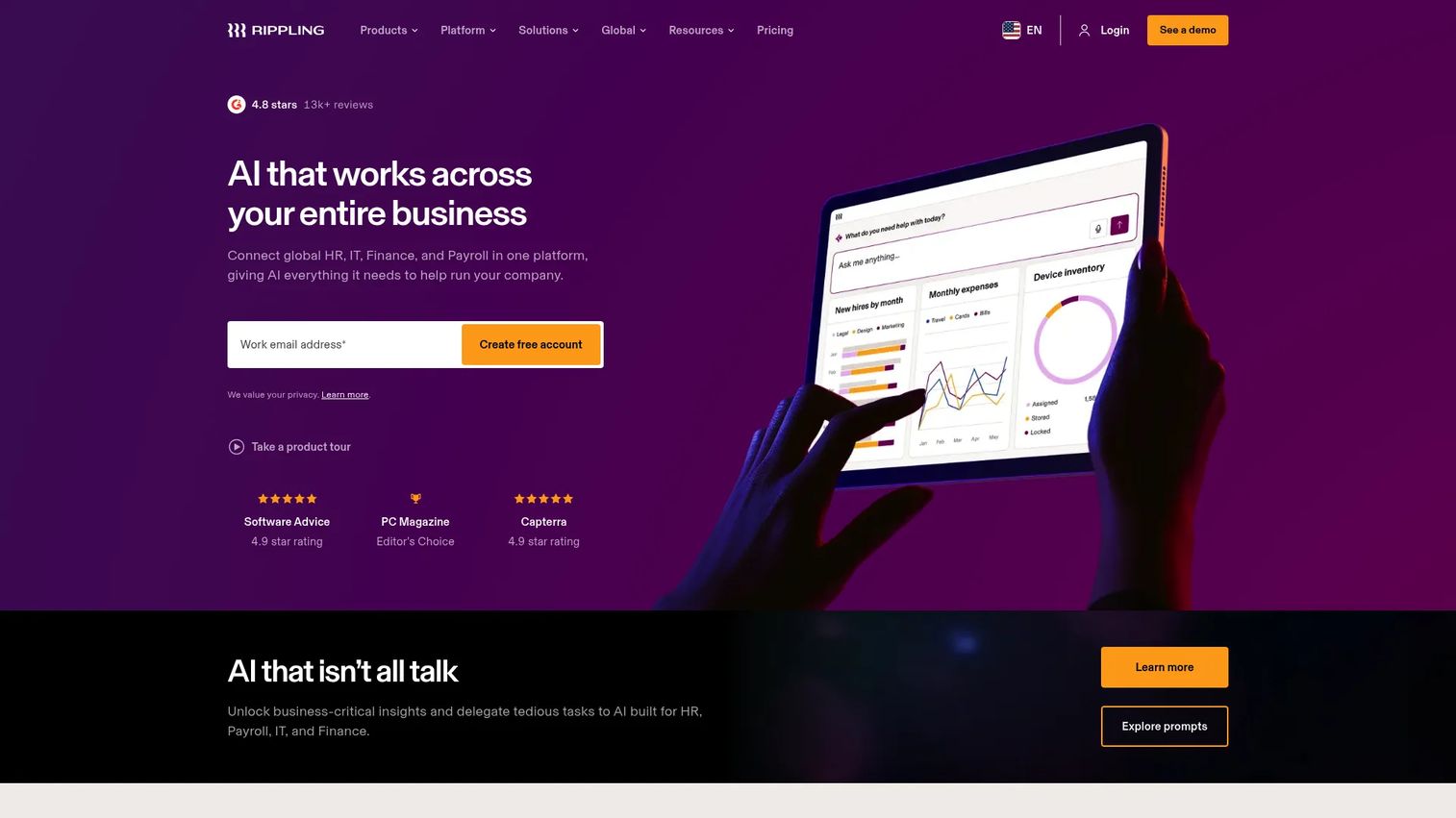
Rippling is a workforce management platform that unifies HR, IT, and finance in one system. Instead of stitching together separate tools for payroll, benefits, device management, and expenses, Rippling runs them from a single employee record. When you hire someone, their profile provisions payroll, orders their laptop, and grants app access in one flow. That unified data model is what makes it a strong fit for founders trying to remove admin bottlenecks.
Best for: Scaling teams that want one platform across HR, IT, payroll, and spend management.
Key strengths
- Unified employee record: HR, IT, and finance data live in one place, so a single change updates every downstream system.
- Modular products: Payroll, benefits, device management, expenses, and bill pay can be added as you grow.
- Workflow automation: Permissions, approvals, analytics, and integrations reduce the manual work that usually routes through founders.
Why choose Rippling: For a founder still sitting in 40% of operational decisions, Rippling's value is consolidation. One system replaces the HRIS, payroll tool, IT provisioning, and expense management, which cuts both cost and the reconciliation tax nobody logs. It fits companies that want their HR and IT to scale together rather than as separate stacks.
Rippling pricing: Rippling uses custom, quote-based pricing. Products can be purchased separately alongside a required core platform, and most are billed per employee per month with some monthly base fees. There is no public starting price, so request a quote sized to your headcount and modules. Rippling holds a 4.8/5 rating on G2.
2. Gusto
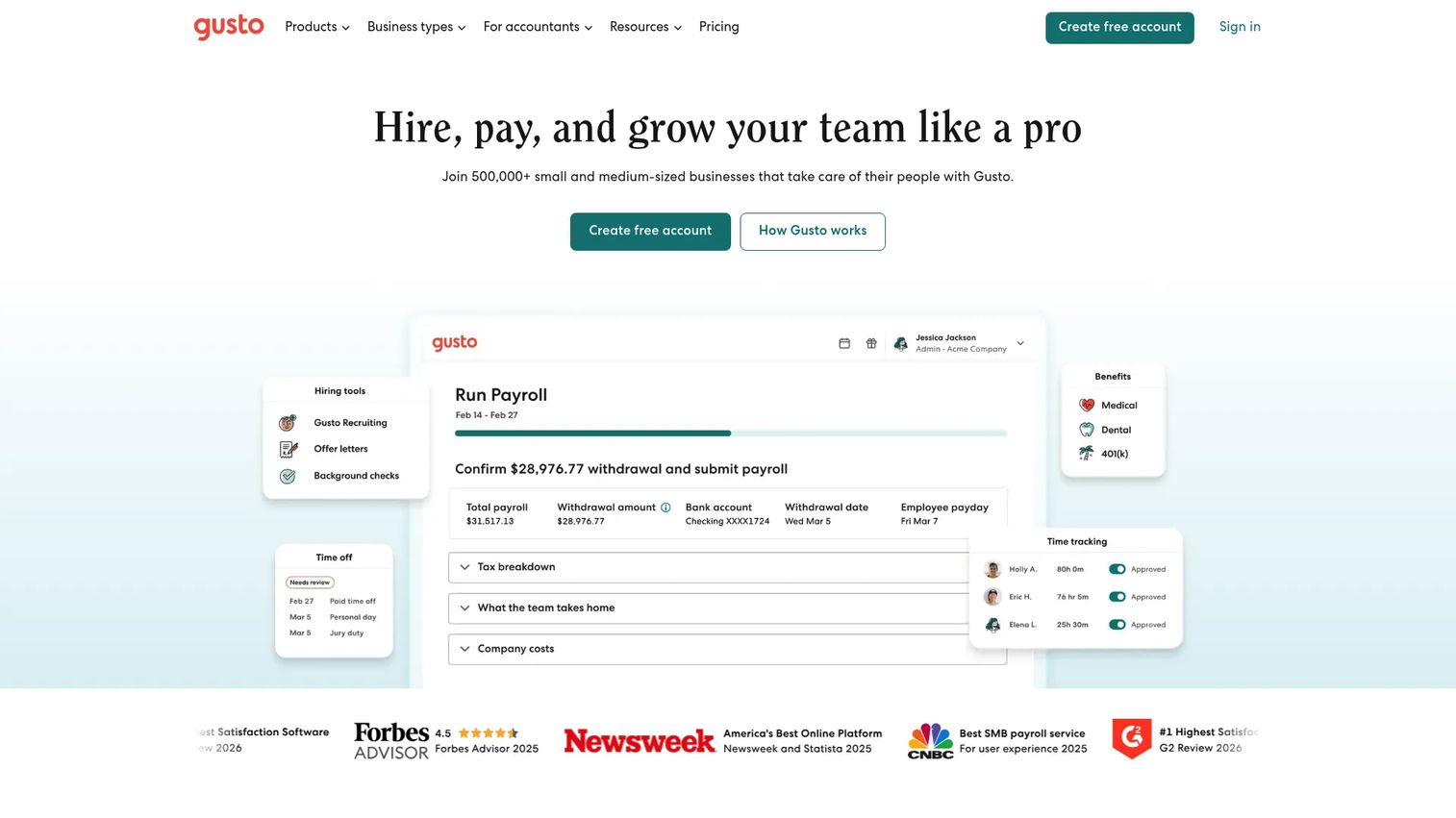
Gusto is a payroll, benefits, and HR platform built for small and midsize businesses. It is the tool most early-stage founders reach for first, because it handles full-service payroll in all 50 states, files taxes automatically, and layers benefits and basic HR on top without enterprise complexity. Onboarding is clean, and the interface is friendly enough that employees self-serve without training.
Best for: Small and midsize businesses that want payroll plus HR and benefits in one straightforward system.
Key strengths
- Full-service payroll: Runs payroll in all 50 states with automatic tax filing built in.
- Global contractor payments: Pays contractors in 120+ countries from the same platform.
- HR and benefits tools: Benefits administration, time tracking, and core HR workflows in one place.
Why choose Gusto: Gusto wins for founders who want payroll and HR handled correctly without a project plan. Month-to-month billing and no long-term contract lower the commitment risk, which suits a team that is still figuring out its final headcount shape. It is the payroll and HR pick when speed and simplicity matter more than deep configuration.
Gusto pricing: Gusto lists a Contractor only plan at $0/mo plus $6/mo per person, a Simple plan at $49/mo plus $6/mo per person, a Plus plan at $80/mo plus $12/mo per person, and a Premium plan at $180/mo plus $22/mo per person. Billing is month-to-month with no long-term contract.
3. BambooHR
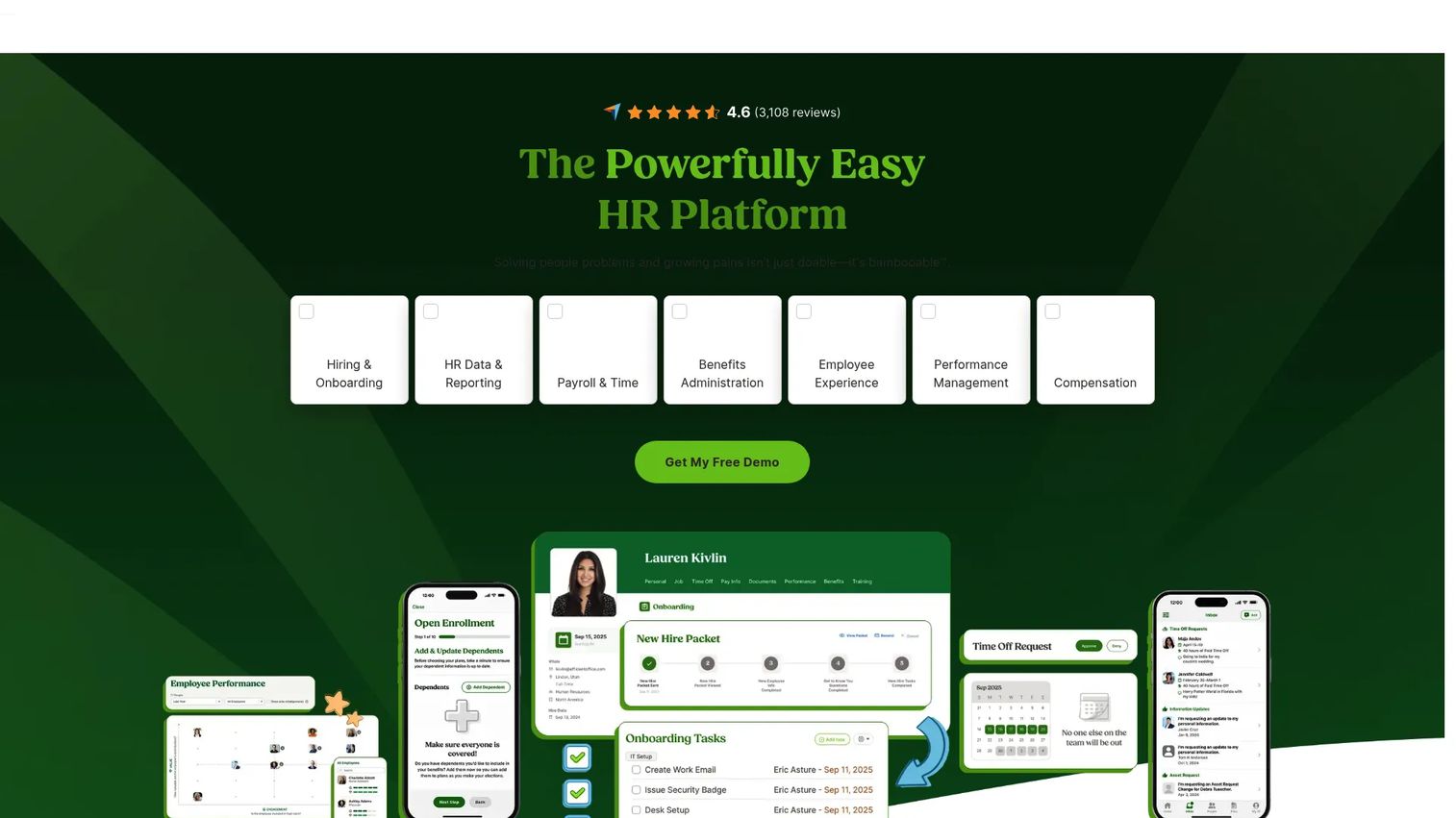
BambooHR is an HR software platform built around a clean core HRIS. It handles employee records, recruiting, employee onboarding software workflows, time tracking, compliance, and performance management in an interface known for being genuinely usable. For a growing company that needs its people data organized before it needs enterprise depth, BambooHR is a common landing spot.
Best for: Growing companies that want an all-in-one HRIS with strong employee lifecycle tools.
Key strengths
- Employee records and reporting: Profiles, dashboards, workflows, and reporting that non-HR managers can actually navigate.
- Hiring and onboarding: Applicant tracking and onboarding tools that turn every new hire into a repeatable workflow.
- Time, performance, and compliance: Time and attendance, performance management, and compliance tools in one system.
Why choose BambooHR: BambooHR earns its place when usability is the deciding factor. Managers approve requests, employees update their own records, and HR runs onboarding without chasing email threads. It sits in the sweet spot for companies past spreadsheets but not yet ready for enterprise HCM.
BambooHR pricing: BambooHR publishes Core at $10 per employee per month, Pro at $17 per employee per month, and Elite at $25 per employee per month. For companies with 25 employees or fewer, pricing starts at $250/mo. BambooHR holds a 4.4/5 rating on G2.
4. ADP Workforce Now
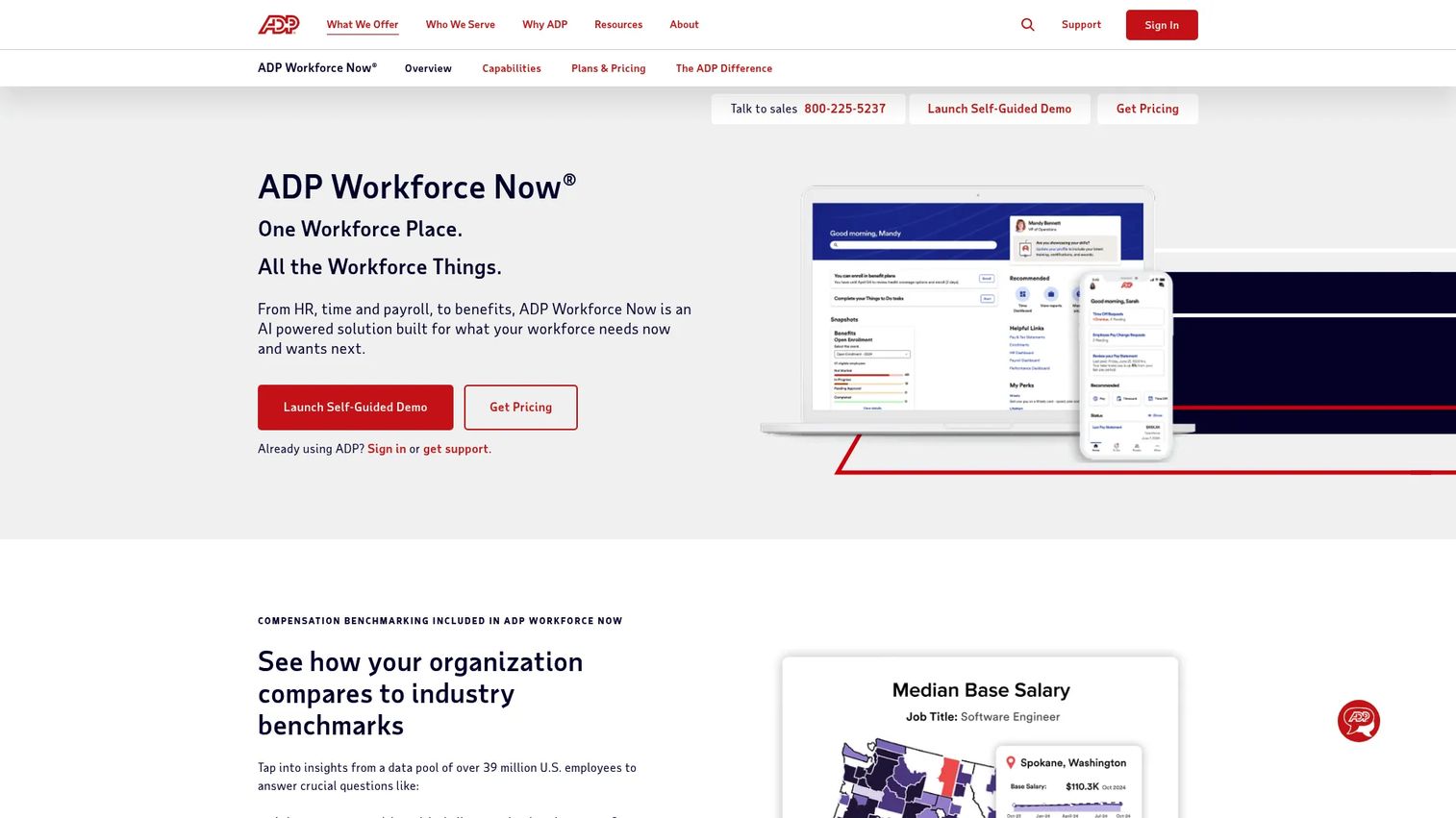
ADP Workforce Now is an AI-powered HCM suite for midsized and enterprise organizations. ADP's depth in payroll and compliance is the draw: decades of tax processing, a mature benefits engine, and the reporting depth larger companies expect. When payroll and HR need to run at scale with established infrastructure behind them, ADP Workforce Now is a default consideration.
Best for: Midsized businesses needing an established, all-in-one HR and payroll platform.
Key strengths
- Payroll and tax processing: Deep, proven payroll with tax filing handled at scale.
- Benefits and time: Benefits administration, time and attendance, and employee self-service in one suite.
- Reporting and analytics: Workforce reporting and analytics built for larger, more complex organizations.
Why choose ADP Workforce Now: ADP is the choice when payroll depth and compliance maturity outweigh setup speed. Implementation is a real project, so plan for it, but the payoff is infrastructure that handles complexity most SMB tools cannot. It fits companies that have outgrown lightweight payroll and need something that will not be outgrown again soon.
ADP Workforce Now pricing: ADP offers Select, Plus, and Premium packages, all with custom quote pricing rather than a public numeric price. Request a quote sized to your headcount and module needs. ADP Workforce Now holds a 4.2/5 rating on G2.
5. UKG
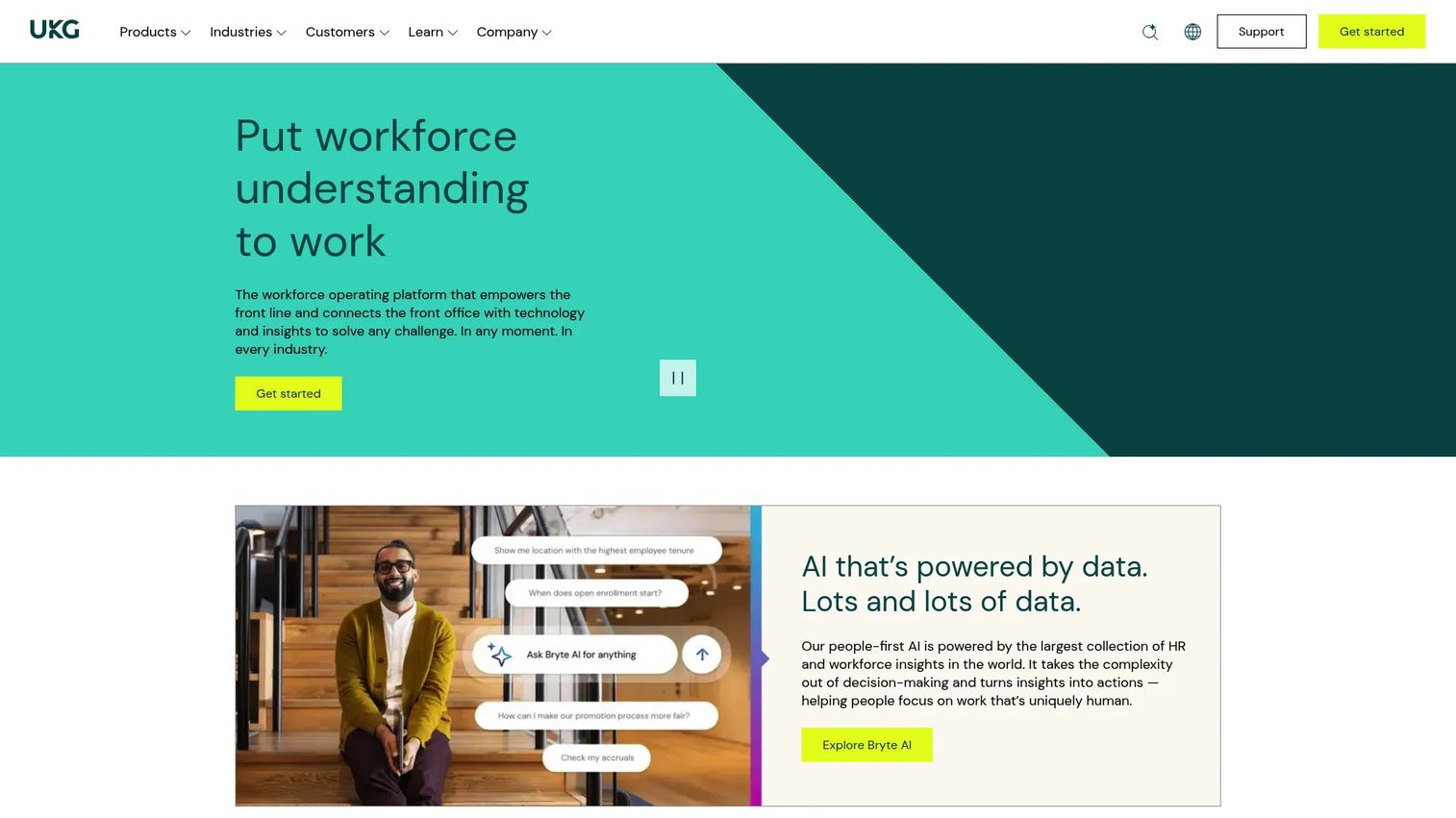
UKG is an HR, payroll, and workforce management provider with particular strength in scheduling and time. Where UKG stands out is workforce management for frontline, hourly, and shift-based teams. If your headcount includes operational staff who clock in, swap shifts, and need accurate scheduling, UKG's depth in time and attendance is hard to match with a generalist HRIS.
Best for: Organizations with frontline, hourly, or operational workforces that need deep scheduling.
Key strengths
- Time and attendance: Accurate clock-in, tracking, and attendance built for hourly teams.
- Scheduling: Shift scheduling, swaps, and coverage management for operational workforces.
- HR, payroll, and compliance: Core HR, benefits, payroll, talent, and compliance in a unified platform.
Why choose UKG: UKG is the pick when workforce management is the center of gravity, not an afterthought. For a business running shifts and hourly labor, the scheduling and time depth reduces the operational chaos generalist HR tools leave on the table. It scales from mid-market into enterprise with the same workforce focus.
UKG pricing: UKG Ready offers Start, Core, Plus, and Advanced plans. Pricing is quote-based and requires contacting sales, so figures depend on headcount and modules. UKG holds a 4.4/5 rating on G2.
6. Paychex
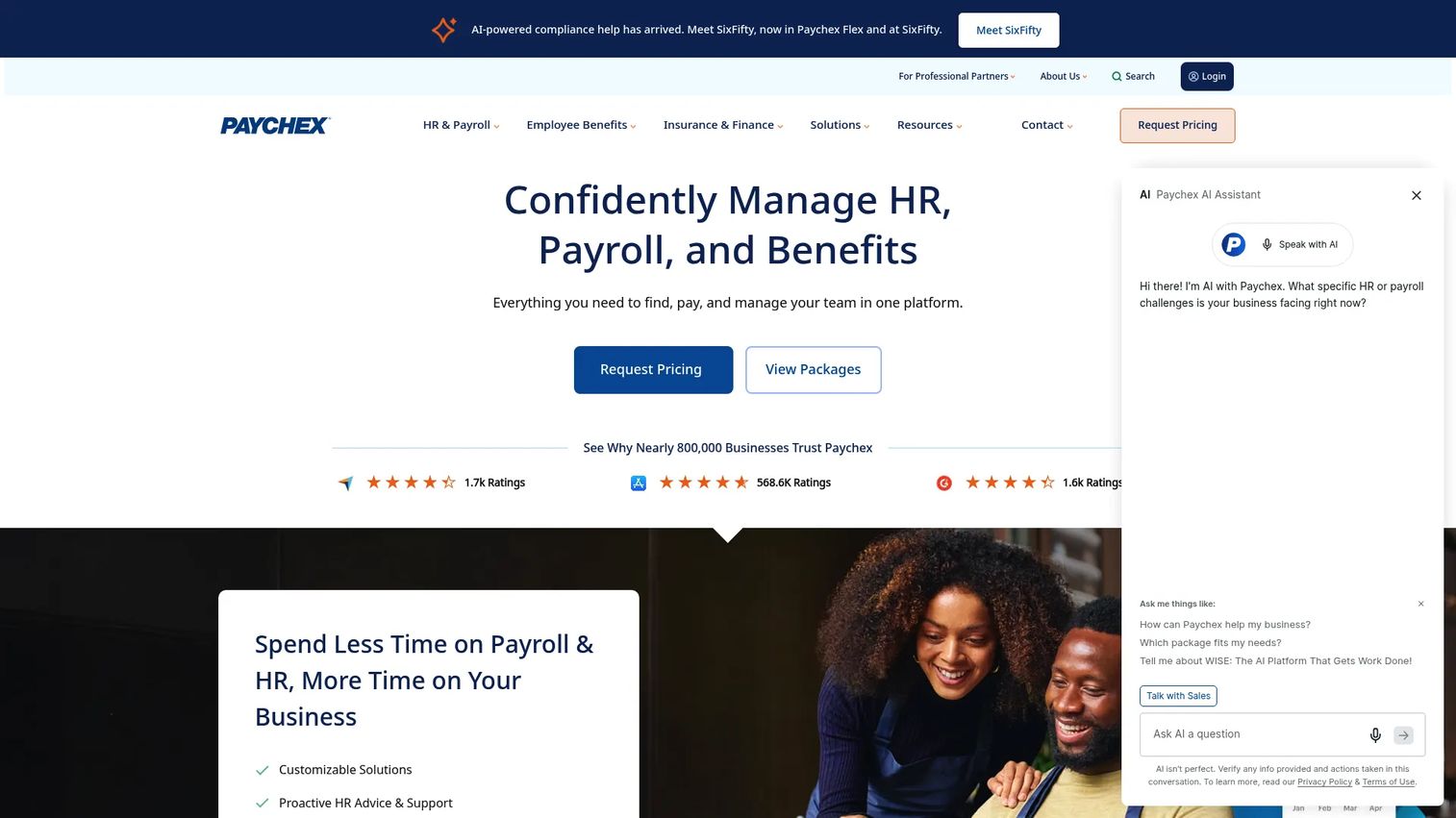
Paychex is payroll and HR software paired with hands-on service. What separates Paychex from self-serve tools is the service layer: dedicated support, compliance help, and HR advisory that suits teams without a full HR function in-house. For a founder who wants payroll and HR handled with a human on the other end, Paychex leans into service.
Best for: Businesses that want an integrated payroll, HR, and benefits platform with service support.
Key strengths
- Payroll processing: Full payroll with tax handling and multiple service tiers.
- Time and attendance: Time tracking that feeds payroll accurately.
- Benefits administration: Benefits and HR services with compliance support built around them.
Why choose Paychex: Paychex fits teams that value support over pure self-service. The Flex and HR service tiers, including PEO options, mean you can lean on Paychex for compliance and HR questions rather than owning them alone. It is the payroll and HR choice when you want a partner, not just software.
Paychex pricing: Paychex publicly lists Flex Select, Flex Pro, Flex Enterprise, HR Pro, and HR PEO packages, but pricing is quote-based and shown as request pricing rather than a public numeric figure. Contact Paychex for a quote sized to your needs.
7. Paycor
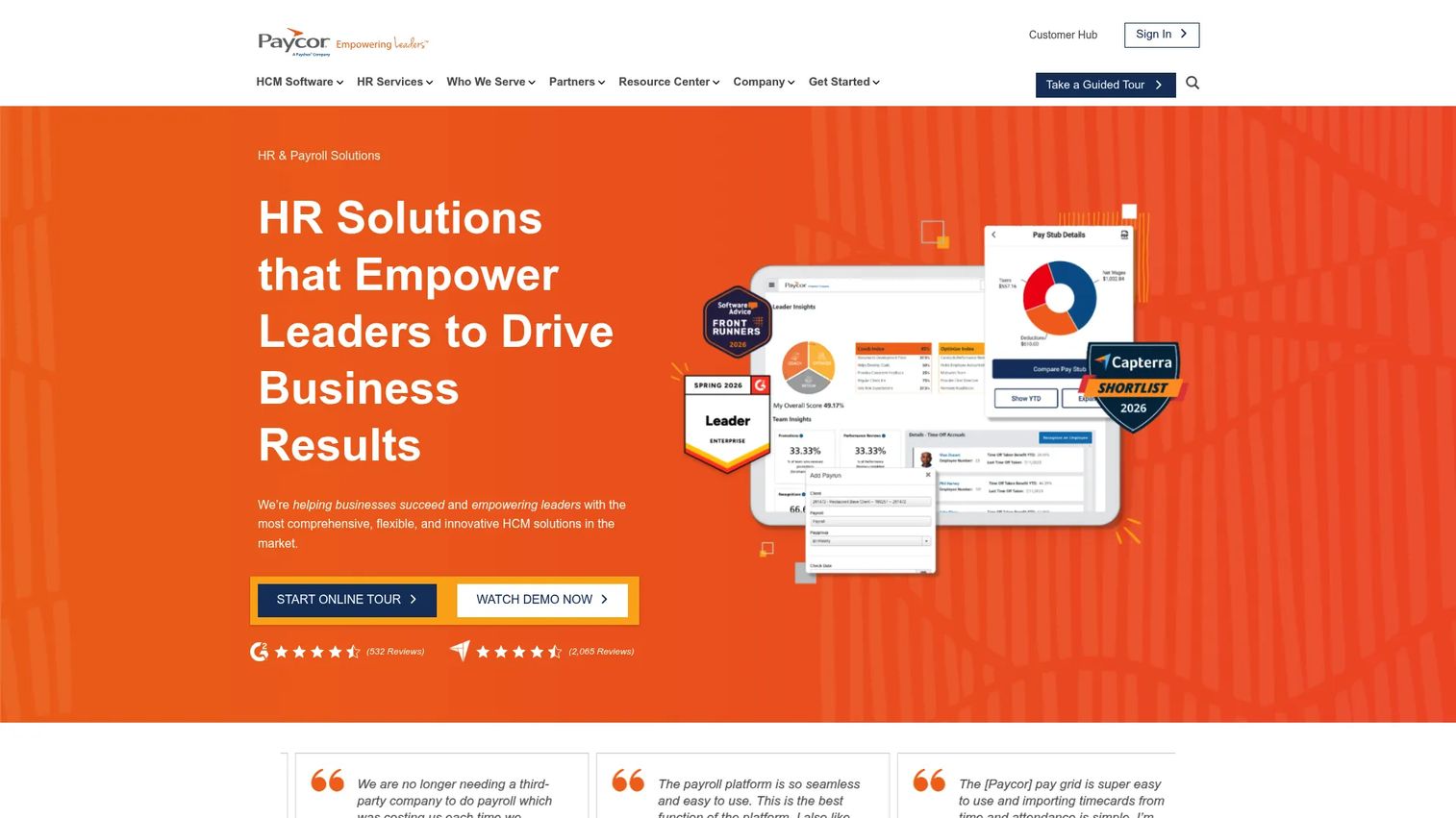
Paycor is cloud-based HR and payroll software with a balanced suite spanning HR, payroll, and talent management. Paycor's appeal is breadth for mid-sized businesses: payroll and tax filing, HR and self-service, plus time, scheduling, and workforce management in one platform. It aims to be the balanced middle option rather than the deepest in any single area.
Best for: Small to mid-sized businesses needing integrated HR, payroll, and workforce tools.
Key strengths
- Payroll and tax filing: Payroll with tax filing handled inside the platform.
- HR and self-service: Core HR plus employee self-service that reduces the admin load.
- Workforce management: Time, scheduling, and workforce tools alongside talent features.
Why choose Paycor: Paycor works for teams that want a balanced suite without committing to enterprise HCM. It covers HR, payroll, and talent well enough that mid-market companies avoid buying three tools. It is a strong middle option when you want breadth over specialization.
Paycor pricing: Paycor publishes a small-business Basic plan at $99 monthly plus $5 per employee per month. Other plans and mid-market pricing are presented as custom quote or consultation-based, so contact Paycor for larger deployments.
8. Zoho People
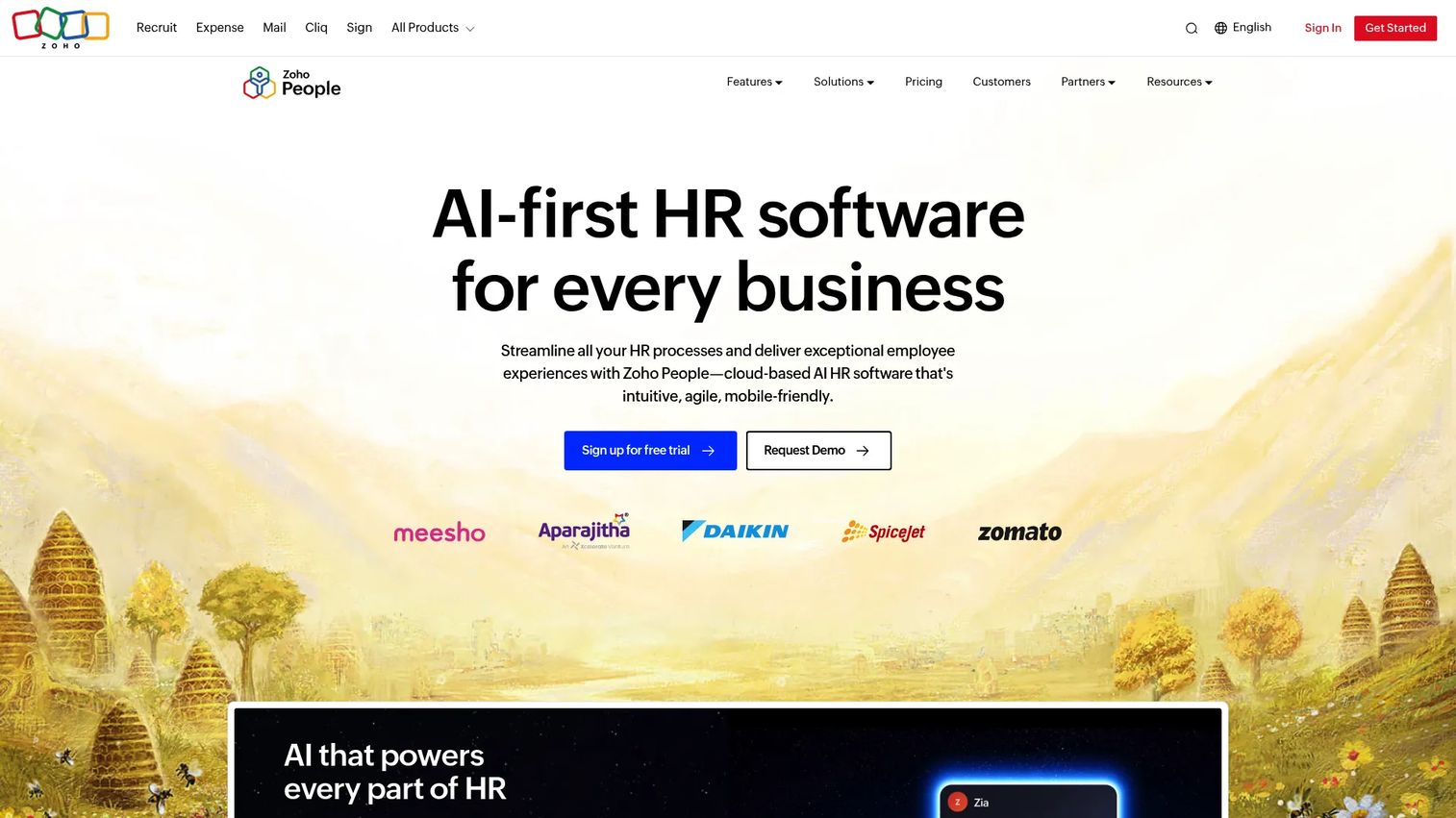
Zoho People is cloud-based HR software covering onboarding, time and attendance, performance, learning, and HR operations. Its two biggest draws are affordability and ecosystem fit. If you already run Zoho for CRM or finance, Zoho People slots in natively. Even standalone, its pricing makes it one of the most accessible HRMS options for cost-conscious teams.
Best for: SMBs needing an integrated HRMS, especially those already in the Zoho ecosystem.
Key strengths
- Onboarding and offboarding: Structured employee onboarding software workflows and offboarding automation.
- Attendance and leave: Attendance, leave, timesheets, and roster management in one module.
- Performance and learning: Performance, OKRs, an LMS, HR help desk, analytics, and automation.
Why choose Zoho People: Zoho People is the value pick, especially inside the Zoho ecosystem where integration is native. A free edition for up to 5 users and low per-user pricing make it approachable for lean teams that want real HR workflows without a big line item. It rewards teams already committed to Zoho.
Zoho People pricing: Zoho People offers a Free plan for up to 5 users, an Essential HR plan from $1.25/user/month, plus Professional, Premium, and Enterprise tiers. A 30-day free trial is available. Zoho People holds a 4.4/5 rating on G2.
9. Personio
Personio is an HR software platform built for small and mid-sized businesses, with particular strength for European teams. Personio's advantage is localization and regional compliance. For companies operating in Europe or hiring across EU markets, its handling of local labor requirements and workflows is purpose-built rather than bolted on.
Best for: SMBs operating in Europe that need an all-in-one HR platform with recruiting and payroll.
Key strengths
- Employee records: HR profiles and records structured for European requirements.
- Recruiting and onboarding: Applicant tracking and onboarding built into the core platform.
- Time, payroll, and automation: Time tracking, payroll, reporting, and workflow automation in one system.
Why choose Personio: Personio is the clear pick when your center of gravity is Europe. The localization and compliance depth remove a category of risk that US-first platforms handle awkwardly. For a company hiring across European markets, that regional fit is worth prioritizing.
Personio pricing: Personio uses custom pricing based on company size and selected apps, and directs prospects to book a demo for a quote. There is no public starting price. Personio holds a 4.4/5 rating on G2.
10. Workday HCM
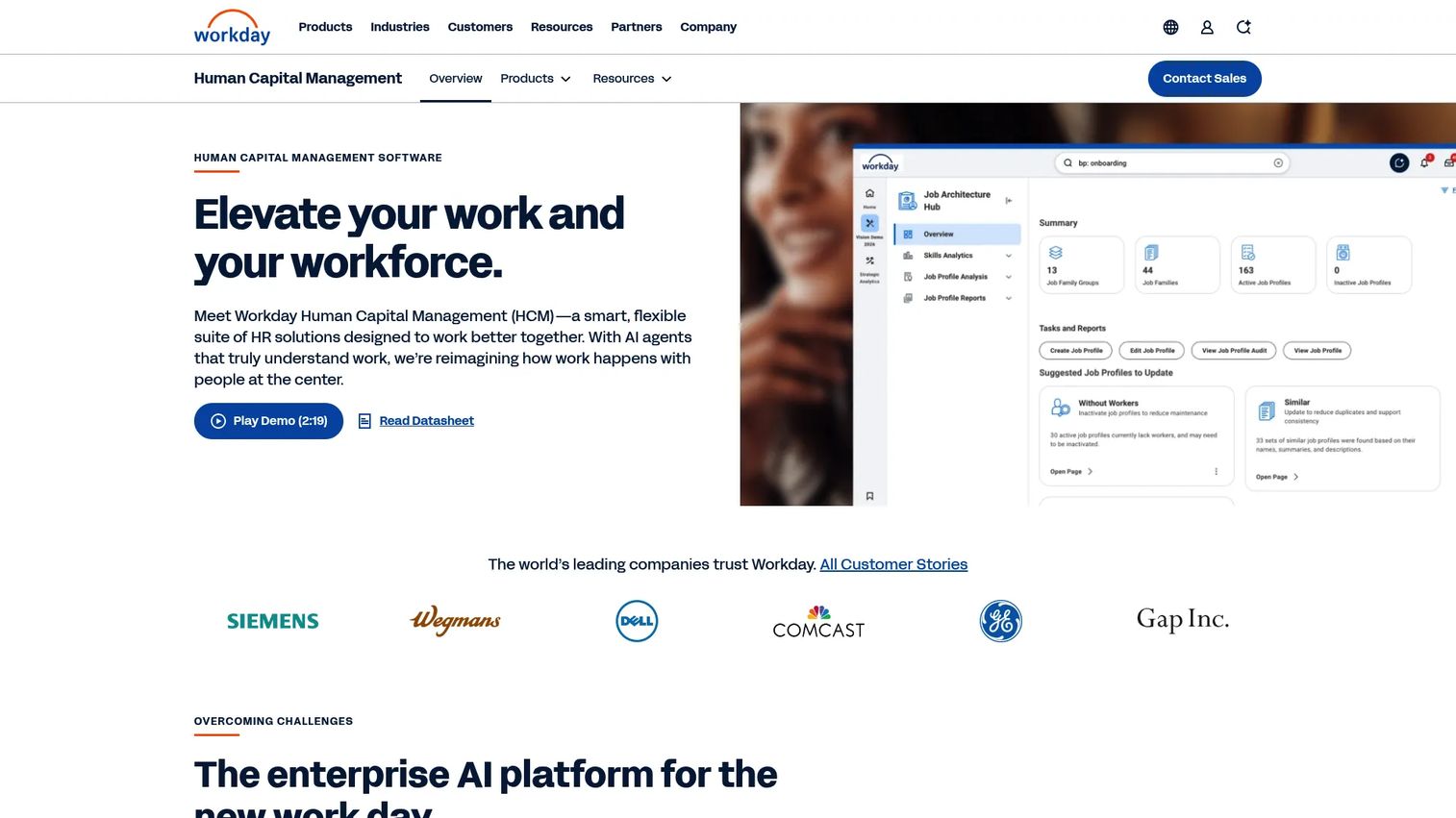
Workday HCM is a cloud-based human capital management suite for HR, workforce planning, talent, payroll, and employee experience. Workday is enterprise territory. Its strength is depth: workforce planning, analytics, governance, and reporting that hold up under the complexity large organizations carry. This is the platform companies grow into, not the one a 40-person team starts with.
Best for: Large organizations needing an enterprise HCM platform with deep planning and analytics.
Key strengths
- Core HCM: A unified HR system of record built for scale and governance.
- Workforce planning and analytics: Planning and analytics for headcount, cost, and workforce modeling.
- Talent and experience: Talent management, workforce management, and employee engagement tooling.
Why choose Workday HCM: Workday is the choice when scale and governance are non-negotiable. The planning and analytics depth gives large organizations the control and reporting that mid-market tools cannot match. It is over-built for small teams, which is exactly why enterprises rely on it.
Workday HCM pricing: Workday does not display public pricing; its HCM overview page directs prospects to contact sales. Pricing is enterprise, quote-based, and sized to the organization. Workday HCM holds a 4.1/5 rating on G2.
11. Deel
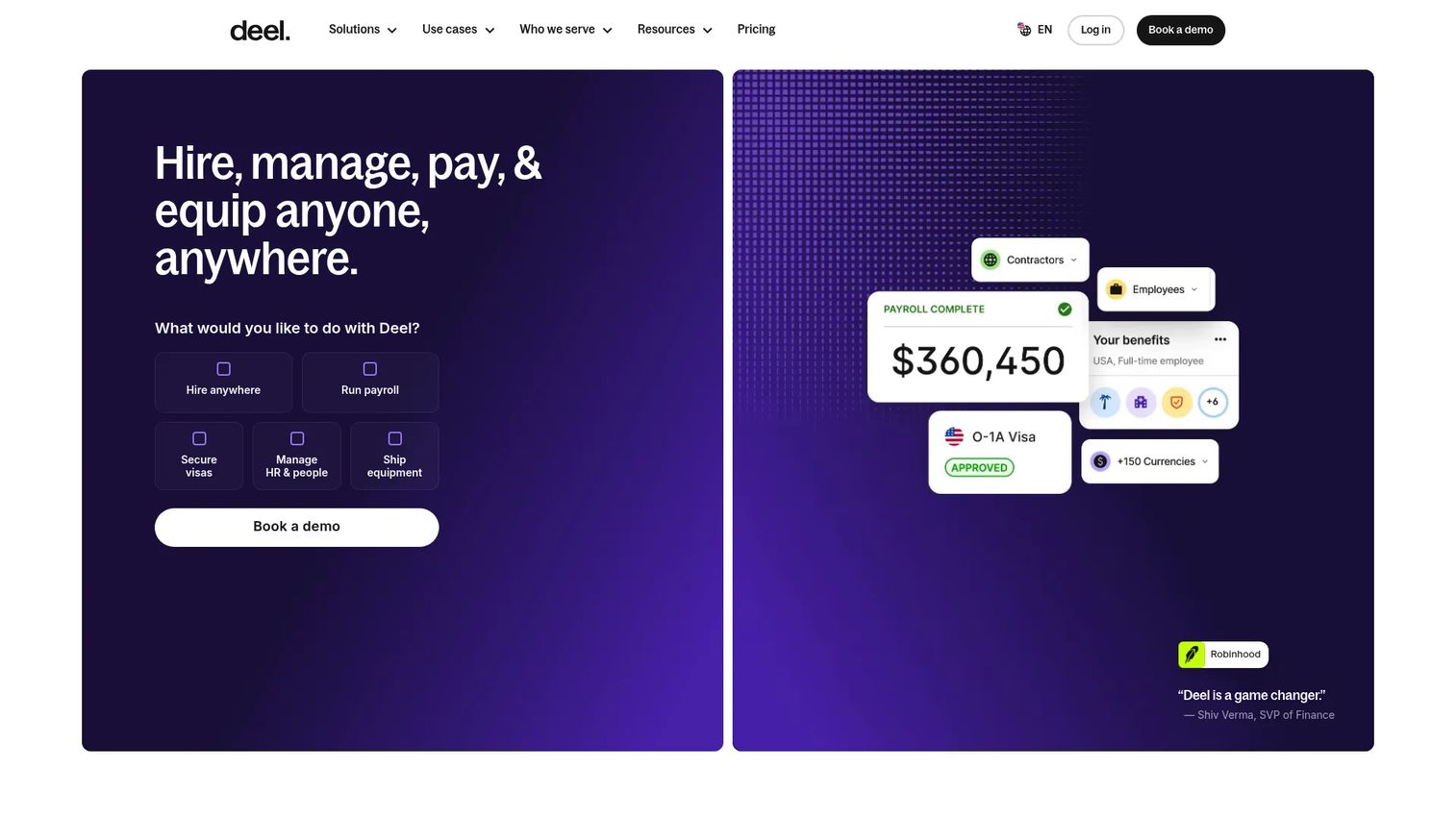
Deel is a global HR and payroll platform for hiring, paying, and managing workers across countries. Deel solves the problem that breaks most HR stacks: hiring across borders. Through Employer of Record (EOR) hiring, global payroll, and contractor management, Deel lets you employ people in countries where you have no legal entity, and stay compliant while doing it.
Best for: Companies hiring, paying, and managing global or distributed teams across multiple countries.
Key strengths
- Employer of Record hiring: Hire employees in countries where you have no legal entity, compliantly.
- Global payroll: Pay employees and contractors across borders from one platform.
- Contractor management: Onboard, manage, and pay international contractors with compliance built in.
Why choose Deel: Deel is the pick when your team is distributed by design. For a company hiring remote talent across markets, the international payroll and compliance orientation removes legal and operational risk that domestic HR tools cannot touch. It pairs well with a domestic HRIS when you run a mixed workforce.
Deel pricing: Deel publishes modular pricing including HR basics from $5 per employee per month, recruitment from $14 per employee per month, international payroll from $29 per employee per month, EOR from $599 per employee per month, and contractor management from $49 per contractor per month. Deel holds a 4.8/5 rating on G2.
12. Bob
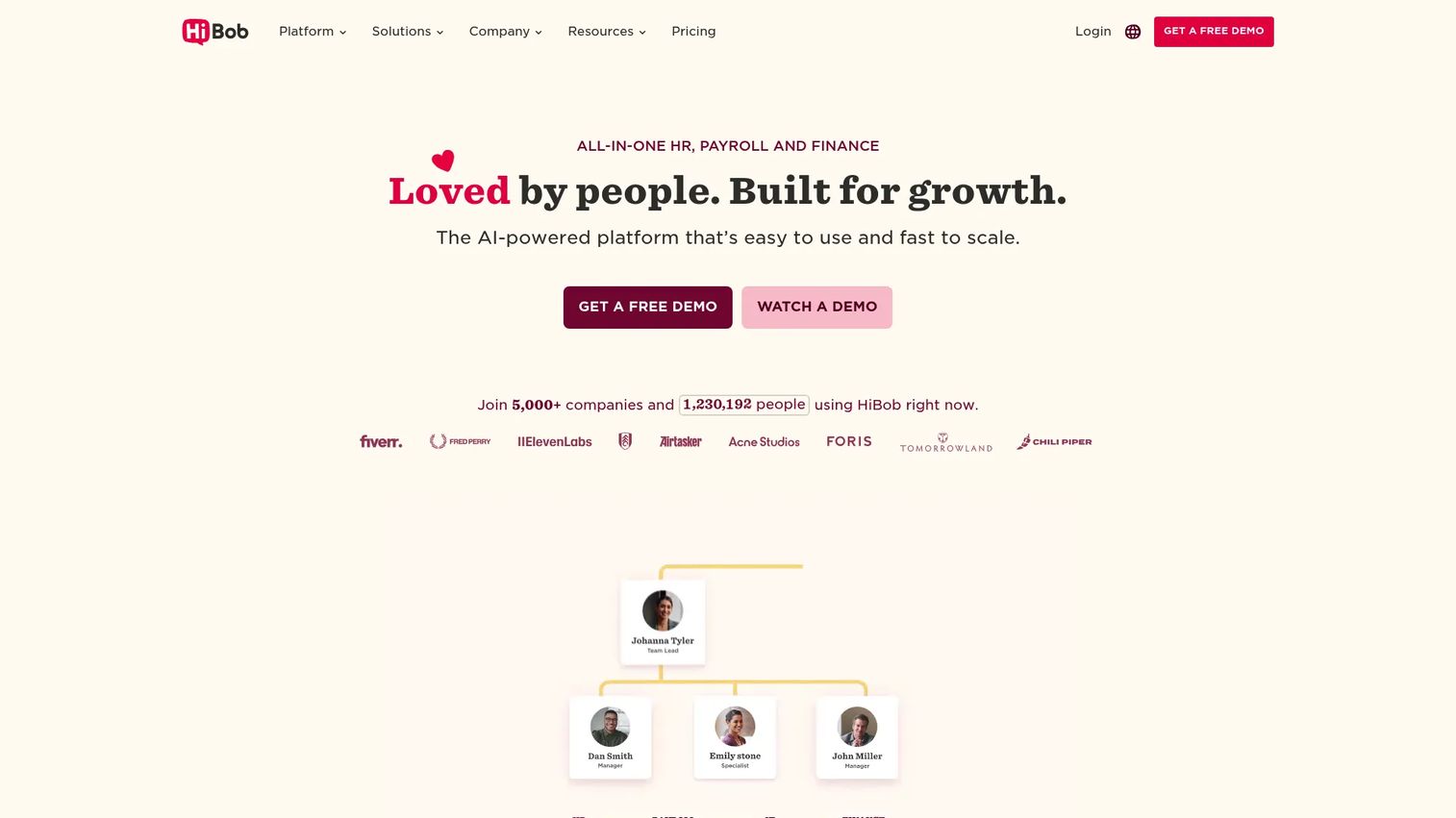
Bob is HiBob's modular HR platform for core HR, people operations, payroll, and workforce planning. Bob leans into employee experience and culture alongside core HR workflows. For modern teams that treat engagement as an operational priority, not a soft perk, Bob's people-first design and configurable workflows make it a strong fit.
Best for: Growing companies that want a configurable all-in-one HR platform with an engagement focus.
Key strengths
- Core HR and database: A configurable employee database and core HR system of record.
- Onboarding and time off: Onboarding and time off workflows that shape the employee experience.
- People analytics: People analytics and reporting for workforce insight and planning.
Why choose Bob: Bob fits companies that want core HR and employee engagement in the same platform. Its configurability suits teams with a distinct culture that generic HRIS tools flatten. It is the pick when people operations and experience are central to how you scale.
Bob pricing: Bob uses custom pricing based on company size and selected modules; HiBob notes that all plans include Core HR and Digital Admin. There is no public starting price, so request a quote. Bob holds a 4.5/5 rating on G2.
Considerations
Verify payroll coverage
Before you commit, confirm the platform supports your payroll structure, tax obligations, and every geography you operate in. A tool that files taxes cleanly in one state may not cover another, and multi-state or international payroll is where gaps hurt. Note whether payroll is native or partner-powered, because native payroll removes the sync risk that partner integrations carry.
Check implementation lift
Be honest about setup. Evaluate migration effort, configuration time, and who on your team will own the rollout. Lightweight tools go live in days; enterprise HCM is a multi-month project. The best system is the one that matches your capacity to implement it. If nobody owns HR full-time, weight ease of setup heavily.
Review compliance support
Make compliance a real criterion, not a footnote. Look for automated alerts, audit trails, structured document handling, and access to support when a question exceeds your team's expertise. As you hire across states or countries, compliance complexity grows faster than headcount, and the right tooling turns that from a risk into a routine.
Confirm integrations
Check that the platform connects to your accounting system, applicant tracking, benefits carriers, identity provider, and collaboration tools. Prioritize the integrations you need now over a long marketplace list you will never touch. Sync quality matters more than sync quantity, so validate that key connections actually stay in sync.
Assess reporting quality
Confirm whether reporting is simple exports or meaningful workforce analytics. Founders need visibility into headcount, turnover, and cost trends without a manual pull every time the board asks. Reporting and analytics depth separates a system of record from an operational tool. Buy the one that answers your questions, not just stores your data.
Conclusion
The right HR software depends on your company size, payroll complexity, and how much admin your team can absorb. For a broad summary: Rippling is the strongest all-around pick for scaling teams that want HR, IT, and payroll unified. Gusto is the best HR software for small business, with payroll and HR handled simply. Workday HCM leads for enterprise complexity and deep planning. Deel is the best choice for global and distributed teams hiring across borders.
Do not try to pick from a table alone. Shortlist two or three vendors that match your size and payroll needs, then compare implementation lift, real pricing at your headcount, and the quality of support. Run a short evaluation with the people who will actually use the system, not just HR, and buy the one that reduces admin and gives you visibility your team will trust. The goal is simple: make HR stop being a distraction so you can get back to scaling the business.
FAQs
HR software is a system that centralizes employee data and automates core HR tasks like hiring, onboarding, payroll, benefits, compliance, and performance management. It replaces spreadsheets and disconnected point tools with a single source of truth that HR, managers, and employees can all access.
An HRIS is the record-keeping core: employee profiles, org structure, documents, and time off. An HRMS adds operational modules like payroll and recruiting on top of that core. HCM is the broadest tier, extending into workforce planning, talent management, and analytics for larger organizations. The lines overlap, and most modern platforms span all three, so focus on the modules you actually need rather than the label.
For small business, optimize for speed, payroll, and onboarding simplicity. Gusto is a common first choice because it handles full-service payroll, benefits, and HR without enterprise setup. BambooHR is strong if you want a clean core HRIS, and Zoho People is the value option, especially inside the Zoho ecosystem. Smaller teams should prioritize fast setup over deep configuration.
Pricing varies by company size, modules, and whether payroll is included. Some tools publish per-employee pricing, such as BambooHR from $10 per employee per month or Deel from $5 per employee per month. Others, like Gusto, use a base fee plus per-person pricing. Enterprise platforms including Workday, ADP Workforce Now, and Rippling use custom, quote-based pricing sized to your organization.
Native payroll matters most when you want to avoid reconciling duplicate records and reduce filing errors. When payroll and HR share one system, a hire's details flow once and tax filing is handled together. Integrations can work well if the sync is reliable, but they add a handoff you have to own. Tie the decision to your admin load and risk tolerance.
Weigh company size fit, payroll complexity, onboarding automation, compliance support, and reporting quality. For a growing SaaS team, prioritize a system that reduces founder involvement, gives leadership clean visibility into headcount and turnover, and scales with hiring. Model the cost at your projected size, not today's, and make sure managers and employees, not just HR, will adopt it.
At minimum, look for accounting for payroll journal entries, applicant tracking for hiring, benefits carriers, an identity provider for provisioning, and collaboration tools like Slack. Ecosystem fit matters because HR data feeds the rest of your stack. Check sync quality on the integrations you actually depend on, not just the length of the marketplace list.
Yes, this is usually the break point. Around 30 to 100 people, spreadsheets and manual payroll start costing more in time and risk than software costs to run. Version conflicts, filing errors, and reporting scrambles compound as you add headcount. HR software pays back through time saved, fewer errors, and the visibility leadership needs to make people decisions on data.