You have a roadmap idea that needs validation this quarter. A campaign portal due in two weeks. An internal workflow that eats hours of manual work every week. And your engineering team is already booked solid on committed features. Pulling a developer off the roadmap to build any of these is the fastest way to miss two deadlines instead of one.
That is the exact pressure a drag and drop app builder is built to relieve. Instead of writing a full feature spec, waiting on a sprint, and QA-ing a custom build, you assemble screens, connect data, and publish, without touching production code. The category is growing fast because that pressure is universal. The app builder software market will grow from $3.76B in 2025 to $4.37B in 2026, a 15.9% year-over-year increase, according to The Business Research Company (2026). Gartner projects that 70% of new enterprise applications will use low-code or no-code tools by 2026, up from less than 25% in 2020.
For product managers, the choice is not just about speed. It is about opportunity cost, scalability across segments, and whether the thing you ship stays maintainable as your product changes. A no code app builder that ships an MVP in a week but rots the moment your UI shifts is a false economy. Buyers now compare templates, publishing options, integrations, AI assistance, and pricing before they commit, because the wrong pick quietly becomes technical debt someone else has to own.
What's inside
This guide covers 24 drag and drop app builder tools for 2026, spanning web app builders, mobile app builders, internal tool platforms, and enterprise low-code suites. We picked tools based on four criteria that matter to product teams: visual editing and template support, customization and branding depth, publishing options including app publishing to iOS and Android, and integrations with your data and analytics stack. Pricing transparency and G2 ratings were factored in where verifiable. The list mixes categories on purpose, because most readers start with one use case and quickly need to compare across others.
TL;DR
Short on time? Here are the quick picks by use case.
- Best for flexible web app building: WeWeb, for teams that need production-grade frontends without a full frontend engineering hire.
- Best for full custom app logic: Bubble, when you need a broad no-code platform with database, workflows, and API depth.
- Best for internal tools and workflows: Budibase, for operational apps and data-connected dashboards.
- Best for mobile app publishing: Thunkable or FlutterFlow, both strong on native iOS and Android output with AI assistance.
- Best for simple template-led builds: Jotform or Appy Pie, when speed and low setup matter more than deep customization.
What is a drag and drop app builder?
A drag and drop app builder is a visual development platform that lets you assemble working web or mobile applications by dragging pre-built components onto a canvas, connecting them to data, and publishing, all without writing traditional code. It sits under the broader no code app builder and low code app builder categories, and the terms are often used interchangeably with visual app builder and drag and drop application builder.
The category shares a consistent set of traits. Understanding them helps you compare tools on the same axes.
- Visual UI building: Drag components onto a canvas and arrange layouts without hand-coding markup.
- Template-based starting points: A template-based app builder gives you working screens for common patterns like forms, portals, and dashboards, so you start from 60% instead of zero.
- Branding and customization: App customization and branding controls let you match colors, logos, fonts, and layout to your product identity.
- Integrations and backend connectivity: Connections to databases, spreadsheets, APIs, and third-party services turn a static UI into a working app.
- Mobile and web publishing: Options to deploy as a web app, progressive web app, or native app, including app store publishing.
- AI assistance: An AI app builder can generate screens, logic, or content from a prompt, then hand you editable output.
- Pricing and trial models: App builder pricing ranges from free open-source tiers to seat-based and usage-based enterprise contracts.
The reason this matters for product managers is maintainability. Building an app is the easy part. Keeping it working as your data model, brand, and release cadence change is where total cost of ownership lives.
When to use a drag and drop app builder
Not every problem needs a builder, and not every builder fits every problem. Three situations make the case clearly.
Build faster without engineering dependency
When you need a prototype, an MVP, or a short-lived campaign app, waiting on a full dev cycle is the expensive path. An app builder without coding lets a PM or ops lead assemble something functional in days, validate it with real users, and free engineering to stay on committed roadmap work. IDC projects that 65% of all application development activity will use no-code or low-code platforms by 2026, which tells you this is no longer a fringe workaround.
Launch mobile or web experiences from templates
Templates are the fastest path for well-understood patterns: intake forms, customer portals, internal request workflows, event apps, and simple customer-facing apps. A template-based app builder removes the blank-canvas problem. You start from a proven layout, swap in your data and branding, and ship. For teams shipping mobile, a mobile app builder with pre-built screens cuts weeks off the first release.
Test ideas before committing to custom development
Before you ask engineering to invest a quarter in a custom build, a builder is a cheap way to validate the idea. You can put a working version in front of users, gather activation and usage signals, and align stakeholders around something they can click instead of a slide. If the app proves its value, you have data to justify the bigger build. If it does not, you spent days, not sprints.
Comparison table
The table below sorts tools by relevance to teams searching for a general-purpose drag and drop app builder, with flexible web and platform builders near the top, mobile-focused builders clustered in the middle, and lightweight or niche builders later. Pricing reflects publicly listed entry points as of mid-2026; always confirm current figures on the vendor's site before you buy.
| # | Product | Intent | Key use case | Pricing | G2 rating |
|---|---|---|---|---|---|
| 1 | WeWeb | Web app building | Production frontends and internal tools | Not publicly listed | 4.9/5 |
| 2 | Bubble | Full no-code platform | Web and mobile apps with logic and data | Free; paid from $59/mo | Not listed |
| 3 | Budibase | Internal tools | Workflows and data-connected apps | Free; paid from $19/mo | 4.5/5 |
| 4 | AppSheet | Spreadsheet-connected apps | Business apps and automations | From $5/user/mo | 4.8/5 |
| 5 | Jotform | Forms and simple apps | Fast form-based app creation | Free; paid from $34/mo | 4.7/5 |
| 6 | Appy Pie | Native mobile apps | AI-assisted app publishing | Free tier; paid from $16/mo | 4.7/5 |
| 7 | Thunkable | Native mobile apps | Cross-platform iOS, Android, web | Free; paid from $18/mo | 4.4/5 |
| 8 | BuildFire | Branded mobile apps | Managed iOS and Android launches | From $165/mo | 4.7/5 |
| 9 | AppInstitute | Template-led mobile apps | Small business customer apps | From $49/mo | 4.2/5 |
| 10 | AppMachine | Modular app building | Web and native branded apps | From $15/mo | 1.9/5 |
| 11 | GoodBarber | Content and eCommerce apps | Polished native and PWA apps | From $30/mo | 3.4/5 |
| 12 | OutSystems | Enterprise low-code | Governed, scalable app delivery | Not publicly listed | 4.6/5 |
| 13 | Zoho Creator | Business apps | Workflow automation and integrations | Free tier; paid plans available | 4.3/5 |
| 14 | SAP Build Apps | Enterprise low-code | SAP-centered web and mobile apps | Free trial; usage-based | 4.3/5 |
| 15 | Fliplet | Governed business apps | Internal and customer-facing apps | Free; paid from $25/mo | 4.6/5 |
| 16 | FlutterFlow | Design-to-app | Flutter apps across platforms | Free; paid from $39/mo | 4.5/5 |
| 17 | Bravo Studio | Figma-to-app | Native apps from design files | Free; paid from $22/mo | 4.8/5 |
| 18 | Appery.io | Cross-platform apps | Mobile, web, and PWA builds | From $25/mo | 4.5/5 |
| 19 | Adalo | No-code apps | Database-driven web and mobile apps | Free; paid from $36/mo | Not listed |
| 20 | Shoutem | Mobile apps | Media, community, event apps | From $49/mo | 3.7/5 |
| 21 | Siberian CMS | White-label apps | Agency and reseller app platforms | Free; paid from €79/mo | 5.0/5 |
| 22 | iBuildApp | Simple mobile apps | Lightweight app launches | Not publicly listed | 4.3/5 |
| 23 | Mobincube | Mobile and web apps | AI-assisted native apps | Free; paid from $20/mo | 4.0/5 |
| 24 | Swiftspeed Appcreator | No-code mobile apps | Quick publishing workflows | Free trial; paid from $15/mo | 5.0/5 |
1. WeWeb
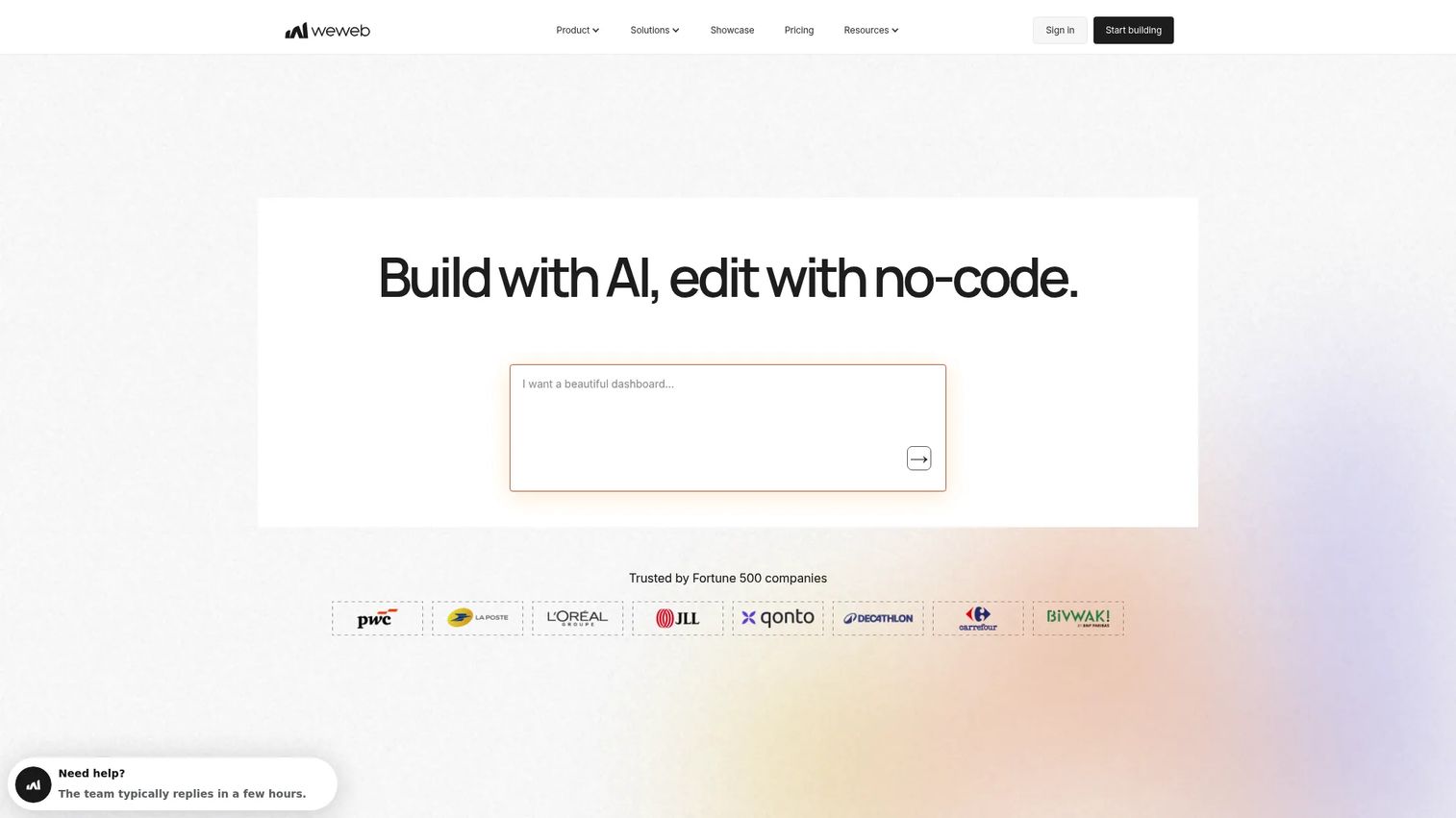
WeWeb is an AI-powered visual development platform for building and deploying custom web applications without coding. It targets teams that need production-grade frontends and internal tools but do not want to staff a full frontend engineering function. Unlike a basic mobile app builder, WeWeb leans toward web apps with real logic, backend connectivity, and code export.
Best for: Teams building production-grade web frontends and internal tools without a dedicated frontend engineering team.
Key strengths
- AI-generated web apps: Describe what you need and get a working starting point you refine visually.
- Drag-and-drop visual editor: Assemble responsive layouts and logic without hand-coding.
- Code export to Vue.js: Ship a real Vue.js single-page app, so you are not locked into a black box.
Why choose WeWeb: For product managers who worry about lock-in and long-term maintainability, code export is a real differentiator. You get no-code speed during the build, but the output is standard Vue you can hand to engineering later. That matters when an internal tool graduates into a supported product.
WeWeb pricing: WeWeb's public pricing page renders through a JavaScript-only site, so current plan names and prices could not be verified here. Confirm live pricing and whether a free tier exists directly on WeWeb's site before committing.
2. Bubble
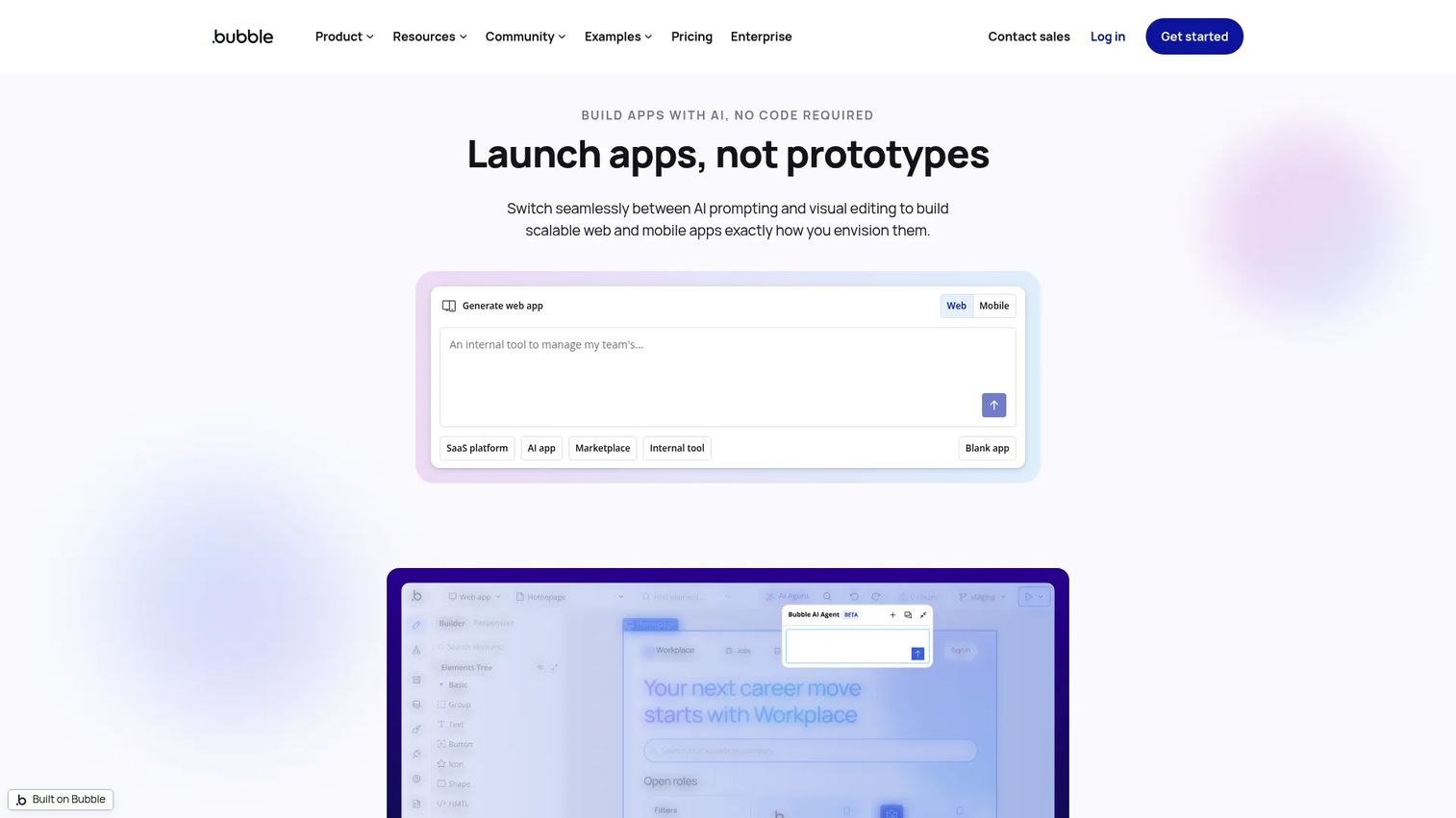
Bubble is a no-code app builder for creating web and mobile apps with visual editing, AI, a built-in database, workflows, and hosting. It is one of the deepest general-purpose platforms in the category, aimed at founders and teams who want to build a real product, not just a prototype.
Best for: Founders and teams building web or mobile apps without code who need database, logic, and workflow depth.
Key strengths
- AI app generation and AI Agent editing: Generate and refine apps with AI assistance built into the editor.
- Visual drag-and-drop app editor: Design screens and interactions on a single canvas.
- Built-in database, workflows, and API integrations: Handle data, logic, and third-party connections in one place.
Why choose Bubble: Bubble scales beyond a quick prototype. Its marketplace depth, template library, and workflow engine make it a fit when you expect the app to grow in complexity. The tradeoff for that power is a real learning curve, so budget time to ramp before you commit a launch date.
Bubble pricing: Bubble uses usage-based pricing. The Free plan is $0/month, Starter is $59/month, Growth is $209/month, and Team is $549/month, all billed annually. Enterprise is custom. A free tier is available for testing before you scale.
3. Budibase
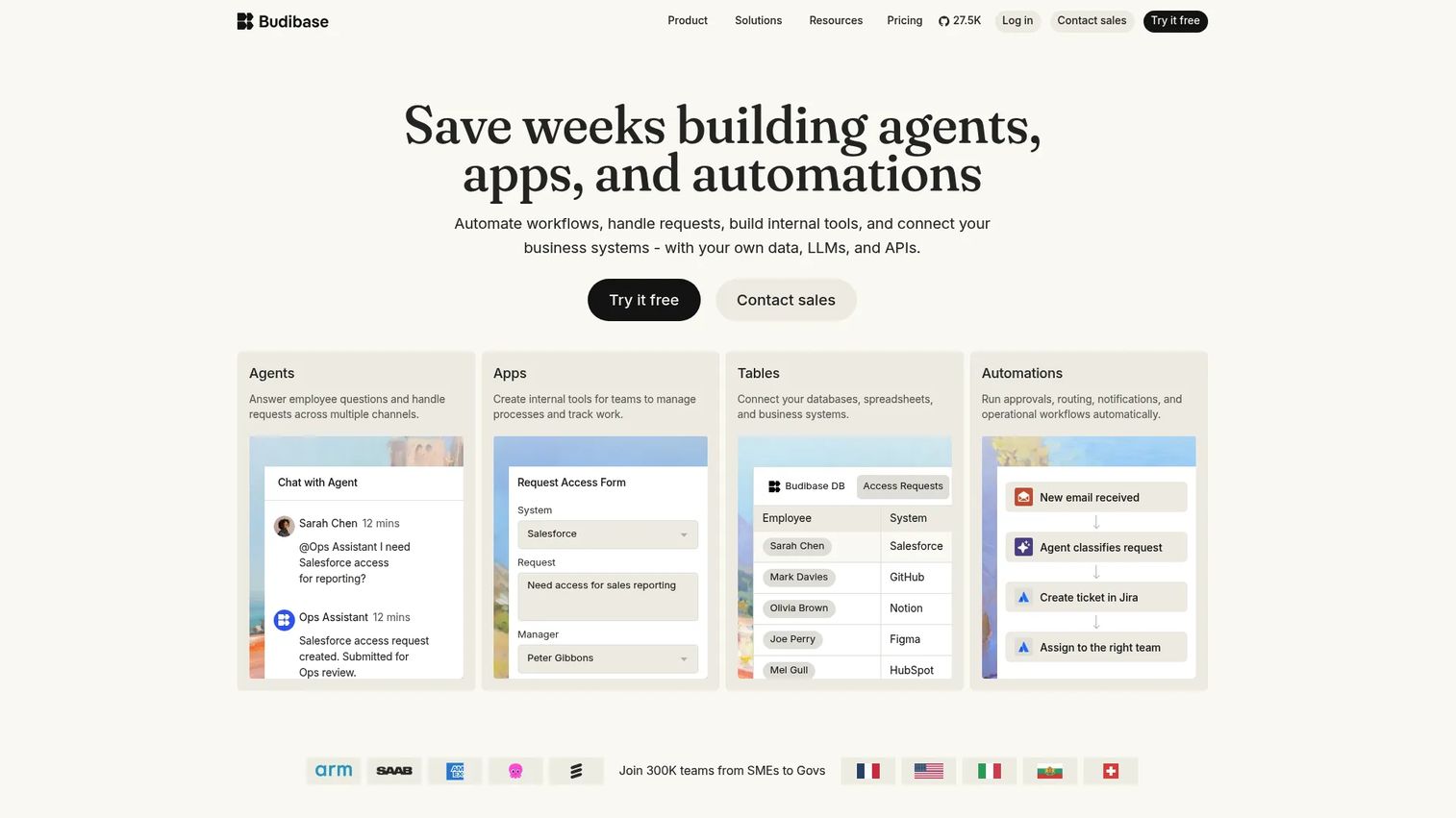
Budibase is an open-source low-code platform for building internal tools, apps, and workflow automations. It is built for operational teams that need data-connected apps, forms, and workflows without waiting on a dev sprint.
Best for: Teams building internal tools and workflows on a self-host or cloud low-code platform.
Key strengths
- App builder: Assemble internal apps and dashboards visually.
- Workflow automation: Trigger actions and automate repetitive operational tasks.
- Self-hosting and cloud deployment: Run it on your own infrastructure or in Budibase cloud.
Why choose Budibase: For PMs handling operational use cases like admin panels, approval flows, and data dashboards, Budibase fits the internal-tool job cleanly. The open-source, self-host option is a genuine advantage for teams with data residency or security requirements that rule out fully hosted platforms.
Budibase pricing: Budibase offers a free open-source self-hosted plan. Cloud pricing starts at $19/month for Pro, $49/month for Premium, and $299/month for Business, with custom Enterprise pricing. The free open-source tier makes it easy to trial internally.
4. AppSheet
AppSheet is a no-code app platform for building business apps and automations on Google Workspace and other data sources. If your team already lives in spreadsheets and Google's ecosystem, it turns that data into working apps fast.
Best for: Teams that want to build internal business apps and workflows from existing spreadsheet or cloud data.
Key strengths
- Create apps from spreadsheets and cloud data: Turn a Google Sheet or database into a functional app.
- Automation with triggers and notifications: Build conditions, branches, and email, SMS, or push alerts.
- Governance and offline mobile support: Apply security controls and let field users work offline.
Why choose AppSheet: For operational PMs whose data already lives in Sheets, AppSheet has the shortest path from spreadsheet to app. Its governance and offline support make it viable for field teams, not just desk-bound workflows. Fit is strongest inside the Google ecosystem.
AppSheet pricing: Plans start at $5/user/month for Starter, $10/user/month for Core, and $20/user/month for Enterprise Plus. Publisher Pro is $50/month per app. You can build and test apps with up to 10 users at no cost before paying.
5. Jotform
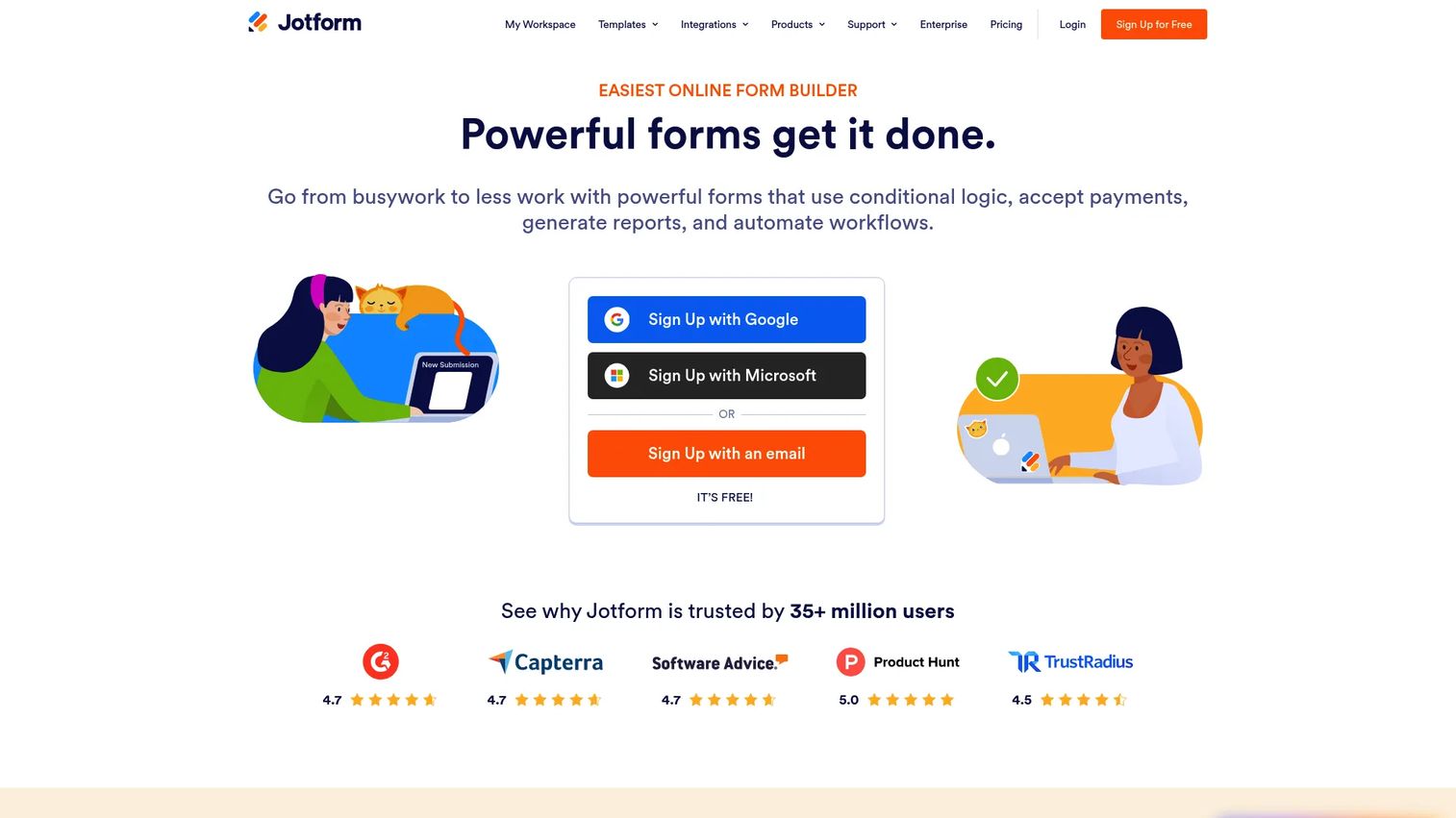
Jotform is an online form builder and workflow automation platform that also turns forms into simple, shareable apps. Its appeal is speed and a genuinely free entry point, making it a fast path for form-driven use cases.
Best for: Teams that need a no-code form builder with templates, payments, and automation.
Key strengths
- Drag-and-drop form builder: Build forms and form-based apps visually.
- 20,000+ templates: Start from a large library instead of a blank page.
- Embedded forms and logic: Add file uploads, conditional logic, e-signatures, and offline forms.
Why choose Jotform: When the "app" you need is really a polished form workflow with data collection and payments, Jotform is faster and cheaper than a full platform. It performs best for intake, registration, and survey-style apps rather than complex multi-screen products.
Jotform pricing: The Starter plan is free. Paid plans are Bronze at $34/month, Silver at $39/month, and Gold at $99/month. Enterprise pricing is custom and not publicly listed.
6. Appy Pie
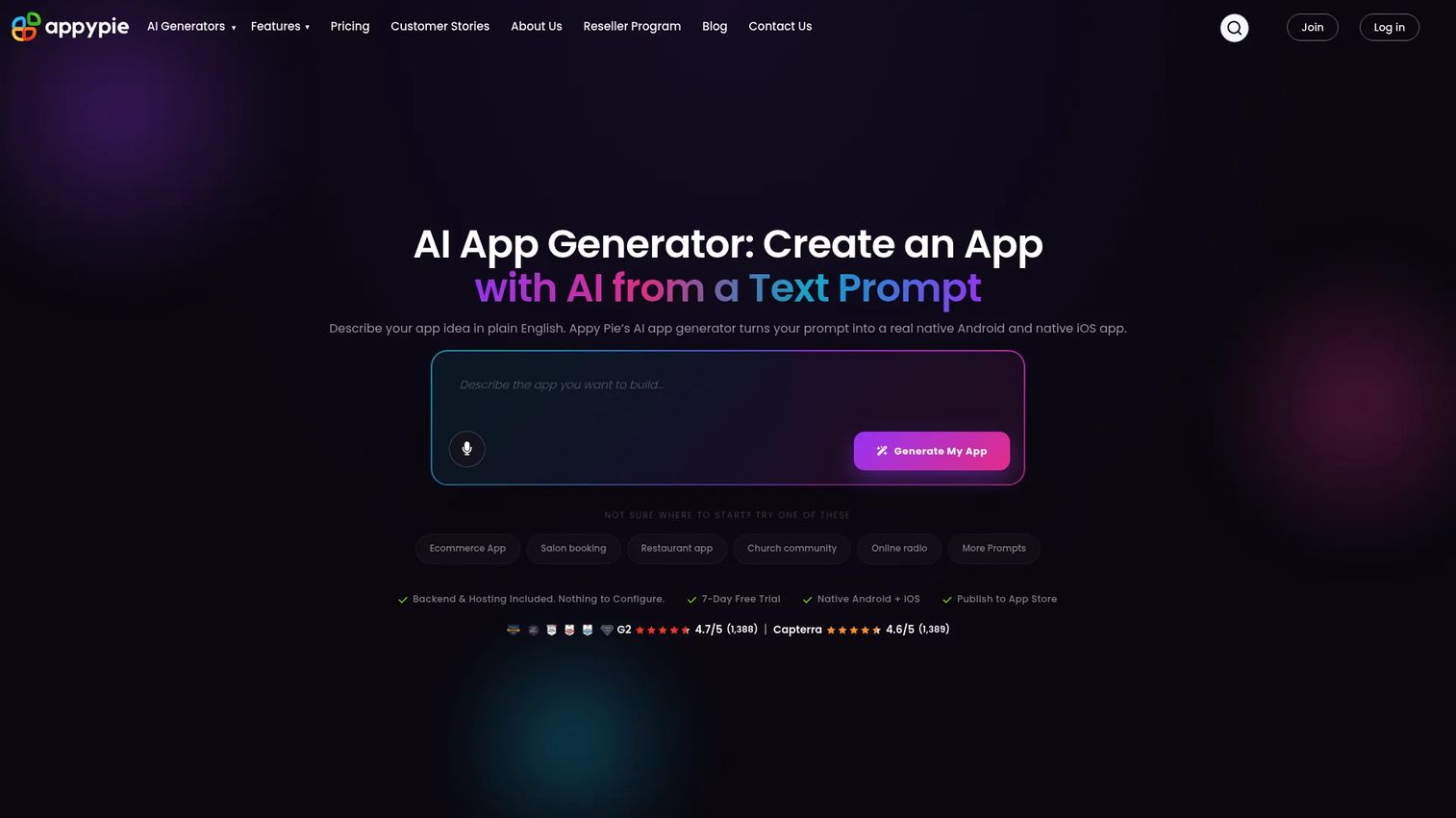
Appy Pie is a no-code AI app builder for creating and publishing native mobile apps. It leans on AI-assisted creation from a prompt and a built-in publish-to-store flow, aimed at non-technical teams that want a native app without a developer.
Best for: Non-technical teams that want to build and publish native mobile apps without coding.
Key strengths
- AI-assisted app creation: Generate an app starting point from a text prompt.
- Native iOS and Android output: Produce apps for both major mobile platforms.
- Built-in publish and push: Submit to stores and send push notifications from one place.
Why choose Appy Pie: For simple branded mobile projects, Appy Pie compresses the build-to-store path. The AI-first flow lowers the starting effort, and app store publishing support removes a common blocker for non-technical teams.
Appy Pie pricing: Paid plans start at $16/app/month for Basic, $36/app/month for Gold, and $60/app/month for Platinum, with monthly and yearly billing. A free plan and trial are available to test before publishing.
7. Thunkable
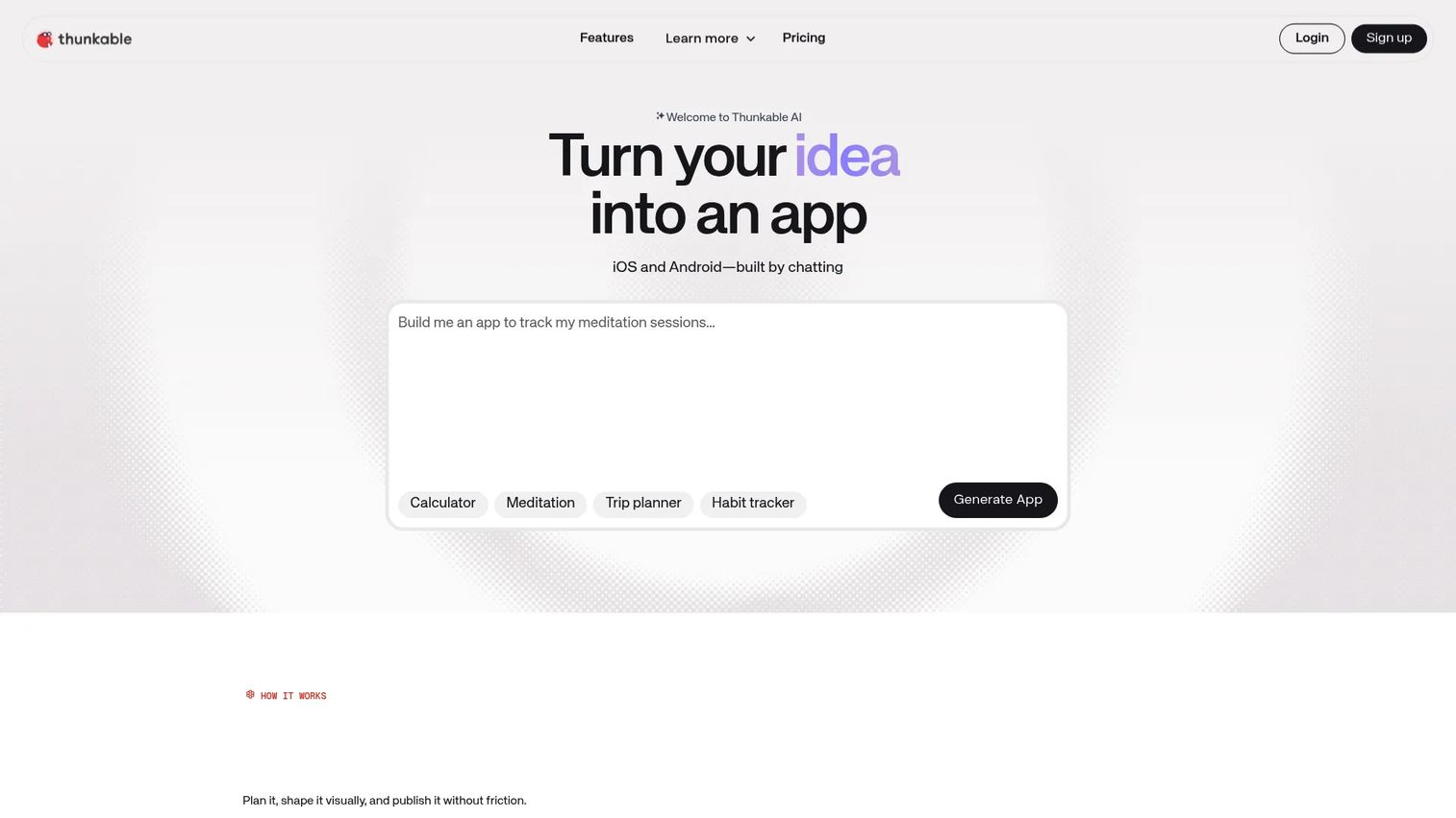
Thunkable is a no-code platform for designing, building, and publishing native mobile and web apps. It combines AI app generation with a drag-and-drop builder and cross-platform publishing, making it a strong mobile-first pick.
Best for: Teams and non-technical builders who need to prototype and publish mobile apps quickly.
Key strengths
- AI app generation: Produce a working app draft from a prompt, then edit the output.
- Drag-and-drop visual builder: Design screens and logic without code.
- Cross-platform publishing: Ship to iOS, Android, and web from one project.
Why choose Thunkable: As an AI app builder, Thunkable gives you editable output, so the AI draft is a starting point rather than a locked black box. That matters for PMs who want to iterate on the generated app instead of accepting whatever the model produces. Cross-platform publishing keeps one project serving all three targets.
Thunkable pricing: A free plan is available. Paid plans start at $18/month for Accelerator, $37/month for Builder, and $99/month for Advanced when billed yearly. Enterprise and Education plans are custom.
8. BuildFire
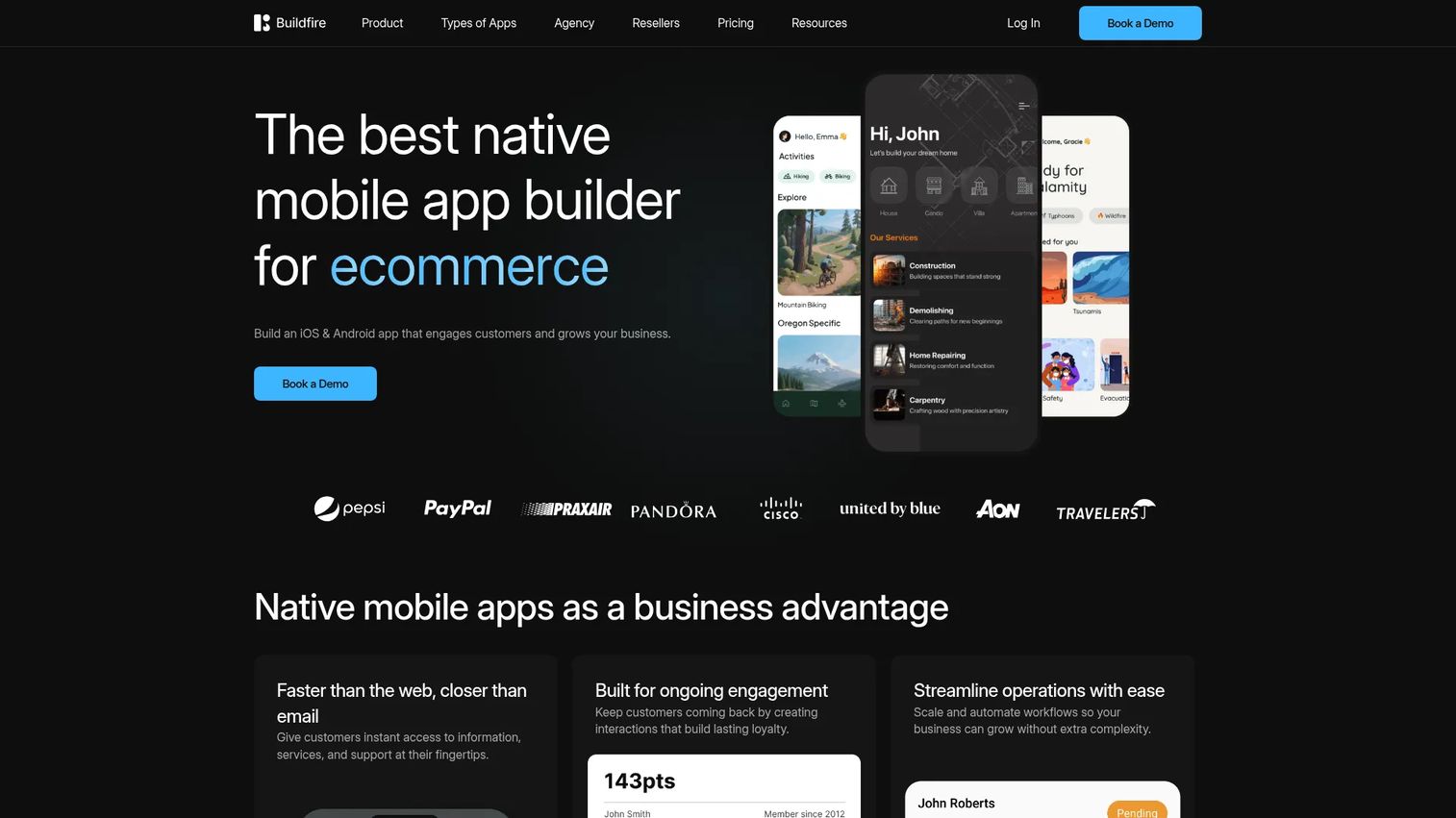
BuildFire is a no-code mobile app builder for creating and managing iOS and Android apps. It targets businesses that want a managed path to a branded mobile app, with a plugin marketplace to extend functionality.
Best for: Businesses that want a no-code way to launch and manage branded mobile apps.
Key strengths
- Native iOS and Android publishing: Launch to both stores from one platform.
- Plugin marketplace: Add features through prebuilt add-ons.
- White-label reseller support: Rebrand and resell apps as an agency.
Why choose BuildFire: For teams that want managed mobile launches rather than a DIY tool, BuildFire's higher entry price reflects a more hands-on, service-oriented model. The plugin marketplace lets you extend an app without custom development, which suits ongoing branded app programs.
BuildFire pricing: Plans start at $165/month for Standard, $315/month for Growth, and $440/month for Scale. Professional services and white-label reseller offerings are quote-based. No free tier is listed.
9. AppInstitute
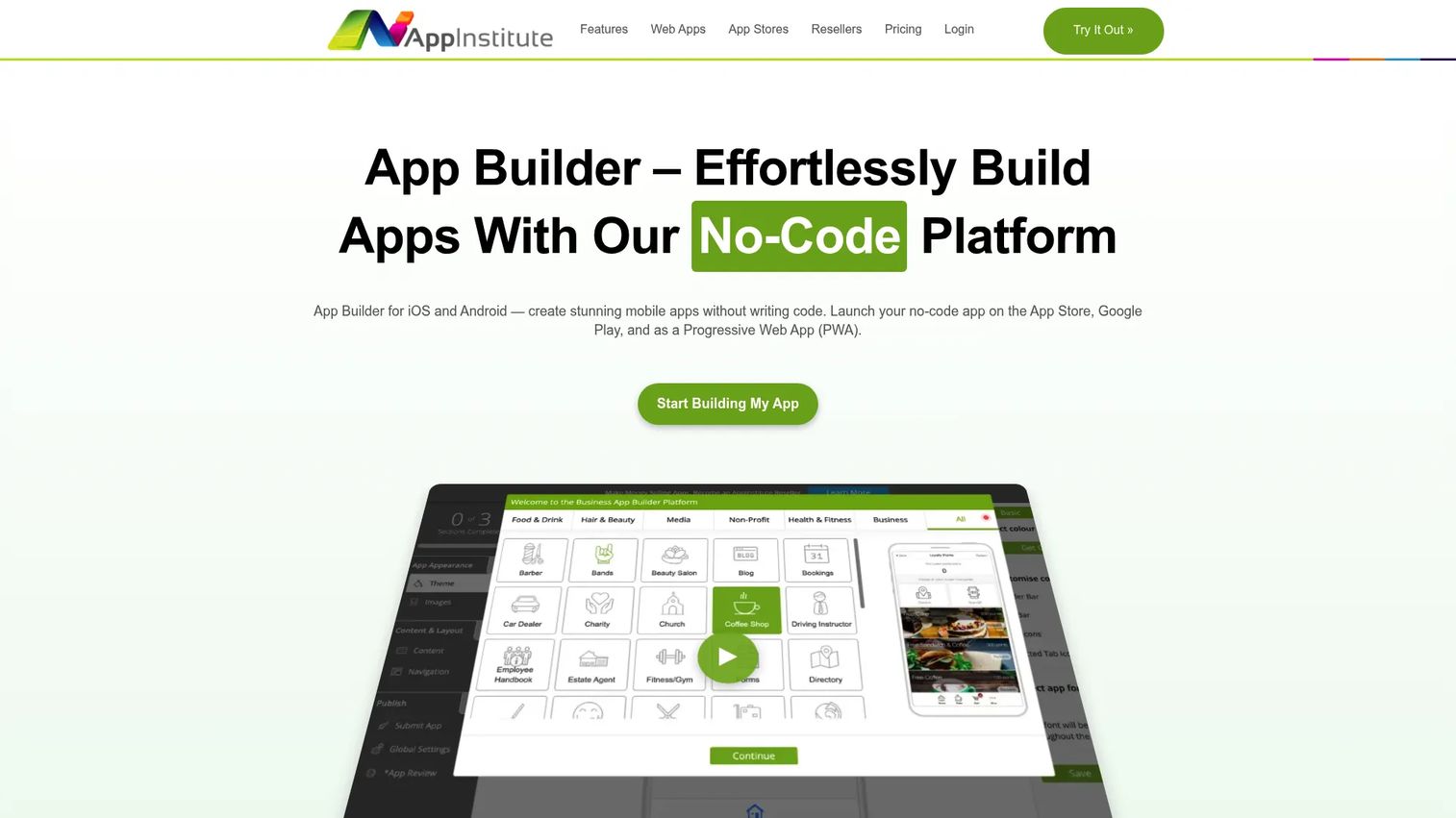
AppInstitute is a no-code app builder for creating and publishing business apps and progressive web apps. It leans template-led, with features aimed at small business use cases like ordering, booking, and events.
Best for: Businesses that want a no-code way to build and publish customer-facing mobile apps.
Key strengths
- Drag-and-drop app editor: Build customer apps from templates.
- Commerce and booking features: Add food ordering, product shopping, and event booking.
- Store submission support: Get help submitting to the App Store and Google Play.
Why choose AppInstitute: For small businesses and straightforward customer-facing apps, AppInstitute bundles the common commerce and booking patterns so you are not assembling them from scratch. Its template-led approach suits teams that value speed over deep customization.
AppInstitute pricing: Plans are $49/month for Instant, $99/month for App Stores, and $149/month for App Stores Premium. A 30-day free trial is available to test before committing.
10. AppMachine
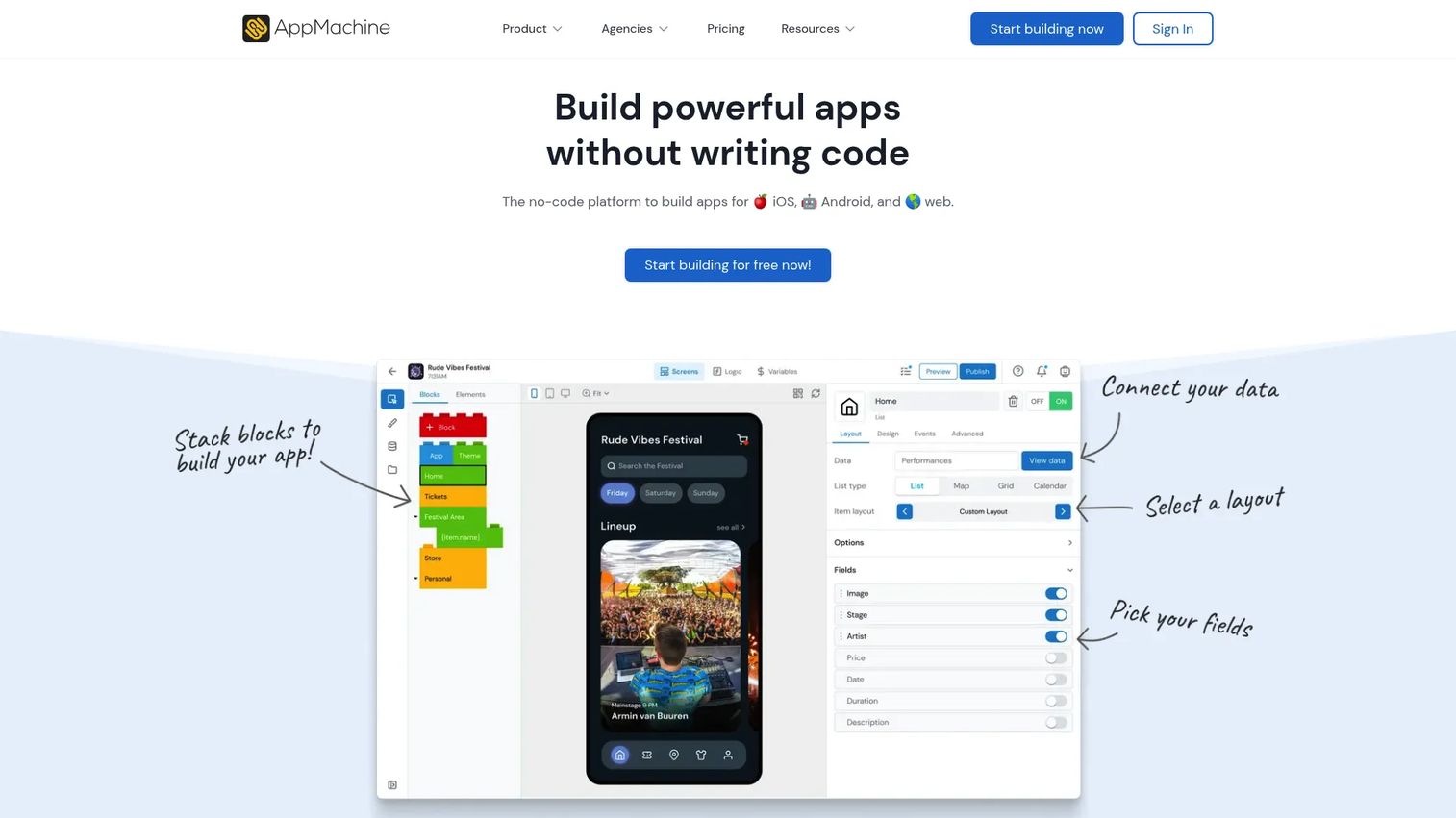
AppMachine is a no-code app builder for creating web, iOS, and Android apps. Its modular block approach and reseller options make it a fit for agencies and small teams building branded apps.
Best for: Agencies or small teams that want a no-code app builder with reseller and white-label options.
Key strengths
- Drag-and-drop app builder: Assemble apps from modular blocks.
- Multi-platform publishing: Publish to web, the Apple App Store, and Google Play.
- Data connections: Link Google Sheets and web services.
Why choose AppMachine: For agencies producing simple branded apps at volume, the modular building blocks and reseller tiers speed up repeatable work. Note the low G2 rating from a small review sample, so trial it against your specific workflow before scaling.
AppMachine pricing: Annual-billed plans start at $15/month for Instant, $63/month for Professional, and $159/month for Agency, with custom Enterprise pricing. A 30-day free trial is available.
11. GoodBarber
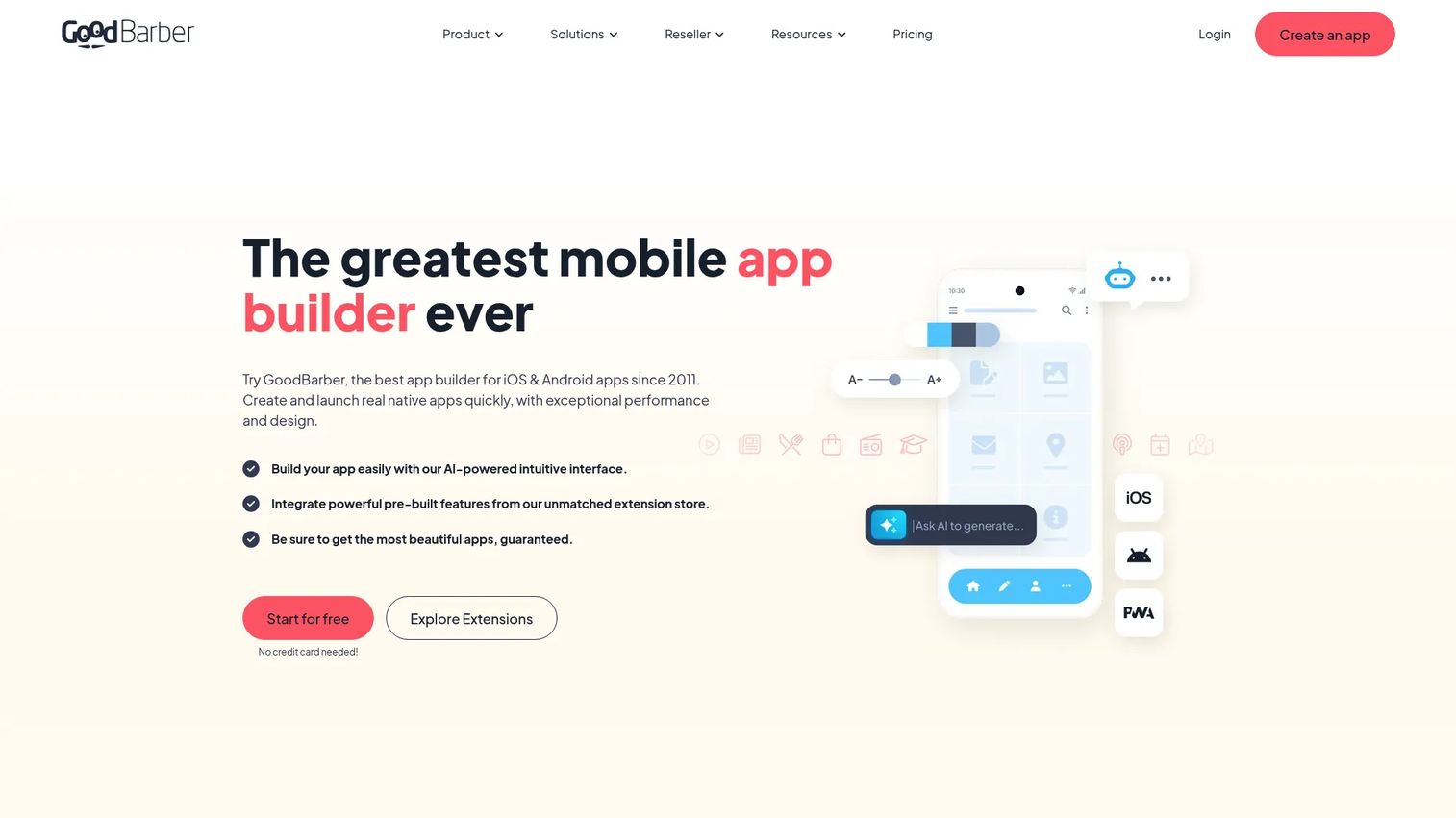
GoodBarber is a no-code app builder for creating content, eCommerce, and reseller mobile apps. It is known for polished, design-forward output and supports both native apps and progressive web apps.
Best for: Businesses and agencies that want to build design-forward mobile apps without coding.
Key strengths
- No-code app builder: Build without writing code.
- Native and PWA support: Ship native apps or progressive web apps.
- eCommerce features: Add payments, coupons, and abandoned-order recovery.
Why choose GoodBarber: For content-driven and commerce apps where polish matters, GoodBarber's design quality stands out. Its eCommerce plan suits stores that want a branded shopping app, and the reseller tier supports agencies.
GoodBarber pricing: Plans start at $30/month for Content, $40/month for eCommerce, and $215/month for Reseller. Each includes a 30-day free trial with no credit card required.
12. OutSystems
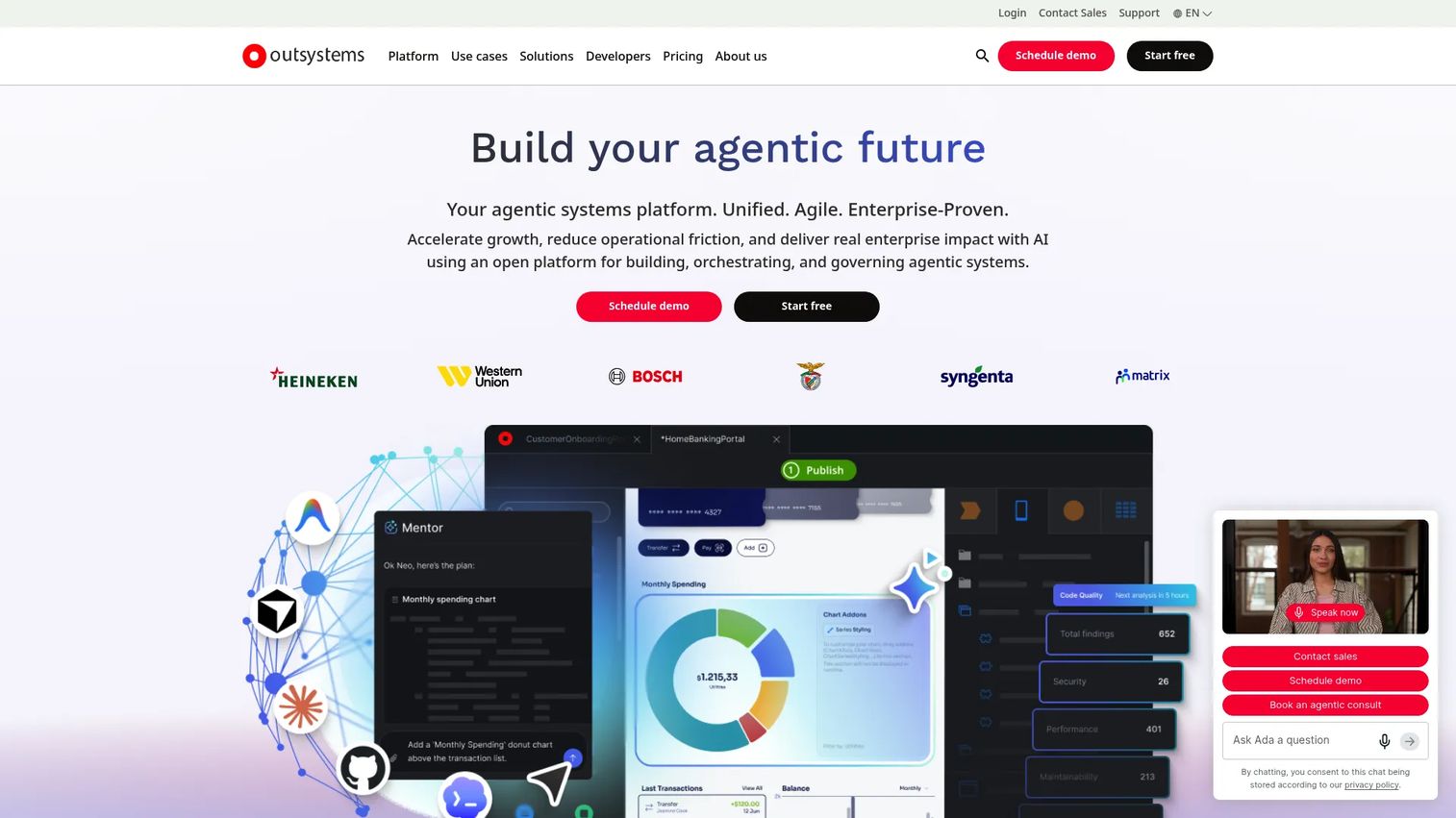
OutSystems is an enterprise AI development platform combining low-code app building with AI agents and governance. It is built for larger product and platform teams that need to deliver custom business apps at scale, with the controls enterprise IT demands.
Best for: Enterprises building custom business apps, workflows, and AI agents quickly.
Key strengths
- Visual low-code development: Build apps and agents visually with reusable building blocks.
- Pre-built connectors: Integrate with enterprise systems through ready-made connectors.
- Built-in governance and security: Ship with scalability, security, and governance baked in.
Why choose OutSystems: For enterprise PMs, OutSystems is less about quick MVPs and more about governed, scalable delivery across many apps. The governance and security posture is the differentiator when compliance and IT sign-off gate every launch.
OutSystems pricing: OutSystems does not publish numeric pricing on an accessible first-party page. Pricing is organized into editions and requires contacting sales. Expect enterprise-oriented packaging rather than a self-serve entry tier.
13. Zoho Creator
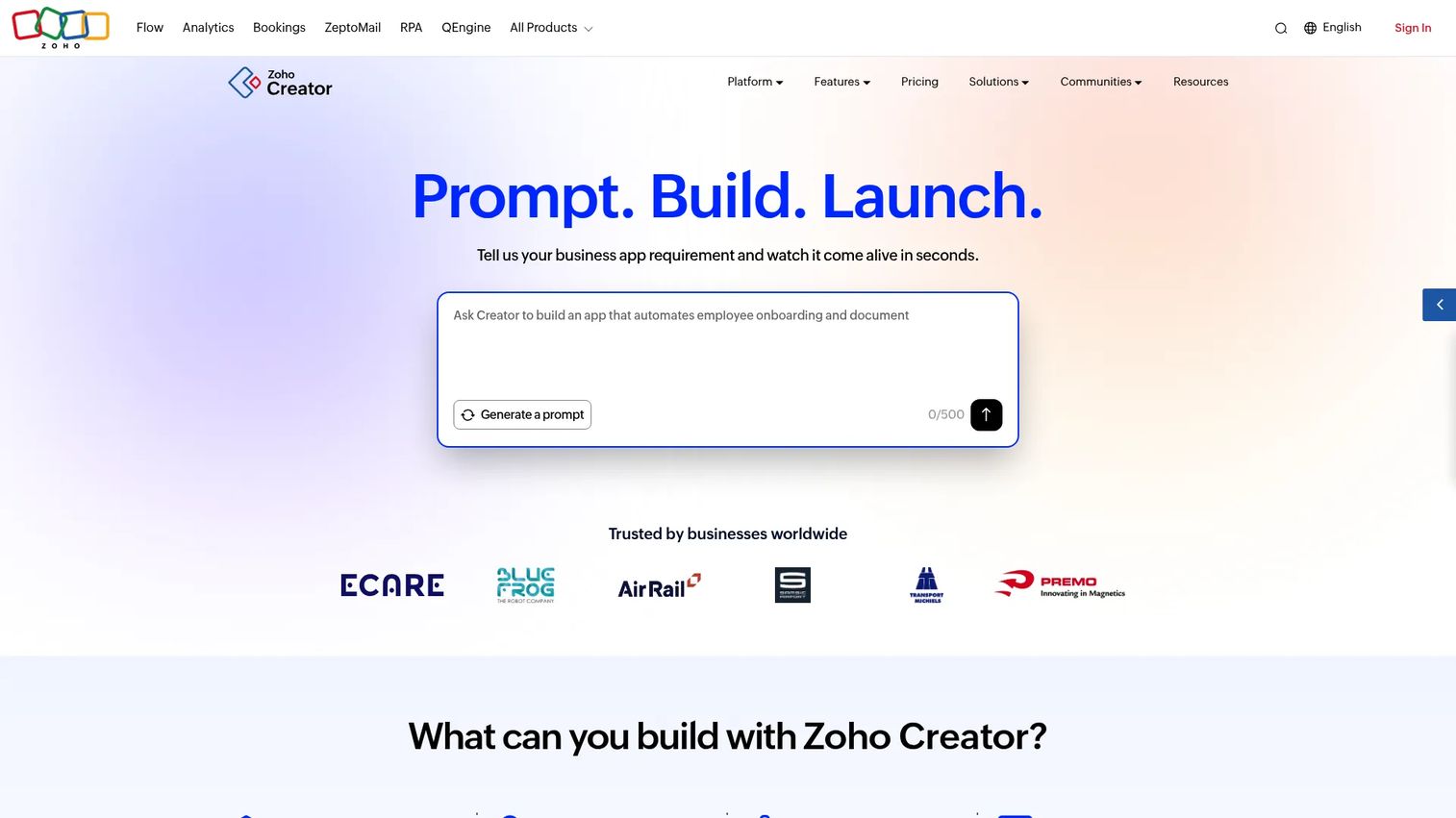
Zoho Creator is a low-code application development platform for building custom business apps. It fits teams already in the Zoho ecosystem and covers web, iOS, and Android deployment from one build.
Best for: Businesses that want to build custom internal apps and workflows without a full development team.
Key strengths
- Drag-and-drop app builder: Design business apps visually.
- Multi-platform deployment: Ship to web, iOS, and Android.
- Built-in workflows and AI: Add automation, integrations, and AI models.
Why choose Zoho Creator: If your team already runs on Zoho, Creator inherits the ecosystem's integrations and data, which shortens build time. It handles workflow-heavy business apps well and supports mobile deployment out of the box.
Zoho Creator pricing: Zoho Creator offers a 15-day free trial, a Free Edition, and three paid plans: Standard, Professional, and Enterprise, plus a custom Flex option. Current plan prices are listed on Zoho's pricing page; confirm figures there before buying.
14. SAP Build Apps
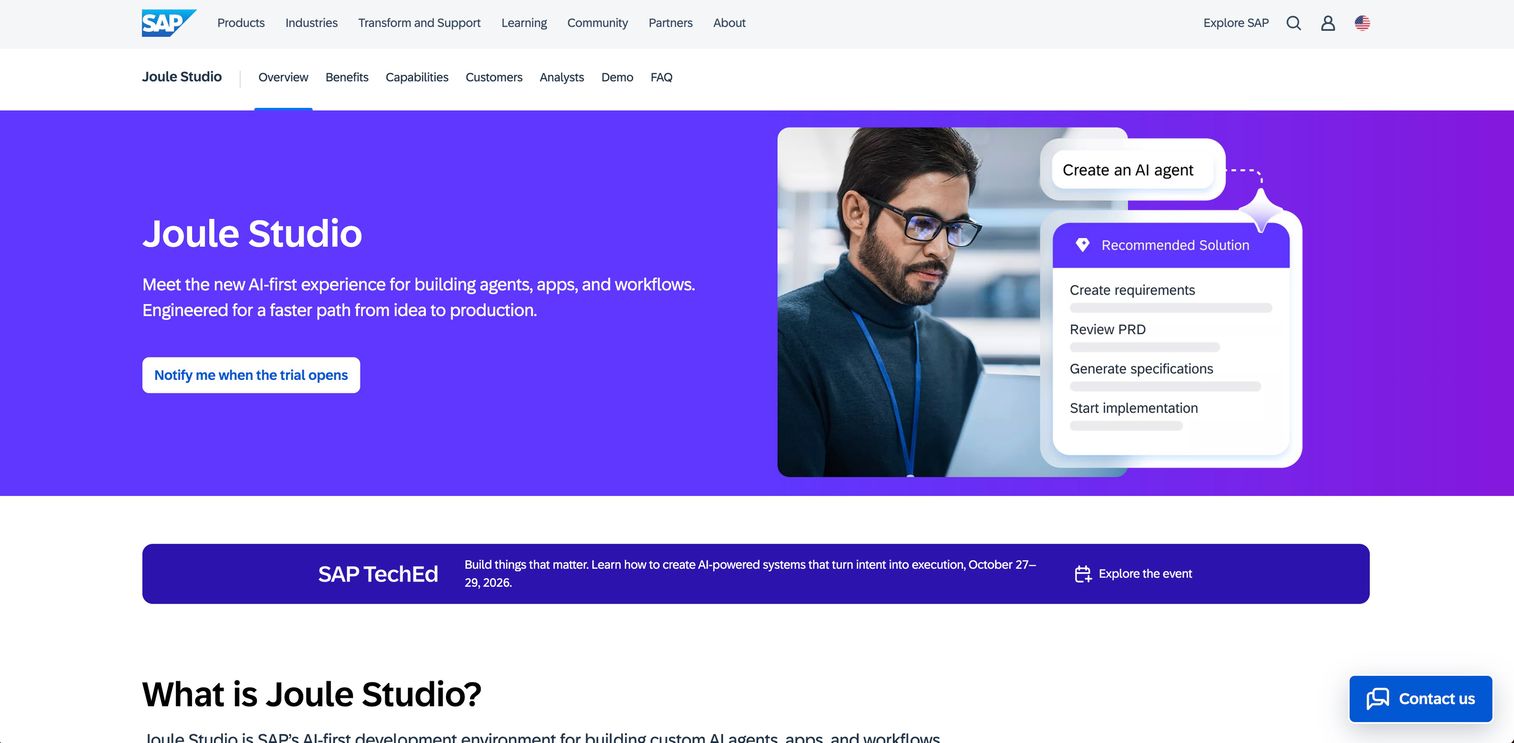
SAP Build Apps is a low-code and no-code app builder for creating web and native mobile apps on SAP. It is positioned for SAP-centered environments where enterprise data and governance are the priority.
Best for: Teams building enterprise web and mobile apps with SAP-centered low-code tooling.
Key strengths
- Visual app development: Build apps through a visual editor.
- Web and native mobile creation: Produce both web and native mobile apps.
- Cloud-based logic and data: Handle logic and data persistence in the cloud.
Why choose SAP Build Apps: For enterprises standardized on SAP, building apps inside the same platform keeps data, governance, and integration coherent. That coherence is the payoff, so fit is strongest when SAP is already your system of record.
SAP Build Apps pricing: SAP lists a free 30-day trial and a paid service with flexible usage-based billing. Additional capacity units are available at 1€ per unit. There is no simple numeric starting subscription price published; usage-based billing scales with consumption.
15. Fliplet
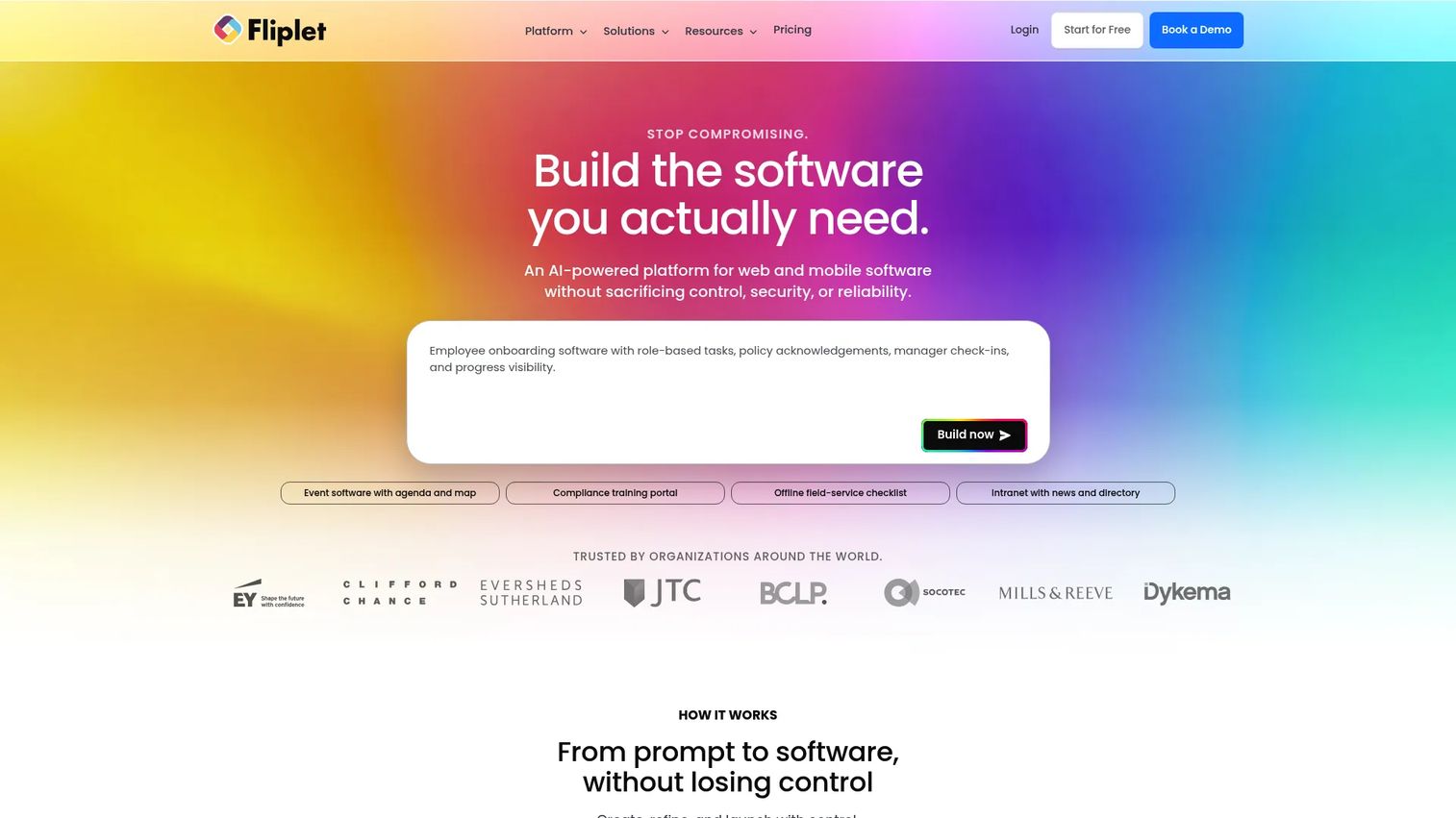
Fliplet is a platform for creating and publishing web and mobile software from prompts, with built-in governance, integrations, analytics, and enterprise controls. It suits teams that need governed business apps, from internal tools to event and learning software.
Best for: Teams that need to build governed web and mobile business apps quickly, including internal tools and event or learning software.
Key strengths
- Create from a prompt: Generate software from a prompt and refine it with AI.
- Connect data and workflows: Link data sources, workflows, APIs, and integrations.
- Publish with governance: Deploy to web and mobile with access control, version history, and analytics.
Why choose Fliplet: For PMs who need governance and analytics from day one, Fliplet builds those controls into the platform rather than bolting them on. Version history and access control make it a stronger fit for regulated or larger teams than lightweight builders.
Fliplet pricing: The Free plan is $0/month with 500 monthly credits. Plus starts at $25/month with 2,500 credits, Max starts at $50/month with higher credit volumes, and Enterprise is custom. The free tier makes early trials easy.
16. FlutterFlow
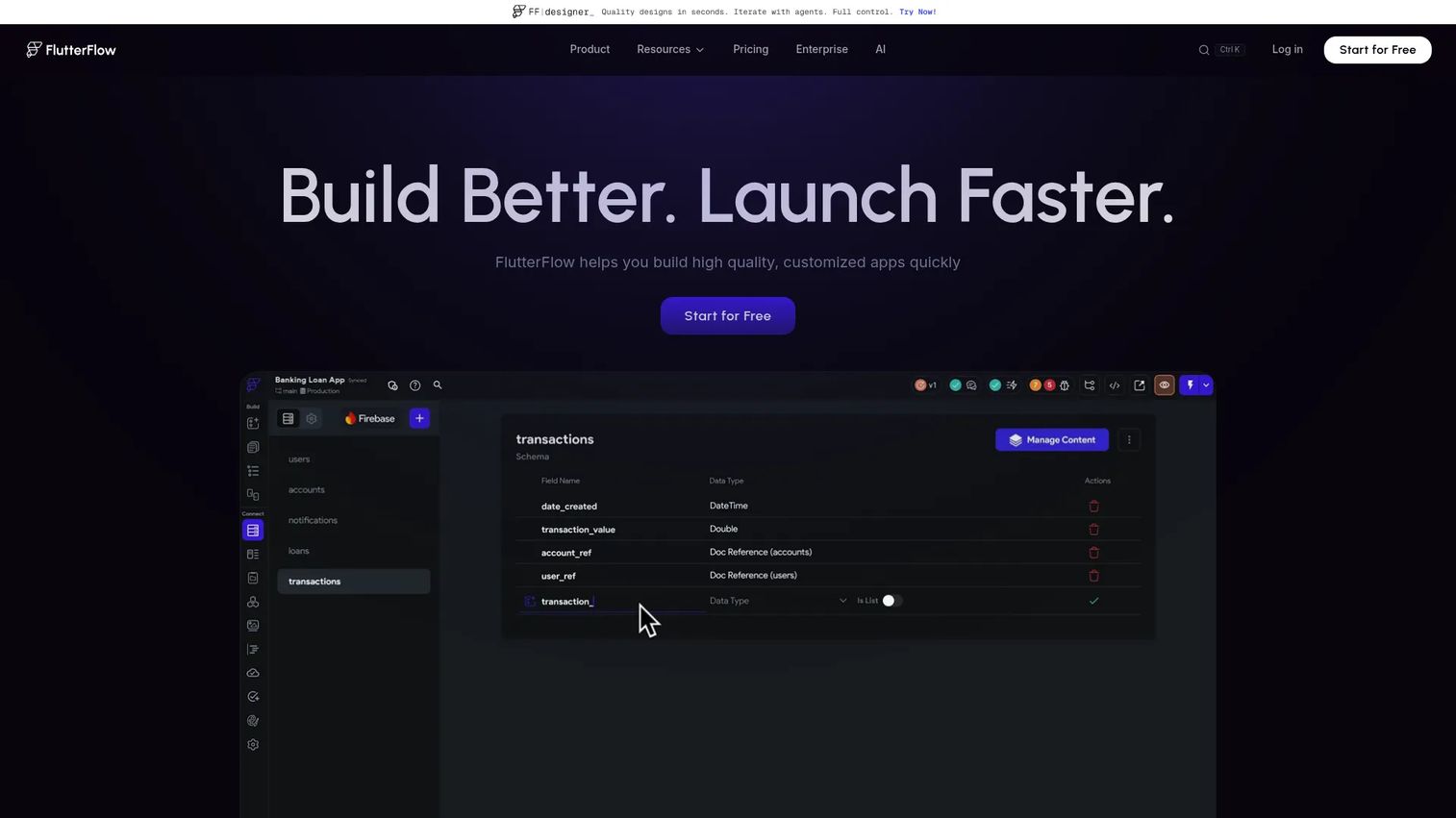
FlutterFlow is a visual app development platform for building, testing, and deploying Flutter apps across mobile, web, and desktop. It sits closer to the developer end of the spectrum, pairing visual building with real code output.
Best for: Teams that want to build and ship Flutter-based apps without starting from scratch.
Key strengths
- Visual development environment: Build mobile, web, and desktop apps visually.
- Code and APK download: Export code or an APK, with GitHub integration.
- Deploy anywhere: Ship to the App Store, Play Store, and web with localization and automated tests.
Why choose FlutterFlow: For teams that expect an app to graduate into a maintained product, FlutterFlow's code export and GitHub integration bridge no-code speed and developer flexibility. Real-time collaboration and automated tests suit teams that want engineering-grade practices in a visual tool.
FlutterFlow pricing: A free plan is available. Basic is $39/month, Growth starts at $80 for the first seat plus $55 per additional seat, and Business starts at $150 for the first seat with $85 for seats two through five. Annual billing saves roughly 25%.
17. Bravo Studio
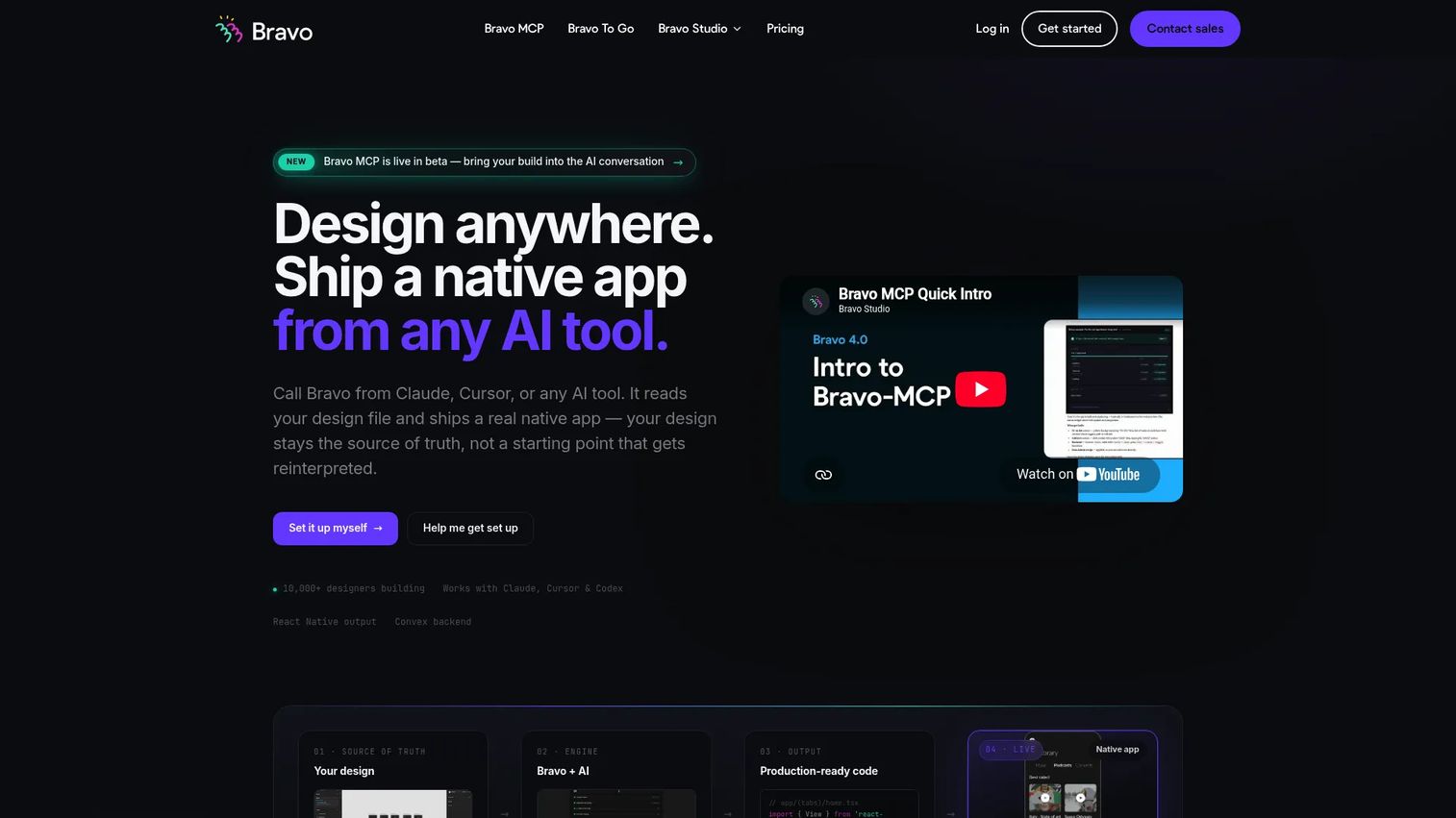
Bravo Studio is a design-first no-code mobile app builder for turning Figma designs into native iOS and Android apps. It is built for designers and teams that already work in Figma and want to translate designs into shippable apps.
Best for: Teams or designers building native mobile apps from Figma without writing source code.
Key strengths
- Figma-based app creation: Turn Figma designs into native apps.
- API and data connections: Wire up external data and services.
- Store publishing: Publish to the iOS App Store and Google Play.
Why choose Bravo Studio: For design-led teams, the Figma-to-app workflow preserves UI fidelity that other builders can lose. It is the fastest path when a polished design already exists and you want to ship it as a native app quickly.
Bravo Studio pricing: The Starter plan is free at $0/month. The Solo plan is $22/month billed monthly, with an annual option available. The free Starter tier lets you test the workflow before upgrading.
18. Appery.io
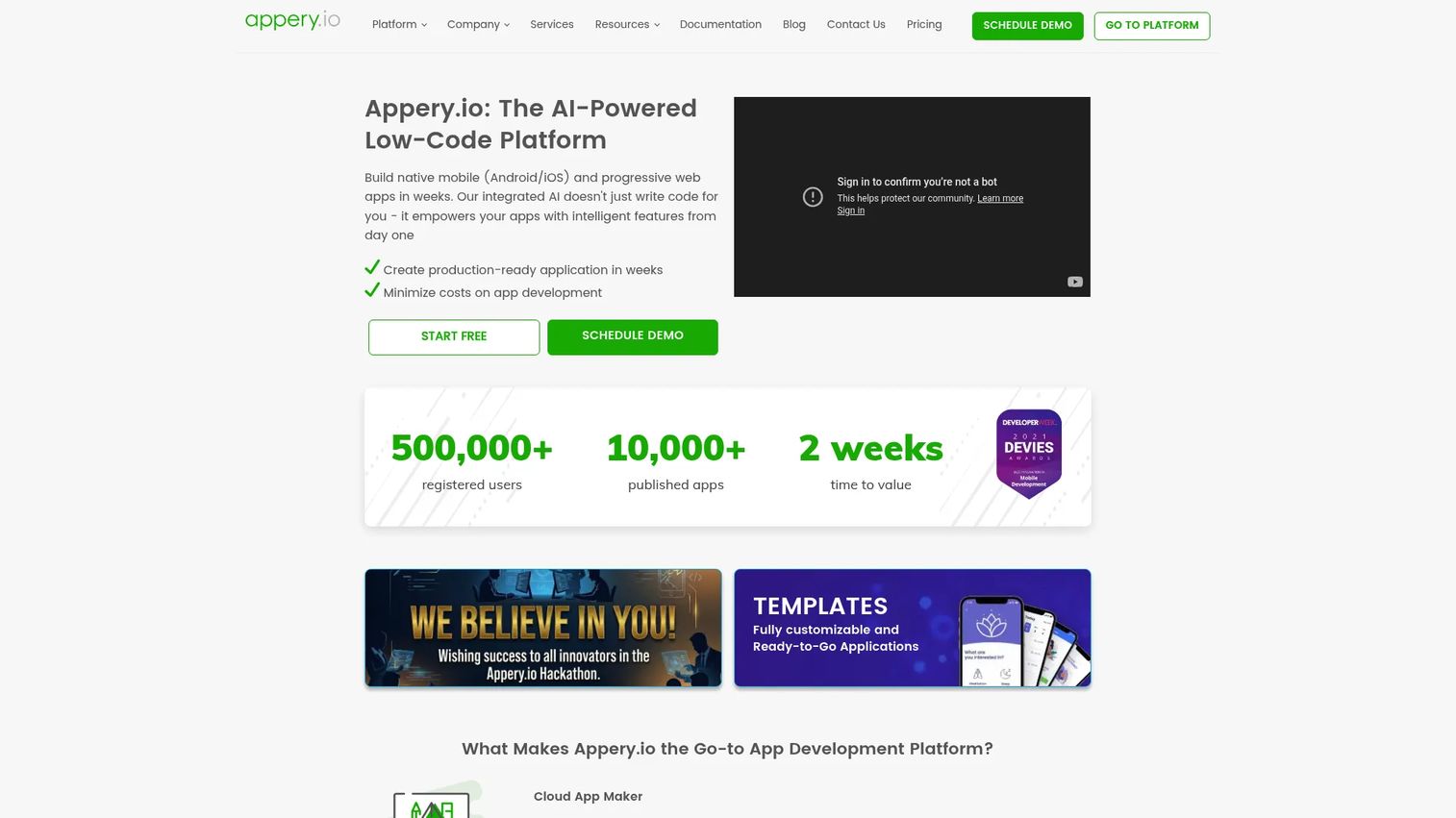
Appery.io is a low-code platform for building native mobile, web, and progressive web apps. Its build-once, deploy-many approach and API integration suit teams that want a configurable cross-platform builder.
Best for: Teams that need a low-code platform to quickly build cross-platform business apps.
Key strengths
- Drag-and-drop UI builder: Design app interfaces visually.
- Build once, deploy everywhere: Target mobile, web, and PWAs from one project.
- API and backend integration: Connect external services and backend systems.
Why choose Appery.io: For teams that want one build serving multiple platforms with API flexibility, Appery.io offers a configurable middle ground. It fits business apps that need integrations without a fully custom development effort.
Appery.io pricing: Plans start at $25/month for Beginners, $99/month for Pro, and $200/month for Team, with custom Enterprise pricing. A 14-day free trial is available; there is no permanent free tier.
19. Adalo
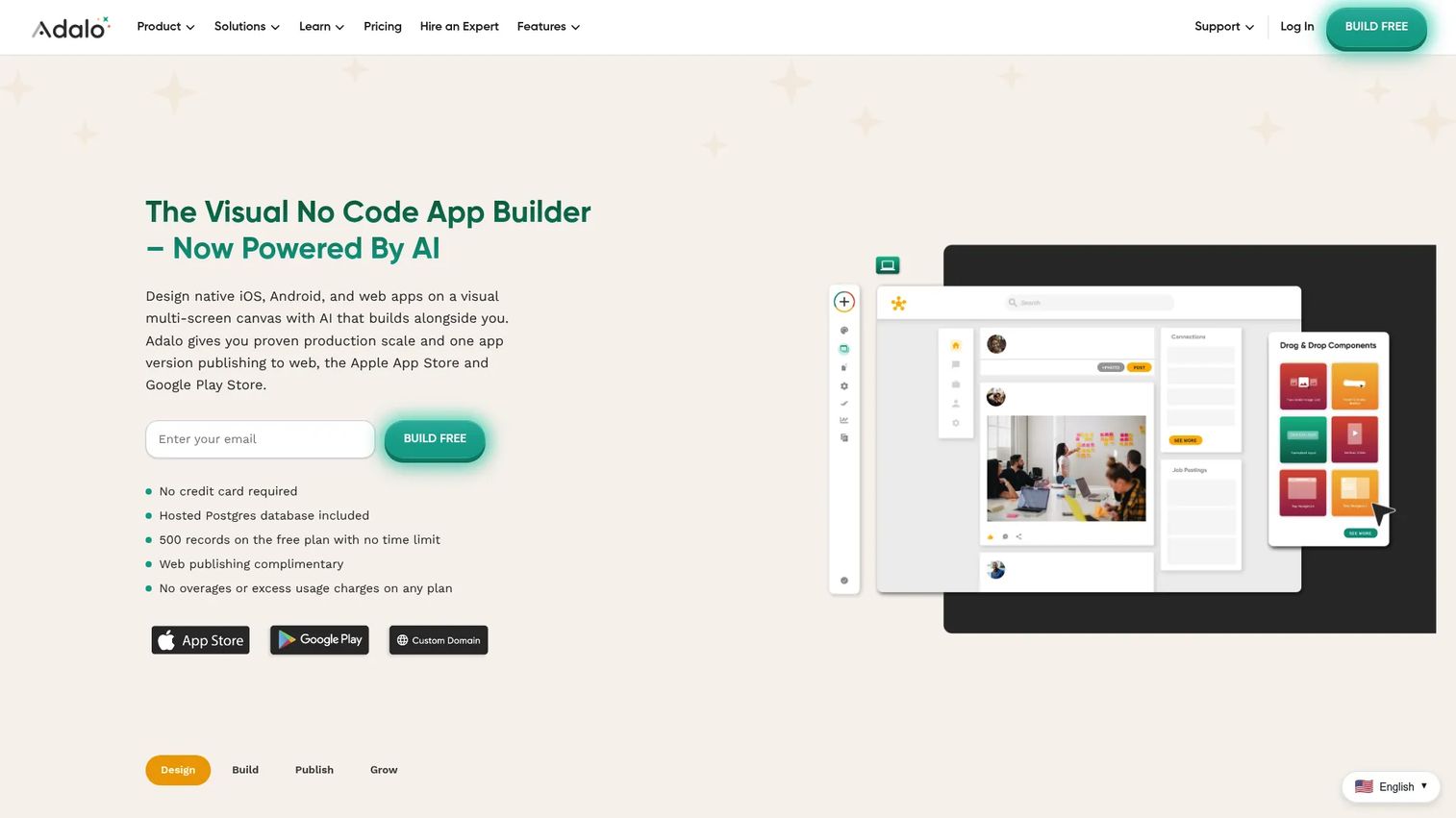
Adalo is a no-code app builder for creating and publishing database-driven web and mobile apps. Its visual, multi-screen canvas and AI assistant make it approachable for non-technical teams.
Best for: Teams building and publishing no-code web, iOS, and Android apps.
Key strengths
- Visual multi-screen canvas: Design multi-screen apps visually.
- Responsive drag-and-drop builder: Build layouts that adapt across devices.
- AI assistant (Ada): Use AI to speed up building.
Why choose Adalo: For straightforward, database-driven apps built by non-technical teams, Adalo keeps the workflow approachable while still supporting mobile publishing. It fits internal apps, directories, and simple customer-facing products.
Adalo pricing: The Free plan is $0. Paid plans, billed annually, are Starter at $36/month, Professional at $52/month, and Team at $160/month. The free tier is a low-risk way to start.
20. Shoutem
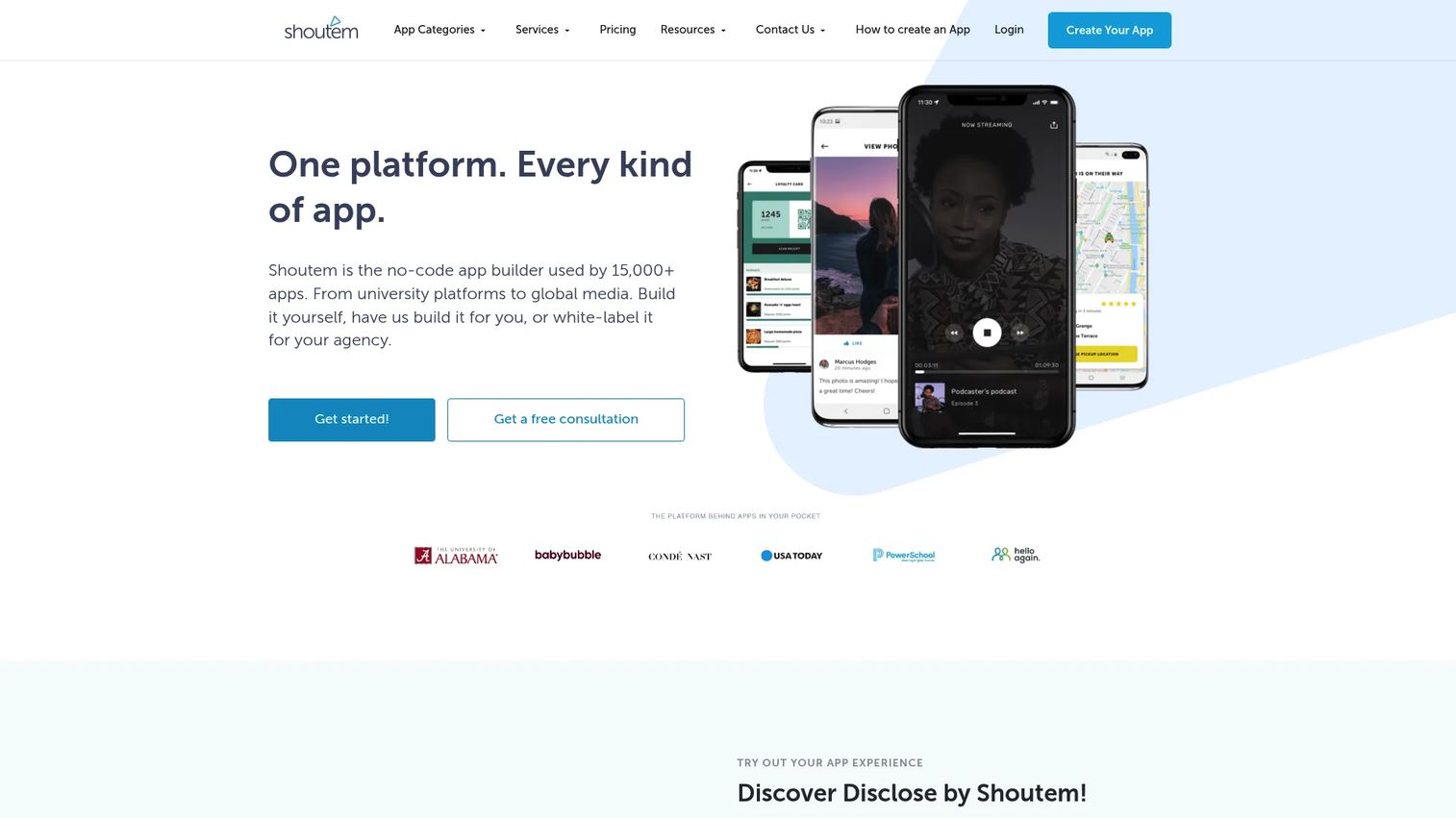
Shoutem is a no-code mobile app builder for creating Android and iOS apps. Its extension marketplace, CMS, and developer access make it a fit for media, community, and event-style apps.
Best for: Businesses that want a no-code mobile app builder with managed publishing and built-in app features.
Key strengths
- Android and iOS support: Build for both major mobile platforms.
- Extension marketplace and CMS: Extend apps and manage content in one place.
- Engagement features: Add push notifications, analytics, and user management.
Why choose Shoutem: For content-heavy apps like media, community, and events, Shoutem's CMS and extensions match the job. Its Pro service packages suit teams that want more hands-on build support.
Shoutem pricing: Builder plans, billed monthly, are Android at $49/month, Standard at $79/month, and Professional at $149/month, with lower effective rates on quarterly billing. Shoutem Pro offers one-time service packages starting around $699.
21. Siberian CMS
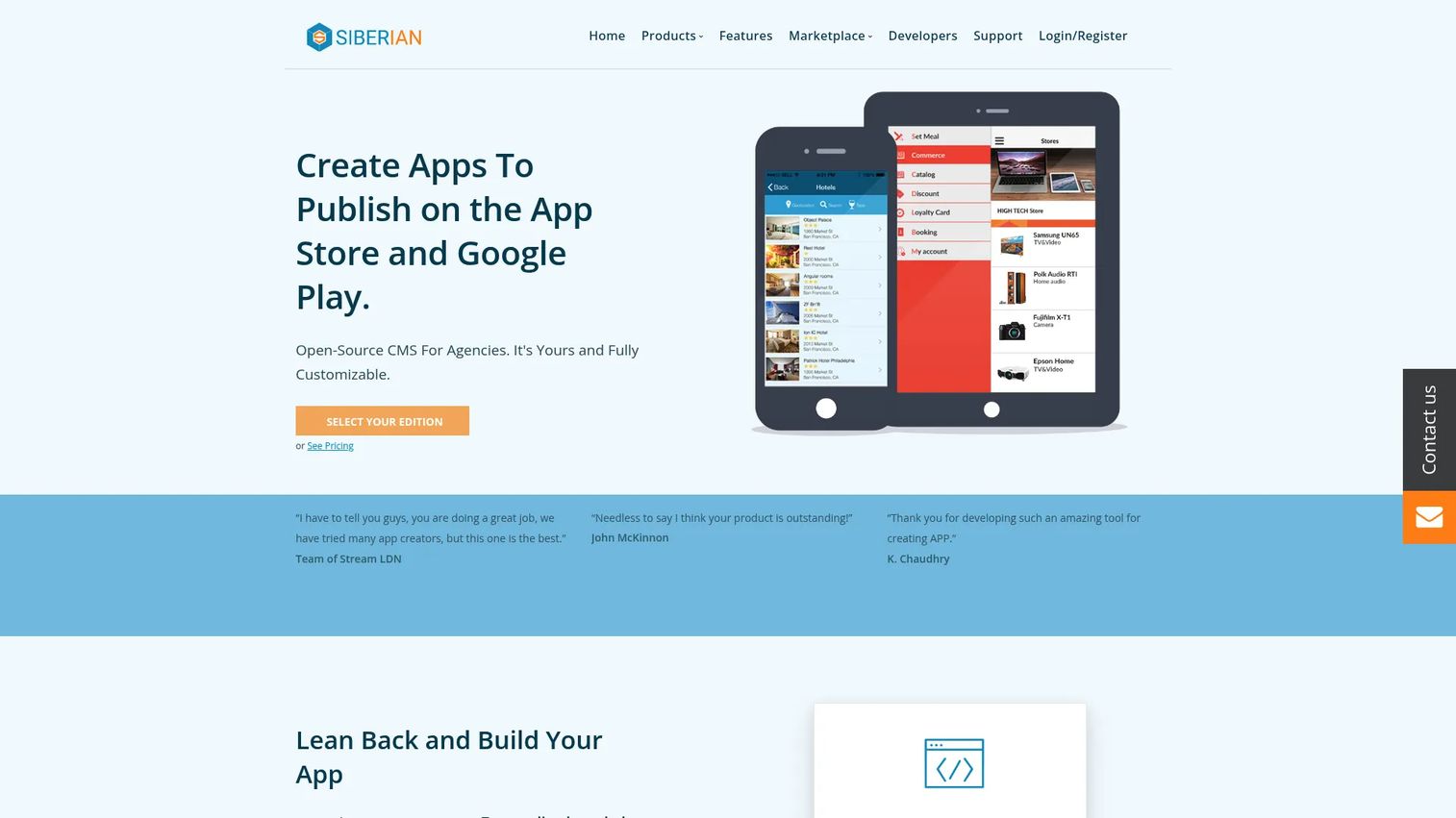
Siberian CMS is an open-source CMS and app builder for creating white-label mobile apps and app platforms. It is built for agencies and resellers that want to build and sell apps under their own brand.
Best for: Agencies or operators building and selling white-label mobile apps.
Key strengths
- White-label app building: Build and rebrand apps as your own.
- Unlimited apps and clients: Serve many apps and clients on paid editions.
- Full editor toolkit: Use a drag-and-drop editor with roles, translations, previews, and auto-publishing.
Why choose Siberian CMS: For agencies and resellers, the self-host editions and white-label model turn app building into a repeatable service offering. The free Single App Edition lets you validate the model before paying for multi-app tiers.
Siberian CMS pricing: The Single App Edition is free. The Multi-Apps Edition is €149 one-time to self-host or €79/month hosted. The Platform Edition is €299 one-time or €149/month hosted.
22. iBuildApp
iBuildApp is a no-code mobile app builder for creating Android and iPhone apps. It focuses on simple, template-driven apps for businesses that want a lightweight launch.
Best for: Businesses that want to build a simple mobile app without coding.
Key strengths
- Android and iPhone apps: Build for both mobile platforms.
- Pre-made templates: Start from ready-made designs.
- No coding required: Assemble apps visually.
Why choose iBuildApp: For fast, lightweight app launches, iBuildApp keeps the scope narrow and the setup simple. It suits teams whose needs are a straightforward branded app rather than a complex product.
iBuildApp pricing: Public pricing could not be verified from a first-party source in this run. Confirm current plans and any free tier directly on iBuildApp's site before purchasing.
23. Mobincube
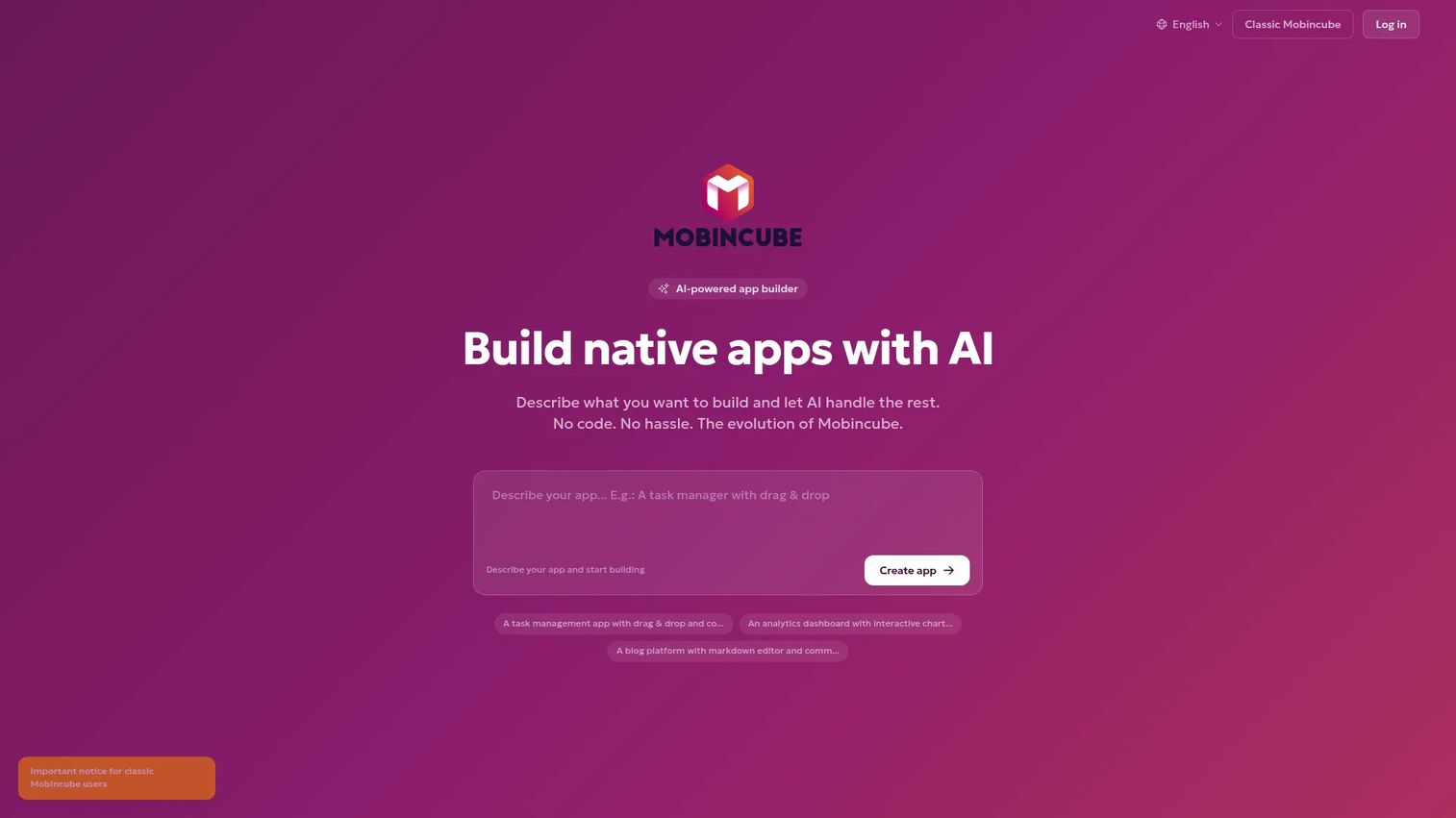
Mobincube is an AI-powered app builder for creating native mobile apps and web apps without coding. It generates native output for Android and iOS and offers a free entry tier with welcome credits.
Best for: Teams or solo builders wanting a no-code or AI app builder with a free entry tier.
Key strengths
- Native app generation: Produce native Android (Kotlin) and iOS (SwiftUI) apps.
- AI-assisted creation: Build apps from prompts.
- Unlimited apps: Create unlimited apps on all plans.
Why choose Mobincube: For basic mobile projects, Mobincube pairs AI-assisted creation with native output and a free starting tier. It fits solo builders and small teams testing an idea before scaling.
Mobincube pricing: A free plan is available with $5 in welcome credits. Paid plans are Bronze at $20/month, Silver at $50/month, and Gold at $100/month, each with included monthly credits.
24. Swiftspeed Appcreator
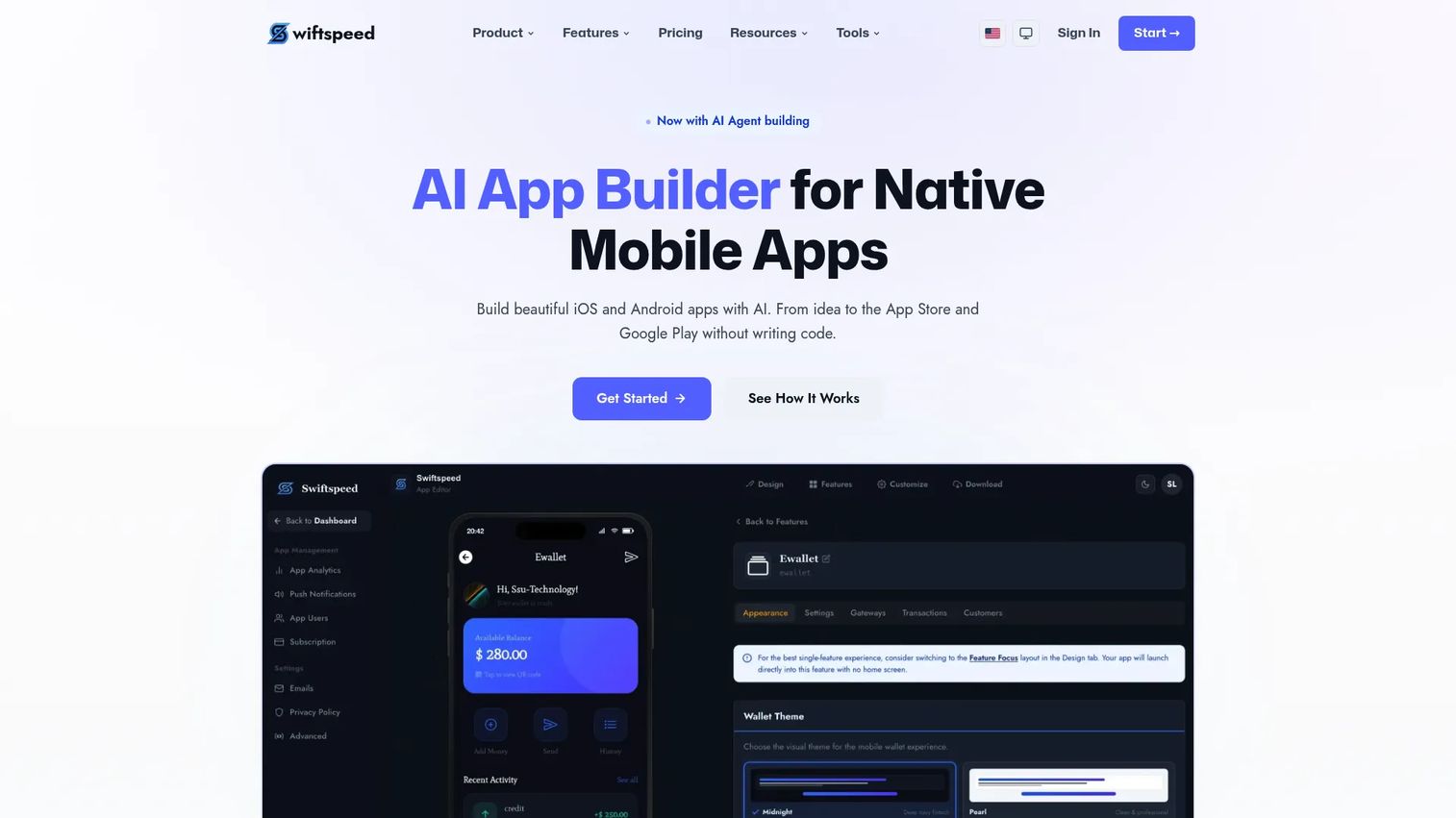
Swiftspeed Appcreator is a no-code app builder for creating and publishing mobile apps. It offers drag-and-drop building, website-to-app conversion, and publishing to Android, iOS, and PWA, positioned as a budget-friendly, lightweight option.
Best for: Small businesses or agencies that want a no-code mobile app builder with publishing options.
Key strengths
- Drag-and-drop building: Assemble apps visually.
- Website-to-app and RSS: Turn a website or RSS feed into an app.
- Multi-target publishing: Publish to Android, iOS, and PWA.
Why choose Swiftspeed Appcreator: For teams on a budget, Swiftspeed offers low entry pricing and quick publishing. It fits small businesses and agencies that want simple apps without a large platform commitment.
Swiftspeed Appcreator pricing: A 7-day trial is available. Pro is $15/month and Business is $29/month, with agency plans Starter at $149/month, Growth at $249/month, and Scale at $599/month.
Considerations before you buy
A demo looks great until you own the app for a year. Before you commit, work through these criteria the way you would evaluate any tool that affects activation, release velocity, and total cost of ownership.
Maintainability across releases
Ask how the app survives your own product changes. If the builder locks output into a proprietary format, every UI or data-model change becomes rework. Code export, version history, and clear data ownership reduce the risk that your quick win becomes long-term debt.
Publishing and deployment fit
Match the tool to where the app lives. Web apps, PWAs, and native app store publishing are different workflows. If you need app publishing to iOS and Android, confirm the builder handles store submission, not just the build.
Integrations with your stack
An app that cannot reach your CRM, database, or analytics is a silo. Check that the builder connects to the systems you already run, and that you can instrument events for the segmentation and measurement product decisions depend on.
Pricing model and total cost
App builder pricing splits between flat, per-seat, and usage-based models. Per-seat and usage-based costs scale with adoption, so model the cost at the scale you expect, not the scale you start at. A cheap entry tier can get expensive fast.
Governance and security
For anything touching customer or regulated data, verify access controls, audit trails, and compliance posture up front. Enterprise low-code suites lead here, but even lightweight builders should meet your minimum bar before launch.
Conclusion
The right drag and drop app builder depends on what you are shipping and who owns it after launch. For flexible web apps and internal tools, WeWeb and Bubble lead. For operational internal tools, Budibase, AppSheet, and Zoho Creator fit the job. For mobile-first work, Thunkable, FlutterFlow, Bravo Studio, and Appy Pie cover AI-assisted, design-led, and store-publishing paths. For enterprise scale and governance, OutSystems, SAP Build Apps, and Fliplet carry the load. And for simple, budget-friendly launches, Jotform, Adalo, and Swiftspeed Appcreator get you live fast.
Pick based on maturity. If you are validating an idea, start with a free tier and a template so you can test activation before you invest. If you are standardizing across teams, weigh maintainability, integrations, and governance over raw speed. The best app creator is the one your team can keep running without pulling engineering off the roadmap every time your product changes.
FAQs
A drag and drop app builder is a visual platform that lets you assemble working web or mobile apps by dragging pre-built components onto a canvas, connecting data, and publishing, without writing traditional code. It overlaps with no code and low code app builders, and is sometimes called a drag and drop application builder or visual app builder.
Yes. Most tools in this list are app builders without coding, meaning you assemble screens, logic, and data connections visually. Some, like FlutterFlow and WeWeb, also export real code if an app graduates into a maintained product, so you get no-code speed without permanent lock-in.
For native mobile apps, Thunkable and FlutterFlow stand out for cross-platform publishing and AI assistance, while Bravo Studio excels at turning Figma designs into native apps. Appy Pie and BuildFire suit teams that want managed, template-led mobile builds with app store publishing.
Jotform, Appy Pie, Adalo, and AppInstitute are among the most approachable for non-technical teams, thanks to templates and simple visual editors. Budibase and AppSheet also work well for operational teams that need internal tools without deep technical skills.
Many do. Thunkable, FlutterFlow, Appy Pie, BuildFire, GoodBarber, and Bravo Studio all support app publishing to iOS and Android, including store submission help in several cases. Always confirm which platforms and submission steps a specific plan covers before buying.
Yes. A template-based app builder removes the blank-canvas problem, so you can ship an MVP in days and validate activation before committing engineering time. The key is choosing a tool whose output stays maintainable if the MVP proves its value and needs to scale.
Compare visual editing and templates, customization and branding, publishing options, integrations with your data and analytics stack, maintainability across releases, and pricing model. For product teams, weigh total cost of ownership and how well the tool supports segmentation and measurement, not just build speed.
App builder pricing ranges widely. Several tools offer free tiers, and paid plans in this list start as low as $5 per user per month for AppSheet or $15 to $59 per month for others. Enterprise and usage-based platforms like OutSystems and SAP Build Apps are quote-based or scale with consumption, so model cost at your expected scale.