Deleting a file does not destroy the data. Emptying the recycle bin does not either. Even a standard format leaves most of the original bits sitting on the platters or flash cells, waiting for anyone with a cheap recovery tool to pull them back.
That gap is where most data leaks during hardware disposal happen. A drive gets retired, resold, or redeployed, and the person handling it assumes a quick format wiped it clean. It did not. For anyone in IT, ITAD, or a security-conscious presales or engineering team, that assumption is a liability, especially when you sign off on device reuse or answer a customer security review.
The stakes are only growing. The global data destruction software market is estimated at USD 780.45 million in 2024 and expected to reach USD 1,560.75 million by 2032, a 9.2% CAGR according to Future Market Report (2024). More drives, more compliance pressure, more scrutiny on how you prove a device was actually sanitized.
Real permanent data erasure means overwriting or sanitizing storage so recovery is not feasible, then producing proof it happened. The tools that do this well differ on which media they support (HDD, SSD, NVMe, USB), whether they run bootable or offline, whether they issue an erasure certificate, and how they handle Windows environments. Pick the wrong one and you either fail an audit or leave data behind. This guide sorts through the practical options so you can choose with confidence.
What's inside
This guide compares seven data destruction tools for 2026. We selected each one for permanent erasure quality, relevance to Windows environments, SSD and NVMe secure erase support, bootable or offline operation, and documentation or compliance features like erasure certificates and audit trails.
The list spans commercial, enterprise, freeware, and open-source options. Some are built for bulk ITAD workflows with signed certificates and cloud consoles. Others are lightweight portable utilities or bootable Linux environments for hands-on technicians. Each entry notes the media it handles, how it runs, what proof it generates, and where it fits in a real disk wipe workflow.
TL;DR
- Best overall for enterprise compliance and bulk workflows: BitRaser, for certified erasure across mixed device fleets with audit-ready reporting.
- Best for Windows admins who want a simple commercial eraser: KillDisk, for standards-based wiping, boot disks, and one-time perpetual licensing.
- Best for certification-heavy enterprise sanitization: Blancco Drive Eraser, for digitally signed certificates and audited erasure at scale.
- Best free option for portable Windows wiping: Disk Wipe, a no-install freeware utility for volumes and removable media.
- Best for secure file-level destruction on Windows: Eraser, a free tool with Explorer integration and scheduling.
- Best for open-source, command-line control: nwipe, a free bootable disk eraser with PDF certificate output.
- Best for bootable offline operation: ShredOS, a free bootable USB and ISO environment that ships the latest nwipe release.
What data destruction software is
Data destruction software is a tool that permanently overwrites or sanitizes storage media so the original data cannot be recovered, then documents that the process completed. It is the software path to secure data destruction, as opposed to physically shredding or degaussing a drive.
The category covers a few core capabilities worth understanding before you compare tools:
- Permanent overwrite versus formatting: A format rebuilds the file system index but leaves the underlying data intact. A secure wipe overwrites every addressable sector, often in multiple passes, so there is no recovery after wipe.
- HDD, SSD, NVMe, and USB support: Spinning HDDs respond to overwrite passes. SSDs and NVMe drives need SSD secure erase commands that trigger the drive's own sanitize function, because wear-leveling scatters data across flash cells. Good tools handle all of these plus USB wipe for thumb drives and memory cards.
- Standards and certifications: Regulated environments expect sanitization aligned to recognized standards. Tools that support multiple international sanitation standards give you a defensible method.
- Certificates and audit trails: An erasure certificate is the proof artifact. It records the device, method, operator, and result, which is what auditors and chain-of-custody records rely on.
- Bootable, portable, and offline execution: Some tools run inside Windows. Others run as a bootable wipe utility from USB or ISO, so you can sanitize the system drive of a machine that is offline or being decommissioned.
When to use data destruction software
Retire or resell end-of-life hardware
Before a drive leaves your control, whether for disposal, resale, or redeployment to another employee, software wiping is the right call when the media is healthy and reusable. Overwriting or issuing a secure erase command lets you keep the drive in service instead of destroying an asset that still has value. This is the everyday ITAD case: a laptop comes back, you wipe it, and it goes to the next person or the resale channel with nothing recoverable left behind.
Support compliance and audit requirements
In regulated environments, wiping the drive is only half the job. You also have to prove it. This is where certificates, standards support, and traceability matter. An erasure certificate tied to a serial number, method, and timestamp gives you the audit-ready documentation to show a regulator, a customer security review, or your own internal governance team. If you cannot produce proof, the wipe effectively did not happen as far as compliance is concerned.
Wipe drives outside a normal Windows session
Sometimes you cannot wipe from inside the running operating system, because the system drive is in use, the machine is being decommissioned, or the OS is locked or corrupted. A bootable wipe utility on USB or ISO lets you boot the target machine into a clean environment and sanitize every drive, including the one that held the OS. Offline wiping also matters for air-gapped or high-security sites where connecting the machine to a network is not an option.
Comparison table
Here is the shortlist at a glance. Intent describes the primary buyer, and key differentiation is the one thing that sets each tool apart. Pricing reflects publicly listed figures where available; ratings are drawn from G2 where a verifiable listing exists.
| # | Product | Intent | Key differentiation | Pricing | G2 rating |
|---|---|---|---|---|---|
| 1 | BitRaser | ITADs, MSPs, and enterprises needing certified erasure | Audit-ready certificates across HDD, SSD, Mac, Chromebook, and mobile | From €39.99 | 4.0/5 |
| 2 | KillDisk | Windows admins wanting a straightforward commercial eraser | 27 international sanitation standards with one-time licensing | From $64.95 | 4.5/5 |
| 3 | Blancco Drive Eraser | Enterprises and ITAD teams needing compliant erasure at scale | Digitally signed, audited certificates and platform-based delivery | Platform pricing, contact vendor | 4.5/5 |
| 4 | Disk Wipe | Windows users needing a free portable disk wipe | No-install portable utility for volumes and removable media | Free | Not listed |
| 5 | Eraser | Windows users needing secure file-level deletion | Explorer integration and scheduled secure file wiping | Free | 4.3/5 |
| 6 | nwipe | Technicians wanting open-source command-line control | Open-source engine with PDF certificate output | Free | Not listed |
| 7 | ShredOS | IT teams needing a bootable offline wipe environment | Bootable USB and ISO shipping the latest nwipe release | Free | Not listed |
1. BitRaser
BitRaser is data erasure and diagnostics software built for teams that need certified wiping across a mixed fleet and proof for every drive. It handles HDDs, SSDs, PCs, Macs, Chromebooks, and servers, plus mobile erasure and diagnostics for iOS and Android, and file-level erasure for files, folders, volumes, and application traces. The combination of broad device coverage and an admin console is what makes it a strong fit for ITADs, MSPs, and compliance-heavy operations.
Best for: ITADs, MSPs, and enterprises that need certified data erasure with audit-ready reporting across many device types.
Key strengths
- Multi-device coverage: Wipes HDD, SSD, Mac, Chromebook, server, and mobile from one product family, so you are not stitching together separate tools.
- Audit-ready certificates: Generates tamper-proof erasure certificates and report exports that stand up in compliance reviews and chain-of-custody records.
- Flexible delivery: Runs via USB and PXE boot, with cloud and offline variants so you can erase at connected sites or air-gapped locations.
Why choose BitRaser: If your job involves proving erasure at volume, BitRaser earns its place through the console and certificate workflow, not just the wipe itself. The Drive Eraser is pay-per-drive, so you buy capacity as you consume it, and BitRaser states that its licenses do not expire until used. Remote endpoint wiping via an MSI package extends the same workflow to distributed machines. Teams doing occasional single-drive wipes will find simpler tools cheaper, but that is not who this is for.
BitRaser pricing: Public pricing on the buy page is region and currency variable. On the page reviewed, Drive Eraser was listed at €99, Mobile Eraser and Diagnostics at €50, and File Eraser Corporate at €39.99 for a one-year license. The starting price is €39.99. Drive Eraser is priced pay-per-drive, mobile erasure is pay-per-process, and only the file eraser runs on a subscription. BitRaser Drive Eraser holds a 4.0/5 rating on G2.
2. KillDisk
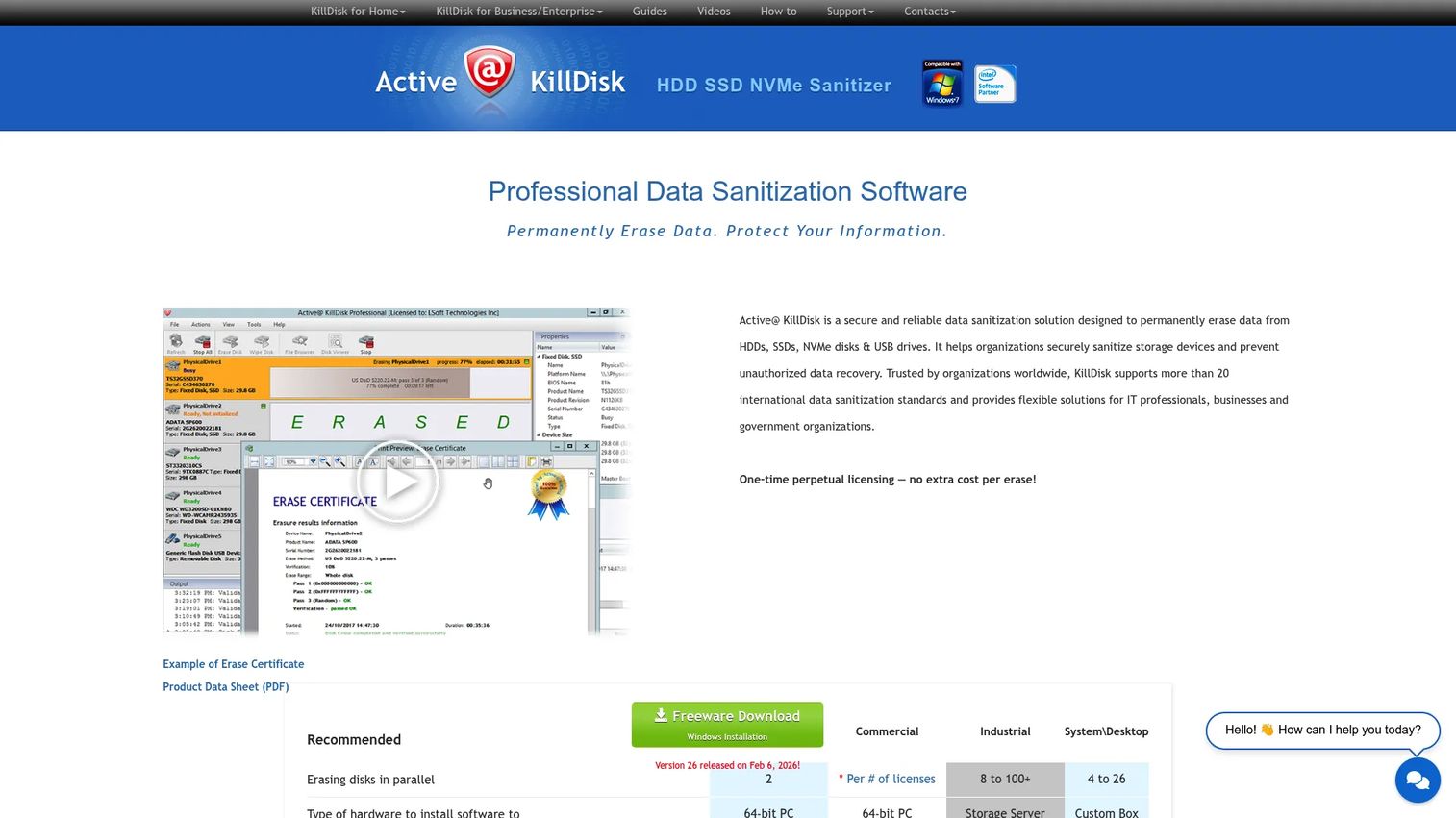
KillDisk is disk erasure and data sanitization software for securely wiping HDDs, SSDs, NVMe, USB disks, and memory cards. It runs on Windows and Linux and offers bootable modes, so you can sanitize a system drive without booting into the installed OS. For a Windows data destruction tool that keeps things straightforward, KillDisk sits in a practical middle ground between free utilities and enterprise platforms.
Best for: Windows admins and operations teams who want standards-based disk wiping with certificates and a one-time license.
Key strengths
- Standards coverage: Supports 27 international sanitation standards, giving you a defensible method for whatever policy your environment requires.
- Proof and reporting: Produces PDF certificates, XML exports, and erase verification, so every wipe leaves a documented trail.
- Bootable and cross-platform: Runs on Windows and Linux, with boot disks for offline and system-deployment scenarios.
Why choose KillDisk: The appeal here is a commercial tool with clear pricing tiers and a one-time perpetual license, rather than an ongoing subscription. It supports secure erase for SSDs alongside overwrite passes for HDDs, and scripting options suit operations teams running repeated wipes. The freeware version covers basic needs, while professional and industrial tiers add certificates, standards, and system-deployment features for higher-volume shops.
KillDisk pricing: KillDisk publicly lists a Freeware tier, a Personal License at $64.95 one-time, Commercial licenses from $84.95, and Industrial System/Desktop packages from $2,900. The starting paid price is $64.95, and a free tier is available. KillDisk holds a 4.5/5 rating on G2.
3. Blancco Drive Eraser
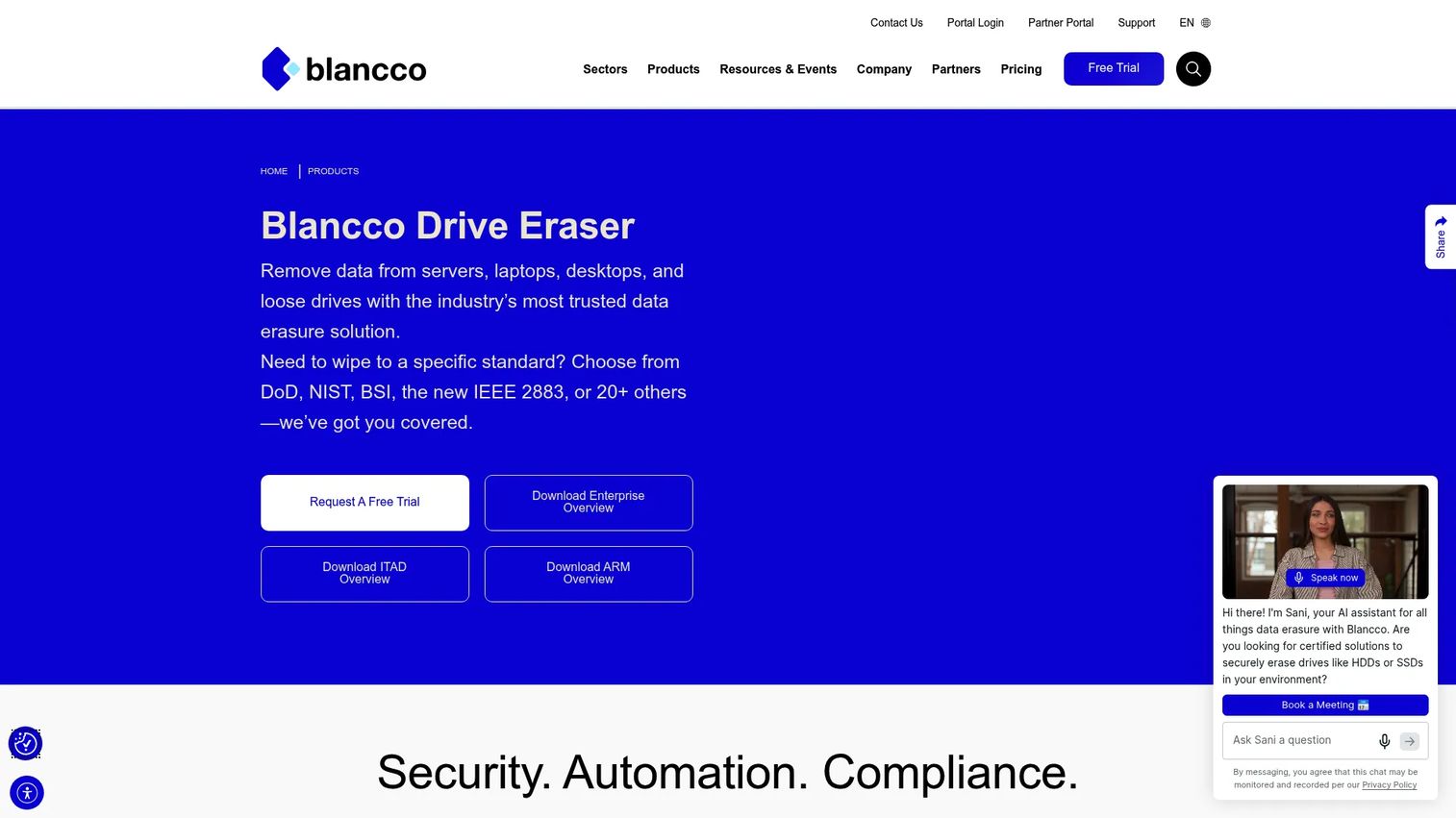
Blancco Drive Eraser is data erasure software aimed squarely at enterprises and ITAD teams that need compliant drive erasure at scale. It provides certified erasure for HDDs, SSDs, and NVMe drives across servers, desktops, laptops, Chromebooks, and Apple T2 computers, with automation and integrations for local or remote erasure. Where lighter utilities focus on the wipe, Blancco is built around the proof and the process.
Best for: Enterprises and ITAD operators who need audited, certified erasure at scale with digitally signed documentation.
Key strengths
- Certified erasure: Wipes HDD, SSD, and NVMe media with methods designed to satisfy demanding compliance regimes.
- Signed certificates: Produces digitally signed, tamper-evident certificates that hold up as audit-ready documentation.
- Broad hardware support: Covers servers, desktops, laptops, Chromebooks, and Apple T2 machines, with automation for high-volume operations.
Why choose Blancco Drive Eraser: This is the premium, proof-first choice. For organizations where demonstrating compliant sanitization matters as much as the wipe itself, the signed certificates and automation are the differentiators. It fits managed sanitization workflows where every device needs a defensible, exportable record. Smaller teams wiping a handful of drives will find it more than they need, but enterprises running continuous ITAD pipelines are its natural home.
Blancco Drive Eraser pricing: Blancco publishes four platform tiers, Starter, Essentials, Power, and Enterprise, on a bundled platform-plus-event model rather than an individual software price list. Specific figures require contacting Blancco. A 14-day free trial is publicly offered. Blancco holds a 4.5/5 rating on G2.
4. Disk Wipe
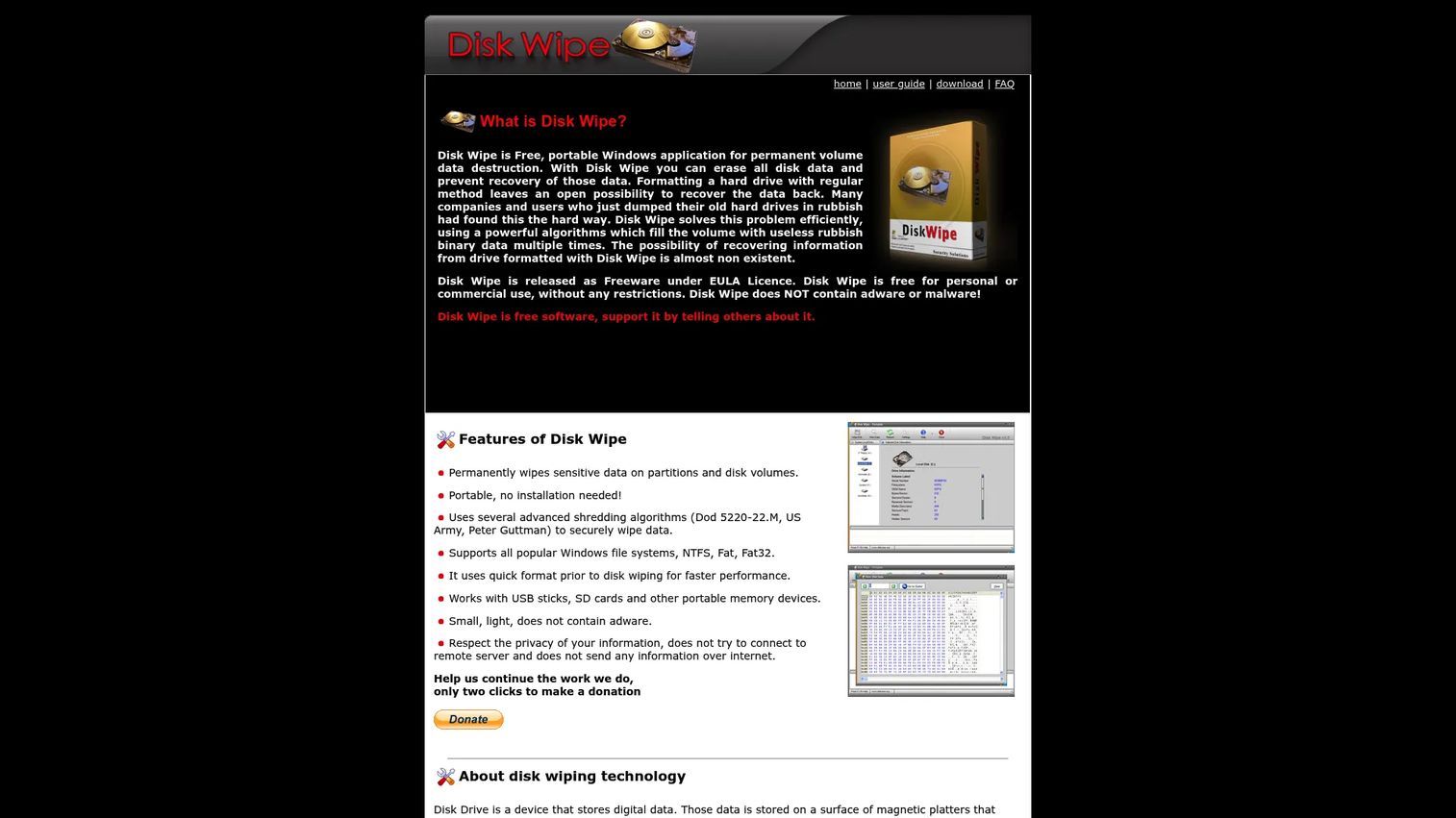
Disk Wipe is a free portable Windows utility for permanent disk and volume data destruction. It permanently wipes sensitive data on partitions and disk volumes, needs no installation, and supports USB sticks, SD cards, and other removable memory devices. This is the simple-and-free branch of the list: download it, run it, wipe a volume, done.
Best for: Windows users who need a free portable disk wipe tool for volumes and removable media without installing anything.
Key strengths
- Portable, no install: Runs as a standalone executable, which makes it a handy portable disk wipe tool to carry on a USB stick.
- Removable media support: Handles USB sticks, SD cards, and other removable storage alongside internal volumes.
- Multiple algorithms: Offers several overwrite algorithms and multiple-pass options for permanent volume destruction.
Why choose Disk Wipe: When you need to permanently destroy a volume or a removable drive and do not need certificates or fleet management, Disk Wipe does the job at zero cost. It is freeware under a EULA, free for personal or commercial use. It does not produce the erasure certificates or centralized reporting that enterprise tools do, so it excels for quick standalone wipes rather than audited ITAD pipelines. For a one-off or a workshop bench, that is often exactly right.
Disk Wipe pricing: Disk Wipe is free. The official site lists no paid tiers, describing the software as freeware under its EULA, free for personal or commercial use without restrictions. No verifiable G2 rating was found.
5. Eraser
Eraser is a free Windows security tool focused on secure file-level destruction rather than full-drive lifecycle management. It securely erases files, folders, and previously deleted counterparts by overwriting data multiple times, and it handles free-space wiping to remove traces of files you deleted earlier. Windows Explorer context-menu integration and a scheduler make it a practical fit for endpoint users and admins.
Best for: Windows users and admins who need to securely delete specific files, folders, and free space on a running machine.
Key strengths
- File and free-space erasure: Overwrites specific files and folders, plus the free space where previously deleted files still linger.
- Explorer integration: Adds secure-delete options to the right-click menu, so wiping a sensitive file is part of the normal workflow.
- Scheduling: Runs erasure tasks on a schedule, useful for recurring cleanup of temp directories or sensitive working folders.
Why choose Eraser: Eraser is about trace removal and secure file deletion, not sanitizing an entire drive before disposal. If your need is destroying specific sensitive documents or scrubbing free space on an in-use Windows machine, this is the right tool. It is free software under the GNU General Public License, which keeps it accessible for individual endpoints. For full-drive or SSD secure erase before hardware retirement, pair it with a bootable utility.
Eraser pricing: Eraser is free software under the GNU General Public License. The official site lists no paid tiers. Eraser holds a 4.3/5 rating on G2.
6. nwipe
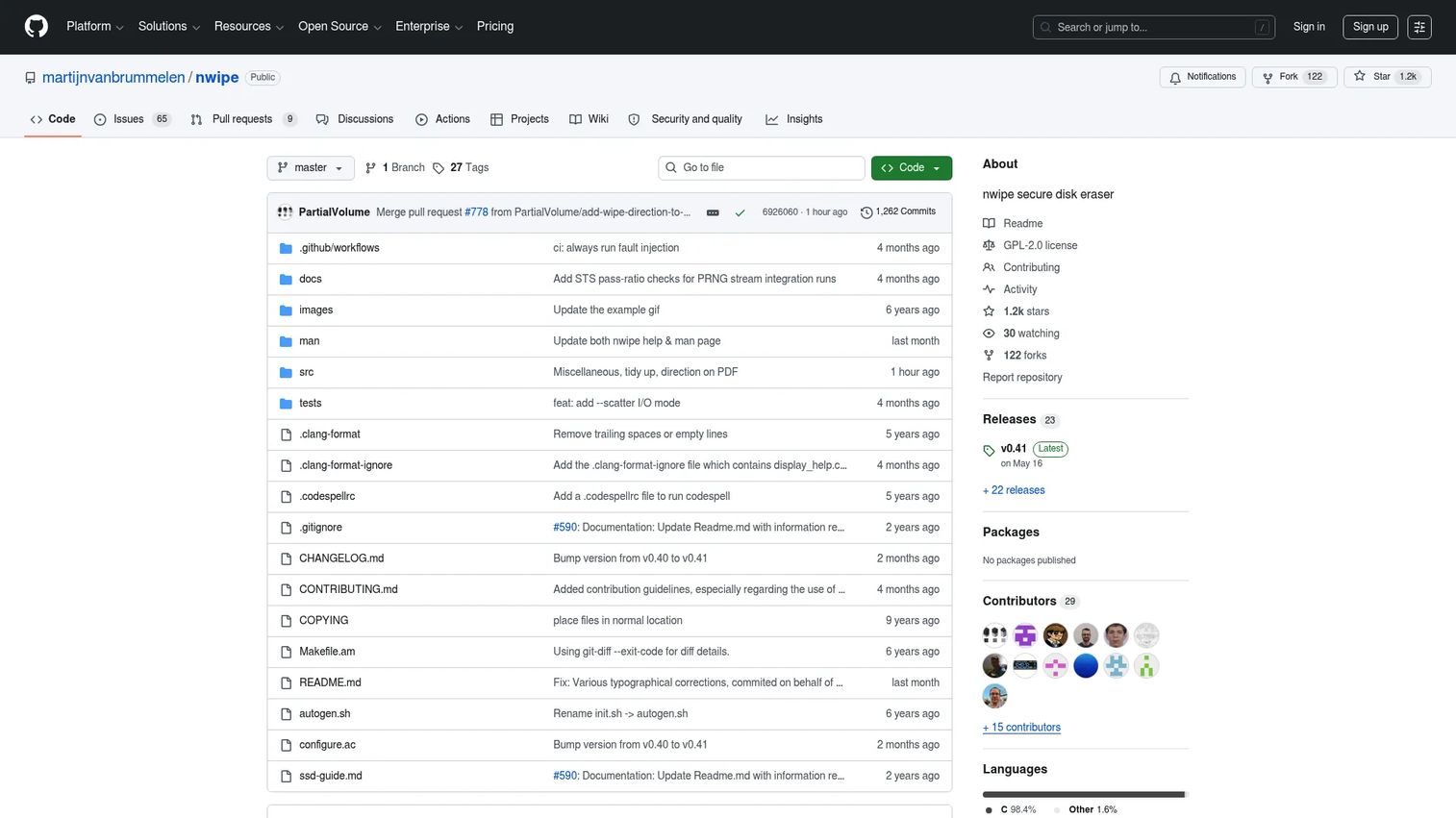
nwipe is an open-source disk erasure tool for securely wiping block devices on Linux. It offers both command-line and ncurses-based GUI modes, wipes single or multiple disks in parallel, and supports several secure erase methods with PDF certificate output. For technical users who want transparency and hands-on control, an open-source engine you can inspect is a real advantage.
Best for: Technicians, refurbishers, and labs that want an open-source, command-line-friendly disk eraser with certificate output.
Key strengths
- Open-source transparency: The code is public, so you can verify exactly how the wipe and verification work.
- Parallel wiping: Erases multiple disks at once, which matters when you are processing a bench full of drives.
- PDF certificates and SMART data: Produces PDF erasure certificates and reads SMART data, giving you both proof and drive-health context.
Why choose nwipe: nwipe fits hands-on operators who live in a terminal and want control over method and reporting. The command-line wipe mode scripts cleanly for batch jobs, while the ncurses interface keeps interactive use approachable. Recent releases have improved PDF reporting and SMART data handling. It is most often deployed inside a bootable Linux environment rather than installed on a running production OS, which leads directly to the next entry.
nwipe pricing: nwipe is free and open-source. There are no paid tiers. No verifiable G2 rating was found for the project.
7. ShredOS
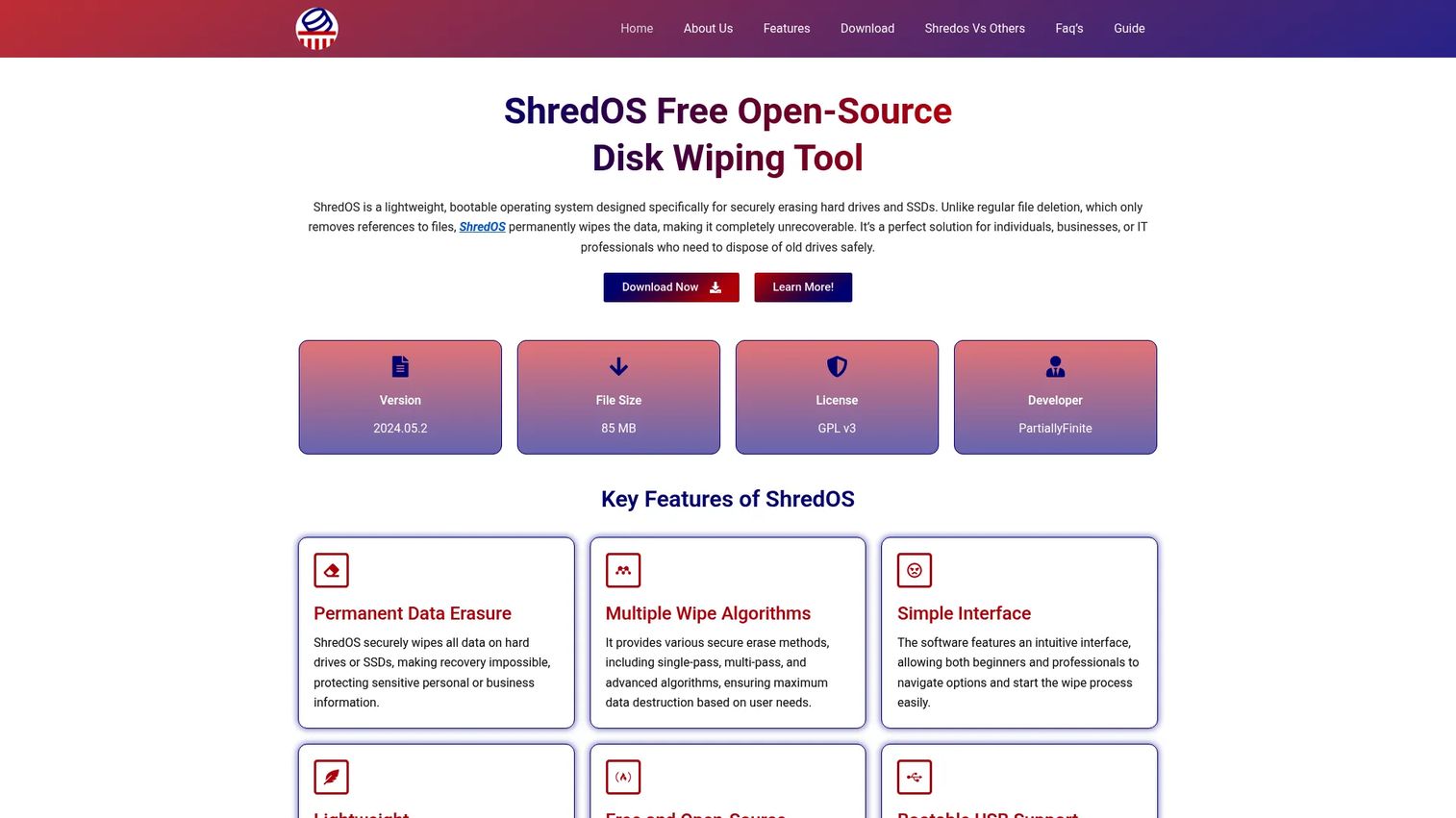
ShredOS is a bootable, open-source disk wiping environment for securely erasing drives from USB or ISO. It is less a standalone wipe engine and more a practical offline delivery layer: ShredOS ships the latest nwipe release inside a minimal bootable Linux image, so you boot the target machine straight into a wipe environment. That makes it the natural companion to nwipe for offline work.
Best for: IT teams, refurbishers, and field technicians who need a free bootable tool to wipe storage devices offline.
Key strengths
- Bootable USB and ISO: Boots directly from USB or ISO, so you can wipe a machine's system drive without touching the installed OS.
- Ships current nwipe: Bundles the latest nwipe release, so you get its wipe methods and PDF certificates in an offline package.
- Legacy and modern hardware: Supports both legacy BIOS and UEFI, so it runs on old and current machines alike.
Why choose ShredOS: When you need repeatable, boot-from-USB offline wiping across a range of hardware, ShredOS packages everything into one image. It is ideal for refurbishment lines and field wiping where you carry a USB stick from machine to machine. Because it delivers nwipe, you get the same open-source engine and certificate output, just wrapped in a bootable environment that runs where the OS cannot.
ShredOS pricing: ShredOS is free and open-source, distributed as a downloadable ISO. There are no paid tiers. No verifiable G2 rating was found for the project.
Considerations
Before you commit to a tool, work through a short checklist. The right pick depends less on brand and more on your media, your proof requirements, and how you run the wipe.
Media types you actually handle
Match the tool to your drives. HDDs respond to overwrite passes, but SSD and NVMe media need SSD secure erase commands that trigger the drive's own sanitize function. If your fleet mixes spinning disks, flash, and USB media, confirm the tool handles all of them properly rather than assuming an overwrite pass is enough for flash.
Proof and compliance requirements
Decide whether you need an erasure certificate. If you answer to regulators, customers, or an internal governance team, certificates and standards support are not optional. Look for signed, exportable reports tied to serial numbers and methods so you have audit-ready documentation and a clean chain of custody.
Bootable versus in-OS operation
Determine where the wipe runs. Wiping specific files or free space on a live machine is an in-OS job. Sanitizing a system drive before disposal usually calls for a bootable wipe utility that runs offline. Many operations need both a Windows-side tool and a bootable option on a USB stick.
Scale and cost model
Weigh volume against pricing. A free utility is fine for occasional standalone wipes. High-volume ITAD pipelines benefit from per-drive licensing, cloud consoles, and automation that free tools do not offer. Map your monthly drive count to the cost model before you buy.
Conclusion
The right data destruction software comes down to what you wipe and what you need to prove. For enterprise compliance and bulk workflows with audit-ready reporting, BitRaser and Blancco Drive Eraser lead, with Blancco leaning premium on signed certificates and BitRaser flexible on pay-per-drive coverage across mixed devices. For straightforward commercial Windows wiping with a one-time license and strong standards support, KillDisk is the practical middle. Need free? Disk Wipe covers portable volume and removable-media destruction, while Eraser handles secure file-level deletion inside Windows. For open-source control, nwipe gives you a transparent engine with certificate output, and ShredOS delivers it as a bootable offline environment.
Choose by working outward from your media first: confirm the tool handles your HDD, SSD, NVMe, and USB mix. Then decide whether you need certificates, a bootable workflow, or just low-cost simplicity. Start a free trial or grab a freeware build and run a test wipe on a spare drive before you standardize on anything. If you build interactive product experiences to help buyers evaluate technical tools, Guideflow is worth a look for that separate job.
Start your journey with Guideflow today!
FAQs
Data destruction software permanently overwrites or sanitizes storage media so the original data cannot be recovered with standard tools. Unlike deleting files or emptying the recycle bin, it targets every addressable sector or triggers the drive's built-in sanitize command. Most tools then produce a report or erasure certificate documenting that the process completed.
No. A standard format rebuilds the file system index but leaves the underlying data physically intact on the media, where recovery software can retrieve much of it. For sensitive data, formatting is not enough. You need a tool that overwrites every sector or issues a secure erase command, which is exactly what dedicated disk eraser software does.
File deletion removes the pointer to a file so the OS treats the space as free, but the data stays on disk until something overwrites it. Secure erase, or full device sanitization, overwrites the entire drive or invokes the hardware sanitize function so nothing remains recoverable. File deletion is convenience; secure erase is destruction.
Yes, but the method matters. SSDs and NVMe drives use wear-leveling that scatters data across flash cells, so simple overwrite passes designed for HDDs are not reliable on their own. Effective SSD secure erase and NVMe wipe rely on the drive's built-in sanitize command. Confirm your chosen tool explicitly supports SSD-safe erase before trusting it with flash media.
Neither is universally better; they solve different problems. Wiping inside Windows is right for erasing specific files, folders, or free space on a live machine. A bootable wipe utility on USB or ISO is preferable when you need to sanitize the system drive itself, the machine is locked or corrupted, or you are decommissioning it offline. Many teams keep both on hand.
If you operate in a regulated environment or answer to customer security reviews, usually yes. An erasure certificate records the device, method, operator, and result, which is what auditors and chain-of-custody documentation rely on. Without proof, a wipe is effectively undocumented as far as compliance is concerned. Free tools rarely issue certificates, so certificate needs often push buyers toward commercial or enterprise options.
For basic, low-volume use cases, free tools like Disk Wipe, Eraser, nwipe, and ShredOS work well and destroy data effectively. They cover portable wiping, file-level deletion, and bootable offline erasure at no cost. Where they fall short for enterprises is reporting, standards documentation, and fleet-scale automation. If you need audit-ready certificates and centralized management, commercial and enterprise tools earn their price.
Software wiping is the right choice when the media is healthy and you want to reuse, resell, or redeploy the drive, since it preserves a working asset while removing the data. Physical destruction, such as shredding or degaussing, makes sense when the drive is dead, when policy mandates destruction regardless of reuse, or for the highest-sensitivity media where no risk is acceptable. Chain of custody and reuse value are the deciding factors.