



You sent 80 emails this week. A handful got opened. Fewer got read. None got a reply.
Most marketers blame the copy. They rewrite subject lines, test send times, swap CTAs. The numbers barely move. The bottleneck isn't attention, it's that a wall of text can't carry a product story or a human tone. A 45-second video can.
The data backs this up. Video in email can drive a 65% increase in click-through rate and a 26% reduction in unsubscribe rates, and personalized video emails generate 300% more clicks than generic emails, according to Digital Applied (2026). That's why the video email software market, valued at USD 2.5 billion in 2024, is projected to hit USD 5.2 billion by 2033.
Video email software lets you record, host, and send a playable video inside an email, then track who watched and for how long. The right tool lifts response rates, surfaces real engagement signals, and slots into the CRM and outreach stack you already run, without piling on operational overhead.
This guide compares eight tools for both sales and marketing use cases. If you also care about how your video sits inside lifecycle programs, it pairs well with broader email marketing and content marketing workflows. Some of these tools lean toward video messaging for sales, others toward campaign-level marketing. We'll separate them clearly so you don't overbuy.
What's inside
This guide is for growth marketers, demand gen managers, and sales-adjacent marketers who want video in their outbound and lifecycle email without adding a heavy new process.
We picked tools that solve the core jobs and ranked them by overall fit for a digital marketer. Every entry was evaluated against six criteria:
- Video creation and editing: recording speed, templates, and replayable assets
- Delivery and compatibility: email embedding, thumbnails, landing pages, SMS, mobile
- Analytics and tracking: opens, clicks, watch behavior, downstream signals
- Integrations: CRM, marketing automation, and outreach platforms
- Pricing and value: free tiers, per-seat cost, team and enterprise packaging
- Team fit: whether the workflow suits sales, marketing, or both
TL;DR
Short on time? Here's the fast decision shortcut.
- Best all-around for sales-forward teams: BombBomb, for mature video messaging across sales, marketing, and support.
- Best for revenue teams that want more than messages: Vidyard, for video selling plus branded sharing pages and analytics.
- Best for fast recording and async communication: Loom, for quick screen and camera capture the whole team can use.
- Best for personalized outbound at scale: Sendspark, for dynamic, AI-personalized videos across a sales motion.
- Best for creation plus campaign tracking: Hippo Video, for AI-assisted video creation and structured flows.
- Budget-friendly picks for reps and small teams: Quickpage and OneMob, for simple video pages and branded microsites.
If you want to compare video against interactive formats too, Guideflow is worth a look for self-serve product experiences, though it sits in a different category than the tools ranked here.
What is video email software?
Video email software is a tool that records, hosts, and tracks short videos, then delivers them inside email as a playable thumbnail, a link, or a branded landing page.
Most email clients don't reliably autoplay embedded video, so these tools usually send an animated thumbnail or GIF that links to a hosted video page. That keeps email deliverability intact while still showing a play button in the inbox. The recipient clicks, watches on a tracked page, and the tool logs the engagement.
Here's what marketers should expect from a capable video email platform:
- Recording: webcam, screen, or both, often with a browser extension or mobile app
- Hosting: a tracked, branded page where the video plays
- Personalization: dynamic names, thumbnails, and backgrounds for personalized video emails
- Analytics: watch time, completion, opens, clicks, and downstream activity
- Branding: custom domains, colors, logos, and CTA buttons on the video page
- Integrations: CRM integrations and marketing automation so engagement flows into your records
The category overlaps with video email marketing, where the same recording and tracking mechanics power launches, nurture, and re-engagement campaigns rather than one-to-one outreach. The strongest tools serve both motions from the same library.
What to look for in video email software
Not every tool weights these the same way. Here's how to read each criterion against your own workflow.
Video creation and editing
If recording takes more than a minute, your reps won't do it daily. Look for one-click webcam and screen capture, a browser extension, and a mobile app for field recording.
- Templates and saved intros for repeatable outreach
- Trimming and basic editing without leaving the tool
- Replayable, hosted assets you can reuse across campaigns
- AI assists like script generation, captions, and voice cloning where it saves real time
Workflow speed beats feature depth here. The tool that gets used wins.
Delivery and compatibility
How the video reaches the inbox matters more than most buyers expect. Compare how each tool handles embedding, animated thumbnails, landing pages, SMS, and browser support.
Heads up: native video rarely plays inside the email body across Gmail, Outlook, and Apple Mail. Tools work around this with a clickable thumbnail that opens a hosted page. Confirm the fallback delivery is clean, because a broken play button kills the click. Mobile rendering matters too, since a large share of opens happen on phones.
Analytics and tracking
View counts are table stakes. The useful signal is watch behavior. Look for video email analytics that show opens, clicks, watch percentage, drop-off points, and downstream activity.
For example: a prospect who watches 90% of a 60-second demo video twice in one afternoon is a hotter lead than someone who opened the email and bounced. Tie that signal to sales follow-up and campaign reporting so the data drives action, not just dashboards. Strong marketing analytics practice starts with knowing what each metric means.
Integrations and workflow fit
A video tool that lives in another tab is a tax. The best ones sit inside your CRM and outreach platform so reps record and send without context-switching.
Check for native connections to your CRM, marketing automation, outreach sequencer, and calendar. The goal is reduced manual work: engagement data lands on the contact record automatically, and high-intent watchers trigger the next action. Pair this with your email tracking setup for a complete picture.
Security, permissions, and governance
Enterprise buyers care about who controls branded assets and viewer data. Evaluate SSO, role-based access control, and admin governance over templates and brand pages.
- SSO and provisioning for larger teams
- Role-based permissions on who can publish and share
- Control over branded video pages and custom domains
- Data handling and compliance documentation
Treat this as a selection criterion, not an afterthought, especially if you're rolling video out across multiple teams.
When to use video email software
Video email isn't a universal upgrade. It shines in specific moments.
Improve cold outbound and follow-up
A talking-head video in the first touch puts a face to a cold email, which builds trust faster than text. It helps you stand out in a crowded inbox and lets you point to a clear next step on the video page.
Keep it short, personalize the first line or thumbnail, and end with one ask. This is where video messaging for sales earns its keep, since personalized video emails generate 300% more clicks than generic ones, per Digital Applied (2026).
Support nurture and lifecycle campaigns
Marketers can drop video into launches, nurture sequences, onboarding, and re-engagement. A consistent host walking through a feature keeps your message human at scale, and the engagement data tells you which segments cared.
This is video messaging for marketing territory: campaign-level consistency, measurable watch behavior, and assets you reuse across the lifecycle instead of rebuilding every time.
Add context after live meetings
A recap video after a call works as a leave-behind your champion can forward internally. It nudges the decision along, reinforces what you covered, and keeps momentum when the room goes quiet.
Send it within a day, reference the specifics of the conversation, and make the next step obvious. Timely and personal beats polished and late.
Comparison table
Here are the eight tools, ranked by overall relevance to video email software for a digital marketer. Pricing and ratings reflect each vendor's public information at the time of writing.
| # | Product | Intent | Key differentiation | Pricing | G2 rating |
|---|---|---|---|---|---|
| 1 | BombBomb | Sales and marketing video messaging | Mature platform across sales, marketing, and support with CRM workflows | From $42/user/mo | Not listed |
| 2 | Vidyard | Revenue-team video selling | Branded sharing pages, AI avatars, deep video analytics | Free plan; paid custom | 4.5/5 |
| 3 | Loom | Fast async recording | Quick screen and camera capture for team-wide sharing | Free; Business $18/user/mo | 4.7/5 |
| 4 | Sendspark | Personalized outbound at scale | AI voice cloning and dynamic personalization | From $49/mo | 4.8/5 |
| 5 | Hippo Video | Creation plus campaign tracking | AI editor, personalized sales pages, structured flows | Free; Pro $20/user/mo | 4.5/5 |
| 6 | Quickpage | Simple rep-level video pages | Video pages by email and SMS with live chat | From $33/mo | 4.8/5 |
| 7 | Dubb | Video communication and selling | Video email, SMS, workflows, CRM integration | Free; Pro $42/mo | 5.0/5 |
| 8 | OneMob | Branded video microsites | Multi-asset microsites around the video | Free; Pro $49/user/mo | 4.9/5 |
1. BombBomb
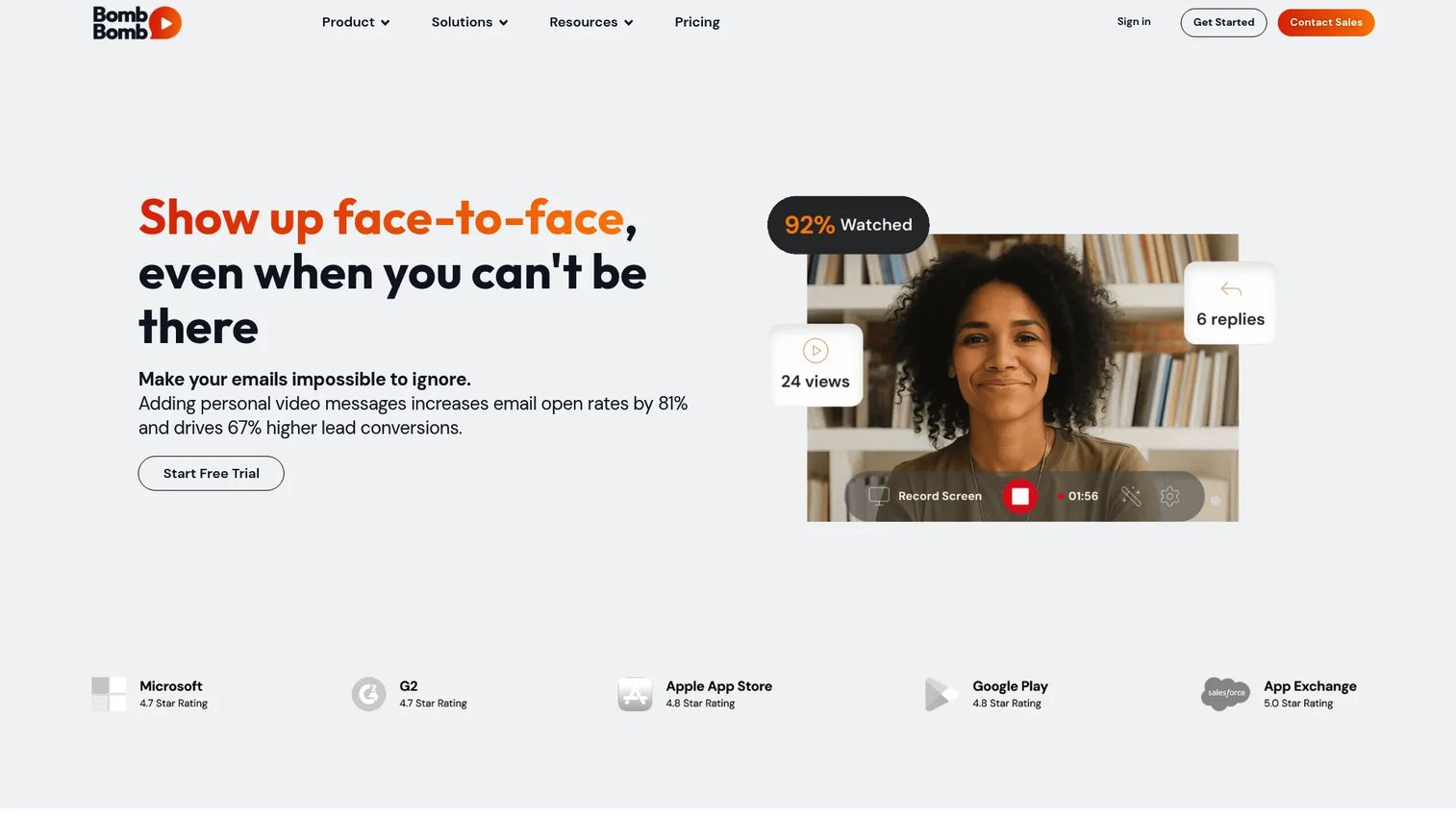
BombBomb is a video messaging and screen recording platform built for sales and customer communication. It positions video as a revenue and engagement driver, with workflows spanning sales, marketing, support, and HR. The platform leans on analytics, automation, branding, access controls, and integrations to fit established teams.
Best for: Teams that want async video outreach and screen recording inside their email and CRM workflows.
Key strengths
- Unlimited video messages: Record and send without worrying about a per-video cap.
- Mobile and browser recording: Apps plus Chrome and Edge extensions let reps capture video wherever they work.
- CRM and workflow fit: Automation and integrations route video engagement into existing sales and support processes.
Why choose BombBomb: It performs best when you want a mature, sales-forward platform with broad messaging use cases, not just one-off recordings. The breadth across sales, marketing, support, and HR makes it a fit for teams standardizing video as a channel rather than a tactic.
BombBomb pricing: The Core plan starts at $42 per user per month, and Core + Copilot runs $70 per user per month, both billed monthly. Enterprise pricing is custom. There's no free tier, so plan to evaluate during onboarding rather than a self-serve trial.
2. Vidyard
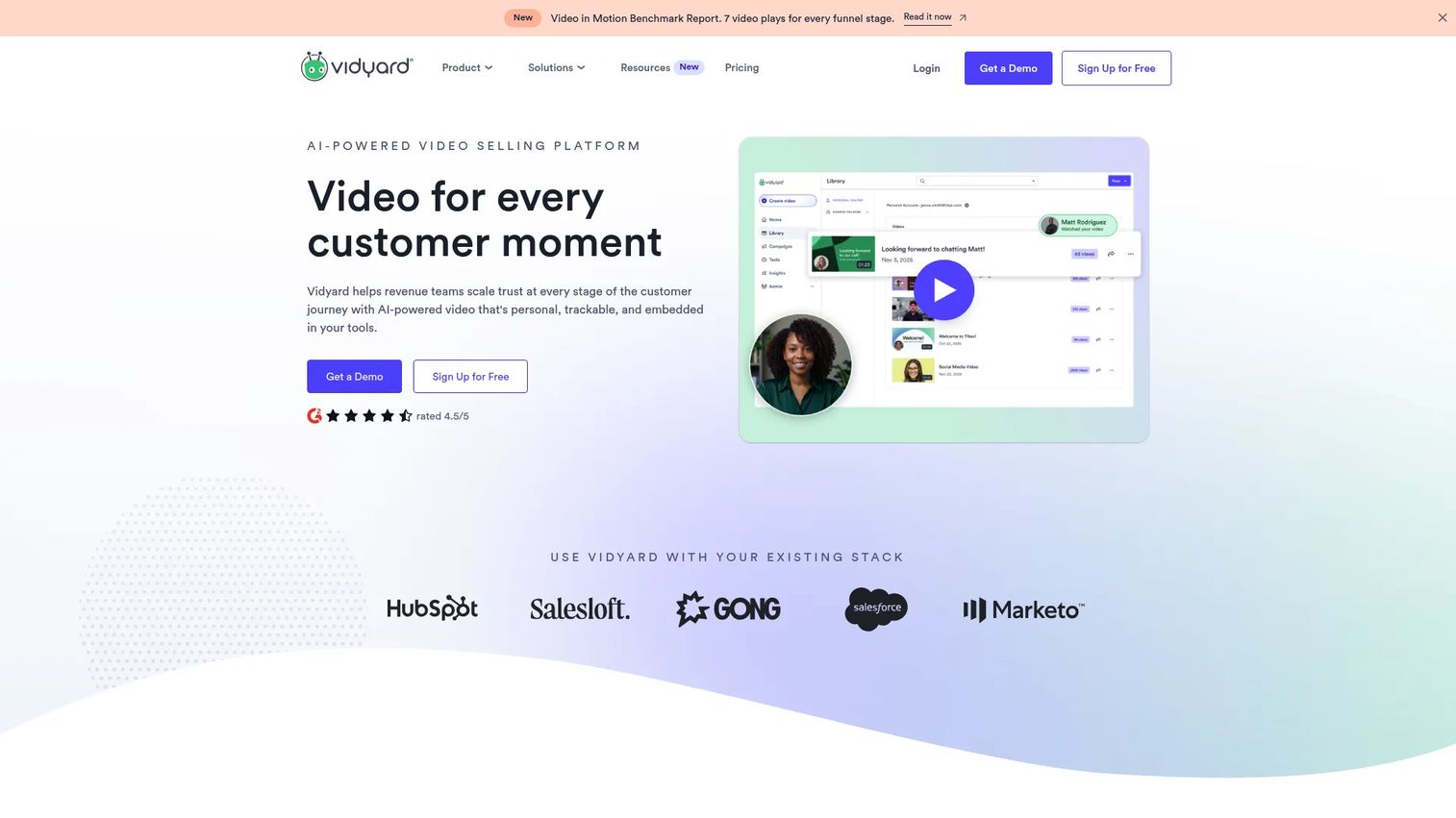
Vidyard is an AI-powered video selling platform for revenue teams. Marketers use it for outreach, tracking, and branded sharing pages, with webcam and screen recording on the creation side. It blends video messaging with broader revenue workflows, which is why it shows up across both sales and marketing stacks.
Best for: Sales and revenue teams that use personalized video in outbound and customer communication.
Key strengths
- Webcam and screen recording: Capture talking-head or product-walkthrough videos in the browser.
- AI avatars and scripts: Generate AI avatars and AI-written scripts to speed up production.
- Analytics and branded pages: Track watch behavior and host videos on branded sharing pages.
Why choose Vidyard: It performs best when a team wants video messaging plus broader revenue workflows under one roof. The branded pages and engagement analytics make it a strong fit for marketers who care about response rate and downstream pipeline, not just sends.
Vidyard pricing: Vidyard offers a Free plan with no credit card required, plus Starter, Teams, and Enterprise tiers. Pricing uses straightforward per-seat licensing, with Teams and Enterprise quoted by sales. The free plan makes it easy to test the recording and tracking workflow before committing.
3. Loom
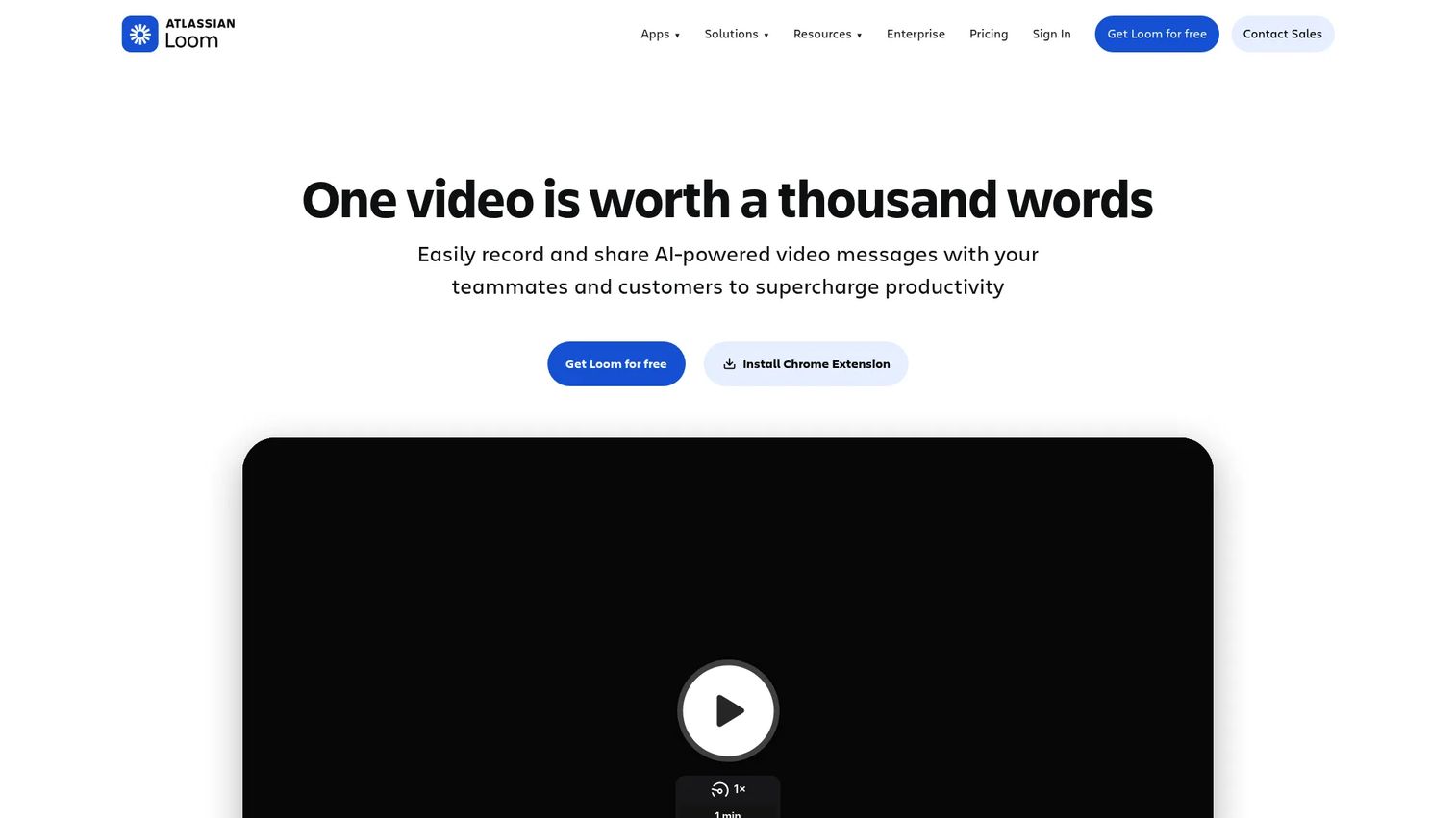
Loom is AI-powered video messaging and screen recording software known for speed. It's the tool teams reach for when they want a quick async update, demo, or piece of feedback. The appeal is fast recording and broad team-wide sharing, which makes it as useful for internal communication as for customer-facing video.
Best for: Teams needing quick async video updates, demos, and feedback.
Key strengths
- Screen and camera recording: Capture both in one click, no setup required.
- Transcriptions and captions: Automatic transcripts and closed captions make videos scannable and accessible.
- Sharing, embedding, and analytics: Share via link, embed anywhere, and see who watched.
Why choose Loom: It performs best when the priority is fast recording and broad async communication across a team. Loom often wins on ease of use and internal collaboration, so it's a natural fit when video is a daily habit rather than a structured campaign motion.
Loom pricing: Loom offers a free Starter plan, a Business plan at $18 per user per month, a Business + AI plan with a 14-day free trial, and an Enterprise plan with contact-sales pricing. Annual billing saves up to 17%. Enterprise plans include the security controls larger orgs expect.
4. Sendspark
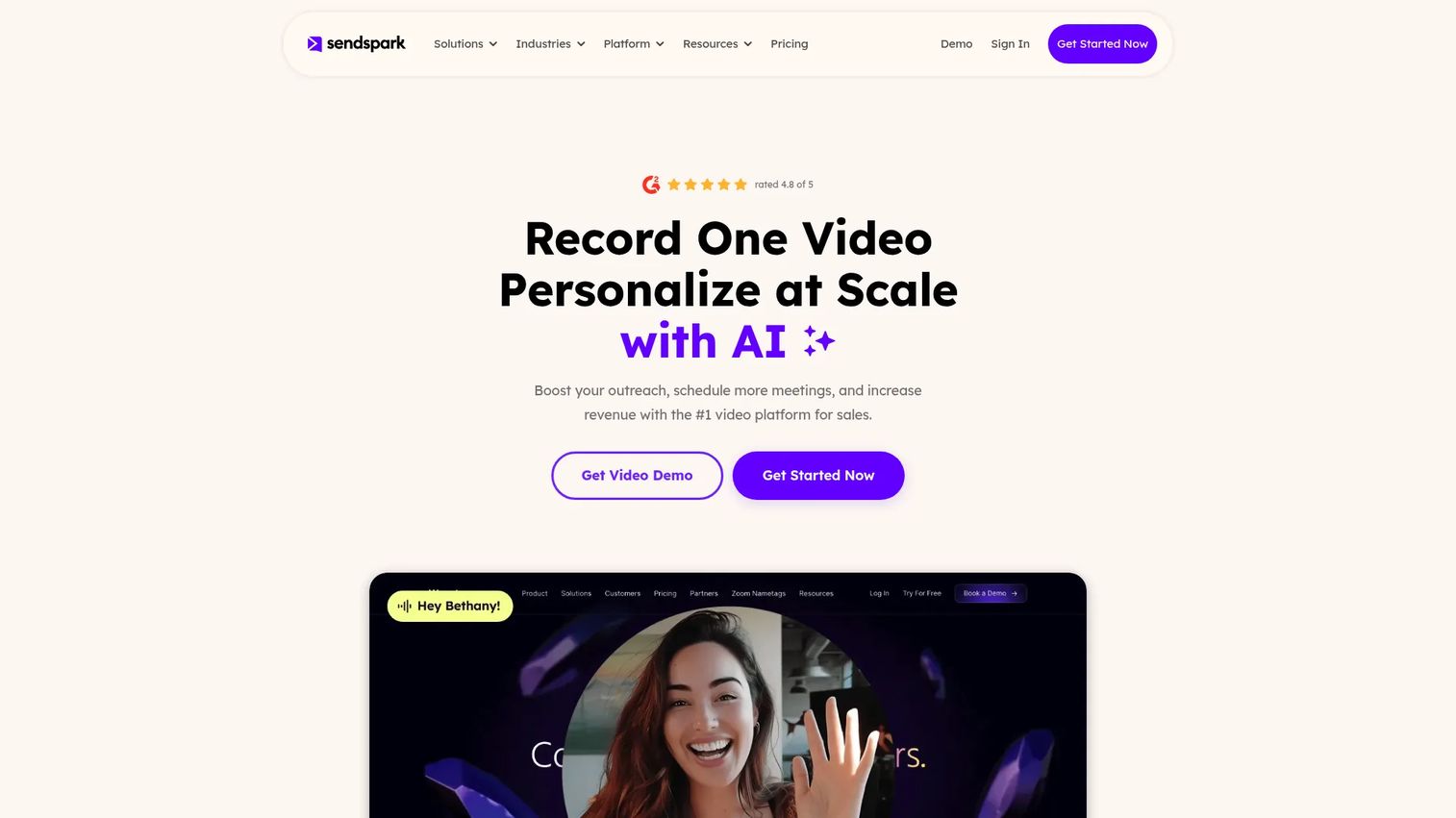
Sendspark is an AI video personalization platform for sending personalized videos at scale. It's built for outreach-heavy marketers and growth teams who want dynamic, tailored video across a large send list. Personalization, automation, and integrations are the core of the pitch.
Best for: B2B teams that want to send personalized sales or outreach videos at scale.
Key strengths
- AI voice cloning and name personalization: Personalize the spoken intro and on-screen name per recipient.
- Dynamic backgrounds and thumbnails: Swap backgrounds and thumbnails to match the account or persona.
- Integrations and API: Send videos through your sales tools with API and webhook support.
Why choose Sendspark: It performs best when the buyer wants personalized outbound at scale, where one base recording becomes hundreds of tailored sends. That dynamic personalization is what makes it attractive for growth teams running high-volume sequences.
Sendspark pricing: Public plans are Solo at $49 per month ($468 annually), Growth at $99 per month ($828 annually), Team at $299 per month ($2,388 annually), and Business at $699 per month ($5,988 annually). Agency and Enterprise are custom. Every plan starts with a 7-day free trial.
5. Hippo Video
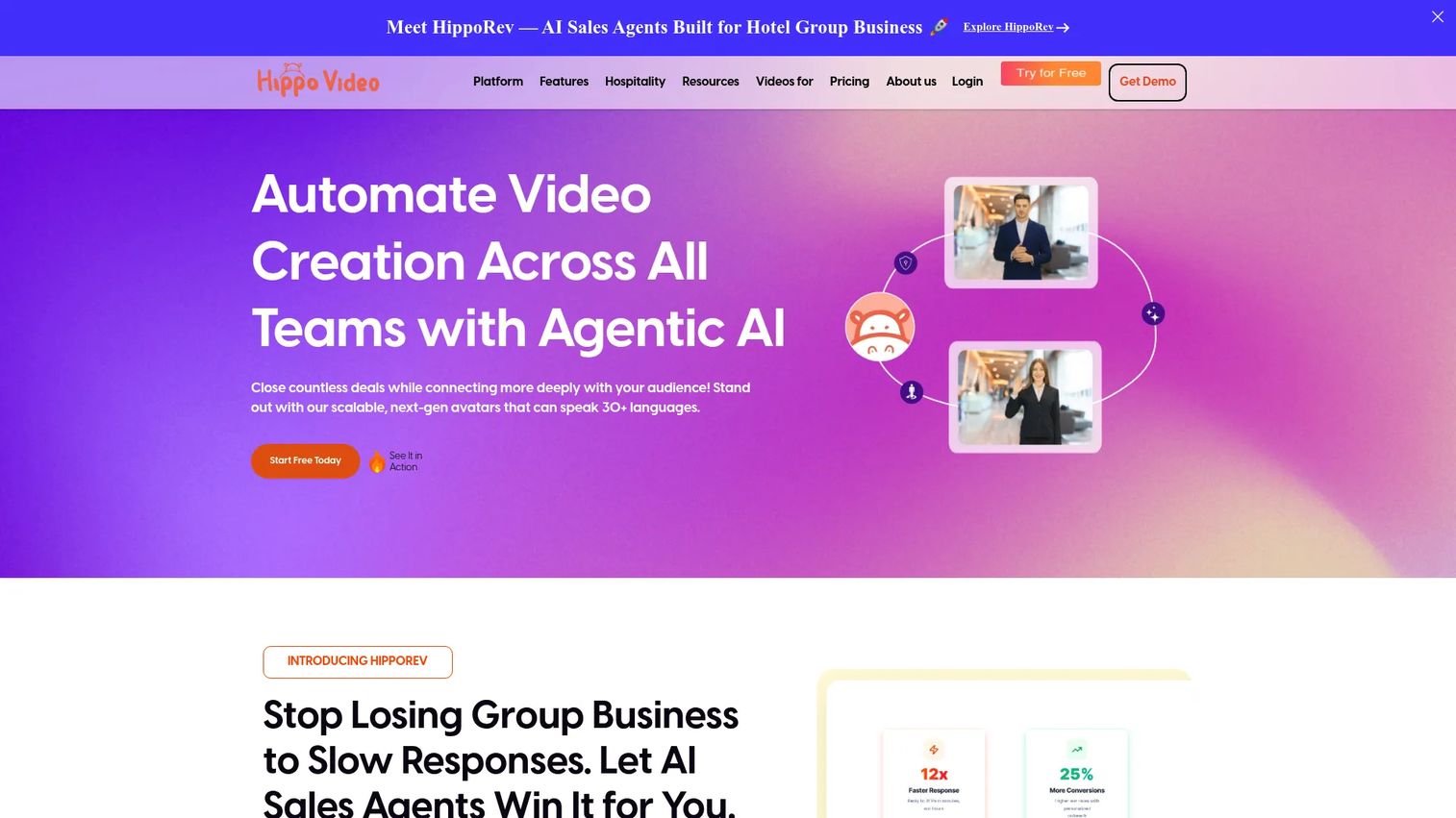
Hippo Video is a personalized video experience platform for creating, editing, hosting, and distributing business videos. It pairs AI-assisted video creation with personalized sales pages and structured flows. That combination supports both creation-heavy marketers and teams that want campaign tracking around their video.
Best for: Teams that need sales-focused personalized video creation and distribution.
Key strengths
- Video creation and recording: Capture and produce business videos without a separate editor.
- AI editor: Speed up trimming and polishing with AI-assisted editing.
- Personalized sales pages and flows: Build branded video pages and structured video sequences.
Why choose Hippo Video: It performs best when a team wants strong creation tools plus structured campaign tracking in one place. The personalized sales pages and AI editor make it a fit for marketers who produce a lot of video and want to measure it.
Hippo Video pricing: There's a Free plan with no credit card required, a Pro plan at $20 per user per month, a Teams plan at $60 per user per month, and an Enterprise plan at $80 per month, all billed annually with monthly options on some plans. The free tier is a low-risk way to test the creation workflow.
6. Quickpage
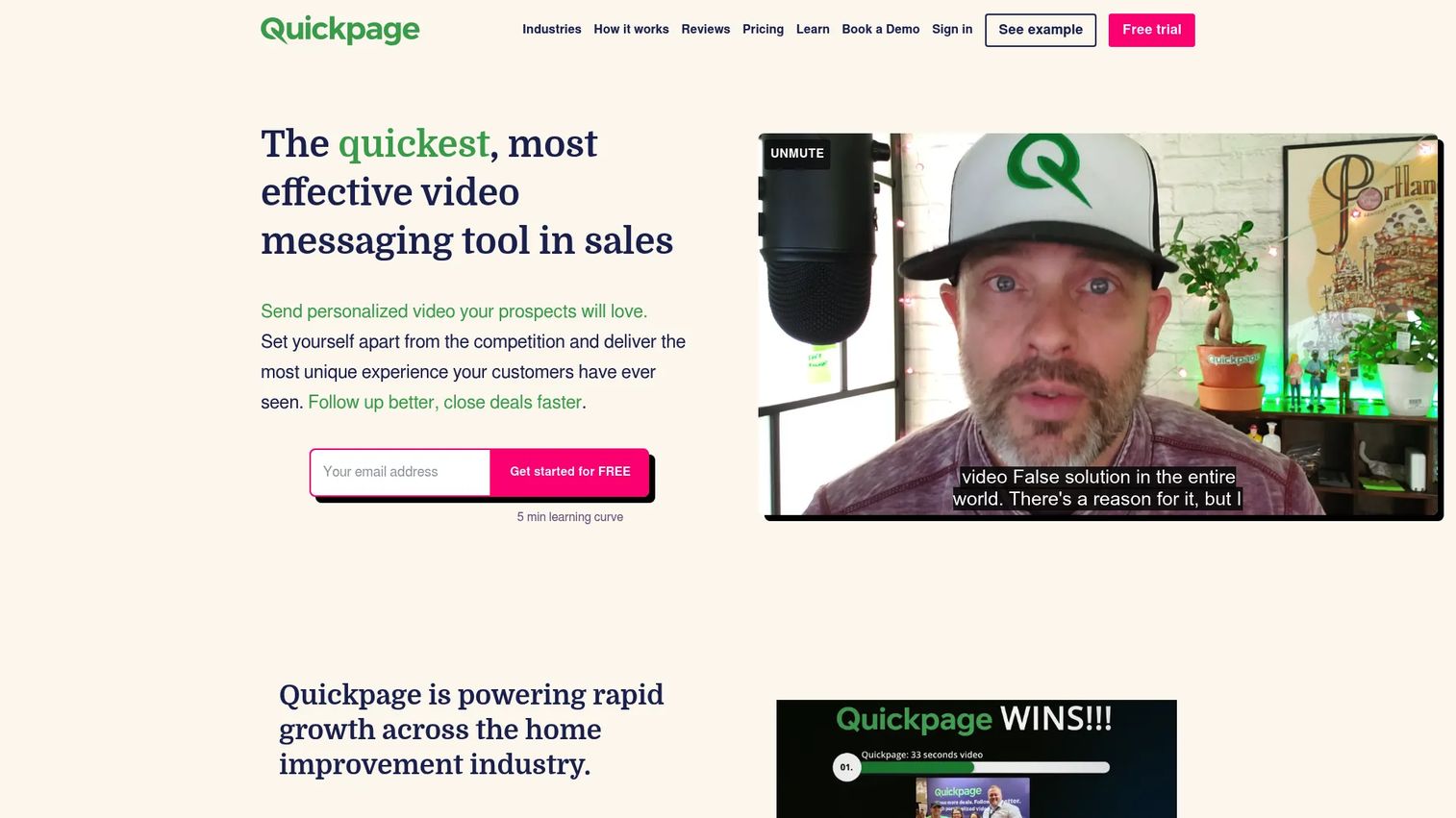
Quickpage is video sales and messaging software for sending personalized video pages by email and SMS. It's aimed at individual reps and smaller teams who want fast, simple video outreach with a branded page behind it. Unlimited pages and built-in chat keep the workflow lightweight.
Best for: Sales teams and individual reps using personalized video follow-up and outreach.
Key strengths
- Unlimited pages and storage: Create as many video pages as you need without hitting caps.
- Multi-channel sharing: Send by email, SMS, and social media from one place.
- Live chat and collaboration: Built-in chat lets you talk to viewers on the page, plus team features.
Why choose Quickpage: It performs best when a team wants simple, fast video outreach with video pages, minus the overhead of a broad platform. The sales follow-up videos plus live chat combo suits reps who want to react in the moment.
Quickpage pricing: Public plans are Individual at $33 per month, Individual Pro at $49 per month, and Pro + Team at $83 per month, with Enterprise quoted by sales. Paid plans include a 7-day trial, so you can test the video-page workflow before paying.
7. Dubb
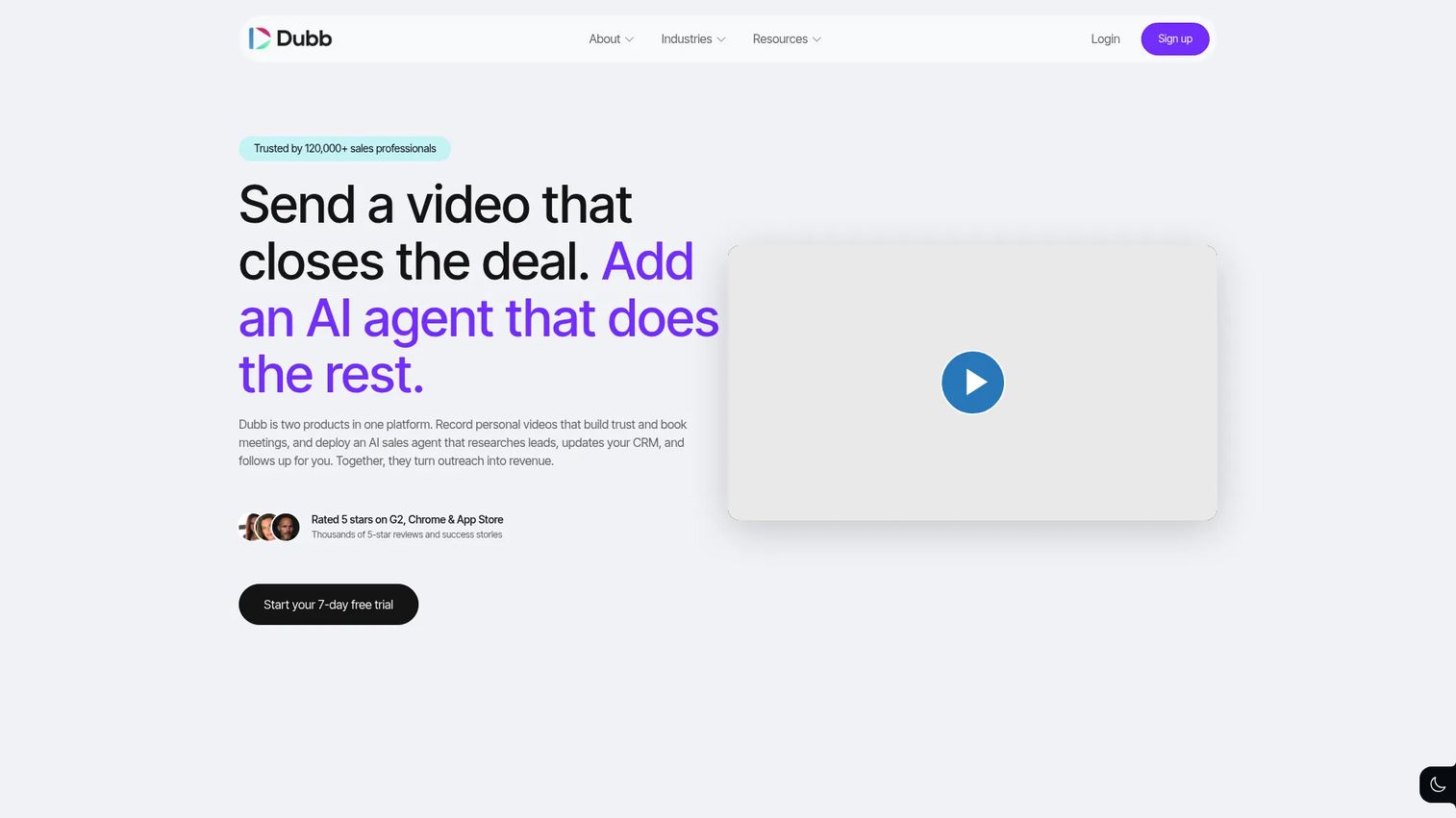
Dubb is an AI-powered video sales platform for recording, sending, tracking, and automating personalized video outreach. It goes beyond plain video messages to include video email, SMS, workflows, and CRM integration. That makes it a fit for growth marketers who also support sales enablement.
Best for: Sales and marketing teams that want personalized video outreach with tracking and automation.
Key strengths
- Multi-source recording: Capture screen, webcam, and mobile video.
- Hosting and tracking: Host videos and track engagement on the contact level.
- Broad integrations: Connect Gmail, Outlook, LinkedIn, Salesforce, HubSpot, Mailchimp, and Zapier.
Why choose Dubb: It performs best when the buyer wants more than video messages, including workflows and CRM-adjacent selling. The automation and wide integration list make it useful for tracking opens and clicks alongside the rest of your sales motion.
Dubb pricing: Dubb has a free-forever Starter plan, a Pro plan at $42 per user billed annually at $499, a Pro Plus plan at $90 per user billed annually at $1,080, and a custom Enterprise tier. The free plan lets you trial the recording and tracking flow at no cost.
8. OneMob
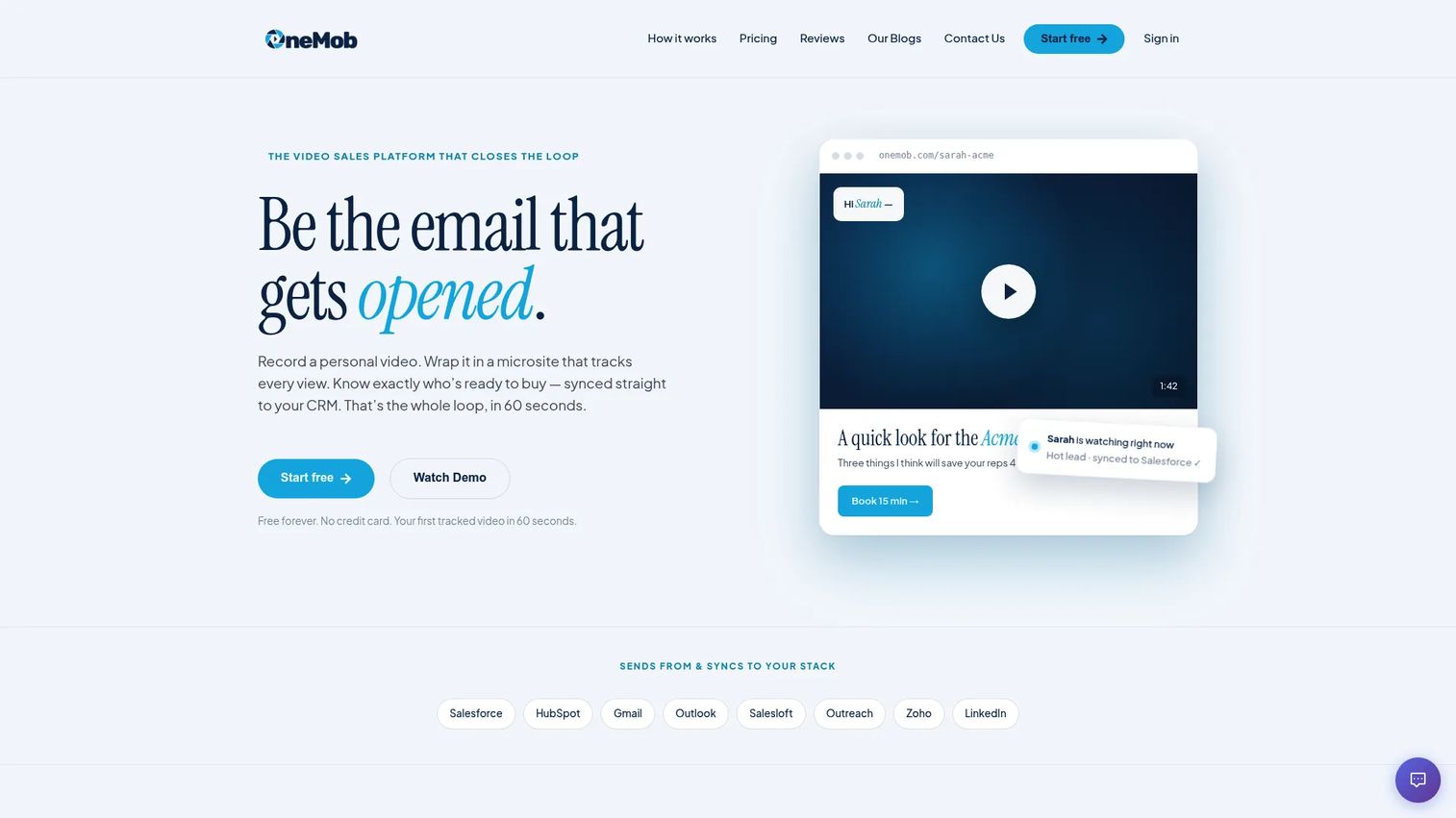
OneMob is a video sales platform for creating, sharing, and tracking personalized microsites and video outreach. Instead of a plain video link, it wraps the video in a branded microsite that can hold multiple assets. That richer container fits teams who want more than a single video on the page.
Best for: Sales teams and individual reps using personalized video microsites for outreach and tracking.
Key strengths
- Branded microsites: Build up to five microsites on the free plan, unlimited on Pro.
- AI subtitles and writing assistant: Pro adds AI subtitles, an AI writing assistant, and email campaigns.
- Enterprise governance: Enterprise covers CRM integrations, SSO, team management, and onboarding.
Why choose OneMob: It performs best when marketers need a multi-asset experience around the video, not just a hosted clip. The microsite approach suits personalized outreach where you want the prospect to land on a curated page.
OneMob pricing: OneMob offers a Free Forever plan, a Pro plan at $49 per user per month with annual billing available, and a custom Enterprise tier. The free plan with up to five microsites is enough to test the microsite model before scaling.
Considerations
Before you commit, run your shortlist through these five checks.
Does it fit your primary workflow?
Decide what you care about most: cold outbound, lifecycle campaigns, or team communication. A tool tuned for high-volume personalized sends won't feel the same as one built for fast async recording. Match the tool to your dominant motion, not the longest feature list.
Can your stack support it?
Confirm native compatibility with your CRM, outreach platform, and marketing automation before buying. The value of video engagement collapses if the data never reaches the contact record. Check that CRM integrations cover your exact systems, not just a logo wall.
Will the analytics be actionable?
Compare simple view counts against deeper viewer insight and downstream reporting. You want watch percentage, drop-off, and repeat views, plus the ability to push that signal into sales follow-up. If the dashboard can't trigger an action, it's decoration.
Is pricing aligned with scale?
Weigh per-seat pricing, free tiers, and team or enterprise packaging against how you'll actually deploy. A tool that's cheap for one rep can get steep across a 20-person team. Use any free trial to test real volume, not a single demo video.
Does the delivery model match your channels?
Map the tool's delivery against where your audience actually reads: email, SMS, landing pages, embeds, and mobile. If most opens happen on phones, mobile rendering and a clean fallback thumbnail matter more than desktop polish.
Conclusion
The strongest picks come down to your motion. BombBomb fits sales-forward teams that want a mature platform across channels. Vidyard suits revenue teams wanting video selling plus branded pages and analytics. Loom wins for fast async recording, Sendspark for personalized outbound at scale, and Hippo Video for creation plus campaign tracking. Quickpage and OneMob are the budget-friendly picks for reps and smaller teams who want video pages and microsites.
Next step: shortlist two or three tools that match your dominant workflow. Run one real outbound or nurture flow through each, send to a comparable segment, and compare watch behavior and reply rates. Let the engagement data, not the feature list, make the call.
If you're also weighing how video sits alongside interactive product experiences, browse Guideflow for self-serve demo formats. For email-side context, the roundups on email tracking and email verification help you tighten deliverability before video ever enters the picture.
FAQs
Video email software records, hosts, and tracks short videos, then delivers them inside email as a playable thumbnail, link, or branded landing page. The recipient clicks to watch on a tracked page, and the tool logs opens, clicks, and watch behavior so you can see engagement.
Both, but in different ways. Sales teams use it for one-to-one cold outreach, follow-up, and post-meeting recaps where a personal video builds trust. Marketers use it across launches, nurture, and re-engagement campaigns where consistent video and measurable watch data drive lifecycle engagement.
It doesn't, as long as the tool handles delivery correctly. Most email clients don't reliably autoplay embedded video, so video email software sends an animated thumbnail or GIF that links to a hosted page. That keeps email deliverability intact while still showing a play button in the inbox.
Start with four: analytics depth, integrations, delivery model, and pricing. Confirm the tool tracks watch behavior and pushes it to your CRM, embeds or links cleanly across email clients, and prices sensibly at your team size. Those four decide whether the tool actually changes outcomes.
There's no universal winner, so use a simple framework. If you mostly need fast recording, prioritize ease of use. If you need branded video pages on a budget, look at the lower-cost page and microsite tools with free or entry tiers. Match the dominant job to the tool, then test it on real volume.
Yes. Many video email tools offer native CRM integrations with platforms like HubSpot and Salesforce, plus outreach and automation tools. That lets engagement data land on the contact record automatically and high-intent watchers trigger the next step in your sequence. Confirm the exact integration covers your systems before buying.
Video hosting stores and serves video, full stop. Video email software adds the layer marketers need: sending video through email, tracking watch behavior per recipient, personalizing it by contact, and pushing that signal into your CRM and outreach workflows. Hosting is storage; video email software is distribution plus measurement.
Tie engagement to outcomes, not vanity metrics. Track watch percentage and completion, then connect those to response rate, meetings booked, and downstream conversion. Compare a video flow against a text-only control on a similar segment, and measure the lift in replies and pipeline to see what the video actually earned.










