Sales demos break deals more often than they make them. Staging environments crash mid-presentation, prospects ghost after generic walkthroughs, and buying committees never align their schedules for a single call.
The tools you use to create, deliver, and track demos determine whether prospects experience your product's value or just hear about it. Teams that manage sales demos well capture engagement signals that improve follow-up and win rates.
This guide covers 10 tools. They help AEs run reliable demos and personalize for each stakeholder.
What's inside
This guide covers the best tools for managing sales demos in 2026, from demo automation platforms to scheduling and CRM solutions. You'll find practical selection criteria, a comparison table, and honest evaluations of each tool. Evaluations focus on how well each tool helps AEs run reliable demos, personalize for prospects, and track buyer engagement.
TL;DR
Guideflow leads for teams wanting self-serve, trackable demos that buyers explore without scheduling a call
The right demo tool depends on your motion: high-volume teams benefit from automation, enterprise deals require multi-stakeholder sharing, and presales bottlenecks call for self-serve options
Demo management goes beyond scheduling to include content creation, personalization, distribution, and analytics
Tools that capture buyer intent signals (what features prospects explored, where they dropped off) improve follow-up quality and win rates
What does it mean to manage sales demos
Managing sales demos effectively means tailoring each presentation to specific prospect pain points, maintaining a clear agenda, and showcasing your most valuable feature early. Successful demos focus on a narrative that shows how the product solves problems rather than listing features. They end with clear, actionable next steps to advance the deal.
Demo management has evolved from ad-hoc presentations into a systematic operation. Today it spans the entire lifecycle of how your team creates, delivers, and measures product demonstrations.
What demo management includes:
Scheduling and coordination: Booking demos without endless email back-and-forth
Content creation: Building reusable demo assets that stay current as your product evolves
Personalization: Tailoring demos to specific prospects, industries, or use cases
Distribution: Sharing demos across channels like email, websites, and social platforms
Analytics: Tracking engagement and buyer intent signals to improve follow-up
Modern demo management spans both live demos and self-serve interactive demos. The shift matters because 61% prefer rep-free buying and want to evaluate products on their own time before committing to a call.
When to use sales demo management tools
High volume demo teams
When AEs run multiple demos daily, consistency becomes impossible without tooling. Reusable demo assets prevent the exhaustion of rebuilding presentations from scratch while ensuring every prospect sees your best story.
Multi-stakeholder enterprise deals
Buying committees with 6+ people rarely align their schedules for a single live demo. Shareable demos let stakeholders self-educate on their own time in deals involving 13 stakeholders on average, which keeps deals moving even when the champion goes quiet.
Presales bottlenecks
If your SEs become the blocker for every demo request, deals stall waiting in queue. Interactive demos for presales help unblock this bottleneck. Self-serve options free up technical resources for complex evaluations while routine "show me how it works" requests get handled automatically.
Self-serve buyer journeys
Prospects who want to evaluate before booking a call represent real intent. Sandbox environments let buyers explore independently, and you capture engagement data that tells you exactly what they cared about.
Sales demo tools comparison table
No. | Product | Intent | Key use case | Pricing | G2 rating |
|---|---|---|---|---|---|
1 | Guideflow | Self-serve demos | Interactive product experiences | Free + paid from $40/mo | 5.0/5 |
2 | Loom | Async video | Quick walkthrough recordings | Free + paid plans | 4.7/5 |
3 | Vidyard | Sales video | Video hosting and analytics | Free + paid plans | 4.5/5 |
4 | Gong | Revenue intelligence | Call recording and coaching | Custom pricing | 4.8/5 |
5 | Zoom | Live meetings | Screen sharing and recording | Free + paid plans | 4.6/5 |
6 | Calendly | Scheduling | Booking automation | Free + paid plans | 4.7/5 |
7 | HubSpot Sales Hub | CRM | Deal and activity tracking | Free + paid tiers | 4.4/5 |
8 | Salesforce Sales Cloud | Enterprise CRM | Pipeline management | Per-user pricing | 4.4/5 |
9 | Showpad | Sales enablement | Content management | Custom pricing | 4.6/5 |
10 | Highspot | Sales enablement | AI content recommendations | Custom pricing | 4.7/5 |
1. Guideflow
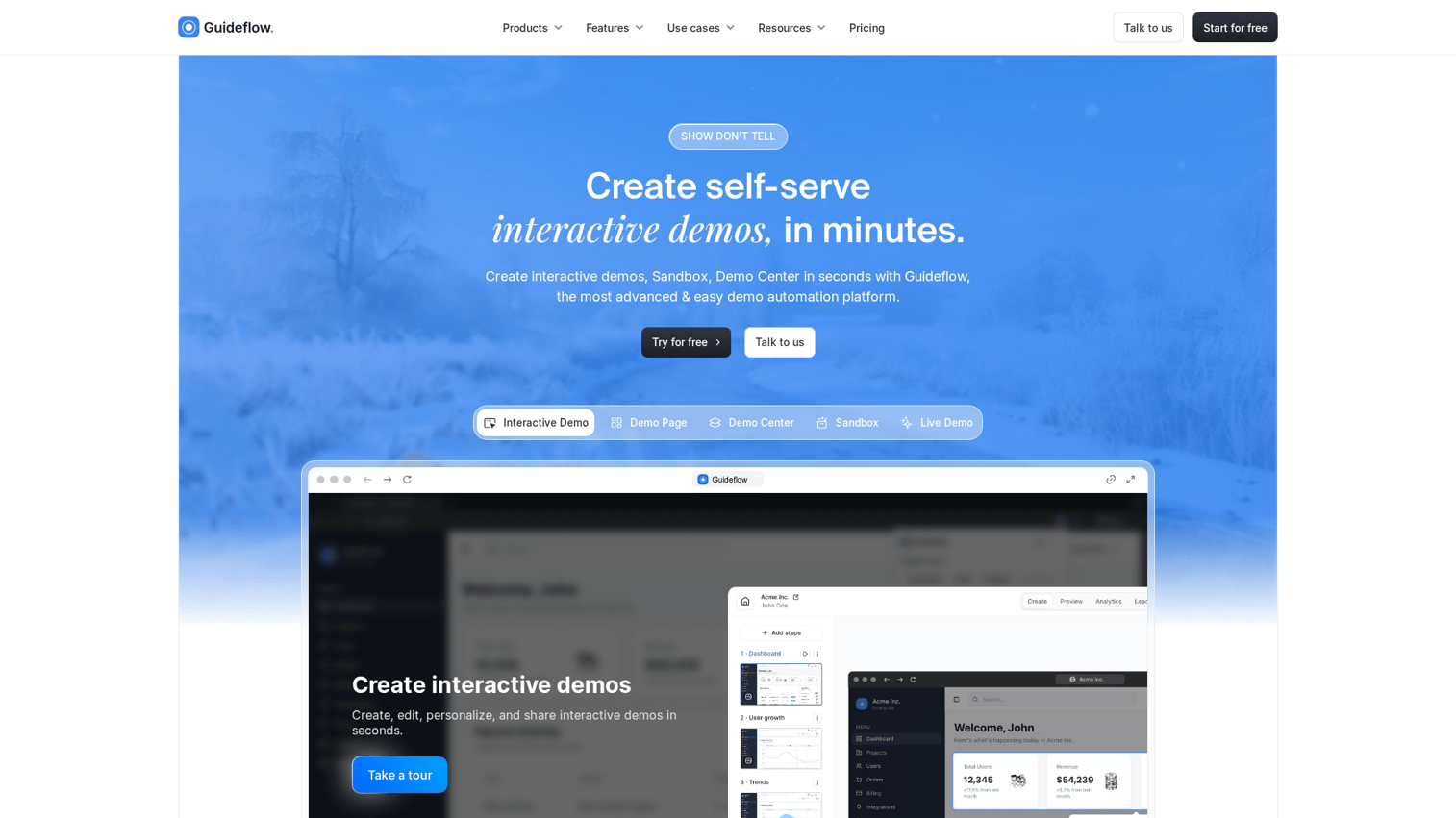
Guideflow is a demo automation platform for B2B teams that want prospects to experience the product before a call. Instead of pushing everyone into a "book a demo" funnel, you capture your product flow and turn it into clickable, step-by-step demos. Embed them on landing pages, link them in outbound, or share them with buying committees.
The platform works as an AI demo automation suite built around interactive demos, demo pages, demo centers, sandboxes, and analytics. Without interactive demos, the failure mode is predictable.
Your site converts on curiosity, but the user still cannot feel the product. That gap becomes manual work, more calls, and more drop-off.
Best for: B2B SaaS teams wanting to replace static screenshots and "book a demo" friction with hands-on product experiences.
Key strengths
Capture product flows via browser extension: Record your product as you click through it, no engineering required
Personalize with dynamic variables from CRM: Tailor demos by prospect name, company, industry, or use case at scale
Track buyer intent signals: See what features prospects explored, where they dropped off, and what they cared about
Share via links, embeds, or ads: Distribute demos anywhere your buyers already are
Why choose Guideflow: Speed to create (minutes not weeks) plus enterprise-grade analytics that turn demo engagement into actionable sales intelligence.
Pricing: Free tier available, Solo at $40/month, Growth at $499/month, with Enterprise options for larger teams.
Start your journey with Guideflow today!
2. Loom
Loom is an async video messaging platform for recording and sharing screen recordings with webcam overlay. You hit record, walk through your product, and share a link. Recipients watch on their own time and can leave comments at specific timestamps.
For demo follow-ups, Loom fills the gap between a live call and a static PDF. The challenge is that video recordings are passive. Prospects watch (or don't), and you get limited signal about what actually resonated.
Best for: Quick walkthrough videos for follow-ups or internal enablement when you want something personal but don't require interactivity.
Key strengths
Easy recording: Start capturing in seconds with browser extension or desktop app
Viewer analytics: See who watched, how much they viewed, and where they dropped off
CRM integrations: Connect with Salesforce, HubSpot, and other tools
Comments and reactions: Viewers can respond at specific moments in the video
Why choose Loom: When you want fast, personal video explanations rather than interactive experiences. Works well for post-call recaps or explaining complex topics asynchronously.
Pricing: Free tier available, Business and Enterprise paid plans scale with team size.
3. Vidyard
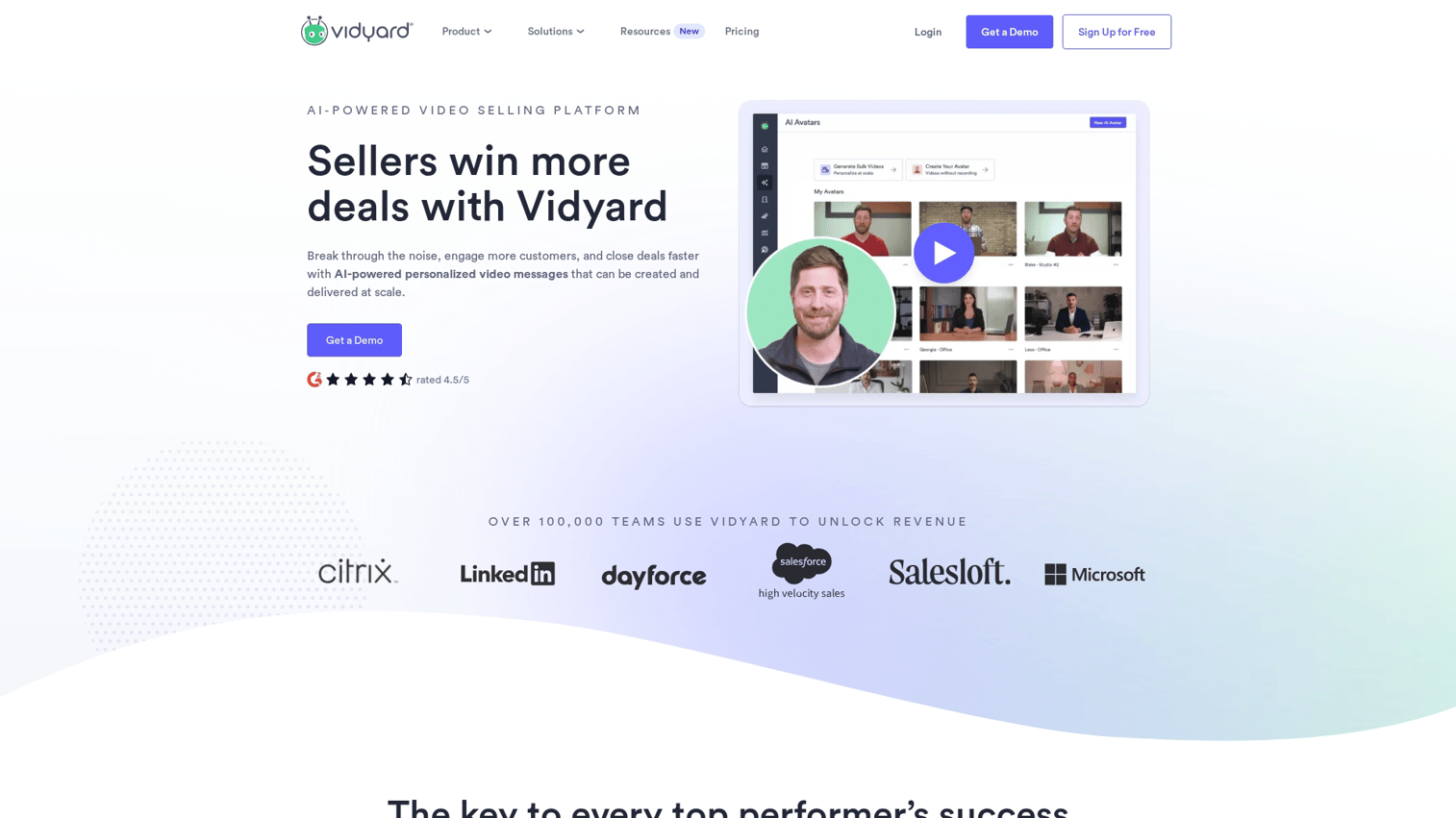
Vidyard is a video platform purpose-built for sales with hosting, recording, and analytics. Beyond basic recording, it offers video hubs to organize content by topic or deal stage. It also provides deeper engagement analytics than consumer video tools.
The platform helps standardize video across prospecting and deal progression. You can see not just who watched but which sections they rewatched or skipped.
Best for: Sales teams standardizing on video across prospecting and deal progression who want deeper analytics than basic recording tools.
Key strengths
Video hubs: Organize demo content by use case, persona, or deal stage
Engagement analytics: Track viewing behavior at the segment level
Sales tool integrations: Native connections with major CRMs and outreach platforms
AI-generated scripts: Get help drafting video content quickly
Why choose Vidyard: When video is your primary demo format and you want analytics that go beyond view counts to show actual engagement patterns.
Pricing: Free tier for individuals, paid plans for teams with advanced features.
4. Gong
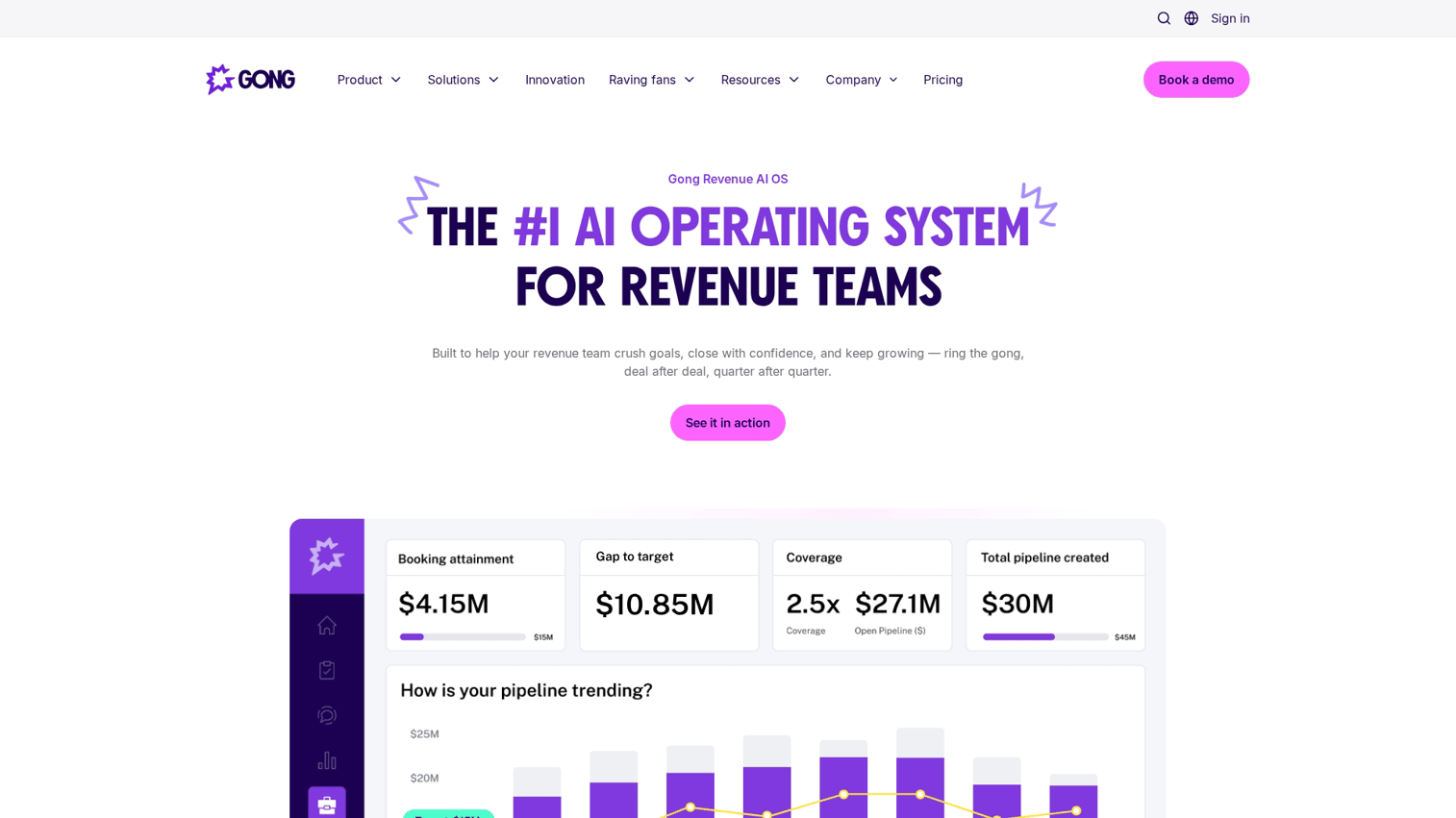
Gong is a revenue intelligence platform that records and analyzes sales calls including live demos. It captures conversations, transcribes them, and uses AI to surface patterns across your team's deals.
The value for demo management is coaching and consistency. You can see which talk tracks work, where deals stall, and how top performers run their demos differently from everyone else.
Best for: Teams wanting to improve demo delivery through call coaching and deal intelligence.
Key strengths
Conversation recording: Capture every call automatically with transcription
AI analysis: Surface patterns in what works and what doesn't across deals
Deal tracking: See deal health based on conversation signals
Coaching insights: Identify specific moments where reps can improve
Why choose Gong: When live demo quality is inconsistent and you want systematic coaching. It uses what actually happens in calls, not just what reps report.
Pricing: Custom pricing based on team size and usage.
5. Zoom
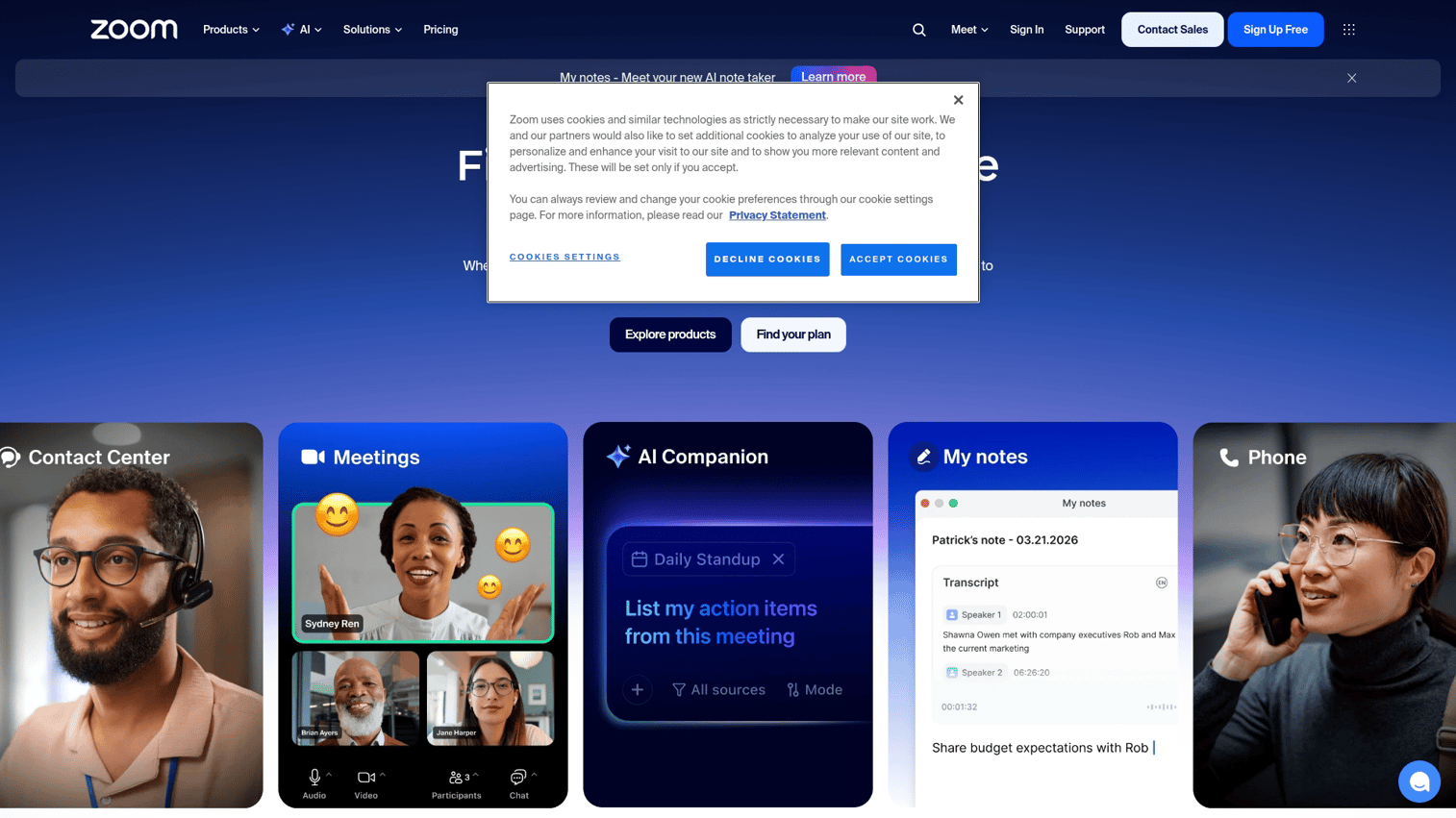
Zoom is the video conferencing platform most B2B buyers already have installed. For live demos, it provides reliable screen sharing, recording, and the familiarity that reduces friction when scheduling calls.
The platform handles the basics well. Where it falls short is demo-specific features like playbooks, automatic CRM logging, or engagement analytics beyond attendance.
Best for: Standard live demo delivery when you want reliable screen sharing and your buyers already use Zoom.
Key strengths
Screen sharing: Present your product with minimal technical issues
Breakout rooms: Split larger groups for focused discussions
Recording: Capture demos for follow-up or training
Widespread adoption: Most prospects already have it installed
Why choose Zoom: When your buyers already use Zoom and you want basic live demo capabilities without adding another tool to their workflow.
Pricing: Free tier with time limits, paid plans for longer meetings and additional features.
6. Calendly
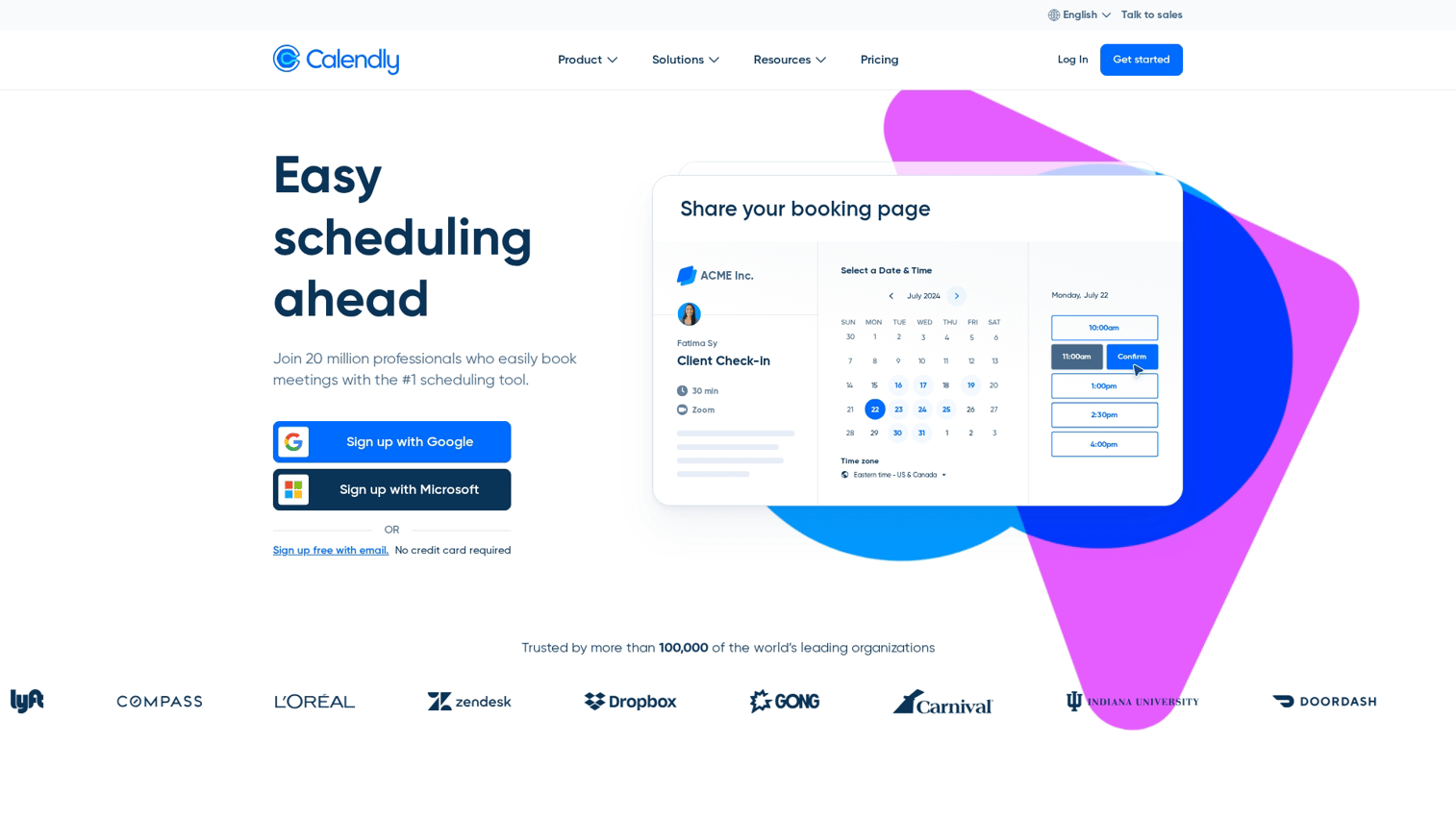
Calendly is scheduling automation that eliminates the back-and-forth of booking demo calls. You share a link, prospects pick a time that works, and the meeting appears on both calendars with video conferencing details attached.
Scheduling friction kills more deals than most teams realize. When it takes three emails to find a time, prospects lose momentum and competitors who respond faster win.
Best for: Reducing friction in getting demos on the calendar.
Key strengths
Booking pages: Let prospects self-schedule based on your availability
Team scheduling: Route meetings to the right rep automatically
Integrations: Connect with calendars, CRMs, and video tools
Reminders: Reduce no-shows with automatic notifications
Why choose Calendly: When scheduling logistics cause demo no-shows and delays. Simple to implement and immediately reduces friction.
Pricing: Free tier for basic scheduling, paid plans for teams and advanced workflows.
7. HubSpot Sales Hub
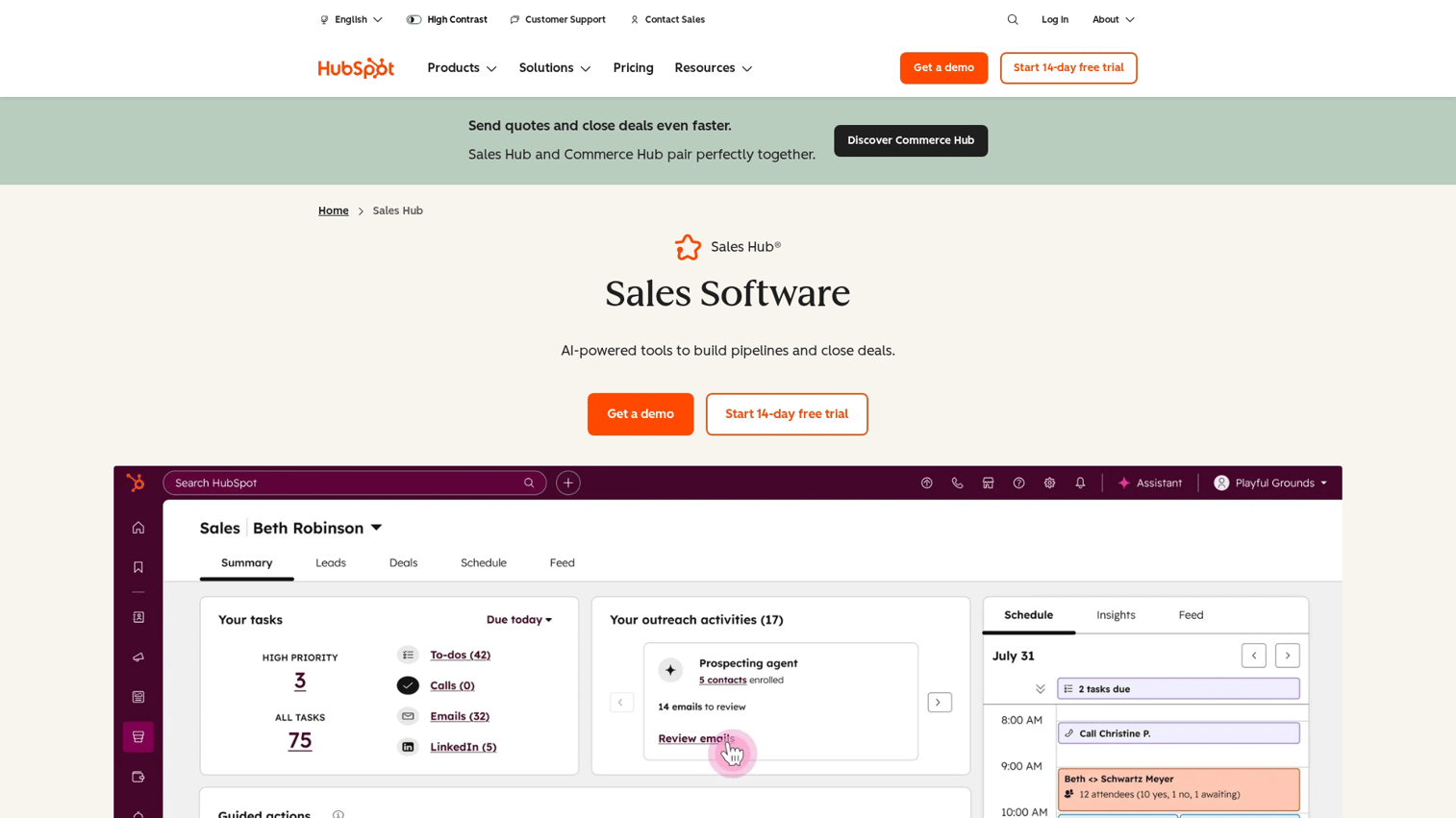
HubSpot Sales Hub combines CRM with sales engagement features including meeting scheduling, email tracking, and deal management. For demo management, it keeps all activity logged in one place so you can see the full picture of each deal.
The platform works well when marketing and sales both use HubSpot. Demo activity flows into the same system as lead scoring and campaign attribution.
Best for: Teams already in the HubSpot ecosystem wanting unified demo tracking.
Key strengths
Meeting links: Schedule demos directly from your CRM
Email sequences: Automate follow-up after demos
Deal pipeline: Track demo outcomes alongside other sales activities
Reporting: See which demo activities correlate with closed deals
Why choose HubSpot Sales Hub: When you want demo activity logged automatically in your CRM without manual data entry.
Pricing: Free CRM available, paid Sales Hub tiers unlock advanced features.
8. Salesforce Sales Cloud
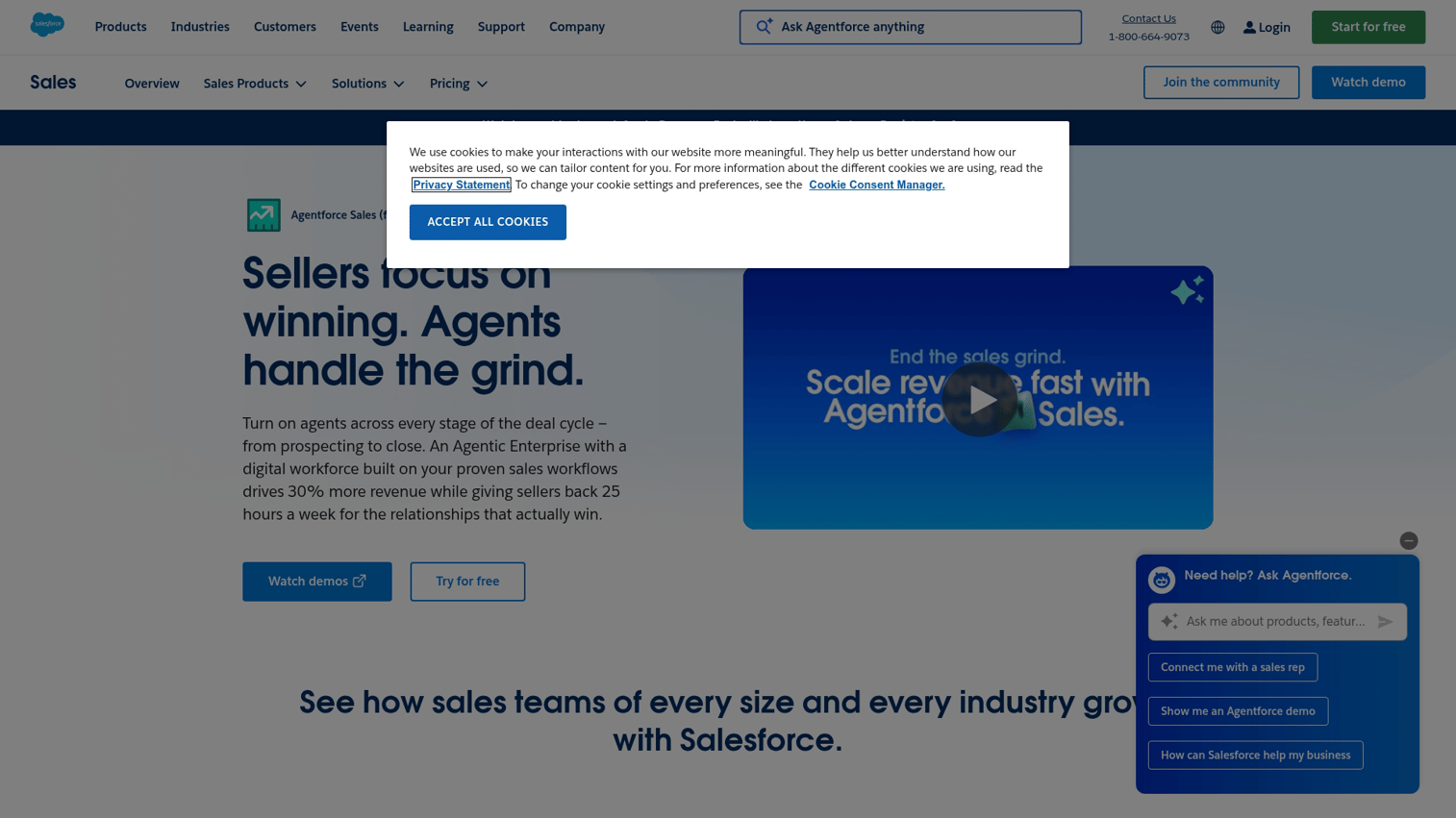
Salesforce Sales Cloud is the enterprise CRM for managing deals, activities, and sales processes at scale. Demo activity tracking happens within the broader context of complex sales operations, approvals, and reporting.
For larger organizations, Salesforce provides the governance and customization that simpler tools lack. The tradeoff is implementation complexity and cost.
Best for: Larger organizations that want demo activity tracked within complex sales operations.
Key strengths
Customizable pipelines: Configure stages and fields to match your process
Reporting: Build dashboards that show demo impact on revenue
Integrations: Connect with virtually any sales tool
Automation: Trigger workflows based on demo outcomes
Why choose Salesforce Sales Cloud: When enterprise-grade CRM is required and demo data lives alongside all sales activity with full audit trails.
Pricing: Per-user pricing across multiple tiers, with significant variation based on features.
9. Showpad
Showpad is a sales enablement platform for organizing and sharing content including demo materials. Presales teams use it to centralize decks, videos, and collateral with governance controls and engagement tracking.
The platform solves the "where's the latest version" problem. Reps find approved content quickly, and you see which materials actually get used and viewed.
Best for: Presales teams that want centralized content management with buyer engagement tracking.
Key strengths
Content management: Organize demo materials by use case, persona, or deal stage
Shared spaces: Create personalized content rooms for each deal
Analytics: See which content prospects engage with
Training: Onboard reps on how to use demo materials effectively
Why choose Showpad: When demo decks and collateral require governance and tracking, especially in regulated industries or large teams.
Pricing: Custom pricing based on team size and requirements.
10. Highspot
Highspot is a sales enablement platform combining content management, training, and buyer engagement with AI-powered recommendations. It suggests which demo materials to use based on deal context and tracks what works.
The platform goes beyond storage to active guidance. AI surfaces relevant content at the right moment rather than leaving reps to search.
Best for: Enterprise teams standardizing demo content and measuring what collateral works.
Key strengths
Content scoring: See which materials correlate with closed deals
AI recommendations: Get suggestions for what to share based on deal context
Integrations: Connect with CRM, email, and other sales tools
Analytics: Track engagement across all shared content
Why choose Highspot: When you want AI-powered content recommendations alongside demo management for large, complex sales organizations.
Pricing: Custom enterprise pricing.
Best practices to manage sales demos that close deals
The following practices apply regardless of which tools you use. The goal is demos that advance deals rather than just check a box because demos rank among the top 3 content types.
1. Research prospect pain points before every demo
Spend time understanding the specific business problems before showing features. Generic demos waste everyone's time and signal that you don't understand their situation. Even 15 minutes of research changes how prospects perceive the conversation.
2. Set a clear agenda and confirm it
Send the agenda in advance and verify priorities at demo start. This prevents the "show me everything" trap where you spend 45 minutes on features that don't matter to this buyer. Let the prospect adjust the agenda so you cover what they actually care about.
3. Lead with value not features
Start by summarizing your diagnosis of their problem, then show only the capabilities that solve it. Diagnose before prescribing. The best demos feel like conversations about their business, not product tours.
4. Personalize for each stakeholder
Different buyers care about different outcomes. Technical buyers want depth on integrations and security. Executives want ROI and strategic fit.
Personalization at scale is possible with the right tools, so you don't rebuild every demo from scratch.
5. Create shareable follow-up assets
Champions require materials to sell internally when you're not in the room. Interactive follow-ups get completed more often than recorded video links because prospects control the pace and focus on what matters to them.
6. Track engagement and iterate
Use analytics to see what resonates and where prospects drop off. Improve demos based on data not hunches. If everyone skips the same section, that's a signal to cut it or rework it.
How to choose the right tool to manage sales demos
Team size and demo volume
Small teams with a few demos per week have different requirements than teams running dozens daily. Match tool complexity to actual volume. Over-engineering your demo stack creates maintenance burden without proportional benefit.
Integration with your existing stack
Tools that sync with your CRM, calendar, and communication platforms reduce manual work. Check for native integrations versus requiring middleware like Zapier. The fewer manual steps between demo and CRM update, the more likely data stays accurate.
Analytics and intent signal capabilities
Basic view counts differ from detailed engagement data showing which features prospects explored. Intent signals improve follow-up quality because you know what they cared about, not just that they showed up.
Personalization depth
Some tools only allow basic branding. Others support dynamic content by persona, industry, or account. Match to your segmentation requirements.
If you sell to multiple verticals with different use cases, personalization capabilities matter more.
Start managing demos that actually close
The gap between ad-hoc demos and managed demo operations affects pipeline velocity and win rates because buyers engage 22% fewer vendors.
Start with tools that reduce friction for buyers through self-serve options and provide intent signals for sellers. Teams that manage sales demos systematically gain a compounding advantage. Easier evaluation for prospects combined with better intelligence for reps drives faster pipeline velocity.
Start your journey with Guideflow today!
FAQs about managing sales demos
A live demo happens in real-time with a presenter controlling the experience. An interactive demo is a self-serve, clickable product experience that prospects navigate independently on their own schedule.
Live demos work well for complex discussions and objection handling. Interactive demos scale better and let buyers evaluate when they have time and attention.
Teams use demo centers or content management platforms to centralize demos by use case, persona, or product area. This organization helps reps quickly find and share the right asset for each deal rather than searching through folders or recreating materials.
Yes. With tools that support dynamic variables and CRM integration, teams can create templated demos.
These automatically pull in prospect-specific details like company name, industry, or relevant use cases. The template stays consistent while the details adapt to each recipient.
Key metrics include completion rate, time spent per section, features explored, and downstream conversion to meetings or closed deals. Engagement depth matters more than view counts. A prospect who explores three specific features tells you more than one who opened the link and bounced.
Create persona-specific demo paths or separate assets for technical evaluators versus business decision-makers. Track which stakeholders engaged with which content to tailor follow-up. The goal is giving each person what they require to say yes without requiring everyone to attend the same call.
Send a shareable recap asset within 24 hours, reference specific moments from the conversation, and include clear next steps tied to their stated priorities. Interactive recaps outperform recorded videos because prospects control the experience and can focus on what matters to their decision.