


Passive audiences cost you more than awkward silence. You ask "any questions?" at the end of a webinar and get three chat messages that say "great presentation!" with zero actionable signal. The average webinar attendee drops off after 10 minutes of passive viewing, and the data backs this up: the global audience response software market is projected to reach $12.5 billion by 2026, growing at 8.45% CAGR, because organizations are tired of guessing what their audiences think (Maximize Market Research, 2026).
The real cost isn't embarrassment. It's lost engagement data, unmeasured comprehension, and follow-up strategies built on guesswork instead of signal. Audience response software fixes this by turning one-way presentations into two-way conversations. But the category has exploded past 30 tools with overlapping features and confusing pricing tiers. Choosing the wrong tool means paying for features you don't need or missing the ones you do.
We evaluated 30+ audience engagement software tools and narrowed to 12 based on feature depth, pricing transparency, integration quality, and real user feedback from G2 and Capterra reviews.
What's inside
This guide covers the 12 best audience response software tools for 2026, organized by primary use case. Each tool is reviewed with key strengths, pricing, honest trade-offs, and the specific scenario where it's the right pick. You'll also find:
- A side-by-side comparison table for quick scanning
- A buying criteria checklist with five evaluation steps
- FAQs addressing the most common objections and questions
- Selection methodology: hands-on evaluation, G2/Capterra review analysis, integration documentation review, and pricing verification as of 2026
TL;DR
- Fastest setup: Mentimeter (under 2 minutes to your first poll)
- Best for hybrid meetings: Slido (native Webex, Zoom, and Teams integration)
- Enterprise scale: Poll Everywhere (SOC 2, FERPA, GDPR compliance)
- Gamified learning: Kahoot! (quiz-based engagement with leaderboards)
- Best value: AhaSlides (most features at the lowest price point)
- PowerPoint-native: ClassPoint (runs entirely inside PowerPoint)
- Most audience response systems offer free tiers, so test with a real audience before committing
- Integration depth and analytics quality are the two features that separate good tools from great ones; don't skip evaluating those
What is audience response software?
Audience response software is a category of tools that let presenters collect real-time audience feedback, poll responses, questions, and reactions from an audience during live or virtual sessions. Participants use their own devices (phones, laptops, tablets), and responses are displayed, aggregated, or analyzed in real time.
Here are the core components you'll find across the category:
- Live polling: Multiple choice, open-ended, ranking, and rating scales
- Q&A management: Audience-submitted questions with upvoting and moderation
- Quizzes and gamification: Timed questions with leaderboards and scoring
- Word clouds and open text: Visual aggregation of free-text responses
- Analytics and reporting: Response data, participation rates, and trends over time — similar to the analytics capabilities you'd want in any engagement tool
- Integrations: Presentation tools (PowerPoint, Google Slides), video conferencing (Zoom, Teams), LMS, and CRM
You'll also see this category called: audience engagement platform, interactive audience response system, live polling software, audience interaction tools, or online audience response system. These all refer to the same core functionality.
When to use audience response software
Live events and conferences
Run real-time polls during keynotes, panel sessions, or workshops. Capture audience sentiment at scale without microphones or hand-raising. Tools like Slido and Poll Everywhere handle audiences of 10,000+ participants. If you're organizing large-scale gatherings, you may also want to explore event management software to handle the logistics alongside audience engagement.
Corporate meetings and town halls
Collect anonymous feedback without the bias of public responses during all-hands meetings. Measure employee sentiment on strategic initiatives. Anonymity is the key feature here, and tools like Vevox and MeetingPulse specialize in it.
Education and training
Quiz students during lectures, check comprehension in real time, and gamification to improve retention. This is particularly valuable for large lecture halls and remote or hybrid classrooms. Kahoot!, Wooclap, and ClassPoint are the education-focused options. For teams building training programs, pairing audience response tools with user onboarding software can extend engagement beyond the live session.
Webinars and virtual events
Keep remote audiences engaged beyond passive viewing. Use polls and Q&A to generate interaction data that feeds into lead scoring and follow-up workflows. Slido and Mentimeter integrate natively with Zoom and Teams, making them strong picks as an online audience response system for virtual events. For teams evaluating dedicated hosting platforms, our guide to the best webinar platforms covers the complementary tooling.
When you don't need it
If your audience is under 10 people, a conversation works better than a poll. If you only need async feedback, a survey tool (Typeform, Google Forms) is simpler and cheaper. If you're polling a Slack channel, use Slack's built-in polls.
Don't buy audience response software for problems a spreadsheet can solve.
Best audience response software comparison table
Here's how all 12 audience interaction tools compare on the criteria that matter most: primary use case, key differentiation, pricing, and user ratings.
| # | Product | Intent | Key Differentiation | Pricing | G2 Rating |
|---|---|---|---|---|---|
| 1 | Mentimeter | Simple, fast audience engagement | Easiest setup; strong free tier | Free; from $11.99/presenter/mo | 4.5/5 |
| 2 | Slido | Hybrid meetings and events | Deep Webex/Zoom/Teams integration | Free; from $12.50/mo | 4.6/5 |
| 3 | Poll Everywhere | Enterprise-scale presentations | Advanced visualization and compliance | From $120/yr | 4.5/5 |
| 4 | Kahoot! | Gamified learning and training | Quiz-based engagement with leaderboards | Free; from $26/presenter/mo | 4.6/5 |
| 5 | Vevox | Higher education and corporate | Anonymous Q&A with strong moderation | Free; from $10.95/mo | 4.8/5 |
| 6 | Wooclap | Interactive classrooms | AI-powered question generation | Free; from €7.99/mo | 4.5/5 |
| 7 | AhaSlides | Budget-friendly alternative | Full feature set at lower price point | Free; from $7.95/mo | 4.6/5 |
| 8 | Crowdpurr | Live trivia and competitions | Real-time leaderboards for events | Free; from $12/event | 4.8/5 |
| 9 | Glisser | Hybrid event engagement | Slide sharing + polling in one | Custom pricing | 4.3/5 |
| 10 | ClassPoint | PowerPoint-native interaction | Works inside PowerPoint, no tab switching | Free; from $8/mo | 4.7/5 |
| 11 | MeetingPulse | Town halls and large meetings | Anonymous feedback with sentiment analysis | From $60/mo | 4.5/5 |
| 12 | myQuiz | Quiz-focused engagement | Multiplayer quiz competitions | Free; from $8.33/mo | 4.5/5 |
Scroll down for the full review of each tool, including honest trade-offs and the specific scenario where each one is the right pick.
12 best audience response software tools reviewed
1. Mentimeter
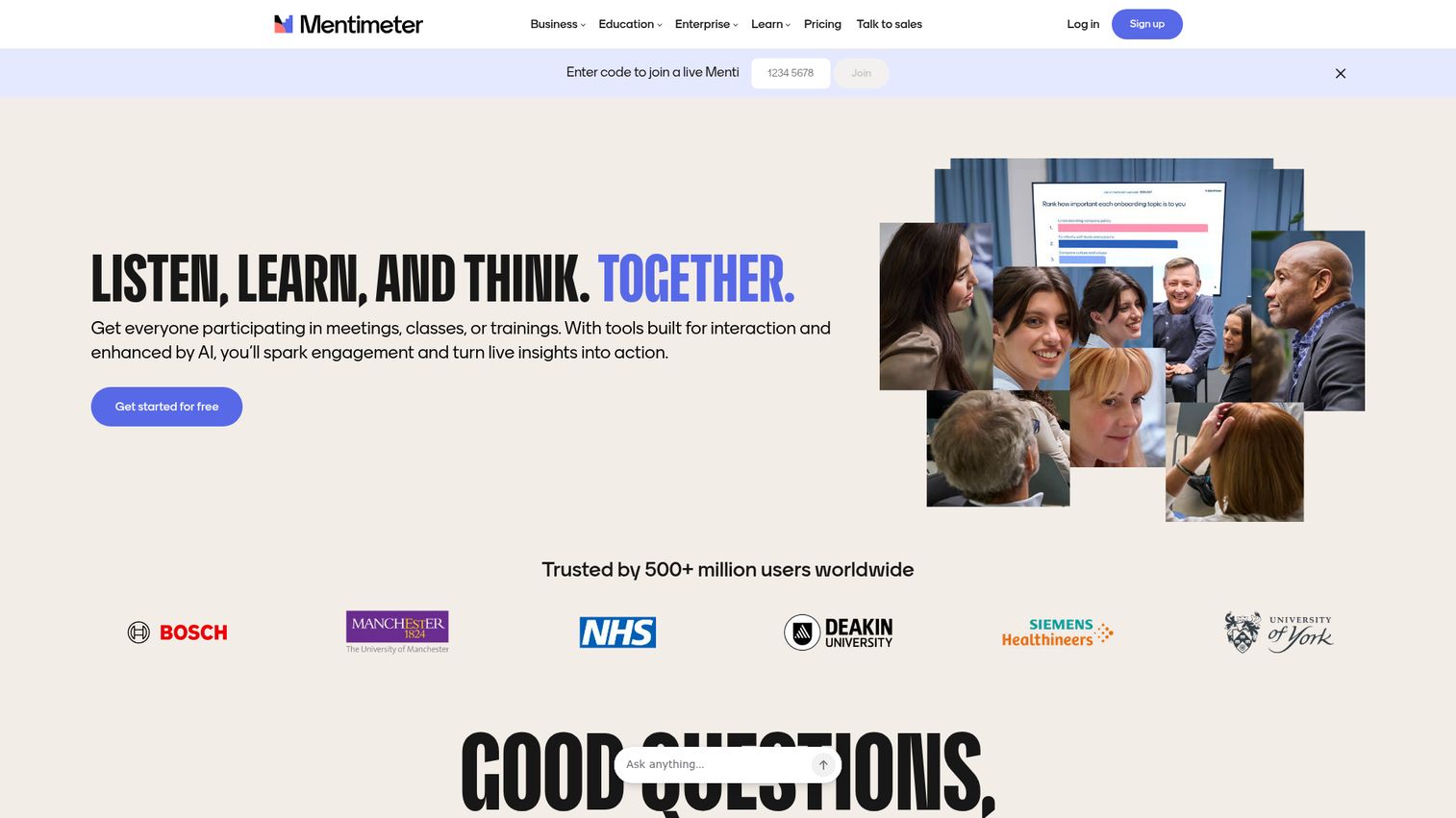
Mentimeter is the most widely recognized name in audience response, and the tool most people try first. Setup takes under two minutes, the free tier is genuinely usable for quick demos, and the interface is clean enough that non-technical presenters can run polls without a tutorial.
It's the default choice when you want fast, simple interactive audience response without a steep learning curve. The real-time audience feedback visualizations update live as responses come in, which creates an engaging shared experience during presentations.
Best for: Presenters who need fast setup and a polished audience experience with minimal prep.
Key strengths
- 13+ question types including word clouds, scales, ranking, and open-ended
- Real-time visualization that updates as responses arrive
- PowerPoint and Google Slides integration
- Audience joins via QR code or URL with no app download
- AI-powered slide generation for faster prep
Most teams default to Mentimeter because it's the first result on Google. That's not a bad starting point. But the free tier limits you to 2 question slides per presentation, which is too restrictive for anything beyond a quick test. Analytics are basic unless you're on a paid plan, and enterprise features (SSO, branding, data export) require the Enterprise tier, which is a significant price jump from the standard plans.
Pricing: Free tier (limited to 2 question slides per presentation). Paid plans from $11.99/presenter/month.
2. Slido
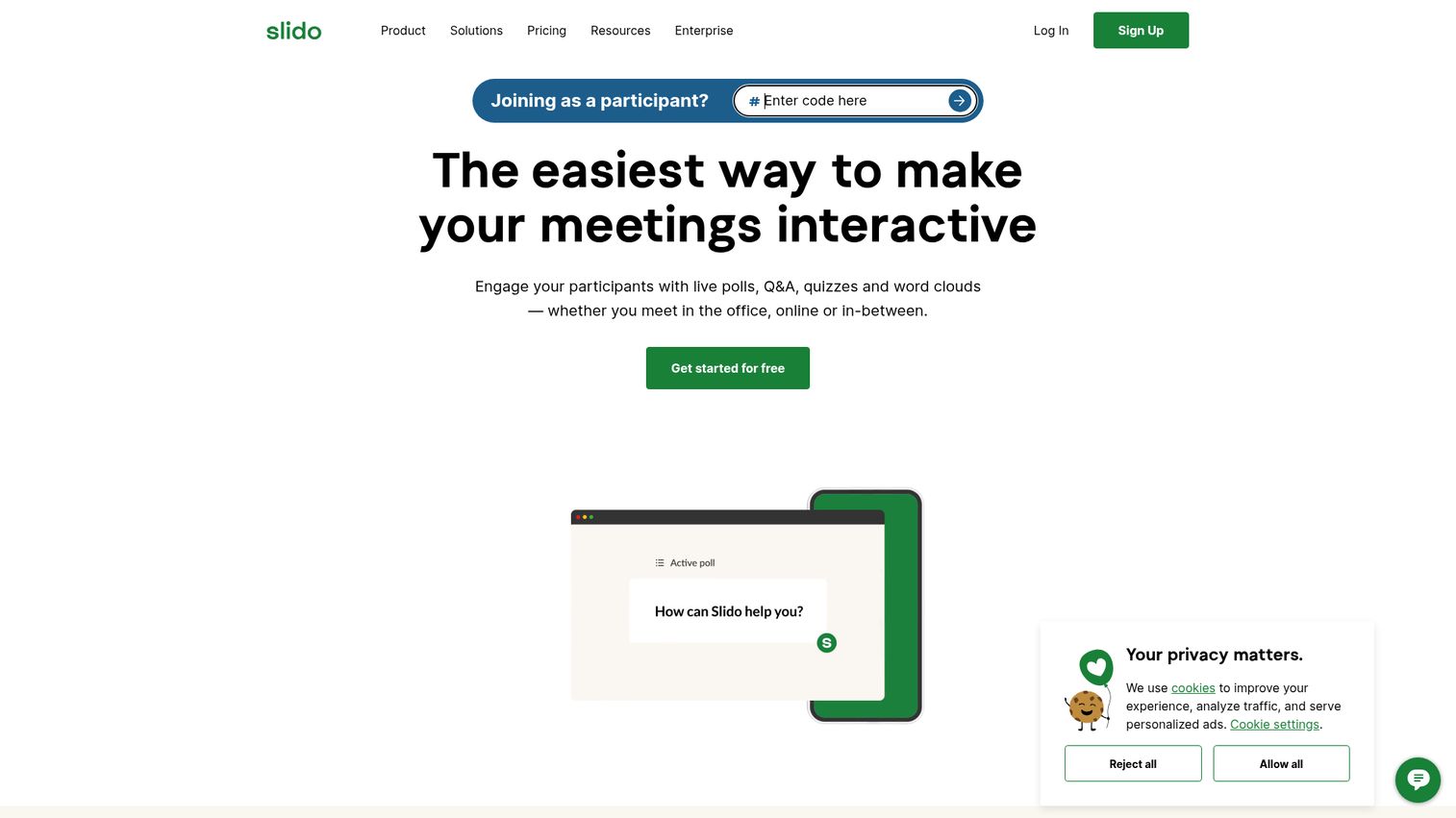
Slido (now owned by Cisco) is built for hybrid meetings and events where video conferencing integration matters most. Its native integration with Webex, Zoom, and Microsoft Teams means the polling experience lives inside the meeting platform, not in a separate browser tab.
If your meetings happen primarily in video conferencing tools, Slido is the strongest pick. The Cisco acquisition means enterprise security is solid, though it also means the product roadmap is now tied to Cisco's priorities.
Best for: Organizations running hybrid meetings and events across Zoom, Teams, or Webex.
Key strengths
- Native Webex, Zoom, Teams, and Google Slides integrations
- Anonymous Q&A with upvoting and moderation
- Live polls, quizzes, and word clouds
- Analytics dashboard with exportable reports
- Supports events up to 100,000+ participants
The free tier is limited to 3 polls per event, which barely covers a single meeting. Some advanced features (branding, analytics export) are locked behind higher tiers. The Cisco ownership is a double-edged consideration: enterprise security and compliance are strong, but standalone audience response innovation may take a back seat to Cisco's broader product strategy.
Pricing: Free tier available. Paid plans from $12.50/month.
3. Poll Everywhere
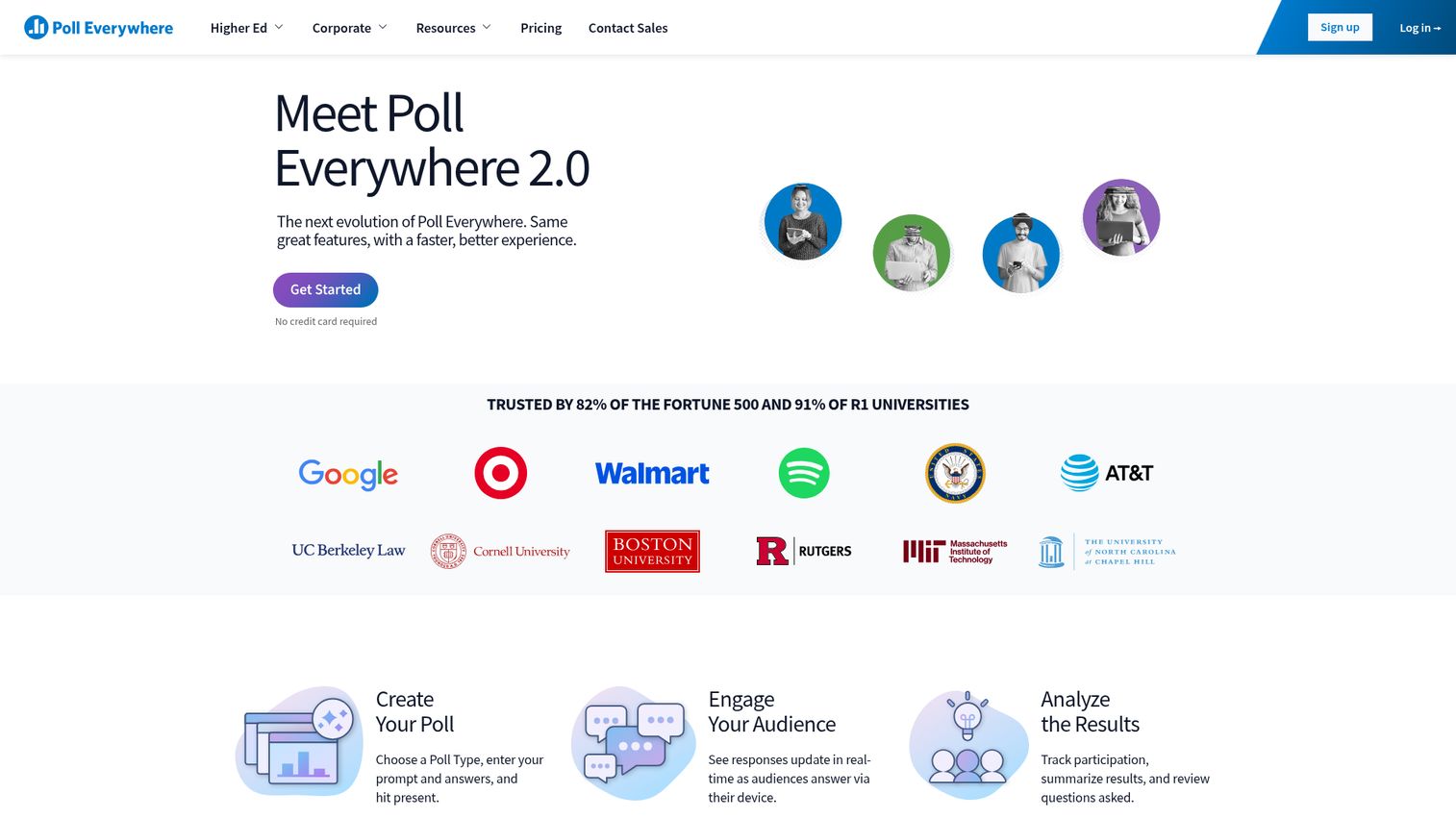
Poll Everywhere is one of the longest-running audience response software tools on the market, active since 2007. That longevity gives it deep feature maturity and a compliance posture that larger organizations require.
It's the choice for teams with compliance requirements, advanced visualization needs, or large-scale multi-presenter deployments. North America retains significant market share for classroom response systems in education, and Poll Everywhere is a major reason why (Maximize Market Research, 2026).
Best for: Enterprise teams with compliance requirements and advanced visualization needs.
Key strengths
- Advanced visualization types (radar charts, donut charts, Likert scales, clickable images)
- PowerPoint, Keynote, and Google Slides integrations
- Enterprise security (SOC 2, FERPA, GDPR compliance)
- LMS integration for education (Canvas, Blackboard)
- Detailed response tracking and reporting
Pricing is higher than most competitors. The interface feels dated compared to Mentimeter or Slido. The free tier is restrictive (25 responses per activity), making it hard to evaluate with a real audience before buying. If you're a small team without compliance requirements, you're paying for features you won't use.
Pricing: From $120/year (Presenter plan). Enterprise pricing on request.
4. Kahoot!
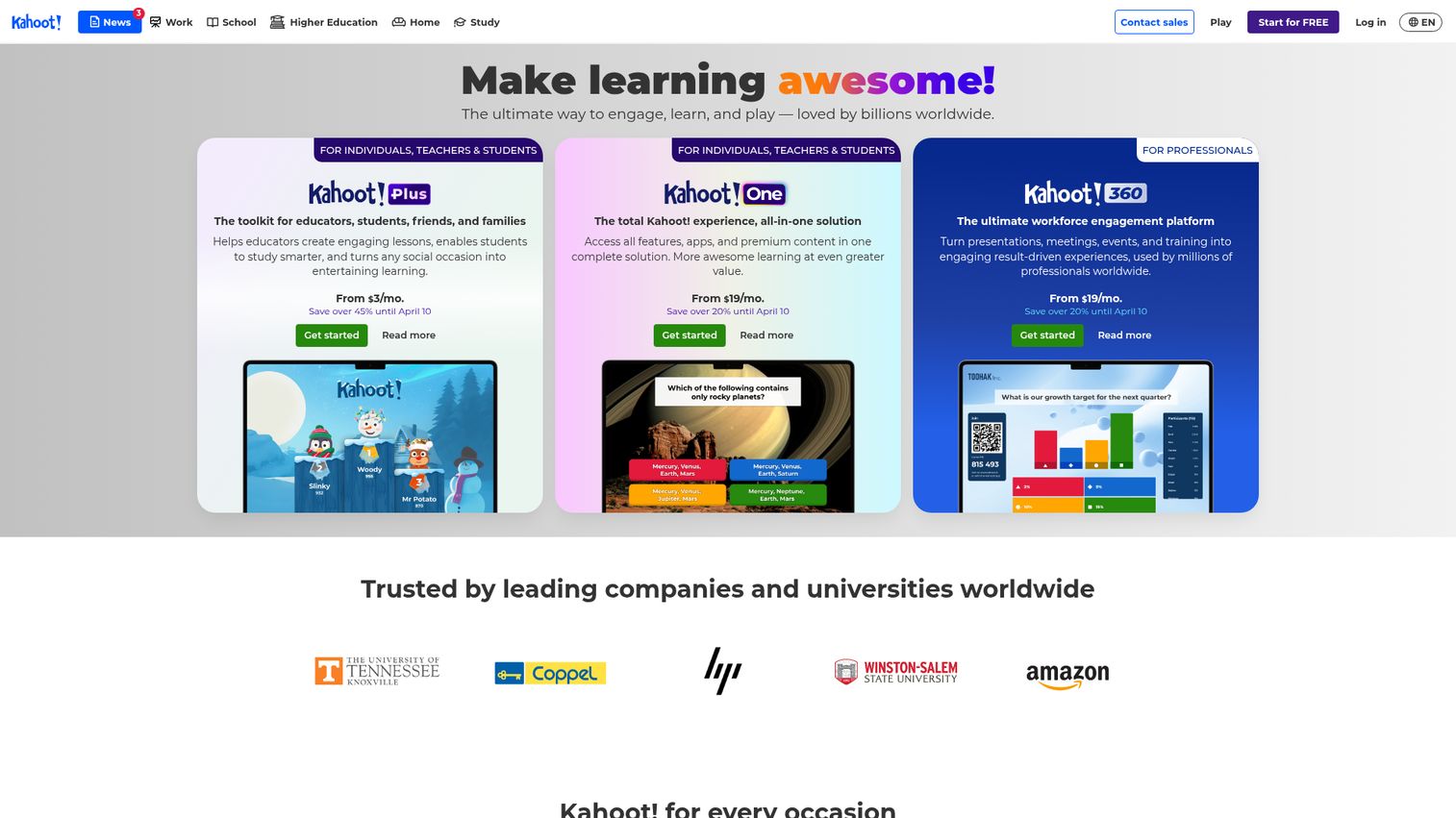
Kahoot! is the audience response tool people actually enjoy using. Built around quiz-based gamification with timed questions, leaderboards, and competitive scoring, it turns passive audiences into active participants through game mechanics.
With over 500 million games created globally, it has the largest template library in the category. It's the energy tool: the one you use when participation and excitement matter more than nuanced data collection. Teams that use gamification to drive engagement in other contexts — like sales gamification software — will recognize the same psychology at work here.
Best for: Trainers and educators who want high-energy, quiz-based audience participation.
Key strengths
- Quiz-based format with timer, points, and leaderboards
- Massive template library from a global user base
- Mobile-first experience with no app required for participants
- Team mode for collaborative play
- Reports on individual and group performance
Kahoot! is heavily quiz-oriented. Open-ended feedback, word clouds, and sentiment analysis are limited or unavailable. Analytics focus on quiz performance (who got what right), not audience sentiment or engagement depth. Pricing for the Presenter plan ($26/presenter/month) is steep compared to tools with broader feature sets. If you need a town hall feedback tool, this isn't it.
Pricing: Free tier for basic quizzes. Paid plans from $26/presenter/month (Presenter plan).
5. Vevox
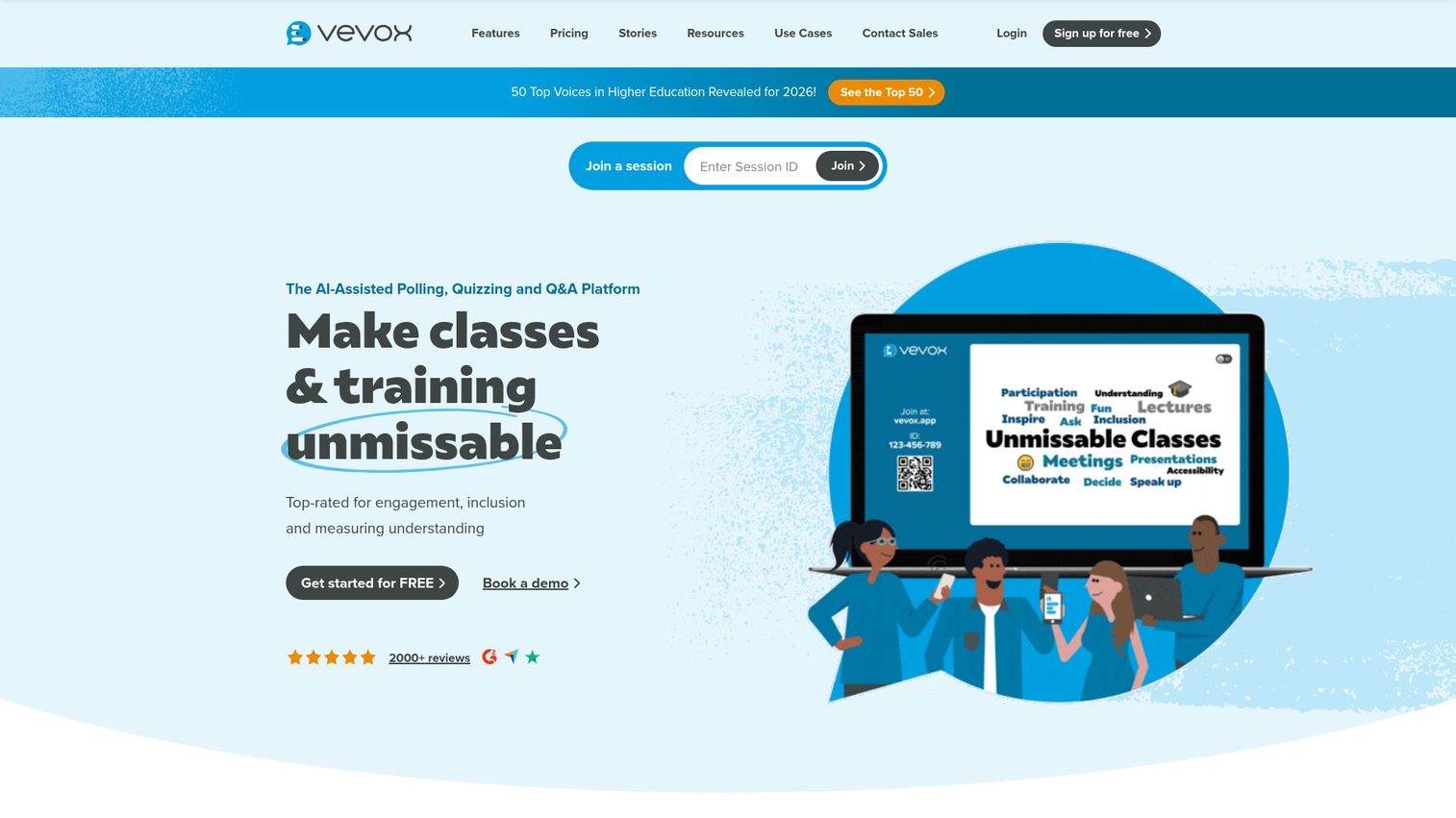
Vevox is popular in higher education and corporate training, with a strong emphasis on anonymous Q&A and moderation tools. It consistently earns some of the highest user satisfaction ratings in the category at 4.8 on G2.
It's the specialist for anonymous, moderated Q&A in settings where honest feedback matters more than gamification. If you need substance over spectacle, Vevox tends to be the right fit.
Best for: Higher education and corporate teams that prioritize anonymous, moderated Q&A.
Key strengths
- Anonymous Q&A with upvoting, pinning, and moderation
- Live polling, word clouds, and surveys
- PowerPoint and LMS integrations
- Detailed analytics and exportable reports
- High accessibility standards
The interface is more utilitarian than Mentimeter's polished design. Gamification features are minimal. If your primary need is energy and fun (team-building, icebreakers), Vevox isn't the right fit. It's built for candid feedback collection, not entertainment.
Pricing: Free tier available. Paid plans from $10.95/month.
6. Wooclap
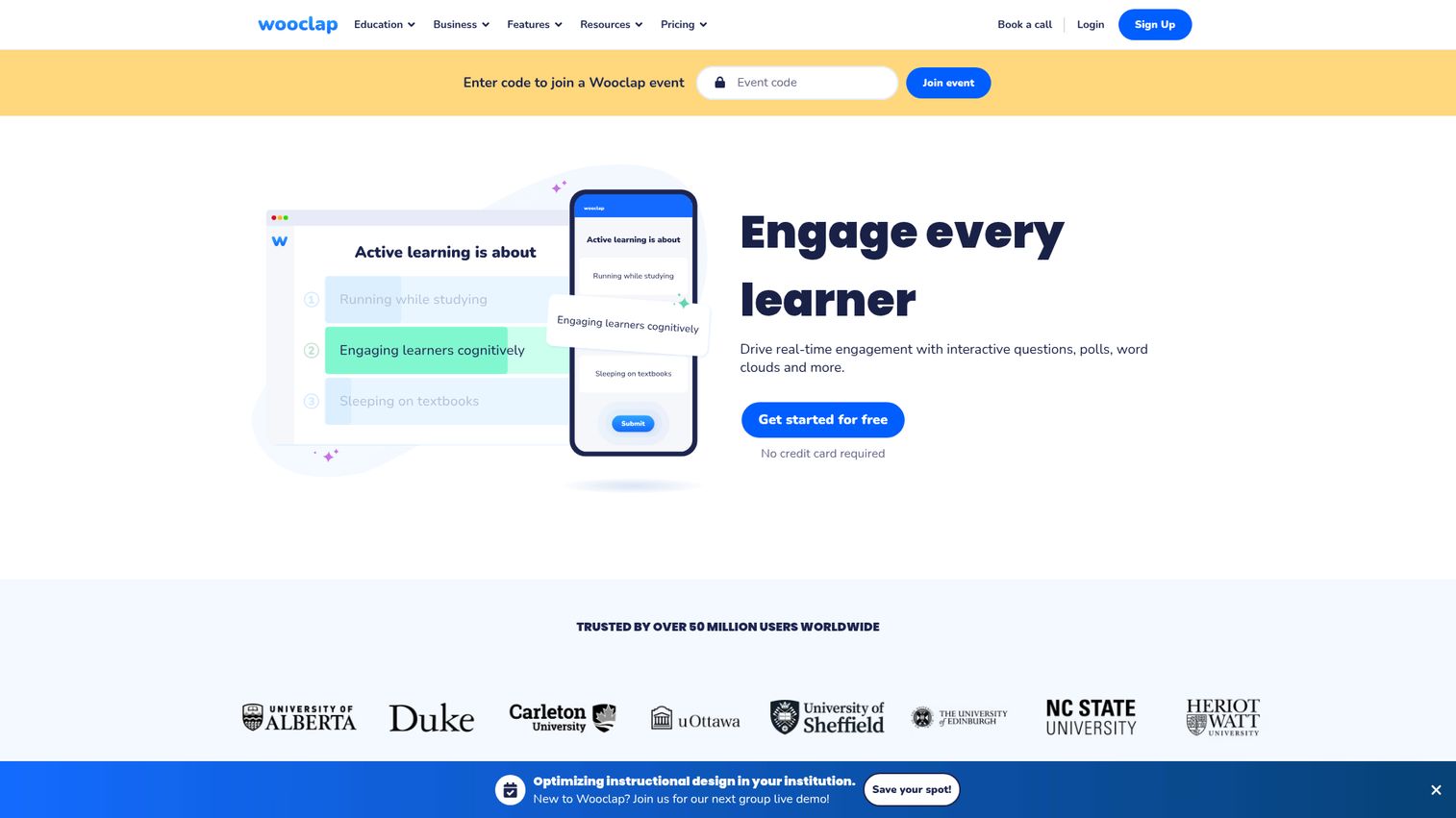
Wooclap is an interactive teaching and presentation tool with a strong presence in European universities and corporate training programs. It offers one of the widest ranges of interactive audience response question types in the category, with 18+ formats.
Its AI-powered question generation is a standout feature. Upload a document and Wooclap generates quiz questions from the content, saving significant prep time for educators and trainers.
Best for: Educators and trainers who need the widest variety of question types and AI-assisted content creation.
Key strengths
- 18+ question types including matching, fill-in-the-blank, and labeling
- AI-powered question generation from uploaded documents
- PowerPoint, Google Slides, and Keynote integration
- LMS integration (Moodle, Canvas)
- Participant pace mode for asynchronous use
Less well-known outside education, which means a smaller community and fewer templates. The event and corporate feature set is thinner than Slido or Poll Everywhere. If you're running a 5,000-person conference, Wooclap isn't built for that scale.
Pricing: Free tier for educators. Paid plans from €7.99/month.
7. AhaSlides
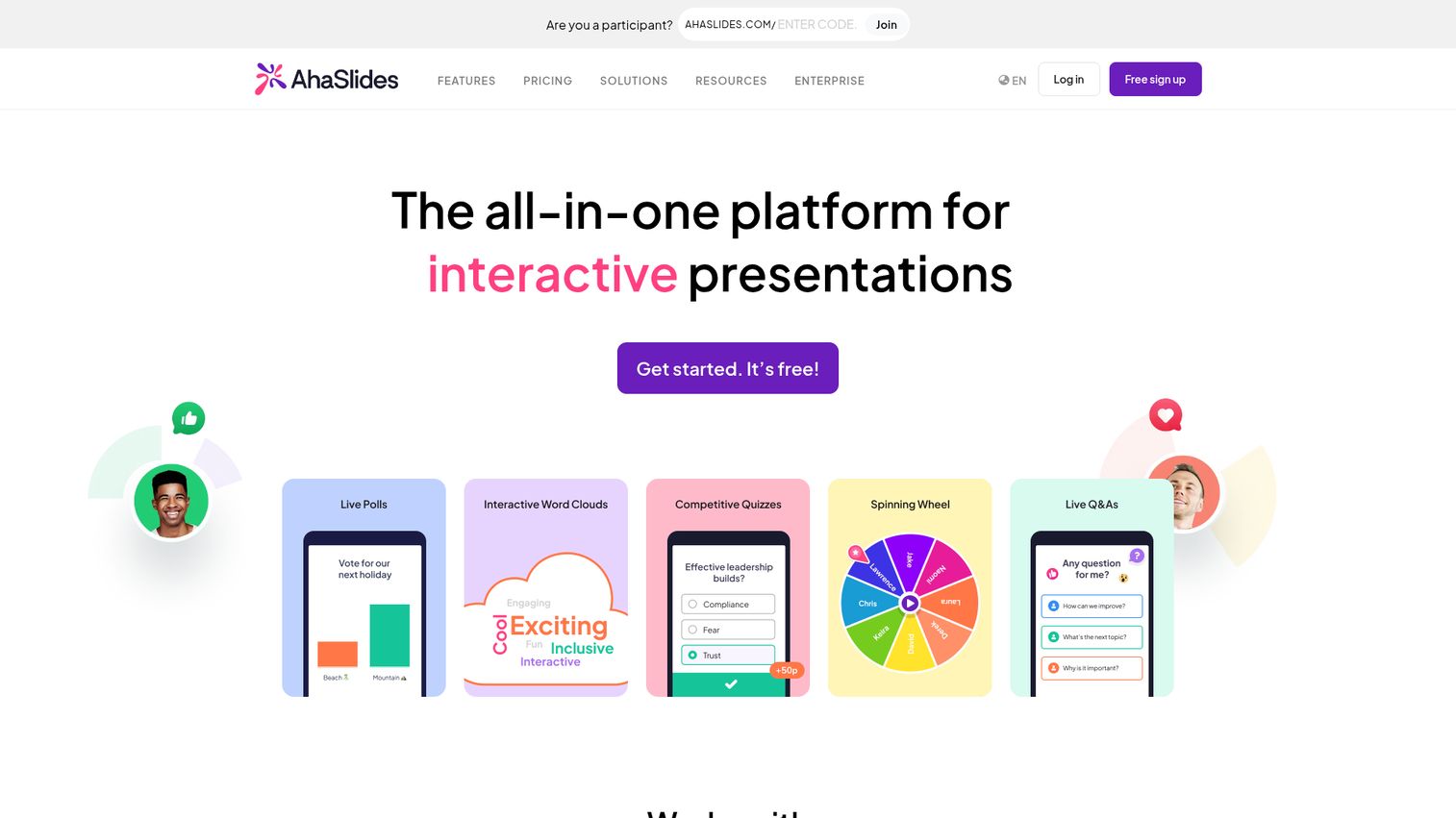
AhaSlides positions itself as the affordable alternative to Mentimeter, offering a nearly identical feature set at a lower price point. If you've outgrown Mentimeter's free tier but can't justify Mentimeter's paid pricing, AhaSlides is the logical next stop.
The free tier is more generous than Mentimeter's, which makes it easier to test with a real audience before committing.
Best for: Teams that want Mentimeter-level features at a lower price point.
Key strengths
- Live polls, quizzes, word clouds, Q&A, and brainstorming
- Spin wheel and random name picker for gamification
- Audience-paced and presenter-paced modes
- Google Slides and PowerPoint integration
- Generous free tier (more permissive than Mentimeter's)
The brand is less established, which can matter for enterprise procurement. Enterprise features (SSO, advanced compliance) are limited. The template library is smaller than Mentimeter's or Kahoot!'s. If you need enterprise-grade security documentation for a procurement review, AhaSlides may not pass.
Pricing: Free tier available. Paid plans from $7.95/month.
8. Crowdpurr
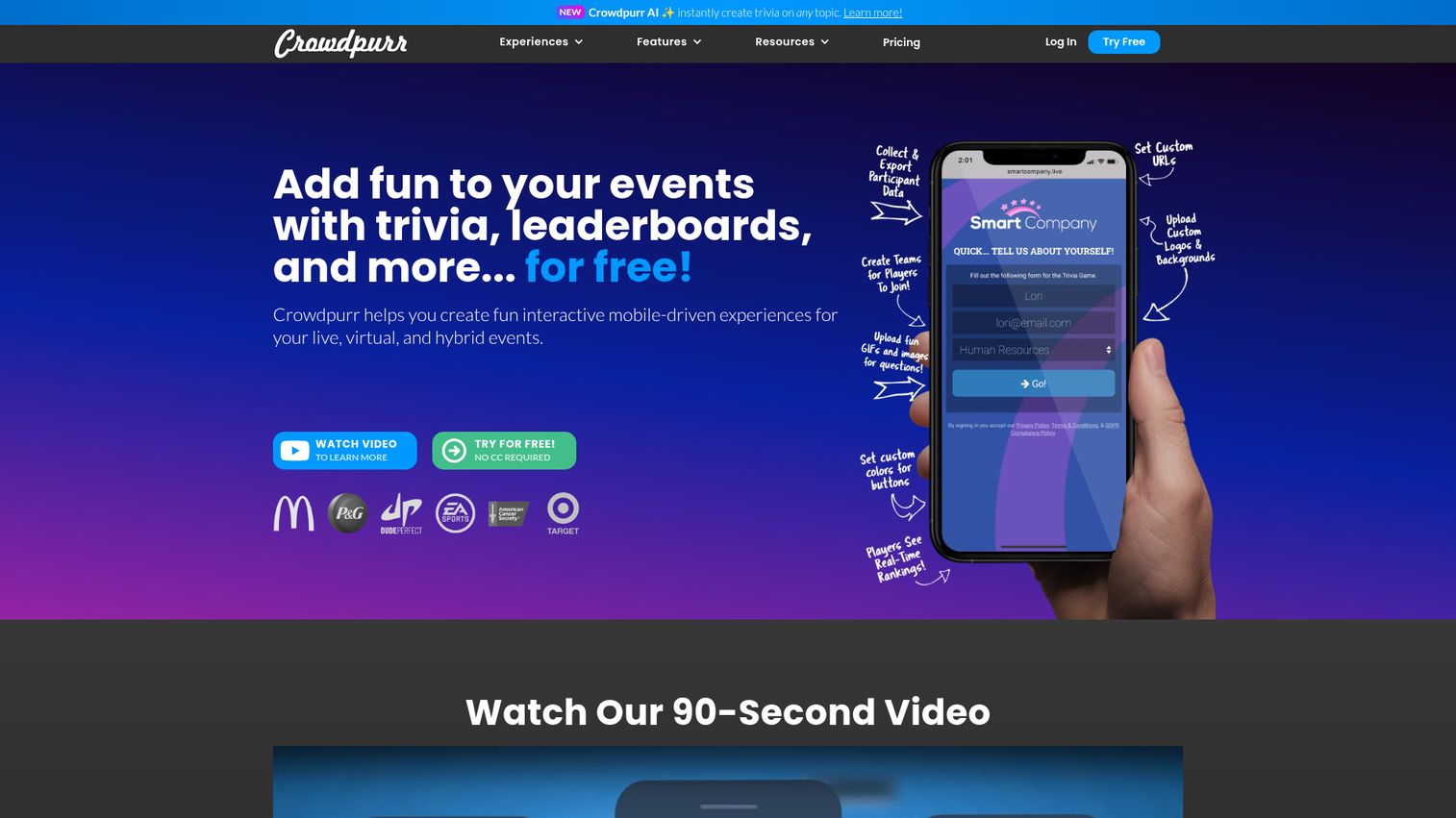
Crowdpurr specializes in live trivia, competitions, and gamified audience experiences for events. It's purpose-built for live trivia and competitive audience experiences, more focused and polished than general-purpose tools for this specific use case.
If you're running a trivia night, a team competition, or a gamified event activation, Crowdpurr does that one thing well.
Best for: Event organizers running live trivia, competitions, and gamified audience experiences.
Key strengths
- Real-time multiplayer trivia with leaderboards
- Team and individual play modes
- Customizable branding for events
- Audience size scales to thousands
- Simple setup with QR code join
Narrowly focused on trivia and competition formats. If you need standard polling, Q&A, or word clouds, you'll need a second tool. It's not a general-purpose audience response platform. That's a strength if trivia is your use case, and a limitation if it's not.
Pricing: Free tier available. Paid plans from $12/event.
9. Glisser
Glisser combines slide sharing with audience interaction, designed specifically for hybrid events and conferences. Attendees follow along with slides on their own devices while participating in polls and Q&A simultaneously.
It merges two workflows (slide distribution and audience interaction) into one platform, which reduces the tool count for event organizers managing multi-session conferences. If you're planning large-scale hybrid events, you may also want to evaluate event planning software for the operational side.
Best for: Hybrid event organizers who need slide sharing and audience interaction in one platform.
Key strengths
- Slide sharing with synchronized audience view
- Live polls, Q&A, and audience reactions
- Event analytics and attendee engagement tracking
- Branding and customization for events
- Integration with event management platforms
Pricing is custom with no transparent public pricing, which makes evaluation harder. It's overkill for simple meeting polls or classroom use. If you're not running multi-session hybrid events, you're paying for complexity you don't need.
Pricing: Custom pricing. Contact for quote.
10. ClassPoint
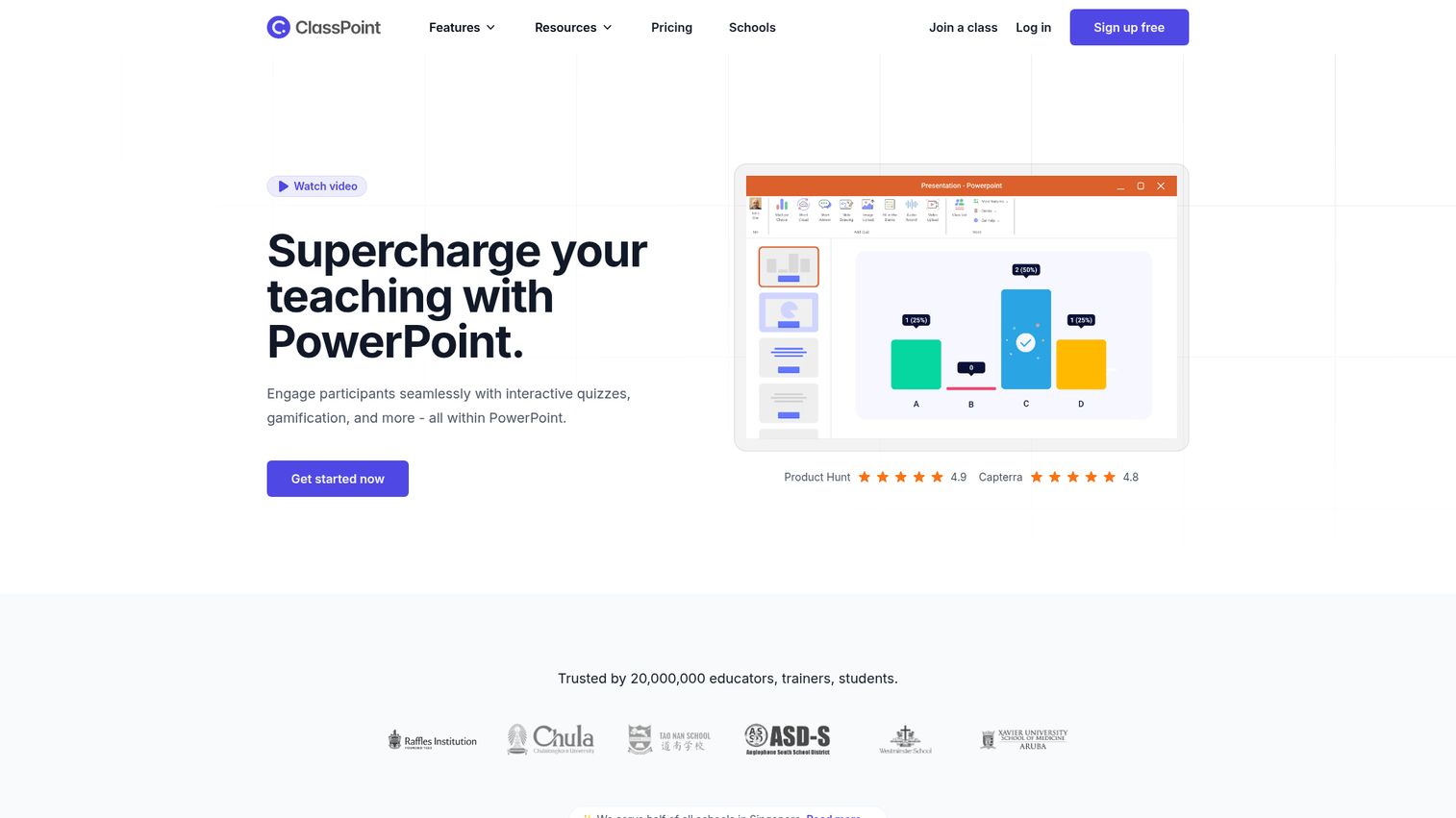
ClassPoint is a PowerPoint add-in that turns existing slides into interactive presentations without leaving the PowerPoint environment. No browser tabs, no separate apps, no audience login friction.
For presenters who live in PowerPoint, ClassPoint eliminates context switching entirely. You add interactive elements directly to your existing deck and run everything from one window.
Best for: Presenters who live in PowerPoint and want zero context switching.
Key strengths
- Runs entirely inside PowerPoint (no separate platform)
- Quick polls, short answer, word cloud, and drawing activities
- Gamification with stars, levels, and leaderboards
- AI quiz generator from slide content
- Name picker and grouping tools for classrooms
PowerPoint-only. No Google Slides, no Keynote. It doesn't work for standalone events without a presentation deck. If your team uses Google Workspace, ClassPoint is not an option. That's a hard constraint, not a minor inconvenience.
Pricing: Free tier available. Paid plans from $8/month.
11. MeetingPulse
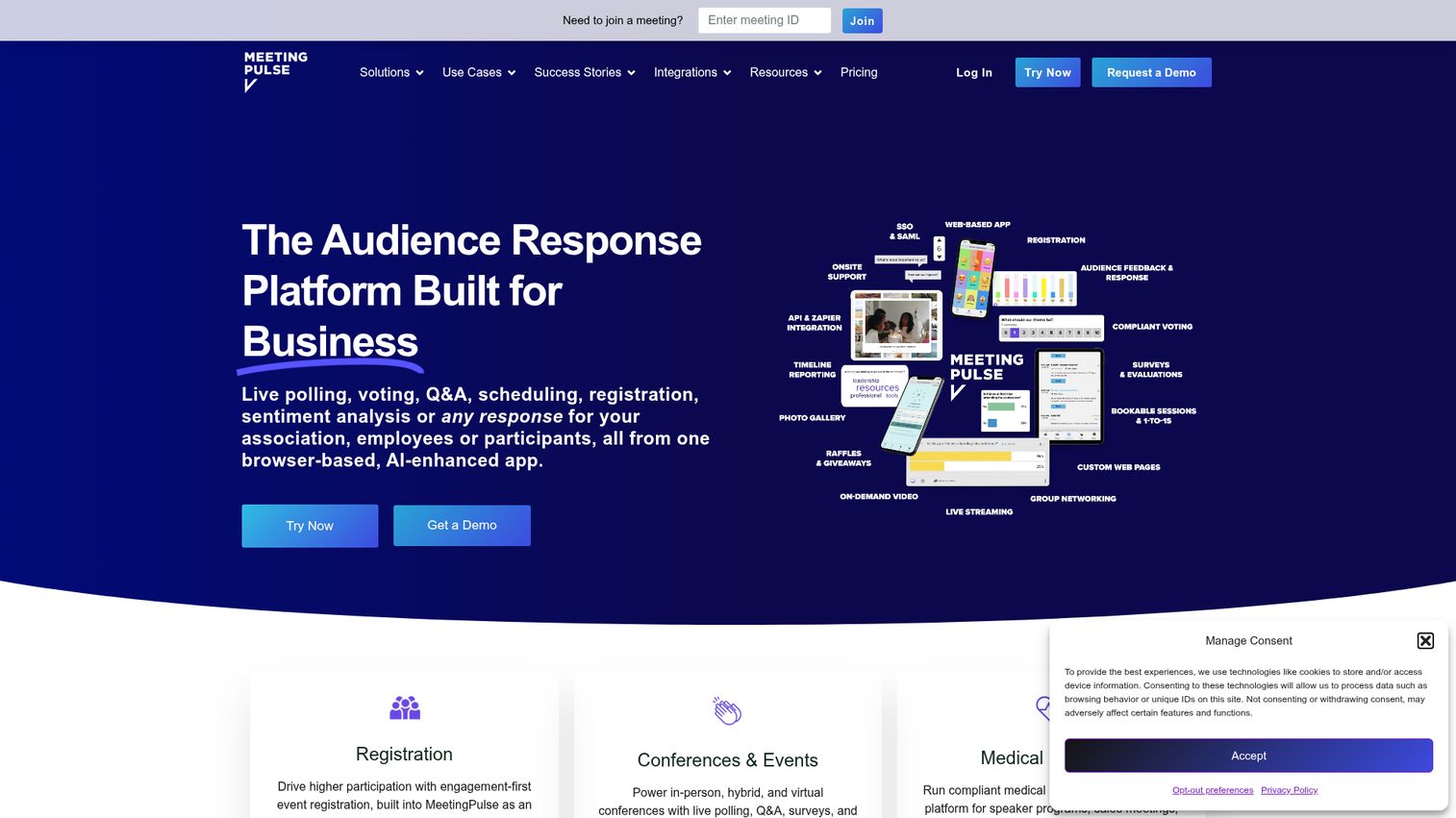
MeetingPulse is designed for large corporate meetings, town halls, and conferences where anonymous feedback and sentiment analysis matter. It's less about gamification and more about capturing honest, structured audience input at scale.
It's the corporate feedback specialist: the tool you choose when the goal is candid employee sentiment, not fun.
Best for: Corporate teams running town halls and all-hands meetings where anonymous sentiment matters.
Key strengths
- Anonymous polls, surveys, and Q&A
- Sentiment analysis and feedback aggregation
- Live brainstorming and idea ranking
- Customizable branding and moderation
- Detailed analytics and exportable reports
Not designed for education or gamified engagement. The interface is functional rather than polished. Pricing starts at $60/month with no free tier, making it harder to test before committing. If you need to run a quick evaluation with your team, you're paying from day one.
Pricing: From $60/month. No free tier.
12. myQuiz
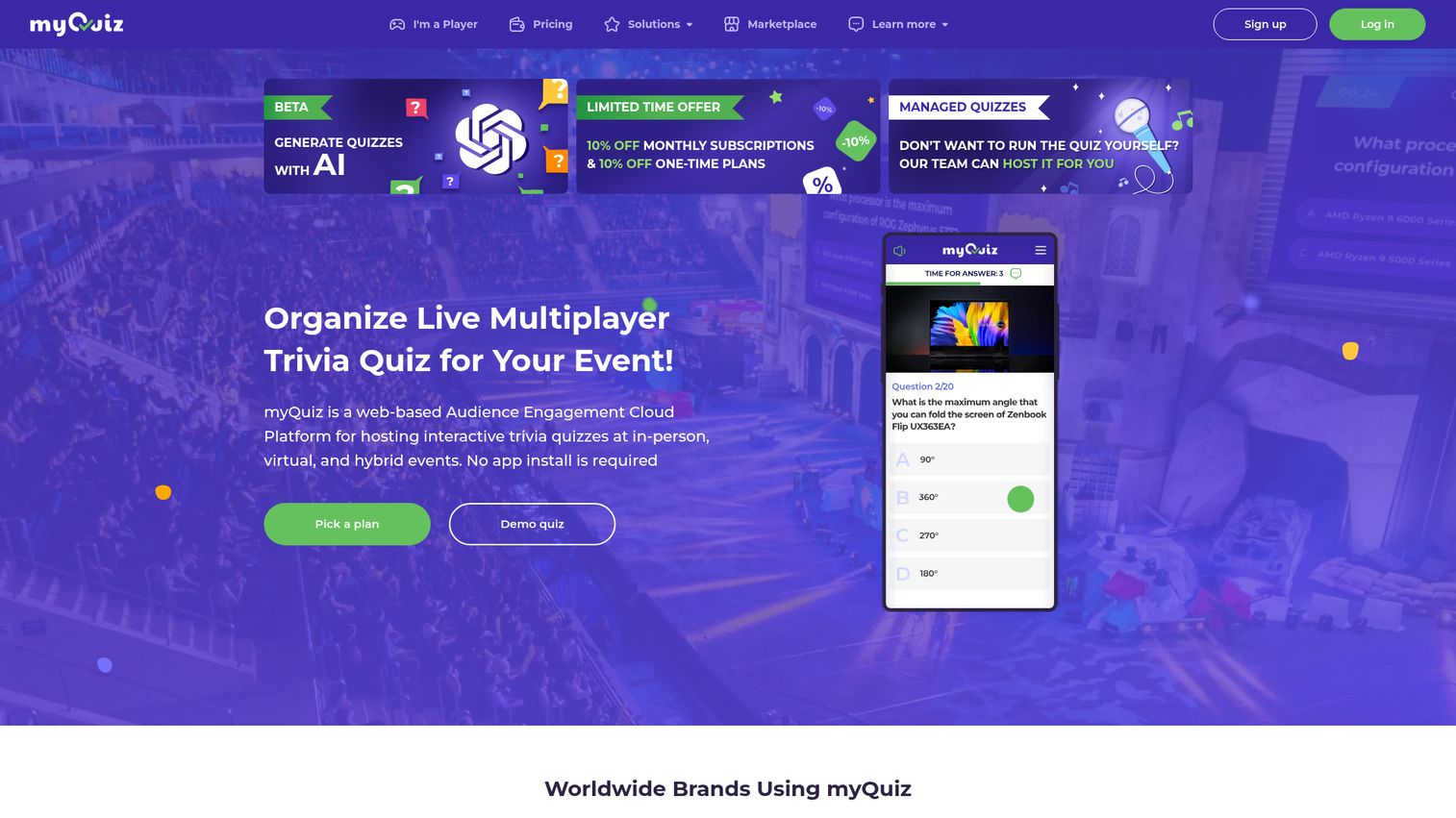
myQuiz is a quiz-focused audience engagement tool built for multiplayer competitions and trivia events. It supports large audiences and real-time leaderboards with a focus on competitive, timed quiz formats.
It offers more quiz mechanics depth than general-purpose tools (timed rounds, elimination modes, team-based scoring), making it the deep-quiz specialist in this list.
Best for: Organizations running multiplayer quiz competitions with advanced quiz mechanics.
Key strengths
- Multiplayer quiz competitions with real-time leaderboards
- Supports thousands of simultaneous participants
- Customizable quiz formats (timed, team-based, elimination)
- Branding and white-label options
- Detailed results and performance analytics
Quiz-only. No polling, no Q&A, no word clouds. If you need a full audience response toolkit, you'll need to pair myQuiz with something else. It's a specialist, not a generalist, and that's fine if quizzes are your primary use case.
Pricing: Free tier available. Paid plans from $8.33/month.
Key considerations when choosing audience response software
Define your primary use case
Are you running corporate meetings, classroom lectures, large events, or webinars? The "best" audience response software depends entirely on context. A quiz tool is wrong for a town hall. An enterprise polling platform is overkill for a 20-person training session. Start by naming your primary scenario, then eliminate tools that aren't built for it.
Evaluate integration depth
Check whether the tool integrates with your existing stack: presentation software (PowerPoint, Google Slides), video conferencing (Zoom, Teams, Webex), LMS (Canvas, Moodle), and CRM or marketing automation. Don't just check if the integration exists. "Integrates with Zoom" can mean anything from a native embed to a browser link you paste into chat. Test what it actually does. The same principle applies when evaluating integrations for any engagement tool — depth matters more than a logo on a landing page.
Assess analytics quality
Some audience engagement tools show you response counts. Others show you participation rates, drop-off points, sentiment trends, and exportable data. If you need to report on engagement outcomes to leadership, clients, or stakeholders, analytics quality should be a top-3 evaluation criterion. Ask: can I export this data to my reporting stack? Teams that take analytics seriously may also benefit from dedicated product analytics software to connect engagement data to broader product and business metrics.
Test the free tier before committing
Every tool on this list offers a free tier or free trial. Use it with a real audience before buying. The gap between "demo experience" and "real-world use" is where most tools disappoint. Run a real poll with 30+ people. Check how the audience join flow works on mobile. Test the analytics export.
Consider audience experience
Your audience's experience matters as much as yours. How many clicks to join? Do they need an app? Does it work on mobile? Can they participate without creating an account? The best tool for you is useless if your audience can't figure out how to participate in the first 10 seconds.
Conclusion
Audience response software has matured significantly in 2026, and the right tool depends on your context, not a generic "best" ranking. Here's the shortcut: Mentimeter for fastest setup, Slido for hybrid meetings, Poll Everywhere for enterprise scale, Kahoot! for gamified learning, AhaSlides for best value, and ClassPoint for PowerPoint-native interaction.
Audience engagement doesn't stop at polls. The most effective teams combine real-time response tools with interactive content that lets audiences explore on their own terms, like guided product walkthroughs, interactive demos, and self-serve experiences that keep engagement going after the live session ends. For teams building out a complete digital adoption strategy, pairing audience response tools with interactive product tours creates a seamless journey from live engagement to hands-on exploration.
For teams looking to extend audience engagement beyond live sessions into interactive, self-serve product experiences, explore Guideflow.
FAQs about audience response software
The core difference is timing and context. Audience response software is designed for real-time, synchronous interaction during live sessions (presentations, meetings, events), where results are displayed live and influence the session as it happens. Survey tools like SurveyMonkey and Typeform are designed for asynchronous feedback collection over hours or days. Some tools like Mentimeter blur the line by offering async survey modes, but their core strength is live interaction.
For teams under 15 people, a simple show-of-hands, a Slack poll, or a free Google Form is often sufficient. Audience response software adds the most value when audiences are large enough (30+) that individual participation becomes difficult to track, or when anonymity is important for honest feedback. Most tools offer free tiers, so the cost barrier is low for testing. But if you're running a 6-person standup, you don't need Mentimeter.
Most modern audience response tools are cloud-based and require internet access for both presenters and participants. A few tools like Poll Everywhere offer limited offline modes, but functionality is reduced. If you're presenting in a venue with unreliable WiFi, test connectivity before the event and have a backup plan: a mobile hotspot, printed QR codes, or a low-tech alternative like hand-raising with a manual count.
Data privacy varies significantly by vendor. Enterprise-grade audience response systems like Poll Everywhere and Slido (Cisco) offer SOC 2 compliance, GDPR compliance and data residency options. Smaller tools may store response data on shared infrastructure with less transparency about data handling. Always check the vendor's security documentation before collecting sensitive feedback (employee sentiment, student grades, health-related data).
There's no single answer. Mentimeter, Slido, AhaSlides, and Vevox all offer functional free tiers with different limitations. Mentimeter's free tier limits you to 2 question slides per presentation. Slido's free tier allows 3 polls per event. AhaSlides offers the most generous free tier for small audiences. If you need the most features for free, start with AhaSlides. If you need the most polished experience, start with Mentimeter.
Yes, and this is one of the highest-value use cases. Slido, Mentimeter, and Poll Everywhere all integrate with major webinar platforms (Zoom, Teams, Webex). Slido's native Webex integration is the deepest as an online audience response system (it's owned by Cisco, which owns Webex). For Zoom, both Slido and Mentimeter offer app marketplace integrations that embed polls directly in the meeting window. The quality of the integration matters: "works with Zoom" can mean anything from a native panel to a link you paste in chat. If you're evaluating the webinar platform itself, our roundup of the best virtual event platforms covers the hosting side of the equation.
Track three specific metrics: (1) participation rate, meaning what percentage of your audience responds (benchmark: 60-80% is strong for live events, 30-50% for webinars), (2) engagement quality, meaning whether responses are thoughtful or random clicks (look at open-ended response length and Q&A question quality), and (3) downstream outcomes, meaning whether real-time audience feedback correlated with retention, satisfaction scores, or lead conversion. Most tools provide participation data natively. Connecting it to business outcomes requires integrating with your analytics or CRM stack. Teams focused on lead conversion may want to pair response data with lead scoring software to quantify the impact.
Prioritize four features: (1) anonymous Q&A with moderation, so employees can ask honest questions without fear of attribution, (2) real-time polling with instant visualization for live decision-making and sentiment checks, (3) branding and customization for professional appearance that matches your company's visual identity, and (4) detailed analytics with export for post-event reporting to leadership. Gamification is a nice-to-have for social events, but it's rarely the primary need for an audience engagement platform at corporate town halls or all-hands meetings.










