

Most partner programs have the same problem: partners sign up, download a deck, attend a kickoff, and then never close a deal. The gap isn't motivation. It's that partners don't know your product well enough to demo it confidently.
Interactive demo tools close that gap by letting partners show your product without becoming product experts first. This guide compares the best interactive demo tools for partner enablement in 2026, covering co-branding, portal integration, attribution, and the practical details that determine whether partners actually use what you build.
What's inside
This guide covers 10 tools evaluated for partner enablement use cases. You'll find selection criteria focused on co-branding, partner self-serve capabilities, and attribution. Each tool section includes pricing, key strengths, and guidance on when it fits your partner program.
The comparison table gives you a quick side-by-side view. Later sections walk through how to choose, implement, and measure success with interactive demos in your partner portal.
TL;DR
- Top pick for partner enablement: Guideflow offers browser-based capture, co-branding at scale, and engagement analytics tied to partner attribution
- Best for async video follow-ups: Loom gives partners quick, personal video messages without production overhead
- Best for video hosting and analytics: Vidyard provides enterprise-grade video libraries with CRM-synced engagement data
- Key selection criteria: co-branding flexibility, PRM integration, partner attribution, and self-serve distribution
- Implementation tip: organize demos by use case and vertical in your partner portal so partners can grab and share without contacting your team
What are interactive demo tools for partner enablement
Interactive demo tools let partners show your product to their customers through guided, clickable walkthroughs. Unlike static PDFs, recorded videos, or live demos requiring product expertise, interactive demos run themselves. Partners share a link or embed, and the prospect clicks through a controlled product experience.
Partner enablement means equipping channel partners, resellers, technology partners, and agencies that drive 73% of worldwide IT revenue to sell your product. They do this without becoming product experts first.
The biggest barrier to partner-led deals? Partners don't know the product deeply enough to demo confidently. Interactive demos remove that barrier entirely.
Here's what interactive demo tools typically offer:
- Guided product walkthroughs: Partners show the product step-by-step without spinning up live environments or memorizing features
- Co-branding and customization: Partners add their logo, tailor messaging, and adjust content for their specific customers
- Self-serve distribution: Partners grab and share demos without involving vendor teams or waiting for approvals
- Engagement analytics: Track which partners use demos and how their prospects interact, feeding partner-sourced pipeline reporting
When to use interactive demos in partner programs
Interactive demos fit specific moments in your partner program. Not every situation calls for them, but when they fit, they fit well.
Partner portal content libraries
Your partner portal likely has decks, one-pagers, and case studies. Most of it sits unused. Partners can pull a demo organized by use case, vertical, or persona from a demo center and share it immediately.
No email to your team. No waiting for assets.
Co-branded sales assets for partners
Partners want to look credible in front of their customers. That means their logo, their colors, and messaging tailored to their audience. Interactive demos let partners embed co-branded experiences in their own landing pages, follow-up emails, and proposals.
You build once. Partners customize and distribute.
Marketplace and integration listings
If you have technology partners or marketplace listings, static screenshots don't convert. An interactive walkthrough of how the integration actually works performs better because prospects can click through the experience themselves. Both sides benefit: your listing converts higher, and your technology partner has a credible asset to share with their customer base.
Partner onboarding and certification
Training partners on your product typically means webinars, slide decks, and knowledge checks. Interactive demos add a hands-on component.
Partners learn the product the way buyers experience it. This works well for certification programs, driving 22% higher renewal rates.
Joint webinars and co-marketing
Co-marketing campaigns often produce a webinar, a landing page, and then nothing reusable. An interactive demo anchors the webinar and lives on as the on-demand follow-up. Both you and your partner can distribute the same asset to your respective audiences.
Partner-led deal support
Here's where interactive demos really pay off. Partners drop demos into deals without involving your SE team. Prospects explore the product two-thirds through buyer journeys.
The partner looks credible. Your team doesn't get pulled into every partner conversation. Partners who can show the product close more deals.
Best interactive demo tools for partner enablement in 2026: comparison table
Ratings and pricing are subject to change. Verify current information on each vendor's website.
1. Guideflow
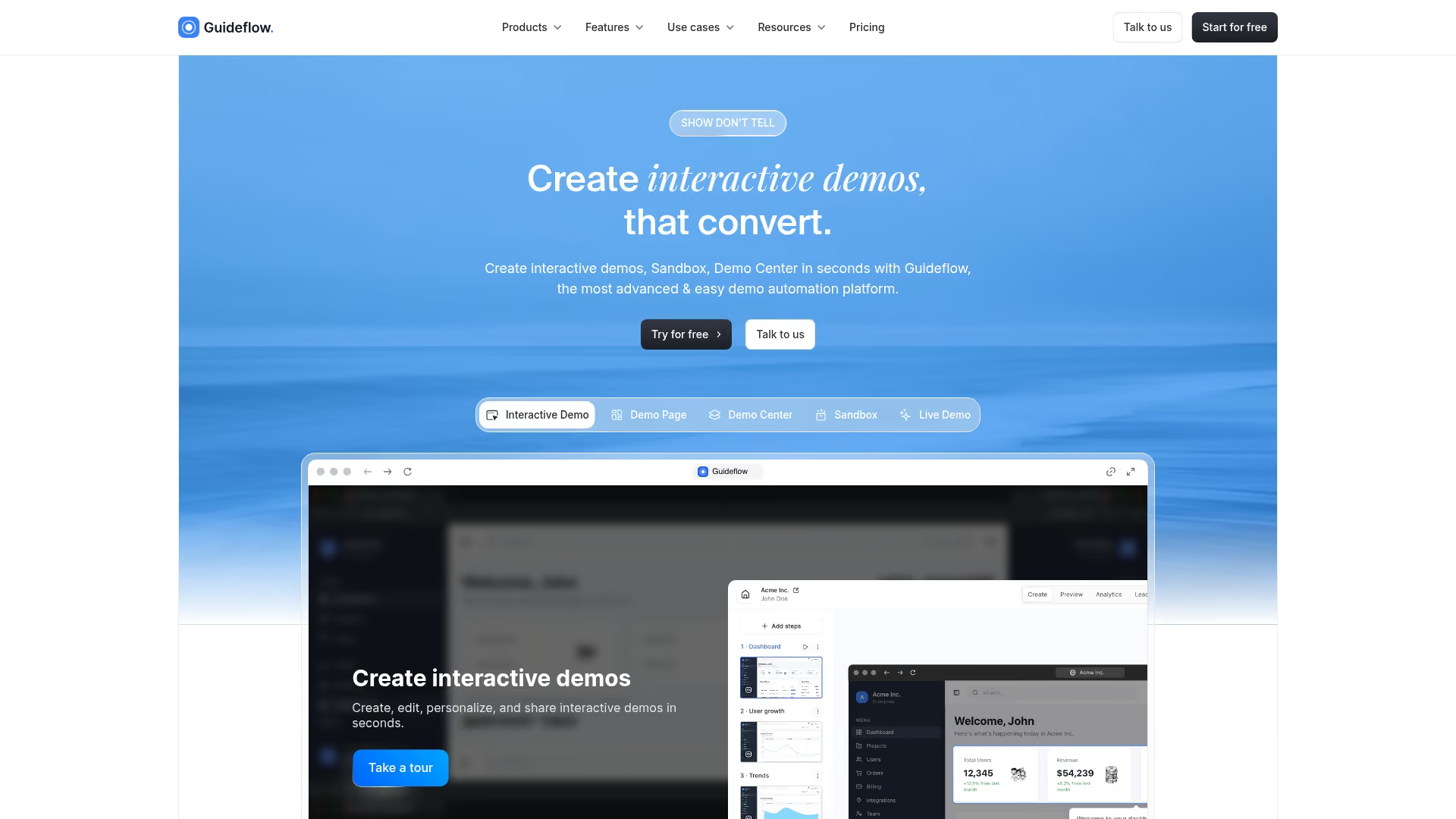
Guideflow is a demo automation platform built for teams that want partners to experience and share the product without becoming product experts. You capture your product flow from your browser and turn it into a clickable demo. Partners co-brand and distribute it on their own.
The core value for partner enablement: partners can show your product credibly without memorizing features, running live environments, or waiting for your SE team. They grab a demo from your portal, add their branding, and share it with their customers.
Best for: Partner programs that want self-serve demo creation, co-branding at scale, and engagement analytics tied to partner attribution.
Key strengths
- Capture in seconds: The browser extension records product flows without engineering involvement
- Co-branding and personalization: Partners tailor demos with their logo, colors, and content using dynamic variables and a no-code editor
- Partner-friendly sharing: Public links, embeds, and exports work on partner websites, in their emails, and across their sales motion
- Engagement analytics: Track which partners share demos and how their prospects engage
- AI-assisted editing: Auto-generate steps, translations, and voiceovers with AI features
Why choose for partner enablement: Partners who can show the product without becoming experts close more deals. Guideflow removes the dependency on your SE team for every partner conversation.
Pricing: Free tier includes 5 guideflows with unlimited viewers. Solo plan starts at $40/month with unlimited guideflows and advanced analytics. Growth, Advanced, and Enterprise tiers scale with team size.
Start your journey with Guideflow today!
2. Loom
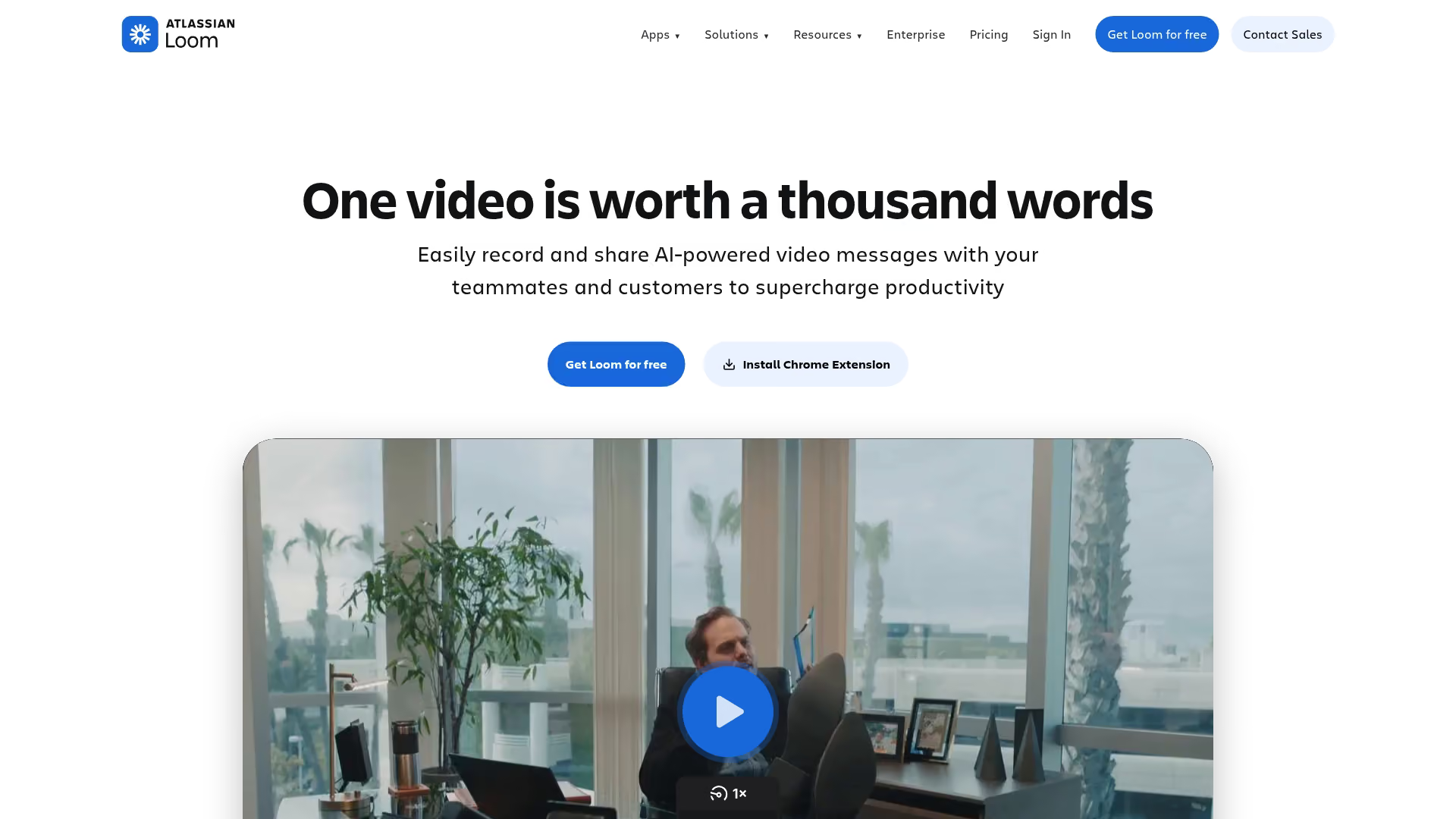
Loom is an async video communication tool. It's not a true interactive demo platform, but partner teams use it heavily for quick explainer videos and personalized follow-ups.
Partners record their screen and camera in one click, get an instant shareable link, and see who watched and for how long. For partner enablement, Loom fills the gap when partners want to add a personal touch to their outreach without scheduling calls.
Best for: Partners who want quick, personal video messages to supplement sales conversations.
Key strengths
- Fast recording: Screen and camera capture in one click with no file uploads or rendering delays
- Easy sharing: Instant link generation that works in email, Slack, or any messaging platform
- Viewer analytics: See who watched, how much they watched, and where they dropped off
- Comments and reactions: Prospects can respond inline, creating async conversation threads
Why choose for partner enablement: Partners create personalized video follow-ups without production overhead. Works well alongside interactive demos for the human touch.
Pricing: Free tier available with limited features. Business plans start at $15/month per creator.
3. Vidyard
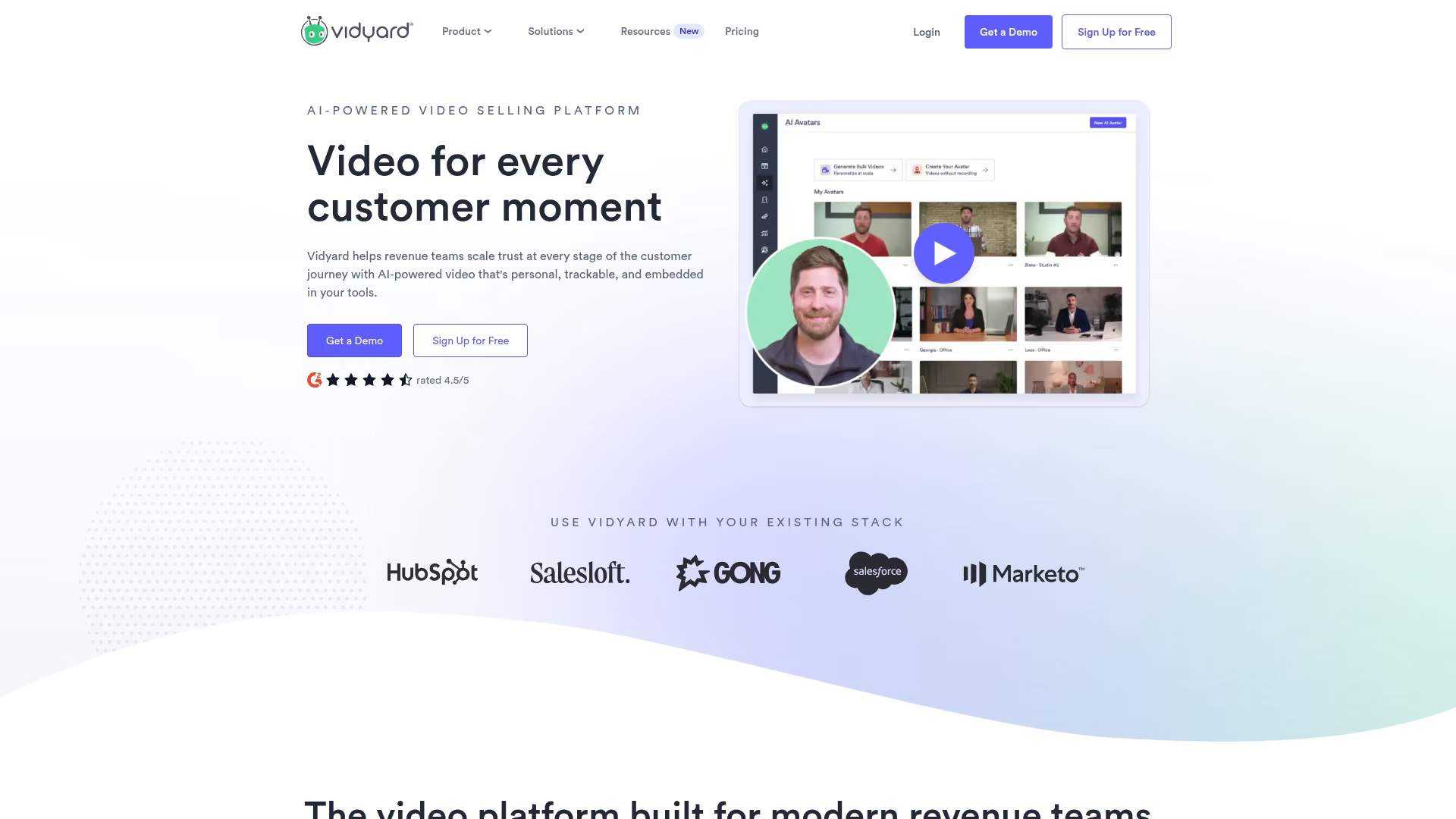
Vidyard is a video hosting and analytics platform built for sales and marketing teams. It's more robust than Loom for enterprise partner programs wanting centralized video libraries and engagement data synced to CRM.
For partner enablement, Vidyard works when you have a large video library partners can access and share. The analytics help attribute partner-influenced pipeline based on video engagement.
Best for: Partner programs with large video libraries wanting detailed engagement analytics and CRM integration.
Key strengths
- Video hosting and management: Centralized library for partner assets with organization by folder, tag, or use case
- Detailed analytics: Viewer-level engagement data synced to Salesforce, HubSpot, and major CRMs
- Personalized video creation: Partners record tailored messages with their own branding
- Integrations: Connects with CRMs, marketing automation tools, and major PRMs
Why choose for partner enablement: Enterprise-grade video analytics help attribute partner-influenced pipeline. Works well when video is a core part of your partner content strategy.
Pricing: Free tier for individuals. Team and enterprise pricing scales with features and usage.
4. Tourial
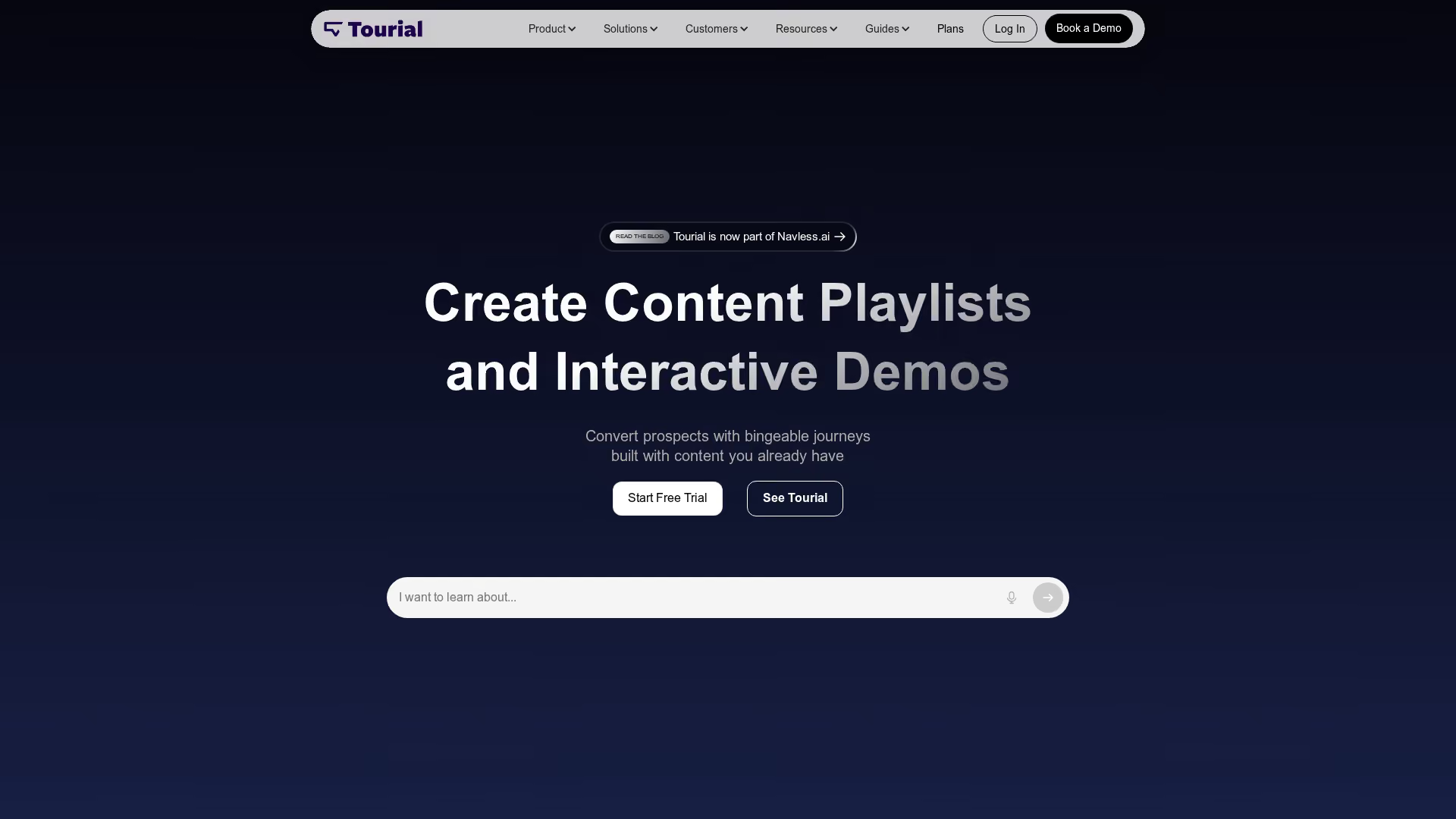
Tourial is a marketing-focused interactive demo tool. You build demos from product screenshots, add branching paths, and embed them on landing pages and campaigns.
For partner enablement, Tourial works for co-marketing landing pages where both parties want an interactive product experience. It's less suited for deep partner co-branding or portal distribution than purpose-built partner enablement tools.
Best for: Marketing teams creating interactive product tours for campaigns and landing pages.
Key strengths
- Screenshot-based capture: Build demos from product screenshots without live environments
- Branching paths: Let viewers choose their own journey through the product
- Embed anywhere: Works on websites, blogs, and landing pages
- Lead capture forms: Gate demos to collect prospect information
Why choose for partner enablement: Works for co-marketing landing pages, but lacks deep partner co-branding and portal features.
Pricing: Contact for pricing.
5. Scribe
Scribe auto-generates step-by-step documentation as you click through a workflow. It's not a demo tool per se, but partner enablement teams use it heavily for training guides and SOPs.
When partners want to reference how something works, Scribe produces visual guides faster than writing documentation manually. For partner onboarding and certification, Scribe speeds up content creation significantly.
Best for: Partner enablement teams creating training guides and SOPs at scale.
Key strengths
- Automatic documentation: Records clicks and generates step-by-step guides with screenshots and annotations
- Easy editing: Redact sensitive data, annotate screenshots, and customize text
- Export options: PDF, HTML, and embed codes for partner portals and help centers
- Team collaboration: Shared workspaces for partner content with version control
Why choose for partner enablement: Fast creation of training materials partners can reference during onboarding. Complements interactive demos for the documentation layer.
Pricing: Free tier available. Pro plans start at $29/month per seat.
6. Tango
Tango is similar to Scribe: it auto-captures workflows and generates visual how-to guides. Partner teams use it for quick-reference guides partners can pull up during sales conversations.
The Chrome extension makes capture lightweight. Guides publish to Notion, Confluence, or your help center with minimal formatting work.
Best for: Teams wanting quick how-to guides for partner onboarding and support.
Key strengths
- Auto-capture workflows: Records browser actions into visual guides automatically
- Blur and redact: Hide sensitive data before sharing with partners
- Knowledge base integration: Publish to Notion, Confluence, or help centers directly
- Chrome extension: Lightweight capture without heavy software installation
Why choose for partner enablement: Useful for creating quick-reference guides partners use during sales conversations.
Pricing: Free tier available. Pro plans start at $20/month.
7. Iorad

Iorad creates interactive tutorials where viewers click through simulated workflows. For partner certification programs, iorad adds hands-on practice without exposing production environments.
The tool supports multiple capture modes and integrates with learning management systems. If your partner program includes structured certification with knowledge checks, iorad fits that use case.
Best for: Partner certification programs wanting hands-on practice environments.
Key strengths
- Interactive tutorials: Viewers click through simulated workflows, not just watch
- Multiple capture modes: Screenshot, video, and live web capture options
- LMS integration: Works with learning management systems for structured certification
- Branching and quizzes: Test partner knowledge within tutorials
Why choose for partner enablement: Strong for structured partner certification. Less suited for sales-facing demos partners share with customers.
Pricing: Free trial available. Paid plans for teams scale with usage.
8. UserGuiding
UserGuiding is a product adoption platform primarily for customer onboarding. It creates in-app tooltips, checklists, and walkthroughs inside your product.
For partner enablement, UserGuiding works when partners access your product and want in-app guidance. It's not designed for external demo distribution, so the use case is narrower.
Best for: SaaS teams already using UserGuiding for customer onboarding who want to extend to partner training.
Key strengths
- In-app guides: Tooltips, checklists, and walkthroughs inside your product
- No-code builder: Non-technical teams create guides without developers
- Segmentation: Target guides by user role or behavior
- Analytics: Track completion and drop-off for optimization
Why choose for partner enablement: Works if partners access your product directly and want in-app guidance. Not for external demo distribution to partner customers.
Pricing: Tiered plans based on monthly active users.
9. Appcues
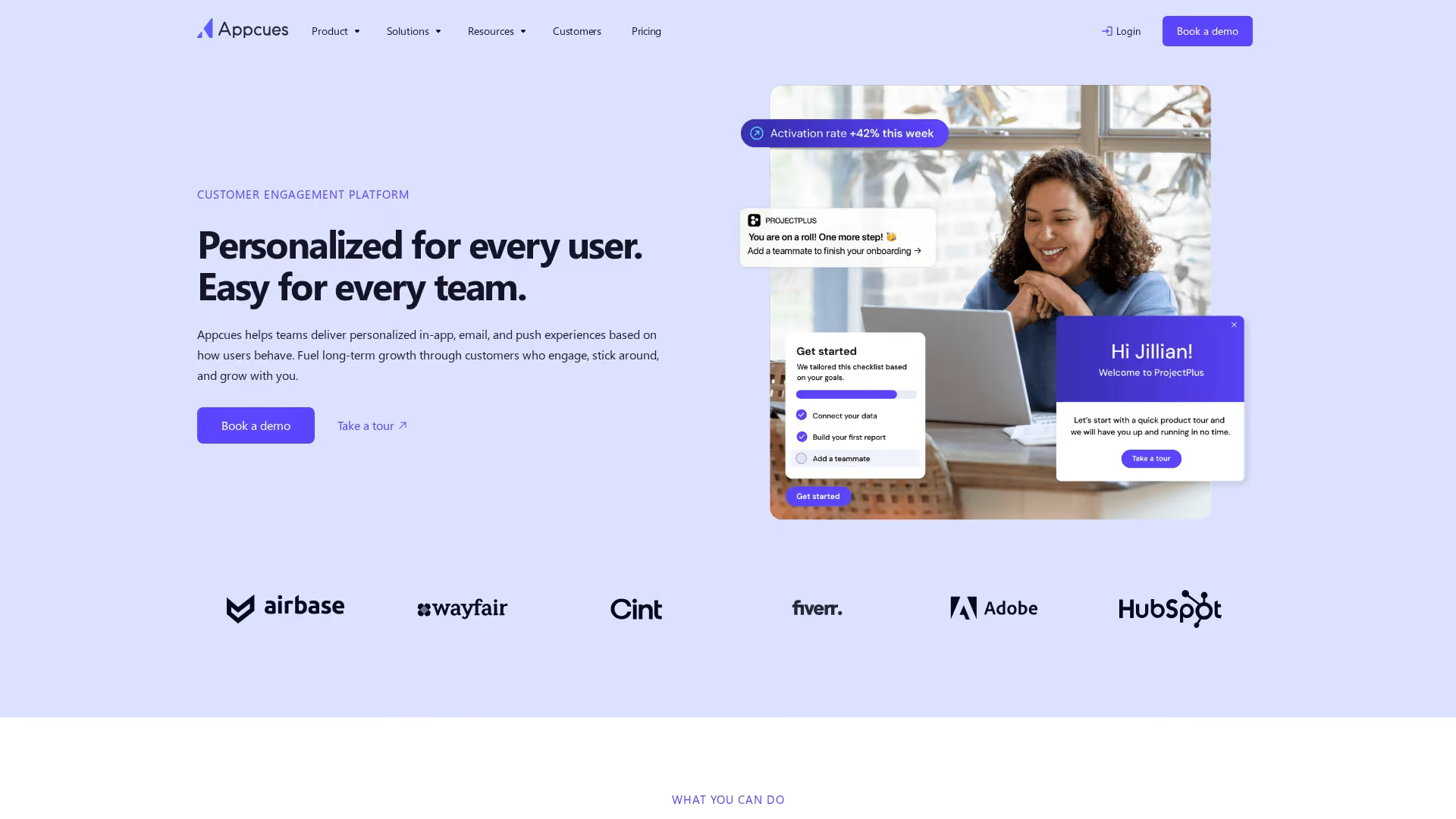
Appcues is an enterprise product adoption platform. Like UserGuiding, it creates in-app experiences: modals, tooltips, and flow builders.
For partner enablement, Appcues fits when partners log into your product and need guided onboarding. A/B testing and advanced targeting work well for optimizing partner training flows. Again, Appcues provides in-app guidance, not external demo distribution.
Best for: Enterprise teams with in-app onboarding who want to repurpose flows for partner training.
Key strengths
- In-app experiences: Modals, tooltips, and flow builders for guided onboarding
- Advanced targeting: Trigger guides based on user properties and events
- A/B testing: Optimize onboarding flows based on completion data
- Integrations: Connects with analytics and CRM tools
Why choose for partner enablement: Best for partners who access your product directly. Not designed for external demo sharing to partner customers.
Pricing: Tiered based on monthly active users. Enterprise plans available.
10. WalkMe
WalkMe is an enterprise digital adoption platform. It's the heavy-duty option for large organizations with complex partner training requirements and dedicated enablement teams.
For partner enablement, WalkMe fits when you have budget for a full digital adoption platform. Partners must interact with complex workflows inside your product. For most partner programs, it's overkill.
Best for: Enterprise organizations with complex partner training requirements and budget for full digital adoption platforms.
Key strengths
- Digital adoption platform: Full suite for in-app guidance, automation, and analytics
- Enterprise scale: Supports large, complex deployments across multiple products
- Workflow automation: Automate repetitive tasks within applications
- Deep analytics: Detailed usage and adoption metrics for optimization
Why choose for partner enablement: Fits enterprises with dedicated enablement teams and budget. Overkill for most partner programs.
Pricing: Enterprise pricing. Contact for quotes.
How to choose an interactive demo tool for partner enablement
The comparison table gives you the overview. Now here's how to narrow down based on what actually matters for partner programs.
Partner self-serve and co-branding features
Partners won't use tools that require your involvement for every customization. Evaluate whether partners can add their logo, tailor messaging, and share on their own domains.
The best tools let partners grab a demo, customize it, and distribute it in minutes. If customization requires your team, adoption will stall.
Pricing models for partner program scale
Watch out for per-seat pricing. It looks affordable with 10 partners. It explodes with 200.
Some tools charge per demo created. Others offer unlimited users with usage-based pricing. Match the pricing model to your partner program size and growth trajectory.
PRM and partner portal integration
Demos work best when they live where partners already work. Evaluate whether the tool integrates with your PRM or partner portal.
Native integrations are ideal. At minimum, you want embed codes or iframe options that work in your existing infrastructure.
Demo analytics for partner attribution
Partner Marketing Managers constantly justify program spend. You want data showing which partner shared the demo, which prospect engaged, and what features they explored.
Look for tools that attribute engagement to specific partner accounts and connect to your CRM for pipeline reporting.
Tip: Before committing, run a pilot with 5-10 active partners. Track whether they actually use the demos and whether the analytics give you the attribution data you want for leadership reporting.
Why partners can sell without becoming product experts
Here's the core insight: the biggest barrier to partner-led deals isn't partner motivation. It's product knowledge. Partners don't know your product deeply enough to demo confidently.
Traditional partner selling requires partners to learn the product, memorize features, and run live environments. That's a heavy lift for partners with multiple vendor relationships.
Interactive demos flip that dynamic. Partners share a guided experience that runs itself. The product demos itself while the partner focuses on the relationship and customer context.
How to track partner demo engagement and pipeline influence
Attribution is the constant challenge for Partner Marketing Managers. Did marketing source the lead?
Did the partner? Did the customer find the partner because of your marketplace listing?
Interactive demos provide cleaner attribution than most partner activities. Here's what you can track:
- Demo views by partner: Which partners are actively using demos versus letting them sit unused
- Prospect engagement: What features prospects explored, time spent, completion rates, and drop-off points
- Pipeline connection: How demo engagement correlates with deal progression in your CRM
The key is connecting demo engagement data to your CRM. When a prospect views a demo shared by Partner A, that engagement flows into your pipeline reporting.
How to implement interactive demos in your partner portal
Implementation doesn't require a massive project. Here's a practical sequence:
- Audit existing partner assets: Identify gaps where interactive demos replace static content. Start with the assets partners request most often.
- Build demos by use case and vertical: Organize for partner self-serve discovery with an interactive demos library. Partners find the right demo without asking your team.
- Set co-branding permissions: Define what partners can and cannot customize. Lock messaging and screenshots. Allow logo, intro text, and customer-specific personalization.
- Integrate with your PRM: Ensure demos are accessible where partners already work. Embed in your partner portal.
- Train partners on demo sharing: Quick enablement on how to embed and track. Show partners where to find demos, how to customize, and how to view engagement data.
Start with your most active partners. Get feedback. Iterate before rolling out broadly.
Give partners the tools to close deals faster
Partners who can show the product without becoming experts close more deals. That's the core insight behind interactive demos for partner enablement.
The best interactive demo tools for partner enablement in 2026 range from purpose-built demo platforms to video tools and documentation generators. The right choice depends on your program's requirements: co-branding, portal infrastructure, attribution, and budget.
The highest-impact move is giving partners self-serve access to demos they can customize and share without involving your team.
Start your journey with Guideflow today!