A crew shows up to a house that was already cleaned yesterday. Another job gets missed entirely because it lived in a text thread nobody checked. A client calls asking why their invoice is wrong, and you spend twenty minutes cross-referencing a spreadsheet against your calendar.
This is what running a cleaning company on manual tools looks like. Every missed job is a lost review. Every late arrival is a churned contract. And every hour you spend reconciling payroll by hand is an hour you are not spending on growth.
The market has noticed. The global cleaning service software market is expected to grow from about USD 1.96 billion in 2025 to USD 2.99 billion by 2030, an 8.5% CAGR, according to The Business Research Company (2025). North America is projected to post the highest growth rate through 2030, per Data Bridge Market Research. Operators are moving off spreadsheets fast, because the cost of scattered systems compounds every week.
The right cleaning management software replaces the text threads, the shared calendars, and the mental math with one operational system. Jobs get created, assigned, dispatched, verified, invoiced, and paid without anyone chasing a status update. This guide breaks down eight tools, what each one is built for, and how to match your biggest bottleneck to the right pick.
What's inside
This guide is for owners, operators, and office managers at residential and commercial cleaning companies who have outgrown manual scheduling. We compared eight cleaning business software tools on the criteria that actually move the needle for service operations:
- Scheduling and dispatch: recurring jobs, crew assignment, route logic
- Customer and job records: a real CRM, not a contacts list
- Billing and payments: invoicing, auto-charge, payroll support
- Verification and communication: GPS, photo proof, checklists, reminders
- Fit by service type: residential maid work versus commercial cleaning
Every pricing figure and rating below comes from each vendor's own pricing page and current listings, verified in 2026.
TL;DR
Short on time? Here are the fast picks by scenario:
- Best for commercial cleaning operations: CleanManager, built around time tracking, wage calculation, and quality audits.
- Best for workforce verification: Connecteam, with GPS clock-in, geofencing, and mobile checklists.
- Best for cleaning-first scheduling: ZenMaid, purpose-built for maid services and recurring residential work.
- Best all-in-one service management: Jobber or HouseCall Pro, both polished enough to run the whole business.
- Best for lean owner-operators: ServiceM8, with a free tier and job-first simplicity.
- Best for a booking-first flow: BookingKoala, if customer self-service is your growth engine.
What is cleaning management software
Cleaning management software is a system that helps cleaning companies schedule jobs, assign and dispatch crews, track time and location, invoice clients, and manage customer records in one place. It replaces spreadsheets, group texts, and paper checklists with a connected workflow that updates in real time.
The core workflow is consistent across most cleaning service software:
- Create a job with the client, address, scope, and recurrence.
- Assign it to a crew or individual cleaner.
- Dispatch the crew with route and job details on mobile.
- Update status from mobile as the crew arrives, works, and completes.
- Sync in real time so the office sees progress without calling.
- Trigger automations like reminders, invoices, and follow-ups.
Most cleaning company software covers the same core capabilities. What separates the tools is depth and fit by service type.
- Scheduling and dispatch: recurring visits, crew routing, calendar and map views
- Customer and job records: a cleaning CRM that stores history, notes, and preferences
- Invoicing and payments: automated billing, card capture, and auto-charge
- Time tracking and GPS checks: clock-in verification, geofencing, mileage
- Communication and reminders: automated SMS and email to clients and crews
- Checklists and proof of work: task compliance and photo evidence per job
A good cleaning management system turns a chaotic day into a predictable one. You stop reconstructing what happened and start seeing it as it happens.
When to use cleaning management software
Not every cleaning business needs the same thing on day one. Here is how to tell when the switch pays for itself.
When recurring jobs are slipping through manual scheduling
If you run weekly, biweekly, or monthly cleans, manual scheduling breaks at scale. A single missed recurrence costs you a client and a review. Cleaning scheduling software auto-generates recurring visits, flags conflicts, and rebalances routes when a cleaner calls out. This is the moment most residential cleaning software earns its keep.
When crews need mobile updates and proof of work
If you cannot see whether a crew arrived, finished, or skipped a room, you are managing blind. Commercial cleaning software with GPS clock-in, geofencing, and photo proof gives you accountability without micromanaging. It also settles client disputes fast, because the evidence is timestamped and attached to the job.
When billing, payroll, and customer data are scattered
If invoicing lives in one tool, payroll in another, and client notes in a third, errors are inevitable. Cleaning CRM software that ties job records to invoices and time tracking removes the reconciliation tax. You bill accurately, pay crews correctly, and keep customer history in one place.
Comparison table
Here is a side-by-side view of the eight tools, ordered by relevance to cleaning operations. Pricing reflects each vendor's public entry tier, and ratings come from current G2 listings where available.
| # | Product | Best for | Key use case | Pricing | G2 rating |
|---|---|---|---|---|---|
| 1 | CleanManager | Commercial cleaning ops | Time tracking, wage calc, quality audits | From €40/mo per admin | Not listed |
| 2 | Connecteam | Workforce verification | GPS clock-in, scheduling, checklists | From $29/mo | 4.6/5 |
| 3 | Jobber | All-in-one service mgmt | Scheduling, invoicing, client hub | From $49/mo | 4.6/5 |
| 4 | ZenMaid | Maid and residential | Recurring scheduling, automations | From $19/mo | 4.8/5 |
| 5 | HouseCall Pro | Field-service cleaning | Booking, dispatch, payments | From $59/mo | 4.3/5 |
| 6 | ServiceM8 | Lean owner-operators | Job scheduling, quoting, invoicing | Free, then $29/mo | 4.0/5 |
| 7 | MaidCentral | Residential ops at scale | Scheduling, CRM, payroll, KPIs | From $450/mo | Not listed |
| 8 | BookingKoala | Booking-first businesses | Online booking, automation, payments | From $27/mo | 4.8/5 |
Best cleaning management software tools for 2026
Below is the full breakdown of each tool, what it does well, who it fits, and what it costs.
1. CleanManager
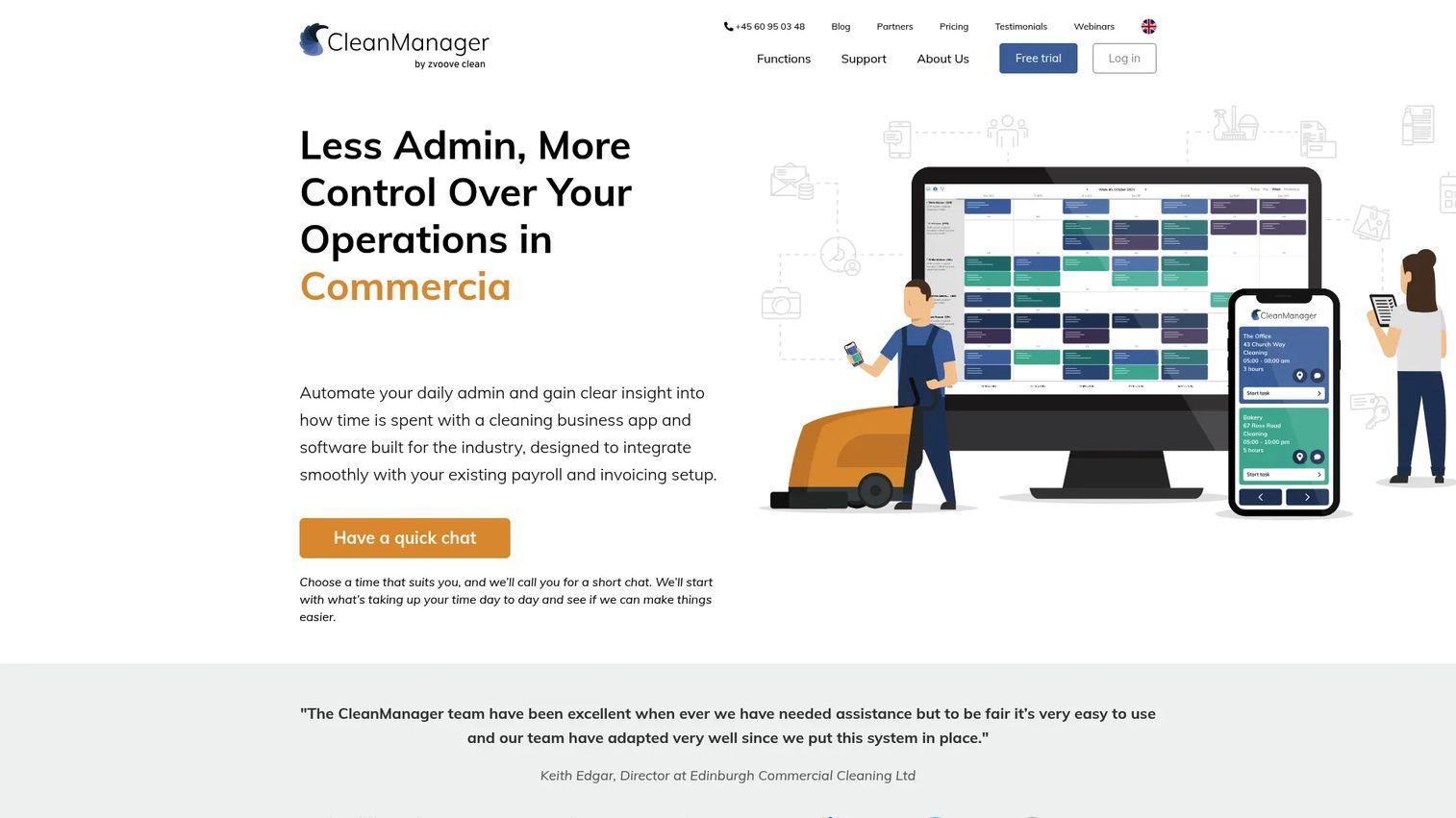
CleanManager is cleaning business management software built for operations-heavy companies, with scheduling, time tracking, invoice calculation, and quality control in one system. It leans commercial, where wage calculation and audits matter as much as the schedule itself. The platform is modular, so you build the system from user types and add-on modules rather than fixed plans.
The strength here is centralized operational control. Instead of running time tracking in one app and invoicing in another, CleanManager ties the schedule to hours worked, wages owed, and invoices billed. That removes the reconciliation work that eats admin hours at commercial cleaning firms.
Best for: Commercial cleaning companies that need customizable operations software with strong time tracking and payroll logic.
Key strengths
- Scheduling and cleaning plans for recurring commercial work
- Time tracking app with wage and payroll calculation
- Invoice calculation tied to hours and job scope
- Quality control, audits, and reporting
Why choose CleanManager: If your bottleneck is admin overhead, reconciling hours, wages, and invoices by hand, CleanManager collapses that into one flow. It fits firms that value operational depth over a slick booking front end.
CleanManager pricing: Pricing is modular and built from user types. An administrator seat is €40.00/month, a supervisor €27.00/month, and an employee with login €9.50/month, plus add-on modules. Public examples include 10 employees with one module at €195/month. A free trial is available. Prices are exclusive of VAT.
2. Connecteam
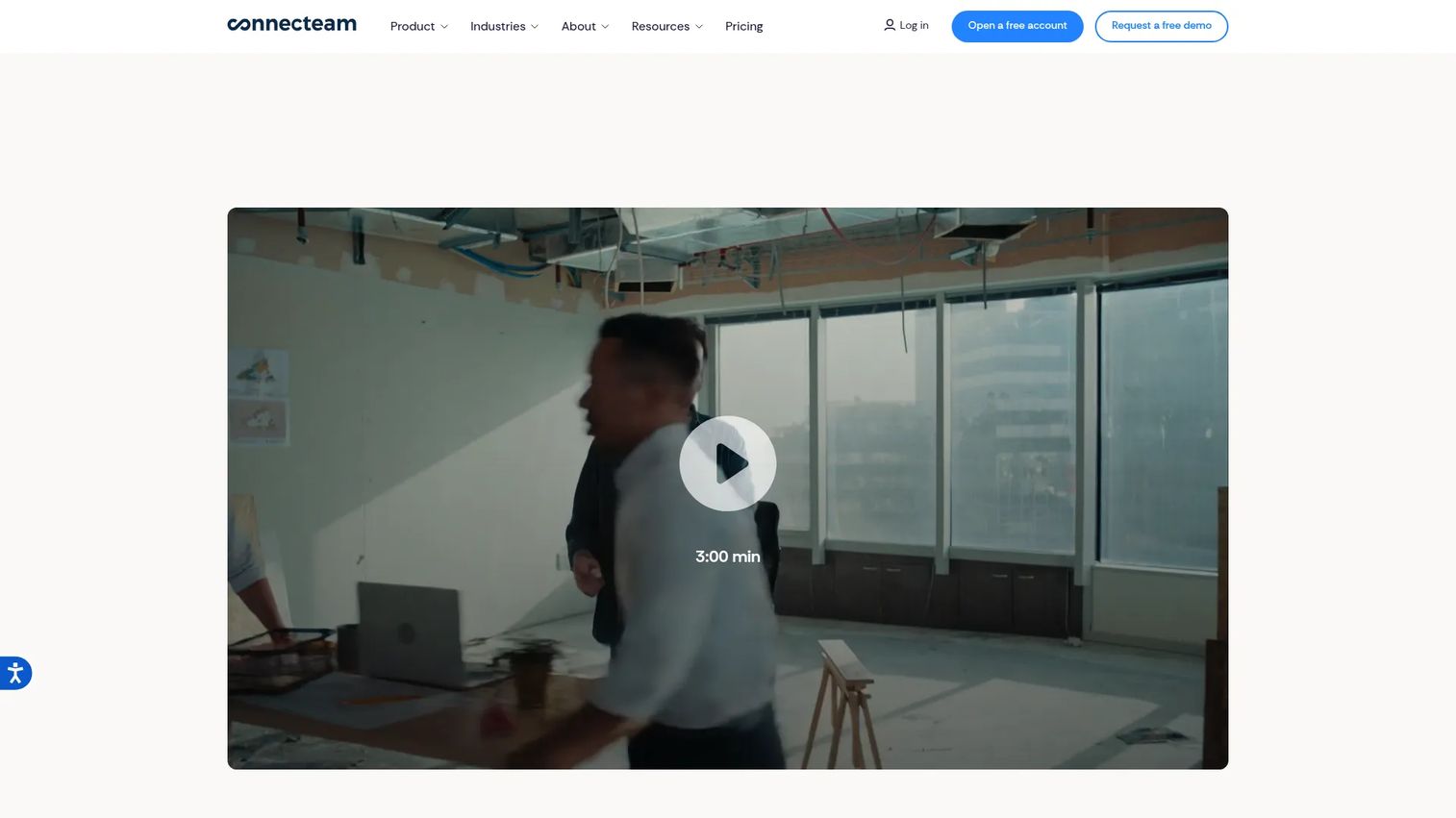
Connecteam is all-in-one employee management software for deskless and frontline teams, which makes it a strong fit for cleaning crews spread across sites. It combines scheduling, GPS time tracking, checklists, forms, and team chat in one mobile app. If your priority is workforce accountability, this is where it shines.
Where dedicated cleaning software focuses on the client side, Connecteam focuses on the crew side. GPS clock-in confirms cleaners are on site. Geofencing prevents early or off-site punches. Digital forms and checklists capture proof of work before a crew leaves.
Best for: Cleaning companies that need strong mobile operations control, GPS verification, and internal communication in one app.
Key strengths
- Employee scheduling with shift assignment
- Time tracking with GPS and geofencing
- Chat, updates, and digital checklists
- Forms for proof of work and compliance
Why choose Connecteam: Choose it when accountability is your problem, missed clock-ins, unclear attendance, no proof a job was done right. It handles the workforce layer better than most client-first cleaning tools.
Connecteam pricing: Plans start at $29/month for the Basic tier (first 30 users), then Advanced at $49/month and Expert at $99/month, with per-user charges above 30 users. Enterprise is custom. A free 14-day trial and a free small-business option are available.
3. Jobber
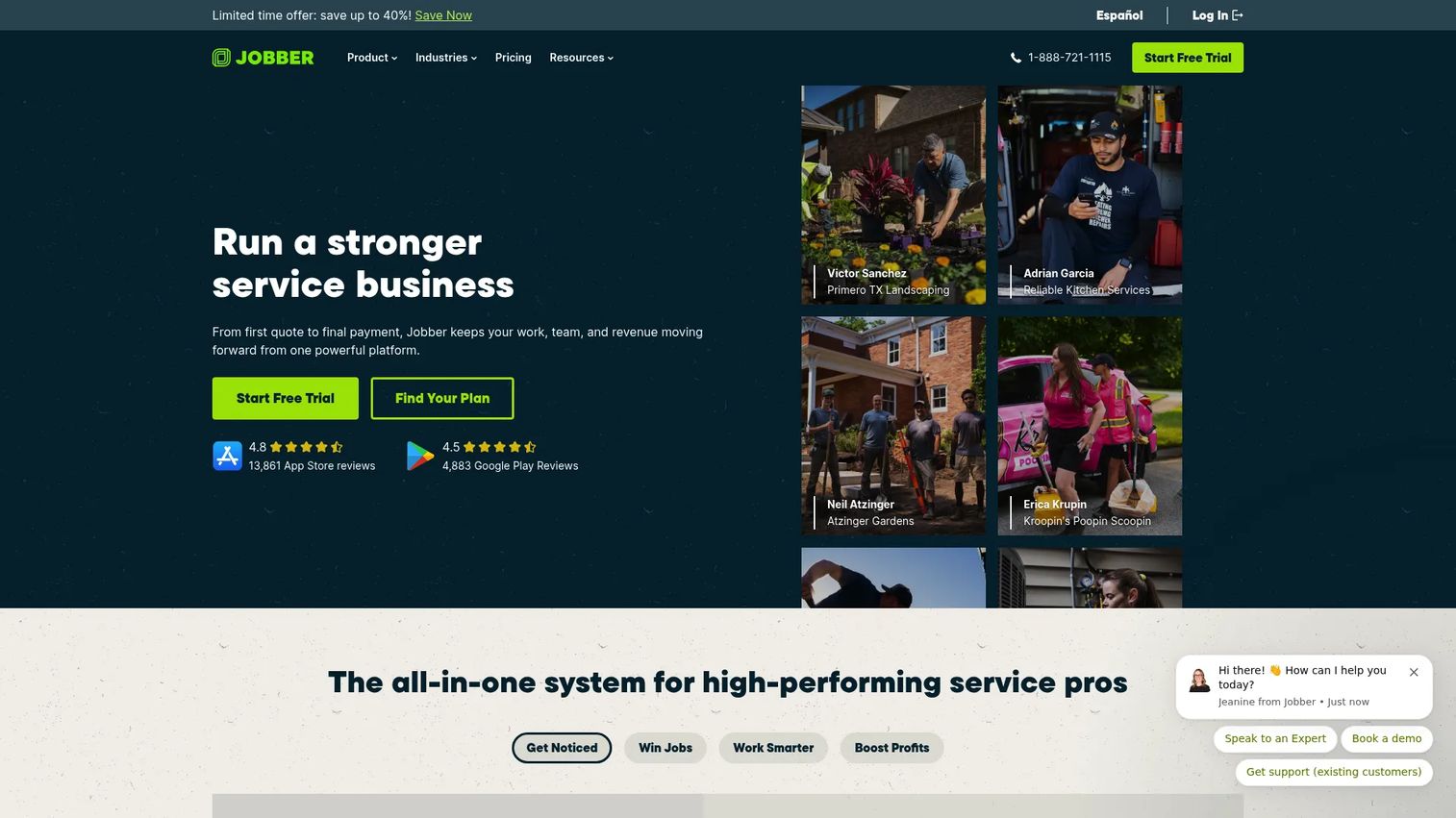
Jobber is field service management software that covers home and service businesses, cleaning included, with scheduling, invoicing, payments, and a client portal in one polished system. It is the pick for operators who want fewer tools and a system that looks professional to clients.
The client hub is the standout. Customers book, approve quotes, view visits, and pay online from one portal. That reduces the back-and-forth that clogs an office inbox. For a founder trying to make the business run without routing every request through themselves, that self-service layer matters.
Best for: Growing service businesses that want a single, polished all-in-one system instead of a stack of point tools.
Key strengths
- Online booking and scheduling
- Invoicing and online payments
- Client hub portal and job tracking
- Automated reminders and follow-ups
Why choose Jobber: Choose Jobber when you want to consolidate scheduling, billing, and client communication into one tool that scales as you add crews. It trades cleaning-specific niche features for breadth and polish.
Jobber pricing: Four plans: Core at $49/month, Connect at $129/month, Grow at $249/month, and Plus at $499/month. A free trial is available with no credit card required. There is no permanent free tier.
4. ZenMaid
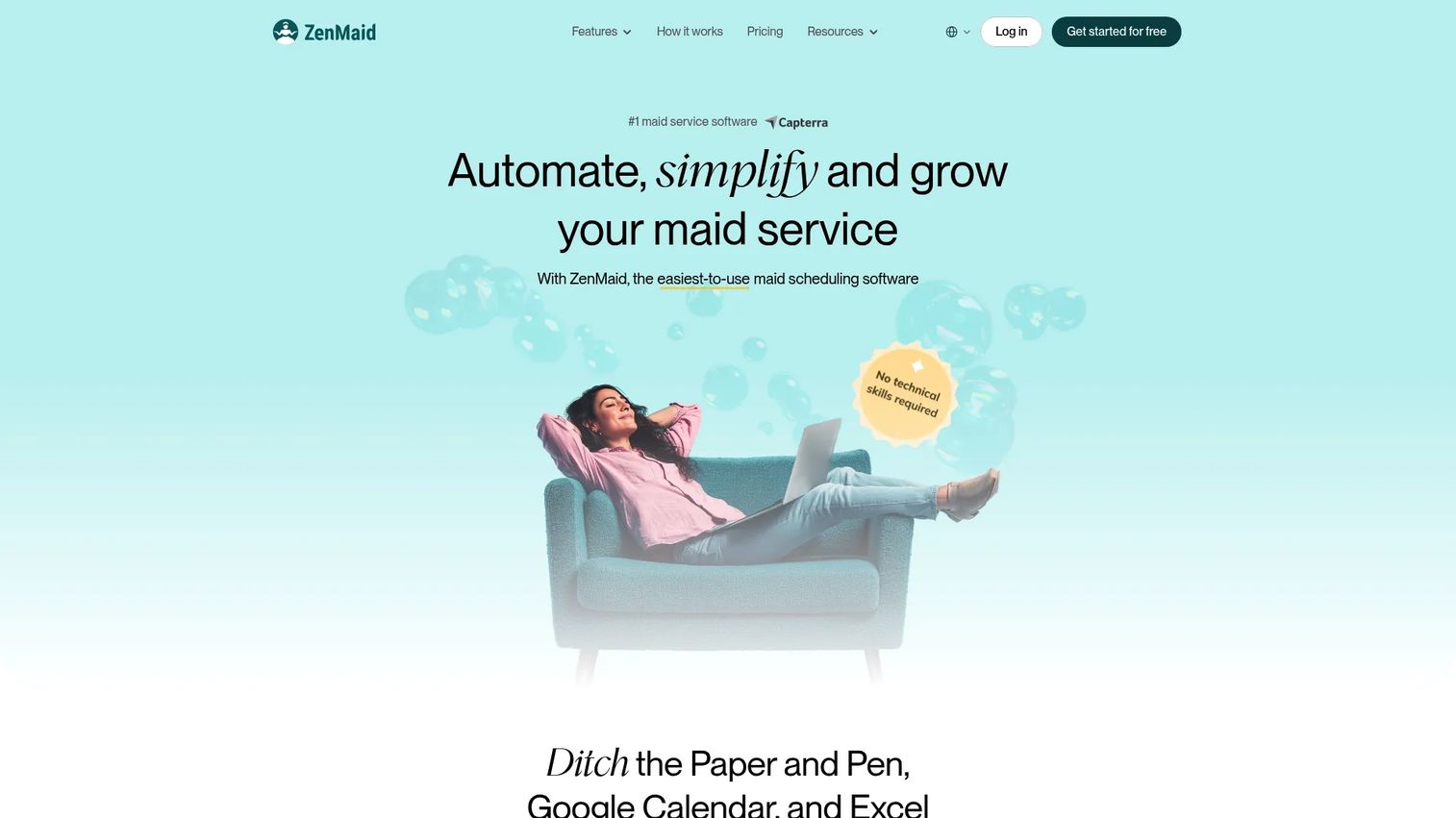
ZenMaid is scheduling and management software built specifically for maid services and residential cleaning businesses. Where general field-service tools adapt to cleaning, ZenMaid was designed around it, recurring jobs, automated client reminders, and crew coordination sit at the center.
The recurring-job engine is the reason maid services pick it. Set a client to biweekly and the calendar handles the rest, including reminders and follow-ups. Map views and a scheduling calendar keep routes tight, and QuickBooks integration keeps the books clean.
Best for: Maid services and residential cleaning companies that want industry-specific scheduling and automation out of the box.
Key strengths
- Scheduling and dispatch calendar with map views
- Automated SMS and email communications
- Online payments, invoicing, and QuickBooks integration
- Recurring job automation for repeat visits
Why choose ZenMaid: Choose ZenMaid when your business is residential and recurring. It skips the commercial-heavy features you will not use and nails the maid-service workflow.
ZenMaid pricing: Three public plans: Starter at $19/month, Pro at $39/month, and Pro Max at $49/month. All plans include a 14-day free trial. SMS charges are billed separately.
5. HouseCall Pro
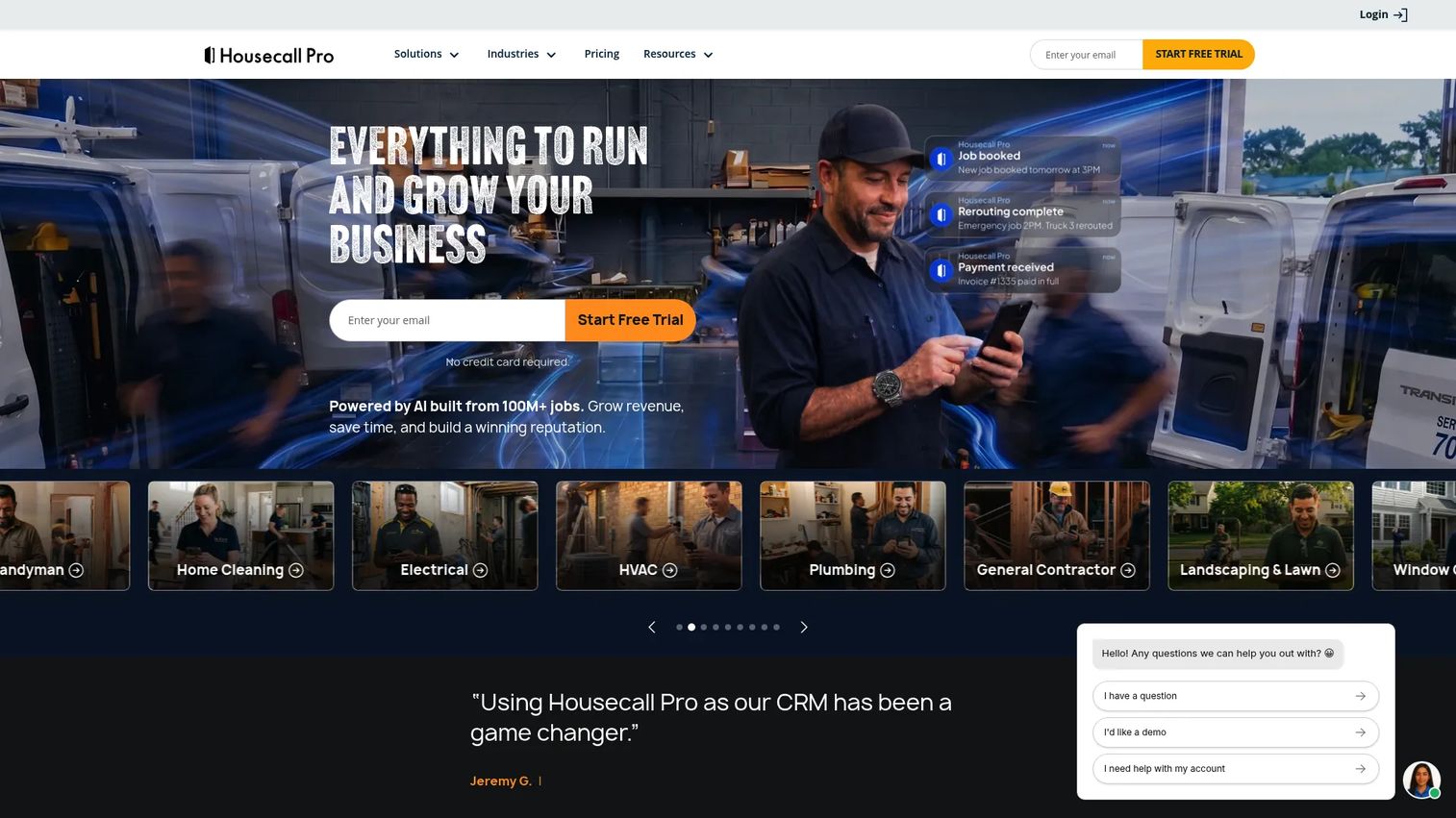
HouseCall Pro is field service management software for home service businesses, covering scheduling, dispatching, invoicing, payments, and online booking. It is a recognizable all-in-one option with strong mobile usability, which matters when crews live in the app all day.
The automation is the time-saver. Booking, dispatch, reminders, and payment collection run with minimal manual steps. For a cleaning business that wants a broad, well-supported platform rather than a cleaning-only niche tool, HouseCall Pro is an easy shortlist entry.
Best for: Field-service-style cleaning businesses that want a recognizable, mobile-first all-in-one platform.
Key strengths
- Online booking and scheduling
- Dispatching and route management
- Invoicing and payments
- Automated customer communication
Why choose HouseCall Pro: Choose it when you want breadth, mobile polish, and a large support ecosystem. It fits teams that value a proven platform over cleaning-specific niche features.
HouseCall Pro pricing: Basic starts at $59/month, Essentials at $149/month, and MAX is custom pricing. A 14-day free trial is available. There is no permanent free tier.
6. ServiceM8
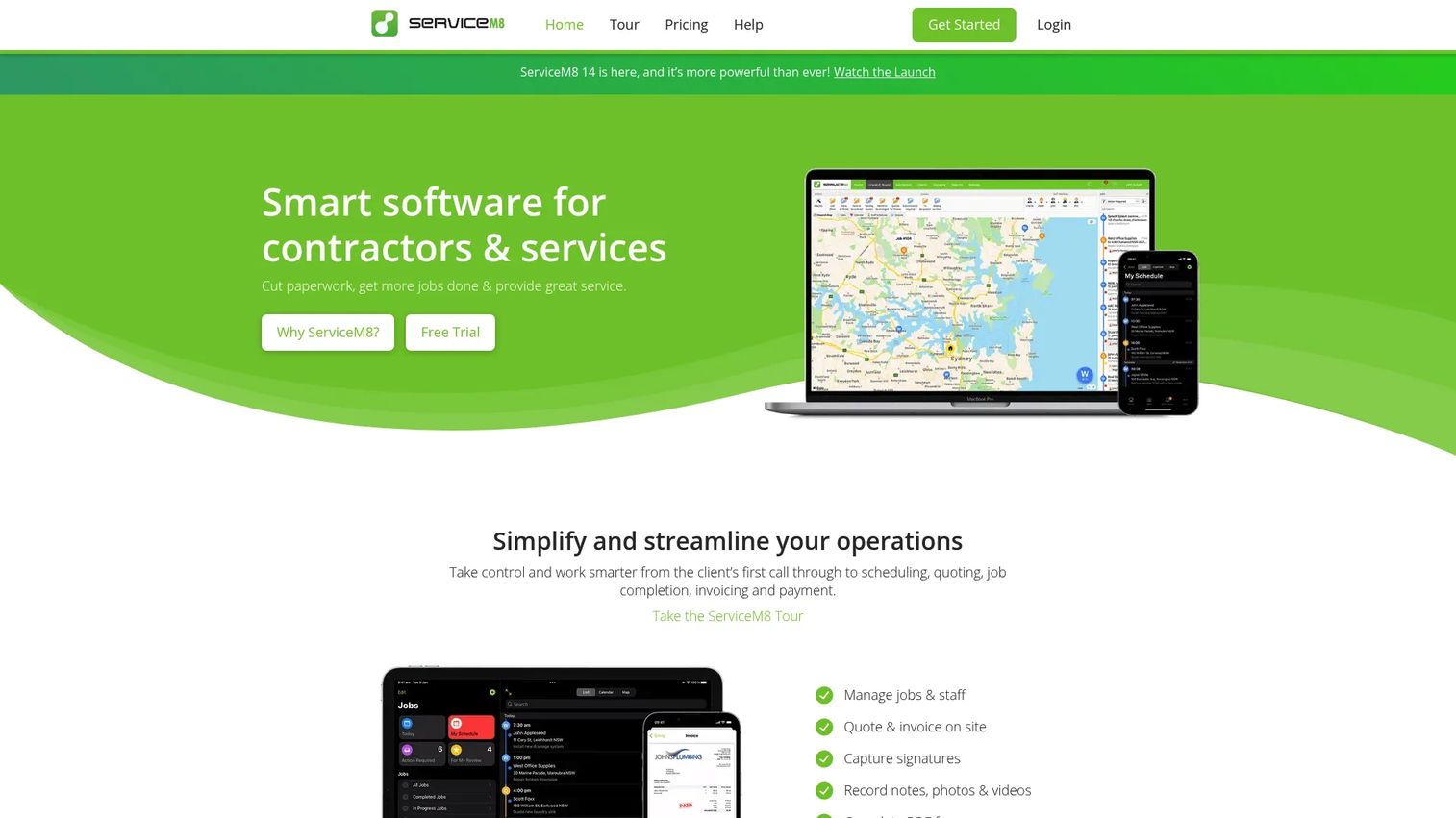
ServiceM8 is field service management software for trades and service businesses, with job scheduling, quoting, invoicing, and client communication in one system. Its job-count pricing and free entry tier make it a fit for lean cleaning teams and owner-operators who want speed without overhead.
The appeal is simplicity. Create a job, dispatch it, invoice it, get paid, all from a clean mobile flow. Online bookings, SMS, and card payments cover the essentials without a steep learning curve. For a solo operator or a small crew, that is often exactly enough.
Best for: Small trade and cleaning businesses or owner-operators who want fast, simple job management without complexity.
Key strengths
- Job scheduling and dispatch
- Quoting, invoicing, and card payments
- Online bookings, SMS, and client communication
- Job-count-based pricing that scales with volume
Why choose ServiceM8: Choose ServiceM8 when you want to start free and pay by job volume. It fits lean teams that value speed and simplicity over a deep feature set.
ServiceM8 pricing: Five plans: Free ($0/month, 30 jobs), Starter at $29/month (50 jobs), Growing at $79/month (150 jobs), Premium at $149/month (500 jobs), and Premium Plus at $349/month (1500+ jobs).
7. MaidCentral
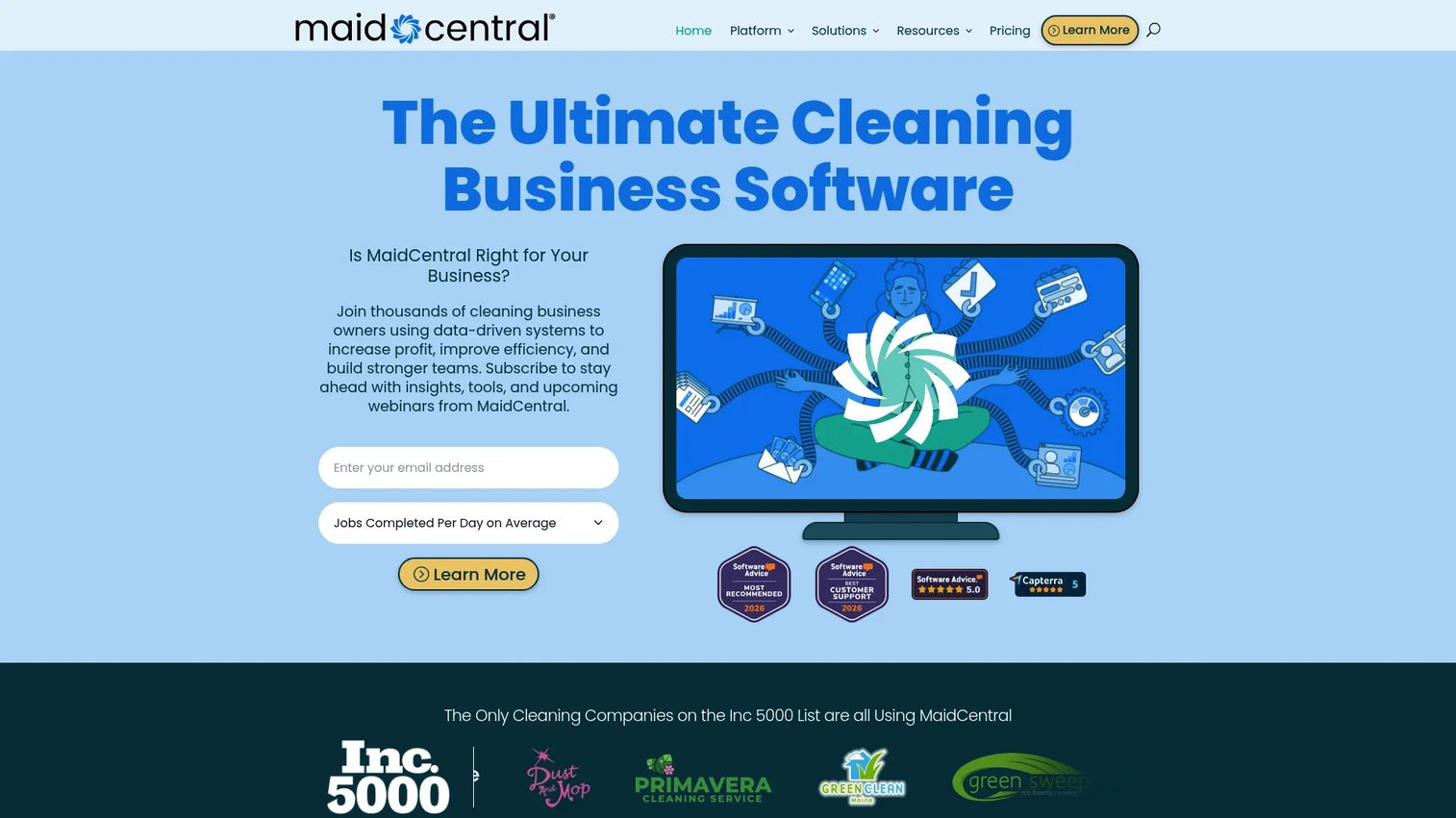
MaidCentral is cleaning business software built for residential cleaning companies that have scaled past the basics. It combines scheduling, a CRM, online booking, a customer portal, payroll, and KPI reporting into one operations platform. This is the pick for maid services running many crews and repeat routes.
What sets it apart is the profitability layer. Beyond scheduling and dispatch, MaidCentral tracks KPIs, automates rate increases, and supports payroll, so owners can see margin per job, not just whether the job got done. For a residential company scaling repeatably, that visibility is the point.
Best for: Residential cleaning businesses with repeat visits that need an all-in-one ops, scheduling, and profitability platform.
Key strengths
- Scheduling and dispatching for recurring routes
- CRM, online booking, and customer portal
- Reporting, KPIs, and payroll
- Rate increase automation
Why choose MaidCentral: Choose MaidCentral when you have outgrown lightweight tools and need operational depth plus profitability reporting. It fits established residential companies, not first-week startups.
MaidCentral pricing: Pricing starts at $450/month and scales by number of physical locations and monthly completed job count. Pricing is estimated up front and confirmed at sign-up. There is no free tier.
8. BookingKoala
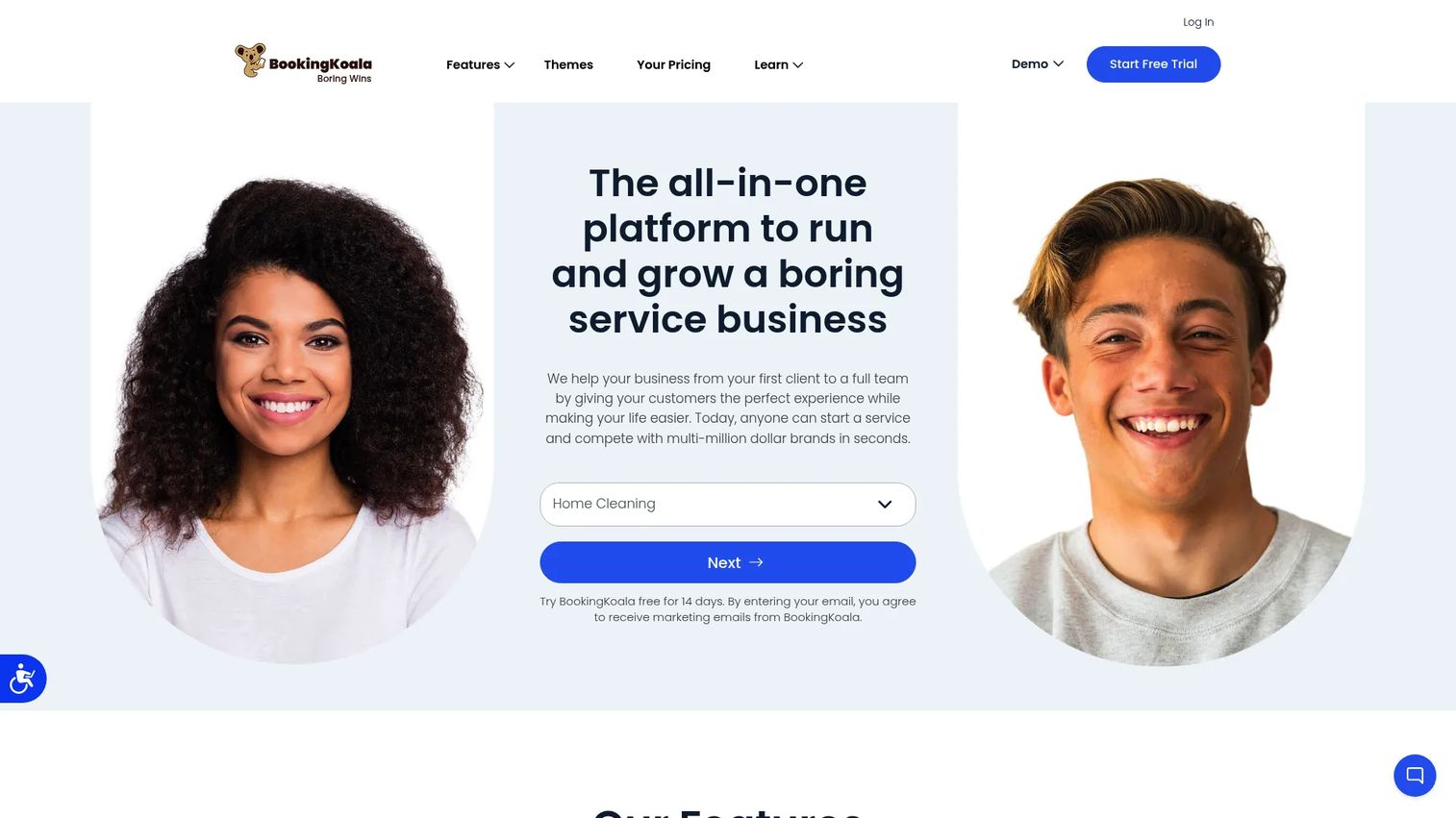
BookingKoala is a service business platform built around online booking, scheduling, payments, and customer management. If your growth model is customer self-service, letting clients book and pay without a phone call, BookingKoala centers that flow. It suits cleaning businesses that want a booking-first front end.
The booking forms and smart scheduling do the heavy lifting. Customers pick a service, choose a time, and pay, while the backend handles crew assignment and SMS notifications. For a growth-minded operator, turning a website visitor into a booked, paid job without staff involvement is a real lever.
Best for: Cleaning businesses that want a booking-first flow with strong customer self-service and automation.
Key strengths
- Customizable booking forms
- Smart scheduling and crew assignment
- SMS notifications for clients and crews
- Payment capture at booking
Why choose BookingKoala: Choose it when online booking is your primary acquisition channel and you want customers to self-serve end to end. It fits growth-focused teams prioritizing conversion at the booking stage.
BookingKoala pricing: Starter starts at $27/month, Growing at $57/month, and Premium at $197/month. Higher usage can raise pricing via the calculator. Free trials are available on each plan.
Considerations before you buy
Picking the right cleaning service management software comes down to matching the tool to your actual bottleneck. Run through this checklist before you commit.
Service type fit
Residential maid services and commercial cleaning firms have different needs. Maid services want recurring scheduling and client reminders. Commercial firms want time tracking, wage calculation, and audits. Buy for the workflow you actually run, not the feature list that looks most complete.
Verification and accountability
If missed jobs and disputes are your pain, prioritize GPS clock-in, geofencing, and photo proof. These features settle client disputes and confirm work without a supervisor on site. A tool without verification leaves you managing blind.
Billing and payroll integration
Scattered billing and payroll create errors that cost money and trust. Look for software that ties job records to invoices and time tracking, so hours worked map cleanly to wages paid and clients billed. QuickBooks or native payroll support is worth confirming up front.
Pricing model and stage fit
Free tiers and job-count pricing suit lean teams. Per-seat or module pricing suits larger operations. Match the pricing model to your headcount and job volume so you are not overpaying at your current stage or capped as you grow.
Mobile usability for crews
Your crews live in the mobile app. If it is clunky, adoption stalls and the data goes stale. Test the mobile experience with an actual cleaner before rolling it out company-wide.
Conclusion
The best cleaning management software is the one that fixes your biggest bottleneck first. Here is how the picks shake out.
Choose CleanManager if you run an operations-heavy commercial cleaning company and need time tracking, wages, and invoicing in one place. Choose Connecteam if workforce accountability, GPS verification, and proof of work are your pain. Choose ZenMaid if you run a maid service and want cleaning-first scheduling that handles recurring jobs automatically.
For broader all-in-one service management, Jobber and HouseCall Pro both consolidate scheduling, billing, and client communication into one polished system. ServiceM8 fits lean owner-operators who want to start free, MaidCentral suits residential companies scaling with profitability reporting, and BookingKoala works for growth-minded teams built around online booking.
Start with the workflow that is costing you the most right now, missed jobs, weak accountability, or scattered billing, and pick the tool that closes that gap. Then run a trial before you commit, and test the mobile app with a real crew.
FAQs
There is no single best tool, only the best fit for your bottleneck. Commercial firms tend toward CleanManager for time tracking and audits, maid services toward ZenMaid or MaidCentral for recurring scheduling, and lean teams toward ServiceM8 for its free tier. Start with the pain that costs you the most and match the tool to it.
Once recurring jobs outpace what you can track in a spreadsheet or text thread, yes. Cleaning scheduling software auto-generates recurring visits, flags conflicts, and rebalances routes when a cleaner calls out. The tipping point is usually when a missed or double-booked job starts costing you clients and reviews.
At minimum: scheduling and dispatch, a customer and job CRM, invoicing and payments, time tracking with GPS, automated client communication, and checklists with photo proof. Residential teams weight recurring scheduling and reminders. Commercial teams weight time tracking, wage calculation, and quality audits.
Yes. ZenMaid and MaidCentral are both built around residential maid-service workflows, recurring jobs, crew coordination, client reminders, and payroll. ZenMaid suits smaller and mid-size maid services, while MaidCentral targets larger residential companies that also want KPI and profitability reporting.
Entry pricing ranges widely. ZenMaid starts at $19/month and BookingKoala at $27/month, while CleanManager builds cost from user seats starting at €40/month per administrator. Larger platforms like MaidCentral start at $450/month. ServiceM8 offers a free tier for up to 30 jobs a month, so lean teams can start at no cost.
Yes, and this is where scattered systems cost the most. CleanManager ties time tracking to wage calculation and invoicing. Connecteam handles GPS clock-in and geofenced time tracking. MaidCentral includes payroll support. Tying hours worked to wages paid removes the manual reconciliation that causes payroll errors.
Cleaning-specific tools like ZenMaid and MaidCentral are built around recurring residential visits, maid-crew coordination, and cleaning checklists. Generic field-service tools like Jobber, HouseCall Pro, and ServiceM8 cover many trades and adapt to cleaning. Cleaning-first software fits the workflow out of the box; field-service software offers more breadth across service types.
ZenMaid and MaidCentral are strongest for recurring residential work, with automation built around weekly, biweekly, and monthly visits. For mixed service businesses, Jobber and HouseCall Pro also handle recurring schedules well. The key is auto-generated recurrences plus automated reminders, so repeat visits do not depend on someone remembering them.