Your data already has relationships. Customers connect to accounts, accounts to features, features to usage events, usage to support tickets. The problem is not that the connections don't exist. It's that when you try to answer a question that spans four or five of those hops in a relational database, the joins pile up, the query slows down, and the model starts to fight you.
That friction shows up in real product work. You want to know which users are two steps away from a power user in their org. You want to surface a recommendation based on what similar accounts actually did next. You want to trace a fraud pattern or a dependency chain in real time. Relational tables can express these, but the cost climbs with every join, and the model stops matching how the business actually thinks.
Graph databases flip the default. Instead of modeling rows and reconstructing relationships at query time, they store the relationships directly. That makes multi-hop querying fast and the schema readable. The market reflects the shift: the global graph database market is estimated at USD 4.21 billion in 2026 and projected to reach USD 14.02 billion by 2031, a 27.19% CAGR, according to Mordor Intelligence (2024).
For product managers, the real question is not whether graphs are interesting. It's whether relationship-first modeling improves activation, personalization, fraud detection, or knowledge workflows enough to justify a new piece of infrastructure. This guide is built to answer that. If you also evaluate adjacent categories, our roundups on agentic AI platforms, agentic analytics software, and analytics platforms that drive ROI pair well with this shortlist.
What's inside
This guide compares seven graph database platforms for teams evaluating graph technology in 2026: Neo4j, TigerGraph, Memgraph, Amazon Neptune, ArangoDB, JanusGraph, and OrientDB. It's written for product managers and the engineering, data, and leadership partners they need to convince.
We selected and ordered platforms by relevance to the primary buyer questions: query language support (Cypher, GQL, Gremlin, SPARQL), performance at scale, AI and real-time analytics readiness, governance and access control, developer experience, and enterprise fit. Each section is written to help you shortlist, not just admire architecture diagrams.
TL;DR
- Best for AI-heavy knowledge graphs: Neo4j, thanks to its knowledge layer, GraphRAG support, and the broadest ecosystem for graph intelligence.
- Best for real-time analytics at enterprise scale: TigerGraph, built around deep-link traversal for fraud, recommendations, and KYC/AML.
- Best for streaming and in-memory speed: Memgraph, an in-memory engine with Cypher, stream connectors, and vector search.
- Best for AWS-native teams: Amazon Neptune, a fully managed service supporting openCypher, Gremlin, and SPARQL.
- Best for multi-model consolidation: ArangoDB, when you want graph plus document plus search in one database.
- Best for open-source and distributed control: JanusGraph for massive-scale customization; OrientDB for lightweight multi-model modeling.
What is graph database software?
Graph database software is a category of database built to store and query data as a network of connected entities, so relationships between records are first-class citizens rather than something reconstructed at query time.
The model rests on three primitives. Nodes represent entities (a user, an account, a product, a transaction). Edges represent the relationships between them (uses, belongs to, purchased, references). Properties are the attributes attached to either (a user's plan, an edge's timestamp or weight). Because the relationships are stored directly, the database can walk from one node to its neighbors without joining tables, which is what makes deep multi-hop querying practical.
That relationship-first modeling is the reason graphs feel natural for connected data. When your mental model is "who is connected to what, and how," the schema mirrors the business instead of translating it into foreign keys.
Core capabilities to expect from graph database software:
- Deep relationship traversal: walk many hops across the graph quickly, often using index-free adjacency so each node points directly to its neighbors.
- Graph query languages: Cypher and the ISO-standard GQL for property graphs, Gremlin for traversal-style querying, and SPARQL for RDF graphs.
- Graph analytics: built-in algorithms for centrality, community detection, pathfinding, and similarity that power recommendations and network analysis.
- Visualization: tools to see the graph, which helps explainability and debugging.
- Governance and access control: role-based and label-based permissions, audit trails, and security controls for enterprise data.
One distinction shapes many buying decisions: property graphs versus RDF. Property graphs (the Neo4j, TigerGraph, Memgraph model) attach key-value properties to nodes and edges and are usually queried with Cypher, GQL, or Gremlin. They tend to feel intuitive for application developers. RDF graphs model data as subject-predicate-object triples, use SPARQL, and shine when you need shared vocabularies, standardized ontologies, and data interchange across systems. Neither is universally better. Property graphs win on developer ergonomics; RDF wins on standardization and interoperability.
When to use graph database software
Graph databases are not a default replacement for your relational stack. They earn their place in specific situations. Here are the three most common for product teams.
Build AI features that need context
Large language models are strong at language and weak at grounded, connected facts about your domain. A knowledge graph gives them structure: entities, relationships, and rules the model can retrieve and reason over. This is the core idea behind GraphRAG, where retrieval walks a graph instead of pulling flat text chunks, so answers carry the relationships between facts, not just the facts themselves.
That matters for recommender systems, agent workflows, and any feature where the "why" behind an answer has to be explainable. If you're pairing this with an agent stack, our guides to the best AI agents and agentic AI tools for sales cover the layer that sits on top. Multi-hop reasoning and traceable context are where a graph database for AI pulls ahead of a vector store alone.
Model connected product or customer data
Customer 360, identity resolution, dependency mapping, and org-graph analysis all describe deeply connected data. In a graph, a "who reports to whom, who uses what, which accounts share a parent" query is a traversal, not a stack of joins. Product teams use this for account hierarchies, feature-adoption paths, referral networks, and permission graphs. The schema stays readable as relationships grow, which reduces onboarding decay when the model changes.
Analyze networks and dependencies in real time
Fraud rings, money-laundering chains, supply-chain dependencies, and cybersecurity attack paths are all traversal problems where speed decides whether the answer is useful. A graph database for real-time analytics can score a transaction against known patterns in milliseconds by walking the connections around it. When traversal latency is the bottleneck, this is exactly where graph engines were designed to perform. For the broader security angle, see our roundup of AI cybersecurity solutions.
Graph database comparison table
The table below is a fast orientation, not the whole story. Read the item sections for the decision detail, especially around query language and operational fit. Ratings reflect current G2 listings where a clear aggregate is available; where a vendor's public rating is not clearly aggregated, we note it and rely on the section detail instead.
| # | Product | Intent | Key differentiation | Pricing | G2 rating |
|---|---|---|---|---|---|
| 1 | Neo4j | AI-ready connected apps | Knowledge layer, GraphRAG, Cypher, largest ecosystem | Free tier; AuraDB Professional from $65/GB/month | 4.5/5 |
| 2 | TigerGraph | Real-time analytics at scale | Deep-link traversal, hybrid graph + vector search | Free tier; Savanna from $45/GB/month | Not clearly aggregated |
| 3 | Memgraph | Streaming and in-memory speed | In-memory engine, Cypher, stream connectors, vector search | Free open-source; cloud and enterprise quote-based | 5/5 |
| 4 | Amazon Neptune | AWS-native graph workloads | Managed service, openCypher + Gremlin + SPARQL | Free trial; on-demand from $0.348/hour | 4.4/5 |
| 5 | ArangoDB | Multi-model consolidation | Graph + document + search with AQL | Free community edition; enterprise quote-based | 4.6/5 |
| 6 | JanusGraph | Distributed open-source scale | Multi-machine clusters, Gremlin, TinkerPop | Free, open source | 4.0/5 |
| 7 | OrientDB | Lightweight multi-model | Graph + document in one open-source engine | Free community; paid support tiers | 3.9/5 |
1. Neo4j
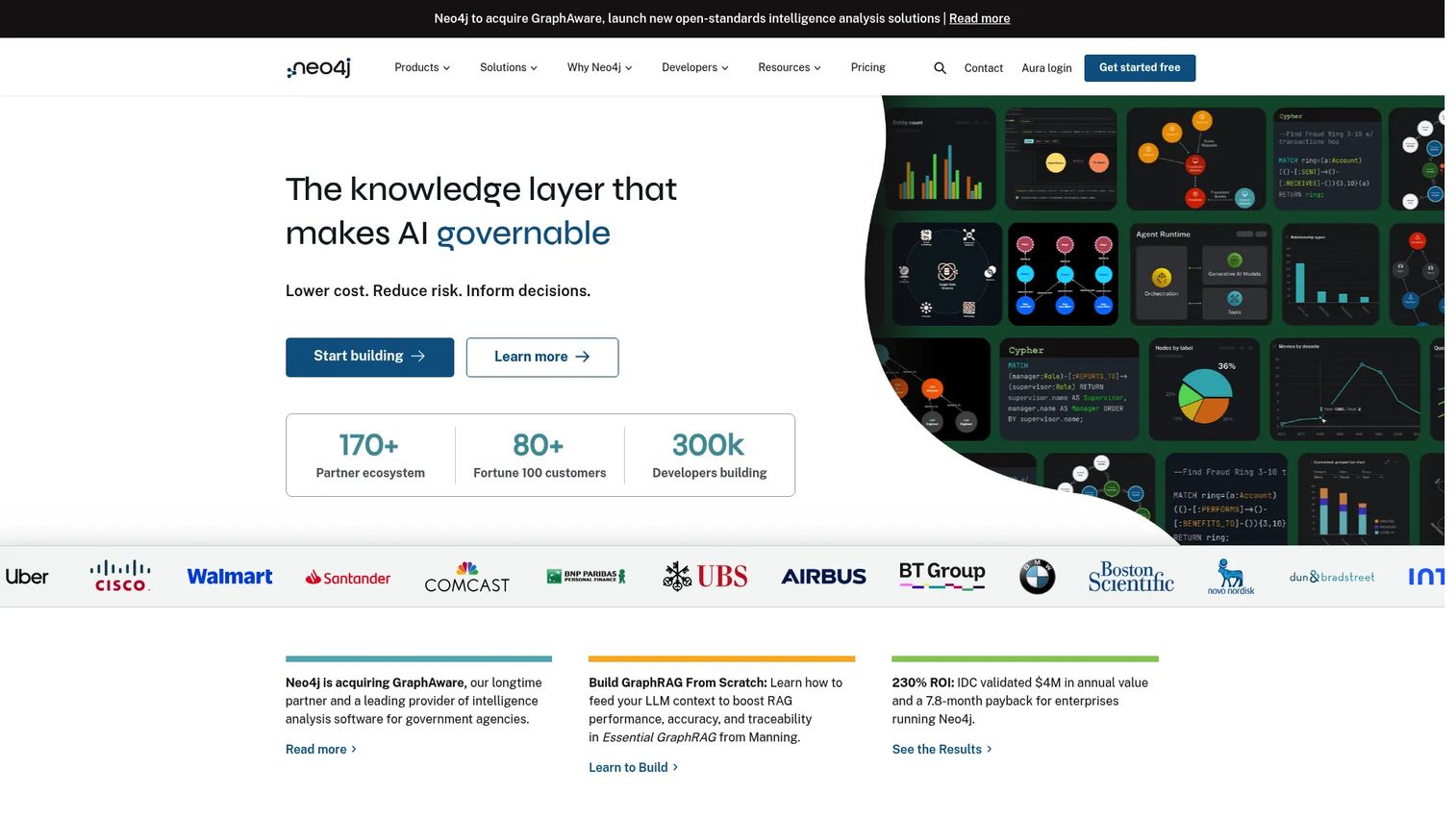
Neo4j is the most widely adopted graph database and the reference point most teams compare everything else against. It's a native property graph platform with a managed cloud service (AuraDB), a graph data science and analytics layer (AuraDS), and a large developer ecosystem. Its recent positioning centers on graph intelligence: pairing the graph with a knowledge layer and GraphRAG to make AI applications more grounded and explainable.
Best for: teams building AI-ready, relationship-heavy applications who want the deepest ecosystem, documentation, and hiring pool.
Key strengths
- Knowledge layer and GraphRAG: structure entities and relationships so AI retrieval carries context, not just text chunks.
- AuraDB managed service: run graph workloads without owning the operational plumbing, with a free tier to prototype.
- Cypher and graph data science: an expressive, readable query language plus a library of production graph algorithms.
Why choose Neo4j: For a product manager, the practical case is risk reduction. The ecosystem is large, Cypher is well documented, and finding engineers who already know it is easier than for any other option here. That lowers the opportunity cost of adoption and shortens time-to-first-value. If your roadmap includes a knowledge graph or context-aware AI features, this is the safest starting point.
Neo4j pricing: AuraDB Free is $0 for prototyping. AuraDB Professional starts at $65 per GB per month, with the pricing page also showing a 1GB instance at roughly $0.09 per hour or $65.70 per month. AuraDB Business Critical is listed at $146 per GB per month. Self-managed and enterprise arrangements are available through sales.
2. TigerGraph
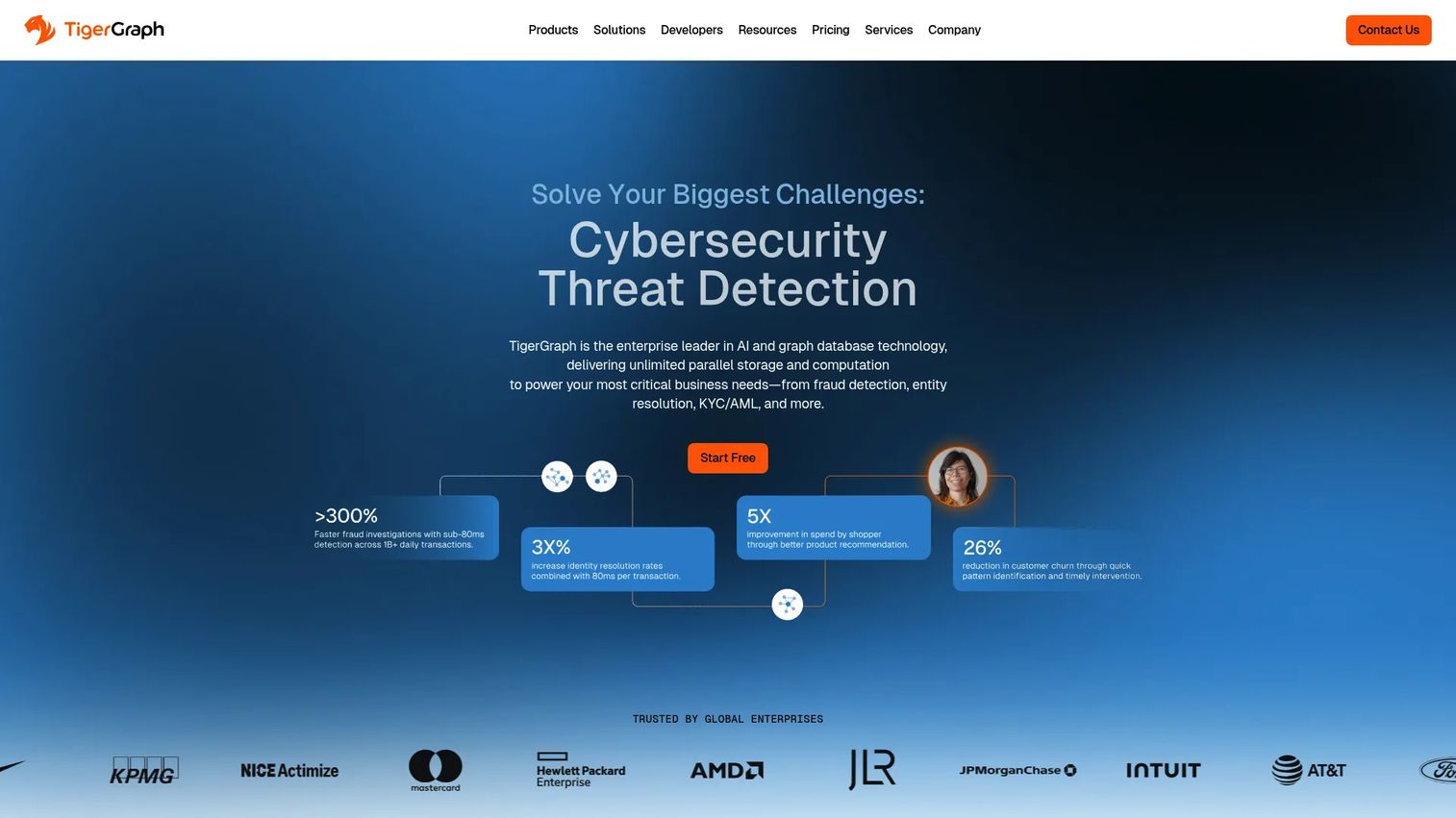
TigerGraph is built for depth and speed at enterprise scale. Its differentiator is real-time deep-link querying: traversing many hops across very large graphs fast enough to power live decisions. It also supports hybrid graph and vector search, which matters as more teams combine relationship context with semantic similarity for AI features.
Best for: enterprise teams running fraud detection, recommendations, KYC/AML, or supply-chain analytics where traversal speed on large graphs is the constraint.
Key strengths
- Real-time deep-link querying: score transactions and traverse many hops with low latency on large datasets.
- Hybrid graph + vector search: combine relationship traversal with semantic search in one system.
- Graph algorithm library: built-in algorithms for centrality, community detection, and pathfinding at scale.
Why choose TigerGraph: When your use case is genuinely high-volume and latency-sensitive (transaction scoring, real-time recommendations across millions of nodes), TigerGraph is engineered for that pressure. It performs best when the operational analytics workload is the whole point, and the team has the data engineering muscle to feed it. For a smaller graph or a first experiment, a lighter footprint may get you to a validation faster.
TigerGraph pricing: A Savanna free trial is available at $0 per GB per month. The managed Savanna tier starts at $45 per GB per month, with Savanna Business Critical at $126 per GB per month and storage priced at $0.025 per GB per month. TigerGraph Community is free, and TigerGraph Enterprise is quote-based through sales.
3. Memgraph
Memgraph is an in-memory graph database designed for real-time performance on streaming data and AI workloads. It speaks Cypher, so teams familiar with the property-graph model can move quickly, and it ships with connectors for Kafka, Pulsar, and Redpanda for ingesting live event streams. Vector search and its reasoning focus make it a strong fit for AI memory and GraphRAG patterns.
Best for: teams that need fast developer onboarding, streaming graph analytics, and explainable traversal, with a free open-source path to start.
Key strengths
- In-memory engine with persistence: real-time query performance with ACID transactions and on-disk durability.
- Streaming connectors and vector search: ingest live data from Kafka, Pulsar, or Redpanda and combine graph with semantic search.
- Cypher plus access control: familiar query language with role-based and label-based permissions and high-availability replication.
Why choose Memgraph: The appeal here is speed of both the engine and the learning curve. Cypher lowers ramp time, the community edition removes the cost barrier for a proof of concept, and the streaming connectors fit real-time use cases directly. It performs best when your data arrives as events and you need answers now, whether that's fraud scoring, live recommendations, or feeding context to an agent.
Memgraph pricing: The Community Edition is free, forever, and open source. Memgraph Cloud is a managed service with a free trial. Enterprise Edition scales with memory capacity and is quote-based through sales. Public numeric pricing for the paid tiers is not listed, so plan to talk to sales for a firm figure.
4. Amazon Neptune
Amazon Neptune is AWS's fully managed graph database service. Its biggest advantage is operational: if your stack already lives in AWS, Neptune slots in with the IAM, VPC, monitoring, and governance patterns you already use. It supports three query approaches, openCypher for property graphs, Gremlin for traversal, and SPARQL for RDF, so you can match the model to the workload.
Best for: teams already standardized on AWS that want managed graph operations without running the database themselves.
Key strengths
- Fully managed service: high availability with read replicas and global database options, minimal operational overhead.
- Three query languages: openCypher, Gremlin, and SPARQL support both property-graph and RDF workloads.
- AWS-native governance: inherits the security, IAM, and compliance patterns your team already manages.
Why choose Amazon Neptune: For a PM, the decision often comes down to who runs the database. If your engineering team is already stretched and everything else is on AWS, Neptune removes the maintenance question and keeps governance in one place. It supports both property-graph and RDF models, which is useful if you're not yet sure which fits. The trade-off worth weighing against open-source options is portability outside AWS.
Amazon Neptune pricing: Neptune offers on-demand, serverless, and Database Savings Plans. On-demand instances start around $0.348 per hour, with I/O-optimized instances at roughly $0.4698 per hour. A free trial gives new users 750 hours of a db.t3.medium or db.t4g.medium instance, 10 million I/O requests, and one GB each of storage and backup for 30 days.
5. ArangoDB
ArangoDB is a native multi-model database that handles graph, document, key-value, and search workloads in one system, queried with a single language (AQL). For product teams whose data doesn't fit neatly into one model, that consolidation is the whole pitch: fewer moving parts, one query language, one operational surface.
Best for: teams that need graph plus document plus search in one database and want to avoid stitching multiple systems together.
Key strengths
- Native multi-model with AQL: query graph, document, and key-value data with one language.
- Integrated search and geospatial: full-text search and geo queries without a separate engine.
- Cluster support: scale out for larger datasets while keeping one operational model.
Why choose ArangoDB: The consolidation story resonates with teams tired of running a document store next to a graph store next to a search index. If your product mixes connected data with document-style records and you value operational simplicity, one system reduces maintenance and cross-team coordination. It performs best when the workload is genuinely mixed. For a pure, latency-critical graph traversal at massive scale, a specialized engine may edge it out.
ArangoDB pricing: The Community Edition is free for non-commercial use and datasets up to 100 GB. The ArangoGraph Insights managed platform and ArangoDB Enterprise are both quote-based through sales, so public numeric pricing is not listed for the paid tiers. Downloads and pricing entry now route through the ArangoDB download page.
6. JanusGraph
JanusGraph is a distributed, open-source graph database built for very large graphs across multi-machine clusters. It's part of the Apache TinkerPop ecosystem and uses Gremlin as its query language. Because it layers on pluggable storage and indexing backends, it gives engineering-led teams a high degree of control over the infrastructure.
Best for: engineering-led teams that want an open-source, horizontally scalable graph and can support the surrounding stack.
Key strengths
- Distributed scale: partition very large graphs across a multi-machine cluster.
- Gremlin and TinkerPop: native support for the standard traversal language and its tooling.
- Mixed indexing: geo, numeric range, and full-text search through pluggable index backends.
Why choose JanusGraph: JanusGraph fits teams that value customization and infrastructure control over managed convenience. Because it depends on backends like a storage layer and an indexing service, it's best suited to teams with the data engineering capacity to run and tune that stack. The reward is a fully open-source, no-license-cost path to graphs at scale, with the flexibility to shape the deployment to your environment.
JanusGraph pricing: JanusGraph is completely free and open source, with no commercial license required. Costs are entirely in the infrastructure and engineering time you run it on, which is the trade every self-hosted open-source database asks you to make.
7. OrientDB
OrientDB is an open-source multi-model database that combines graph and document capabilities in a single engine. It includes a graph editor, a Studio query interface, and a command-line console, giving smaller teams a flexible way to model connected and document data without adopting multiple systems.
Best for: smaller or specialized teams that want a free, multi-model engine with both graph and document modeling.
Key strengths
- Multi-model engine: graph and document data in one open-source database.
- Studio and graph editor: visual query and modeling tools for working with the graph.
- Command-line console: direct control for scripting and administration.
Why choose OrientDB: OrientDB fits niche and smaller-scale scenarios where flexible modeling and a free tier matter more than the largest ecosystem. It's a reasonable consideration when your graph needs are modest and you want document capabilities in the same engine. For a large enterprise build with heavy AI or real-time demands, the platforms higher on this list carry more mindshare, tooling, and momentum, which is worth weighing against OrientDB's simplicity.
OrientDB pricing: The Community Edition is free. Paid support is offered as a service, with a Basic Support tier and an Advanced Support tier, plus case-by-case consultancy. Note that OrientDB's active domain is now orientdb.dev, and pricing is structured around support rather than a conventional SaaS subscription.
Considerations before you commit
Choosing graph database software is as much an operational decision as a technical one. Run every shortlisted option through the same checklist.
Query language fit
Decide early between the property-graph world (Cypher, GQL, Gremlin) and RDF (SPARQL). Cypher and the ISO-standard GQL have the largest talent pool and the gentlest learning curve. Gremlin suits traversal-heavy work and TinkerPop tooling. SPARQL is the right call when you need shared ontologies and interoperability. Match the language to the skills your team already has or can realistically hire.
Workload shape and scale
Be honest about your actual data volume and query pattern. Real-time transaction scoring on millions of nodes is a different problem than a mid-sized knowledge graph for internal search. Some engines optimize for streaming and in-memory speed, others for distributed scale, others for managed convenience. Size the tool to the workload, not the marketing.
Operational ownership
Managed services shift maintenance to the vendor. Self-hosted open source shifts it to your team, in exchange for control and no license cost. For a stretched engineering org, a managed service can be the difference between shipping this quarter and shipping never. Factor in who owns upgrades, backups, and scaling.
Governance and instrumentation
Enterprise graph database adoption lives or dies on access control, audit trails, and observability. Confirm role-based and label-based permissions, encryption, and compliance coverage. Just as important, plan how you'll instrument usage so you can prove the graph moved a metric, not just that it exists.
Conclusion
There's no single best graph database software, only the best fit for your data, your team, and your timeline. If you're building AI or knowledge-graph features, Neo4j gives you the deepest ecosystem and the safest ramp. For real-time analytics at enterprise scale, TigerGraph is engineered for that pressure, with Memgraph strong when your data arrives as streams. Amazon Neptune is the natural pick for AWS-native teams, ArangoDB for multi-model consolidation, and JanusGraph or OrientDB for open-source teams that want control.
The next step is not a spreadsheet of features. Pick two or three of these platforms and test them against the same connected-data scenario from your own product: the same nodes, the same multi-hop question, the same scale target. You'll learn more from one honest proof of concept than from any vendor page. Keep the PM lens throughout: modeling fit, governance, and time-to-value matter as much as raw traversal speed.
For more evaluation guides across adjacent categories, browse our roundups on AI governance tools and AI content creation tools.
FAQs
Graph database software is used to store and query highly connected data, where the relationships between records matter as much as the records themselves. Common graph database examples include recommendation engines, fraud detection, customer 360 and identity resolution, knowledge graphs for AI, and dependency or network analysis. It shines when a question requires walking many relationships at once.
A relational database stores data in tables and reconstructs relationships at query time using joins, which get expensive as the number of hops grows. A graph database stores relationships directly, often using index-free adjacency, so multi-hop querying stays fast and the schema mirrors how the data actually connects. Use relational for tabular, transaction-heavy workloads and graph for relationship-heavy ones.
Property graphs attach key-value properties to nodes and edges and are queried with Cypher, GQL, or Gremlin, which many developers find intuitive. RDF graphs model data as subject-predicate-object triples and use SPARQL, excelling at shared vocabularies, standardized ontologies, and data interchange. Property graphs favor developer ergonomics; RDF favors standardization and interoperability across systems.
Match the graph query language to your team's skills and use case. Cypher and the ISO-standard GQL have the widest adoption and the easiest learning curve for property graphs. Gremlin fits traversal-heavy work and the TinkerPop ecosystem, while SPARQL is the standard for RDF and ontology-driven data. Hiring and existing familiarity should weigh heavily.
Yes, particularly for grounding and explainability. A knowledge graph gives an AI model structured, connected facts to retrieve and reason over, which is the foundation of GraphRAG. Compared to pulling flat text chunks, graph retrieval carries the relationships between facts, supporting multi-hop reasoning and explainable AI. It pairs well with vector search rather than replacing it.
Choose a graph database when your most valuable questions span many relationships and joins are slowing you down or complicating the model. Signals include customer 360, real-time fraud or recommendations, dependency mapping, and AI features that need context. If your workload is mostly tabular reporting and transactions, SQL is still the better default.
The main considerations are team skills, operational ownership, and proving impact. A new query language adds ramp time, self-hosted options add maintenance, and any new system needs instrumentation to show it moved a metric. Mitigate these by choosing a language your team can support, weighing managed versus self-hosted honestly, and planning measurement before launch, not after.
Teams working with deeply connected data see the most benefit: product and data teams building recommendations, personalization, or customer 360; security and risk teams tackling fraud and real-time analytics; and AI teams building knowledge graphs and GraphRAG. Open source graph database options lower the barrier for teams that want to validate the fit before committing budget.