You pulled a case at 11 p.m. that looked perfect for your brief. The next morning you find out it was overruled two years ago. Now you are re-reading every citation you relied on, because one bad authority can sink an argument in front of a judge.
That is the real cost of scattered legal research. Sources live in different databases. Citation checks happen in a separate tab. And the version you are reading might not reflect the most recent ruling.
Adoption of digital legal research tools has moved past experimentation. According to Market Growth Reports (2025), 81% of law firms and corporate legal departments now use digital legal research across their work, and 69% of U.S. law firms rely on at least one advanced legal research platform every day. The global legal research software market reached USD 4.8B in 2025, per MarketIntelo (2025). The question is no longer whether to use one of these online legal research platforms. It is which one fits how your team actually works.
This guide is a current buyer's view of the legal research platforms worth comparing, from premium legal research databases to free legal research tools. If you are building or advising a legal ops workflow and want a fast, honest read that beats the average legal research software reviews 2026 roundup, keep going.
What's inside
This guide is for anyone choosing legal research software for a law firm, in-house team, or legal ops function. It covers premium legal databases, workflow-adjacent platforms, and free legal research tools.
We picked and ranked tools against four criteria:
- Source coverage: case law, statutes, regulations, and secondary sources.
- Citation support: citators, good-law signals, and easy verification.
- AI features: AI legal research software capabilities tied to primary sources.
- Workflow fit: integrations with practice management, drafting, and APIs.
Pricing and ratings shift, so treat every figure here as a starting point and confirm against live vendor pages before you buy.
TL;DR
- Best overall for large firms: LexisNexis, for broad source coverage, Shepard's citations, and enterprise workflows.
- Best for advanced AI and litigation analysis: Westlaw Edge, for AI-assisted research and litigation analytics.
- Best for business intelligence plus legal research: Bloomberg Law, for transactional and in-house work.
- Best for practice-management-adjacent workflows: Clio Work, for cited research inside a matter workflow.
- Best free options: CourtListener, the Legal Information Institute, and Justia for baseline research on any budget.
What is legal research software?
Legal research software is a platform that helps legal professionals find, verify, and analyze legal authority, including case law, statutes, regulations, and secondary sources, from a single searchable interface.
It is not practice management software, which handles matters, billing, and calendaring. It is not document management, e-discovery, or contract review. Legal research tools focus on one job: getting you to reliable authority and letting you confirm it is still good law.
A legal document search engine at this level usually combines primary-source databases with citation tools and, increasingly, AI legal research software features. Core capabilities to expect:
- Case law search: federal and state opinions with jurisdiction and court filters.
- Statutes and regulations: codes, agency rules, and legislative materials.
- Secondary sources: treatises, practice guides, and analysis.
- Citation tools: citators that flag whether authority is still valid.
- Alerts and monitoring: notifications for new rulings or regulatory tracking.
- Legal AI search: natural-language queries, summarization, and drafting help.
- Litigation analytics: judge, court, and outcome data.
- Legal research API: programmatic access for integrations.
The market keeps shifting toward these capabilities. Cloud-enabled installations already account for 58% of active legal research software, per Market Growth Reports (2025), which matters if you want research that travels with your team rather than sitting on one machine.
When to use legal research software
Research a case, motion, or brief
This is the core use case. When you need to find controlling authority, confirm that a citation is still good law, and build an argument that holds up, legal research databases give you the primary sources and the citator signals to do it. The difference between a strong brief and a shaky one often comes down to whether you verified every authority before filing.
Track legal and regulatory change
Statutes get amended. Agencies issue new rules. Courts hand down decisions that shift precedent overnight. Legal research platforms with alerts and regulatory tracking let you monitor specific topics, dockets, or jurisdictions and get notified when something moves. In-house teams especially need this to stay ahead of compliance exposure rather than react to it.
Validate risk during due diligence
Before a deal, partnership, or investment, you often need company, litigation, and market intelligence in one place. Due diligence software features inside platforms like Bloomberg Law combine legal authority with business context, so you can assess litigation history and regulatory risk without stitching together five separate tools.
Legal research software comparison
Rankings here reflect relevance to the keyword, source depth, and workflow fit, not brand size alone. Premium legal research databases sit alongside free options so you can weigh coverage against cost. Confirm pricing and ratings on live vendor pages and current review listings before committing, since these numbers change often.
| # | Product | Best for | Key differentiation | Pricing | G2 rating |
|---|---|---|---|---|---|
| 1 | LexisNexis | Large firms needing broad coverage | Shepard's citations and AI-assisted research | Varies by term, quote-based | 4.1/5 |
| 2 | Westlaw Edge | AI research and litigation analytics | AI-Assisted Research plus KeyCite | From $107.25/mo | 4.4/5 |
| 3 | Bloomberg Law | Business intelligence plus research | Legal news, analytics, and workflow tools | Request pricing | 4.1/5 |
| 4 | Clio Work | Research inside a matter workflow | Cited research with Clio Manage integration | Demo-based quote | 4.6/5 |
| 5 | Fastcase | Cost-conscious and bar-access users | Federal and 50-state law with Authority Check | From $65/mo | 3.0/5 |
| 6 | CourtListener | Open-access case law research | Free opinions, docket data, and alerts | Free | Not listed |
| 7 | Casetext | AI-assisted research and drafting | CoCounsel grounded in Westlaw law | Contact sales | 4.5/5 |
| 8 | Legal Information Institute | Free authoritative reference | Open statutes and constitutional materials | Free | Not listed |
| 9 | Justia | Lightweight and public research | Free legal resources and directory | Free | Not listed |
Best 9 legal research software tools for 2026
1. LexisNexis
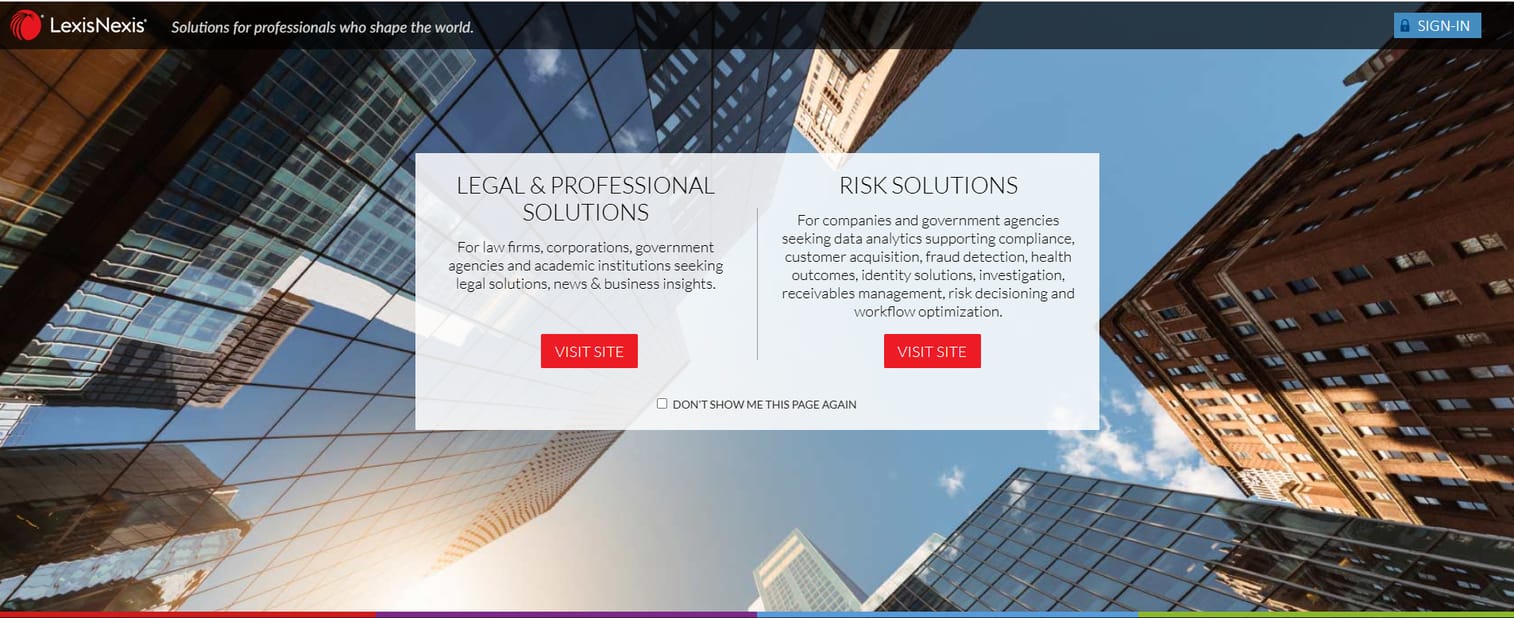
LexisNexis is one of the two anchor names in legal research, offering a deep legal database across case law, statutes, regulations, and business intelligence. It pairs primary-source coverage with Shepard's citations, the citator many litigators treat as a non-negotiable step before filing. For large firms that want broad legal reference materials, regulatory tracking, due diligence data, and API workflows under one roof, it is a default consideration.
Best for: law firms and legal teams that need authoritative research plus citator validation at scale.
Key strengths
- Deep legal research database across primary and secondary sources
- Shepard's citations for good-law validation
- AI-assisted search and drafting features
- Business intelligence and due diligence data via Nexis
- API access for enterprise workflows
Why choose LexisNexis: if your team argues in front of courts regularly and needs the reassurance of a mature citator, LexisNexis earns its place. It fits firms that value coverage breadth and are ready to standardize on an enterprise research platform rather than piece one together.
LexisNexis pricing: public pricing is not shown as a fixed number. LexisNexis lists Nexis Essential, Nexis+ with Protégé Essential, and Nexis+ with Protégé, with pricing that varies by term. Online individual subscriptions are available, while multi-user and enterprise plans require a sales quote.
2. Westlaw Edge
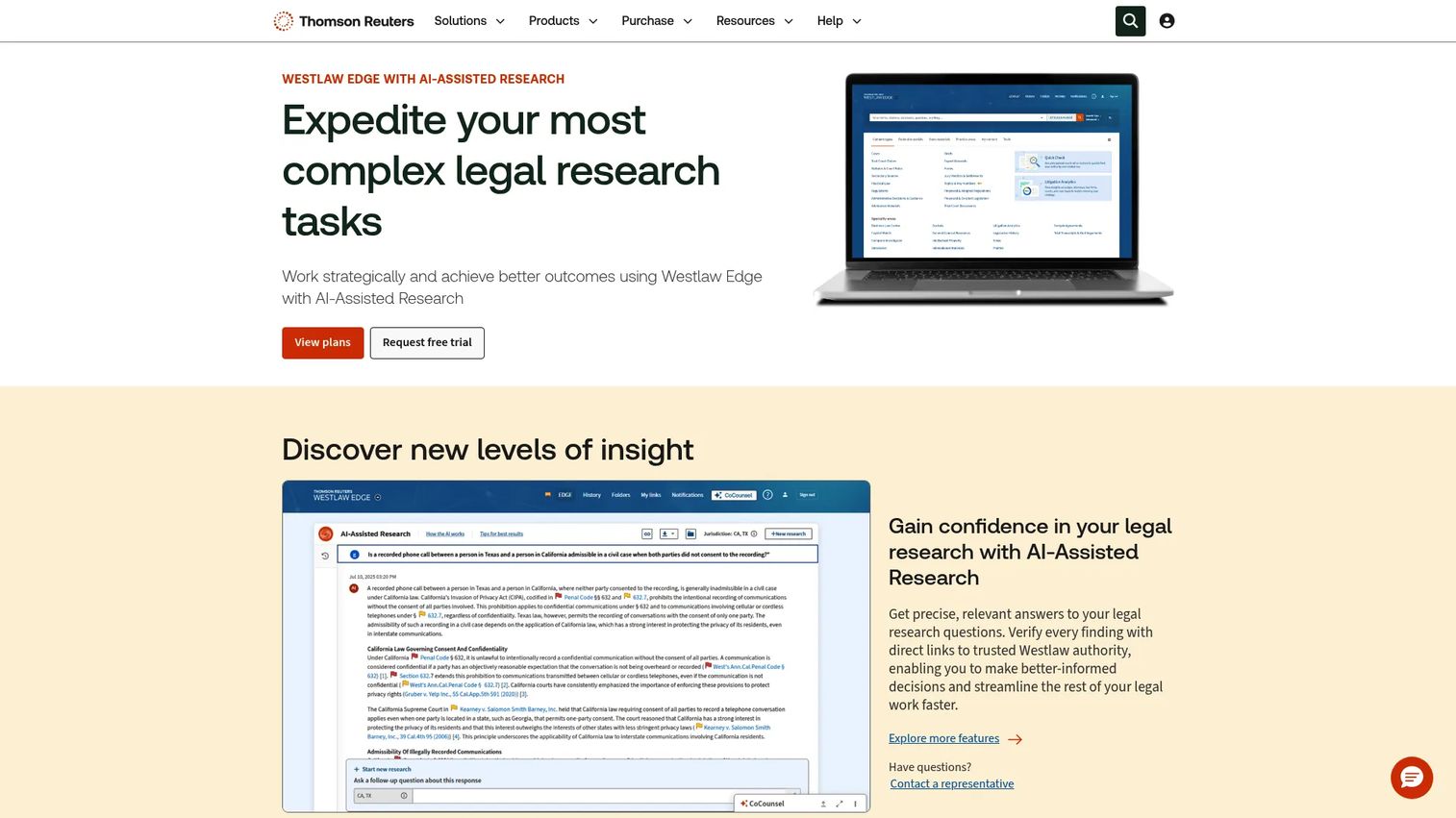
Westlaw Edge is Thomson Reuters' AI-powered legal research platform and the other anchor in the category. It combines authoritative case law and secondary sources with KeyCite for citation checking and a strong litigation analytics layer. For firms that prioritize research precision and want to see how a judge or court has ruled on similar issues, the analytics depth stands out.
Best for: legal teams that need authoritative research, citation checking, and litigation analytics in one platform.
Key strengths
- AI-Assisted Research for natural-language queries
- KeyCite citator for validating authority
- AI Jurisdictional Surveys across jurisdictions
- Litigation analytics on judges, courts, and outcomes
- Deep case law and secondary source coverage
Why choose Westlaw Edge: if litigation analytics and AI legal research software features matter to your strategy, Westlaw Edge is built for that. It suits firms that treat research as a competitive edge, not just a compliance step.
Westlaw Edge pricing: plans start at $107.25/month for Westlaw Edge, $155.35/month for Westlaw Edge with AI-Assisted Research, and $256.75/month for Westlaw Advantage. Online pricing is available to new customers, and existing customers are directed to contact sales.
3. Bloomberg Law
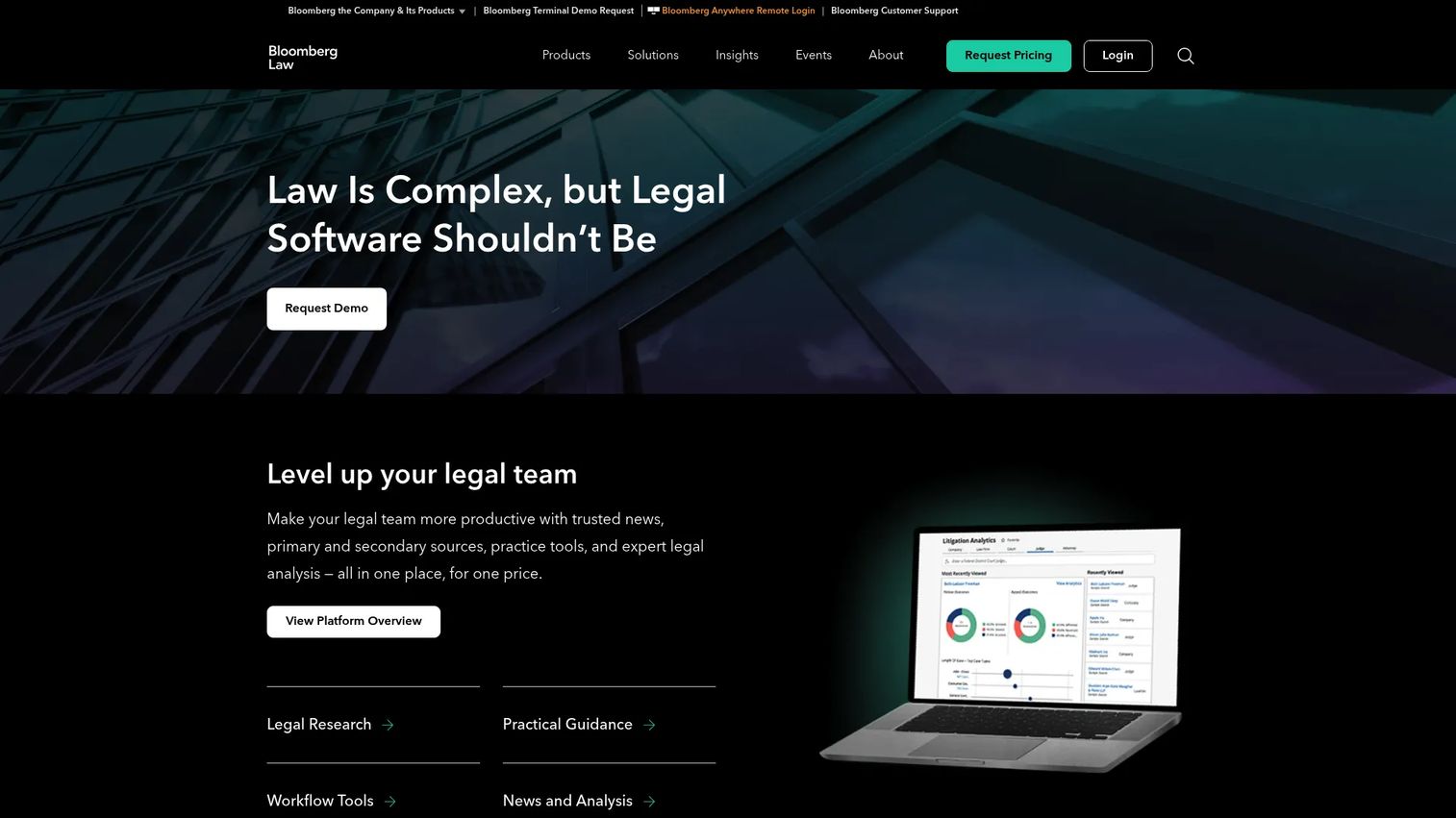
Bloomberg Law is an all-in-one platform that blends legal research with business intelligence, news, and analytics. It covers primary and secondary sources, but its edge is the commercial context layered on top, useful when legal questions and business decisions overlap. That combination makes it a strong fit for transactional work and in-house teams.
Best for: law firms, in-house legal teams, and government users who need integrated legal research and intelligence.
Key strengths
- Primary and secondary legal sources
- Trusted legal news and expert analysis
- AI-powered search and docket search
- Workflow and litigation analytics tools
- Business intelligence for due diligence software use cases
Why choose Bloomberg Law: if your research questions rarely stop at the law and spill into markets, deals, and regulatory tracking, Bloomberg Law consolidates those into one workspace. It fits teams doing transactional and advisory work as much as litigation.
Bloomberg Law pricing: pricing is not publicly listed. The platform directs prospective buyers to request pricing and speak with sales for a quote based on team size and needs.
4. Clio Work
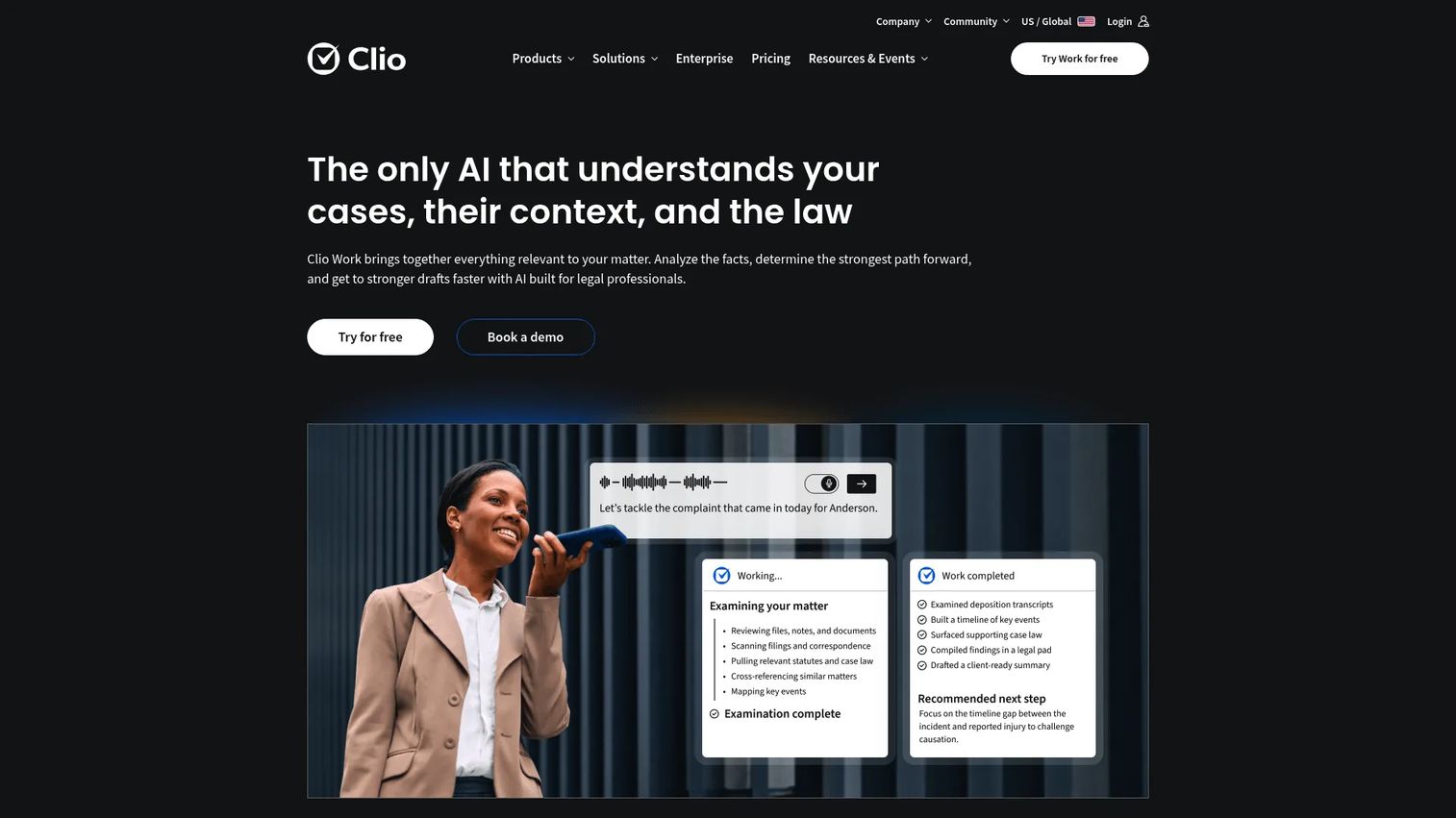
Clio Work is legal AI software focused on cited research, document analysis, and drafting, with the option to connect to Clio Manage for practice management. Where the anchor databases sit apart from your matter work, Clio Work brings research closer to the case you are already handling. Its research is grounded in verified sources with linked citations, which addresses the biggest fear around legal research software with AI.
Best for: law firms that want AI-assisted legal research and drafting with verified authority inside a matter workflow.
Key strengths
- Cited legal research grounded in verified sources
- Document analysis and case strategy support
- Clio Library access for research materials
- Optional Clio Manage integration for practice management
- Drafting support tied to authority
Why choose Clio Work: if you already run on Clio or want research that lives next to your matters rather than in a separate silo, this is the integration-first pick. It suits teams that value workflow continuity over standalone database depth.
Clio Work pricing: Clio's pricing page directs you to a demo for full product details and pricing rather than listing a public figure. The broader Clio platform starts at $49 per user per month for its EasyStart plan, with higher tiers quoted by sales.
5. Fastcase
Fastcase is a widely used legal research platform, often reached free through bar association memberships. It covers federal and 50-state case law, statutes, and codes, with tools like Interactive Timeline and Authority Check for visualizing and validating case law search results. For cost-conscious buyers and solo practitioners, it is a practical entry point.
Best for: law firms and legal professionals who need affordable online legal research and citation analysis.
Key strengths
- Federal and 50-state case law, statutes, and codes
- Interactive Timeline for visualizing case relationships
- Authority Check citation analysis
- Unlimited printing and shareable public links
- Bar association access for many members
Why choose Fastcase: if your bar membership already includes it or you need solid coverage without enterprise pricing, Fastcase is a strong value pick. It suits smaller firms and practitioners who want real research depth on a budget.
Fastcase pricing: the Appellate plan is $65/month or $695/year, and Premium is $95/month or $995/year. Enterprise pricing is custom quoted. The Fastcase app is available for free, and a short free trial is offered.
6. Court Listener
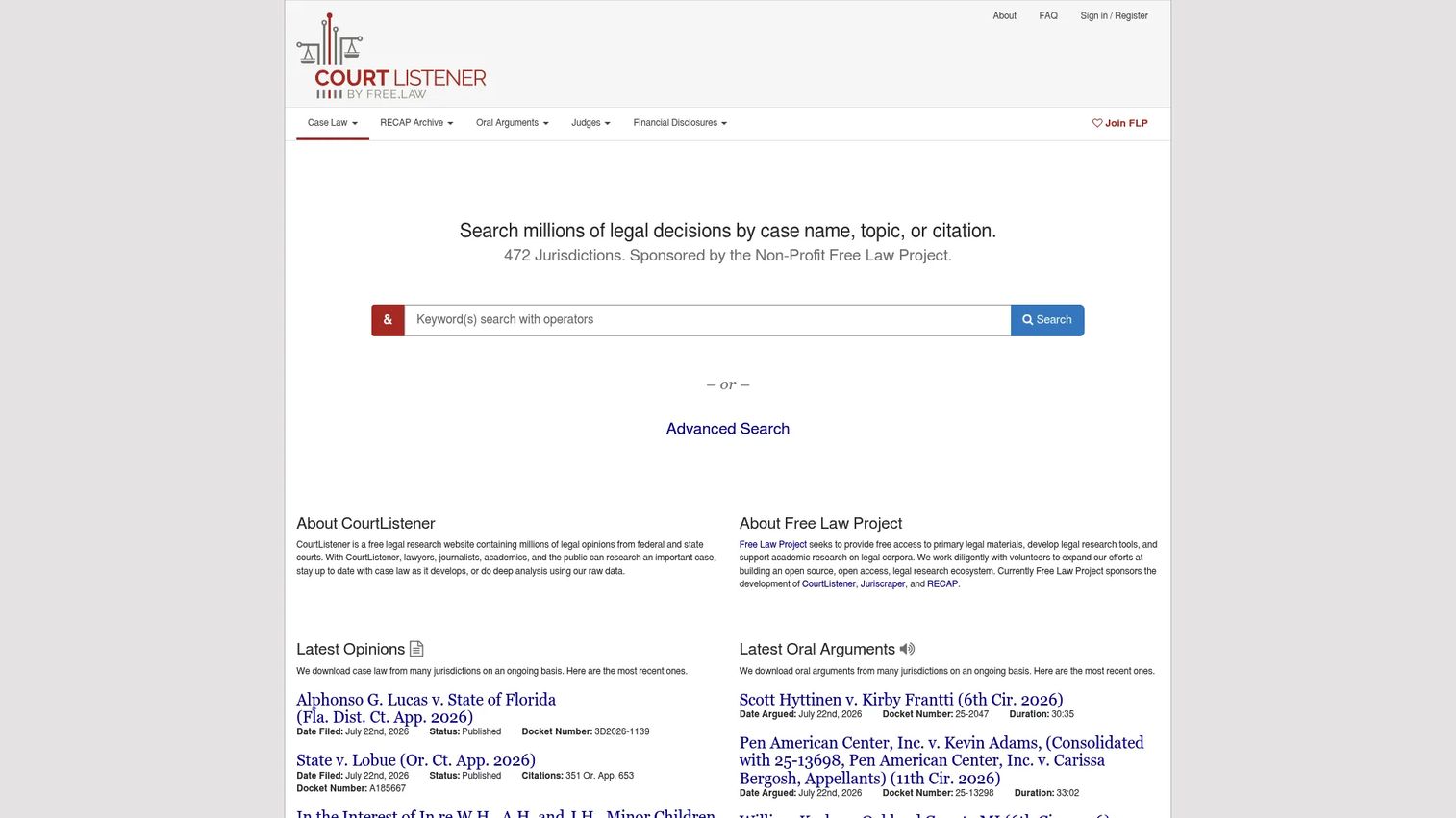
Court Listener is a free legal research website from the Free Law Project, built on an open-law philosophy. It offers court opinions, docket and search alerts, and access to the RECAP archive of PACER documents. Daily updates and open access make it a genuinely useful starting point rather than a token free option.
Best for: legal researchers who need free access to court opinions, alerts, and docket data.
Key strengths
- Free case law research across U.S. courts
- Docket and search alerts for monitoring
- RECAP and PACER archive access
- Open-access, non-profit positioning
- Daily opinion updates
Why choose Court Listener: if you need open access to opinions and docket data without a subscription, this is a reliable free legal research tool. It works best for open-access research needs and as a supplement to a paid platform.
Court Listener pricing: free to use. Court Listener is run by the non-profit Free Law Project and invites users to become members or support the project rather than charging for access.
7. Casetext
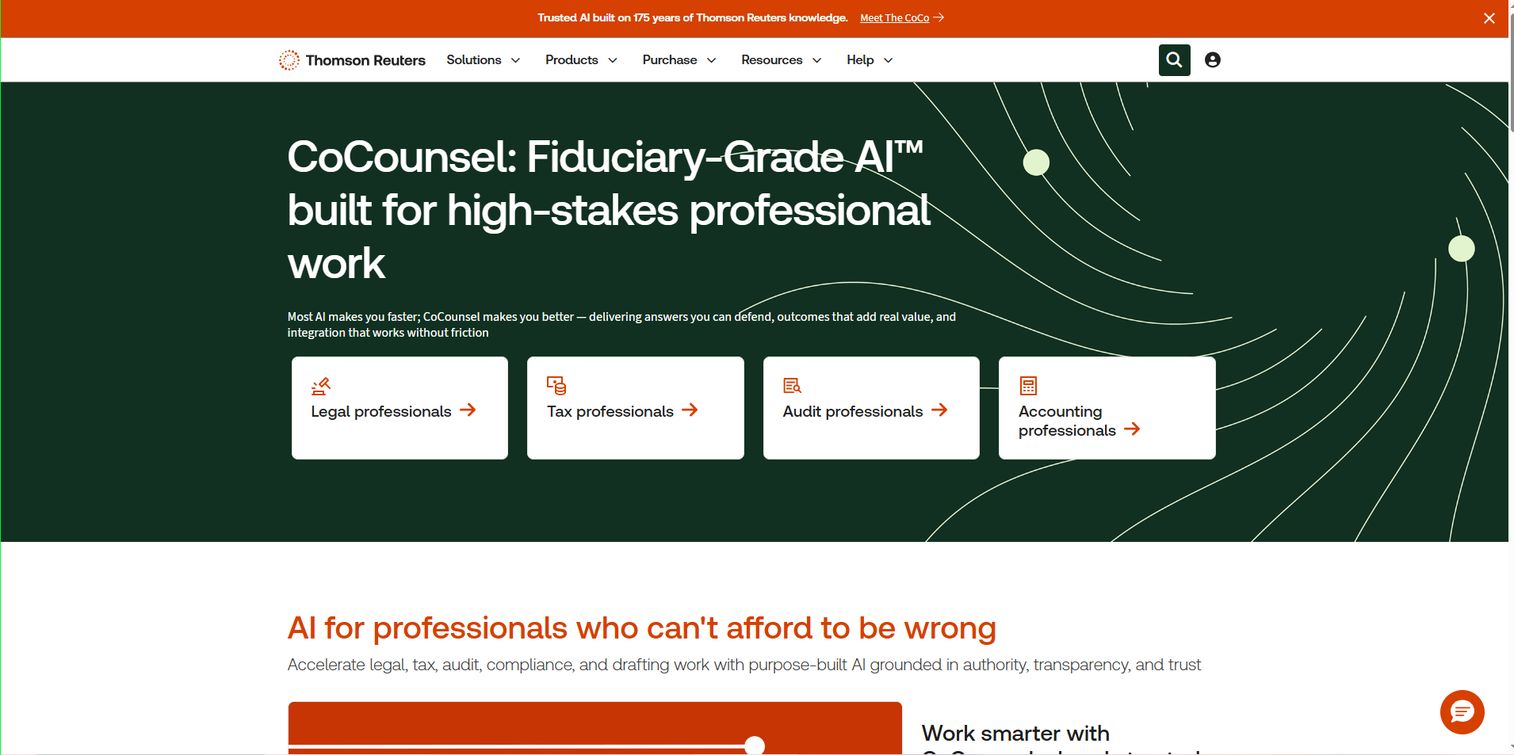
Casetext built its reputation on AI-assisted legal research and citation workflows, and it now operates as CoCounsel Legal under Thomson Reuters. It offers AI legal research and drafting grounded in Westlaw primary law and Practical Law guidance, with matter-based workspaces and linked citations. For fast first-pass research and brief work, its AI features are a recognized strength.
Best for: law firms that want AI-assisted legal research, analysis, and drafting.
Key strengths
- AI legal research and drafting
- Grounded in Westlaw primary law
- Practical Law guidance integration
- Matter-based workspaces
- Linked citations for verification
Why choose Casetext: if you want an AI-first workflow backed by an established primary-law foundation, the CoCounsel lineage delivers that. It fits teams comfortable letting AI accelerate the first pass while keeping verification tied to authority.
Casetext pricing: pricing is not publicly displayed. The current CoCounsel Legal plans, CoCounsel Legal and CoCounsel Essentials, are quoted through sales rather than listed as public figures.
8. Legal Information Institute (LII)
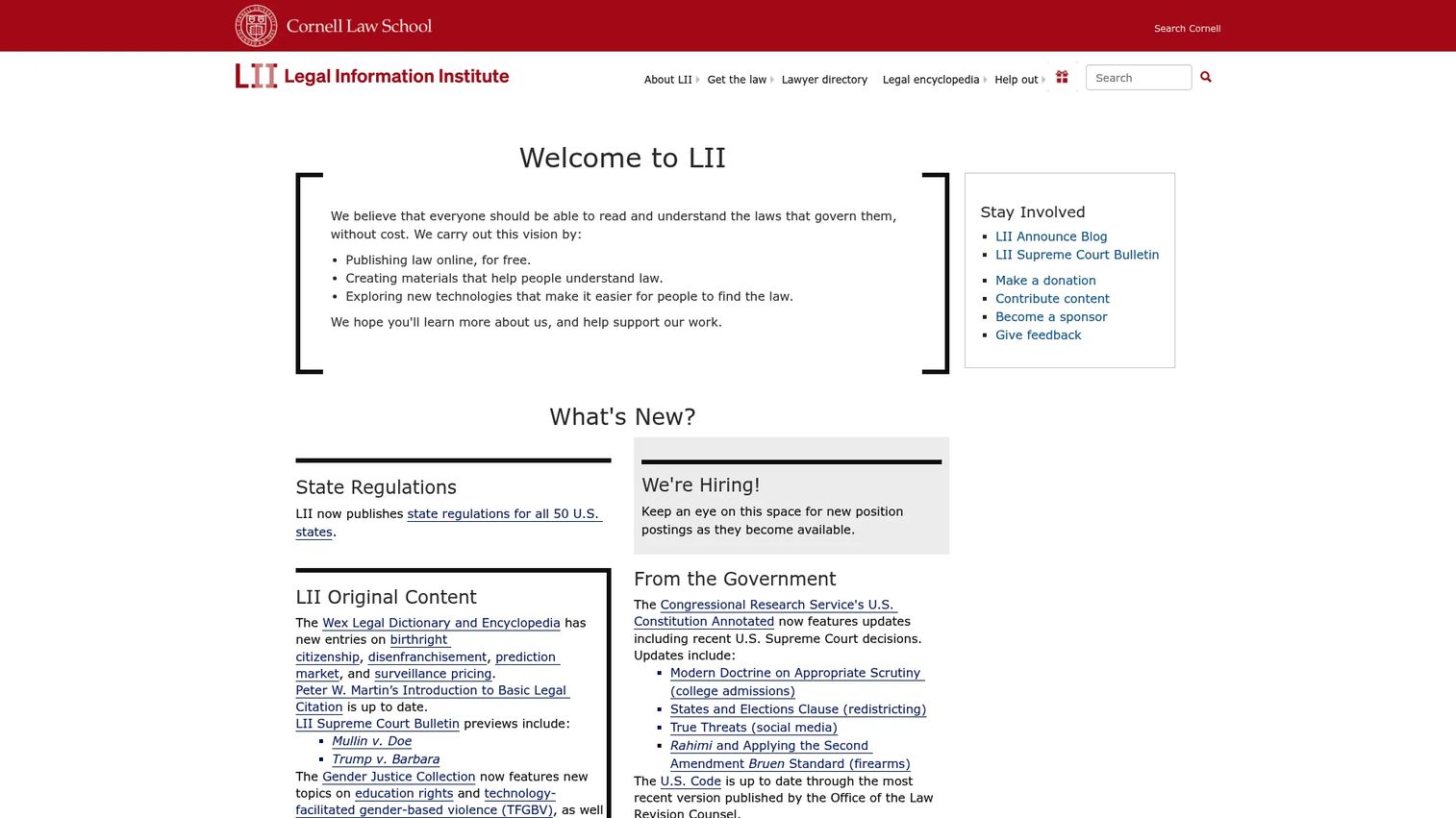
The Legal Information Institute is a free, non-profit legal reference resource from Cornell Law School. It publishes federal, state, and world law collections along with explanatory guides, making it a fast route to authoritative statutes and constitutional materials. It is a reference resource rather than a full premium suite, and it excels at that role.
Best for: people and teams who need free access to authoritative legal information and quick research orientation.
Key strengths
- Free access to statutes and codes
- Constitutional and regulatory materials
- Explanatory legal guides
- Federal, state, and world law collections
- Non-profit, education-focused positioning
Why choose LII: if you need a quick, trustworthy read on a statute or constitutional provision, LII is hard to beat for speed and authority. It works best as a reference layer alongside a paid research platform.
LII pricing: free. The Legal Information Institute is a not-for-profit resource from Cornell Law School with no paid tiers or public pricing.
9. Justia
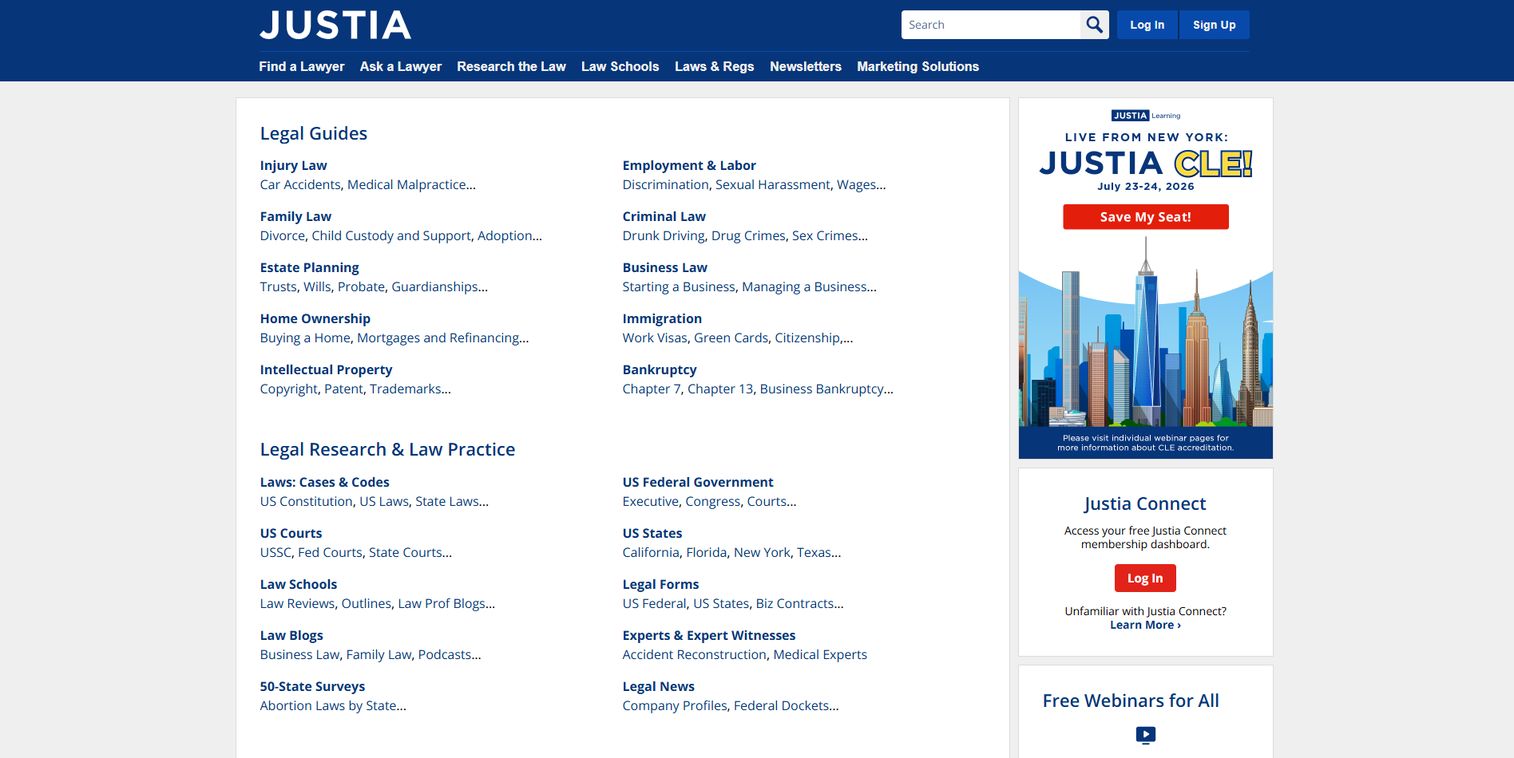
Justia offers free legal database access, legal news, and research support, alongside a lawyer directory and Q&A forum. For lightweight research and broad browsing across case law and statutes, it is an accessible alternative that costs nothing to start using. Its breadth makes it useful for orientation before you dig into a premium platform.
Best for: lawyers, firms, and researchers who want free legal resources plus broad browsing.
Key strengths
- Free legal resources and guides
- Broad case law and statute access
- Justia Lawyer Directory
- Ask A Lawyer Q&A forum
- Legal news coverage
Why choose Justia: if you want a free, wide-ranging starting point for research and reference, Justia covers a lot of ground. It works best for lightweight research and as a complement to deeper paid databases.
Justia pricing: core legal resources are free. Justia Connect offers free Public and Practice memberships, with a Pro tier at $19.99/month billed monthly or $16.65/month billed annually. Some marketing and directory products use quote-based pricing.
Considerations
Source coverage
Confirm the tool covers the case law, statutes, regulations, and secondary sources your practice area actually relies on. A platform strong in federal litigation may be thinner on a specific state's administrative code. Match coverage to your real caseload, not a generic feature list.
AI accuracy and citation workflow
If a platform offers legal AI search, check whether summaries and retrieved citations link back to primary sources you can verify in one click. AI that surfaces authority without a clear path to confirm it creates more work, not less. The best legal research software with AI keeps you close to the source.
Integrations and workflow fit
Evaluate how the tool connects to practice management, drafting, document systems, or a legal research API. Research that lives in a silo forces manual copy-paste into your matter work. Platforms like Clio Work that tie research to matters reduce that friction.
Alerts and monitoring
Assess whether the platform can track legal or regulatory changes and send notifications you will actually act on. Good alerts are specific to a topic, docket, or jurisdiction. Noisy alerts get muted and defeat the purpose.
Cost and access model
Compare subscription, custom quote, and free access against your team size and usage. A solo practitioner and a 200-attorney firm should not evaluate the same tier. Free legal research tools can cover baseline needs, so shortlist them alongside premium options rather than assuming you need the most expensive plan.
Conclusion
The premium leaders remain LexisNexis and Westlaw Edge, with broad coverage, mature citators, and deep AI legal research software features. Bloomberg Law wins when business intelligence and regulatory tracking sit next to legal questions. Clio Work is the workflow-friendly pick that pulls cited research into your matters. And CourtListener, the Legal Information Institute, and Justia prove that useful free legal research tools exist for baseline work.
The right choice comes down to matching source depth and workflow fit to how your team actually researches. A litigation shop and an in-house compliance team will land on different platforms for good reasons.
The practical next step: shortlist two premium tools and one free resource, then run the same real research question through all three. You will learn more from one afternoon of hands-on comparison than from any spec sheet.
If your own product is complex enough that buyers need to experience it before they commit, the same show-don't-tell logic applies. Interactive demos let prospects experience your product at their own pace through a guided path, on landing pages, in email outreach, during onboarding, and across help center and partner enablement. Start your journey with Guideflow today!
FAQs
It helps legal professionals find, verify, and analyze legal authority, including case law, statutes, regulations, and secondary sources. The core job is getting you to reliable sources and confirming they are still good law before you rely on them in a brief, motion, or advisory memo.
Legal research software focuses on finding and validating legal authority and analysis. Practice management software handles the business of running a firm: matters, billing, calendaring, and client communication. Some platforms, like Clio Work with Clio Manage, connect the two, but they solve different jobs.
It depends on source depth, citation reliability, and workflow needs. Westlaw Edge and Casetext (now CoCounsel) are known for AI legal research software features grounded in primary law, while Clio Work ties cited AI research to your matters. The best fit is the one whose AI keeps verification close to the source.
Yes. CourtListener offers free case law and docket data with alerts, the Legal Information Institute publishes authoritative statutes and constitutional materials, and Justia provides broad free browsing. These legal research databases work well for baseline research and as a supplement to a paid platform.
In-house teams should prioritize regulatory coverage, business and market context, and integrations with their existing systems. A legal document search engine that combines legal authority with business intelligence, like Bloomberg Law, tends to fit advisory and transactional work better than a litigation-only tool.
Critical. Legal work depends on accuracy and authority, so citation retrieval and validation are non-negotiable. Citators like Shepard's and KeyCite tell you whether authority is still good law, which is the difference between a sound argument and a filing built on overruled precedent.
AI speeds up discovery and first-pass research, but it is not the whole story. Source quality, coverage depth, and easy citation verification matter more than any AI feature. The strongest legal AI search keeps you tied to primary sources rather than asking you to trust an unverified summary.