You have a working prototype. The frontend looks right. Then you hit the wall every builder hits: you need auth, a database, file storage, an API layer, and somewhere to run business logic. None of it ships your actual product. All of it takes weeks.
That is the exact friction backend as a service was built to remove. Instead of standing up servers, wiring auth flows, and babysitting a database, you rent a managed backend and spend your time on the thing users actually pay for.
The market has voted with its wallet. The global backend as a service market was valued at $3.1B in 2022 and is projected to reach $28.7B by 2032 at a 25.3% CAGR, according to Allied Market Research (2023). That growth is not hype. It reflects a real shift in how teams build: fewer people managing infrastructure, more people shipping features.
But "just pick a BaaS" is not a decision. The gap between providers is wide. Some optimize for speed to first launch. Some optimize for control and portability. Some assume you already live inside a specific cloud. Choose wrong and you either rewrite your backend in year two or fight the platform every sprint.
This is a decision-first shortlist, not a glossary. If your team spends time on technical validation, you already know how much a wrong infrastructure bet costs a deal or a roadmap. The same discipline you bring to evaluating a vendor with a live interactive demo applies here: test the real workflow, not the marketing page. Teams that build clean evaluation motions, whether through application performance monitoring tools or hands-on trials, make faster, better calls.
What's inside
This guide is for technical founders, product teams, solo developers, and presales or SE-adjacent readers who need to shortlist BaaS providers fast. We looked at seven backend as a service providers across four criteria that actually predict regret: core backend primitives (auth, database, storage, functions, hosting), pricing transparency, deployment flexibility (managed cloud versus self-hosted BaaS), and portability risk if you ever need to migrate. Every price and rating below is pulled from each vendor's live pricing page and G2 listing, not from memory.
TL;DR
- Best mature all-in-one BaaS: Firebase, if you want deep Google ecosystem ties and battle-tested realtime app tooling.
- Best Postgres-native and predictable pricing: Supabase, an open source BaaS built on a full Postgres database per project.
- Best open source, flexible deployment: Appwrite, with managed cloud and self-hosted options.
- Best transparent, app-based pricing: Back4app, a Parse-based platform strong for MVPs.
- Best for AWS-standardized teams: AWS Amplify, if your stack already lives in AWS.
- Best realtime, reactive backend: Convex, built around a reactive database model.
- Best low-code backend platform: Backendless, with cloud and self-hosted Pro deployment.
What is backend as a service?
Backend as a service (BaaS) is a cloud model that gives developers ready-made backend infrastructure, such as authentication, databases, file storage, serverless functions, and hosting, through APIs and SDKs, so they can build apps without managing servers or backend plumbing themselves.
Instead of writing and operating your own backend, you consume it as a managed service. The provider runs the database, secures the auth layer, scales the functions, and exposes everything through a clean API. You call it from your frontend or mobile app.
Most BaaS platforms bundle a common set of backend services:
- Authentication: user sign-up, login, sessions, SSO, MFA, and role-based access.
- Database: managed SQL or NoSQL storage, often with realtime sync.
- Storage: file and media storage, frequently CDN-backed.
- Functions: serverless functions for custom business logic and webhooks.
- APIs: auto-generated REST or GraphQL APIs plus client SDKs.
- Hosting: static site and app hosting, sometimes with CI/CD.
- Realtime: live data updates pushed to connected clients.
A subset of the category, mobile backend as a service (mBaaS), focuses specifically on mobile app backends: push notifications, offline sync, and device-friendly SDKs. The mBaaS segment alone is expected to reach $18.33B by 2031, up from $11.2B in 2026, per Mordor Intelligence (2024).
BaaS vs serverless: BaaS gives you pre-built backend components (auth, database, storage) as managed products. Serverless (functions as a service) gives you a place to run your own code without managing servers, but no pre-built primitives. A serverless backend is a lower-level building block; BaaS is the assembled kit. Most modern BaaS platforms include serverless functions inside the package.
BaaS vs PaaS: Platform as a service (PaaS) gives you a managed environment to deploy and run your own application code and databases, but you still build the backend logic. BaaS abstracts further, handing you ready-made backend features so you write less backend code at all. PaaS is "bring your app, we run it." BaaS is "use our backend features, skip the build."
When to use a BaaS
Ship an MVP without a backend team
For startups, solo developers, and small teams, a BaaS collapses weeks of backend work into hours. You get auth, a database, and storage on day one, so you validate the product idea before hiring backend engineers. This is the highest-leverage use of the category.
Build realtime and mobile-first apps
Chat, collaboration, live dashboards, and mobile apps need realtime sync, push, and offline handling. BaaS platforms with realtime databases and mobile SDKs remove the hardest parts of that stack, so you focus on the experience, not the socket layer.
Extend an existing app fast
Already have a product but need to add a feature, auth, or a new data model quickly? A BaaS can sit alongside your current stack for that one workflow. You avoid a full backend rebuild and get to market faster, which matters when a deal or launch is on the line.
Comparison table: backend as a service providers
Here is a side-by-side view of all seven backend as a service providers, sorted by general relevance to teams shipping new apps. Pricing reflects each vendor's public pricing page as of mid-2026, and G2 ratings reflect current listings. Use it to narrow to two or three, then test the real workflow.
| # | Product | Intent | Key use case | Pricing | G2 rating |
|---|---|---|---|---|---|
| 1 | Firebase | Mature all-in-one BaaS | Realtime mobile and web apps in the Google ecosystem | Free (Spark); pay-as-you-go (Blaze) | 4.5/5 |
| 2 | Supabase | Postgres-native BaaS | Apps wanting managed Postgres with auth, storage, realtime | Free; Pro $25/mo; Team $599/mo | 4.7/5 |
| 3 | Appwrite | Open source, flexible deploy | All-in-one backend, cloud or self-hosted | Free; Pro from $25/mo; Enterprise custom | 4.6/5 |
| 4 | Back4app | Transparent app-based pricing | Managed Parse backend for MVPs | Free; MVP $15/mo per app; Dedicated $400/mo | 4.8/5 |
| 5 | AWS Amplify | AWS-native full-stack | Web/mobile apps inside AWS | Usage-based; 12-month AWS Free Tier | 4.2/5 |
| 6 | Convex | Realtime reactive backend | Reactive, live product experiences | Free; Pro $25 per dev/mo; Business $2,500/mo min | 4.5/5 |
| 7 | Backendless | Low-code backend platform | Visual backend, cloud or self-hosted Pro | Free; Scale from $15/mo; Pro free licensing | 4.4/5 |
1. Firebase
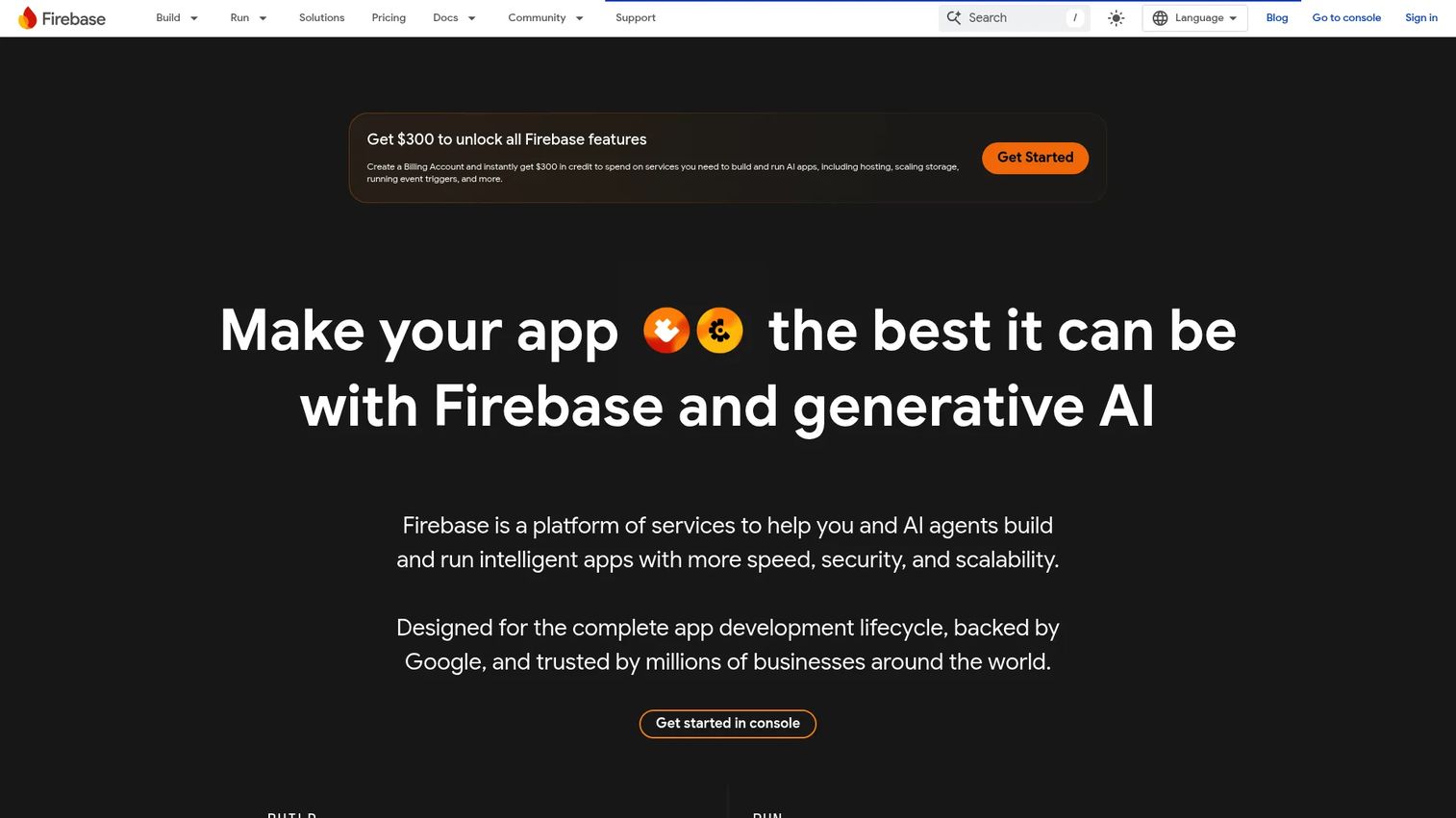
Firebase is Google's app development platform for building, running, and scaling apps with managed backend services. It is the reference point most teams start from when they research the category, and for good reason: it is mature, deeply documented, and covers the full lifecycle from build to engagement. If you are looking at Firebase alternatives later in this list, this is the baseline you are comparing against.
Best for: Teams building mobile or web apps that want a managed backend plus analytics and release tooling from a single provider.
Key strengths
- Cross-platform SDKs: Native support for iOS, Android, web, Flutter, Unity, and C++, so one backend serves every client.
- Full build and run stack: Hosting, Authentication, Firestore, Cloud Storage, and Cloud Functions cover the core backend primitives out of the box.
- Engagement tooling: Crashlytics, Remote Config, A/B Testing, and Performance Monitoring go beyond raw backend into product analytics and quality.
Why choose Firebase: Firebase is the safe, broad default when you want realtime data, auth, and hosting without stitching multiple vendors together. Its realtime database and Firestore make it a strong pick for chat, live collaboration, and mobile apps where sync matters. The deep Google ecosystem ties pay off if you already use Google Cloud, Analytics, or Ads.
Firebase pricing: Firebase runs on two plans. Spark is a no-cost tier that covers many products with free usage quotas. Blaze is pay-as-you-go and requires a billing account, charging by usage once you exceed the free quotas. There is no single universal paid starting price; charges vary by product and consumption. Firebase holds a 4.5/5 rating on G2.
2. Supabase
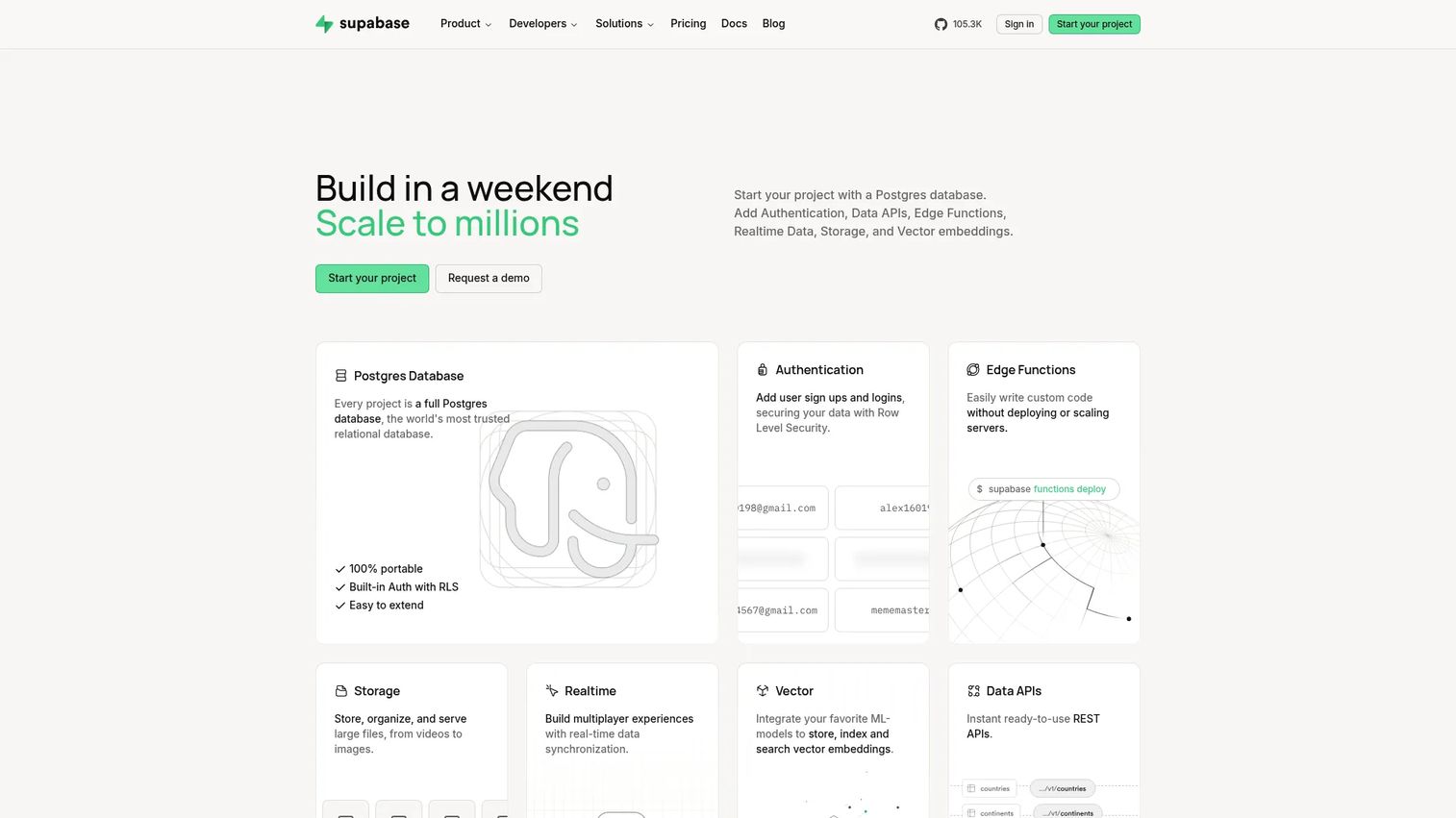
Supabase is an open source backend as a service platform built on Postgres, with auth, storage, realtime, and edge functions layered on top. The pitch is simple and it resonates: you get a full Postgres database per project, not a proprietary datastore you can never leave. That is a direct answer to lock-in and portability worries.
Best for: Teams building apps that want managed Postgres with built-in auth, storage, realtime, and serverless functions.
Key strengths
- Full Postgres per project: A real Postgres database means standard SQL, extensions, and clean migrations if you ever move.
- Built-in auth: Authentication and authorization, including row-level security, SSO, and MFA support, ship as part of the platform.
- Storage with CDN: File storage with a CDN and image transforms handles media without a separate service.
Why choose Supabase: Supabase is the pick when you want a Postgres-native backend and predictable pricing rather than a usage meter that surprises you. Because it is open source, you can self-host it, which lowers lock-in and gives compliance-sensitive teams more control. Developers who know SQL feel at home immediately, and the auto-generated APIs speed up early builds.
Supabase pricing: The public plans are Free at $0/month, Pro at $25/month, Team at $599/month, and Enterprise with custom pricing. Paid plans add usage-based compute and storage overages on top of the base fee. The Free tier is generous enough to build and validate a real app. Supabase holds a 4.7/5 rating on G2.
3. Appwrite
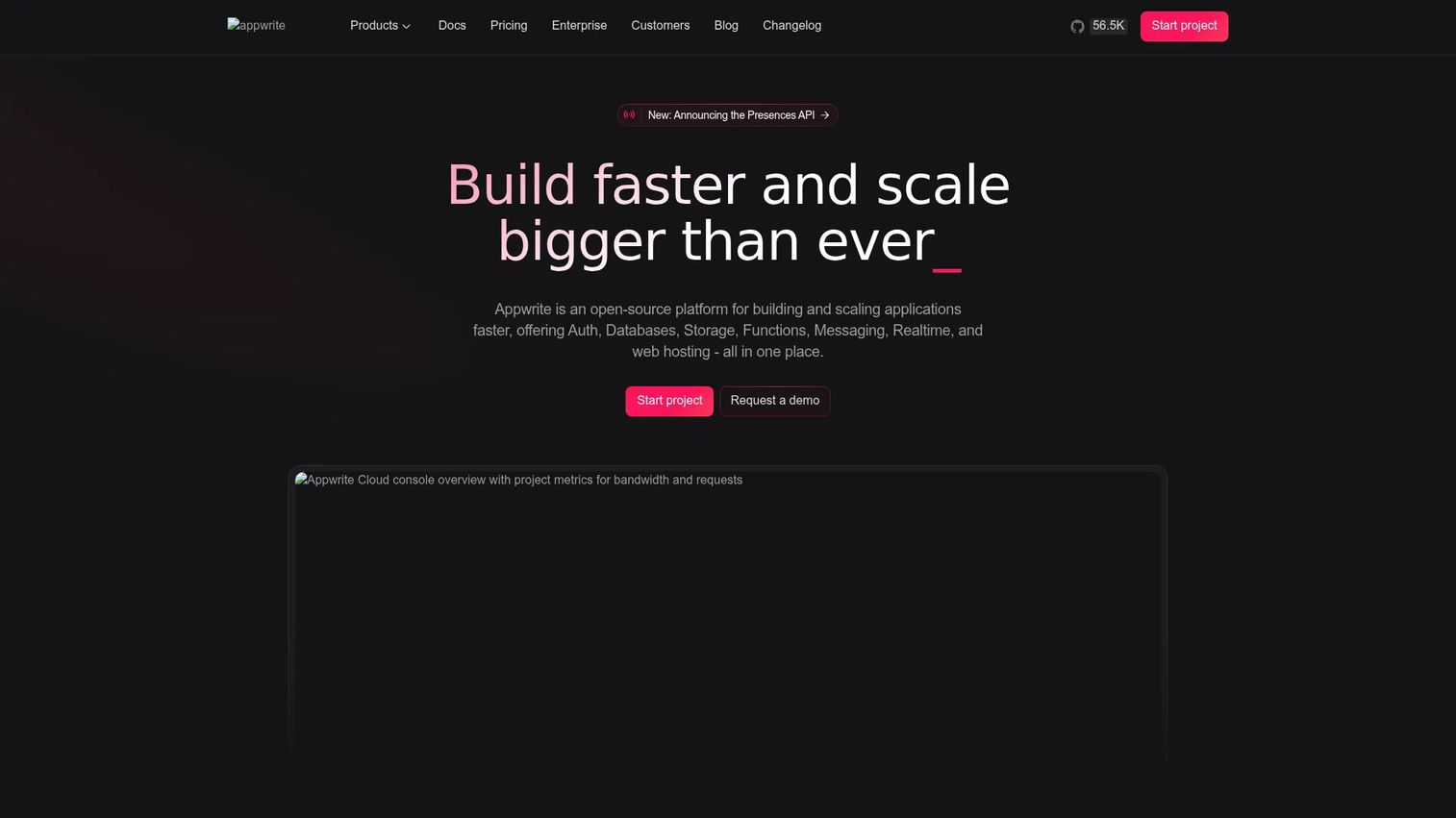
Appwrite is an open source backend as a service platform for building secure web and mobile apps, available as managed cloud or self-hosted. It bundles the core backend primitives into one coherent product and gives you a real choice about where it runs. For teams that care about self-hosted BaaS and data residency, that flexibility is the headline.
Best for: Teams that want an all-in-one backend platform with managed auth, database, storage, and functions, plus the option to self-host.
Key strengths
- Authentication: Multiple auth methods, sessions, and access control built in, so you skip the auth boilerplate.
- Databases and storage: Managed database plus file storage cover the data layer without extra services.
- Functions: Serverless functions let you run custom business logic and webhooks close to your data.
Why choose Appwrite: Appwrite fits teams that want the convenience of a managed backend but refuse to give up control. Run it in Appwrite Cloud to move fast, or self-host it for compliance, cost, or data residency reasons. That control-versus-convenience flexibility, plus a clean developer experience across web and mobile, is the core reason teams pick it over more locked-in options.
Appwrite pricing: Appwrite offers three plans: Free at $0, Pro from $25/month, and Enterprise with custom pricing. Paid plans add usage-based charges above the included quotas. The self-hosted open source version is free to run on your own infrastructure. Appwrite holds a 4.6/5 rating on G2.
4. Back4app
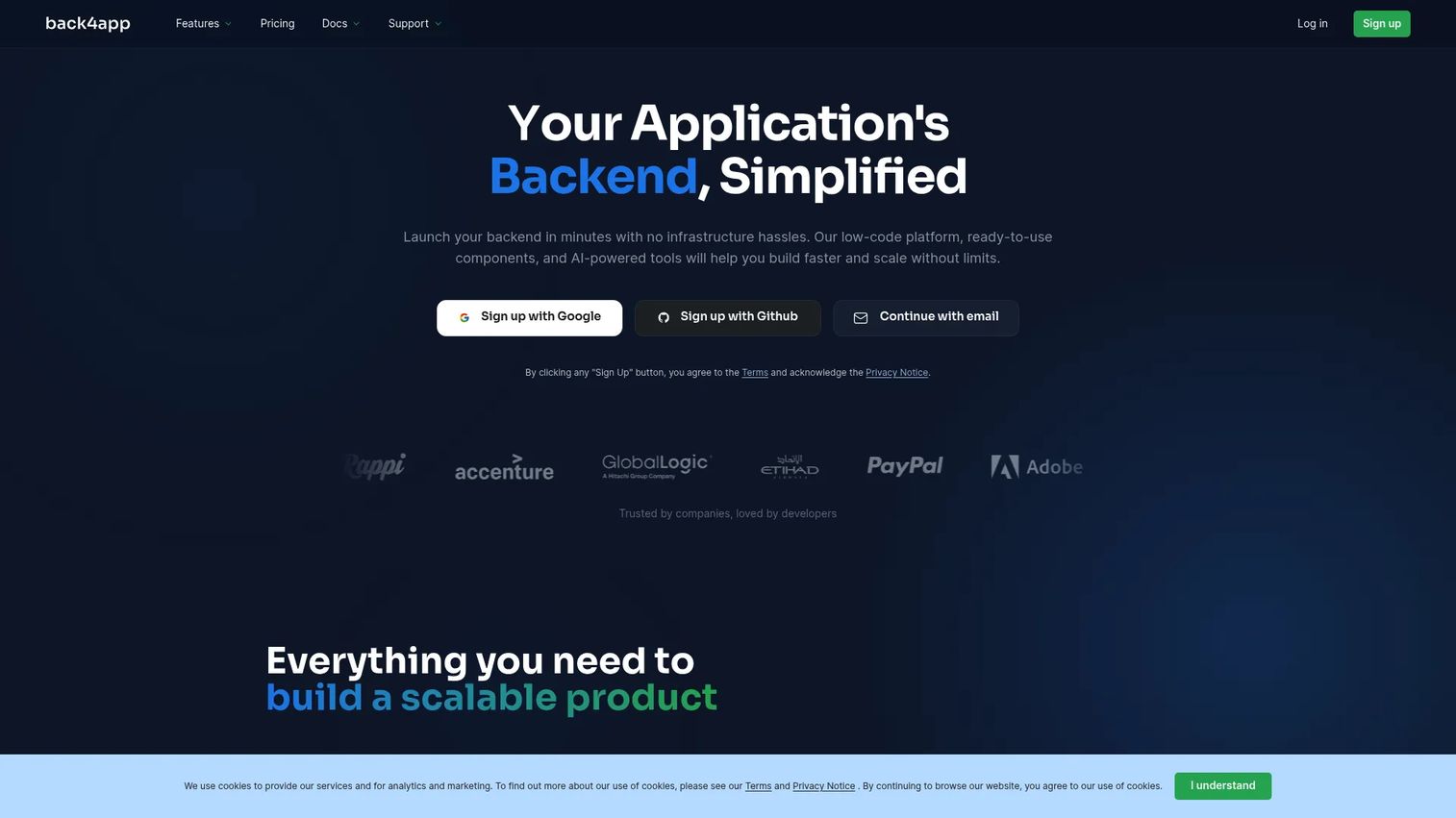
Back4app is a backend as a service platform for building apps with databases, auth, APIs, realtime features, storage, and cloud functions. It is built on the open source Parse framework, which gives it a mature feature set and a familiar model for anyone who has touched Parse before. Its calling card is transparent, predictable, app-based pricing.
Best for: Teams that want a managed backend with a free-to-start plan and predictable per-app pricing.
Key strengths
- Databases and visual browser: A managed database with a visual data browser makes it easy to inspect and edit records.
- REST and GraphQL APIs: Auto-generated REST and GraphQL APIs plus SDKs speed up client development.
- Realtime and cloud functions: Realtime sync, file storage, and cloud functions cover realtime apps and custom logic.
Why choose Back4app: Back4app is the pick when you want simple, all-in-one backend services and pricing you can forecast. The Parse foundation means you get a proven backend model, and the per-app plans make it easy to reason about cost as you add products. For startups and MVPs watching every dollar, the clarity is a real advantage over usage meters that spike unpredictably.
Back4app pricing: Back4app starts with a Free tier, then MVP at $15/month per app (billed annually), Pay As You Go at $80/month per app, Dedicated at $400/month per app, and a custom Enterprise plan. The per-app model keeps costs legible as you scale. Back4app holds a 4.8/5 rating on G2, the highest on this list.
5. AWS Amplify
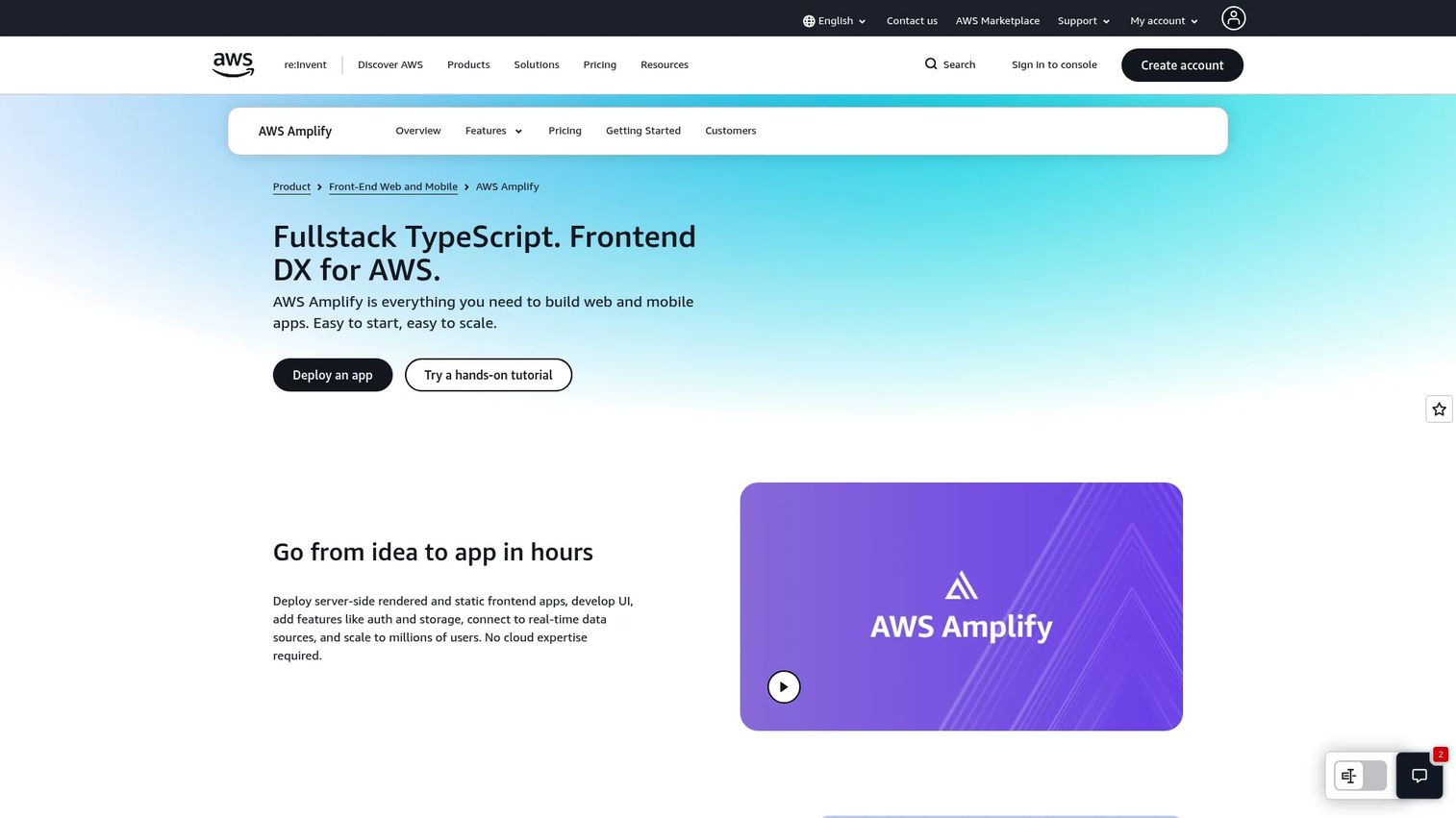
AWS Amplify is AWS's full-stack platform for building and hosting web and mobile apps. It is less a standalone BaaS and more a front door into AWS backend services: auth via Cognito, plus APIs, functions, storage, and hosting wired into the broader AWS ecosystem. If your team is already standardized on AWS, Amplify meets you where you are.
Best for: Teams building and deploying AWS-backed web or mobile apps that want managed backend and hosting inside AWS.
Key strengths
- Multi-platform backend: Backend creation for web, iOS, Android, Flutter, and React Native from one toolchain.
- Hosting with CI/CD: Hosting for static sites, SSR apps, and SPAs with CI/CD, monitoring, WAF, and custom domains.
- Deep AWS integration: UI components and forms plus APIs, auth, functions, analytics, and storage tied into AWS services.
Why choose AWS Amplify: Amplify is the right call when AWS is already your platform of record. You inherit AWS security, scale, and compliance posture, and you can drop down into raw AWS services whenever Amplify's abstractions run out. That path from managed convenience to full AWS control is the reason AWS-native teams pick it.
AWS Amplify pricing: Amplify uses usage-based pricing rather than named subscription tiers. Team collaboration is always free, app deployment is free for 12 months on eligible accounts via the AWS Free Tier, and after that you pay for what you use. Build minutes start free up to 1,000 per month, then run from $0.01 per minute; storage, data transfer, and SSR requests are metered separately. AWS Amplify holds a 4.2/5 rating on G2.
6. Convex
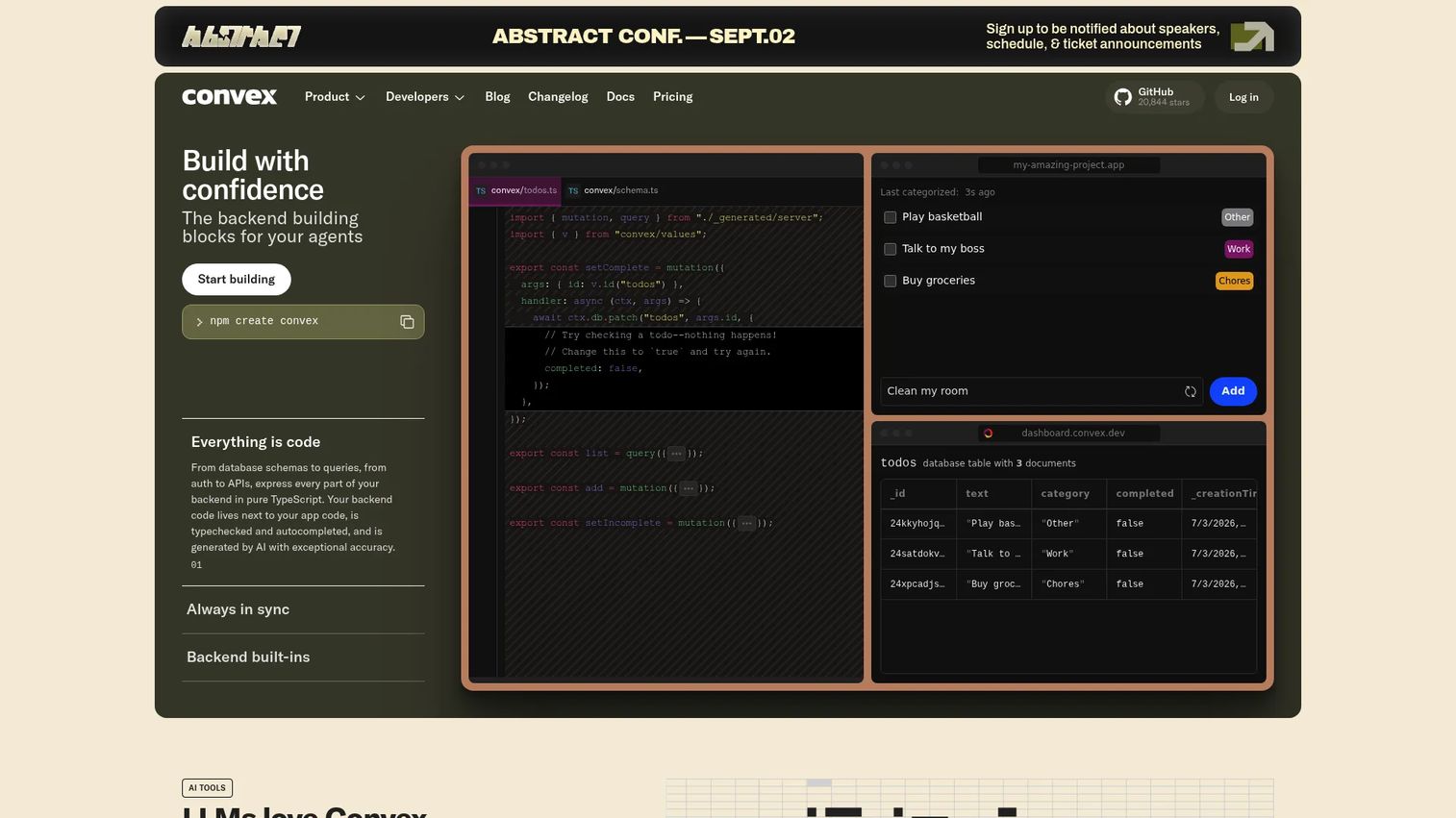
Convex is a backend platform for building apps with realtime data, serverless functions, and managed infrastructure. Its defining idea is the reactive database: query results update automatically as underlying data changes, which removes a whole category of state-sync code from realtime apps. For teams building live, reactive product experiences, that model is the draw.
Best for: Teams building apps that need a managed backend with realtime data and usage-based scaling.
Key strengths
- Reactive database: Queries stay live automatically, so the UI reflects data changes without manual subscriptions.
- File storage: Built-in file storage keeps media in the same platform as your data.
- Search built in: Text search and vector search ship natively, useful for AI-adjacent and search-heavy apps.
Why choose Convex: Convex fits teams that want realtime and reactivity as a first-class primitive, not a bolt-on. The reactive model, combined with typed serverless functions, cuts the boilerplate around live data and keeps the backend consistent. If your product is inherently collaborative or live, Convex removes friction that other backends leave to you.
Convex pricing: Convex offers a Free and Starter tier at $0/month with pay-as-you-go usage, a Professional plan at $25 per developer/month, and a Business and Enterprise tier starting at a $2,500 monthly minimum. The free tier is enough for personal projects and prototypes. Convex holds a 4.5/5 rating on G2.
7. Backendless
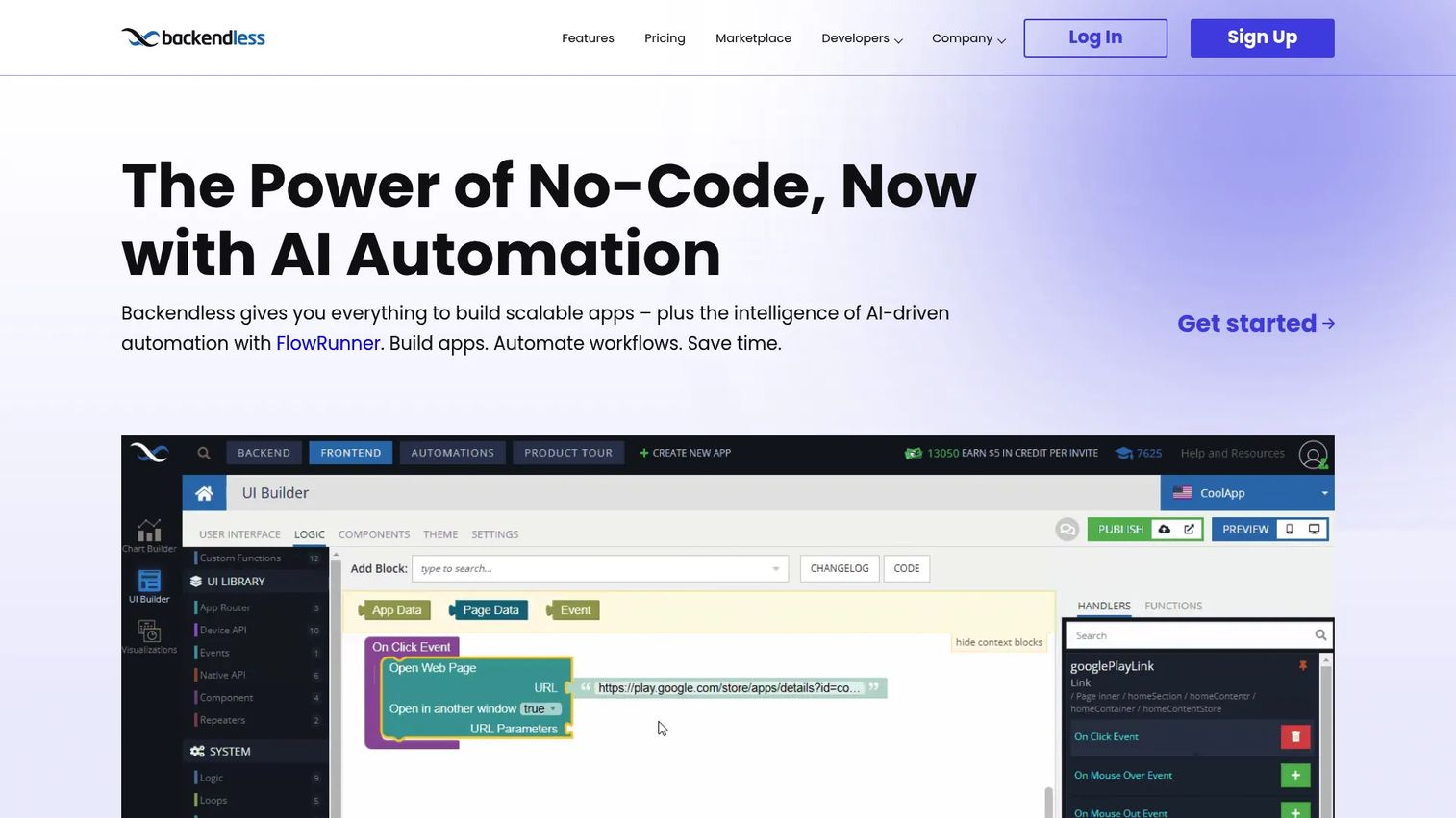
Backendless is a no-code and low-code backend and app development platform for building scalable web and mobile apps. It leans further toward visual development than most of this list, with a UI builder and codeless logic alongside traditional APIs. It also offers both cloud and self-hosted Pro deployment, so you can move from managed to self-run without switching platforms.
Best for: Teams building web and mobile apps that want a visual backend with realtime data and codeless logic.
Key strengths
- Visual UI builder: A UI builder and codeless frontend logic let non-backend builders ship working apps.
- Realtime APIs and storage: Realtime backend and database APIs plus file storage cover realtime apps and media.
- Instant API generation: Cloud Code and instant API generation turn your data models into working endpoints fast.
Why choose Backendless: Backendless is the pick when you want a broad backend platform with a low-code orientation and deployment flexibility. The visual tooling lowers the barrier for smaller teams, while Backendless Pro gives you a self-hosted path for control and compliance. Push notifications, realtime data, and business logic in one platform make it a fit for mobile-first and citizen-developer teams.
Backendless pricing: Backendless Cloud has a Free plan at $0/month and a Scale plan starting at $15+/month with usage-based scaling. Backendless Pro is offered under free licensing for core functionality on your own infrastructure, while Managed Backendless is a paid, request-priced service. Backendless holds a 4.4/5 rating on G2.
Considerations before you choose a BaaS
Shortlisting is easy. Choosing well takes a few pointed questions. Run each finalist through this checklist before you commit.
Portability and lock-in
Ask what happens if you leave. A provider built on standard tech like Postgres makes migrations straightforward. A proprietary datastore can trap your data. Open source BaaS options generally lower lock-in because you can self-host or export. Portability is cheap insurance against a bad year-two surprise.
Deployment and control
Decide whether you need managed cloud, self-hosted BaaS, or both. Self-hosting gives you control over data residency, cost at scale, and compliance, which matters for regulated industries. Managed cloud gives you speed. Several providers here offer both, so you are not forced to pick once and live with it forever.
Pricing model and scale cost
Usage-based pricing is friendly early and can spike later; flat or per-app pricing is predictable but may cost more at low volume. Model your expected traffic against each plan. The cheapest starting price is rarely the cheapest at scale, so run the numbers for your real growth curve.
Compliance and security
Check for SSO, MFA, encryption, and the certifications your buyers or auditors require. If you sell into enterprise, your BaaS becomes part of your own security review. Confirm the provider can pass the diligence your customers will run on you.
Conclusion
There is no single best backend as a service provider, only the best fit for your stack, stage, and growth plan. The real decision is speed versus control. If you want maximum speed with a mature, broad platform, Firebase is the default. If you want a Postgres-native backend with predictable pricing and low lock-in, Supabase is the standout. If open source and flexible deployment top your list, Appwrite fits, with Back4app and Backendless close behind for transparent pricing and low-code needs.
Teams deep in the AWS ecosystem should reach for AWS Amplify. Teams building realtime, reactive products should test Convex first. The right move is to shortlist two or three, then build the same small workflow in each and measure how it feels: auth, a data model, one function, one deploy. That hands-on test tells you more than any comparison table, including this one.
If your own product is what buyers need to evaluate, the same "test the real thing" principle applies to how you sell it. Start your journey with Guideflow today!
FAQs
Backend as a service is a cloud model where a provider runs your backend infrastructure, auth, database, storage, functions, and hosting, and exposes it through APIs and SDKs. You call those APIs from your app instead of building and operating a server yourself. The provider handles scaling, security, and uptime, so your team focuses on frontend and product logic.
Most BaaS providers bundle authentication (with SSO and MFA), a managed database, file storage, serverless functions for custom logic, auto-generated REST or GraphQL APIs, and hosting. Many add realtime sync, webhooks, and push notifications. Mobile backend as a service platforms lean harder into push, offline sync, and mobile SDKs.
A serverless backend gives you a place to run your own code without managing servers, but no pre-built backend components. BaaS gives you ready-made primitives like auth and a database as managed products. In the BaaS vs serverless comparison, serverless is a lower-level building block, while BaaS is the assembled kit, and most BaaS platforms include serverless functions inside.
In the BaaS vs PaaS comparison, PaaS gives you a managed environment to deploy and run your own application and databases, but you still write the backend. BaaS abstracts further, handing you pre-built backend features so you write less backend code. PaaS is "bring your app, we run it," while BaaS is "use our backend features, skip the build."
Yes. Firebase remains one of the most mature and widely adopted backend as a service providers, with broad SDK support, strong realtime tooling, and deep Google ecosystem ties. It is still the default starting point for many mobile and web teams. Teams seeking Firebase alternatives usually want Postgres portability or open source self-hosting, which is where Supabase and Appwrite come in.
For startups, solo developers, and MVPs, look for a generous free tier and predictable pricing. Supabase and Back4app are strong picks for backend as a service for startups thanks to clear plans and low starting cost. Firebase and Appwrite also work well early, and each lets you validate a product before investing in a dedicated backend team.
Watch for lock-in, pricing at scale, deployment options, and compliance. Confirm you can export or migrate your data, model your real traffic against the pricing, and check whether self-hosting is available if you need control. If you sell to enterprise, verify the provider supports the SSO, MFA, and certifications your buyers will demand.
Yes, but the effort depends on how portable your data and code are. Providers built on standard tech like Postgres make migrations far easier, and open source BaaS platforms let you export or self-host to reduce lock-in. Proprietary datastores make switching harder, so weigh portability up front if long-term flexibility matters to you.