It's 2 a.m. A production service is throwing errors. The alert fires into a channel nobody is watching. The engineer who is technically on call never gets paged because the rotation lives in a spreadsheet someone forgot to update. By the time anyone notices, the incident has cost you an hour of downtime and a chunk of customer trust.
That failure is not a people problem. It is a coverage problem, and it is exactly what on call software exists to solve. The global on-call scheduling software market was valued at USD 1.49 billion in 2021 and is forecast to grow at a 35.3% CAGR through 2030, according to SkyQuest. That growth reflects a simple reality: as products get more complex and teams get more distributed, manual coverage chasing stops scaling.
For a product manager, the cost of weak on-call management shows up everywhere you care about. Engineering interrupts eat into roadmap velocity. Support load climbs when incidents drag. Reliability risk turns into churn risk. And the least visible cost, burnout, quietly degrades the quality of every decision your on-call engineers make. Good oncall software fixes the mechanics so your team can focus on shipping.
The same logic applies to how modern teams reduce friction elsewhere in the stack, whether that's demand generation through outbound call tracking, buyer education through interactive demos, or keeping records clean with audit management software. This guide focuses on the tools that keep your systems covered and your responders sane.
What's inside
This guide covers seven on call scheduling software tools built for alerting, escalation, rotation management, coverage, and visibility. It is written for product-minded operators who care about workflow fit, integration depth, and maintainability, not just raw alert volume.
We selected tools based on schedule flexibility, escalation logic, integration coverage across Slack, Teams, and monitoring stacks, analytics and audit history, mobile experience, and team fit. Each entry includes a clear "best for," verified pricing where public, key strengths, and a plain-English read on who it suits. No banned brands, no filler, no forced recommendations.
TL;DR
- Best for Slack-native small teams: Spike, lightweight incident alerting with on-call schedules and status pages at $7 per user per month.
- Best for enterprise incident operations: PagerDuty, deep escalation policies, automation, and AIOps for high-volume digital operations.
- Best for Slack and Teams-native response: Incident.io, all-in-one incident management with built-in on-call and a free Basic tier.
- Best for monitoring-heavy environments: Splunk OnCall, scheduling and routing tied to a broad observability ecosystem.
- Best for workflow orchestration: xMatters, automated notification workflows with a free tier up to 10 users.
- Best for healthcare and compliance: OnPage, persistent alerts that bypass silent mode plus audit trails.
- Best for open-source teams: GoAlert, self-hosted on-call scheduling and escalation you fully own.
What is on call software?
On call software is a tool that manages who is responsible for responding to incidents at any given time, then routes, escalates, and tracks alerts until someone acknowledges and resolves them. It replaces spreadsheets, group texts, and tribal knowledge with structured rotations and automated paging.
The core workflow is consistent across tools. You build a schedule, assign responders to rotations, and define how alerts route in. When something breaks, the tool pages the on-call person. If they do not acknowledge within a set window, it escalates to a backup or the next responder in the chain. Every action gets logged for later review.
The most important capabilities a product manager should understand:
- Rotation schedules: Daily, weekly, or custom rotations that distribute coverage fairly across the team, with support for layered schedules and follow-the-sun coverage.
- Escalation policies: Rules that move an unacknowledged alert up the chain automatically, so no incident sits unowned.
- Backups and overrides: Easy swaps, vacation handling, and temporary coverage without breaking the underlying rotation.
- Alert routing: Multi-channel delivery across phone, SMS, push, email, and chat, so the right person gets reached on the channel they actually check.
- Integrations: Native hooks into monitoring, ITSM, and chat tools like Slack and Teams so alerts flow in and updates flow out.
- Logs and audit history: Read and acknowledgement history that helps you diagnose missed handoffs and prove coverage.
- Fairness controls: Transparency into who carries what load, which is the foundation of burnout reduction.
Get these fundamentals right and on call management stops being a source of anxiety. It becomes infrastructure that quietly does its job.
When to use on call software
Not every team needs a dedicated on call scheduler on day one. Here are the signals that ad hoc coverage has stopped working.
Replace manual spreadsheets and text chains
The spreadsheet worked when the team was four people and everyone sat in the same room. It breaks the moment handoffs get missed, ownership goes fuzzy, and alerts scatter across side-channel messages. If you have ever heard "I thought you were on call," that is the signal. When nobody can say with confidence who owns the next incident, you have outgrown manual scheduling.
Escalate alerts automatically until they are acknowledged
Automation matters most when you run production systems, staffed support queues, or coverage spread across time zones. On call alerting software escalates an unacknowledged page to a backup, then to a manager, without anyone manually chasing. That difference between a five-minute response and a fifty-minute one is often the difference between a blip and an outage that lands in a customer's postmortem.
Reduce burnout with fair rotations and backups
Coverage that always lands on the same two people is a retention problem waiting to happen. On call management software makes rotations transparent, distributes load evenly, and handles swaps and overrides cleanly. Predictable schedules and visible fairness are what keep senior engineers from quietly deciding they have had enough of 3 a.m. pages.
Quick gut check: if two or more of these are true, you need on call software now.
- Alerts regularly reach the wrong person or nobody at all
- You maintain coverage in a spreadsheet or a pinned message
- The same people carry most of the on-call weight
- You cannot prove who was on call during a past incident
- Escalation depends on someone noticing and forwarding
Comparison of the best on call software
The table below ranks tools by relevance to general on-call scheduling and incident alerting use cases, from lightweight Slack-native tools to enterprise platforms and open-source options. Pricing and ratings reflect verified public sources at the time of writing.
| # | Product | Intent | Key differentiation | Pricing | G2 rating |
|---|---|---|---|---|---|
| 1 | Spike | Lightweight incident alerting and on-call | Multi-channel alerts plus status pages at a low entry price | From $7 per user/month | 4.6/5 |
| 2 | PagerDuty | Enterprise incident operations | Deep escalation, automation, and AIOps | Free; Professional from $21 per user/month | 4.5/5 |
| 3 | Incident.io | Slack and Teams-native response | All-in-one incident management with built-in on-call | Free Basic; Team from $15 per user/month | 4.8/5 |
| 4 | Splunk OnCall | Monitoring-heavy environments | On-call tied to a broad observability ecosystem | 14-day trial; contact sales | 4.5/5 |
| 5 | xMatters | Workflow orchestration | Automated notification workflows and integrations | Free up to 10 users; Starter from $9 per user/month | 4.5/5 |
| 6 | OnPage | Healthcare and compliance alerting | Persistent alerts that bypass silent mode plus audit trails | From $13.99 per user/month | 4.3/5 |
| 7 | GoAlert | Open-source, self-hosted on-call | Fully owned scheduling, escalation, and notifications | Open source | Not listed |
The 7 best on call software tools for 2026
1. Spike
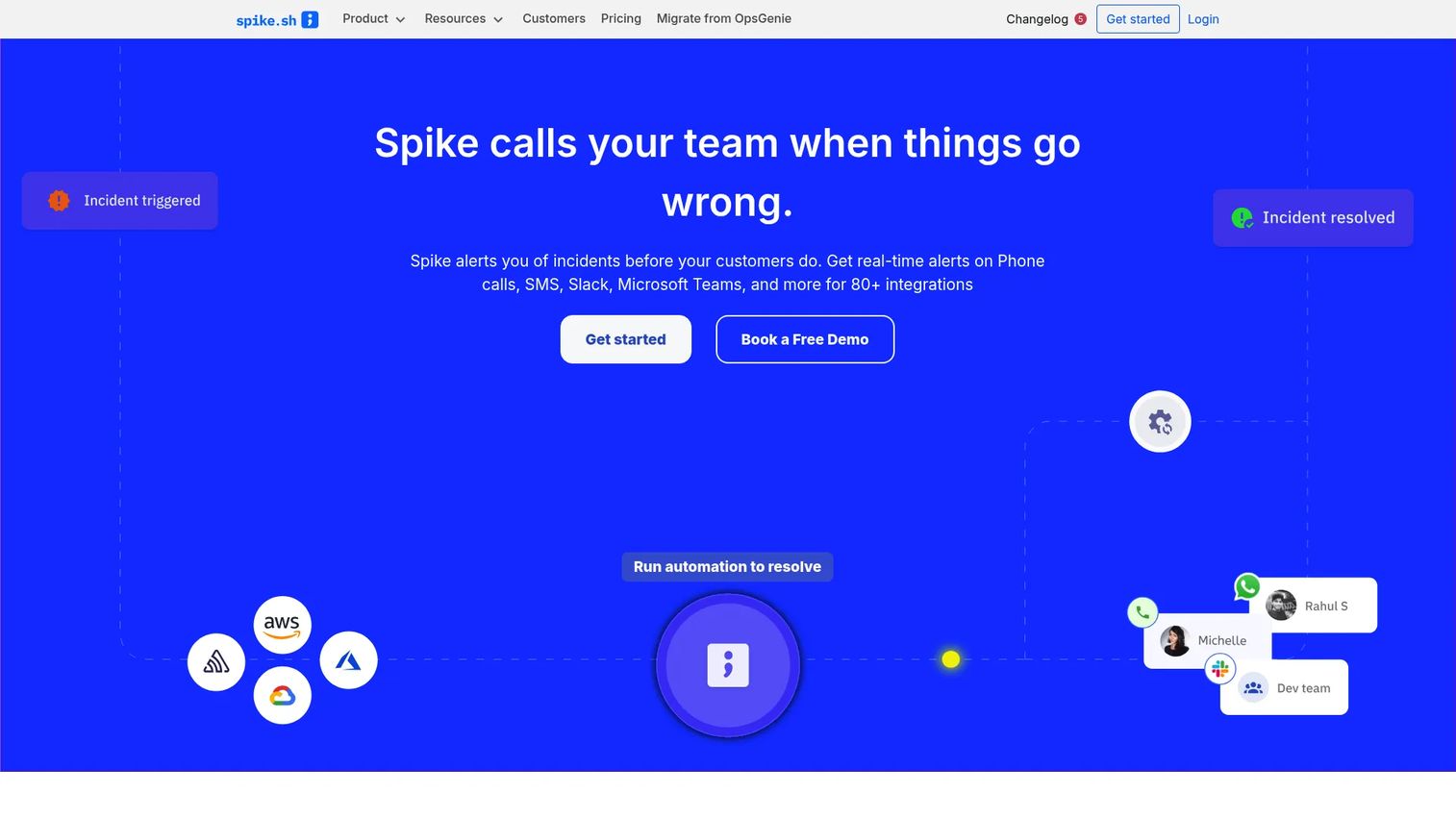
Spike is an incident management platform built around fast alerting, on-call scheduling, escalations, and status pages. Its appeal is a lightweight, chat-first workflow that smaller teams can stand up quickly without a heavy configuration project. It reaches responders across phone, SMS, WhatsApp, Telegram, Slack, Teams, Discord, and email, which means alerts land wherever your team actually pays attention.
Best for: Smaller engineering and DevOps teams that want incident alerting and on-call management without enterprise overhead.
Key strengths
- Broad alert channels: Phone, SMS, WhatsApp, Telegram, Slack, Teams, Discord, and email so pages reach the right person on the right channel.
- On-call schedules and routing: Rotation management plus live call routing to keep coverage clear and handoffs clean.
- Status pages and context: Built-in status pages, incident context, automations, and integrations that reduce manual coordination.
Spike suits teams that value speed and simplicity over deep enterprise configuration. If your rotation logic is straightforward and you want a tool your team adopts the same week you buy it, Spike fits. As coverage complexity grows, revisit your escalation policy design to keep it maintainable.
Spike pricing is public and seat-based. The Starter plan runs $7 per user per month and the Business plan runs $14 per user per month. Enterprise pricing is custom and quote-based. There is no free tier, but the low Starter price makes it an accessible entry point for small teams. Spike holds a 4.6/5 rating on G2.
2. PagerDuty
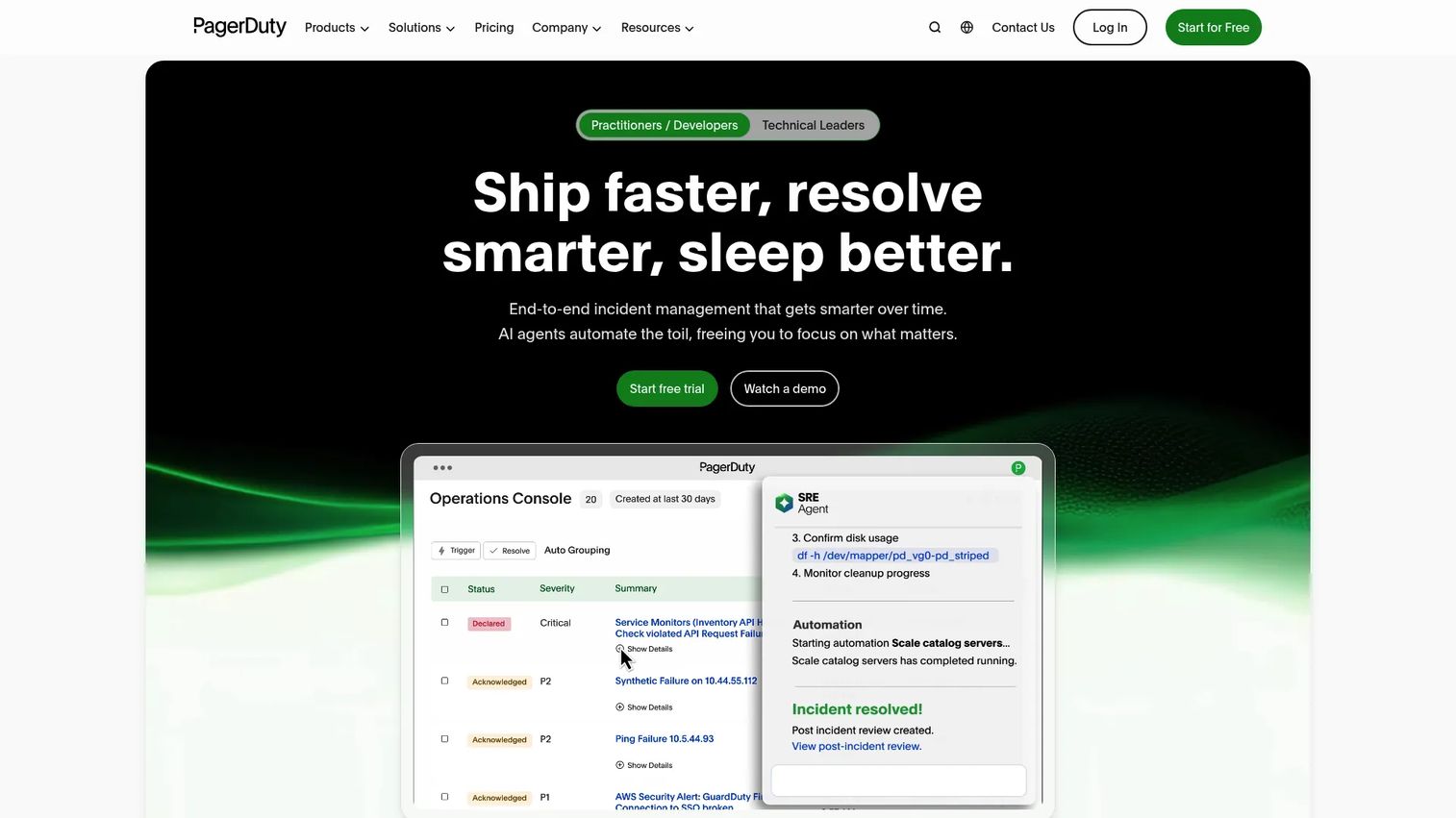
PagerDuty is an AI-first operations platform for incident management, on-call, automation, and status communication. It is the reference point most teams benchmark against, and for good reason: its escalation policies, workflow automation, and AIOps noise reduction are built for serious incident volume. If your operation pages hundreds of times a month across many services, this is the depth you want.
Best for: Larger operational teams handling high incident volume that need mature escalation and automation.
Key strengths
- On-call management and escalation policies: Flexible, layered escalation logic that scales from one team to an entire org.
- Incident response and automation: Workflow automation that triggers runbooks and actions to shorten resolution time.
- AIOps noise reduction: Machine-driven triage and alert grouping so responders see signal, not noise.
PagerDuty earns its place when incident volume is high and reliability is a board-level metric. The tradeoff is that its breadth can feel like a lot for a small team, but for organizations with real operational scale, that depth is the point. Its ecosystem of integrations is among the widest in the category.
PagerDuty offers a free plan for up to 5 users. The Professional plan is $21 per user per month billed yearly, and Business is $41 per user per month billed yearly. Enterprise is custom-priced, and add-ons like AIOps, Advance, and Status Pages are available separately. The free tier makes it easy to trial before committing. PagerDuty holds a 4.5/5 rating on G2.
3. Incident.io
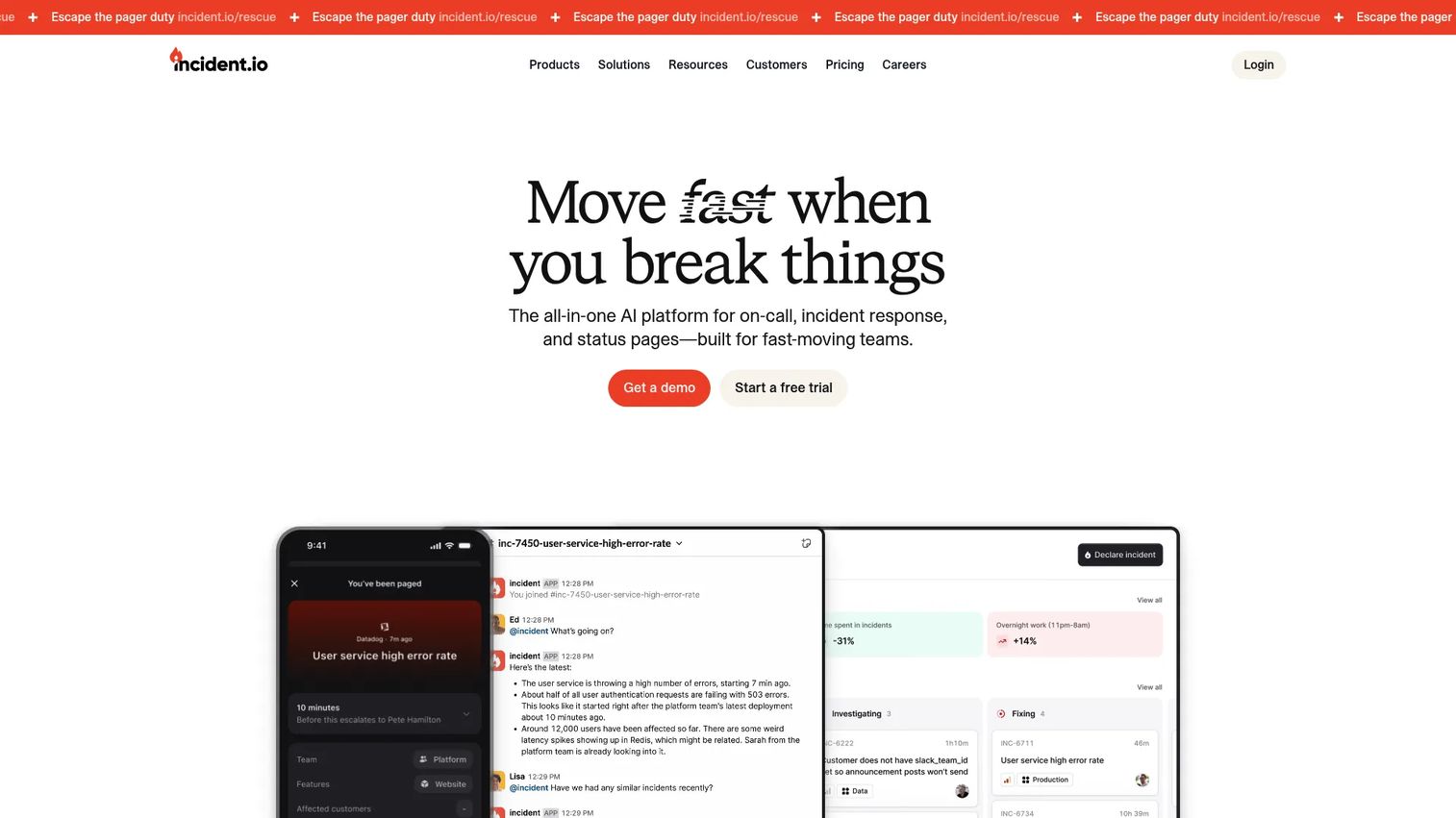
Incident.io is an all-in-one AI platform for incident management, on-call, status pages, and response workflows. Its defining trait is that incident response happens where your team already lives, inside Slack or Microsoft Teams. Declare an incident, spin up a channel, page the on-call responder, and run the whole response without leaving chat. That collaboration-first model is why high-velocity teams gravitate to it.
Best for: Teams that want chat-native incident response with on-call scheduling and status pages in one place.
Key strengths
- Slack and Teams-native response: Declare, coordinate, and resolve incidents inside the tools your team already uses.
- Built-in on-call and alerting: On-call scheduling and paging integrated with the same platform that runs your response.
- AI-assisted workflows: AI-supported incident management, investigations, and post-incident automation that reduce manual writeup.
Incident.io shines in high-collaboration environments where the incident channel is the command center. It complements pure scheduling needs by wrapping on-call around a full response workflow, so the handoff from page to resolution stays in one flow. Post-incident automation is a genuine time saver for teams that run structured retros.
Incident.io pricing is flexible. Basic is free forever. Team is $19 per user per month monthly or $15 per user per month annually, and Pro is $25 per user per month. Enterprise is custom. On-call can be purchased standalone at $20 per user per month, or added to Team for $10 and Pro for $20 per user per month. Incident.io holds a strong 4.8/5 rating on G2.
4. Splunk OnCall
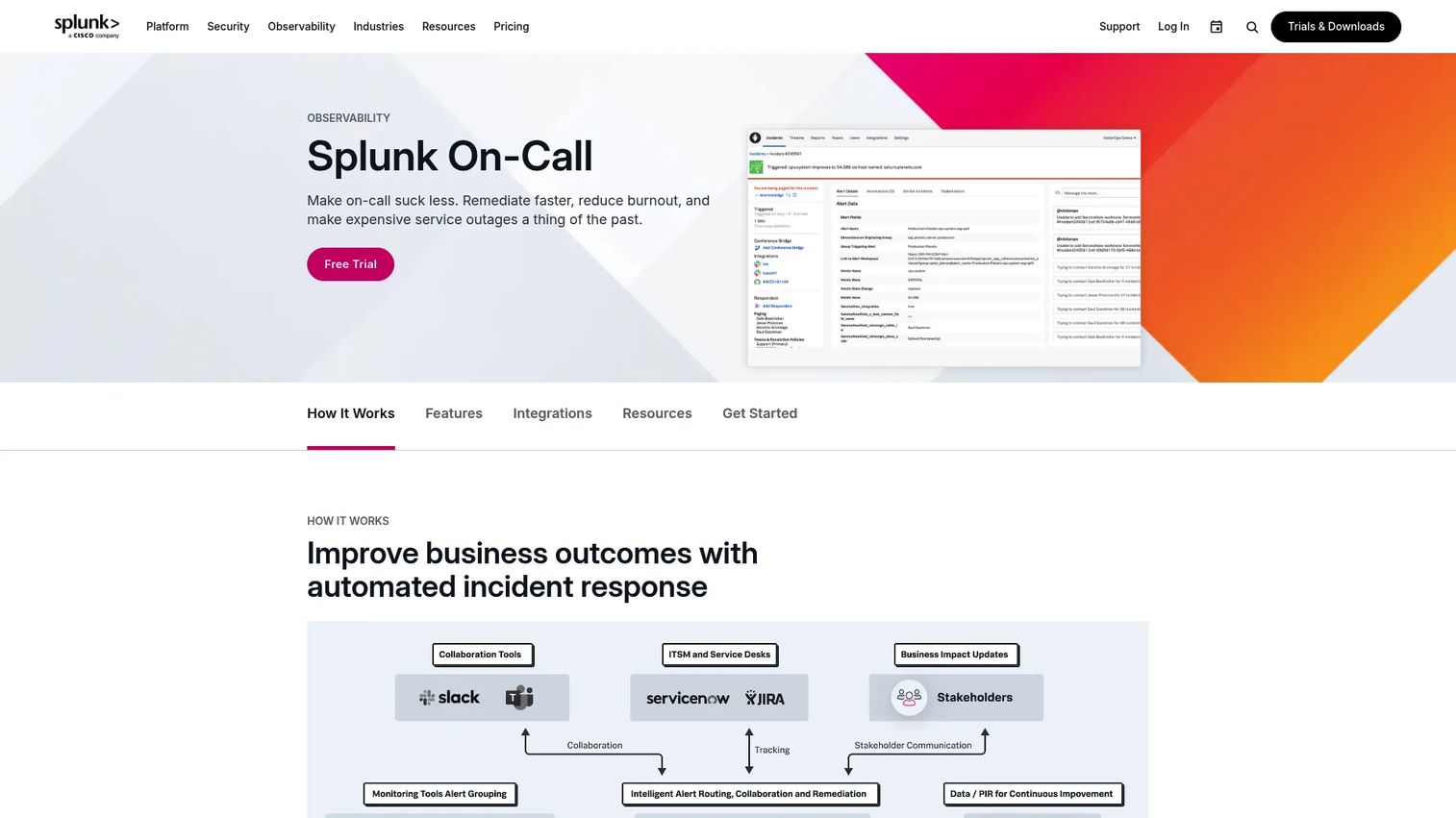
Splunk OnCall is incident response software for on-call scheduling, alert routing, and rapid incident coordination. It sits naturally in monitoring-heavy and observability-driven environments, where the value is in tying on-call routing to the broader data and alerting ecosystem around it. Machine learning-based responder recommendations help route alerts to the person most likely to resolve them fast.
Best for: Teams already invested in observability tooling that want on-call schedule software tied to their monitoring stack.
Key strengths
- Rules engine and routing: Configurable alert routing that maps incidents to the right rotation and responder.
- ML responder recommendations: Machine learning surfaces the responder best suited to a given incident.
- Mobile apps and audit trail: iOS and Android apps plus incident context and an audit trail for review.
Splunk OnCall fits teams that live inside a monitoring-heavy environment and want on-call routing that speaks the same language as their observability data. If you are consolidating alerting and response under one ecosystem, it is a natural anchor. Plan for the usual migration considerations if you are moving off a standalone scheduler.
Splunk does not publish public pricing on its site. It offers a 14-day free trial and directs prospective buyers to contact sales for a quote. That means you will need a sales conversation to model cost against your team size and volume. Splunk OnCall holds a 4.5/5 rating on G2.
5. xMatters
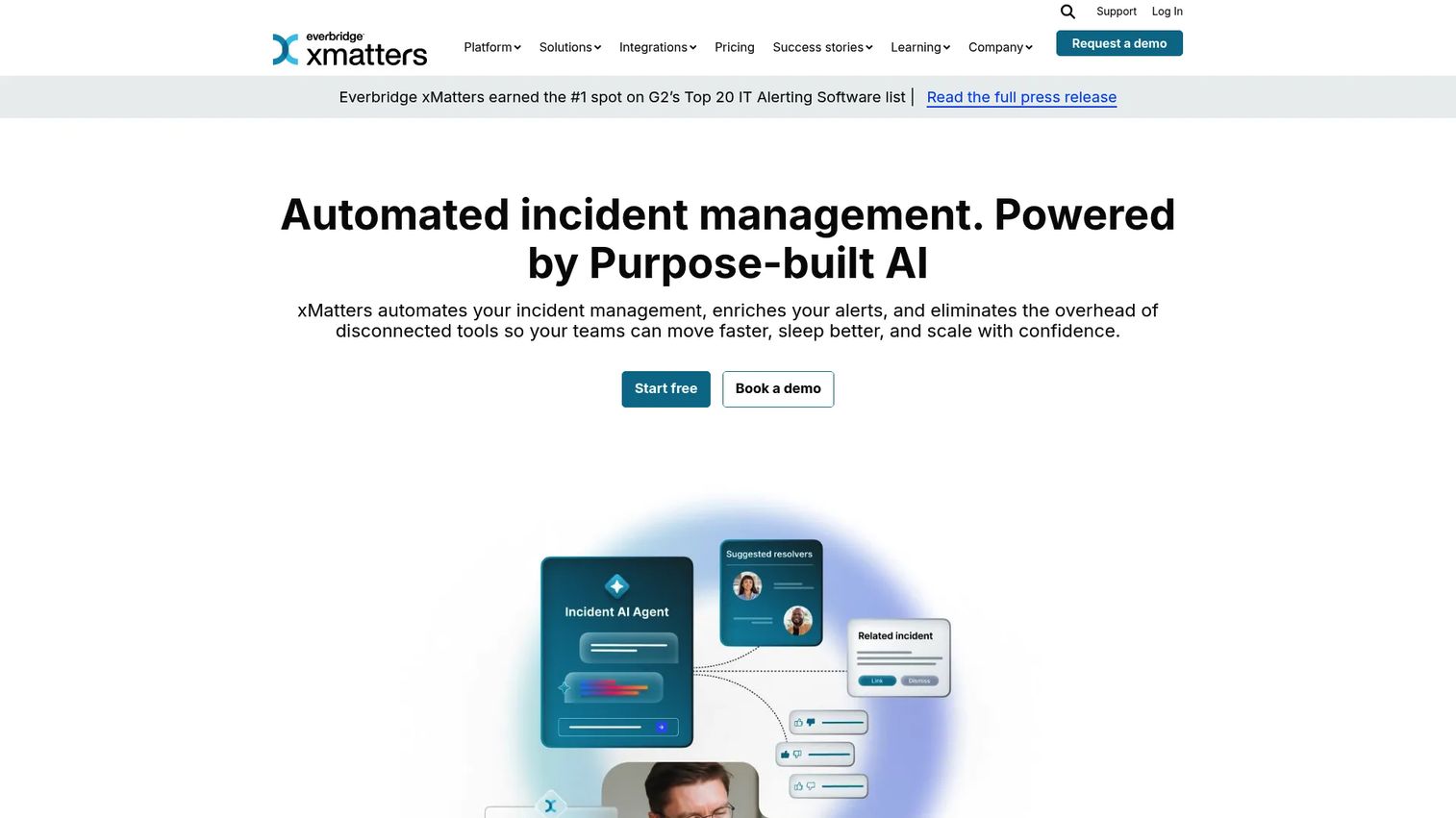
xMatters is an automated incident management platform for alerting, on-call, and workflow automation. Teams choose it for orchestration: it connects monitoring, chat, and ITSM tools and drives automated notification workflows across them. If your coverage management spans many systems and you want alerts to trigger structured, repeatable actions, xMatters is built for that job.
Best for: IT, DevOps, and SRE teams that need incident response automation plus coordinated on-call coverage.
Key strengths
- Global on-call scheduling: Shift and calendar management that supports distributed, follow-the-sun coverage.
- Automated workflows: Incident workflows that trigger actions across your monitoring and ITSM tools.
- Broad integrations: Native connections to monitoring, chat, and ITSM systems for end-to-end orchestration.
xMatters is a strong pick when your operational reality involves many tools that need to act in concert. Its orchestration depth makes it suited to enterprise IT and SRE teams that treat incident response as a workflow, not just a page. Mobile usability keeps responders effective away from their desks.
xMatters publishes public pricing. The Free plan covers up to 10 users at no cost. The Starter (Essentials) plan is $9 per user per month for up to 100 users, with additional Base and Advanced tiers available for larger needs. The free tier makes it easy for a small team to validate the workflow before scaling. xMatters holds a 4.5/5 rating on G2.
6. OnPage
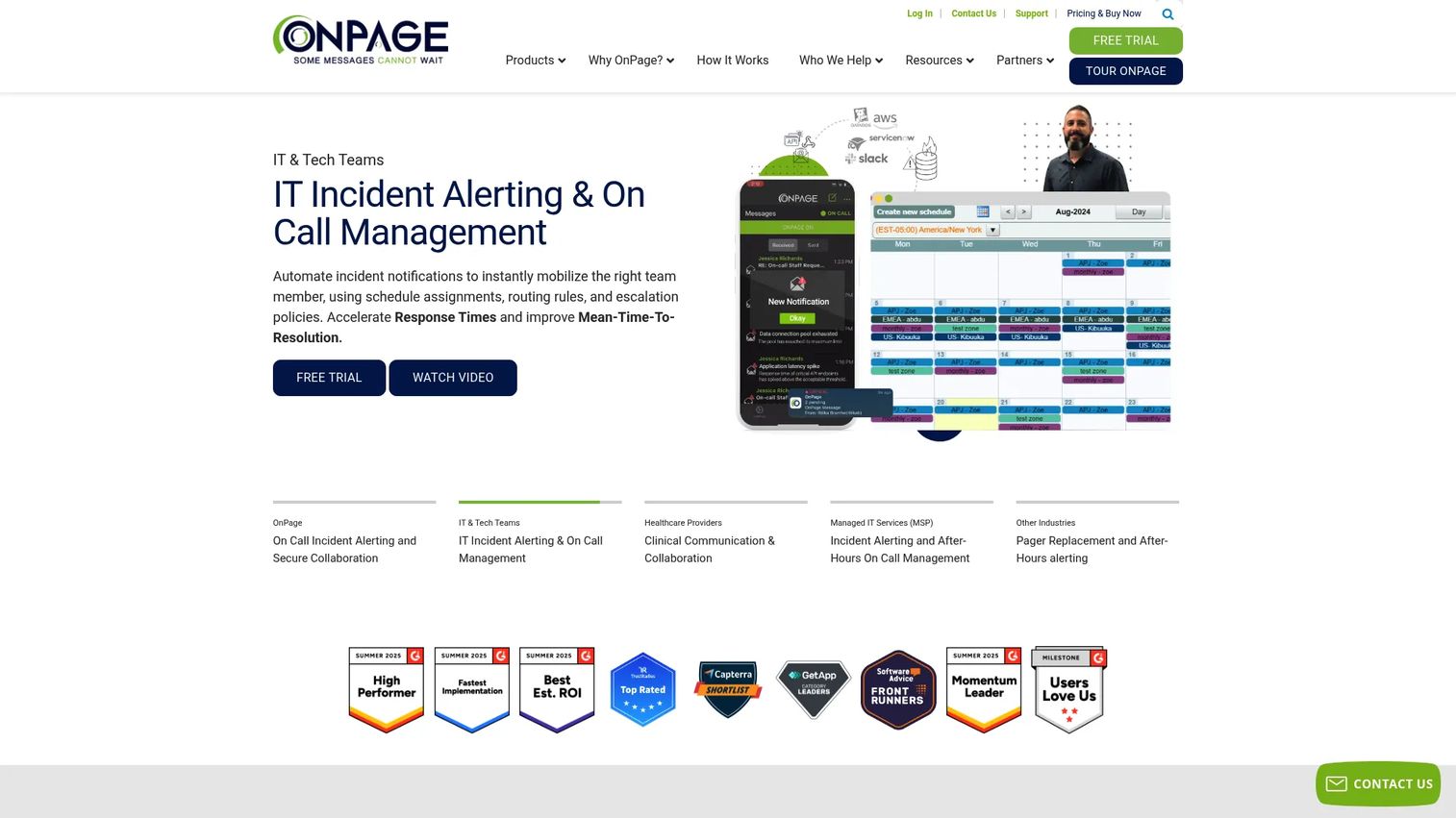
OnPage is a critical alerting, on-call management, and secure collaboration platform with deep roots in healthcare and IT. Its standout capability is persistent alerts that bypass mute and silent mode, which matters enormously when a missed page has clinical or compliance consequences. Where an ignored notification is unacceptable, that persistence is the whole value.
Best for: Healthcare and IT teams in compliance-heavy environments where a missed alert is not an option.
Key strengths
- Persistent critical alerts: Alerts that bypass silent mode and keep sounding until acknowledged.
- On-call scheduling and escalation: Rotation management and escalation policies built for round-the-clock coverage.
- Secure messaging and audit trails: HIPAA-minded secure messaging with audit history and integrations.
OnPage is the right call when the stakes of a missed alert are high and auditability is a requirement, not a nice-to-have. Its specialization in healthcare and regulated IT makes it a natural fit for teams that need proof of delivery and secure communication baked in.
OnPage publishes public pricing with a free trial for up to 10 seats. OnPage Mobile is $13.99 per user per month, Enterprise Silver is $22.99 per user per month, and Enterprise Gold is $28.99 per user per month, with quarterly billing available on the Mobile plan. Add-on and line-minute pricing is listed separately. OnPage holds a 4.3/5 rating on G2.
7. GoAlert
GoAlert is open-source on-call scheduling, alerting, and automated escalation software. Its pitch is ownership: you self-host it, control your data, and adapt it to your infrastructure without vendor lock-in. For technical teams that already run their own systems, that autonomy is a real advantage, and the open-source model means no per-seat pricing to negotiate.
Best for: Infrastructure-heavy technical teams that want to self-host an open-source on-call and alerting system.
Key strengths
- On-call scheduling: Rotation and schedule management you run on your own infrastructure.
- Automated escalations: Escalation logic that moves unacknowledged alerts up the chain automatically.
- Multi-channel notifications: Delivery via SMS, voice, email, and Slack to reach responders reliably.
GoAlert is attractive to teams that value control and want to avoid recurring license costs. Owning the stack means you handle hosting and maintenance, which is a fair trade for teams with the infrastructure muscle to support it. If data residency and full customization matter more than a managed experience, GoAlert delivers.
GoAlert is open source and self-hosted, so there is no per-seat license fee. Your cost is the infrastructure you run it on and the engineering time to maintain it. There is no publicly listed first-party pricing page because the software itself is free to deploy. A current G2 rating was not available at the time of writing.
Considerations for choosing on call management software
Before you commit, run each shortlisted tool through this buyer's checklist. It is written for product managers who care about maintainability and team sanity, not just feature counts.
Coverage model
Check whether the tool supports the coverage complexity you actually run, not the tidy demo version. Look for simple rotations, layered schedules, follow-the-sun handoffs, backups, and clean vacation handling. If overrides require rebuilding a schedule from scratch, that friction will bite you every holiday season.
Escalation and acknowledgement
Evaluate how alerts move through responders and how acknowledgements register. The best on call scheduler makes escalation logic easy to read and easy to change. Ask how many clicks it takes to adjust a policy, because a policy nobody can maintain is a policy that decays.
Integrations and workflow fit
Look for native support for Slack and Teams integrations, plus Jira, your monitoring tools, and ITSM systems. The real question is whether the tool fits the stack you already run. A tool that forces context switching adds friction exactly when speed matters most.
Visibility and audit history
Look for dashboards, read and acknowledgement logs, and reporting that helps you diagnose missed handoffs and weak coverage. Logs and audit history are what turn a chaotic incident into a learnable one. Without them, you are guessing at what went wrong.
Burnout and fairness controls
Check whether the tool makes rotations transparent and load visible. Fair rotations are not a soft nicety. They directly affect retention and the quality of your responders' decisions at 3 a.m. Tools that surface who is carrying the weight let you fix imbalance before it becomes an exit interview.
Conclusion
The right on call software depends on your team's shape more than any feature checklist. For small, Slack-native teams that want fast setup, Spike is the pragmatic pick. For enterprise operations with serious incident volume, PagerDuty brings the escalation and automation depth. For chat-first teams that want response and on-call in one flow, Incident.io is hard to beat, and its 4.8/5 G2 rating reflects that. Monitoring-heavy shops lean toward Splunk OnCall, orchestration-focused IT teams toward xMatters, compliance-driven environments toward OnPage, and infrastructure teams that want ownership toward GoAlert.
The next step is simple. Take your top three and test them against your real schedule complexity and your existing stack, not a demo scenario. Build one actual rotation, wire up one real integration, and trigger a test escalation. The tool that handles your messiest coverage case cleanly is the one that will reduce missed alerts, cut manual coordination, and support genuine burnout reduction over time.
For more tool comparisons across the operational stack, explore guides on contract management, event management, community management, and marketing resource management from Guideflow.
FAQs
They overlap but are not identical. On call scheduling software focuses on coverage, rotations, alerting, and escalation, making sure the right person is paged and the alert climbs the chain until acknowledged. Incident management software usually includes broader response workflows like coordination, status pages, timelines, and postmortems. Several tools on this list, such as Incident.io and PagerDuty, do both.
Prioritize flexible rotation schedules, easy overrides and backups, multi-channel alerts, clear escalation policies, and mobile support so responders are reachable anywhere. Then check integrations with Slack, Teams, and your monitoring stack, plus logs and audit history for reviewing incidents. A tool that nails rotations but hides its escalation logic will frustrate you fast.
For teams that run everything in chat, Incident.io offers native Slack and Teams incident response with on-call built in, and Spike delivers a lightweight Slack-first alerting workflow at a low entry price. Slack-native workflows matter because they keep responders in one place during an incident, cutting the context switching that slows resolution when minutes count.
Burnout reduction comes from fair rotations, clean backup and swap handling, transparent load distribution, and predictable schedules. On call management software that shows who is carrying the weight lets you rebalance before anyone hits their limit. Automated escalation also helps, because responders trust that an unacknowledged alert will climb the chain rather than sit on one person's shoulders.
Spreadsheets and pinned messages work until handoffs get missed, ownership blurs, or alerts reach the wrong person. That is usually the point a small team outgrows manual scheduling. If you run production systems or a staffed support queue, an on call scheduler starts saving time and preventing costly missed alerts well before you feel like a large team.
Slack and Teams for response, Jira for ticketing, your monitoring tools for alert ingestion, and ITSM systems for enterprise workflows. The goal is alerts flowing in automatically and updates flowing out without manual copying. In on call management, an integration gap usually means someone doing repetitive work by hand exactly when speed matters most.
Look past the sticker price. Compare public per-seat pricing, seat limits, which escalation and analytics features sit behind higher tiers, and where enterprise gates kick in. Some tools like GoAlert are free to self-host but cost engineering time to maintain, while others charge per user monthly. Model the total cost against your team size and the features you actually need.