You want to animate. What you actually face is a shortlist of tools that all promise the same thing and each ask for something different in return: a subscription, a steep learning curve, an operating system you don't run, or a license that quietly blocks you from selling your work.
Picking the wrong animation software costs more than money. It costs the weeks you spend learning an interface you'll abandon. The animation software market was valued at USD 431 billion in 2025 and is projected to reach USD 829 billion by 2033, a CAGR of 8.5%, according to Market Data Forecast (2024). That growth means more tools, more marketing, and more noise between you and a decision.
Here's the thing most roundups skip: the best animation software for a hobbyist learning frame-by-frame work is almost never the best pick for a studio running a production pipeline. So this is a decision guide, not a product gallery. The four tools below split cleanly by workflow, and the goal is to help you match your situation to the right one before you download anything.
Three variables decide most of it: whether you need free animation software or can justify a subscription, whether you want a single-purpose 2D tool or a broad creative suite, and which operating system you run. If you evaluate software stacks for a living, the same logic applies to any category, whether you're comparing ai design tools, ai content creation tools, or ai writing tools for marketers: fit to workflow beats fit to hype.
What's inside
This guide covers four animation programs across the spectrum: free open-source options, a broad subscription suite, and studio-grade professional software. It's written for anyone choosing a tool under real constraints, whether you're a beginner, a solo creator, or part of a team building a production workflow.
We chose these four based on five criteria that actually change your decision: ease of use, output quality, platform support across Windows, macOS, and Linux, pricing, and commercial use rights. Each tool below is mapped to the buyer it fits best, so you can shortcut straight to the one that matches your situation instead of reading four sales pages.
TL;DR
- Best free and open-source pick: Pencil2D Animation, for lightweight hand-drawn 2D work with commercial use allowed.
- Best for more advanced open-source animation: Synfig Studio, for vector tweening, bones, and layered control without a subscription.
- Best for broad creative workflows: Adobe Creative Cloud, when you want an ecosystem of connected apps rather than one tool.
- Best for professional studios: Toon Boom, for pre-production, production management, and studio-grade 2D animation.
- Best for beginners on any OS: Pencil2D Animation, for its minimal interface and zero cost.
- Best cross-platform free option: Synfig Studio, running on Windows, macOS, and Linux with no license fee.
What is animation software?
Animation software is a program that lets you create moving images by drawing, rigging, tweening, or sequencing frames, then exporting the result as video or another shareable format.
The category splits into a few groups worth understanding before you pick:
- 2D animation software: Tools built for flat, frame-by-frame or vector-based motion, covering hand-drawn styles and cutout rigging.
- Open source animation software: Free tools with publicly available source code, community-driven development, and no subscription.
- Studio-grade animation software: Professional tools built for production pipelines, team collaboration, and pre-production planning.
- Creative suite animation tools: Animation apps bundled inside a broader ecosystem of design, video, and effects software.
Whatever category you land in, a few core features determine whether the software actually fits your work:
- Frame-by-frame animation: Draw each frame individually for full control over hand-drawn motion.
- Vector and raster support: Vector animation scales cleanly at any size; raster animation gives you pixel-level, painterly control.
- Onion skinning: See adjacent frames as faint overlays so your motion stays smooth.
- Rigging and bone tools: Build reusable skeletons to move characters without redrawing every frame.
- Timeline and layer controls: Sequence, stack, and time your artwork across the animation.
- Export formats: Output to common video, image, or project formats your downstream tools can read.
If you're new to the space, the best animation software is usually the one whose core features you'll actually use, not the one with the longest feature list.
When to use animation software
For hand-drawn or frame-by-frame projects
When you're learning, experimenting, or producing simple hand-drawn animation, a lightweight 2D tool is enough. You get onion skinning, a timeline, and drawing tools without wading through pipeline features you won't touch. A broad creative suite is overkill here, and the cost rarely justifies itself for solo or early-stage work. Start light, then upgrade when a specific limit blocks you.
For professional production workflows
Studios need more than drawing tools. They need production management, collaboration, pre-production planning, and an ecosystem deep enough to move a project from storyboard to final render. When multiple animators share scenes, when deadlines depend on tracking, and when output has to hit broadcast or streaming quality, studio-grade software earns its price. Ecosystem depth and training resources become buying factors, not nice-to-haves.
For cross-platform or budget-constrained teams
Budget and operating system decide a lot. If you run Linux, or if a subscription isn't in the cards, open-source and free animation software matter enormously. These tools run across Windows, macOS, and Linux, cost nothing, and often allow commercial use. For a scrappy team or a solo creator watching every dollar, that combination removes the two biggest barriers to starting at all.
Comparison table
Read this table top to bottom by relevance to the keyword, not alphabetically. The free and open-source picks come first because they're where most people start, followed by the subscription suite and the studio-grade tool. Pricing and ratings reflect verified values from each vendor's own pages at the time of writing; where a public rating wasn't verifiable from a primary source, we've left it out rather than guess.
| # | Product | Intent | Key differentiation | Pricing | G2 rating |
|---|---|---|---|---|---|
| 1 | Pencil2D Animation | Free, lightweight 2D | Minimal UI, raster and vector switching, free commercial use | Free (open source) | Not verified |
| 2 | Synfig Studio | Advanced open-source 2D | Vector tweening, bones, 50+ layers and filters | Free (open source) | 4.5/5 |
| 3 | Adobe Creative Cloud | Broad creative suite | 20+ connected apps with Firefly generative AI | From US$22.99/mo | Not verified |
| 4 | Toon Boom | Studio-grade production | Harmony animation, Storyboard Pro, Producer management | From US$6.45/mo | 4.7/5 |
1. Pencil2D Animation
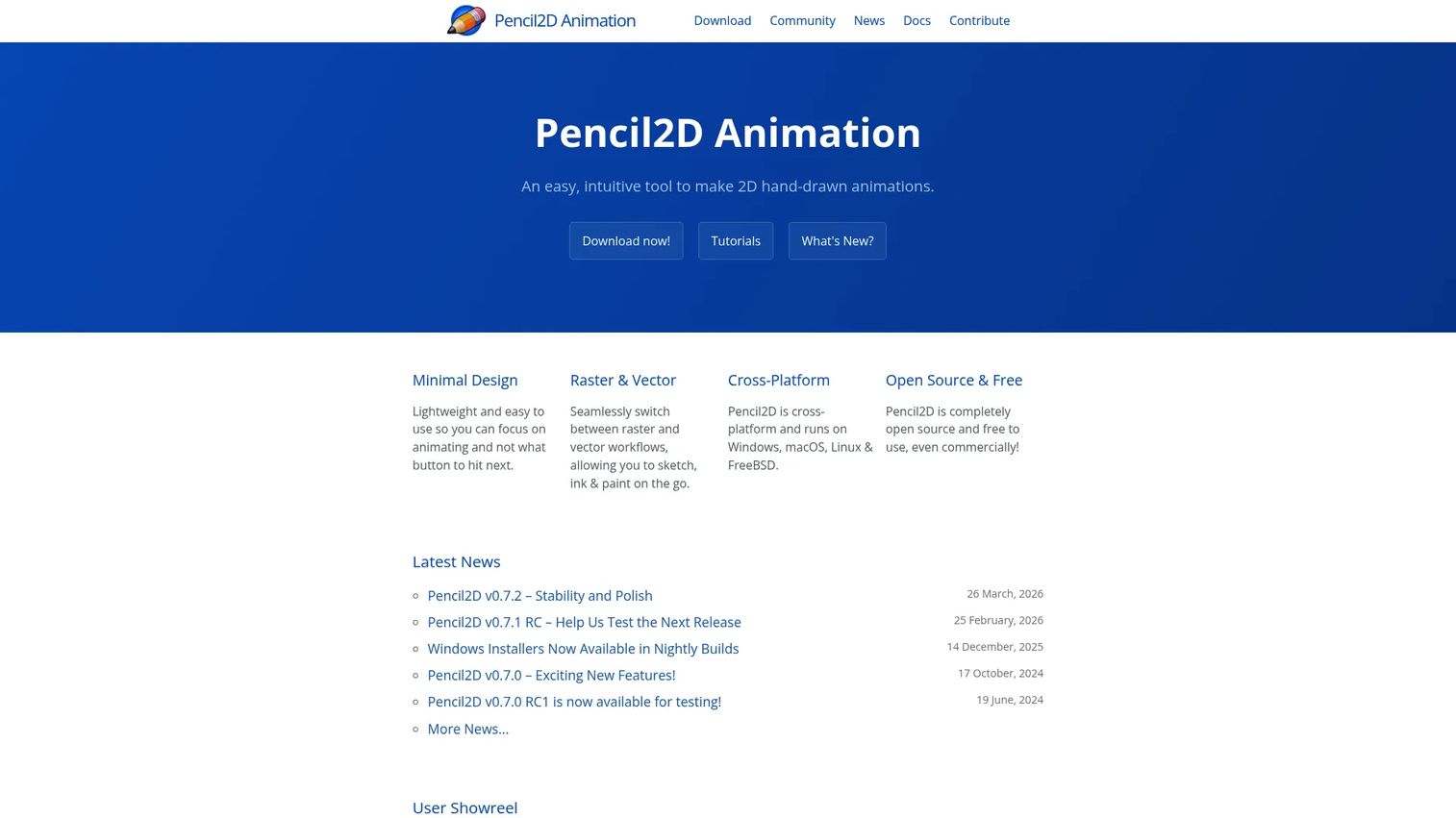
Pencil2D Animation is open-source 2D hand-drawn animation software for Windows, macOS, Linux, and FreeBSD. It's the tool people reach for first when they want to start animating without a subscription, a signup, or a manual thicker than the project they're making. The interface stays out of your way, and the whole thing is free, including for commercial use.
The reason it wins the beginner slot is simple: nothing between you and the canvas. You open it, you draw, you flip through frames. That minimalism is a feature, not a compromise, for anyone learning the fundamentals of frame-by-frame motion.
Best for: Individuals or teams needing a lightweight, free 2D animation tool to learn on or ship simple projects.
Key strengths
- Raster and vector workflows: Switch between pixel-based and vector drawing in the same tool depending on the look you want.
- Cross-platform desktop app: Runs natively on Windows, macOS, Linux, and FreeBSD, so your OS never blocks you.
- Open source and free to use: No license fee, no subscription, and no paid tier gating the core features.
Why choose Pencil2D Animation: Choose it when your priority is starting fast and spending nothing. It's the cleanest on-ramp to hand-drawn 2D animation for beginners, and the raster and vector switching means you're not locked into one style as you grow. If you later need bones, tweening, or production tooling, you'll know exactly why you're upgrading.
Pencil2D Animation pricing: Pencil2D is completely open source and free to use, even commercially. The official site lists no paid plan and no public price. There's nothing to trial because there's nothing to buy, which removes the usual budget friction from getting started.
2. Synfig Studio
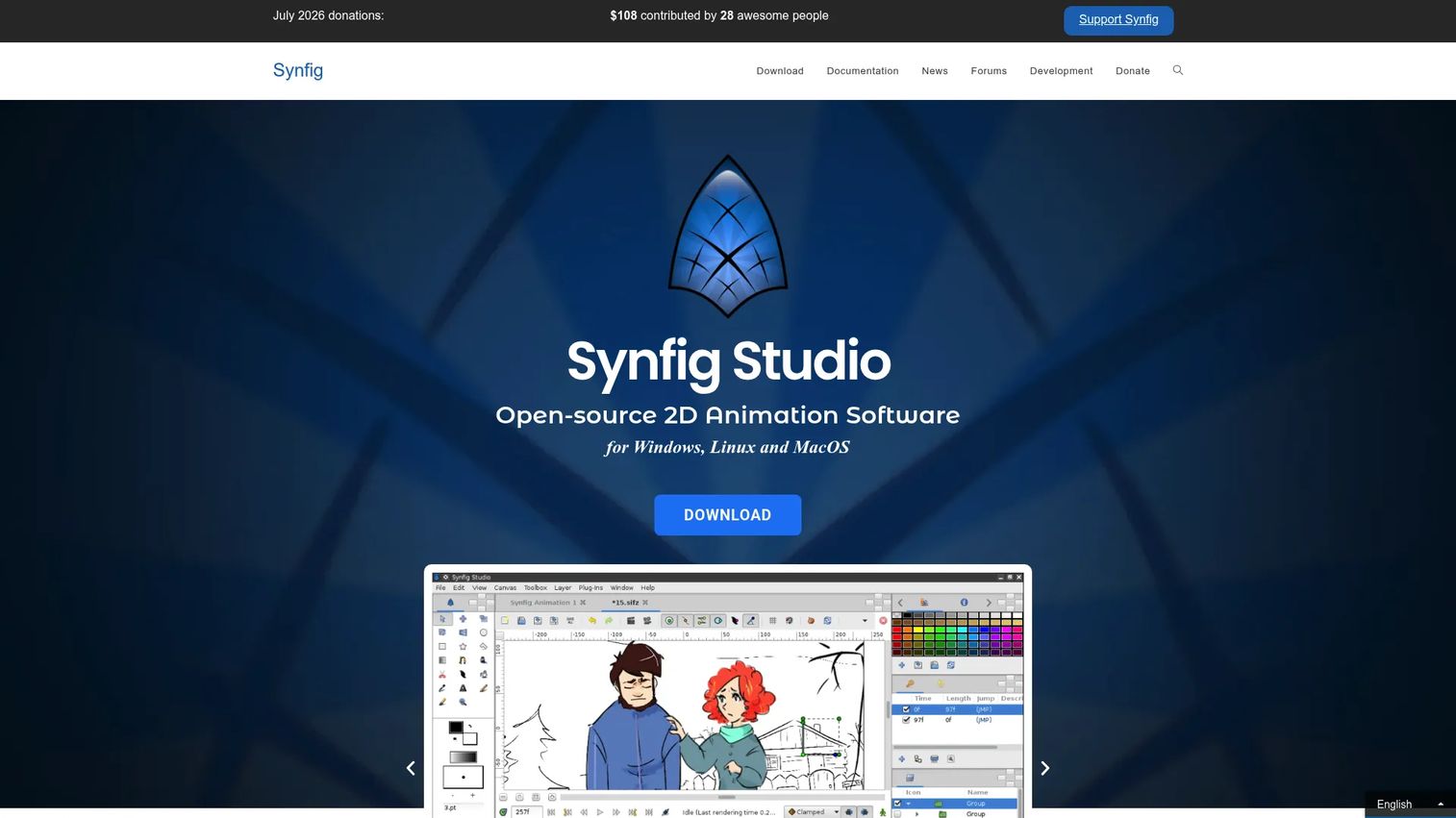
Synfig Studio is free, open-source 2D animation software for Windows, Linux, and macOS. It occupies the step above Pencil2D: still free, still open source, but built for creators who've outgrown pure frame-by-frame drawing and want vector tweening, bones, and a deeper layer system. If Pencil2D is where you learn, Synfig is often where you go next.
The difference shows up in the workflow. Instead of drawing every frame by hand, you can set keyframes and let Synfig interpolate the motion between them, then layer on filters and rig characters with bones. That's a meaningful jump in what a solo creator can produce without paying for anything.
Best for: Teams or individuals needing open-source 2D vector animation with advanced controls.
Key strengths
- Vector tweening: Set keyframes and let Synfig generate the in-between frames automatically for smooth motion.
- 50+ layers and filters: Compose complex scenes with a deep stack of layer types and effects.
- Bones and advanced controls: Rig characters with a bone system so you can animate movement without redrawing.
Why choose Synfig Studio: Choose Synfig when you want more capability than a lightweight drawing tool but still refuse to pay a subscription. It's the natural pick for cross-platform teams on Linux, macOS, or Windows who need vector animation and rigging. The tradeoff versus a paid suite is a steeper initial climb, but the ceiling is genuinely high for a free tool.
Synfig Studio pricing: Synfig is free and open source, developed with community support and funded through donations. The project requests donations rather than charging a license fee, so there's no paid tier or public price to weigh. A G2 rating of 4.5/5 backs it up, though that score sits on a small sample of reviews, so read it as directional rather than definitive.
3. Adobe Creative Cloud
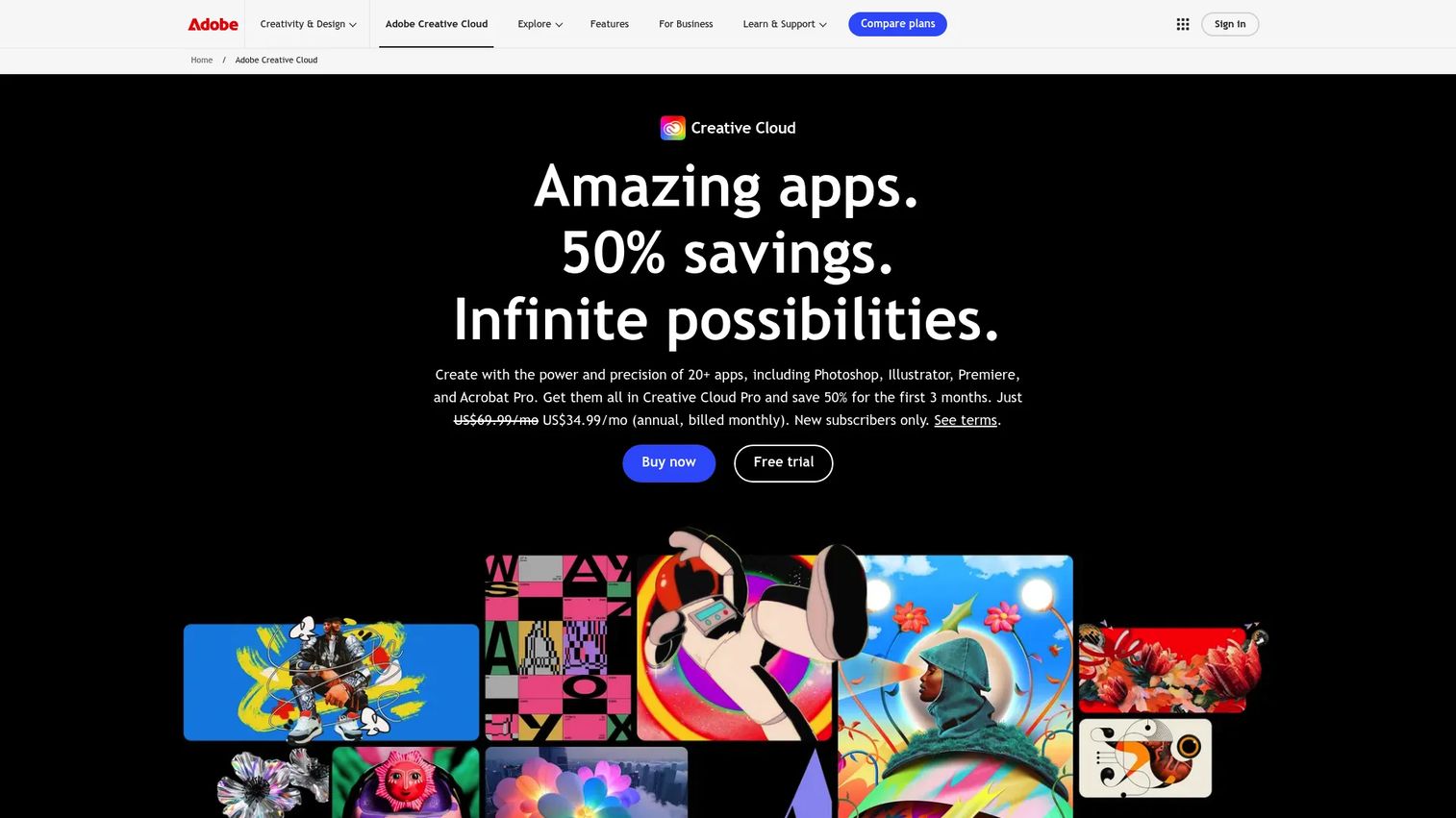
Adobe Creative Cloud is Adobe's subscription suite of creative apps, web services, and resources spanning photo, design, video, UX, and animation. It's the broadest option on this list. You're not buying a single animation tool, you're buying an ecosystem where animation lives alongside design, editing, and effects, and where files move between apps without friction.
For animation specifically, three apps matter. Adobe Animate handles vector and frame-by-frame 2D animation for web and video. Adobe Character Animator rigs and drives characters in real time from your webcam and microphone. Adobe After Effects covers motion graphics, compositing, and visual effects. Together they cover most 2D and motion-graphics work a marketing or creative team throws at them.
Best for: Teams and individuals needing a broad professional creative suite rather than a single-purpose animation tool.
Key strengths
- 20+ creative apps in Creative Cloud Pro: Animation, design, video, and photo tools that share files and workflows.
- Adobe Firefly generative AI built into apps: Generate and edit assets with AI directly inside the creative tools.
- Adobe Fonts, templates, tutorials, and cloud storage: Supporting resources and assets bundled into the membership.
Why choose Adobe Creative Cloud: Choose Adobe when animation is one part of a wider creative workflow, not the whole job. If you already edit video, design graphics, or run campaigns that touch multiple formats, the interoperability pays for itself. It's the broadest option here, which also makes it the least simple, so it fits buyers who want depth across creative work rather than the fastest path into one animation app.
Adobe Creative Cloud pricing: Adobe's publicly listed plans start with a Single App plan at US$22.99/mo, billed monthly on an annual commitment. Creative Cloud Pro, which bundles 20+ apps, runs US$69.99/mo, with a student and teacher offer at US$19.99/mo for the first year and a Business Single App plan at US$37.99/mo per license. Adobe also offers a free Creative Cloud membership tier, and a free trial is available so you can test before committing.
4. Toon Boom
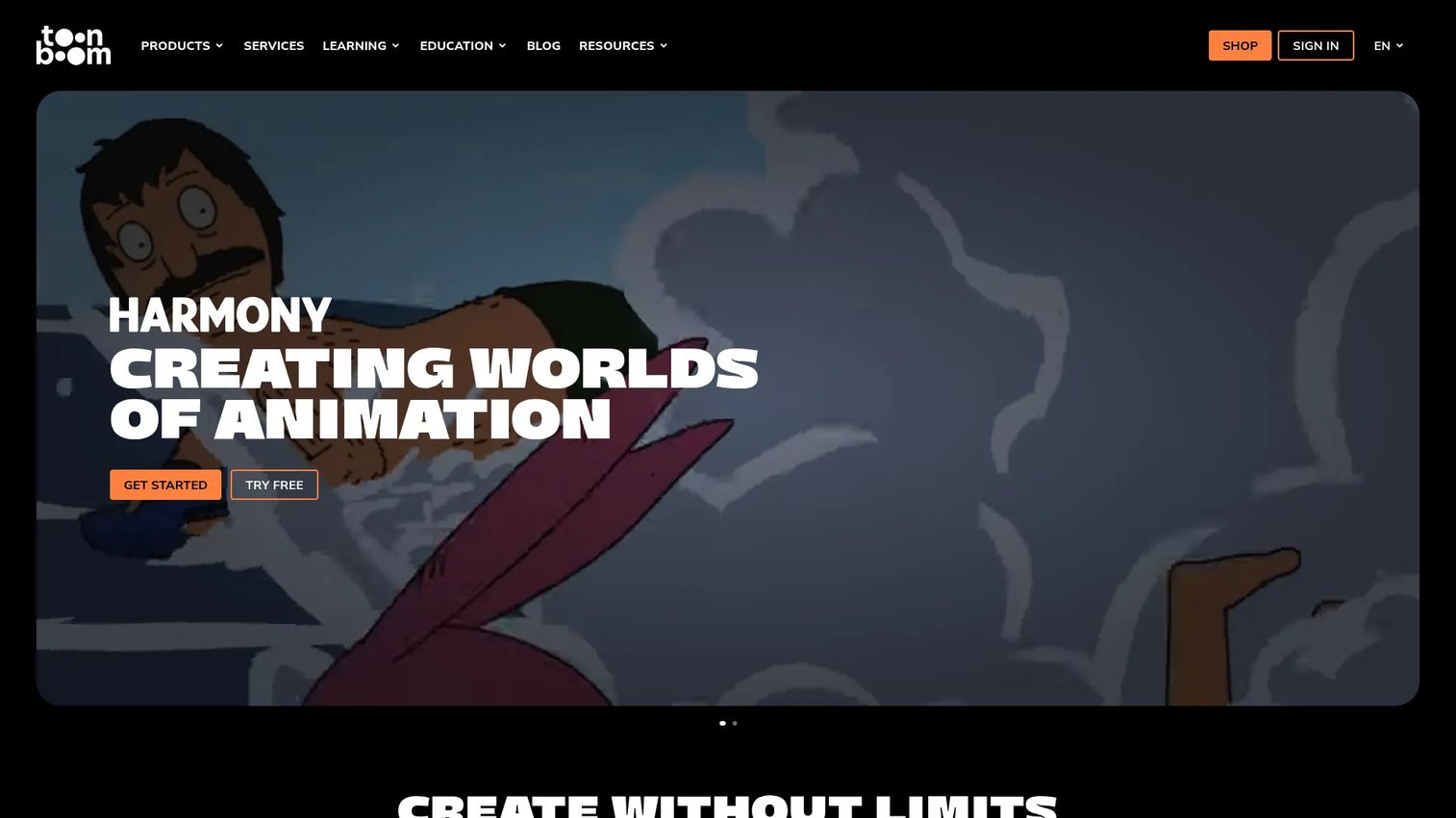
Toon Boom is 2D animation and storyboarding software for studios, artists, and students. It's the studio-grade pick, the one teams choose when they need a production-ready workflow rather than a single drawing app. Where the free tools get you animating, Toon Boom is built to move a whole production from storyboard to final frame with tracking and collaboration along the way.
The ecosystem is what sets it apart. Harmony handles professional 2D animation. Storyboard Pro covers pre-production and storyboarding. Producer adds production management so a team can track shots, scenes, and deadlines across a pipeline. That breadth, plus a deep library of training resources, is why studios and animation programs standardize on it.
Best for: Animation studios and storyboard teams needing professional 2D production tools with pipeline support.
Key strengths
- Harmony 2D animation: Studio-grade drawing, rigging, and animation built for professional output and commercial use.
- Storyboard Pro pre-production: Plan, board, and time your project before a single frame is animated.
- Producer production management: Track shots, scenes, and deadlines across a team and a full pipeline.
Why choose Toon Boom: Choose Toon Boom when you're producing at a professional level and need the workflow around the animation, not just the animation. It's the right call for studios, broadcast and streaming output, and teams that need pre-production and production tracking in one ecosystem. The training resources also make it a common standard in animation education, which smooths hiring and onboarding.
Toon Boom pricing: Toon Boom's store lists subscription plans starting with Harmony Essentials at USD $6.45/month, Harmony Advanced at USD $10.75/month, and Harmony Premium at USD $19.50/month, with Storyboard Pro at USD $10.75/month. Monthly, annual, and three-year billing options are shown on the store page. There's no permanent free tier, though a free trial is available to test the software first. A G2 rating of 4.7/5 reflects strong professional sentiment.
Considerations before you buy
Before you commit to any animation software, run your shortlist through these criteria. They're the factors that actually change the outcome once you're weeks into a project.
Learning curve
A tool you abandon costs more than a tool you pay for. Match the interface complexity to your skill level and timeline. A lightweight 2D tool gets a beginner producing in an afternoon, while a studio suite rewards the weeks you invest but punishes an impatient start. Be honest about how much time you'll actually spend learning.
Output quality and export formats
Check that the software exports to the formats your downstream work needs, whether that's video for a campaign, image sequences for compositing, or project files for a pipeline. Output quality matters most when your work is going to broadcast, streaming, or a client, and less when you're experimenting or learning.
Platform support
Confirm the tool runs on your operating system before anything else. Pencil2D and Synfig cover Windows, macOS, and Linux, which matters for cross-platform teams and Linux users specifically. A subscription suite you can't run on your machine is worse than a free tool you can.
Pricing and total cost
Free and open-source tools remove budget from the equation entirely. Subscriptions add up over a year, so weigh the monthly cost against how often you'll animate. A per-app subscription may beat a full suite if you only need one tool.
Commercial use rights
If you're selling your work, licensing matters. Some open-source tools explicitly allow commercial use, but always confirm the license before you publish or sell. Don't assume free means free for commercial use until you've checked the terms.
Conclusion
The right animation software comes down to your workflow, not the brand with the biggest reputation. Pencil2D Animation is the pick for free, lightweight, hand-drawn 2D work, and the cleanest starting point for beginners. Synfig Studio steps up to advanced open-source animation with vector tweening and bones, staying free across Windows, macOS, and Linux. Adobe Creative Cloud fits teams that want a broad creative ecosystem rather than a single tool. Toon Boom is the studio-grade choice for professional production, pre-production, and pipeline management.
Your next step is a decision, not more research. If you need simplicity and zero cost, download Pencil2D or Synfig today and start animating this afternoon. If you need ecosystem depth, start an Adobe trial. If you're building a studio workflow, evaluate Toon Boom against your production requirements. Pick the one that matches your constraints, and start making something.
FAQs
Pencil2D Animation is the strongest free pick for beginners because its minimal interface gets you drawing and flipping frames within minutes. Synfig Studio is also free but offers more depth with vector tweening and bones, which suits you once you've outgrown pure frame-by-frame work. Start with Pencil2D to learn the fundamentals, then move to Synfig when you need more control.
Some open-source animation software allows commercial use, but it depends on the specific license. Pencil2D, for example, is free to use even commercially according to its official site. Always confirm the license terms of any free tool before you publish or sell your work, since "free to download" does not automatically mean "free for commercial use."
For professional 2D animation, teams typically choose Toon Boom or Adobe, depending on the workflow. Toon Boom is built for studio production with Harmony, Storyboard Pro, and Producer for pipeline management. Adobe fits professionals who want animation inside a broader creative ecosystem alongside design, video, and effects tools.
Pencil2D Animation and Synfig Studio both run on Windows, macOS, and Linux, with Pencil2D also supporting FreeBSD. Cross-platform coverage matters for teams that mix operating systems and for Linux users who are often left out by subscription suites. If Linux support is a hard requirement, these two open-source tools are your safest options.
Focus on five things: learning curve, output quality and export formats, platform support, pricing, and commercial use rights. Match the tool's complexity to your skill level and timeline, confirm it runs on your operating system, and check that its export formats fit your downstream work. If you plan to sell your animations, verify the commercial license before committing.
Adobe is a strong choice when you want a broad creative ecosystem rather than a single animation app. Adobe Animate, Character Animator, and After Effects cover 2D animation, real-time character rigging, and motion graphics, and files move cleanly between them and the rest of Creative Cloud. It's less about being the simplest animation tool and more about depth across connected creative work.
Open-source animation software like Pencil2D and Synfig is free, community-developed, and often allows commercial use, with updates driven by contributors. Paid software like Adobe or Toon Boom typically offers dedicated support, more frequent official updates, deeper production features, and a larger surrounding ecosystem. The choice comes down to whether you value zero cost and openness or professional support and pipeline depth.
Yes, but the right tool depends on what your studio prioritizes. Toon Boom is purpose-built for studio pipelines with pre-production, animation, and production tracking. Adobe suits studios that want animation integrated with a wider creative workflow. Free tools like Synfig can support professional output for smaller teams, though larger studios usually need the collaboration and pipeline features that paid, studio-grade software provides.