Running a magazine is not one job. It is a stack of jobs that rarely fit inside a single tool. You need to design pages, sell ads, manage subscriptions, invoice advertisers, publish digital editions, and report on all of it without losing a week to spreadsheets. Most teams try to solve this by stitching together a design app, a billing tool, a CRM, and a distribution platform, then spend the rest of the year keeping those systems in sync.
That fragmentation is expensive. The global magazine publishing market reached USD 103.6 billion in 2024 and is forecast to hit USD 120.9 billion by 2033, according to Research and Markets (2024). At the same time, the digital magazine publishing software segment is growing far faster, projected to expand at a 14.5% CAGR through 2033 per Business Research Insights (2024). The money is moving toward software that handles the operational reality of publishing, not just the cover art.
The problem is that "magazine publishing software" means different things depending on who you ask. To a designer, it means page layout. To a publisher, it means ad sales and billing. To a digital-first team, it means reader distribution and analytics. This guide sorts the market by the job each tool actually does, so you can build a stack that fits your workflow instead of forcing your workflow to fit a tool.
What's inside
This guide is for magazine publishers, editorial leads, and operations owners who are comparing tools across the full publishing workflow, not just design. We evaluated each tool on four criteria: the specific job it does best (layout, distribution, monetization, or full-stack operations), workflow fit for publisher teams, pricing transparency, and how well it plays inside a larger stack. We separated design tools from business-operations tools on purpose, because most publishers need both and buying the wrong layer wastes budget. Tools are grouped by the problem they solve, then ranked by relevance to publisher operations.
TL;DR
- Best all-in-one publisher operating system: The Magazine Manager, which combines publishing CRM, ad sales management, billing, and production in one system.
- Best professional layout tool: Adobe InDesign for print-heavy editorial teams that need master pages and precise typographic control.
- Best Adobe alternative for layout: Affinity for teams that want professional page design outside the Creative Cloud ecosystem.
- Best for fast, simple assets: Canva for small teams and non-designers producing branded graphics and promotional pages.
- Best for digital editions and distribution: Issuu and Flipsnack for publishers turning finished issues into shareable, embeddable digital editions.
- Best billing and subscription layer: ChargeBrite for circulation-heavy publishers managing recurring revenue and invoicing.
What is magazine publishing software?
Magazine publishing software is any tool that helps a publisher produce, distribute, or monetize a magazine, spanning layout and design, digital edition creation, reader distribution, ad sales, subscription management, and billing. Unlike generic design or CRM software, magazine publishing platforms are often built around the specific rhythm of issue-based production and recurring advertiser and subscriber revenue.
The category splits into distinct layers, and most publishers use more than one:
- Design and layout: page composition, typography, master pages, and print or export-ready output. This is where tools like InDesign, Affinity, and Quark XPress live.
- Digital editions software: converting finished issues into flipbooks or responsive online editions readers can browse and share. Issuu and Flipsnack sit here.
- Publishing CRM and ad sales management: tracking advertisers, managing insertion orders, coordinating editorial calendars, and forecasting sales revenue.
- Billing for publishers and subscription management: recurring invoicing, magazine circulation software, payment reconciliation, and renewals.
- All-in-one magazine publishing software: systems that combine several of these layers so publishers do not have to integrate them manually.
The distinction matters because a beautiful layout tool will never send an invoice, and a billing platform will never lay out a spread. Understanding which layer you are buying is the difference between a stack that runs itself and a stack that runs your team into the ground.
When to use magazine publishing software
Run the full business in one place
If you are managing ad sales, production schedules, subscriptions, and billing across separate tools, an all-in-one system reduces the reconciliation tax. Publisher-native platforms connect advertiser records to invoices and editorial calendars, so the sales team, production team, and finance team work from the same data. This is the right move when the operational overhead of syncing tools is costing you more than the software itself.
Produce print-quality layouts
When your output is a print magazine or a high-fidelity PDF, you need dedicated layout software with master pages, precise typography, and preflight checks. Design tools handle the composition job that no CRM or billing platform touches. Use them when editorial quality and print production are non-negotiable.
Distribute digital editions to readers
If your audience reads online, you need digital editions software that turns a finished PDF into a browsable, embeddable experience with reader analytics. This layer sits after design and lets you meet readers on the web, in email, and across social without rebuilding the issue.
Comparison table
Here is how the eight tools compare across intent, primary use case, pricing, and G2 rating. Use it to spot which layer of the stack each tool covers before you read the detailed sections.
| # | Product | Intent | Key use case | Pricing | G2 rating |
|---|---|---|---|---|---|
| 1 | The Magazine Manager | Full-stack operations | Publishing CRM, ad sales, billing, production | Custom (demo required) | 4.5/5 |
| 2 | Adobe InDesign | Layout and design | Professional print and digital page layout | From US$22.99/mo | 4.6/5 |
| 3 | Affinity | Layout and design | Page design outside the Adobe ecosystem | Free download available | 4.4/5 |
| 4 | Canva | Fast asset creation | Branded graphics and promotional pages | Free; Pro from US$144/yr | 4.7/5 |
| 5 | Issuu | Digital editions | Flipbook publishing and distribution | From $19/mo | 4.7/5 |
| 6 | Flipsnack | Digital editions | Interactive flipbooks and lead capture | From $16/mo | 4.7/5 |
| 7 | Quark XPress | Layout and design | Print-centric page layout | Subscription or perpetual | 4.0/5 |
| 8 | ChargeBrite | Billing and subscriptions | Recurring billing and subscriber management | Custom (demo required) | Not listed |
1. The Magazine Manager
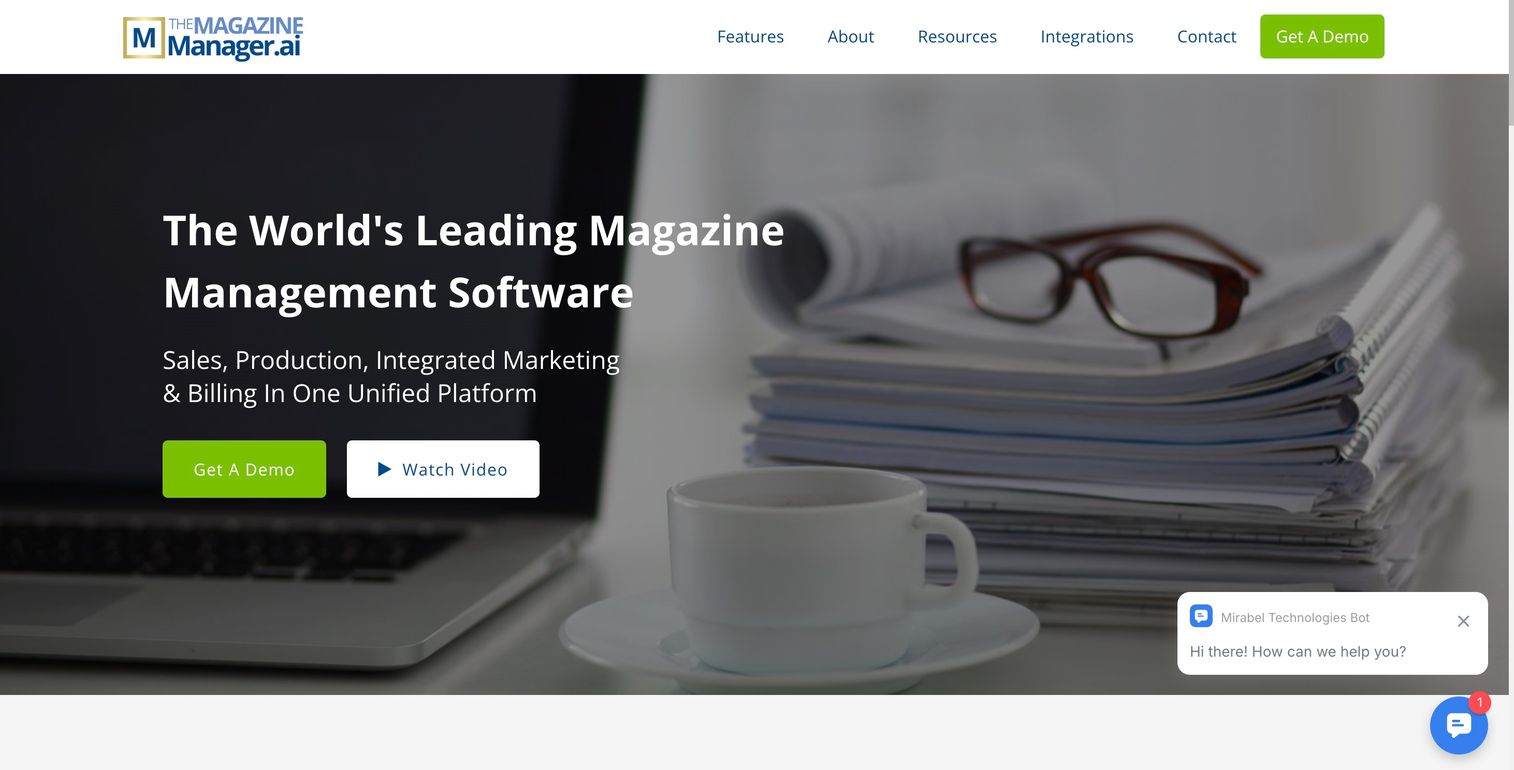
The Magazine Manager is the closest thing the market has to a true publisher operating system. It combines a publishing CRM built for ad sales, editorial calendar coordination, billing and invoicing, and production workflow in a single platform. Where most publishers assemble their stack from a generic CRM plus a billing tool plus a spreadsheet, this system is designed around the specific rhythm of issue-based publishing and advertiser relationships.
Best for: Magazine and media publishers who need one system to run sales, production, and billing instead of stitching together disconnected tools.
Key strengths
- Publisher-native CRM: Tracks advertisers, insertion orders, and renewals in a system built for ad sales management, not adapted from a generic sales tool.
- Editorial and production coordination: Editorial calendars and flat plan tools keep the sales team and production team working from the same schedule.
- Billing and reconciliation: Invoicing and payment reconciliation live inside the same platform as the advertiser records, so finance is not chasing data across systems.
Why choose The Magazine Manager: The case for a vertical-native system over a generic CRM or project tool is data continuity. When your advertiser record, insertion order, editorial slot, and invoice all live in one place, you stop reconciling and start running the business. This fit is strongest for publishers with meaningful ad sales volume and a subscription or circulation component that generic tools handle awkwardly.
The Magazine Manager pricing: Pricing is not publicly listed. The company says cost depends on the number of users, the number of titles, and whether you need the subscription and circulation module, and directs prospective buyers to book a demo for exact figures. There is no free tier.
2. Adobe InDesign
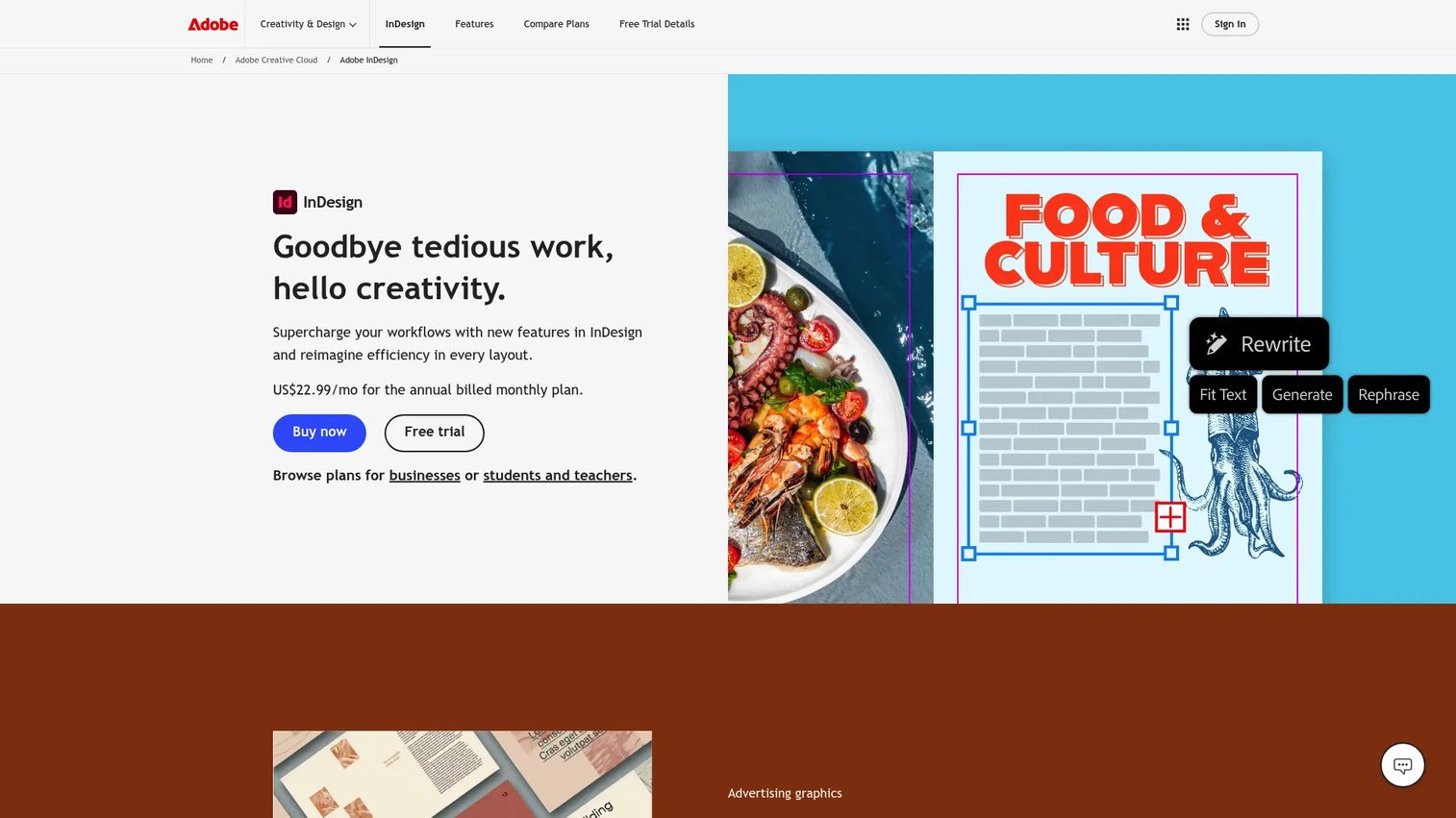
Adobe InDesign is the industry standard for magazine layout and page design. It handles long-form editorial documents with master pages, precise typographic control, and preflight checks that catch missing fonts, low-resolution images, and overset text before they reach print. For design-heavy editorial teams, it is the tool that turns manuscripts and images into finished spreads.
Best for: Design teams that need professional multi-page layout and print-ready output for a magazine.
Key strengths
- Multi-page layout control: Master pages, style sheets, and grid systems keep long editorial documents consistent across dozens of pages.
- Print and digital output: Publish online web versions with buttons, animations, and searchable text, or export print-ready files for the press.
- Preflight checks: Automated checks flag missing files, fonts, low-resolution images, and overset text before production.
Why choose Adobe InDesign: InDesign fits when editorial quality and print production are the priority and your team already works inside Creative Cloud. It sits at the design layer of the stack and stops there. It will not sell an ad or send an invoice, so pair it with a publishing CRM and a billing tool to cover the business side.
Adobe InDesign pricing: The single-app InDesign plan starts at US$22.99/mo on an annual commitment billed monthly, or US$263.88/yr prepaid. A month-to-month option runs US$34.99/mo. InDesign is also available inside Creative Cloud Pro from US$69.99/mo. There is no free tier, and the software requires a membership plan.
3. Affinity
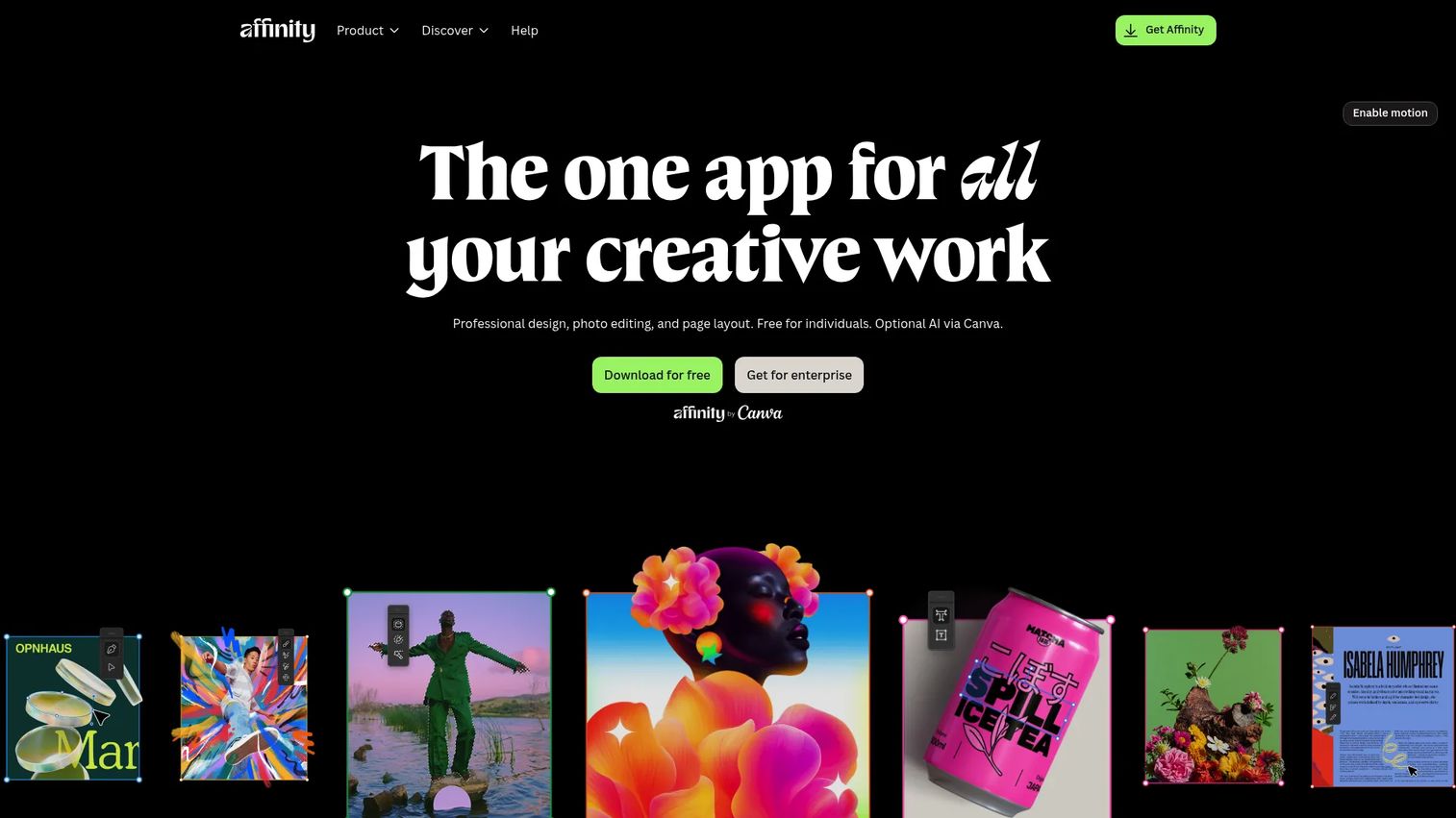
Affinity is a professional creative suite that covers vector design, photo editing, and page layout in one environment. For magazine teams that want serious page design without committing to the Adobe-first workflow, it is a credible alternative that handles editorial layout, asset preparation, and image work in a single tool.
Best for: Teams and creators who want an all-in-one design, photo, and layout tool outside the Creative Cloud ecosystem.
Key strengths
- Unified creative workflow: Vector design, photo editing, and page layout live in one suite, so editorial teams switch tasks without switching apps.
- Asset handling: Image compositing and editing sit alongside layout, which suits magazines that process a lot of original photography.
- Team usability: A cleaner licensing model appeals to smaller teams that want professional output without ongoing complexity.
Why choose Affinity: The choice between Affinity and InDesign comes down to workflow fit, not quality. Affinity suits teams that value a self-contained suite and a different licensing approach, while teams deeply embedded in Adobe workflows may prefer to stay there. Like any layout tool, Affinity handles the design layer only, so a publisher still needs a separate system for ad sales and billing.
Affinity pricing: Affinity offers a free download and is free for schools. Public pricing for paid plans was not clearly listed on the accessible first-party pages at the time of writing, so confirm current terms directly with Affinity before buying.
4. Canva
Canva is an online design platform built for speed and collaboration. It is the lightweight option for producing branded magazine graphics, simple editorial assets, sponsored content pages, and social or promotional material without a trained designer. Its drag-and-drop editor, template library, and AI tools let non-designers ship polished assets quickly.
Best for: Small teams and non-designers creating branded visual content quickly without advanced design software.
Key strengths
- Drag-and-drop editor: Templates and stock assets let anyone produce on-brand graphics without design training.
- Collaboration: Real-time team editing suits fast turnarounds on promotional and social assets.
- AI creation tools: Built-in AI for image, video, and text speeds up simple asset production.
Why choose Canva: Canva performs best for simplified creation, sponsored content graphics, and social promotion rather than deep print publishing workflows. If your job is a full print magazine with complex typography and preflight requirements, a dedicated layout tool is the better fit. Use Canva alongside your core layout tool for the fast, high-volume graphic work that does not need a full page-layout environment.
Canva pricing: Canva Free is US$0/year for one person. Pro is US$144/year for one person, and Business is US$250/year per person. Enterprise pricing is quote-based. The free tier is genuinely usable for basic asset creation.
5. Issuu
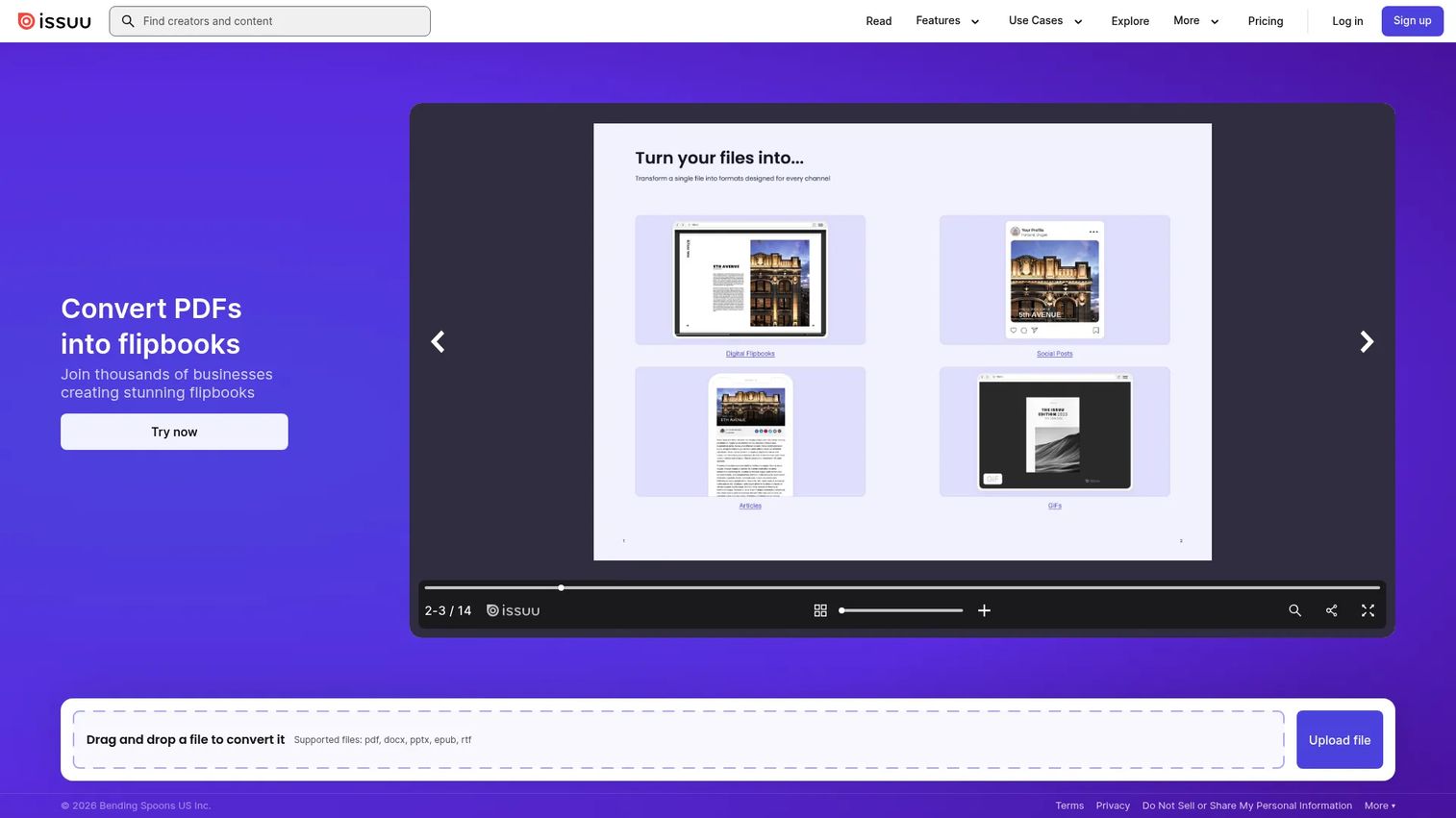
Issuu is a digital publishing platform that turns finished issues into flipbooks and hosts them for online distribution. It handles the layer after design: taking a completed magazine and making it a browsable, embeddable digital edition that readers access on the web, in email, and across social. It also spins content into articles, social posts, and GIFs for promotion.
Best for: Teams and creators publishing interactive digital magazines, catalogs, or newsletters online.
Key strengths
- Flipbook publishing and hosting: Upload a finished PDF and Issuu hosts a browsable digital edition without extra infrastructure.
- Website embeds: Embed editions directly on your site so readers stay in your brand experience.
- Content repurposing: Turn issue content into articles, social posts, and GIFs to extend reach.
Why choose Issuu: Issuu fits digital-first publishers who want a reliable distribution and reader experience layer without building it themselves. It sits downstream of your design tool and upstream of your analytics, converting finished issues into shareable digital editions. It does not replace a layout tool or a billing system; it distributes what you have already produced.
Issuu pricing: Issuu lists a free Basic plan alongside a Starter plan at $19/month and an Unlimited plan at $188/month. Issuu for Teams is available on a custom quote. Confirm current tiers directly with Issuu, as pricing details vary across sources.
6. Flipsnack
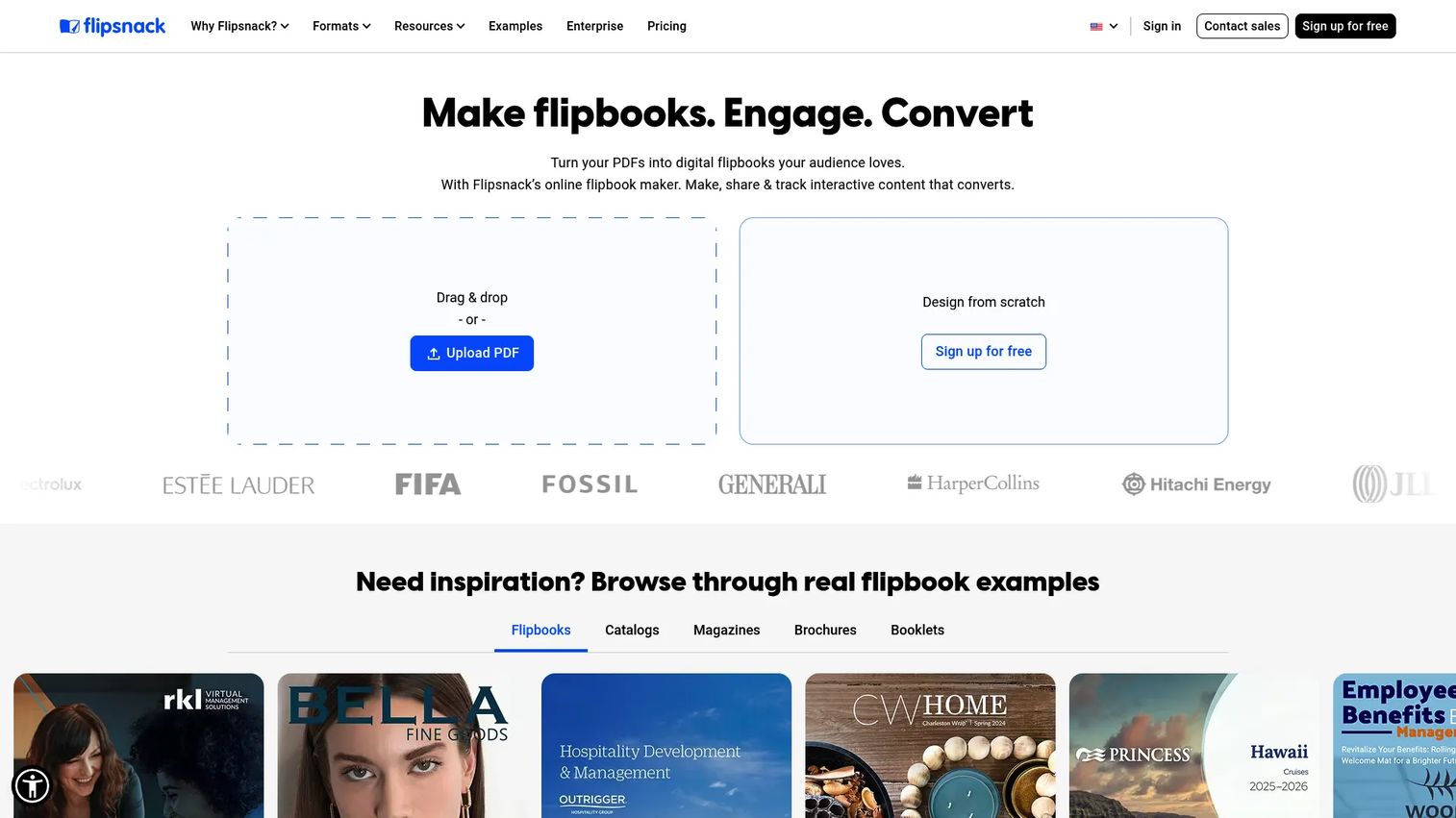
Flipsnack is an online flipbook maker that converts PDFs into interactive digital publications. It leans into interactivity and branding, letting publishers add links, video, lead capture forms, and shopping widgets to a digital edition. That makes it a strong fit for catalogs, branded editorial issues, and lightweight digital publishing where reader engagement and lead generation matter.
Best for: Teams creating branded, interactive catalogs and flipbooks with lead capture built in.
Key strengths
- PDF to flipbook conversion: Turn a finished PDF into an interactive publication without extra design work.
- Interactive elements: Add links, video, lead forms, and shopping widgets to drive engagement and capture readers.
- Flexible sharing: Distribute via link, email, QR code, social, and website embed to meet readers wherever they are.
Why choose Flipsnack: Compared to other digital edition tools, Flipsnack emphasizes interactivity and lead capture, which suits publishers who treat the digital edition as a conversion surface, not just a reading experience. If your priority is embedded forms and shoppable content inside the issue, it earns its place. Like Issuu, it distributes finished issues rather than laying them out or billing for them.
Flipsnack pricing: Flipsnack offers a free plan with a watermark and a 14-day trial. Paid annual-billing plans run Starter at $16/mo, Professional at $38/mo, Business at $85/mo, and Team at $258/mo. Enterprise pricing is available on request.
7. Quark XPress
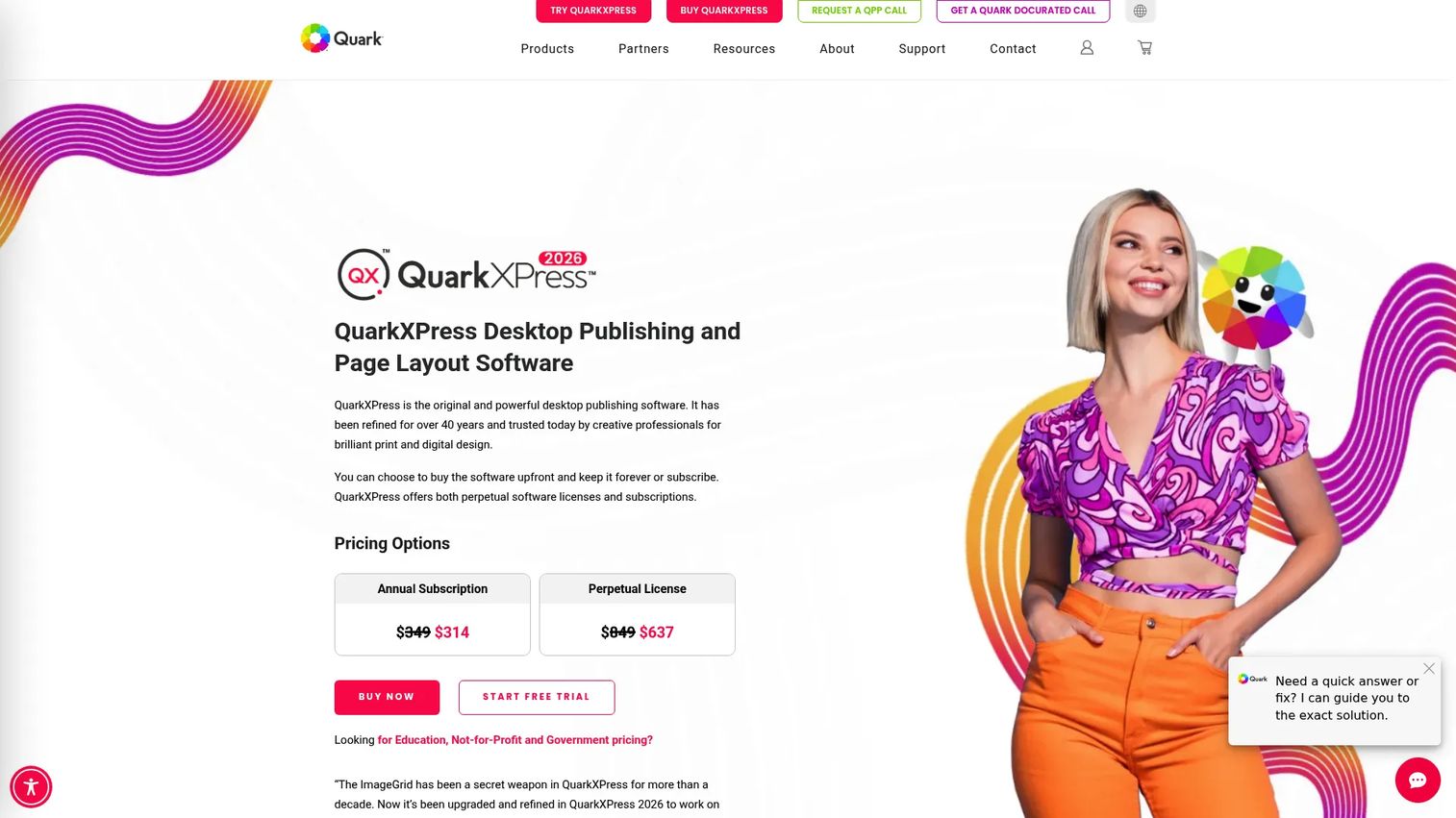
Quark XPress is a mature desktop publishing and page layout program built for print-centric workflows. It offers deep typographic control, long-document handling, and production features that publishing teams with legacy layout expertise continue to rely on. Recent versions add variable fonts, built-in LaTeX and MathML equation support, and AI-assisted text editing.
Best for: Designers and publishers who need professional page layout for print and digital, especially teams with established Quark workflows.
Key strengths
- Typographic control: Variable fonts and precise type handling suit demanding editorial and print work.
- Technical publishing: Built-in LaTeX and MathML equation support fits academic and technical magazines.
- AI text editing: The Quarky assistant speeds up copy editing inside the layout environment.
Why choose Quark XPress: Quark XPress appeals to teams that value long-document layout depth and already have in-house Quark expertise. It offers both subscription and perpetual license options, which matters for publishers who prefer to own software outright rather than pay recurring fees. Like every layout tool on this list, it covers the design layer and pairs with separate systems for sales and billing.
Quark XPress pricing: Quark XPress is available as an annual subscription or a perpetual license. Public numeric pricing was not clearly displayed at the time of writing, so confirm current figures directly with Quark.
8. ChargeBrite
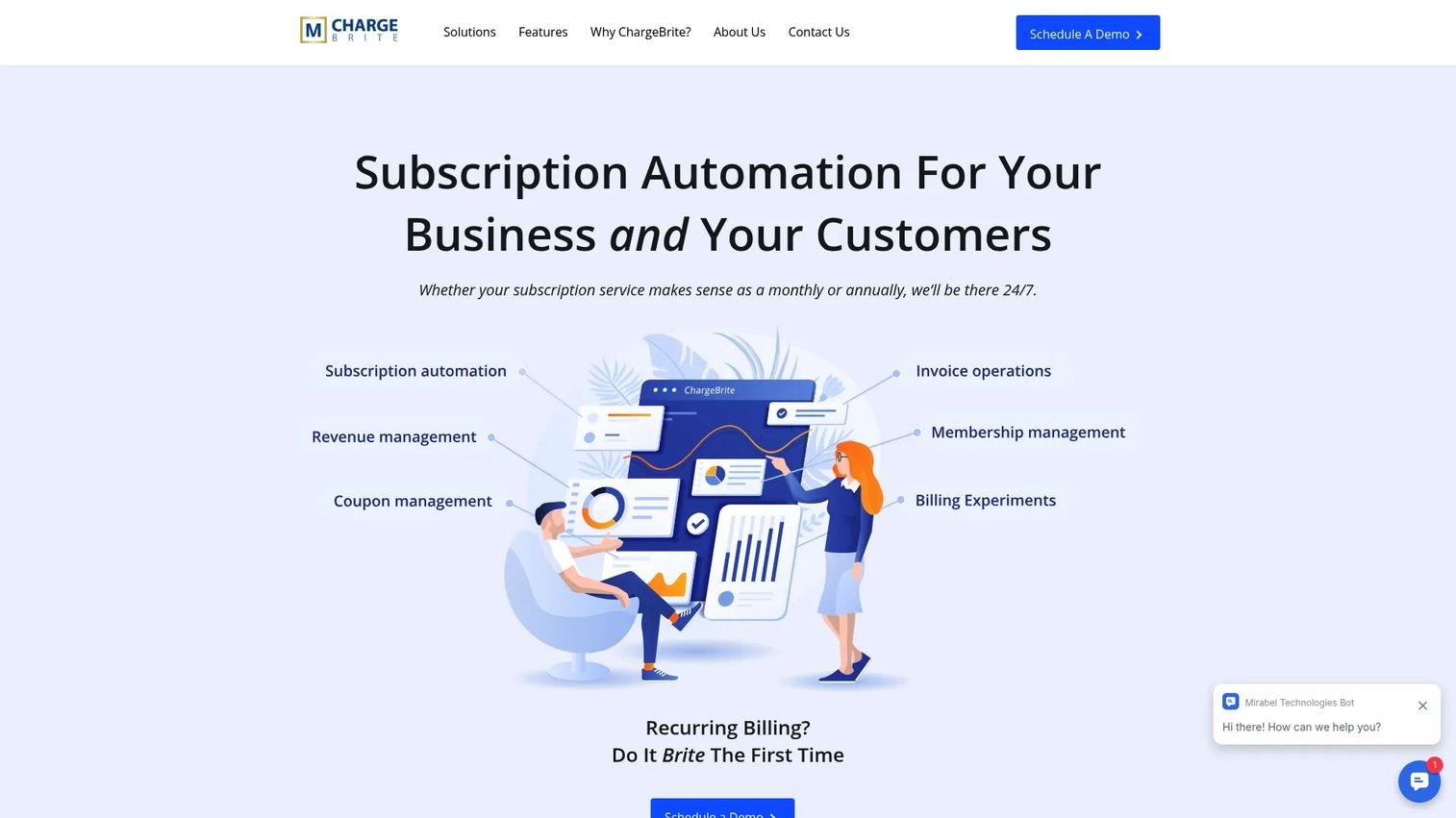
ChargeBrite is recurring billing and subscription automation software from Mirabel Technologies. It handles the monetization layer that design and distribution tools ignore: subscriber management, recurring invoicing, and revenue reporting. For circulation-heavy publishers, it manages the billing and renewals that keep subscription revenue predictable.
Best for: Publishers and businesses that need recurring billing and subscription automation for circulation revenue.
Key strengths
- Subscription management: Handles subscriber records, plans, and renewals for magazine circulation.
- Billing automation: Automates recurring invoicing and payment workflows so finance is not processing renewals by hand.
- Reporting and analytics: Surfaces revenue data so publishers can track subscription performance over time.
Why choose ChargeBrite: ChargeBrite fits publishers whose revenue leans heavily on subscriptions and circulation, where manual billing does not scale. It sits at the monetization layer of the stack, alongside your design tool and your distribution platform. As a Mirabel Technologies product, it can complement publisher-focused sales and production systems for teams building an integrated operation.
ChargeBrite pricing: ChargeBrite does not publish numeric pricing. The site directs buyers to view pricing and schedule a demo, so contact the company for a quote based on your subscriber volume and requirements.
Considerations before you buy
Choosing magazine publishing software is really choosing which layers of the stack you are solving for. Work through these criteria before committing.
Identify the job first
Decide whether your primary pain is layout, digital distribution, monetization, or full-stack operations. A design tool will not fix a billing problem, and a billing tool will not lay out a spread. Buying the wrong layer is the most common and most expensive mistake publishers make.
Map the whole workflow
Trace an issue from planning to invoice. Note every tool it touches and every manual handoff between systems. The handoffs are where time and data leak. If you are reconciling advertiser records across three tools, an all-in-one system may pay for itself.
Weigh integration versus consolidation
You can integrate best-of-breed tools or consolidate into a publisher-native platform. Integration gives you flexibility and specialized features. Consolidation gives you data continuity and fewer reconciliation headaches. Pick based on your team size and how much sync overhead you can absorb.
Check pricing transparency and fit
Several publisher-focused systems quote custom pricing tied to users, titles, and modules. Get a written quote that reflects your actual scale before comparing against tools with public per-seat pricing. A cheap per-seat tool can cost more than a custom platform once you add every seat and module.
Conclusion
The best magazine publishing software depends entirely on which layer of the stack you are solving. For full-stack operations that unify publishing CRM, ad sales management, and billing, The Magazine Manager is the benchmark. For professional layout, Adobe InDesign leads, with Affinity and Quark XPress as strong alternatives depending on your workflow and licensing preferences. Canva covers fast, branded asset creation. For digital editions software and reader distribution, Issuu and Flipsnack turn finished issues into shareable online experiences. For monetization, ChargeBrite manages the recurring billing and subscription revenue that keeps circulation predictable.
The smart move is to evaluate stack fit, not just individual features. Map your workflow end to end, decide where you want consolidation and where you want specialization, then choose tools that cover each layer without overlapping. Most publishers land on a small combination: one layout tool, one distribution tool, and one system for sales and billing. Start by identifying your biggest operational leak, then buy the tool that closes it.
FAQs
Magazine publishing software is any tool that helps a publisher produce, distribute, or monetize a magazine. It spans page layout and design, digital edition creation, reader distribution, ad sales management, subscription management, and billing. Most publishers use several tools across these layers rather than one product that does everything.
Look for features that match your specific job: master pages and preflight checks for layout, flipbook creation and embeds for digital editions, a publishing CRM and insertion-order tracking for ad sales, and recurring invoicing for billing. Also weigh integration options, analytics, and whether the tool consolidates multiple layers or specializes in one.
No. Layout software like InDesign, Affinity, and Quark XPress handles page design and print output, which is one layer of magazine publishing software. The broader category also includes digital editions software, publishing CRM, ad sales management, and billing tools. A layout tool designs the magazine but will not sell an ad or send an invoice.
Publishers commonly use digital editions software such as Issuu and Flipsnack to turn finished PDFs into browsable, embeddable flipbooks. These platforms host the digital edition, provide reader analytics, and support sharing across the web, email, and social. They sit downstream of the layout tool that produced the issue.
Billing and subscription management is the monetization layer of the stack. Tools like ChargeBrite handle recurring invoicing, subscriber records, renewals, and revenue reporting for magazine circulation. All-in-one platforms such as The Magazine Manager fold billing into the same system as ad sales and production, while standalone billing tools integrate with your other software.
Small publishers often pair a lightweight design tool like Canva or Affinity with a digital distribution platform like Issuu or Flipsnack, both of which offer free or low-cost entry tiers. As ad sales and subscription volume grow, adding a dedicated billing tool or a full publisher operating system reduces the manual reconciliation that small teams cannot afford to absorb.
The Magazine Manager is the leading all-in-one option because it combines publishing CRM, ad sales management, billing, editorial coordination, and production in a single platform built for publishers. It suits teams with meaningful ad sales and circulation volume that want data continuity across sales, production, and finance instead of syncing several separate tools.
Most do. Design software handles layout and print output, while the broader publishing stack handles distribution, ad sales, subscriptions, and billing. A single design tool cannot run the business side, and a business platform cannot lay out a spread, so publishers typically combine a layout tool with distribution, CRM, and billing systems to cover the full workflow.