
You opened the box office an hour before doors. The seat map is right in one system, the payment report is wrong in another, and three walk-up buyers are waiting while you reconcile a refund by hand. None of that is a staffing problem. It is a software problem.
Most box office teams do not lose money on slow nights. They lose it on friction: abandoned online checkouts, double-sold seats, payment data that never matches the bank deposit, and reporting that arrives a day too late to act on. The right box office ticketing software removes that friction so your team can sell, seat, and reconcile without playing detective.
The category is also growing fast. The global box office software market sits at USD 1.45 billion in 2024 and is forecast to reach USD 3.1 billion by 2033 at a 9.1% CAGR, according to Verified Market Reports (2025). Online channels are the engine behind that, with North America accounting for 36.5% of global ticket market growth over the forecast period, per Technavio (2025). Buyers are moving online, and your online box office software has to keep up.
This guide ranks 15 tools by how well they handle the jobs a box office actually does. If you are also building out adjacent operations, our roundups of the best event management software and best loyalty management software pair well with the picks below, and teams shipping product workflows often reference our best product management tools list too.
What's inside
This list is for event organizers, venue operators, theater managers, cinema operators, and marketers comparing box office ticketing systems before they commit. It covers general event ticketing plus theater, cinema, and venue-specific box office software, because those use cases need different things.
We selected and ranked tools on five factors that matter most to a working box office:
- Online checkout and self-serve booking that captures sales without manual follow-up
- Seating and reserved inventory controls, including interactive seat maps
- Payment, POS, and gateway flexibility
- Reporting and attendee visibility for real-time decisions
- Pricing transparency, including free plans and booking-fee structures
TL;DR
- Best for free events and low-cost setup: TicketSource, free for organizers with pay-per-ticket booking fees only on paid bookings.
- Best for reach and event discovery: Eventbrite, with broad audience distribution and a familiar checkout.
- Best for reserved seating venues: Purplepass and ThunderTix, both built around interactive seat maps and box office operations.
- Best for performing arts and cultural institutions: Tessitura and Tixly, with integrated CRM, fundraising, and patron management.
- Best for low per-ticket fees with branded checkout: Ticket Tailor and TicketSpice.
- Best for free-to-organizer ticketing: Afton Tickets, where attendee service fees can cover the cost.
What box office software does and why it matters
Box office software is the system a venue or event organizer uses to sell tickets, manage seating, process payments, and track attendees across both online and onsite sales. It is the operational core of how an event takes money and lets people in.
A box office management system typically handles a few core jobs:
- Ticket sales across general admission, reserved seating, and timed-entry sessions
- Online checkout with self-serve booking and hosted payment capture
- Seat selection through interactive seat maps and seat-level inventory
- Payment processing via card, digital wallets, and connected gateways
- Onsite and box office sales at the counter, plus scanning and check-in
- Attendee management with customer profiles and contact data
- Reporting on sales trends, revenue, and event-level performance
That breadth is why box office ticketing software is its own category rather than a feature of generic event tools. The macro picture supports the investment: the broader software market is projected to grow from USD 926.34 billion in 2026 to USD 2.21 trillion by 2034 at an 11.5% CAGR, per Fortune Business Insights (2025), and cloud-based ticketing rides that same digitization wave.
The practical difference between a general event ticketing platform and venue-specific box office software comes down to seating depth, patron CRM, and onsite operations. A conference tool nails registration and badges. A theatre box office software platform nails reserved seat maps, subscription packages, and counter sales on a busy show night.
When to use box office software
Box office software earns its place when ticketing stops being a side task and becomes a daily operation. Here is how to tell which jobs you are actually solving for.
Sell tickets online without manual follow-up
If you are emailing PDFs, chasing payment confirmations, or manually updating a spreadsheet after every sale, online box office software pays for itself fast. Self-serve checkout lets buyers purchase, pay, and receive tickets without a human in the loop.
Prioritize tools with:
- A branded, mobile-friendly checkout
- Hosted payment capture and digital wallet support
- Automatic ticket delivery and confirmation
- Clear, low-friction pricing surfaced before payment
Manage seating and reserved inventory
Theaters, concert halls, sports venues, and any space with assigned seats need real seating plan software, not a flat capacity counter. Reserved seating means seat-level inventory, hold management, and a visual map buyers click through during checkout.
This matters most for proscenium theaters, arenas, cabaret-style rooms with tables, and recurring performance schedules where the same map repeats across dozens of dates. The seat-selection workflow should feel obvious to a first-time buyer and precise enough for a box office manager releasing holds.
Support onsite sales and check-in
Walk-up purchases, will-call pickups, and door scanning are where event day either runs smoothly or falls apart. Strong box office management software gives counter staff a fast POS view, syncs onsite sales with online inventory in real time, and provides a scanning app for check-in.
Look for offline scanning support, low box office transaction fees, and live visibility into how many seats remain across every channel.
Comparison table
The table below sorts tools by relevance to a box office buyer, not alphabetically. Pricing reflects published first-party figures as of mid-2026; for fee-based platforms, the entry online ticket fee is shown. Ratings are from G2.
1. TicketSource
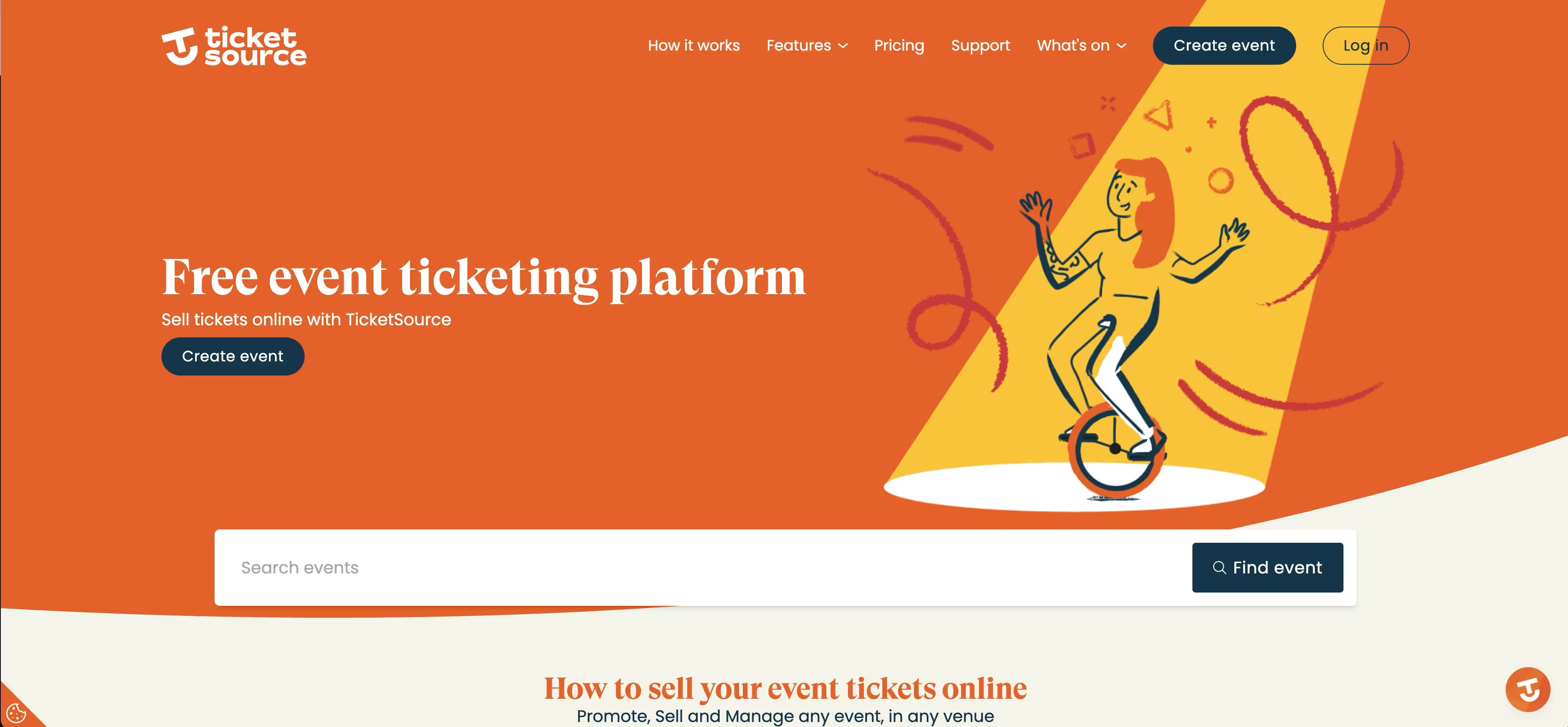
TicketSource is an online event ticketing and box office platform built for organizations that want to sell, manage, and scan tickets without setup costs. TicketSource is free for event organizers and free for free events, charging booking fees only on paid online bookings. That structure makes it a natural starting point for venues, community groups, and arts organizations watching every line of the budget.
Best for: Organizations and venues that want free setup with pay-per-ticket online booking fees.
Key strengths
- Seating plan designer: Build interactive seat maps for reserved-seating events directly inside the platform.
- Flexible ticket delivery: Issue e-tickets, mobile tickets, and Apple Wallet or Google Wallet passes.
- Free scanning app: Scan tickets at the door on iOS and Android at no extra cost.
Why choose TicketSource: The pricing model is the draw. There are no contracts, no monthly fees, and no setup charges, so a small theatre or festival can run a full box office operation and only pay when it sells a paid ticket online. The seating plan designer and TicketShop embedding mean you can run reserved-seating events on your own website without stitching tools together.
TicketSource pricing: Free for event organizers and free events. Paid online bookings carry a fee of 3.5% + 0.99€ per paid ticket when using TicketSource payment processing, or 0.99¢ per paid ticket when processing through Stripe. There are no pricing tiers or hidden fees. TicketSource holds a 4.9/5 rating on G2.
2. Eventbrite
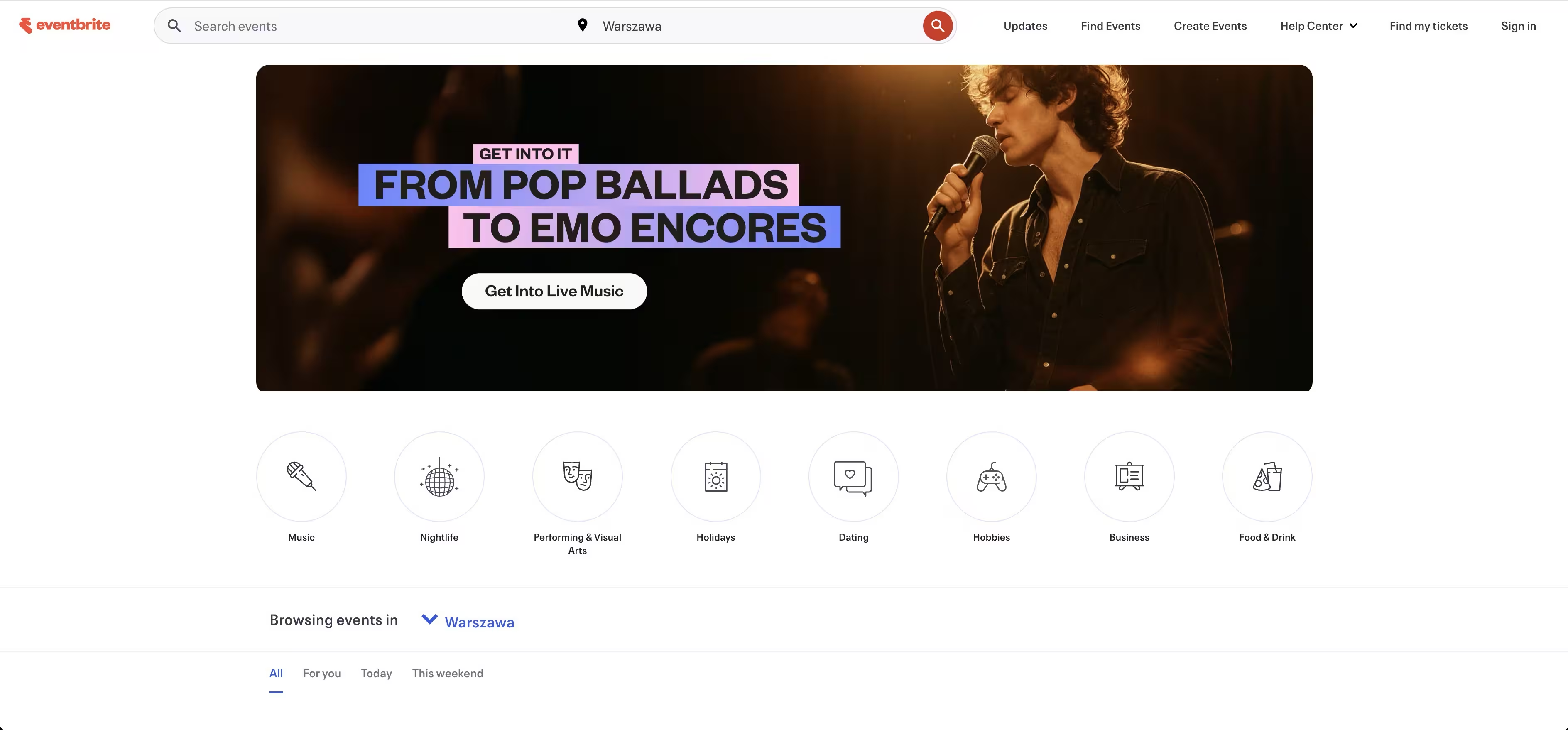
Eventbrite is one of the most recognizable names in event ticketing, and its strength is reach. Eventbrite pairs a self-serve checkout with a public marketplace, so events can pick up discovery traffic from people already browsing the platform. For organizers who care about putting tickets in front of new audiences, that distribution is the headline feature.
Best for: Organizers who want broad event distribution and audience discovery alongside ticketing.
Key strengths
- Event discovery: Listings surface to a large built-in audience searching for things to do.
- Familiar checkout: Buyers recognize the flow, which reduces hesitation at purchase.
- Promotion tools: Built-in email, tracking links, and social sharing support event marketing.
Why choose Eventbrite: If audience reach matters more than deep reserved-seating control, Eventbrite is hard to beat. It works well for general admission live events, classes, and festivals where the goal is filling the room with people who may not already know your brand. The promotion layer means marketers can run discovery and checkout in one place.
Eventbrite pricing: Eventbrite uses a per-ticket fee model, with free events generally free to publish and paid events carrying service and payment processing fees passed to organizers or buyers. Confirm current rates on the Eventbrite pricing page before launching, since fee structures vary by country and ticket price.
3. Purplepass
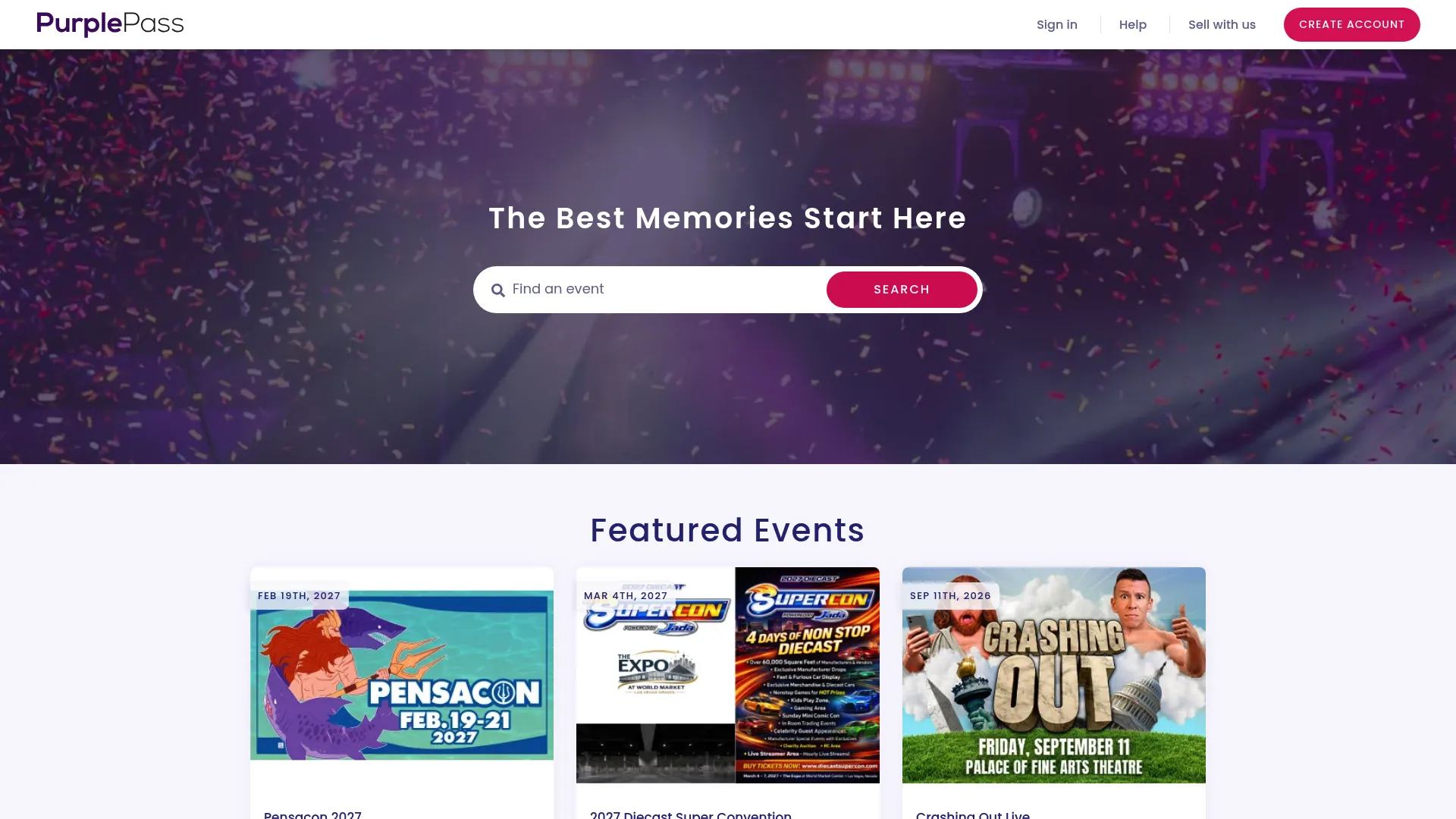
Purplepass is event ticketing software built around branded sales, box office operations, and reserved seating. Purplepass lets organizers create custom event pages and custom URLs, sell flexible ticket types, and run an onsite box office with no box office fees. It sits comfortably in the space between general event ticketing and venue-specific box office software.
Best for: Theatres, schools, festivals, and venues needing branded ticketing with reserved seating.
Key strengths
- Reserved seating: Interactive seat maps let buyers pick exact seats during checkout.
- Custom event pages: Branded pages and custom URLs keep the experience on-brand.
- Flexible ticketing: Group, VIP, and user-defined package options fit varied event formats.
Why choose Purplepass: Purplepass works for teams that want control over both the buyer-facing brand and the operational backend. The reserved seating and branded pages suit recurring venue programming, while the no-fee box office is useful for events with heavy walk-up traffic. It is a solid box office management system for organizers who outgrew a bare-bones ticketing tool.
Purplepass pricing: Non-profit events pay 2.0% + $0.99 per ticket, and for-profit events pay 2.5% + $0.99 per ticket, plus separate credit card processing fees. Box office sales carry no fees, and there are no signup fees. Purplepass holds a 4.9/5 rating on G2.
4. EventMobi
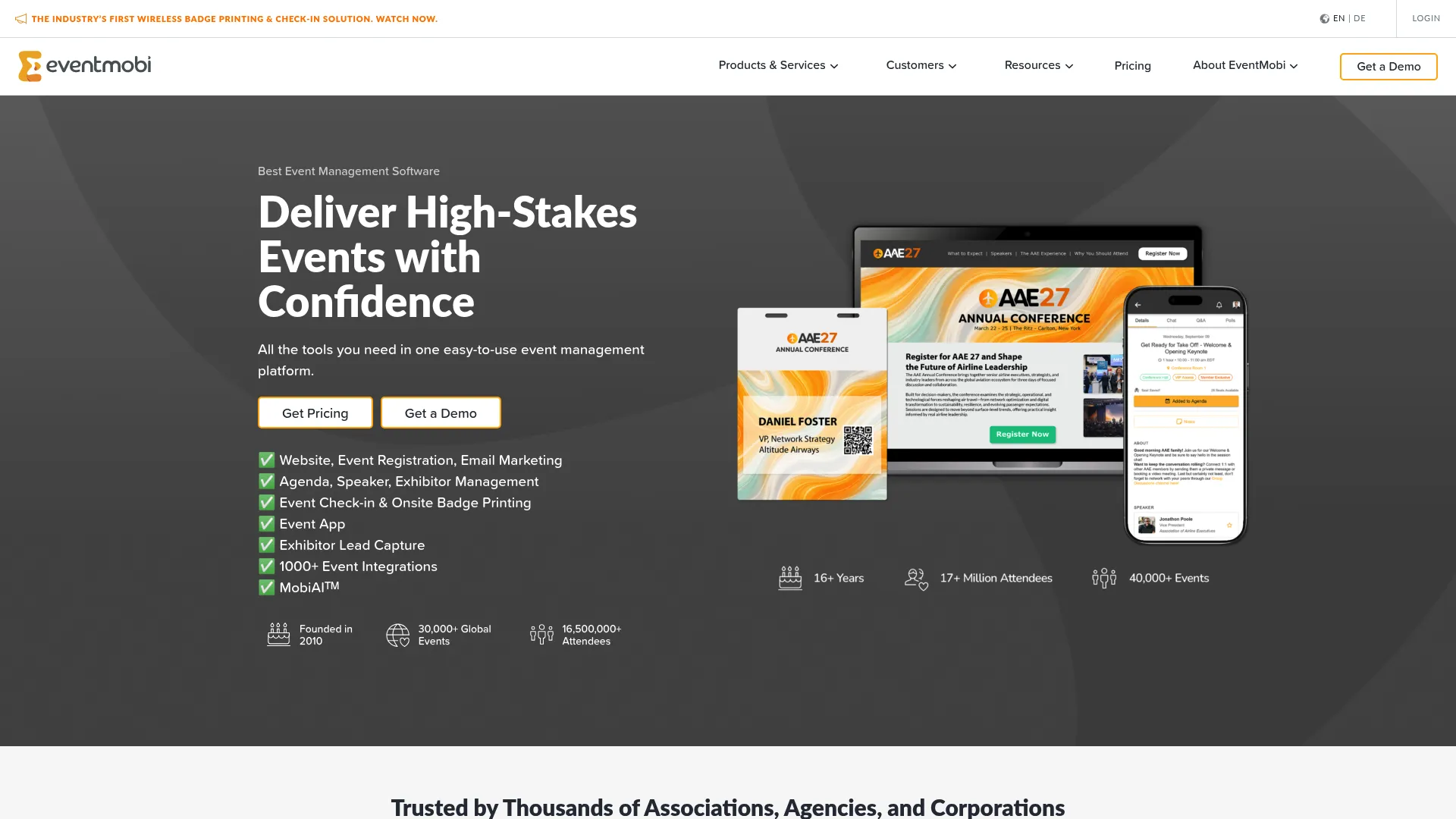
EventMobi is event management software that handles registration, onsite check-in, mobile event apps, and attendee engagement alongside ticketing. EventMobi is built for teams running branded conferences, meetings, and hybrid events where the experience matters as much as the sale. It supports the full event lifecycle rather than just the transaction.
Best for: Teams running branded conferences, meetings, or hybrid events that need registration, onsite operations, and attendee engagement in one platform.
Key strengths
- Registration and marketing: Manage signups and event promotion from one place.
- Onsite operations: Badge printing and event check-in keep the door moving.
- Attendee engagement: A mobile event app drives interaction during the event.
Why choose EventMobi: EventMobi fits when ticketing is one part of a larger event experience, not the whole job. Conference and meeting organizers get registration, onsite check-in, and engagement tooling that a pure box office tool does not offer. The attendee visibility helps marketers understand who showed up and how they engaged.
EventMobi pricing: Per-event pricing starts from US$3,500 per event, and per-year pricing can be as low as US$3 annually per attendee, with add-ons and custom pricing for larger needs. There is no free tier. EventMobi holds a 4.6/5 rating on G2.
5. AudienceView Professional
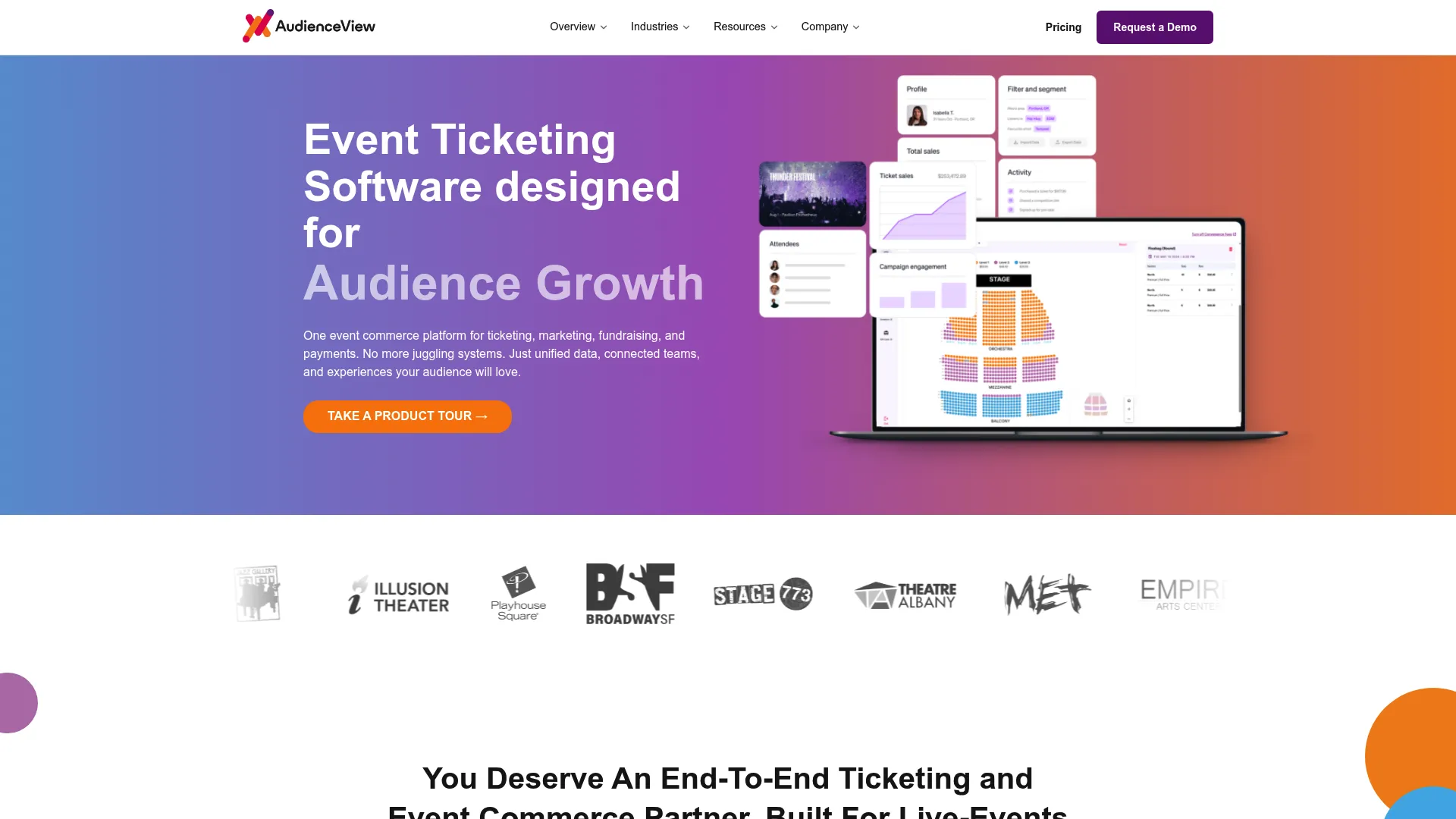
AudienceView Professional, formerly OvationTix, is event ticketing and commerce software for live-event organizations. AudienceView Professional bundles ticketing, fundraising, CRM, and marketing into one system, which suits venues and nonprofits that need more than a checkout. It is a fit for organizations with layered audience and patron management needs.
Best for: Live-event venues and nonprofits that need an all-in-one ticketing, fundraising, and CRM platform.
Key strengths
- Integrated ticketing: Sell tickets while keeping patron data in one record.
- Fundraising and memberships: Capture donations and manage memberships alongside sales.
- CRM and marketing: Build customer profiles and run targeted outreach.
Why choose AudienceView Professional: Venues and nonprofits that fundraise as well as sell tickets benefit from having both in one integrated box office software platform. The CRM keeps patron history connected to ticket purchases, which makes renewal and donor outreach more accurate. It works for organizations ready to consolidate scattered tools into one system.
AudienceView Professional pricing: Pricing is request-only, offered as flexible subscription or per-ticket models, with no public figure listed. Contact the vendor for a quote based on your volume and use case. AudienceView Professional holds a 4.3/5 rating on G2.
6. Brushfire
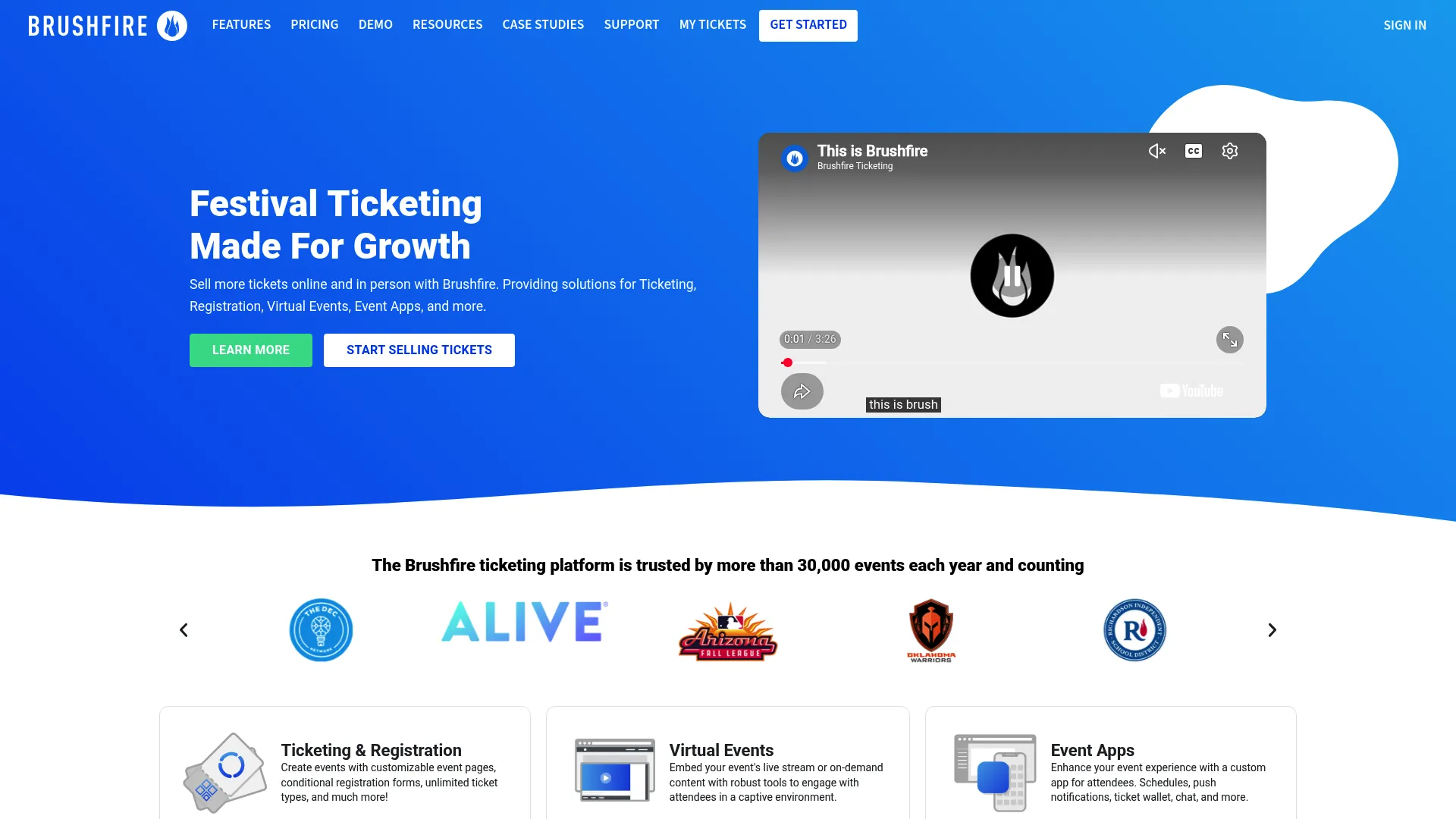
Brushfire is an all-in-one event management platform covering ticketing, registration, virtual events, and event apps. Brushfire gives organizations running in-person, virtual, or hybrid events a single place to sell tickets and engage attendees. Its transactional per-attendee pricing keeps costs predictable with no upfront commitment.
Best for: Organizations running in-person, virtual, or hybrid events that need ticketing plus attendee engagement tools.
Key strengths
- Customizable ticketing: Tailor ticket and registration flows to each event.
- Virtual events: Run streamed events with chat, notes, donations, and branding.
- Mobile event app: Handle check-in, schedules, and push notifications from one app.
Why choose Brushfire: Brushfire fits organizations that need flexibility across event formats without paying for a heavyweight platform. Churches, conferences, and community organizations get straightforward setup, branded ticketing, and engagement features that scale from a small gathering to a large hybrid event. The pay-as-you-go model means no annual lock-in.
Brushfire pricing: Pay-as-you-go pricing is $1.50 + 1% per attendee, with no startup costs or annual fees. Virtual event and attendee support add-ons are $1.00 per attendee each. There is no free tier. Brushfire holds a 4.7/5 rating on G2.
7. TicketSpice
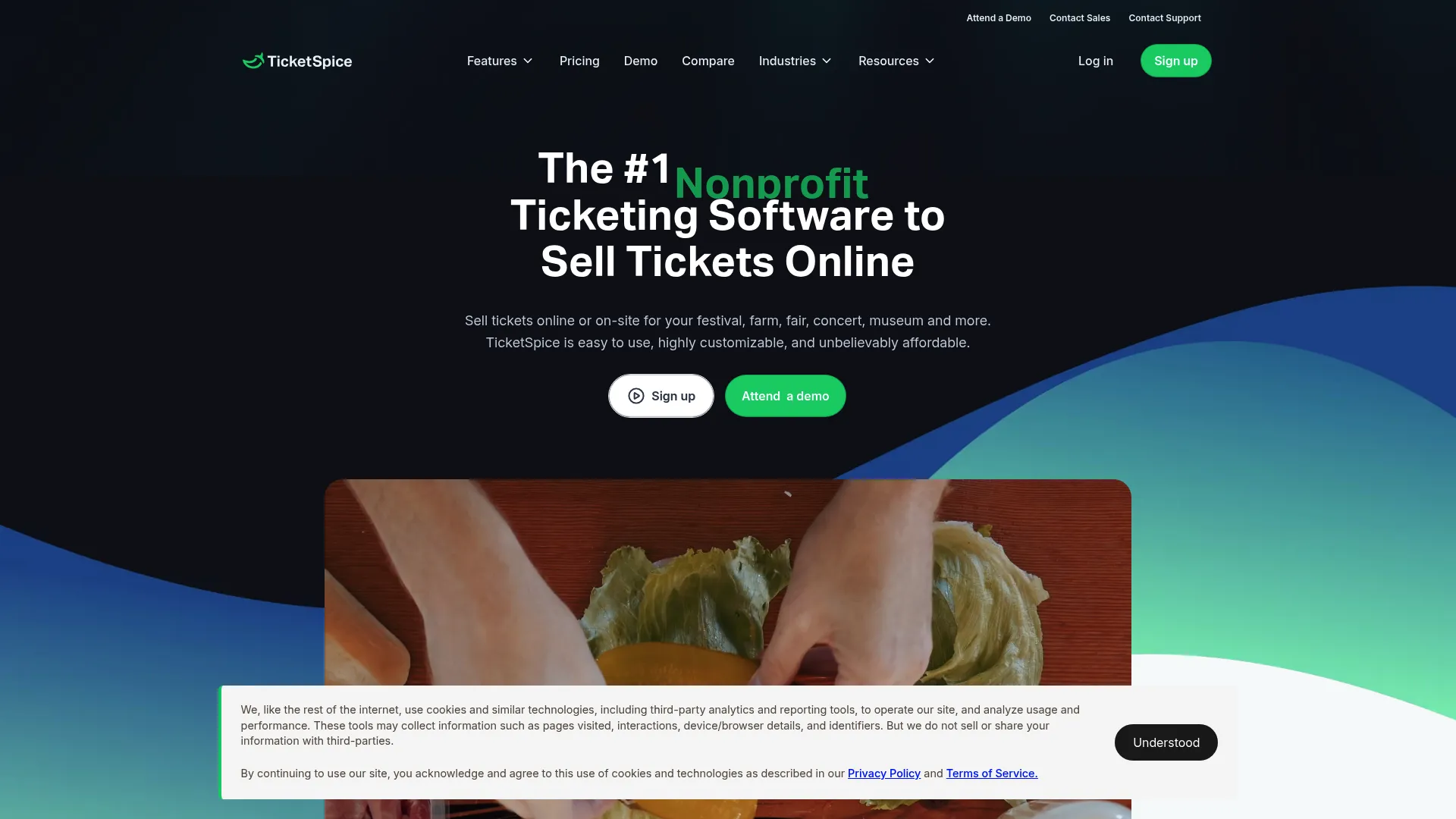
TicketSpice is event ticketing software focused on customizable checkout and branded ticketing pages. TicketSpice lets teams build their own ticketing page, scan tickets onsite with fraud detection, and sell add-ons and merchandise alongside tickets. The low per-ticket fee and page builder make it appealing for teams that want control over the buyer experience.
Best for: Event organizers that want low per-ticket fees with customizable ticketing and onsite scanning.
Key strengths
- Ticketing page builder: Design branded ticketing pages without code.
- Scanning with fraud detection: Validate tickets onsite and catch duplicates.
- Upsells and merchandise: Sell add-ons and products during checkout.
Why choose TicketSpice: TicketSpice suits teams that treat the ticketing page as part of their brand and want flexible forms and ticket flows. The page builder gives marketers room to optimize the checkout, and the low base fee keeps costs down at volume. It is a strong fit for festivals, attractions, and recurring events with custom registration needs.
TicketSpice pricing: Standard pricing is 99€ per paid ticket, dropping to 49€ per ticket for box office and onsite sales and for tickets priced $5 or under, plus card processing fees. There are no setup or monthly fees. TicketSpice holds a 4.8/5 rating on G2.
8. Tessitura
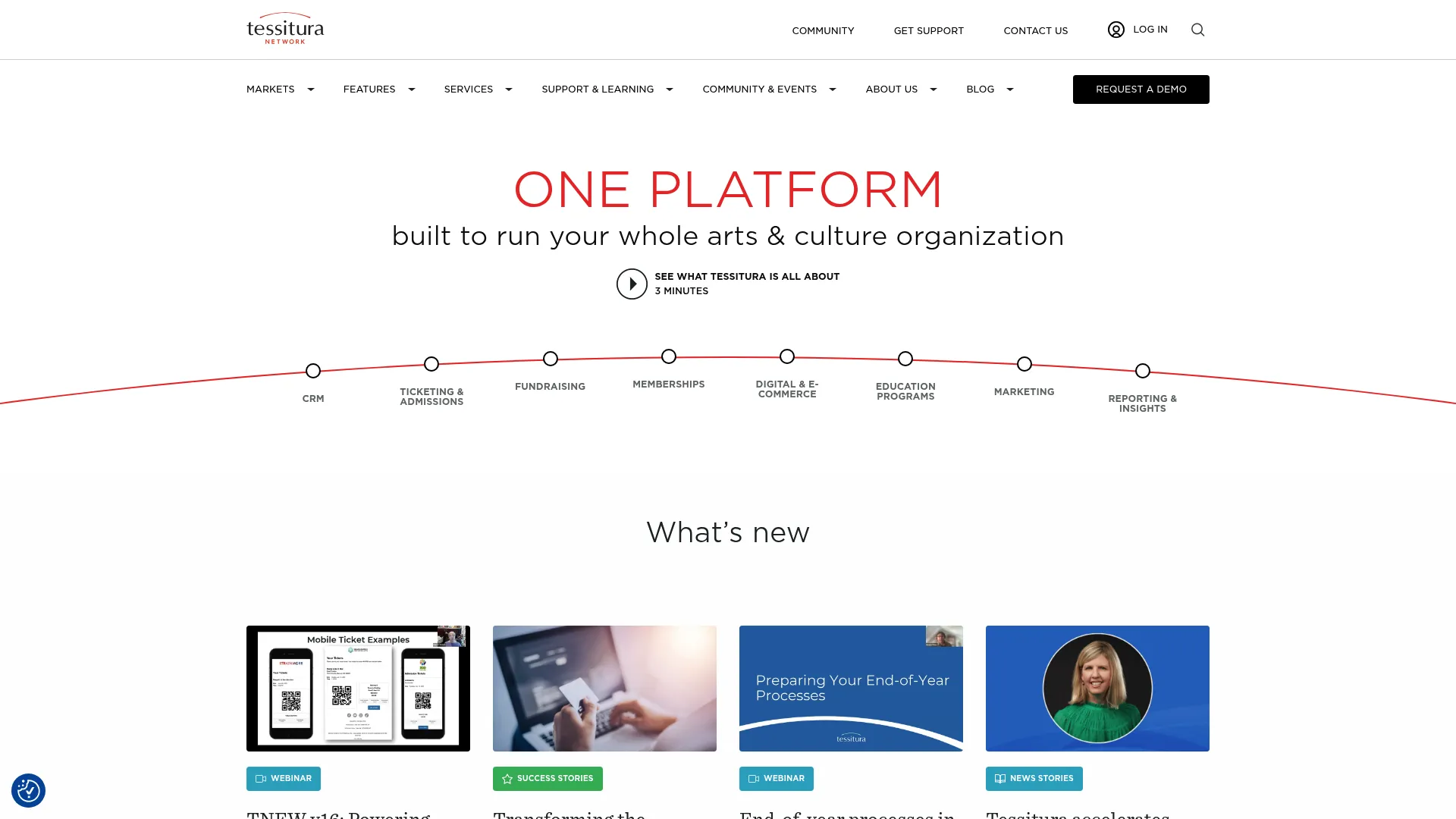
Tessitura is a unified CRM and commerce platform built specifically for arts and culture organizations. Tessitura brings ticketing, fundraising, memberships, marketing, and business insights into one system, which is why so many performing arts centers and museums standardize on it. It is enterprise-grade box office software for institutions with complex patron relationships.
Best for: Arts and cultural organizations needing an integrated system for ticketing, fundraising, memberships, and CRM.
Key strengths
- Unified CRM: Keep ticketing, donations, and membership data in one patron record.
- Ticketing and admissions: Handle reserved seating, subscriptions, and timed entry.
- Fundraising and memberships: Manage development and membership programs natively.
Why choose Tessitura: Tessitura fits institutions where ticket sales, fundraising, and patron loyalty are deeply intertwined. A symphony or museum can manage season subscriptions, donor campaigns, and single-ticket sales from one platform with a single source of truth on each patron. It is built for the operational complexity that smaller tools cannot absorb.
Tessitura pricing: Tessitura does not publish public pricing and directs interested buyers to contact sales for a quote based on organization size and needs. Tessitura holds a 3.8/5 rating on G2 across its reviews.
9. SimpleTix
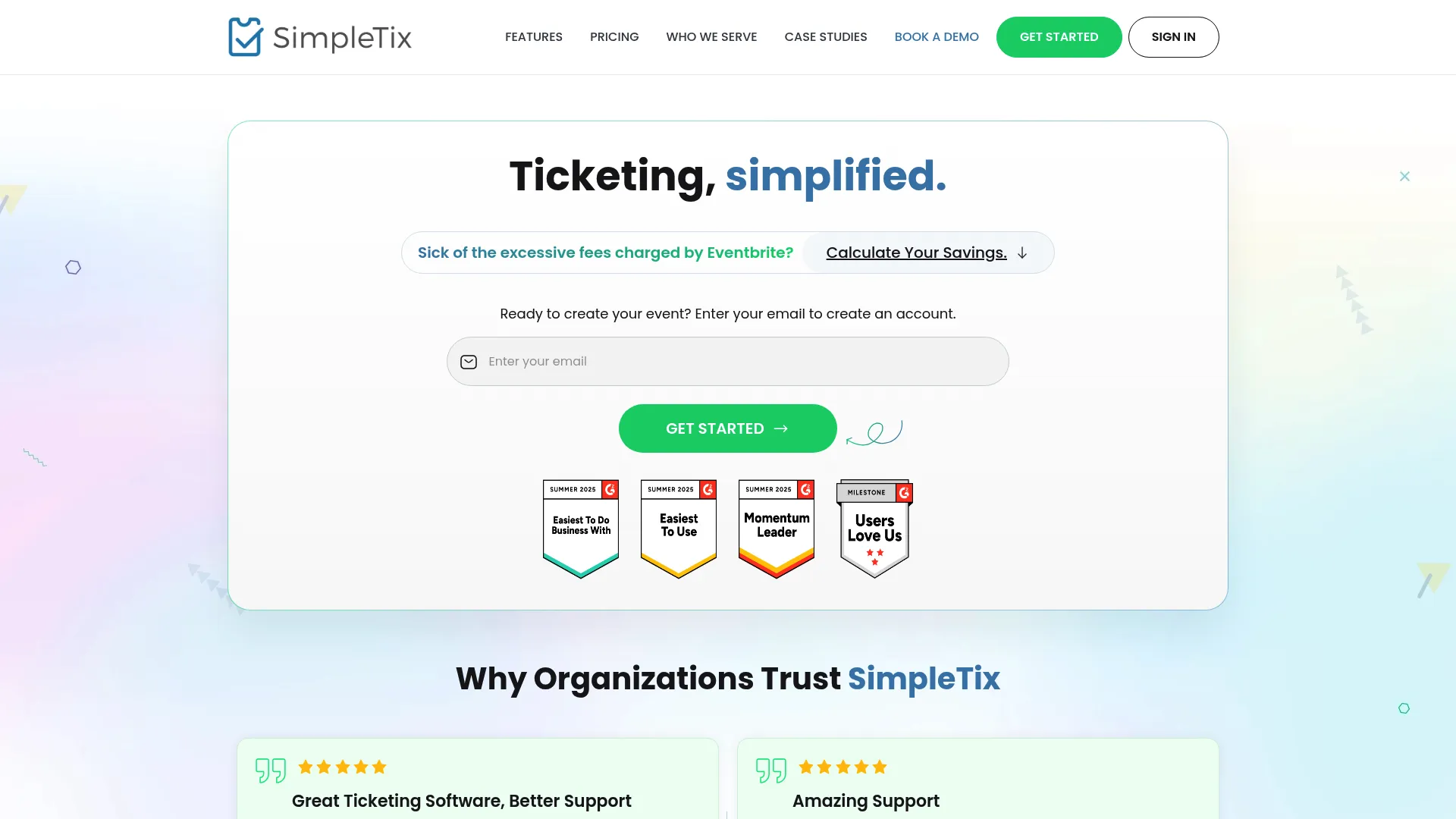
SimpleTix is an event ticketing and registration platform built for selling tickets, managing check-in, and running events without overhead. SimpleTix keeps the model simple: no setup fees, no monthly fees, no contracts, and per-ticket pricing that scales with what you sell. Free events stay free, which makes it friendly for mixed programming.
Best for: Organizations that need flexible event ticketing with onsite check-in and per-ticket pricing.
Key strengths
- Unlimited ticket types: Create as many ticket categories as an event requires.
- Mobile QR ticketing: Issue and scan QR tickets for fast check-in.
- Offline scanning: Validate tickets even when connectivity drops at the venue.
Why choose SimpleTix: SimpleTix works for organizers who want speed and simplicity without sacrificing onsite control. The offline scanning is a practical detail for venues with spotty wifi, and the per-ticket model means costs track directly with sales. It is a clean box office ticket software choice for attractions, theaters, and seasonal events.
SimpleTix pricing: Online sales are 79€ + 2% per ticket, in-person and box office sales are a flat 25¢ per ticket, and free events are always free. Season tickets are 79€ + 2% per ticket in the pass. There are no setup, monthly, or contract fees. SimpleTix holds a 4.6/5 rating on G2.
10. Ticket Tailor
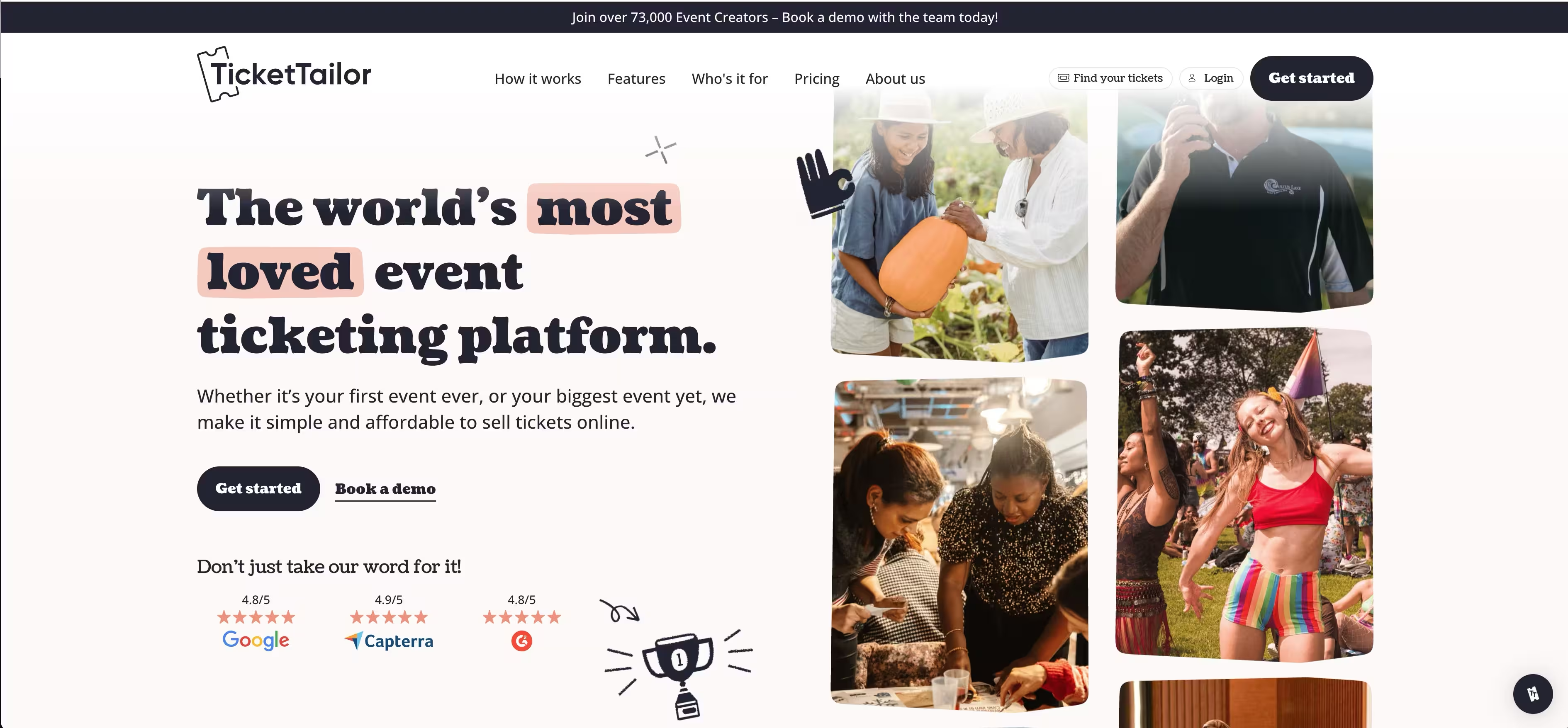
Ticket Tailor is an event ticketing platform built around low fees and customizable box office pages. Ticket Tailor lets creators sell tickets online with branded checkout, a free check-in app, and support for reserved seating and time-slot events. The free tier for free events makes it a low-risk starting point for new organizers.
Best for: Organizations and event creators that want low-fee ticketing with customizable event pages.
Key strengths
- Customizable pages: Build branded event pages and checkout flows.
- Free check-in app: Scan attendees at the door without extra cost.
- Reserved seating and time slots: Support assigned seats and timed-entry events.
Why choose Ticket Tailor: Ticket Tailor appeals to repeat organizers and smaller teams who want to launch quickly and keep fees low. The pricing flexibility, with both pay-as-you-sell and prepaid credits, lets you match cost to cadence. For recurring events and venues that value speed to launch, it is an efficient theatre box office software option.
Ticket Tailor pricing: Free events are free for up to 5,000 free tickets per year. Paid events use either a pay-as-you-sell per-ticket model or prepaid credits. Pricing displays in GBP by default, so confirm your local currency on the pricing page. Ticket Tailor holds a 4.8/5 rating on G2.
11. ThunderTix
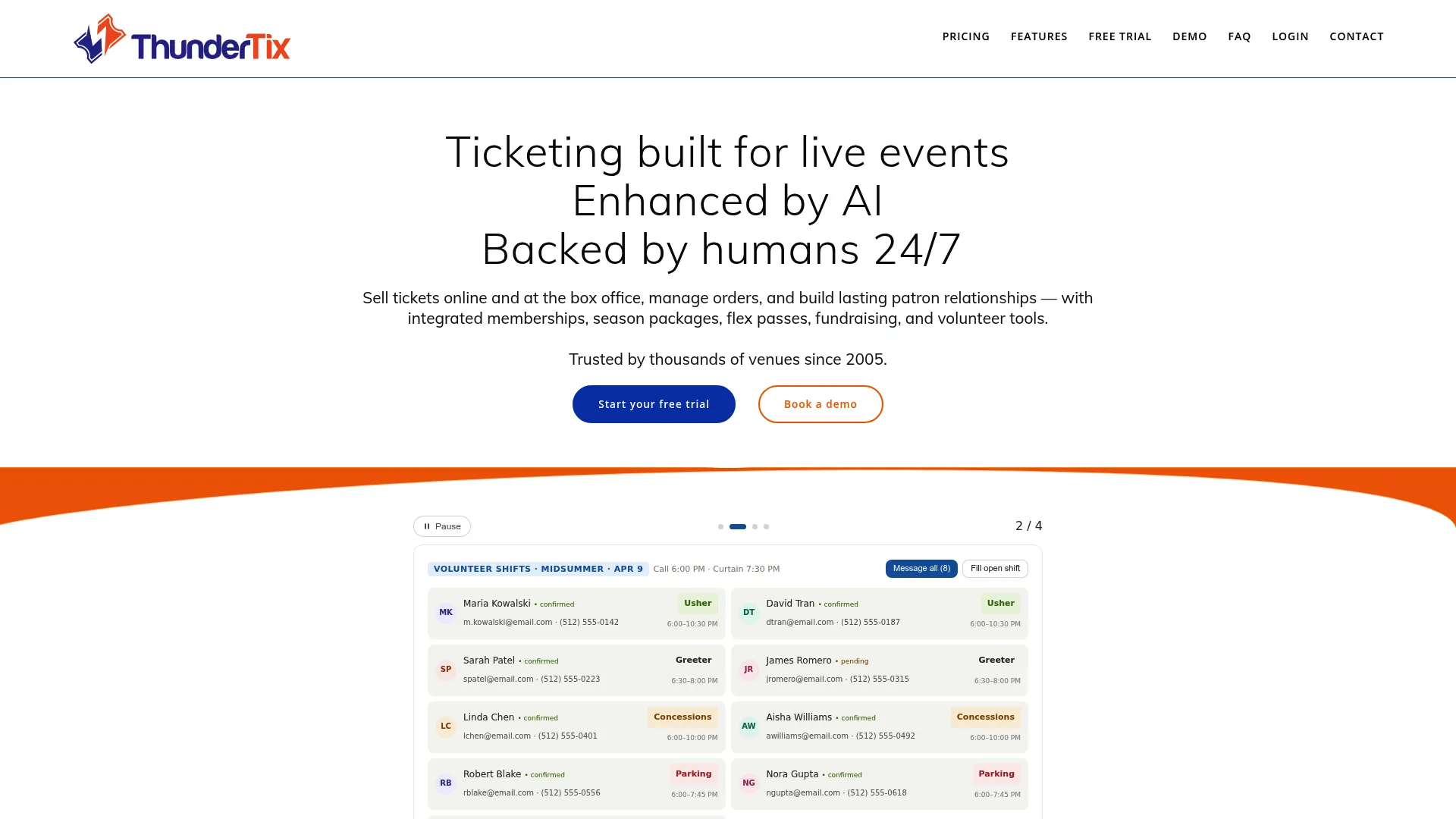
ThunderTix is cloud-based ticketing, box office, and venue management software for live events and performing arts organizations. ThunderTix combines reserved seating, a patron CRM, and onsite sales tools, and it notably charges no percentage of ticket sales. That flat per-ticket model makes costs predictable for venues running frequent performances.
Best for: Performing arts venues and live event organizations that need ticketing, CRM, and box office tools in one system.
Key strengths
- Reserved seating and GA: Handle both assigned seats and general admission.
- Patron CRM: Track customers with RFM scoring and lifecycle stages.
- Add-on revenue: Sell donations, memberships, gift cards, and merchandise.
Why choose ThunderTix: ThunderTix is built for venues that run special events, manage volunteers and renters, and handle onsite sales on top of online ticketing. The patron CRM helps marketers segment and re-engage attendees, and the 0% of ticket sales model keeps margins intact for high-volume performance schedules. It is a capable box office management system for theaters and live venues.
ThunderTix pricing: Plans include Schools at $0.65 per ticket, General Admission at $1 per ticket, Reserved Seating at $1.25 per ticket, and White Glove at $1.95 per ticket, each adding 0% of ticket sales. Monthly minimums apply per plan, and a free trial is available. ThunderTix holds a 4.6/5 rating on G2.
12. Yapsody Ticketing
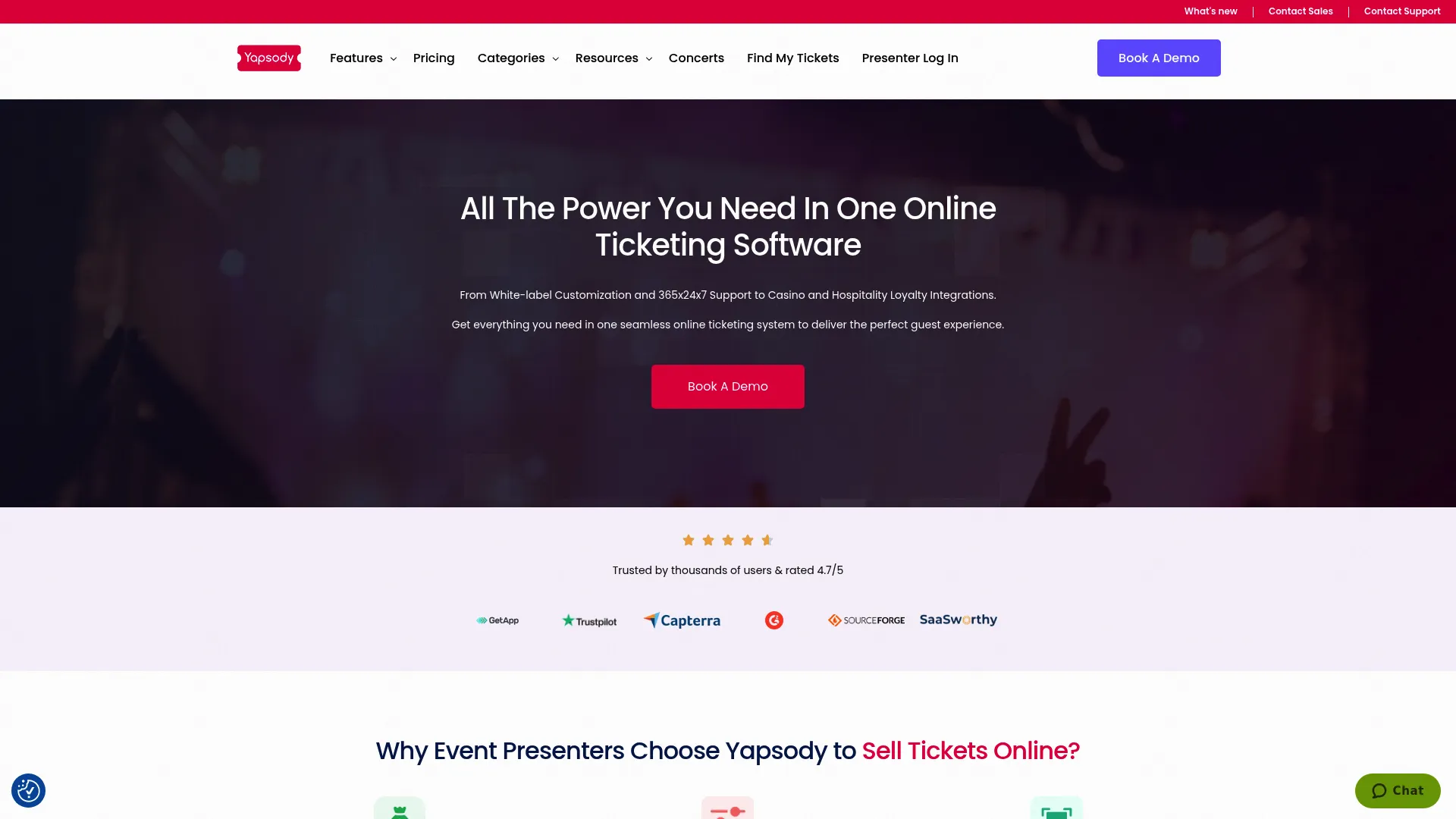
Yapsody Ticketing is an online event ticketing and registration platform for selling and managing tickets, seating, and promotions. Yapsody Ticketing supports white-label ticketing, reserved seating management, and multiple payment gateways, which gives organizers control over both branding and how money flows. It positions itself well as an alternative for venues that want fee flexibility.
Best for: Event organizers and venues needing branded ticketing with reserved seating and fee flexibility.
Key strengths
- White-label ticketing: Sell under your own brand without Yapsody dominating the experience.
- Reserved seating: Manage seat-level inventory and interactive maps.
- Multiple payment gateways: Choose from several processors to fit your workflow.
Why choose Yapsody Ticketing: Yapsody fits organizers who want branded, reserved-seating events with control over payment processing. The choice of gateways is useful for venues with existing processor relationships, and the white-label experience keeps the buyer journey on-brand. Free events are complimentary, which lowers the barrier for mixed programming.
Yapsody Ticketing pricing: General Seating is $0.59 + 1.75% per ticket sold, and Reserved Seating is $0.98 + 2.49% per ticket sold. Free events are complimentary, and non-profit events receive a 50% rebate. Yapsody Ticketing holds a 4.7/5 rating on G2.
13. Brown Paper Tickets
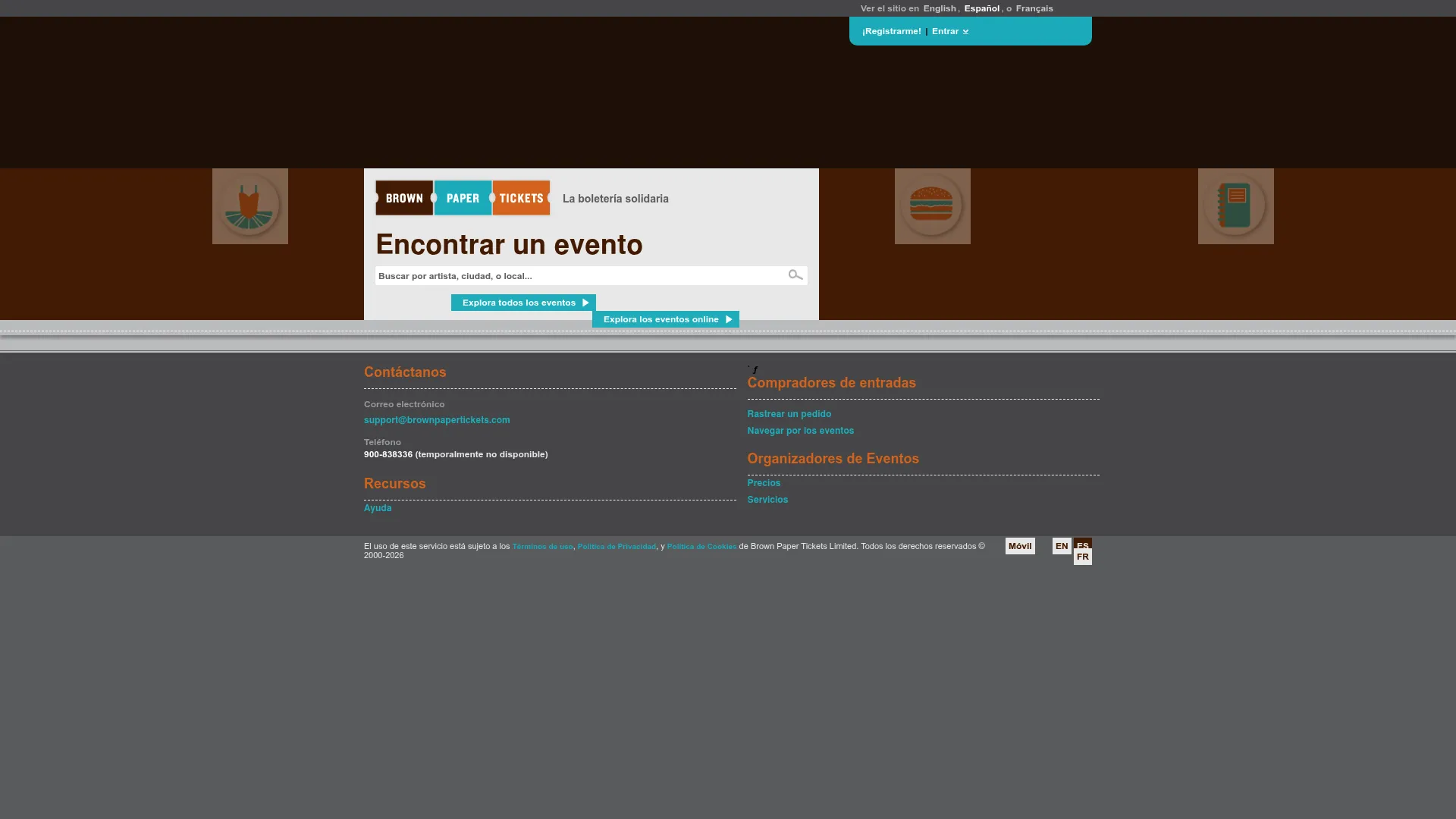
Brown Paper Tickets is an event ticketing and registration platform long associated with independent events and budget-conscious organizers. Brown Paper Tickets handles online ticket sales, mobile delivery and scanning, and assigned seating, with all fees paid by the ticket buyer. Note that the platform is transitioning, so confirm current event availability before committing.
Best for: Small to mid-size event organizers needing low-fee ticketing with seating and check-in tools.
Key strengths
- Buyer-paid fees: Organizers can run events without absorbing ticketing fees.
- Mobile delivery and scanning: Deliver and validate tickets on mobile.
- Assigned seating: Support reserved seats for seated events.
Why choose Brown Paper Tickets: Brown Paper Tickets has historically suited independent producers and small organizers who want fees off their own books and onto the buyer. The assigned seating and mobile scanning cover the basics for seated independent productions. Because the platform is being retired and 2026 events are directed to migrate, verify timing and roadmap before you build on it.
Brown Paper Tickets pricing: The ticket buyer fee is $1.49 + 6.0% of the ticket price in USD, or €0.99 + 6.0% in EUR. Free events are free, and all fees are paid by ticket buyers. Brown Paper Tickets holds a 3.9/5 rating on G2.
14. Afton Tickets
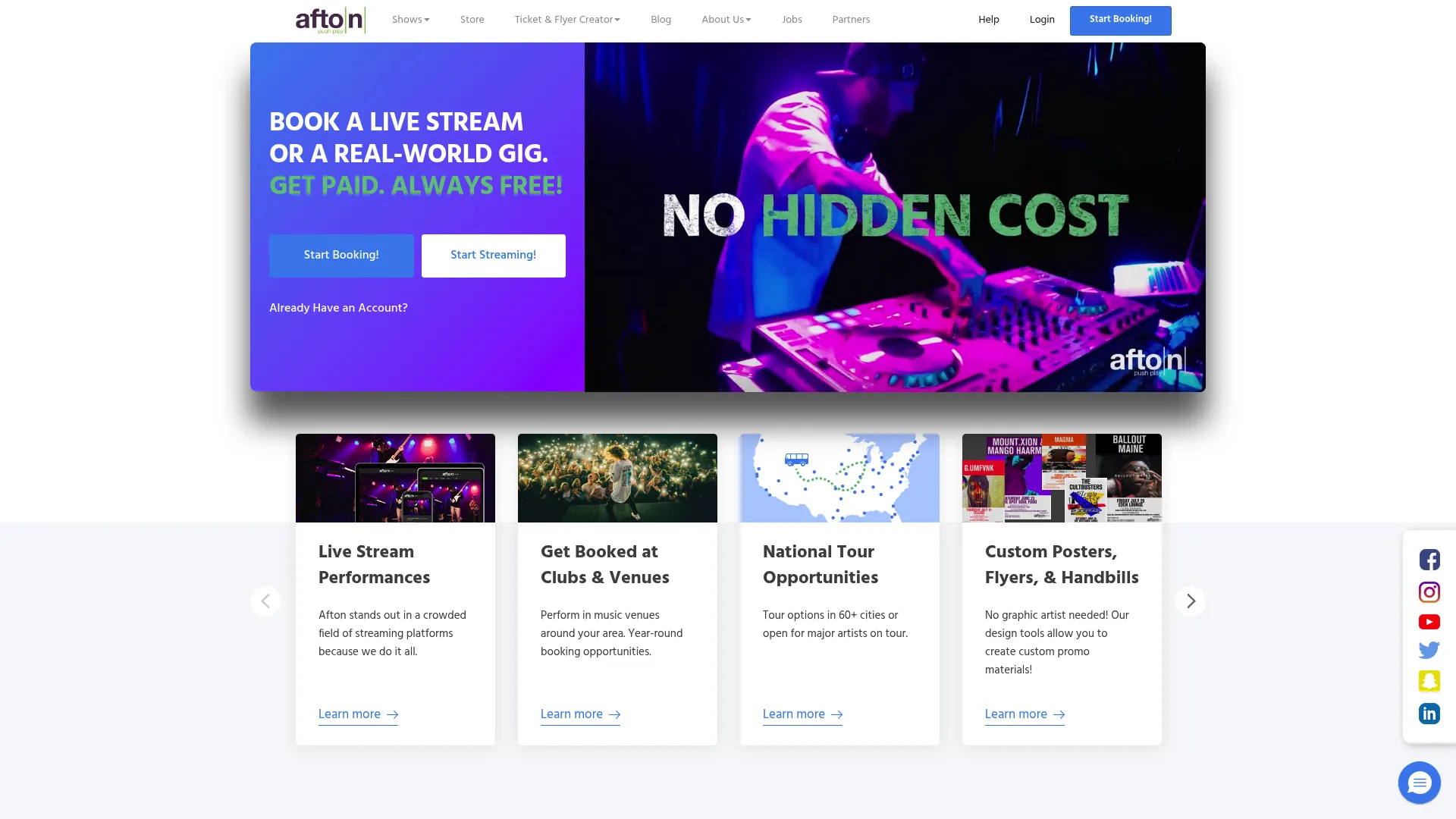
Afton Tickets is a concert promotion, booking, and ticketing platform serving independent and major artists. Afton Tickets offers a free booking platform for independent musicians, live stream concert booking, and tipping during checkout, with a ticketing system that can cost organizers nothing when attendee service fees are passed through. It is a distinctive option for the live music and streaming side of events.
Best for: Independent artists, promoters, and venues needing a free-to-organizer ticketing and booking workflow.
Key strengths
- Free booking platform: Independent musicians book and sell without upfront cost.
- Live stream ticketing: Sell tickets to streamed and hybrid concerts.
- In-checkout tipping: Let fans tip during checkout and in-stream.
Why choose Afton Tickets: Afton fits artists, promoters, and venues focused on concerts and live streams who want a free-to-organizer model. With no startup, onboarding, monthly, or annual fees, the system can cost $0.00 to organizers when attendee service fees cover it. The tipping feature is a useful revenue lever for independent artists building direct fan support.
Afton Tickets pricing: The full Afton Tickets system can cost $0.00 to event organizers if attendee service fees are passed through, with no startup, onboarding, monthly, or annual fees. Afton Tickets holds a 4.8/5 rating on G2.
15. Tixly
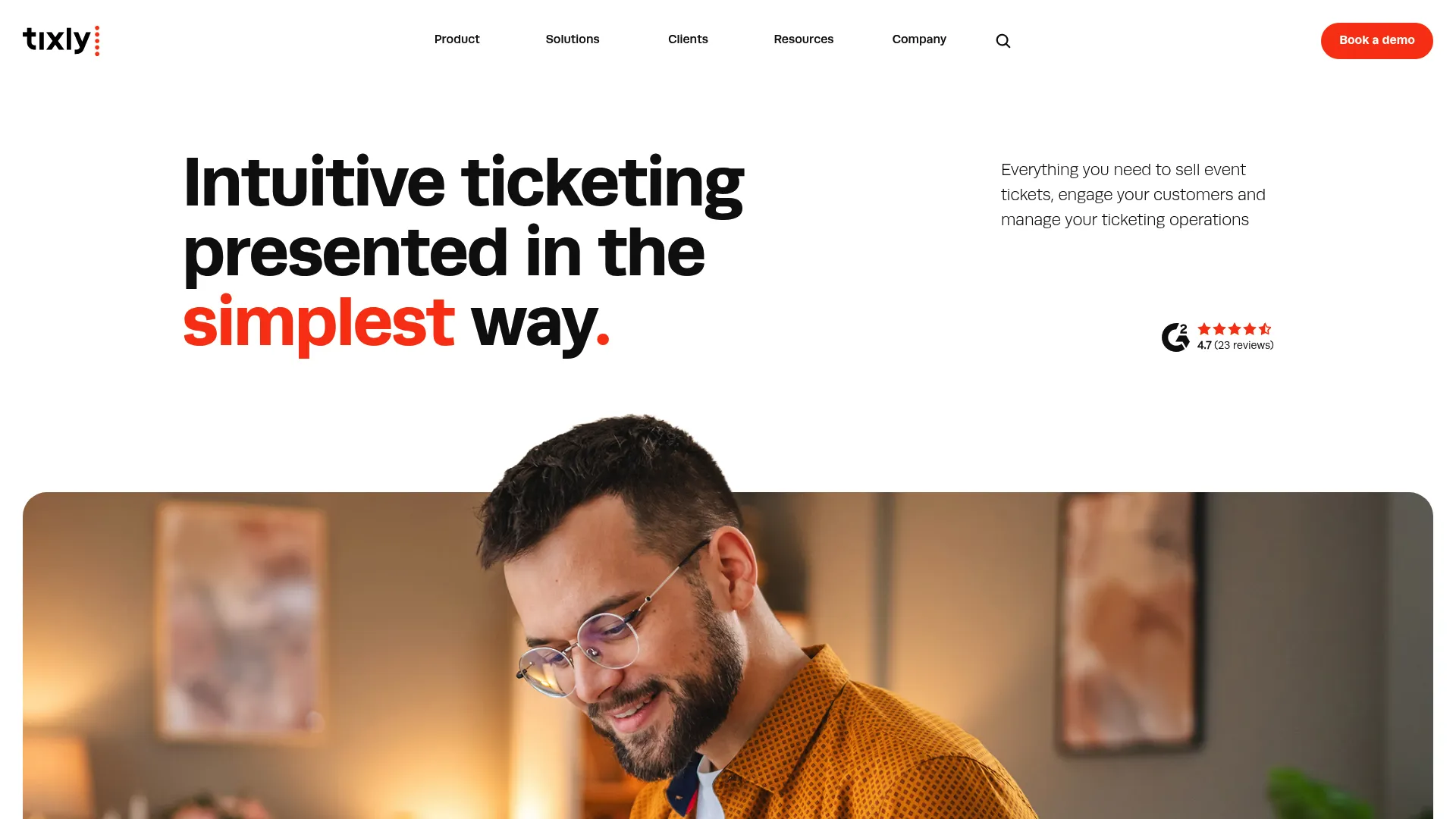
Tixly is event ticketing software built for performing arts venues and culture houses. Tixly covers online ticket sales, box office sales, administration and reporting, marketing and CRM, and ticket scanning in one integrated platform. It is aimed at venues that want polished box office operations across every sales channel.
Best for: Performing arts venues needing integrated ticketing across online, box office, and scanning workflows.
Key strengths
- Box office sales: Run counter and onsite sales alongside online ticketing.
- Administration and reporting: Manage events and pull operational reports in one place.
- Marketing and CRM: Engage and segment patrons with built-in tools.
Why choose Tixly: Tixly suits performing arts venues and culture houses that want online, box office, and scanning workflows unified rather than bolted together. The included implementation and training, unlimited users, and per-ticket model with no upfront license fees make it approachable for venue teams. It is a refined theatre box office software option for organizations focused on operational consistency.
Tixly pricing: Tixly uses a per-ticket model that varies by annual volume, number of venues, and region, with no public starting price listed and no upfront license fees. Implementation, training, and unlimited users are included. Tixly holds a 4.7/5 rating on G2.
Additional box office software options worth knowing
The 15 tools above cover most box office buying scenarios, but a few adjacent categories are worth a quick mention as you map your stack.
- Cinema-specific platforms handle showtime scheduling, concessions, and food-and-beverage add-ons that general event tools do not. If you run a movie theater, evaluate movie theater ticketing software that integrates POS, gift cards, and a refund portal natively.
- Membership and loyalty layers matter for venues that depend on repeat attendance. Our roundup of the best loyalty management software and broader community management tools can supplement a box office platform that lacks deep CRM.
Avoid duplicating tools you already shortlisted. The goal is to fill gaps the core 15 do not cover for your specific venue type.
What to consider before choosing box office software
A shortlist is only useful if you can narrow it to one. Run each remaining option through these five criteria before you commit.
Pricing model and booking fees
Box office pricing rarely fits a tidy monthly plan. Most platforms charge per-ticket booking fees, payment processing fees, or both, and some are free for free events. Ask three questions: Is there a fee on free tickets? Who pays the booking fee, you or the buyer? What is the all-in cost per paid ticket once processing is added? Transparent pricing surfaced before purchase protects your conversion rate.
Seating and inventory controls
If you sell assigned seats, reserved seating is non-negotiable. Confirm the platform offers a real seat map editor, seat-level holds, and a buyer-facing seat-selection workflow that updates in real time. Capacity-limited general admission needs accurate live counts across online and onsite channels. Match the depth of the seating plan software to how complex your venue layout actually is.
Payment, POS, and gateway integrations
Look at how money moves. You want card processing, hosted payment pages, and digital wallet support like Apple Pay or Google Pay at minimum. Venues with counter sales need POS integration that syncs onsite and online inventory instantly. If you have an existing processor, confirm the platform supports payment processor integration with that gateway rather than forcing a switch.
Reporting and attendee visibility
Useful reporting goes beyond a sales total. You want sales trends over time, channel breakdowns, attendee data, and event-level performance you can act on the same day. Strong attendee reporting feeds marketing and renewal efforts. Check whether reports export cleanly and whether the dashboard updates in real time during a sale.
Venue and use-case fit
The best box office software differs by venue. A general event organizer prioritizes online checkout and reach. A theater prioritizes reserved seating and subscriptions. A cinema prioritizes showtimes and concessions. A cultural institution prioritizes patron CRM and fundraising. Map your venue type to the tool built for it rather than forcing a general platform to behave like a specialist.
Conclusion
The right box office ticketing software depends on what your operation actually does, not on which tool has the longest feature list. For free events and low-cost setup, TicketSource and Ticket Tailor lead. For reserved seating and venue operations, Purplepass, ThunderTix, and Tixly are built for the job. For performing arts and cultural institutions with fundraising and patron CRM needs, Tessitura and AudienceView Professional fit the complexity. For reach and event discovery, Eventbrite remains the default, and for a free-to-organizer model, Afton Tickets stands out.
Start by mapping your three hardest jobs: how you sell online, how you handle seating, and how money moves through payment and POS. Then weigh pricing transparency and reporting depth against those needs. Whether you operate a theater, a cinema, a live venue, or a series of general events, an integrated box office software platform that matches your venue type will cut manual work and protect your conversion rate. Shortlist two or three, run a test event, and pick the one your box office staff actually want to use on a busy night.