The drawing on the wall says revision C. The crew is building to revision B. Nobody flagged the RFI that changed the detail three weeks ago, and now a framer is tearing out work that passed inspection yesterday.
That is what a broken field-to-office loop costs. Not a bad quarter. A specific wall, a specific day, a specific rework bill.
The jobsite management software market hit USD 6.65 billion in 2024 and is projected to reach USD 15.47 billion by 2034, growing at 8.8% CAGR, according to Future Market Insights (2024). Cloud-based deployment already held 45.8% of that spend. Contractors are buying because paper plans, group texts, and end-of-day whiteboard photos stopped scaling the moment jobs got bigger than one superintendent could hold in their head.
The problem is rarely a lack of tools. It is that most tools were built for the office, then handed to a crew standing in mud with gloves on and one bar of signal. This guide ranks seven platforms by how well they actually close that loop on an active site.
What's inside
This guide is for superintendents, project managers, and owners choosing a platform for field execution and field-to-office collaboration. We reviewed seven jobsite management tools against four things that matter once boots hit the site:
- Field usability: how fast a foreman can find a plan, log a task, or close a punch item on a phone
- Offline access: whether the app works when signal drops in a stairwell or basement
- Coordination depth: RFI tracking, change order tracking, daily logs, and subcontractor handoffs
- Fit and pricing: transparent cost and which contractor profile each tool serves best
TL;DR
- Best for mobile field execution: Fieldwire, built plan-first for crews who live on their phones.
- Best for large and complex projects: Procore, the deepest all-in-one construction management software for enterprise workflows.
- Best all-in-one with transparent pricing: JobTread, a flat-rate platform covering estimating through job finances.
- Best for design and construction coordination: Autodesk Construction Cloud, strong for teams already in the Autodesk ecosystem.
- Best for residential builders: Buildertrend, with a client-facing portal remodelers actually use.
- Best affordable all-rounder: Contractor Foreman, broad coverage starting at $49 per month.
- Best field reporting specialist: Raken, purpose-built for daily logs and crew documentation.
What is jobsite management software?
Jobsite management software is a mobile-first platform that connects field crews and office teams around live project data, so plans, tasks, punch lists, RFIs, change orders, and daily logs stay in sync across every location. It replaces paper drawings, spreadsheets, and disconnected group chats with a single source of truth that updates in real time.
The category overlaps with broader construction management software but centers on field execution rather than back-office finance. The distinction matters when you evaluate tools, because a platform built for the accounting team behaves very differently from one built for a foreman in a trench.
Core features most buyers expect in 2026:
- Plan management: view, mark up, and version drawings with automatic revision control, so nobody builds to a superseded sheet
- Task and punch list software: assign, track, and close field items with photos, due dates, and accountability
- RFI tracking and change order tracking: log questions and scope changes with a timestamped trail
- Daily logs: capture weather, manpower, deliveries, and progress from the field
- Mobile construction app: iOS and Android apps that work with gloves, glare, and limited bandwidth
- Offline mobile access: local data capture that syncs when signal returns
- Field collaboration software: real-time messaging, photo sharing, and subcontractor coordination
- As-built documentation: a defensible record of what was built, when, and to which spec
- Reporting and dashboards: progress visibility for owners and office staff
The strongest platforms treat the phone as the primary device, not an afterthought. That single design choice separates tools crews adopt from tools crews abandon.
When to use jobsite management software
Coordinate field and office without the daily scramble
When your superintendent spends the first hour of every day reconciling texts, emails, and photos into a status update, you have a coordination problem software solves. A shared platform gives the office live visibility into field progress without a phone call, and gives the field the latest plans without a courier run.
Protect yourself with a defensible record
Disputes get won and lost on documentation. When a change order tracking trail, timestamped daily logs, and as-built records live in one system, you can answer "who approved this and when" in seconds instead of digging through inboxes. This matters most on jobs with heavy subcontractor coordination and tight schedules.
Kill rework before it starts
Rework is the silent margin killer. Most of it traces back to stale drawings and missed RFIs. Plan management with automatic version control and RFI tracking that flags open questions means crews build to the right detail the first time. On a large project, catching one avoidable teardown can pay for the software.
Comparison table
Here is how the seven tools stack up on field fit, pricing, and rating. Use it as a shortlist filter, then read the sections that match your contractor profile.
| # | Product | Best for | Key differentiator | Pricing | G2 rating |
|---|---|---|---|---|---|
| 1 | Fieldwire | Mobile field coordination | Plan-first task and punch list execution | Free tier; paid from $39/user/mo | 4.5/5 |
| 2 | Procore | Large, complex projects | All-in-one platform with unlimited users | Custom, volume-based | 4.6/5 |
| 3 | JobTread | All-in-one with clear pricing | Estimating through job finances, flat rate | From $199/mo | Not listed |
| 4 | Autodesk Construction Cloud | Design and build coordination | Model coordination and document workflows | Quote-based | 4.4/5 |
| 5 | Buildertrend | Residential builders | Client-facing customer portal | Custom quote | 4.2/5 |
| 6 | Contractor Foreman | Budget-conscious contractors | Broad coverage at low cost | From $49/mo | 4.5/5 |
| 7 | Raken | Field reporting | Daily reporting and crew documentation | Quote-based | 4.6/5 |
Best 7 jobsite management software tools for 2026
1. Fieldwire
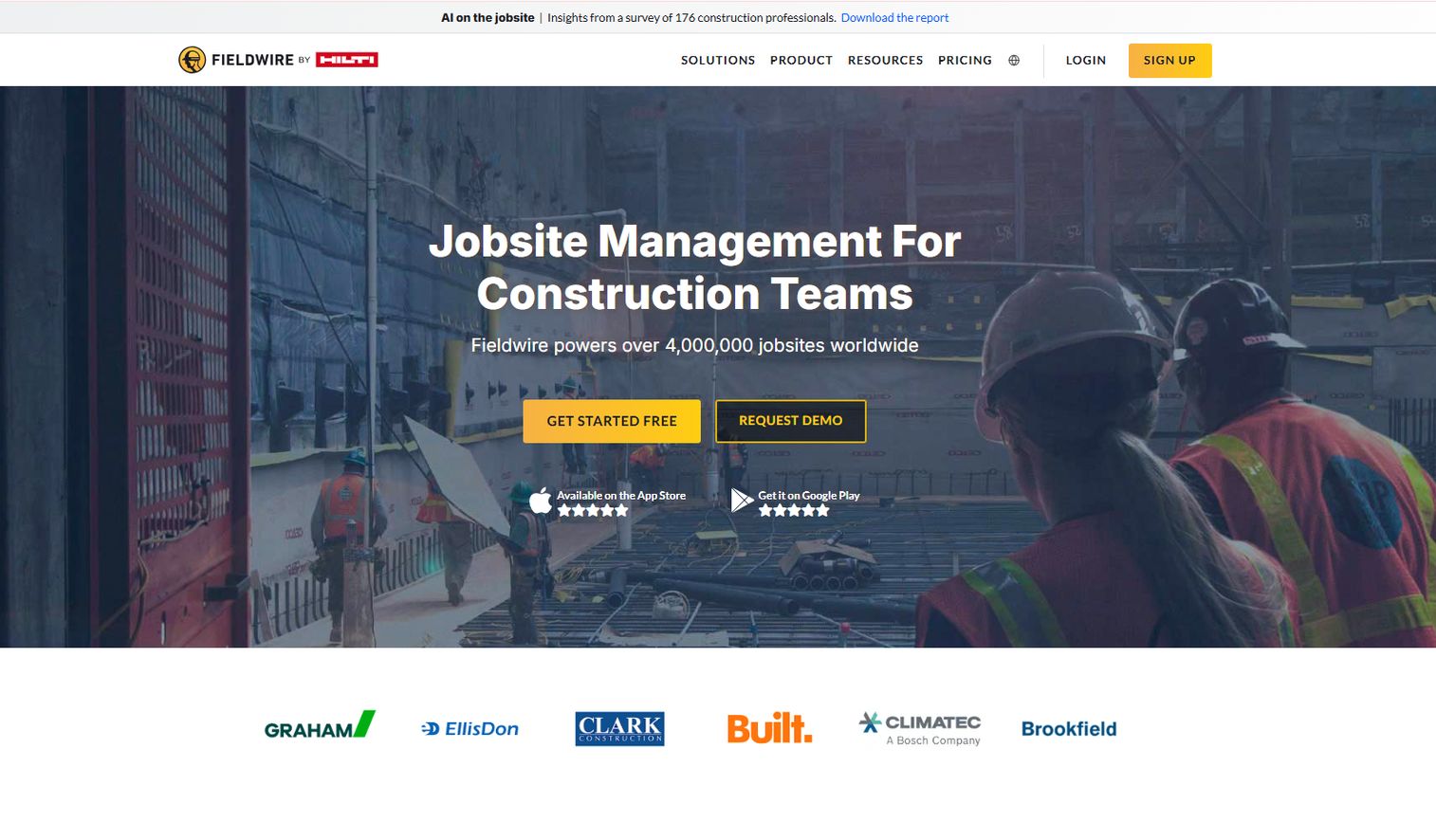
Fieldwire is construction field management software built plan-first for the crews doing the work. It leads with plan viewing, task management, and punch lists, and it treats the mobile app as the primary interface rather than a stripped-down companion to a desktop tool. That design choice is why field teams adopt it fast: a foreman can pull the latest drawing, drop a task pinned to a location, and close a punch item without leaving the app.
The platform keeps plans versioned so nobody builds to a superseded sheet, and its offline behavior means the app keeps working in a basement or a dead zone, syncing when signal returns. For field-to-office collaboration, tasks, checklists, and markups flow back to the office in real time.
Best for: Construction teams that need mobile-first field coordination and fast crew adoption.
Key features
- Plan viewing with version control
- Task management pinned to plan locations
- Checklists and punch list tracking
- Offline mobile access
- Sheet compare and BIM viewer on higher tiers
Why choose Fieldwire: If your priority is getting crews to actually use the tool on site, Fieldwire's plan-first mobile design wins adoption where heavier platforms stall. It fits field-focused teams more than office-heavy finance workflows.
Fieldwire pricing: A free Basic tier covers small teams. Pro is $39 per user per month billed annually, Business is $64, and Business Plus is $89, adding reports and exports, sheet compare, templates, custom forms, and the BIM viewer as you move up.
2. Procore
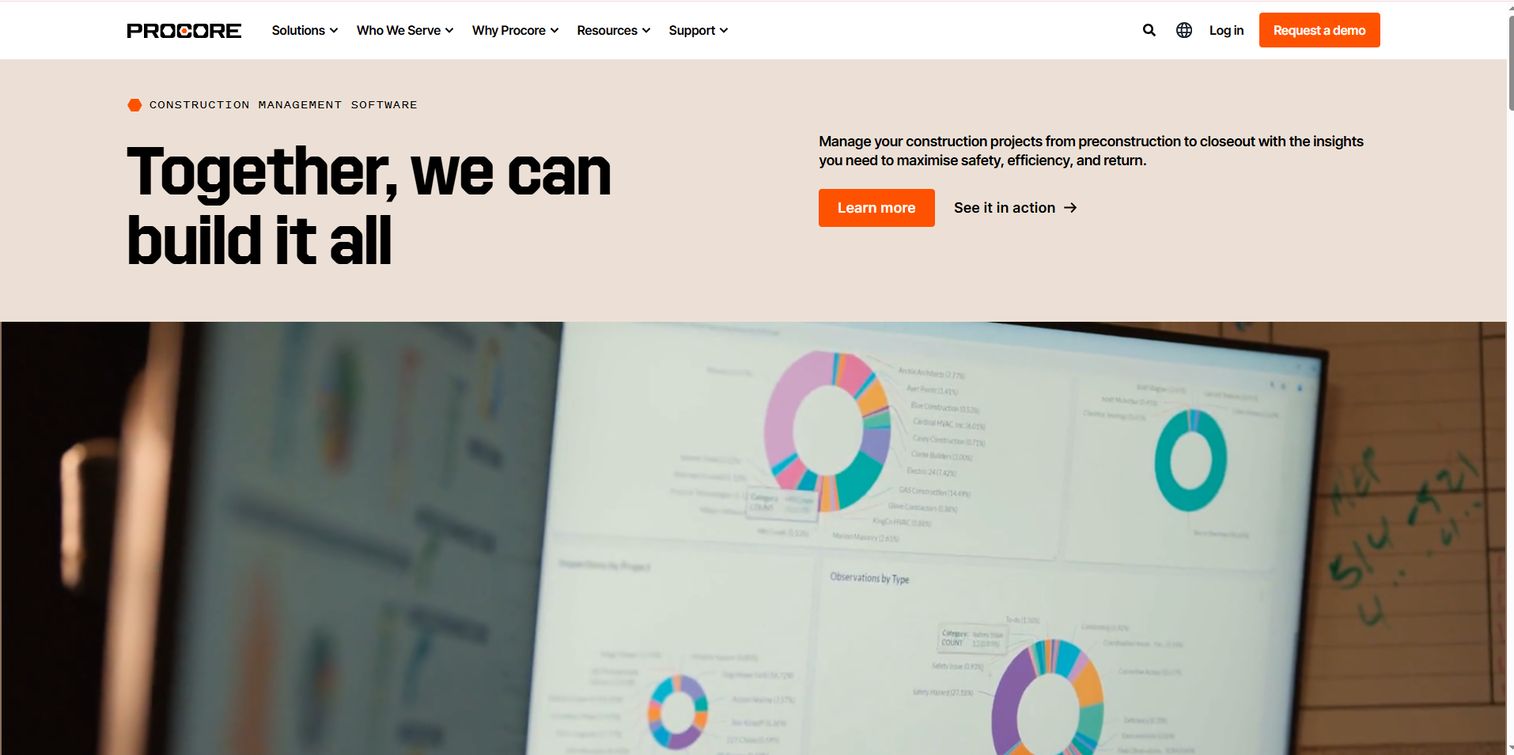
Procore is a construction management software platform built for owners, general contractors, and specialty contractors running larger and more complex work. It reaches well beyond jobsite coordination into project execution, cost management, and resource management, positioning itself as the system of record for the entire project rather than just the field.
That breadth is the point. Where field-first tools focus on the crew, Procore aims to connect field, office, and finance in one platform, with unlimited users so subcontractors and stakeholders join without per-seat friction. For complex jobs with many stakeholders and heavy document workflows, that consolidation is the draw.
Best for: Teams that want an all-in-one construction management platform with volume-based enterprise pricing.
Key features
- Unlimited users across the project
- Unlimited data storage
- Cost and resource management
- Project execution workflows
- 24/7 support
Why choose Procore: Procore fits larger contractors and owners who need depth across the whole project lifecycle, not just field coordination. Smaller field-focused teams may find the platform broader than they need day to day.
Procore pricing: Procore uses custom pricing based on the products you need and your annual construction volume. There is no public starting price; you request a quote scoped to your business.
3. JobTread
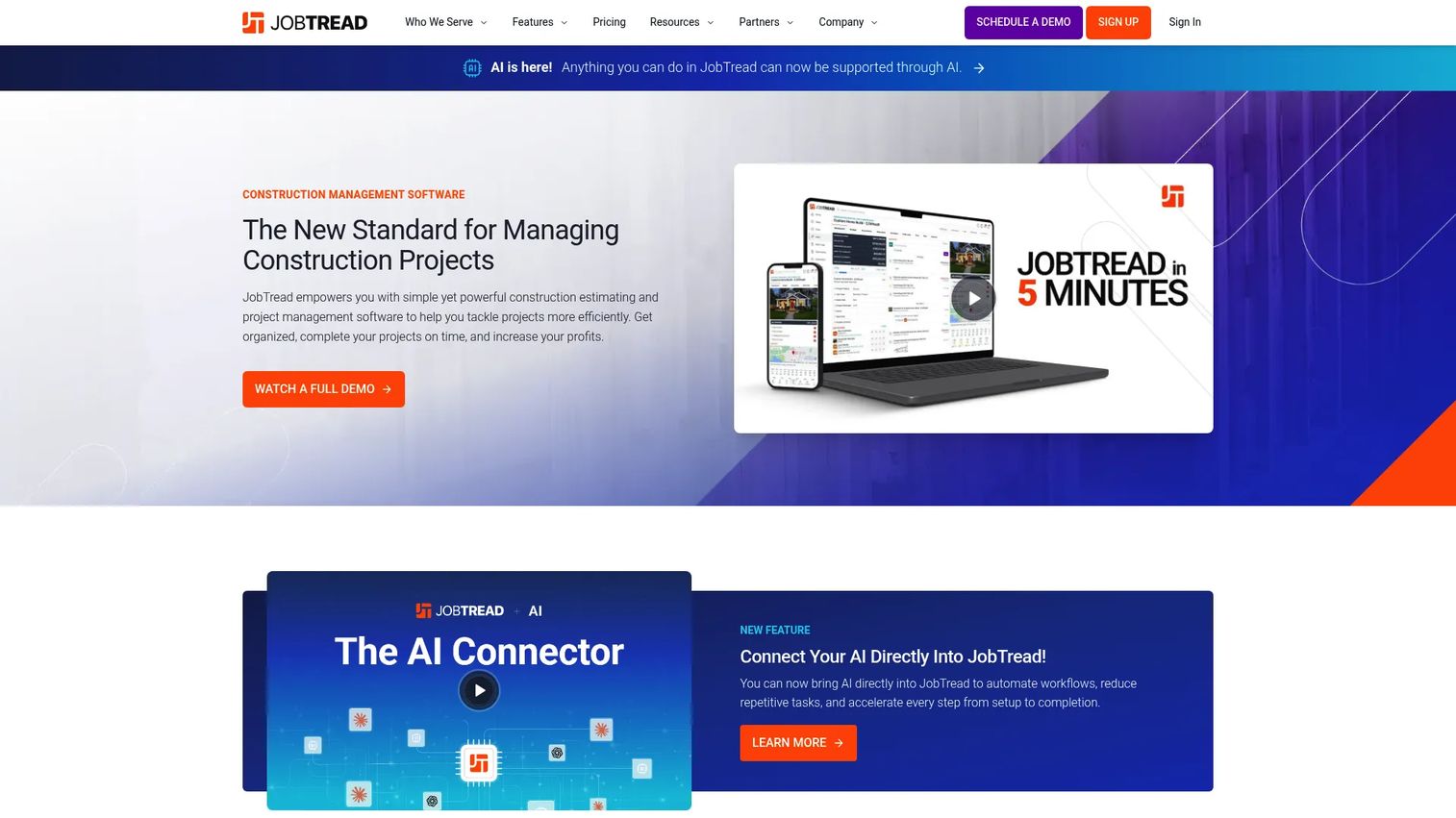
JobTread is construction management software for contractors that runs the job from estimate to close. It covers tasks and scheduling, daily logs, time tracking, and a document layer for files, photos, videos, and customer portals, all under a flat-rate pricing model that makes budgeting predictable.
The all-in-one angle pairs operational workflows with job finances, so the same platform that tracks field progress also tracks whether the job is making money. Unlimited free customer and vendor portal users mean subcontractors and clients participate without adding to your bill, which is a real advantage on jobs with heavy subcontractor coordination.
Best for: Construction businesses that want an all-in-one job management platform with transparent pricing.
Key features
- Tasks and scheduling
- Daily logs and time tracking
- Files, photos, videos, and portals
- Job finances and workflows
- Free customer and vendor portal users
Why choose JobTread: JobTread suits contractors who want financial and operational coverage in one tool without per-seat surprises. Teams needing deep BIM or model coordination will look elsewhere.
JobTread pricing: The Base plan is $199 per month with all features included and no contract or setup fees. Internal users are $20 per month each, dropping to $16 annually and as low as $5 each at higher seat counts. A 30-day money-back guarantee applies to monthly subscriptions.
4. Autodesk Construction Cloud
Autodesk Construction Cloud is a cloud-based construction management and collaboration platform with deep roots in design. It connects document management, model coordination, and project management across office and field, which makes it a strong fit for teams whose work involves serious design-to-construction coordination.
Its edge shows up when models and drawings drive the job. Model coordination and document workflows let design and construction teams work off the same connected data, reducing the gap between what was designed and what gets built. Teams already using Autodesk design tools get the tightest fit here.
Best for: General contractors, specialty contractors, and owners needing a connected construction management platform.
Key features
- Document management
- Model coordination
- Project management
- Field and office collaboration
- Autodesk design ecosystem integration
Why choose Autodesk Construction Cloud: Choose it when design coordination is central to your work and you already live in Autodesk tools. Field-only teams without heavy modeling needs may prefer a lighter mobile-first option.
Autodesk Construction Cloud pricing: Autodesk Construction Cloud is now part of Autodesk Forma, and pricing is quote-based rather than publicly listed. You request a quote for the products and bundles your team needs.
5. Buildertrend
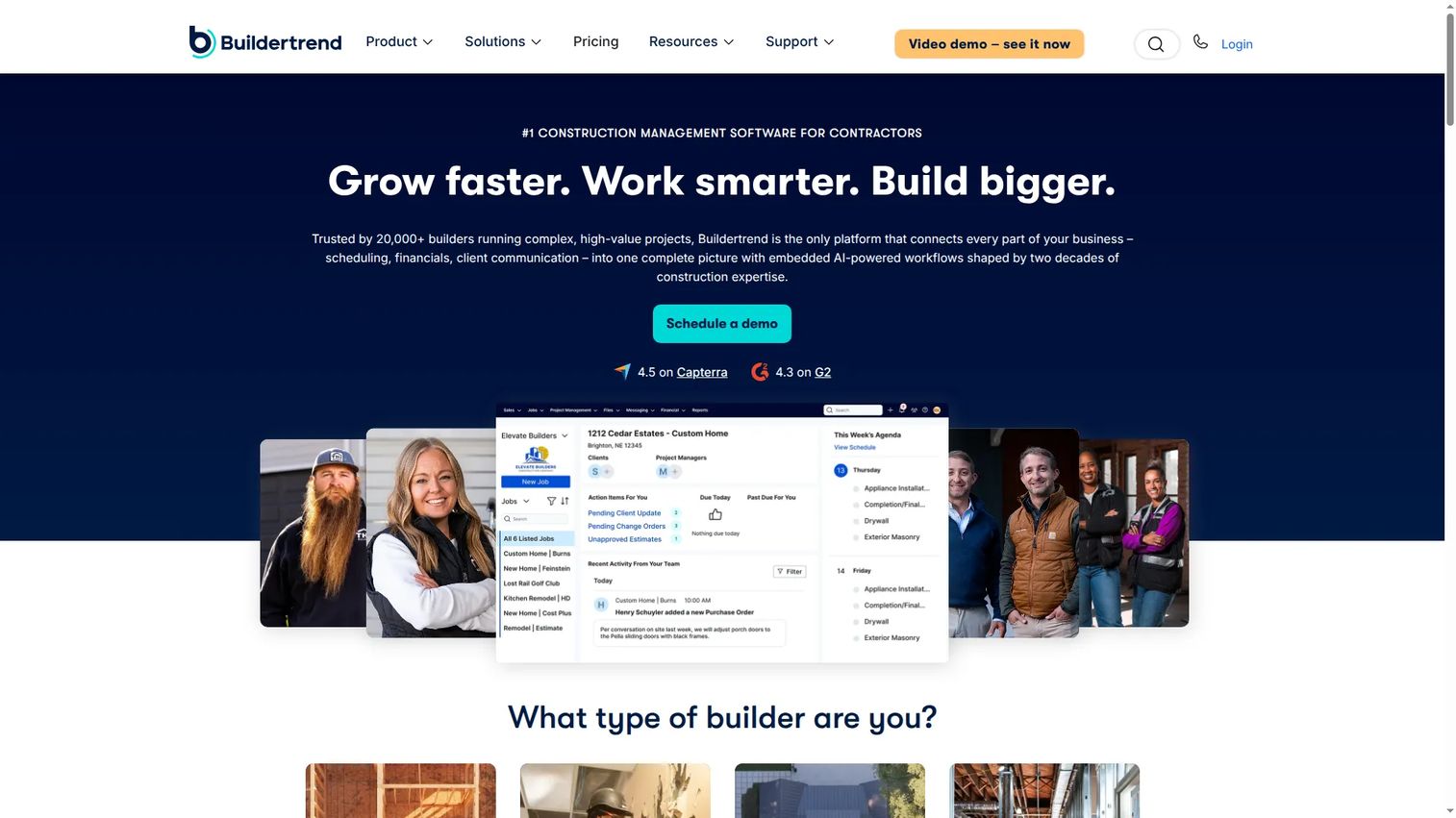
Buildertrend is cloud-based construction project management software built for residential builders, remodelers, and specialty contractors. It pairs internal project tracking with a client-facing customer portal, which is what sets it apart for home builders who spend as much time managing homeowner expectations as managing crews.
The residential angle runs through the product. Sales management, project management, and financial management cover the internal side, while the customer portal keeps homeowners informed on selections, schedules, and progress without a stream of phone calls. For remodelers, that client communication layer often matters more than raw field-execution depth.
Best for: Residential builders and remodelers needing an all-in-one platform with strong client communication.
Key features
- Sales management
- Project management
- Customer portal and communication
- Financial management
- Scheduling and selections
Why choose Buildertrend: Buildertrend fits residential builders who need to manage client relationships alongside the build. Commercial teams focused purely on field coordination may want a more field-first tool.
Buildertrend pricing: Buildertrend uses customized pricing based on your business, and directs you to request a personalized quote. Annual subscriptions carry a 10% discount, though no public base price is listed.
6. Contractor Foreman
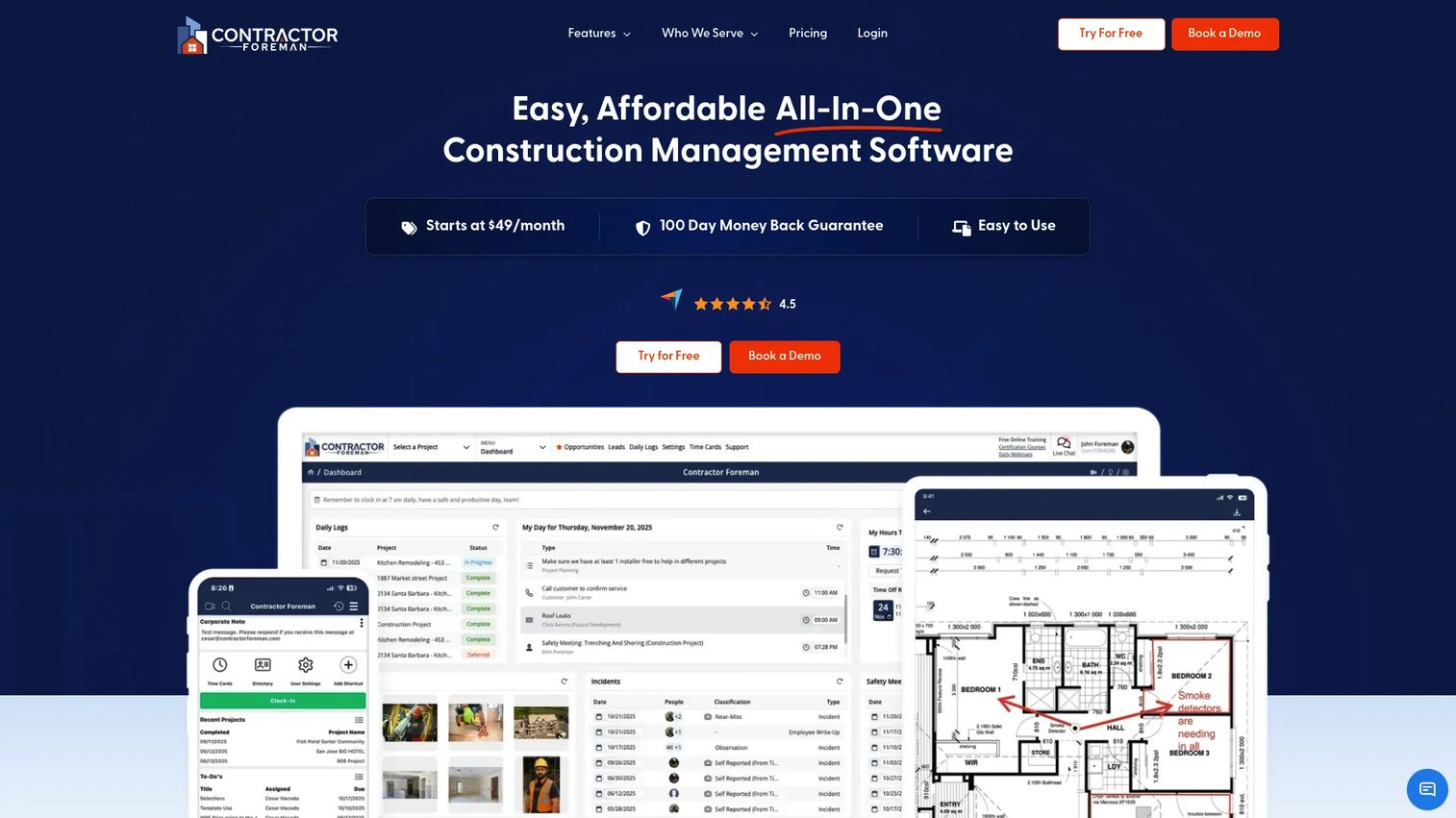
Contractor Foreman is all-in-one construction management software aimed at small to mid-sized contractors who want broad coverage without enterprise cost. It bundles project management, financials including estimates and invoices, and scheduling with time cards into one affordable package.
The value proposition is coverage per dollar. Where enterprise platforms gate features behind volume-based contracts, Contractor Foreman publishes a low starting price and spreads its features wide across project management, financials, and field documentation. For a budget-conscious contractor comparing breadth against price, it is a serious contender.
Best for: Small to mid-sized contractors needing an affordable construction management platform.
Key features
- Project management
- Financials, estimates, and invoices
- Scheduling and time cards
- Field documentation and daily logs
- Mobile access
Why choose Contractor Foreman: It delivers wide feature coverage at a price small contractors can absorb. Larger teams with complex model coordination or enterprise governance needs will outgrow it.
Contractor Foreman pricing: Plans start at $49 per month. Higher tiers add capacity and features, with the entry price making it one of the more accessible options for smaller operations.
7. Raken
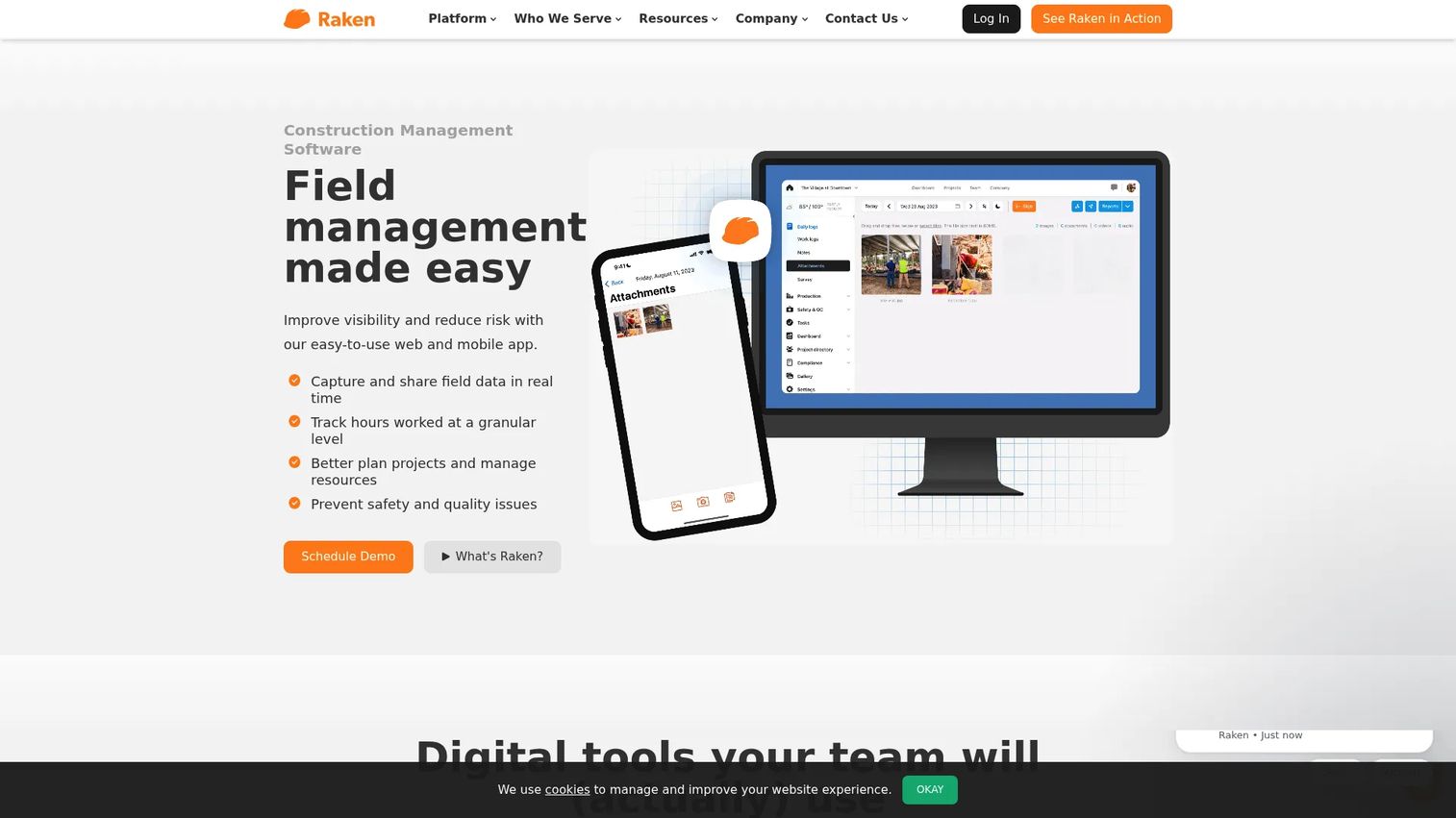
Raken is construction field management software focused on daily reporting, time tracking, production tracking, safety, and document management. Rather than trying to be a full platform, it does field documentation exceptionally well, which is why teams often run it alongside a broader system.
Its strength is discipline in the field record. Daily progress reporting, production tracking, and safety logs are fast enough that crews actually complete them, turning end-of-day documentation from a chore into a habit. If your gap is reporting rigor rather than full project management, Raken fills it cleanly.
Best for: Construction teams that need a field-first app for reporting and crew data capture.
Key features
- Daily progress reporting
- Time tracking
- Production tracking
- Safety documentation
- Document management
Why choose Raken: Raken is the specialist pick when daily reporting and field records are your weak point. Teams wanting one tool to run estimating, finance, and scheduling will pair it with a broader platform.
Raken pricing: Raken offers Basic and Performance plans with quote-based pricing that is not publicly disclosed. A free trial is available to test the app before committing.
Considerations before you buy
Field usability on a real device
The best feature set fails if the crew won't use it. Test the mobile construction app on the phones your team actually carries, with gloves on, in bright sun. If pulling up a plan or closing a punch item takes more than a few taps, adoption stalls and you are back to group texts.
Offline mobile access
Signal dies in basements, stairwells, and steel structures. Confirm the app captures data locally and syncs cleanly when signal returns. A tool that needs constant connectivity is a tool that fails exactly when the field needs it most.
Depth of coordination features
Match the platform to your actual workflow gaps. If disputes and rework are your pain, prioritize RFI tracking, change order tracking, and as-built documentation. If daily visibility is the gap, weight daily logs and reporting. Do not pay for enterprise depth you will never configure.
Pricing model and total cost
Per-user, flat-rate, and volume-based pricing scale very differently as your team and subcontractor count grow. Model the cost at your real headcount, including portal users for clients and subs, before you commit. Transparent pricing makes this easy; quote-based pricing requires you to do the math up front.
Conclusion
The right jobsite management software depends on your contractor profile more than any single feature list. For mobile field execution and fast crew adoption, Fieldwire leads. For large, complex projects that need field, office, and finance in one platform, Procore is the deepest choice. JobTread wins for contractors who want all-in-one coverage with transparent flat-rate pricing, while Autodesk Construction Cloud fits design-heavy coordination.
Residential builders and remodelers should start with Buildertrend for its client portal. Budget-conscious small contractors get the widest coverage per dollar from Contractor Foreman, and teams whose weak point is field records should add Raken for reporting discipline.
Your next step is simple: shortlist two tools that match your profile, then run each through a real jobsite for a week. Put the mobile app in a foreman's hands, test it offline, and watch whether the crew reaches for it. Adoption in the field, not features on a slide, decides which platform actually closes your field-to-office loop.
FAQs
Jobsite management software is a mobile-first platform that keeps field crews and office teams working from the same live project data. It handles plans, tasks, punch lists, RFIs, change orders, and daily logs in one place, replacing paper drawings and scattered group texts with a single source of truth that updates in real time.
It gives crews the latest plans, assigns and tracks tasks on a phone, and captures daily logs and photos from the site without a trip back to the trailer. That cuts the daily reconciliation scramble, shortens the field-to-office loop, and reduces rework caused by building to stale drawings or missed RFIs.
Prioritize plan management with version control, punch list software, RFI and change order tracking, daily logs, and a genuinely usable mobile app. Offline access and as-built documentation matter heavily for teams that work in low-signal environments or face frequent disputes.
Yes, especially affordable all-in-one options. A tool like Contractor Foreman starts at $49 per month and covers project management, financials, and field documentation, which often pays for itself by preventing a single avoidable rework or lost change order. Small teams should weight ease of use and price over enterprise depth.
Jobsite management software centers on field execution: plans, tasks, punch lists, and daily logs on a mobile device. Construction management software is broader, adding office and finance workflows like estimating, cost management, and portfolio reporting. Many platforms, such as Procore and JobTread, span both.
The better tools do. Field-first apps like Fieldwire and Raken capture data locally when signal drops in basements or steel structures, then sync automatically when connectivity returns. Always test offline behavior on a real site before committing, since it varies by platform.
Pricing ranges widely. Contractor Foreman starts at $49 per month, Fieldwire offers a free tier with paid plans from $39 per user per month, and JobTread runs a flat $199 per month base. Enterprise platforms like Procore, Autodesk Construction Cloud, and Buildertrend use custom or volume-based quotes, so model the cost at your real headcount before deciding.