



You hit talk in the game lobby. Your voice comes through a half-second late, robotic and muddy. Your squad tells you to just turn it off.
That lag is the whole problem. Most voice changers either add latency you can hear, output something that sounds obviously filtered, or bury you in virtual audio routing before you ever get a single effect working. The tool that wins is the one that runs in real time, sounds convincing, and connects to the apps you already use without a config nightmare.
Gaming drove 38.2% of the voice changer software market in 2025, according to Dataintelo (2025). So most of these tools are built for the loudest, most latency-sensitive use case there is. That helps you: If it survives a Discord raid, it survives a Zoom call. This guide ranks eight tools on the criteria that actually decide whether you keep using one past week one.
What's inside
This guide is for gamers, streamers, content creators, and anyone running a voice changer in calls or recordings. You want a real-time voice changer for PC that works in your apps without lag or a painful install.
We picked and ranked tools on four criteria that matter most:
- Real-time performance: Latency and stability under live load
- Voice quality: Whether the output sounds convincing or obviously fake
- Platform support: Discord, Steam games, Zoom, OBS, and other apps
- Free or paid value: What the free tier covers and when paying earns its keep
TL;DR
- Best overall for most users: Voicemod pairs a large real-time voice library with a soundboard and strong Discord and streaming compatibility.
- Best for AI voices and cloning: Voice.ai runs an AI voice engine with cloning and text-to-speech across a wide plan range.
- Best free system-wide option: Clownfish Voice Changer changes audio at the system level on Windows at no cost.
- Best for a big effect catalog: EaseUS VoiceWave ships 400+ effects and works across 1000+ games and platforms.
- Best one-time-purchase for gaming: MorphVOX Pro delivers real-time morphing with noise reduction for a flat $39.99.
- Best for recorded audio editing: AV Voice Changer Software handles live morphing plus batch file editing and waveform work.
What is voice changer software
Voice changer software modifies your microphone input or a recorded audio file in real time using pitch shifts, tone adjustments, AI voice models, and layered effects. It sits between your mic and the app receiving your audio, so games, chat apps, and call platforms hear the changed voice instead of your real one.
Most tools route through a virtual microphone. You install the software, select its virtual mic as your input inside Discord or OBS, and pick a voice. The app captures whatever the changer outputs. That routing step is where most first-time setups stall, so tools that automate it win a lot of goodwill.
The category splits between real-time changers built for live use and editors built for processing recordings after the fact. Some tools do both.
Core features to look for:
- Real-time mic transformation: Live pitch, tone, and effect changes with low latency
- Voice presets and effects: Ready-made voices like robot, alien, or gender-shifted profiles
- Custom voice creation: Build and save your own effect chains
- Soundboards: Trigger sound clips with hotkeys during a stream or call
- Recording and export: Save processed audio to files
- Virtual microphone routing: Feed the changed voice into any app that reads a mic
The market sat at $248.0 million in 2025 and is projected to reach $717.6 million by 2034 at a 12.5% CAGR, per Dataintelo (2025). Asia Pacific held 42.1% of global revenue that year. Growth is fastest where gaming, streaming, and creator content overlap, which is exactly where this list points.
When to use
Use it for live gaming and chat
Drop into Discord, in-game voice, or a party chat and change your voice on the fly. A real-time voice changer with hotkeys lets you switch profiles mid-match without leaving the game. Low latency matters most here, since even a quarter-second delay makes conversation feel off.
Use it for calls and meetings
Run a live voice changer in Zoom, Google Meet, or other call apps for privacy, comedy, or creator bits. Select the tool's virtual microphone as your input and the other side hears the modified voice. Keep effects subtle if you want to stay intelligible on a work call.
Use it for content creation and recordings
Record voice clips, skits, and social videos with a changed or cloned voice, then export the file. Editing-focused voice changing software lets you process recorded audio, batch-morph files, and fine-tune waveforms. This is where cloning and text-to-speech features earn their place for creators shipping regular content.
Voice changer software comparison
Every tool below runs on Windows and handles live mic transformation. They split on how deep the effect library goes, whether they do AI cloning, and how pricing works. Ratings come from each tool's current G2 listing where one exists; several of these products have no verified G2 review average, noted as not available.
| # | Product | Best for | Key differentiator | Pricing | G2 rating |
|---|---|---|---|---|---|
| 1 | Voicemod | Live gaming and streaming | Voicelab custom voices plus soundboard | Free / PRO paid | 5.0 |
| 2 | Voice.ai | AI voices and cloning | AI voice engine with cloning and TTS | Free / from $5/mo | N/A |
| 3 | EaseUS VoiceWave | Big effect catalog on Windows | 400+ effects, 1000+ compatible platforms | Free / from $14.95/mo | N/A |
| 4 | Voxal | Real-time effect chains | Custom effect chains with hotkeys | Free home use / paid | N/A |
| 5 | Clownfish Voice Changer | Free system-wide changing | System-level audio modification | Free | N/A |
| 6 | MorphVOX | One-time-purchase gaming | Real-time morphing plus noise reduction | Free trial / $39.99 | N/A |
| 7 | AV Voice Changer Software | Recorded audio editing | Live morphing plus batch file editing | Free trial / from $29.95 | 0.0 |
| 8 | NCH Voice Changer | Simple live routing | Preset and custom voices for chat apps | Free home use / paid | N/A |
Best 8 voice changer software for 2026
1. Voicemod
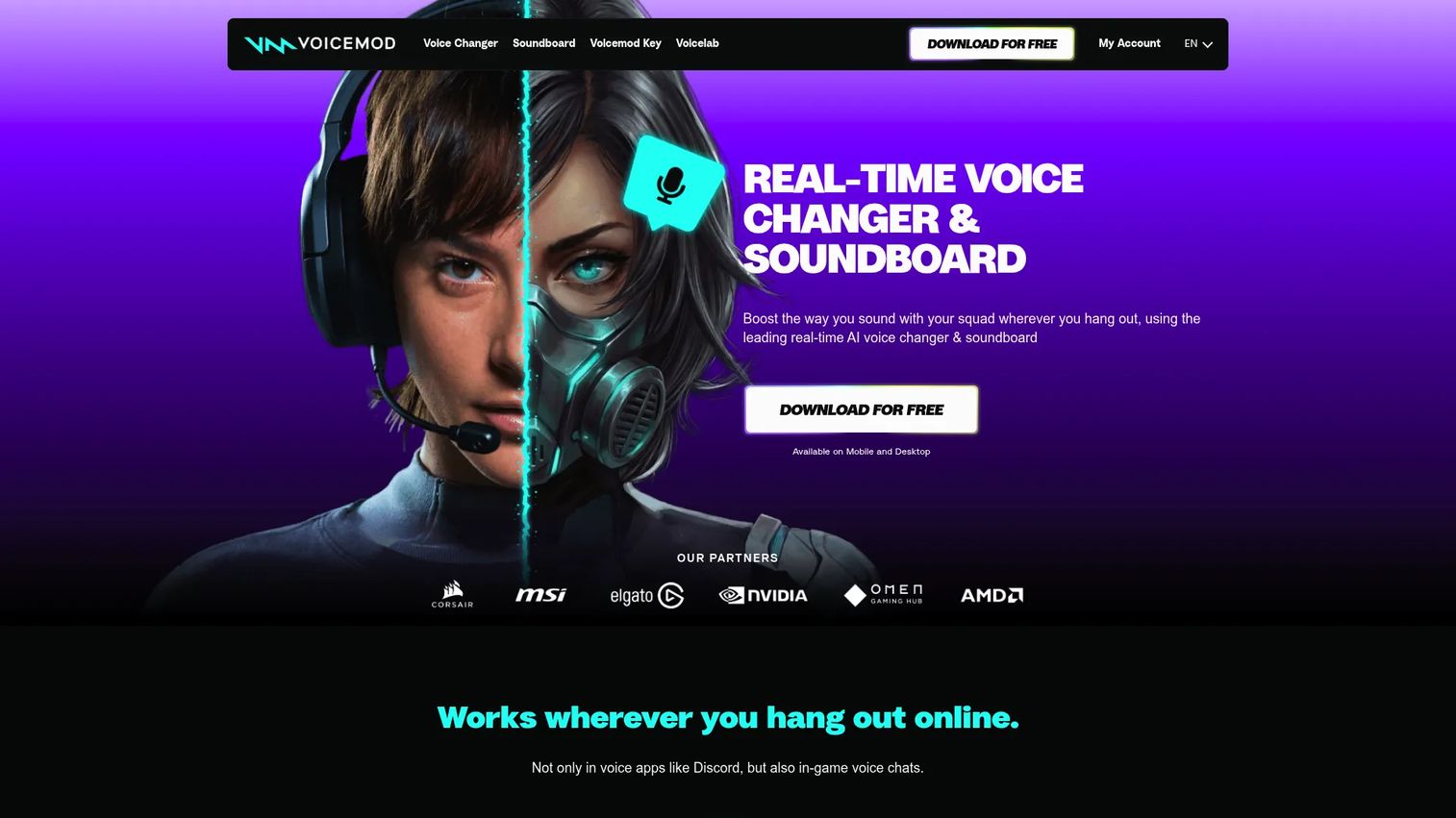
Voicemod is a real-time voice changer and soundboard built for gaming, streaming, and calls. It changes your voice live, ships a large roster of voices, and lets you build custom ones in Voicelab. The soundboard triggers clips with hotkeys, which is why streamers lean on it during shows.
Best for: Gamers, streamers, and callers who want live effects plus a soundboard in one tool.
Key features
- Real-time voice changing for live use
- Soundboard creation and built-in clip collections
- Voicelab custom voice creation
- Discord and streaming app compatibility
Why choose Voicemod: If your main use is live and you want voices plus a soundboard without stitching two tools together, Voicemod covers both. The free tier rotates a limited voice set, so heavy users move to PRO.
Voicemod pricing: The free version gives you a rotating slice of the voice roster. PRO unlocks the full voice list, unlimited soundboards, and Voicelab through the purchase flow on Voicemod's site, though the current numeric PRO price is not shown on the pages read.
Voicemod's seller page on G2 shows a 5.0 out of 5 rating.
2. Voice.ai
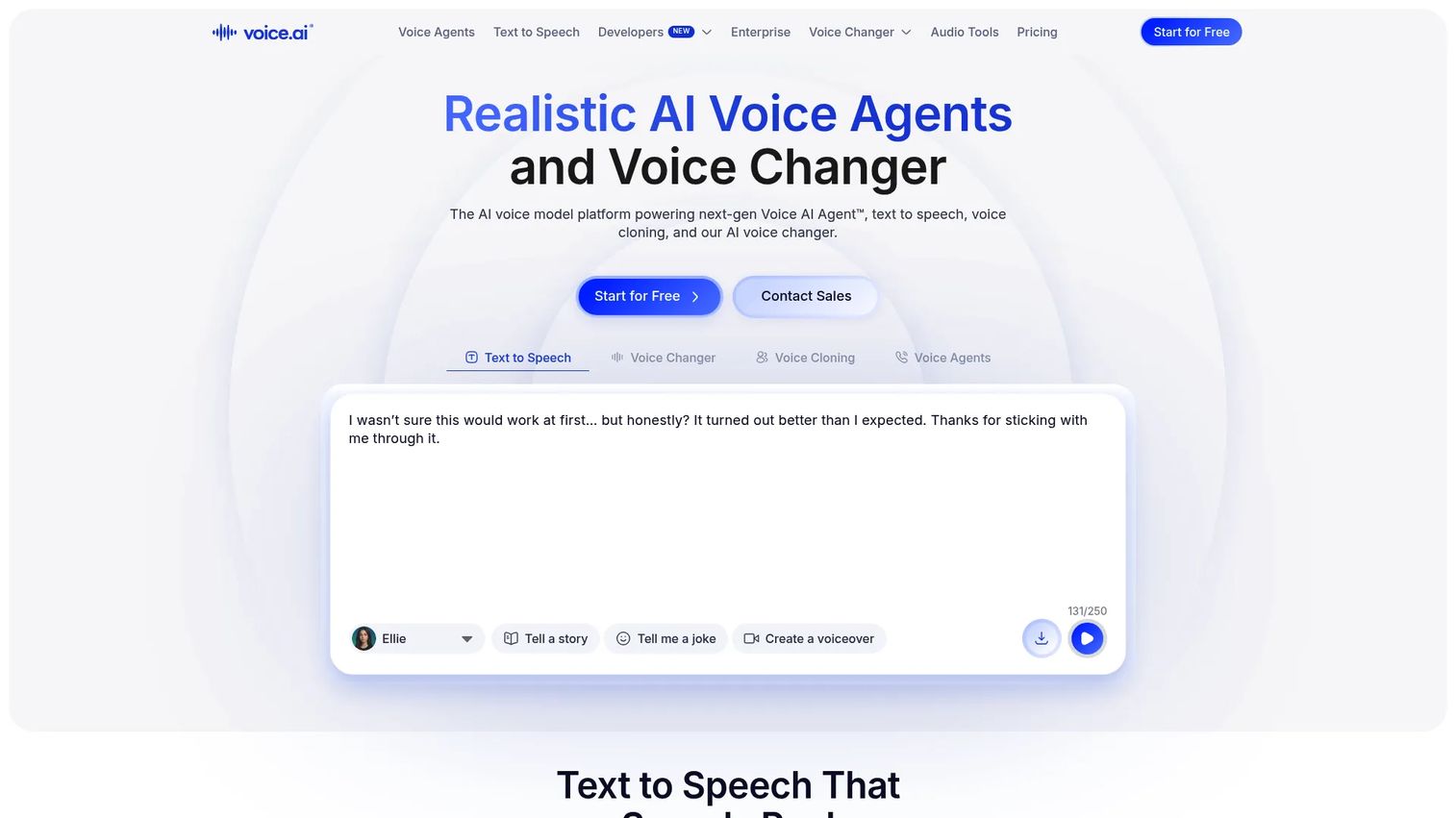
Voice.ai runs an AI voice platform that covers real-time voice changing, text-to-speech, and voice cloning. It leans harder into AI transformation than most tools here, which fits creators who want an AI-style voice rather than a classic pitch effect. It also offers AI voice agents for call automation on higher tiers.
Best for: Creators and businesses that need AI voice changing, TTS, or voice cloning in one place.
Key features
- Real-time AI voice changer
- Text-to-speech and voice cloning
- AI voice agents and call automation
- Compatibility with major games and apps
Why choose Voice.ai: Pick it when you want AI-generated voices and cloning rather than simple effects. The plan ladder runs from a free tier up to business and enterprise, so it scales past hobby use.
Voice.ai pricing: A free plan is available. Paid tiers start at $5/month for Starter, with a Launch tier promoted at $12 for the first month, then $99/month for Core, $330/month for Scale, and $880/month for Business. Enterprise runs on custom pricing.
Voice.ai has no verified G2 review average available at the time of writing.
3. EaseUS VoiceWave
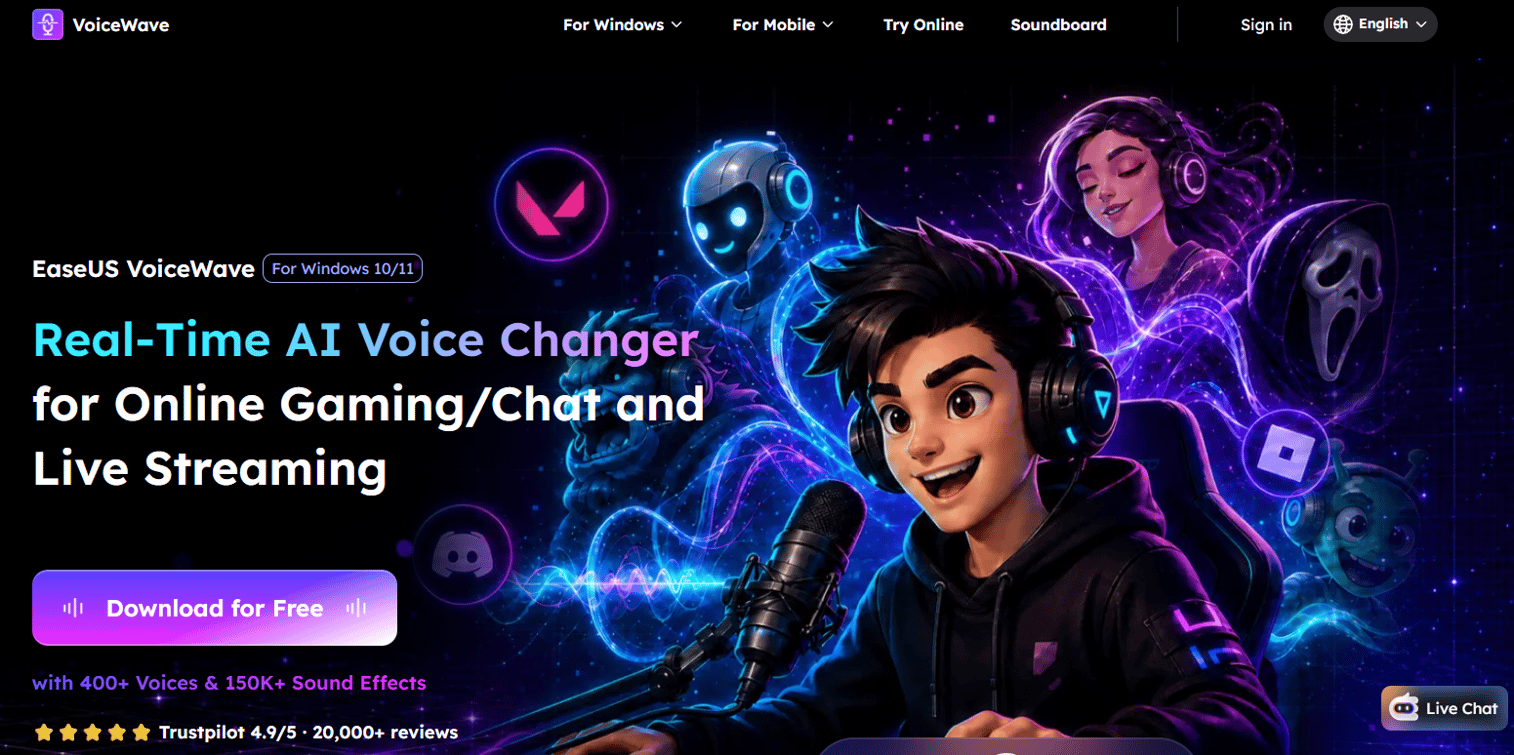
EaseUS VoiceWave is an AI voice changer for Windows focused on real-time effects, cloning, and soundboard use. It ships a deep catalog and wide app coverage, which suits players who want variety without hunting for a second tool. The voice changer for PC works across games, streaming, and calls.
Best for: Windows users who want a real-time AI voice changer with a large effect library for gaming, streaming, and calls.
Key features
- 400+ voice changer effects
- 1000+ compatible games and platforms
- Custom voice effects
- Unlimited voice cloning
Why choose EaseUS VoiceWave: The pull here is catalog size and compatibility breadth in a single Windows app. If you value one-time affordability, the lifetime plan competes well against monthly subscriptions.
EaseUS VoiceWave pricing: A free version is available. Paid individual plans run $14.95/month, $29.95/year, or $39.95 for a lifetime license, with discounted student versions also listed.
EaseUS VoiceWave has no verified G2 review average available at the time of writing.
4. Voxal
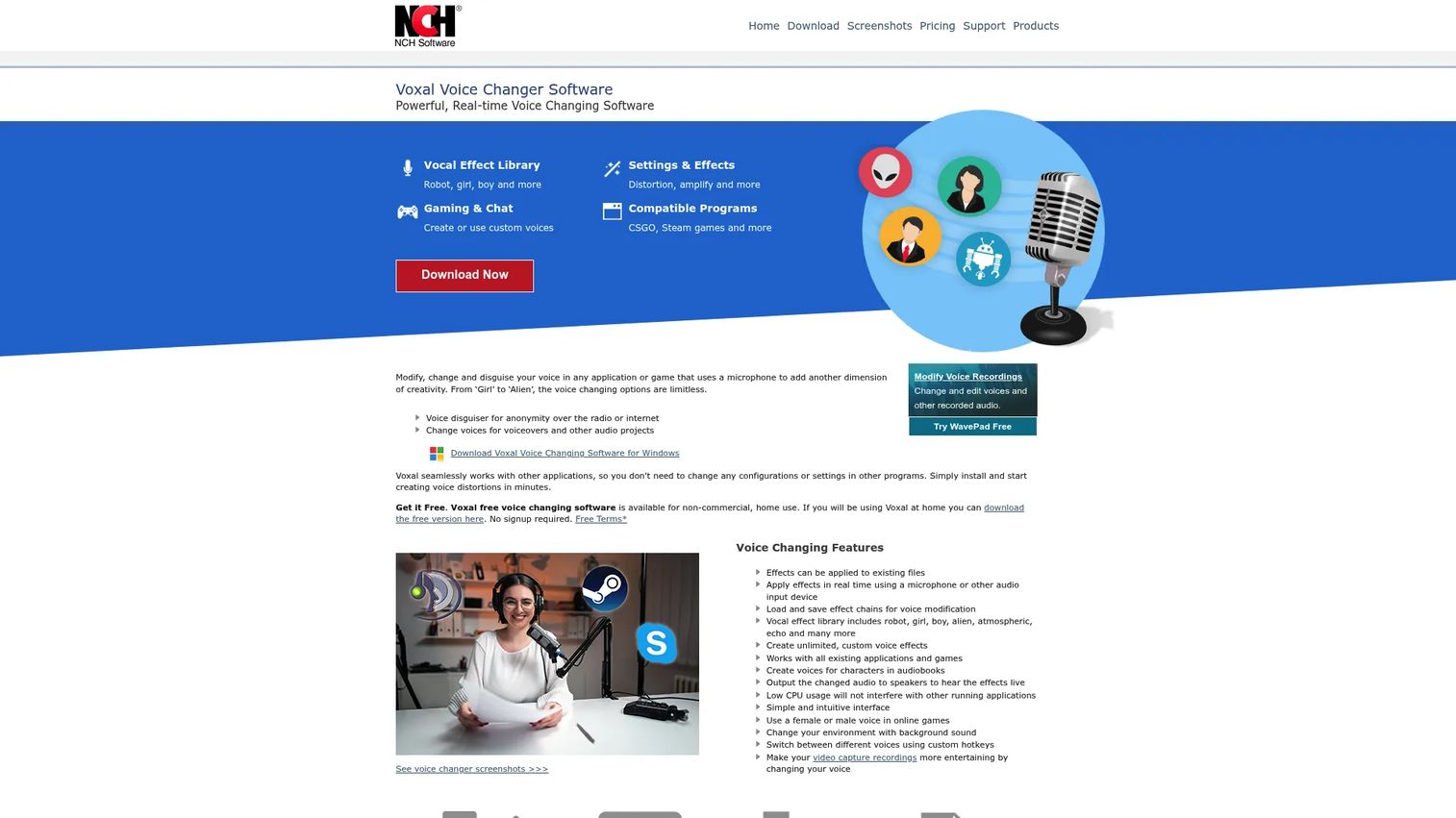
Voxal from NCH is a lightweight real-time voice changer for games, chat, and recordings. It applies effects live and lets you stack them into custom chains, then map favorites to hotkeys. It stays light on system resources, which helps when a game is already eating your CPU.
Best for: Users who want to change their voice in real time for games, chat, or recordings without heavy overhead.
Key features
- Real-time voice changing
- Effect chains for custom voices
- Playback and save recordings
- Hotkeys for frequently used voices
Why choose Voxal: Reach for it when you want stackable effect chains and low resource use over a giant preset catalog. The free home-use version lets you test the workflow before paying.
Voxal pricing: A free version exists for home use with feature limits. Full features require a purchase, though a numeric figure was not shown on the pages read.
Voxal has no verified G2 review average available at the time of writing.
5. Clownfish Voice Changer
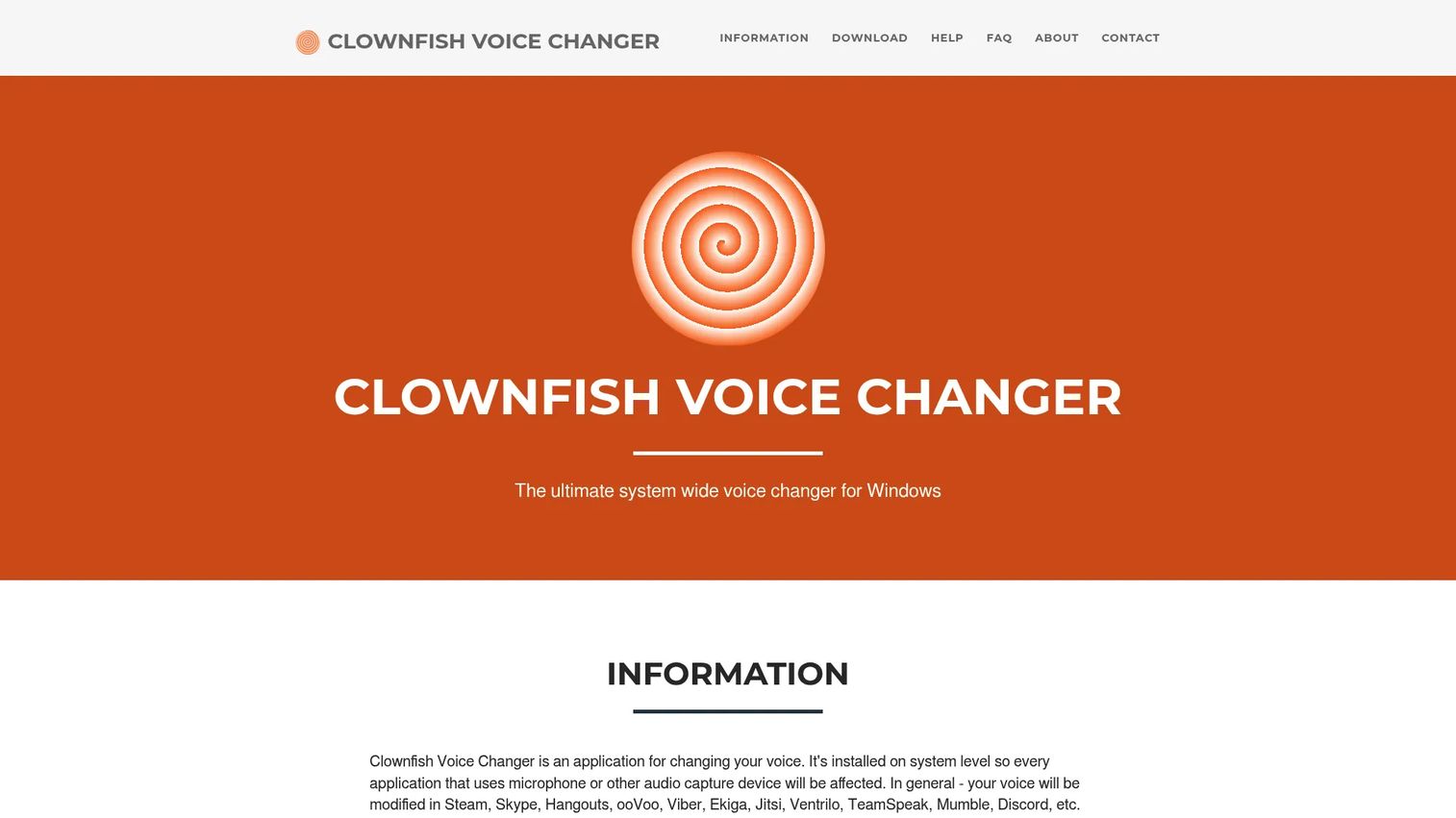
Clownfish Voice Changer modifies audio at the system level on Windows, so every app that reads the mic picks up the changed voice. It ships a set of core effects, VST plugin support, and built-in sound playback and text-to-speech. Setup is simple because the change happens system-wide rather than per app.
Best for: Windows users who want a free, system-wide voice changer with basic effects.
Key features
- System-level microphone and audio modification
- Voice effects: Alien, robot, pitch shifts, helium
- VST plugin support
- Music and sound playback plus text-to-speech
Why choose Clownfish Voice Changer: Choose it when the priority is free and system-wide over a polished preset library. It is a solid free voice changer for testing whether the category fits your workflow at all.
Clownfish Voice Changer pricing: The software is free to download and use, with downloadable versions offered on the site and no visible paid tier.
Clownfish Voice Changer has no verified G2 review average available at the time of writing.
6. MorphVOX
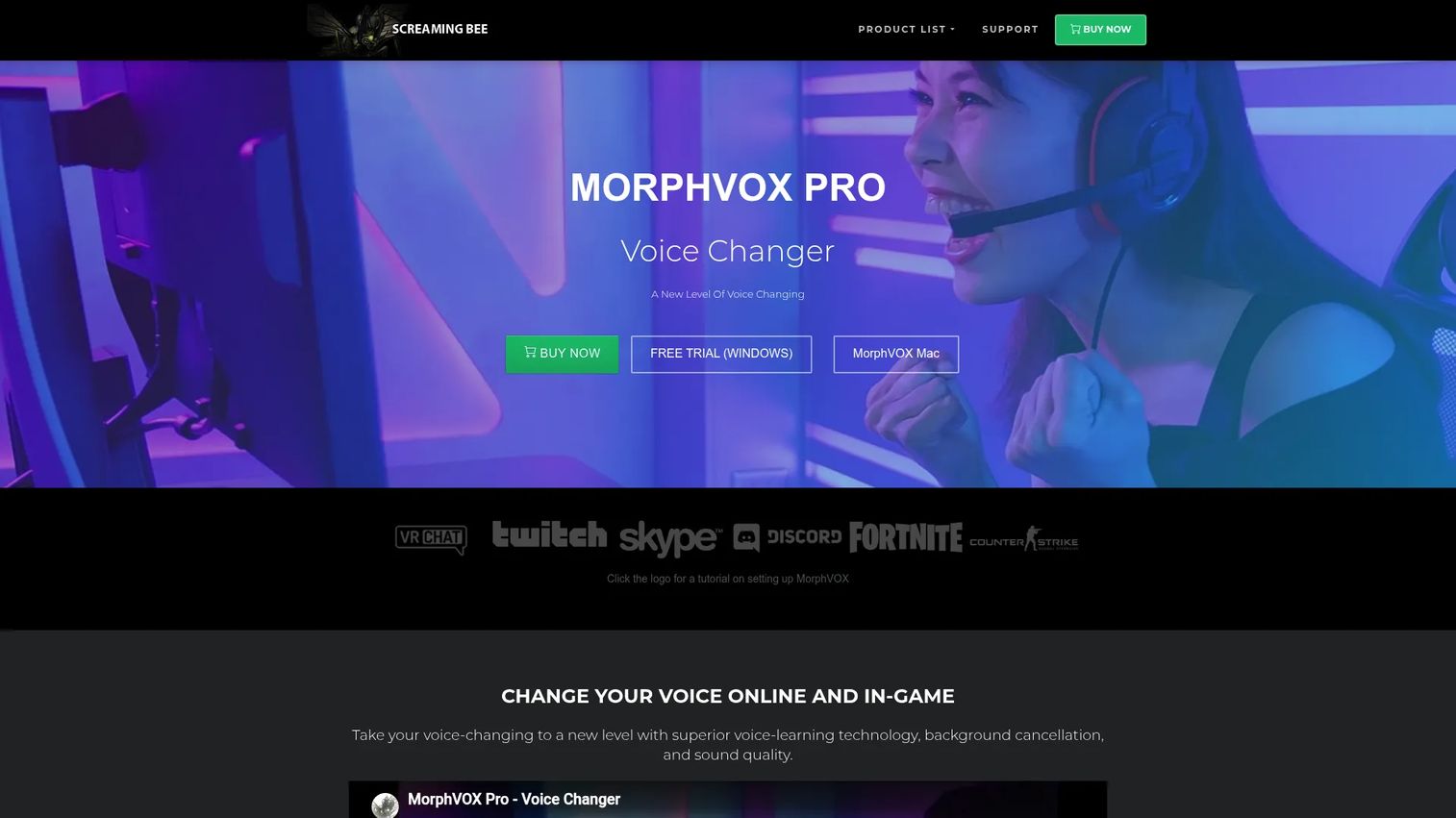
MorphVOX from Screaming Bee focuses on real-time voice morphing for gaming and voice chat. It adds background noise reduction, which keeps a stream or party chat cleaner than raw effects alone. Free voices, sound packs, and backgrounds extend the base app.
Best for: Gamers and voice-chat users who want clean real-time voice morphing.
Key features
- Voice changing for online and in-game use
- Background cancellation and noise reduction
- Free voices and sound packs
- Downloadable background sets
Why choose MorphVOX: Pick it when noise reduction and a one-time price beat a subscription for your budget. The free trial lets you test morph quality before you commit.
MorphVOX pricing: A free trial is available. MorphVOX Pro is a one-time purchase at $39.99.
MorphVOX has no verified G2 review average available at the time of writing.
7. AV Voice Changer Software
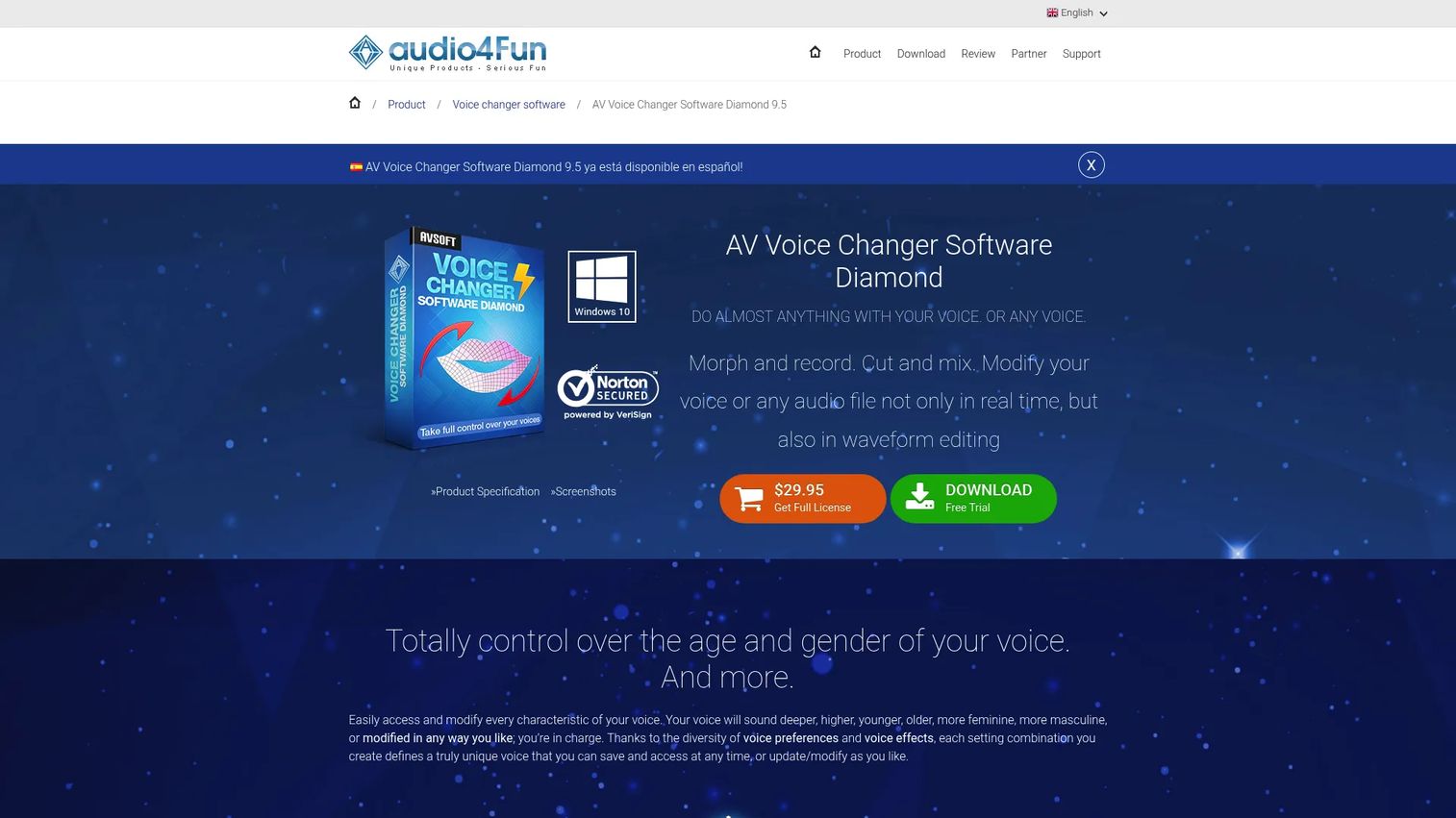
AV Voice Changer Software handles both live voice morphing and recorded audio editing. It routes through a virtual driver for VoIP and app compatibility, then adds batch file morphing and waveform editing for post-production work. That editing depth separates it from the live-only tools on this list.
Best for: Users who want real-time voice changing plus audio file editing in one tool.
Key features
- Real-time voice morphing via virtual driver
- Batch file morphing and waveform editing
- Voice effects, nickvoices, and comparator
- Recorder and voice analyzer
Why choose AV Voice Changer Software: Reach for it when you need to edit recordings, not just change a live mic. The tiered editions let you match spend to how much editing power you actually use.
AV Voice Changer Software pricing: A free trial is available. Paid editions are one-time purchases: Basic at $29.95, Gold at $39.95, and Diamond at $99.95.
AV Voice Changer Software's G2 product page currently shows 0.0 out of 5, reflecting no review-star average rather than a scored result.
8. NCH Voice Changer
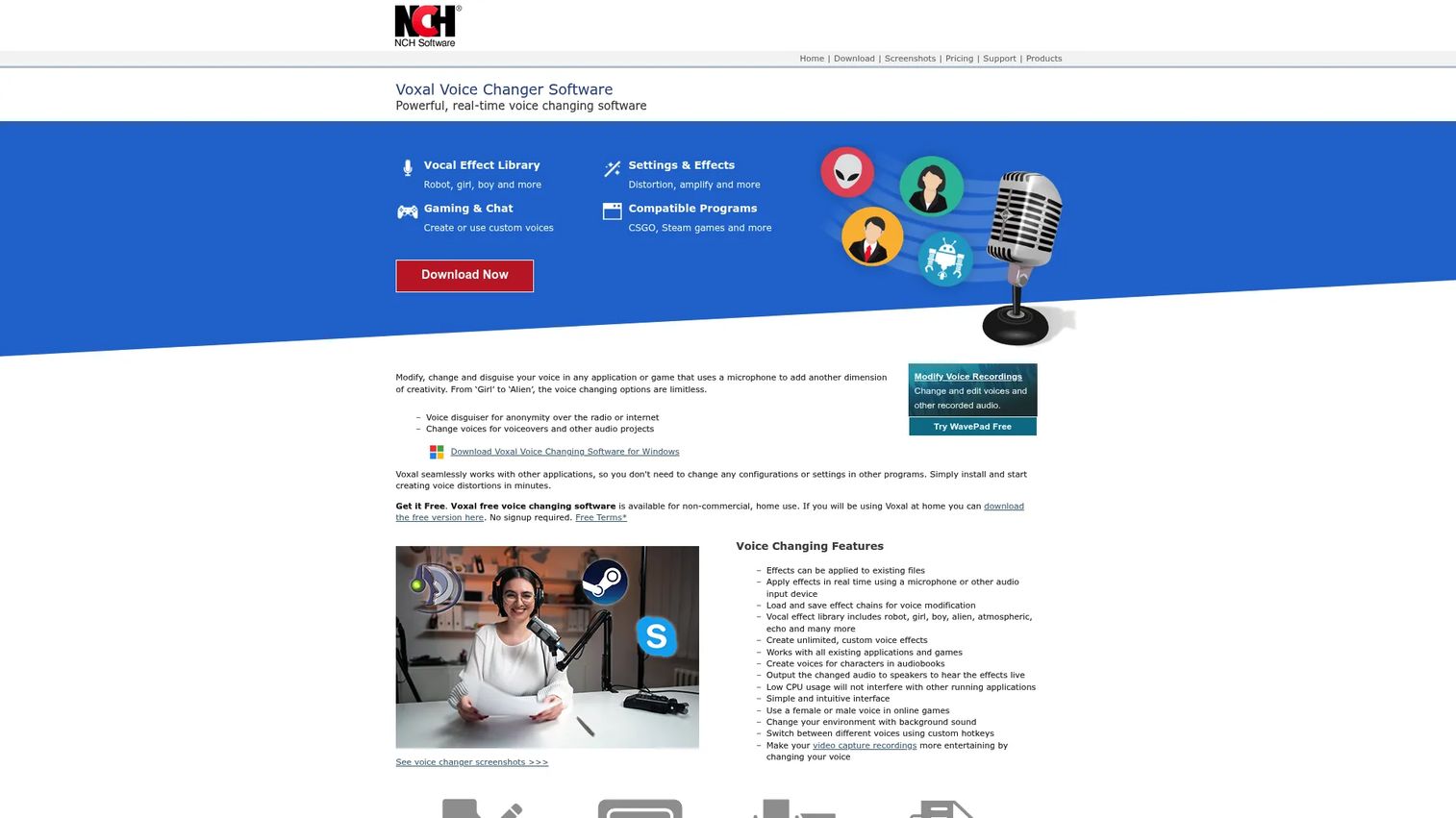
NCH Voice Changer applies live effects to your mic input for games, streaming, and podcasting. It ships preset and custom voices and connects to chat apps like Discord and TeamSpeak. Live routing stays simple, which lowers the barrier for a first-time setup.
Best for: Gamers, streamers, and podcasters who want straightforward live voice effects.
Key features
- Real-time voice changing with mic input
- Preset and custom voice effects
- Works with Discord and TeamSpeak
- Simple live audio routing
Why choose NCH Voice Changer: Choose it when simple live routing matters more than a massive effect catalog. The free home-use version is a low-commitment way to test it in your chat apps.
NCH Voice Changer pricing: A free version is available for non-commercial home use. Full features require a purchase, though a numeric figure was not shown on the pages read.
NCH Voice Changer has no verified G2 review average available at the time of writing.
Considerations
You are buying software, not a subscription to renew forever, so weigh these five before you download.
Real-time performance
Latency is the deal-breaker. Test how much delay you hear between speaking and output during actual live use, not a quiet demo. Watch CPU load too, since a heavy changer running alongside a demanding game can tank your frame rate and destabilize the audio.
Voice quality
Decide what you want the output to sound like. Some tools aim for natural, believable voices; others produce stylized or obviously filtered effects. AI-driven engines lean toward realism, while classic pitch-and-tone changers lean toward comedy. Match the tool to the outcome you actually need.
Compatibility
Check the exact apps you use. Confirm support for Discord, your games on Steam, Zoom or Google Meet for calls, and OBS if you stream. Broad platform lists look impressive, but the only ones that matter are the apps in your own stack.
Setup and routing
Most tools rely on a virtual microphone you select inside each app. Some automate this; others leave you configuring audio devices by hand. If setup friction worries you, favor a system-level or auto-routing tool so you skip manual driver wrangling.
Pricing and upgrade path
Map what the free tier covers against what a paid plan unlocks. Free versions often rotate voices or cap features, and heavy users hit those walls fast. Compare a monthly subscription against one-time licenses like MorphVOX at $39.99, since a flat fee can beat recurring cost if you use the tool long term.
Conclusion
The right voice changer comes down to how you use it and how you want to pay.
For live gaming and streaming, Voicemod pairs a large voice library with a soundboard and strong app support. For AI voices and cloning, Voice.ai runs a deeper AI engine across a wide plan range. Want a big effect catalog on Windows? EaseUS VoiceWave ships 400+ effects and a lifetime license option. If you just want to test the category free and system-wide, start with Clownfish Voice Changer. For a one-time purchase built around gaming, MorphVOX Pro delivers real-time morphing with noise reduction at $39.99. And for editing recorded audio, AV Voice Changer Software adds batch morphing and waveform tools.
Next step: Shortlist two tools against your own apps and latency tolerance, then run each through a real Discord call or stream before you pay. The free tiers and trials exist precisely so you can test performance under live load, which is the only test that predicts whether you keep using it.
FAQs
Voice changer software itself is legal to own and use in most regions for gaming, streaming, and content creation. Using it to impersonate someone for fraud, harassment, or deception can break laws and platform rules. Check the terms of service for any app where you use it.
Voicemod, EaseUS VoiceWave, and NCH Voice Changer all support Discord through a virtual microphone. You install the tool, select its virtual mic as your input device in Discord's voice settings, then pick a voice. Voicemod's soundboard makes it a common pick for active Discord servers.
Yes. Most tools here route through a virtual microphone that games and streaming apps like OBS read as a normal input. Select the changer's virtual mic inside each app, and it captures the modified voice. EaseUS VoiceWave lists compatibility across 1000+ games and platforms.
Yes, real-time voice changing is the core feature of tools like Voicemod, Voxal, and MorphVOX. They process your mic input live with low latency so games and calls hear the changed voice as you speak. Latency varies by tool and CPU load, so test under live conditions.
Clownfish Voice Changer is one of the simplest because it changes audio at the system level, so you configure it once instead of per app. NCH Voice Changer also keeps live routing straightforward. Beginners should favor tools that automate virtual microphone setup over ones that require manual audio device configuration.
Some tools offer voice cloning. Voice.ai includes cloning and text-to-speech in its AI platform, and EaseUS VoiceWave advertises unlimited voice cloning. Classic effect-based changers like Voxal or Clownfish focus on presets and pitch shifts rather than cloning your specific voice.
For casual gaming and testing, free tools like Clownfish Voice Changer or the free tiers of Voicemod and EaseUS VoiceWave often cover the basics. Free versions usually rotate voices, cap features, or limit the catalog. Heavy or professional users tend to hit those limits and move to a paid plan or one-time license.
Install the voice changer, which adds a virtual microphone to your system. Open your app's audio or voice settings, then select that virtual mic as your input device instead of your physical mic. Pick a voice in the changer, speak, and the app receives the modified audio. Test in a call before going live.










