



You downloaded a DAW everyone raves about. Then you hit a wall. Your plugins won't load, the recording workflow feels backward, and half the tutorials assume an operating system you don't run.
That is the real friction with music production software. The category isn't one thing. "Music production software" can mean a full digital audio workstation, a waveform editor built for cleanup, a browser-based studio you never install, or a starter platform that ships with your laptop.
Pick wrong and you waste a weekend before you record a single bar.
The market keeps expanding, so the choices keep multiplying. Coherent Market Insights (2026) values the music production software market at roughly USD 4 billion in 2026, growing at an 18% CAGR toward USD 20 billion by 2033. More tools, more noise, more chances to overbuy.
This guide cuts through it. We map free, freemium, trial, and paid options against the workflow you actually run, whether that is beat making, vocal editing, or recording a live band.
What's inside
This guide is for anyone choosing a first or next music-making program without overpaying or fighting their setup. It covers beginners, beat makers, vocal recorders, budget users, and people on Mac, Windows, Linux, or a browser.
We picked and ranked tools against four criteria:
- Ease of getting started: How fast you go from install to first recording
- Platform compatibility: Windows, macOS, Linux, and iPad support
- Plugin support: VST, AU, VST3, and AAX for future expansion
- Production depth: Recording, editing, mixing, and mastering capability
The list spans free, freemium, trial, and paid paths, so you can start cheap and scale up when your workflow demands it.
TL;DR
- Best for Mac beginners: GarageBand, a genuinely free entry point that ships on Apple devices.
- Best free all-rounder: Waveform Free, a real DAW workflow with no upfront cost across Windows, macOS, and Linux.
- Best for audio cleanup: Audacity when the job is waveform editing and repair, not beat production.
- Best free music production software for tinkerers: LMMS, an open-source pick for pattern-based composition.
- Best pro-capable trial: Reaper, with a 60-day full-feature evaluation before you pay.
- Best for beat-first creators: FL Studio for loop-driven production and sequencing.
- Best browser-based option: Soundtrap for no-download creation and real-time collaboration.
What is music production software
Music production software is any program used to create, record, edit, mix, and master audio, from full digital audio workstations to lightweight waveform editors and browser-based studios.
The term covers a wide range of music-making software, so it helps to break it into categories before you compare products.
- DAWs (digital audio workstations): Full environments for composing, recording, editing, mixing, and mastering. Reaper, FL Studio, GarageBand, LMMS, and Waveform Free all fit here.
- Audio editors: Waveform-focused tools for cleanup, trimming, and repair. Audacity is the classic example.
- Browser-based studios: No-download platforms you run in a tab. Soundtrap is the browser-based music production option on this list.
- Utilities and bundles: Virtual instruments, loop libraries, and effects that support the production workflow.
Most producers care about a shared set of core features regardless of category:
- Multitrack recording: Capture and layer multiple audio takes
- MIDI sequencing: Program notes, beats, and melodies
- Audio editing: Cut, fade, and clean recorded audio
- Plugin support: Load VST, AU, VST3, and AAX instruments and effects
- Mixing and mastering tools: Balance levels and finish tracks
- Instrument and loop libraries: Build tracks from ready-made sounds
Here is the fast way to tell the three main categories apart:
| Category | What it does best | Typical use |
|---|---|---|
| DAW | Full production, start to finish | Beats, recording, mixing, mastering |
| Audio editor | Waveform cleanup and repair | Vocal fixes, podcast edits, sample trims |
| Browser studio | Instant, no-install creation | Quick sketches, remote collaboration |
The distinction matters most for beginners. A waveform editor and a full DAW look similar in a screenshot but solve different jobs. Confusing the two is the most common early mistake, and it costs you time you could spend making music.
When to use music production software
Start learning without overcommitting
Reach for a free or bundled tool when you are testing whether production is for you. Low setup time and zero budget pressure let you learn the basics before committing money. GarageBand on Mac or Soundtrap in a browser both get you making sound in minutes, with no license to buy first.
Record vocals or instruments
Step up to a full DAW once you start capturing live audio. Multitrack recording, input monitoring, and take editing matter the moment a microphone enters the picture. A simple waveform editor handles a quick voice memo fix, but it stalls when you need to layer vocals over instrumentals across multiple tracks.
Make beats or loop-based tracks
Choose a beat-first workflow when you build tracks from drums, loops, and MIDI patterns rather than live recording. Step sequencers, piano rolls, and deep loop libraries speed up arrangement for hip-hop, EDM, and electronic styles. Beat makers and band recordists often prefer very different tools, so match the software to how you actually assemble a song.
Comparison table
Here is the shortlist side by side. Pricing and G2 ratings reflect current, verified figures at drafting time. Where a rating was not verifiable from a primary source, the cell reads "Not rated." Use the "Best for" column to filter by workflow and the "Pricing" column to filter by budget.
| # | Product | Best for | Key differentiator | Pricing | G2 rating |
|---|---|---|---|---|---|
| 1 | GarageBand | Mac beginners | Free full DAW that ships on Apple devices | Free | 4.3 |
| 2 | Waveform Free | Free DAW across all desktop OS | Full DAW workflow, Windows, macOS, and Linux | Free, expansions from $30 | Not rated |
| 3 | Audacity | Audio cleanup and repair | Open-source waveform editor | Free | Not rated |
| 4 | LMMS | Open-source composition | Pattern and sequencer based, cross-platform | Free | 3.3 |
| 5 | Reaper | Pro-capable evaluation | 60-day full-feature trial, light footprint | $60 personal, $225 commercial | 4.5 |
| 6 | FL Studio | Beat-first producers | Step sequencer and piano roll workflow | Paid tiers, lifetime updates | Not rated |
| 7 | Soundtrap | Browser-based collaboration | Runs in a browser, real-time collaboration | Free plan plus paid subscriptions | 3.7 |
One quick read of the table: The free options handle most beginner and cleanup jobs, while the paid picks earn their cost through depth, longevity, and workflow speed. Match the row to your device and your workflow, not to the highest rating.
Best 7 tools for music production
1. GarageBand
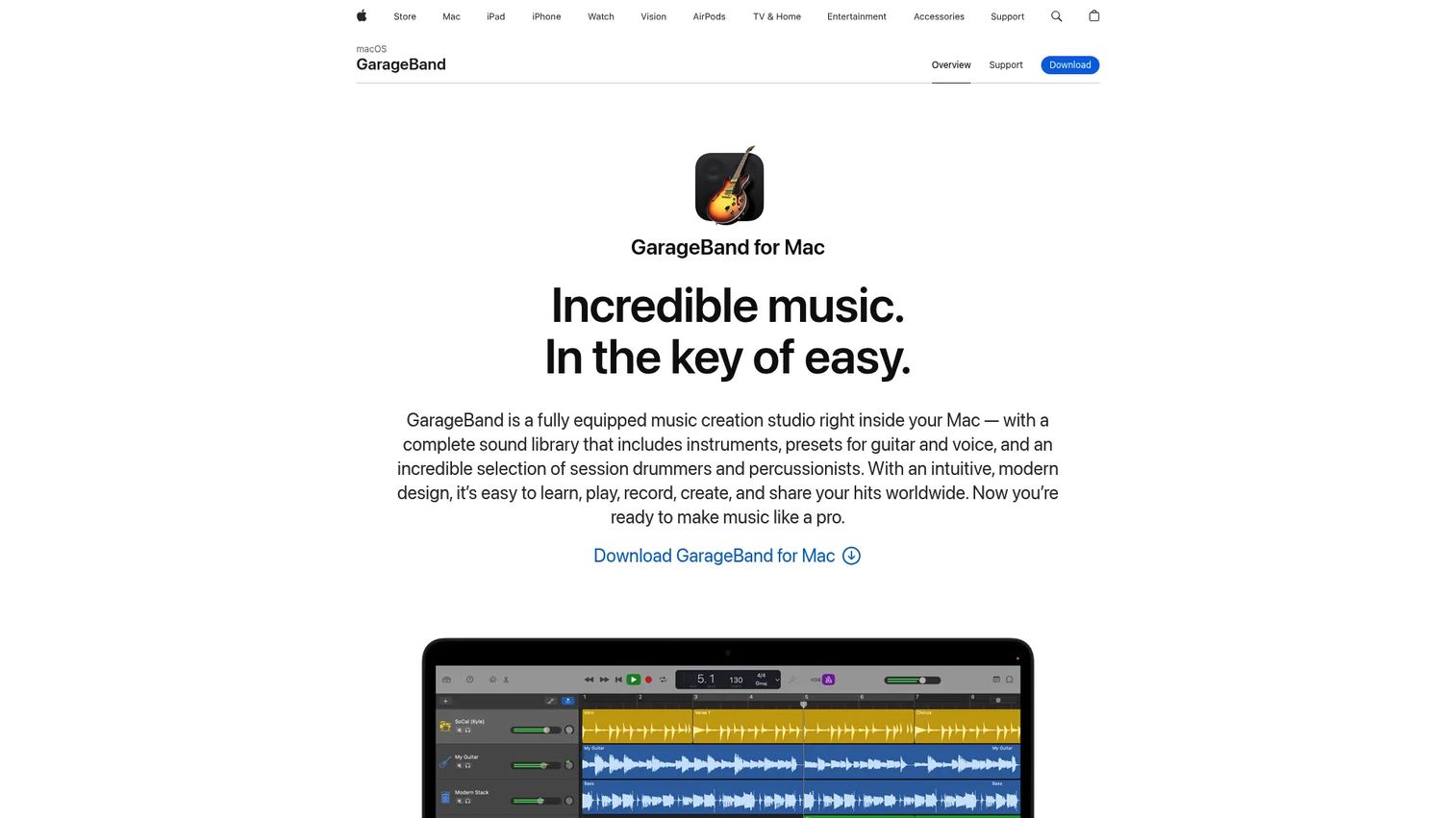
GarageBand is Apple's music creation studio for Mac and iOS. It gives newcomers a straightforward way to write, record, and arrange songs without buying anything first. Built-in instruments, loops, and drummers mean you can build a full track before you understand a single mixing term.
Best for: Apple users starting their first songs or demos.
Key features
- Loops, instruments, presets, and drummers
- Recording, editing, mixing, and mastering tools
- iCloud sync across Apple devices
- Simple layout built for beginners
- Easy MIDI and audio recording
Why choose GarageBand: It is the fastest entry point for Mac users, with a clean layout that never overwhelms. It is not the deepest option for advanced production, so serious producers often graduate to a heavier DAW later.
GarageBand pricing: GarageBand is free and comes preinstalled on supported Apple devices, per Apple's App Store listing.
GarageBand holds a 4.3 out of 5 rating on G2, reflecting strong reviewer sentiment for an entry-level tool.
2. Waveform Free
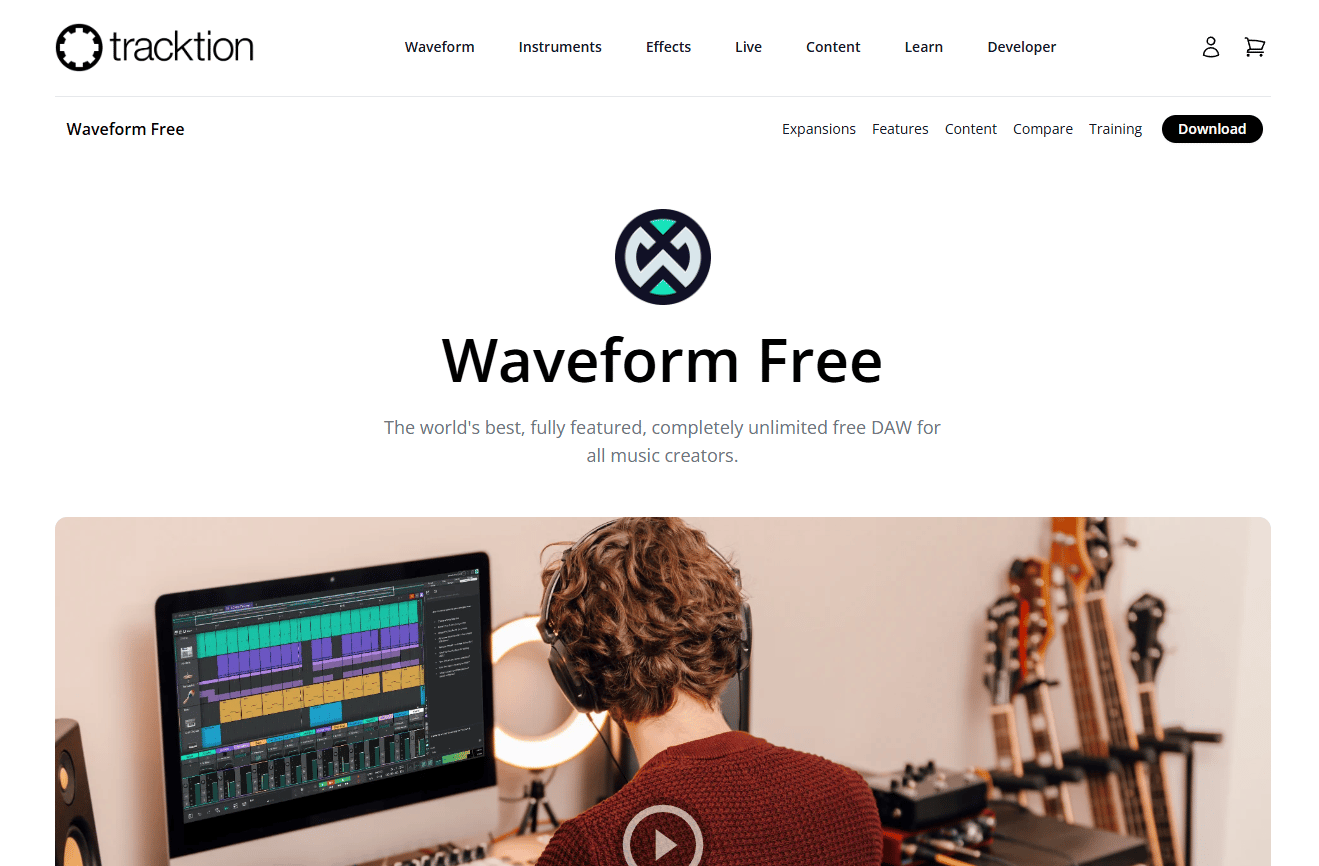
Waveform Free from Tracktion is a full digital audio workstation you can download at no cost. It gives first-time producers a real project-based workflow rather than a stripped starter tool. The free download runs on Windows, macOS, and Linux, which is rare at this price.
Best for: Beginners who want room to grow and users across every desktop operating system.
Key features
- Multitrack recording and rapid mixing
- VST, VST3, and AU plugin support
- Inline MIDI and Step Clips
- Retrospective Record for captured ideas
- Windows, macOS, and Linux support
Why choose Waveform Free: It hands you a genuine DAW workflow while staying accessible for a first-time producer. When you outgrow the free version, feature expansions extend it without a full platform switch.
Waveform Free pricing: The core app downloads free. Tracktion sells feature expansions starting at $30 as one-time purchases.
A current G2 rating for Waveform Free was not verifiable from a primary source at drafting time, so treat community sentiment as your reference here.
3. Audacity
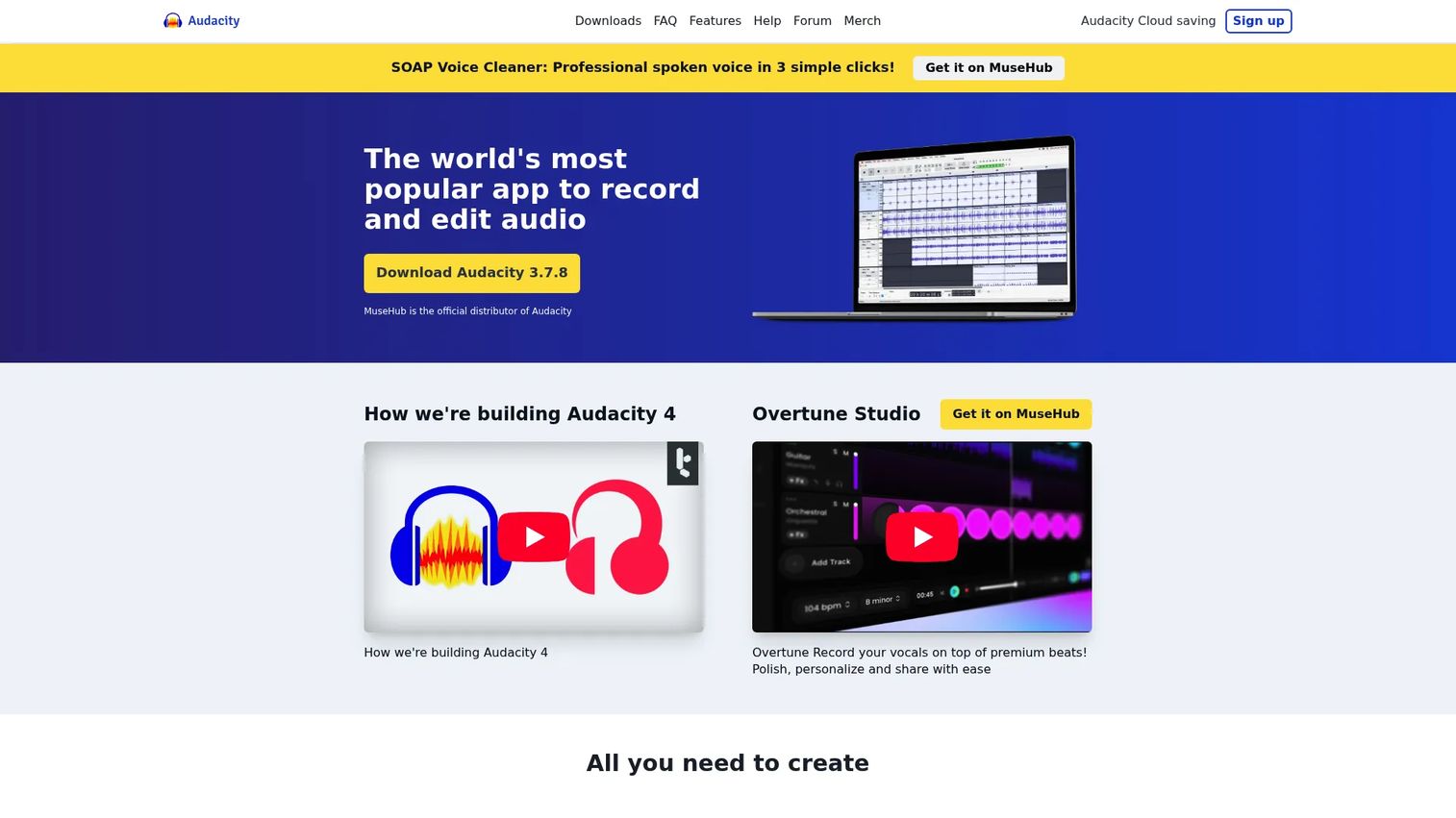
Audacity is a free, open-source desktop editor for recording and shaping audio files. It is the practical choice when the task is waveform cleanup, trimming, or simple repair rather than full beat production. Podcasters and vocal editors reach for it constantly.
Best for: Users who need a free desktop app to record and edit audio.
Key features
- Multi-track audio editing and recording
- Noise reduction and audio effects
- Cross-platform: Windows, macOS, Linux
- Waveform trimming and repair
- Lightweight, low-overhead workflow
Why choose Audacity: It excels at editing and fixing recordings, not at building tracks from loops and MIDI. Treat it as your cleanup and repair tool, then pair it with a DAW when you move into full arrangement.
Audacity pricing: Audacity is free and open source, with no paid plan on the official site.
Audacity is widely reviewed across creator communities, though a verified G2 score was not available from a primary source at drafting time.
4. LMMS
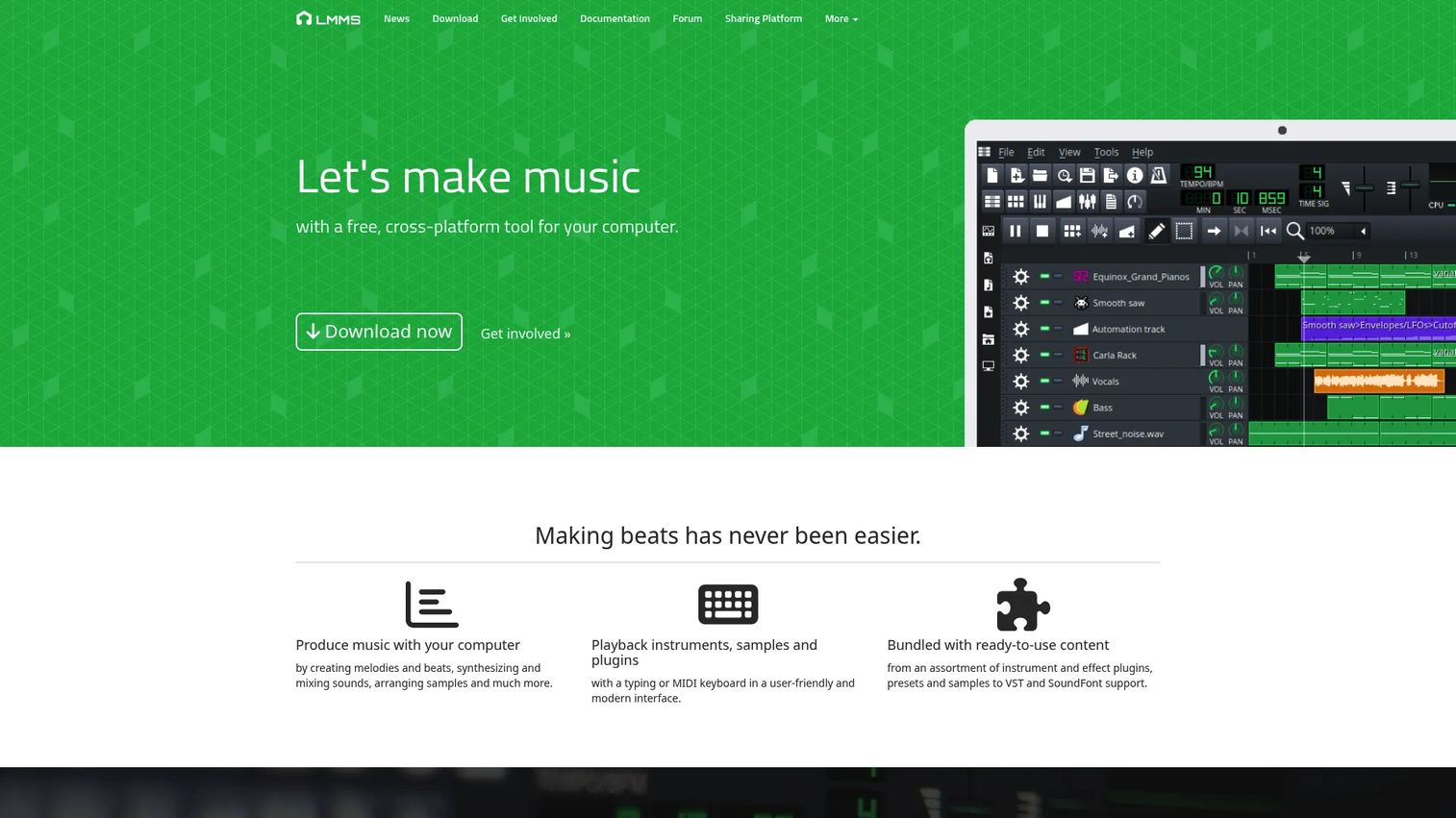
LMMS is a free, open-source, cross-platform DAW built for composing music. It suits budget users and hobbyists who enjoy sequencer-based creation and pattern work. Everything from composition to automation lives in a single interface.
Best for: Producers who want a free, open-source DAW for composing and mixing.
Key features
- Compose on Windows, macOS, Linux
- Sequence, mix, and automate in one interface
- Import MIDI and Hydrogen files
- Pattern-based beat creation
- Free core workflow, no license
Why choose LMMS: It rewards experimentation for people who like a hands-on, pattern-driven setup. The learning curve is steeper than a polished commercial DAW, so budget your time as well as your money.
LMMS pricing: LMMS is 100% free and open source, with no paid tiers.
LMMS carries a 3.3 out of 5 rating on G2, a fair reflection of its power-versus-polish trade-off.
5. Reaper
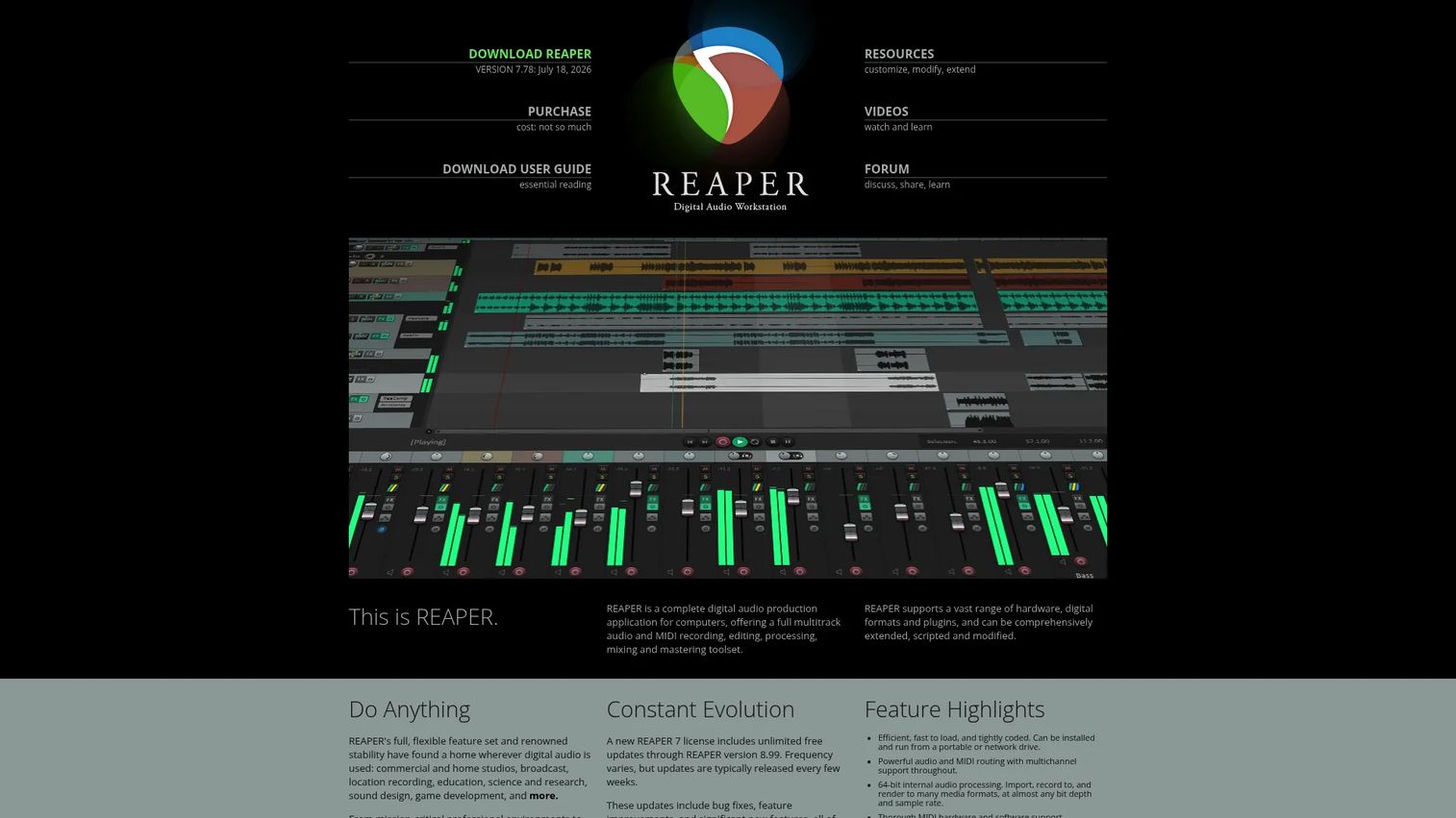
Reaper is a full-featured audio production application for recording, editing, mixing, and mastering. Its 60-day evaluation runs with no artificial limitations, so you test the real thing before you buy. It is lightweight, deeply customizable, and popular with audio pros who want control.
Best for: Users who want a serious DAW without paying immediately.
Key features
- Full multitrack audio and MIDI production
- Extensive plugin support and scripting
- 60-day fully functional evaluation
- Deep routing and customization
- Light system footprint
Why choose Reaper: It is the best "test it like a pro" option, since the trial gives you real room to judge the workflow. The customization is powerful but takes effort, so expect an investment before it feels like home.
Reaper pricing: The discounted personal license is $60, the commercial license is $225, both one-time. A 60-day full-feature evaluation is free.
Reaper earns a 4.5 out of 5 rating on G2, among the strongest scores on this list.
6. FL Studio
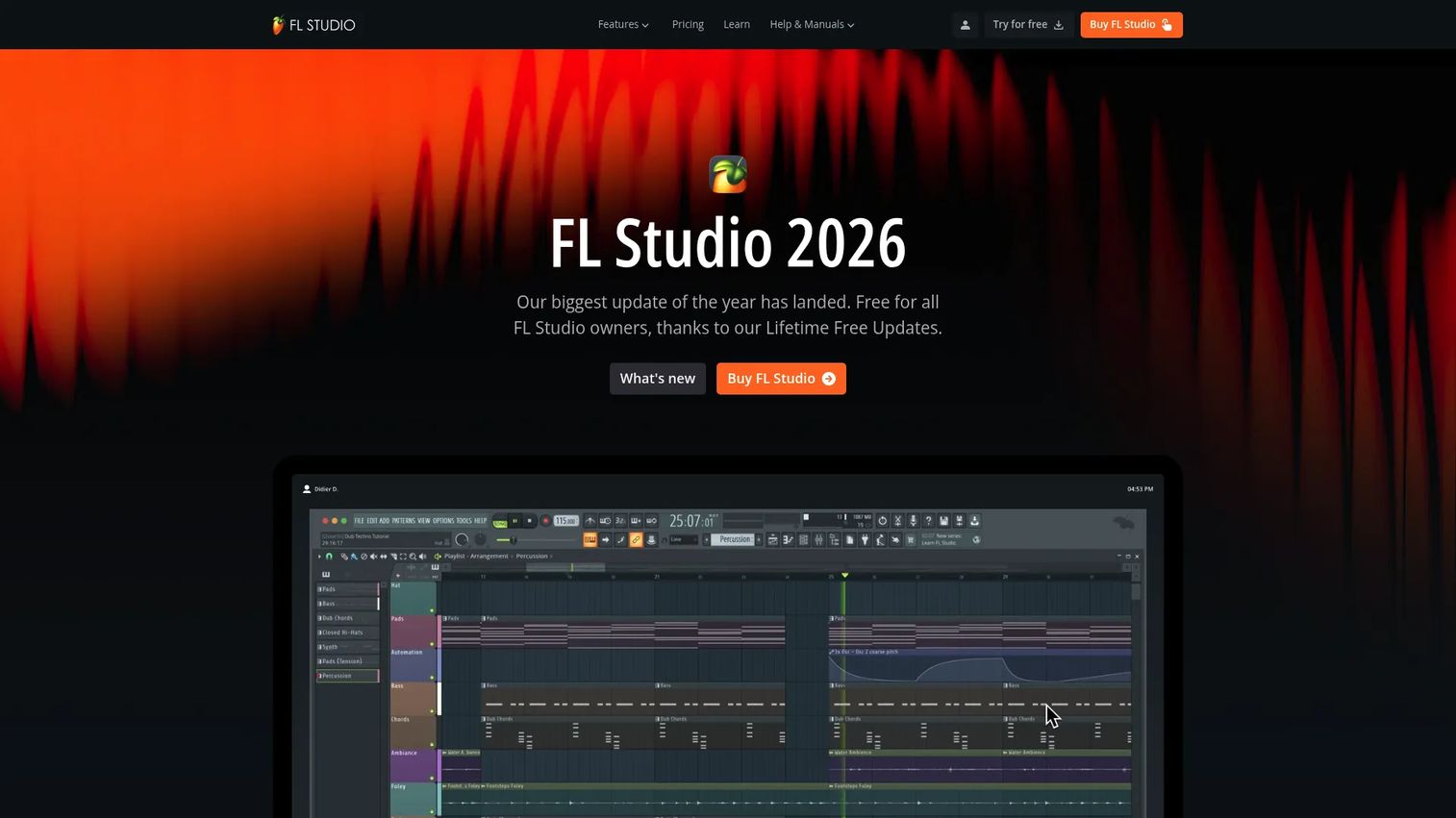
FL Studio is a beat-first production environment favored by loop-driven producers. Its step sequencer and piano roll make building drums and melodies fast, which is why EDM and hip-hop creators gravitate to it. You assemble tracks from patterns rather than recording them live.
Best for: EDM, hip-hop, and pattern-based creators who build from loops.
Key features
- Step sequencer for beat creation
- Piano roll for melodies and MIDI
- Loop-friendly arrangement workflow
- Fast pattern-based sequencing
- Lifetime free updates on paid tiers
Why choose FL Studio: It is the strongest fit for producers who build tracks from drums, loops, and MIDI patterns. It leans less toward live band recording, so match it to a beat-first workflow.
FL Studio pricing: FL Studio sells paid tiers with lifetime free updates included. Check the current entry-plan price and feature set on Image-Line's pricing page before you buy.
FL Studio is heavily reviewed across producer communities, though a verified G2 score was not available from a primary source at drafting time.
7. Soundtrap
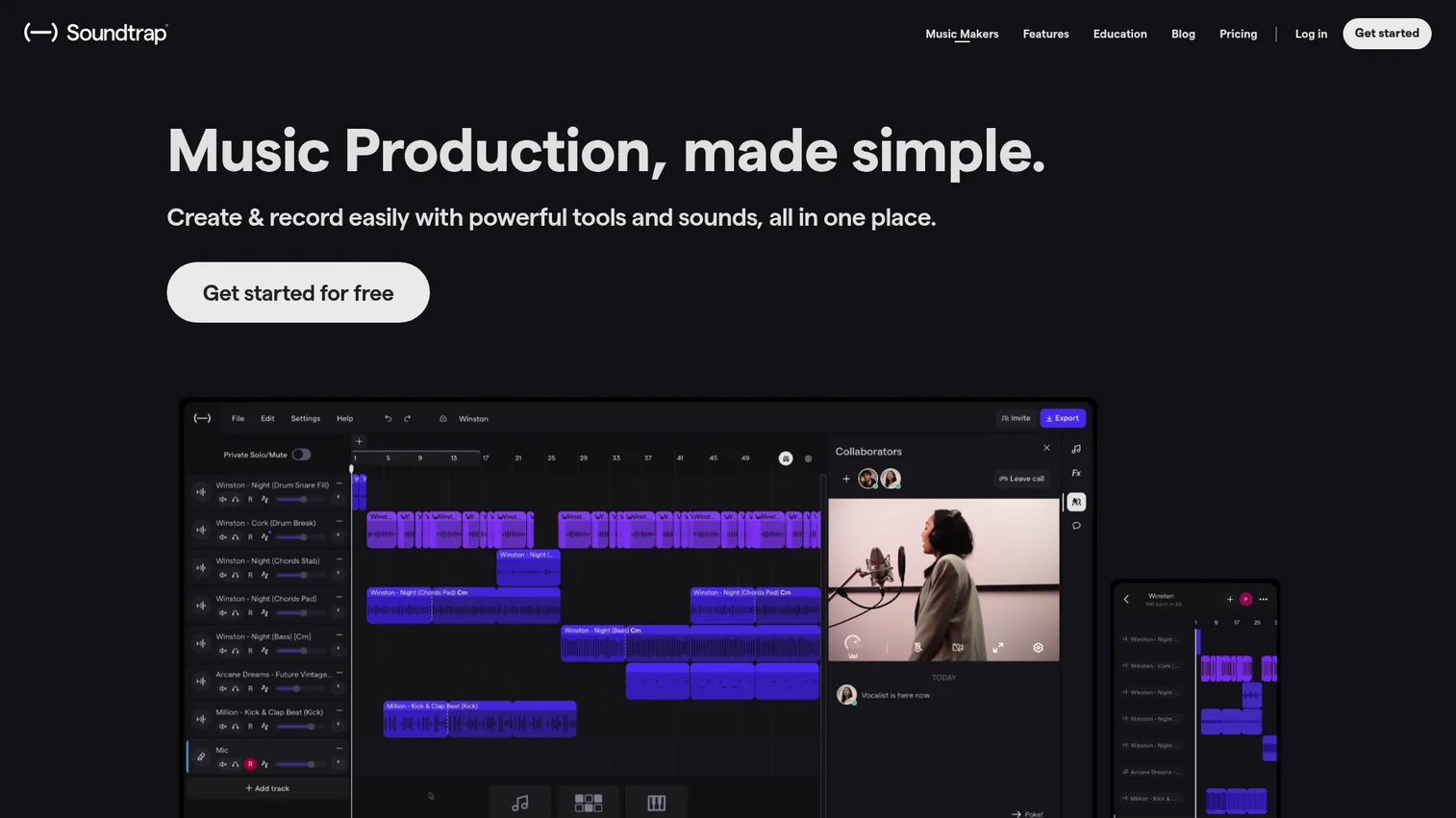
Soundtrap is a browser-based studio for creating, recording, mixing, and collaborating online. It answers the "I do not want to install anything" problem directly, letting you record and arrange from any device with a browser. Real-time collaboration makes it a natural pick for remote teams and classrooms.
Best for: Beginners, educators, and collaborators who want to create from any device.
Key features
- Web-based DAW, no desktop install required
- Real-time collaboration across users
- Loops, instruments, and built-in recording
- Vocal suite with tuner and doubler
- Autosave and multi-device access
Why choose Soundtrap: It prioritizes quick access and collaboration over deep workstation control. That trade favors speed and teamwork, so it fits people who value convenience over the raw depth of a desktop DAW.
Soundtrap pricing: Soundtrap offers a free plan alongside paid subscriptions. Confirm the current subscription prices on Soundtrap's pricing page, since plan amounts were not readable from a first-party source at drafting time.
Soundtrap holds a 3.7 out of 5 rating on G2, solid for a browser-native studio.
Considerations
Before you commit, run your shortlist through these five checks.
Match the software to your workflow
Decide what you actually make before you download anything. Recording a band, editing vocals, making beats, and composing electronically each favor different tools. A beat-first producer and a live recordist will pick different software even from the same list.
Check OS and device support
Confirm the tool runs on your hardware before you invest time. Windows, macOS, Linux, web, and iPad support vary widely across these products. GarageBand is Apple-only, while Waveform Free and LMMS cover every desktop operating system.
Verify plugin support
Look at plugin compatibility even if you skip plugins on day one. AU, VST, VST3, and AAX support determines how far you can expand later. A tool that loads third-party instruments and effects grows with you instead of capping your ceiling.
Start with the right entry path
Weigh free, freemium, trial, and paid options so you do not overbuy early. A free DAW or a full-feature trial lets you learn before you spend. Move to a paid tier once your workflow clearly needs the depth.
Think about learning curve and longevity
Remember that the easiest app on day one is not always the one you keep. A simple starter tool speeds your first song, but a deeper DAW rewards the producer who stays. Balance quick wins against the workflow you want a year from now.
Conclusion
The best music production software is the one that fits your device, your workflow, and your budget, not the one with the loudest fanbase.
If you are on a Mac and just starting, GarageBand gets you making music today for free. Want a full DAW workflow at no cost across any desktop OS? Waveform Free is the all-rounder. For waveform cleanup and vocal repair, Audacity is the specialist, while LMMS suits open-source tinkerers who like pattern-based composition.
Building beats from loops and MIDI? FL Studio is built for that. Want to test a pro-grade DAW before paying? Reaper's 60-day evaluation runs the full product. And if you would rather skip installing anything, Soundtrap gives you a studio in a browser tab with real-time collaboration.
Here is the practical move: Start with a free or trial option, learn one workflow well, then upgrade only when you hit a real limit. That path saves money and spares you the weekend lost to the wrong download.
FAQs
It depends on your device and how you like to work. Mac users get the smoothest free start with GarageBand, while anyone who wants a no-install option can begin in a browser with Soundtrap. For a full free DAW across Windows, macOS, or Linux, Waveform Free gives beginners room to grow.
A DAW handles full production, from composing and recording to mixing and mastering across many tracks. An audio editor focuses on waveform cleanup, trimming, and simple recording tasks. Audacity is an editor, while Reaper, FL Studio, and Waveform Free are full DAWs.
Yes, provided the software fits your workflow and you learn it well. Free tools like Waveform Free, LMMS, and GarageBand ship with the core recording, editing, and mixing features professionals rely on. The limit is usually the producer's skill and time, not the price tag.
Several picks here run cross-platform. Waveform Free and LMMS support Windows, macOS, and Linux, while Reaper and FL Studio run on both Windows and Mac. GarageBand, by contrast, is limited to Apple devices.
Not on day one for most beginners. You can build complete tracks with a tool's built-in instruments, loops, and effects before touching third-party plugins. Plugin support matters later, so favor tools that load VST, AU, VST3, or AAX when you plan to expand.
Browser tools are genuinely capable for quick sketches, learning, and remote collaboration. Soundtrap lets you record, arrange, and share from any device without installing anything. Desktop DAWs still win when you need deeper control, heavy plugin chains, or offline reliability.
Beat makers usually favor loop and pattern-heavy tools over live-recording DAWs. FL Studio is a common choice thanks to its step sequencer and piano roll, and LMMS offers a free pattern-based alternative. These music making programs speed up building tracks from drums, loops, and MIDI.










