



Your associate spent 40 minutes typing a motion that a good dictation tool would have captured in 12. Multiply that across every brief, memo, and client letter your firm produces in a week. That is billable time evaporating into keyboard fatigue.
The legal application segment now accounts for 18.2% of digital dictation software demand, roughly $383M in 2025, according to MarketIntelo (2025). Legal industry adoption of digital dictation has climbed 45% over the past three years, per Grand Research Store (2025). The reason is simple math. Every minute a lawyer spends typing long-form documents is a minute not spent on work a client will pay for.
The catch: the tool you choose decides whether dictation actually saves time or just creates a new round of corrections. Legal terminology accuracy, workflow fit, and platform compatibility separate software that pays for itself from software that gathers dust.
What's inside
This guide is built for lawyers, legal ops leads, and firm owners evaluating dictation software for lawyers on real ROI, not just raw transcription speed. We picked tools that serve legal drafting specifically, then judged each against the criteria that decide adoption.
We evaluated every tool on:
- Legal terminology accuracy: how well it recognizes citations, case names, and legal phrasing
- Workflow integration: how it fits into document creation and firm systems
- Platform compatibility: Windows, Mac, cloud, and mobile support
- Mobile and remote use: dictating from court, a car, or a client site
- Hardware ecosystem: microphone and recorder support
TL;DR
- Best for specialized legal vocabulary: Dragon Legal, purpose-built for contracts, briefs, and legal citations.
- Best for cloud dictation workflows: Philips SpeechLive, a cloud dictation app with transcription routing and a mobile companion.
- Best for practice-wide dictation workflows: BigHand, a productivity suite for firms that need office-wide coordination.
- Best for general speech-to-text work: Dragon Professional, strong desktop recognition without the legal-specific edition.
- Best for built-in dictation: Microsoft Word Dictate, voice to text software already inside Word.
- Best for fast, flexible voice typing: Wispr Flow, lightweight dictation across any app.
- Best for transcription plus meeting notes: Otter.ai, automatic notes and searchable transcripts.
Choose based on legal terminology accuracy, workflow fit, and billable hours ROI, not the marketing headline.
What is legal dictation software
Legal dictation software is speech-to-text software that converts a lawyer's spoken words into written documents, often with legal vocabulary, formatting commands, and workflow automation built in.
Unlike generic voice to text software, legal dictation tools recognize the language lawyers actually use. Case citations, Latin terms, party names, and statute references get transcribed correctly instead of mangled into plain-English guesses that need rework.
Core capabilities most legal speech recognition software includes:
- Legal terminology recognition: accurate transcription of citations, case law, and legal phrasing
- Voice commands and macros: trigger boilerplate clauses or formatting by voice
- Document formatting: apply headings, numbering, and styles hands-free
- Transcription from audio files: convert recorded dictation into text
- Mobile dictation: capture notes from a phone in court or on the move
- Legal application integration: connect to document management and practice systems
The difference between a general dictation app and a legal one shows up in the correction pass. A generic tool transcribes "res judicata" as "raise you dick auto" and forces a manual fix every time. A legal engine knows the term, keeps your hands off the keyboard, and protects the time savings that justify the purchase.
For firm decision-makers, that accuracy gap is the whole ROI story. A tool that misfires on legal terminology accuracy does not save time. It relocates the work from typing to proofreading.
When to use
Draft long-form legal documents faster
Motions, briefs, contracts, and client memos eat hours of typing. Dictation lets a lawyer speak at 130 words per minute instead of typing at 40. For associates and partners producing high volumes of long-form text, this is where legal documentation speed turns directly into recovered billable capacity.
Capture notes while commuting or in court
Mobile dictation captures thoughts the moment they happen. A lawyer walking out of a hearing can dictate case notes into a phone before the details fade. That beats scribbling on a legal pad and re-typing everything back at the office two hours later.
Standardize dictation workflows across a firm
When a firm runs multiple timekeepers and support staff, ad hoc dictation creates chaos. Practice-wide legal dictation tools route recordings, assign transcription, and keep formatting consistent. This matters most for firms scaling past the point where one person handles everything.
Comparison table
Here is how the seven tools stack up on the factors legal buyers actually weigh: fit, differentiator, pricing, and G2 rating. Pricing and ratings reflect verified vendor and G2 sources as of August 2026. Some vendors quote custom pricing, which we note plainly rather than guess.
| # | Product | Best for | Key differentiator | Pricing | G2 rating |
|---|---|---|---|---|---|
| 1 | Dragon Legal | Specialized legal vocabulary | Purpose-built legal speech recognition software | Contact vendor | Not listed |
| 2 | Philips SpeechLive | Cloud dictation workflows | Cloud dictation plus transcription routing | From $1.39/min | 4.5/5 |
| 3 | BigHand | Practice-wide workflows | Firm-wide productivity suite | Custom pricing | Not listed |
| 4 | Dragon Professional | General speech-to-text software | Desktop recognition up to 99% accuracy | Contact vendor | 3.9/5 |
| 5 | Microsoft Word Dictate | Built-in dictation | Voice input inside Word | Free / $99.99/yr | 4.7/5 |
| 6 | Wispr Flow | Fast voice typing | Dictation across any app | Free / $12/user/mo | 4.6/5 |
| 7 | Otter.ai | Transcription and meeting notes | Real-time transcription with summaries | Free / $16.99/user/mo | 4.4/5 |
Best 7 legal dictation tools for lawyers
1. Dragon Legal
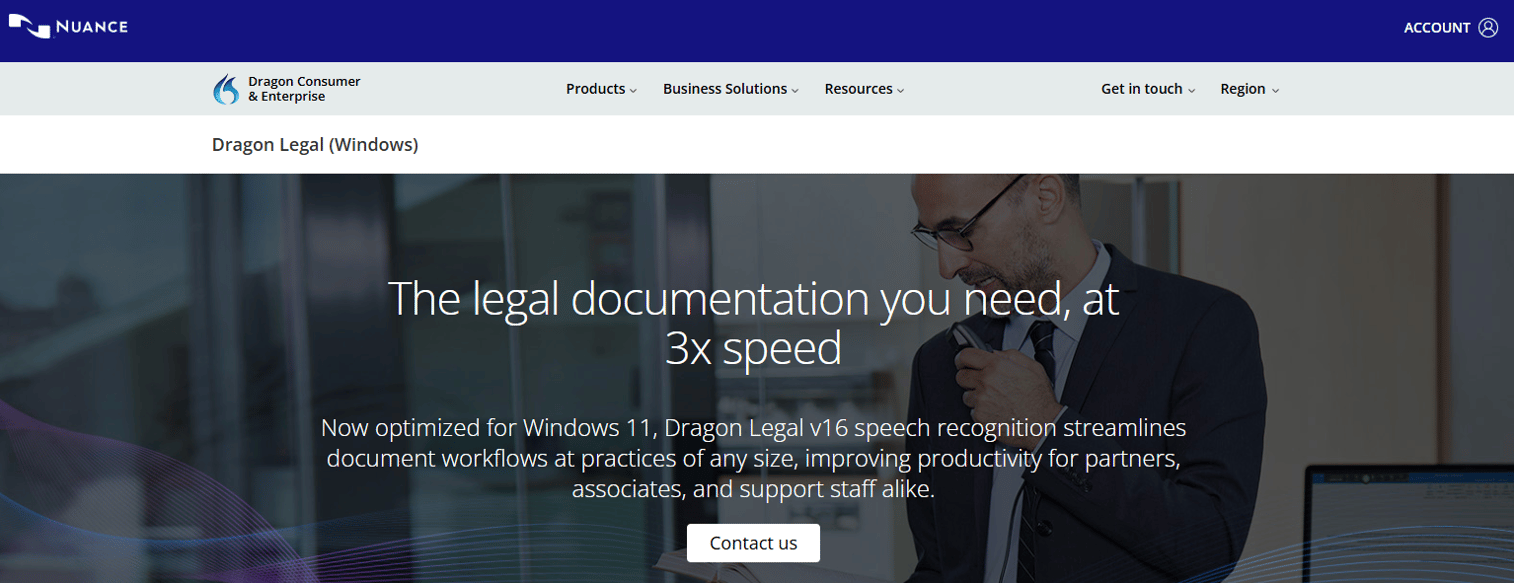
Dragon Legal is Nuance's legal-focused speech recognition software built specifically for law firms. It handles dictation of contracts, briefs, and legal citations with a vocabulary trained on legal language, so the correction pass shrinks instead of growing. For firms where legal terminology accuracy decides whether dictation is worth the trouble, this is the reference point everything else gets measured against.
The software pairs recognition with voice commands and macros, so repetitive clauses and formatting fire off by voice. Nuance Management Center adds centralized administration and shared customizations, which matters when a firm wants consistent vocabulary and commands across multiple lawyers rather than a dozen separate setups.
Best for: Legal professionals and firms that need voice dictation with shared admin controls.
Key features
- Specialized legal vocabulary: contracts, briefs, citations
- Custom voice commands and macros for repetitive workflows
- Nuance Management Center for centralized administration
- Shared customizations across firm users
- Front-end and back-end dictation support
Why choose Dragon Legal: If your priority is the deepest legal vocabulary and firm-wide control over shared commands, this is the specialized pick. It leans toward Windows-centric deployments, so factor that into your platform plan.
Dragon Legal pricing: Nuance does not display a price on the Dragon Legal product page and directs buyers to contact the sales team for a quote.
2. Philips SpeechLive
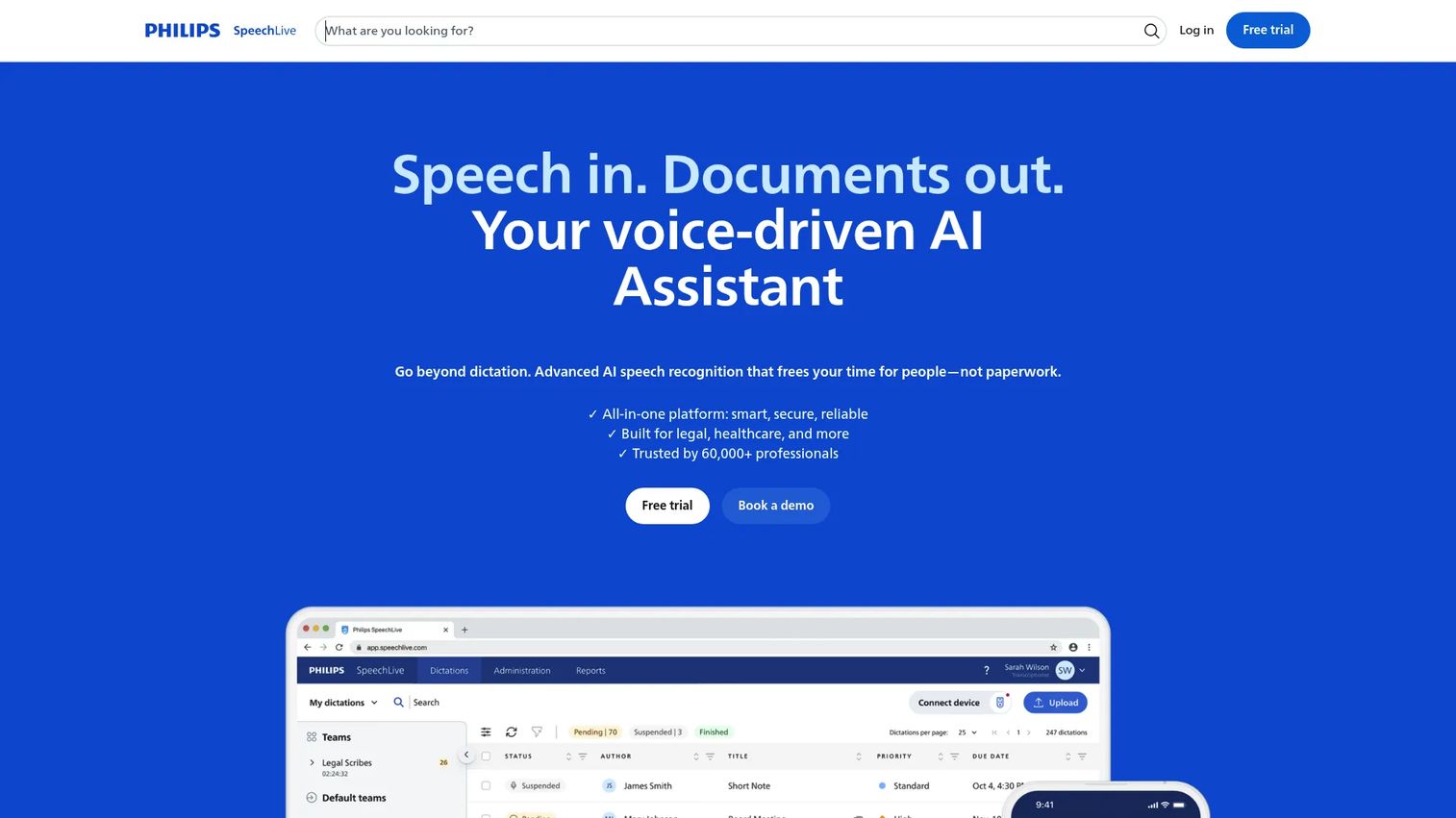
Philips SpeechLive is cloud dictation, transcription, and speech recognition workflow software with a strong companion app. It fits firms that want dictation and transcription routed through a central cloud workflow rather than living on individual desktops. Legal and healthcare teams are a core audience.
The platform pairs AI-powered speech recognition with an AI Assistant that refines transcripts, plus a mobile app for dictating and managing the transcription workflow from anywhere. That mobile dictation path is useful for lawyers who record between meetings and want the file routed to a typist or recognition engine automatically.
Best for: Teams needing cloud dictation and transcription workflows, especially legal and healthcare.
Key features
- AI-powered speech recognition
- AI Assistant for transcript refinement
- Mobile app dictation and transcription workflow
- Cloud routing between authors and typists
- Web and mobile access
Why choose Philips SpeechLive: Pick this when you want a cloud-first workflow with transcription routing and mobile capture, not a single-machine desktop tool. It suits firms building a shared dictation pipeline.
Philips SpeechLive pricing: The public pricing page lists Basic, Pro, and Enterprise plans plus add-ons. A transcription service is shown from $1.39 per minute, with a free trial available on the Basic plan.
Philips SpeechLive holds a 4.5/5 rating on G2.
3. BigHand
BigHand is a legal productivity suite for law firms that spans workflow, dictation, document, financial, and resource management. Dictation is one module inside a broader platform, which makes it the fit for firms that want office-wide coordination rather than a standalone voice tool.
Workflow management includes mobile access and voice task submission, so a lawyer can dictate and assign work from a phone. Resource management adds forecasting and lawyer dashboards, while document productivity handles metadata and formatting. Financial tools cover matter pricing and business intelligence, tying dictation into how the firm actually runs.
Best for: Law firms needing a modular productivity platform for legal operations and pricing workflows.
Key features
- Workflow management with mobile access and voice task submission
- Resource management with forecasting and dashboards
- Document productivity and metadata management
- Financial productivity including matter pricing
- Business intelligence for firm operations
Why choose BigHand: Choose BigHand when dictation is part of a larger firm-wide operations picture and you want workflow, documents, and finance in one platform. It fits mid-sized and larger firms with real coordination needs.
BigHand pricing: BigHand lists product tiers (Standard, Plus, Advanced) with feature matrices but no numeric prices. Pricing is quote-based on your requirements and timekeeper count.
4. Dragon Professional
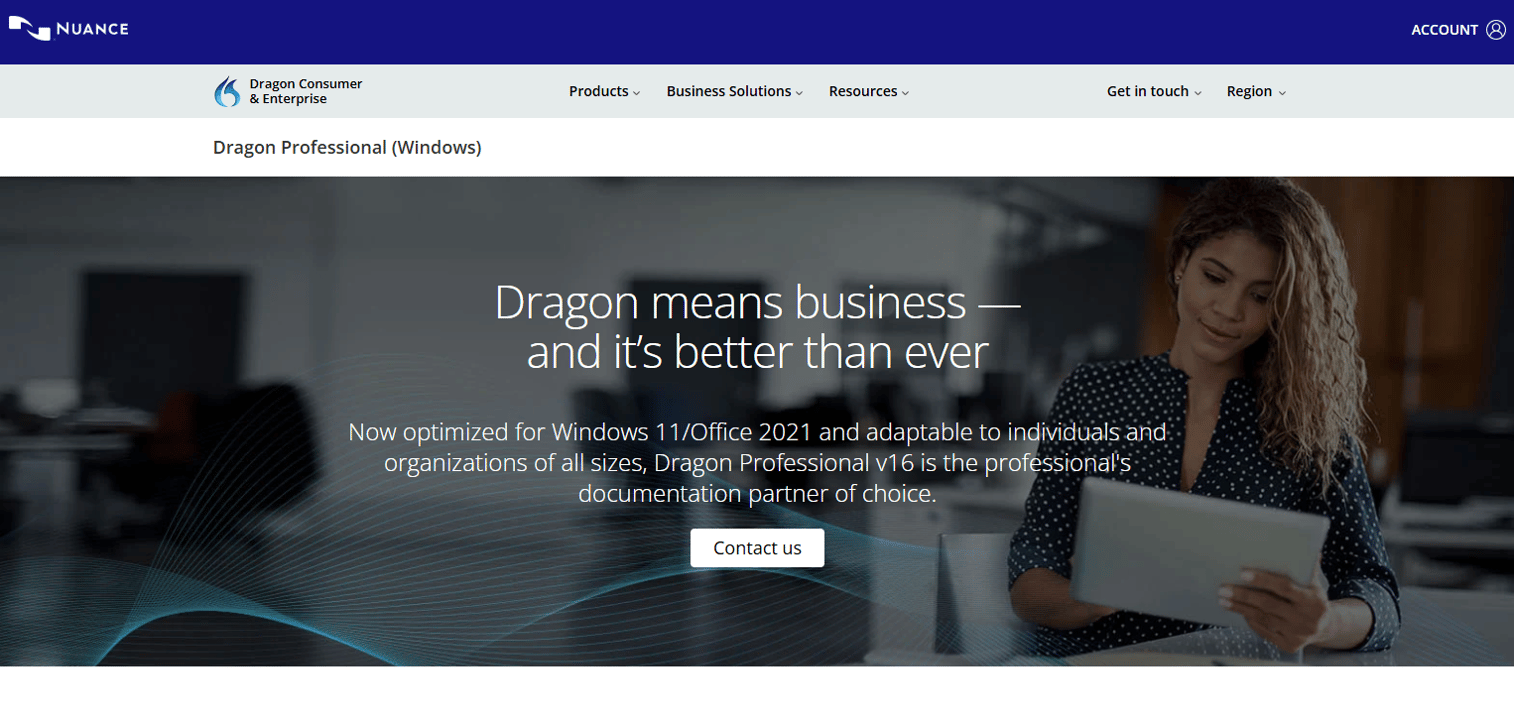
Dragon Professional is Nuance's desktop speech recognition software for dictation, transcription, and voice-driven workflow automation. It delivers the same strong recognition engine as the legal edition without the legal-specific vocabulary, which makes it a fit when a team needs broad dictation across general documents rather than citation-heavy legal drafting.
The software reports up to 99% recognition accuracy and supports custom voice commands and AutoTexts for repetitive content. It also transcribes audio files and single-speaker recordings, so a lawyer can dictate offline and convert later. Teams often pick this edition when general documentation speed matters more than deep legal terminology handling.
Best for: Professionals and organizations needing desktop dictation and transcription on Windows.
Key features
- Up to 99% recognition accuracy
- Custom voice commands and AutoTexts
- Transcribes audio files and single-speaker recordings
- Voice-driven workflow automation
- Windows desktop focus
Why choose Dragon Professional: Pick this when you want Dragon-grade recognition for general dictation and can trade the specialized legal vocabulary for a broader-purpose tool. It works well for mixed document workloads.
Dragon Professional pricing: The Nuance page does not expose a public price and routes buyers through a contact and purchase flow rather than showing a starting figure.
Dragon Professional carries a 3.9/5 rating on G2 under the Dragon Speech Recognition product family.
5. Microsoft Word Dictate
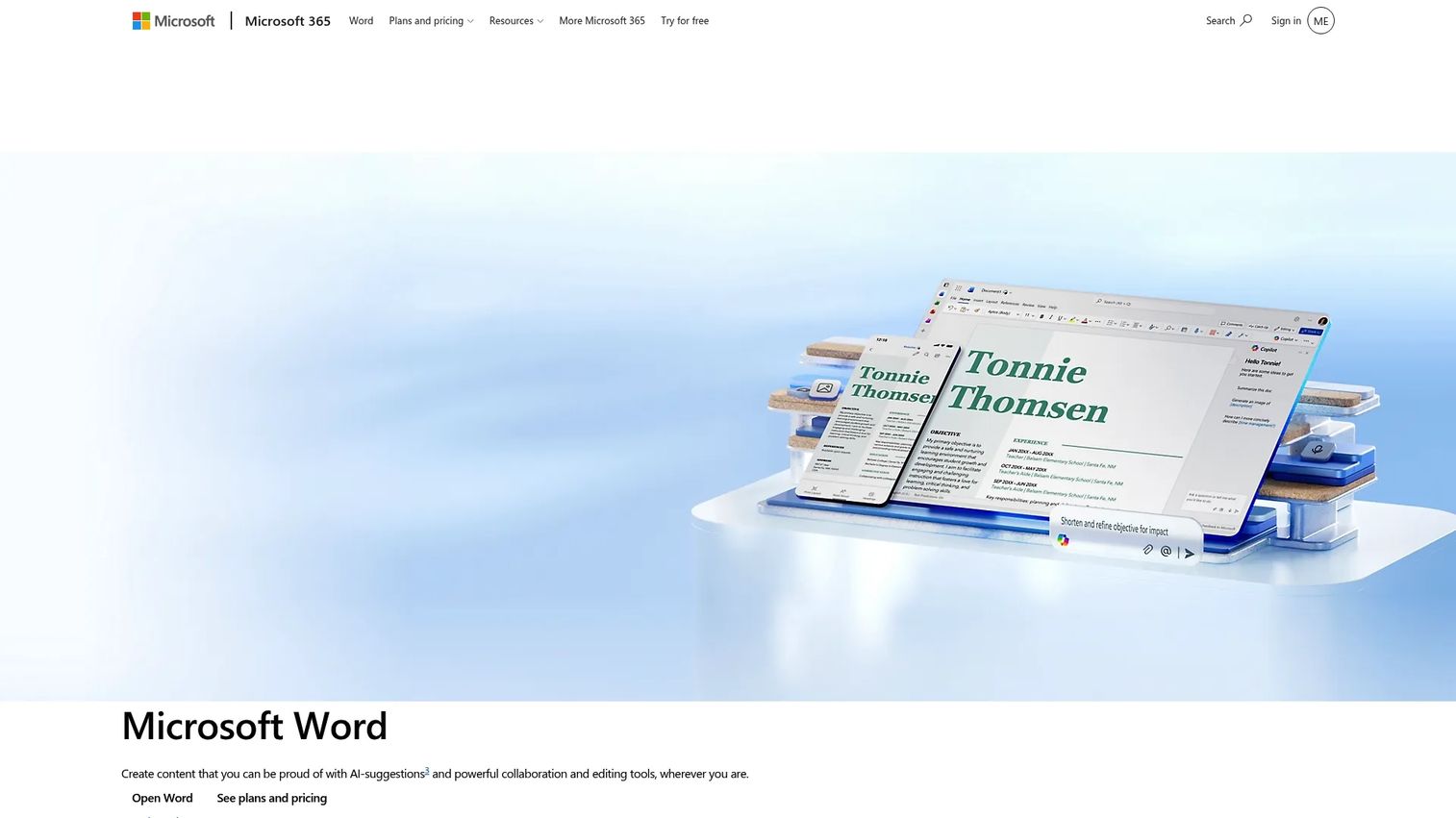
Microsoft Word Dictate is the built-in speech-to-text feature inside Word, letting you create and edit documents by voice. For firms already running Microsoft 365, it is the lowest-friction way to try dictation because there is nothing new to buy or install. It works in Word for the web and across Microsoft 365 apps.
Dictate supports voice commands alongside basic speech-to-text, so you can add punctuation and simple formatting hands-free. It is a general voice input tool, not legal speech recognition software, so it will not know your citations or case names. Treat it as a baseline drafting aid rather than a specialized legal engine.
Best for: Users who want to dictate documents in Word with built-in voice input.
Key features
- Speech-to-text dictation in Word
- Voice commands for punctuation and formatting
- Available in Word for the web
- Works across Microsoft 365 apps
- No separate install required
Why choose Microsoft Word Dictate: Choose it when you want a zero-cost starting point inside a tool you already use. Firms needing legal terminology accuracy will outgrow it, but it is a smart way to test whether dictation suits your workflow.
Microsoft Word Dictate pricing: Word for the web is free, and Microsoft 365 Personal runs $99.99 per year on the Microsoft site. Dictate is included in Word rather than sold separately.
Microsoft Word holds a 4.7/5 rating on G2.
6. Wispr Flow
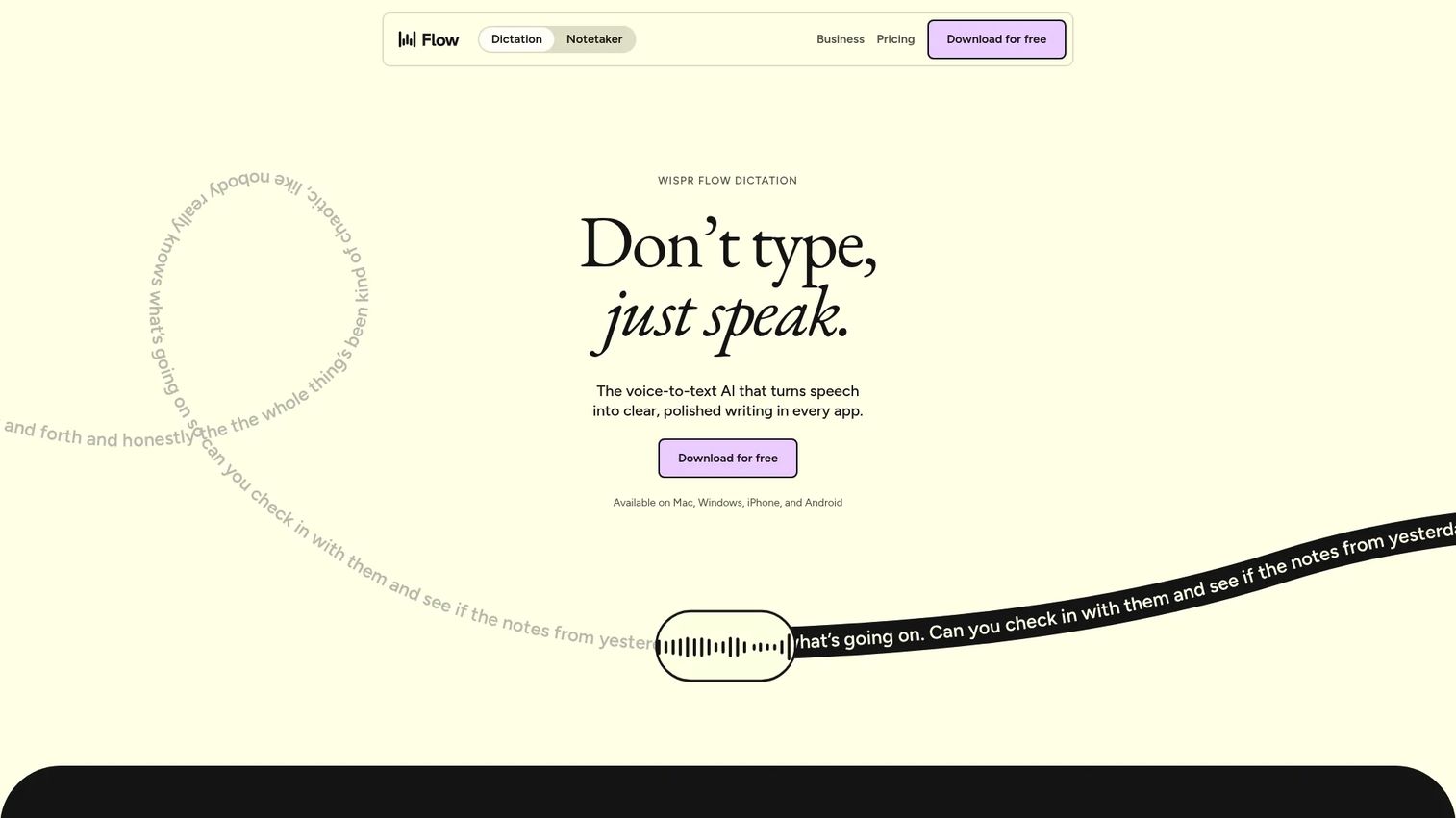
Wispr Flow is voice dictation software that turns speech into polished text across any app and device. It works on Mac, Windows, iOS, and Android, so a lawyer can dictate into an email, a document, or a note-taking app without switching tools. That flexibility makes it a fit for quick drafting and notes rather than citation-heavy legal briefs.
Flow adds AI editing and a command mode that cleans up filler and applies edits as you speak. A custom dictionary, snippets, and team collaboration round it out. It is a lightweight, modern voice typing tool, so it leans toward speed and convenience over specialized legal vocabulary.
Best for: Teams and individuals who want voice dictation with editing, context awareness, and collaboration features.
Key features
- Dictation in any app on Mac, Windows, iOS, Android
- AI editing and command mode
- Custom dictionary and snippets
- Team collaboration features
- Cross-platform support
Why choose Wispr Flow: Pick Flow for fast, flexible dictation across every app you use, especially for notes, emails, and quick drafts. For long legal documents with heavy citations, a legal-specific engine will handle terminology better.
Wispr Flow pricing: A free plan with usage limits is available. Pro runs $12 per user per month with unlimited dictations and advanced AI models, and Enterprise pricing is quoted on request.
Wispr Flow holds a 4.6/5 rating on G2.
7. Otter.ai
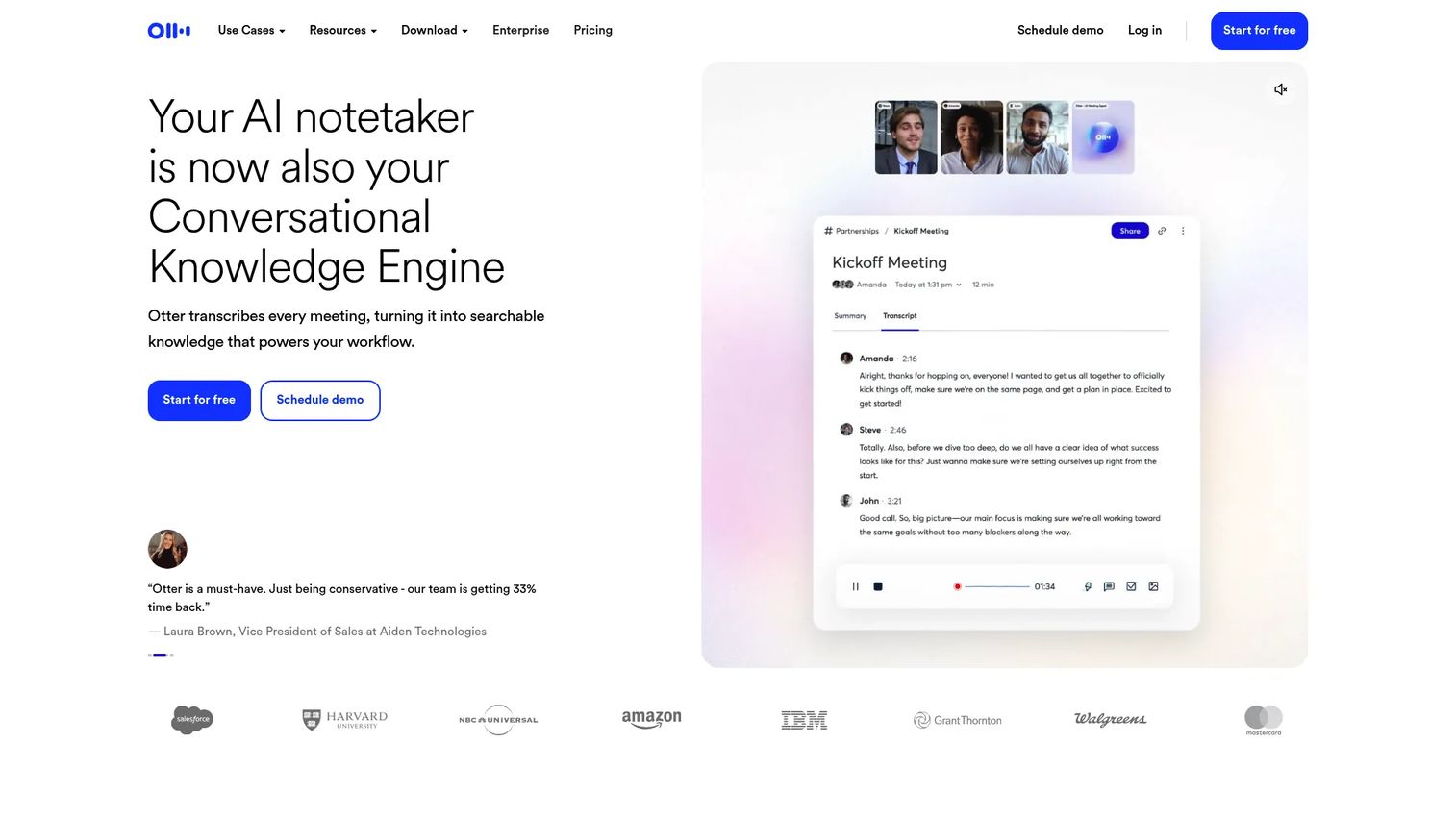
Otter.ai is an AI meeting assistant for real-time transcription, summaries, and action items. For legal teams, its strength is capturing depositions prep calls, client intake meetings, and internal discussions into searchable transcripts. It is a transcription and notes tool, not a formal document drafting engine.
Otter generates automated meeting summaries and action items, and its AI Chat lets you query across past meetings. That helps a legal team pull decisions or follow-ups without re-listening to a recording. Where it stops short is polished legal drafting, since it is built for conversation capture rather than dictating a brief clause by clause.
Best for: Teams that want automatic meeting notes and searchable transcripts.
Key features
- Real-time transcription
- Automated meeting summaries and action items
- Otter AI Chat across meetings
- Searchable transcript library
- Web and mobile access
Why choose Otter.ai: Choose Otter when your gap is meeting capture and searchable notes, not clause-by-clause dictation. It complements a dedicated legal dictation tool rather than replacing one.
Otter.ai pricing: A free Basic plan is available. Pro runs $16.99 per user per month, Business is $30 per user per month, and Enterprise pricing is quoted through sales.
Otter.ai holds a 4.4/5 rating on G2.
Considerations
Before you commit, run each shortlisted tool through these criteria against your firm's real workflow.
Accuracy and terminology support
Legal terminology accuracy is the number that decides ROI. A tool that misfires on citations and case names moves work from typing to correcting. Test each option on your own documents, not a vendor demo script, and count the corrections you make in a real draft.
Platform compatibility
Confirm legal software compatibility with your stack before buying. Some engines are Windows-centric, others are cloud or cross-platform. If your firm runs Macs or needs mobile dictation, verify the tool supports those exact environments rather than assuming parity.
Workflow integration
Legal workflow integration determines whether dictation saves time or adds a step. Check how the tool connects to your document management and practice systems. A dictation app that forces copy-paste between windows leaks the time it was supposed to save.
Mobile and remote use
Lawyers dictate from courthouses, cars, and client sites. Test the mobile app for capture quality and how recordings route back to the office. Mobile dictation that syncs cleanly is worth more than a marginally more accurate desktop-only engine for many practices.
Hardware and security
Microphone hardware for dictation shapes accuracy as much as the software. A quality noise-canceling mic beats a laptop microphone every time. Also verify security and firm-wide administration, since client-confidential dictation demands access control and, where relevant, on-premise or private-cloud options.
Conclusion
The right legal dictation software depends on your firm's size and workflow, not a leaderboard.
For the deepest legal vocabulary and shared firm-wide commands, Dragon Legal is the specialist. For a cloud-first workflow with transcription routing and mobile capture, Philips SpeechLive fits. Firms needing office-wide coordination across dictation, documents, and finance should look at BigHand. Dragon Professional covers strong general dictation, Microsoft Word Dictate is the zero-cost starting point, Wispr Flow handles fast cross-app voice typing, and Otter.ai owns meeting transcription.
Remember what you are actually buying. Good legal dictation software should cut typing and rework, protecting the billable hours ROI that justifies it. A tool that fumbles legal terminology accuracy just relocates the work.
Next step: shortlist two or three tools that match your platform, workflow, and vocabulary needs, then test each on your own documents for a week. Count the corrections, measure the legal documentation speed gain, and let your real drafts decide.
Start your journey with Guideflow today!
FAQs
There is no single best pick, only the best fit. Dragon Legal leads on specialized legal vocabulary, Philips SpeechLive on cloud workflows, and BigHand on firm-wide coordination. Match the tool to your platform, document volume, and how much legal terminology accuracy your drafting actually demands.
It varies by tool. Some legal speech recognition software is Windows-centric, while cloud options like Philips SpeechLive and cross-platform tools like Wispr Flow support Mac and mobile too. Always confirm legal software compatibility with your exact operating systems before buying, since parity is not guaranteed.
Leading engines report accuracy up to 99% under good conditions, with Dragon Professional citing that figure. Real-world accuracy depends on your microphone, background noise, and how well the tool handles legal terminology. A dedicated legal engine will beat a generic voice to text software on citations and case names.
Legal-specific tools handle citations far better than generic ones because their vocabulary is trained on legal language. Dragon Legal recognizes citations and legal phrasing directly, and voice commands or macros can trigger boilerplate formatting. General tools like Microsoft Word Dictate will transcribe speech but will not know your citation conventions.
Cloud dictation can be safe when the vendor offers proper access control, encryption, and administration. The key is verifying security features and, for confidential matters, whether on-premise or private-cloud options exist. Review the vendor's compliance posture and your own bar rules before routing client-confidential dictation through any cloud service.
Accuracy depends heavily on microphone hardware for dictation. Many lawyers use a dedicated noise-canceling headset or a professional handheld recorder rather than a laptop microphone. For mobile dictation, a modern phone with a good mic works well, especially when the app routes recordings back for transcription.
Often yes, because the billable hours ROI adds up fast. Even a solo practitioner who drafts several documents a day recovers meaningful time by speaking instead of typing. Start with a low-cost option like Microsoft Word Dictate or a free tier, then upgrade to a legal-specific tool once the workflow proves out.
Not entirely, but they change the role. Front-end recognition lets lawyers produce first drafts by voice, reducing the volume typists handle. Many firms keep transcription staff for review, formatting, and complex documents while a dictation app handles routine drafting, which shifts staff toward higher-value work rather than eliminating it.










