



You export a 40-slide product deck to your translation tool. It comes back with the copy translated, sure. But the tables have collapsed, the chart labels overflow their boxes, and half your branded headers dropped their formatting. Now someone on your team spends three hours rebuilding a file that was supposed to save time.
That is the real problem with translating business documents. It is not just about accuracy of words. It is about preserving layout, keeping terminology consistent across files, and moving fast without exposing sensitive content. The translation software market reached $6.42 billion in 2025 and is projected to hit $14.87 billion by 2033, growing at 11.2% CAGR, according to DataHorizzon Research (2025). The category is crowded because the workflow is genuinely hard.
Business document translation is different from pasting text into a browser translator. You are handling DOCX, PDF, PPTX, and XLSX files with structure that has to survive intact. You need translation memory so the same phrase does not get rendered three different ways. You need secure document translation for legal, HR, and financial files. This guide ranks the tools that do that, judged on formatting preservation, file format support, bulk throughput, and security.
What's inside
This guide is for founders, operators, and team leads who translate real business files, not one-off sentences. We selected tools based on four criteria that matter when documents move through a stack:
- Formatting preservation: how well layout, tables, and branding survive translation
- File format support: DOCX, PDF, PPTX, XLSX, and HTML handling
- Workflow depth: translation memory, glossary control, bulk processing, and API access
- Security posture: how the tool handles sensitive and confidential files
You will get a side-by-side comparison table, a breakdown of each tool, and a buyer's checklist so you can pilot the right two or three before committing.
TL;DR
- Best overall for document formatting: DeepL preserves layout across DOCX, PDF, and PPTX and pairs it with glossary control and enterprise security.
- Best all-in-one platform: Taia combines AI document translation with on-demand human review and translation memory in one workspace.
- Best for secure file-based workflows: Pairaphrase focuses on translation memory, glossary support, and collaborative review for teams handling frequent updates.
- Best for Azure-native teams: Microsoft Translator fits Microsoft-heavy stacks with batch processing and a document translation API.
- Best for hybrid AI and human review: Smartcat pairs machine translation for business with a linguist marketplace and team collaboration.
- Best for recurring localization operations: Phrase TMS runs translation memory, glossary, and workflow automation across multiple teams.
What is document translation software
Document translation software translates entire files while preserving layout, formatting, and structure, so the output looks like the original in a new language. Unlike a plain text translator, it reads the file, translates the content, and rebuilds the document with tables, images, and styling intact.
For a founder or operator, this is the difference between a tool that saves time and one that creates rework. Translation software for documents handles the file end to end, not just the words inside it.
Core capabilities to expect:
- File format support: DOCX, PDF, PPTX, XLSX, and HTML, so you can translate the office files your team actually produces
- Formatting preservation: tables, charts, fonts, and branded layouts survive the translation
- Bulk and multi-file processing: upload many files at once for bulk document translation rather than one at a time
- Translation memory: stored translations so repeated phrases stay consistent and get reused across files
- Glossary support: locked terminology for product names, legal terms, and brand language
- Security and privacy controls: encryption, access controls, and data handling for confidential documents
- API and integrations: automation so translation plugs into your existing workflow
The market splits roughly into three shapes. Pure AI document translator tools give you fast machine output. Hybrid platforms add human review on top of AI. Full translation management systems (TMS) run recurring localization operations with memory, glossaries, and multi-team workflows. Which one you need depends on volume, sensitivity, and how often the same content gets translated.
When to use document translation software
Translate business files without rebuilding them
You have a slide deck, a spec sheet, or a contract that needs to exist in another language by Friday. Recreating it manually in the target language means copying every table, resizing every chart, and re-applying branding by hand. Document translation software does the file work for you, so the output is ready to send rather than ready to rebuild.
Localize high-volume documents at scale
Product sheets, partner kits, support docs, and multilingual operations pile up fast when you sell into multiple regions. Bulk upload and batch processing let you push dozens of files through at once. Translation memory keeps terminology consistent so the same product name does not get translated three different ways across a partner enablement kit.
Protect sensitive content while translating
Legal contracts, financial statements, HR records, and customer data carry real risk if mishandled. When these files need translation, you want encryption, access controls, and a vendor whose data handling you can actually verify. Secure document translation matters most exactly when the content is most sensitive, so evaluate the security posture before you upload anything confidential.
Comparison table
Here is a side-by-side view of the seven tools. Pricing and ratings reflect verified values at publish time and can change, so confirm current figures on each vendor's site before you buy.
| # | Product | Best for | Key differentiator | Pricing | G2 rating |
|---|---|---|---|---|---|
| 1 | Taia | All-in-one AI plus human translation | AI platform with on-demand professional linguists | Free; paid from €9/mo | Not listed |
| 2 | DeepL | Document formatting and accuracy | Strong layout preservation across office files | Free tier; API paid plans | 4.6/5 |
| 3 | Pairaphrase | Secure file-based workflows | Configurable engines with translation memory and review | From $3,420/year | 5.0/5 |
| 4 | Microsoft Translator | Azure-native teams | Batch document translation API in Azure | Pay-as-you-go via Azure | Varies |
| 5 | Smartcat | Hybrid AI and human review | AI translation plus linguist marketplace | From $1,200/year | 4.6/5 |
| 6 | Phrase TMS | Recurring localization operations | Custom workflow builder with reporting | From $27/mo | 4.5/5 |
| 7 | TextUnited | SMB-friendly managed workflows | Simple TMS with collaboration and SSO | Free; paid from €150/mo | 4.3/5 |
Best 7 document translation software tools for 2026
1. Taia
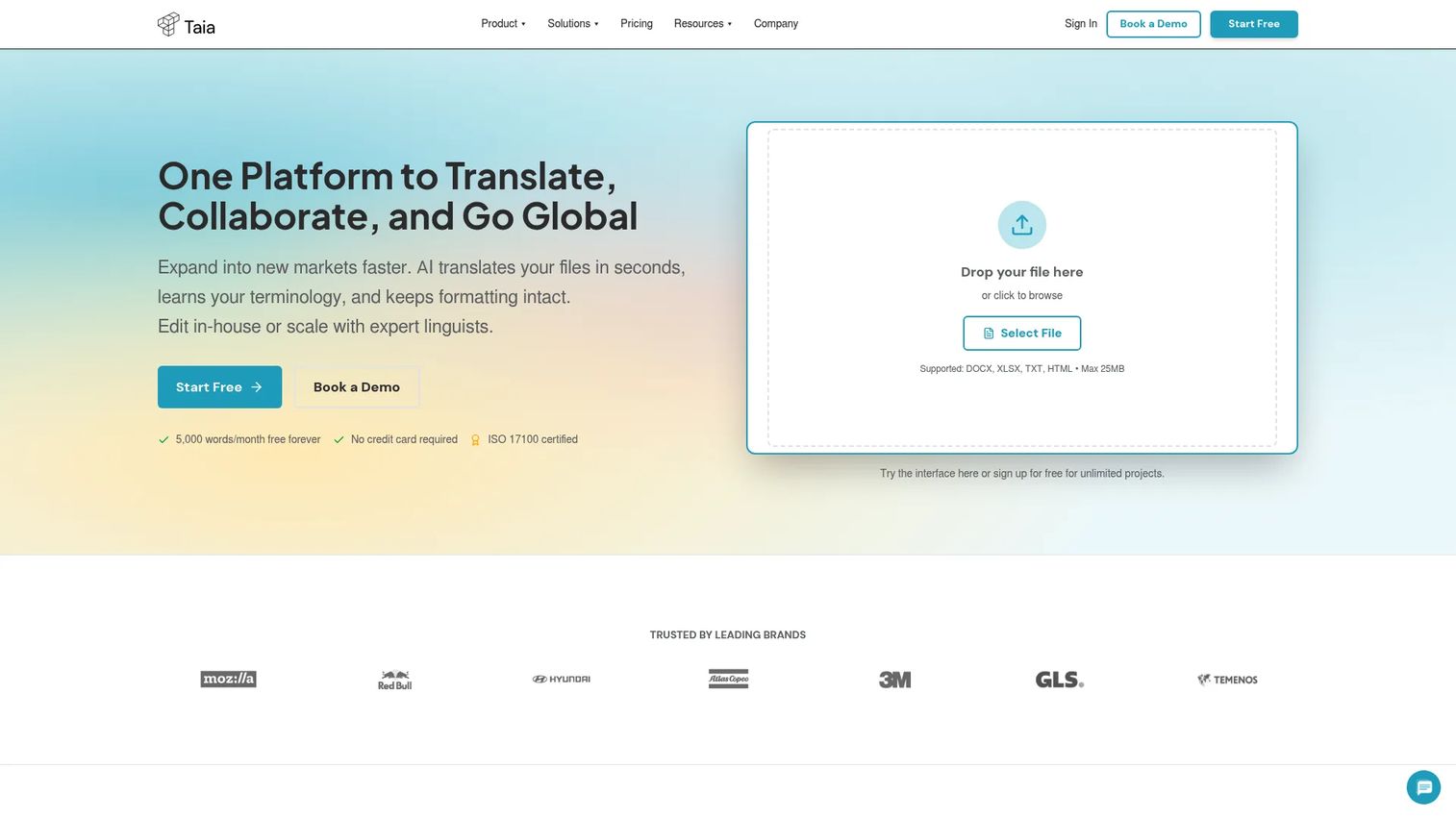
Taia is an AI-powered translation and localization platform that pairs machine translation with built-in tools for teams and access to professional linguists. It handles context-aware AI translation with preserved formatting, then lets you add human review when a file needs it. That hybrid model makes it a practical starting point for a lean team that translates a mix of low-stakes and high-stakes documents.
Best for: Teams that want AI document translation plus on-demand human review in one platform without juggling separate vendors.
Key features
- Context-aware AI translation with preserved formatting
- Translation memory, glossary, and style guides
- Built-in translation editor and team collaboration
- API access for automation
- On-demand professional linguist services
Why choose Taia: If you want one workspace that covers fast AI output and human-reviewed quality, Taia keeps both under the same roof. It fits founders who need speed on internal docs and accuracy on customer-facing ones.
Taia pricing: Taia offers a Free plan at €0 per month, Basic at €9 per month, and Pro at €39 per month, with a Custom Enterprise tier. Professional human translation services are priced separately at €0.06 to €0.15 per word.
Taia's current G2 rating was not listed at publish time, so weigh it on the free plan directly rather than on aggregate reviews.
2. DeepL
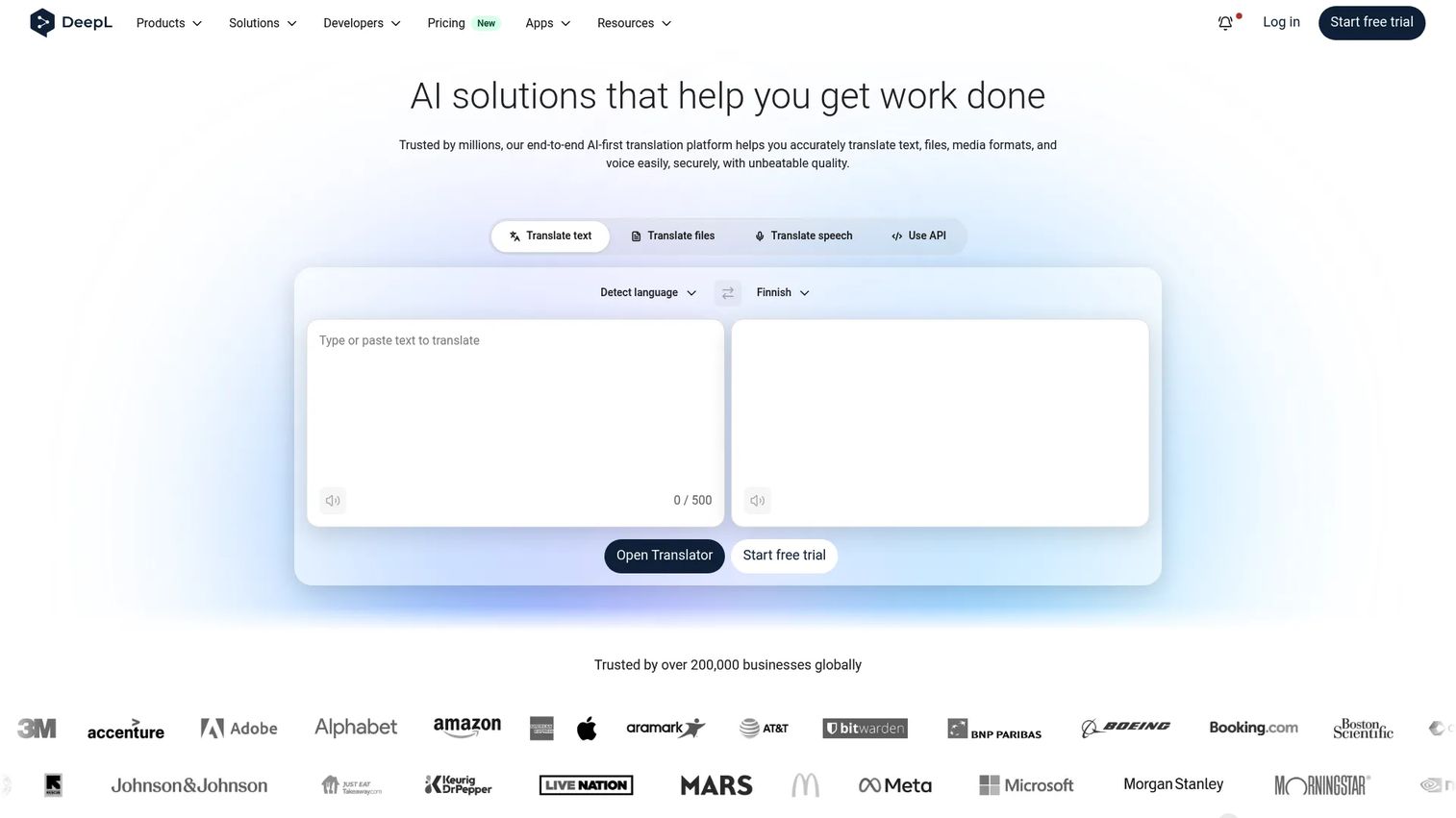
DeepL is an AI language platform known for translation quality and clean document handling. It translates full files while holding layout together, which is exactly what breaks in weaker tools. For teams that care about accuracy and want the output to look like the original, DeepL is the polished default.
Best for: Teams that prioritize translation accuracy and formatting preservation across DOCX, PDF, and PPTX files.
Key features
- Text translation across many language pairs
- Document translation with layout preservation
- Glossaries for locked terminology
- Secure handling with enterprise controls
- API for automated translation
Why choose DeepL: DeepL earns its reputation on output that reads naturally and files that come back intact. Choose it when the quality of the translated document is the thing you cannot compromise on.
DeepL pricing: DeepL offers a free tier, including API Free, plus paid API Developer and API Growth plans, with an Enterprise API on custom terms. Confirm current paid pricing on DeepL's Pro page before you commit.
DeepL holds a 4.6 out of 5 rating on G2, reflecting broad satisfaction with translation quality and reliability.
3. Pairaphrase
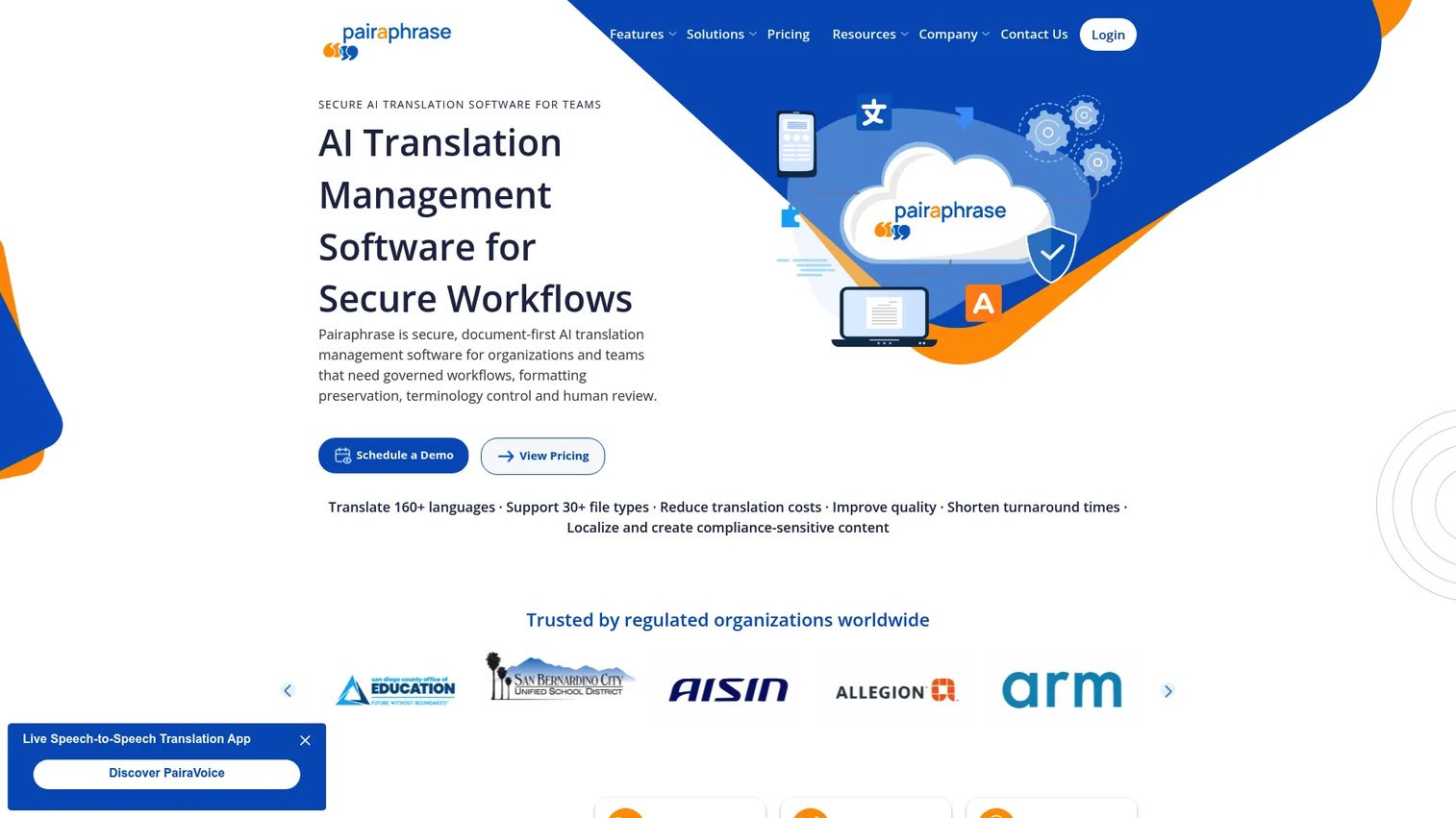
Pairaphrase is AI translation management software built for teams that need secure, file-based translation workflows. It lets you configure which engine powers a translation, then layers translation memory, glossary support, and collaborative review on top. That combination suits teams managing frequent document updates where consistency and control matter more than raw speed.
Best for: Teams and language service providers that need secure translation management with review and formatting preservation.
Key features
- Configurable engines including DeepL, Microsoft, Google, and ChatGPT
- Automatic file formatting across 30+ file types
- Translation memory for reuse and consistency
- Glossary support for locked terms
- Collaborative review and editing
Why choose Pairaphrase: Pairaphrase fits when you translate the same document types repeatedly and need a controlled review step. The engine flexibility means you are not locked into one AI model's quirks.
Pairaphrase pricing: Pairaphrase publishes annual plans: Bronze at $3,420 per year, Silver at $5,988 per year, and Gold at $10,200 per year, plus a Custom tier. Organizations with more than 10 users can build custom plans, and 30-day packages are available as one-time purchases.
Pairaphrase holds a 5.0 out of 5 rating on G2, though from a small number of reviews, so treat it as directional.
4. Microsoft Translator
Microsoft Translator is the Azure-native choice for teams already running on Microsoft infrastructure. Its document translation API handles batch processing and office file formats, and it supports custom glossaries and models. For a technical buyer whose stack lives in Azure, it slots in without adding a new vendor relationship.
Best for: Technical teams and Microsoft-heavy stacks that want document translation wired into Azure workflows.
Key features
- Batch document translation via API
- Office file format support
- Custom glossary and model support
- Azure-native setup and billing
- Broad language coverage
Why choose Microsoft Translator: If your team already builds on Azure and has developer bandwidth, this keeps translation inside the infrastructure you already govern and pay for. It rewards teams that want programmatic, high-volume translation.
Microsoft Translator pricing: Microsoft Translator is billed pay-as-you-go through Azure, with a free monthly character allotment and per-character pricing above it. Check the current Azure Cognitive Services pricing page for exact rates, since they vary by region and volume.
G2 ratings vary across Microsoft's translation offerings, so evaluate it against your Azure setup rather than a single aggregate score.
5. Smartcat
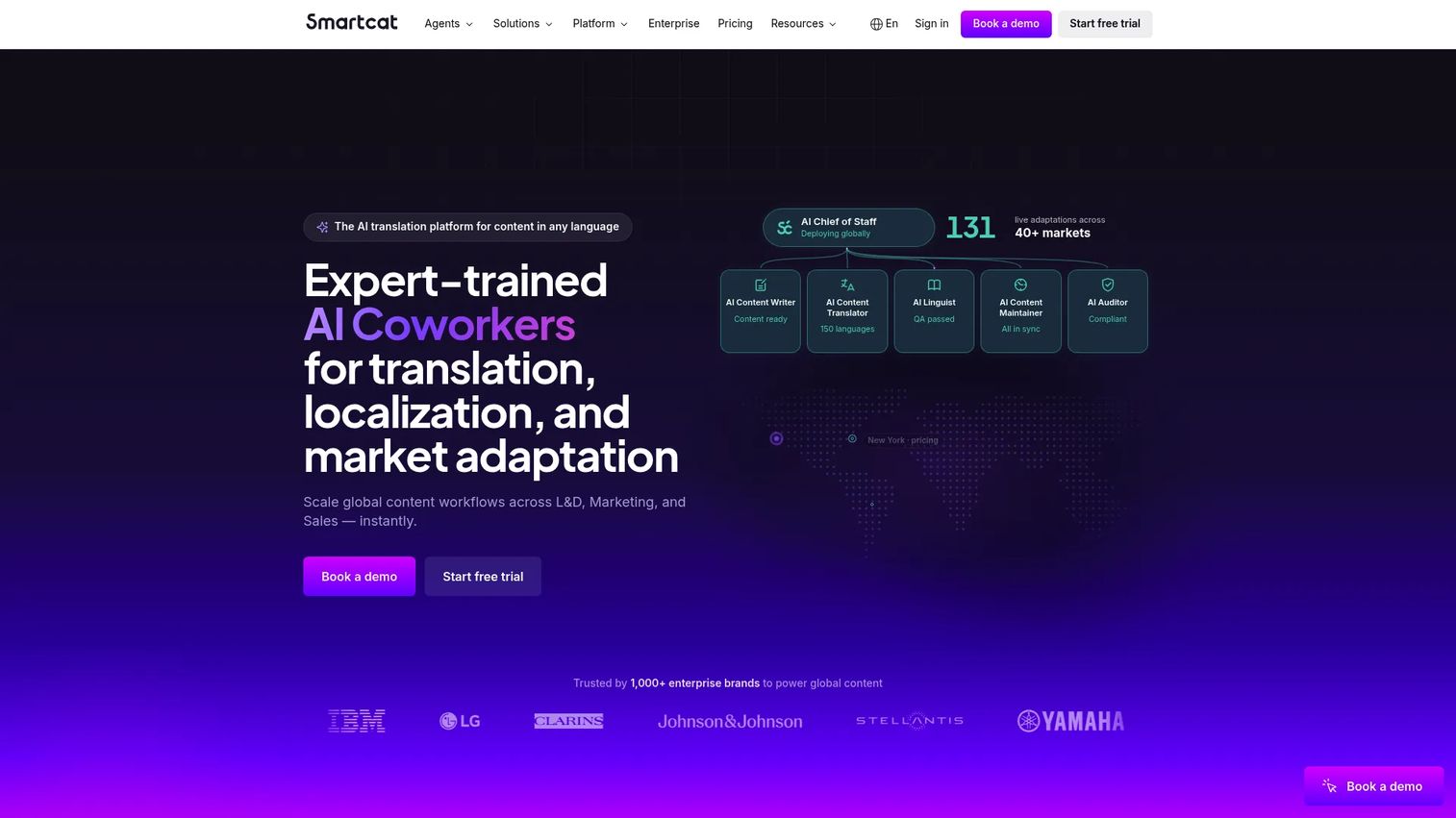
Smartcat is an AI translation and localization platform with human-in-the-loop workflows and a built-in linguist marketplace. It handles AI translation for speed, then routes files to human reviewers when quality demands it. That makes it a strong fit for organizations that need both automation and professional review across many content types.
Best for: Teams that want AI-powered translation with marketplace access to human linguists for review.
Key features
- AI translation and localization workflows
- Linguist marketplace for human review
- Team collaboration across projects
- Integrations with CMS, design, and developer tools
- Scaling across content types
Why choose Smartcat: Smartcat suits teams scaling multilingual content who want one platform to manage both the machine translation and the human linguists reviewing it. The marketplace removes the need to source translators separately.
Smartcat pricing: Smartcat's pricing shows Adapt at $1,200 per year, Accelerate at $24,000 per year, and Anticipate at $60,000 per year, plus a custom Autonomous tier. A 15-day free trial is available.
Smartcat holds a 4.6 out of 5 rating on G2, reflecting solid reviews across its translation and collaboration features.
6. Phrase TMS
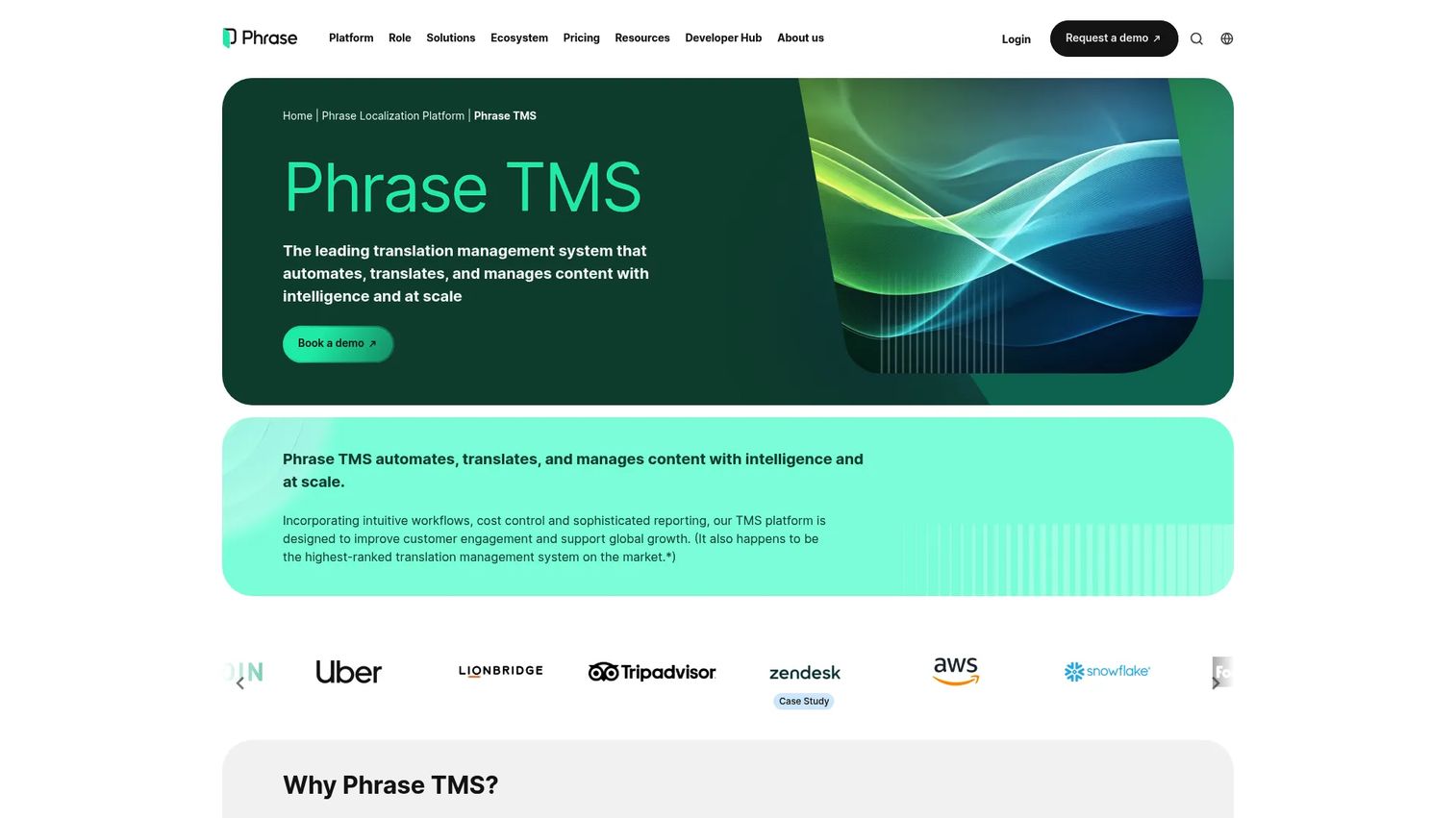
Phrase TMS is a translation management system built for teams with recurring translation operations. It runs translation memory, glossary control, and workflow automation across internal and external contributors. This is a broader localization system than a file converter, so it fits teams whose translation is an ongoing operation rather than an occasional task.
Best for: Localization teams that need a cloud TMS with workflow automation and reporting across multiple contributors.
Key features
- AI-powered translation and automation
- Custom workflow builder
- Translation memory and glossary control
- Tracking and reporting
- Support for internal and external contributors
Why choose Phrase TMS: Choose Phrase TMS when translation is a repeatable operation with many files and stakeholders. The workflow builder and reporting give you the control a founder needs to hand this off to a team without losing visibility.
Phrase TMS pricing: Phrase publishes a Freelancer plan at $27 per month and a Professional plan at $525 per month, both billed annually, with Business and Enterprise tiers on custom terms. A 14-day free trial is available.
Phrase holds a 4.5 out of 5 rating on G2, reflecting strong satisfaction with its workflow and automation features.
7. TextUnited
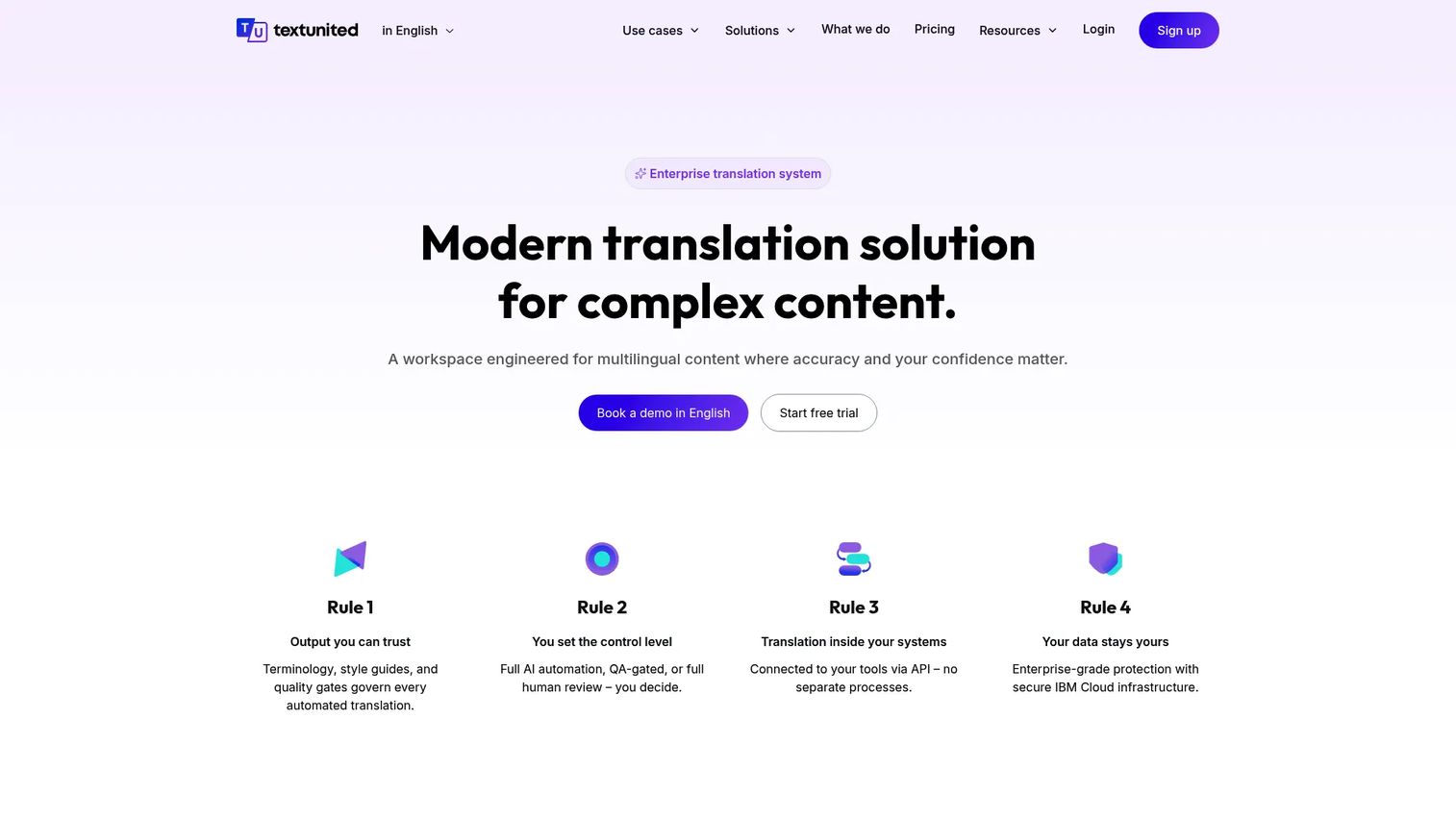
TextUnited is a cloud-based translation management and localization platform built to keep document workflows simple. It covers AI translation with terminology and style support, team review, and automated workflows without overwhelming a smaller team. That makes it the practical pick for an SMB that wants managed translation without a heavy TMS learning curve.
Best for: Teams that want a translation management system with AI-assisted workflows and collaboration, minus the complexity.
Key features
- AI translation with terminology and style support
- Team review and approval workflows
- API and integrations
- Automated workflows
- SSO for team access
Why choose TextUnited: TextUnited fits when you want coordinated team translation and clean document workflow management without the overhead of a full localization platform. It is the simpler, SMB-friendly option on this list.
TextUnited pricing: TextUnited offers a Self-Service Free plan at €0 per month, a Self-Service Team plan at €150 per month, and a OnePlatform plan at €780 per month, with a OneEnterprise tier available through sales.
TextUnited holds a 4.3 out of 5 rating on G2, reflecting positive reviews for its workflow and collaboration tools.
Considerations
Before you commit to a document translation tool, run it through this checklist against your actual files.
File formats and layout fidelity
Upload your real files, not sample text. Test a DOCX with tables, a PDF with columns, and a PPTX with charts. The tool that keeps formatting preservation intact on your worst-case file is the one worth buying, because layout is where most rework hides.
Translation memory and glossary controls
Check whether the tool stores past translations and lets you lock terminology. Translation memory keeps repeated phrases consistent and reduces cost over time. A glossary makes sure product names and legal terms render the same way every time, across every file.
Security, privacy, and compliance posture
If you translate legal, financial, or HR documents, verify how the vendor handles your data. Look at encryption, access controls, data retention, and where files are processed. Ask for their security documentation rather than trusting a marketing claim, especially for confidential content.
Bulk translation and automation needs
Estimate your volume honestly. If you push dozens of files a week, confirm the tool supports bulk document translation and batch uploads. If translation runs on a schedule or triggers from another system, check for API translation support so it plugs into your workflow.
Integration fit with your stack
A tool that lives outside your workflow adds friction. Confirm it connects to the systems you already use, whether that is a CMS, a cloud drive, or a developer pipeline. The right fit earns its place in your stack rather than becoming another tab nobody opens.
Conclusion
The right pick comes down to what you translate and how often. For document formatting and accuracy, DeepL is the polished default. For an all-in-one platform with human review, Taia keeps AI and linguists together. For secure, file-based workflows with heavy review, Pairaphrase fits. Microsoft Translator suits Azure-native teams, Smartcat handles hybrid AI and human review at scale, Phrase TMS runs recurring localization operations, and TextUnited keeps things simple for SMB teams.
Do not buy on a feature list. Pilot instead. Take one representative DOCX, one PDF, and one slide deck, and run all three through your top two or three candidates. Compare the output side by side for formatting fidelity, terminology consistency, and how much manual cleanup each one leaves you.
The tool that returns files you can send without rebuilding is the one that earns its place in your stack. For a founder building a repeatable enterprise translation workflow, that first-pass cleanliness is worth more than any spec sheet claim. Test with your worst files, not your easiest ones, and let the results decide.
FAQs
For most business document translation, DeepL is the strongest default because it preserves formatting and delivers accurate output across office files. If you also want human review in the same platform, Taia and Smartcat pair machine translation for business with professional linguists. The best choice depends on your volume, file types, and how sensitive the content is.
Yes, though results vary by tool and PDF complexity. Tools built for PDF translation, like DeepL and Pairaphrase, rebuild the document with layout intact, which is harder than translating plain text. Always test with a real PDF that has columns or tables, since scanned or image-heavy PDFs are the toughest cases.
It can be, if you verify the vendor's security posture first. For secure document translation of legal, financial, or HR files, check encryption, access controls, data retention, and where files are processed. Ask for security documentation rather than relying on marketing language, especially before uploading confidential content.
DeepL handles DOCX translation and PPTX translation with strong formatting preservation, and Microsoft Translator supports office formats natively within Azure workflows. For Excel translation and mixed file types, Pairaphrase supports 30+ file formats with automatic formatting. Test each with your actual files, since spreadsheet and slide layouts break differently across tools.
Translation memory stores full sentences and phrases you have already translated, so identical or similar content gets reused automatically across files. A glossary locks specific terms, like product names or legal language, so they always translate the same way. You use both together: memory for consistency and reuse, glossary for terminology control.
Yes, most business-grade tools support bulk document translation through batch uploads or an API. Platforms like Smartcat, Phrase TMS, and Microsoft Translator are built for high-volume, multi-file workflows. If bulk throughput matters, confirm the file limits per upload and whether API translation is available for automation.
It is a strong fit if your stack already runs on Azure. Microsoft Translator offers a document translation API, batch processing, office file support, and custom glossaries, which rewards teams with developer bandwidth. Teams outside the Microsoft ecosystem may find a standalone AI document translator faster to adopt.
Use an AI document translator when you translate files occasionally and want speed with minimal setup. Use a TMS, like Phrase TMS or TextUnited, when translation is a recurring operation with many files, contributors, and the need for translation memory and workflow automation. Match the tool to how often the same content flows through your enterprise translation workflow, not just to today's one-off file.










